Customer Ratings & Reviews

- Model:
- C11CJ29201
- |
- SKU:
- 10840642
Customer reviews
Rating 4.7 out of 5 stars with 230 reviews
(230 customer reviews)Rating by feature
- Value4.5
Rating 4.5 out of 5 stars
- Quality4.7
Rating 4.7 out of 5 stars
- Ease of Use4.6
Rating 4.6 out of 5 stars
Rated 4 out of 5 stars
My ET-5850
||Posted . Owned for 1 month when reviewed.This reviewer received promo considerations or sweepstakes entry for writing a review.I am on my third ET-5850 printer. The printer is a great value when it works as it should. The first ET-5850 worked for about 8 months, then it died. It was replaced (under warranty). The replacement works but is slow when printing. The cost per page is less than half a cent, and since we are the only company outside of medical facilities with a fax, the ET-5850 fax capabilities are top-notch. When printing color pages, the results are good.
This review is from Epson - EcoTank Pro ET-5850 Wireless All-In-One Supertank Inkjet Printer - White
I would recommend this to a friendRated 5 out of 5 stars
Epson Printer
||Posted . Owned for 2 weeks when reviewed.This reviewer received promo considerations or sweepstakes entry for writing a review.Great Printer and easy to use. Love the eco tanks!
This review is from Epson - EcoTank Pro ET-5850 Wireless All-In-One Supertank Inkjet Printer - White
I would recommend this to a friendRated 5 out of 5 stars
Easy use
||Posted . Owned for 9 months when reviewed.This reviewer received promo considerations or sweepstakes entry for writing a review.Easy usage and beast HP systems. Hated HP and will never buy them again ever!
This review is from Epson - EcoTank Pro ET-5850 Wireless All-In-One Supertank Inkjet Printer - White
I would recommend this to a friendRated 5 out of 5 stars
Very High End Printer
||Posted . Owned for 3 weeks when reviewed.This reviewer received promo considerations or sweepstakes entry for writing a review.Multiple paper feeds, uses large ink-refills, but doesn’t run out of ink too fast, connects & scans to computer efficiently. I've used Epson printers before & prefer them over other brands.
This review is from Epson - EcoTank Pro ET-5850 Wireless All-In-One Supertank Inkjet Printer - White
I would recommend this to a friendRated 5 out of 5 stars
Epson - EcoTank Pro ET-5850 Wireless All-In-One In
||Posted . Owned for 1 week when reviewed.This reviewer received promo considerations or sweepstakes entry for writing a review.Overkill for my intended use. However, there is a shortage of printers because of the Covid virus and people working from home, so my options were limited as to availability. With that said my initial impression is that this is an excellent printer, albeit really expensive. I am using the printer to print pictures and the EcoTank system seems to be the way to go.
This review is from Epson - EcoTank Pro ET-5850 Wireless All-In-One Supertank Inkjet Printer - White
I would recommend this to a friendRated 5 out of 5 stars
SO FAR SO GOOD!
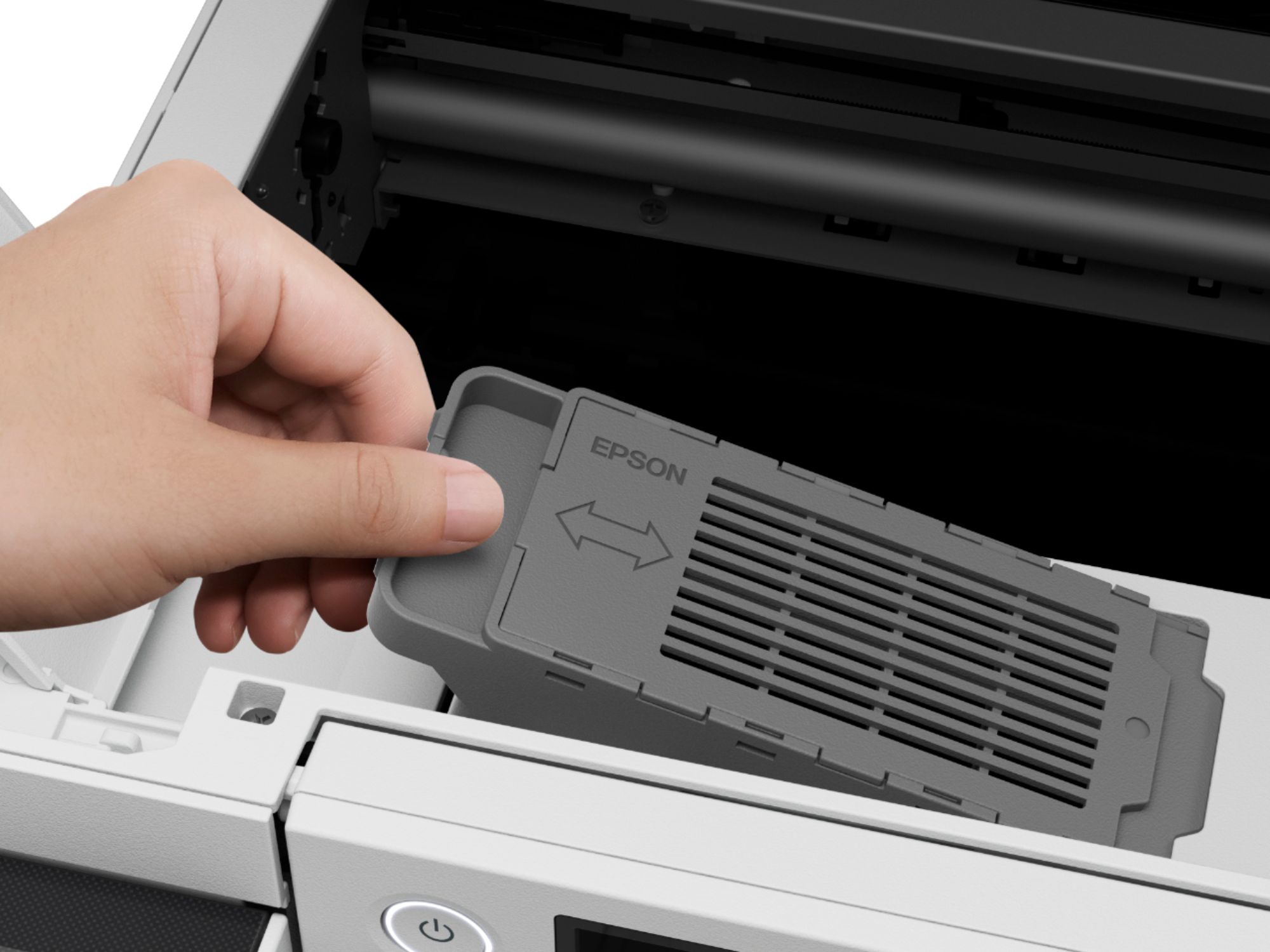
||Posted . Owned for 2 weeks when reviewed.This reviewer received promo considerations or sweepstakes entry for writing a review.I love the Eco Tank technology. It's definitely easier and probably more cost effective than cartridge. I also love the 25 pg/per min performance of this printer. The print is crisp and color is on point. Overall, I've been more than satisfied with EPSON business printers. I had a Workforce 845 which lasted for 6 or 7 years until the printer ink pad needed to be replaced, which is why I purchased this EPSON - EcoTank Pro ET-5850 Wireless All-In-One Inkjet Printer. The perfect blend would be to have a hybrid of inkjet and laser so that the ink doesn't run but it's more cost effective than a laser printer.
This review is from Epson - EcoTank Pro ET-5850 Wireless All-In-One Supertank Inkjet Printer - White
I would recommend this to a friendRated 5 out of 5 stars
Huge Improvement over the ET-4850
||Posted . Owned for 2 weeks when reviewed.This reviewer received promo considerations or sweepstakes entry for writing a review.Faster Print & Scan Speed. Automatic 2-sided Scan. USB port to save Scans. All of which not available on the ET-4850.
This review is from Epson - EcoTank Pro ET-5850 Wireless All-In-One Supertank Inkjet Printer - White
I would recommend this to a friendRated 5 out of 5 stars
Best eco tank printer ever
||Posted . Owned for 1 month when reviewed.This reviewer received promo considerations or sweepstakes entry for writing a review.So far this is the best multifunction I have ever owned. It prints fast and can copy / scan both front and back automatically. The bonus feature for me was the fact that it automatic extends the paper catch tray so when I forget I don't have to pick the papers up of the floor.
This review is from Epson - EcoTank Pro ET-5850 Wireless All-In-One Supertank Inkjet Printer - White
I would recommend this to a friendRated 5 out of 5 stars
Game Changer!
||Posted . Owned for 1 month when reviewed.This reviewer received promo considerations or sweepstakes entry for writing a review.Excellent Printer- Fast. Great Color. NO CARTRIDGES! Easy set up.
This review is from Epson - EcoTank Pro ET-5850 Wireless All-In-One Supertank Inkjet Printer - White
I would recommend this to a friendRated 5 out of 5 stars
Amazing printer.
||Posted .This reviewer received promo considerations or sweepstakes entry for writing a review.This printer is top notch. Fast and quality printing… I love it because it a eco tank so I will last me a lifetime. I just replaced my eco tank printer that’s 8 years old and now my parents are using it.
This review is from Epson - EcoTank Pro ET-5850 Wireless All-In-One Supertank Inkjet Printer - White
I would recommend this to a friendRated 5 out of 5 stars
Pricey but worth those
||Posted . Owned for 3 weeks when reviewed.This reviewer received promo considerations or sweepstakes entry for writing a review.The money youre investing into is definitely worth the quality and work it provides. Never had issues with wifi, connectivity etc.
This review is from Epson - EcoTank Pro ET-5850 Wireless All-In-One Supertank Inkjet Printer - White
I would recommend this to a friendRated 4 out of 5 stars
Excellent Print and Scan Functions with Windows PC
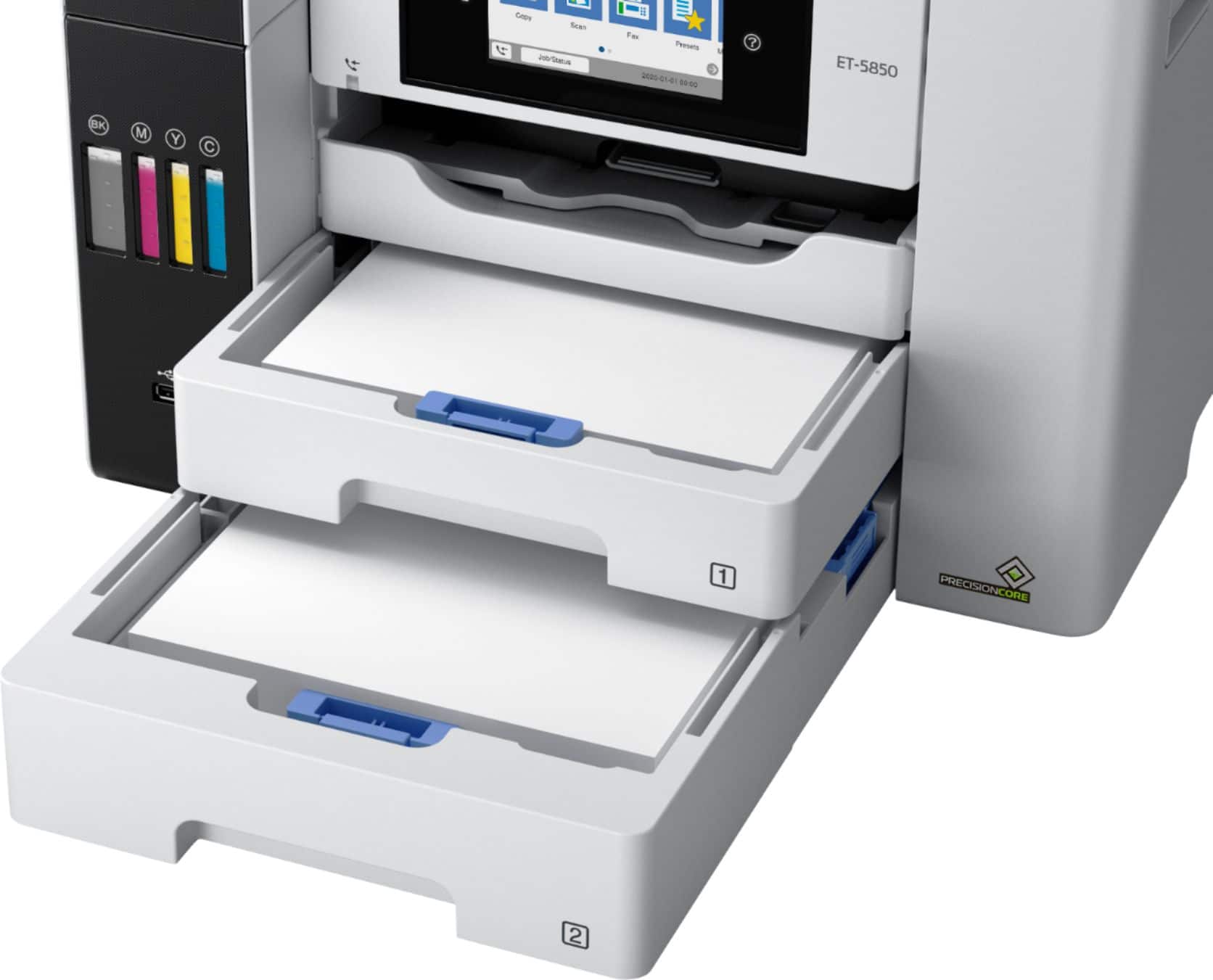
||Posted . Owned for 2 weeks when reviewed.This reviewer received promo considerations or sweepstakes entry for writing a review.We've only had this for just over a week and haven't tried photo printing yet, but so far it's been good for color printing and scanning from the ADF. Very fast and even on standard quality, the print is better than our old Canon MX870 on its highest quality setting. Couple of gripes to be aware of: 1)This printer is natively supported in Chrome OS which would have been great for our kid's school provided Chromebook, however, I have not found a way to select the paper tray and it defaults to Tray 1. Well the printer has 2 high capacity trays but Tray 1 is the only one that supports photo paper (it also does photo paper with a rear pull out tray). So I have letter paper loaded in Tray 2 and 4x6 photo paper in Tray 1. The Windows PC's properly select the tray based on the document being printed, but Chrome OS insists on using Tray 1 no matter what. And I haven't found a way to manually select a tray. 2) We have a Ubiquiti Unifi mesh wifi network. When setting up the printer, it offered me each access point individually rather than picking the best one which is literally 4ft away from the printer. After selecting that one, it claimed to connect, but the printer remained offline. After power cycling it did connect and worked for several days with no issues. Today, however, I went to print and it was showing offline again. Could not get it to reconnect without power cycling. This is troubling and could be a real nuisance if it keeps happening. Net result, if the network issue doesn't become a recurring problem, the printer has great features, print quality, and speed. Plus the Ecotanks make for super low cost printing. There's a lot here to love.
This review is from Epson - EcoTank Pro ET-5850 Wireless All-In-One Supertank Inkjet Printer - White
I would recommend this to a friendRated 5 out of 5 stars
A great printer for my needs!!
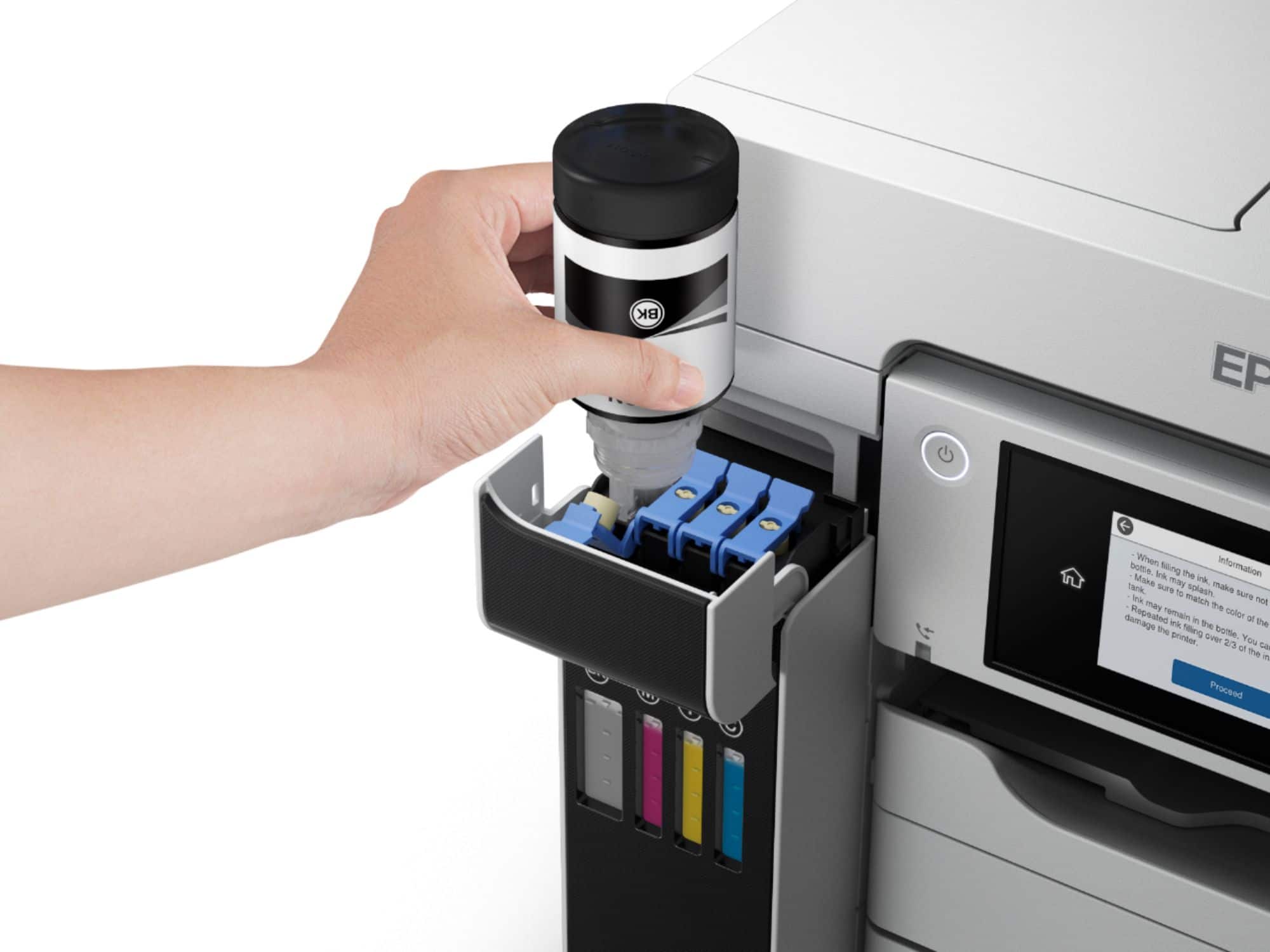
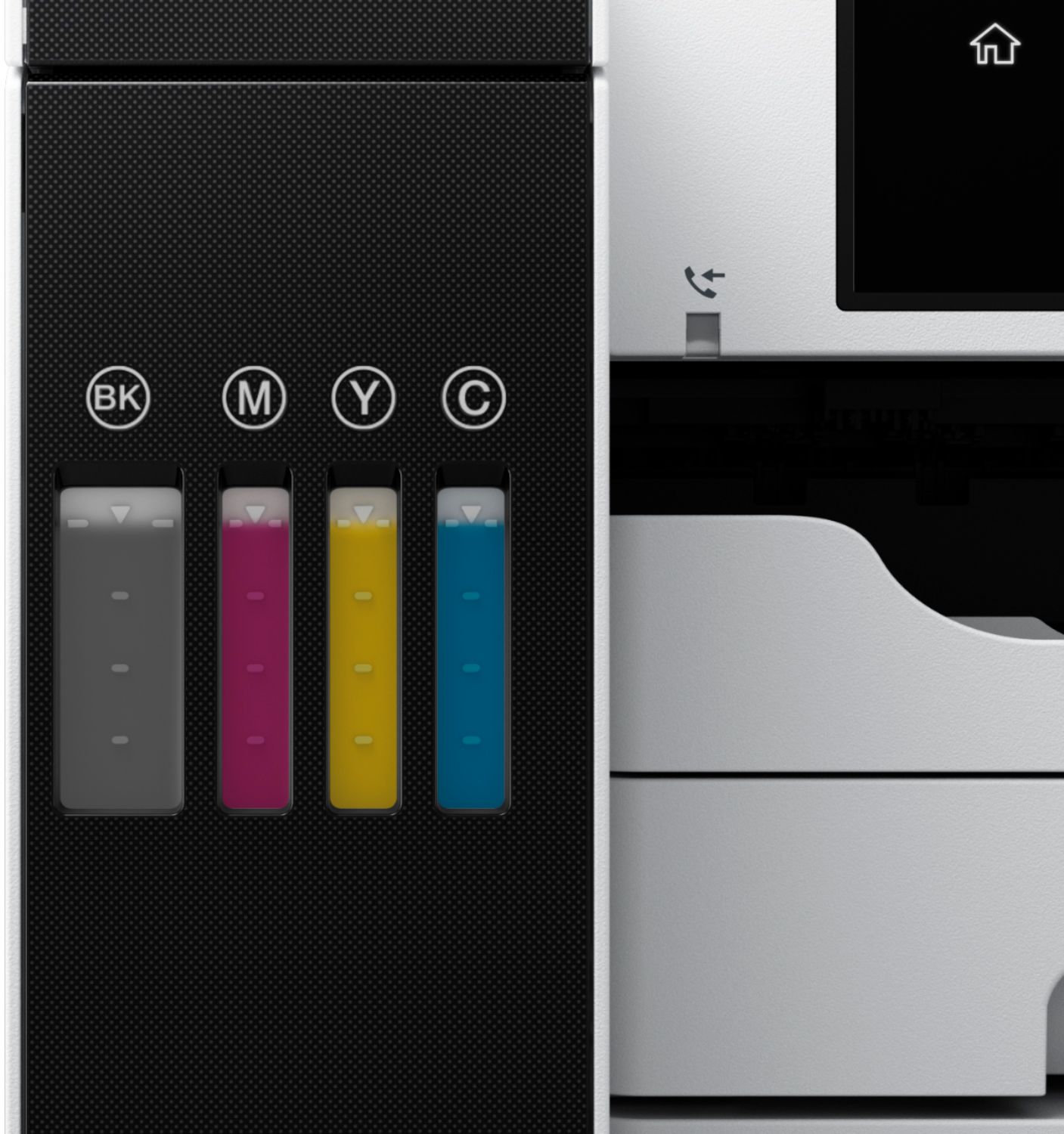
||Posted . Owned for 3 weeks when reviewed.This reviewer received promo considerations or sweepstakes entry for writing a review.I've had this printer for about a month now. It was so easy to install. I love the features (duplex printing) and especially that it doesn't use ink cartridges. It's very easy to fill the ink tanks from the ink bottles. My wife has the Epson 4850.
This review is from Epson - EcoTank Pro ET-5850 Wireless All-In-One Supertank Inkjet Printer - White
I would recommend this to a friendRated 5 out of 5 stars
Yea, it works
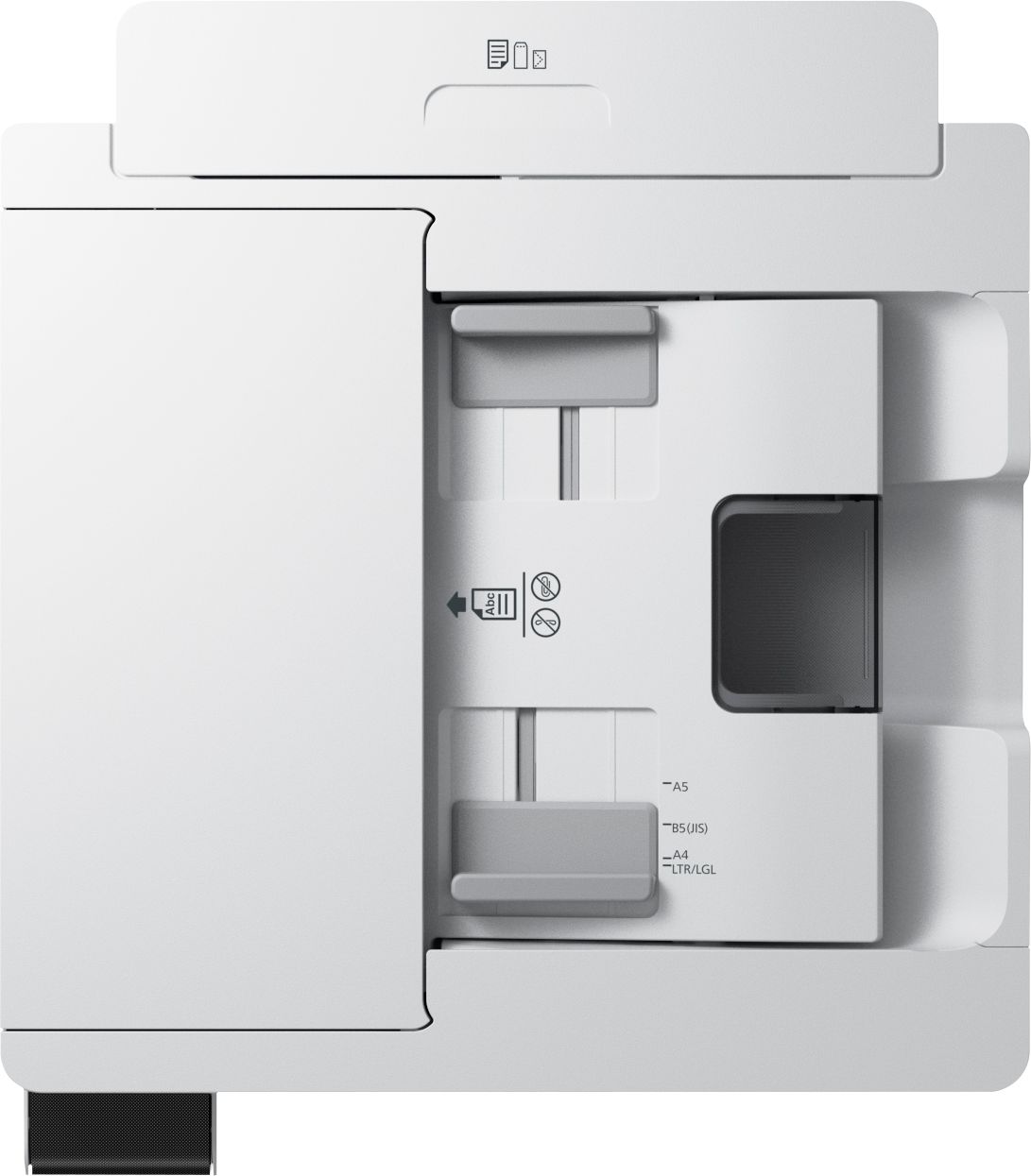
||Posted . Owned for 2 weeks when reviewed.This reviewer received promo considerations or sweepstakes entry for writing a review.I like the auto receiving tray ejection so the receiving tray does not get dusty. The 500 page blank paper feature is real nice. The ease of removing jammed paper from the auto feed scanner is so much nicer than my last one. The bigger touch screen is easier to use.
This review is from Epson - EcoTank Pro ET-5850 Wireless All-In-One Supertank Inkjet Printer - White
I would recommend this to a friendRated 5 out of 5 stars
Buy It Please fall in Love Like I did
||Posted . Owned for 2 weeks when reviewed.This reviewer received promo considerations or sweepstakes entry for writing a review.I love love love this ink and the printer. Easy access, and it works like a pro
This review is from Epson - EcoTank Pro ET-5850 Wireless All-In-One Supertank Inkjet Printer - White
I would recommend this to a friendRated 5 out of 5 stars
Great Printer
||Posted . Owned for 7 months when reviewed.This reviewer received promo considerations or sweepstakes entry for writing a review.Just switched to this brand. So far it is printing great with ZERO Issues. This may be the printer we replace all our printers with.
This review is from Epson - EcoTank Pro ET-5850 Wireless All-In-One Supertank Inkjet Printer - White
I would recommend this to a friendRated 5 out of 5 stars
Great printer
||Posted .This reviewer received promo considerations or sweepstakes entry for writing a review.This printer is a workhorse, full feature printer (minus 11x17 printing) while still being a decent price and footprint. Highly recommend!
This review is from Epson - EcoTank Pro ET-5850 Wireless All-In-One Supertank Inkjet Printer - White
I would recommend this to a friendRated 5 out of 5 stars
Epson ET-5850 is a Great Desktop Printer
||Posted . Owned for 3 weeks when reviewed.This reviewer received promo considerations or sweepstakes entry for writing a review.I'm very happy with my purchase. This printer was so easy to set up and use. It has been very reliable and is pretty powerful for a desktop all-in-one inkjet printer. I highly recommend this product.
This review is from Epson - EcoTank Pro ET-5850 Wireless All-In-One Supertank Inkjet Printer - White
I would recommend this to a friendRated 4 out of 5 stars
Average Printer for above average price
||Posted . Owned for 1 month when reviewed.This reviewer received promo considerations or sweepstakes entry for writing a review.Fast print and response. Prints full bleed which is a plus, but it doesn't do well printing on glossy paper or I haven't figured it out yet. Definitely not just as easy as putting glossy paper in. The colors aren't as vibrant as I wanted them to be either for flyer advertisement printing. I do like the refillable ink option, but I haven't had it long enough to do the refill.
This review is from Epson - EcoTank Pro ET-5850 Wireless All-In-One Supertank Inkjet Printer - White
I would recommend this to a friendRated 5 out of 5 stars
small bussiness printer
||Posted . Owned for 1 month when reviewed.This reviewer received promo considerations or sweepstakes entry for writing a review.after the set up the printer works great, much faster than the old one we were using, copies take seconds
This review is from Epson - EcoTank Pro ET-5850 Wireless All-In-One Supertank Inkjet Printer - White
I would recommend this to a friend