Customer Ratings & Reviews

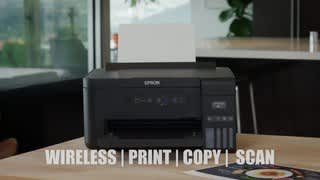

- Model:
- ET 2700
- SKU:
- 6042205
Rating by feature
- Value
Rating 3.9 out of 5 stars
- Quality
Rating 4.0 out of 5 stars
- Ease of Use
Rating 3.8 out of 5 stars
Customers are saying
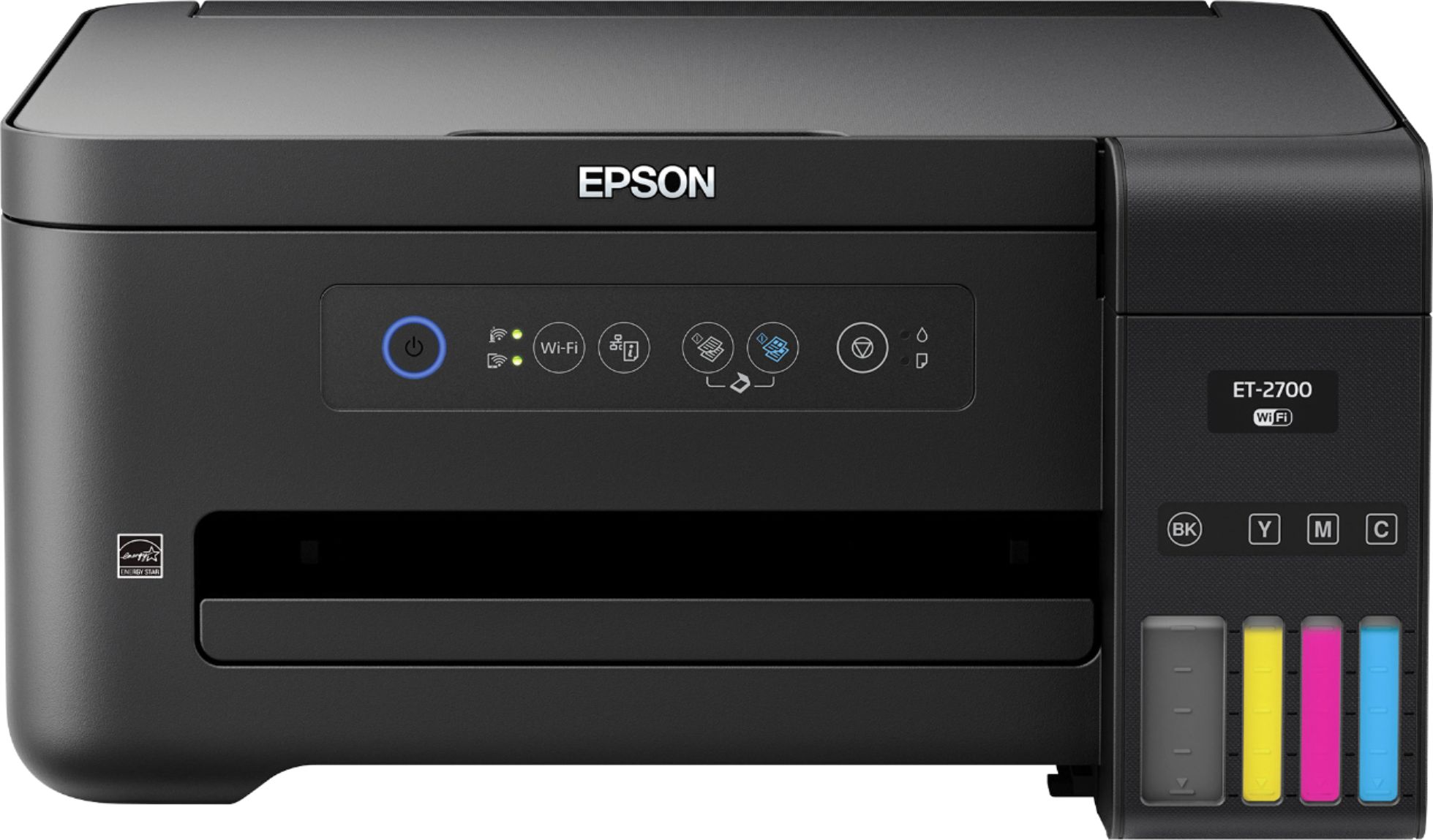
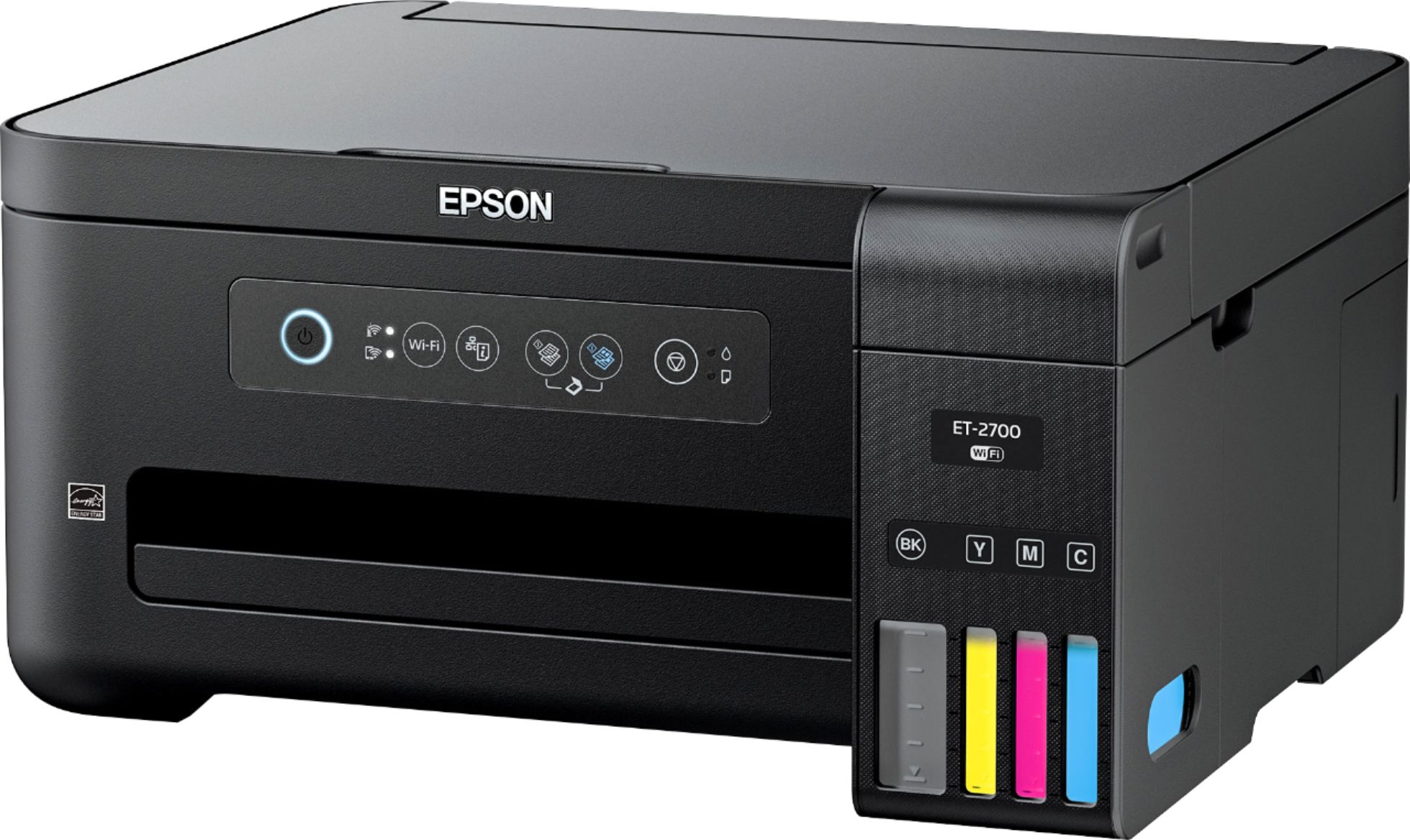
Customers are enthusiastic about the Expression EcoTank ET-2700's print quality and ease of use, with many praising its compact size. However, some users found the setup process challenging, and others experienced difficulties with the Wi-Fi connectivity. A few also noted that the printer can be somewhat noisy during operation. Overall, the positive feedback on print quality and ease of use outweighs the negative comments regarding setup and Wi-Fi.
This summary was generated by AI based on customer reviews.
A great set-up for Senior citizens
||Posted . Owned for 1 month when reviewed.This reviewer received promo considerations or sweepstakes entry for writing a review.Many seniors don't care or have a need of the wi-fi set-up. I don't. I tried 2 other brands, that come with everything and it seems they no longer want you to use USB, so they make it difficult to understand and set-up your printer. This set-up for USB only was as easy falling in the bathtub. The longest segment of the set-up took about 10 to 15 minutes and that was filling it with the ink. But this was also well explained and easy to do. Other than that, put in the CD start it up, start the download, then choose either wi-fi or USB, click to start and it is done within less than a minute. Easy-Peasy...!
I would recommend this to a friend- Pros mentioned:Print qualityCons mentioned:Setup, Wifi
Great little printer
Posted .This reviewer received promo considerations or sweepstakes entry for writing a review.I love the idea of this EcoTank printer. No ink cartridges to buy and possibly dry out. This printer comes with 4 separate bottles of ink that you pour into reservoirs. They claim it can last up to 2 years right out of the box! That's awesome as I hate constantly running out of ink. The reason I gave this 4 stars instead of 5 is that set-up was ridiculously complicated and long. I had a very hard time getting it to connect to my wifi. Any other printer I have owned has been super easy to connect, but not this one. I finally had to find an old printer USB cable to connect it to my computer and even that didn't work the first time I tried. I finally ended up getting it to connect with the USB. The other issue is using it from my phone. I quite often need to print things such as coupons from my phone, but the only way I can get my phone to recognize this printer is through the Epson app I had to download. If I try printing from my browser, I get a message saying that no AirPrinters were found. This is a problem I still have not been able to fix. All that aside, this printer really is awesome! The print quality is very good. I tested it by printing my son's school pictures, and you would never be able to tell that they were printed at home and not by a professional printing service! All in all, even though I have had some difficulty getting the printer set up, I would still recommend it. It prints stunning pictures and the thought of not having to buy ink for the next 2 years is amazing. This is a review for the Epson Expression ET-2700 EcoTank All-in-One Printer that I received free of charge to do a beta test and review.
I would recommend this to a friend - Pros mentioned:Print quality
the future of printing
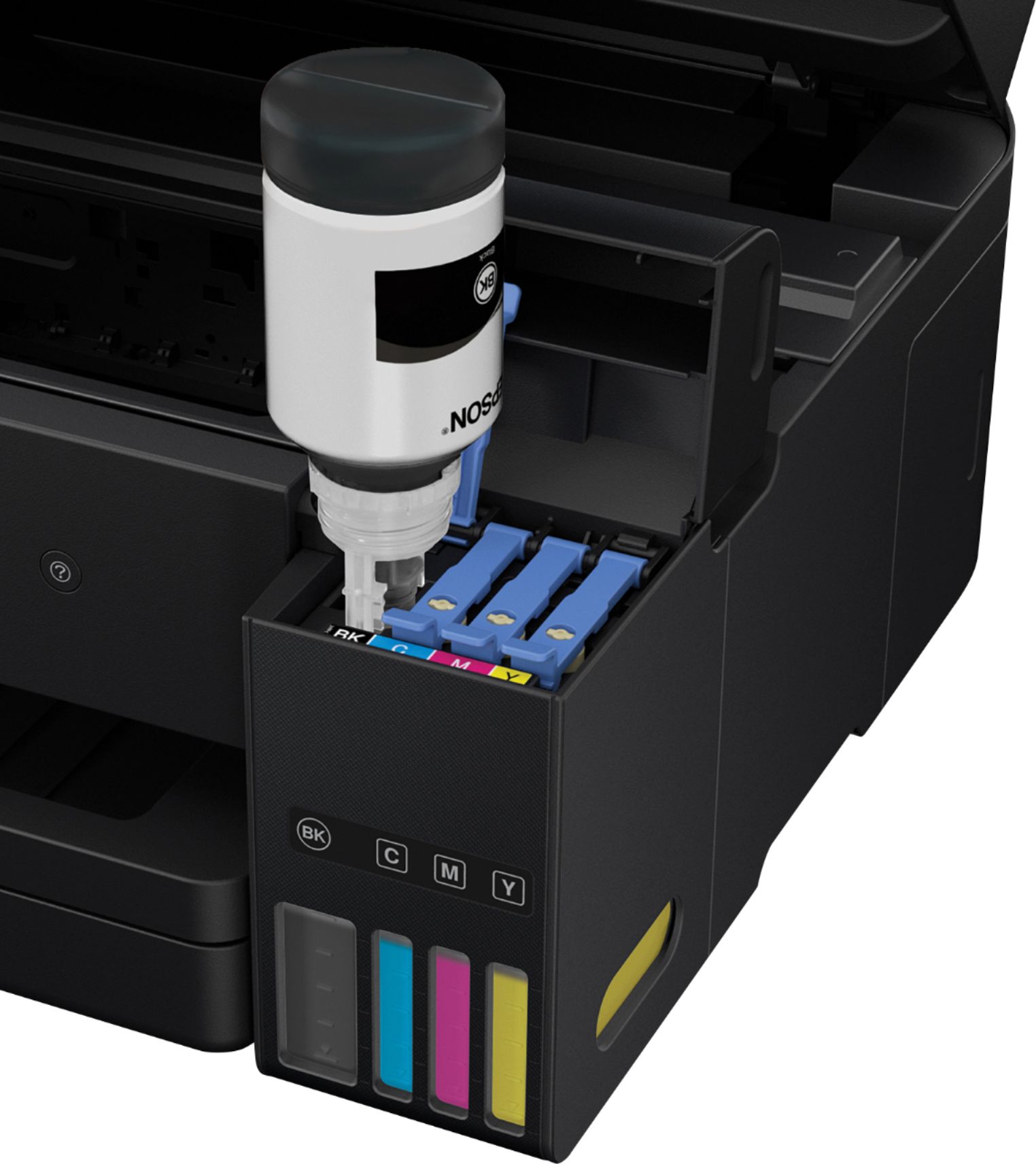
Posted .This reviewer received promo considerations or sweepstakes entry for writing a review.Every now and then we have a breakthrough innovation that changes the landscape of a product category. DVD to Blu-ray/HD DVD would be the last one I can remember. Could this new printer from EPSON be another example? I was excited to hear about this new printer from EPSON that could save me from having to buy some new ink cartridges for an entire 2 years. The last EPSON printer that I remember owning was my dad’s dot matrix printer, it was loud albeit very dependable and did a great job of printing. Since then I’ve personally own many HP inkjet/deskjet printers. Many because by the time I need to buy some new ink, there is usually some offer for a new HP printer that makes it cheaper than buying the new set of cartridges. However, most of them are because after a year or so, some functionality no longer works. Back to this new EPSON printer, the box was the average size for a printer. Setting up took just under 15 minutes and it was quite unique. Instead of installing the “starter kit” cartridges, the installation involved filling up the 4 ink compartments with the liquid inks that came with the printer. Once you fill the first compartment, the rest is a breeze, it seems that its spill proof in the sense that the ink will not trickle down into the compartments until it is placed in the correct position (notches aligned properly) and it is rested on a 90 degree angle. The ink would stop trickling in once the compartments are full. I did not discard these 4 ink bottles since there is a little amount left and the instruction stated that we will need it for the next steps. Once all 4 compartments are filled, the printer needs to “charge” the ink, this was simple enough and it took about 10 minutes to complete. This charging process used a little amount of ink so once that is done, I top up the compartments with whatever amount was left over for all 4 colors. Setting up the software for the printer was easy enough. It came with a CD or a link to get the installer. I chose to go with the installer link to ensure that I got the latest version/drivers. Everything was a breeze up to the point where I need to link the printer to my PC. To do this, either a USB cable (not included) or a Wi-Fi connection is required. Since I can’t find my USB cable nor do I remember the last time I used one (those HP deskjet days), I selected the Wi-Fi option. The first step is to get the printer connected to the Wi-Fi. I happened to have a router with the WPS button so setting it up was fairly easy. Pressing and holding the WPS button on my router followed by telling the printer to connect (I forgot what the steps were) and I got connected within a minute. One thing I wonder is since this printer lacked a mini display of any kind, how would a user get this printer connected if you have an older router (without the WPS button). My current main printer (a CANON) has a mini display and a 4 way arrow key that I could use to type in a Wi-Fi password, I’m not sure how one would accomplish that with this printer. So one part of the installation is done, (Printer connected to Wi-Fi), the other part of it is to see if my computer could find and discover the printer. As long as you know which connection your Printer is on, this shouldn’t be a problem. In my case, I just had to remember the name that I setup for my router since I had the Modem/Router from AT&T and also my personal Wi-Fi router, not to mention the repeater that I’ve installed in the house. Once my computer was connected to the same Wi-Fi connection as my printer, the discovery was quick and I was able to print a test page. The test page came in pretty crisp, the color looks great on my lightweight paper that I printed on. I think it would look even better on a better paper. I bought some EPSON bright white pro paper to try printing on and the results were pretty good. The only thing is that it seem to have troubles printing a regular PDF file to fit the paper. I also tried to print a picture onto an HP Premium Photo printer and it too seem to have troubles printing to fit the photo paper. For these last two tests, it only printed one quadrant of the PDF or picture that I was trying to print. I’ll have to figure out if I miss a step somewhere. OK, it seems that because the paper loading try has a manual adjustable slider to size up the paper, the printer cannot detect what size of a paper was loaded. In this case I only had the 4X6 photo paper and the second time around it was able to print the entire picture into it. I have to say that the quality was pretty good. I just have to remember to specify the paper size and I think I can easily overlook the fact that the printer cannot detect the size automatically. All in all, I was pleased with my experience so far. Especially knowing that I wouldn’t have to buy another ink refill for another 2 years. I just really hope the printer itself holds up that long. Would this printer last as long as the ink that comes with it? I surely hope so and if it does, then I would say I personally would consider it an advancement in the printer segment for sure. This is a review for the Epson Expression ET-2700 EcoTank All-in-One Printer that I received free of charge to do a beta test and review
I would recommend this to a friend - Pros mentioned:Ease of use, Print quality
Great all in one printer
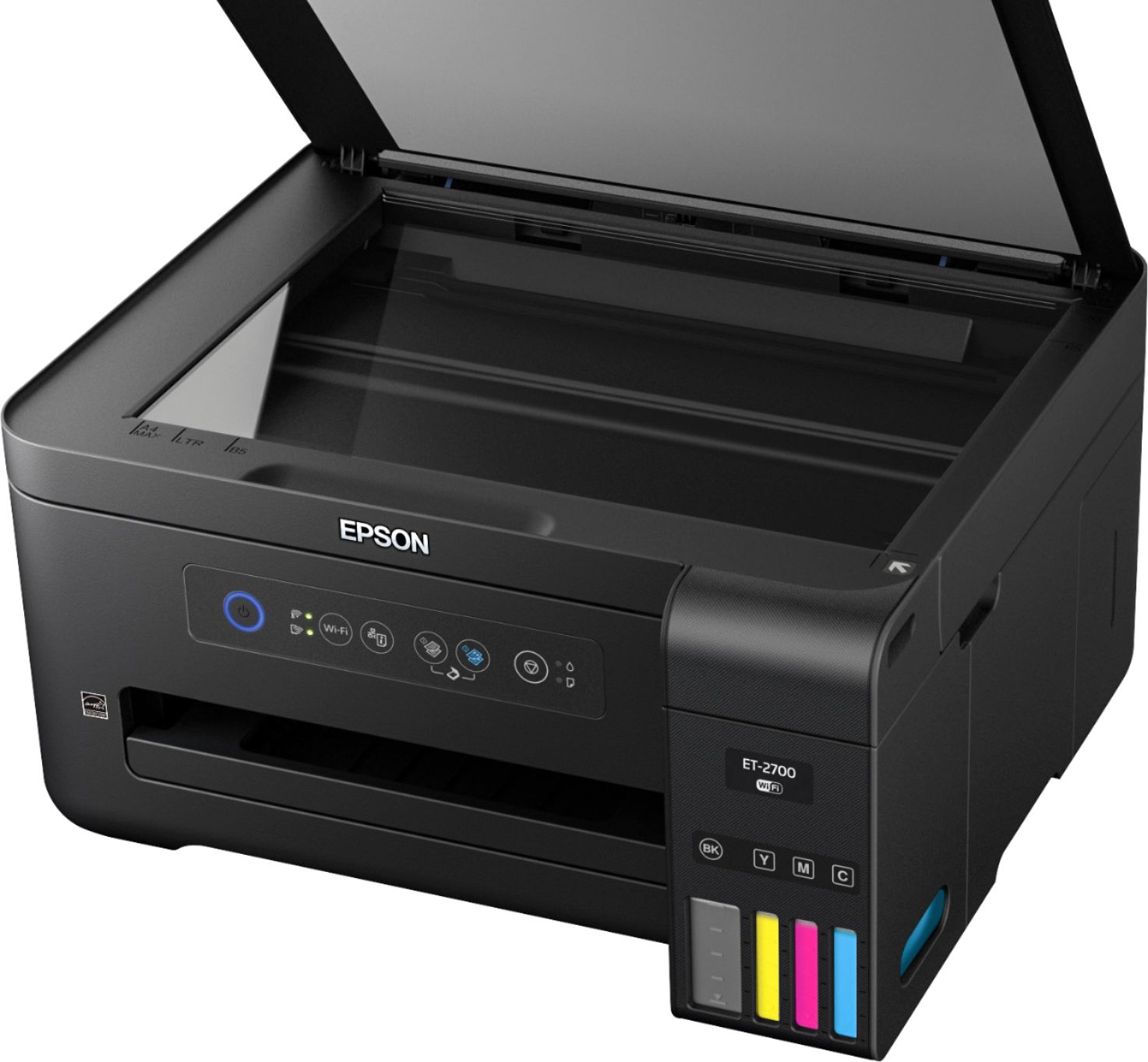
Posted .This reviewer received promo considerations or sweepstakes entry for writing a review.I really like this Epson Expression ET - 2700 eco tank all in one printer. It has a nice and slick design, and when not in use it, all the trays close up nicely. It has a really high-quality scanner and prints really sharp pictures as well The best part of this printer is that unlike most other printers it comes with around 2 years of ink included FREE in the box, and getting more ink won't cost you an arm and a leg. I really like the eco tanks - making it extremely easy to refill and that it has a very clear and simple display of all the ink levels and you can do refill it as necessary. The only con that I see is that it does a come with a standard paper tray Tay can hold more then a few papers at a time, but other than that it great. Set up was a breeze, the printer comes fully assembled, all you have to do is take off the safety tapes. Installing it on my computer was also very easy, it comes with very clear and concise instructions and I was all set up in minutes! I highly recommend it! “This is a review for the Epson Expression ET-2700 EcoTank All-in-One Printer that I received free of charge to do a beta test and review.
I would recommend this to a friend - Pros mentioned:Print quality, Size
Best All-In-One
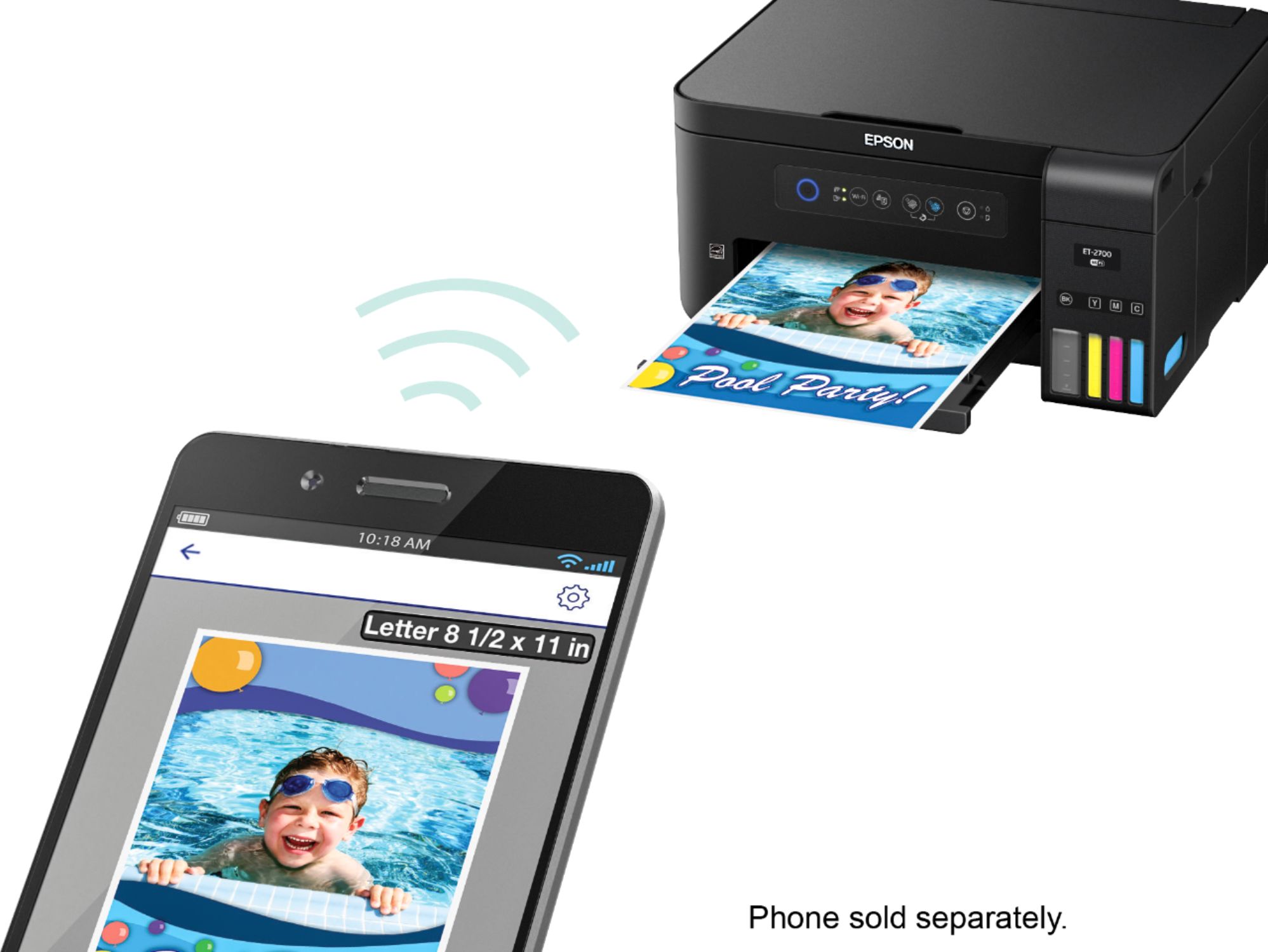
Posted .This reviewer received promo considerations or sweepstakes entry for writing a review.This printer is heaven sent. I've used alot of All-In-Ones and this is by far the most compact I've seen them. I printed out pictures on plain white paper to check the quality and if you never touched and just looked at it, you wouldn't be able to tell it wasn't printed on photo paper. I also printed on matte photo paper a image from my phone and I makes me excited to see what it can do on semi-glossy and glossy photo paper (which I am doing next). It's wirless, besides the power cord of course and you can print using Wifi anywhere in the house. Out and about...forgot the print something, email it to the printer and come home to a finish product (I did that to). I thought I would come home to a email print out of the actual email, because I sent an attachment, it knew what I wanted it to do and printed out the actual attachment in the email. It has a eco-tank, so no more cartridges and I probably won't have to fill this bad boy back up for a year. It gets no better.This is a review for the Epson Expression ET-2700 EcoTank All-in-One Printer that I received free of charge to do a beta test and review.
I would recommend this to a friend Awesome Printer but set up is a nightmare.
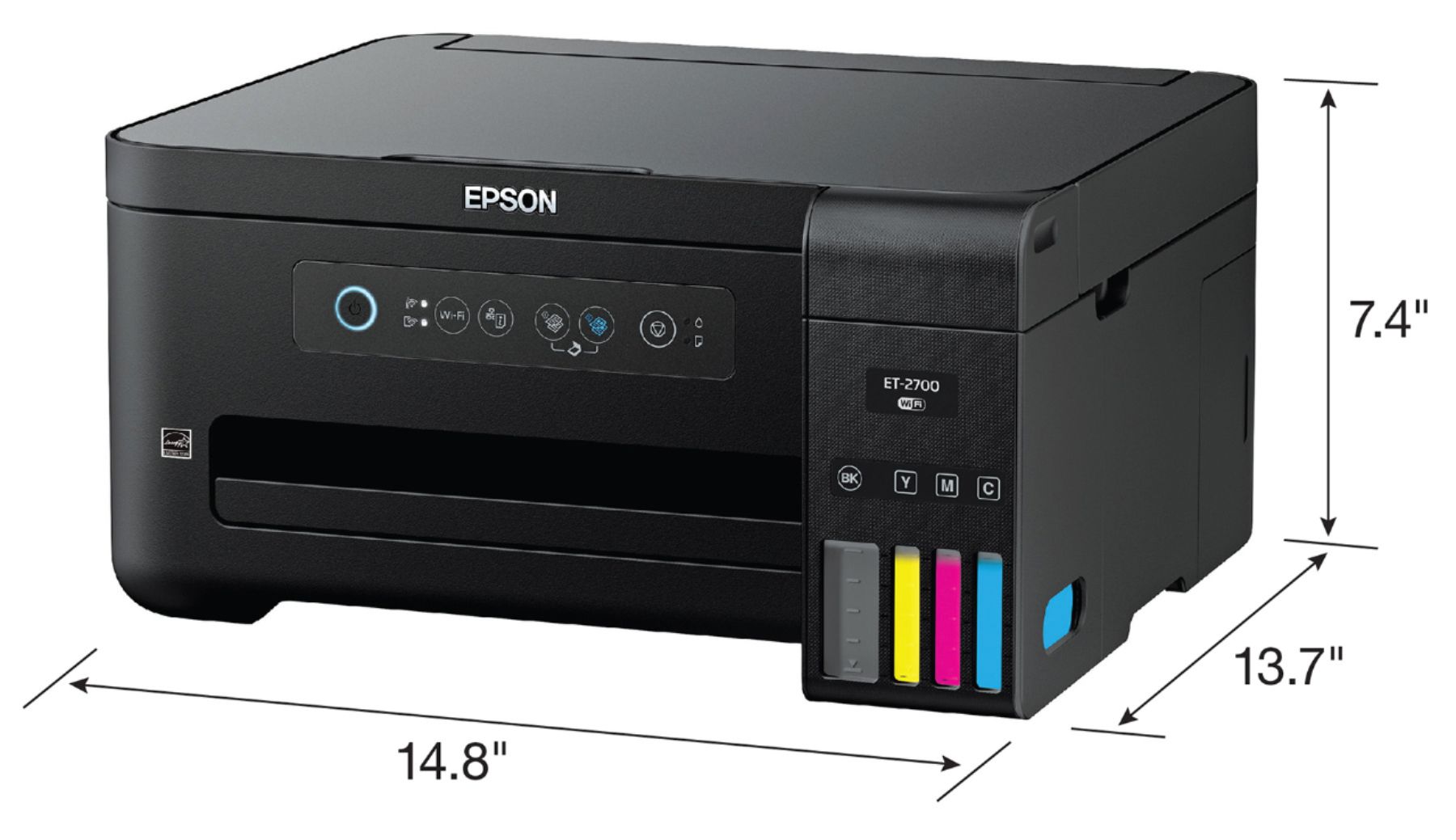
Posted .This reviewer received promo considerations or sweepstakes entry for writing a review.Upon unboxing of this printer, first thing I noticed was that it's pretty lightweight. It's something that I could have stored in a certain spot of my desk and not really have to worry about it being too heavy. Because of that it is pretty east to "scooch" it out in order to print papers. Straight Out of the Box it was pretty easy setup when it came to filling the ink tanks, even though I was a bit nervous and kept checking and rechecking to make sure that I did not mix up the colors for each individual tank. Initially I was worried about the ink leaking once I lifted it out of or away from the reservoir after filling but there wasn't even the tiniest bit of ink that dripped. The tanks were relatively easy to fill, took really no time at all. That was where easy ended for me. Getting this thing to connect to my wireless router was an absolute nightmare. Yes I am tech savy but I did not have the cord that you could use to direct connect the printer and it was not included in the Box. So it took me around 2 hours to troubleshoot every which way and see if I could get this thing connected without having to go out and buy a separate cable to direct connect it. However, being tech savy, I was actually able to switch some settings around and connect it through the WPS button. I did not have to use the CD, I was actually able to download all of the drivers and all of the programming for this printer from the website directly because my laptop does not have a disk drive. Once I had everything loaded and everything connected and everything ready to go I put a few sheets of paper in and I let it do its thing and it kept getting jammed I'm still having issues with the paper getting jammed if it's not in the exact perfect position every time it prints. Over all though, once papers loaded right I really do love this printer it's seems like it's going to be really economical. It's going to save me a lot of money on ink and it prints amazingly crisp images!
I would recommend this to a friend- Pros mentioned:Ease of use
Seems good so far
||Posted .This reviewer received promo considerations or sweepstakes entry for writing a review.I bought this printer to avoid having to buy expensive cartridges, seems worth the price. One thing though, set up was a nightmare. I would never normally say this but there is only one way to connect this to wifi, the button on your router, can't enter password and it took forever for it to connect with my router, like 20 tries.
No, I would not recommend this to a friend - Pros mentioned:Ease of use, Print quality
Great Printer
||Posted .This reviewer received promo considerations or sweepstakes entry for writing a review.Have only had for about a month but so far love it. Very easy to set up and load bottles of ink. Works great every time. I probably only print 25-30 sheets per month so I have my fingers crossed that ink lasts as long as they claim. Nice printer for personal use. Compatible with my MacBook which was very important.
I would recommend this to a friend - Pros mentioned:Ease of use, Print quality
A printer that makes sense!
||Posted .This reviewer received promo considerations or sweepstakes entry for writing a review.Great entry level printer for home use/small business. Works very well, software installation went smoothly, no printer cartridges to purchase (saves money) easy to view ink levels. Completely satisfied and recommend for anyone that needs an entry level full color printer/copier/scanner...
I would recommend this to a friend - Pros mentioned:Ease of use, Print quality
Fantastic
||Posted .This reviewer received promo considerations or sweepstakes entry for writing a review.It is very easy to fill the tanks, extremely quick printing. Love that I can wirelessly print things from my phone. Super happy with it
I would recommend this to a friendBrand response from Epson
Posted .Hi Nameless1, thank you for this five-star review of your Epson ET-2700 EcoTank printer. We appreciate your business and are glad to hear you are enjoying the cartridge-free printing. Cheers, Quinn – The Epson Team.

- Pros mentioned:Print qualityCons mentioned:Setup
Great printer
||Posted . Owned for 4 months when reviewed.This reviewer received promo considerations or sweepstakes entry for writing a review.A little hard to setup, finally working fine. It’s been working for a few months without refilling the ink.
I would recommend this to a friend - Pros mentioned:Print quality
Does what I need
||Posted . Owned for 2 weeks when reviewed.This reviewer received promo considerations or sweepstakes entry for writing a review.This printer prints so many pages on one refill of ink. And the refill is cheap compared the cost of cartridges. You can visibly see the ink remaining. I bought it for printing assignments with homeschooling since the covid-19 outbreak. My wife can print and scan the pages back to the teacher. Setup to my Wi-Fi very quick.
I would recommend this to a friend - Pros mentioned:Print quality
Working Great
||Posted . Owned for 1 month when reviewed.This reviewer received promo considerations or sweepstakes entry for writing a review.Tired of spending money on cartridges and this printer is good. So far doing what it says printing is fast!
I would recommend this to a friend - Pros mentioned:Print quality
Print quality is excellent
||Posted . Owned for 1 month when reviewed.This reviewer received promo considerations or sweepstakes entry for writing a review.The print quality is excellent and quick and I have had Epson printer in the past.
I would recommend this to a friend - Pros mentioned:Ease of use
so far so good
||Posted . Owned for 1 month when reviewed.This reviewer received promo considerations or sweepstakes entry for writing a review.set up was easy. works good so far. printing from phone is easy
I would recommend this to a friend - Pros mentioned:Print quality
no airdrop
||Posted .This reviewer received promo considerations or sweepstakes entry for writing a review.not a bad printer, but i was not happy that there is no airdrop ability. my older printer had it and so does the next model up of the this one. i would have thought that ll printers would have this ability now. anyway, besides this, i am happy with it so far. now i'll see how long the ink lasts.
No, I would not recommend this to a friendBrand response from Epson
Posted .Hi, we're sorry for the disappointing experience you've encountered with your Epson ET-2700 printer. Please give our Advanced Epson Support Team the opportunity to assist you by calling 1-800-241-5794; Hours: Monday – Friday, 6am – 8pm PT.
Sincerely,
Stephan – The Epson Team
- Pros mentioned:Print quality
No Ink Cartridges!!
||Posted . Owned for 3 months when reviewed.This reviewer received promo considerations or sweepstakes entry for writing a review.Great printer, ink last forever with this thing! Paper sometimes needs a little help getting fed in. Works so well my dad purchased one too, he loves his!
I would recommend this to a friend - Pros mentioned:Print quality
EPSON does it again.
||Posted .This reviewer received promo considerations or sweepstakes entry for writing a review.This is my return to EPSON printers, and I can honestly say it’s worth the wait. Especially since it’s their new Eco line, impressive prints and excellent cost saving ink.
I would recommend this to a friendBrand response from Epson
Posted .Hi, thank you for this five-star review of your new Epson ET-2700 EcoTank printer. We appreciate your business and hope you continue to enjoy the cartridge-free printing. Have a great day! Best, Eddie – The Epson Team.
So far, so good
||Posted .This reviewer received promo considerations or sweepstakes entry for writing a review.I had some difficulty installing this printer, but once I did install it, it has been doing great! Still fairly new so I can't comment any further. I am going to attempt to fax something soon; now that will be a great accomplishment if I can do it! The ink is supposed to last two years and that will definitely save $$.
I would recommend this to a friend- Pros mentioned:Print quality
Ink saver
||Posted .This reviewer received promo considerations or sweepstakes entry for writing a review.The print quality and speed is excellent. The most impressive thing about the printer is that it uses minimal ink. I have printed several pictures and still almost full
I would recommend this to a friendBrand response from Epson
Posted .Hi bush, thank you for this five-star review of your Epson EcoTank printer. We appreciate your purchase and hope you continue to enjoy the cartridge-free printing. Have a great day! Best, Brandon – The Epson Team.

















