Customer Ratings & Reviews

- Model:
- B11B268201
- SKU:
- 10841591
Rating by feature
- Value
Rating 4.4 out of 5 stars
- Quality
Rating 4.3 out of 5 stars
- Ease of Use
Rating 4.2 out of 5 stars
Fast and Easy!
||Posted . Owned for 1 month when reviewed.This reviewer received promo considerations or sweepstakes entry for writing a review.This is the fastest home scanner that I've ever used! I have been scanning old family genealogy papers and pictures and have really enjoyed using this scanner to do such. Fast and easy!
I would recommend this to a friendJust what I wanted. Too bad it doesn't work.
||Posted . Owned for 1 month when reviewed.This reviewer received promo considerations or sweepstakes entry for writing a review.There seems to be an issue with keeping the scanner connected to it's software program. I'm lucky to get one page scanned per half hour, by the time I have fussed with the connections and rebooted the entire system a couple times. Don't have time to research this yet. I'm busy.
No, I would not recommend this to a friendBrand response from Epson
Posted .Hello MotherGoose, we apologize for the disappointing experience you’ve encountered with your Epson scanner's wireless connection. Your Perfection V39 includes free technical support for the life of your product. Please call and let our Epson Support Team assist. Our support number is (562) 276-4382. Our support hours of operation are Monday – Friday, 7 a.m. to 4 p.m. (PT). We’re here to help. Sincerely, Alissa A. – The Epson Team.

Best scanner to convert 4 x 6 photos to jpegs
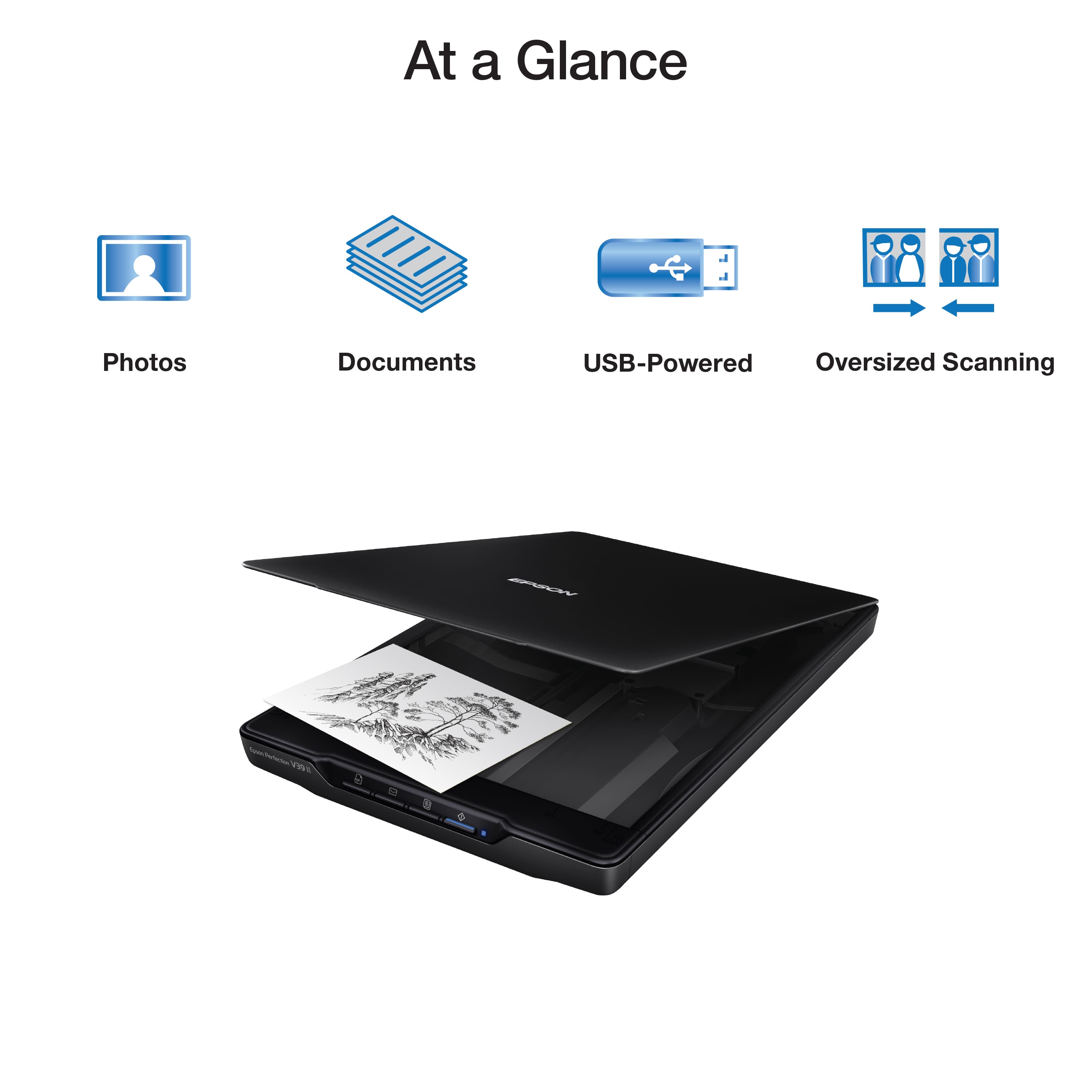
||Posted . Owned for 1 month when reviewed.This reviewer received promo considerations or sweepstakes entry for writing a review.I literally have thousands of pictures taken before the digital age became the standard. These are 3 1/2 x 5 and 4 x 6 prints of family gatherings, vacations, race track visits that are precious memories. The Epson scanner allows me to scan them into a digital jpeg, label each photo, categorize and arrange them into folders describing what is inside the folder. And then viewing them on a computer screen allows me to re-visit memories of those precious times. The scanner is fast, the pictures are outstanding and is exactly what I have been looking for.
I would recommend this to a friendGlitchy but good
||Posted . Owned for 4 months when reviewed.This reviewer received promo considerations or sweepstakes entry for writing a review.Good scan quality but it sometimes glitches and won't register on the computer. I tried to return thinking it was broken... it glitched after 3 days of use but it was outside of the 15 day return window. Best Buy just shrugged at me. I had to ask a friend to trouble shoot with me and it was the accessory drivers on the computer I guess? I just restart my computer any time it happens now.
I would recommend this to a friendGREAT Value and Quality for the Price
||Posted . Owned for 3 weeks when reviewed.This reviewer received promo considerations or sweepstakes entry for writing a review.Great quality scans. Quick and easy to use. Great value for the money. Did some homework before buying and a wide variety of reviews were very positive.
I would recommend this to a friendpdf scans not good
||Posted . Owned for less than 1 week when reviewed.This reviewer received promo considerations or sweepstakes entry for writing a review.It is pretty much useless for pdf scans. I like 300 dpi resolution for good quality scans, and the V39 will not do this. However, it is great for scanning photos and color documents. Then printed words do not lose quality when zoomed. So, I found that if I apply a little red magic marker on documents or scan with a patch of a colored magazine page, then scans produce good resolution. The scans are jpegs and can be saved as pdf. Generally, I use the Epson ES-580W sheet feed scans for 300 dpi resolution for pdf documents anyway.
I would recommend this to a friendBrand response from Epson
Posted .Hi CarlH, thank you for sharing your experience. We strive to improve the performance and quality of our products and will forward your feedback to the relevant Epson department(s). Should you have questions or need assistance, the Epson Support Team would be happy to help. You can reach them at (562) 276-4382; Hours: Monday – Friday, 7 a.m. to 4 p.m. (PT). Sincerely, Joseph – The Epson Team.
Good Value for the price
||Posted .This reviewer received promo considerations or sweepstakes entry for writing a review.It's a good scanner for the price. It gets the job done if you need a scanner for your home office or business that is not in the creative field.
I would recommend this to a friendPicked it up, works find in 2023 macbook pro
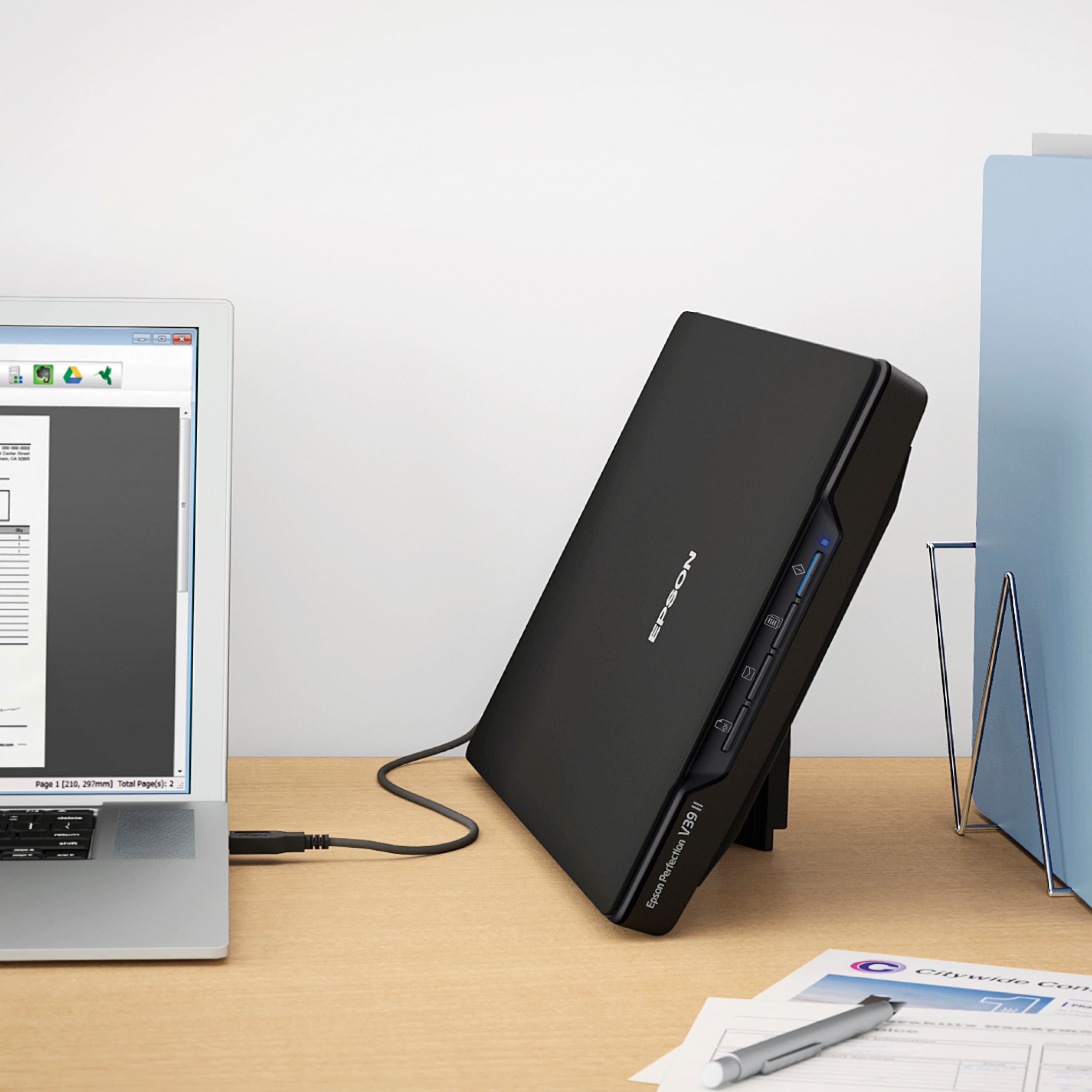
Posted .This reviewer received promo considerations or sweepstakes entry for writing a review.I picked this up at the Best Buy store for some family photo archiving. Took it home. Download the drivers from the Epson Support site. It works fine. No issues. It’s not a beast of a scanner but should suit my needs just fine.
I would recommend this to a friend
Great for the price and easy to use.
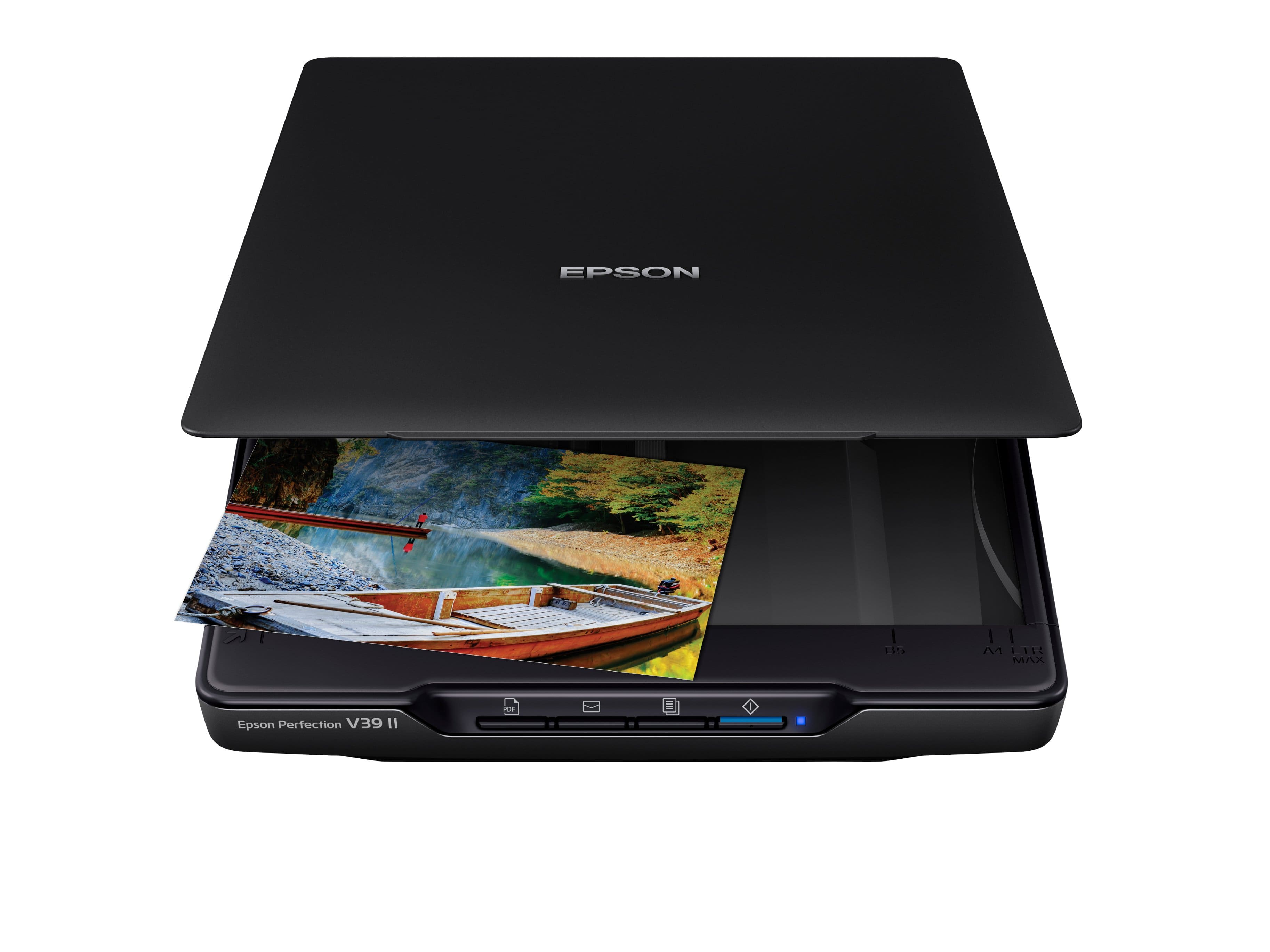
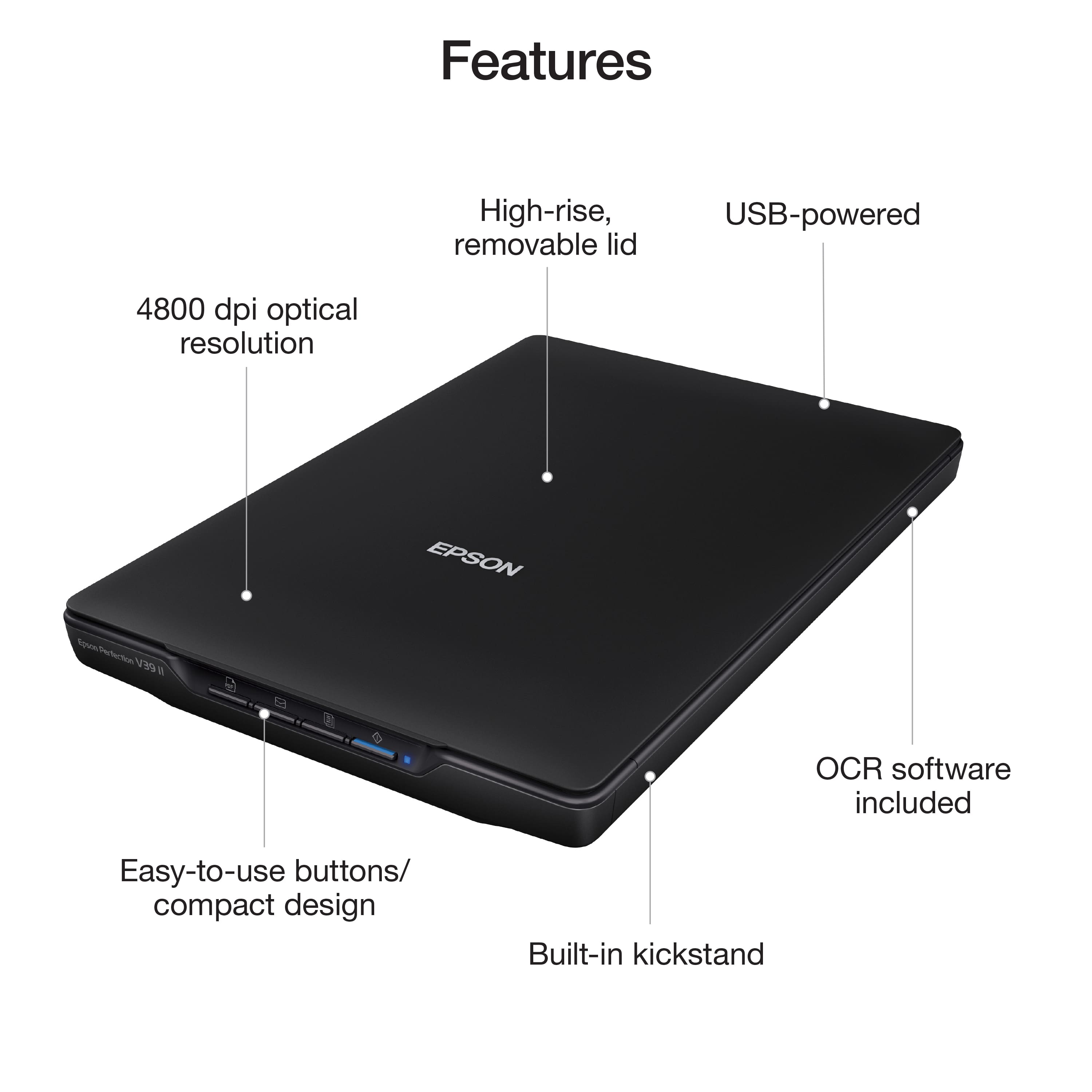
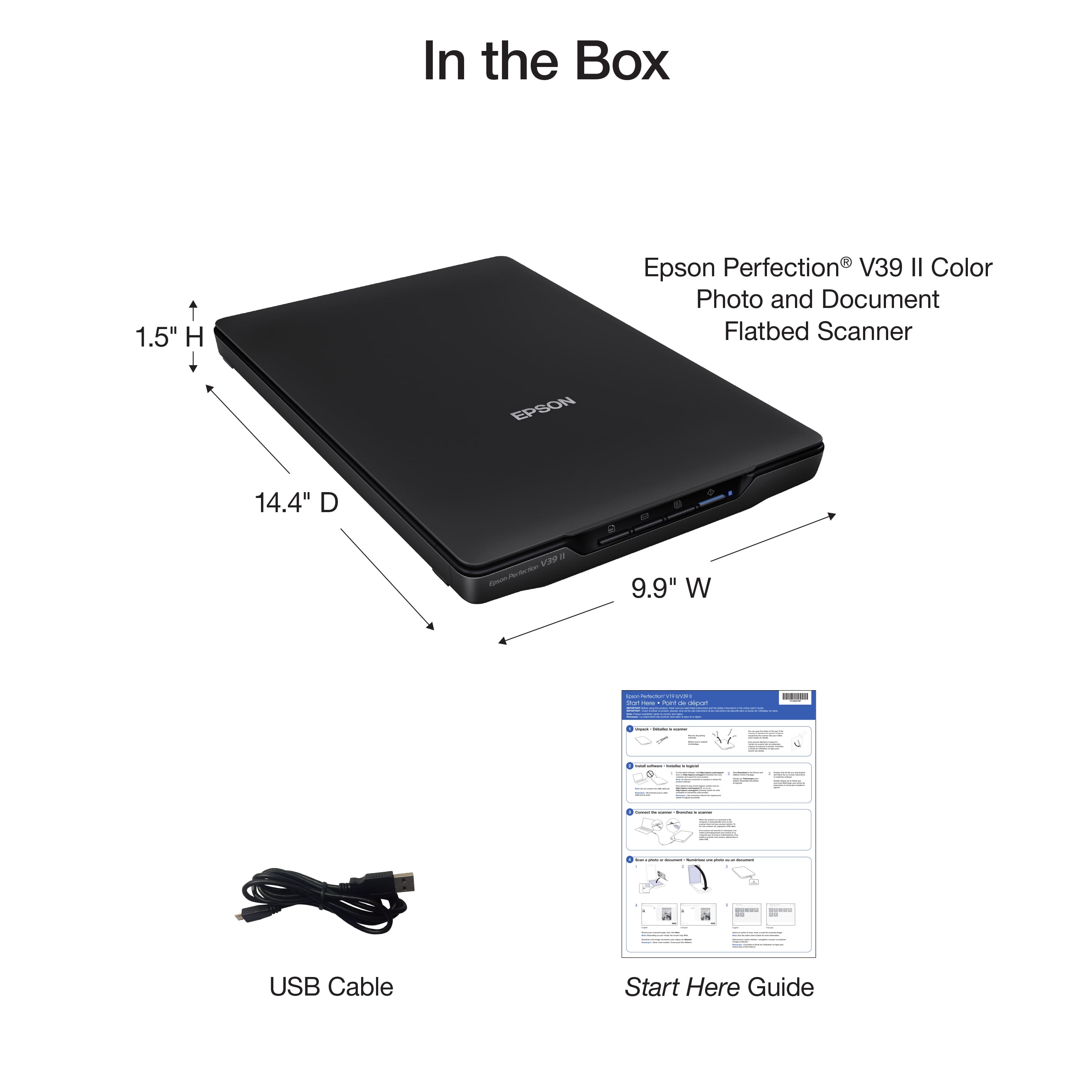
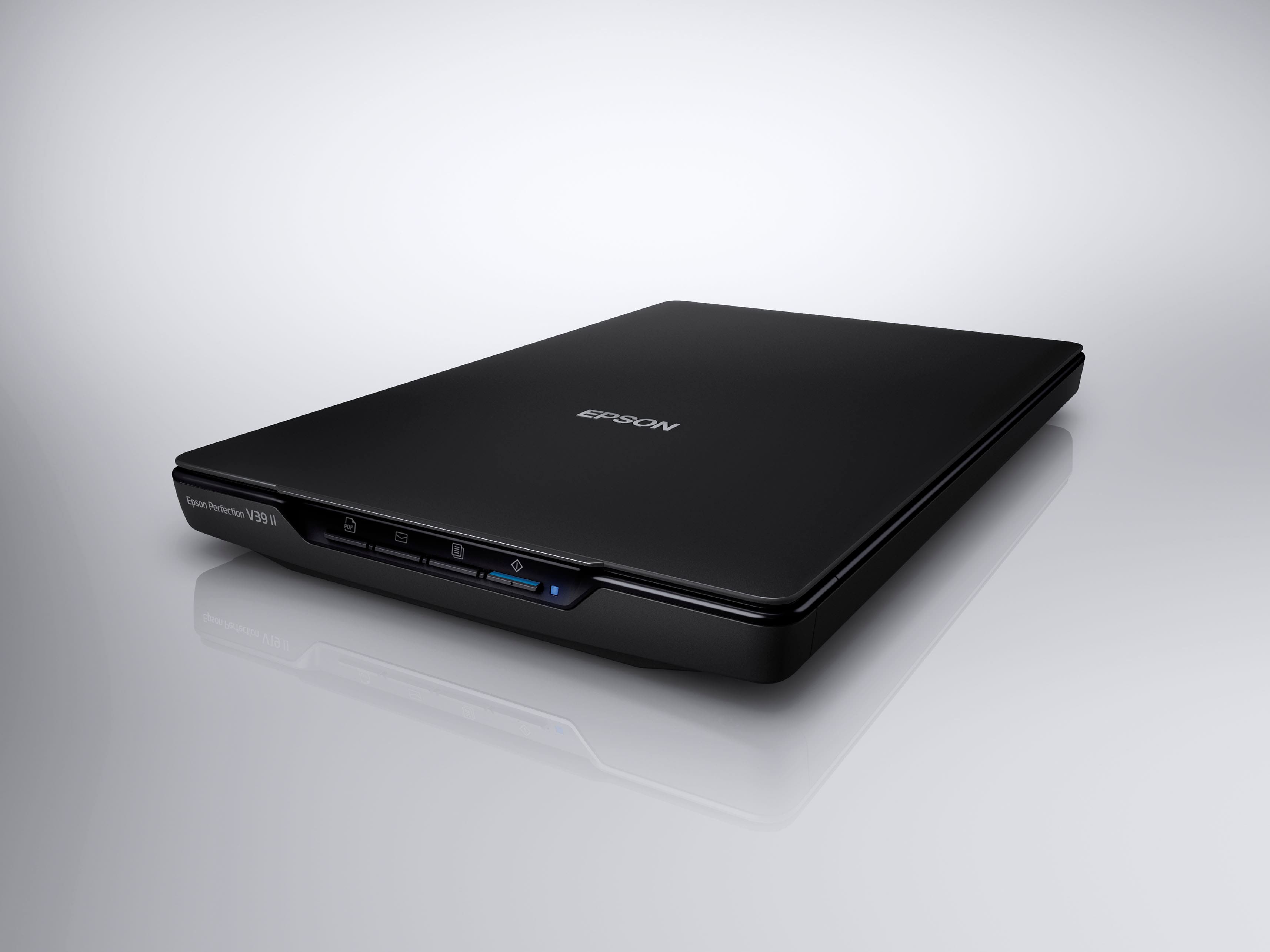
|Posted . Owned for 2 weeks when reviewed.This reviewer received promo considerations or sweepstakes entry for writing a review.Good scan quality and really compact, not too heavy and very portable.
I would recommend this to a friendInexpensive Option
||Posted . Owned for 3 weeks when reviewed.This reviewer received promo considerations or sweepstakes entry for writing a review.This scanner works well, producing nice results. The unit does not seem very robust, so I cannot comment on long term reliability. I could not get the software to work, so I use Image Capture on my Mac.
I would recommend this to a friendNot comparable to my computer
||Posted . Owned for 3 weeks when reviewed.This reviewer received promo considerations or sweepstakes entry for writing a review.Great purchase the price was very reasonable just wasn’t comparable to my computer so I had to return it.
I would recommend this to a friendSharp
||Posted . Owned for 1 year when reviewed.This reviewer received promo considerations or sweepstakes entry for writing a review.The quality of this scanner is fantastic. Very simple to run and very sharp
I would recommend this to a friendCable is outdated
||Posted .This reviewer received promo considerations or sweepstakes entry for writing a review.I wish I could have put this scanner to the test, but unfortunately I couldn’t successfully connect it to my laptop (MacBook Pro). The USB cable it comes with is a bit outdated, and wouldn’t connect via a dongle either. I ordered a separate cable (micro usb port of the scanner to usb-c port of the laptop) and it still would not connect. Forced to return it. Seemed like a great value but didn’t work even after getting the right kind of cable to connect my laptop to the scanner.
No, I would not recommend this to a friendBrand response from Epson
Posted .Hi CrystalF, thank you for sharing your experience. Epson takes into consideration all feedback to improve the performance and quality of our products. We will forward your feedback to the relevant Epson department, as we are always looking to make future Epson products better. Your product includes a 1-year limited warranty. Our Epson Support Team would be happy to help you and can be reached at (562) 276-4382; Hours: Monday – Friday, 7 a.m. to 4 p.m. (PT). Once again, thank you. Regards, Joseph – The Epson Team.
Decent scanner
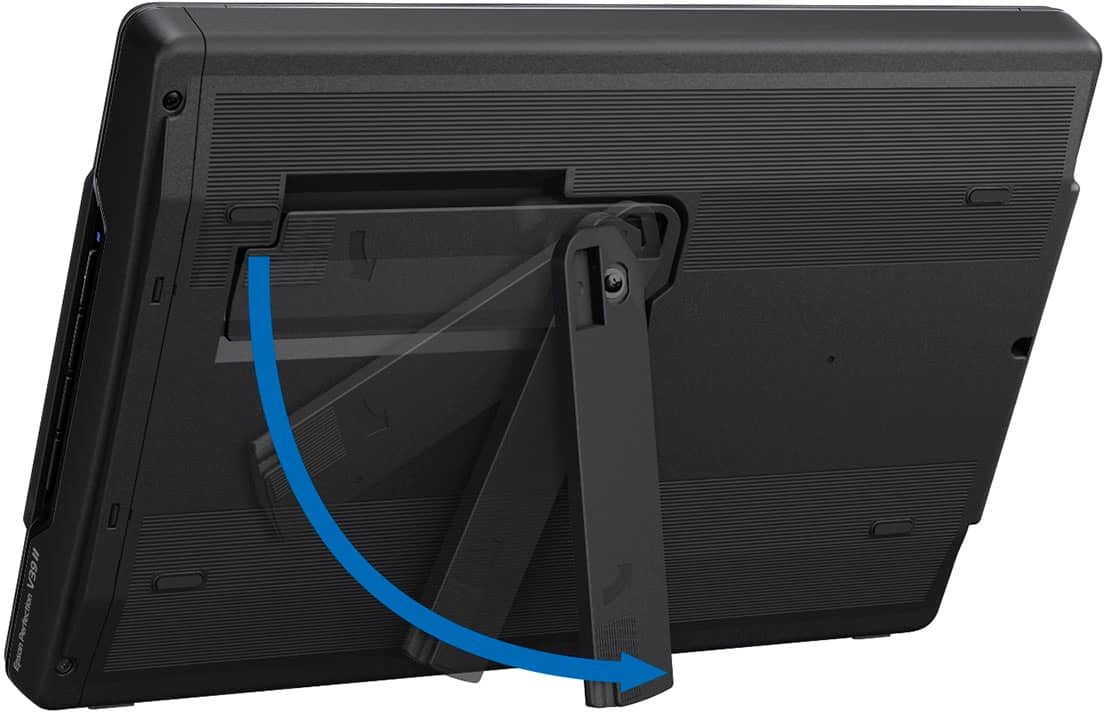
||Posted . Owned for 1 month when reviewed.This reviewer received promo considerations or sweepstakes entry for writing a review.Scanner seems to work as advertised. Is a fairly compact design. Software installation was straight forward and software works well. Only thing I don't like so far is the USB connection on the back of the scanner is recessed too far and its hard to get the small USB connector aligned and connected.
I would recommend this to a friendEpson Perfection V39 II Scanner
||Posted . Owned for 1 month when reviewed.This reviewer received promo considerations or sweepstakes entry for writing a review.simple and easy to use. very light and easy to set up also.
I would recommend this to a friendGreat Scanner at a Good Price Point
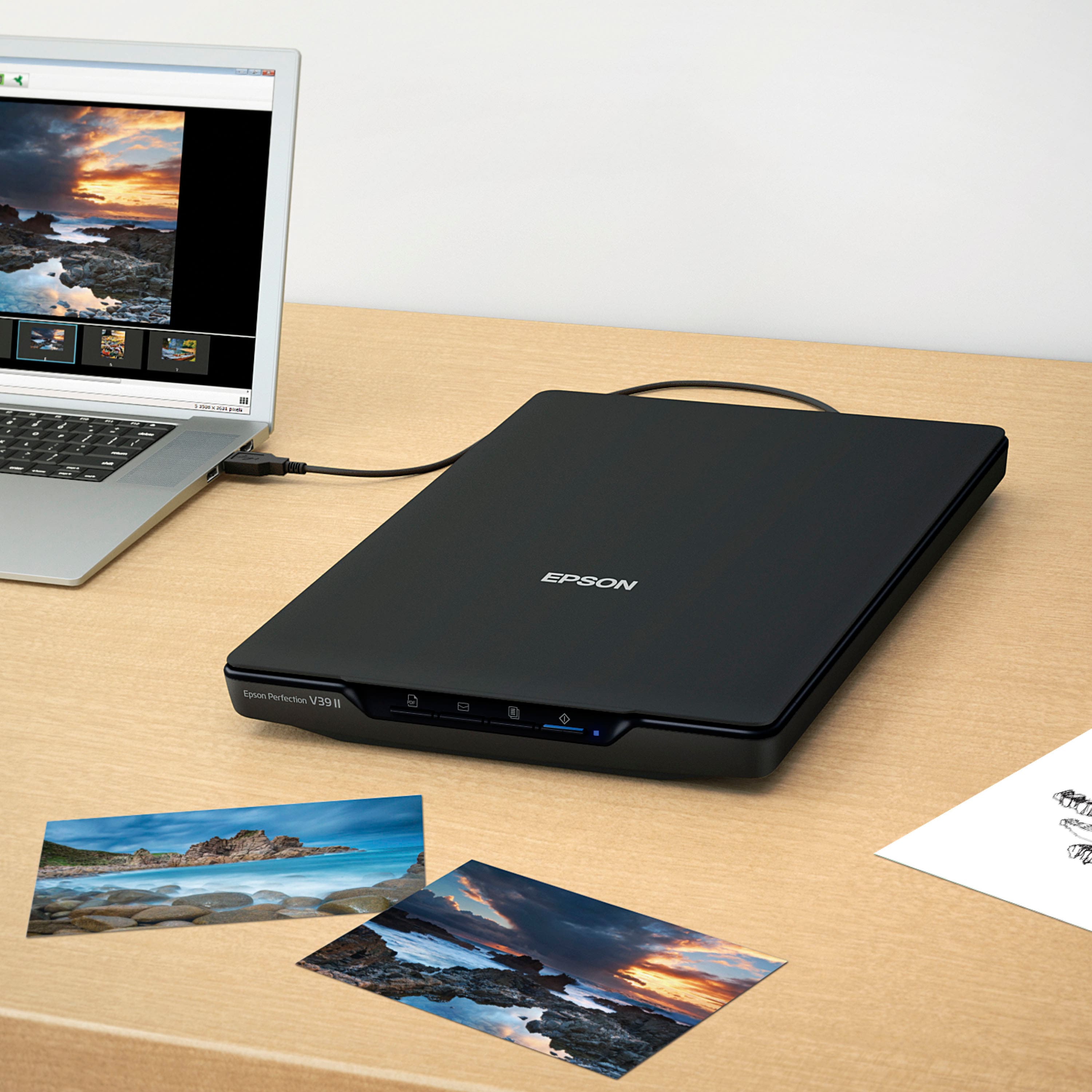
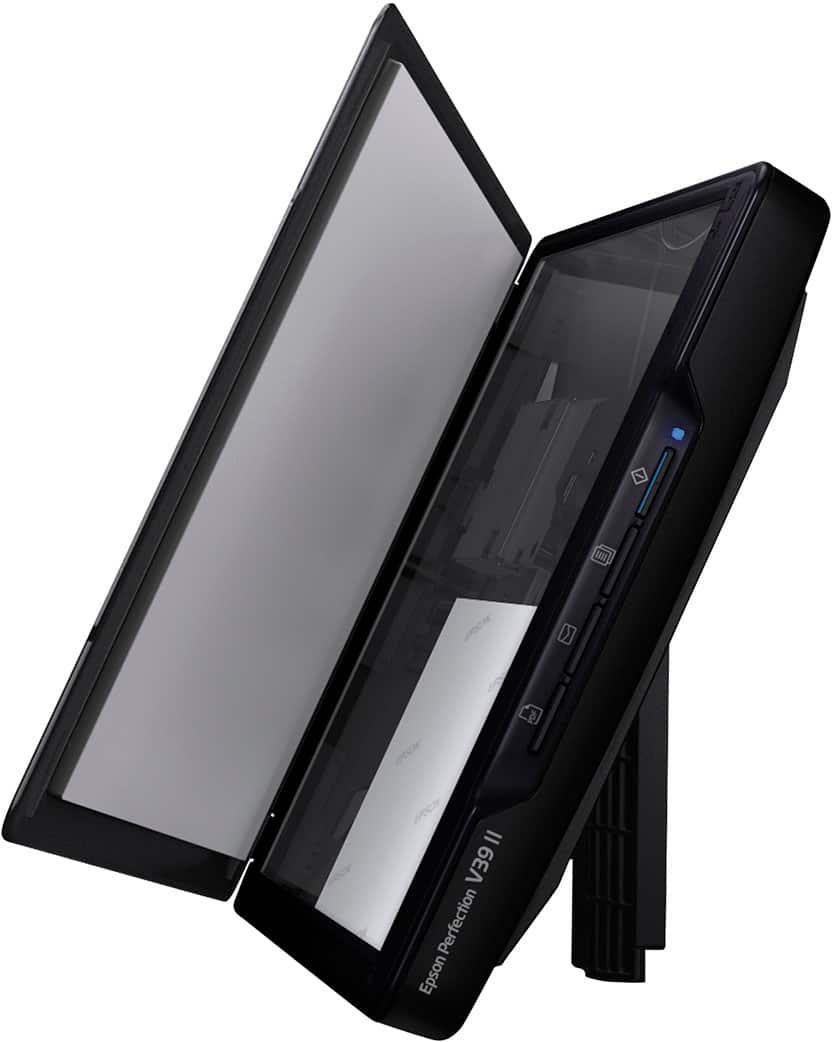
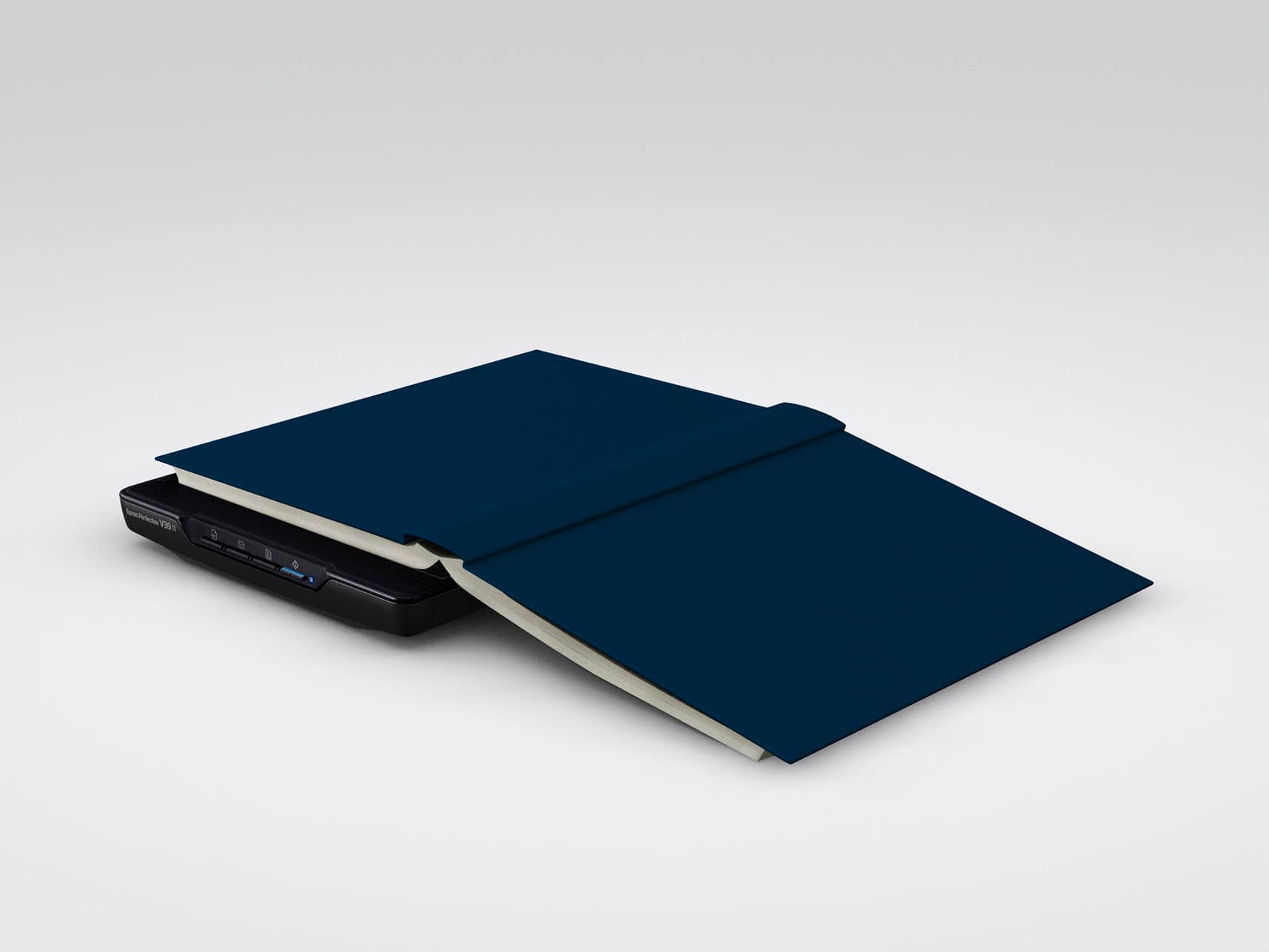
||Posted . Owned for less than 1 week when reviewed.This reviewer received promo considerations or sweepstakes entry for writing a review.Great flatbed scanner from Epson. Setup was easy, photo scans are great. Epson software is okay. Not user friendly compared to previous versions. Great selling point in addition to the good looking scans, you can place multiple photos on the glass and have the scans saved separately. Huge time saver. Good construction considering it is mostly plastic, and a good value at this price point. In addition to the good looking photo scans, the cover expands and can be removed, if you need to scan books or photo albums.
I would recommend this to a friendQuality scaner with Mac OS 13 sofftware glitch
||Posted . Owned for 2 weeks when reviewed.This reviewer received promo considerations or sweepstakes entry for writing a review.When making a copy it looks identical to the original. When using with Mac OS 13.X, if the computer goes to sleep and you later resume working on the computer, you will lose the ability to communicate with the scanner. To communicate again with the scanner it is necessary to log out of the computer and log back in. Then the Epson software is able to function.
I would recommend this to a friendSimple set up.
||Posted . Owned for 3 weeks when reviewed.This reviewer received promo considerations or sweepstakes entry for writing a review.Had to replace my scanner so tried this one. Set up was simple and straight forward. Functioned great. Slight learning curve from my 15+ year old scanner but not difficult for even a beginner.
I would recommend this to a friendGreat Scanner for Windows 11
||Posted . Owned for 1 month when reviewed.This reviewer received promo considerations or sweepstakes entry for writing a review.Great scanner. When my previous scanner on my All-in-one printer wasn't compatible with Windows 11, the Geek Squard made me a short cut but I couldn't scan together more than one page, plus the scan was a jpeg file. This scanner is wonderful. Can scan multiple pages and combine then if a pdf file. I love this scanner and highly recommend. I had to take to Gerk squad to done load the printer driver but once I did was a snap to use.
I would recommend this to a friendChallenge getting it up and running.
||Posted .This reviewer received promo considerations or sweepstakes entry for writing a review.I did get the Scanner to work after some time of downloading software updates, etc. This is being used with a Mac computer.
I would recommend this to a friend