Customer Ratings & Reviews

- Model:
- B11B228201R
- SKU:
- 6280708
Rating by feature
- Value
Rating 4.5 out of 5 stars
- Quality
Rating 4.7 out of 5 stars
- Ease of Use
Rating 4.6 out of 5 stars
Customers are saying
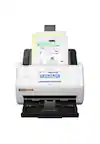
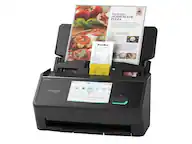
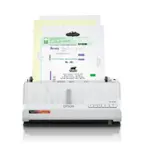
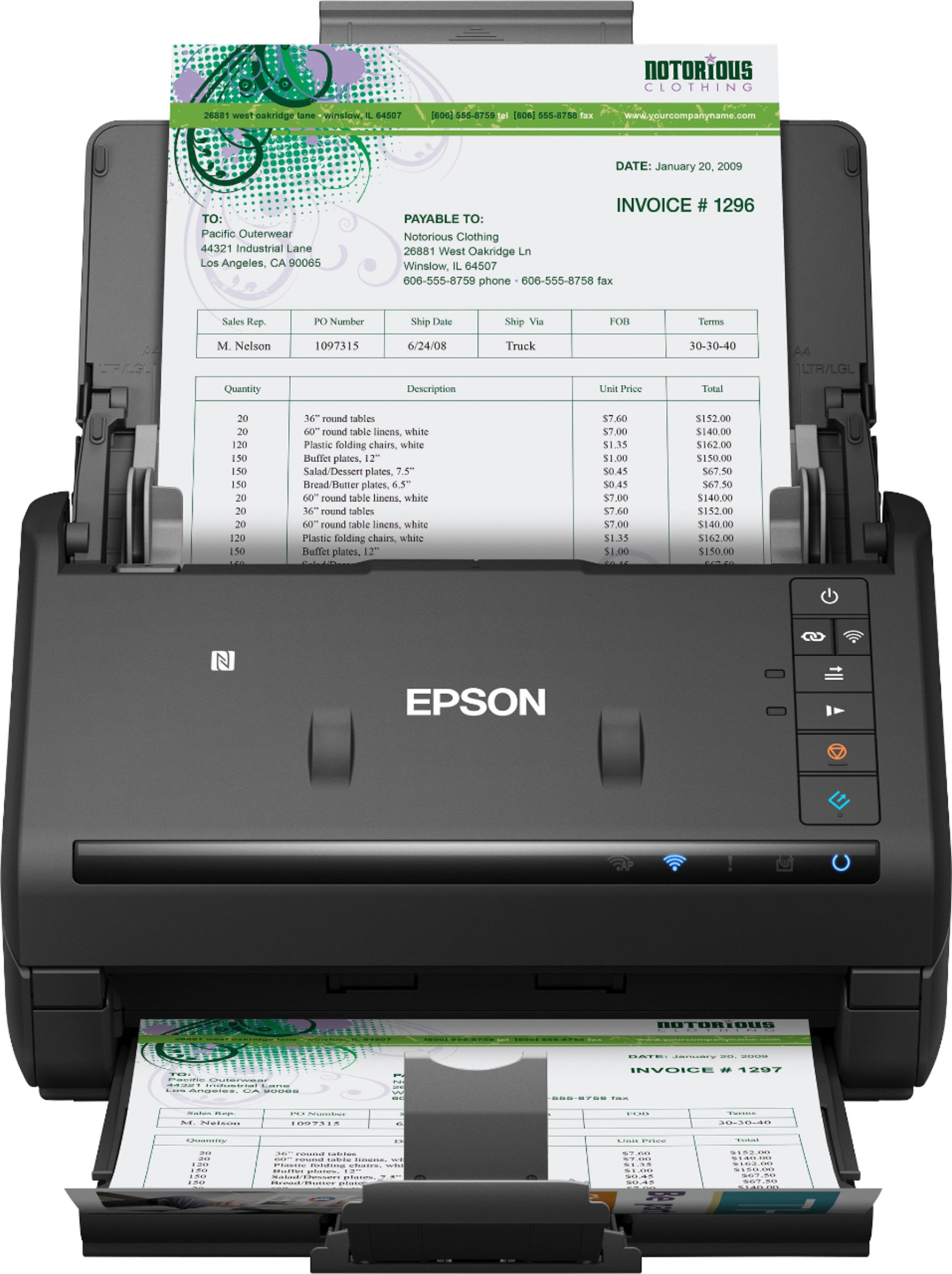
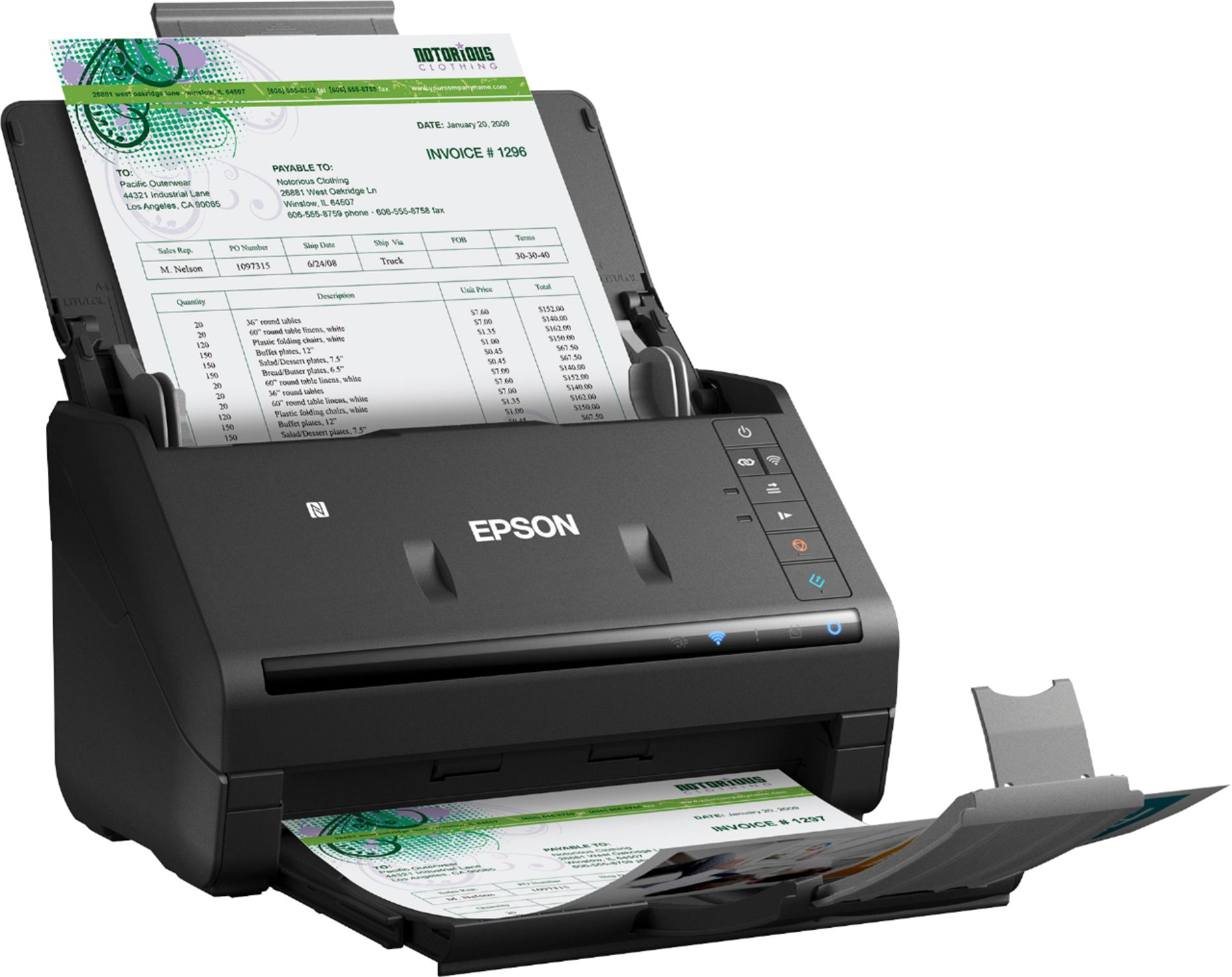
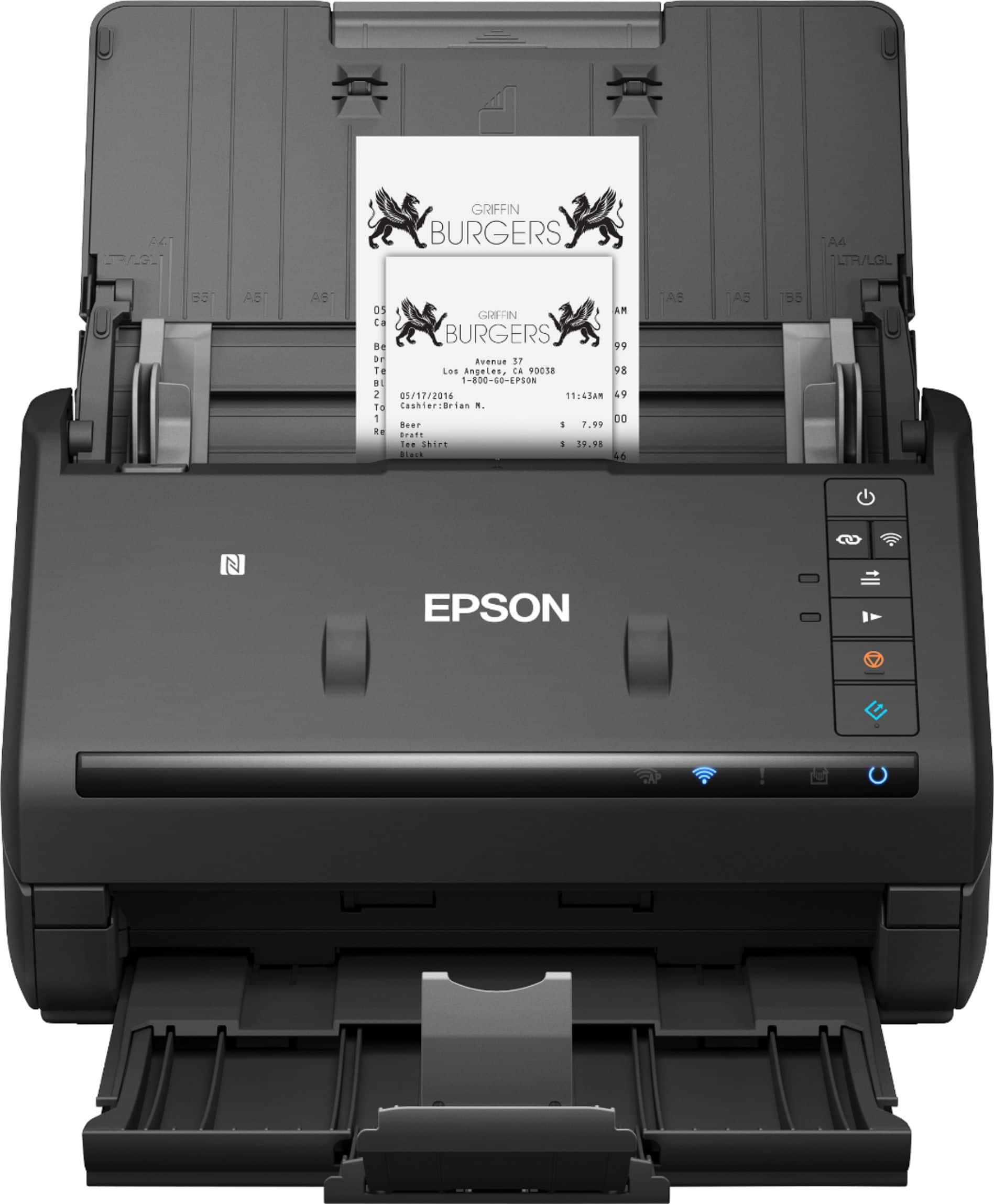
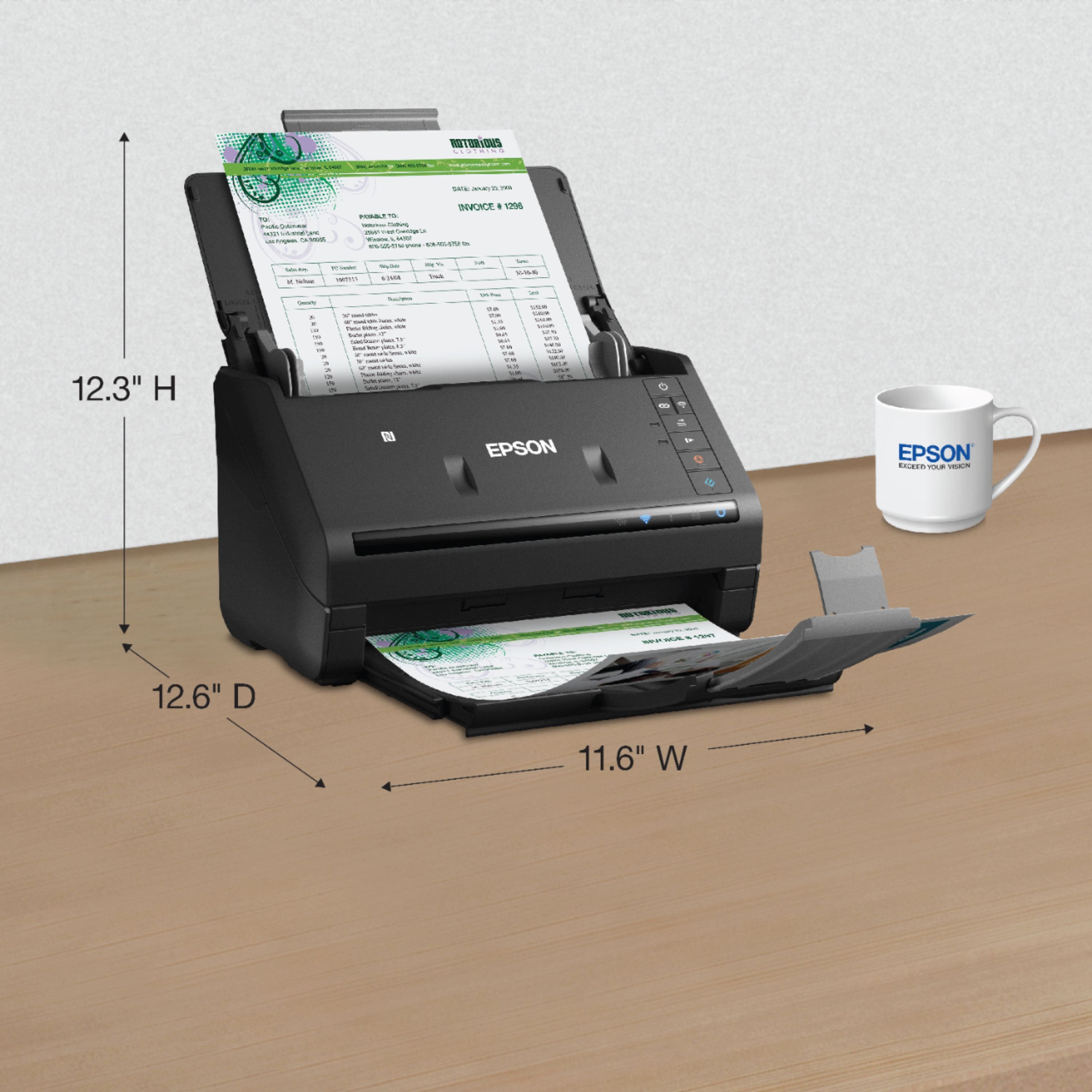
Customers frequently mention how fast and easy the WorkForce ES-500WR is to use. They also appreciate its compact size and wireless connectivity. The scanner's software, including OCR capabilities, is also well-received. While some customers found the setup process to be time-consuming, the overall sentiment towards the product is positive.
This summary was generated by AI based on customer reviews.
- Pros mentioned:Scan speed

Great for volume scanning
|Posted .This reviewer received promo considerations or sweepstakes entry for writing a review.We frequently have to scan multiple documents and numerous receipts. I was using a flatbed prior to this unit and it was a royal pain whenever I had to scan a stack of documents. Lifting the scan lid, aligning the edges and setting the scan size made a simple task a very time consuming one. This Epson scanner seemed like a good solution. Setup was a bit involved on a Mac. You need to install the software to configure wifi. Network configuration was annoying because although I picked the 2.4GHz network in the scanner network setup, it kept pulling the 5G network from the computer settings. This would cause a wifi configuration failure and I’d have to try again. If you close the setup to do anything, you’ll have to launch it from the download again. There is no way to configure or change network settings in any of the installed apps. I finally connected my Mac to the 2.4GHz network to complete setup. The scanner can also be connected via USB. Performance is great. It quickly scans through a stack of documents, black and white or full color. Scan resolution is nice and sharp and alignment is good. I use it to copy letter size documents, stacks of invoices, quotes and receipts. It handles everything very well and I don’t need the bundled software to convert to PDF. This is a great go to scanner for those who do a lot of high volume scanning at once or scan frequently on a daily basis. It’s overkill for those who scan infrequently or just want to scan the occasional receipt or document.
I would recommend this to a friend - Pros mentioned:Ease of use, Scan speed, Size
Great Scanner!
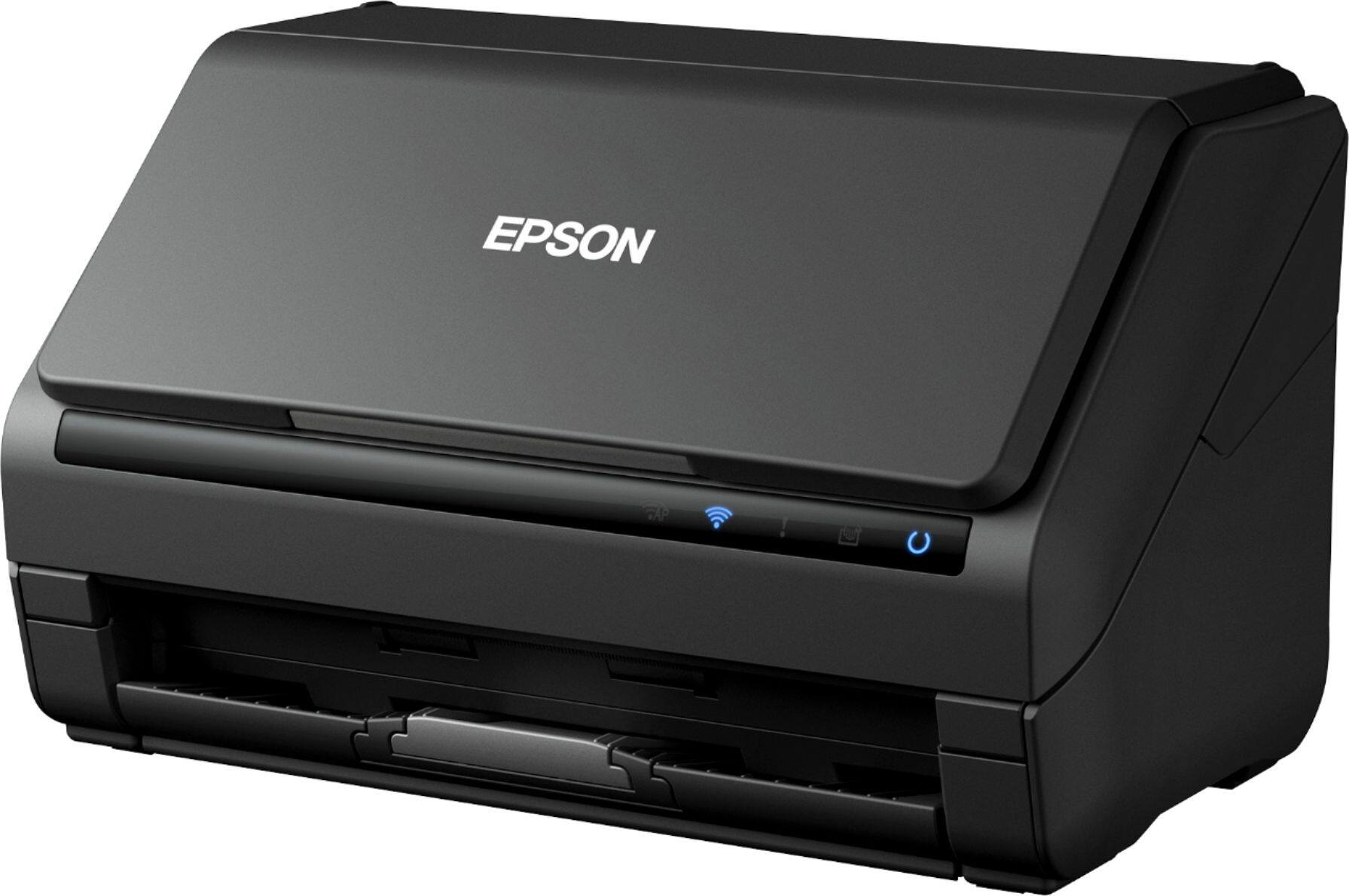
Posted .This reviewer received promo considerations or sweepstakes entry for writing a review.As others mentioned, I love how compact this scanner is! You would think that with all it can do, it would take up a lot of room. Not so! I was easily able to tuck it on my L-shaped desk with still plenty of room to spare on either side. Installing the software was easy! I didn't have any issues at all installing it on my Windows desktop and my Apple Macbook Pro. Instructions were easy to understand and follow. At first impression, this scanner feels well built, which I appreciate. I do believe this product will last a long time. The main feature I love about this scanner is I can feed multiple documents at once and not worry about it. That is one of the things I hated from old scanners I owned. I had to feed a page, one by one, adjust it so it's perfectly aligned, wait... repeat. Not anymore! The warm-up time was practically non-existent! I also LOVE that you can adjust the feeder depending on the width of the paper you're trying to feed. Scanning something as small as a receipt is a hassle! Sometimes you just don't want to bother. But this lovely scanner makes it a breeze. The scan quality is top notch. I haven't noticed any fuzzy lines. I would absolutely recommend this scanner. This is a review for the Epson WorkForce ES-500WR Wireless Document Scanner that I received free of charge to do a beta test and review.
I would recommend this to a friend - Pros mentioned:Scan speed, Software
Great scanner for receipts
|Posted .This reviewer received promo considerations or sweepstakes entry for writing a review.When I originally purchased the scanner, I was hoping it would scan as good as my all in one. Not only is it as good, it's way better. Especially when it comes to receipts. I had to scan twenty days worth of business receipts, all of which were crumpled. This scanner took them, and not only scanned them, but the software that came with it, was able to organize it and put it by vendor, date, and amount spent. This is a great scanner.
I would recommend this to a friend - Pros mentioned:Scan speed
Great Paperwork Reduction Tool
|Posted .This reviewer received promo considerations or sweepstakes entry for writing a review.Once you get this document scanner set up and running, it works great. And, if you're like me, you have lots and lots of paper documents taking up lots and lots of room. Once you've converted them to data files, you can shred the paper files and turn them into confetti. However, the setup can be a problem, since one of the steps (#4) on the setup instructions wasn't correct. And, there didn't seem to be any options showing up on the downloaded software for saving the files once they were scanned. (Those options were there but simply weren't showing up on my computer.) After a very patient and helpful Epson support call, we got one of two problems resolved. I finally had to change the resolution of my high res screen to a much lower setting to be able to see all of the options available. And, while online with tech support, the downloaded software asked me to allow it to check for updates, and it then installed the missing program mentioned in Step 4. Problems resolved. Finally in business, I started scanning multiple size and thicknesses of paper documents, and it worked flawlessly, scanning both sides of the documents at the same time. If you're scanning documents where some are two-sided and some are one-sided, there's an option to tell it to skip blank pages. There's also an option to add additional pages to be scanned to the file if the number of pages you need to scan are more than the feeder can accommodate at one time. In one test, I scanned 10 two-sided pages (20 pages total) in a minute. In another test, I did 70 sheets of one and two sides, totaling 134 pages, without a jam. In fact, the only jam I experienced in several days of scanning my paper files was when I failed to remove a staple holding two pages together. I was amazed at how smooth the feeding mechanism is. There are a number of options as to how you can save the files. I chose "Searchable PDF" since I think being able to search the documents later is invaluable. One unexpected option is that the software can read the saved documents aloud, which is a super feature for anyone who is visually impaired. It takes a lot to impress me, but this document scanner did just that. Small, flexible, smooth feeding and lots of options for handling the scanned documents makes this a real winner. If I hadn't had the setup problems, I would definitely rate it five stars instead of four.
I would recommend this to a friend - Pros mentioned:Scan speed, Software
A true document scanning workhorse
Posted .This reviewer received promo considerations or sweepstakes entry for writing a review.This scanner is a true workhorse. It can scan stacks of documents without fail, with well-designed software for managing output. Does great Optical character recognition and almost always figures out when you want something saved to an office format, a pdf, a contact card and the like. The accounting software really works, too! What we particularly like is the fact that you can stack odd shapes and sized documents together (cards receipts and the like) and the chute rarely balks. The feed doesn’t jam In our use and it’s been fast and super The wireless connection has been solid and works with both our pc and our phones! It’s awesome to get home from a trip, scan the expense stuff and take it away on phone with no file transfers needed! This is a review for the Epson WorkForce ES-500WR Wireless Document Scanner that I received free of charge to do a beta test and review.”
I would recommend this to a friend - Pros mentioned:Ease of use, Scan speed
Great Scanner
Posted .This reviewer received promo considerations or sweepstakes entry for writing a review.I had no idea what to expected sense I had never used a wireless scanner before. I was so happy that I decided to get the scanner. First off it arrived sooner than expect with more adequate packing. The scanner it self is much smaller than expected but as the time looks and feels like it is the right size to the job. Setup was simple and straightforward after following the instructions. After getting the setup done I was up scanning documents with the easy to use software. The ability to scan double side documents really cut down the time I need to scan. Along with the ability to have the scanner scan multiple documents one after other without changing getting up and swamping pieces of paper. This is a review for the Epson WorkForce ES-500WR Wireless Document Scanner that I received free of charge to do a beta test and review.
I would recommend this to a friend - Pros mentioned:Scan speed, Software
Efficiency to the max!
|Posted .This reviewer received promo considerations or sweepstakes entry for writing a review.I acquired this scanner to replace my old one. I'm able to scan documents, business cards, receipts, etc in record time. The software included is worth the entire price of the scanner, in my opinion, it allows for different configurations to quickly select BW Single Sided, Color Single Sided, Color Double Sided, Receipts, Visual Cards, or whatever customized one-click options you need. Ultimately if you are looking to increase productivity and save time I would only recommend this beauty.
I would recommend this to a friend - Pros mentioned:Ease of use, Scan speed, Size
Small but powerful
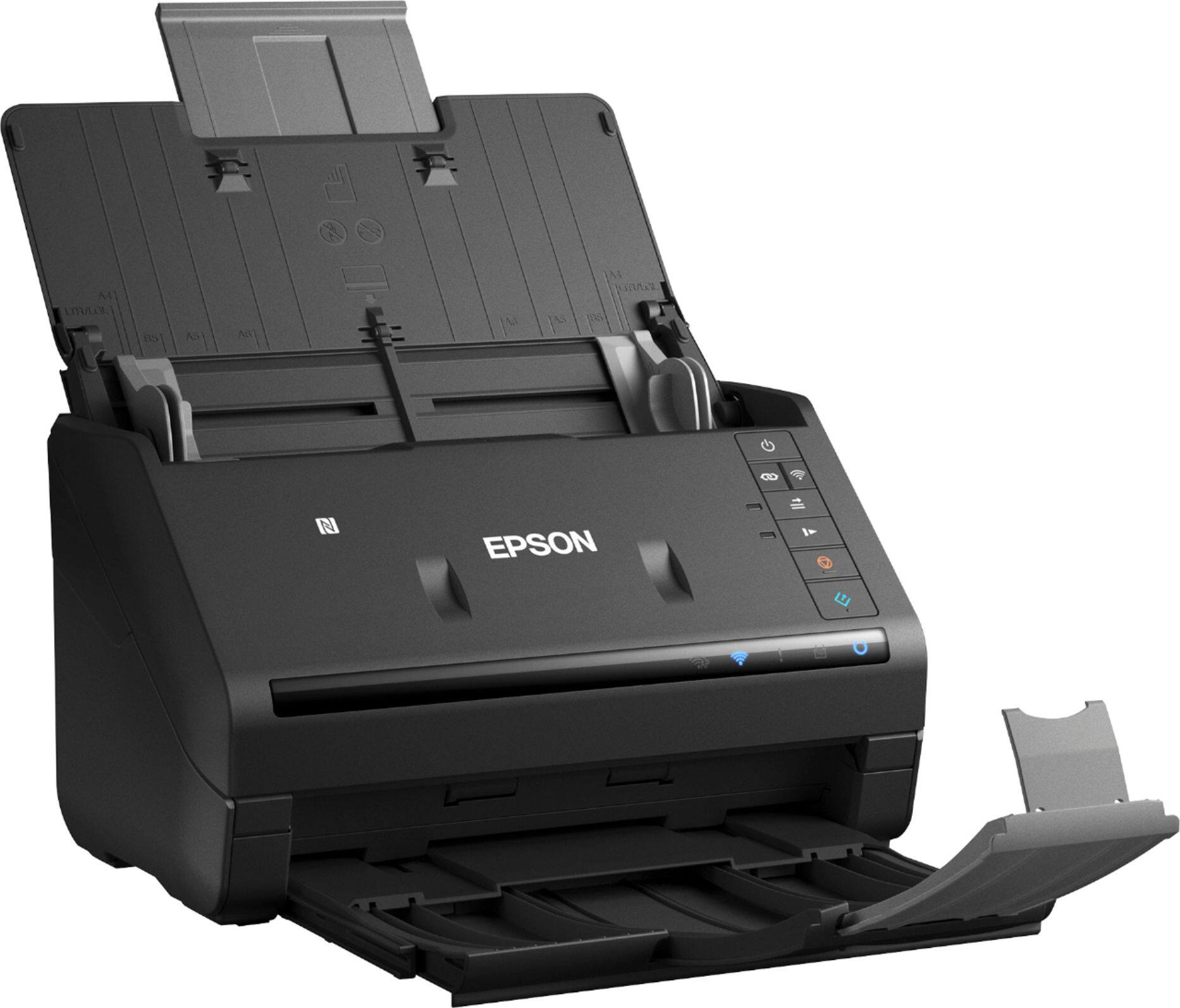
Posted .This reviewer received promo considerations or sweepstakes entry for writing a review.Right out of the box, The Epson Workforce ES-500WR document scanner is easy to use. First, connect it to your computer, download the software and your ready to go. The function buttons are pretty self explanatory! It has a wifi option or hard wired into your computer. It also has the ability to scan documents slowly or quickly depending on how much detail you're wanting or if scanning old/wrinkled/delicate paperwork. The size is perfect for someone who has a small workspace as it's much smaller than a standard printer. Perfect device for taking piling paperwork, receipts, or even photos and turning them digital for space saving! This is a review for the Epson WorkForce ES-500WR Wireless Document Scanner that I received free of charge to do a beta test and review.
I would recommend this to a friend - Pros mentioned:Ease of use, Scan speed, Wireless
Easy to install, works great
Posted .This reviewer received promo considerations or sweepstakes entry for writing a review.This scanner was a snap to install. No issues whatsoever with installation instructions, they were clear and concise. I love that it’s wireless, making it so much more versatile since it doesn’t need to be connected to the CPU. I haven’t done a bunch of scanning as of yet but I’m so pleased with the ability to distinguish if the document is double-sided or single-sided. The fast duplex scanning to works for all standard formats (png,. jeg, pdf, etc). It works great, is quick and very quiet. This is a review for the Epson WorkForce ES-500WR Wireless Document Scanner that I received free of charge to do a beta test and review.
I would recommend this to a friend This item sucks
||Posted . Owned for 1 month when reviewed.This reviewer received promo considerations or sweepstakes entry for writing a review.When I was finally able to get it to connect to my computer. I found out it was not what I needed and because my return date was expired I am stuck with a useless piece of crap.
No, I would not recommend this to a friendBrand response from Epson
Posted .Hi none, we apologize that you are having issues with your ES-500WR. If you are not happy with your scanner please let us know the reason and we can help troubleshoot.
Please click on the links below for FAQ's on the product that may better help you with the scanner.
https://epson.com/Support/Scanners/ES-Series/Epson-WorkForce-ES-500WR/s/SPT_B11B228201R#questions
Our Epson Support Team would be happy to help and can be reached at (562) 276-4382; Hours: Monday – Friday, 6am – 8pm PT; Saturday, 7am – 4pm PT. Sincerely, Leo – The Epson Team.
- Pros mentioned:Ease of use, Wireless
No more saving papers!
|Posted .This reviewer received promo considerations or sweepstakes entry for writing a review.This scanner was easy to set up. After going to website to download apps, it was ready to go. No other connections needed other than power source and Wi-fi. Now I can scan all those important documents and pictures to my cloud! Highly recommend!
I would recommend this to a friend - Pros mentioned:Scan speed
Excellent Product!
Posted .This reviewer received promo considerations or sweepstakes entry for writing a review.We acquired the Epson WorkForce ES-500WR for our accounting office. The Scan to File is a key feature that will help our company maintain secure records for years and eliminate the space requirements for paper files and vast quantities of file drawers. This model supports OCR which will allow us to expand the scope of how we are using the machine and simplify multiple routine processes in the future. An example scan is attached; it’s crystal clear and in color, amazing and what you expect for a fully functional high speed office scanner. The scanner paper handling works fantastic; we can load multiple page sizes / receipt sizes and put them into a single file. Having many travelling reps who turn in expense reports and receipts creates a lot of space requirements as these need to be saved for 7 years for tax/audit purposes. Having the ability to quickly and seamlessly scan them into an electronic file is outstanding. And eliminating the bankers boxes of files in our basement will free up much needed space. The capabilities of the this machine are tremendous, allowing for process improvements both immediately as well as the months and years to come. Realistically, we are only limited by our imagination on how to use the gear. We strongly recommend this product if you’re in need of an office scanner to increase productivity. This is a review for the Epson WorkForce ES-500WR Wireless Document Scanner – Accounting Edition that I received free of charge to do a beta test and review.
I would recommend this to a friend - Pros mentioned:Ease of use, Scan speed
WOW!! Quick, Easy and Crystal Clear Scans!!!
Posted .This reviewer received promo considerations or sweepstakes entry for writing a review.I own several stores so I have lots of invoices, receipts, inventory sheets, billing orders, and photos. I needed a way to quickly scan all of this but easy and quickly. I got the Epson ES-500WR and this scanner was a perfect match for my needs. First setup was an absolute snap. I was up and running in no time and even connecting to wifi was again a piece of cake and the whole setup process took me under 10 minutes. I also downloaded the Epson software as well which again was easy and simple to install on Mac. I first started with some photos and I was amazed how quickly it scanned the photos and the image quality was great. I then moved on to bills and invoices and this process was again extremely quick and very clear to read on the image. My favorite part has to be for receipts. It doesn't matter the receipt size it easily pulls it in and scans quickly. I also like how smooth it pulls all the photos and documents into the printer. I was a touch nervous about photos or receipts getting stuck but this didn't happen at all with the ES-500WR. If you're looking for a powerful document scanner that is easy to setup and use then look no further and grab one of these Epson ES-500WR document scanners you will not be disappointed it has exceeded my expectations and highly recommend.This is a review for the Epson WorkForce ES-500WR Wireless Document Scanner that I received free of charge to do a beta test and review.”
I would recommend this to a friend - Pros mentioned:Ease of use
A Robust Scanner!!
|Posted .This reviewer received promo considerations or sweepstakes entry for writing a review.This is a scanner that has multiple benefits such as two-sided scanning, scanning of business documents, cards, etc. The setup of this machine was easy as the only requirement is to go to Epson’s website and download the software and from there, you’re in business and good to go. The only problem that I encountered was after downloading Epson’s app from the Google Playstore for my cell phone, I was unable to make a connection when authenticating. I don’t know if this is an issue with the software being so new; however, after multiple attempts, I couldn’t make a connection. Perhaps a future update will change this. Overall, the performance of the machine is great, as such, I do recommend this scanner as it has robust features.
I would recommend this to a friend - Pros mentioned:Scan speed
Easy setup, scans documents fast!
|Posted .This reviewer received promo considerations or sweepstakes entry for writing a review.I needed to scan some important documents quickly and I hadn't setup my new Epson document scanner yet. In less than 5 minutes, I was fully setup and scanning. The document feeder works just like a professional scanner and had no issue with pages that were previously folded. The scanner also scans extremely fast - much faster than my all-in-one printer. I highly recommend this product if you need to scan documents frequently - and if you want access to good PDF editing software (which it comes with).
I would recommend this to a friend - Pros mentioned:Scan speed, Software
Impressive Scanner!
Posted .This reviewer received promo considerations or sweepstakes entry for writing a review.I am quite impressed with this fantastic small scanner! As an accountant my job required me to do a lot of scan such as receipts, documents, business cards etc. This ES-500WR can ran thousands of sheets through without a hitch which is really impressive and it save me a lot of time. The software works fine I simply set up and follow the instructions that took me over an hour for the whole process. As for speed and quality of scanning, I have been very pleased with this product and very happy I got this. I am more than happy that this thing allows me to save all my documents as searchable PDFs and faster locate all and any files that contain a word that I am looking or want to look at. I have been using this scanner almost a week now and so far it works really great and it makes my jobs run smoothly, faster and very organized. This is a review for the Epson Work Force ES-500WR Wireless Document Scanner that I received free of charge to do a beta test and review.
I would recommend this to a friend - Pros mentioned:Scan speed
Hello organization!
|Posted .This reviewer received promo considerations or sweepstakes entry for writing a review.This thing is amazing. Plugged it in and uploaded necessary software and good to go. Super fast scanning on one or both sides of document. Recognizes when a reciept is scanned for easy categorizing. I cleaned off a shelf of papers for school and Work in one night. Saved it all on my external hard drive but if you’re cloud savy, you can upload to those as well. Highly recommend to easily store documents and clean your house up a bit!
I would recommend this to a friend - Pros mentioned:Scan speed, Size
I love my new scanner!
Posted .This reviewer received promo considerations or sweepstakes entry for writing a review.This is a great scanner with a small footprint that is fast and easy to use. This was my first experience with a document/receipt scanner and I wasn't sure what to expect. It was smaller than I expected, altho the layout was reminiscent of a few of the digital fax machines I have owned. And it's fast! Much faster than those old fax scanners - this unit zipped thru pages in no time, and scanned both sides of the page! I like that I can save my scans as jpeg, pdf, or searchable pdf files. I have mostly receipts and smaller, half-sheets to scan, and that's not a problem. This scanner makes short work of my stacks and records everything on my PC. I am very happy with the results, and installation was as fast and easy as scanning documents - and the User Guide downloaded at the same time! This is a review for the Epson WorkForce ES-500WR Wireless Document Scanner that I received free of charge to do a beta test and review.
I would recommend this to a friend Very fast and accurate scanner
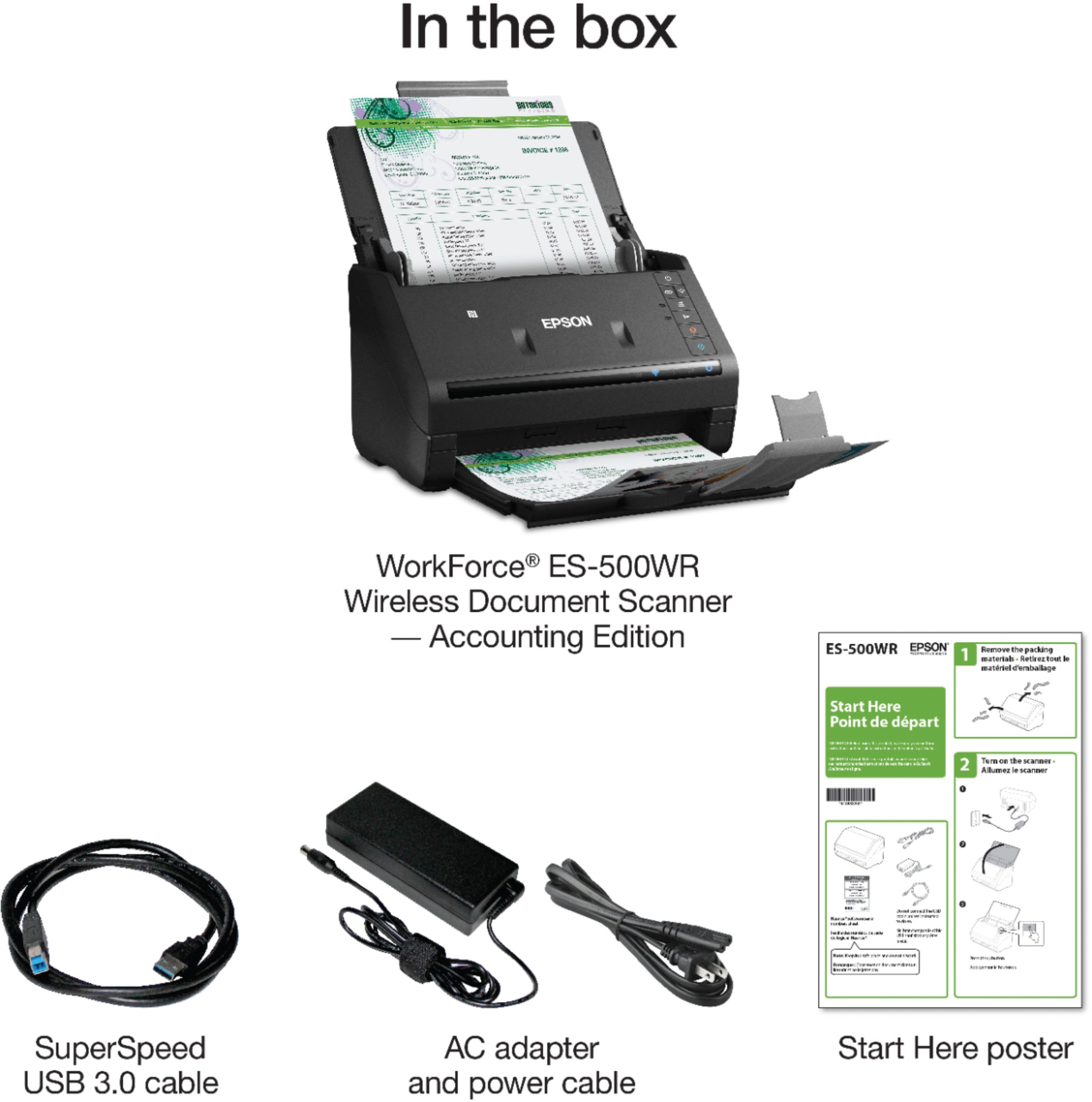
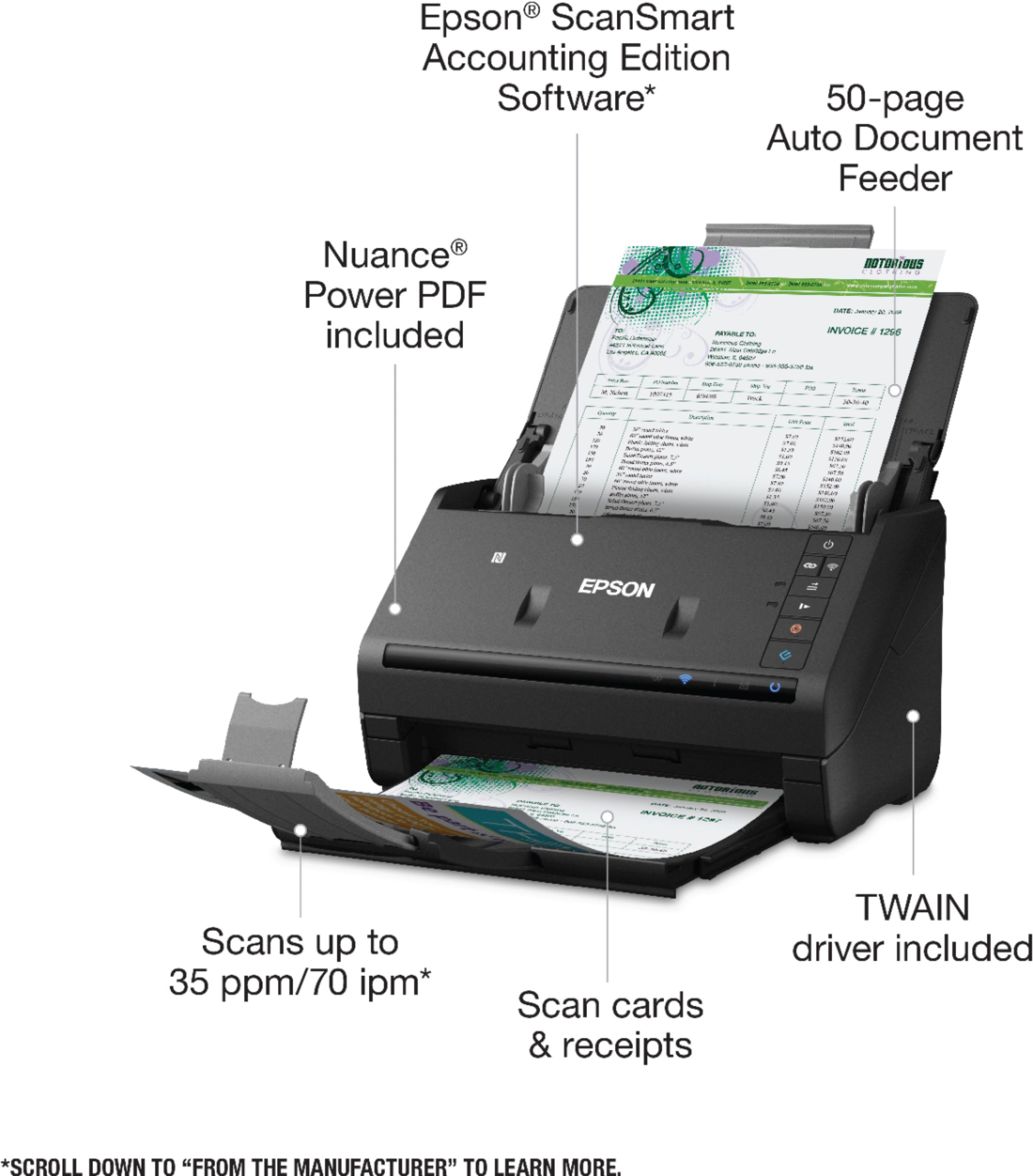
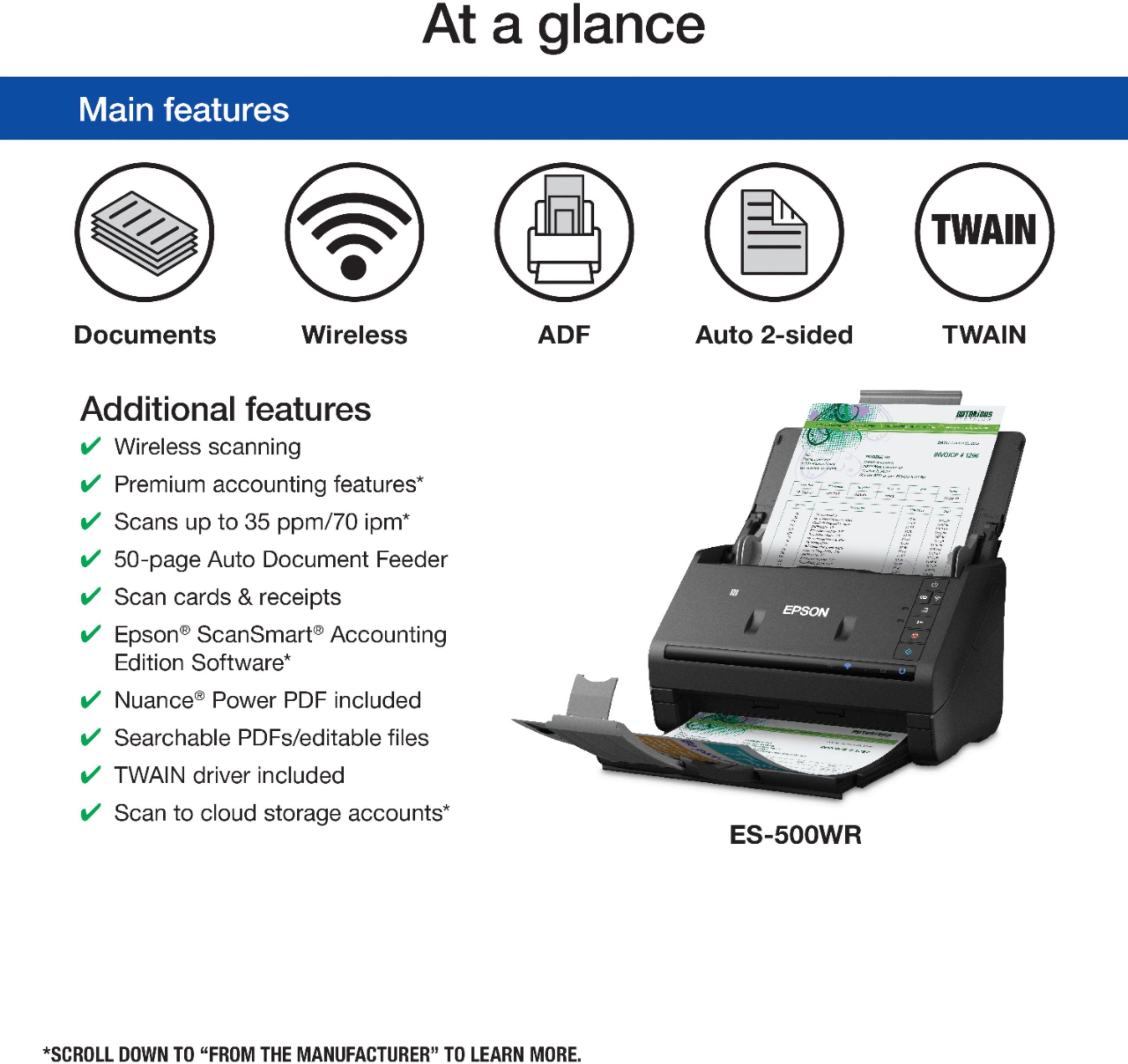
|Posted .This reviewer received promo considerations or sweepstakes entry for writing a review.The Epson ES-500WR Wireless Document Scanner comes with Epson ScanSmart Accounting Edition Software offering scanning and auto data extraction for easy capture and insertion of receipts and invoices etc.. It comes with Nuance® Power PDF software for Windows® and PDF Converter for Mac software for small business and home users. Its accounting document management tools preview, email, upload, and organize receipts, invoices, financial documents etc. The receipt manager function automatically extracts data from receipts and invoices, for export to QuickBooks® Online or Excel®. Using machine-learning it recognizes important data such as vendor names. It facilitates the process of file naming, receipt recognition and finding critical data and documents. It can wirelessly scan 2-sided documents to the cloud, laptops, tablets and smartphones, creating searchable PDFs and editable Word and Excel® files. It is compact taking up very little desk space.
I would recommend this to a friend- Pros mentioned:Ease of use, Size
Great scanner !
Posted .This reviewer received promo considerations or sweepstakes entry for writing a review.When I unboxed this scanner the first thing I noticed was how light and perfectly compact it was. It takes up next to no space on my desk. It was super easy to set up and connect to my laptop following the setup instructions. I right away liked that it's not loud and irritating. Scanning is very simple. I received the scanner on Saturday and I've spent the last 2 days scanning. I'm one of those freaky people that holds on to every receipt, copies of tax returns and anything related to bills. I had 3 flexible folders stuffed full of papers. I now have 3 EMPTY flexible folders. I love this scanner ! So easy to simply scan and save to my laptop. I now have spreadsheets set up in Excel so I can track my expenses and purchases. This is a review for the Epson WorkForce ES-500WR Wireless Document Scanner that I received free of charge to do a beta test and review.
I would recommend this to a friend