Customer Ratings & Reviews

- Model:
- C11CJ05201
- SKU:
- 11677947
Rating by feature
- Value
Rating 4.3 out of 5 stars
- Quality
Rating 4.2 out of 5 stars
- Ease of Use
Rating 4.2 out of 5 stars
Nice from upgrade
||Posted . Owned for 3 weeks when reviewed.This reviewer received promo considerations or sweepstakes entry for writing a review.Very effective in getting the job done. Nice upgrade from my old Epson.
I would recommend this to a friendDon’t try to use with Google WiFi expander
||Posted . Owned for 3 weeks when reviewed.This reviewer received promo considerations or sweepstakes entry for writing a review.Didn’t work when I tried to set it up with my existing Google WiFi mesh network. Once I switched to my Netgear router it worked perfectly. Set up process was a nightmare but now it’s working perfectly
I would recommend this to a friendPrint
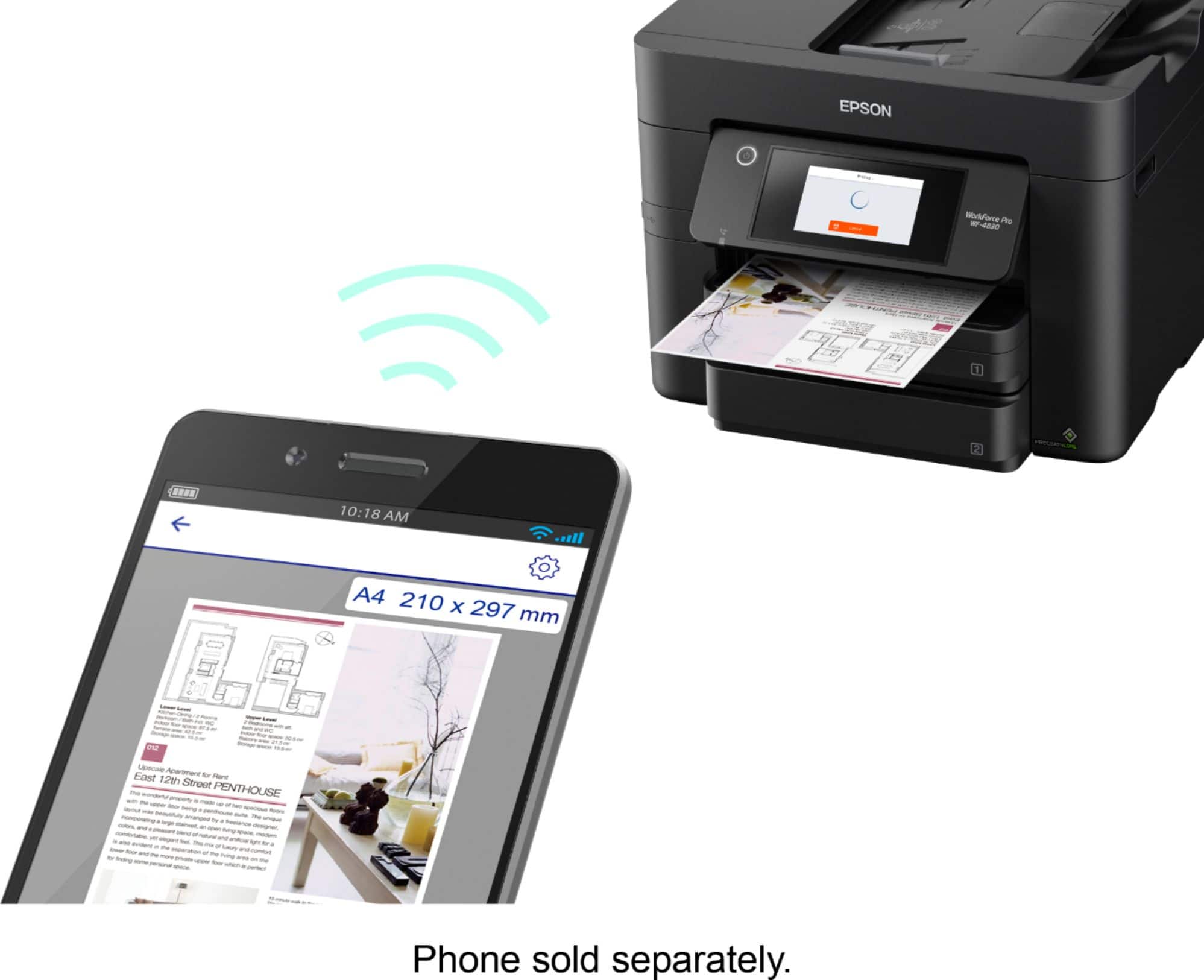
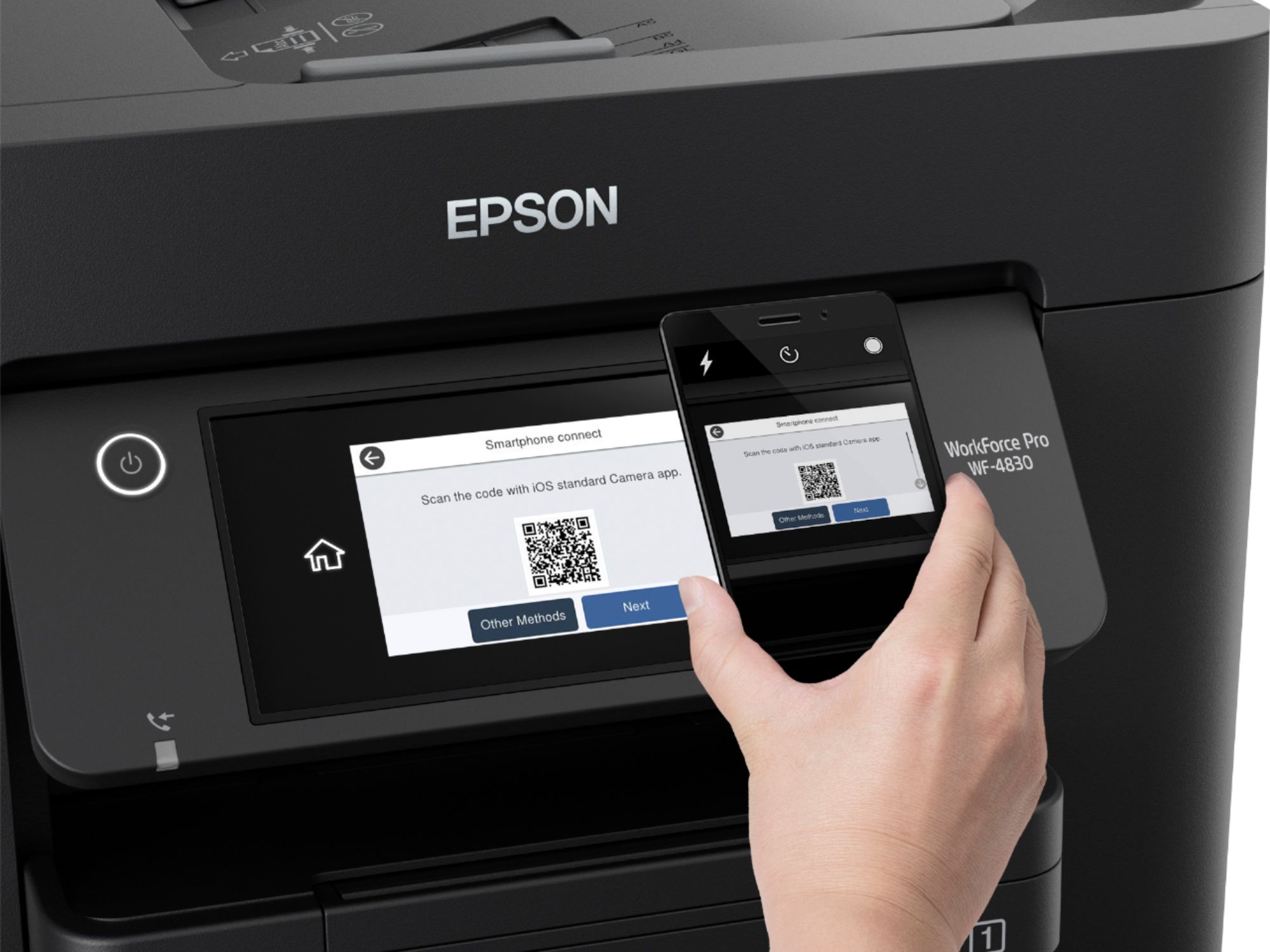
||Posted . Owned for 1 week when reviewed.This reviewer received promo considerations or sweepstakes entry for writing a review.Really like this printer. And the way you can just shoot from your phone what you need to print. Comes out great.
I would recommend this to a friendPlease research other printers before buying this
||Posted .This reviewer received promo considerations or sweepstakes entry for writing a review.Constant paper jams, constant wifi disconnects even though its located next to the router and has full signal. Print quality is subpar, color is horrible and spotty. It is simply put just a horrible printer. Do yourself a favor and look at other options... Don't be me who uses their printer daily for work and this printer is keeping me from doing my job. And even though it is brand new I am currently shopping for its replacement.
No, I would not recommend this to a friendBrand response from Epson
Posted .Hello Rdizz, we apologize for the disappointing experience you’ve encountered with your Epson printer. Your WF-4830 includes free technical support for the life of your product. Please reach out to our Epson Support Team for assistance at (562) 276-4382; Hours: Monday – Friday, 7 a.m. to 4 p.m. (PT). We’re here to help. Sincerely, Joseph – The Epson Team.

Chris
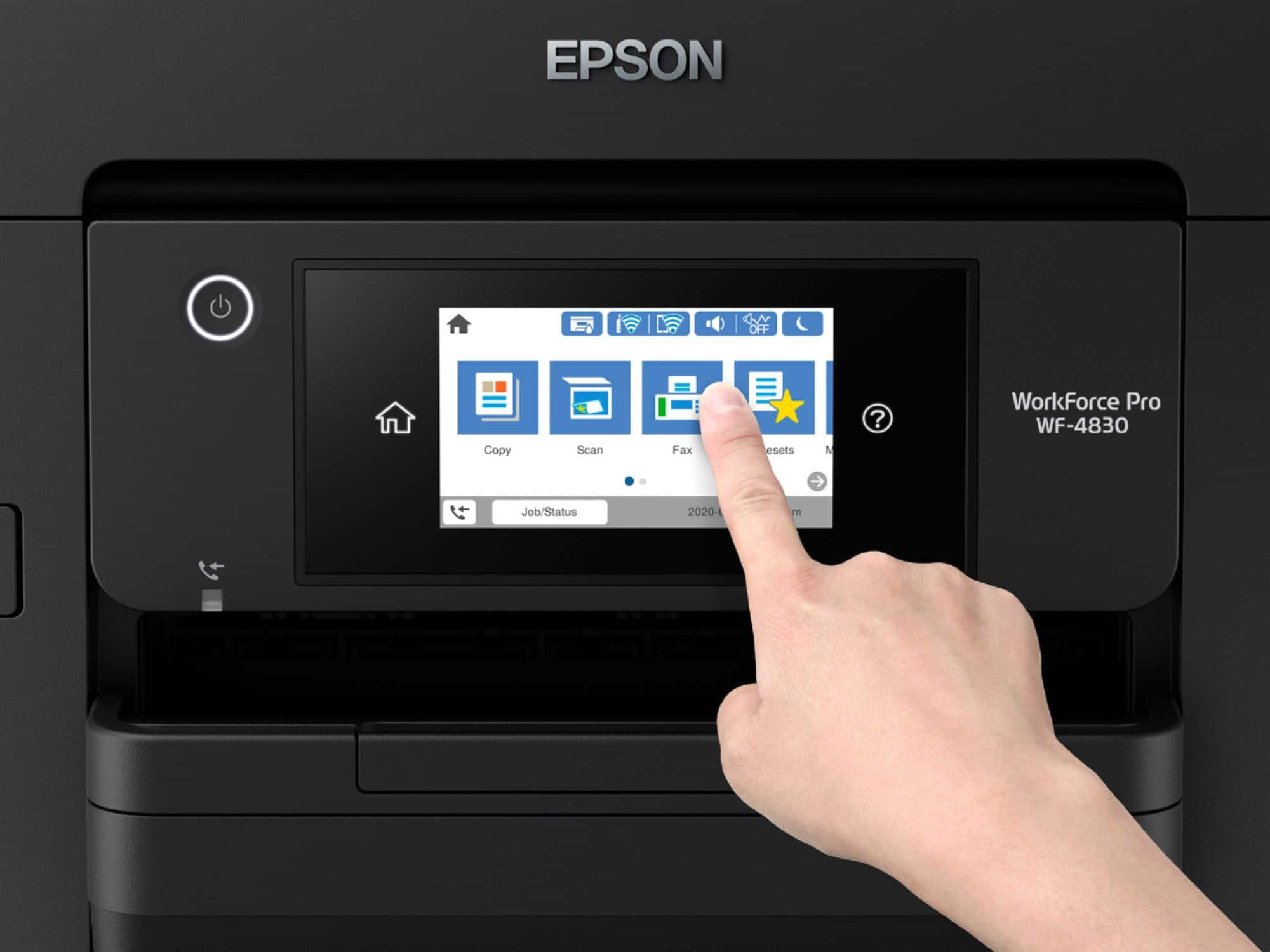
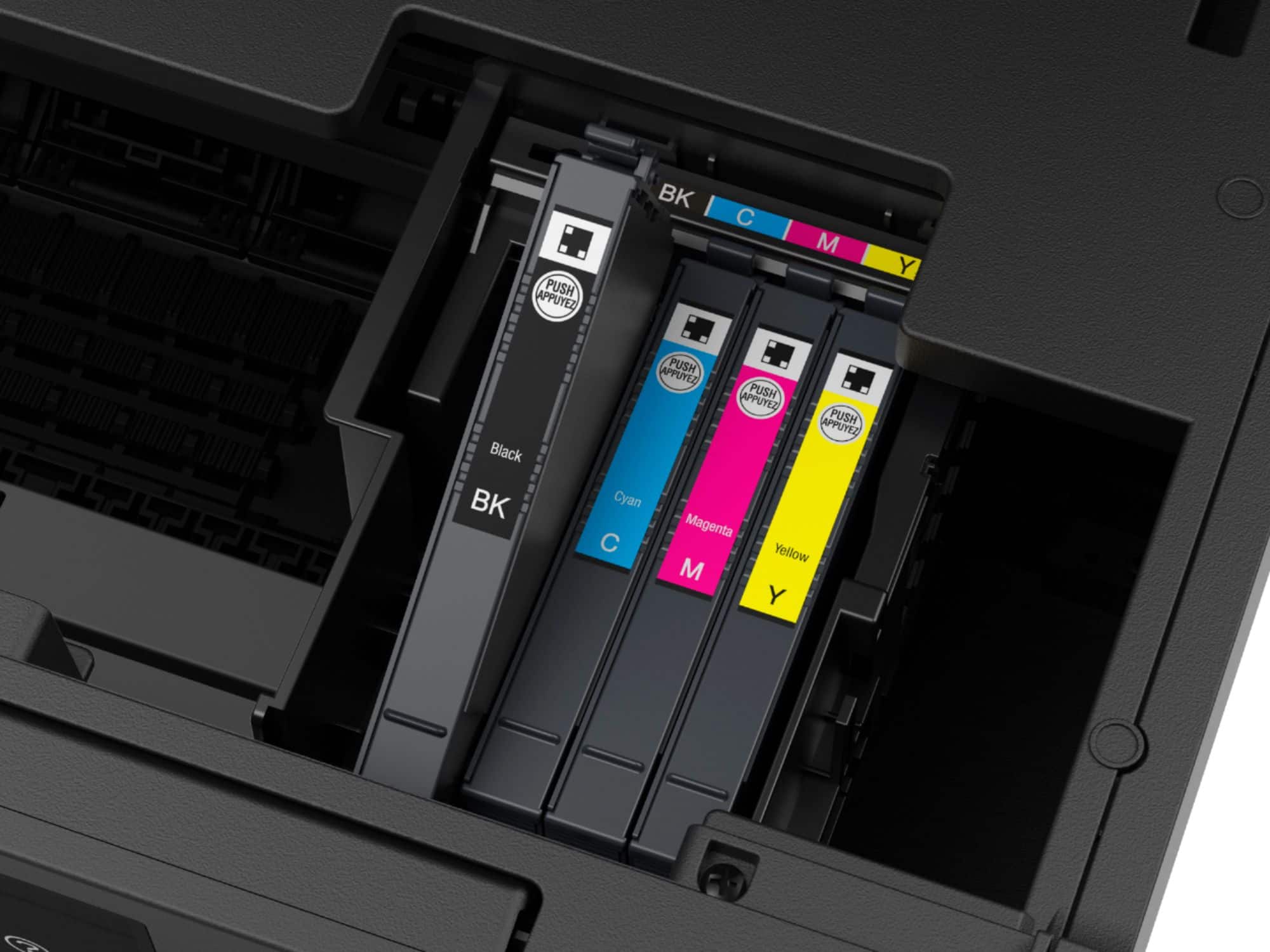
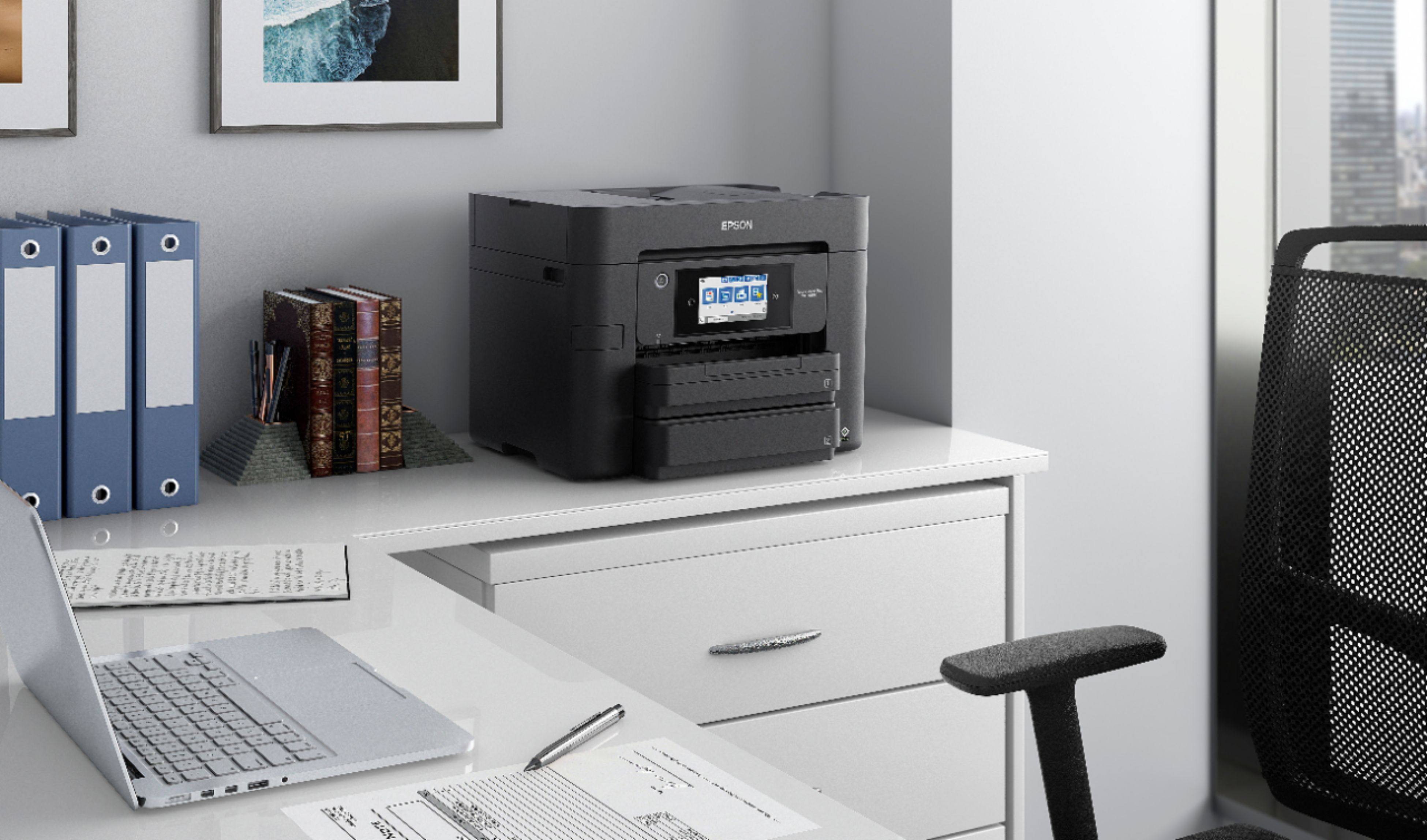
||Posted . Owned for 3 weeks when reviewed.This reviewer received promo considerations or sweepstakes entry for writing a review.Very large for a home desktop location. Have had some minor hookup problems involving computer/printer recognition. The screen size is great and easy to read. 2 different paper trays will be a plus, too, later. Ink cartridges are gonna be expensive.
I would recommend this to a friendGood printer
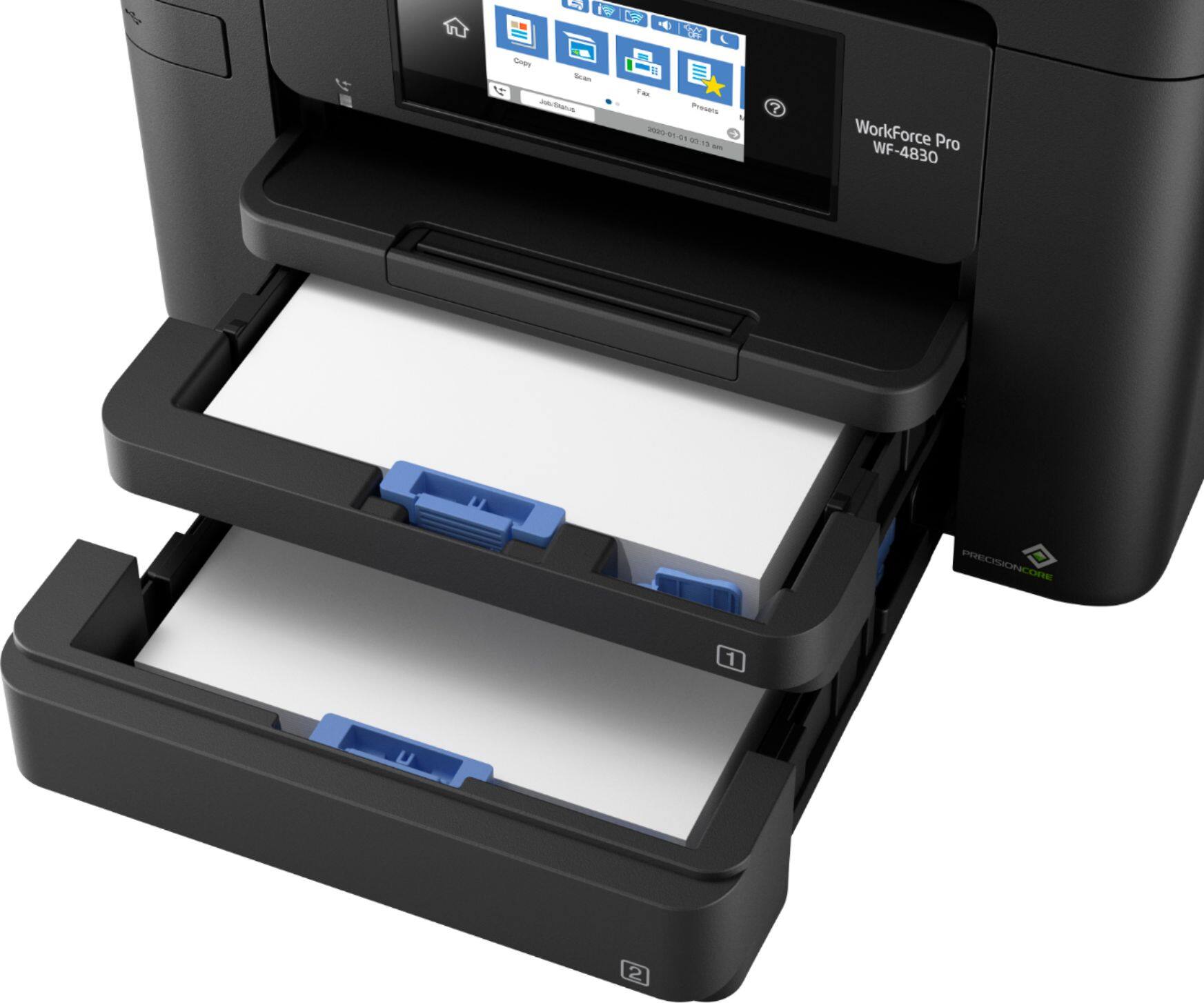
||Posted . Owned for 3 weeks when reviewed.This reviewer received promo considerations or sweepstakes entry for writing a review.Prints, scans and copies well. I like the 2 paper trays. It keeps us from having to load paper all the time.
I would recommend this to a friendGreat Workhorse
||Posted . Owned for 1 month when reviewed.This reviewer received promo considerations or sweepstakes entry for writing a review.This printer is a true workhorse. Copies and scans pages quickly.
I would recommend this to a friendExtremely expensive ink, WiFi is poor
||Posted . Owned for 7 months when reviewed.This reviewer received promo considerations or sweepstakes entry for writing a review.Ink is incredibly expensive. This printer will clean the ink head every week, so no matter how little you print, you'll need to replace the cartridges every 2 months or so. We got about 25 pages out of each cartridge, at a cost of about $2/page. To try to reduce those costs, we bought some off brand cartridges that worked okay until the printer nagged us to update the firmware, which locked the cartridges. The unit would not stay connected to the wireless network (Netgear Orbi mesh), requiring constant re-entry of the wifi information. I had about a 50% success rate printing, including when it would randomly print something hours after I sent it to the printer. New drivers and firmware did not help. After having the unit for 6 months, it's going in the trash.
No, I would not recommend this to a friendBrand response from Epson
Posted .Hello Jeremy, thank you for taking the time to share your feedback on the WF-4830 printer. Epson considers all feedback to improve the performance and quality of our products. Epson also offers helpful information, including FAQs and self-help tools, on the product support web page at https://epson.com/Support/Printers/All-In-Ones/WorkForce-Series/Epson-WorkForce-Pro-WF-4830/s/SPT_C11CJ05201#questions. Your WorkForce printer includes a 1-year Limited Warranty and free lifetime technical support. If you need any assistance, our Epson Support Team would be happy to help you and can be reached at (562) 276-4382; Hours: Monday - Friday, 7 am - 4 pm PT; Sincerely, Sam - The Epson Team.
Print/Scan both sides, easy to use.
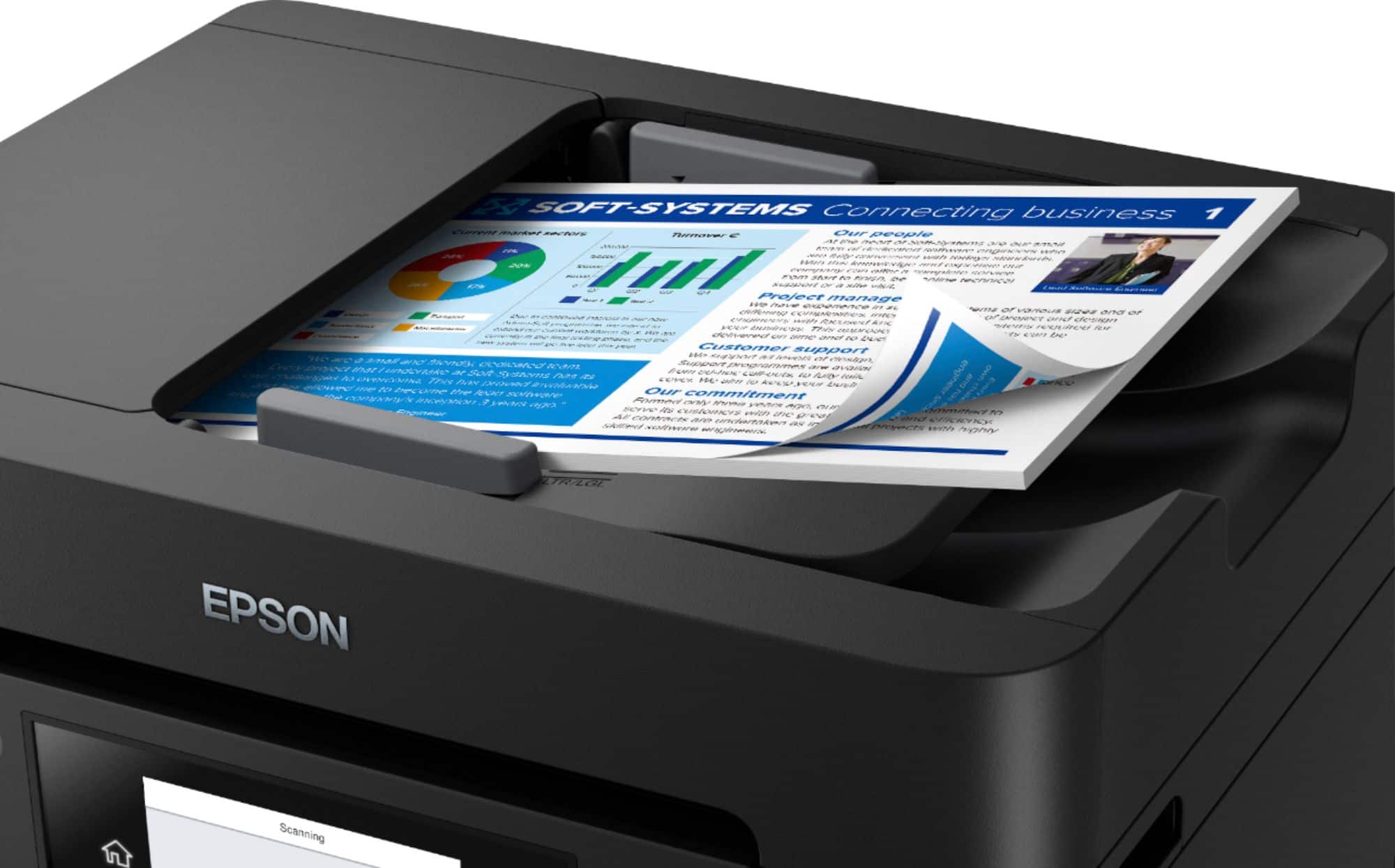
||Posted . Owned for 3 weeks when reviewed.This reviewer received promo considerations or sweepstakes entry for writing a review.Printer was very easy to setup, interface on the display was very easy to use. We got this printer/scanner because of its duplex printing/scanning capabilities. Works over the wifi with ones mobile devices. Our main aim is to make sure the printer lasts at least 5 years or more, our previous printer had a scanner light bulb go out and made loud clacking noises so we got the geek squad service with this machine.
I would recommend this to a friendEpson - WorkForce Pro WF-4830 Wireless All-in-One
||Posted . Owned for 3 weeks when reviewed.This reviewer received promo considerations or sweepstakes entry for writing a review.Quick, fairly quiet compared to my last printer. Easy to set up. Have been using it for approx 2 months.
I would recommend this to a friendBRgd
||Posted . Owned for 8 months when reviewed.This reviewer received promo considerations or sweepstakes entry for writing a review.This printer is a little touch machine. The print quality is very good. The choice of paper sizes are works well for me.
I would recommend this to a friendIt works.
||Posted . Owned for 1 month when reviewed.This reviewer received promo considerations or sweepstakes entry for writing a review.So far it works for a small home business. Had trouble wirelessly networking but a switch solved this problem so I can run it on 2 laptops. Disappointed that this does not have a back feed slot like my WF 3540 had.
I would recommend this to a friendGreat semi pro printer for all needs at home
||Posted . Owned for 3 weeks when reviewed.This reviewer received promo considerations or sweepstakes entry for writing a review.I had its predecessor and still own it in Germany. Simple to setup and use so that my Dad was able to set it up.
I would recommend this to a friendExcellent home office printer
||Posted . Owned for 3 weeks when reviewed.This reviewer received promo considerations or sweepstakes entry for writing a review.Excellent high end, home office printer. Set-up was easy. It worked okay with a wifi connection but much better (faster) with a USB cable.
I would recommend this to a friendWF-4830 Review
||Posted . Owned for 1 month when reviewed.This reviewer received promo considerations or sweepstakes entry for writing a review.I have had the WF-3720 in the past. This printer is pretty much a duplicate if my old printer. The only drawback with this is the ink consumption. My old printer seemed to be more economical with the ink.
I would recommend this to a friendGreat Printer
||Posted . Owned for 1 month when reviewed.This reviewer received promo considerations or sweepstakes entry for writing a review.Has become our main printer at the church and is quite the workhorse for our office. The quality of print is very good.
I would recommend this to a friendEXCELLENT PRINTER UPGRADE
||Posted . Owned for 3 weeks when reviewed.This reviewer received promo considerations or sweepstakes entry for writing a review.Excellent upgrade from WF-4830. The duplex ADF is a time saver when copying or scanning. The print speed seems to be faster than the WF-4830.
I would recommend this to a friendNoisy
||Posted . Owned for 1 month when reviewed.This reviewer received promo considerations or sweepstakes entry for writing a review.This had all the features I wanted, but it also had one I didn't want--a loud grinding noise every time it was used or turned on/off. I ended up having to return it.
No, I would not recommend this to a friendBrand response from Epson
Posted .Hi Jeff, we're sorry to hear you were not satisfied with your Epson Workforce Pro WF-4830 printer. Epson takes into consideration all feedback to improve the performance and quality of our products. We appreciate your time in sharing your experience and hope you have a nice day. Kind Regards, Dylan – The Epson Team.
SO FAR, SO GOOD
||Posted . Owned for 3 weeks when reviewed.This reviewer received promo considerations or sweepstakes entry for writing a review.BOUGHT THIS EPSON PRINTER TO REPLACE MY WORTHLESS HP PRINTER. SO FAR, IT'S WORKING GREAT.
I would recommend this to a friendWorks for me
||Posted . Owned for less than 1 week when reviewed.This reviewer received promo considerations or sweepstakes entry for writing a review.Does what it's supposed to do. Easy set up. My only issue is that in Safari the printer dialog box doesn't offer the option of b&w printing.
I would recommend this to a friend