Customer Ratings & Reviews
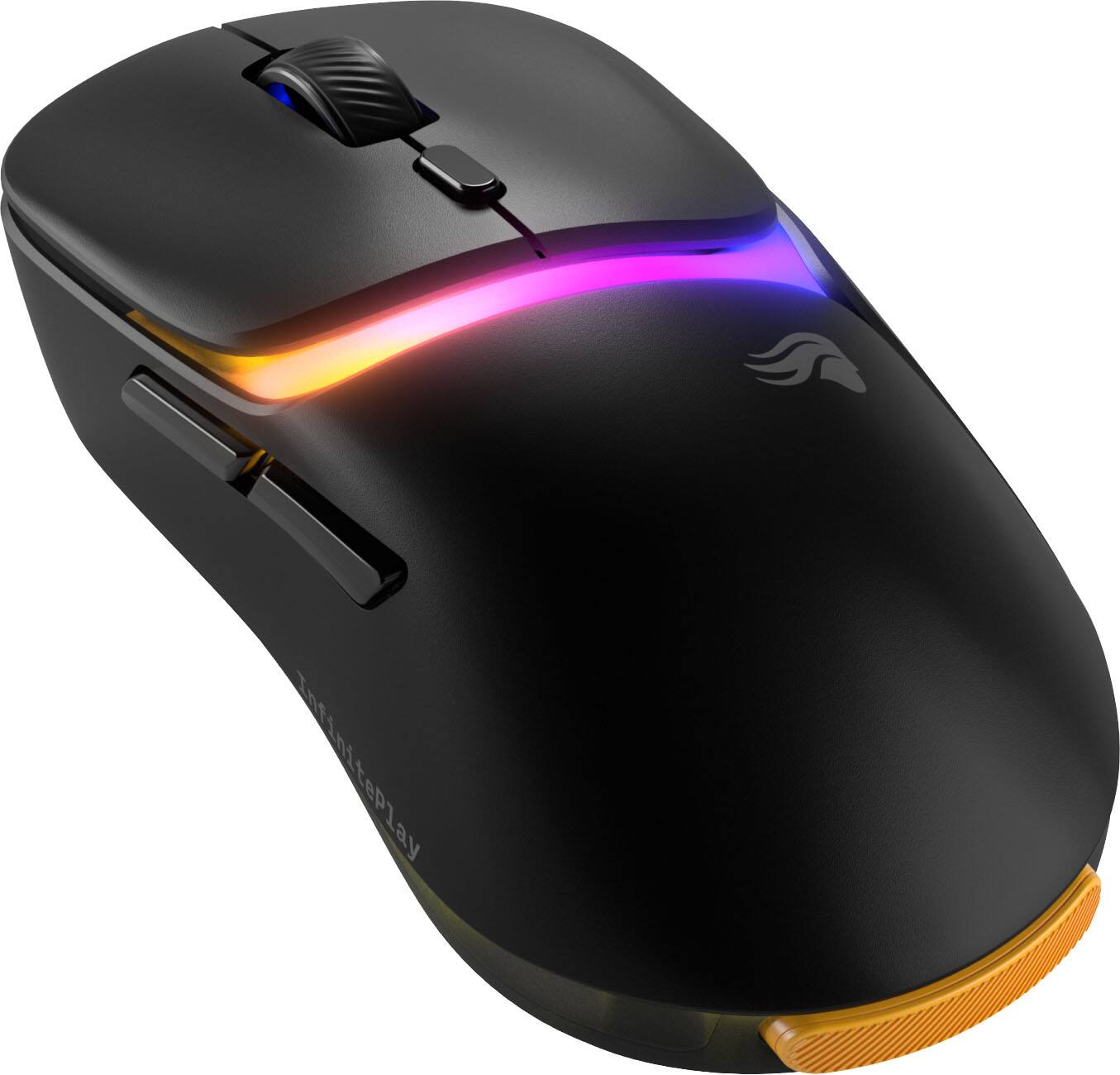
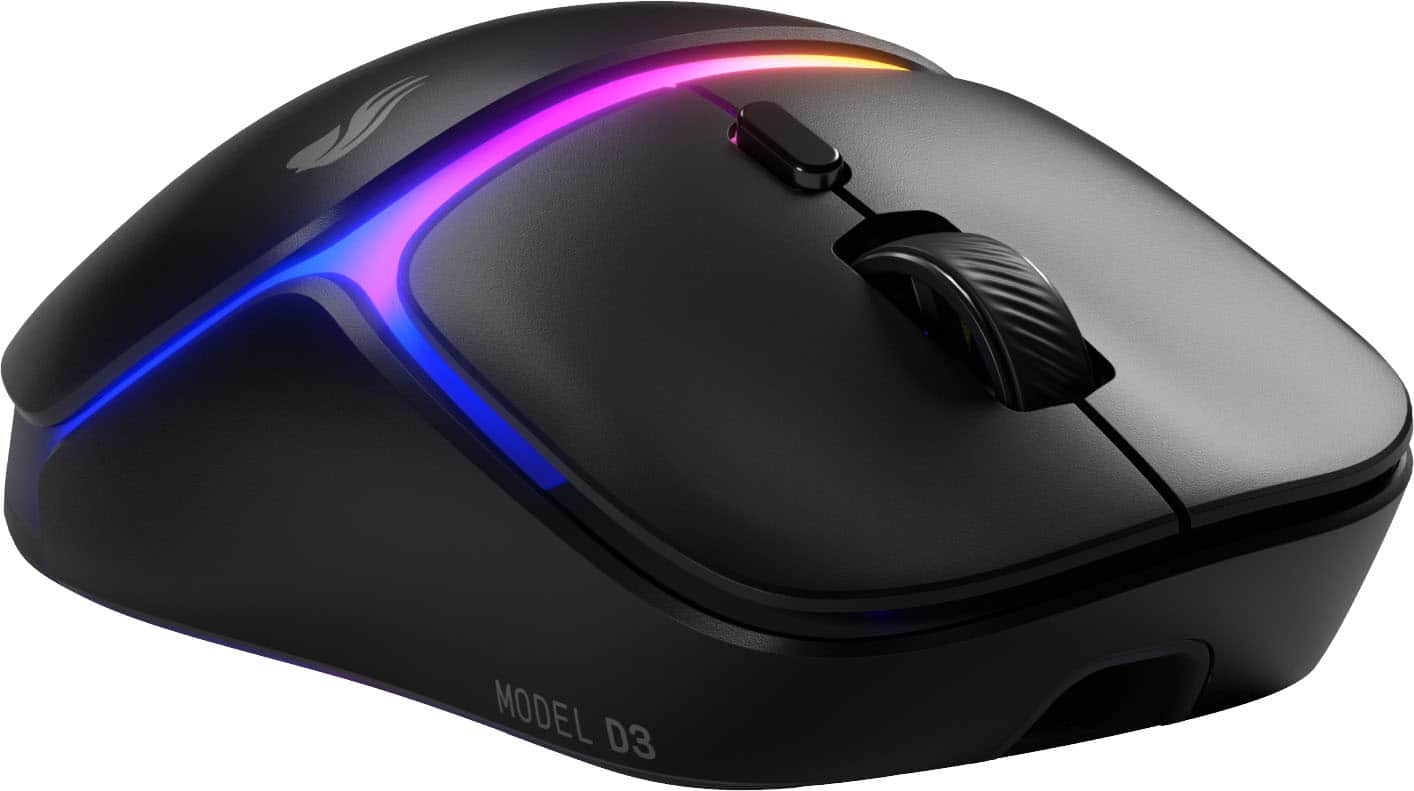
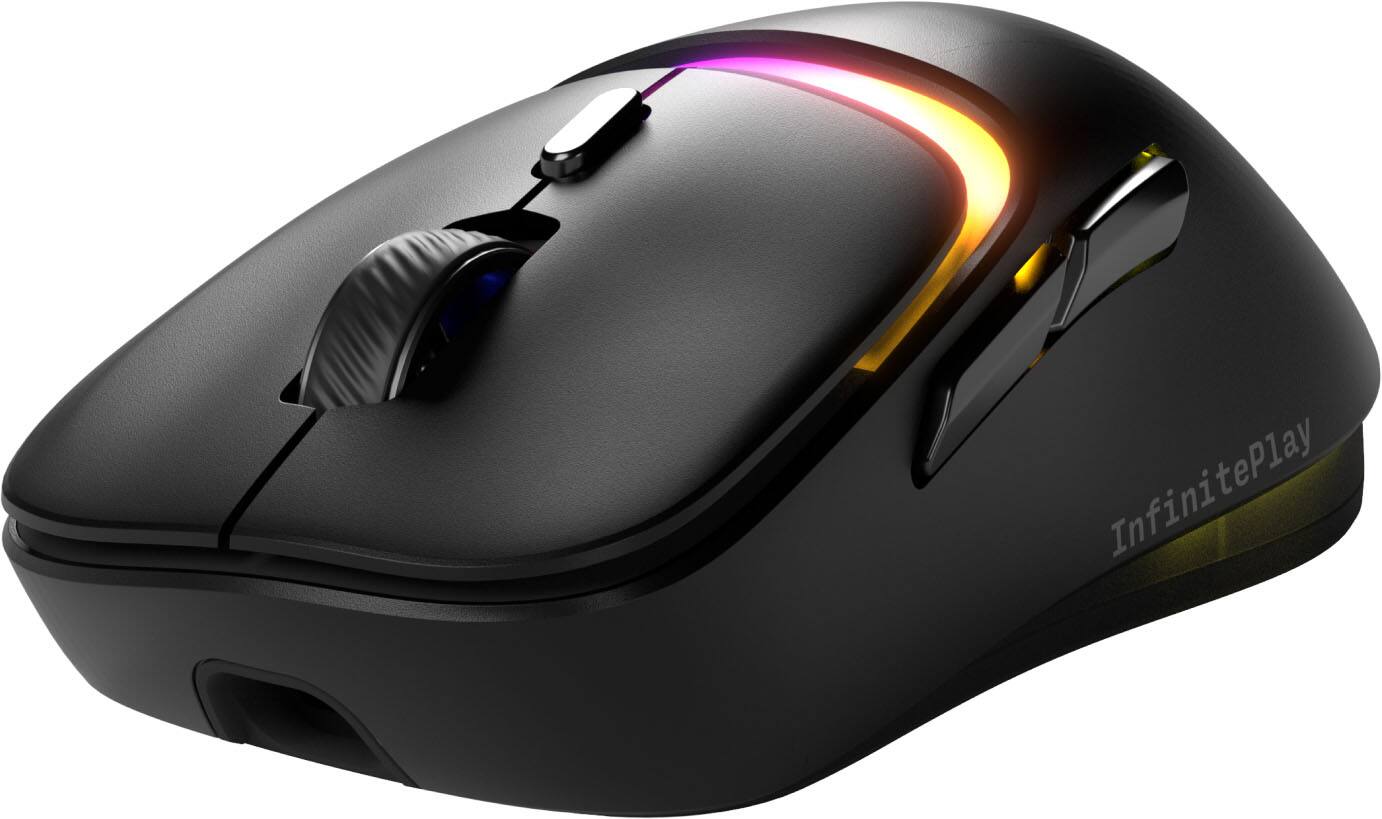
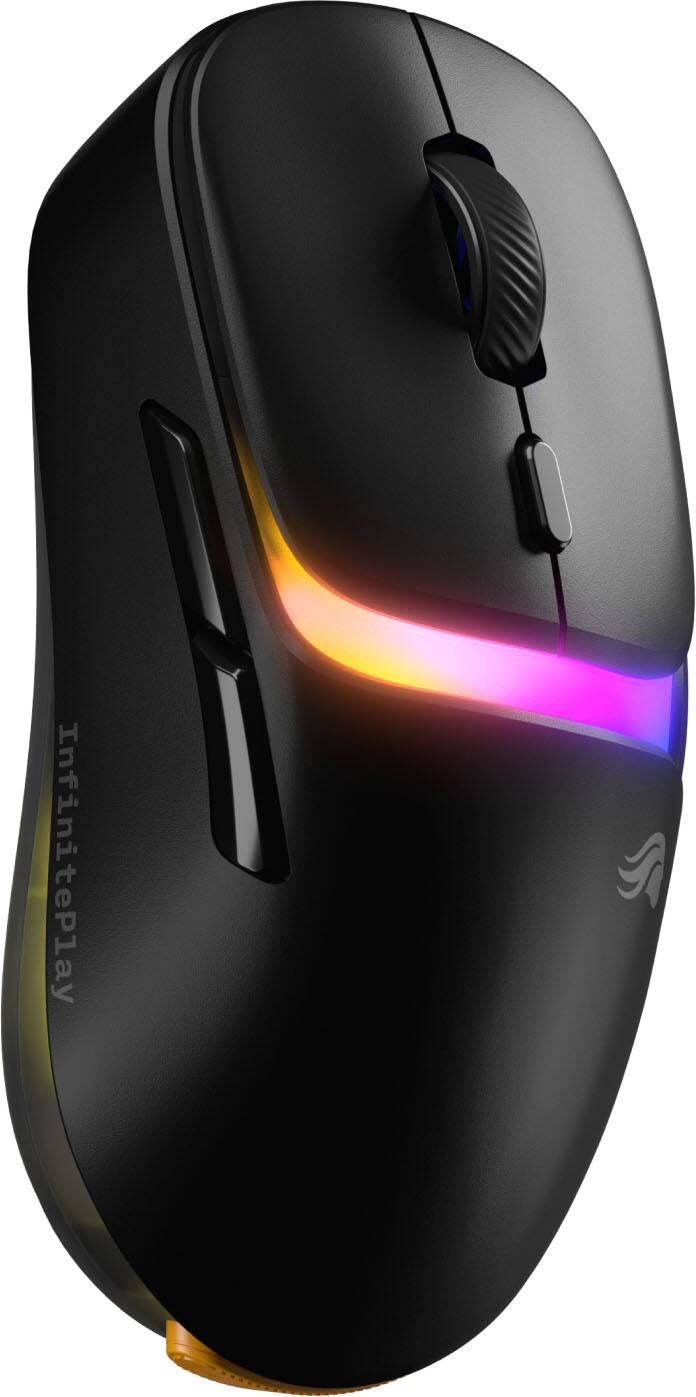
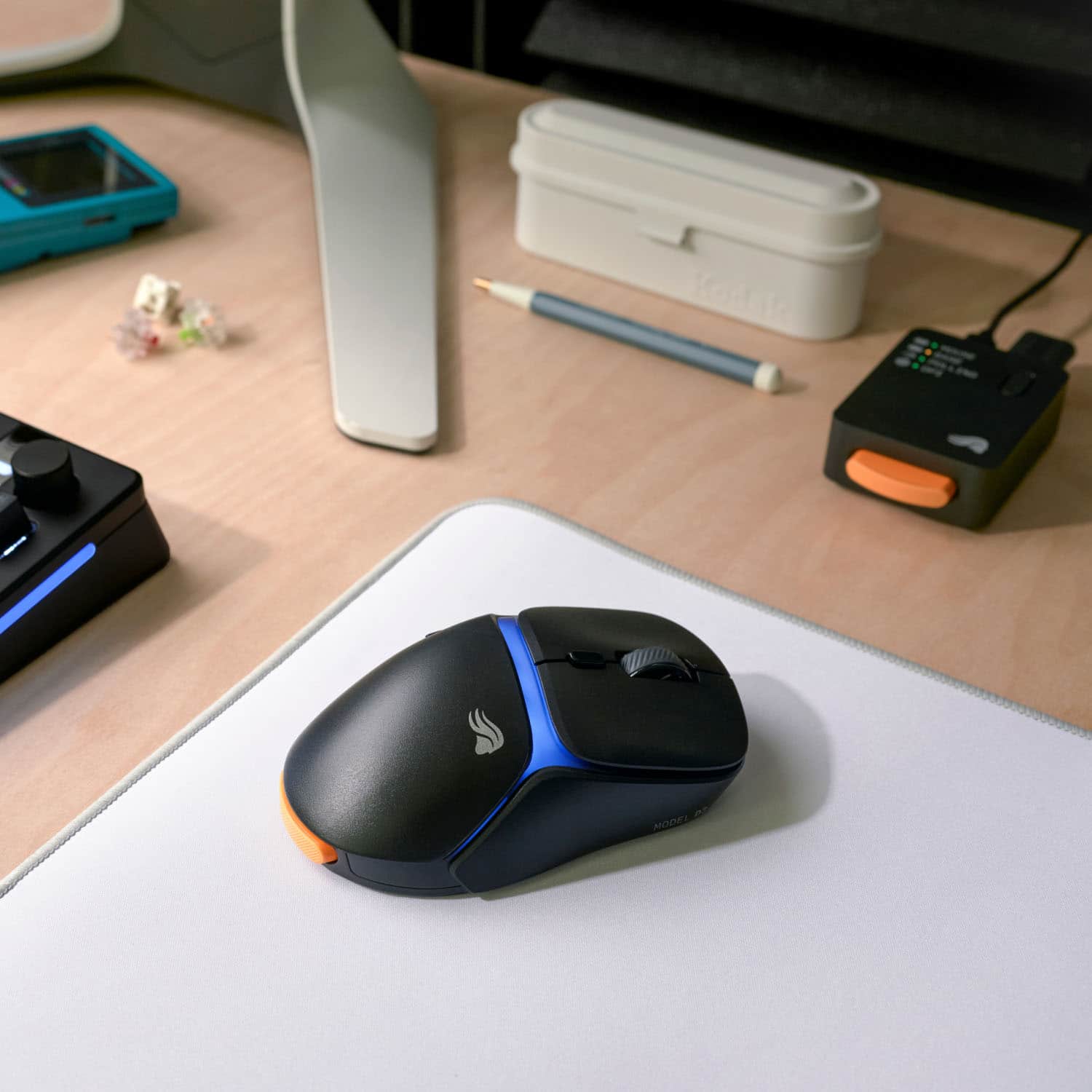
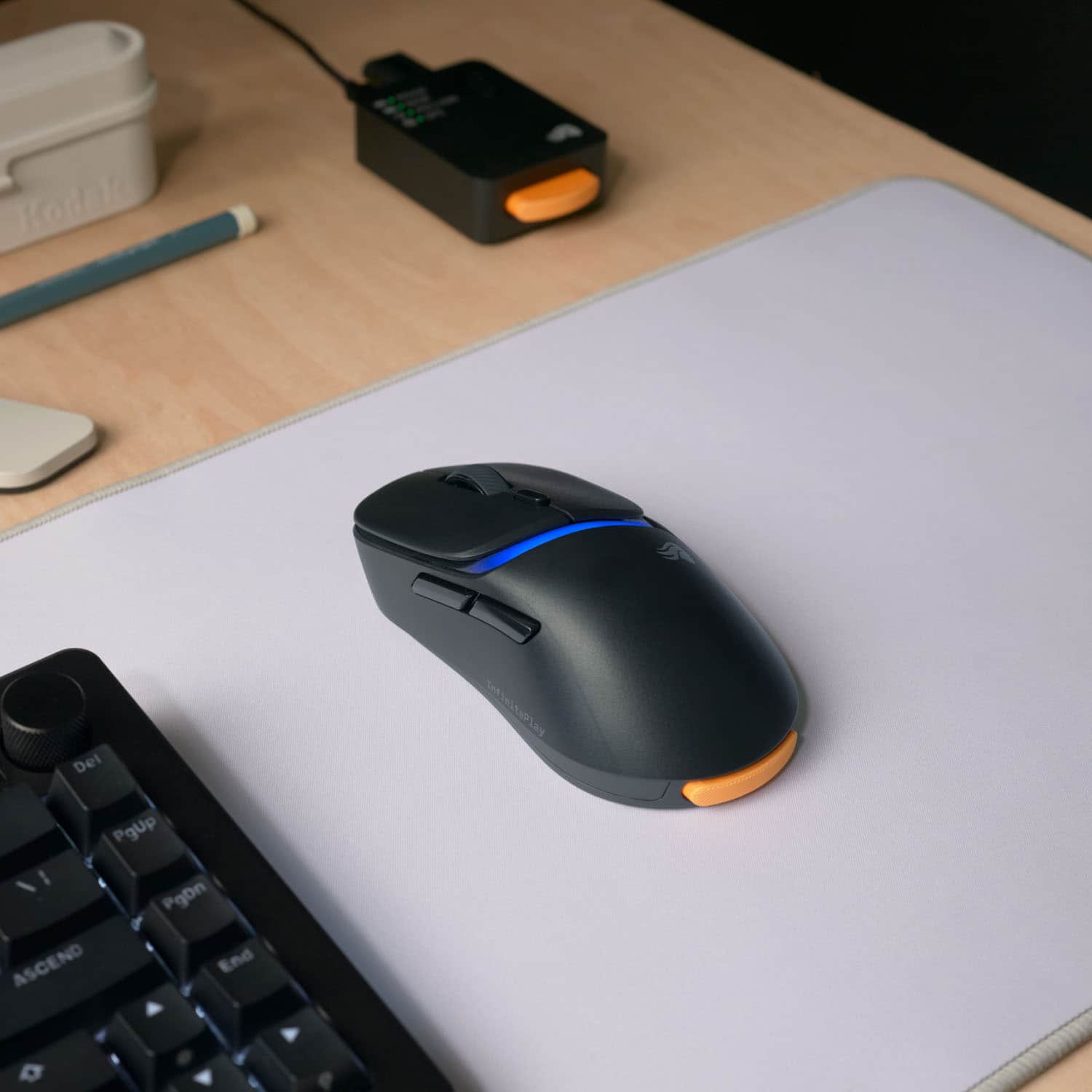
- Model:
- GLO-D3-WL-BLK
- SKU:
- 6636038
Rating by feature
- Value
Rating 4.4 out of 5 stars
- Quality
Rating 4.7 out of 5 stars
- Ease of Use
Rating 4.6 out of 5 stars
Customers are saying
Customers consistently note the Model D3 Lightweight Wireless Optical Gaming Mouse's impressive battery life and very light weight. Many appreciate its smooth performance and good build quality. While most find the ergonomics suitable, some feel the mouse size could be improved.
This summary was generated by AI based on customer reviews.
- Cons mentioned:Mouse size
Great mouse. 8k polling is a battery killer.
||Posted . Owned for 1 week when reviewed.This reviewer received promo considerations or sweepstakes entry for writing a review.The mouse is a little large for my hands, but comfortable overall. 8k polling is nice but it destroys the battery. They clearly knew this would’ve an issue as they give you 2 hot swappable batteries so it’s not a huge deal. Just know you’ll be swapping frequently. Great mouse though.
I would recommend this to a friend - Pros mentioned:Battery life, Weight
Battery Endgame
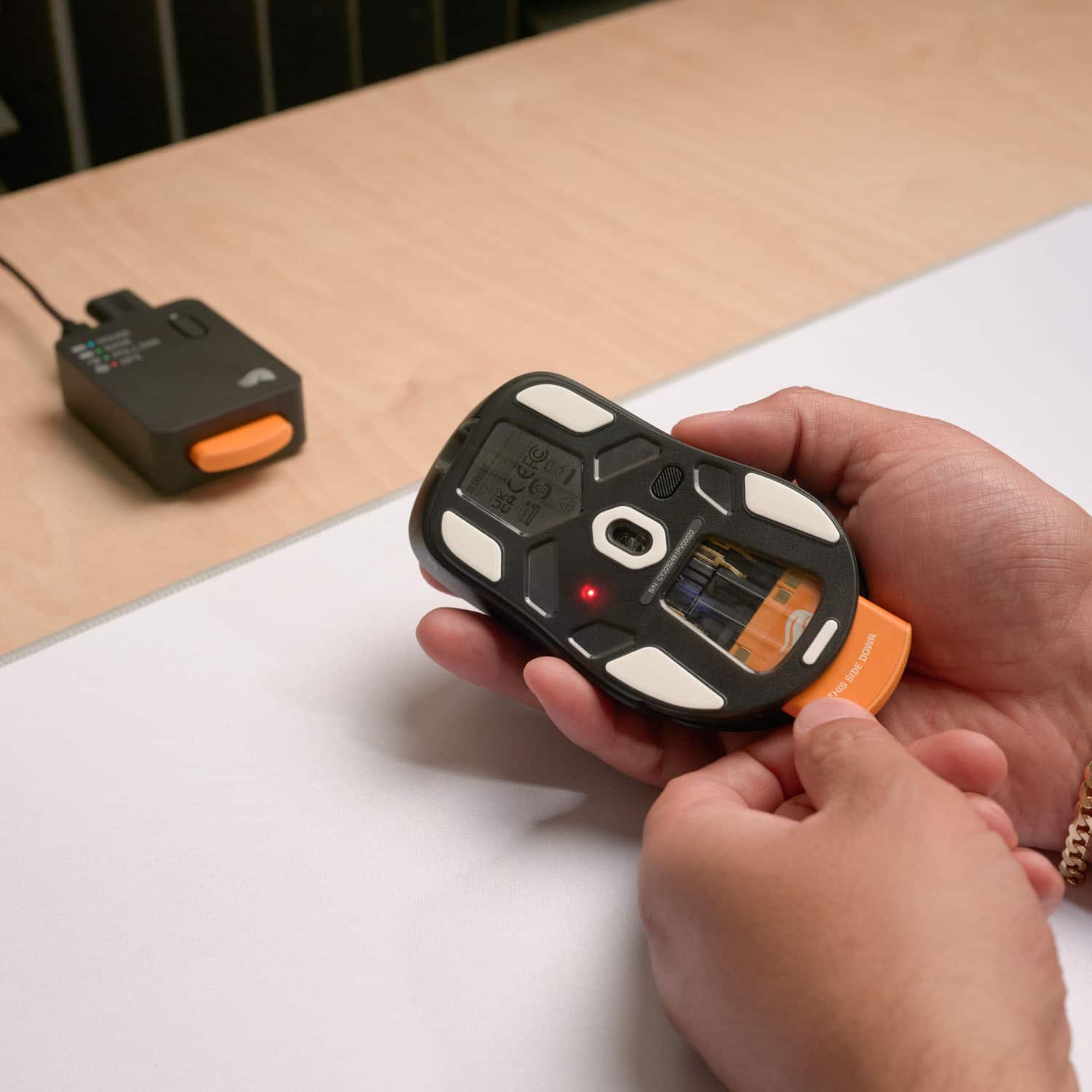
||Posted . Owned for 1 week when reviewed.This reviewer received promo considerations or sweepstakes entry for writing a review.Really enjoy the swappable battery. It's the end game of battery life for mouses. If wanting more lightweight you can remove the battery and it still has a 10hr lifespan. Really comfortable compared to o series
I would recommend this to a friend Nice, but flawed
||Posted . Owned for 1 month when reviewed.This reviewer received promo considerations or sweepstakes entry for writing a review.I had high hopes for this mouse, given how fantastic Glorious Keyboards are. I was unfortunately, disappointed. The device looks great, and it does have an 8000hz refresh rate over the wireless dongle, but the fun kinda stops there. The management software is rough to say the least. The firmware update process is quite flaky. I ended up reaching out to Glorious support on the issue and even they were unable to update the firmware on the mouse. Next up is the battery life. At default settings, the mouse would last about 1.5 hours wireless before requiring a battery swap or a charge. I ended up turning off all the LEDs, reducing the refresh rate to 1000, and turning the Power Saving function to 1 minute. At most I was able to get around 2 hours from a single charge. Having the second hot-swap battery and charger in the dock helps, but its no fun to have to switch batteries in your mouse 4-6 times during a day. Range: This was the worst aspect. The wireless range is extremely short. In my case, i had to have the base station and dongle less than 12 inches from the mouse to get it to maintain a consistent signal. Even then, it sometimes drops, causing stuttering and skipping of the mouse cursor. On the bright side, this mouse works fantastic in wired mode, although you are limited to 1000hz refresh rate when wired for some reason. Still love the mouse itself, but skip the wireless model and go for the wired one for a smooth experience.
No, I would not recommend this to a friend- Pros mentioned:Battery life, Weight
Good buy
||Posted . Owned for 1 week when reviewed.This reviewer received promo considerations or sweepstakes entry for writing a review.Love the hot swap battery and the mouse has an internal battery comes with the charger and two batteries and light and quick definitely worth the money
I would recommend this to a friend - Pros mentioned:Sensor performance
Glorious Model D3 Lightweight Wireless Mouse
||Posted .This reviewer received promo considerations or sweepstakes entry for writing a review.I love Glorious products. I have several of their mice and keyboards. Honestly, though, the D3 isn't a giant leap forward from the D2. It's a great mouse, but not at the $160 retail price. I only bought it because it was on sale for $100 during the holidays. I would have preferred a white D3, but only the black D3 was on sale at the time.
I would recommend this to a friend - Pros mentioned:Battery life
Infinite battery life!
||Posted . Owned for 1 week when reviewed.This reviewer received promo considerations or sweepstakes entry for writing a review.I bought this mouse as I was looking for a high quality wireless mouse with extended battery life, but was beyond pleasantly surprised to see how seamless the infinite play works. There is a spare battery on constant charge in the base and swapping them is as easy as the push of a button, and never lose connection in between. Additionally, the Core software is very intuitive for all of my customizations. Best mouse I have used
I would recommend this to a friend - Pros mentioned:Weight

Great mouse!
|Posted .This reviewer received promo considerations or sweepstakes entry for writing a review.[Employee of bestbuy] Greta lightweight mouse with setting to make every game feel unique and smooth.
I would recommend this to a friend Mouse the best
||Posted . Owned for 2 weeks when reviewed.This reviewer received promo considerations or sweepstakes entry for writing a review.This mouse is an absolute must you never worry about the battery and it super light making it great for all those people looking for lift mice its so responsive i highly recommended
I would recommend this to a friend- Pros mentioned:Weight
Amazing product
||Posted . Owned for 2 months when reviewed.This reviewer received promo considerations or sweepstakes entry for writing a review.Very light and perfect for gaming i recommend this mouse
I would recommend this to a friend - Pros mentioned:Weight
Great Mouse
||Posted . Owned for 1 week when reviewed.This reviewer received promo considerations or sweepstakes entry for writing a review.Love it. It's great. Light and precise. hot swap batteries is a nice feature
I would recommend this to a friend Best mouse ever
||Posted . Owned for 1 month when reviewed.This reviewer received promo considerations or sweepstakes entry for writing a review.It great it smooth and it’s light weight it’s and it batteries work great
I would recommend this to a friendAmazing
||Posted . Owned for 3 weeks when reviewed.This reviewer received promo considerations or sweepstakes entry for writing a review.The battery lasts fairly long and the process of changing it out is pretty quick as well. The weight also feels great and overall a great mouse.
I would recommend this to a friendGreat mouse
||Posted . Owned for 1 week when reviewed.This reviewer received promo considerations or sweepstakes entry for writing a review.I got this for my teenage son and he loves it! He was so excited to get it and use it!
I would recommend this to a friendFavorite Mosue
|Posted . Owned for 1 month when reviewed.This reviewer received promo considerations or sweepstakes entry for writing a review.[Employee of bestbuy] Exchanged the symmetrical mouse for this one. I love the mouse and its high polling rate combined with the lightweight aspect of it. Software can be annoying but works. Lighting is also nice as it is not too flashy.
I would recommend this to a friend- Pros mentioned:Battery life, Build quality, Sensor performance

Decent hardware limited by software
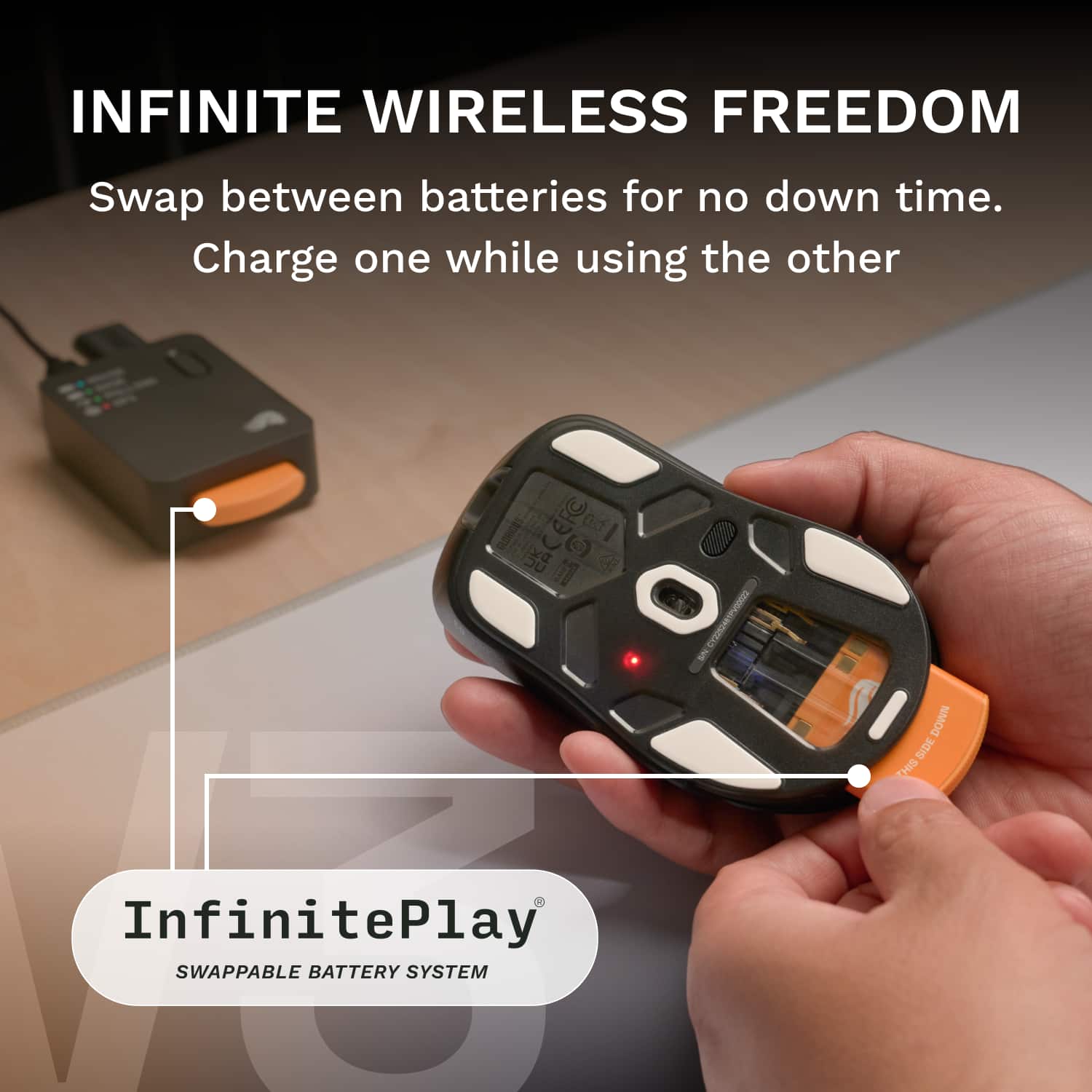
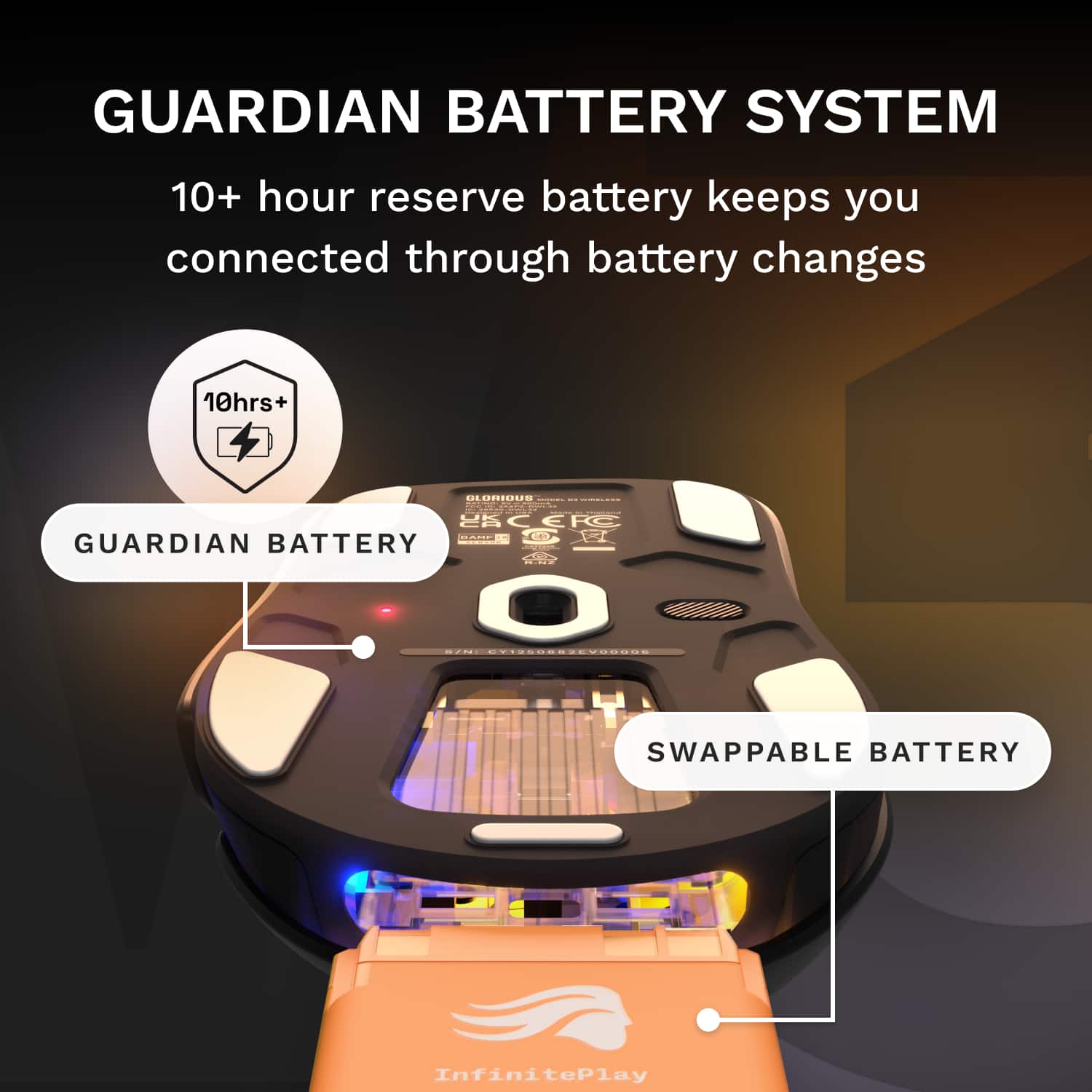
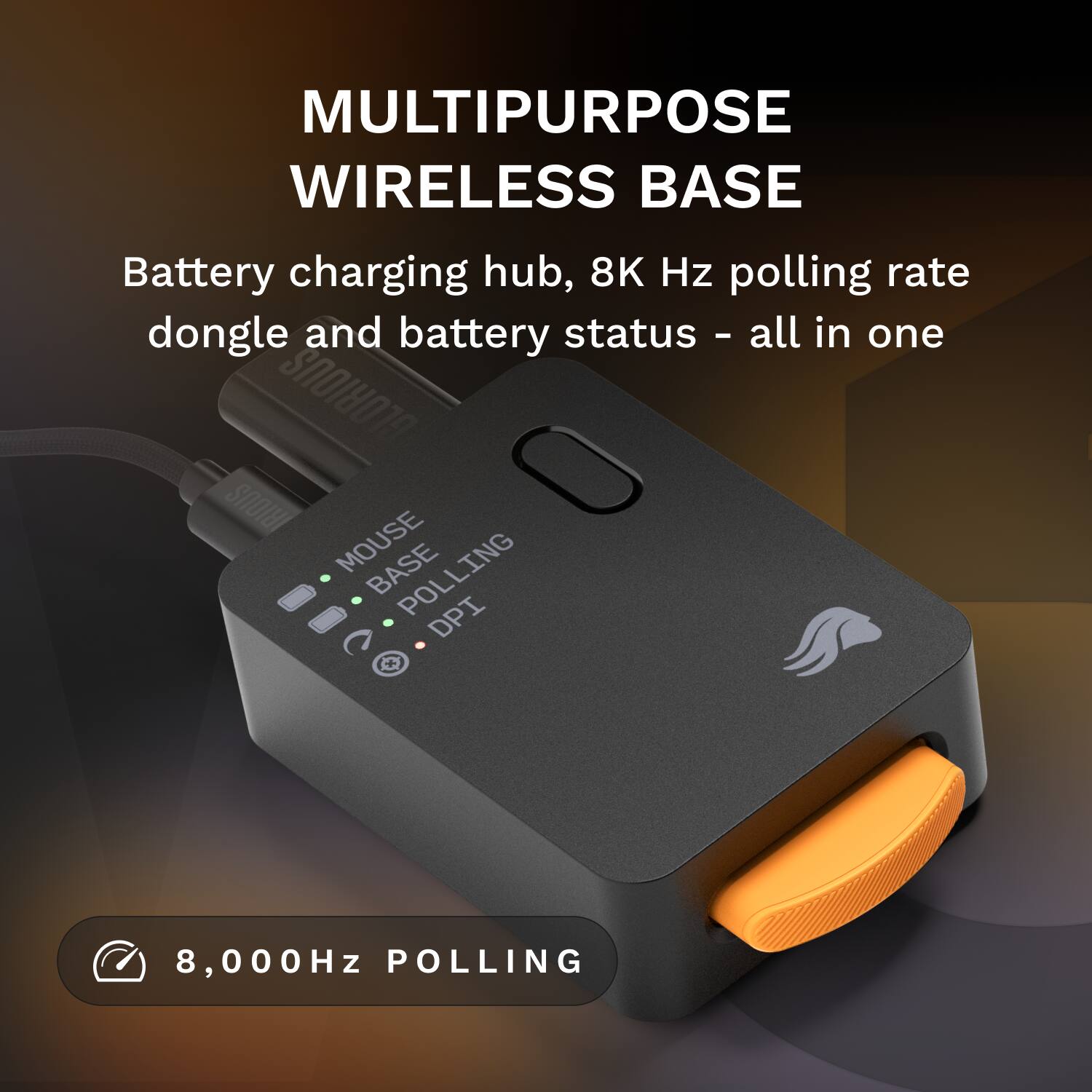
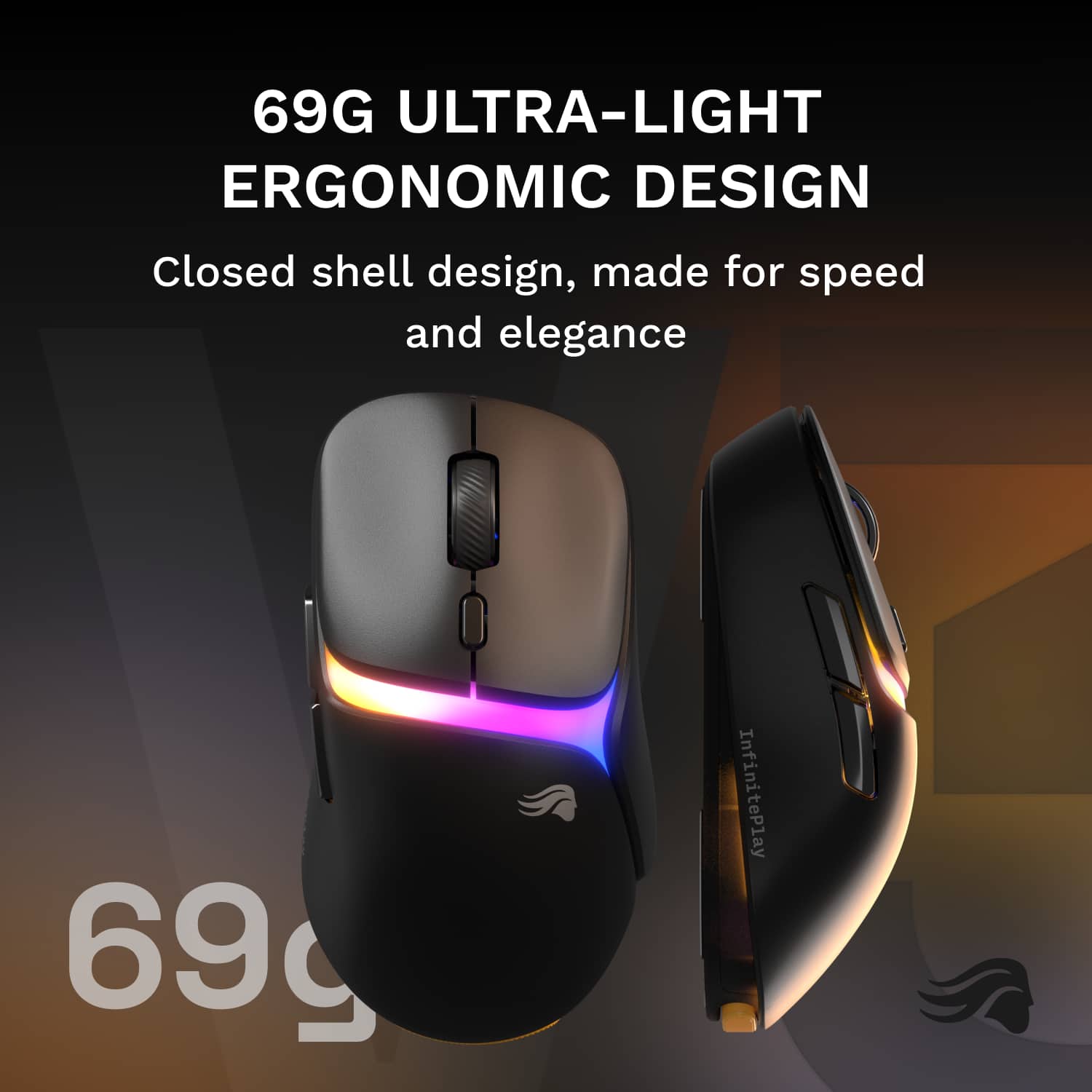
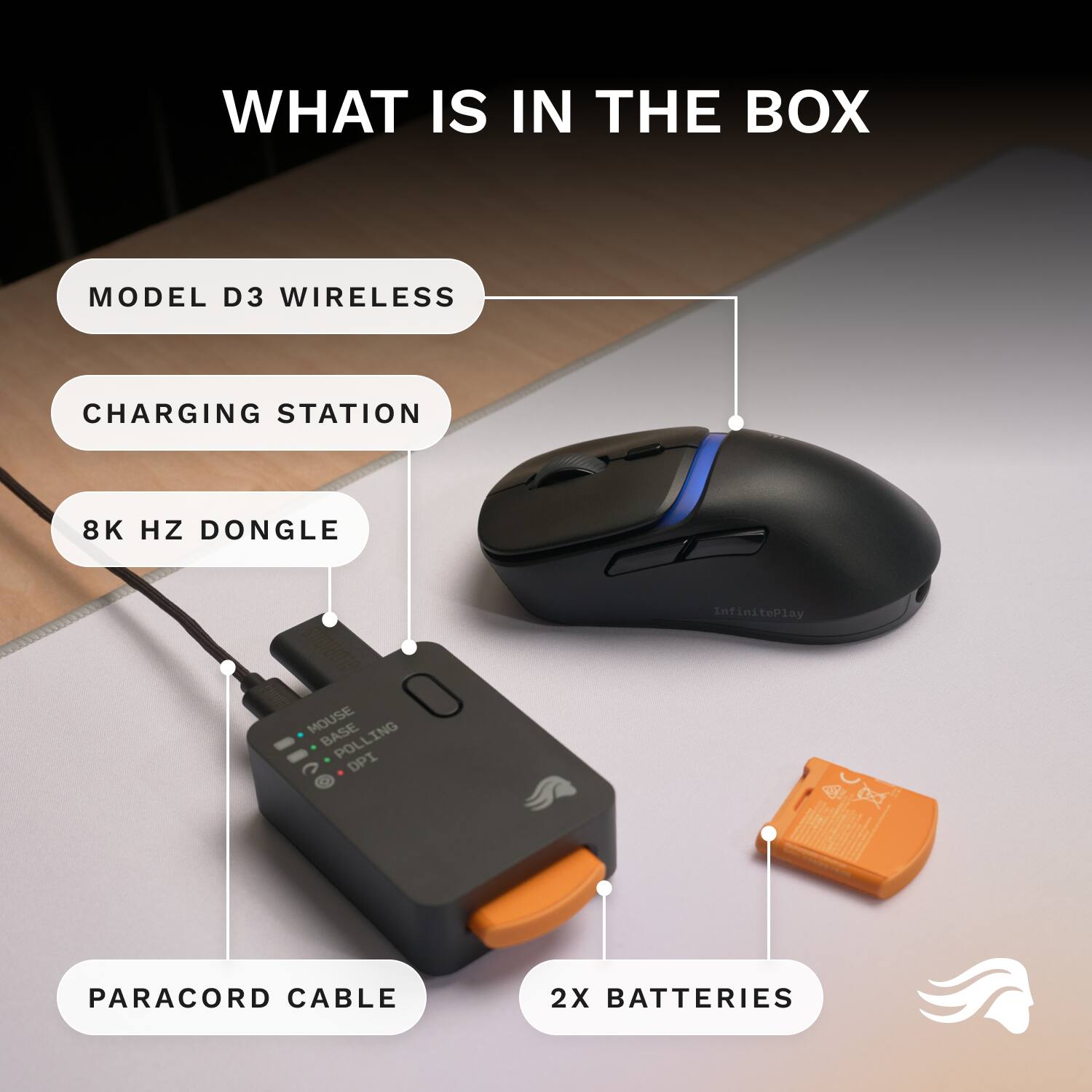
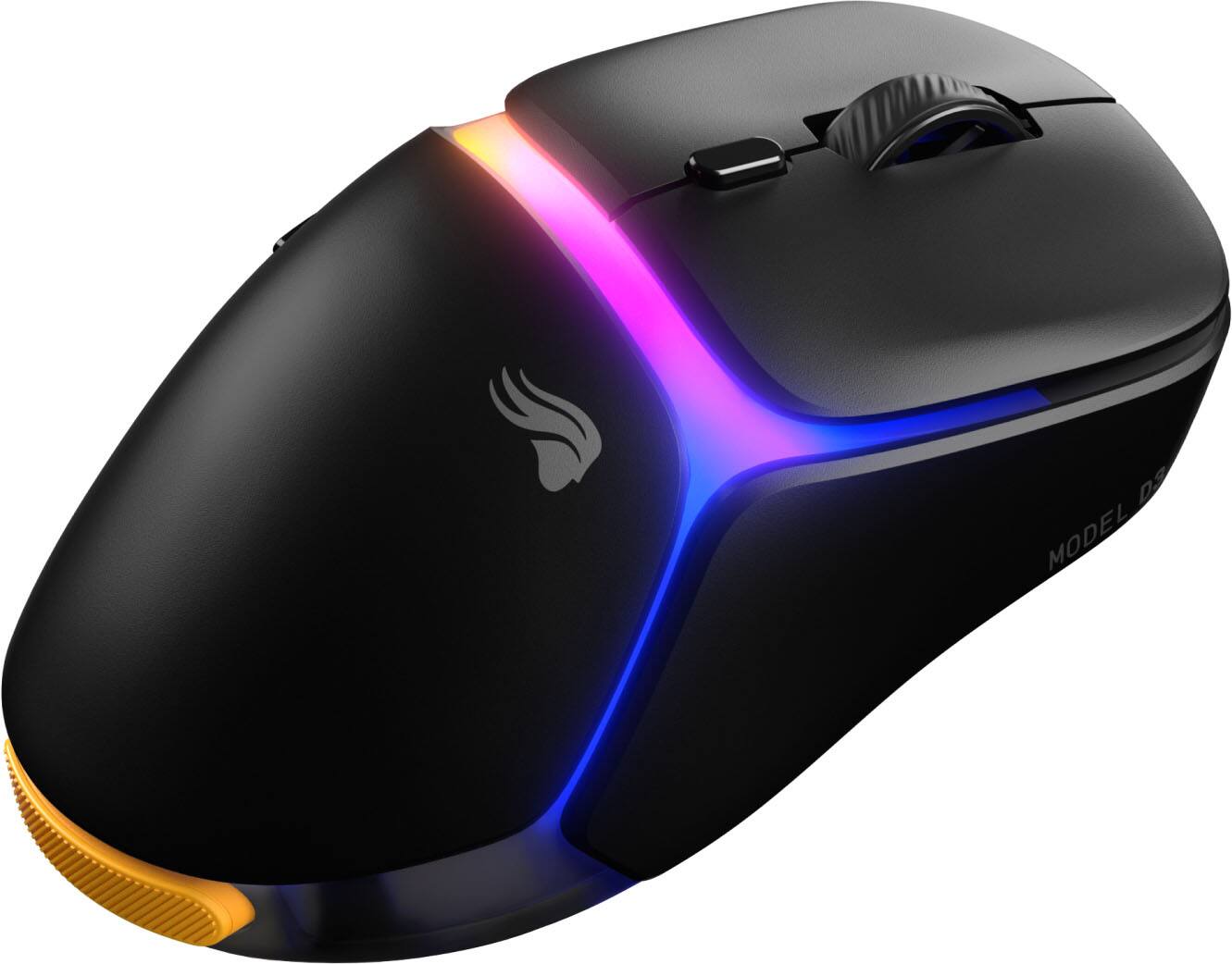
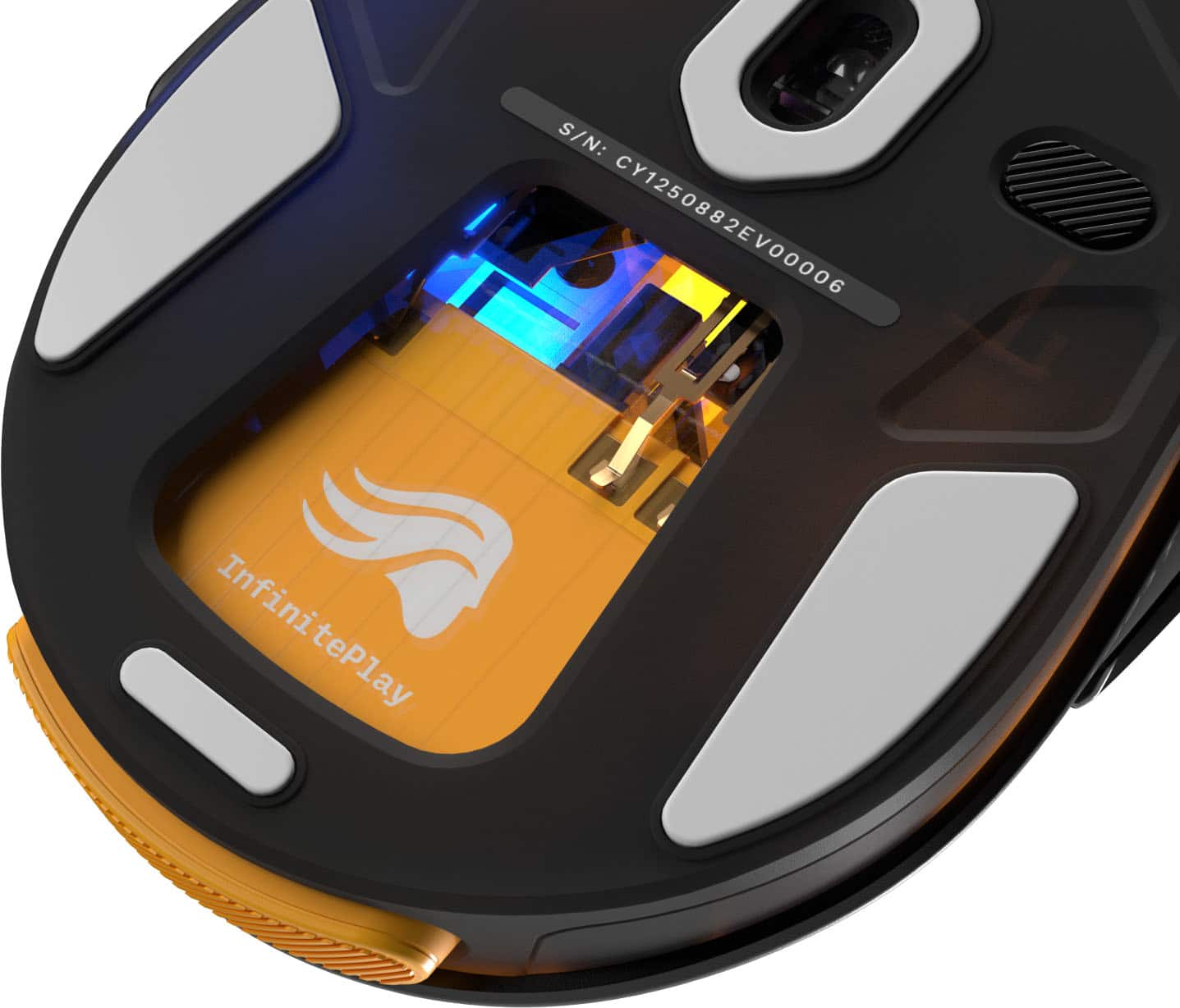
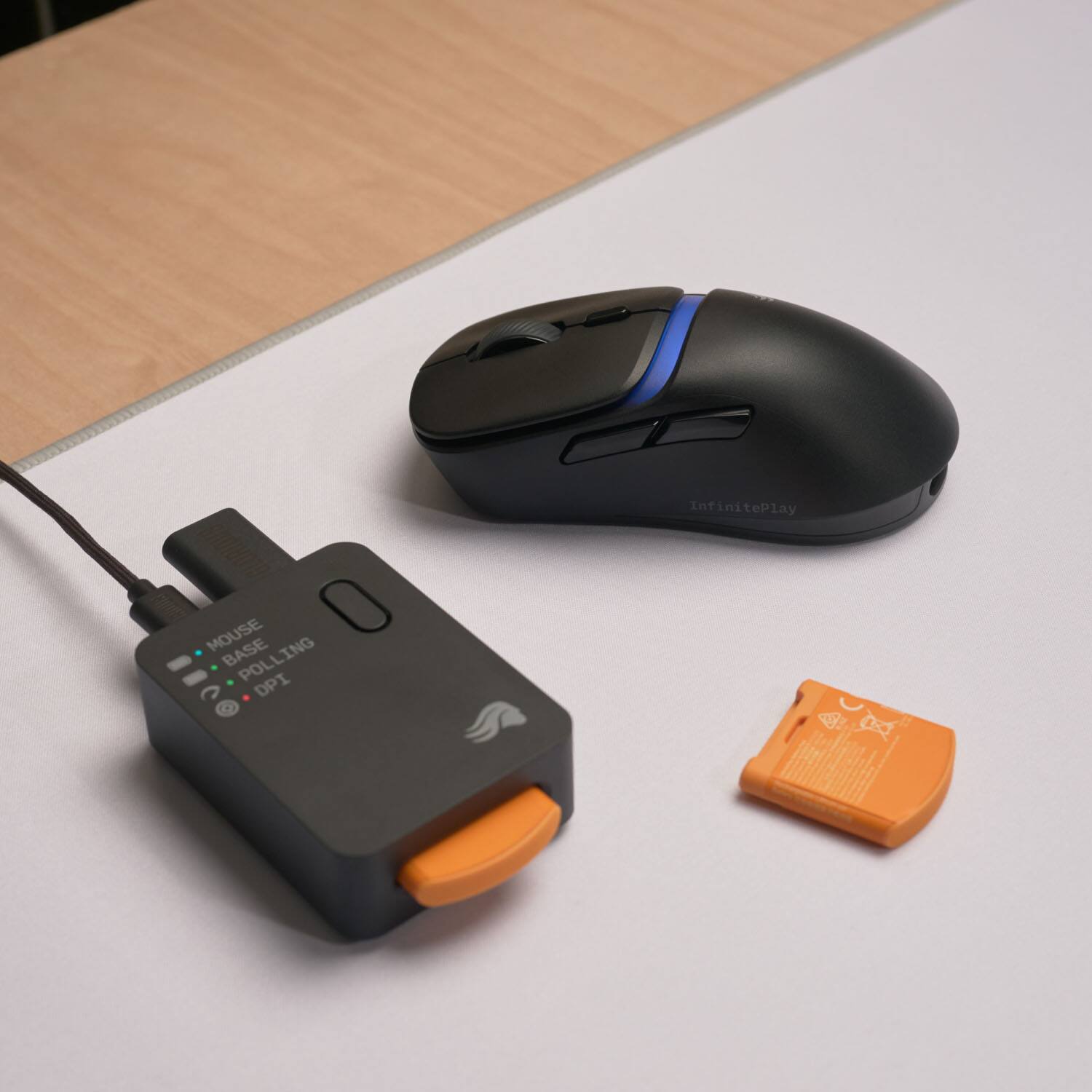
|Posted .This reviewer received promo considerations or sweepstakes entry for writing a review.Glorius Gaming, which is known for its highly customizable keyboards and gaming mice, has refined their mouse offerings with a new feature – wireless mice with interchangeable battery packs. This allows for continuous play while still supporting features like RGB and high polling rates. Is this feature a must-have, and how does this new D3 compare to its competition? Lets take a look and find out. In the cleverly packaged box with two easy to pull out sections is the Mouse, the sizeable and weighted base station, a dongle, and a nice braided USB-C cord. The mouse and the base station have the two included battery packs already installed. The batteries come about half charged and the instructions say to charge them fully before using them, which doesn’t take too long. The base station is nice – it has indicator lights to indicate the charge level of the battery in the base, the battery in the mouse, dpi, and connection quality. It is weighted with non-slip feet so it stays put on your desk. It also has a button that you can customize to be about anything in the Core software. The dongle plugs into the back along with the USB-C plug. It’s nice that the dongle is separate from the larger base station for use when traveling. The big feature here is the interchangeable battery packs. Swapping them out is easy, just press and it pops out of the base and the mouse and swap them. The mouse also has a small carry over battery called the “Guardian Core” that keeps the mouse connected during the battery swap. I found that with RGB running and at 2000hz polling rate, the batteries would last for about 20 hours. While not a huge duration, with the quick swap battery packs it doesn’t matter much. Since the batteries can be replaced, as long as Glorious sells them and supports this form factor, your mouse won’t die because the battery stops charging. The mouse itself has a nice feel, with a slight texture that makes it very secure in your hands. The wheel has a gentle resistance on the detents – enough to feel when you’ve gone through a detent but not a hard stop. The main buttons are optical switches and have a nice click to them. Compared to the Razer Deathadder V4 I have, they are much quieter and feel like they have a little less resistance. There is no side to side scroll on the wheel, with just the basic 6 buttons that are pretty standard for gaming mice. One thing that isn’t mentioned much on Glorious’s website or materials is that this mouse DOES support Bluetooth! It also has RGB support. With the interchangeable battery, the guardian core carry over battery, RGB, and other features, it comes in at 69g. Not as light as other gaming mice, but not the heaviest either. In practice I had no issues flicking the mouse for quick, rapid moves in games. The 30K DPI sensor, while not the highest resolution in the market, is sufficient and I couldn’t tell a huge difference between it and the Deathadder, although top level gamers may be able to use the extra resolution. Up to 3 profiles can be saved to the mouse’s onboard memory. With all of these features, the software has to match. The Core 2 software has undergone a lot of work lately to get the basic features stabilized and working. While it is much improved, it still lacks compared to the competition. One odd quirk is that to get the mouse to work fully with RGB support etc, you have to do a firmware update that required closing the software, finding the executable, and right clicking on run as administrator before the firmware update will work. Other features that are missing are more advanced things like dynamic DPI based on mouse movement and per game profiles. The other tweak that would be nice is the ability to have the DPI automatically adjust when a full screen game is launched. There is also no option I could find to use one of the buttons as a “shift” key, allowing for 10 button mappings. This is a pretty common feature for other mice and is something Glorious should prioritize adding (or making more intuitive), as it would allow for things like profile and DPI changes to all be mapped to the mouse. That said, creating custom key binds to the buttons is well done and the RGB and other features are easy to set up. I also like that you can customize the color the base station shows for the current DPI setting. Overall, if you are already in the Glorious ecosystem, this mouse will fit right in. It has a nice feel and the interchangeable batteries are not just a gimmick, it is a well implemented feature. There are many features here such as RGB and Bluetooth support that other dedicated gaming mice don’t have. There is also potential for this mouse to come closer to its competitors if Glorious continues to improve the software. For the moment though a few missing features in the software limit this mouse’s potential in a crowded peripheral market.
I would recommend this to a friend Great performace
||Posted . Owned for 3 weeks when reviewed.This reviewer received promo considerations or sweepstakes entry for writing a review.The battery switch out is great, also tells me when its dying
I would recommend this to a friend- Pros mentioned:Battery life, Build quality, Ergonomics
Finally, a wireless mouse that just doesn't quit
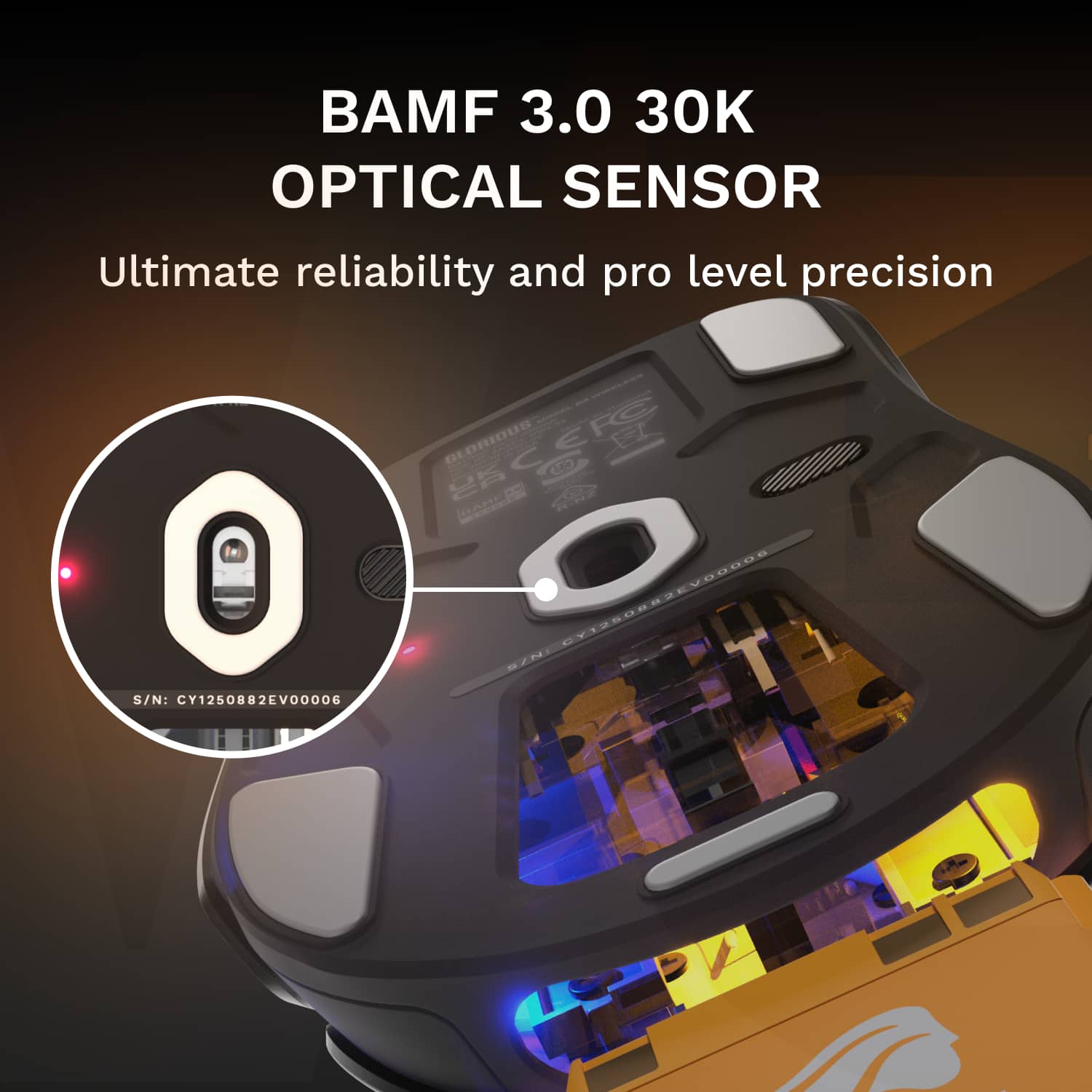
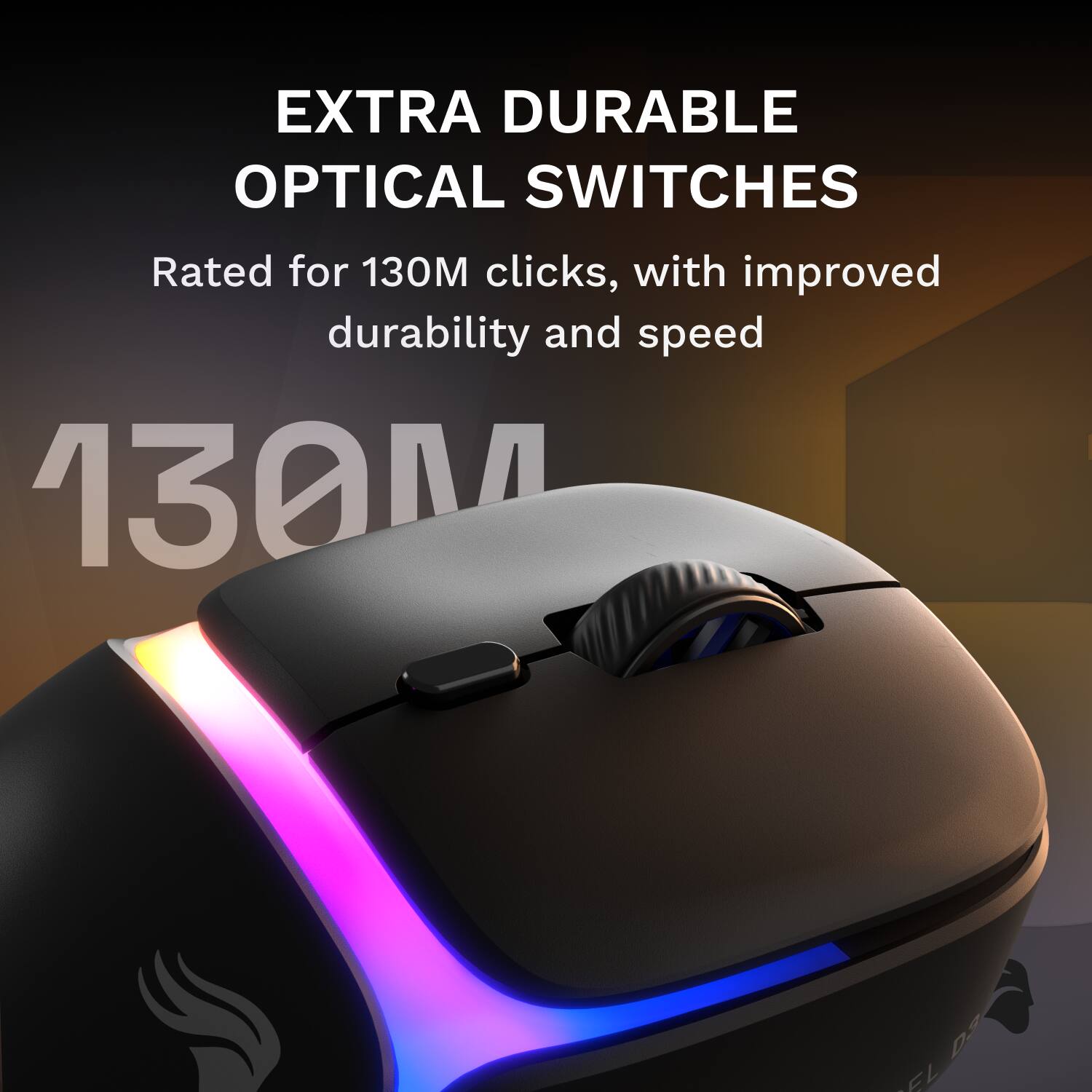
|Posted .This reviewer received promo considerations or sweepstakes entry for writing a review.After managing IT ops and cybersecurity for over 15 years, I've watched the wireless gaming mouse market evolve from laggy battery hogs to surprisingly capable competitors. Here's the thing that's always bugged me: even the best wireless mice eventually need to be plugged in. The Glorious Model D3 Wireless tackles this annoyance head-on with its infinite play system, and I'll be honest, I was skeptical at first. A swappable battery in 2025? Sounds a little gimmicky but turns out I was wrong. The setup experience is plug-and-play. Out of the box, you get the mouse, 2 battery packs, and a charging base station that doubles as the wireless dongle housing, and a nice, braided USB-C cable. At 69 grams, this mouse just glides across your mouse pad. The ergonomic right-handed design sits comfortable in the palm, and those subtle comfort grooves on the main buttons aren’t just for looks. Even after a full day of use, my hand felt fine. The build quality is solid despite the lightweight construction, with no creaking or flexing during tense moments. Performance wise, the D3 packs some serious specs. The BAMF 3.0 sensor supports up to 30,000 DPI with 750 IPS tracking and 50G acceleration. Those numbers directly translate to precise, responsive tracking. The 130 million click optical switches deliver crisp feedback without feeling mushy. What impressed me the most if the 8,000 Hz polling rate option, but that is one of the features you start to trade off performance with battery life. Running around 2,000 Hz gets you much longer battery life, but if you need all the performance you can get for those competitive FPS sessions, you’ll still squeeze 8-9 hours out of the battery at full tilt. The InfinitePlay system is where the mouse really shines. Each battery pack simply slides in and out with a satisfying click from the back of the mouse. When a battery runs low, you just pop it out quick and swap the charged one in from the base station. Takes all of 5 seconds for a quick reload. However, here’s the clever part: there’s an extra internal battery called the “Guardian” that keeps the mouse powered during swaps, giving you over 10 hours of emergency runtime. In plain English, this means you literally never need to plug the mouse in. The base station shows the battery levels, DPI settings, and polling rate via it’s LEDs, and even has a programmable button you can customize for quick DPI changes or macros. It’s a nice touch; someone really thought this product through. While the D3 isn’t a cheap mouse, it has quite a few features that make that price tag worth it. For casual gamers who don’t mind plugging in overnight, this might be overkill, but if you’re a hardcore user, someone who streams, competes seriously, or just hates wires or low battery warnings, you just might also fall in love with this mouse. The Glorious Core software is intuitive and easy to use, although only available for windows at the moment. Bottom line: Glorious has solved a problem I didn’t realize annoyed me this much until I stopped dealing with it. The D3 delivers on its “true wireless” promise with its performance specs that don’t make you compromise. It’s not perfect, battery life at max settings is shorter than advertised, and it demands a price for its innovative features, but for serious power users, it’s genuinely useful. The swappable battery system isn’t just a gimmick. If you’re tried of cable management and charge anxiety, this mount offers a real solution.
I would recommend this to a friend Good for price
||Posted .This reviewer received promo considerations or sweepstakes entry for writing a review.It’s pretty good, haven’t really had any issues so far.
I would recommend this to a friend- Pros mentioned:Battery life, Ergonomics, Sensor performance
Innovative, cool, unique
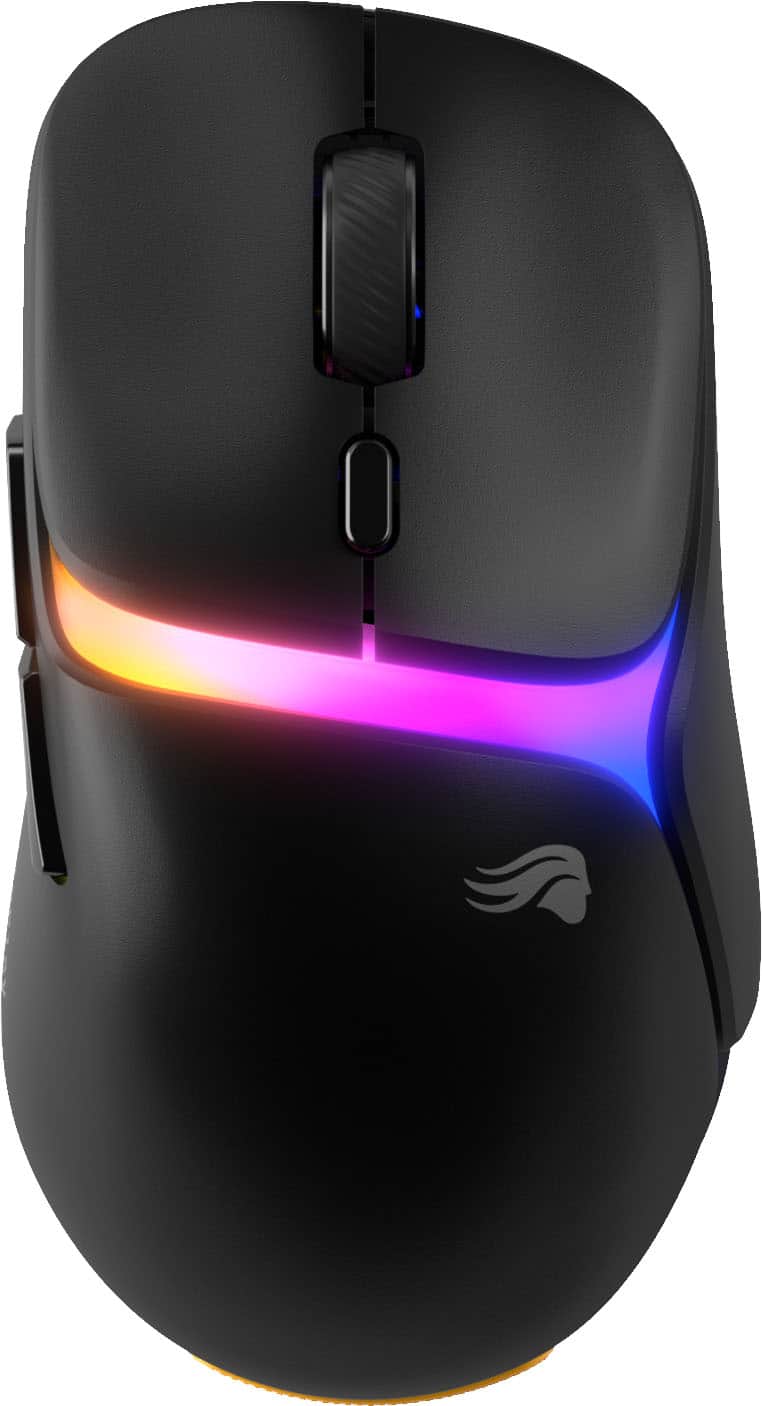
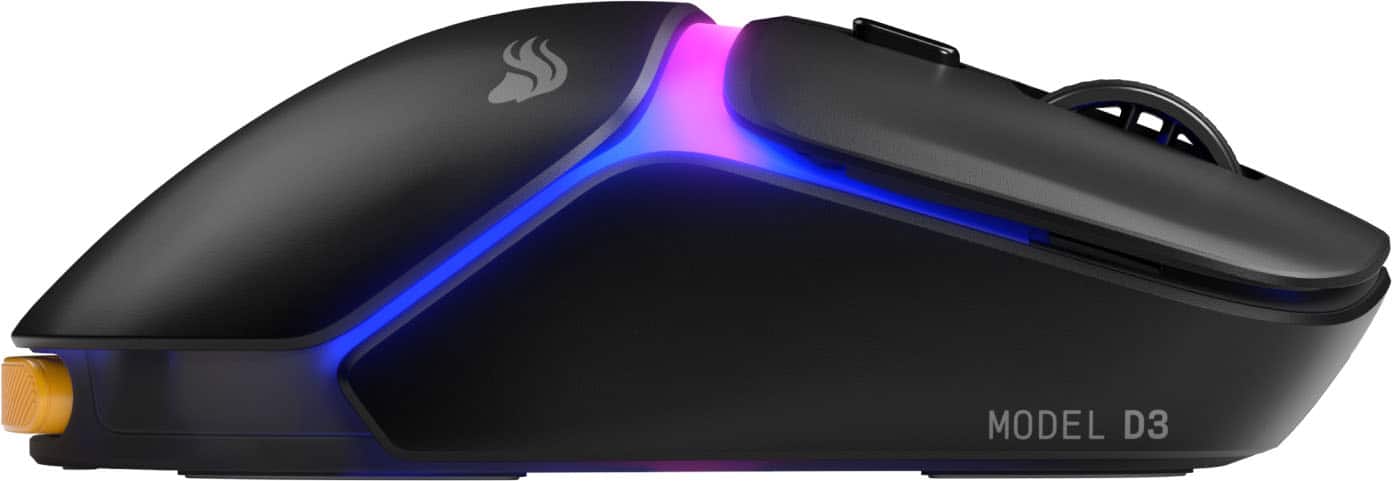
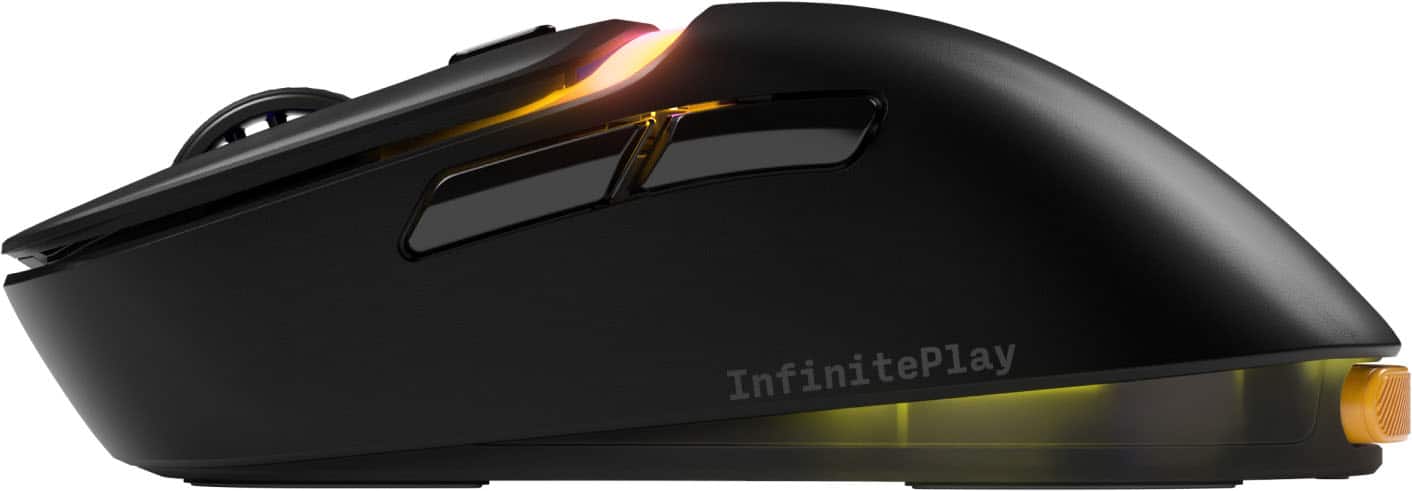
|Posted .This reviewer received promo considerations or sweepstakes entry for writing a review.This mouse is everything that I need in a gaming mouse. It is light, perfectly sized, somewhat ergonomic, very reliable, smooth performance, even on high DPI, and the extra battery—I did not know I needed it. First of all, it has a very basic design but looks good. The RGB light strip, the shape and the overall look just works for me. There is something about the square top edges that makes it look modern to me. I see boxy cars and SUVs are coming back, and so is this mouse shape really appealing to me. There is some ergonomics to the shape too. I still have some space under my index knuckle but my grip on the mouse, as the bottom of my palm lays on the table, is comfortable. I do not seem to need a mouse pad with a pad at the bottom. I have a medium-sized hand and it fits me right. The main buttons are good—pretty decent top gap and response. I can easily click the side buttons, even though they are piano black, have a really good feel in terms of texture, and click response. I like the way it has a different texture from the actual body of the mouse, because it tells me where it is; plus the way the buttons are indented, even the top one, are nicely done, and gives comfort to touch. I am just not a fan of the rubber surface on the mouse wheel—I suspect it will be sticky or dirty or even lose its texture in time. But the way it scrolls and the click response is great. It is very light—even with the presence of the battery, which hits the bottom of my palm, but it does not bother me. It is just there. Connectivity is good. It is dongle based, but I like dongle based. I have a lot of times had Bluetooth stutter on me, and it is not pretty when I need to click a skill and I missed the exact button from my one million button interface. But the dongle makes the connection reliable for me. The dongle actually sticks to this charging port for the spare battery so I am charging and have the dongle at the same time—can the dongle be connected directly to my PC? Yes. It still works. But I am not losing a USB A port anyway, and the charging port has these settings and a button (by default functions like the DPI button of the mouse). About the battery, I did not know I needed one. The mouse to begin with has to be turned on from the button under the mouse. However, the mouse does not automatically turn itself off when I finish a session and not use it for a while. Also, I usually do not turn my mouse off. So it is perpetually on. I did experience the battery die on me, because I was just using the mouse continuously for days, with a million semi-auto bullet presses. But guess, what, the spare is there. It did last me over 3 days of tons of hours of use and no turning off. So as a safety measure, I just switch battery packs every time I start the day, regardless if the battery lasts over three heavy days. Now is it something I used to experience with my wireless mice? No. I do not have to add this routine. However, many times I see my mouse blink from low battery and I grab a cable to play. So for the next 20 minutes or so, I am using a wired mouse to charge it, and everyone knows how annoying it is when the mouse cable hits your keyboard, or the foot of your monitor, or your drink. The battery is a loverly feature I did not know I needed. The wire is there too and it works with a wire, but again, who wants wires? Especially with two batteries, I think the wire is just there for the charging hub. The software is good too. It is not exceptional. What I like about it is it is very straightforward. No frills. You can customize everything easily. Profile. Keybindings. Settings. Polling rates. Lights. DPI settings per button cycle. The battery levels. The button binds for the hub (the one on top of the battery charging station). It is a good mouse. Performance is reliable. It is fast. I can keep clicking with confidence. I think what draws me is it is unique, cool and new. I love it.
I would recommend this to a friend Glorious does it again
||Posted . Owned for 4 months when reviewed.This reviewer received promo considerations or sweepstakes entry for writing a review.S tier mouse for mobas/shooters. Love every aspect of it.
I would recommend this to a friend