Customer Ratings & Reviews


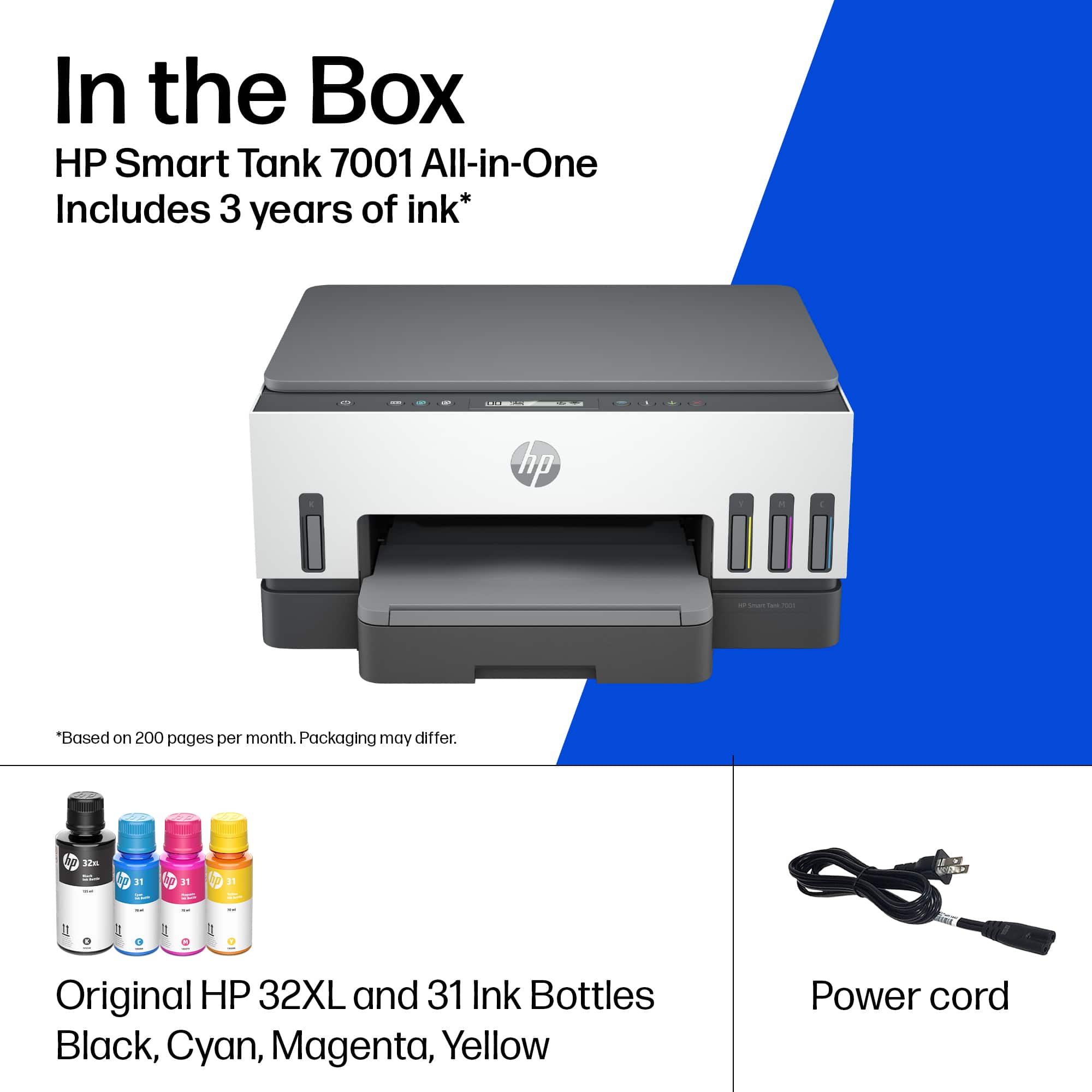
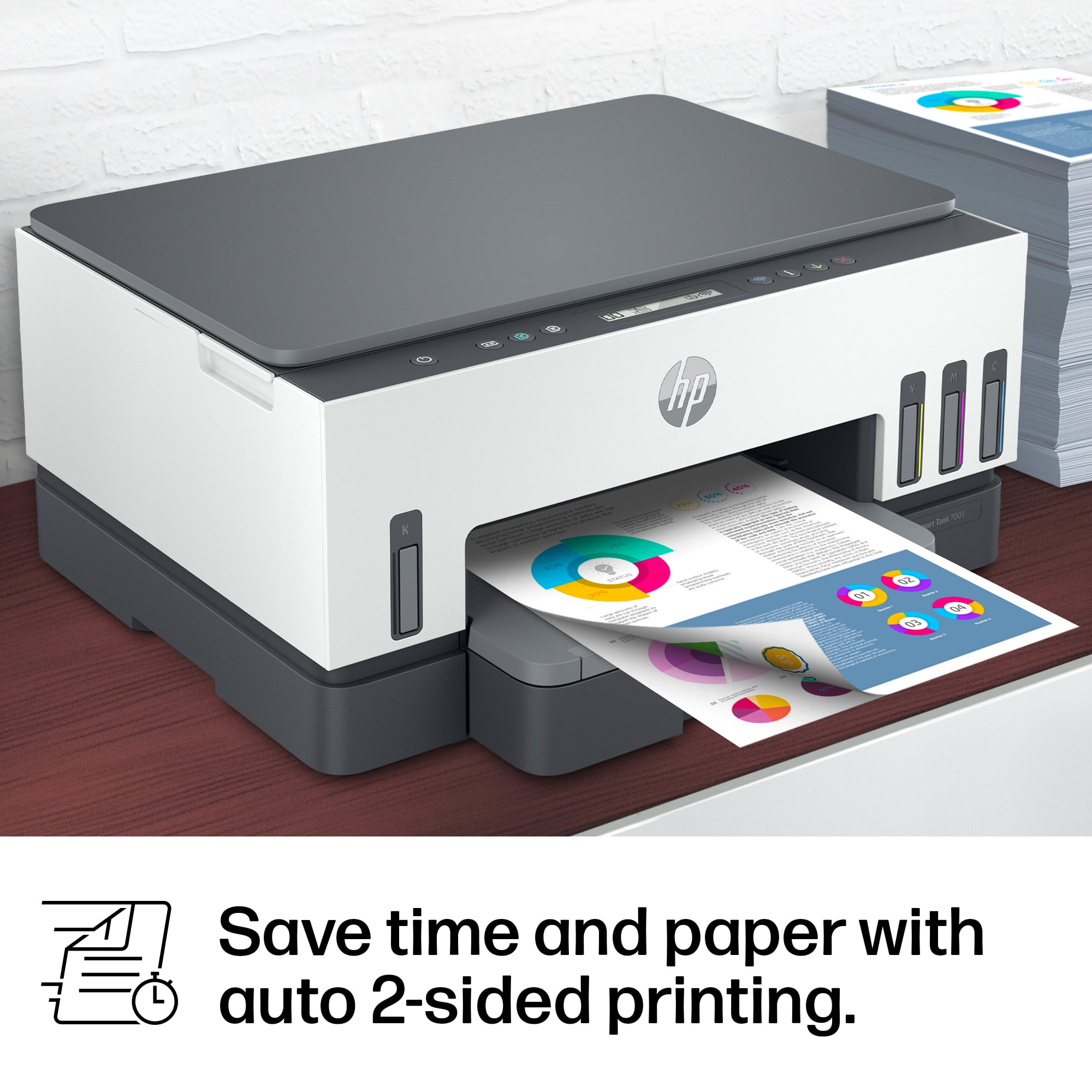
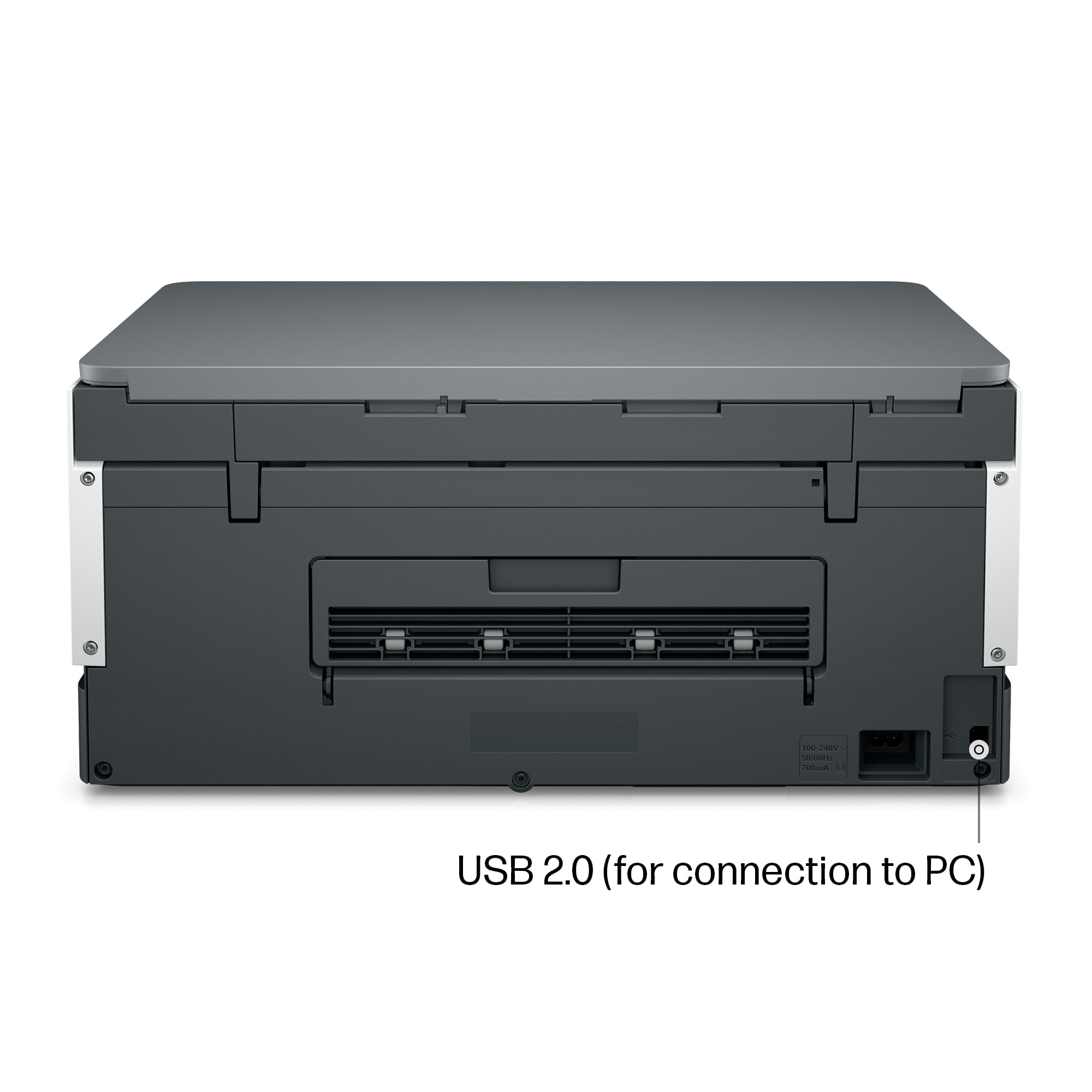




- Model:
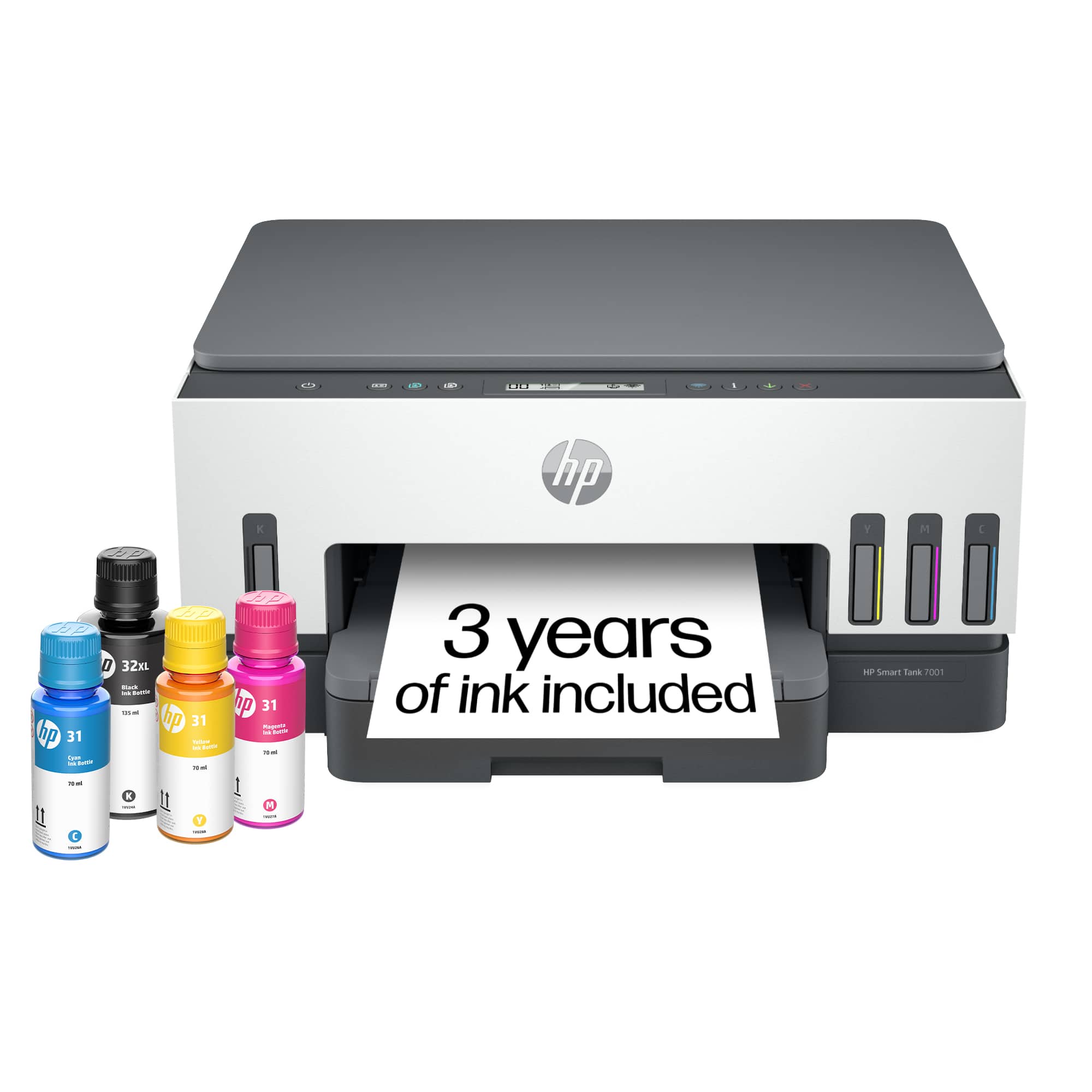
- SMART TANK 7001/28B49A#B1H
- SKU:
- 12242467
Rating by feature
- Value
Rating 4.2 out of 5 stars
- Quality
Rating 4.4 out of 5 stars
- Ease of Use
Rating 4.2 out of 5 stars
Manager
||Posted . Owned for 1 week when reviewed.This reviewer received promo considerations or sweepstakes entry for writing a review.Excellent Printer Recommend this printer to everyone
I would recommend this to a friendHp printer
||Posted . Owned for 1 month when reviewed.This reviewer received promo considerations or sweepstakes entry for writing a review.It does everything I need it to do and great on ink.
I would recommend this to a friendCool printer
||Posted . Owned for less than 1 week when reviewed.This reviewer received promo considerations or sweepstakes entry for writing a review.Good product. Easy to use. No complaints at this time.
I would recommend this to a friendQuality printer for small business
||Posted . Owned for 1 month when reviewed.This reviewer received promo considerations or sweepstakes entry for writing a review.Easy to set up and user friendly. Gets the job done.
I would recommend this to a friendGreat as a printer
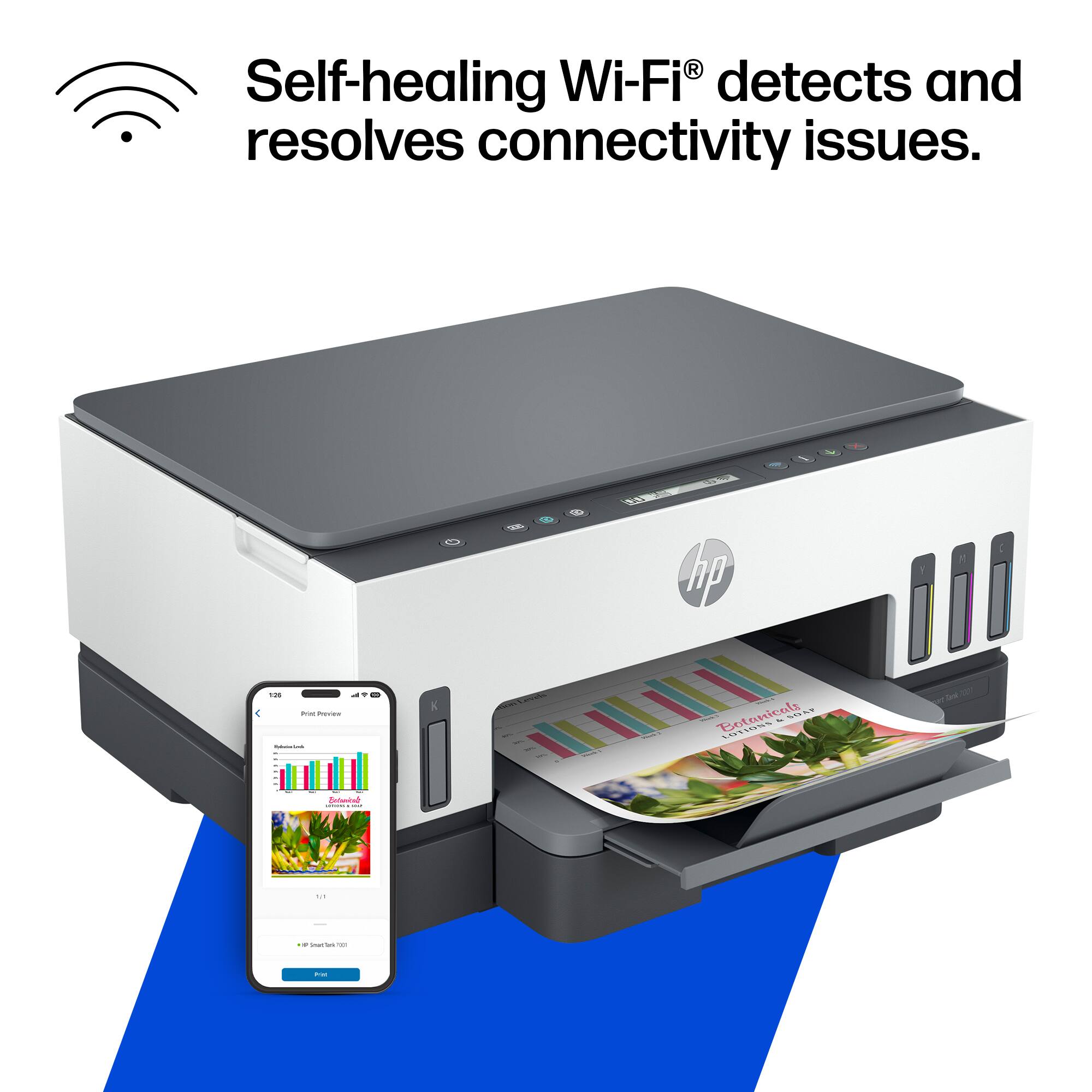
||Posted . Owned for 1 month when reviewed.This reviewer received promo considerations or sweepstakes entry for writing a review.Very easy to connect and set up. Printing is very easy with excellent print quality. Difficulty scanning documents. Sometimes it just won't connect.
No, I would not recommend this to a friendHP Smart Tank
||Posted . Owned for 3 weeks when reviewed.This reviewer received promo considerations or sweepstakes entry for writing a review.This is a great printer! I’m glad we purchased it!
I would recommend this to a friendPerfect printer
||Posted . Owned for 1 month when reviewed.This reviewer received promo considerations or sweepstakes entry for writing a review.The printer works was so perfectly. I love it so much
I would recommend this to a friendPerfect WFH printer
||Posted . Owned for 3 weeks when reviewed.This reviewer received promo considerations or sweepstakes entry for writing a review.I needed to replace my old HP smart printer. Like many other professionals, my wife and I have a hybrid work schedule and a printer that would be used easily at home was important. The HP Smart Tank 7001 was the perfect option for my needs.
I would recommend this to a friendLove the “endless” ink
||Posted . Owned for 1.5 years when reviewed.This reviewer received promo considerations or sweepstakes entry for writing a review.So far,this printer has been great. No pesky cartridges. On 2 occasions I had to unplug and restart. That was a bit annoying but got it to work again.
I would recommend this to a friendBest Printer Ever
||Posted . Owned for more than 2 years when reviewed.This reviewer received promo considerations or sweepstakes entry for writing a review.Love this printer The ink last forever and nothing ever comes out smudged
I would recommend this to a friendGreat printer with large capacity ink storage.
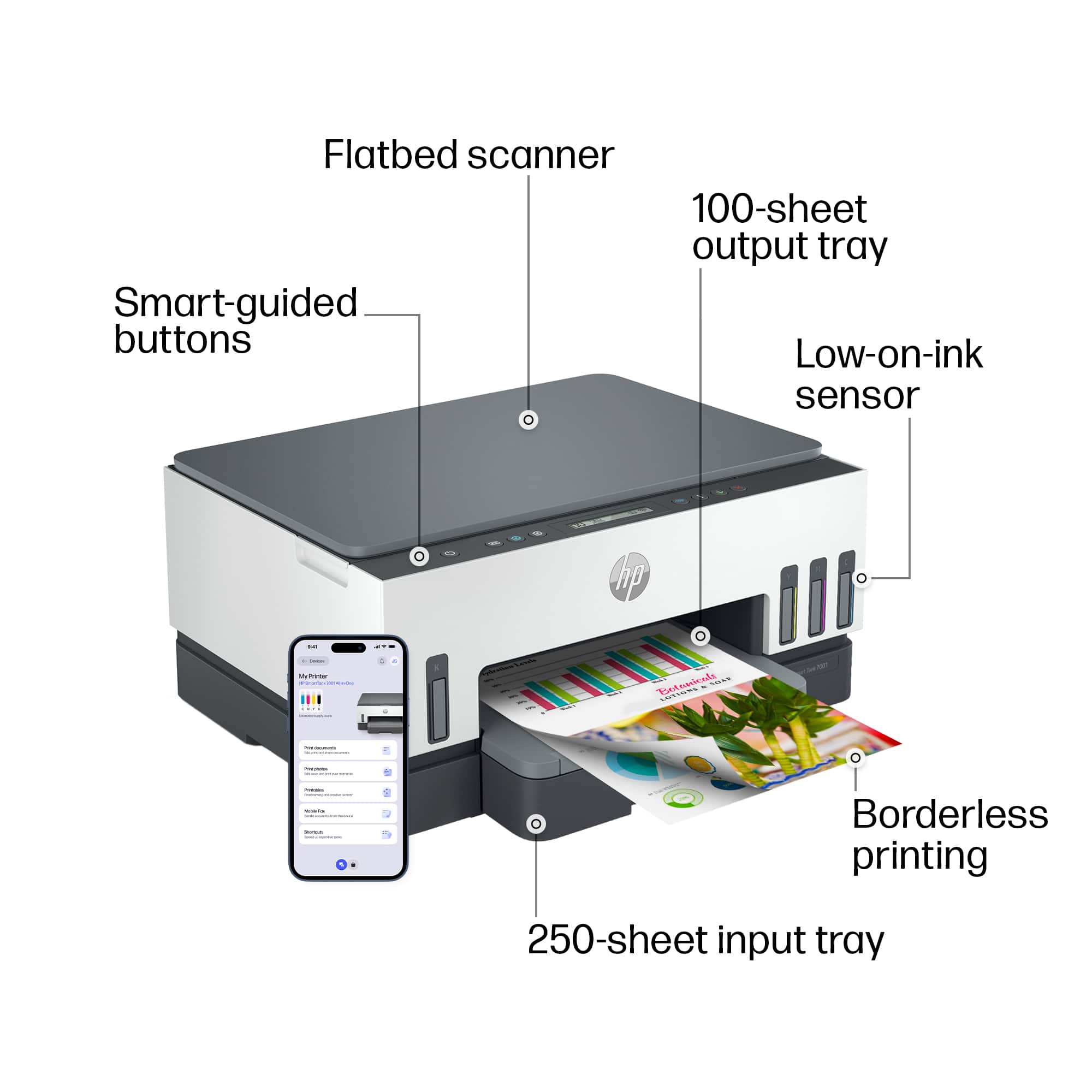
||Posted . Owned for 1 month when reviewed.This reviewer received promo considerations or sweepstakes entry for writing a review.First time with the large capacity ink storage printer. Windows for ink levels make it very easy to know when to add. But with so much ink your adding way less often. Printing, scanning and copying all great. Totally recommend this printer.
I would recommend this to a friendBroke After A Few Months
||Posted . Owned for 9 months when reviewed.This reviewer received promo considerations or sweepstakes entry for writing a review.Used it a few months at most after waiting to set it up, got a paper jam, carefully cleared it and now it makes a loud noise when printing. It sounds like the carriage continues to keep going after the job is done. This happened within 24 hours of cancelling extended coverage with Best Buy. I basically threw away over $300 bucks. There was no reason for the jam on my end. Huge disappointment.
No, I would not recommend this to a friendDecent printer
||Posted . Owned for 1 week when reviewed.This reviewer received promo considerations or sweepstakes entry for writing a review.Great printer for a great value. Only drawback was the app setup. After several hiccups and restarts I was able to get it to work flawlessly
I would recommend this to a friendHP Smart Tank 7000
||Posted . Owned for 3 weeks when reviewed.This reviewer received promo considerations or sweepstakes entry for writing a review.The printer is extremely difficult to set up An HP technician took 2+hours to set up- not to mention the bill for services that cost more than the printer! It does not come with a USB cord needed for the initial set up (in my case) The printer works very well once you get it connected to the computer
No, I would not recommend this to a friendWhatever happened to HP quality and customer care?
||Posted . Owned for 5 months when reviewed.This reviewer received promo considerations or sweepstakes entry for writing a review.Lasted 5 months and maybe 200 pages printed. Power failure. Hp tech support spent 2 hrs having me do the same thing over and over again. Took over 2 weeks for replacement. So, if you depend on printer for a job, beware!!!
I would recommend this to a friendHP Printer
||Posted . Owned for 2 weeks when reviewed.This reviewer received promo considerations or sweepstakes entry for writing a review.Printer working very good. Does color and black and white. Connected wireless to my wifi, very convenient. Should save on the bottle ink feature.
I would recommend this to a friendFreedom
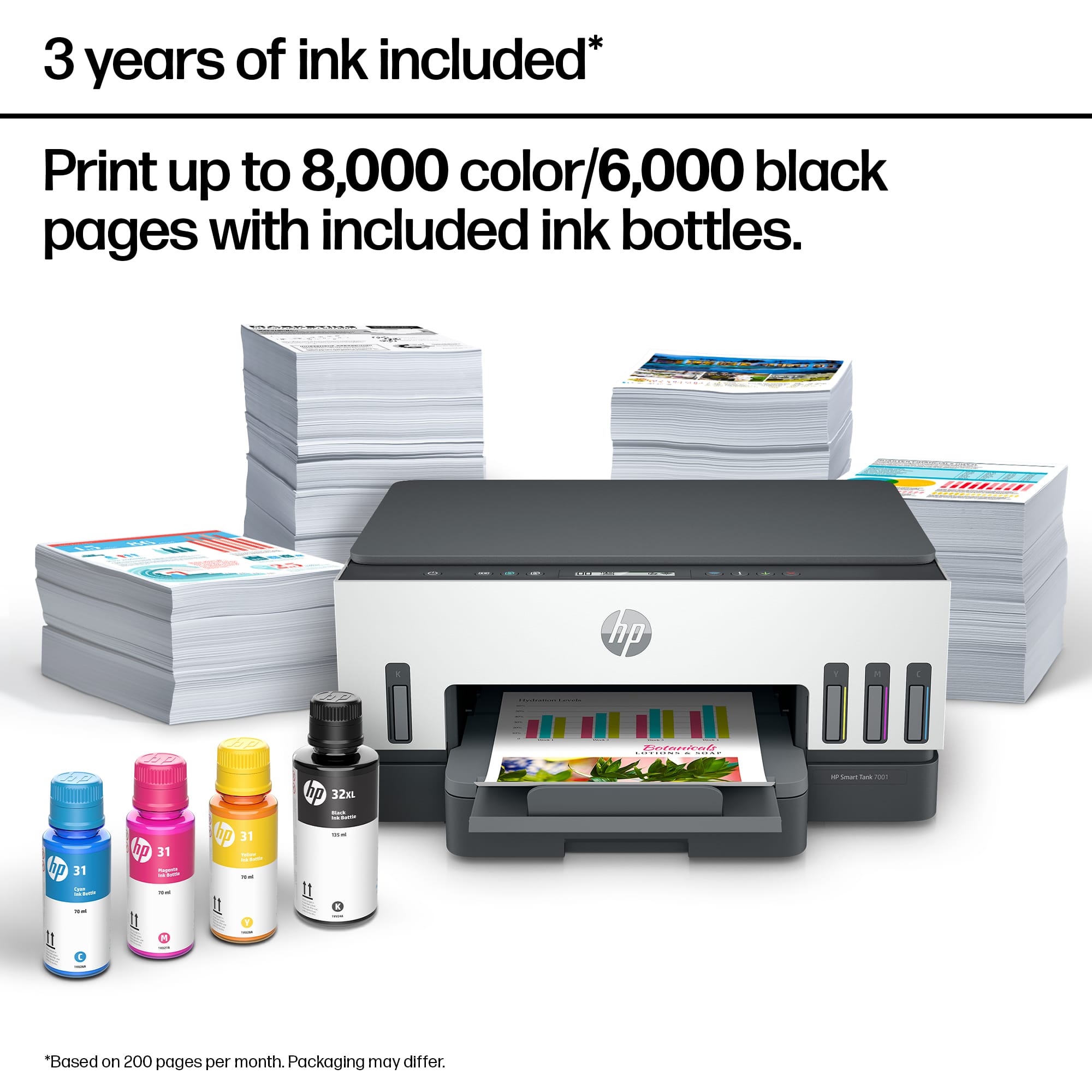
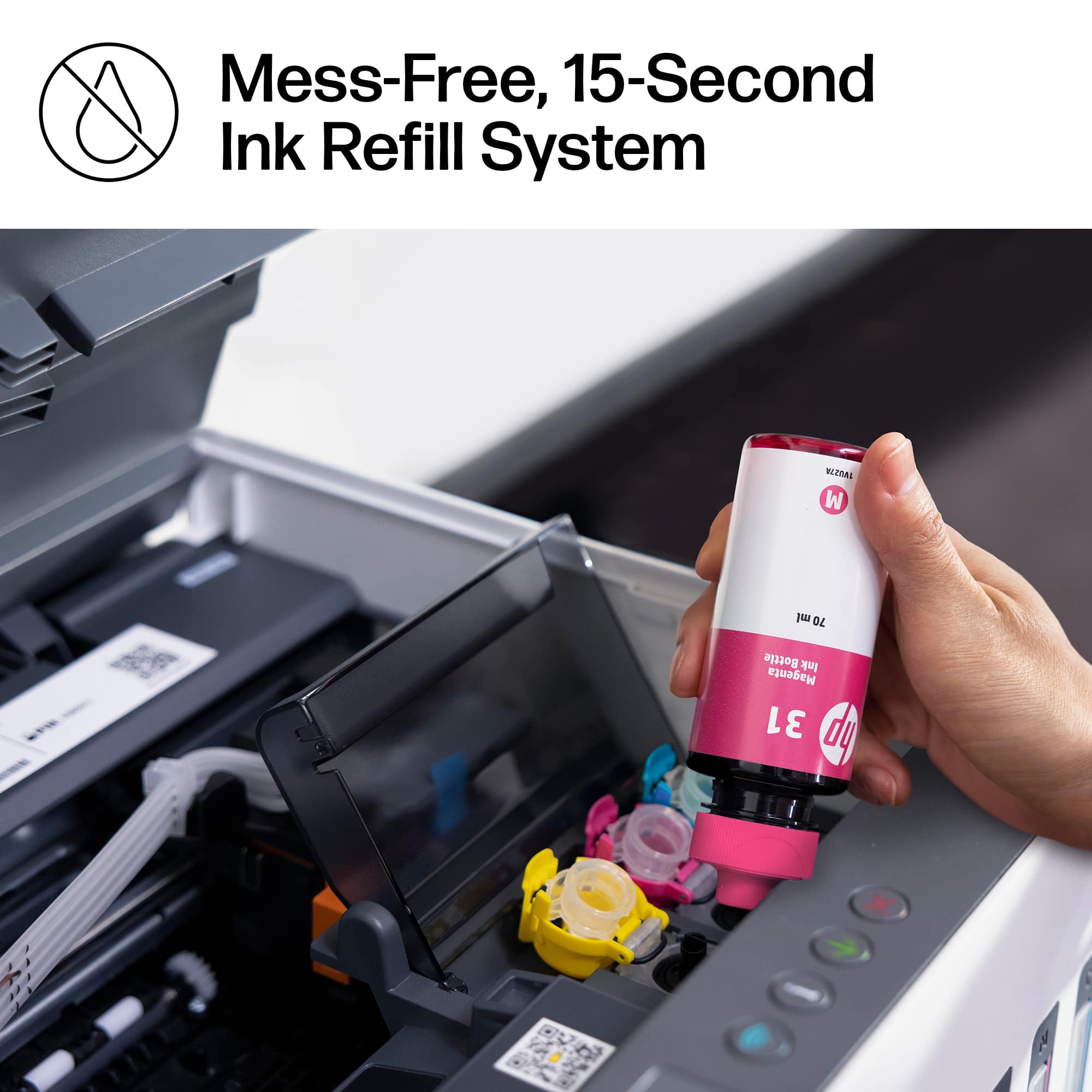
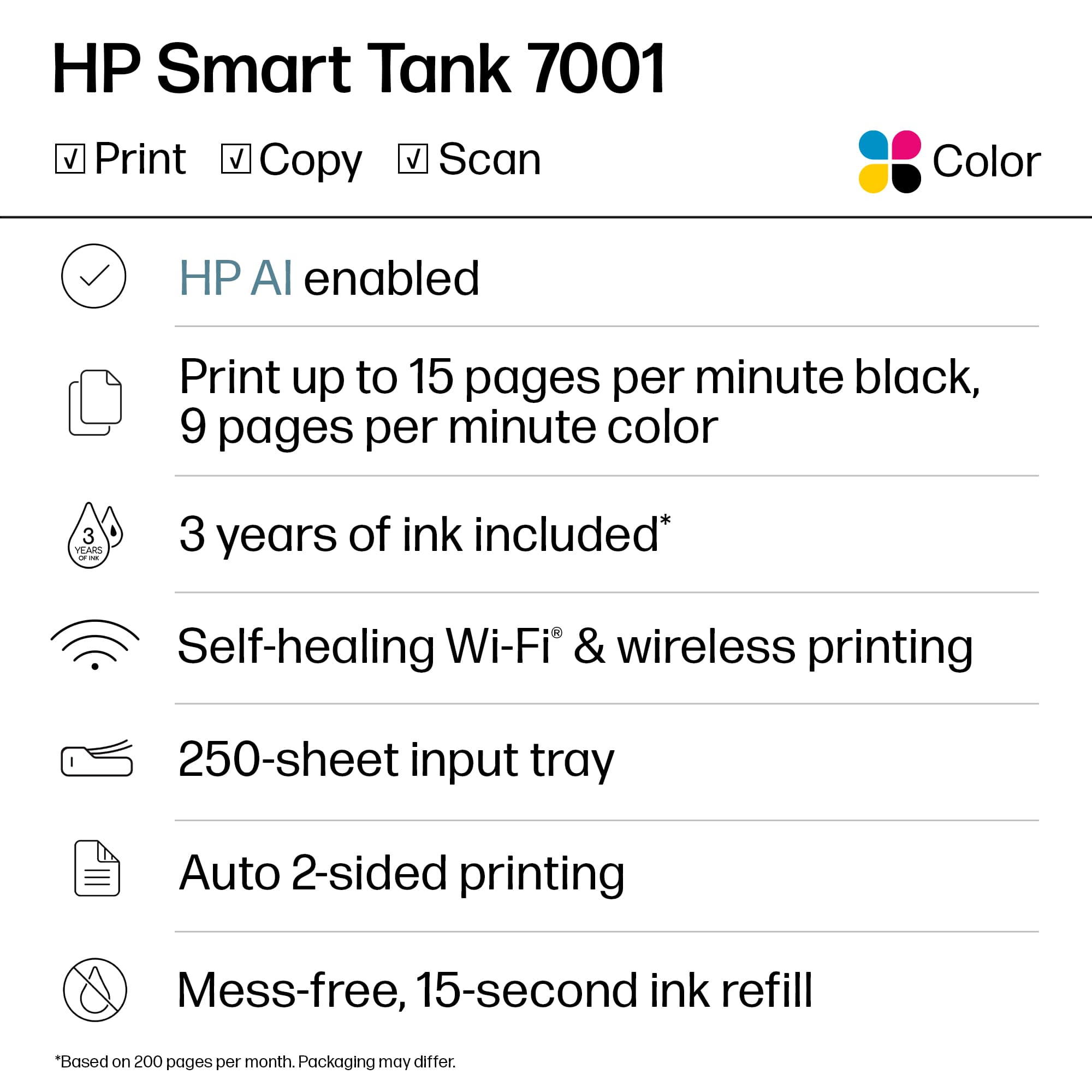
||Posted . Owned for 2 weeks when reviewed.This reviewer received promo considerations or sweepstakes entry for writing a review.Great printer and frees you from the dreaded tri-color cartridges. Oddly, it comes with a year’s supply of ink (under normal usage), yet the marketing folks started sending me refill emails two days after I bought it.
I would recommend this to a friendhp printer 7001
||Posted . Owned for 1 month when reviewed.This reviewer received promo considerations or sweepstakes entry for writing a review.love this printer easy to set up and love the ink tanks no more worrying about running out of ink quick holds a lot also has large paper tray which is great for large projects
I would recommend this to a friendnot so smart
||Posted . Owned for 3 weeks when reviewed.This reviewer received promo considerations or sweepstakes entry for writing a review.not as good as the one I had before. Have lots of trouble printing photos using photo paper. Unit tends to mess it up, do half a picture or none at all.Paper tray hard to pull out.. And Ink not likely would last two years. Ihave the HP 500 but lighting did a number on it. wont compat with computer..
No, I would not recommend this to a friendNot At All What They Used To Be
||Posted . Owned for 7 months when reviewed.This reviewer received promo considerations or sweepstakes entry for writing a review.I have used nothing but HP printers since 1998. They have always worked flawlessly for me, and were work horses. I bought this new one hoping to save on ink. Biggest mistake ever. Sure I might be saving ink but this printer has been the biggest piece of crap I have ever had. It loses connection with WIFI constantly. Everytime I go to print something I have to go through the trouble shooter to reconnect and find the printer. I would not recommend this printer to anybody. I wished I had never upgraded in the first place.
No, I would not recommend this to a friendBrand response from HP Team
Posted .Hi there.
I’m sorry that your printer has performed so poorly. It’s easy to understand why frequent connectivity difficulty would quickly become exasperating. I want to help you resolve this problem, so I’ll suggest some resources aimed at making that happen.
First, if you’ve not done so already, I recommend you visit a page on our support site that has diagnostic tools for various issues, including wireless connectivity. You can find that page here:
- support.hp.com/us-en/topic/diagnostics
You can also find troubleshooting guides specific to your printer, including ones on connectivity, in addition to user manuals, how-to documents and software updates here:
- support.hp.com/us-en/product/hp-smart-tank-7000-series/2100178735
If connectivity does not adequately improve, I suggest that you contact us directly at +1 800-474-6836 so we can help you assess what’s happening and find the quickest route to a resolution. To expedite the process, I recommend gathering the following information before the call:
- Model number
- Serial number
- Your location
- Case number (from any previous contact with HP support)
Keith
HP Care
hp.com/support



















