Customer Ratings & Reviews






- Model:
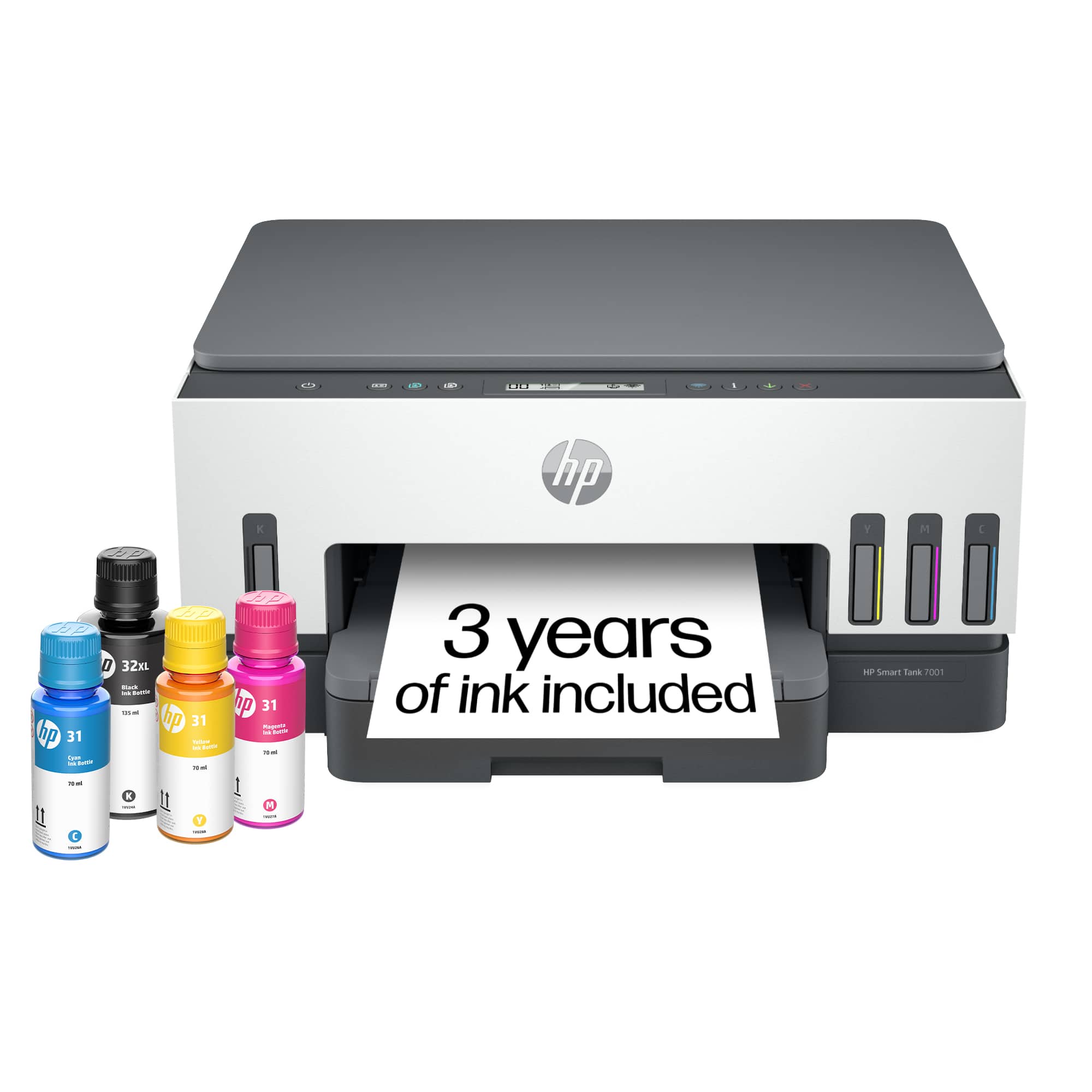
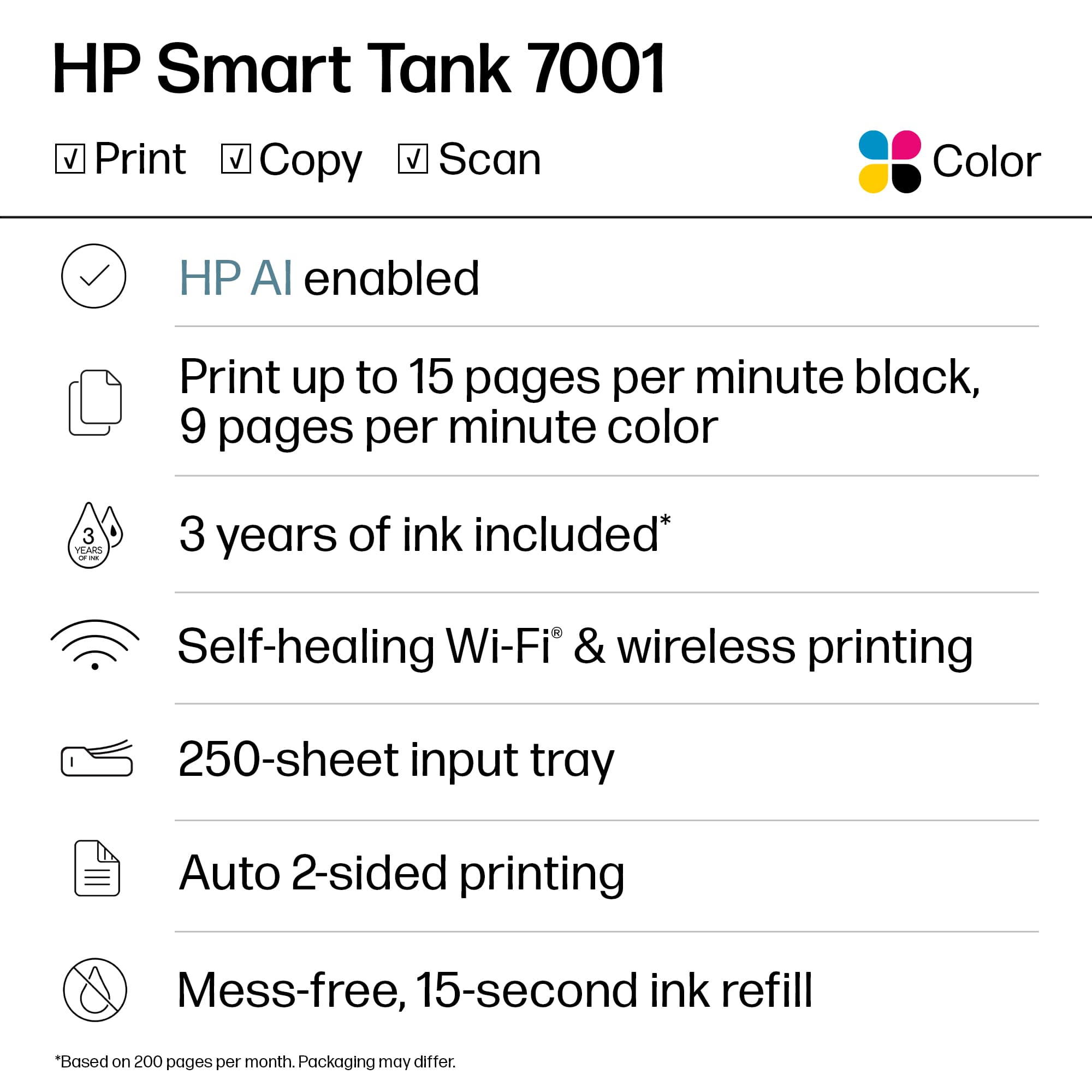
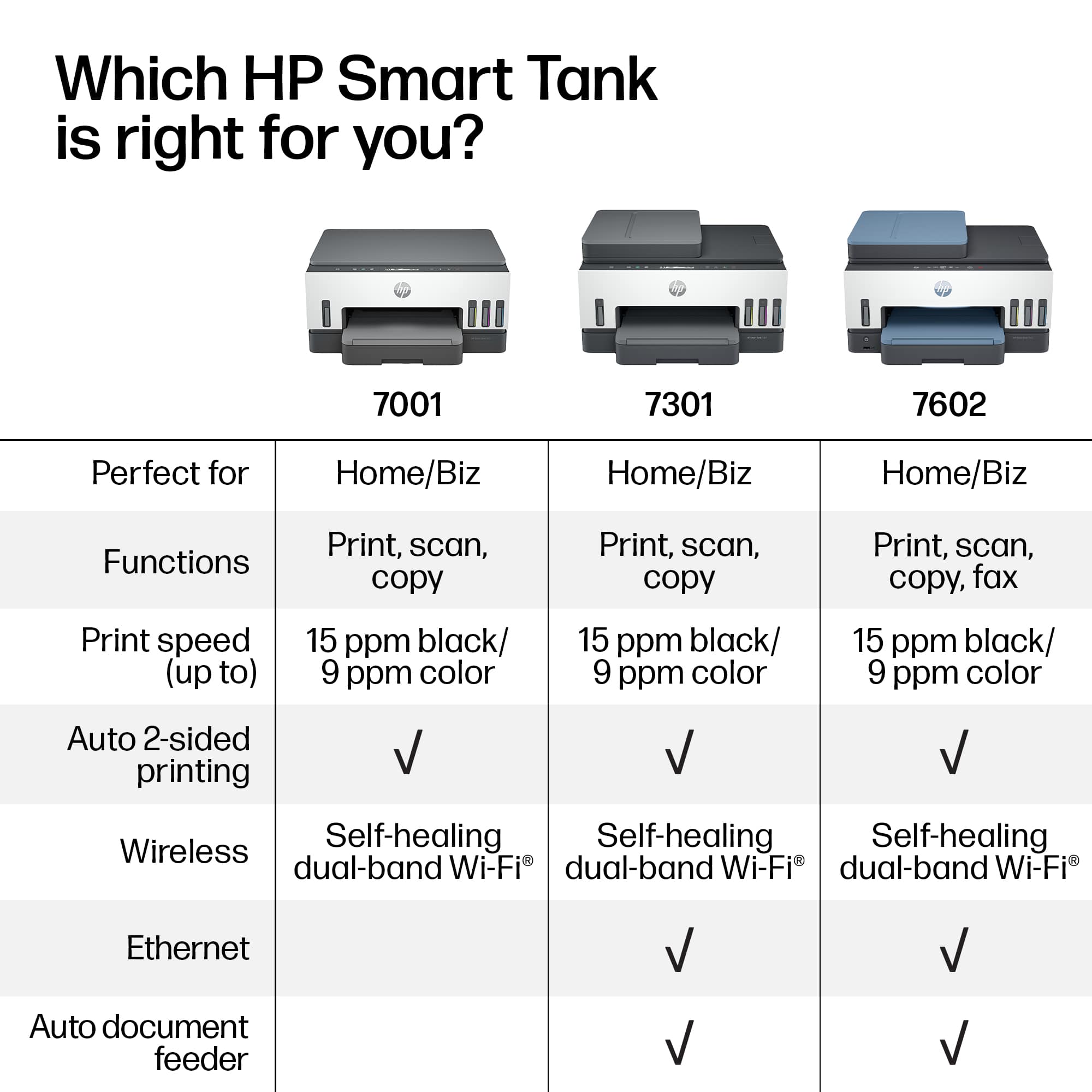
- SMART TANK 7001/28B49A#B1H
- SKU:
- 12242467
Rating by feature
- Value
Rating 4.2 out of 5 stars
- Quality
Rating 4.4 out of 5 stars
- Ease of Use
Rating 4.2 out of 5 stars
Expensive Printer
||Posted . Owned for 1 week when reviewed.This reviewer received promo considerations or sweepstakes entry for writing a review.This printer is working perfectly. I cannot ask anymore of this machine. I will wait to see if the tank lasts as long as advertised.
I would recommend this to a friendNew printer
||Posted . Owned for 3 weeks when reviewed.This reviewer received promo considerations or sweepstakes entry for writing a review.I got your just based on online reviews and best thing ive had in years.
I would recommend this to a friendSmart Buy
||Posted . Owned for 3 weeks when reviewed.This reviewer received promo considerations or sweepstakes entry for writing a review.Should have bought a long time ago. Buy it, you will not be disappointed.
I would recommend this to a friendGreat choice
||Posted . Owned for 1 month when reviewed.This reviewer received promo considerations or sweepstakes entry for writing a review.Love it. Works better than any other printer we have had in theast
I would recommend this to a friendGreat Printer
||Posted . Owned for 3 weeks when reviewed.This reviewer received promo considerations or sweepstakes entry for writing a review.Overall it works great and at a fair price for a wireless smart tank printer.
I would recommend this to a friendGood
||Posted . Owned for 1 month when reviewed.This reviewer received promo considerations or sweepstakes entry for writing a review.Works good, glad I got the smart tank and not the regular ink cartridge one
I would recommend this to a friendOverpriced product.
||Posted . Owned for 3 weeks when reviewed.This reviewer received promo considerations or sweepstakes entry for writing a review.This was a very nice printer, but way too expensive for my purposes. The only reason I purchased it was that no other printers were in stock. I returned within 14 days.
No, I would not recommend this to a friendGood, economical printer, scanner, copier
||Posted . Owned for 3 weeks when reviewed.This reviewer received promo considerations or sweepstakes entry for writing a review.This is a good printer, scanner, copier. The real selling point is that it is very thrifty on ink cost. Set up is fairly simple too
I would recommend this to a friendIt’s a great printer
||Posted . Owned for 5 months when reviewed.This reviewer received promo considerations or sweepstakes entry for writing a review.This printer works better than my previous printer!
I would recommend this to a friendUnreliable.
||Posted . Owned for 2 months when reviewed.This reviewer received promo considerations or sweepstakes entry for writing a review.HP says warranty expired, prior to my purchase! It keeps locking up; have reset to factory defaults, reinstalled software etc. Never buying HP again. HP Smart Print software seems to conflict with regular printer... there are two installed, even after removing all drivers, and reinstalling.
No, I would not recommend this to a friendGreat to use for sublimation only!
||Posted .This reviewer received promo considerations or sweepstakes entry for writing a review.It’s great so far and picture quality looks great and super easy to use for sublimation
I would recommend this to a friendPrinter
||Posted . Owned for less than 1 week when reviewed.This reviewer received promo considerations or sweepstakes entry for writing a review.Easy to use.able to match all phones and computer easily
I would recommend this to a friendEjo
||Posted . Owned for 2 weeks when reviewed.This reviewer received promo considerations or sweepstakes entry for writing a review.I have only begun to use my new printer. So far, I am pleased with it's performance.
I would recommend this to a friendInk saver
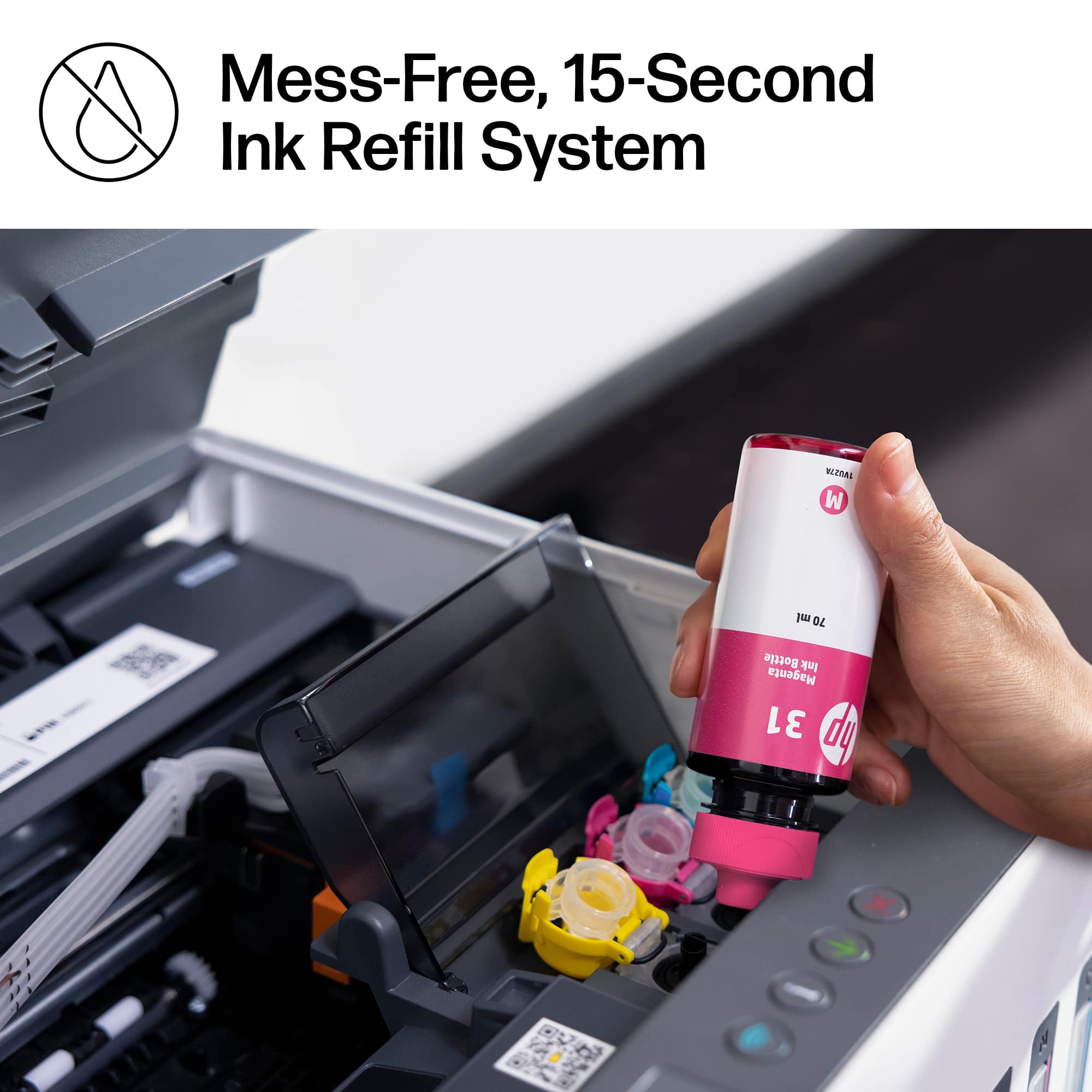
||Posted . Owned for 3 weeks when reviewed.This reviewer received promo considerations or sweepstakes entry for writing a review.I bought this for my husband to save on ink cartridges.
I would recommend this to a friendMy first and best experience with liquid inks!
||Posted . Owned for 3 weeks when reviewed.This reviewer received promo considerations or sweepstakes entry for writing a review.I enjoy printing & scanning from my samsung phone and the connection is perfect.
I would recommend this to a friendfairly good value for the money
||Posted . Owned for 1 month when reviewed.This reviewer received promo considerations or sweepstakes entry for writing a review.It's okay. It's a little clunky changing the size of the paper tray. But it does print and scan. Which is what I need
I would recommend this to a friendHp smart printer
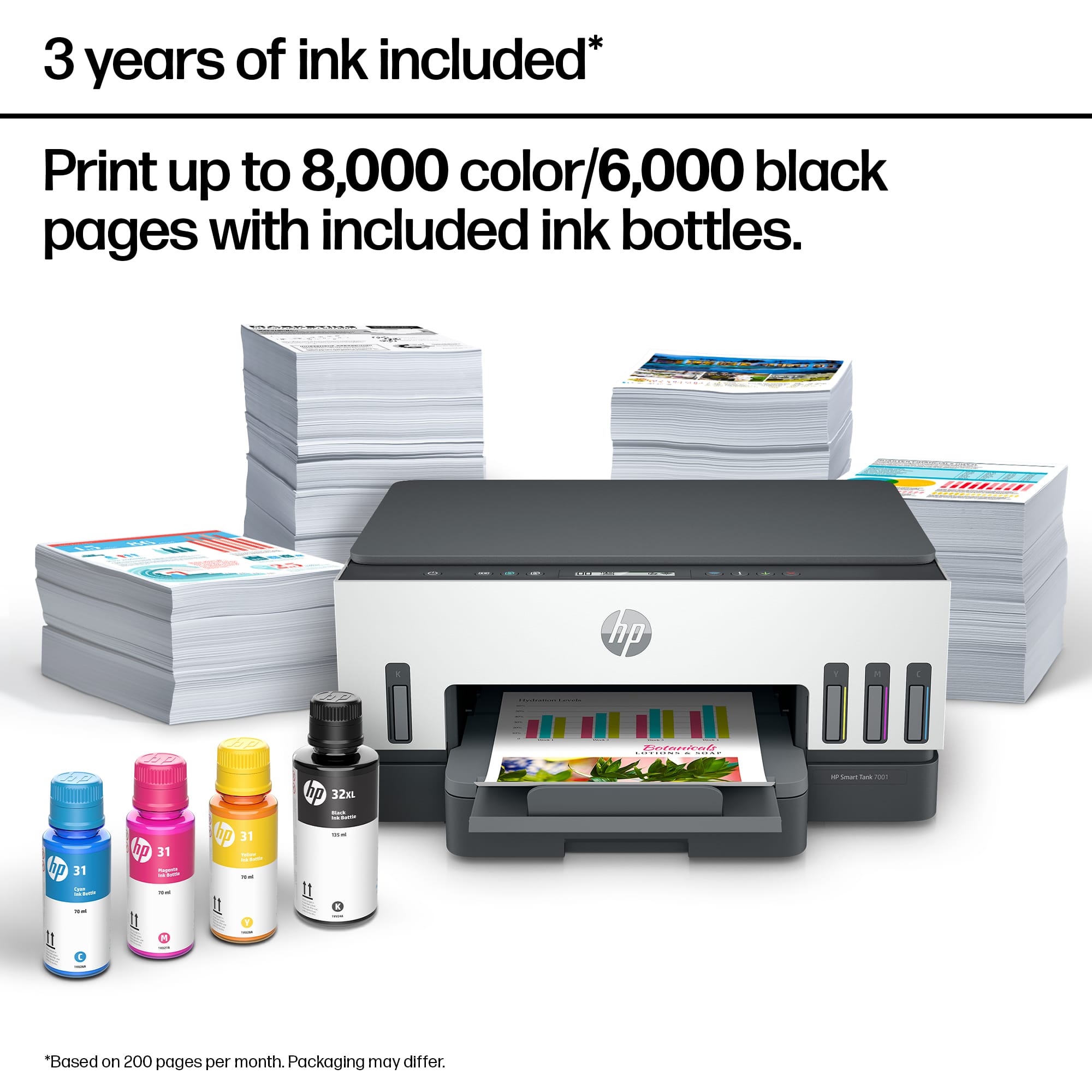
||Posted . Owned for 2 weeks when reviewed.This reviewer received promo considerations or sweepstakes entry for writing a review.I love saving money on the hp ink. Tgis HP 7001 hp smart printer ink is suppose to last 2 years. I had geek squad to come and install the printer with the fancy ink. Plus, teach me how to run it off my Apple devices.
I would recommend this to a friendPrinter
||Posted . Owned for 1 month when reviewed.This reviewer received promo considerations or sweepstakes entry for writing a review.excellent product with great price value. I recommend
I would recommend this to a friendNot user friendly
||Posted . Owned for 1 year when reviewed.This reviewer received promo considerations or sweepstakes entry for writing a review.I've hated this thing since the day I bought it and wish I had returned it. First, this printer is ridiculously complicated to set up and use. The setup process kept failing. The required HP software is buggy. You can't use the printer software without being logged into an HP account. You cannot scan documents without being logged into an HP account. The HP software keeps thinking the printer is offline when it isn't. The buttons and screen on the printer are pretty much worthless. Everything has to be done through the PC or mobile app. My printer is not dispensing magenta ink. I don't know why. There are no errors. I tried using the HP software to clean the printhead. It keeps displaying an error that there is a print job in progress. I reset the printer to factory defaults. Same thing. Because the printer is "smart" and there are no printhead errors the only way to access the printhead to check it was to unplug the printer while it is doing its startup checks. I have magenta ink sitting on the printhead yet it is not printing.
No, I would not recommend this to a friendBrand response from HP Team
Posted .Hi, Austin.
I’m sorry you’ve had such a dreadful time with your printer. Your exasperation comes as no surprise, considering you’ve endured a troubling setup process, software difficulty and the inability to print magenta ink. I want to help you out of this dilemma. I hope the resources I’ve listed below guide you to that end.
I recommend that you contact us directly at +1 800-474-6836 so we can help you assess what’s happening and find the best course of action. To expedite the process, I recommend gathering the following information before the call:
- Model number
- Serial number
- Your location
- Case number (from any previous contact with HP support)
I'll also mention that HP printers have a one-year warranty from their purchase date that covers hardware as well as ink supplies, so if it comes to that, you might consider making use of it. You can verify the warranty using the following link:
- support.hp.com/us-en/checkwarranty
Keith
HP Care
hp.com/support
Not worth money & time
||Posted . Owned for 3 weeks when reviewed.This reviewer received promo considerations or sweepstakes entry for writing a review.Save your money & your time took me almost 4 hours to print 1 page & never again would I buy this I returned after 5 hours and of it being difficult to connect to my laptop let alone my phone & print, this printer is a major headache
No, I would not recommend this to a friend


















