Customer Ratings & Reviews






- Model:
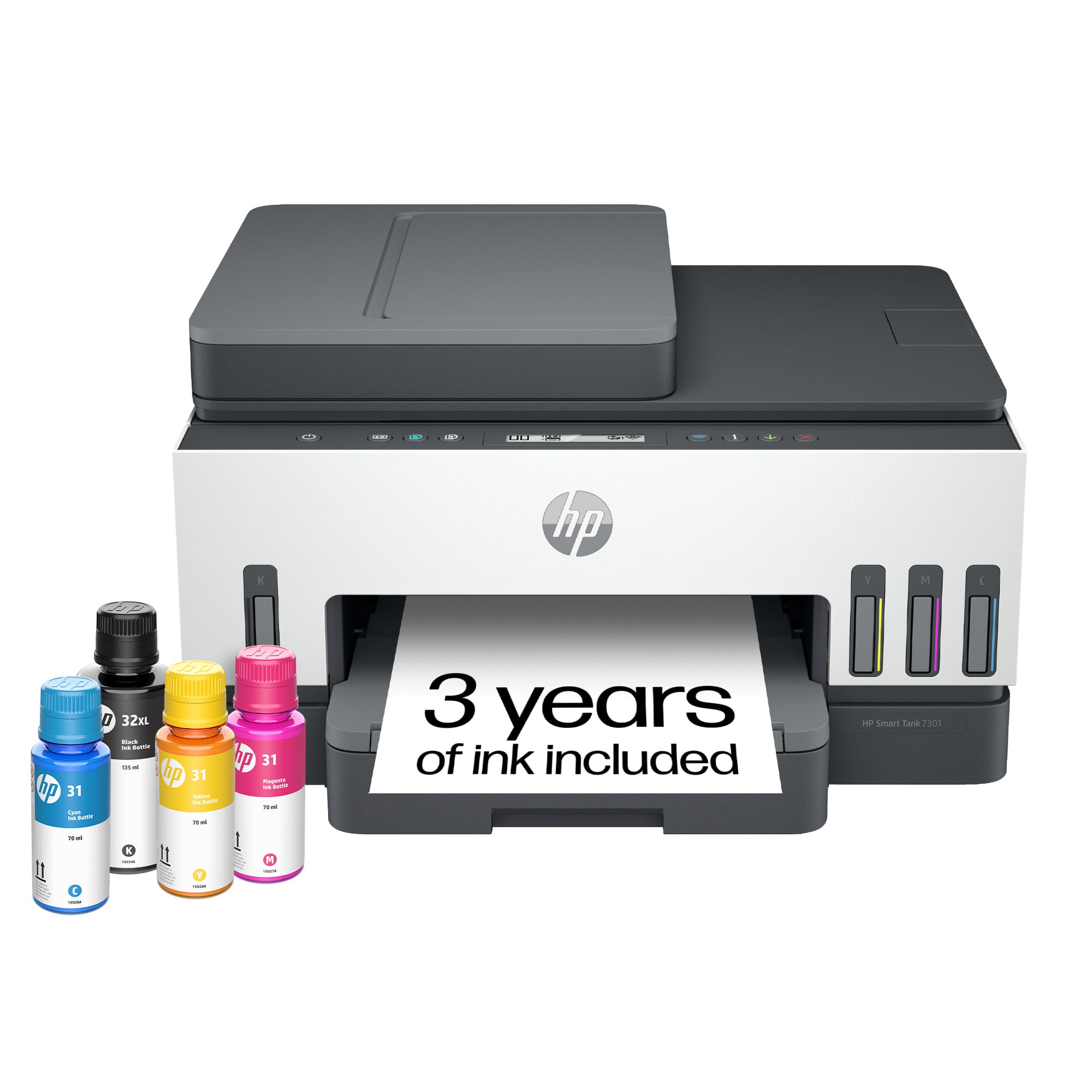
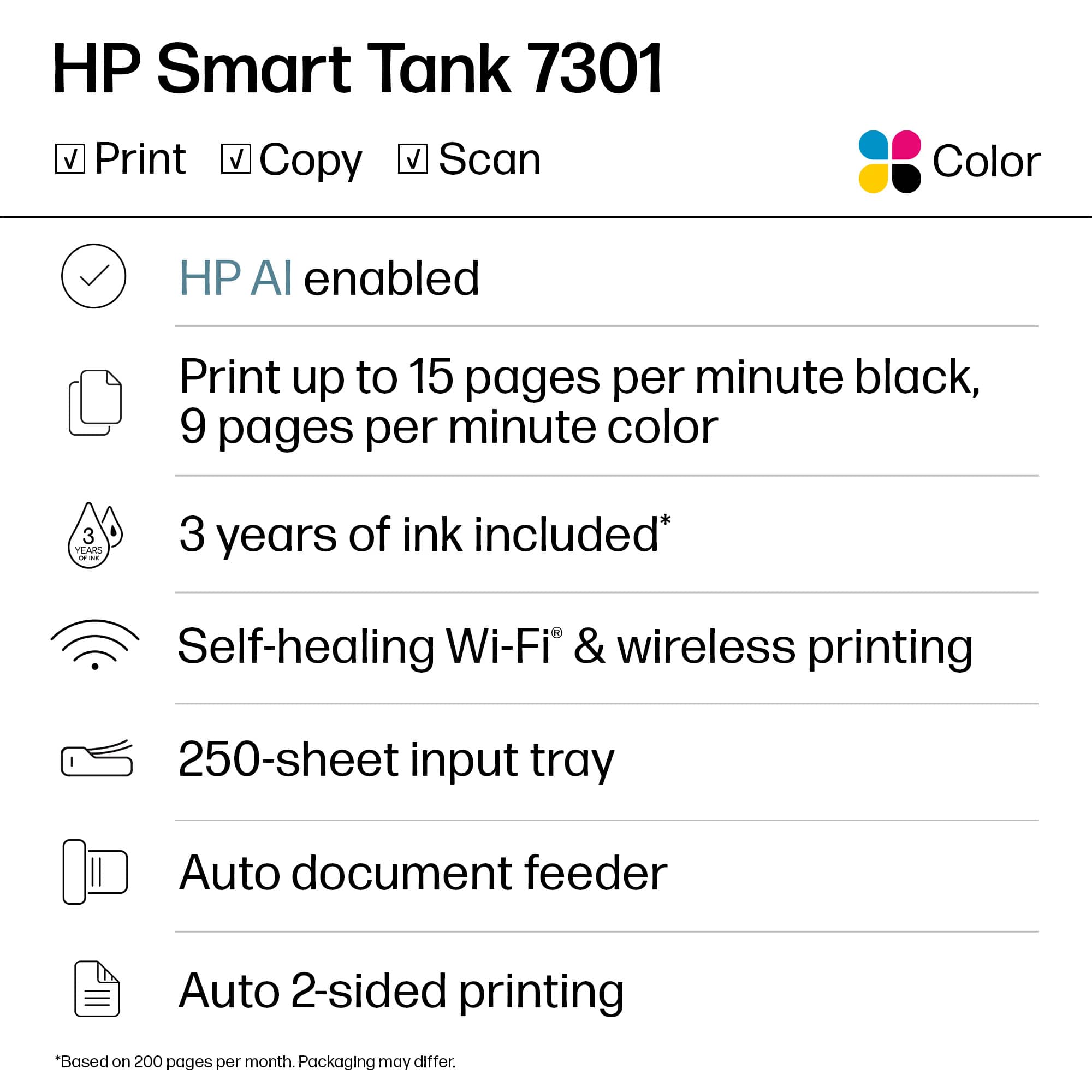
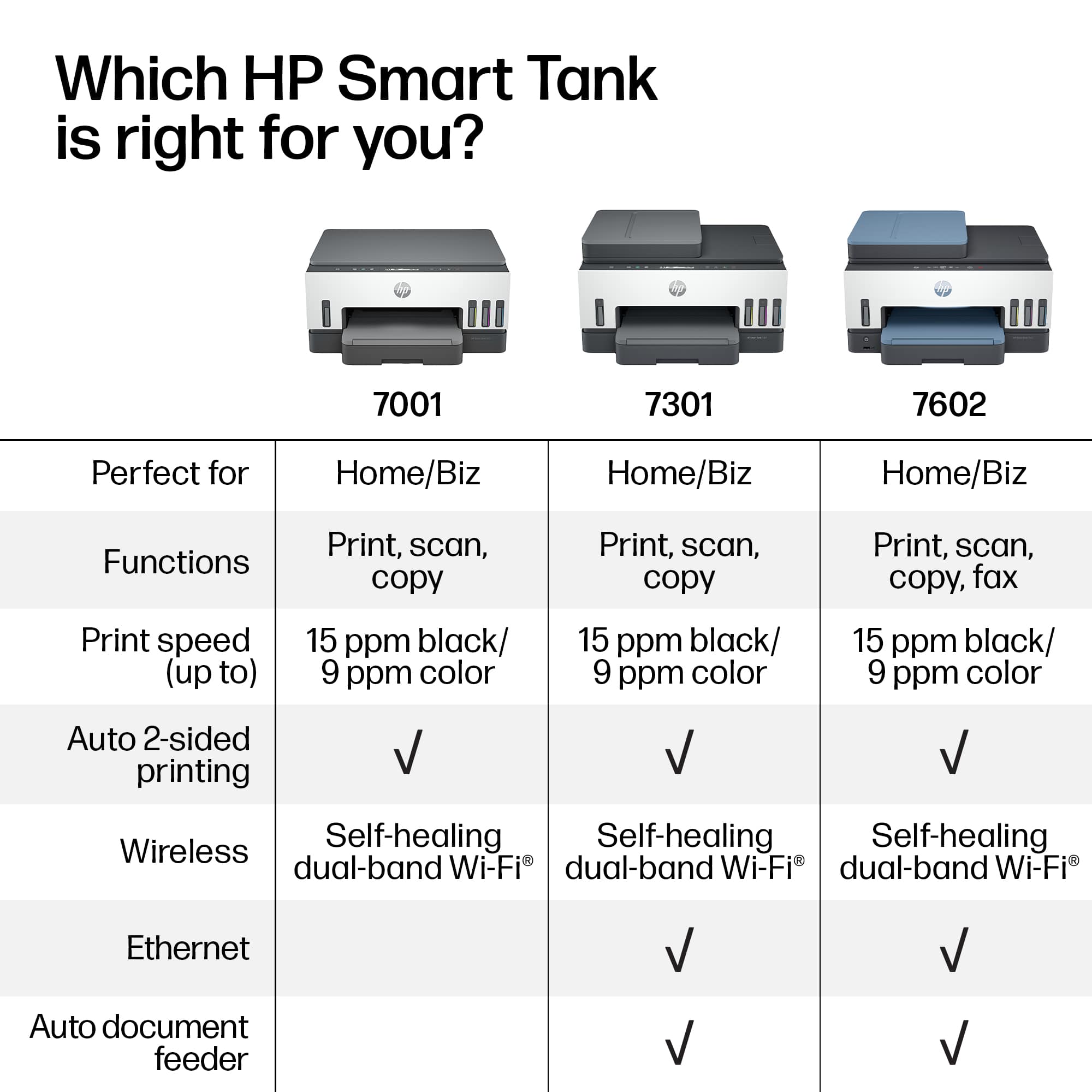
- SMART TANK 7301/28B70A#B1H
- SKU:
- 10757520
Rating by feature
- Value
Rating 4.2 out of 5 stars
- Quality
Rating 4.3 out of 5 stars
- Ease of Use
Rating 4.1 out of 5 stars
Great purchase.
||Posted . Owned for 3 weeks when reviewed.This reviewer received promo considerations or sweepstakes entry for writing a review.So far, very pleased with this printer. Would recommend.
I would recommend this to a friendDon't purchase this printer
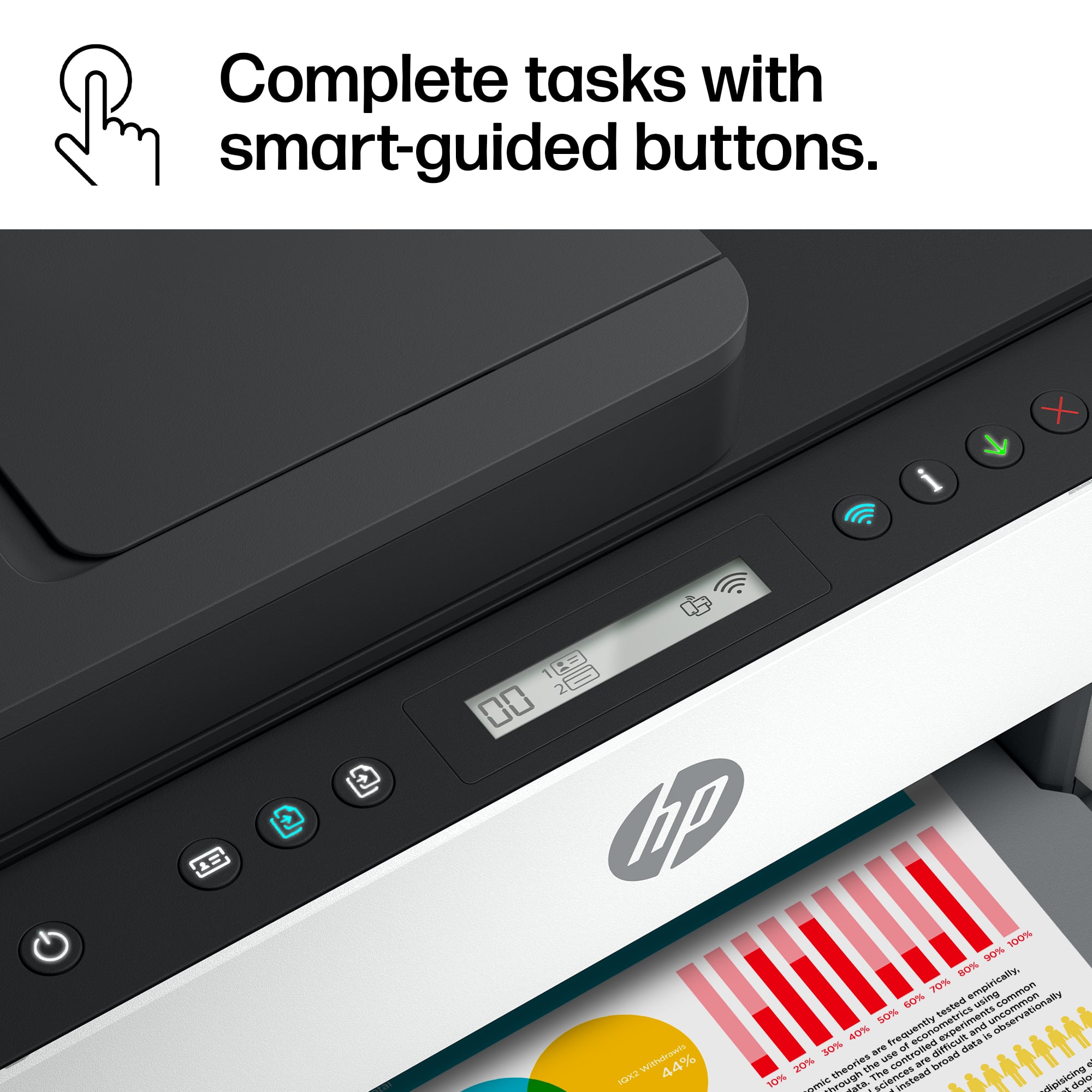
||Posted . Owned for 11 months when reviewed.This reviewer received promo considerations or sweepstakes entry for writing a review.Terrible printer. Constantly loses connection to my home network, only way to get it to work is constantly having a reboot my computer. The display screen is so tiny and so cryptic you really can't tell how to do anything. I have to Google every time something goes wrong. The positive of it is having the smart tank refillable ink. It uses very little ink so it lasts a long time. But making copies doing scans faxes forget about it it's almost impossible
No, I would not recommend this to a friendBrand response from HP Team
Posted .Hi there.
Thanks for your review and feedback. While I’m glad you like your printer’s tank system of ink delivery, I’m sorry the device has failed to maintain a reliable wireless connection. It’s easy to understand why frequently resetting your computer and searching the internet for troubleshooting help would be exasperating. I want to help you resolve this problem, so I’ll direct you to some resources that I hope will make that happen.
First, I recommend you visit a page on our support site that has diagnostic tools for various issues, including wireless connectivity. You can find that page here:
- support.hp.com/us-en/topic/diagnostics
You can also find troubleshooting guides specific to your printer, including ones on connectivity, in addition to user manuals, how-to documents and software updates here:
- support.hp.com/us-en/product/model/2100178910
If the problem persists, I suggest that you contact us directly at +1 800-474-6836 so we can help you assess the situation and find a solution. To expedite the process, I recommend gathering the following information before the call:
- Model number
- Serial number
- Your location
- Case number (from any previous contact with HP support)
Keith
HP Care
hp.com/support
I am an in-home user, but I do a lot of printing.
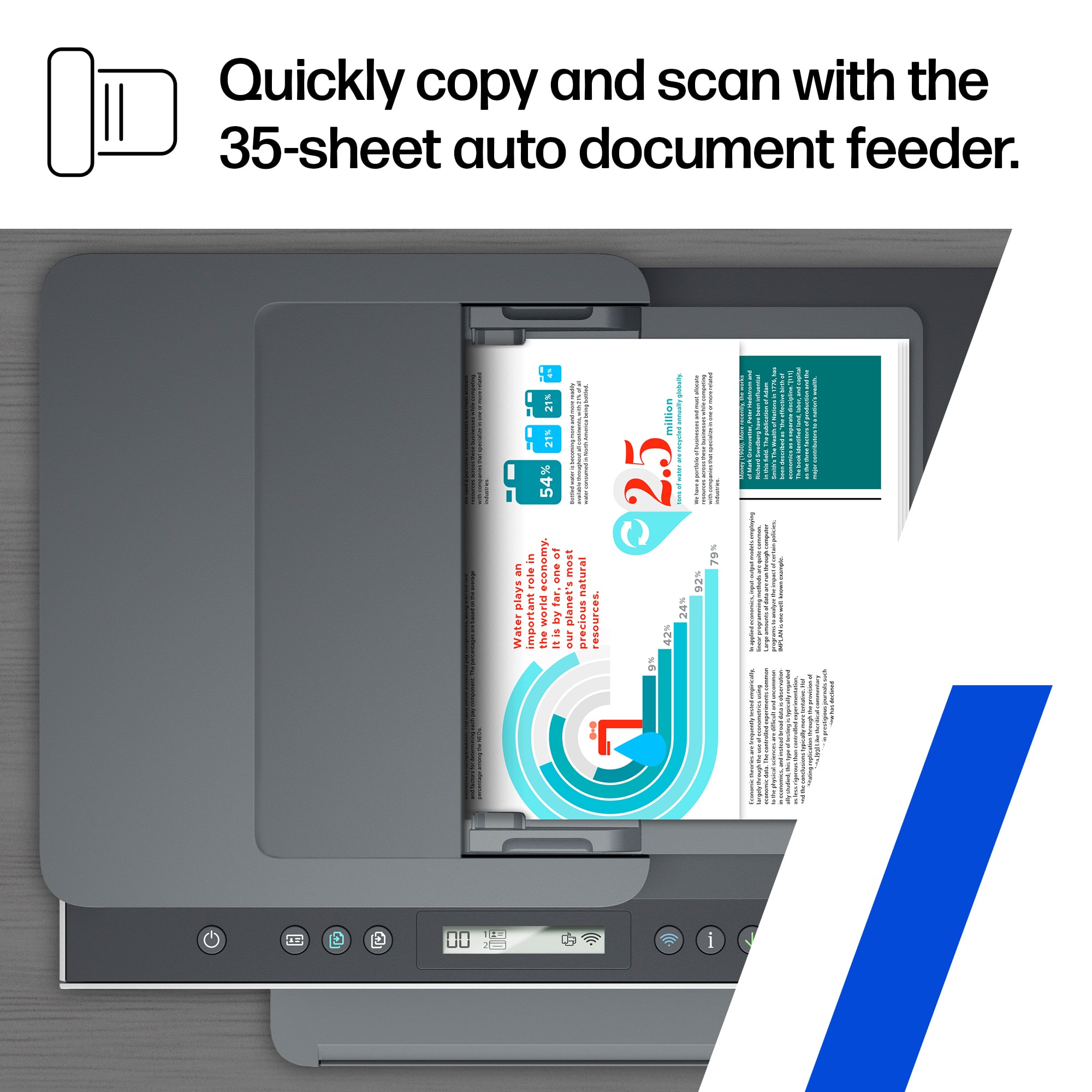
||Posted . Owned for 3 weeks when reviewed.This reviewer received promo considerations or sweepstakes entry for writing a review.It will not scan or print double sided. I was told when I bought it would scan and print double sided.
No, I would not recommend this to a friendVERY GOOD PRINTER
||Posted . Owned for 1 month when reviewed.This reviewer received promo considerations or sweepstakes entry for writing a review.VERY GOOD PRINT QUALITY LOOKS INK WILL LAST A VERY LONG TIME
I would recommend this to a friendStay away from this printer.
||Posted . Owned for 1.5 years when reviewed.This reviewer received promo considerations or sweepstakes entry for writing a review.While the printing in this machine is of good quality the overall user friendliness is horrible. Very difficult to operate and always goes offline. Would never buy an HP printer again.
No, I would not recommend this to a friendAfter 15 months I was told to buy a new printer
||Posted . Owned for 1 year when reviewed.This reviewer received promo considerations or sweepstakes entry for writing a review.Printer worked fine for 15 months at my business office. We upgraded to a laser jet, so I moved this one to my home office. After spending over 2 hours on hold with support trying to get this thing to connect to our home wifi, I was told to just buy a new printer. It literally worked fine yesterday, but they couldn't figure out how to get it to switch wifi networks. So even though it's just 15 months old, I need to spend another $500 on a printer. I'm DONE with HP.
No, I would not recommend this to a friendSmart Tank7301 Wireless printer
||Posted . Owned for 1 week when reviewed.This reviewer received promo considerations or sweepstakes entry for writing a review.Best Buy Snart Tank7301 Wireless ink jet printer is good so far.
I would recommend this to a friendHP 77301
||Posted . Owned for 1 week when reviewed.This reviewer received promo considerations or sweepstakes entry for writing a review.Very nice printer a little pricey but well worth it , prints outstanding copies !
I would recommend this to a friendGood to go
||Posted . Owned for 1 month when reviewed.This reviewer received promo considerations or sweepstakes entry for writing a review.Good Printer so far...Just weirs getting used to at first, but we are good now.
I would recommend this to a friendHP Smart Tank Printer
||Posted . Owned for 3 weeks when reviewed.This reviewer received promo considerations or sweepstakes entry for writing a review.Excellent printer. Very happy with the quality and appearance of the Printer.
I would recommend this to a friendRoy
||Posted . Owned for 1 month when reviewed.This reviewer received promo considerations or sweepstakes entry for writing a review.The printer works great, and is simple and easy to setup and use.
I would recommend this to a friendHP smart
||Posted . Owned for 1 month when reviewed.This reviewer received promo considerations or sweepstakes entry for writing a review.Great printer, fast and scans great, easy to use app on phone or computer
I would recommend this to a friendNice printer
||Posted . Owned for 1 month when reviewed.This reviewer received promo considerations or sweepstakes entry for writing a review.Very nice printer. I prefer HP products. They have always been very reliable
I would recommend this to a friendGreat all in one printer
||Posted . Owned for 1 month when reviewed.This reviewer received promo considerations or sweepstakes entry for writing a review.Great Printer! I really like the refillable ink because it makes things easier and its cheaper.
I would recommend this to a friendprinter
||Posted . Owned for 3 weeks when reviewed.This reviewer received promo considerations or sweepstakes entry for writing a review.works like a champ! easy to set up, auto double side printing works great
I would recommend this to a friendHP Printer
||Posted . Owned for 1 week when reviewed.This reviewer received promo considerations or sweepstakes entry for writing a review.Good product but, too slow for the amount of printing I do for work. Great product for anyone who doesn't do a lot of printing.
I would recommend this to a friendEasy to use
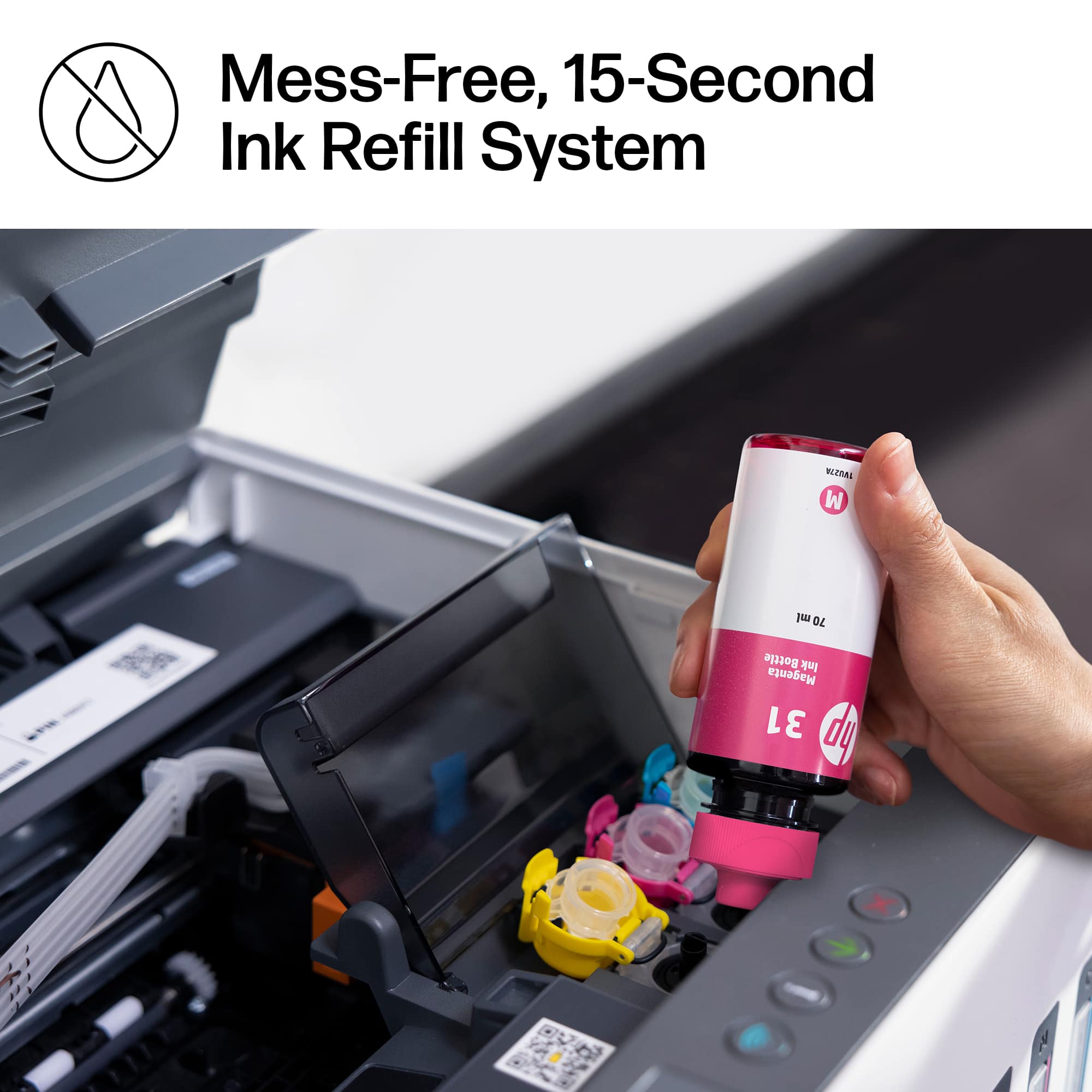
||Posted . Owned for less than 1 week when reviewed.This reviewer received promo considerations or sweepstakes entry for writing a review.Easy fill tank. Looking forward to not having to purchase cartridges anymore.
I would recommend this to a friendGreat printer
||Posted . Owned for 3 weeks when reviewed.This reviewer received promo considerations or sweepstakes entry for writing a review.This is the best printer I’ve ever owned. It is easy to use and looks great.
I would recommend this to a friendA little annoying
||Posted . Owned for 3 weeks when reviewed.This reviewer received promo considerations or sweepstakes entry for writing a review.Bought this for the office, so pourable ink was a plus. Setting it up was a bit of a pain. It often stops printing midway and lights start blinking. I have to unplug it and start over, after clearing my print que. Also where the heck is the scan button???? Some people do not want to use an app for their printer. I want to put the page down and press scan. Deciding if I want to keep it or not.
No, I would not recommend this to a friendGreat printer
||Posted . Owned for 3 weeks when reviewed.This reviewer received promo considerations or sweepstakes entry for writing a review.We are loving this new printer. Great color. Clear and clean pages.
I would recommend this to a friend
















