Customer Ratings & Reviews






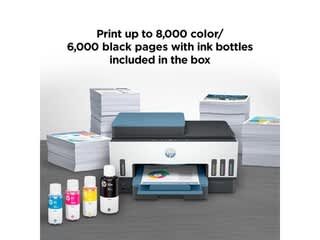

- Model:
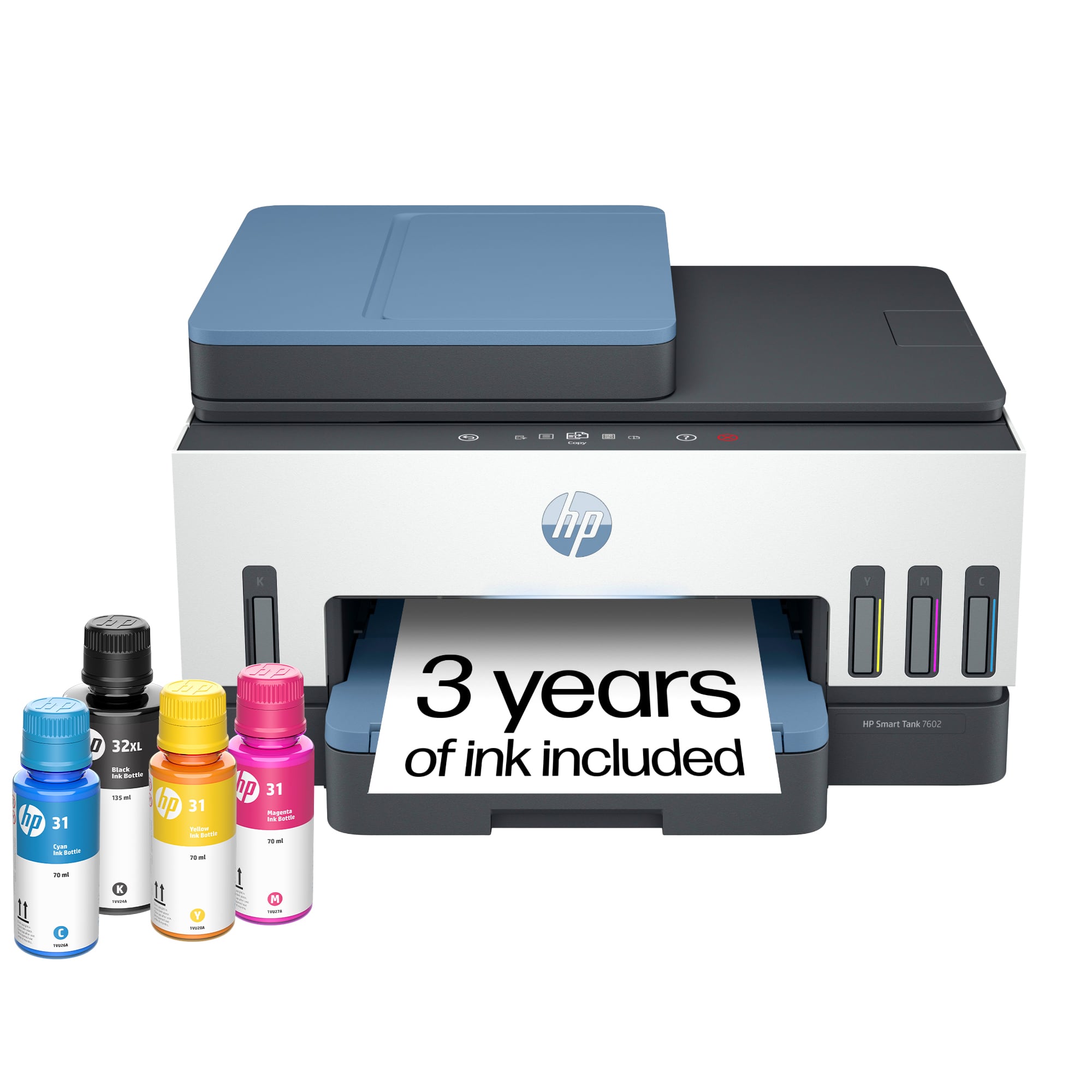
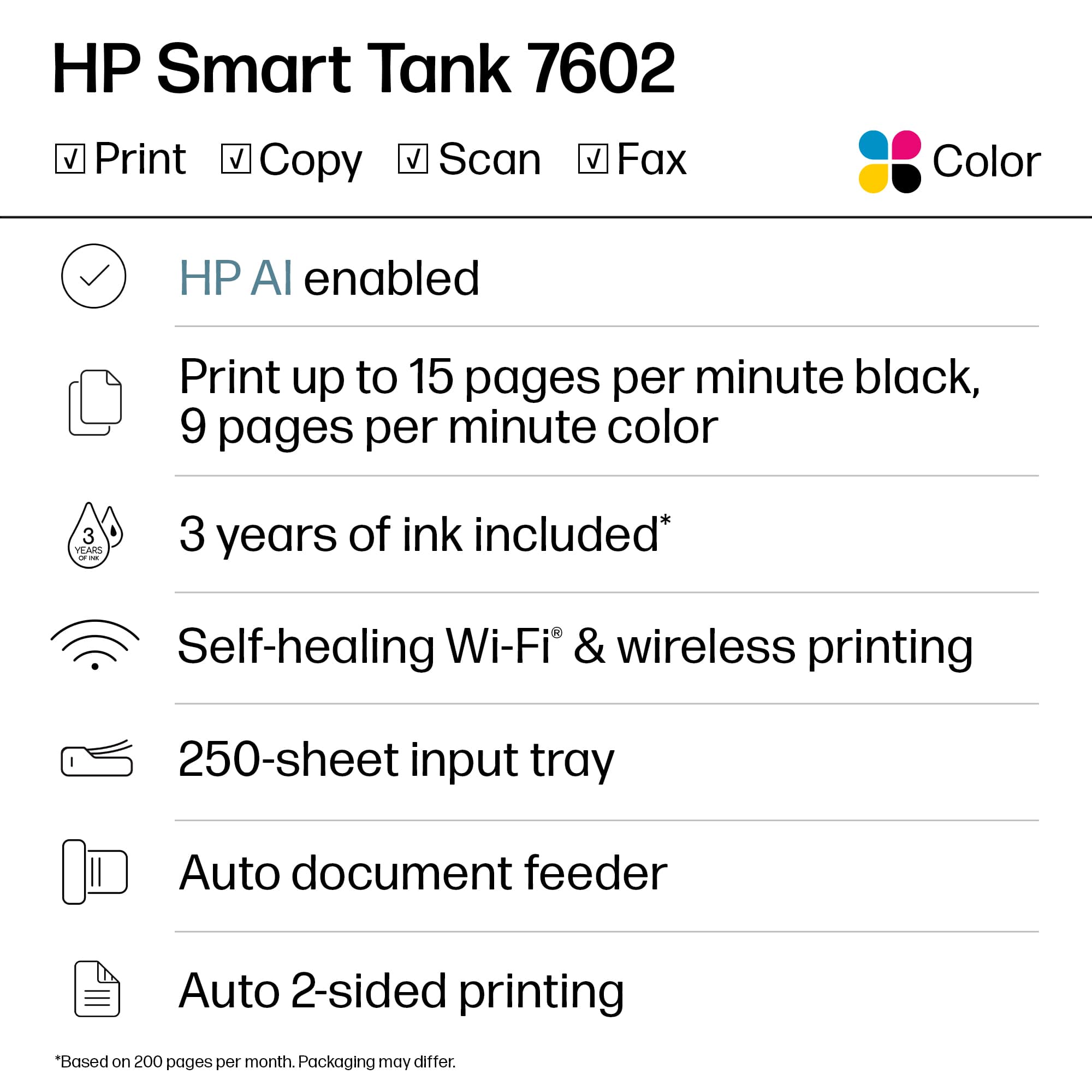
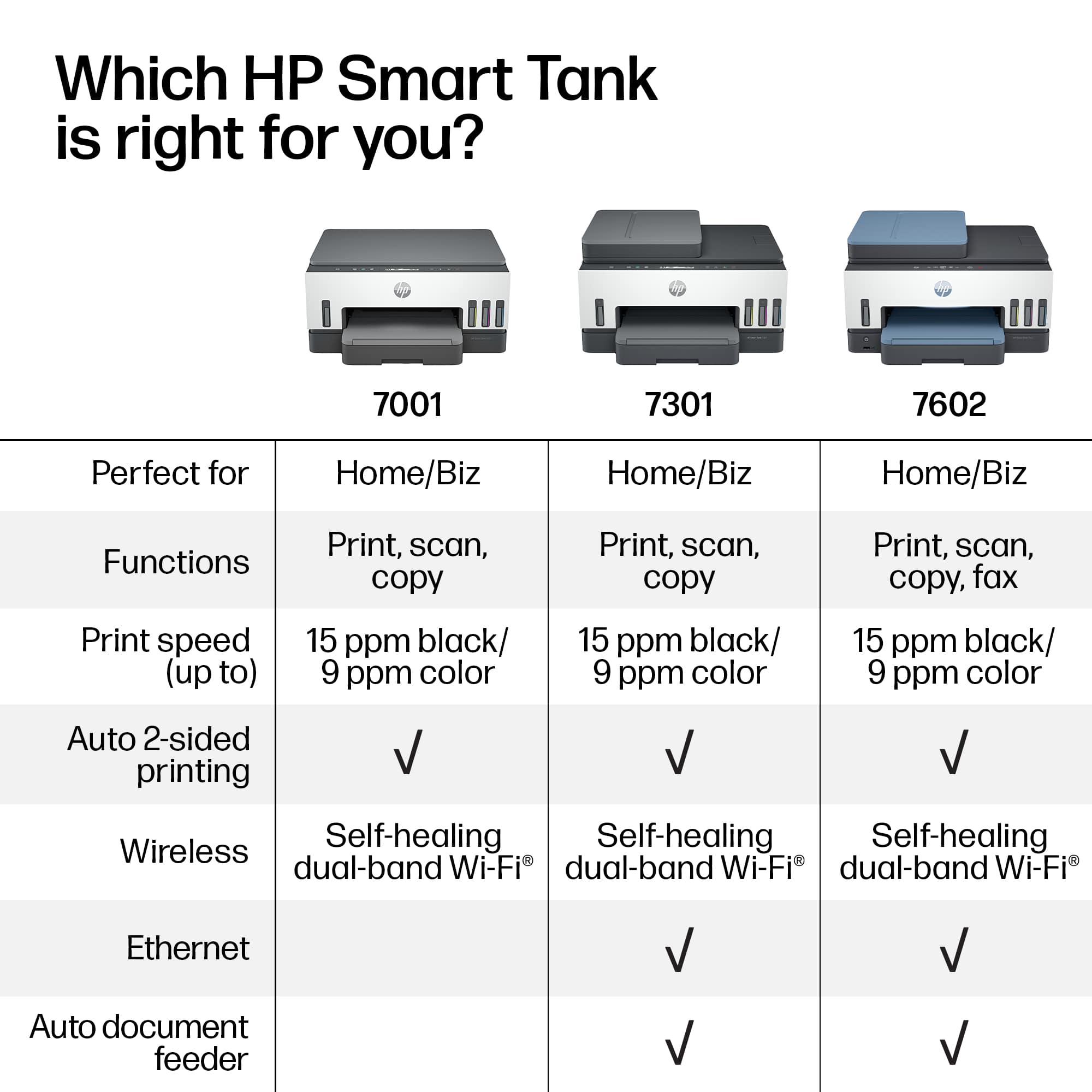
- HP SMART TANK 7602/28B98A#B1H
- |
- SKU:
- 11006122
Customer reviews
Rating 4.4 out of 5 stars with 1876 reviews
(1,876 customer reviews)Rating by feature
- Value4.4
Rating 4.4 out of 5 stars
- Quality4.5
Rating 4.5 out of 5 stars
- Ease of Use4.4
Rating 4.4 out of 5 stars
- Pros mentioned:Print quality
Rated 5 out of 5 stars
Nice addition to our home office
||Posted . Owned for 3 weeks when reviewed.This reviewer received promo considerations or sweepstakes entry for writing a review.First impressions - excellent inkjet. Setup with HP Smart App made this the easiest HP printer I have ever installed on our network. Print quality excellent. Should be good for our application (Home office - casual printing)
This review is from HP - Smart Tank 7602 Wireless AI-Enabled All-in-One Cartridge-Free Supertank Inkjet Printer with 3 Years of Ink Included¹ - Dark Surf Blue
I would recommend this to a friend - Pros mentioned:Print quality
Rated 5 out of 5 stars
Great printer
||Posted . Owned for 1 month when reviewed.This reviewer received promo considerations or sweepstakes entry for writing a review.Great printer. Extremely easy to set up. High quality prints.
This review is from HP - Smart Tank 7602 Wireless AI-Enabled All-in-One Cartridge-Free Supertank Inkjet Printer with 3 Years of Ink Included¹ - Dark Surf Blue
I would recommend this to a friend - Pros mentioned:Print quality
Rated 5 out of 5 stars
Owner
||Posted . Owned for 2 weeks when reviewed.This reviewer received promo considerations or sweepstakes entry for writing a review.Easy to setup. Like the ink system. Printer is fast and easy to use via phone or computer
This review is from HP - Smart Tank 7602 Wireless AI-Enabled All-in-One Cartridge-Free Supertank Inkjet Printer with 3 Years of Ink Included¹ - Dark Surf Blue
I would recommend this to a friend - Pros mentioned:Print quality
Rated 5 out of 5 stars
Great Printer!
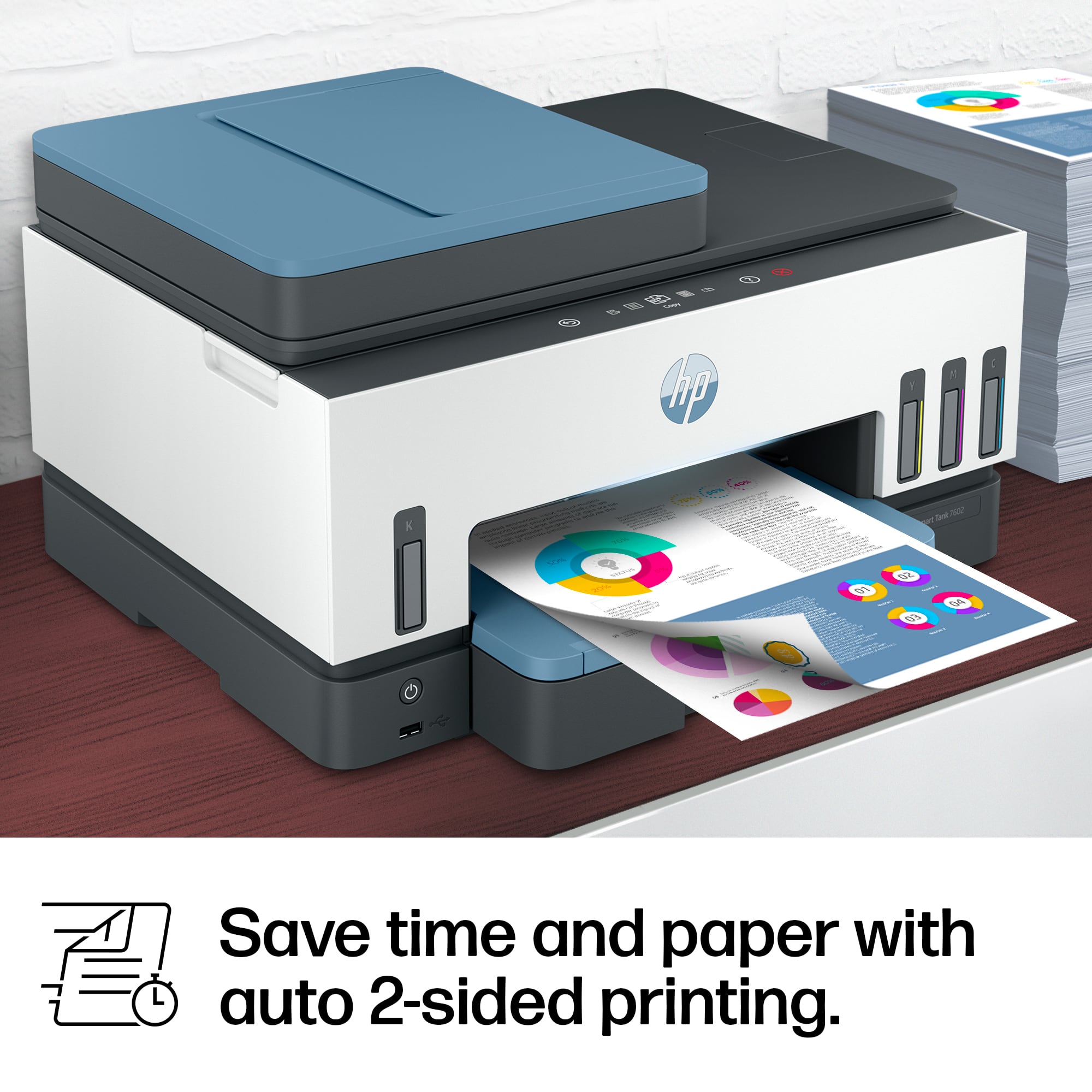
||Posted . Owned for 3 weeks when reviewed.This reviewer received promo considerations or sweepstakes entry for writing a review.Excellent print quality. Long lasting ink. Two sided printing feature is great.
This review is from HP - Smart Tank 7602 Wireless AI-Enabled All-in-One Cartridge-Free Supertank Inkjet Printer with 3 Years of Ink Included¹ - Dark Surf Blue
I would recommend this to a friend - Pros mentioned:Print quality
Rated 5 out of 5 stars
HP is the BEST!
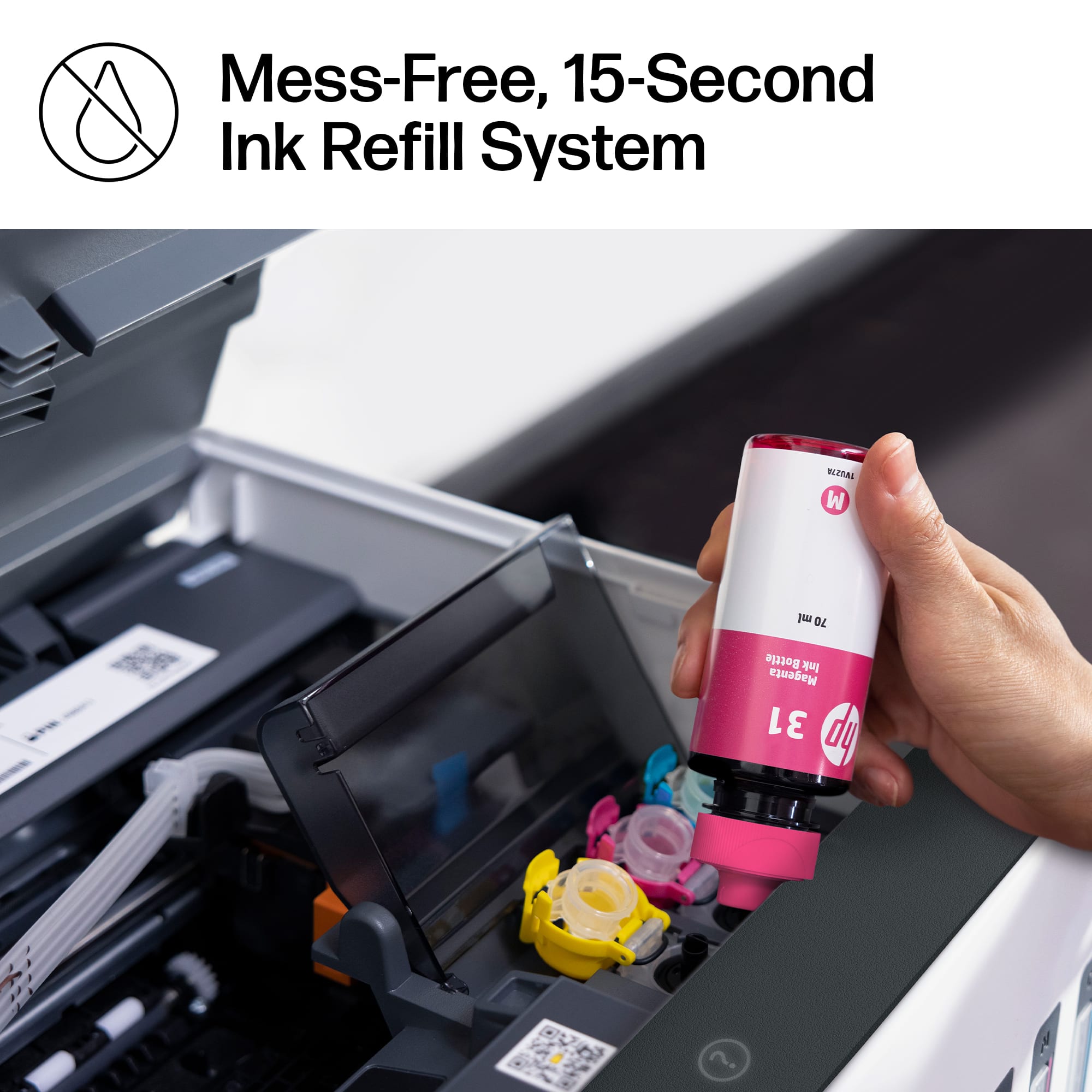
||Posted . Owned for 1 month when reviewed.This reviewer received promo considerations or sweepstakes entry for writing a review.Love this printer. The set up was super easy especially the snap in ink. Makes clean crisp copies.
This review is from HP - Smart Tank 7602 Wireless AI-Enabled All-in-One Cartridge-Free Supertank Inkjet Printer with 3 Years of Ink Included¹ - Dark Surf Blue
I would recommend this to a friend - Pros mentioned:Print quality
Rated 5 out of 5 stars
My review
||Posted . Owned for 3 weeks when reviewed.This reviewer received promo considerations or sweepstakes entry for writing a review.Printer works well and it has all the features I need. It will be good to not worry about ink running out in the middle of printing. I will not have to keep spares on hjand.
This review is from HP - Smart Tank 7602 Wireless AI-Enabled All-in-One Cartridge-Free Supertank Inkjet Printer with 3 Years of Ink Included¹ - Dark Surf Blue
I would recommend this to a friend - Pros mentioned:Print quality
Rated 5 out of 5 stars
HP 7600
||Posted . Owned for 1 month when reviewed.This reviewer received promo considerations or sweepstakes entry for writing a review.Easy to set up. Works as expected. Scans & prints fine.
This review is from HP - Smart Tank 7602 Wireless AI-Enabled All-in-One Cartridge-Free Supertank Inkjet Printer with 3 Years of Ink Included¹ - Dark Surf Blue
I would recommend this to a friend - Pros mentioned:Print quality
Rated 5 out of 5 stars
Great, easy to use,
||Posted . Owned for 3 weeks when reviewed.This reviewer received promo considerations or sweepstakes entry for writing a review.Easy setup. Prints great. Also prints from mobile. High volume printing.
This review is from HP - Smart Tank 7602 Wireless AI-Enabled All-in-One Cartridge-Free Supertank Inkjet Printer with 3 Years of Ink Included¹ - Dark Surf Blue
I would recommend this to a friend - Pros mentioned:Print quality
Rated 5 out of 5 stars
Awesome printer
||Posted . Owned for 1 week when reviewed.This reviewer received promo considerations or sweepstakes entry for writing a review.Quick easy setup and easy to use. Ink tanks last a very long time
This review is from HP - Smart Tank 7602 Wireless AI-Enabled All-in-One Cartridge-Free Supertank Inkjet Printer with 3 Years of Ink Included¹ - Dark Surf Blue
I would recommend this to a friend Rated 1 out of 5 stars
If I could give it less than zero!
||Posted .This reviewer received promo considerations or sweepstakes entry for writing a review.Hands down this is the worst printer I have EVER owned! ALSO THE HP SOFTWARE IS HORRIBLE NOW TOO. In the past everything I owned was HP My laptops, I had two of them I had bought for my son and I. And have only bought HP printers for the past probably 25 years. I still have one it's the maybe it's the inkjet 5610V. That printer was great It was heavy it printed perfect, the software was great. And if I had the software for it now I bet you it would work. I would keep it just for the scanning with the document feeder if I could. The printer I bought prior to this one was the envy 5663 best buy model years ago, and I was satisfied with the software and the printer. But as of late I needed something with an automatic paper feeder. Right from the start I started having constant paper jams, lines in my printing even after using maintenance. Went to use the automatic feeder and I had black lines on the document I fed through. I cleaned the rollers in the back gently and then the paper feeder stopped working. When I say gently I mean a very light damp rag as best I could. But the rollers do not turn and I was not going to force them. So that was that. Scanning stopped working I uninstalled and reinstalled the software. I uninstalled the drivers and reinstalled. I did everything I could possibly think of and no matter what the scanning button was always grayed out. I did this on both my computers and it was still grayed out. The only solution in case anyone is wondering was using Windows paint and selecting import or export I can't remember now downloading it into Windows and then scanning it that way I can't remember exact process I'd have to look at the computer but that was the way I was able to scan and the only way. I tried other software after researching but once I got to a certain point it would revert me to HP because it would not work. Duplexing, I could not get it to work properly no matter what I did it would not match up I tried using it through canva and matching it up I tried nudging it a little bit I tried every possible way with PDF, with word, with canva, I had AI help me, and eventually I realize it's an issue with this printer. That being said I've probably used a total of between 6 and 800 pages and on the blue ink I have less than a quarter of print left for that ink and then the other are half gone. There is no way this would even last up to 6 months printing say even 1200 pages so that's just crazy. The control panel is the worst I have ever dealt with for anything not just a printer It's absolutely garbage. I cannot believe I paid over $300 for this piece of junk. Also for some ungodly known reason even though HP wants you to keep their printer on it has a light on it that stays illuminated even when it's sleeping. Which is really annoying if you have it in your bedroom which also is your office. I'm tired of having to put a towel over my printer every night to make it not illuminate. There's nothing I can find to shut it off but who knows because the control panel is so crappy. The software settings are just ridiculously sparse. I was trying to go through them with my chat GPT and it told me that HP had quietly stopped some of the settings that I had known to be prior and some of their updates. Don't ask me what they are no because there's so many issues I can't even keep track at this point. I have bought a new printer for twice the amount with a different brand hoping it will work out and it will be worth it. Thank God I have a Best buy credit card and I'm able to get 0% financing. I tried to bring this computer back even though I've had it for about 6 months. I have to bring it back in tomorrow if they do not refund me at least they can refurbish it for me and then I will just sell it when it is refurbished after I make sure that it's actually working properly. And if it is not I will be returning it and they will give me all my money! I realize after over 20 to 30 years of using HP products I am done totally. My laptops ended up being horrible when I bought them I have since moved on to different laptop brands it's a shame because they used to have really good products but now I wouldn't spend $100 on an HP product.
This review is from HP - Smart Tank 7602 Wireless AI-Enabled All-in-One Cartridge-Free Supertank Inkjet Printer with 3 Years of Ink Included¹ - Dark Surf Blue
No, I would not recommend this to a friend- Pros mentioned:Overall performance
Rated 5 out of 5 stars
HP Printer
||Posted . Owned for 3 weeks when reviewed.This reviewer received promo considerations or sweepstakes entry for writing a review.Easy setup and works great. Best printer I have owned.
This review is from HP - Smart Tank 7602 Wireless AI-Enabled All-in-One Cartridge-Free Supertank Inkjet Printer with 3 Years of Ink Included¹ - Dark Surf Blue
I would recommend this to a friend Rated 5 out of 5 stars
great item
||Posted . Owned for 1 month when reviewed.This reviewer received promo considerations or sweepstakes entry for writing a review.I find this great because i can print photo's from my cell phone.
This review is from HP - Smart Tank 7602 Wireless AI-Enabled All-in-One Cartridge-Free Supertank Inkjet Printer with 3 Years of Ink Included¹ - Dark Surf Blue
I would recommend this to a friend- Pros mentioned:Print quality
Rated 3 out of 5 stars
Smart Tank 7602
||Posted . Owned for 1 month when reviewed.This reviewer received promo considerations or sweepstakes entry for writing a review.I have only had this for three months. It prints well, but slowly and the digital display is annoying to use as I have to tap multiple times. The paper tray feels very fragile like it might break when I pull it open or push it closed. The paper tray adjusts for large but not the 8.5X11 although it prints OK. I paid over $300, but I saw the same printer at WALMARTS for $200, but at BEST BUY you pay for customer service and expertise. I had a problem which they quickly resolved. I recommended this item, but I would first look at other similar printers available and take another look at laser printers. I had an ink jet printer that I liked much more which is older so no digital, but the ink kept drying out since I don't print very much which is why I went with the ink tank .
This review is from HP - Smart Tank 7602 Wireless AI-Enabled All-in-One Cartridge-Free Supertank Inkjet Printer with 3 Years of Ink Included¹ - Dark Surf Blue
I would recommend this to a friend - Pros mentioned:Print quality
Rated 4 out of 5 stars
Very nice but
||Posted . Owned for 3 weeks when reviewed.This reviewer received promo considerations or sweepstakes entry for writing a review.Much more quiet and quick than earlier HP Envy model. The one negative is that you have only one paper to option for the tray- you can’t print a photo without going to take all paper out and loading photo paper and vice versa
This review is from HP - Smart Tank 7602 Wireless AI-Enabled All-in-One Cartridge-Free Supertank Inkjet Printer with 3 Years of Ink Included¹ - Dark Surf Blue
I would recommend this to a friend Rated 3 out of 5 stars
Good printer, IF you can complete the HP setup…
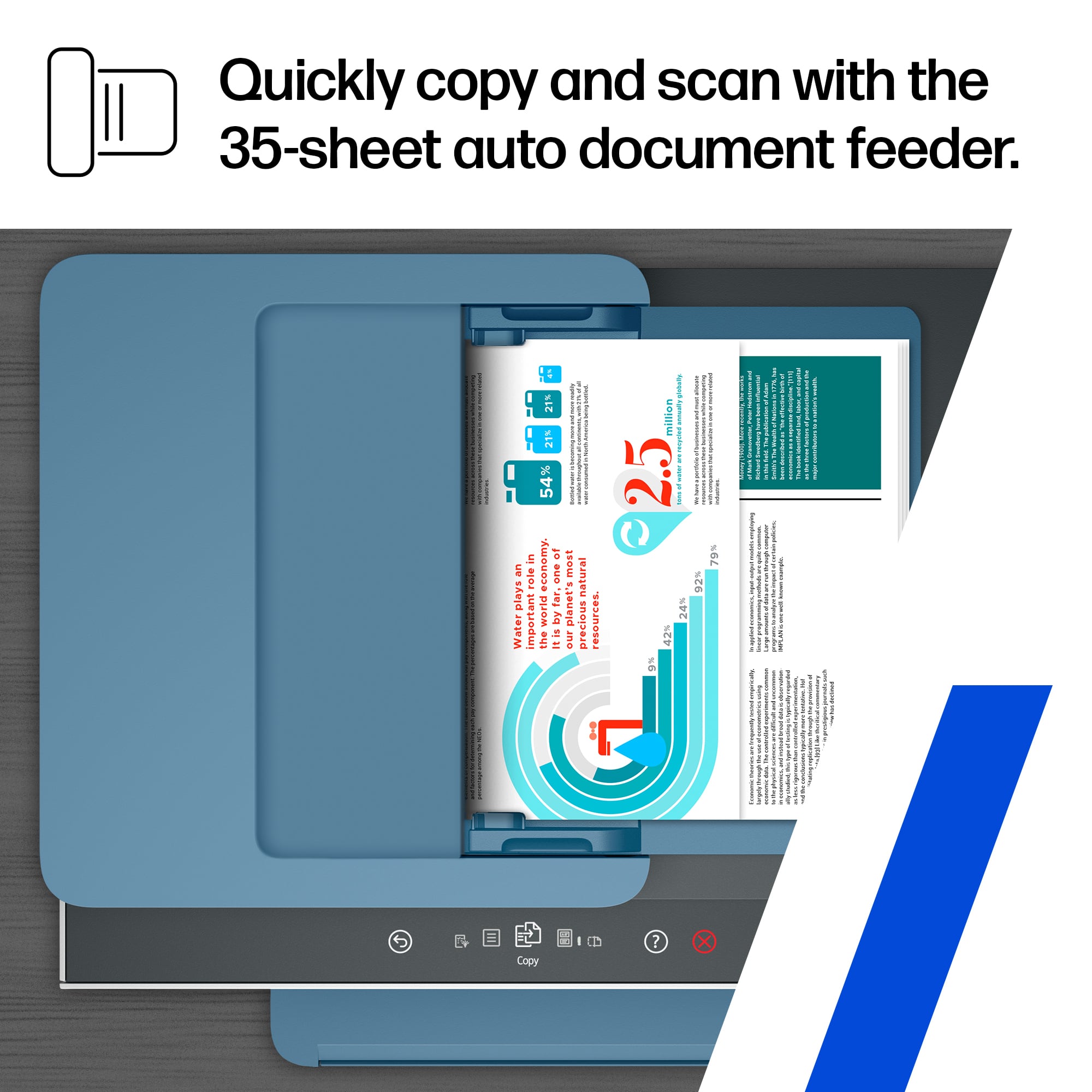
||Posted . Owned for less than 1 week when reviewed.This reviewer received promo considerations or sweepstakes entry for writing a review.Just like several other reviews, my install resulted in the dreaded “waiting for setup ro complete” message on the printer’s display, which everything i could think & try for 1.5 hours didnt resolve. Ive been biulding PCs since 8088’s & DOS, so I’m quite familiar with needing the get the latest drivers and/or firmware. Built more PCs & bought/connected more peripherals than I can recall in the past 30+ years but once you get HP’s dreaded message, there’s no going back. Biggest mistake was following their HP manual included with the printer, which recommends their Smart app and using a mobile device. It took me 2 hours of chat w/ the HP rep where 1.5 hours had her logged into my PC to reset the printer twice, where even she couldnt get it fully connected until after the printer took a background software/firmware update on its own (w/ absolutely no indication it was doing this until after it completed it). Wish i could get the lost wasted 3.5 hours of my life back. Shame on you HP for your own documentation with the printer being so vaque & misleading. Bottom line: If you are a PC or Mac user, do the setup on your computer and foregoe their #1 step that suggests using their HP Smart app & your mobile device! Bought this HP Smarttank 7602 to replace a failed OfficejetPro 8600 (which I had first completely removed/uninstalled all software, so was starting with a clean slate). Build qualty of the 8600 was superior to the thin flimsy plastic of this 7602 & the original setup of the 8600 was a dream compared to this…
This review is from HP - Smart Tank 7602 Wireless AI-Enabled All-in-One Cartridge-Free Supertank Inkjet Printer with 3 Years of Ink Included¹ - Dark Surf Blue
No, I would not recommend this to a friendRated 4 out of 5 stars
Paper tray hard to open.
||Posted . Owned for 3 weeks when reviewed.This reviewer received promo considerations or sweepstakes entry for writing a review.I like it, the only problem I have is with the paper tray. It is very hard for me to open, I have to fool with it every time when I open it. I feel like that I am going to break it. It just don't open easy. Other than that I like it.
This review is from HP - Smart Tank 7602 Wireless AI-Enabled All-in-One Cartridge-Free Supertank Inkjet Printer with 3 Years of Ink Included¹ - Dark Surf Blue
I would recommend this to a friend- Pros mentioned:Print quality
Rated 5 out of 5 stars
HP Smart Tank 7602 review
||Posted . Owned for 3 weeks when reviewed.This reviewer received promo considerations or sweepstakes entry for writing a review.Easy to install and print quality is very good. Would definetely recommend.
This review is from HP - Smart Tank 7602 Wireless AI-Enabled All-in-One Cartridge-Free Supertank Inkjet Printer with 3 Years of Ink Included¹ - Dark Surf Blue
I would recommend this to a friend - Pros mentioned:Print quality
Rated 5 out of 5 stars
Printer
||Posted . Owned for 1 month when reviewed.This reviewer received promo considerations or sweepstakes entry for writing a review.Great printer and super easy to setup. Long lasting
This review is from HP - Smart Tank 7602 Wireless AI-Enabled All-in-One Cartridge-Free Supertank Inkjet Printer with 3 Years of Ink Included¹ - Dark Surf Blue
I would recommend this to a friend - Pros mentioned:Print quality
Rated 5 out of 5 stars
Sven
||Posted . Owned for 1 month when reviewed.This reviewer received promo considerations or sweepstakes entry for writing a review.Super and easy to install!! Great print quality and nice screen assists when needed!
This review is from HP - Smart Tank 7602 Wireless AI-Enabled All-in-One Cartridge-Free Supertank Inkjet Printer with 3 Years of Ink Included¹ - Dark Surf Blue
I would recommend this to a friend - Pros mentioned:Overall performance
Rated 5 out of 5 stars
Owner
||Posted .This reviewer received promo considerations or sweepstakes entry for writing a review.It’s working great and recommend to every one to buy
This review is from HP - Smart Tank 7602 Wireless AI-Enabled All-in-One Cartridge-Free Supertank Inkjet Printer with 3 Years of Ink Included¹ - Dark Surf Blue
I would recommend this to a friend















