Customer Ratings & Reviews
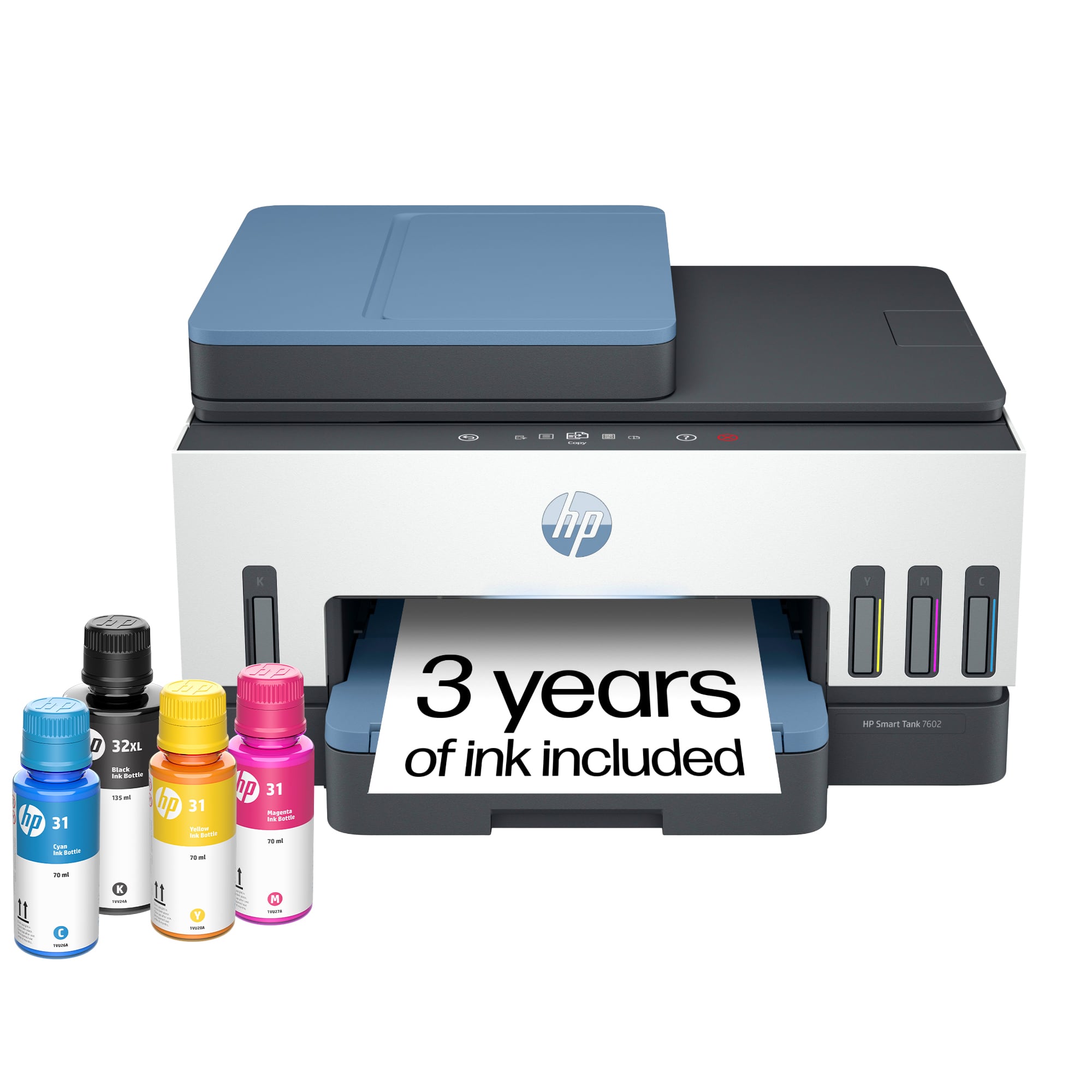
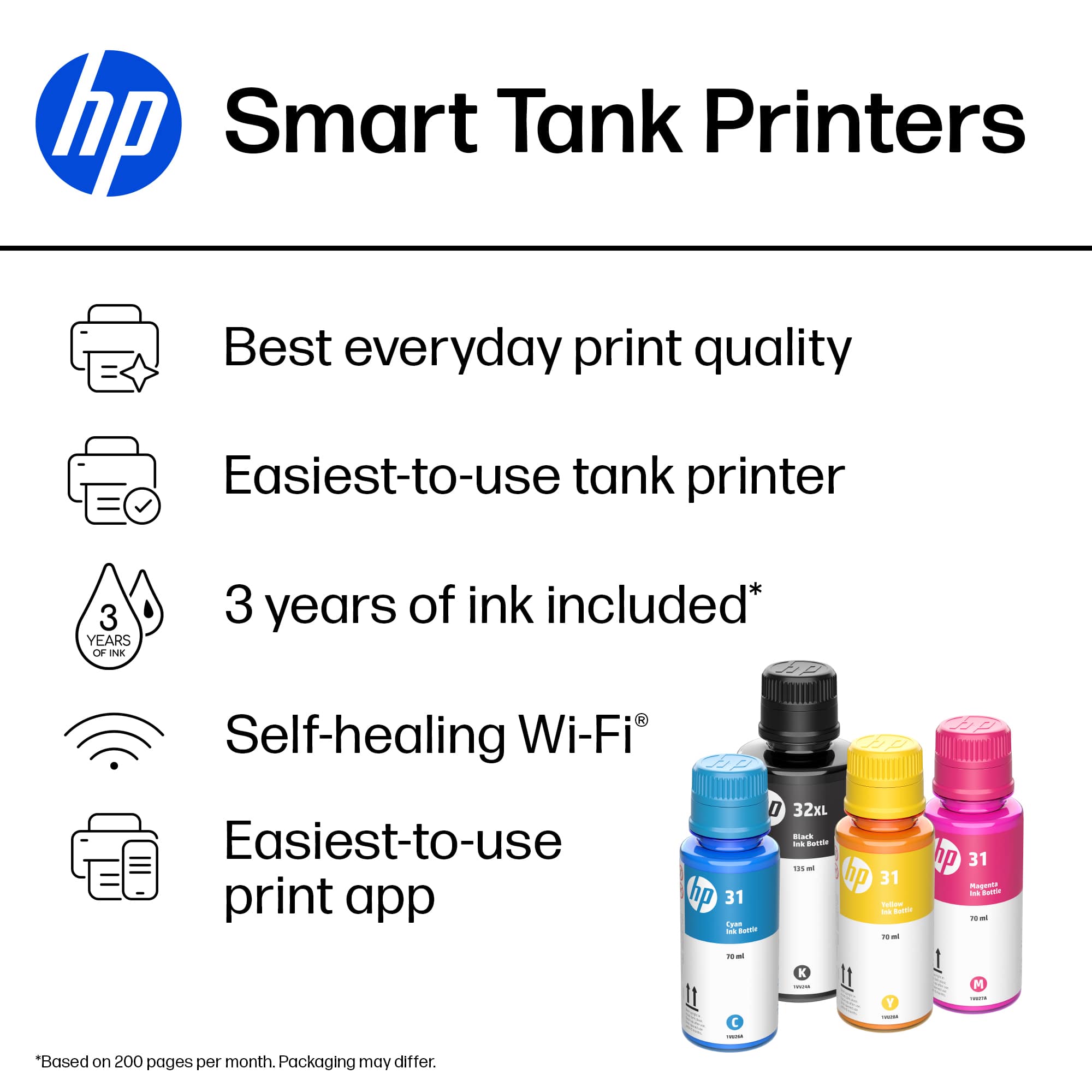
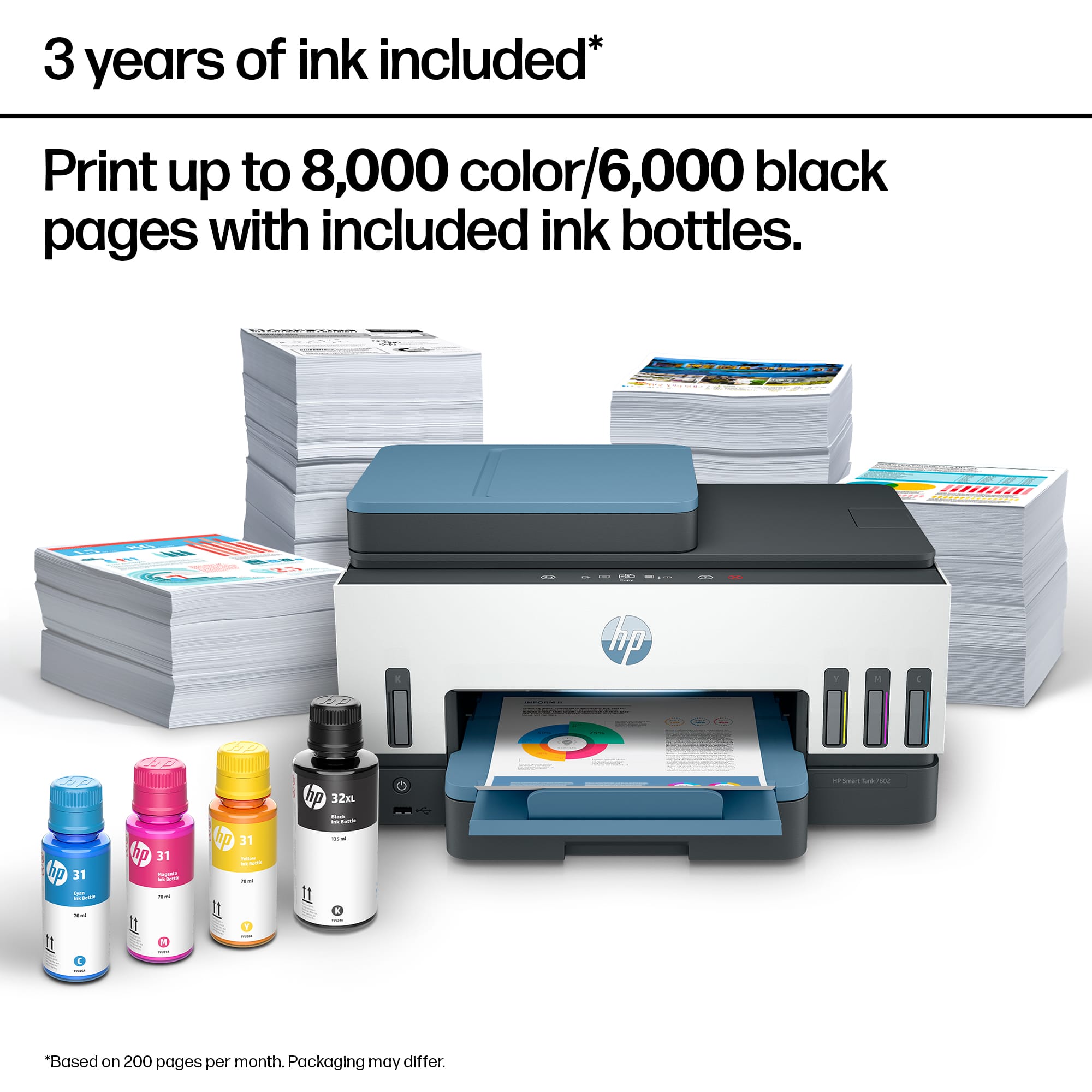
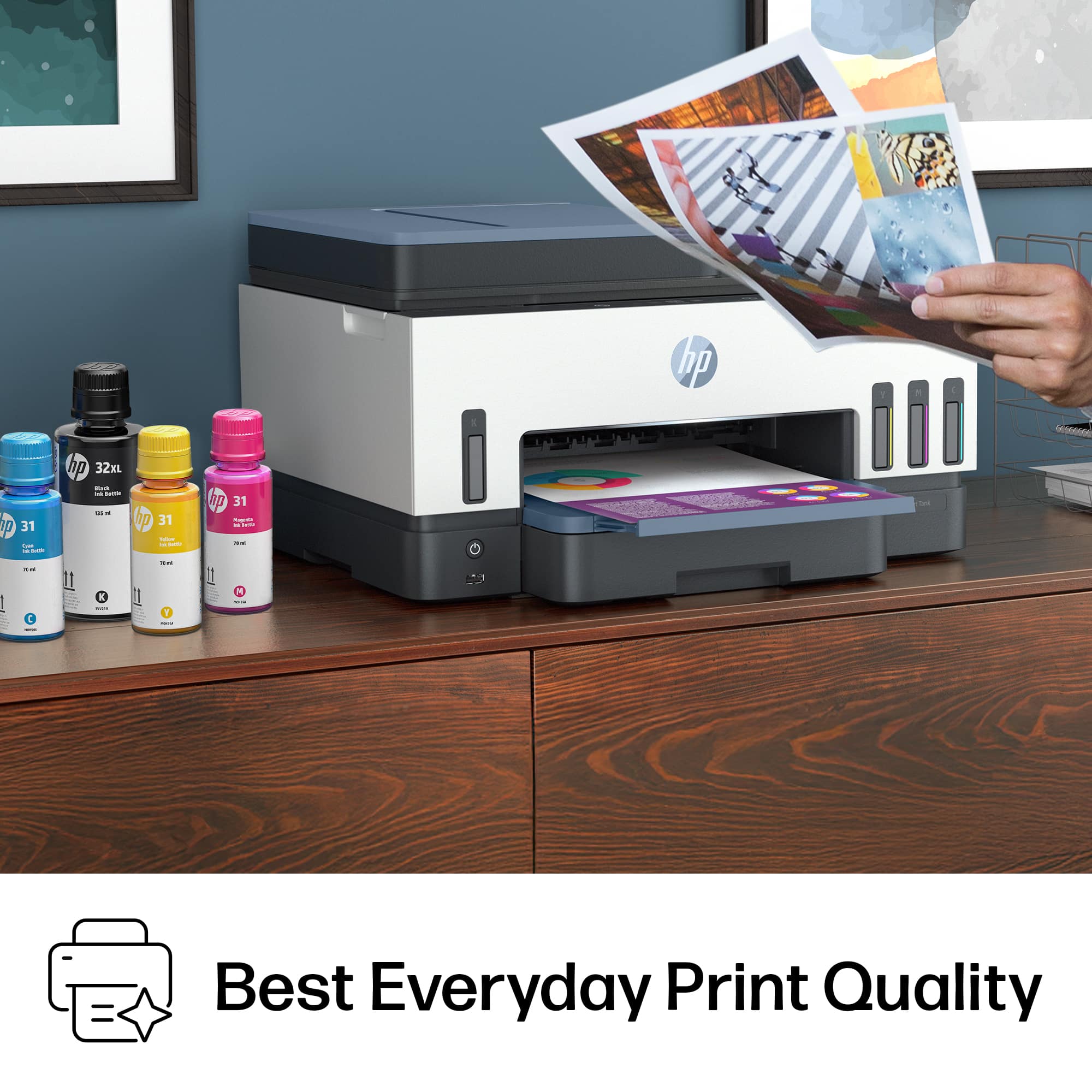
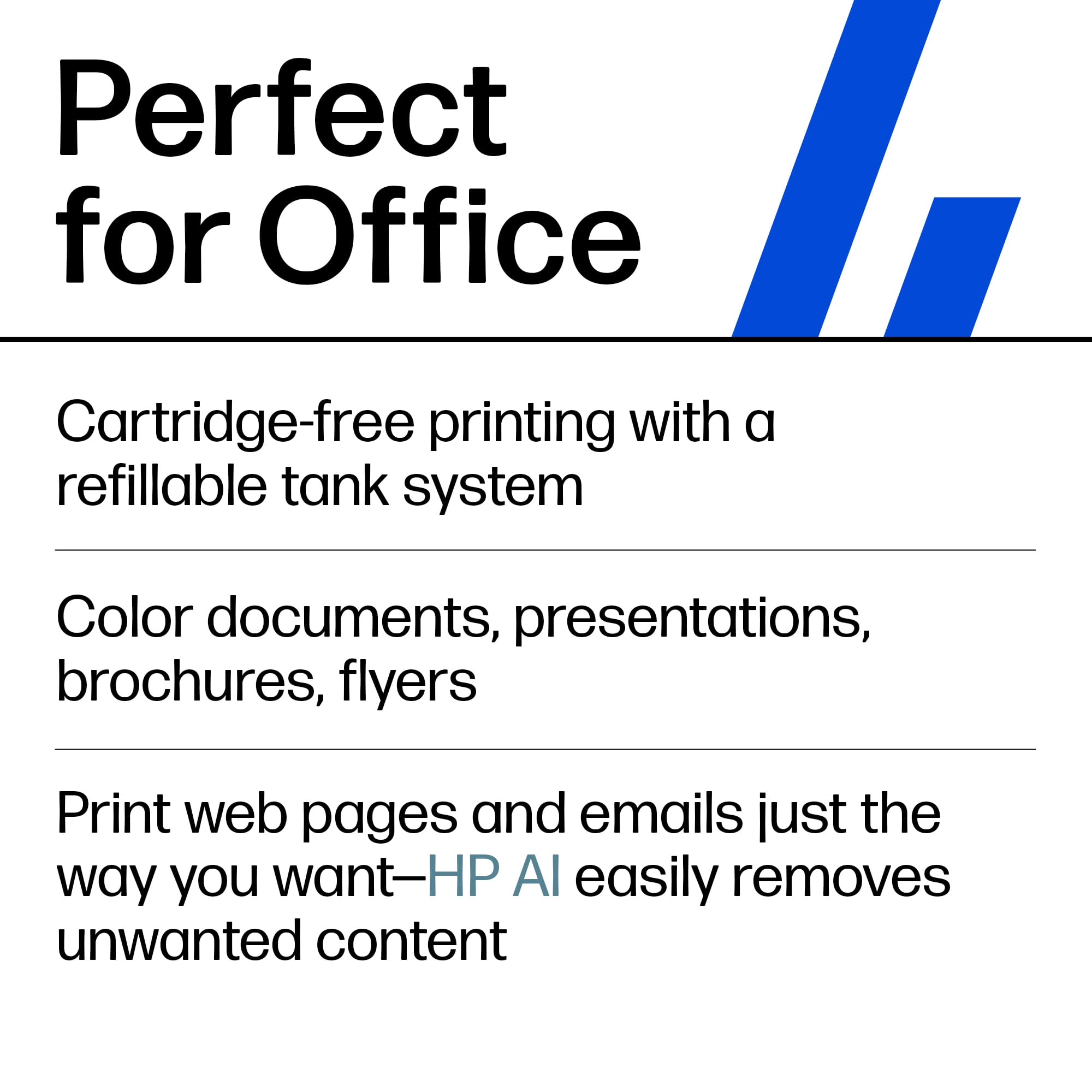

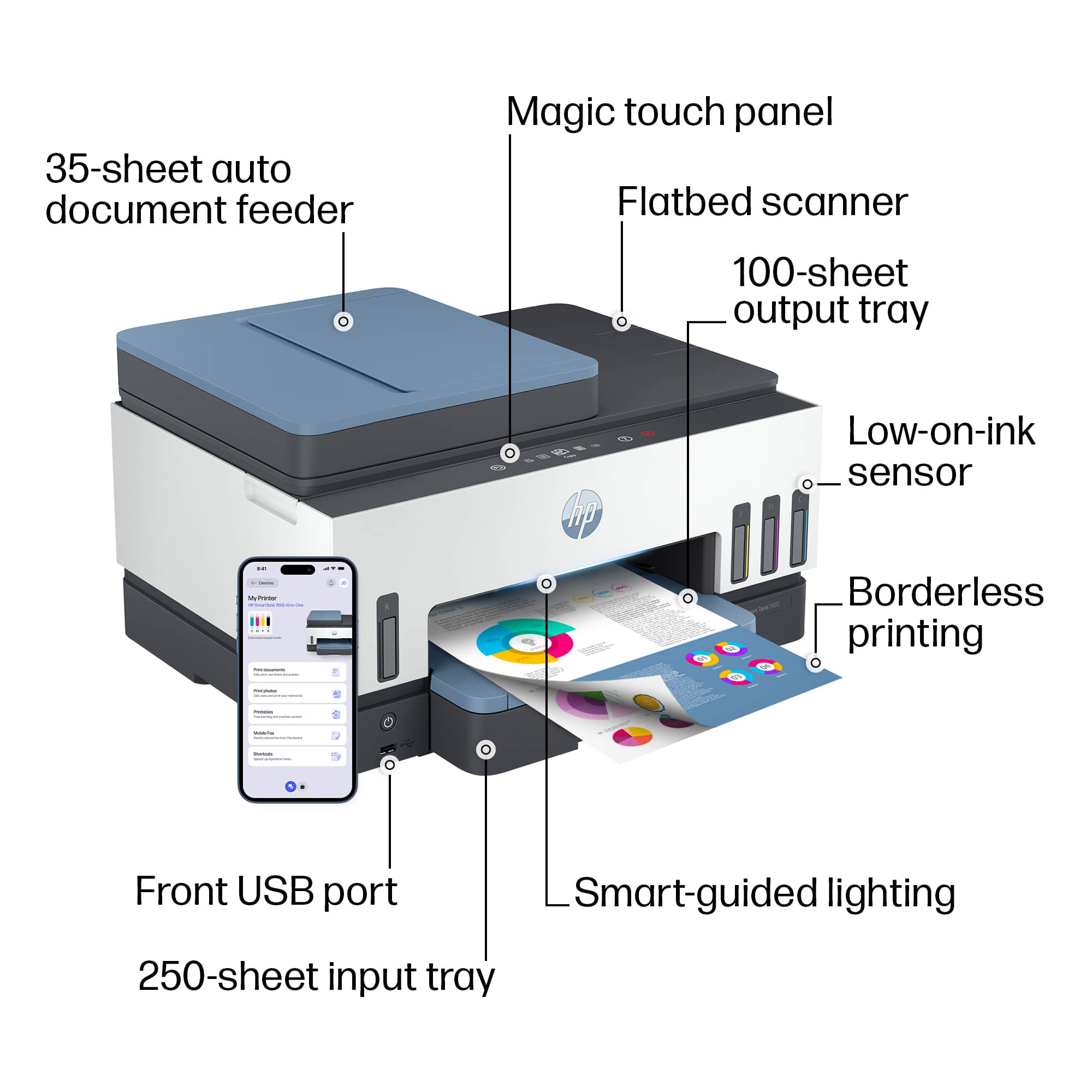
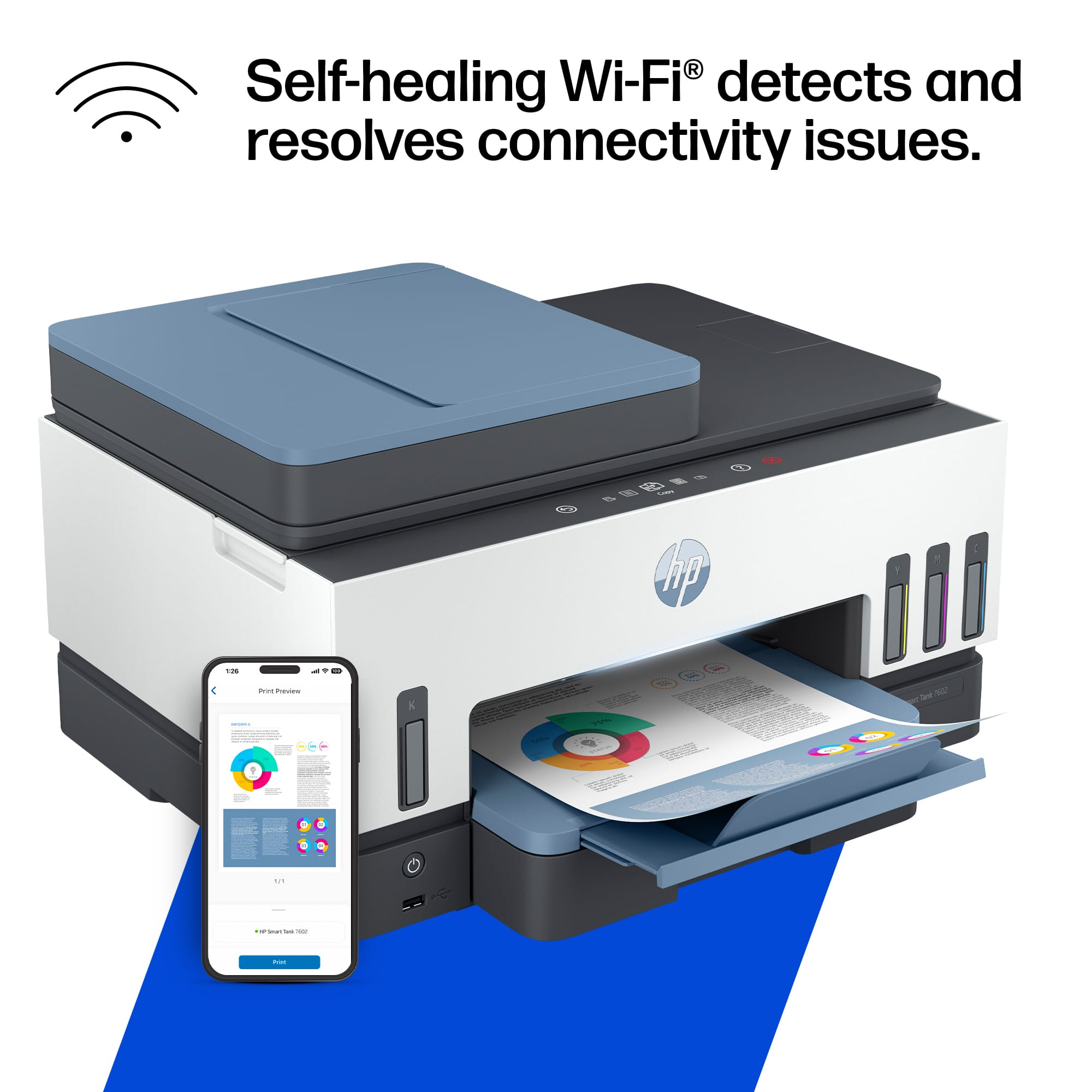
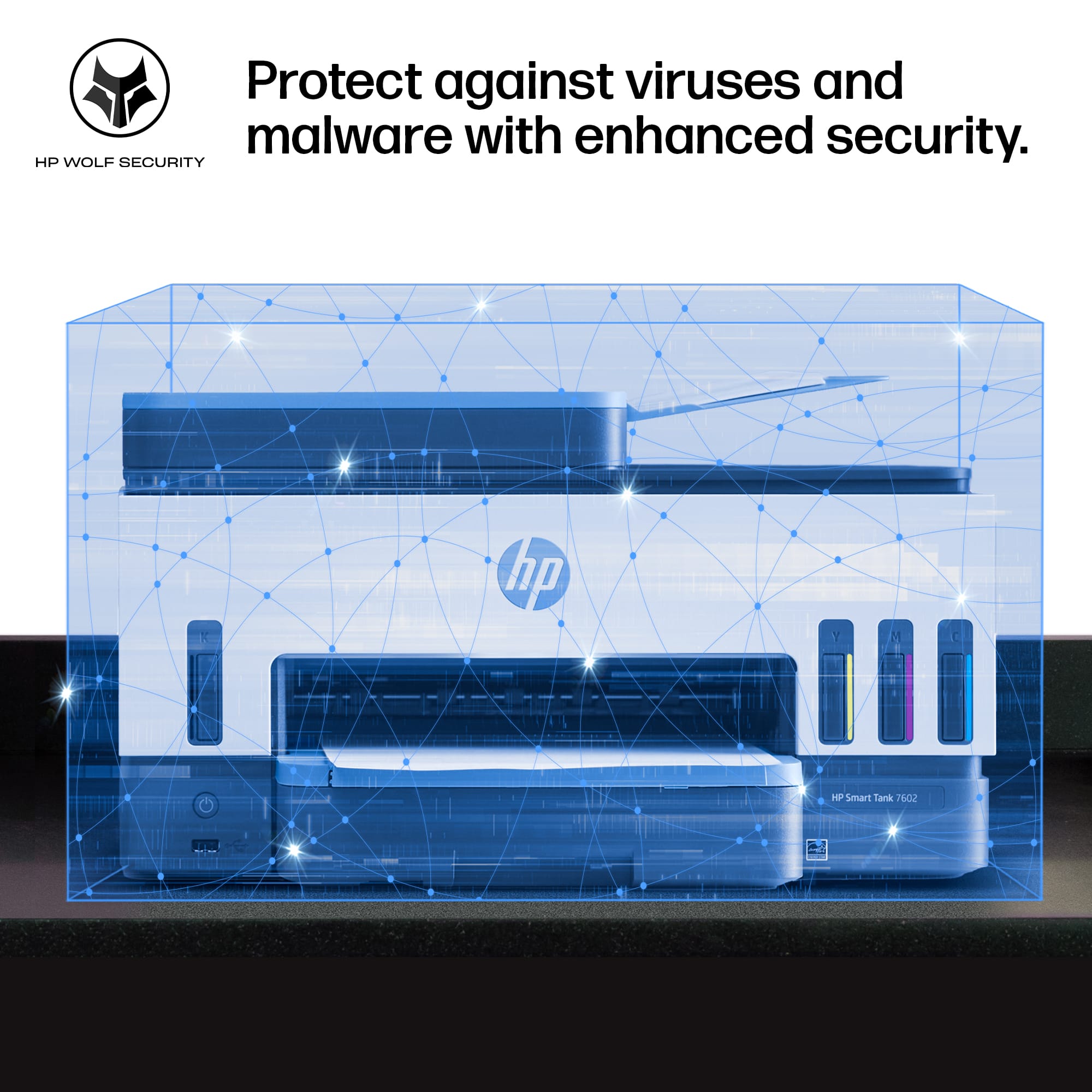





- Model:
- HP SMART TANK 7602/28B98A#B1H
- |
- SKU:
- 11006122
Customer reviews
Rating 4.4 out of 5 stars with 1876 reviews
(1,876 customer reviews)Rating by feature
- Value4.4
Rating 4.4 out of 5 stars
- Quality4.5
Rating 4.5 out of 5 stars
- Ease of Use4.4
Rating 4.4 out of 5 stars
- Pros mentioned:Print quality
Rated 5 out of 5 stars
Printer Dilemma
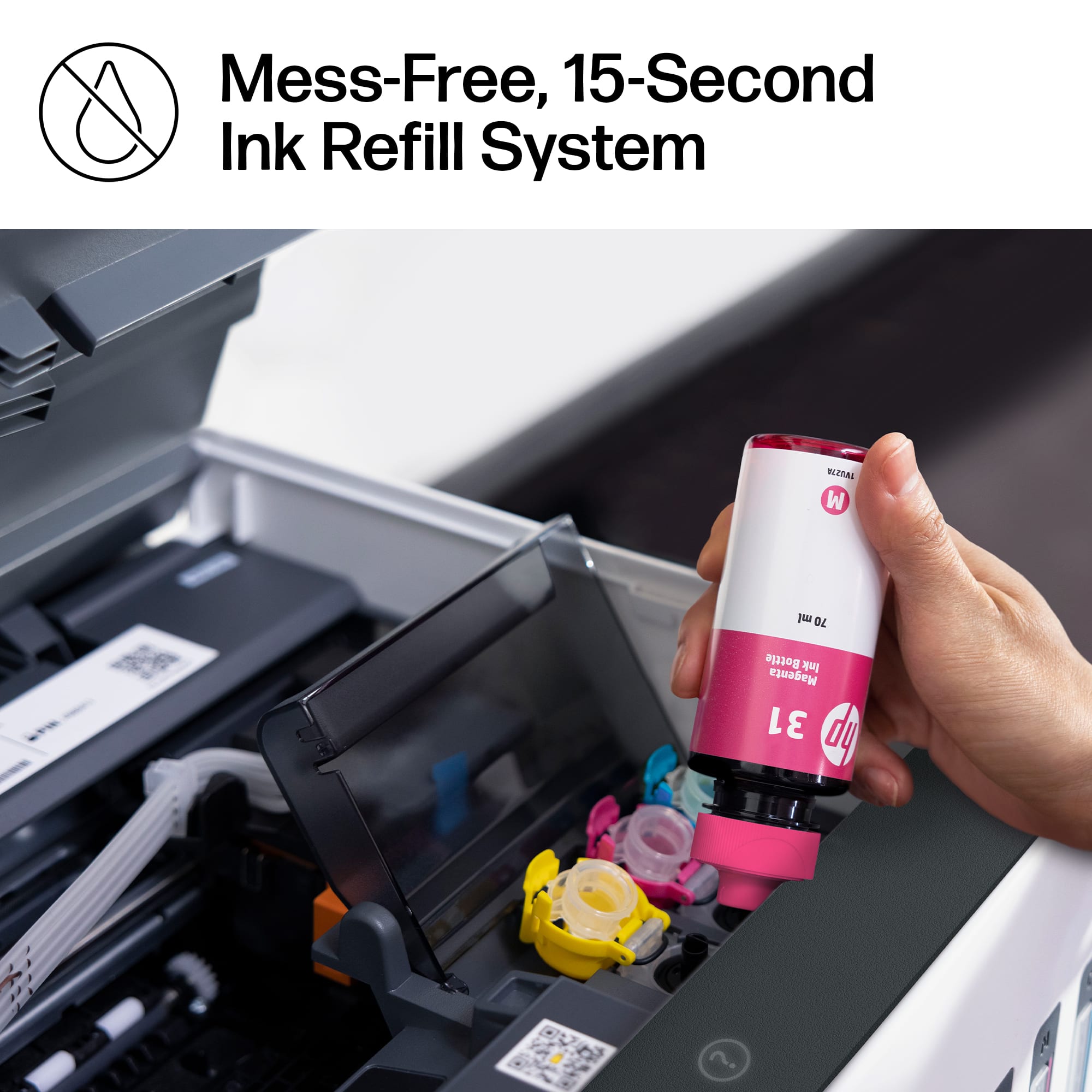
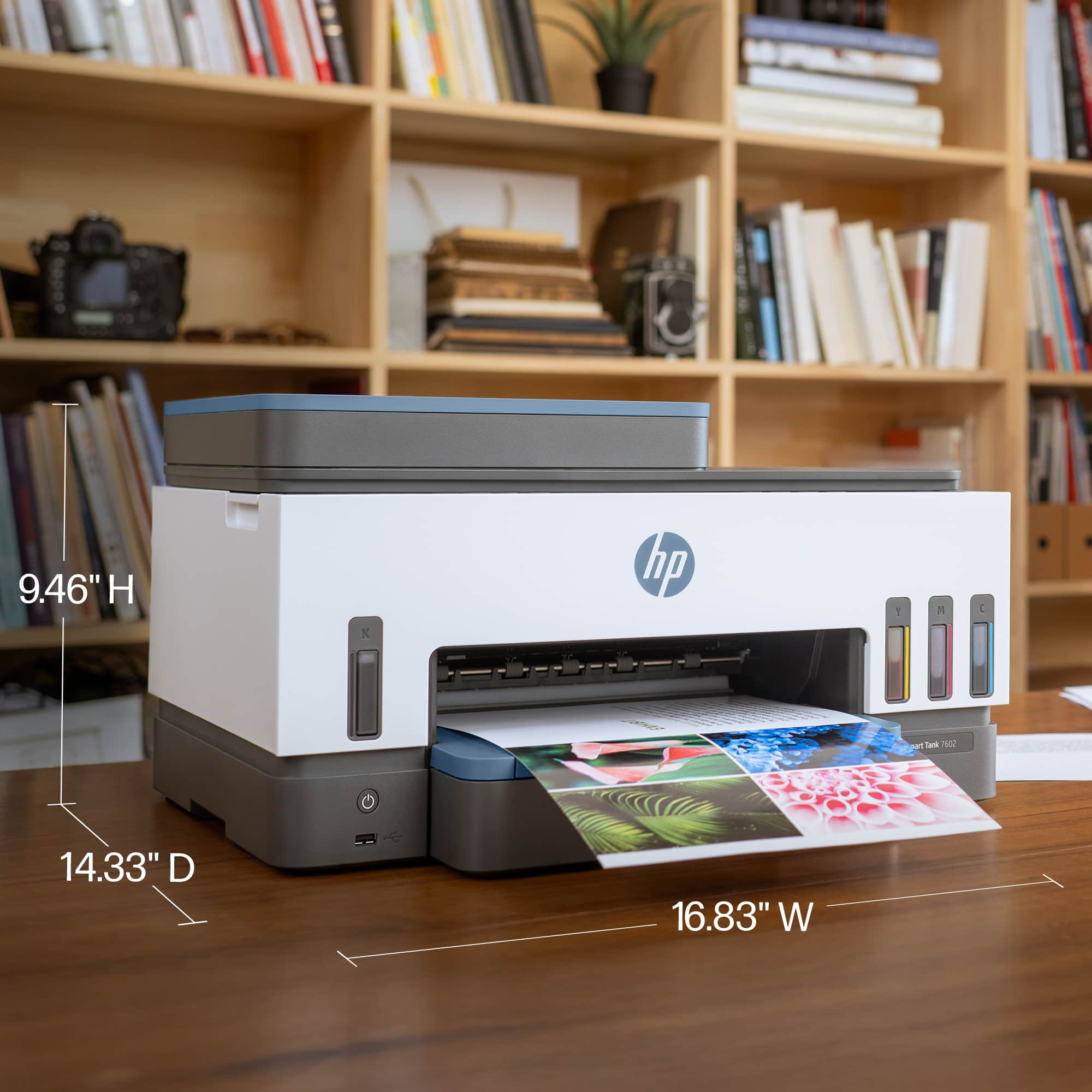
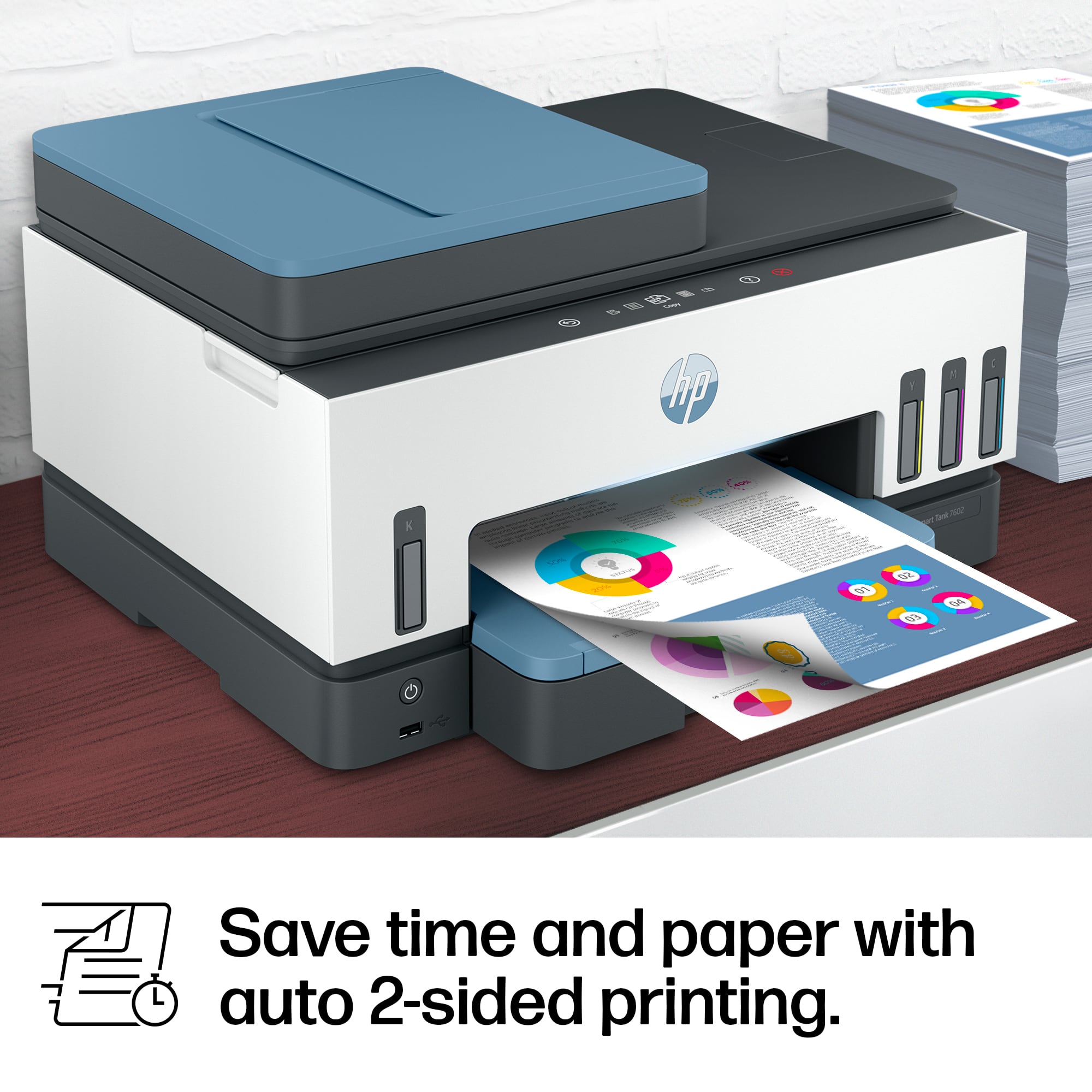
||Posted . Owned for 6 months when reviewed.This reviewer received promo considerations or sweepstakes entry for writing a review.I went into the store knowing I needed a printer, but I didn't really know what type. I listened to the suggestion of one of the Best Buy floor techs in the area. I really appreciated the fact that he just gave me the information about the product without trying to sell me anything. I took the info and purchased an HP Smart Tank 7602 printer which I am very satisfied with! Very easy to set up, economical on ink, and produces good quality document copies and photo prints.
This review is from HP - Smart Tank 7602 Wireless AI-Enabled All-in-One Cartridge-Free Supertank Inkjet Printer with 3 Years of Ink Included¹ - Dark Surf Blue
I would recommend this to a friend - Pros mentioned:Print quality
Rated 5 out of 5 stars
Great HP printer
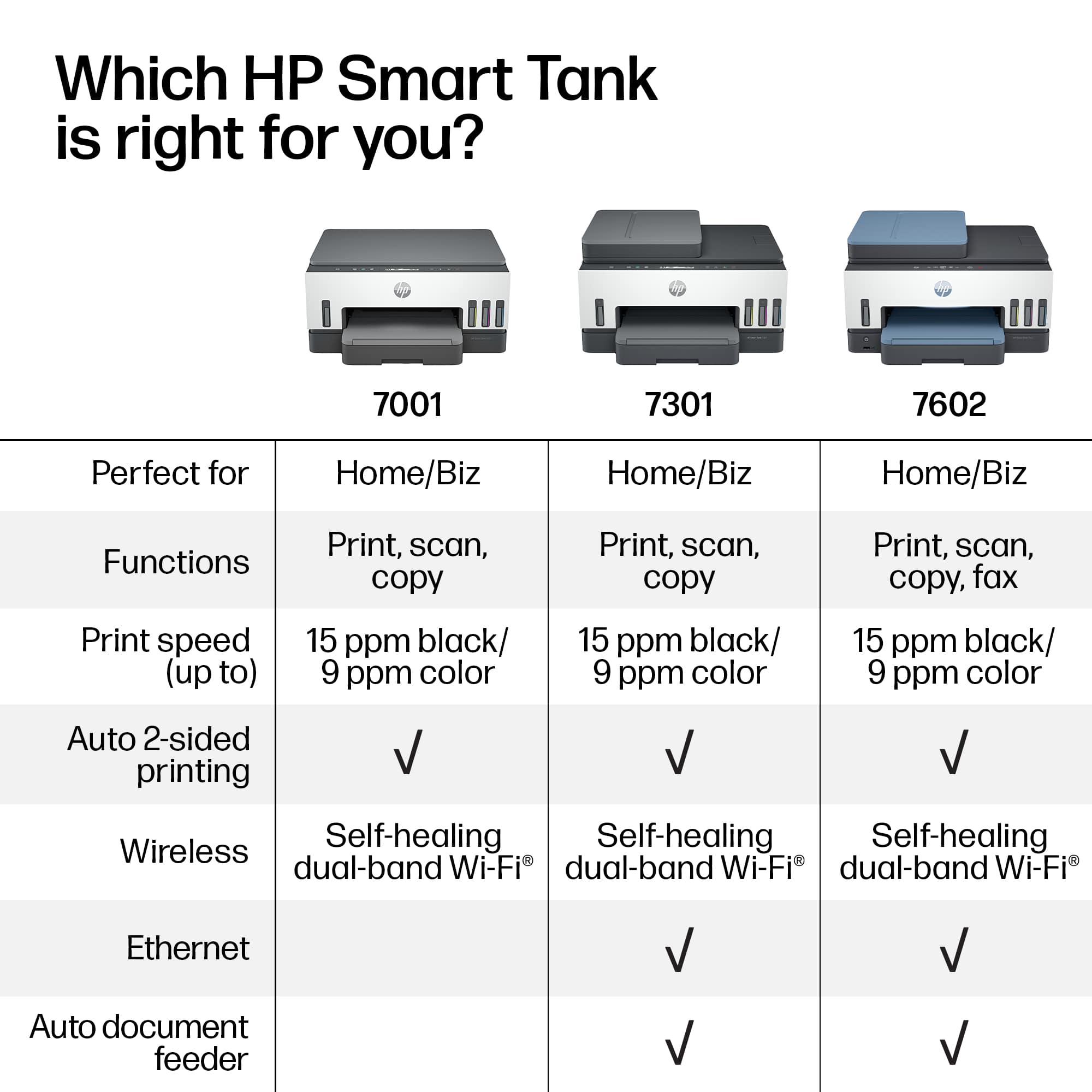
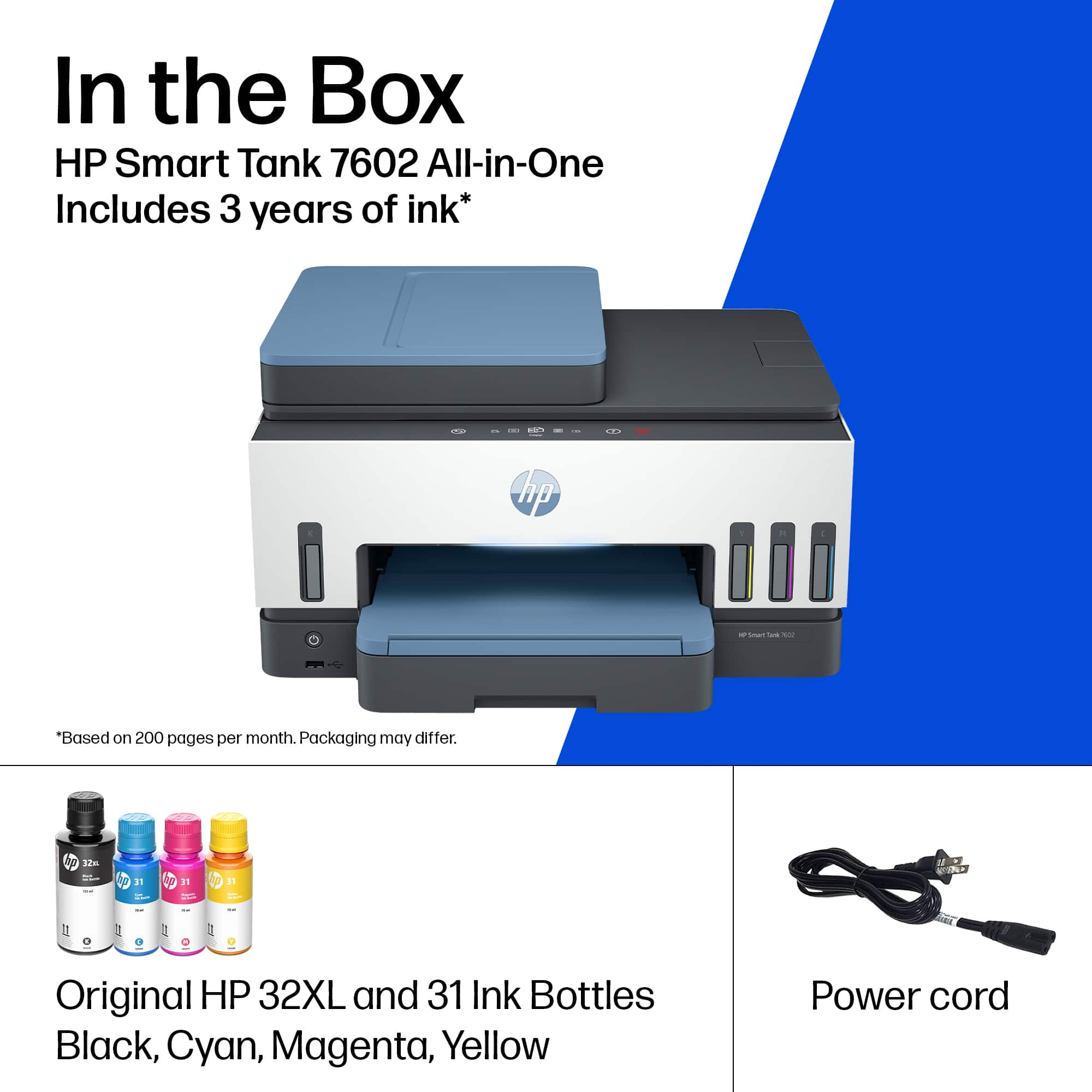
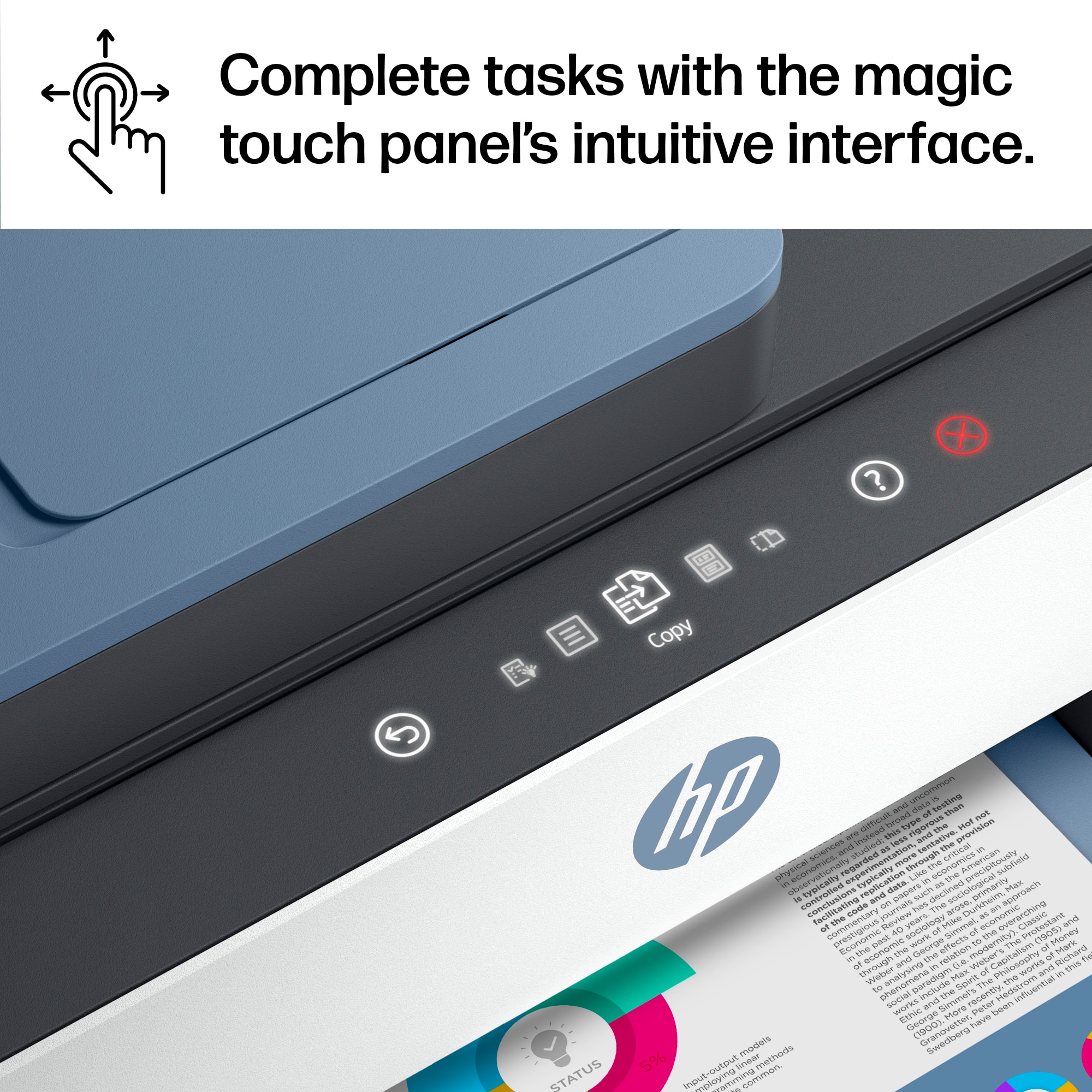
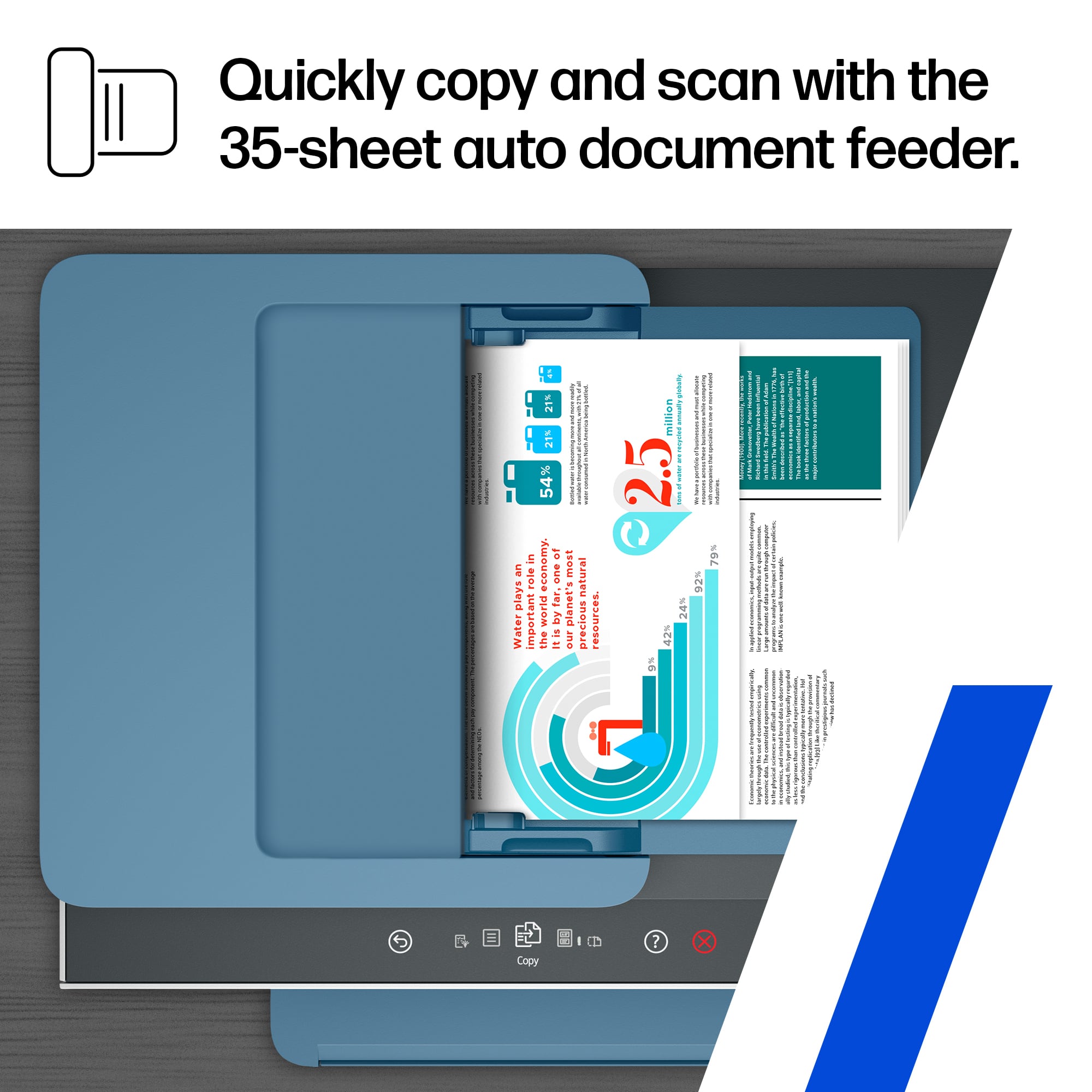
||Posted .This reviewer received promo considerations or sweepstakes entry for writing a review.I had a really hard time choosing an inkjet printer after my Canon Pixma printer finally died. I loved the print quality of that printer for color photos and color printouts but hated paying so much money for ink every few months. I checked out the Epson Ecotank printers but they had a lot of negative reviews. I didn't know HP made a similar "Supertank" injket. I checked this out and went with it over the less-expensive HP inkjet as it has a touchscreen interface and an auto-document feeder for scanning. Printer setup was very easy including loading the tanks with ink from the supplied ink bottles. The paper tray seems solid and I can feed in letter and 4x6 photo paper from my old Canon printer (it works just as good as HP paper as far as I can tell). I really love this printer a lot and although it's more expensive up front I'll save a bundle on ink in the long run. I've scanned some documents and printed a variety of projects and pictures. My only complaint is the included software is super basic. My Canon had much better photo print and scan software, but I've also noticed that Canon no longer supports that software so it seems like everyone has gone with more basic software for their printers. The only other minor complaint is the printer takes quite a while to "start up" when you first turn it on, but once it's on, it's pretty fast. So far I've been happy with the build quality and print quality and look forward to saving money on ink long over the years.
This review is from HP - Smart Tank 7602 Wireless AI-Enabled All-in-One Cartridge-Free Supertank Inkjet Printer with 3 Years of Ink Included¹ - Dark Surf Blue
I would recommend this to a friend - Pros mentioned:Overall performance
Rated 5 out of 5 stars
Works great
||Posted . Owned for 1 month when reviewed.This reviewer received promo considerations or sweepstakes entry for writing a review.Works great!!! No problem with the setup!!! Anyone can do it!!!
This review is from HP - Smart Tank 7602 Wireless AI-Enabled All-in-One Cartridge-Free Supertank Inkjet Printer with 3 Years of Ink Included¹ - Dark Surf Blue
I would recommend this to a friend - Pros mentioned:Overall performance, Print quality
Rated 5 out of 5 stars
Wonderful
||Posted . Owned for 2 weeks when reviewed.This reviewer received promo considerations or sweepstakes entry for writing a review.It works great and is very quiet, fast and scanning is a breeze.
This review is from HP - Smart Tank 7602 Wireless AI-Enabled All-in-One Cartridge-Free Supertank Inkjet Printer with 3 Years of Ink Included¹ - Dark Surf Blue
I would recommend this to a friend - Pros mentioned:Overall performance, Print quality
Rated 5 out of 5 stars
An excellent printer for home or small office use
||Posted . Owned for 1 month when reviewed.This reviewer received promo considerations or sweepstakes entry for writing a review.This was very easy to set up, the print quality is excellent, it operates very quietly. This printer does everything that I was hoping it would do. I would recommend this printer to my sphere of influence.
This review is from HP - Smart Tank 7602 Wireless AI-Enabled All-in-One Cartridge-Free Supertank Inkjet Printer with 3 Years of Ink Included¹ - Dark Surf Blue
I would recommend this to a friend - Pros mentioned:Overall performance, Print quality
Rated 5 out of 5 stars
HP-Smart tank 7602 wireless VS EcoTank ET-3830
||Posted .This reviewer received promo considerations or sweepstakes entry for writing a review.I bought HP-Smart tank 7602 wireless and I could say that it performs a lot better than my Epson - EcoTank ET-3830. I use it at home and office for printing, photocopying and scanning. Great also for students projects. Printing is smooth and fast.
This review is from HP - Smart Tank 7602 Wireless AI-Enabled All-in-One Cartridge-Free Supertank Inkjet Printer with 3 Years of Ink Included¹ - Dark Surf Blue
I would recommend this to a friend - Pros mentioned:Print quality
Rated 5 out of 5 stars
My new HP printer
||Posted . Owned for 1 month when reviewed.This reviewer received promo considerations or sweepstakes entry for writing a review.Best printer I’ve ever owned, Easy to set up, great quality and quickly connects to all devices in my network. Highly recommend!
This review is from HP - Smart Tank 7602 Wireless AI-Enabled All-in-One Cartridge-Free Supertank Inkjet Printer with 3 Years of Ink Included¹ - Dark Surf Blue
I would recommend this to a friend - Pros mentioned:Print quality
Rated 4 out of 5 stars
Prints well when paper isn't always jamming
||Posted . Owned for 1 month when reviewed.This reviewer received promo considerations or sweepstakes entry for writing a review.Pro • Color Quality: The printer excels in producing vibrant and accurate colors, making it ideal for printing high-quality photos and colorful documents. • Easy to Refill Bottles: Refilling the ink bottles is a seamless process, thanks to the intuitive design that ensures a hassle-free experience. • Clarity of Prints: The clarity of the prints is impressive, with sharp text and clear graphics that enhance the overall quality of the printed materials. Negative Aspects • Noise Levels: One of the notable drawbacks of this printer is the noise it produces during operation, which can be quite distracting in a quiet environment. • Paper Jams: The printer is prone to frequent paper jams, which can be frustrating and time-consuming to resolve. • Sticking Paper Holder: Adjusting the paper holder is not always smooth; it tends to stick, making it less user-friendly. • Not user friendly for setting up scanning to computer
This review is from HP - Smart Tank 7602 Wireless AI-Enabled All-in-One Cartridge-Free Supertank Inkjet Printer with 3 Years of Ink Included¹ - Dark Surf Blue
No, I would not recommend this to a friend - Pros mentioned:Overall performance, Print quality
Rated 5 out of 5 stars
Smart Tank Printer
||Posted .This reviewer received promo considerations or sweepstakes entry for writing a review.This Smart Tank Printer replaces an older printer that used a subscription cartridge service. The bottled ink seems a much cheaper option. The printer was easy to set up with their guide and works well.
This review is from HP - Smart Tank 7602 Wireless AI-Enabled All-in-One Cartridge-Free Supertank Inkjet Printer with 3 Years of Ink Included¹ - Dark Surf Blue
I would recommend this to a friend Rated 5 out of 5 stars
HP7602
||Posted . Owned for less than 1 week when reviewed.This reviewer received promo considerations or sweepstakes entry for writing a review.Easy setup. Included Ink bottles easily filled printer tanks without leaking. App worked as expected. System test worked great. Started using printer immediately.
This review is from HP - Smart Tank 7602 Wireless AI-Enabled All-in-One Cartridge-Free Supertank Inkjet Printer with 3 Years of Ink Included¹ - Dark Surf Blue
I would recommend this to a friend- Pros mentioned:Overall performance
Rated 5 out of 5 stars
Happy
||Posted . Owned for 3 weeks when reviewed.This reviewer received promo considerations or sweepstakes entry for writing a review.So far, it has been an excellent printer. I have had no problems printing from my laptop or my phone. The salesman was very nice and helpful.
This review is from HP - Smart Tank 7602 Wireless AI-Enabled All-in-One Cartridge-Free Supertank Inkjet Printer with 3 Years of Ink Included¹ - Dark Surf Blue
I would recommend this to a friend - Pros mentioned:Overall performance, Print quality
Rated 5 out of 5 stars
I'd buy again
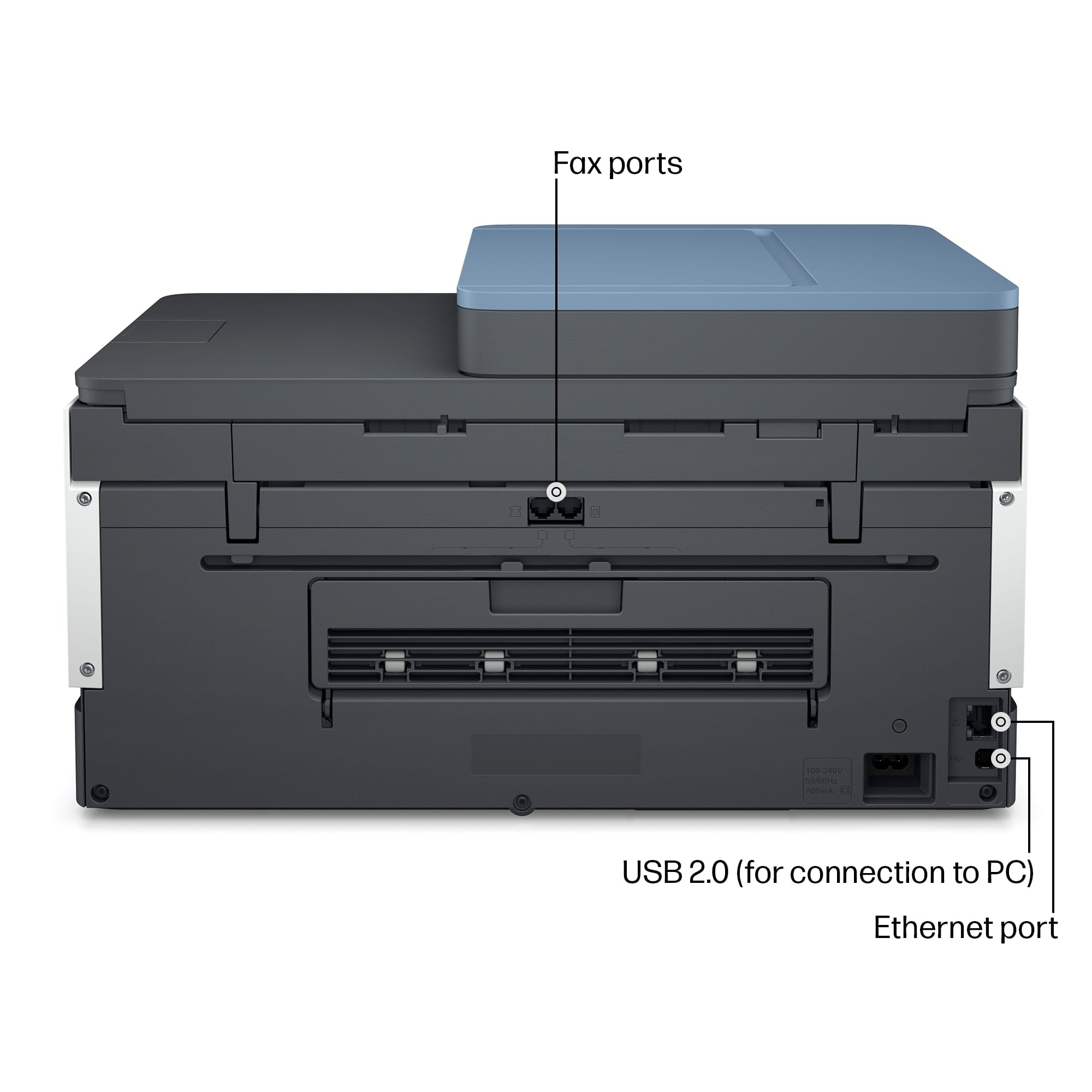
||Posted . Owned for 2 weeks when reviewed.This reviewer received promo considerations or sweepstakes entry for writing a review.A little complex to setup for multiple windowsdebices. Especially for non wifi USB access. Finally got setup, works well, great printing and copy features.
This review is from HP - Smart Tank 7602 Wireless AI-Enabled All-in-One Cartridge-Free Supertank Inkjet Printer with 3 Years of Ink Included¹ - Dark Surf Blue
I would recommend this to a friend - Pros mentioned:Overall performance
Rated 5 out of 5 stars
SMALL BUSINESS OWENER
||Posted . Owned for 1 month when reviewed.This reviewer received promo considerations or sweepstakes entry for writing a review.Perfect for all my needs as a single operations business owner. Fast and efficient. Easy set up. Compact size with all the necessary functions.
This review is from HP - Smart Tank 7602 Wireless AI-Enabled All-in-One Cartridge-Free Supertank Inkjet Printer with 3 Years of Ink Included¹ - Dark Surf Blue
I would recommend this to a friend Rated 5 out of 5 stars
My Best Gift
||Posted .This reviewer received promo considerations or sweepstakes entry for writing a review.I purchased a printer from Best Buy, and it has been working perfectly for both my home and office needs. The setup was quick and simple, and it connected to my Wi-Fi without any issues. Printing quality is excellent, with sharp text and vibrant colors for documents and photos. I also appreciate the fast printing speed and the option to scan and copy easily. The staff at Best Buy helped me choose the right model for my needs, and I couldn’t be happier. This printer has made my daily tasks so much easier, and I highly recommend it.
This review is from HP - Smart Tank 7602 Wireless AI-Enabled All-in-One Cartridge-Free Supertank Inkjet Printer with 3 Years of Ink Included¹ - Dark Surf Blue
I would recommend this to a friend- Pros mentioned:Overall performance
Rated 5 out of 5 stars
New HP printer!
||Posted . Owned for 3 weeks when reviewed.This reviewer received promo considerations or sweepstakes entry for writing a review.Great printer, easy set up! No more cartridges to deal with and still…HP!
This review is from HP - Smart Tank 7602 Wireless AI-Enabled All-in-One Cartridge-Free Supertank Inkjet Printer with 3 Years of Ink Included¹ - Dark Surf Blue
I would recommend this to a friend - Pros mentioned:Overall performance, Print quality
Rated 5 out of 5 stars
Excellent printer
||Posted . Owned for less than 1 week when reviewed.This reviewer received promo considerations or sweepstakes entry for writing a review.Absolutely love this wireless printer. Great reviews, prints more documentation than other printers we have had.
This review is from HP - Smart Tank 7602 Wireless AI-Enabled All-in-One Cartridge-Free Supertank Inkjet Printer with 3 Years of Ink Included¹ - Dark Surf Blue
I would recommend this to a friend - Pros mentioned:Print quality
Rated 5 out of 5 stars
So far so good
||Posted . Owned for 2 weeks when reviewed.This reviewer received promo considerations or sweepstakes entry for writing a review.I have had the printer for a few weeks now. It prints well, it is quiet and seems to be a great machine so far.
This review is from HP - Smart Tank 7602 Wireless AI-Enabled All-in-One Cartridge-Free Supertank Inkjet Printer with 3 Years of Ink Included¹ - Dark Surf Blue
I would recommend this to a friend - Pros mentioned:Overall performance, Print quality
Rated 5 out of 5 stars
A good buy
||Posted . Owned for 1 month when reviewed.This reviewer received promo considerations or sweepstakes entry for writing a review.This printer was easy to set up and works great. Good quality for sure !
This review is from HP - Smart Tank 7602 Wireless AI-Enabled All-in-One Cartridge-Free Supertank Inkjet Printer with 3 Years of Ink Included¹ - Dark Surf Blue
I would recommend this to a friend - Pros mentioned:Print quality
Rated 5 out of 5 stars
Clyde
||Posted . Owned for 2 weeks when reviewed.This reviewer received promo considerations or sweepstakes entry for writing a review.Easy Setup and cost efficient quality printer/scanner
This review is from HP - Smart Tank 7602 Wireless AI-Enabled All-in-One Cartridge-Free Supertank Inkjet Printer with 3 Years of Ink Included¹ - Dark Surf Blue
I would recommend this to a friend - Pros mentioned:Overall performance, Print quality
Rated 5 out of 5 stars
HP 7602 Printer
||Posted . Owned for 2 weeks when reviewed.This reviewer received promo considerations or sweepstakes entry for writing a review.The HP 7602 works great. Prints beautifully and with ease. Great not having to purchase those expensive ink cartridges
This review is from HP - Smart Tank 7602 Wireless AI-Enabled All-in-One Cartridge-Free Supertank Inkjet Printer with 3 Years of Ink Included¹ - Dark Surf Blue
I would recommend this to a friend
















