Early Black Friday DealsNew Doorbusters every Friday.Shop now

Skip to content
Gift Ideas
26 Cypress St
Williston, VT 05495
Opens at 9 am
Find Another Store
Main Content

Customer Ratings & Reviews
Your price for this item is $349.00
The comparable value price is $449.99

Customer reviews

Rating 4.4 out of 5 stars with 47 reviews

Rating Filter

Rating by feature

  • Value

    Rating 4.3 out of 5 stars

  • Quality

    Rating 4.4 out of 5 stars

  • Ease of Use

    Rating 4.5 out of 5 stars

Pros mentioned filter

Cons mentioned filter

87%would recommend to a friend

Customers are saying

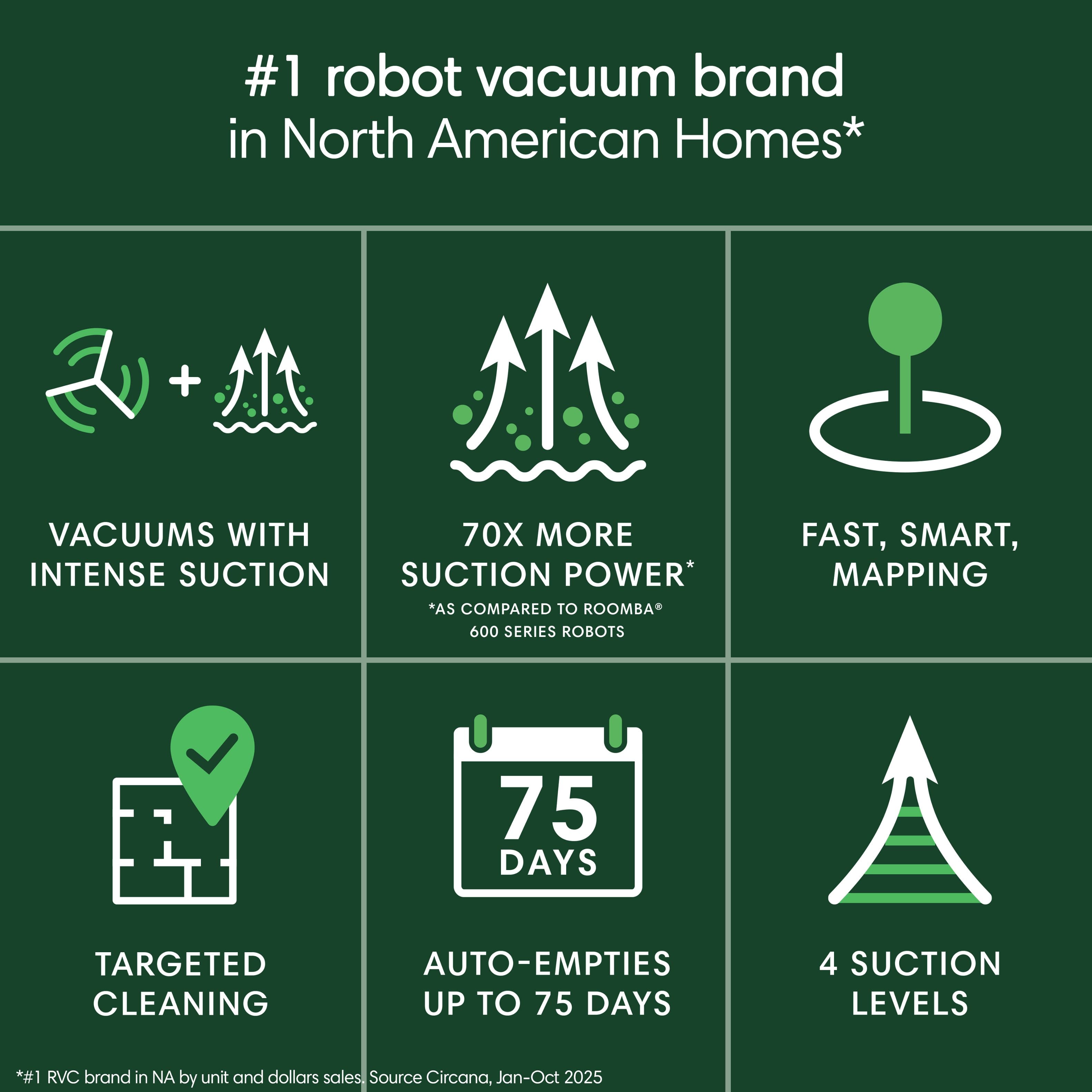
Customers are positive about the Roomba 105's smart navigation, strong suction, and overall cleaning performance, as well as its easy setup and solid build quality. However, some customers find the emptying process to be noisy and have concerns about the battery life. Additionally, a few customers have found the docking process to be a bit tedious.

This summary was generated by AI based on customer reviews.

The vast majority of our reviews come from verified purchases. Reviews from customers may include My Best Buy members, employees, and Tech Insider Network members (as tagged). Select reviewers may receive discounted products, promotional considerations or entries into drawings for honest, helpful reviews.
Page 3 Showing 41-47 of 47 reviews
  • Pros mentioned:
    Cleaning performance, Navigation
    Tech Insider Network Member

    Rated 5 out of 5 stars

    New Roomba, Same Excellent iRobot Product

    |
    Tech Insider Network Member
    Posted .
    This reviewer received promo considerations or sweepstakes entry for writing a review.

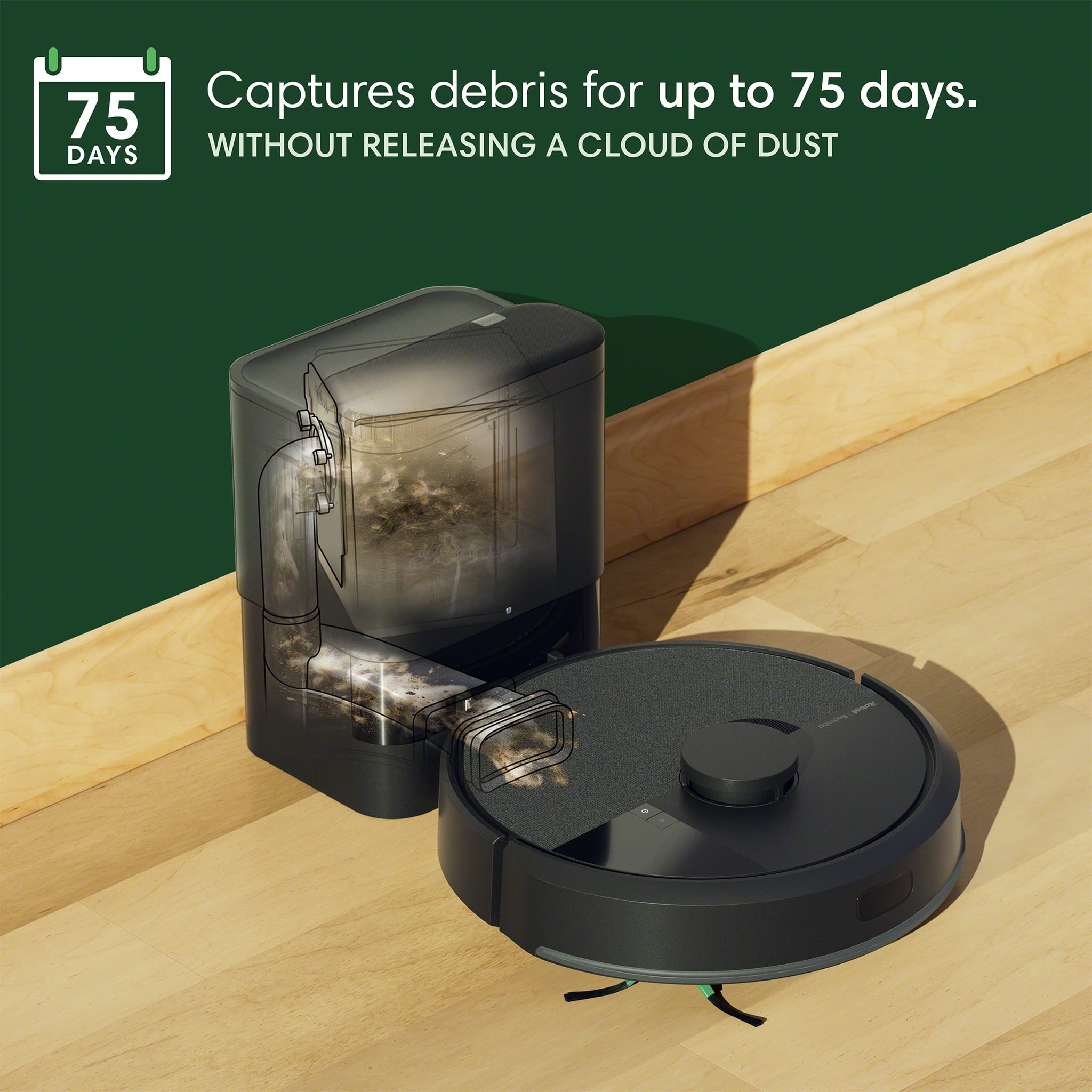
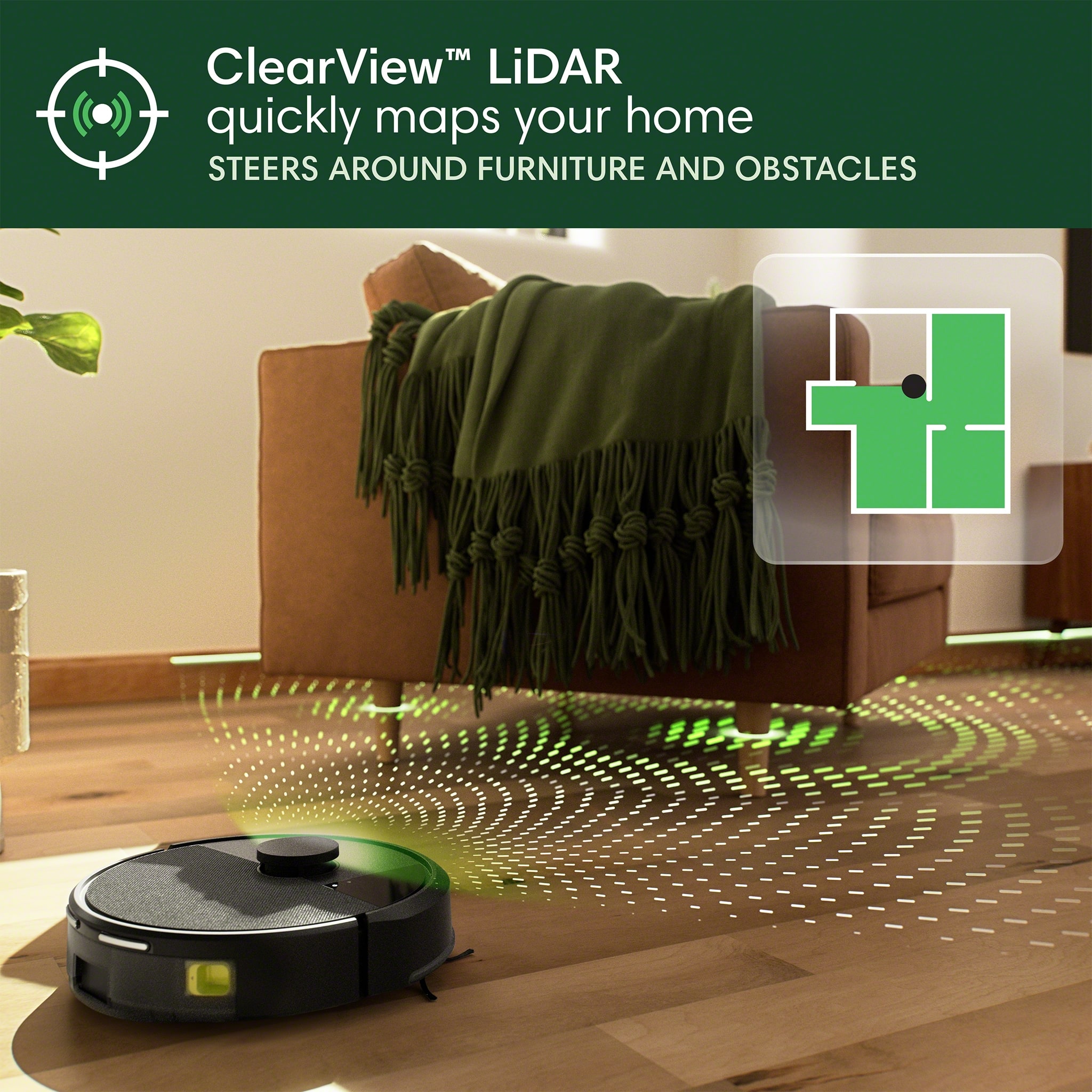
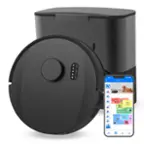
    So far so good with the new Roobma 105 with AutoEmpty Dock. As I have mentioned in the past, iRobot Roomba Vacuums continue to improve with every iteration. I currently also have the J9+ Vacuum and the 981 Vacuum. The J9+ also has an AutoEmpty, but the new 105 has a much smaller footprint and doesn’t have to ride up a ramp to dock. It simply backs up to the dock, empties out, and continues rolling. The mapping is a vast improvement. It maps out your house the first time and then shows you the exact path it takes every time it runs. You can see exactly where it cleaned, the back and forth paths, and what was missed so you can adjust for next time if you want a specific area cleaned. You can select specific rooms too and the functionality of the new app is much more user friendly. It also does not get stuck under the couch as much, I guess because it’s either that much smarter, or it can’t go under furniture because of the little head on top. It picks up a lot of dog hair, dust, dirt, and larger solids too. The brush roll is also different, and I think it will hold up better overtime as it seems to be made of better materials. The only downside, not with the vacuum, but with the new Roomba Home App, is I cannot control all 3 of my Roombas with a single app. The two older vacuums require the old iRobot app while the new 105 can only be controls with the Roomba Home App. Hopefully they can add support for previous vacuums to the Home app.

    I would recommend this to a friend
    • Brand response from iRobot Team
      Posted .

      Hello, thank you for taking the time to share your feedback about the Roomba 105. We’re thrilled you are loving your new robot. Three cheers for clean floors! IRobotPWR

  • Pros mentioned:
    Navigation, Suction power
    Tech Insider Network Member

    Rated 5 out of 5 stars

    Solid improvements from prior models!

    |
    Tech Insider Network Member
    Posted .
    This reviewer received promo considerations or sweepstakes entry for writing a review.

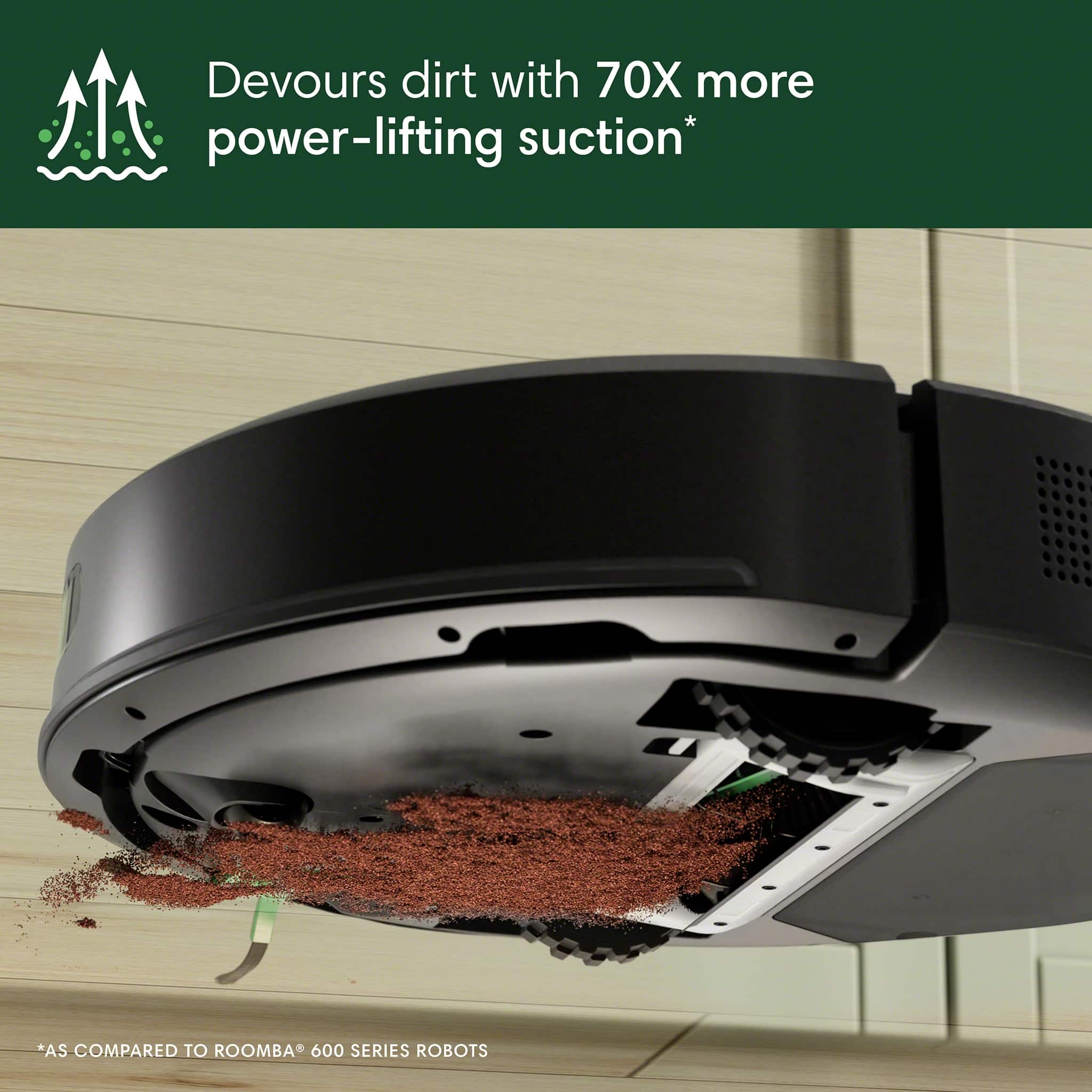
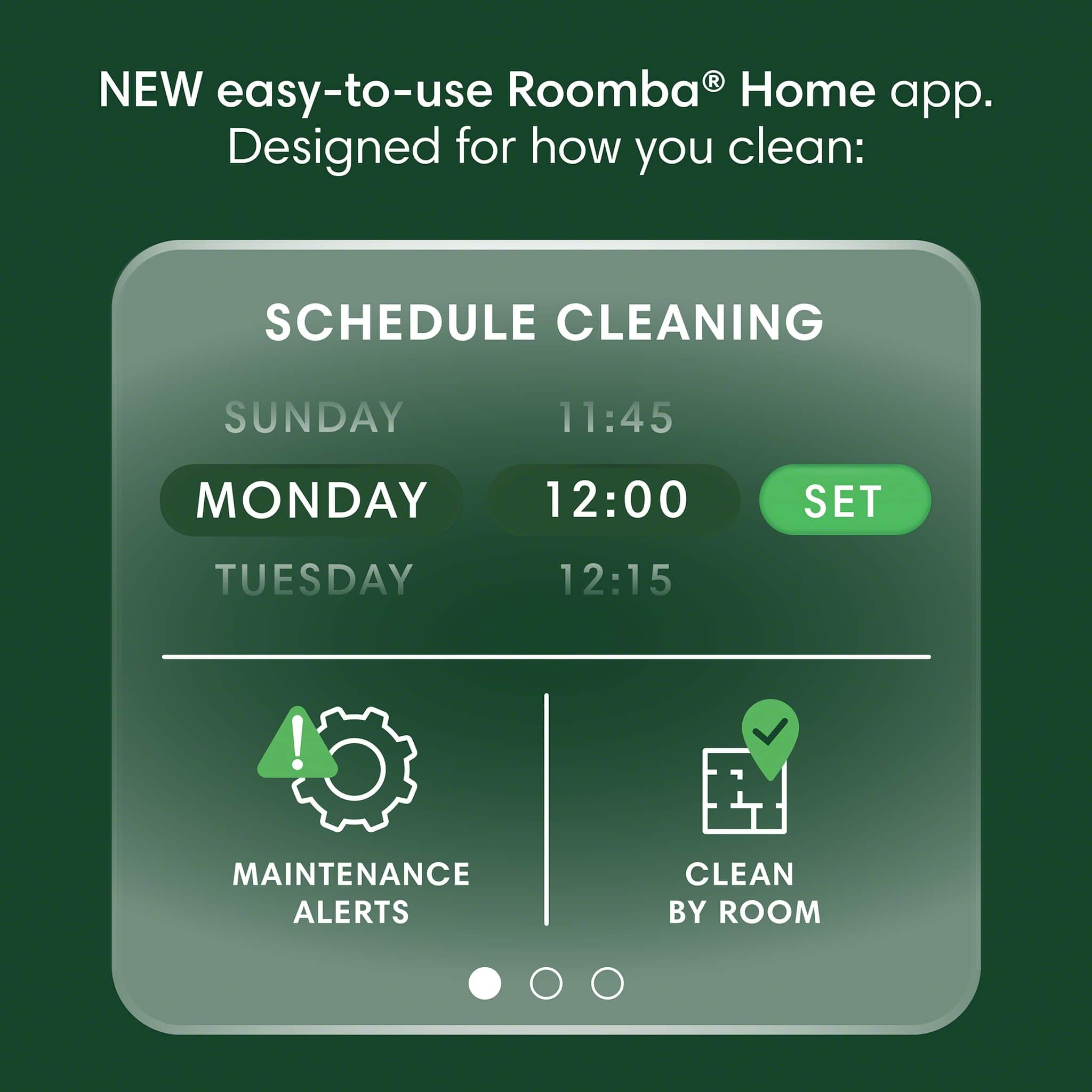
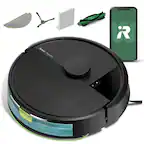
    This Roomba is great and is definitely a solid upgrade from prior models where it now has Lidar technology and improved suction in this model. Setup was pretty easy, I'd recommend ensuring you have the latest version of the app and a newer phone and a good WiFi network in your house to ensure you have the best experience. I did notice before that downstairs my WiFi coverage was inconsistent and my other Roomba had trouble with the app connecting so if you're having any issues with it connecting I'd recommend checking your WiFi or investing into a mesh WiFi network. I love that like with prior models you can schedule cleans and if you have pets like I do, you can do one good thorough manual cleaning periodically and this machine will help maintain keeping floors clean with a good schedule depending on the kind of pets and/or traffic you get in the rooms where it will vacuum. It does detect when it's bin is full and will notify you on the app when it needs to be emptied or when sensors need to be cleaned or maintained. Following those things is part of the maintenance which is minimal and easy to do. I love the design of the base and the latest advancements that have been made with mapping. It's much faster, and it seems to complete jobs faster too and doesn't get "lost" like my older model seems to when something gets moved around or gets in it's way as it's cleaning. It does seem to have more suction power and seems to last longer on a charge than my older model. So far, I'm impressed with the updates that have been made and would recommend an upgrade to this model if you have an older one that doesn't have Lidar.

    I would recommend this to a friend
  • Pros mentioned:
    Cleaning performance
    Tech Insider Network Member

    Rated 4 out of 5 stars

    Good, but not great, but great for the price

    |
    Tech Insider Network Member
    Posted .
    This reviewer received promo considerations or sweepstakes entry for writing a review.

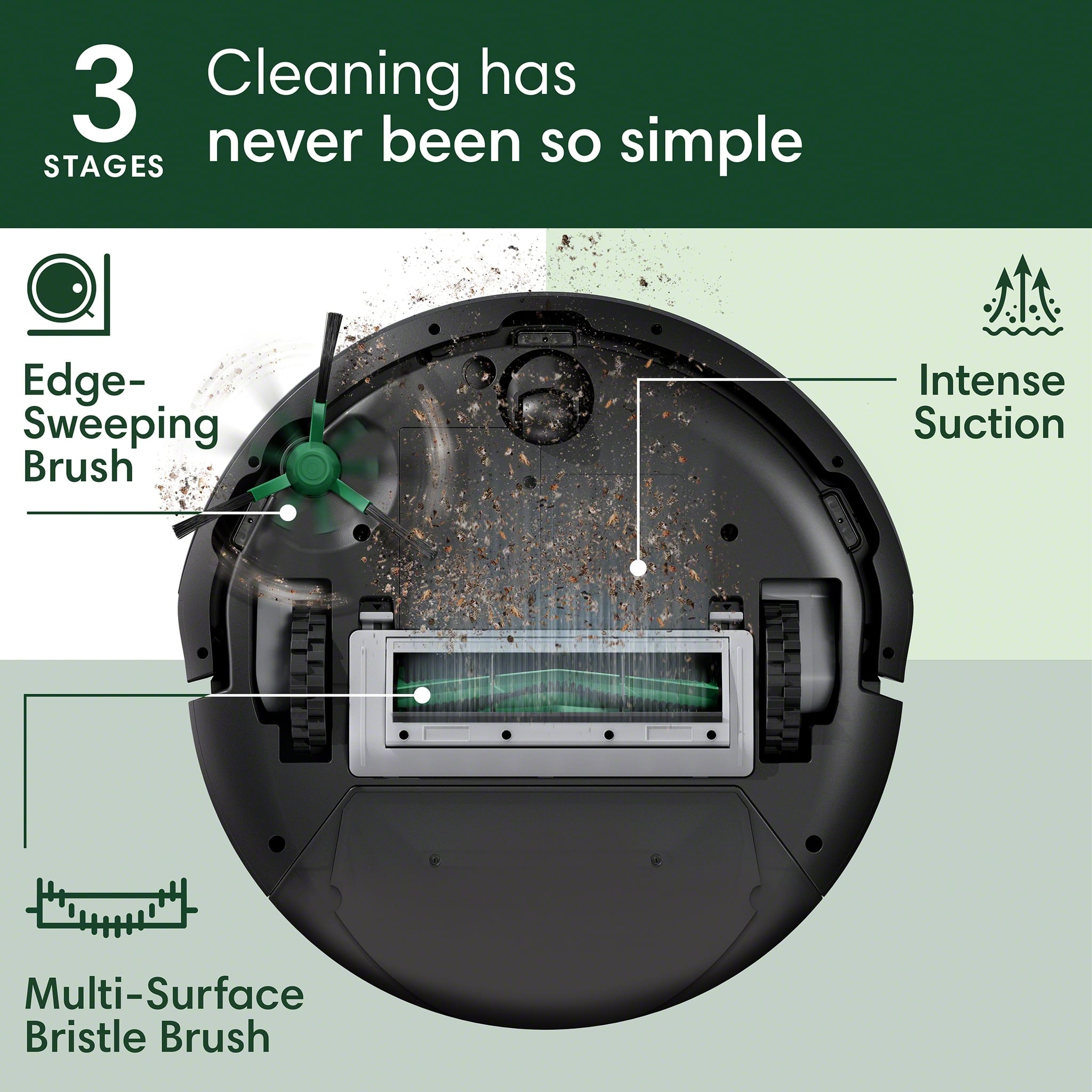
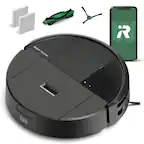
    I've used about a half dozen robot vacuums at this point, including both an early iRobot and the later j7 model with the AI-based camera system. The Roomba 105 is an interesting release for the brand, since they are seemingly in a last-ditch effort to save the brand after their failed Amazon merger. Having used robots from multiple brands that feature LIDAR, and models that use the same navigation style that Roomba models used until this new series, I have to say that it felt like a mistake for iRobot to not use LIDAR previously, especially on models like my j7 which otherwise felt very high end. The Roomba 105 proves that, more or less. #Unboxing and first impressions# The Roomba 105 came in a relatively small box considering it's a robot vacuum with a self-emptying docking station. The plastics, especially on the self empty dock, feel much cheaper than previous iRobot models I have used. However, the price point of this Roomba 105 unit is much lower than others I have seen that can empty themselves. Overall I would say the packaging and quality feel about on par with the price of the Roomba 105 on sale. #Using the Roomba 105# I was a little surprised that the Roomba 105 requires a new app vs my previous j7 model. The iRobot app was a high point of my j7 so I'm a little shocked by that. It was pretty easy to get the new Roomba set up in the new app, but I did have one instance in the last week where it went offline and wouldn't work until I held the power button down on the Roomba 105 to reset it. LIDAR makes a pretty huge difference to the overall experience of using the Roomba 105. To get a full map of my house, the new 105 was able to map my house fully in less than an hour - a process that took at least a day on my older model. It's also very easy to just send the Roomba 105 off to clean a specific room in the new app. Overall the performance of the 105 is a bit of a mixed bag - it seems to clean relatively well. One feature the 105 is missing from higher Roomba models is the rubber brush roll, which means you will occasionally need to pick hair and strings off the bristle brush that comes in the 105. Cleaning my ~1300 sq ft main floor requires the 105 to take a break after a few rooms and charge. It's able to complete the whole space in less than an hour in the middle setting for cleaning power. I was very impressed to find that after the 105 cleans a carpet that I don't pick up a ton of pet hair with my regular stick vacuum afterwards. However, the 105 struggles quite a bit with transitions between my hardwood floors and a few Ruggable rugs (the kind which have a velcro pad that holds a removable/washable rug). It's something specifically with the design of the 105 that makes it catch the lip of the Ruggables and peel it back a bit each pass. Once the 105 got stuck on a corner of a rug, but most of the time it finishes cleaning and I just have to go pat the edges down flat again afterwards. The Roomba doesn't have issues with any other transitions in my home, including to another brand of rug, so it's something with the Ruggables, I guess. #Final thoughts# I would definitely recommend the Roomba 105 to anyone looking for a solid value in a robot vacuum. Especially if you don't have a lot of Ruggable rug transitions in your home. I hope this is a sign of things to come from Roomba and that I can look forward to trying some top models that come with LIDAR and their AI vision features from past models, too.

    I would recommend this to a friend
    • Brand response from iRobot Team
      Posted .

      Hello, thank you for taking the time to share your feedback about the Roomba 105. We’re thrilled you are loving your new robot. Three cheers for clean floors! IRobotPWR

  • Pros mentioned:
    Suction power
    Tech Insider Network Member

    Rated 5 out of 5 stars

    It’s Like Having A Maid

    |
    Tech Insider Network Member
    Posted .
    This reviewer received promo considerations or sweepstakes entry for writing a review.

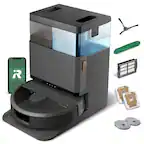
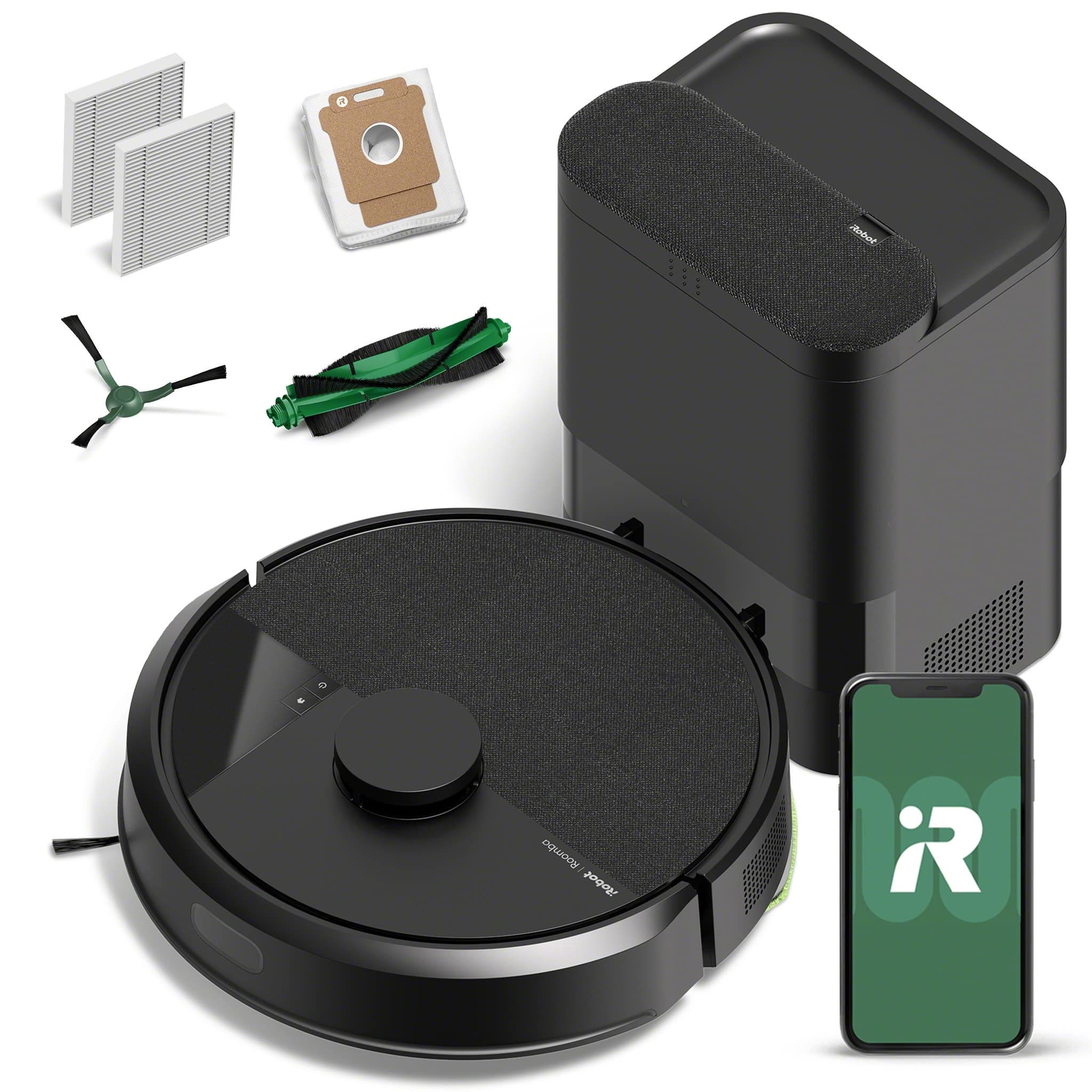
    Vacuuming can be so time-consuming and if you hate vacuuming like me, this would be perfect for you. This vacuum comes with a base/docking station, the vacuum, a dust bag for the base, a cleaning brush, a side brush for the vacuum and an extra filter for the vacuum. The base/docking is about 11 inches tall, 8 and a half inches wide and about 8 inches deep. The base has a cord that is about six feet long, so make sure and set the base up in a convenient spot that will reach an outlet. The vacuum is about 4 inches high and about 13 inches in diameter. To set this up make sure and take the plastic off the base station and Roomba, so that the vacuum can make connection to the charging points and the sensor can work well. You can then plug in the docking station in the open area, making sure it is at least 18 inches away from anything on each side and in front of it. I actually am limited in the space that I have, only have about 12 inches on both sides of the IRobot station, and it still works well for me. However, keep in mind that they would like 18 inches on both sides, because you could have a problem with less than the recommended 18 inches. I may be just lucky that it worked for me. Make sure the vacuum is matched up with the charging points on the docking station so it knows where to come back to without a hassle. Downloaded the iRobot Home app to your phone and set up an account. You will need this for the iRobot to map out the house and individual rooms. I followed the directions to add the vacuum to the app and then had it map out the house, so it will know where it can and can’t go. All of this took about an hour. Depending on the size of your home, it may take more or less time. The app also lets you name the different rooms and set up the zones you don’t want it to go. You can also set up times for the vacuum to work or just start the vacuum when needed. I set a routine up for my iRobot and I make sure everything is picked up to get a thorough cleaning, but if you forget an item it is fine because this vacuum is smart enough to avoid things like that even unexpectedly. The vacuum works very well and the suction is good. Once you start using the vacuum, you will need to empty or replace the bag in the docking station from time to time. Replacing the bag may vary at times, because you may have more or less to vacuum. The bag should be thrown out and changed when full, but when in a pinch I have emptied the bag and reused it. It didn’t impede the vacuum at all, but I’m sure that is not recommended by the company. I highly recommend this robot vacuum because it saves time from having to clean your floor and the suction is very good for getting the dust, dirt and debris. I have had robo-vacs in the past and absolutely love them. It is actually better than having a maid because it will vacuum on demand and empties the iRobot for you. What more could you want!!

    I would recommend this to a friend
    • Brand response from iRobot Team
      Posted .

      Hello, thank you for taking the time to share your feedback about the Roomba !05. We’re thrilled you are loving your new robot. Three cheers for clean floors! IRobotPWR

  • Pros mentioned:
    Navigation
    Tech Insider Network Member

    Rated 5 out of 5 stars

    Seamlessly becomes a part of your home.

    |
    Tech Insider Network Member
    Posted .
    This reviewer received promo considerations or sweepstakes entry for writing a review.

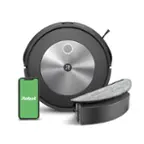
    This robot vacuum is a little harder to talk about than I expected, and I mean that in the best possible way. To be more specific: Once you figure out how to use it, it seamlessly becomes a part of your daily life, to the point that it's hard to feel strongly about it one way or another. It's my robot vacuum. It's name is Dustin. It's just an organic part of my household, now. I don't really have a set schedule for when I should have it vacuum. I should, and it's easy to set up, but I just don't. Mostly because having the vacuum run in the first place is already simple enough. You just open the app, click the rooms you want it to clean, and it does it, whether you're home or not. Now, this isn't to say it's perfect. It needs a LOT of space around the dock. 5 feet in front of it, 5 feet to one side, and 1.5 ish feet to the other side. Setting up the app involves making yet another account for another WiFi connected smart device. Running the vacuum means either hoping it doesn't drag all your loose cables (and whatever they're attached to) across the floor, or making sure you pick them up before you let it rip. And, of course, it doesn't like my rugs. Granted, they're either very loose and easy to drag around, have a lifted corner, or are unreasonably thick. But... that's to be expected. Even a standing vacuum cleaner doesn't like them. This is genuinely a fantastic product. I would absolutely recommend this if you're interested in what it has to offer. I've used other brand robot vacuums before, but this is the nicest I've used up to this point. I hope it lasts me for many years!

    I would recommend this to a friend
    • Brand response from iRobot Team
      Posted .

      Hello, thank you for taking the time to share your feedback about the Roomba 105. We’re thrilled you are loving your new robot. Three cheers for clean floors! IRobotPWR

  • Cons mentioned:
    Battery life
    Tech Insider Network Member

    Rated 5 out of 5 stars

    New software/hardware is a winner!

    |
    Tech Insider Network Member
    Posted .
    This reviewer received promo considerations or sweepstakes entry for writing a review.

    So I’ve had many a Roomba but this newest iteration takes the cake. You absolutely have to love the mapping function as the detail is phenomenal which benefits from the lidar setup. While you could generally understand the maps present by Roomba’s in the past, I was able to easily see a perfect representation of the accessible floor space. Also the system tries its best to separate into various rooms and did a great job overall. The nice thing is you can easy add more dividers as in my case the hallway and bedroom were one item. I simply went in and drew a line and poof, we have two rooms now instead of one which let me setup a schedule for just the kitchen and living area. The addition of the self cleaning function is much appreciated and even more so that the home base has a bagged function which means better containment of dust. It’s fun to hear it return home and the loud whoosh as it empties its contents into the tower. The improved mapping is the major winner here albeit nothing (yet) stops it from trying to suck up some clear plastic wrapping that was left on the floor. It will pause and chill waiting for you to help it out which can lead to it running out of battery while waiting. Understandably if it was something damaging, you don’t want it dragging itself back home regardless. Luckily you can see in the app where it stopped so you can go find it if it’s missing from its dock.

    I would recommend this to a friend
    • Brand response from iRobot Team
      Posted .

      Hello, thank you for taking the time to share your feedback about the Roomba 105 Vac. We’re thrilled you are loving your new robot. Three cheers for clean floors! IRobotPWR

  • Rated 2 out of 5 stars

    Not worth the price

    Posted .
    This reviewer received promo considerations or sweepstakes entry for writing a review.

    Bought this after J5 this is by far worse and the app barely works. Vacuum keeps getting lostand not getting back to charger on time

    No, I would not recommend this to a friend
    • Brand response from iRobot Team
      Posted .

      We appreciate you taking the time to provide feedback on the Roomba 105. We're sorry to hear about the difficulties you are experiencing. Please reach out to https://homesupport.irobot.com/s/contact-support-info, so we may properly diagnose your issue. IRobotPWR

Sponsored