Customer Ratings & Reviews
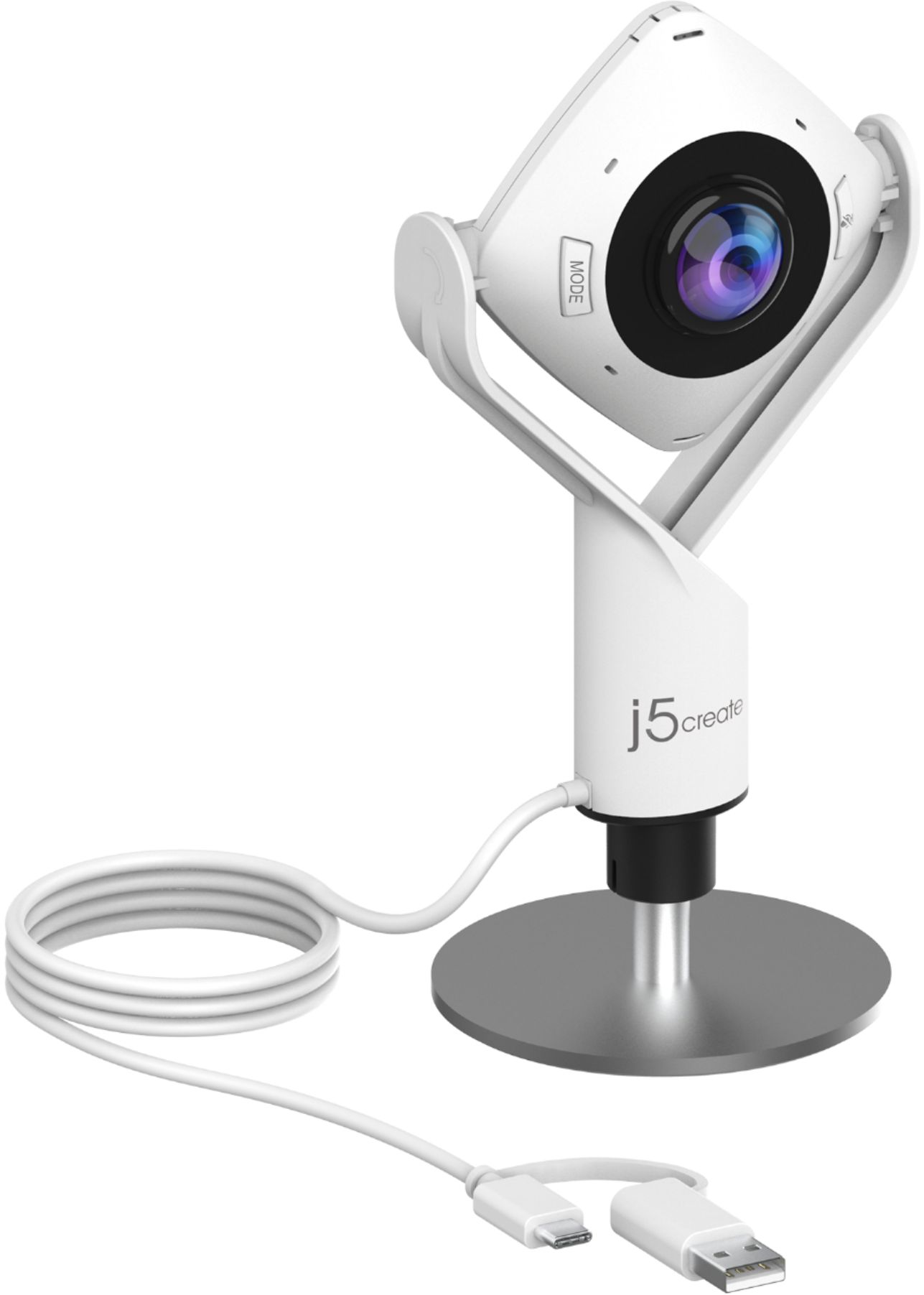
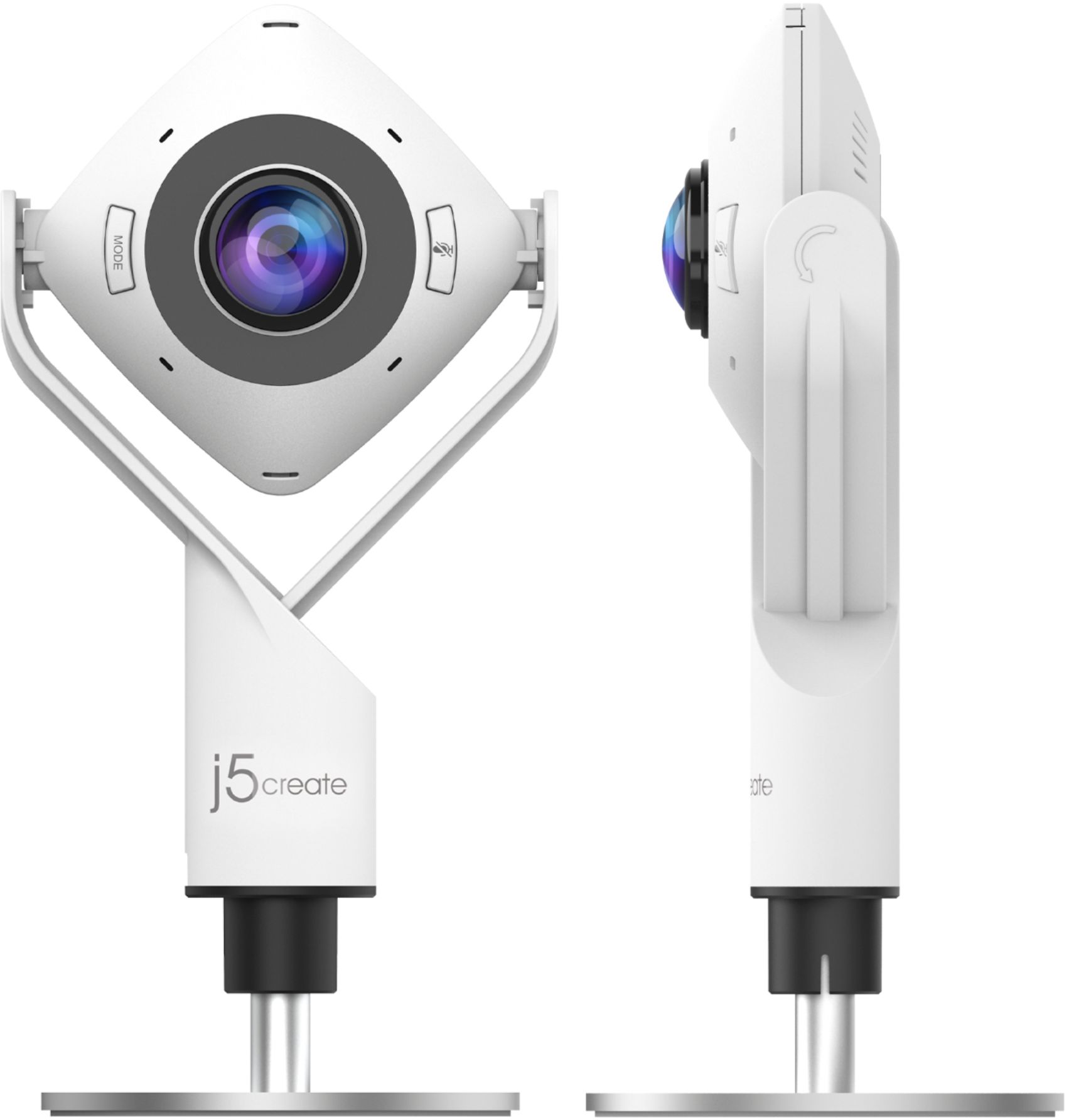
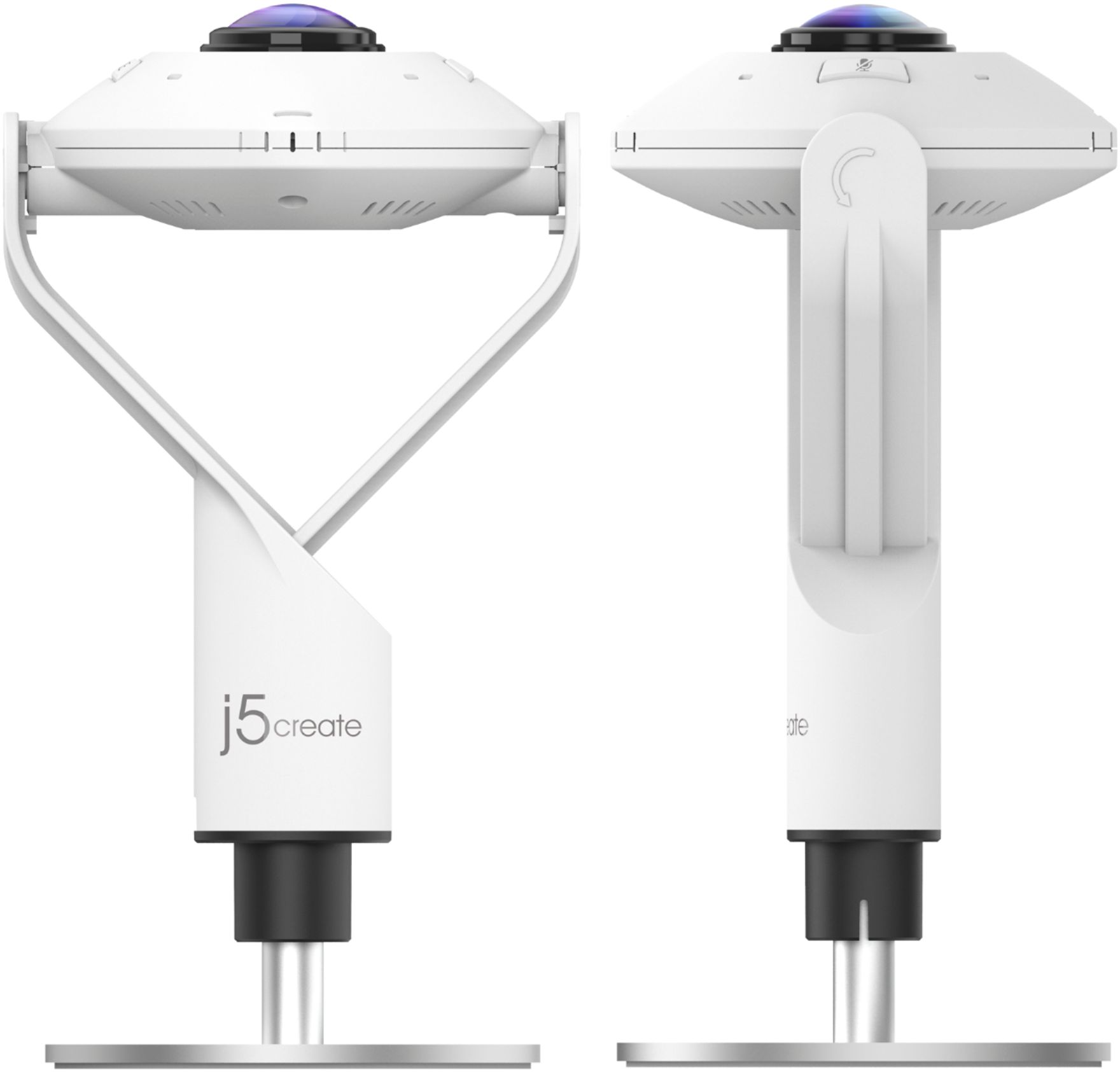

- Model:
- JVCU360
- SKU:
- 6434106
Rating by feature
- Value
Rating 4.3 out of 5 stars
- Quality
Rating 4.2 out of 5 stars
- Ease of Use
Rating 4.4 out of 5 stars
Customers are saying
Customers are pleased with the 360° All Around Webcam's wide field of view, finding it ideal for group video calls and appreciating the ability to easily adjust the viewing angle. However, some customers noted that the image quality could be improved, citing concerns about sharpness and graininess in the video. The larger size of the webcam was also mentioned as a drawback by some users.
This summary was generated by AI based on customer reviews.
- Pros mentioned:Field of view
Wonderful, less expensive option for Zoom meetings
||Posted . Owned for more than 2 years when reviewed.This reviewer received promo considerations or sweepstakes entry for writing a review.This is great webcam that gives a 360 degree view of a conference room for the Zoom attendees. I didn’t have the budget for an “Owl”, but this is a great, lower cost alternative.
I would recommend this to a friend - Pros mentioned:Connectivity, Ease of use, Microphone quality

A portable board room for these distant times
|Posted .This reviewer received promo considerations or sweepstakes entry for writing a review.Remote meetings can suck less when you can see everyone who’s there. J5 Create specializes in innovative products that meet real world needs. My first device from them was to connect a 2nd monitor to my laptop which only has one HDMI port. The 360 camera follows the same tradition of doing a nice job for a niche need: fitting a group together to meet with other people. What I first noticed about this camera was its versatility. It has a USB-C connector, but also includes an adapter for use with USB-A ports. I used the camera on both types of ports that found it to be equally reliable. There are several modes the camera can be switched to. These include a full view of everyone around the camera as well as several options to go close on only a portion. A touch sensitive ring around the lens allows users to virtually reposition the close up image so that remote viewers can easily see who is talking. If there’s only one person, the camera can also be used like a traditional Web Cam. It’s worth noting the base can be detached from the camera so that the camera can screw into a tripod mount. Despite the versatility, the camera is relatively easy to use. It was recognized instantly by all three of the PCs I tried it with. Each ran Windows 10 and is less than three years old. A mode button next to the lens switches between the different options. Your local camera image graphically displays the mode you are switching to. If you miss it as you are going through, you have to circle around all of the modes to get back to the one you want. Image quality is on par with other moderately priced WebCams. The all-around camera does a nice job maintaining resolution even in the close up modes. In the full all-around mode, this means that everyone sitting around your table can be seen at the same time. Remote users will know who is in the room and local users will not have to play “pass the camera.” The only difficulty I found was when local users needed to see what was happening in the remote tiles. I solved this by having my laptop on the table facing half the users and connecting it to an external monitor which faced the other half of the users. In this way, everyone around my table could see what was going on without having to move around. There are microphones all around the camera which helped to pick up sound regardless of where folks are located around the table. In my usage, the microphone picked up as well as any other WebCam. Overall, this all around camera provides a great opportunity for families or other small groups To all get together on the same conference call without having to sit in front of separate offices, laptops, or web cams. The field-of-view is large enough that people can maintain some distance from each other while still being recognizable in the shot. I would definitely recommend it for those in need of such a tool.
I would recommend this to a friendBrand response from J5create Team
Posted .Hello Dan,
We really appreciate your detailed review of the JVCU360 webcam. Glad to see that is a good option for family video conferencing as well as office use.
Thank you,
j5create
- Pros mentioned:Ease of use
Easy to use web cam
||Posted . Owned for 1 month when reviewed.This reviewer received promo considerations or sweepstakes entry for writing a review.This webcam is very easy to use. You plug it in at it works. If you desire you point it straight up and push one button at it becomes a 360 degrees room cam.
I would recommend this to a friendBrand response from J5create Team
Posted .Thank you Mandalorian, for your feedback on our webcam. I'm glad you are enjoying your new webcam. Have a nice day, j5create.
- Pros mentioned:Ease of use, Microphone quality
Built Solid, Needs work
|Posted .This reviewer received promo considerations or sweepstakes entry for writing a review.THE BREAKDOWN: This camera is very well built and feels solid. I found that for my use the single view it worked well. It was easy to setup and use. The camera itself feel solid and the base makes it feel heavy which is a good thing. It makes it not that easy to fall over and it is adjustable. It has long USB type A or USB-C cable that works with Windows 10 or macOS and I believe it even works with Chrome OS (I did not test this OS). I can verify that it was as easy as plugging in and using on both Windows 10 and macOS. I did not download any drivers or special software. I just opened Microsoft Teams and Zoom and started testing. This webcam does have a 360-degree swivel which makes it super easy to manipulate for whatever setting you need. This webcam also has a built-in microphone. I had no complaints on the microphone portion of the camera. Everyone stated that the audio sounded normal. The video is supposed to be Full HD 180p at 30 fps. This webcam had 5 built in modes. One mode is where there are 4 screens in a 180 degree view (2 on top and 2 on the bottom), 360 degree view with a large picture pointing at a person, another 360 degree with 2 large pictures, 360 degree panoramic view, and lastly the regular view as I call it where it is just one picture and the camera is pointing at you. Using the button to switch between modes was not as easy as it should be, I felt you had to know how many times to hit the button to get to the mode you wanted. For me it immediately went away after the first press and I couldn’t remember where I was, so I kept pushing the button several times until I got lucky and landed on the right mode. For the video I felt it was very lacking. It was pixelated and lagged for me. I felt the view itself was better than my built-in webcam but the quality was not. For the conference modes it does work well but due to the current state of the nation I was unable to test it with other live people in the room as I currently work from home. PRO’s: -Easy to install -Solid built feeling -Mic worked well -USB-C and USB A -Long cord -360-degree camera -Multiple modes CON’s: -Video was pixelated and laggy -The mode button could use a little more work SUMMARY: Overall, this product worked well and as intended, and I would recommend this to a friend if they are in the market for device like this.
I would recommend this to a friendBrand response from J5create Team
Posted .Hello,
We really appreciate you recommending the JVCU360 webcam as it is one of our newest product releases. Thank you for taking the time to post the review with detailed feedback.
Have a good day,
j5create
- Pros mentioned:Cable length, Microphone quality
The most-versatile web-conferencing camera
|Posted .This reviewer received promo considerations or sweepstakes entry for writing a review.I can’t wait for post-COVID to happen where we may go back to our work offices to co-create and co-work, and utilize conference rooms and tools uniting co-located and remote employees. This j5create JVCU360 webcam is a must-have to provide for an awesome conference call experience as four out of its six display modes, “All Around View”, “Host”, or “Dual Host”, and “Fullscreen” enable you to share video of a group of people, where its built-in 2-channel microphone, according to product specs, can pick up audio from 10 feet away (and as such, making the use of Polycom speakerphones optional/not necessary). You will definitely appreciate the almost 120 inches long cable with a USB-C & USB-A combo connector. Another cool feature is the touch bar around the camera itself that is enabled when you use the “Host” and “Dual Host” display modes which enable you to select the host or to control the viewing angle simply through swiping. The j5create JVCU360 is also good for individual use when using the 90-degree (single view) and/or 120-degree (wide-angle) display modes. As a work-from-home meeting facilitator, I would switch between the two modes and use the wide-angle one when I have something to also share that’s behind me, like a physical whiteboard (the same is true for onsite meetings, too, of course). I also find the camera stand most practical as it is adjustable from 7.6” to 9.4” (especially useful when the JVCU360 is placed right in front of you/if front of an external display) and tripod-compatible. There are no drivers to install, meaning, it’s Plug'n'Play on Windows, macOS, or Chrome OS systems, and the JVCU360 works fine with a lot of video conferencing tools. I got to test this camera with Amazon Chime, Cisco WebEx, Facebook BlueJeans, Google Meet, Microsoft Teams, and Zoom, and they all work fine with the JVCU360. You may notice a rather grainy video quality when in 90/120-degree display mode, which is something I shared with the amazing, enthusiastic, passionate, and highly responsive j5create support team to possibly look into and fix. It’s not really too much of a big deal when you use the JVCU360 for web conferencing as you would not put yourself or a meeting attendee to fill out your screen. I would not use this camera for video capturing/recording purposes, though, because the video quality is a bit too grainy in my opinion, and the cam does not adjust well to bright backgrounds. (I was not able to share a view from my window; the camera would not adjust to the brighter light condition and instead, show an almost white screen.) Don’t forget to download the JCVU Series Companion software from the j5create web site at: https://download.j5create.com/driver/JVCU_Series_Companion_Windows/download.php This companion enables you to easily select from the 6 different display modes (in addition to the mode selector on the camera itself) and via sliders, “Brightness”, “Chromatic Correction”, “Contrast”, “Hue”, and “Saturation” in the “Advanced Settings” tab. (Unfortunately, using this companion did not allow me to make necessary adjustments so that the camera would show the view from my window properly.) Let’s remember, the j5create JVCU360 is a web conferencing camera, and for only this purpose, I can recommend this camera to friends and family with 4 out of 5 stars.
I would recommend this to a friendBrand response from J5create Team
Posted .Hello,
We really appreciate your detailed review of the JVCU360 webcam. It is ideal for meetings where you have a group in one location working with remote colleagues. The companion app is not required, but can adjust some of the video properties. I hope that you have a good day.
Cheers,
j5create
- Pros mentioned:Cable length, Microphone quality
Cost Effective Game Changer
|Posted .This reviewer received promo considerations or sweepstakes entry for writing a review.Once you connect and use the j5create - 360° All Around Webcam, it will become obvious immediately that it is indisputably one thing ... A well-built, cost effective game changer. The j5create - 360° All Around Webcam is solidly constructed, with an adequately heavy base, a camera that can be rotated in its gimbal to accommodate both a single (traditional) point of view or 360° of all-around view and there are a total of 6 different displays modes built in. The camera's mechanical rotational action is confidentially firm. The base is protected with a felt pad and the robust USB cable is tab bit longer than 10 feet. For this price point, I believe j5create thought of everything with this offering ... including both USB-C and USB type A connectors on the end of the cable. The beauty of the 360° j5create - 360° All Around is that it is totally plug & play. No need to install any software. It interoperates with an extensive list of video conferencing platforms. • Skype • Skype for business • Microsoft Teams • Google Meet • Cisco • Zoom • BlueJeans • Amazon Chime • GoToMeeting • Slack I primarily used this camera with Skype, as well as giving it a run with GoToMeeting and it worked flawlessly in mere minutes. Again, the unit is plug & play, so you connect it to a hosting computer, position it as required and control the camera modes and mute the microphone via just 2 buttons on the camera body. The ingenuity of the capacitive-touch ring around the camera is brilliant and responds quickly for setting participant positions. Lastly, there are 4 led indicators positioned around the camera body to inform participants if the microphone is active (green) or muted (red). Now for the meat & potatoes. The j5create - 360° All Around Webcam has clear video performance in varied lighting conditions, with solid white balance & color tones. The audio quality is also very good. So why is the j5create - 360° All Around Webcam a game changer? Because, small businesses with limited budgets can step up their game with 1080p image quality, in a 360° format at a truly mind-blowing price point, no longer being limited by the typical 720p imagine quality of individual computer laptop cameras or much more expensive video conferencing systems - intended for much larger or Fortune 500-like companies. Pros: Multi-functional & inexpensive Truly plug & play Simple and intuitive controls, ALL on board 1080p image quality Excellent audio quality Solid construction 10-foot integrated cable with both USB-C and USB type A connectors
I would recommend this to a friendBrand response from J5create Team
Posted .Hello,
We really appreciate your detailed review of j5create’s new JVCU360 webcam. It sounds like that you put the webcam through its paces and it came out with flying colors. I hope that you have a good day.
Thanks,
j5create
- Pros mentioned:Microphone quality
Good quality webcam and mic!
|Posted .This reviewer received promo considerations or sweepstakes entry for writing a review.The j5 create-360 All-Around Webcam is a very well made product that looks and feels great. I really like all of the different modes it has making it a very versatile choice. My family does zoom conferences with multiple people and the j5 makes it much easier to get everyone in the video compared to my laptop camera. I would like to see a little better picture quality but it works well despite that. I am not aware of any other webcams like the j5 although there are similar ones I like the design of the j5 for its ease of use and versatility. Overall, I am impressed by the j5 create and while I am not sure why the picture quality seems a bit low it is a useful communication tool for what it was designed for with useful modes to get things done!
I would recommend this to a friendBrand response from J5create Team
Posted .Glad to hear that you are pleased with the new JVCU360 webcam. Its various viewing modes are great for group video conferences. We appreciate your feedback.
Thank you,
j5create
Problems After 4 Days
|Posted .This reviewer received promo considerations or sweepstakes entry for writing a review.About The JVCU360 is a 1080p webcam that supports multiple video modes. It is a plug and play webcam that works with macOS, Windows, and Chrome OS. The camera supports 6 different modes; (2) 360 degree views, (2) host views, and (2) single views. It has a built-in microphone and a lens cover for privacy. Setup The setup is really basic. You plug into your USB port (USB-C or USB Type-A) and it loads the driver. Adjust the height of the stand by twisting the base. Uncover the lens, and you are ready to use it. View Modes I mentioned that there are six view modes. There are (2) 360 degree modes; full screen 360 and 360 All Around View. You turn the camera upward so that it’s parallel with the table surface, and the camera captures a 360 degree image. The two modes display the image differently. Full screen stacks people from the room in sections (kind of like the Brady Bunch intro). 360 All Around creates a single panoramic style image across the screen. The 2 host modes are simply a single host and a dual host so that you can share hosting capabilities with someone sitting near you. The 2 single view modes are a normal webcam picture with your choice of 90 degree angle or 120 wide angle. First Impressions The camera is a little bigger than many that I have used, mostly because it is so tall. Picture quality was average in my opinion. It said 1080p, but I saw some pixilation immediately. There was not a very detailed explanation of the view modes, so I had to play with the camera to see what it does. There’s no J5create software, so you must use the standard Camera settings (for reference I am using Windows 10). I verified that I had it on the highest setting available. My Experience I had several issues while using the camera. Most of them happened on the same day, so I am unable to determine for certain whether it was the camera or a Windows issue. No known updates took place, so I suspect it is the camera. After about 4 days of use my camera settings changed and people couldn’t hear me. My video was alternating between a green screen and a normal picture. At one point the image changed so that there were 3 of me with flashing horizontal lines moving across the screen. It looked like a bad 80’s music video. These issues certainly caused some frustrations for me and those trying to speak with me. Overall I like the idea of the product: a multi-mode webcam that can do 360 degree video. It has a lot of good qualities, but in the end I did have issues with it. Since I am unable to determine if it was the camera or a Windows issue, I am giving the product 3 stars. If it worked as it should, it would have been 4 stars. It could be 5 if it worked and were higher quality (4K).
No, I would not recommend this to a friendBrand response from J5create Team
Posted .Hello,
We appreciate your detailed review. We have since released an app to adjust the camera settings:
https://download.j5create.com/driver/JVCU_Series_Companion_Windows/download.php
This will allow you to adjust some of the image settings with the camera. The other issues that you are encountering may be related to the application that you are using with the camera. For troubleshooting assistance our customer support team is available to help. Our contact information can be found on the product packaging and on the j5create website under the ‘Support’ drop down.
Thank you,
j5create
- Pros mentioned:Field of view
Pleasantly surprised by the 360-degree viewability
||Posted . Owned for 2 months when reviewed.This reviewer received promo considerations or sweepstakes entry for writing a review.Was pretty skeptical that the 360-degree would work without making everything fish-eyed but it's a pretty good view, once you get used to knowing where to look to see the full view.
I would recommend this to a friend - Pros mentioned:Field of view, Microphone quality
Works well both in standard and 360 mode
||Posted . Owned for 3 weeks when reviewed.This reviewer received promo considerations or sweepstakes entry for writing a review.I was looking for a good webcam to use with my desktop computer and found this one that advertised having a 360-degree panoramic view mode. It was really not much more expensive other quality webcams I was considering, so I bought it. I use it mostly as a standard 90-degree angle camera, but I have taken it into a few group meetings where I can have it display all the people sitting around the table. It works very well for that, and I have had no complaints about the audio quality, even when people in the meeting are over 10 feet away from the camera's mics. It has multiple wide modes so you can stack two 180-dgree views into one image which is great for Zoom and GoTo meetings. It also has a mode so that one or two people in the panorama can be zoomed in as a larger headshot with the rest of the attendees in a strip. I like that it has a threaded to fit a standard tripod. That allows me to set it on my desk, behind my computer monitors. I can also use it on a tripod in 360-degree mode to capture a gathering of people where there is no table.
I would recommend this to a friendBrand response from J5create Team
Posted .Greetings Rudeney, we are very grateful that you took the time to leave a well detailed review on the JVCU360 Webcam. Your opinion is valued greatly and it lets us know we are on the right track. With gratitude, j5create.
Good buy
||Posted . Owned for 1 month when reviewed.This reviewer received promo considerations or sweepstakes entry for writing a review.Works great and I use it daily. I got it for my office and it was simple to set up. It could’ve been a little cheaper. I would definitely recommend it to friends and family.
I would recommend this to a friend- Pros mentioned:Field of view
Great Camera for Meetings
||Posted . Owned for 2 weeks when reviewed.This reviewer received promo considerations or sweepstakes entry for writing a review.Cool features and a great value for the $! I use this for virtual meetings (MS Teams, Zoom and Google) where I have a few people in a conference room and a few others joining remotely. Allows all the people attending in the conference room to be seen/heard without having to have everyone individually log into their devices. The pano/split pano views are very nice and give a solid 360 degree view of the room. The host and dual host focus features are cool too. You can't go wrong for the money!
I would recommend this to a friendBrand response from J5create Team
Posted .Enhance your conference calls with the 360° All Around Webcam. This all-in-one virtual meeting device combines HD video with business-grade audio clarity, to help run your video conferences smoothly. Thank you for your feedback!
- Pros mentioned:Cable length, Field of view
Great value
||Posted . Owned for 2 months when reviewed.This reviewer received promo considerations or sweepstakes entry for writing a review.This camera is a great value, I really like the different view options. 360 view is pretty good quality, 120 is nice to have, too. Cord is pretty long, which is handy. Plug and play easy on most computers I have tried, plug in before starting the Zoom otherwise can be a little quirky. I may buy another one.
I would recommend this to a friendBrand response from J5create Team
Posted .Six display modes deliver exceptional viewing angles with flexibility and versatility
Excellent for Conference Rooms
||Posted . Owned for 1 month when reviewed.This reviewer received promo considerations or sweepstakes entry for writing a review.I got this as a replacement webcam in our office small conference rooms in which we did not build out the necessary conduits to wire a webcam into the conference room table, like our main conference room. Having a small webcam on the table created new issues, in which you can only angle a camera in such a way to get as many people around it. The j5create 360 solves the problem! We can have people separated around the conference room (tech we’re not using it yet as during this pandemic we are not hosting in office meetings) but with the 360 all the people in the room can now show up on the video calls, and all we need to do is have the camera in the center of the room. Microsoft Teams and Zoom instantly recognized the camera so there is no additional software setup required. In addition to having the full 360 angle, there are multiple modes in which you can make the webcam appear on the video call, including turning it into a standard one person webcam.
I would recommend this to a friendBrand response from J5create Team
Posted .Hello,
The JVCU360 is ideal for conference rooms or anywhere a group of people around a table want to make a video call. The various modes give this webcam a lot of different uses, so it is not just a conference table centerpiece.
Thank you,
j5create
- Pros mentioned:Field of view, Microphone quality
Great webcam for executive office
||Posted . Owned for 5 months when reviewed.This reviewer received promo considerations or sweepstakes entry for writing a review.Gives you a number of different options. 360 view, straight one view, a wider view (for 3-4 people on the same side). Microphone works well too
I would recommend this to a friend - Pros mentioned:Cable length, Connectivity, Field of view
Picture could be better, but overall a cool camera
|Posted .This reviewer received promo considerations or sweepstakes entry for writing a review.Pro: Even 360 view without distortion Multiple camera modes Easy set up USB A or USB C Con: A bit of lag Mic isn’t great Picture has noise and jaggy This is a nice camera for conference calls or to capture a large area. For the majority, it works really well. The 360 degree mode is just cool. It has some distortion for close ups and background, but the mids look fine. You can switch between a single wide shot, a split screen, or a one or dual host mode. You can adjust the position of the hosts with the touch bar letting you focus on one or two people. You can switch to a normal single view camera which has a standard and wide angle mode. The wide angle has some distortion around the corners. The camera has an overall solid heft to it. It stands about 8 inches tall, and has a metal base. It has a very long USB C cable along with a USB A adapter attached at the end. It does get warm after using it for a while but I think it’s still within the norm. The picture is alright. There’s some compression noise and banding in the colors which seems to vary between different apps. In 360 mode, it’s on the darker side and seems to need really bright overhead lighting, while in standard mode, the same lighting can make it look washed out. There’s also a bit of lag and fast movements don't look great. While I probably wouldn’t use it for content creation, it’s not bad and should be fine for a typical video call. The mic is no better or worse than what you would expect from a webcam. It works, but it’s far from being crisp and clear. If you do a lot of group meetings, conference calls, or maybe even teaching, I can see this being very useful. While the image can be grainy and compressed, the various 360 modes is a nice feature.
I would recommend this to a friendBrand response from J5create Team
Posted .Hello,
Thank you for being honest with your review of the JVCU360. It is one of our newest products and we appreciate all the customer feedback that we can get. I hope that you have a great day.
Cheers,
j5create
Very grainy as the 1920x1080 encompasses 360°.
||Posted . Owned for 1 year when reviewed.This reviewer received promo considerations or sweepstakes entry for writing a review.Not for everyone. The 360° is neat and I like the touch wheel to direct/center the video. But the image is just too grainy. (And I was connected with the USB-C.) Even using the camera in vertical mode - like a regular webcam - the image is still grainy. And this was after the firmware update to "enhance the image". Already have the 10 time used camera for sale used.
No, I would not recommend this to a friend- Pros mentioned:Cable length, Field of view, Microphone quality
Great webcam for a conference room
|Posted .This reviewer received promo considerations or sweepstakes entry for writing a review.This is a pretty unique webcam with features I haven’t seen on other ones. However, some of the features are a bit gimmicky and because of that it can run into issues occasionally. You can set the camera up like you would expect from a normal webcam but the base is much more sturdy and doesn’t need to be clipped to a monitor. This may be a negative if you don’t have room to put the webcam down and maybe makes this less ideal for traveling with a laptop. For me I really like that the base makes it so sturdy and versatile in where I can put it. The angle adjustment also is just easier to position and get the right angle. You can also switch modes to get a widescreen view. Its using a curved lens so you can see a much wider angle than a normal webcam, but you do get the expected distortion as a result. The next 5 modes all deal with the 360 degree view of the lens. The most unique thing is that it has either a very unique lens or a series of cameras so that when you point the camera upwards it will take a picture of everything around it. So you can get a 360 view around the side. This is designed for situations like conference calls where you have multiple people sitting around the camera and everyone can be viewed at once. Overall it works well but the pictures is a distorted just a little bit when you do this. One of the modes just displays the whole panoramic view. A second gives you two rows of the 360 view (like a front half back half view). The last 2 uses AI to try and figure out where people are sitting and gives them a fake split screen, and also has 2 modes to put a “focus” on one or two presenters. The microphone works well and sends clear sound. I also really like that if your program keeps giving you a mirror image, you can hold down a button to flip the image at the camera. That way you don’t have to mess with your program and try and figure out what its doing to get the image flipped back. The cord is really long for a webcam and it comes with a USB-c connector at the end of the cable with a converter to a standard USB-a port that is attached right to the cable, making this a compatible webcam from that perspective. The fancy modes to cause conflicts with the AI of every conferencing program I’ve used. This is most prevalent in the blurred or special fake backgrounds for Microsoft teams and Zoom, as well as hat and other funny filters for other programs. If I have it in normal Single view things seem to work just fine. However, any other mode causes the system to not be able to tell what is going on and just messes it up completely. This is really not an issue 99% of the time. However, if your intended use is to use the 360 view together with special filters, chances are you’re going to be out of luck. Honestly though, I don’t know what camera would be able to do this without issues since the filters are designed for a standard single view mode. Overall I really like this webcam and it has some great video conferencing features, but it probably a bit of overkill for the standard user but the pricing is good enough that why not splurge on the extra features.
I would recommend this to a friendBrand response from J5create Team
Posted .Hello,
Glad to hear that you really like the JVCU360 webcam. This is our latest webcam release and we are happy to hear that it is being received well. I hope that you have a good day.
Thank you,
j5create
Mr.
||Posted . Owned for 1.5 years when reviewed.This reviewer received promo considerations or sweepstakes entry for writing a review.It works for a setting around a table, but if you need to split the screen to see faces into front and back the fish-eye lens lacks sharpness.
I would recommend this to a friendj5create 360 Webcam
||Posted . Owned for 1 month when reviewed.This reviewer received promo considerations or sweepstakes entry for writing a review.For the cost this camera works really well. There are some issues though, like the 360 view. It has a warped look to it, but again for the price I don't think you can beat it. The camera also allows you to change the view to one of several presets, so it is easy to find the one to work for you. I have used it with zoom, and webbed with out any problems.
I would recommend this to a friendBrand response from J5create Team
Posted .Six display modes deliver exceptional viewing angles with flexibility and versatility



















