Customer Ratings & Reviews
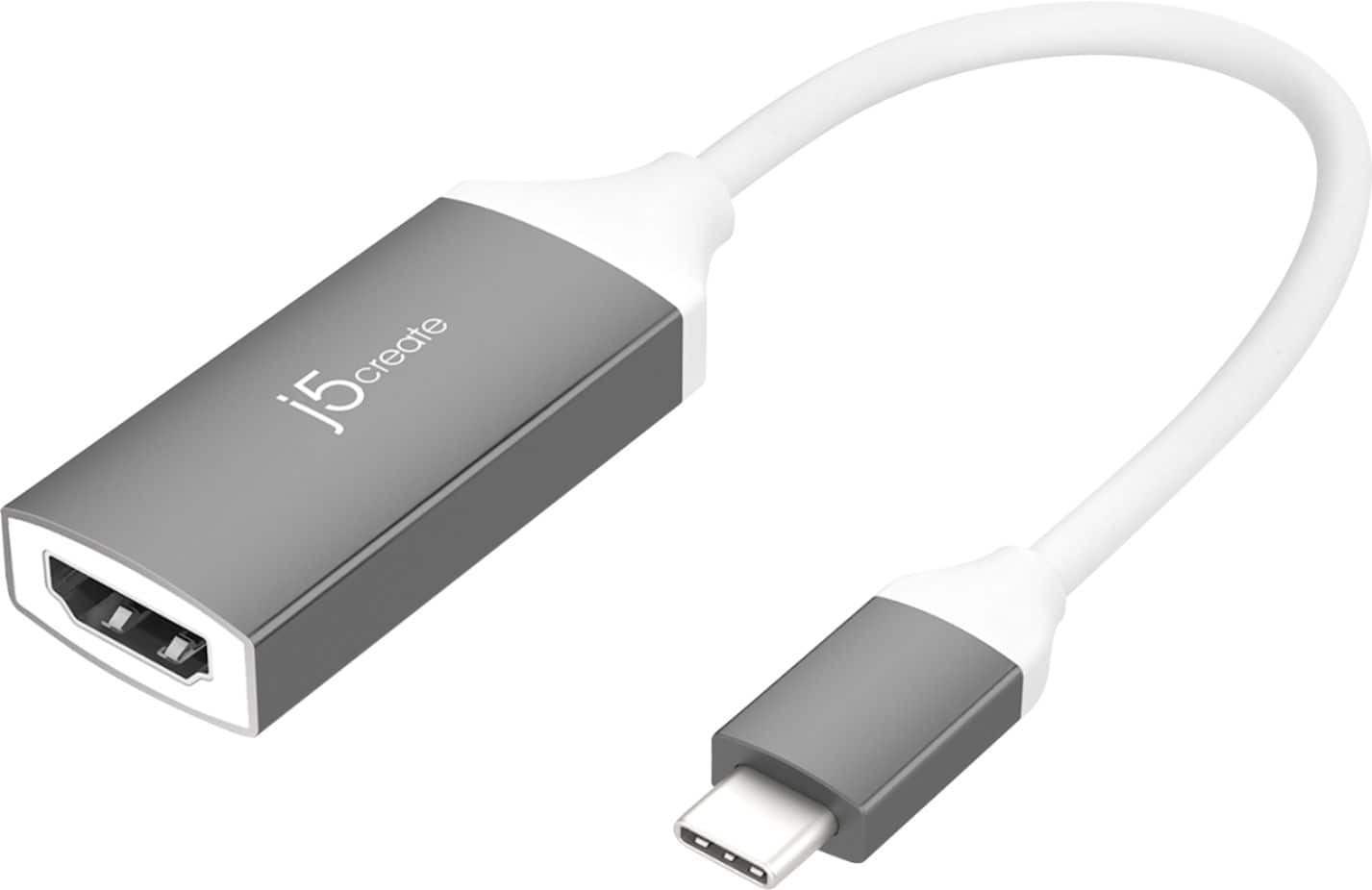
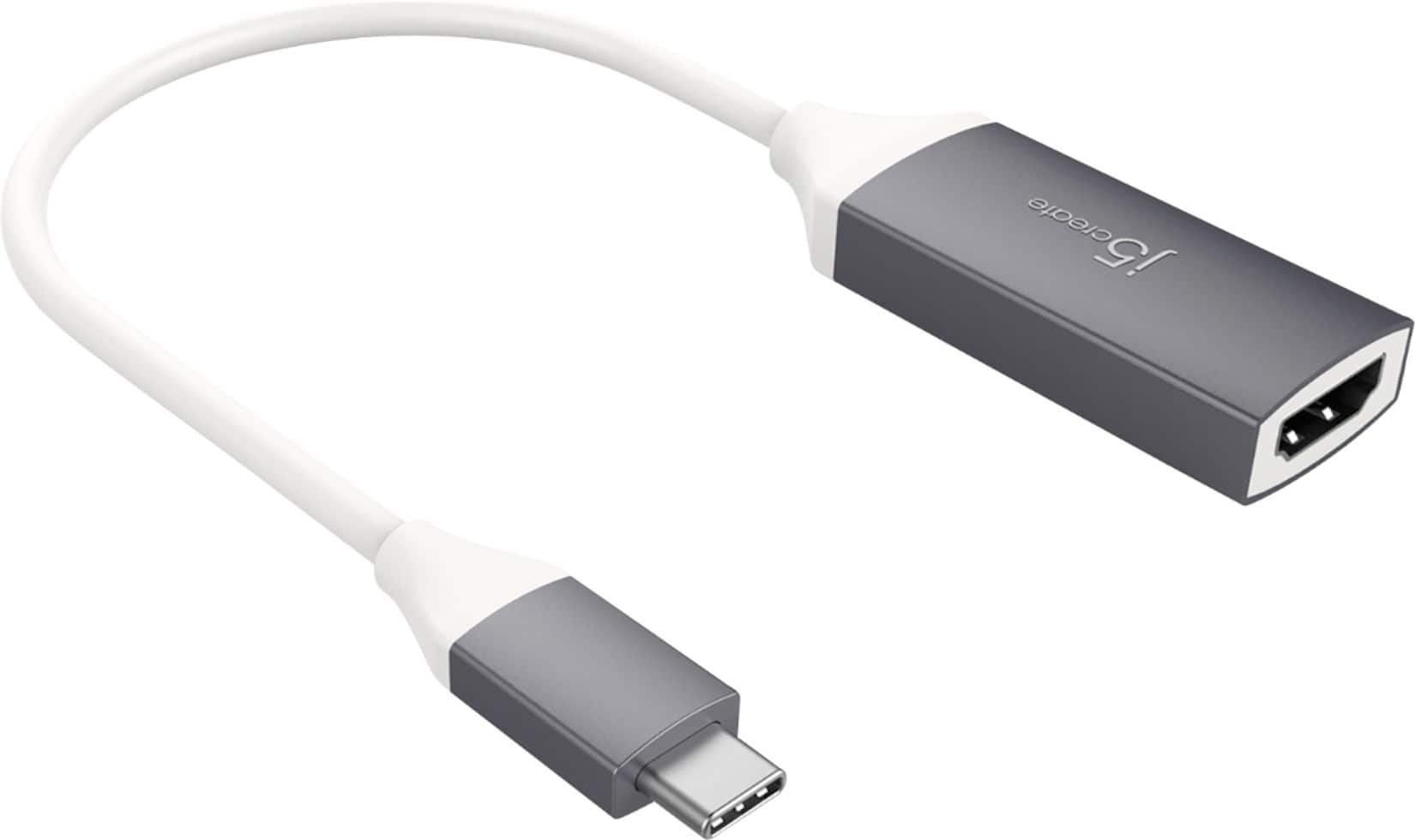

- Model:
- JCA153G
- SKU:
- 6201446
Rating by feature
- Value
Rating 4.4 out of 5 stars
- Quality
Rating 4.6 out of 5 stars
- Ease of Use
Rating 4.7 out of 5 stars
Customers are saying
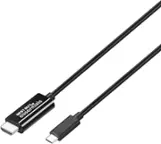
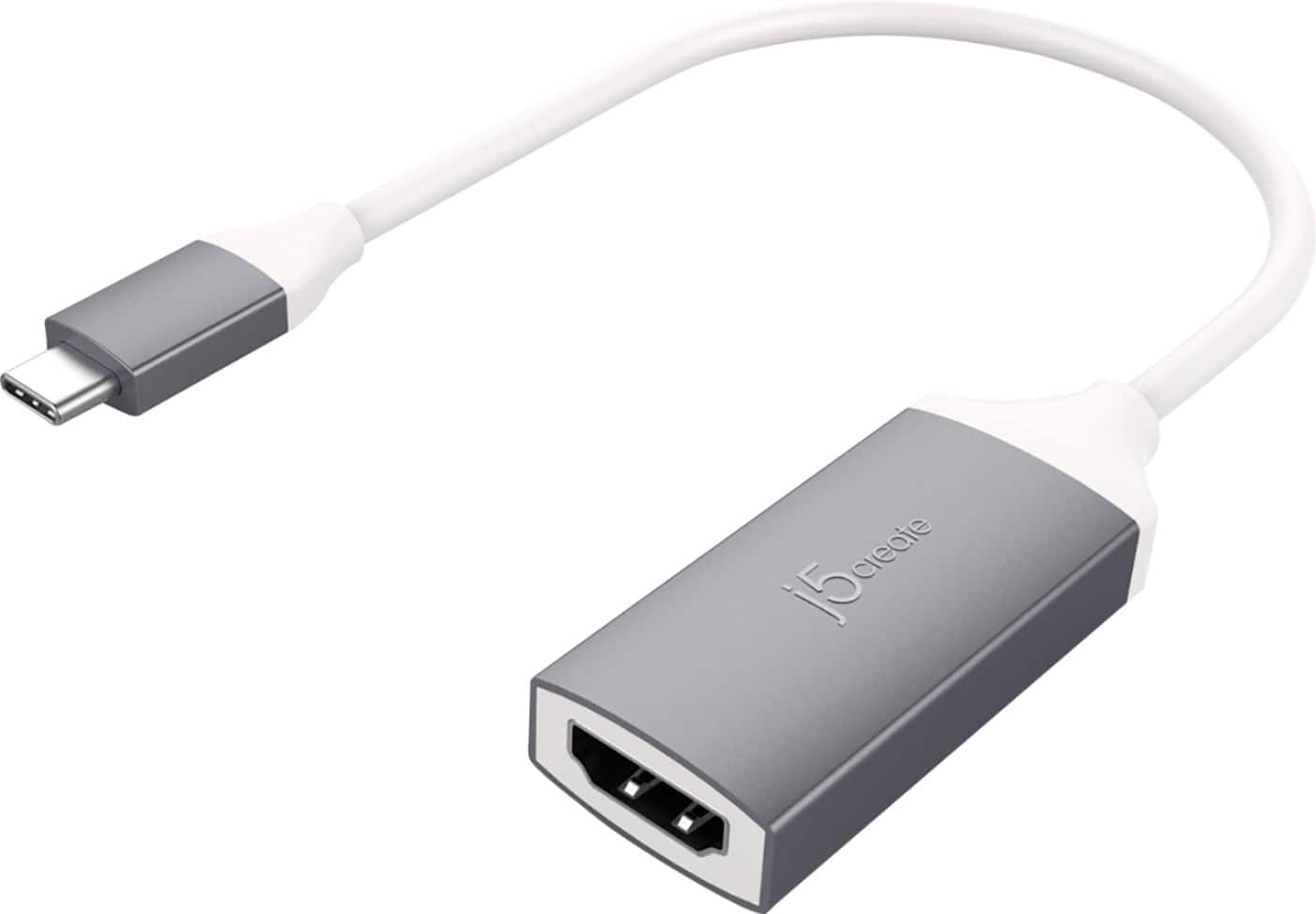
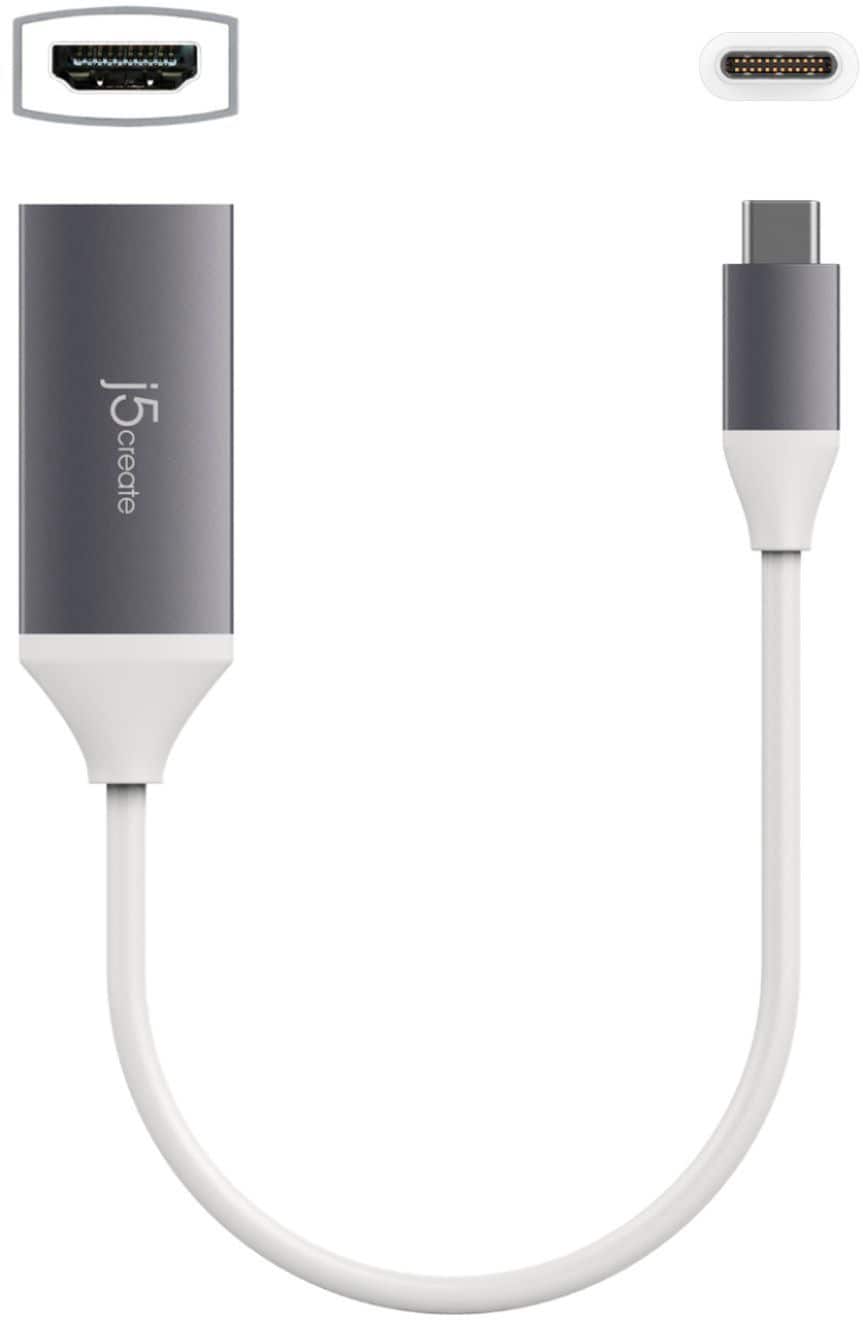
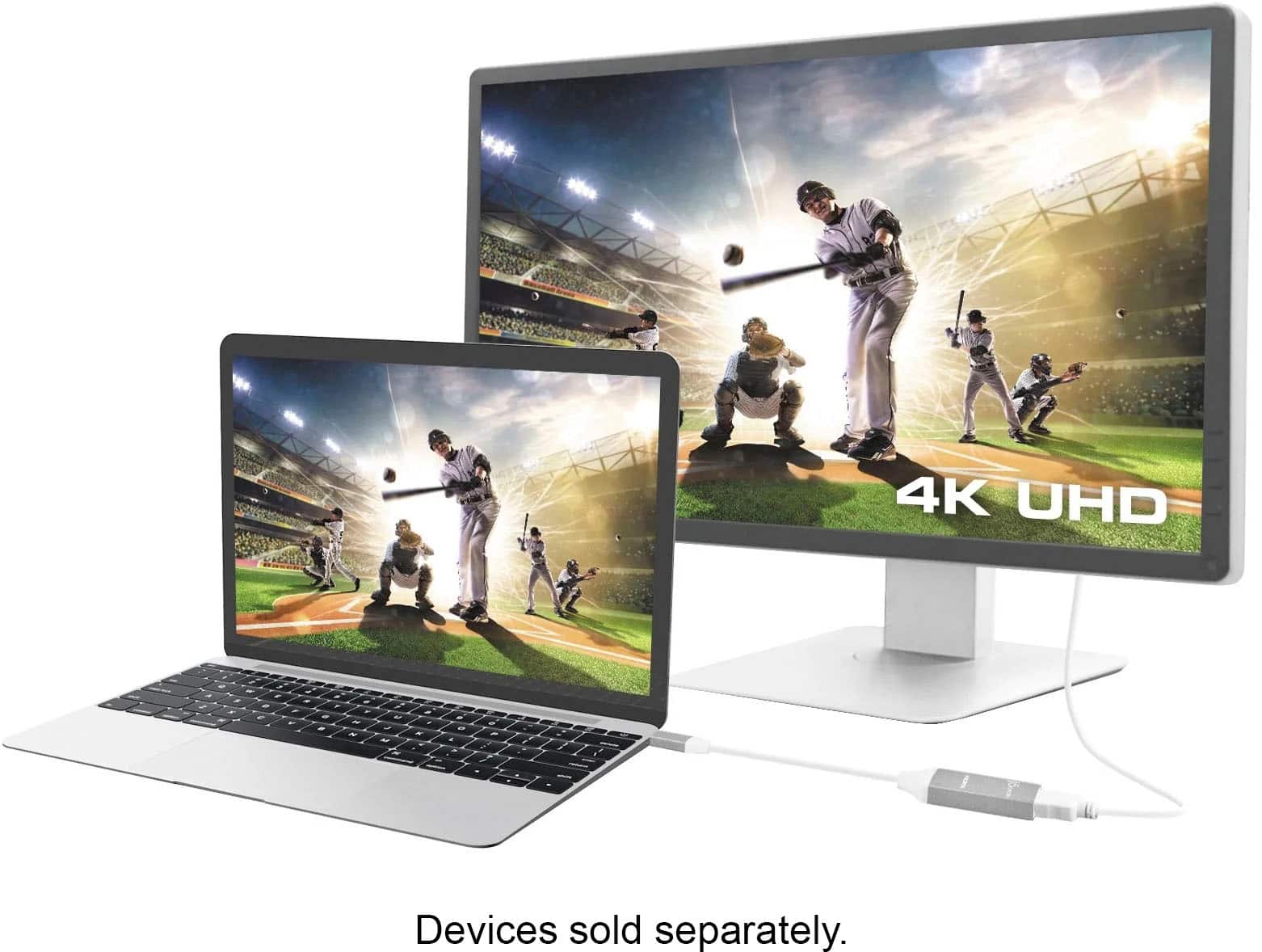
Customers highly value the USB-C to 4K HDMI Adapter for its ease of use, HDMI connectivity, broad compatibility, and overall quality. The adapter's size is also appreciated by some users. However, some customers have reported concerns about heat generation, inconsistent connections, and rapid battery drain when using the adapter with their phones.
This summary was generated by AI based on customer reviews.
- Pros mentioned:Compatibility
excellent for Chromebooks with the USB-C video out
||Posted . Owned for 1 month when reviewed.This reviewer received promo considerations or sweepstakes entry for writing a review.our kids' school-issued Chromebooks come with the USB-C port, and we bought this adaptor to use existing HDMI cables for our HDMI-equipped Insignia TV, so the kids would have a bigger screen to do their distance learning (the school-issued Chromebooks are very tiny)
I would recommend this to a friendBrand response from J5create Team
Posted .Hello,
This adapter is an easy solution for connecting a USB-C port with Display Port Alternate Mode to another display. It is great that this is helping with distance learning. Have a good day.
Cheers,
j5create
- Pros mentioned:Ease of use
Simpe and easy even a kid can do it
||Posted . Owned for 3 weeks when reviewed.This reviewer received promo considerations or sweepstakes entry for writing a review.I bought this for my son's chromebook so he can connect an extra monitor to have 2 screens for his virtual school. The chromebook doesn't come with HDMI port hence I ordered it. My eight year old was able to easily connect to chromebook with no hassle and start using dual screen. A simple and a neat device for everyday use.
I would recommend this to a friendBrand response from J5create Team
Posted .Hi,
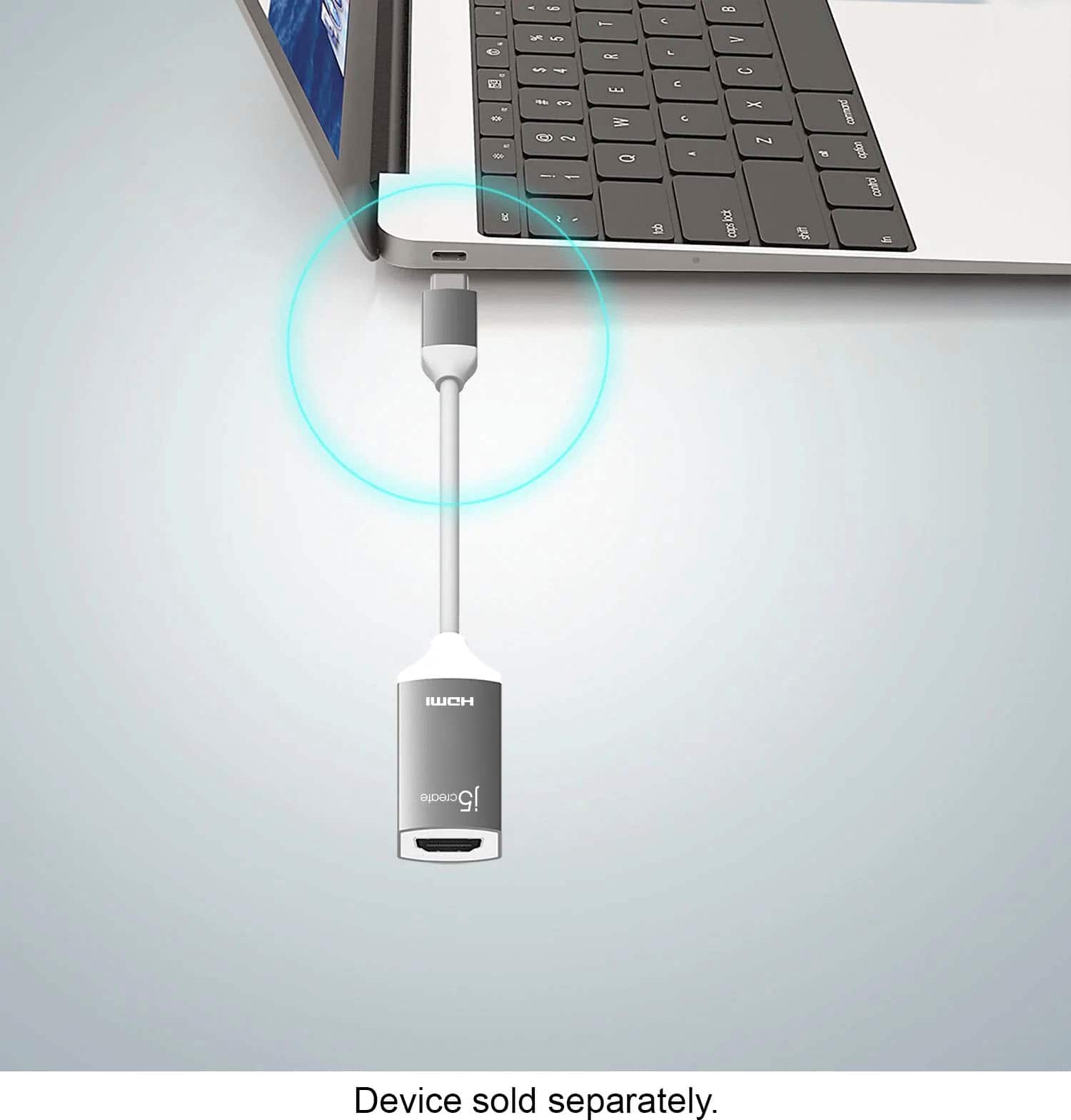
Yes, this adapter is that easy to use. You just need to plug it into a USB type C port that supports display port alternate mode on your computer, and then plug it into an HDMI cable from an external display. We're glad to hear that this adapter is working out for you.
Thank you,
j5create
2160p @ 60Hz!
||Posted . Owned for 1 month when reviewed.This reviewer received promo considerations or sweepstakes entry for writing a review.Been searching around for a proper UHD HDMI dongle and found a few but they all were capped at 30Hz. If you can get it for $40 or less it’s a decent deal but I haven’t had any issues arise from it for over a month. If you’re looking for a USC C to HDMI adapter and need 4K at 60Hz, don’t assume it’ll run at 60Hz. If a product description doesn’t specifically say 4K 60Hz, it’s only 30Hz.
I would recommend this to a friendBrand response from J5create Team
Posted .Lrhank, when it comes to obtaining 60 Hz with the JCA153G, this comes down to the graphics card on your computer. If the graphics card supports such capability, you will achieve it, if not, this is due to the specs of the graphics card on your computer. Otherwise, we are glad to hear about your satisfaction with your purchase!
Cordially,
j5create
- Pros mentioned:Compatibility
Awesome little adapter.
||Posted . Owned for 2 weeks when reviewed.This reviewer received promo considerations or sweepstakes entry for writing a review.This little adapter checked all the boxes i was looking for when doing a budget purchase. It works wonders for my Galaxy Z Fold 3 when playing Xbox Game Pass on the TV. I just pop a wireless charger underneath it, activate Samsung Dex, connect my controller and its gametime!
I would recommend this to a friendBrand response from J5create Team
Posted .The USB-C to 4K HDMI Adapter allows you to quickly and easily connect your MacBook, Chromebook, tablet or PC to an external monitor display device using an HDMI input.
- Pros mentioned:Overall performance, Price
Works great
||Posted . Owned for 3 weeks when reviewed.This reviewer received promo considerations or sweepstakes entry for writing a review.Works great and is more reasonable than the Apple products.
I would recommend this to a friendBrand response from J5create Team
Posted .Thanks to Thunderbolt 3, many Mac users can now add monitors to their set up with no driver installation required, simply plug and play!, thanks for the positive input no the JCA153G.
Thanks,
j5create
Grateful
||Posted . Owned for 1 month when reviewed.This reviewer received promo considerations or sweepstakes entry for writing a review.This was exactly what I needed to fix my Mac Mini! The best buy employee helped me locate it quickly in the store, it was a good experience.
I would recommend this to a friend- Pros mentioned:Ease of use
Must have product
||Posted . Owned for 1.5 years when reviewed.This reviewer received promo considerations or sweepstakes entry for writing a review.I can stream shows from my computer onto my TV now.
I would recommend this to a friendBrand response from J5create Team
Posted .Hello Jaycee,
Thank you for choosing J5Create. This cable can connect to many display outputs for a variety of purposes. A second monitor for a larger desktop, a project for presentations, or to your TV for home viewing.
Happy watching,
The J5Create Team
- Pros mentioned:Hdmi
Great Connector!
||Posted .This reviewer received promo considerations or sweepstakes entry for writing a review.Excellent connector! Used this to set up a second monitor with my Dell laptop and it worked perfectly. I was afraid it was going to be more complicated to get two monitors working, but this was a breeze. The associate at Best Buy knew exactly what I needed and pointed me in the right direction! Thanks for the help!
I would recommend this to a friendBrand response from J5create Team
Posted .Hello Tim,
It is as simple as plugging it in and you will have your second monitor. Glad to hear that you shopping experience was pleasant as well. We appreciate you sharing your review.
Thank you,
j5create
- Pros mentioned:Overall performance
It works very good
||Posted . Owned for more than 2 years when reviewed.This reviewer received promo considerations or sweepstakes entry for writing a review.It works very good. Any problem after a long time. It works really good.
I would recommend this to a friend Okay otem
||Posted . Owned for 1 month when reviewed.This reviewer received promo considerations or sweepstakes entry for writing a review.Okay item. Did not work like it should. Very intermittent when it did. Tried all the troubleshooting but could not keep connection consistent.
I would recommend this to a friend- Pros mentioned:Ease of use
A good product
||Posted . Owned for 1 month when reviewed.This reviewer received promo considerations or sweepstakes entry for writing a review.I like it, it did everything I expected it to do & it is essential to me every time I need to watch something from my laptop for the tv. The people who helped me look for it were very nice and chill about it. The price was reasonable and I definitely recommend it for anybody who needs one.
I would recommend this to a friendBrand response from J5create Team
Posted .Hi Jacob, I'm happy to hear you like the Video Adapter and it's nice to be able to connect to a monitor/TV with no drivers. Enjoy!
- Pros mentioned:Ease of use, Overall performance
Effective Cable
||Posted . Owned for 1 month when reviewed.This reviewer received promo considerations or sweepstakes entry for writing a review.A cable that does its job. As advertised. Looks cool.
I would recommend this to a friendBrand response from J5create Team
Posted .Unique design, easy setup and performing as advertised is the intention of the JCA153G Adapter and we are pleased to know it is doing just that.
Thanks,
j5create
Works like a charm!
||Posted .This reviewer received promo considerations or sweepstakes entry for writing a review.I have been looking for a way to connect my Samsung cell phone to my non-smart TV, so as to be able to watch Hulu, Netflix, etc. more comfortably. I picked this up adapter, brought it home connected it with a 12' HDMI cable (note: You will need an HDMI cable to connect the adapter to your tv) and within 5 seconds my phone screen was being mirrored. The image and sound quality are excellent. I can highly recommend this adapter.
I would recommend this to a friendBrand response from J5create Team
Posted .Excellent quality when it comes to streaming video and audio - the JCA153G's PnP design gets you up instantly.
Thanks meIT,
j5create
- Pros mentioned:Compatibility
Works great
||Posted . Owned for 1 year when reviewed.This reviewer received promo considerations or sweepstakes entry for writing a review.Works on everything. Should've bought another one.
I would recommend this to a friend Still Working With It
||Posted . Owned for 3 weeks when reviewed.This reviewer received promo considerations or sweepstakes entry for writing a review.Has not worked yet for me. I hooked up and no picture. Still working with it.
I would recommend this to a friend- Pros mentioned:Ease of use, Overall performance
Exactly as described
||Posted .This reviewer received promo considerations or sweepstakes entry for writing a review.It works to adapt type c to hdmi just as you would expect
I would recommend this to a friendBrand response from J5create Team
Posted .Aluminum build for years of use, handling up to 4K resolution at 60 Hz along with a 2 year manufacturer's warranty make the JCA153G an attractive choice for Windows, Mac, Chrome, Linux users.
Sincerely,
j5create
- Pros mentioned:Price
Really powerfull.
||Posted . Owned for 1 week when reviewed.This reviewer received promo considerations or sweepstakes entry for writing a review.It supports 4K with extremely powerful.Value For Money.
I would recommend this to a friend - Pros mentioned:PriceCons mentioned:Heat
Video adapter
||Posted . Owned for 10 months when reviewed.This reviewer received promo considerations or sweepstakes entry for writing a review.Its a good adapter for the price, it gets a little warm after an hour or two of using it.
I would recommend this to a friendBrand response from J5create Team
Posted .Hey Ljay, we greatly appreciate your input. Warm feel is expected when in use due to electricity running through it. In the case where the device is hot to where it is harming you, we recommend reaching out to support and an agent will gladly exchange it under the manufacturer's two year warranty.
Respectfully,
j5create
Easy way to display your PC screen
||Posted . Owned for 1 month when reviewed.This reviewer received promo considerations or sweepstakes entry for writing a review.It works exactly as advertised. No hassle set up, just make sure your device mentions DisplayPort capabilities on its USB-C ports, grab an HDMI cable, and you're good to go! I use it semi regularly to plug my laptop to the TV and play some games on a bigger screen. It even plays sound from the displaying device just fine, which surprised me as I thought this was only for the video output. An employee led me to this after I was looking for a way to display my laptop on my TV, and saved me from buying the wrong cable. $30 might seem like a steep price for what it is, but it hasn't failed me so far or anything, so it is what it is.
I would recommend this to a friend- Pros mentioned:Price
Run two Monitors
||Posted . Owned for 3 weeks when reviewed.This reviewer received promo considerations or sweepstakes entry for writing a review.Allows me to run dual monitors for my work laptop without docking a station. Very easy to hook up, not pricey!Excellent purchase
I would recommend this to a friend