Customer Ratings & Reviews
- Model:
- WJBCAMRBLK124
- SKU:
- 6550546
Rating by feature
- Value
Rating 4.6 out of 5 stars
- Quality
Rating 4.6 out of 5 stars
- Ease of Use
Rating 4.9 out of 5 stars
Customers are saying
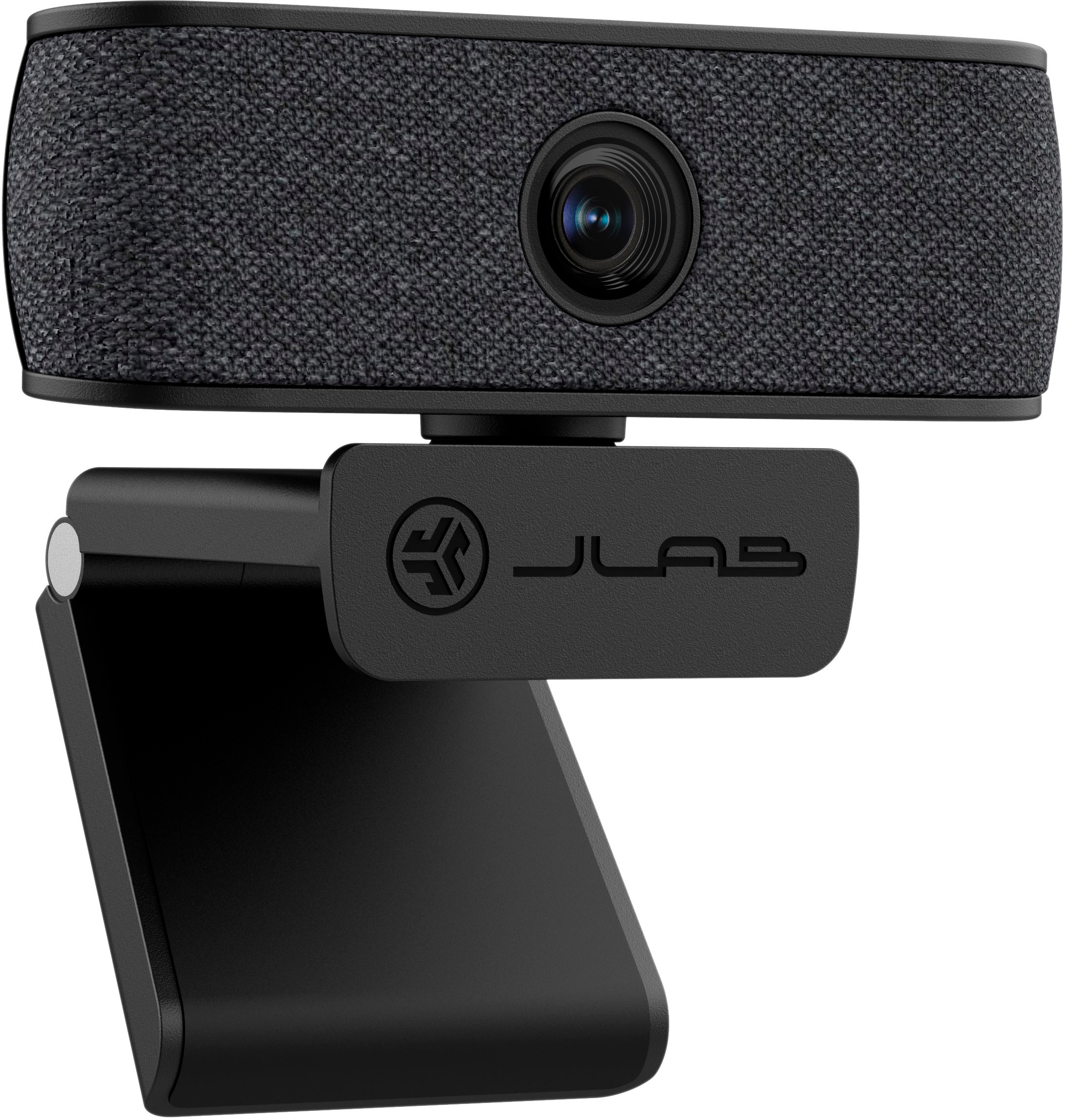
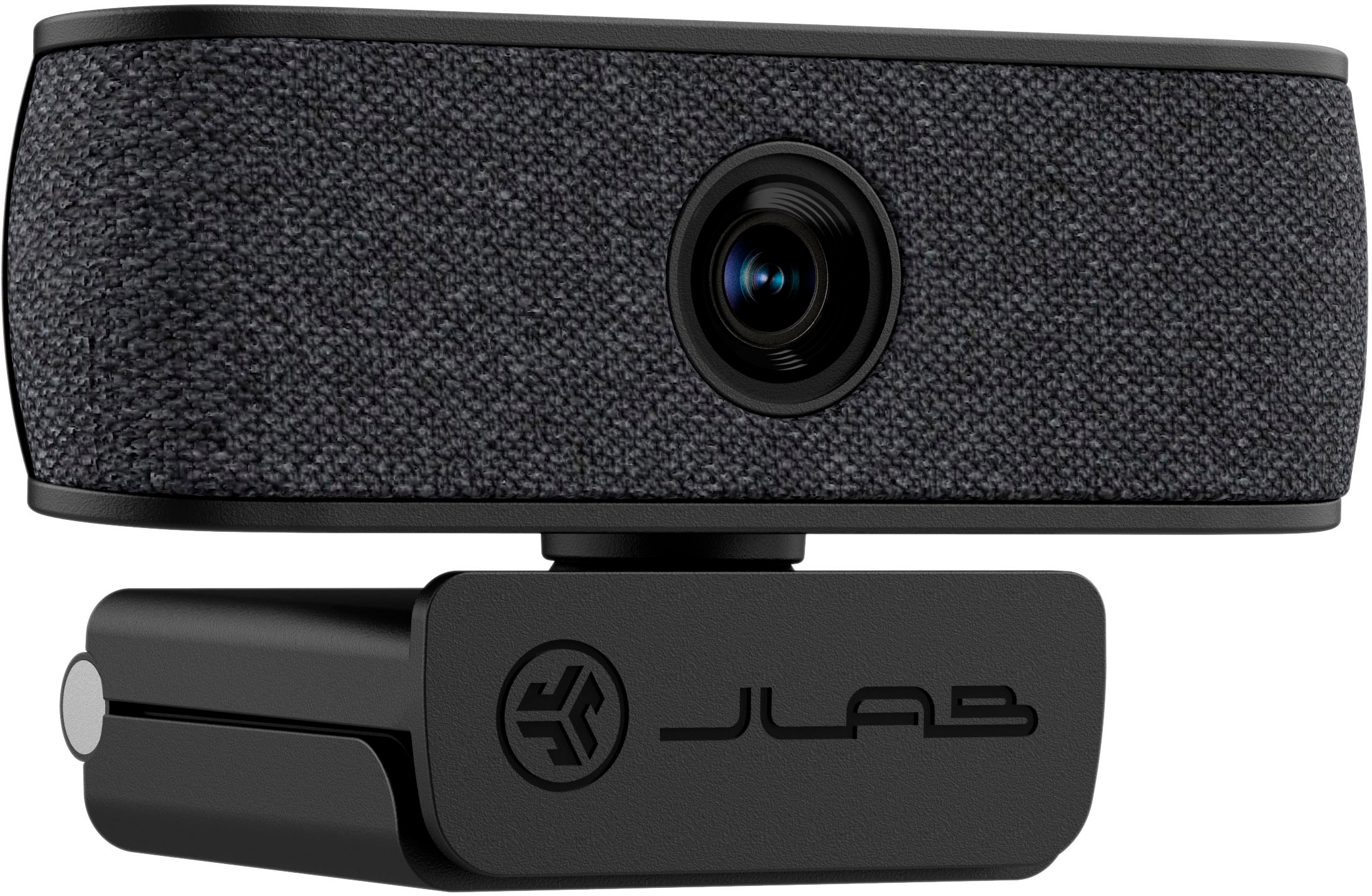
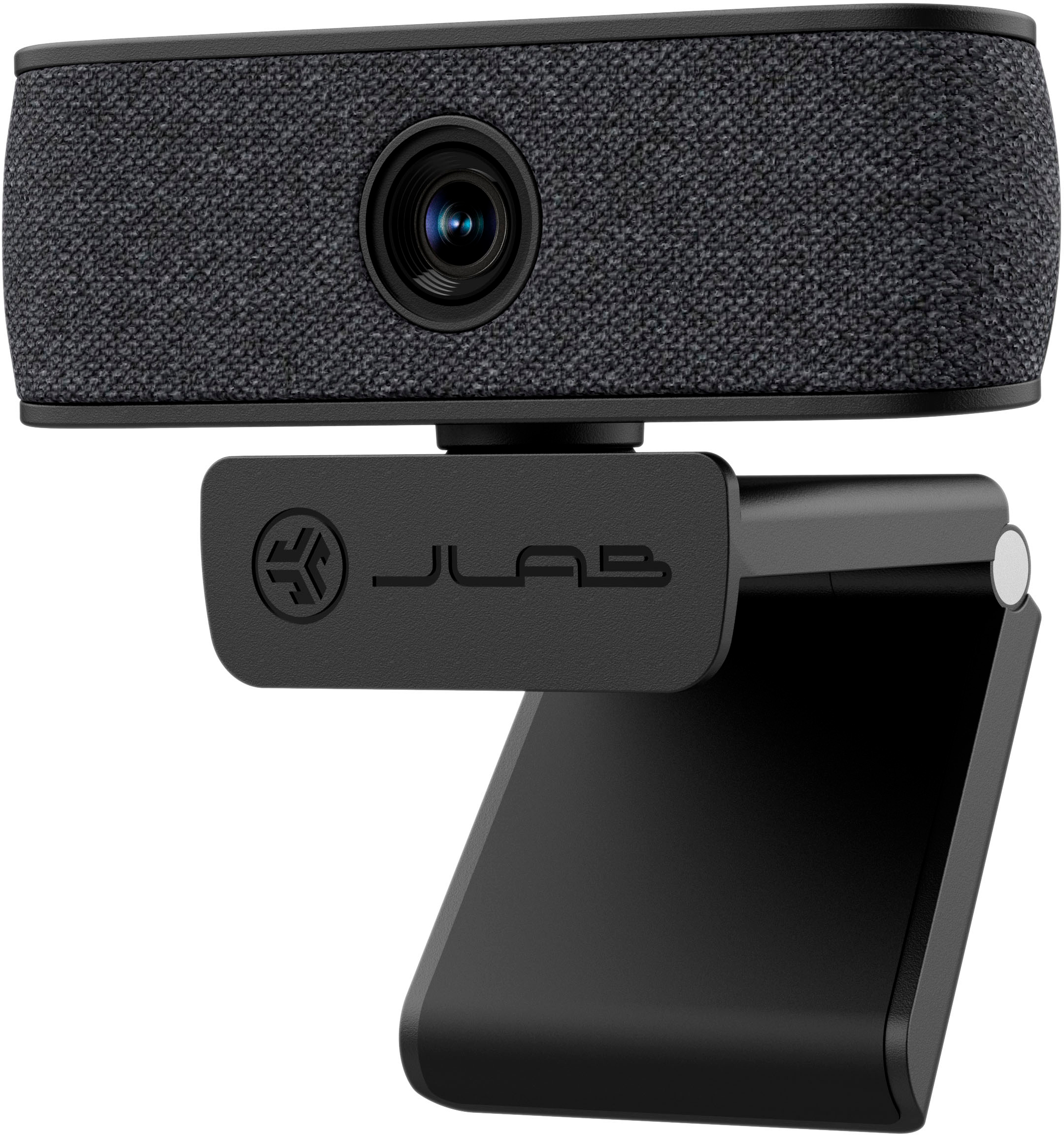
Customers highly value the JBuds Cam Webcam's video and audio quality, with many praising its performance and build quality, especially considering the price. The convenient monitor mount is also a plus, allowing for easy angle adjustments. However, some customers expressed a desire for a privacy cover. Overall, the webcam receives positive feedback for its image quality and ease of use.
This summary was generated by AI based on customer reviews.
- Pros mentioned:Design, Video quality

The webcam I was looking for...
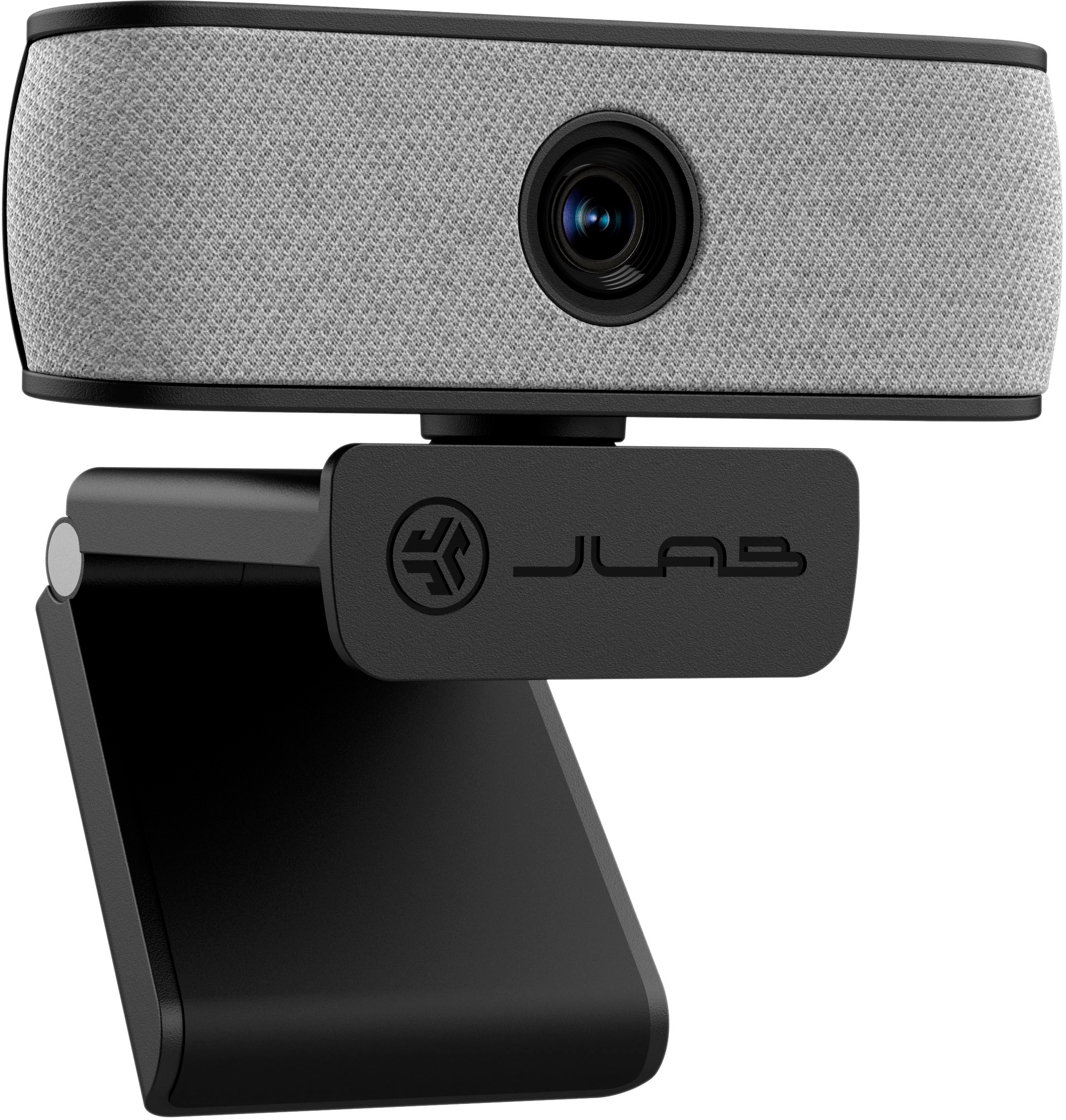
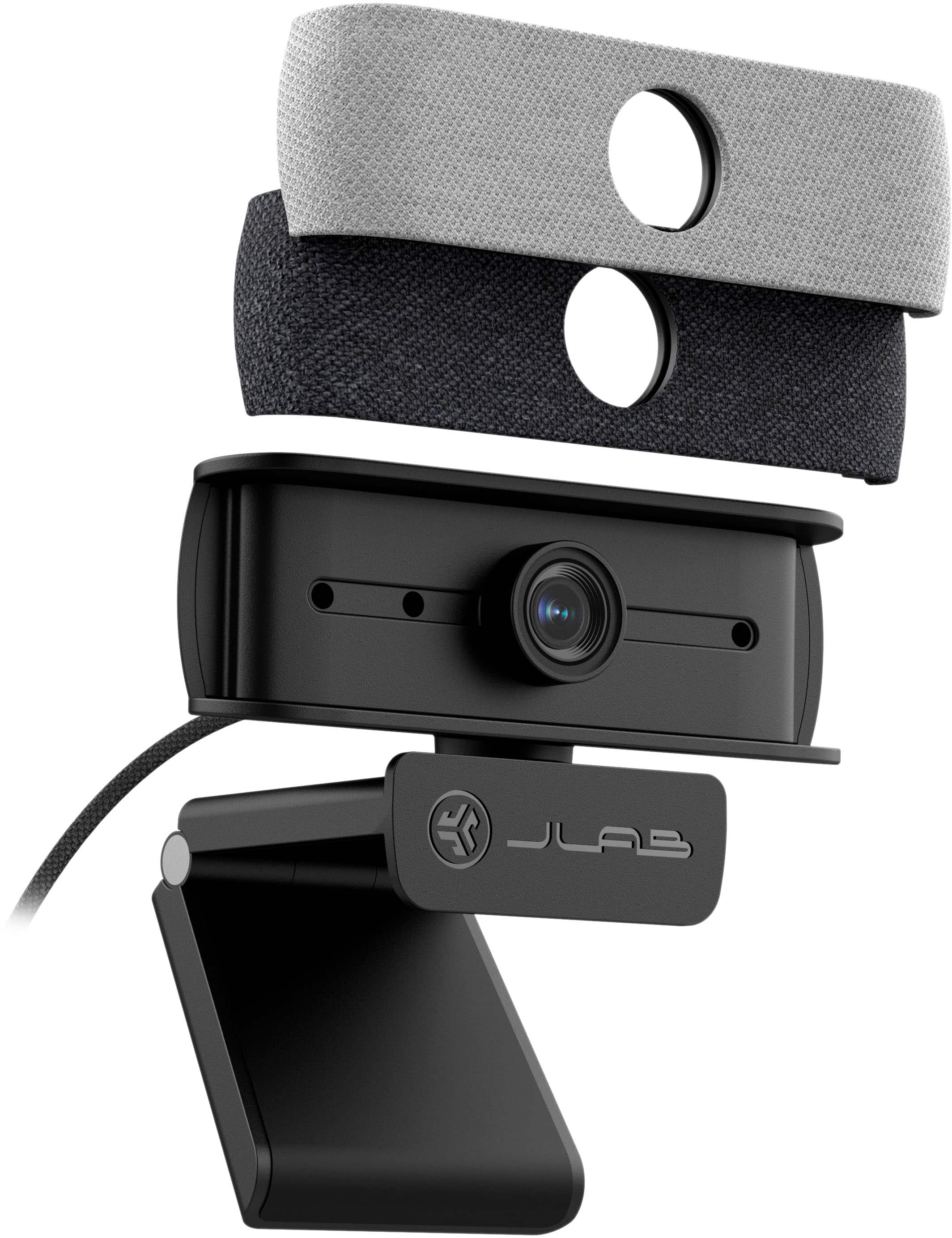
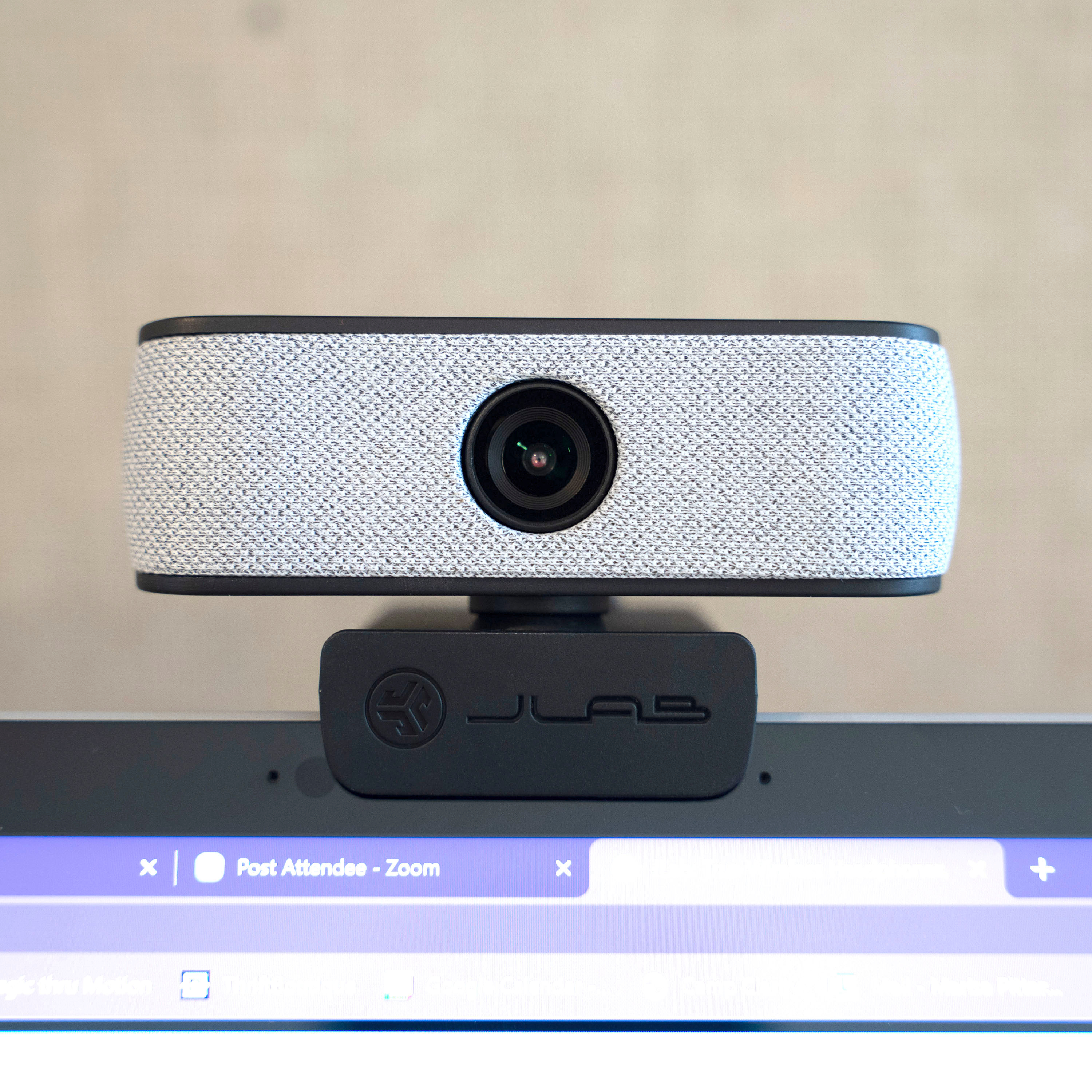
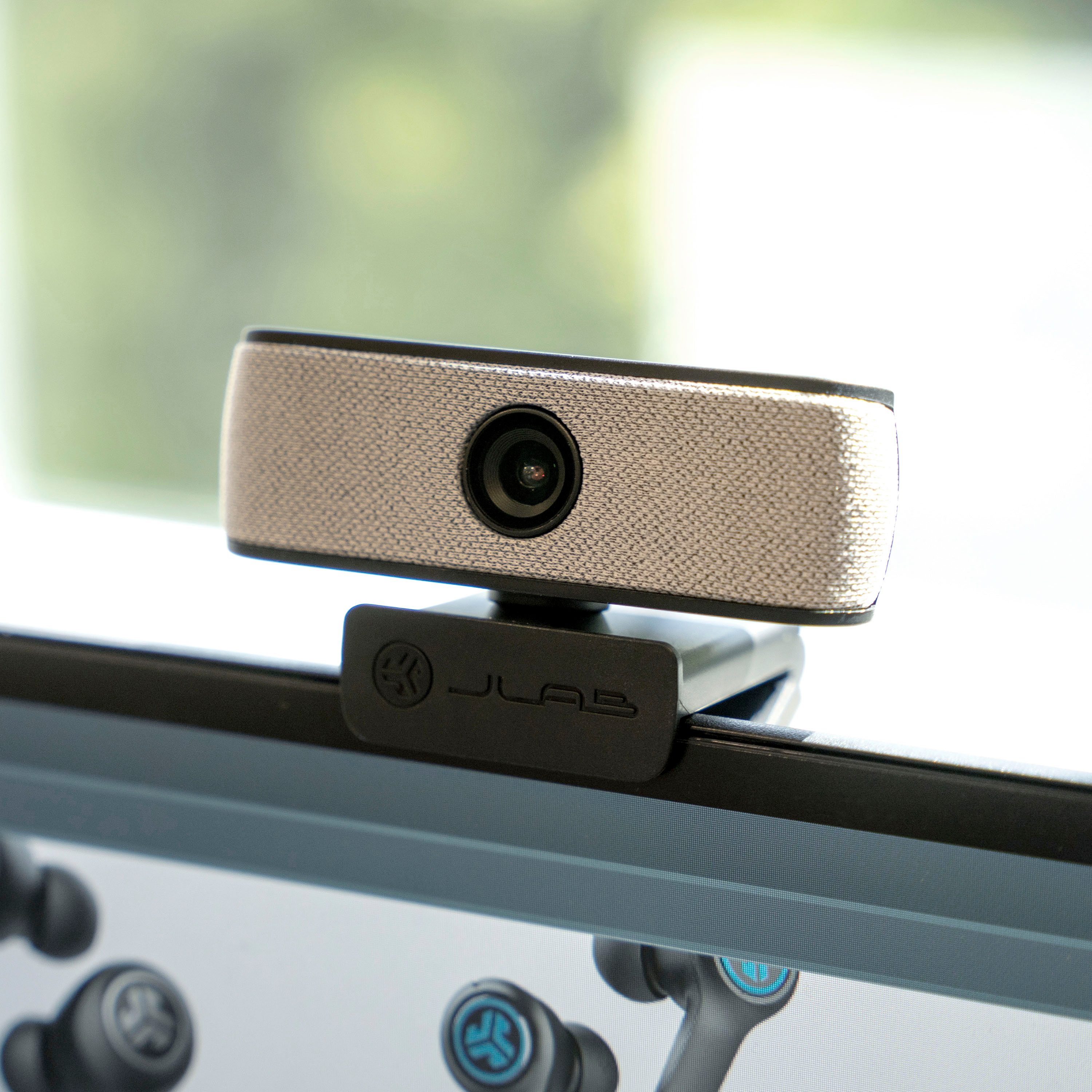
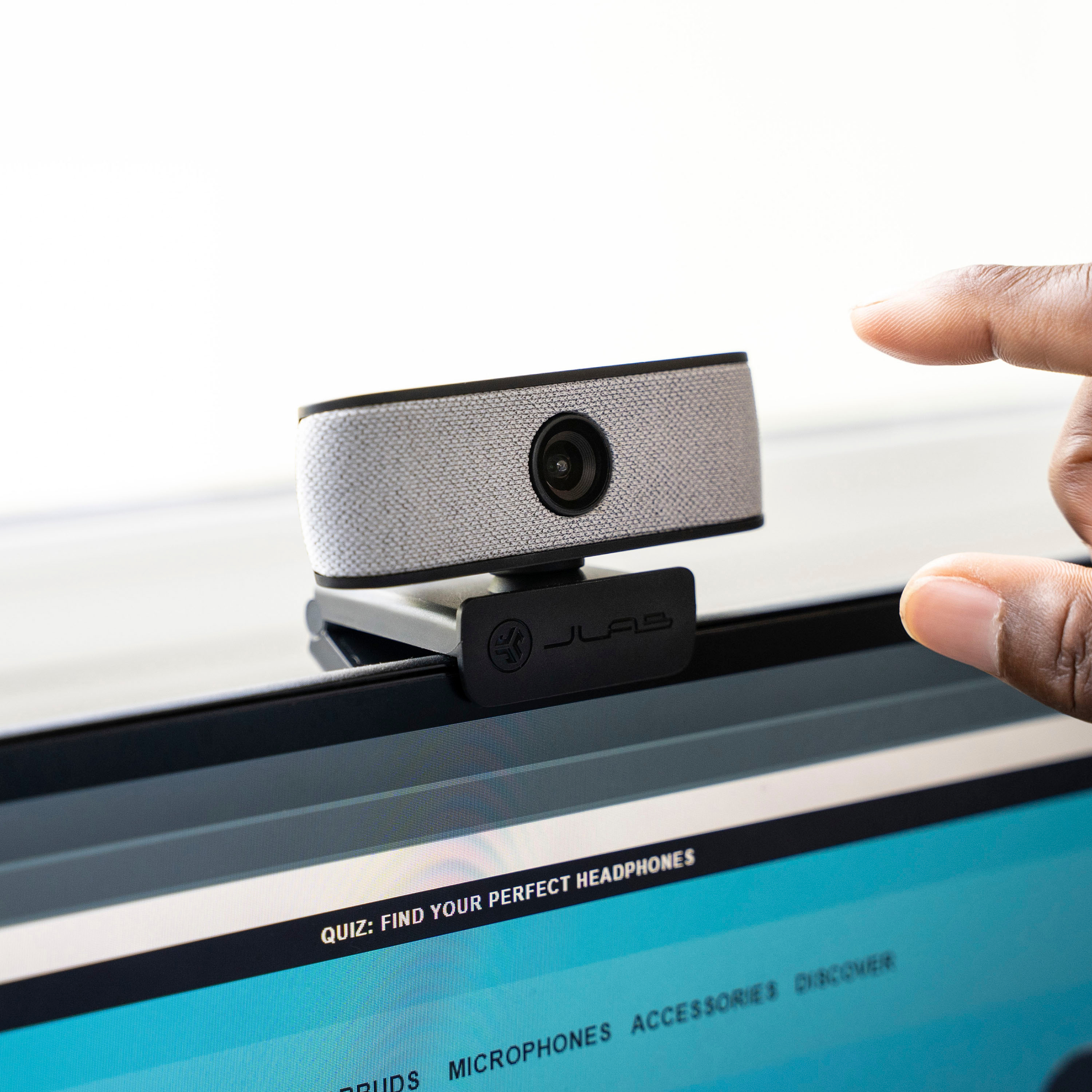
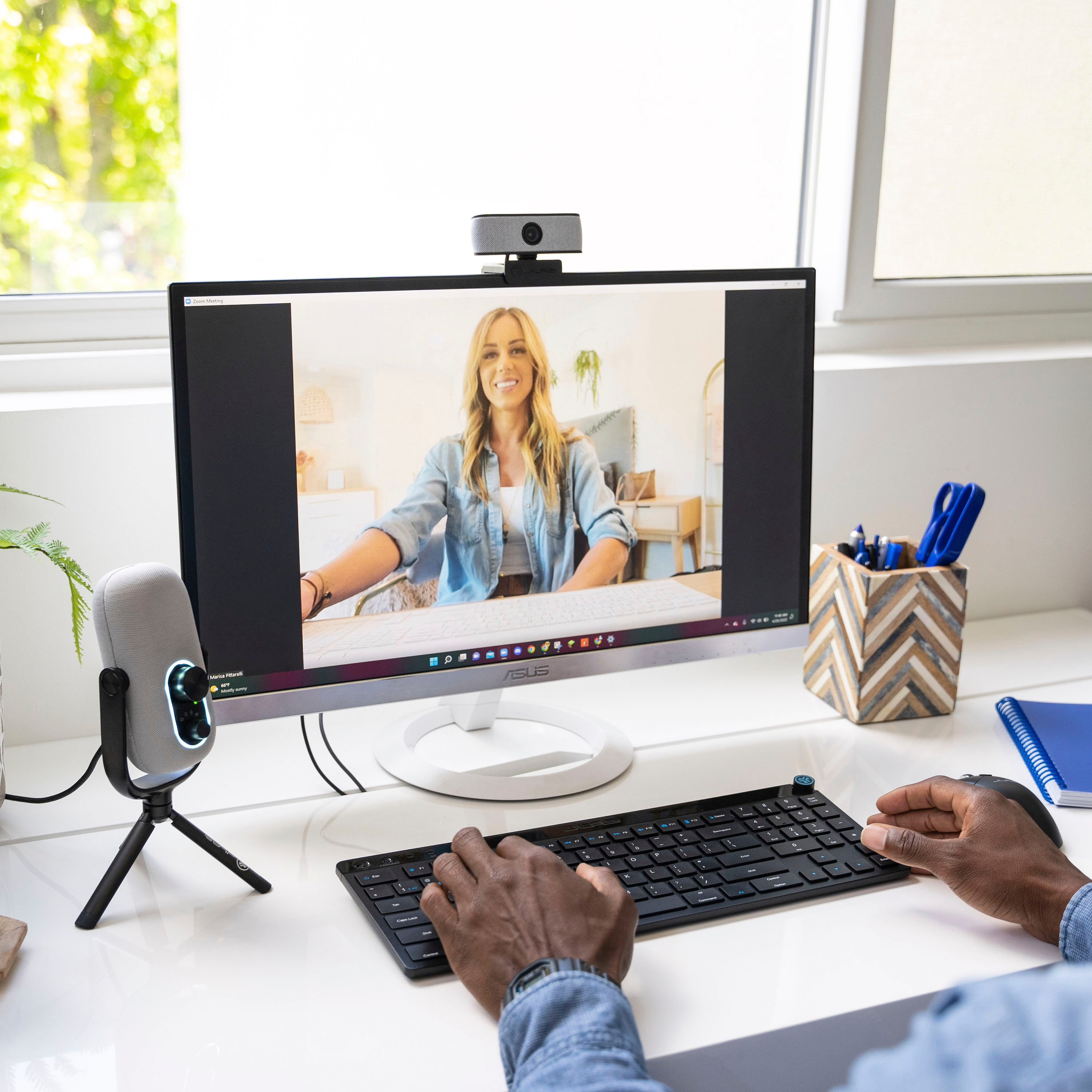
|Posted .This reviewer received promo considerations or sweepstakes entry for writing a review.Build Quality The Jlabs Jbuds HD webcam has a solid build quality. It feels well built and sturdy, with a braided cable that adds to its durability. The webcam can be securely attached to the top of your computer with a weighted clip-on for the back, and it also features a small lip that overhangs on the front of your screen, ensuring a firm grip. The camera comes with one interchangeable cover in either light or dark gray, which magnetically attaches to the webcam, adding a touch of style. Additionally, the included braided cord with a Velcro loop for cable management is a thoughtful addition. The webcam can rotate a full 360 degrees in either direction and can also be adjusted up and down for precise positioning. I would rate the build quality as a perfect 5 out of 5, although it lacks a privacy cover. Specs The Jlabs Jbud HD 1080 USB Webcam features a Full HD resolution of 1920x1080, ensuring sharp and clear video quality. The webcam also comes equipped with two omnidirectional microphones and auto focus, enhancing the audio experience during video calls and recordings. The 2.1 megapixel camera delivers a smooth 30 frames per second (fps), capturing details with clarity. Jpeg and Png size came in at 1.1 and 2.3 Mb. I would rate the specs 4 out of 5. It most likely has everything you need in a webcam. Performance: The Jlabs webcam performed admirably in various lighting conditions. Whether it was low-light, bright light, or indoor lighting, the Jlabs Jbud HD 1080 USB Webcam consistently produced good results. The auto focus function worked adequately, although fast movements appeared slightly choppy. However, this didn't significantly impact the overall experience. I conducted a video call on Meet, and I was pleased with the clear picture, accurate color reproduction, and crisp sound quality. The blue LED indicator light is a useful feature, alerting you when the webcam is in use. I particularly appreciated the fine adjustments available for positioning the camera up and down, which allowed for customization according to my height. One slight concern I have is on my webcam there's a small dark spot showing up in my video. I'm not sure if this is in the lens or outside. A quick clean did not make it any better. The color reproduction tended to be warm, which I found visually pleasing. Overall, the performance of this webcam met my expectations for video calls, capturing photos, and general use. While it may not be a high-end webcam, it offers a significant upgrade over the stock webcams found on most laptops. I tested it on both a Chromebook and an iMac and observed an improvement in video quality on both devices, although a restart was required for the computers to recognize the webcam. Considering all these factors, I would rate the performance of the Jlabs Jbud HD 1080 USB Webcam as 4 out of 5. In conclusion, the Jlabs Jbud HD 1080 USB Webcam is a solid upgrade that surpasses my expectations in terms of video and audio quality. Its simple installation process and reliable performance make it an excellent choice for everyday general use, including video meetings. The webcam offers an adequate frame rate and high resolution at 1080p. Its solid construction, appealing design, and compatibility with PC, Mac, and Chromebook further add to its appeal. While it lacks advanced software for additional settings, the webcam delivers on its promises. I would highly recommend it for those seeking to upgrade to a reliable and well-performing webcam Pros Well-built and solid construction Expensive look and feel Good video quality and clear sound Suitable for everyday general use, including meetings Cons Technical specs are adequate but don't shine in any particular area Lack of software for additional settings
I would recommend this to a friend - Pros mentioned:Overall performance, Setup, Video quality
Nice, Solid, Basic Webcam
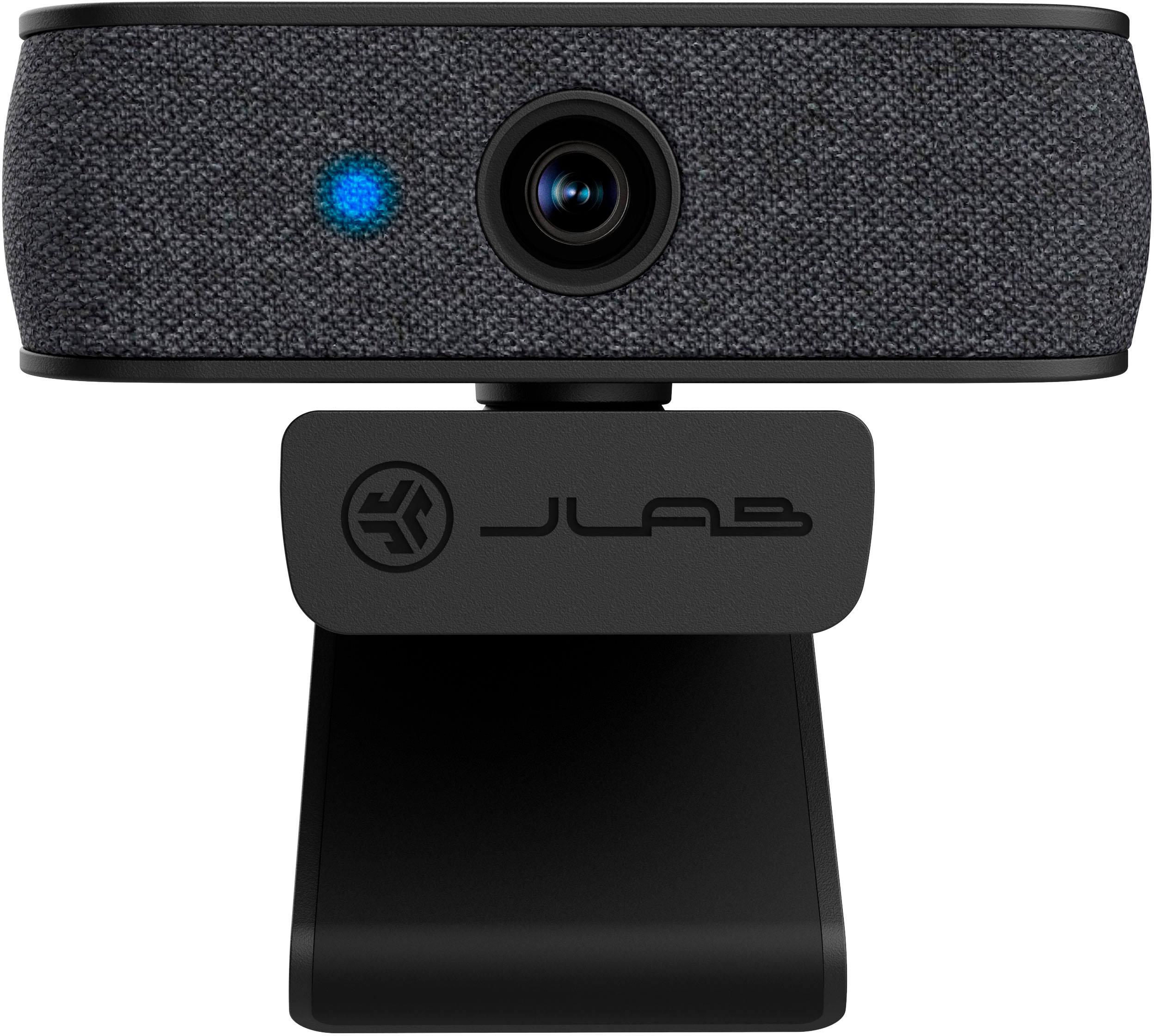
|Posted .This reviewer received promo considerations or sweepstakes entry for writing a review.JLab has released their new 1080p webcam with swappable face plates. The box includes the webcam, white plastic/fabric face plate, dark gray plastic/fabric face plate (already installed), and quick user guide/paperwork. The webcam comes with a manufacturer's 2-year warranty. PROS: ----------- * Super easy plug-and-play setup. No special drivers or software needed. * 1080p picture is adequate enough for most webcam applications (ie. basic Zoom/Team/Skype calls). If you need 2K/4K or higher, you'll need to find another webcam. * Illuminated light to the left of the lens lights up when the webcam is operating. It's OFF when not transmitting video. The light shines through the fabric of the face plate. * I like the optional face plate JLab provides. If a user wants a lighter color face plate, they can snap ON/OFF the main unit with no issue. * The user is unable to see the microphones built-in to the unit, but there are 2 - one on each side of the lens, so your voice will be in stereo. You can see the holes in the back of the face plate which allow the light and mics to function (see pic of the back side of the face plate) as the light and mics are on the main unit itself. * There are no manual controls. Focus is automatic. * The webcam arm hooks onto every type of monitor I have, so it's pretty versatile. If you'd rather put it on a tripod, it does have a female bolt connection point on the bottom of the leg of the webcam (see picture) where it can be connected. The webcam itself can rotate 360-degrees left/right and also has the ability for manageable tilt up and down to get that correct angle. CONS: ----------- * The microphone audio is adequate, however, it does not equate to the high quality of most boom microphones that are attached to a headset. The audio is still good enough, just not "super" great in the event you need high clarity audio. * There is no switch or mechanism to completely close/block the camera lens when OFF. OTHER OBSERVATIONS: ----------- * Frame rate is up to 30fps (basic levels) at 2.1 megapixels CONCLUSION: ===================== For the average webcam user, this webcam works great. Just plug-and-play, and you're in business. It's a simple product with little user knowledge needed in order to get it to work. It simply plugs into a USB-A port, and the rest is automatic. I recommend and would get another one if needed.
I would recommend this to a friendBrand response from JLab Audio Team
Posted .Hi, nice we are glad to hear you like the webcam. Thank you for taking some time to write a review. If you ever need anything, feel free to reach us at [email protected] or visit us for quick live chat via our website jlab.com. Thanks for the support :)
Davian
#TeamJLAB
- Pros mentioned:Design, Video quality
Simple Webcam with Fantastic Image Quality
|Posted .This reviewer received promo considerations or sweepstakes entry for writing a review.I cannot really think of any situation where I needed to use my laptop or all-in-one computer's webcam prior to 2020. Since then, I've had to endure the awful image quality of the built-in webcams since for video meetings that have all become the standard these days. Long story short, I wish I had the Jbuds Cam three years ago! As a flexible webcam, the Jbuds Cam can hang on your laptop screen or desktop monitor with an included clip-on monitor hook. It won't damage your screen in any way and stays put. There is also a standard stand screw hole for a wide range of arm or leg mounts on the market. I'm a simple person, so the included monitor clip works just fine. The camera itself is modern and clean in looks. The only branding is on the monitor clip, which, is meh. Luckily it's just embossed, so nothing printed or too flashy. There are two included fabric face plates that can easily be switched out: a charcoal color and heather gray color. Both look great. As a plug-and-play device, there is no special software that is needed to be installed other than the drivers that automatically get installed when you plug in the camera. The video itself is 1080p which is much better than my 720p cameras. Not only is the resolution better, but the image quality is so much superior, especially in dimly lit environments. Sound quality is great! Other folks have been able to hear me clearly and I've been told that the audio from my microphone sounds so much better. I'll take their word for it. There are not really any downsides to this cam that I can gripe about. The design of the camera itself is great, and I think I've already established that image quality is awesome. If I had to say one downside, it's that the camera connects to your computer via USB-A. For a device in today's world, I find that USB-A is an odd choice. Nonetheless, I have a USB-A to -C dongle to where this is not an issue. Given that I've been mainly using the camera on my work laptop/external monitor setup, it's generally plugged into my docking station via an available USB-A port. With that said, I think the Jlab Jbuds Cam is a great choice for the price, over delivering on performance. It's a simple plug-and-play solution for a hassle-free video conference.
I would recommend this to a friend - Pros mentioned:Design, Video quality
A good choice for a plug-and-play webcam
|Posted .This reviewer received promo considerations or sweepstakes entry for writing a review.Verdict. The Jlab JBuds USB Webcam is an elegant and capable webcam and microphone solution to use with any computer that doesn’t come with a webcam. The hook design allows mounting on any monitor, and the webcam includes a tripod connection for alternate mounting solutions. Of note, this webcam does not have a privacy shutter. First impressions and setup. The camera is packaged nicely and includes a quick setup guide as soon as you open the box. The camera looks nice with the fabric faceplates. The package includes a webcam with a 3-foot USB cable and a dark grey faceplate, as well as a spare light gray faceplate. The webcam is plug-and-play; no setup required… it just works! The camera includes a built-in microphone. Performance. The camera works well upon connecting it to a computer. There is not additional setup required. When using a video conference app, you may have to select the Jlab camera in the app settings if you happen to have multiple cameras connected. The camera auto-adjusts brightness and color to maximize visibility and clarity in any situation. I tested this camera in the dark (with only the monitor light) and it performed very well. The microphone also works well; I didn’t notice any excessive sensitivity of background noise pick up. Things I love. - Quick setup guide is visible as soon as you open the package - Plug and play webcam and microphone; no setup required - The two face plates included are elegant and allow watching to light- or dark-colored monitors - Easy mounting that doesn’t move - Additional swivel to make fine adjustments on the camera once mounted - Great clarity and auto-color adjustment - Integrated microphone - The cable is long enough for almost any application (3 feet) Things I don’t love. - We have seen or heard enough webcam horror stories. Webcams MUST include privacy shutters. Save people from themselves please! There are many ways to implement: add a small fully removable attachment in the box that can slide on and off the camera, make a slide shutter, or add a hinged swivel cap (like many other webcams). Overall, this is great webcam with solid visual and mic performances. The price point is great and the warranty is excellent (2 years). The only downside is the lack of a privacy shutter. If the privacy shutter is not an issue for you, I recommend this webcam.
I would recommend this to a friend - Pros mentioned:Ease of use, Video quality
A good affordable option!
|Posted .This reviewer received promo considerations or sweepstakes entry for writing a review.The use of webcams has become more and more popular, and the supply of cameras is increasing and becoming more and more affordable. This JLab - JBuds Cam is a low-cost webcam that offers good video quality, easy to install and use. In the box comes the camera with USB-A connection, a couple of covers and some documentation. To use the camera just plug it directly into the computer and it's ready to go. It has a clip-type mechanism and also the option to mount it on a tripod, which is very useful if you want to place the camera somewhere other than on top of a monitor. The image quality is good but if you change the settings such as brightness, exposure, white balance etc., it can be improved a bit more. The autofocus works well although it takes a little while to execute and one thing I noticed is that when the camera is focusing it makes a noise that is picked up by the internal microphone. Speaking of the microphone, actually the quality is ok but not outstanding, personally I prefer, and also recommend, to use an external microphone since one of the most important things in audiovisual matters is the audio. The webcam can be used with multiple applications and for multiple purposes, I think it works very well for videoconferencing, school meetings or virtual work meetings, as perhaps to create content is a little short. In summary this JLab - JBuds Cam Webcam is an affordable product that is easy to install and easy to use, offers good video quality and includes a couple of covers that make the webcam look great. If you are looking for something affordable and easy to use, this is a good choice.
I would recommend this to a friend - Pros mentioned:Design, Video quality
The jBud Your Office Setup Needs
|Posted .This reviewer received promo considerations or sweepstakes entry for writing a review.From time to time I find myself needing to use my computer camera and no matter how much laptops evolve the cameras are or have been terrible. I upgraded to a wired camera and I’m not surprised how great it looks and how crisp my viewers mention the audio is. Jlab came through with the audio and I was scared that they wouldn’t do well with the camera but I love It. Setup was done in a cinch and not much else needed other than plugging it in and setting up your preferred settings on the camera. The design is also a bit nicer than my other wired cameras at work. I’m a fan of small luxe looking design touches. The fabric in front of the camera resembles charcoal tweed which is a small flex for me. I also like that the cable is braided and not the hard plastic cable of years past. Those two touches make the accent to my office set up a little more elevated for my computer. Let’s be real, adding another wire can be daunting and trust me I contemplated how much I need it but I just can’t handle the built in cameras my computers have currently. My only notes for you are that the camera is 1080p and not 4k and the camera doesn’t follow you or track you like some of the newer cameras out there. Not deal breakers but I found more advantages to the JBuds Camera than disadvantages.
I would recommend this to a friend - Pros mentioned:Video quality
Decent option for external webcam
|Posted .This reviewer received promo considerations or sweepstakes entry for writing a review.Working remotely, having a webcam is a must. However, my desktop doesn't have one so I needed to get an external one in order to continue being employed. I had a couple cheap ones I found online but either the picture quality was so-so or there were issues with the mics on these cameras. I don't need/want a super duper, over-the-top camera but just something that works and provides good features. This one seemed a nice fit. Since I use a desktop, with dual monitors, I don't have a good place to mount camera however, after a little redesign in monitor layout, I was able to mount this quite nicely. As far as performance, I like it. I don't really see the need for 4k resolution or hyper sensitive omni directional microphone. This one is pretty simple but in a good way. The picture quality is good. The color contrast could use some fine tuning but the picture/video is clear and not a whole lot of issues with shadowing or lighting issues. Camera mount is acceptable. It doesn't lock into place anywhere but has rubber on it so that it'll stay put pretty easily. Only downside I can see is there is no privacy cover, either manual or automatic. I know this is a thing for some people so just a heads up that this doesn't have any such thing.
I would recommend this to a friend - Pros mentioned:Video quality
Great for my home office
|Posted .This reviewer received promo considerations or sweepstakes entry for writing a review.I work from home and my desk sits normal height. I use my laptop keyboard so that I’m ergonomic. However my laptop screen and camera are low for my eyeline. So I have a second monitor that sits straight with my head and eye sight, so it’s perfect until I need to go on camera. The angle on my laptop gets my double chin angle and I hate it. Lol So having this jlab camera that mounts very easy to the top of my monitor that inline with my eyes and face give a great angle and I can look at my screen and it looks like I’m looking at the camera. Great when I’m leading the meeting and have cheat notes. This camera was super easy to connect. Just plug in and it will recognize the device as a camera. I use teams for my meetings and it connected within seconds. No lag in performance and the camera quality is good. Not great but good. Actually just as good if not better than my camera on my laptop. I also like the camera face options. Black or grey. I’m use to everything being black for electronics so it was kind of cool to switch out the camera face to be grey. Just switch it up. Overall this camera is a great additional to my home office for work.
I would recommend this to a friend Great video quality, clear audio, and easy to use
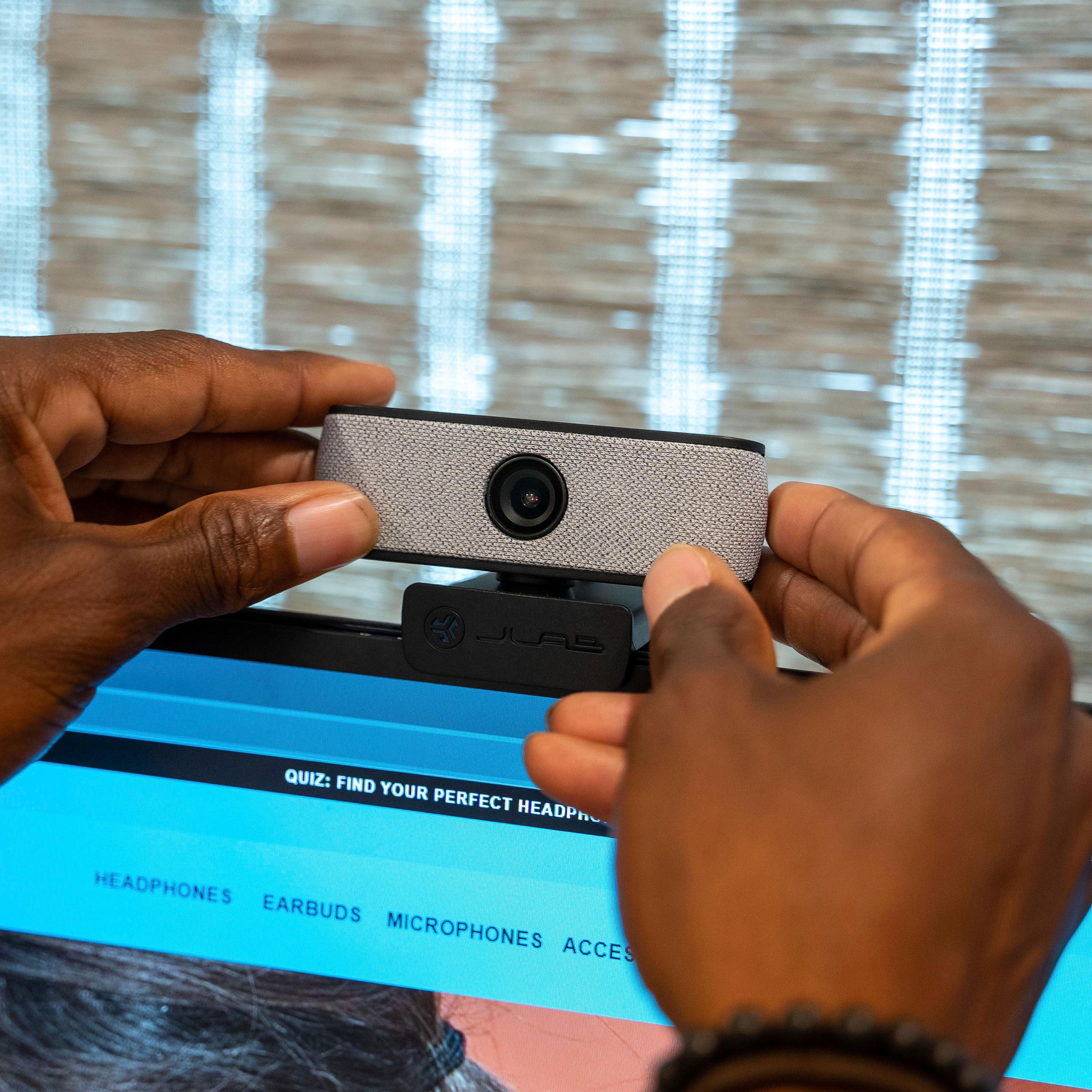
|Posted .This reviewer received promo considerations or sweepstakes entry for writing a review.Pretty impressive JLAB Jbuds USB Webcam right out of the box. This simple but stellar webcam works very well and is easy to use. It has a very nice picture quality that I'm noticing is a big upgrade compared to my internal web camera. This JLAB webcam offers 1080p/30 fps with 2.1 MP clarity. The video quality I'm getting while using this webcam for virtual work calls with clients and colleagues is noticeable. I'm showing up much more vividly on camera along with clear and crisp video quality. The people I'm speaking with online have mentioned that I can be heard clearly and that helps to ensure good quality communication with one another. This Jbuds HD webcam has dual built in microphones with omni directional voice pickup. The camera has a monitor friendly groove to be placed on the top of the screen and then angle to your preference. There is also a wide 93 degree viewing angle which helps to give a wide view of yourself and any other individuals or objects in the nearby area. I've been using this on my various Windows PC's and it's been very smooth and easy to operate. Plug and play ready. This is also able to work on Chromebook and Mac devices as well. One little bonus feature of this Jbuds webcam is that you can tailor it a bit to your style and decor. There is a faceplate that comes in either a black or a gray, which easily snaps onto the front of the camera. It's strictly a visual and cosmetic thing, but it's nice to have. Budget friendly HD camera is well worth it for anyone like me that is a streamer, vlogger, and remote worker. Great investment in boosting your virtual video call quality.
I would recommend this to a friend- Pros mentioned:Video quality
Video Quality not up to my Taste
|Posted .This reviewer received promo considerations or sweepstakes entry for writing a review.The webcam market has boomed ever since 2020. So when I'm reviewing a webcam in 2023 I expect a decent image. I normally use a mirrorless camera. This image from the webcam is just okay. The image quality is not up to my taste. Is it good for Zoom meetings? Yes, Any webcam will get that done. Sadly, the image quality looks like my laptop webcam. Also, I have seen laptops with better image quality. It is a plug-and-play webcam which some people will love. Yet, I just could not get over the image quality. Even though it is a webcam there should still be some adjustment for settings. Brightness, Gain, Contrast, etc. The quality looks 720p and not 1080p. The edges of the image were grainy. The colors were not to my liking. I'm in a studio-like environment and it has good lighting. Well, you could barely tell with this webcam. It does mount easily and has a swivel to turn left and right. It kind of looks like a knockoff to another webcam. The audio is decent. To me, this webcam is about 3 years behind the curve. I have seen better image quality and lower prices. Will it get the job done? Sure, but I think better can be done in 2023.
No, I would not recommend this to a friendBrand response from JLab Audio Team
Posted .Thank you for bringing this to our attention. It is always our goal to deliver a great experience, and we feel gutted when we don't succeed. We will use the feedback to improve and prevent this from happening again.
- Pros mentioned:Ease of use, Video quality
Simplicity in cam
||Posted . Owned for less than 1 week when reviewed.This reviewer received promo considerations or sweepstakes entry for writing a review.A lower priced webcam that has a good picture, customizable faceplate (two are included), built in microphone, and no driver software installation needed. Truly plug and play. My Windows 11 camera settings showed pictures from it the moment it was installed.
I would recommend this to a friend - Pros mentioned:Overall performance, Video quality
Best for the price
||Posted . Owned for 4 months when reviewed.This reviewer received promo considerations or sweepstakes entry for writing a review.Excellent webcam. Amazing microphone quality. Wish it was wireless.
I would recommend this to a friend - Pros mentioned:Ease of use, Video quality
very good audio quality
||Posted . Owned for 3 weeks when reviewed.This reviewer received promo considerations or sweepstakes entry for writing a review.I like this camara very much because is plug and play and it has good audio quality.
I would recommend this to a friend - Pros mentioned:Video quality
Best camera for the price
||Posted . Owned for 2 months when reviewed.This reviewer received promo considerations or sweepstakes entry for writing a review.Bought camera for my game streaming set up! Was expecting it to be a bad camera, but turns out it is really good for the price and works very well. Perfect for my setup!
I would recommend this to a friend - Pros mentioned:Overall performance
A great gift for gamers and daily computer use
||Posted . Owned for 3 weeks when reviewed.This reviewer received promo considerations or sweepstakes entry for writing a review.Putchased this for my son for Christmas no complaints yet he said he loves it and worked PERFECTLY with his gaming system and most importantly while in college he can now video chat with all his family and friends
I would recommend this to a friend - Pros mentioned:Video quality
JBuds Cam Webcam
||Posted . Owned for 3 weeks when reviewed.This reviewer received promo considerations or sweepstakes entry for writing a review.Very nice camera for the price point. Does everything I need a camera for,
I would recommend this to a friend - Pros mentioned:Video quality
Excellent camera
||Posted . Owned for 1 month when reviewed.This reviewer received promo considerations or sweepstakes entry for writing a review.Exceptionally clear video on zoom, just like said in previous reviews and is the video quality I was hoping for! I was also nervous that it would not sit well on a laptop but it does.
I would recommend this to a friend - Pros mentioned:Video quality
For whats its worth very good
||Posted . Owned for 3 weeks when reviewed.This reviewer received promo considerations or sweepstakes entry for writing a review.The audio and camera quailty are better then I expected. Girlfriend uses for work and school, was suprised by how good it actually is.
I would recommend this to a friend - Pros mentioned:Overall performance
Good Cam Corder
||Posted . Owned for 3 weeks when reviewed.This reviewer received promo considerations or sweepstakes entry for writing a review.Works very well! Only need it for Zoom meetings and it works GREAT! I've had other webcams, all inexpensive, but this one is the best and reasonably priced!
I would recommend this to a friend - Pros mentioned:Video quality
Great autofocus
||Posted . Owned for less than 1 week when reviewed.This reviewer received promo considerations or sweepstakes entry for writing a review.I really like the picture quality and the autofocus. The added cover is a nice touch. I use earbuds so I can't vouch for the mic quality.
I would recommend this to a friend