Customer Ratings & Reviews


- Model:
- 66C2GCC1US
- SKU:
- 10872396
Rating by feature
- Ease of Use
Rating 4.3 out of 5 stars
- Value
Rating 4.3 out of 5 stars
- Quality
Rating 4.3 out of 5 stars
A little plain for the price.
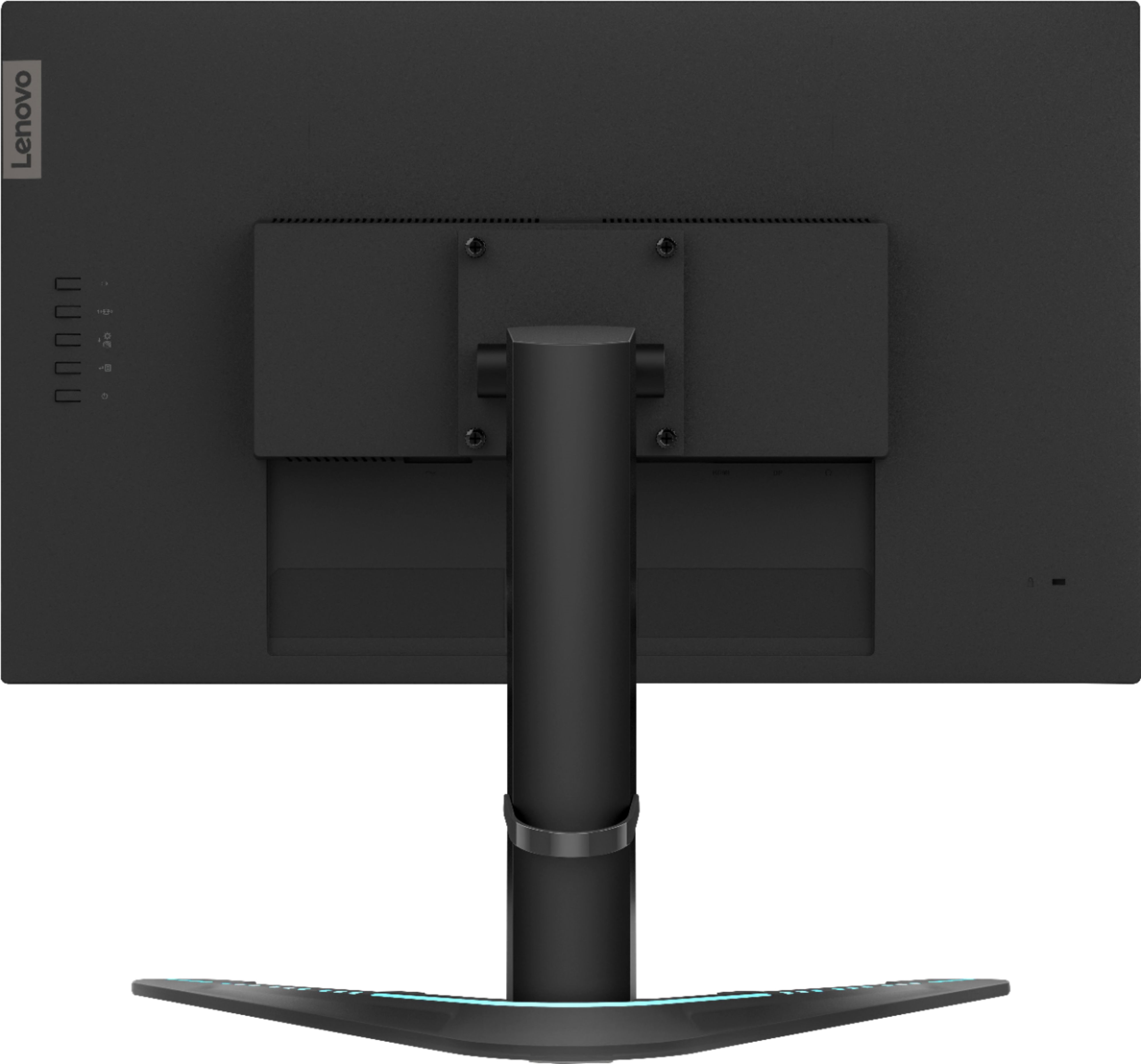
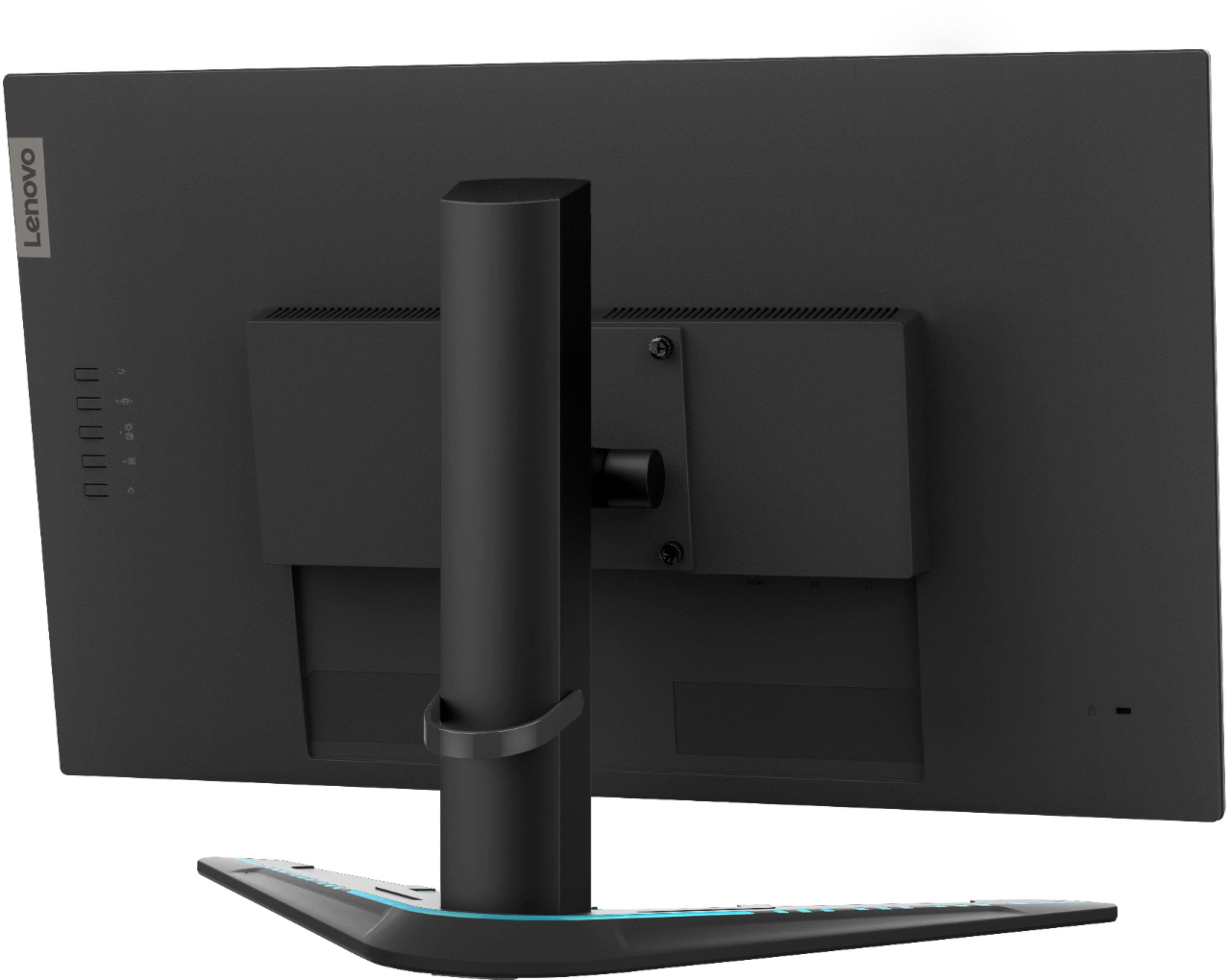
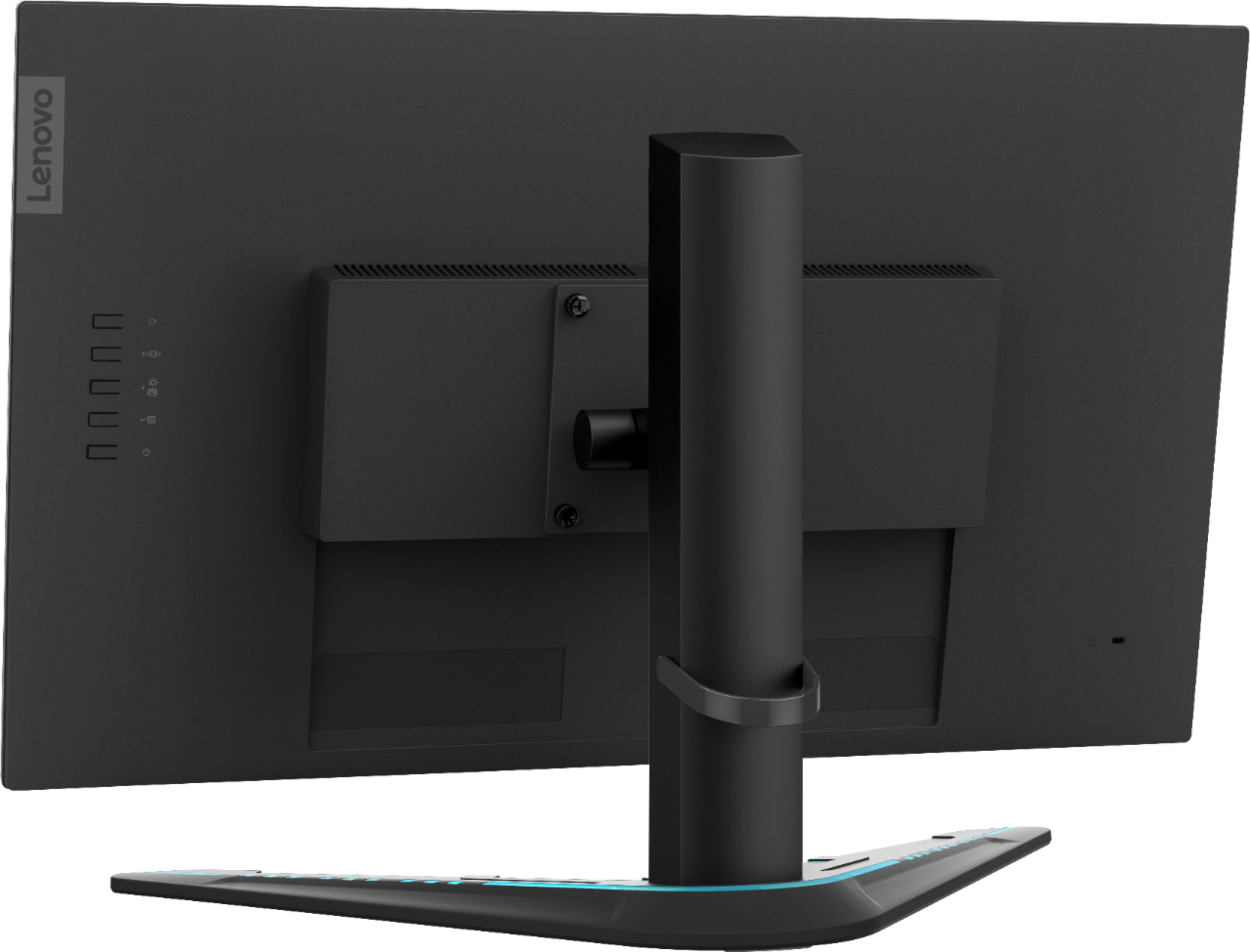
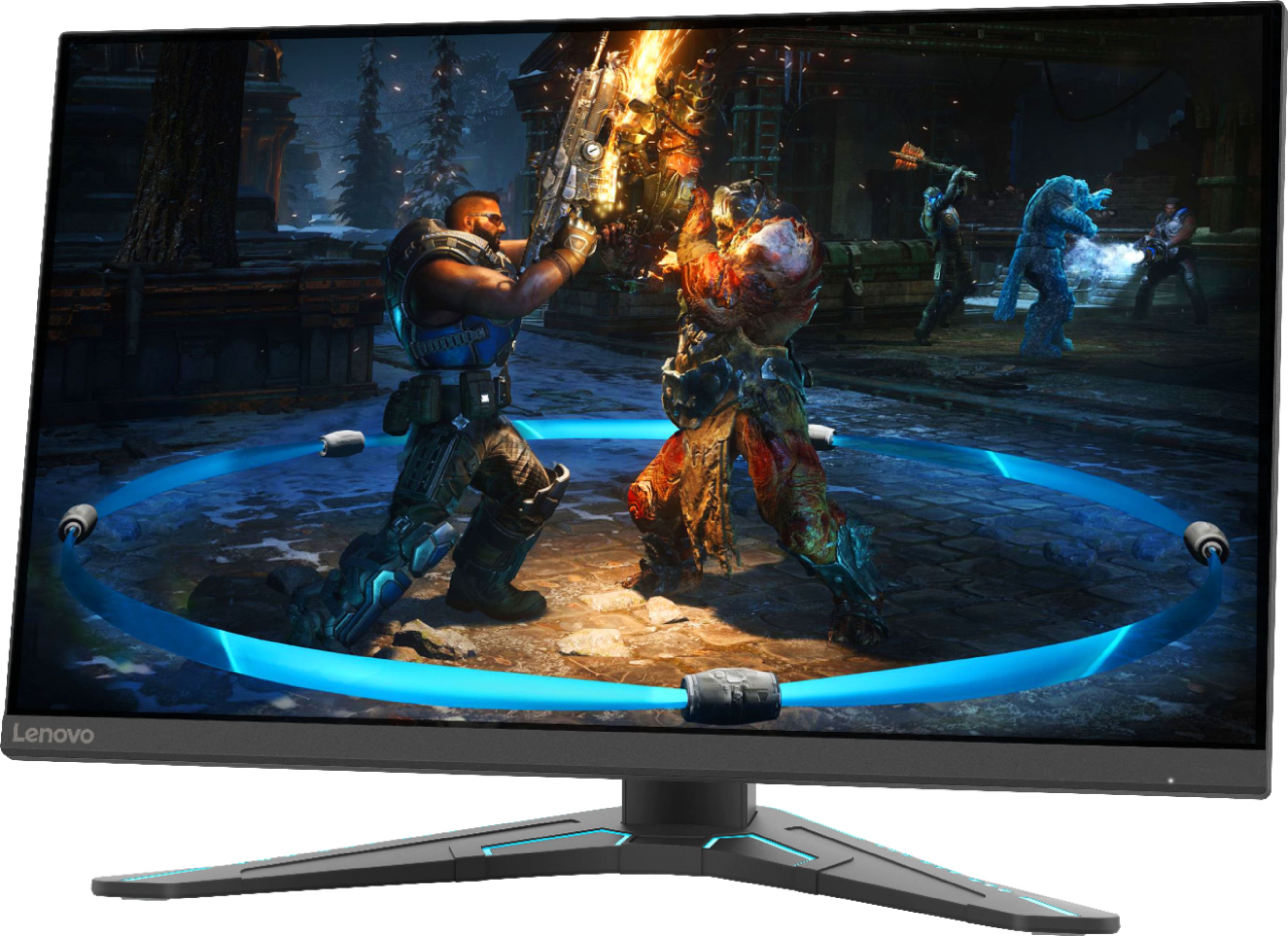
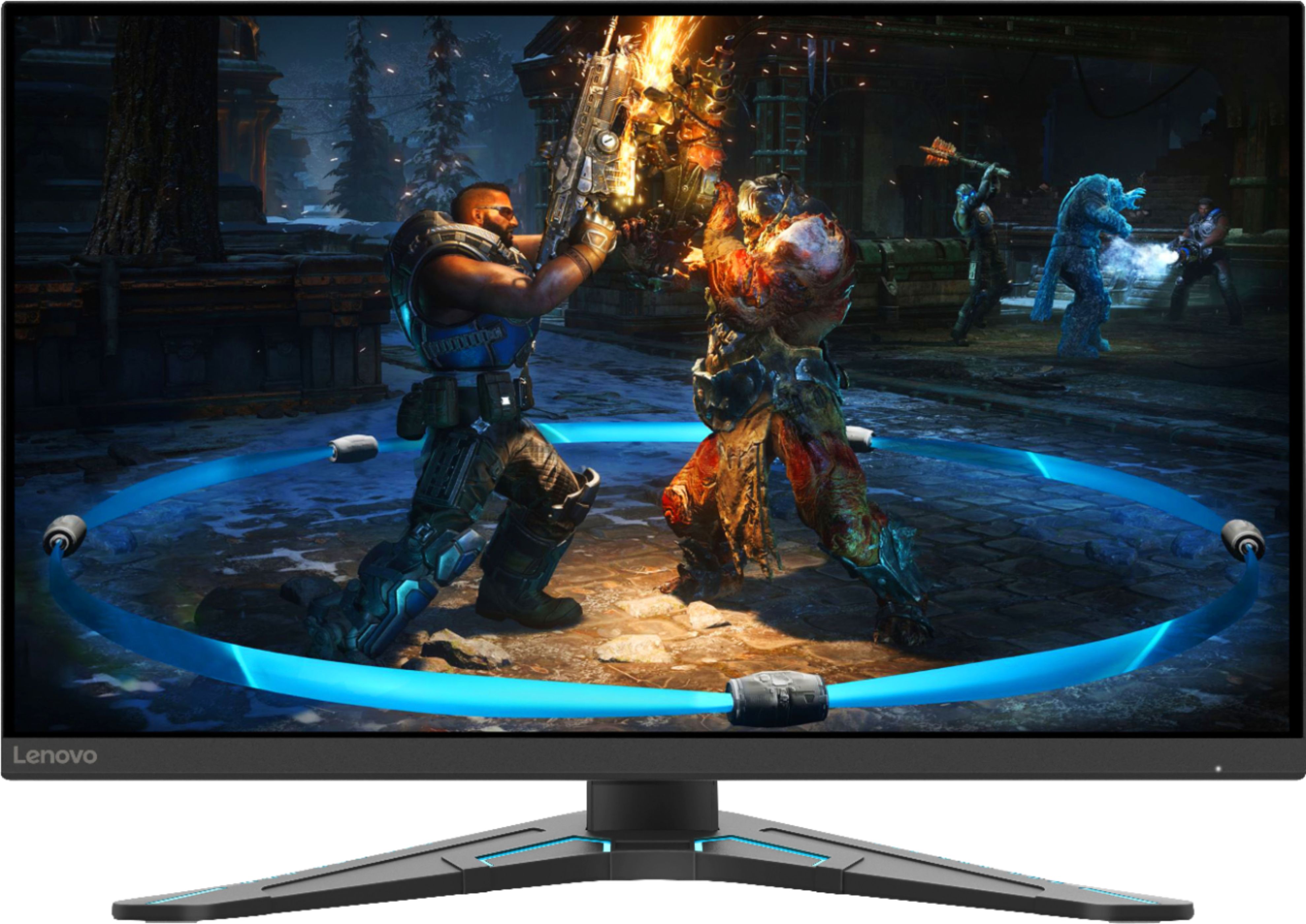
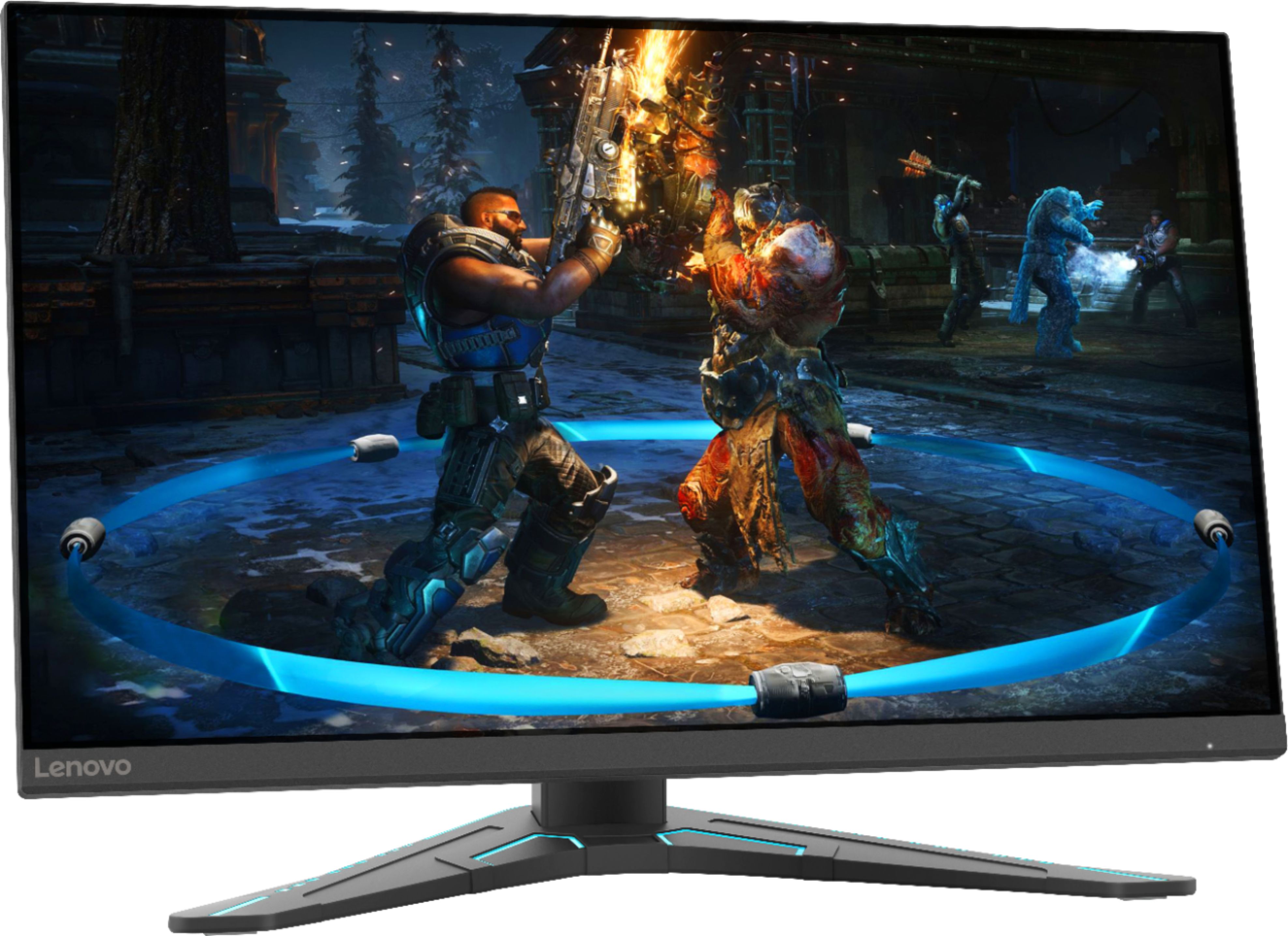
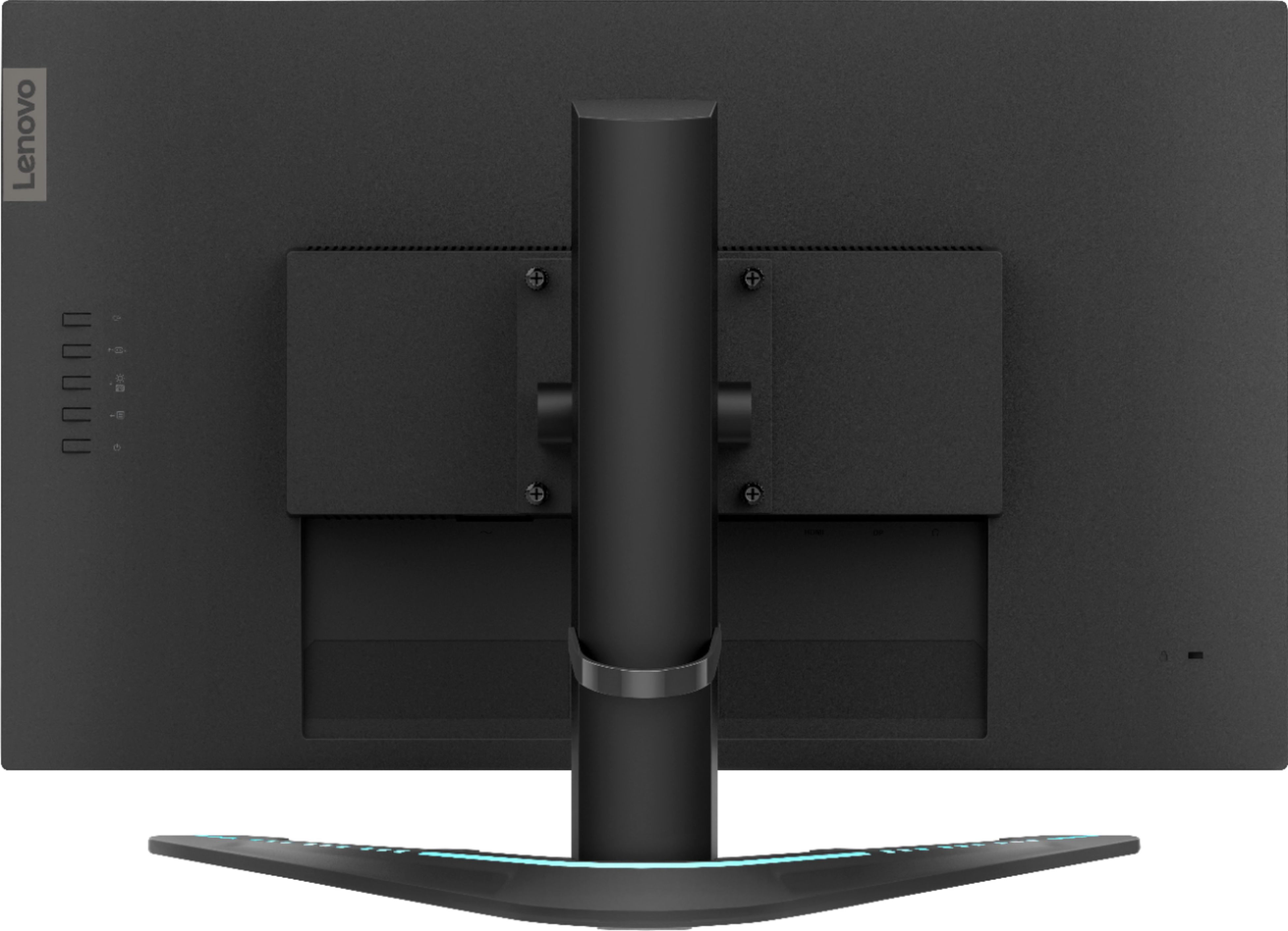
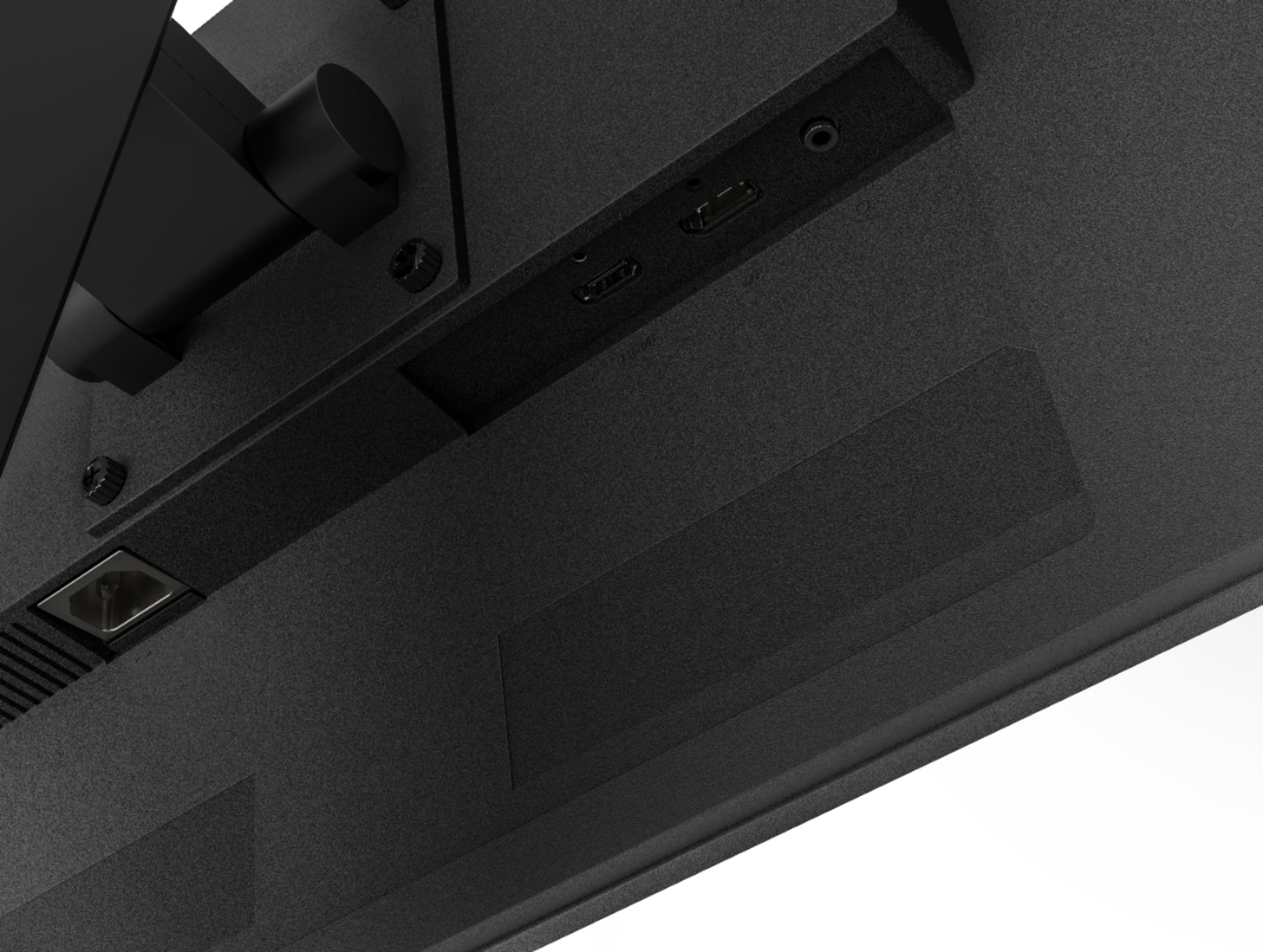
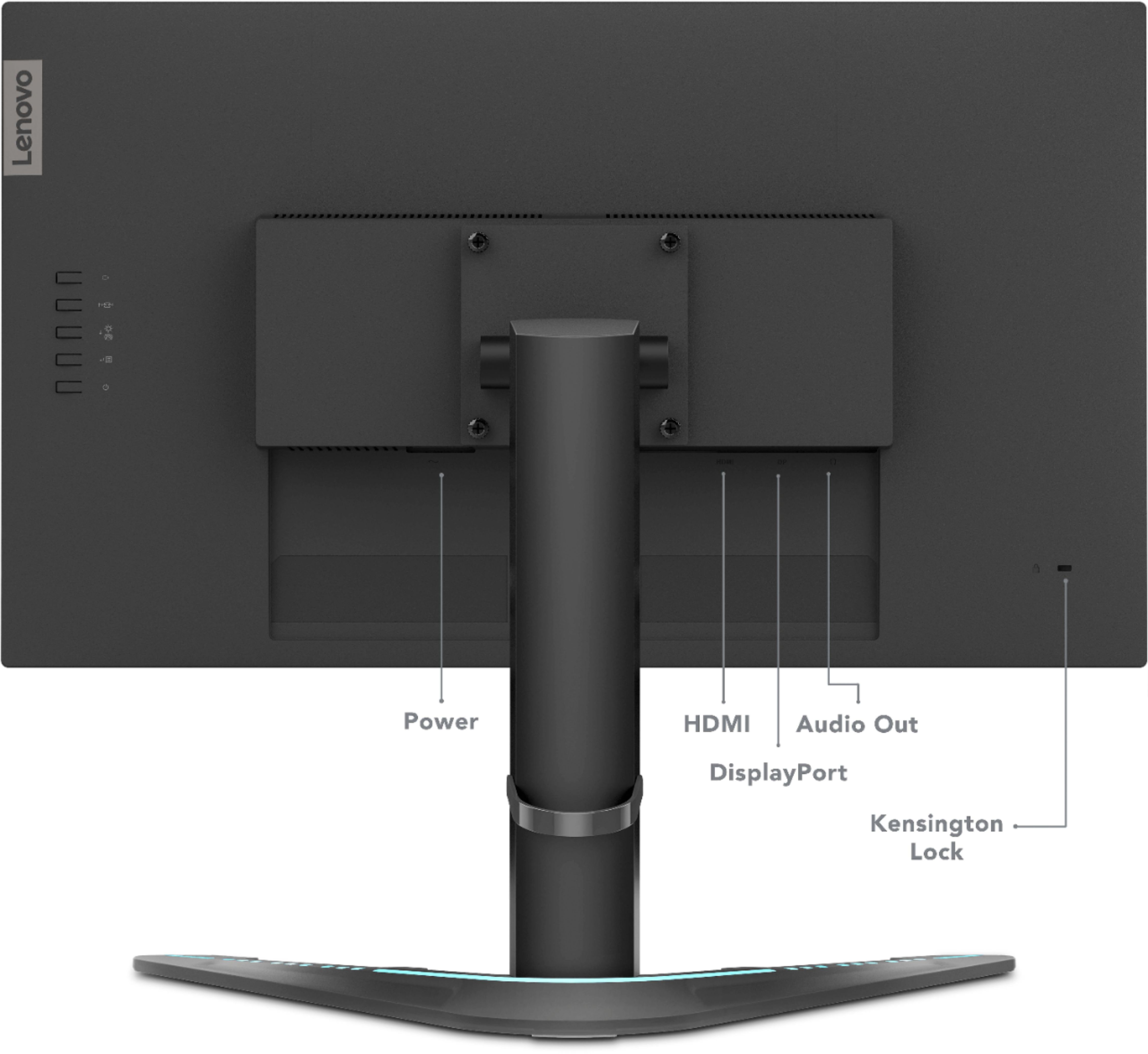
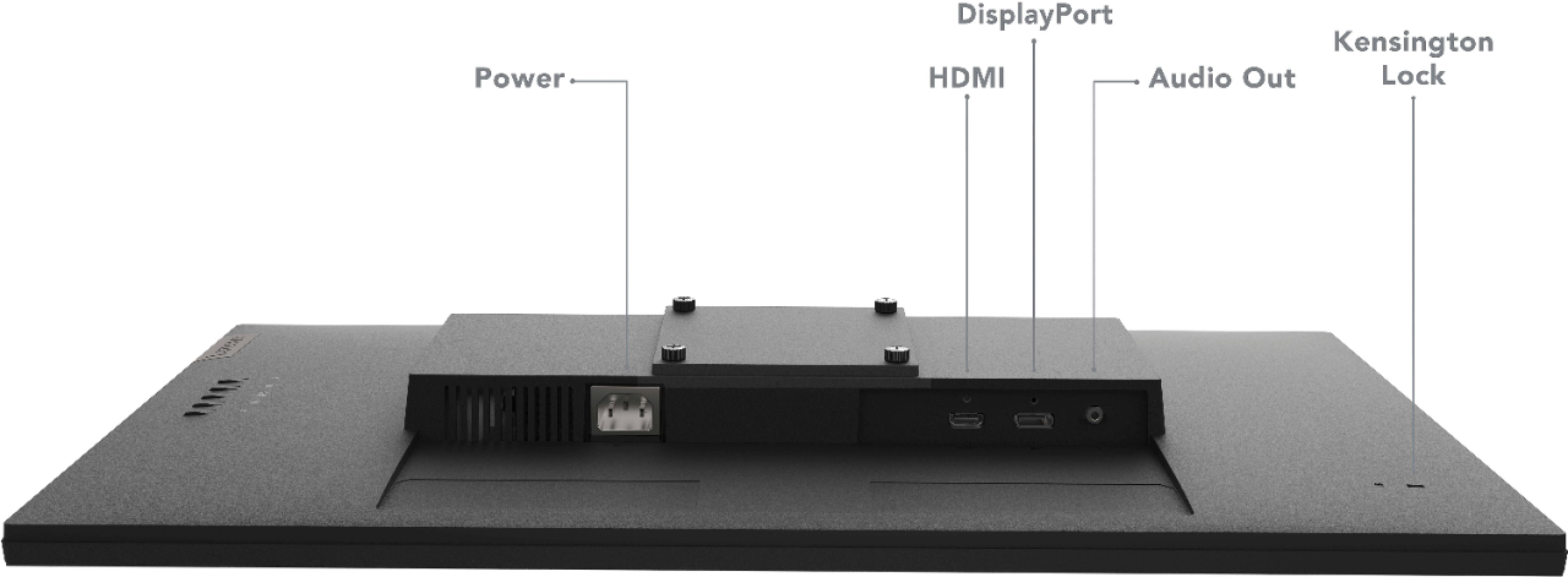
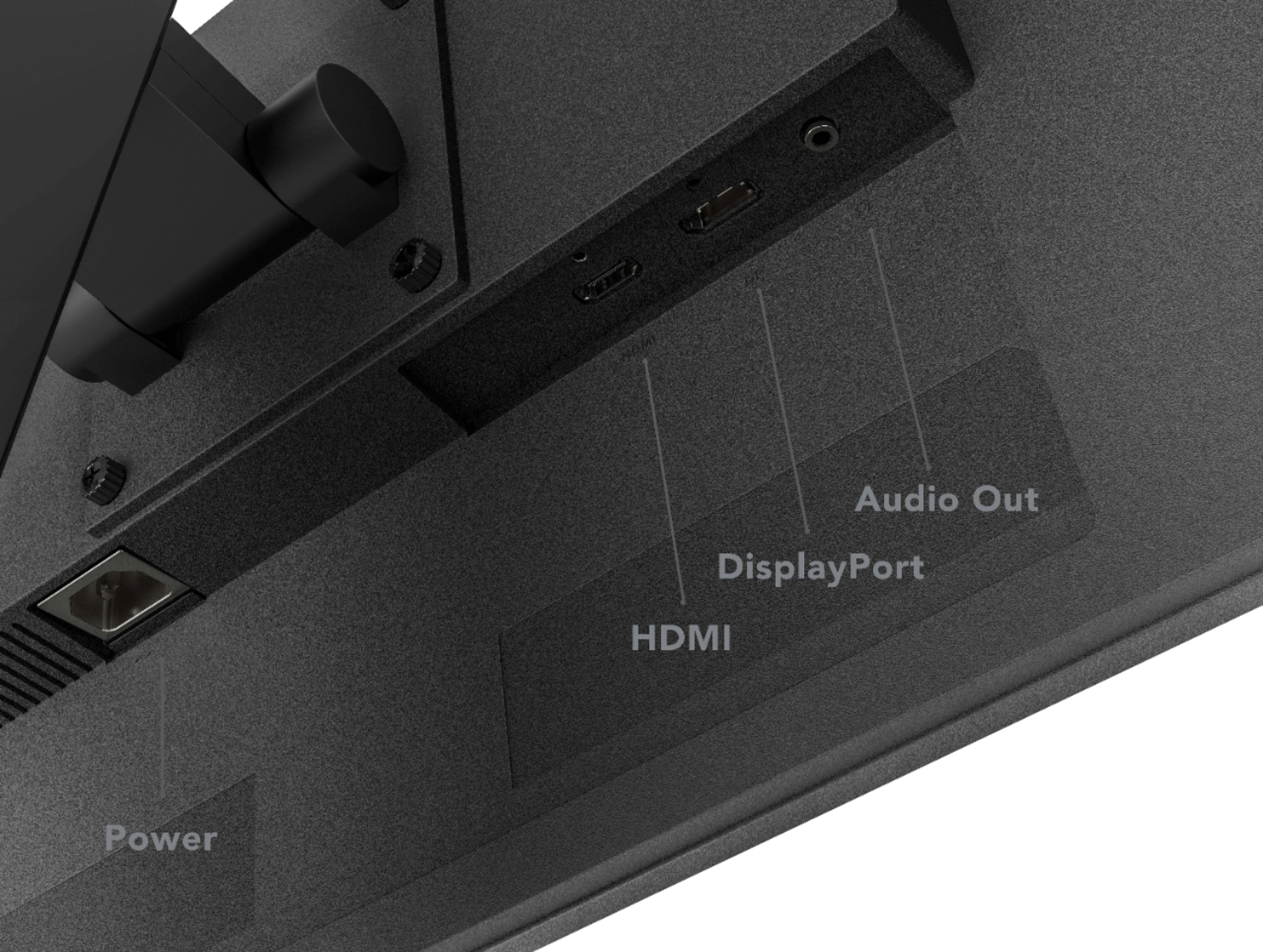
||Posted . Owned for 1 week when reviewed.This reviewer received promo considerations or sweepstakes entry for writing a review.It is a wide screen and the color is good. The only thing negative I got to say is for the price it has a lack of ports. It has only 1 HDMI and 1 S-Video. It does have the small head phone jack, which I guess is a plus.
No, I would not recommend this to a friendBrand response from Lenovo Product Expert
Posted .Thank you for choosing the Lenovo G27-20 Monitor, model number 66C2GCC1US. This monitor ships with: 1 x HDMI 1.4, 1 x DisplayPort 1.2 , 1 x Audio Out (3.5 mm) Jack.

Good Monitor Weird Noise
||Posted . Owned for less than 1 week when reviewed.This reviewer received promo considerations or sweepstakes entry for writing a review.I like this monitor, the colors are good, the size and weight are good, but the monitor makes a weird buzzing noise, I cant really hear it all the time with headphones on, but if you have your headphones off you'll hear it, sounds like a "white noise with crackling" get it if you can deal with it.
No, I would not recommend this to a friendBrand response from Lenovo Product Expert
Posted .We are sorry to hear that you are having issues with your Lenovo G27-20 Monitor. When operating normally, there should be no noise coming from the G27-20. First, try unplugging the monitor and let stand, unpowered for 60-seconds. If the issue continues now try a factory reset of your G27-20 Monitor. Here is a link to the User Guide for this monitor. Use the Onscreen Settings Menu as illustrated on page 2-6 of the User Guide to locate the factory reset: https://download.lenovo.com/consumer/monitor/g27_20_ug_en.pdf. If the issue continues after this reset, we recommend you contact lenovo Tech Support for additional help. Let the Customer Support Specialist know what troubleshooting steps you have already taken. Call at: 866-426-0911.
Lenovo Monitor
||Posted . Owned for 1.5 years when reviewed.This reviewer received promo considerations or sweepstakes entry for writing a review.I utilize this for work as well as netflix/amazon prime video watching. Great visuals, only feedback is the base takes up a fair amount of room if you have other units next to it.
I would recommend this to a friendGood Monitor
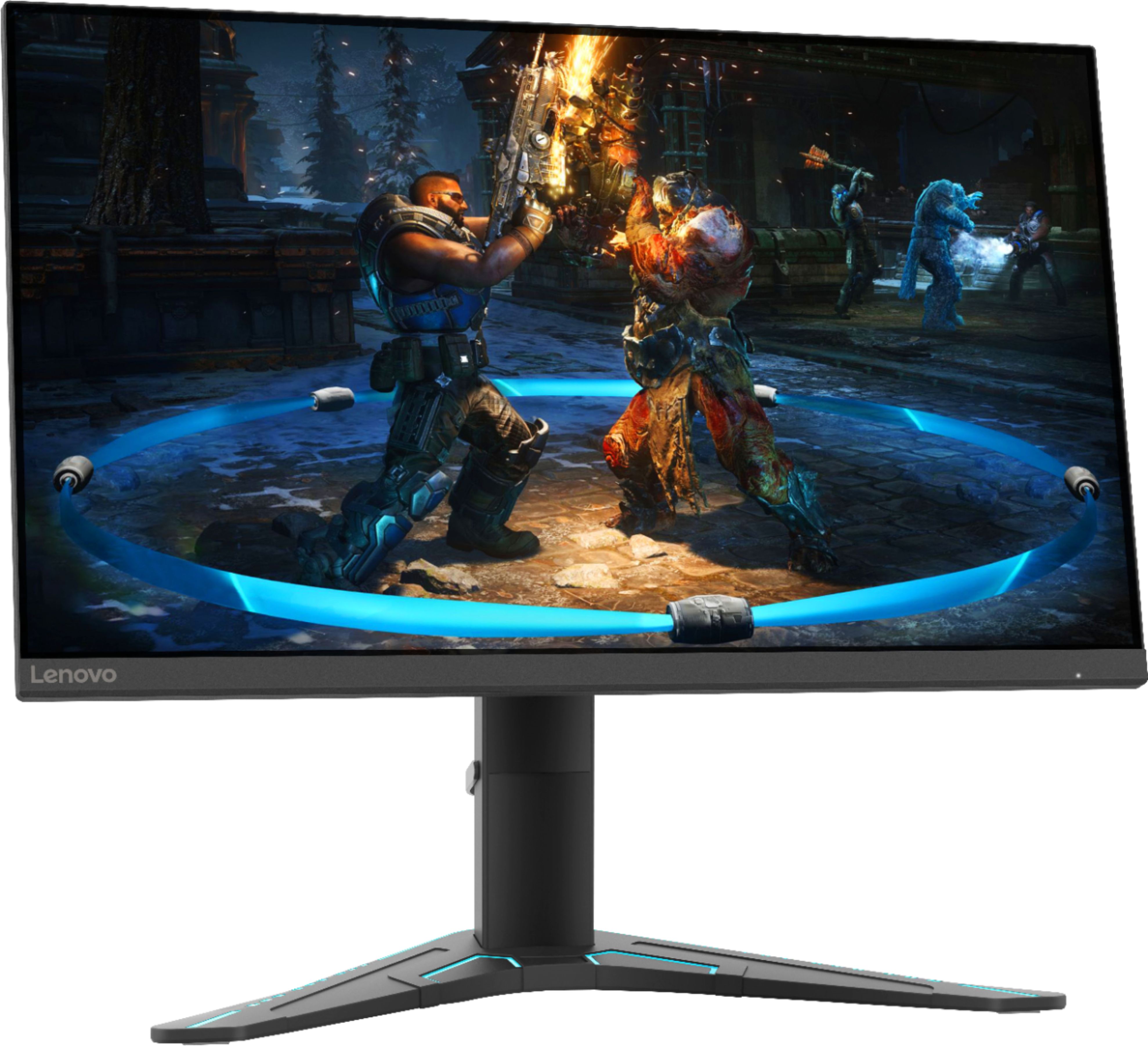
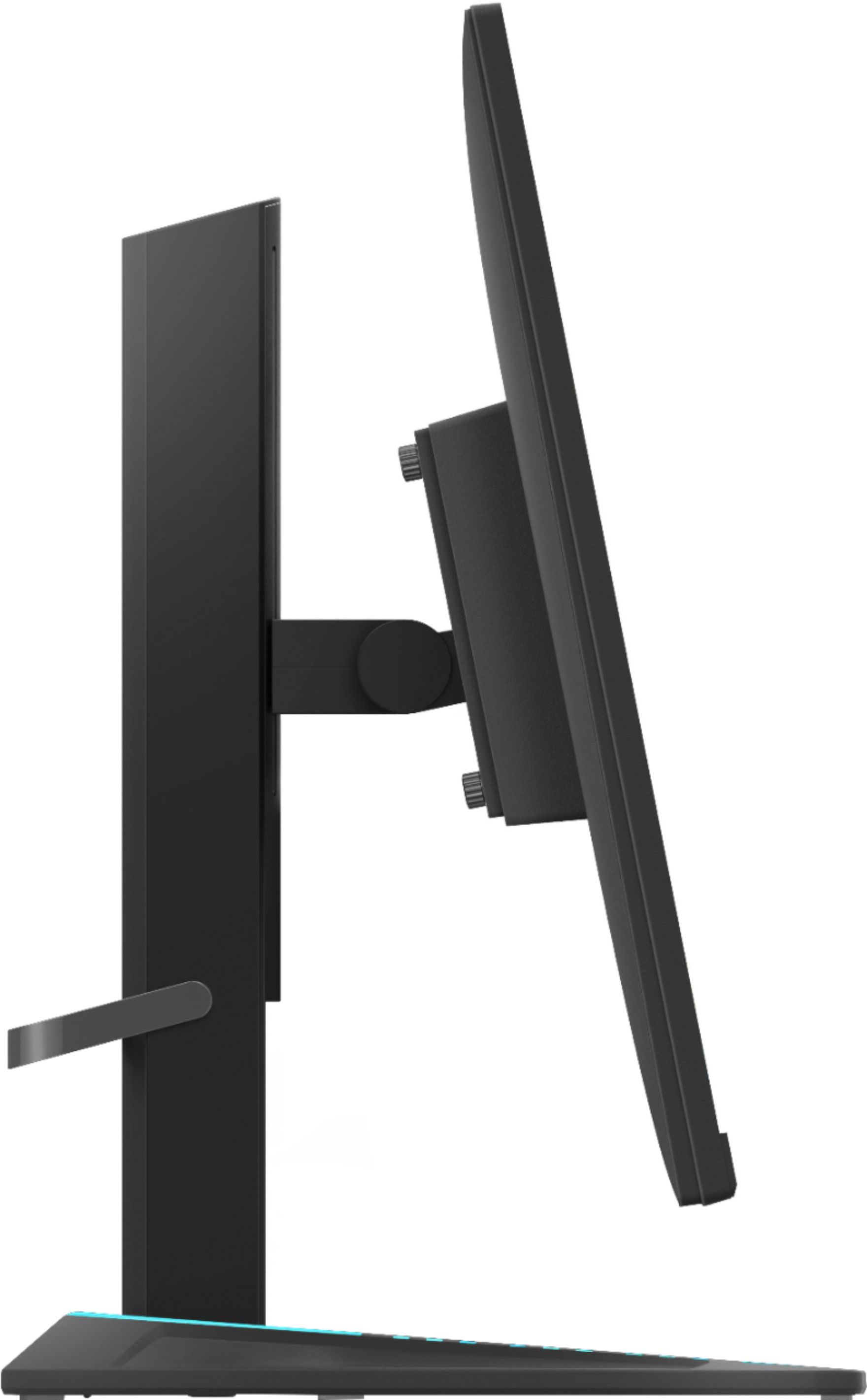
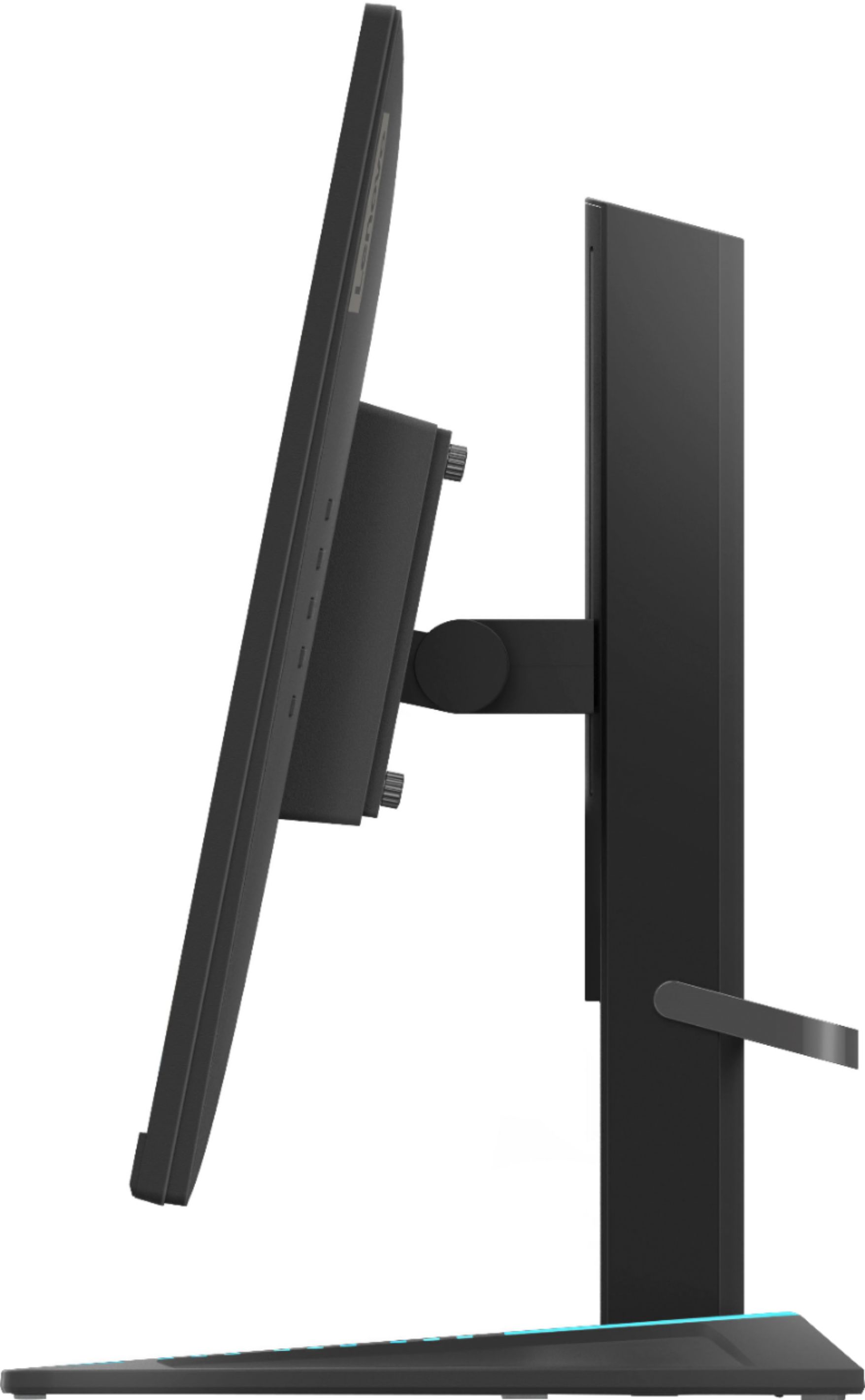
||Posted . Owned for less than 1 week when reviewed.This reviewer received promo considerations or sweepstakes entry for writing a review.Nice quality monitor and works well for gaming. Love the actual monitor but the stand is pretty big and a bit too gamer for my liking. Also, be aware that it is advertised as “g-sync compatible” but at last check was not listed on Nvidia’s website as officially g-sync compatible.
I would recommend this to a friendBrand response from Lenovo Product Expert
Posted .Thank you for choosing the Lenovo G27-20 Monitor, model number 66C2GCC1US. This monitor is both NVIDIA G-SYNC Compatible, AMD Radeon FreeSync Premium Compatible, when used with a compatible GPU.
Great Monitor
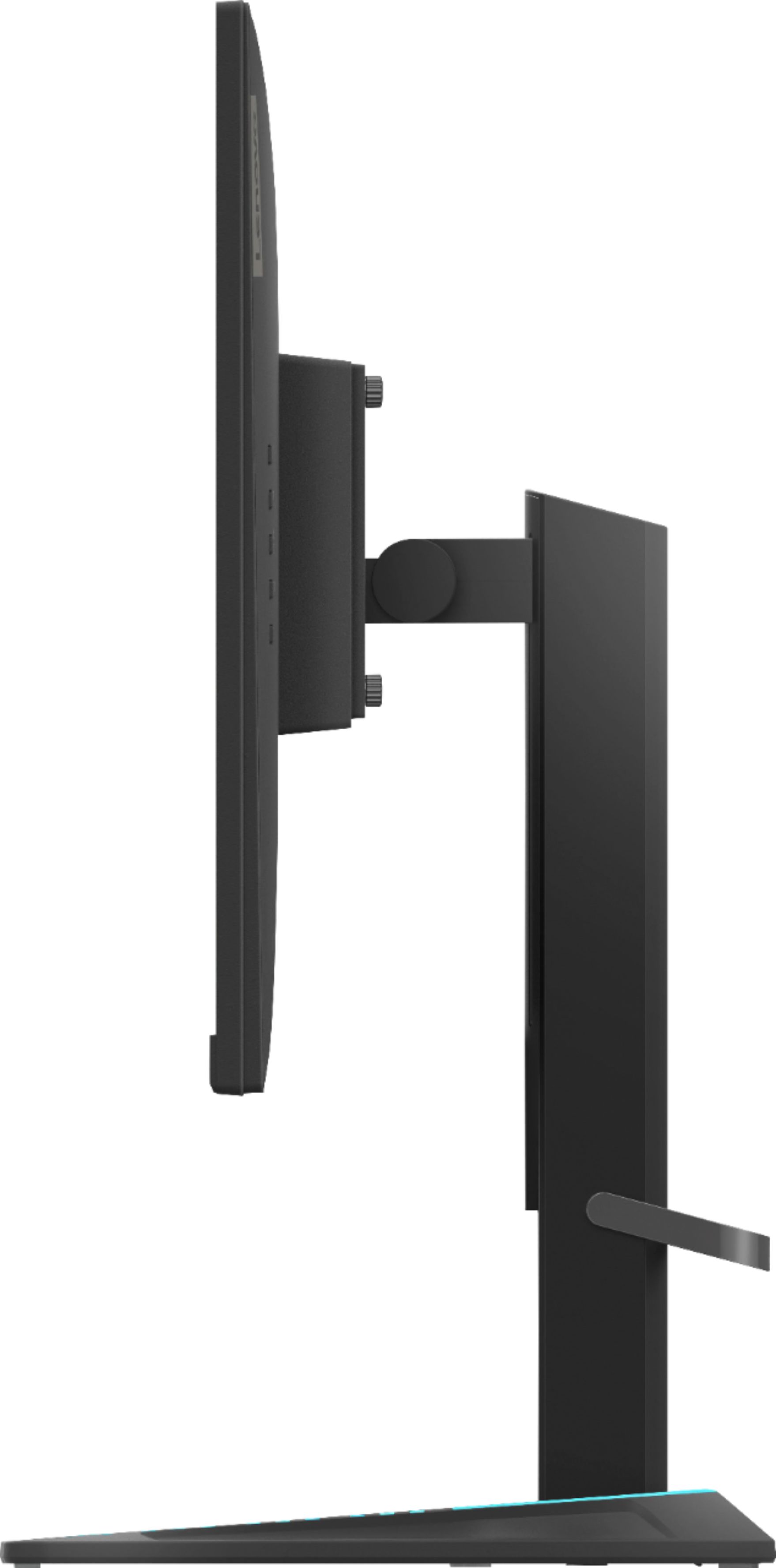
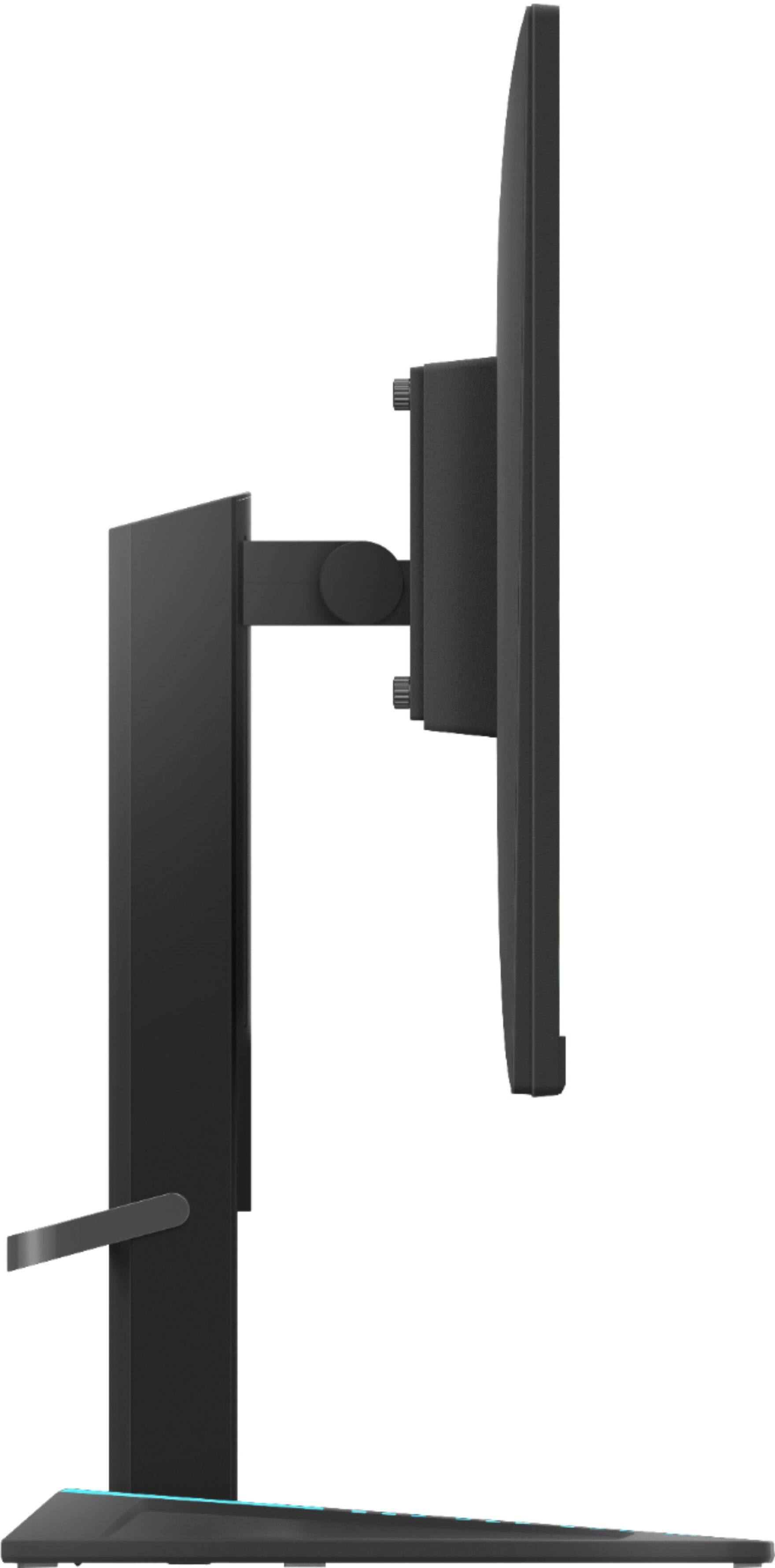
||Posted .This reviewer received promo considerations or sweepstakes entry for writing a review.I was not expecting this monitor to be huge! I am more than happy with the size. I was initially afraid it would be tiny but it definitely is not. Unboxing and putting it together was very easy. It comes with the stand (height adjustable/tiltable arm), display board cable, and power cable in the box. When attaching the monitor to the stand it is very easy (4 screws that you can do with your hand or screwdriver if you really want to make sure it is attached). Monitor does not swivel which is okay for me. It also includes a clip to help keep your cords behind the monitor and not all over the place. Makes it easy to keep neat.
I would recommend this to a friendBrand response from Lenovo Product Expert
Posted .Thank you for choosing the Lenovo G27-20 Monitor. We are pleased to hear that the features and performance of the G27-20 meets your needs for a monitor so well.
Excellent Monitor
||Posted . Owned for 3 weeks when reviewed.This reviewer received promo considerations or sweepstakes entry for writing a review.Resolution, color, and speed are all excellent. The base is a bit wide, but I knew that going in.
I would recommend this to a friendBrand response from Lenovo Product Expert
Posted .Thank you for choosing the Lenovo G27-20 Monitor. We are pleased to hear that the performance of the G27-20 meets your needs for a monitor so well.
Picture quality is fine but...
||Posted . Owned for 2 weeks when reviewed.This reviewer received promo considerations or sweepstakes entry for writing a review.The monitor was good as far as image quality however it requires app software to control brightness and contrast and other picture quality settings. On display port I could not control any of these settings at all. I was afraid to try the HDMI settings since I may potentially have the same problems. I looked up fixes for this and it had to do with control panel user access settings which I felt was too much to get into especially if someone does not know how to configure access. I feel that's unnecessary considering many monitors can do adjustment settings internally without making an application to control adjustments seems backward.
No, I would not recommend this to a friendBrand response from Lenovo Product Expert
Posted .We are sorry to hear that you are having difficulty adjusting the brightness and contrast of your Lenovo G27c-20 Monitor. There are Direct Access Controls for brightness and On Screen Settings Menus for controlling the Contrast. Here is a link to the User Guide for this Lenovo G27-20 Monitor, which illustrates and explains the settings available and their functions: https://download.lenovo.com/consumer/monitor/g27_20_ug_en.pdf If you have questions about your Lenovo G27-20 Monitor, we recommend you contact Lenovo Tech Support for Monitors at: 866-426-0911.
Could work on quality control
||Posted . Owned for 2 months when reviewed.This reviewer received promo considerations or sweepstakes entry for writing a review.Bought 2 and one arrived non-functional. The return process was easy with Best Buy though.
I would recommend this to a friendDOES NOT HAVE SPEAKERS!!
||Posted . Owned for less than 1 week when reviewed.This reviewer received promo considerations or sweepstakes entry for writing a review.beautiful display - I refitted my whole office with these monitors (purchased 4 of them), only to find out they do not actually have built in speakers! Speakers was the number one reason I picked this monitor (it helps immensely with desk space/clutter). I am so disappointed in this purchase.
No, I would not recommend this to a friendBrand response from Lenovo Product Expert
Posted .You are correct. The Lenovo G27-20 Monitor, model number 66C2GCC1US, does not have built in speakers.
Good monitor
||Posted . Owned for 1 month when reviewed.This reviewer received promo considerations or sweepstakes entry for writing a review.Great Brant great image and great quality. This is a good monitor
I would recommend this to a friendBrand response from Lenovo Product Expert
Posted .Thank you for choosing the Lenovo G27-20 Monitor. We are pleased to hear that the features and performance of the G27-20 meets your needs for a monitor so well.
GREAT NAME
||Posted . Owned for 1 week when reviewed.This reviewer received promo considerations or sweepstakes entry for writing a review.Great price when compared. Looks great good product.
I would recommend this to a friendBrand response from Lenovo Product Expert
Posted .Thank you for choosing the Lenovo G27-20 Monitor. We are pleased to hear that the value and performance of the G27-20 meets your needs for a monitor so well.