Customer Ratings & Reviews
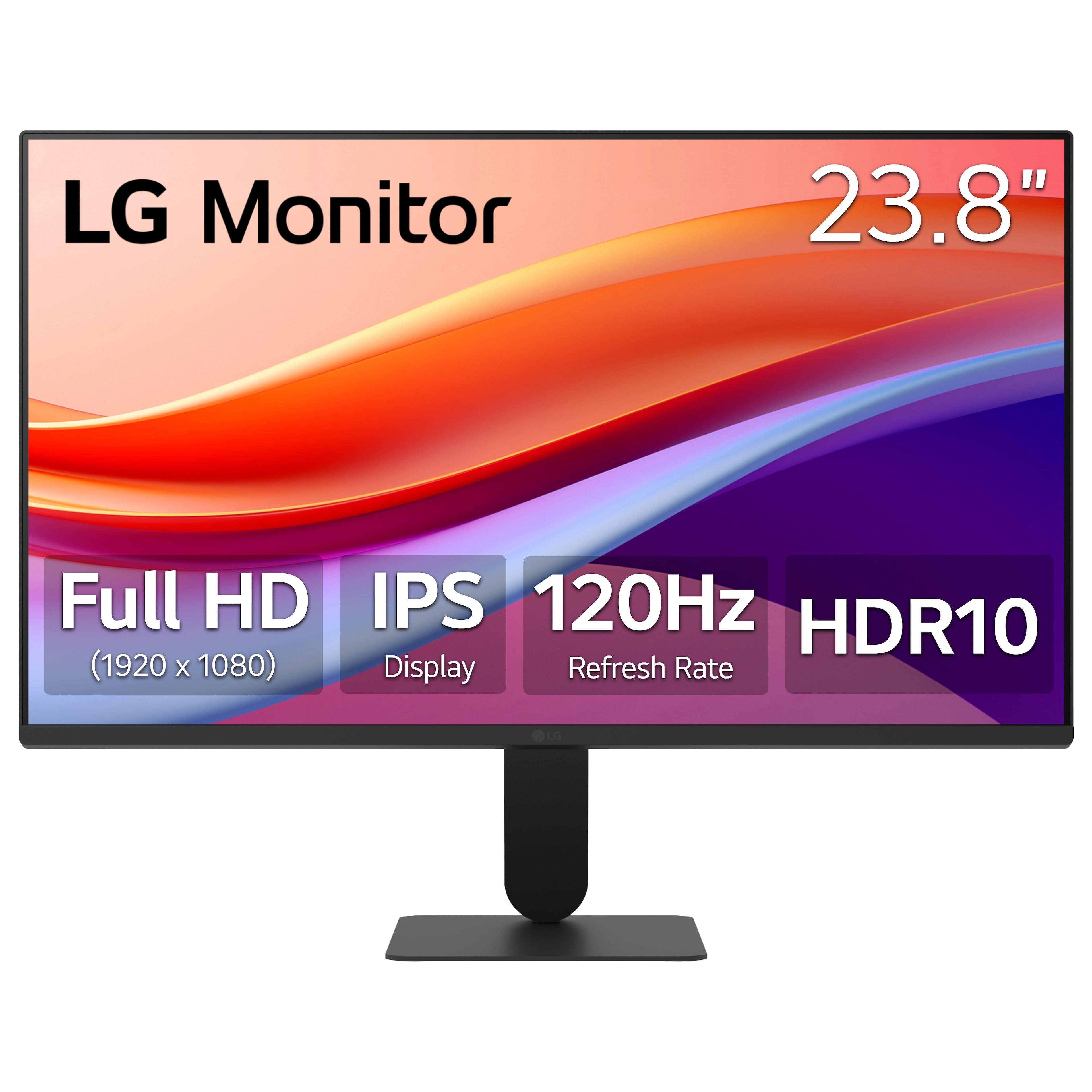
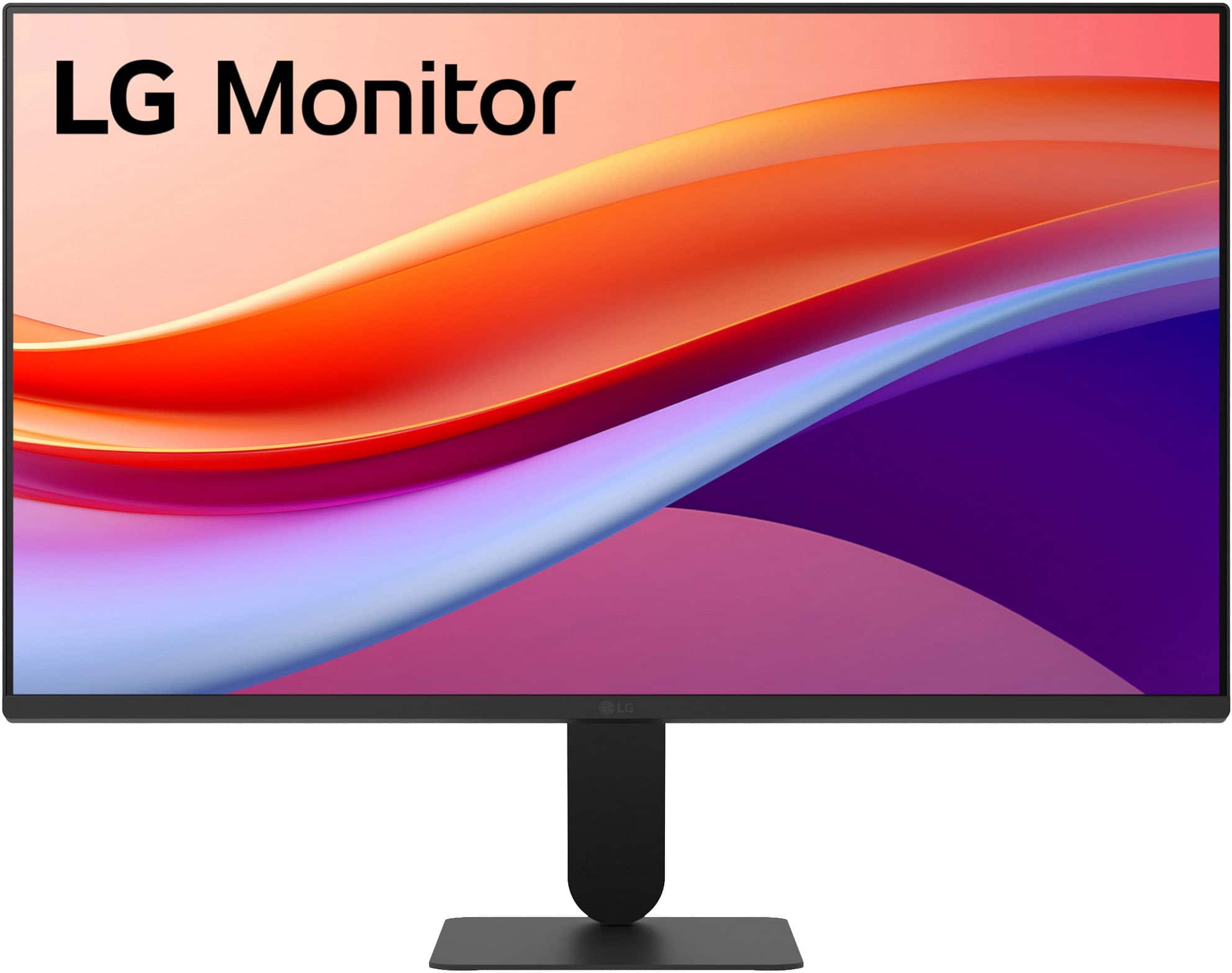
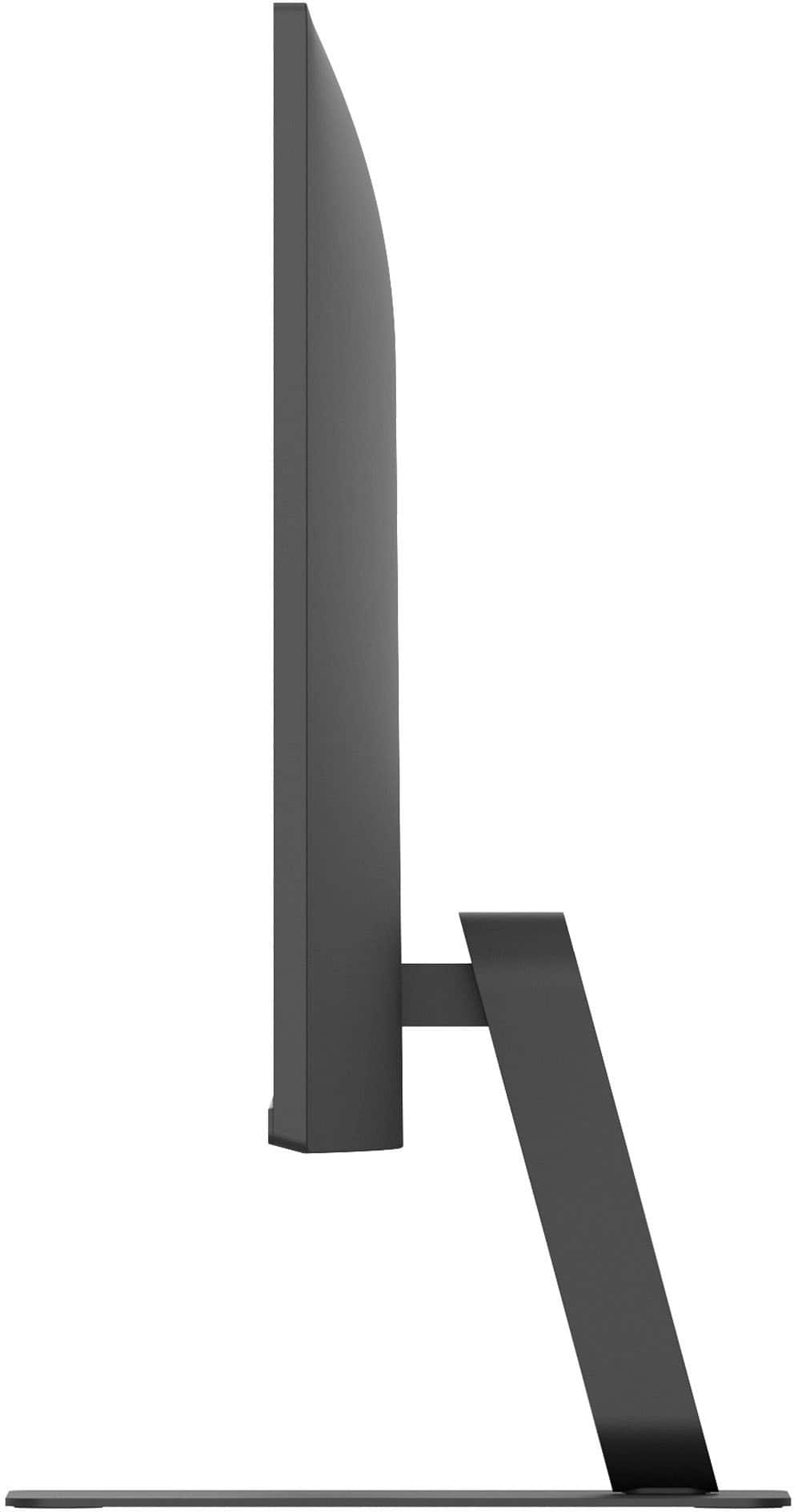

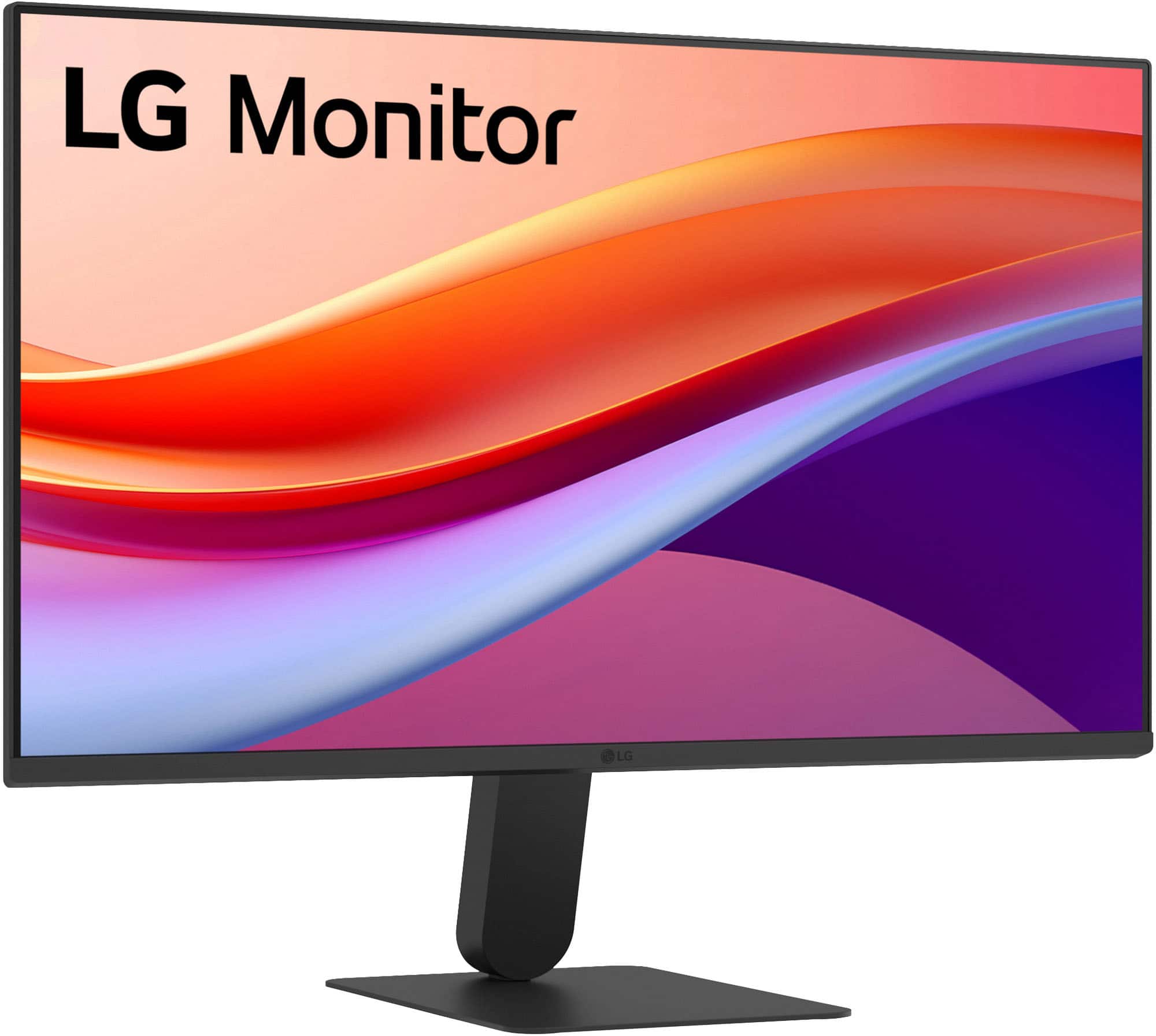

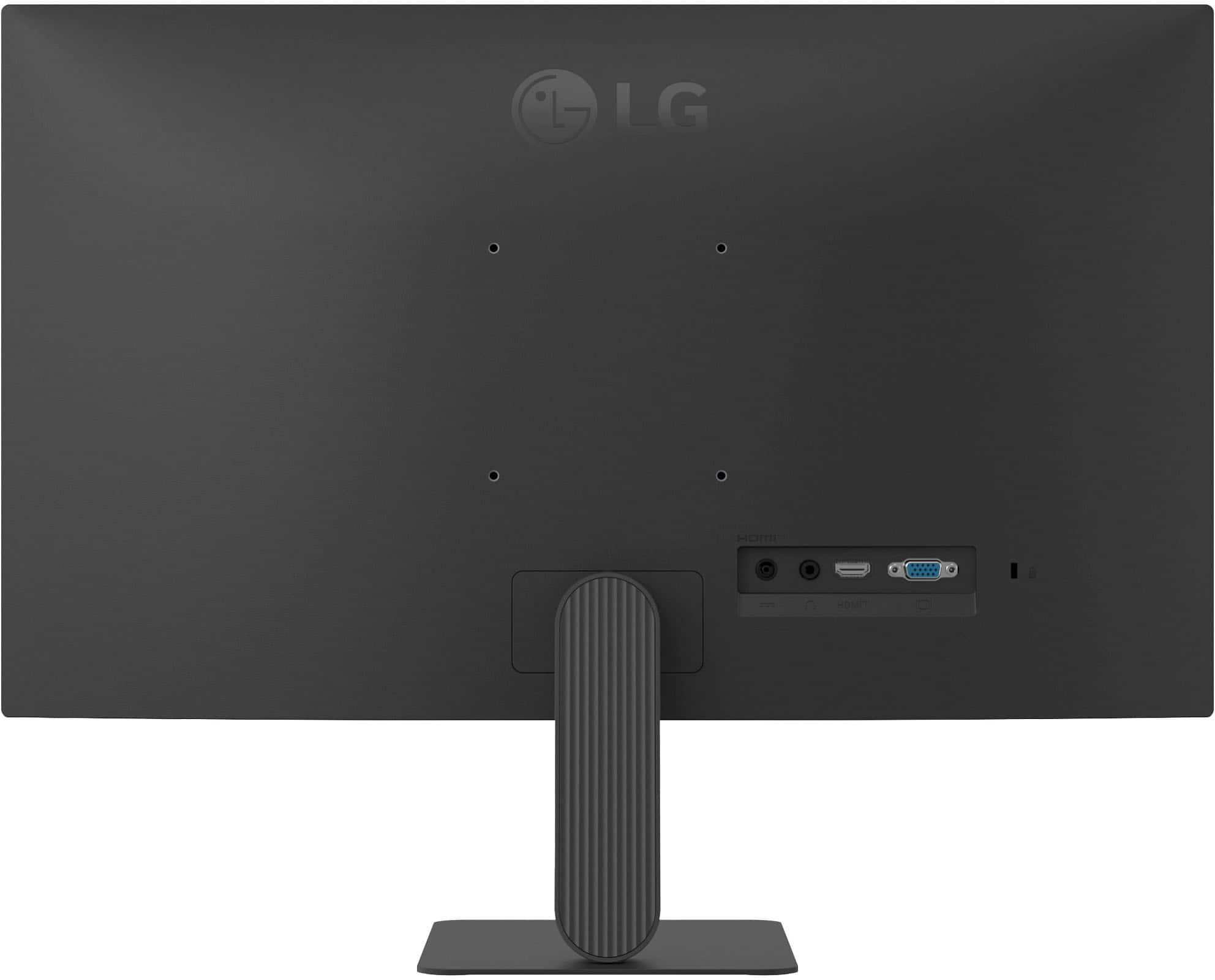


- Model:
- 24U41YA-B
- SKU:
- 11471181
Rating by feature
- Display Quality
Rating 4.7 out of 5 stars
- Ease of Use
Rating 4.7 out of 5 stars
- Features
Rating 4.5 out of 5 stars
Monitor
Posted .This reviewer received promo considerations or sweepstakes entry for writing a review.High quality and great picture. Great for videos and gaming
I would recommend this to a friendGreat
Posted .This reviewer received promo considerations or sweepstakes entry for writing a review.Smaller than I expected, but that’s just my fault Great
I would recommend this to a friendMeasure before you buy
Posted .This reviewer received promo considerations or sweepstakes entry for writing a review.Monitor was the wrong size for my setup. I should have know that the 24 inch measurement was diagonal. I exchanged it for a 27 inch monitor and the people at the store were great with helping me find the right size.
No, I would not recommend this to a friendBrand response from LG Digital Customer Care
Posted .Hi, Barry. Thanks for sharing your experience with the LG Monitor (24U41YA‑B) model. We understand the importance of finding a monitor size that fits your setup just right. It’s great to hear the store team helped you smoothly exchange it for the 27‑inch model that works better for your space. For your new monitor, one helpful step is to check the On‑Screen Control (OSC) software, which allows you to adjust screen layout, split‑screen options, and picture settings to optimize your viewing experience. For more guidance, visit https://www.lg.com/us/support/product/lg-24U41YA-B.AUSQ. If you’d like us to take a closer look at anything regarding your new setup, feel free to send us an email at [email protected] so our team can assist you further. ^Juvy