Customer Ratings & Reviews
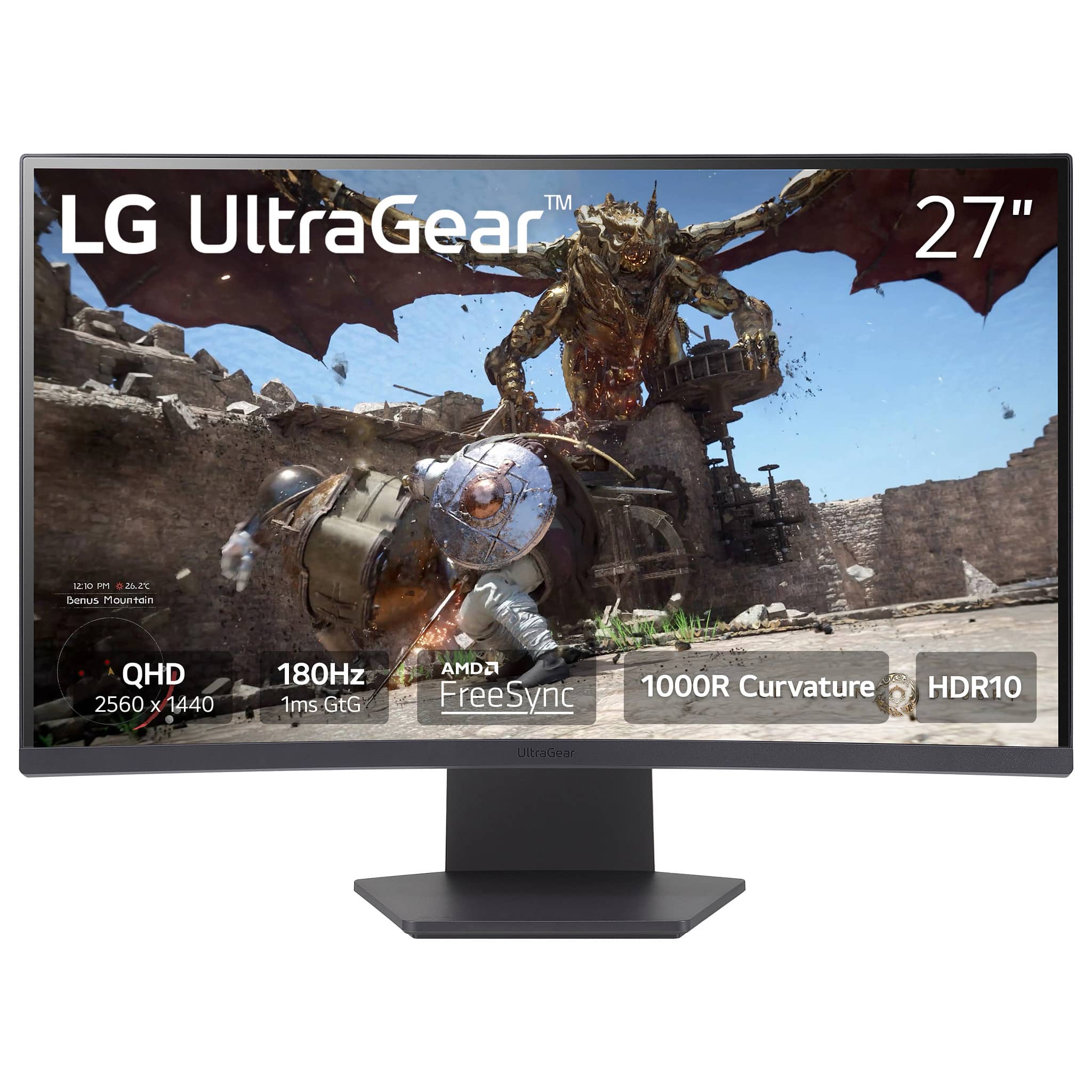
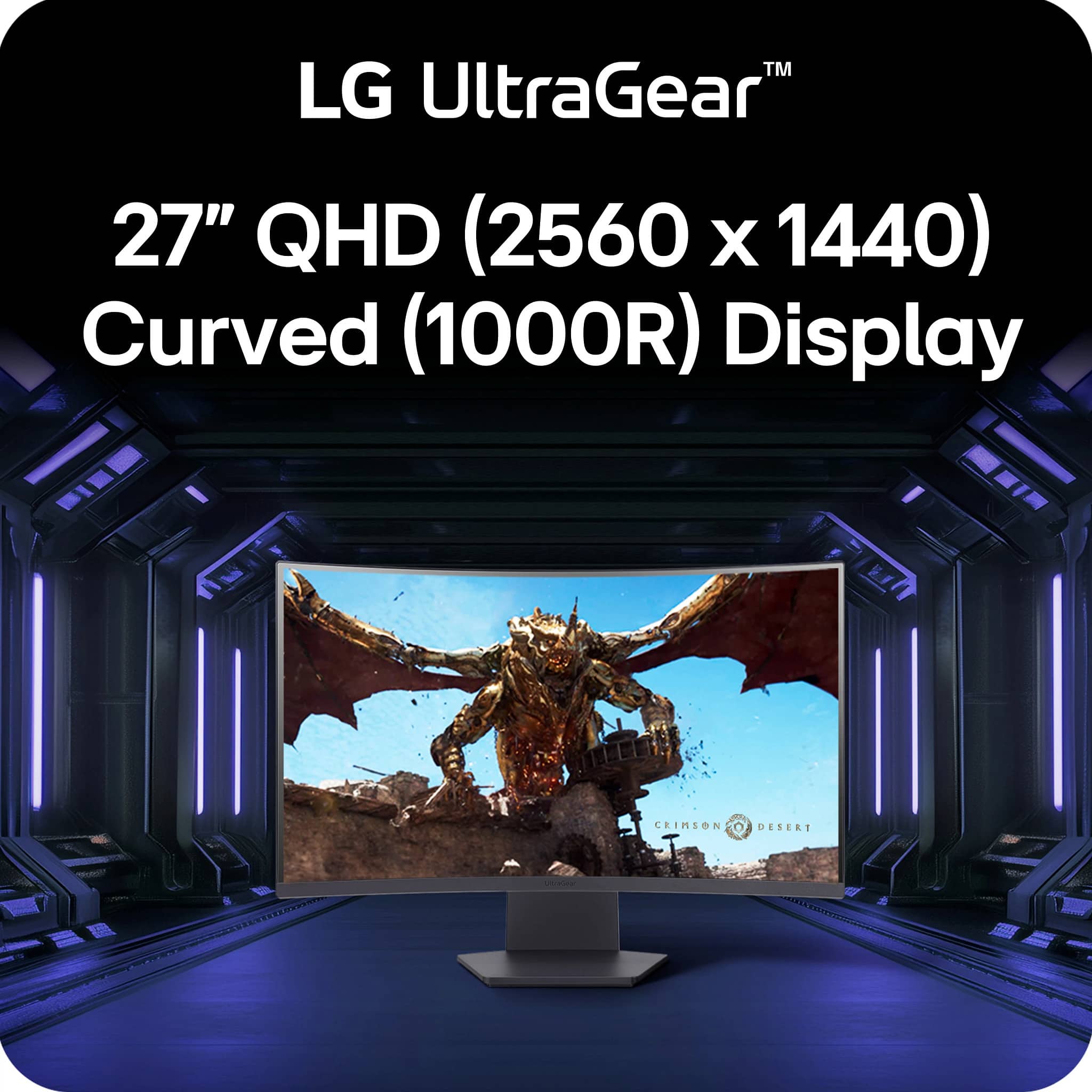
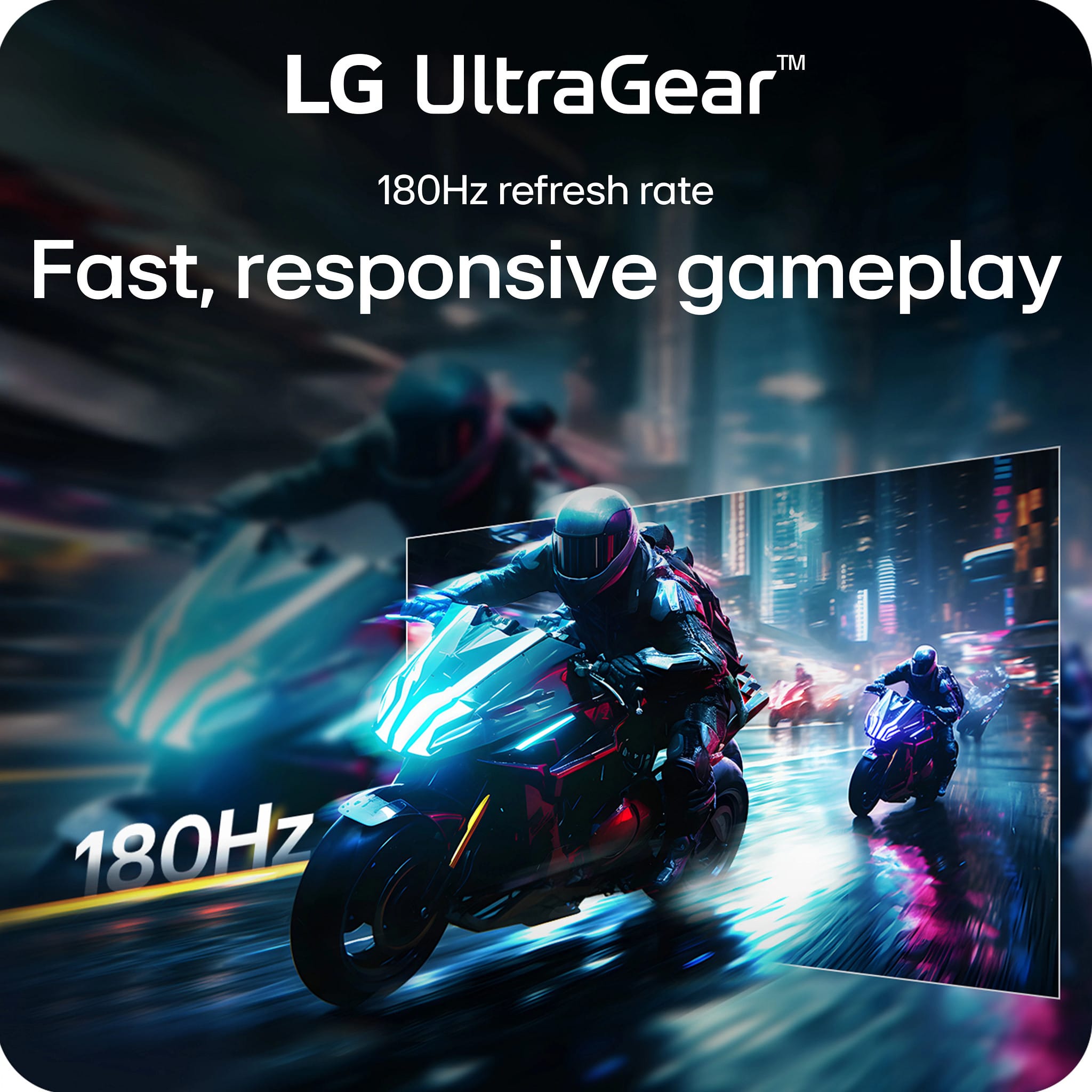
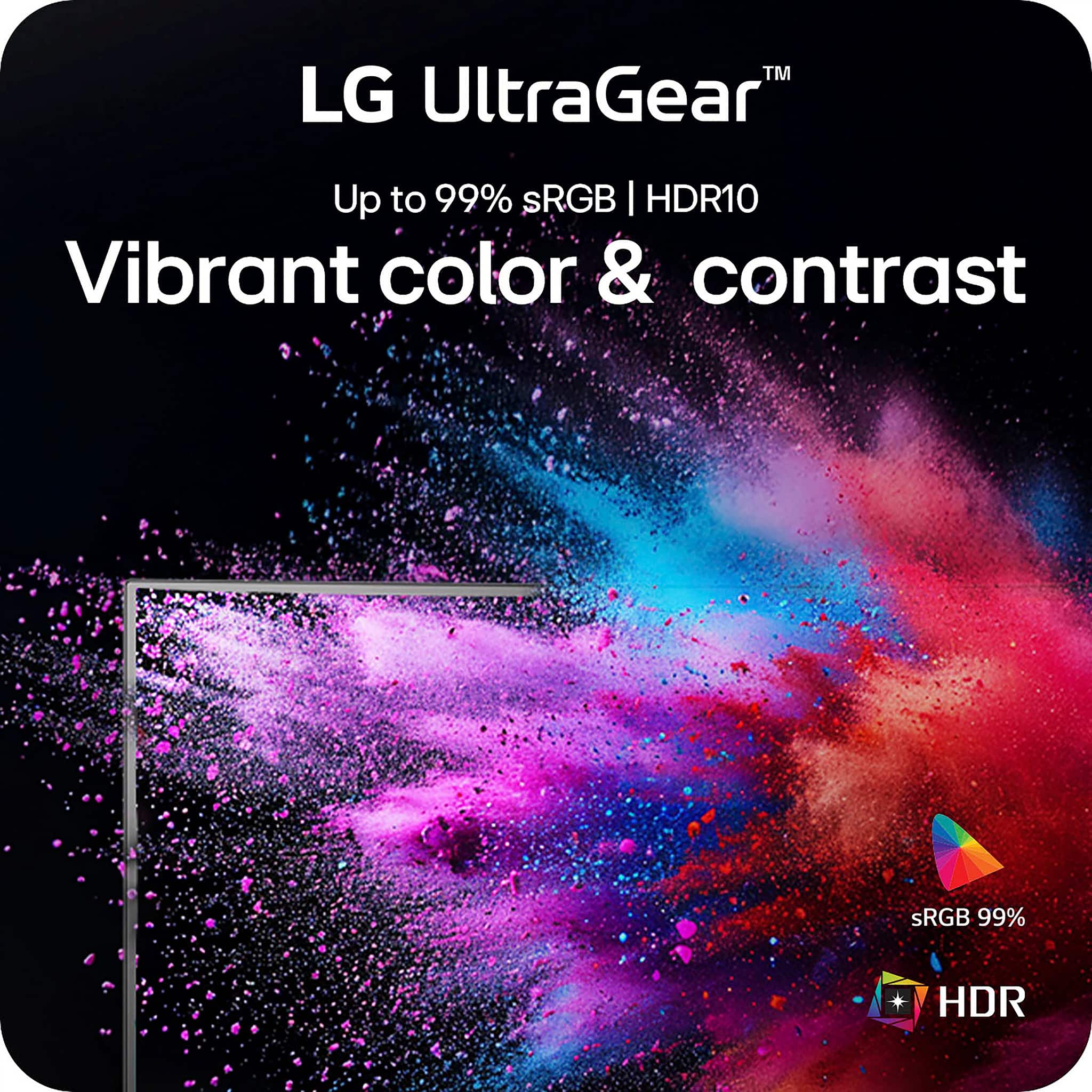
- Model:
- 27GS60QC-B
- SKU:
- 6593349
Rating by feature
- Display Quality
Rating 4.6 out of 5 stars
- Ease of Use
Rating 4.6 out of 5 stars
- Features
Rating 4.6 out of 5 stars
Customers are saying
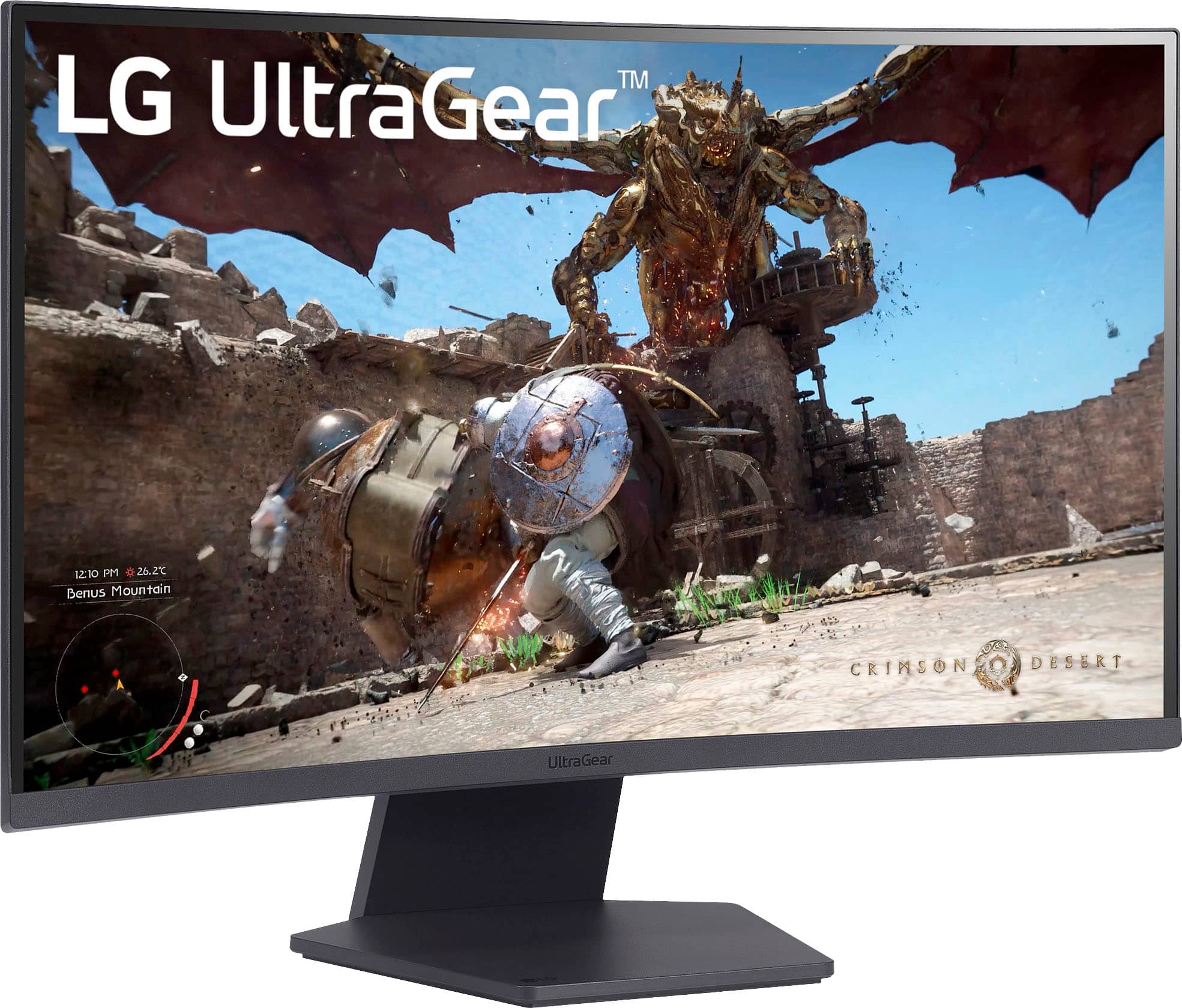
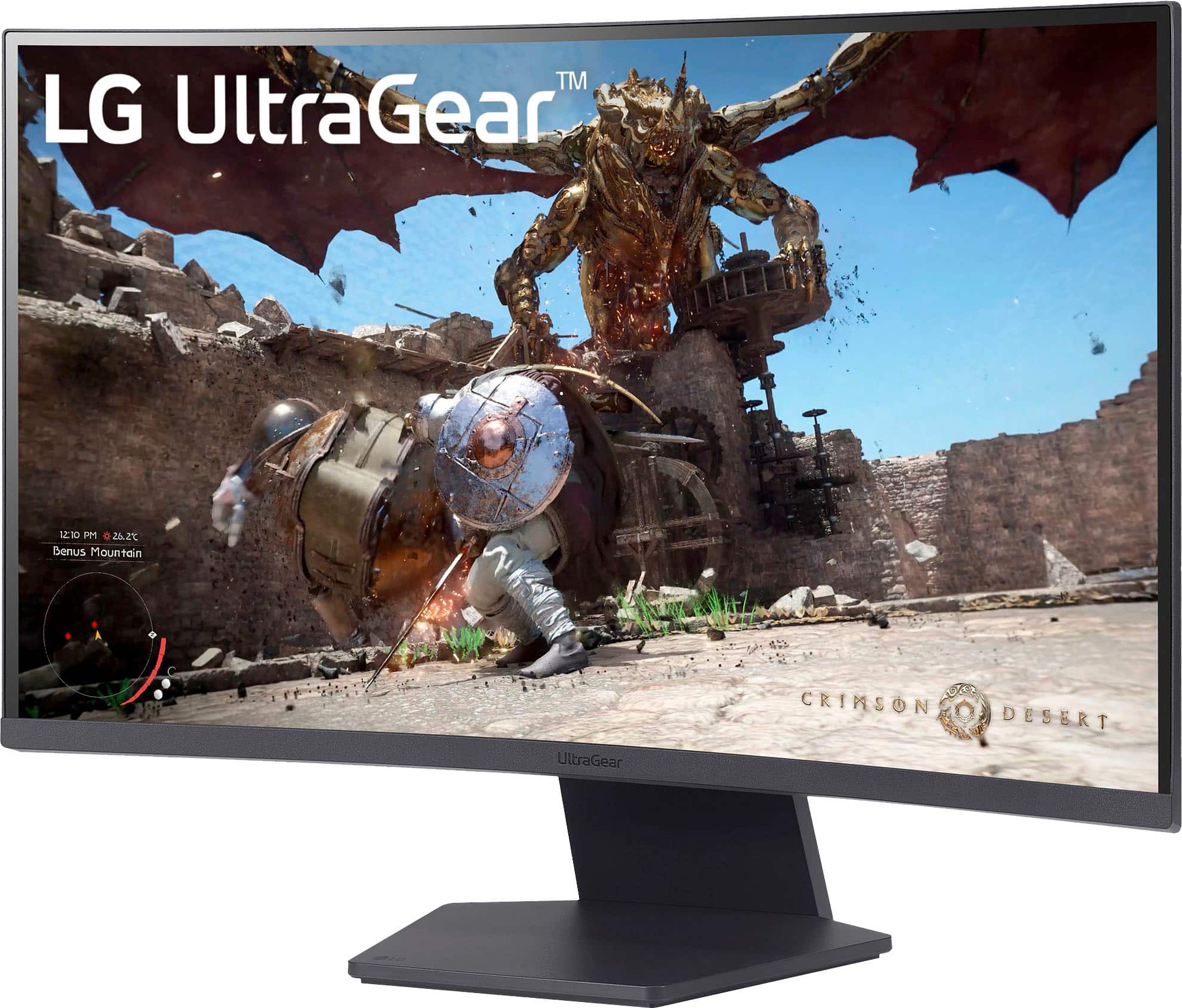
Customers love the UltraGear 27" monitor, especially the screen size and overall performance. Many users find the refresh rate and clarity to be great for gaming. However, some customers have noted that the monitor's adjustability is limited.
This summary was generated by AI based on customer reviews.
Awesome
||Posted .This reviewer received promo considerations or sweepstakes entry for writing a review.The quality is very good, was a gift to my brother and he loves it.
I would recommend this to a friendGreat product
||Posted . Owned for 2 weeks when reviewed.This reviewer received promo considerations or sweepstakes entry for writing a review.Great monitor but doesn’t fully support ps5 but works fully for xbox
I would recommend this to a friend- Pros mentioned:Picture quality
TV
||Posted . Owned for 1 month when reviewed.This reviewer received promo considerations or sweepstakes entry for writing a review.Picture quality is great, high quality for thw price. I highly recommended it
I would recommend this to a friend 3 them for office desk
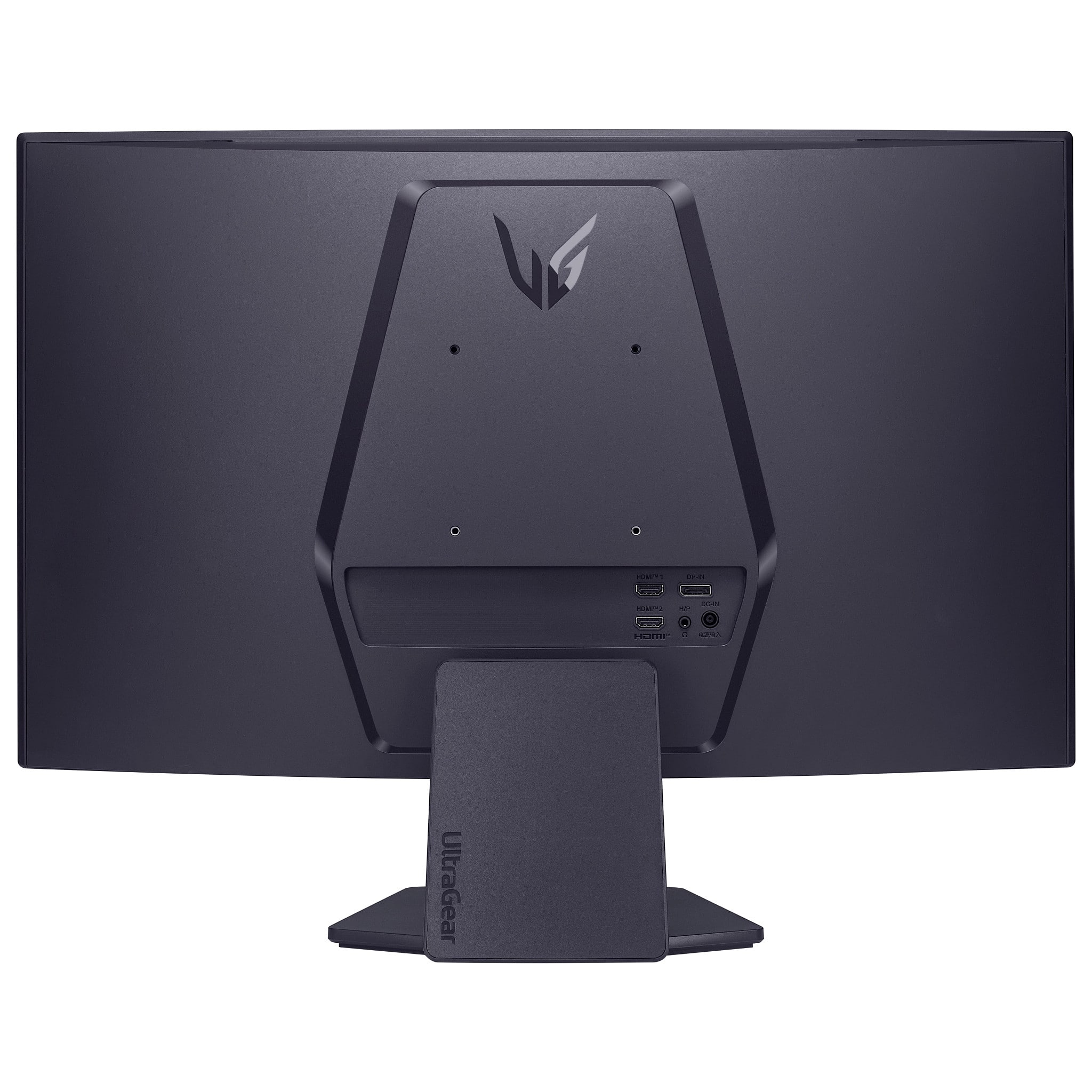
||Posted . Owned for 2 weeks when reviewed.This reviewer received promo considerations or sweepstakes entry for writing a review.They are sturdy and the quality is fair for the price point considering they feel and look very plasticky. I wish they would include usb-c to improve connectivity but that seems to be the catch to upsell monitors these days. I got 3 for an immersive experience and so far so good. The image is not as crisp as a high end monitor but its fair for an admin work monitor. I would recommend it.
I would recommend this to a friend- Pros mentioned:Picture quality
Lg monitor
||Posted .This reviewer received promo considerations or sweepstakes entry for writing a review.Great picture quality. Works well with my Mac mini
I would recommend this to a friend - Pros mentioned:Performance
10/10 would recommend
||Posted . Owned for 3 weeks when reviewed.This reviewer received promo considerations or sweepstakes entry for writing a review.My son loves this monitor it works great and arrived quickly definitely recommend.
I would recommend this to a friend LA review
||Posted . Owned for 1 week when reviewed.This reviewer received promo considerations or sweepstakes entry for writing a review.Did have trouble finding a docking station that supports two Display ports for the two monitors I bought.
I would recommend this to a friendAnother Happy customer!
||Posted .This reviewer received promo considerations or sweepstakes entry for writing a review.Granduaghter loved it as a birthday present. Remote is operation friendly and shes 8. Perfect size for a personal roomsize tv....
I would recommend this to a friendWhat a monitor
||Posted .This reviewer received promo considerations or sweepstakes entry for writing a review.This monitor is fantastic. I love curved monitors in general and with destiny im Getting well over 550 ffps. Highly recommend
I would recommend this to a friendSlick
||Posted . Owned for 1 month when reviewed.This reviewer received promo considerations or sweepstakes entry for writing a review.Love the resolution and the quality. If you are beggining on gaming this a good option.
I would recommend this to a friendMy first monitor
||Posted .This reviewer received promo considerations or sweepstakes entry for writing a review.It looks really good, great choice for a first monitor
I would recommend this to a friendDefinitely a great option
||Posted . Owned for 2 months when reviewed.This reviewer received promo considerations or sweepstakes entry for writing a review.Got this a gift for my son. So far i love it. Ive used MSI as my main monitor for the past 2 years and no issues so i'm expecting the same from this one.
I would recommend this to a friend
Hard to tune
|Posted .This reviewer received promo considerations or sweepstakes entry for writing a review.Maybe it's just me, but I could not figure out how to get the perfect settings for what I wanted. I spent over an hour researching and tinkering and still would see shades of red or something against a black background. Disappointing because this seemed to have great specs. It also was 3 weeks past due before I finally got it without any explanation to why.
No, I would not recommend this to a friendBrand response from LG Digital Customer Care
Posted .Hi, Dunamis. Thank you for reaching out and sharing your experience with the LG Monitor (27GS60QC‑B) model. We understand the importance of having a monitor that delivers the picture quality you expect right out of the box. One helpful step you can try is adjusting the Black Stabilizer and Gamma settings in the monitor’s Picture menu. When these are set too high or too low, you may see unwanted color tinting—especially red tones—against dark backgrounds. Setting Black Stabilizer around 50 and Gamma to Mode 2 is a good starting point, then fine‑tuning from there can help you reach a more neutral black level. For more guidance, visit https://www.lg.com/us/support/help-library/lg-monitor-how-to-use-the-black-stablizer-function--20153247885189. We’d be glad to take a closer look into this for you. Please send us an email at [email protected] so our team can assist you directly. ^Juvy

3rd Monitor
||Posted . Owned for 1 month when reviewed.This reviewer received promo considerations or sweepstakes entry for writing a review.Needed a 3rd Monitor for a new gaming set up and this definitely did the trick. All set up now and quite happy!
I would recommend this to a friendGood for price
||Posted .This reviewer received promo considerations or sweepstakes entry for writing a review.Worth the money if you can get it on sale but if you can afford the ips model go that route
I would recommend this to a friendNice monitor
||Posted . Owned for 3 weeks when reviewed.This reviewer received promo considerations or sweepstakes entry for writing a review.Pretty nice for the price the curve is great. I like it.
I would recommend this to a friend- Pros mentioned:Picture quality, Refresh rateCons mentioned:Adjustability

curvy
|Posted .This reviewer received promo considerations or sweepstakes entry for writing a review.the LG Ultra Gear 27 inch monitor has been an amazing addition to our home. My husband has absolutely loved having it for all his laptop games. the 27 inch screen feels huge after using 20 inch before. He was definitely unsure about the curved edges when we first got it, but sees to not be bothered by it now. Pros: this monitor has a really fast refresh rate. we haven't had any issues with visual quality of playback. it was extremely easy to set up, and weighed much less than we expected. the instructions were useful and fairly easy to follow. Cons: it didn't come with a traditional HDMI cable, so we had to use our other cable from our previous monitor. it can't adjust up or down, which doesn't seem that big of a deal, until you need it to be an inch higher. and you have to screw the monitor together, but it doesn't come with a screwdriver. so we had to wait until we were home to put it together. We would recommend this product if you are looking for a new gaming monitor for you or a friends.
I would recommend this to a friend Gaming
||Posted . Owned for 2 months when reviewed.This reviewer received promo considerations or sweepstakes entry for writing a review.Good monitor for gaming and for the price, can’t complain
I would recommend this to a friendGood Monitor for gaming
||Posted . Owned for 3 weeks when reviewed.This reviewer received promo considerations or sweepstakes entry for writing a review.Great graphics for the price point. You can't beat the price for what you get.
I would recommend this to a friendAverage
|Posted . Owned for 1 month when reviewed.This reviewer received promo considerations or sweepstakes entry for writing a review.very washed out and if you turrn up the color, its very blurry
No, I would not recommend this to a friend