Customer Ratings & Reviews
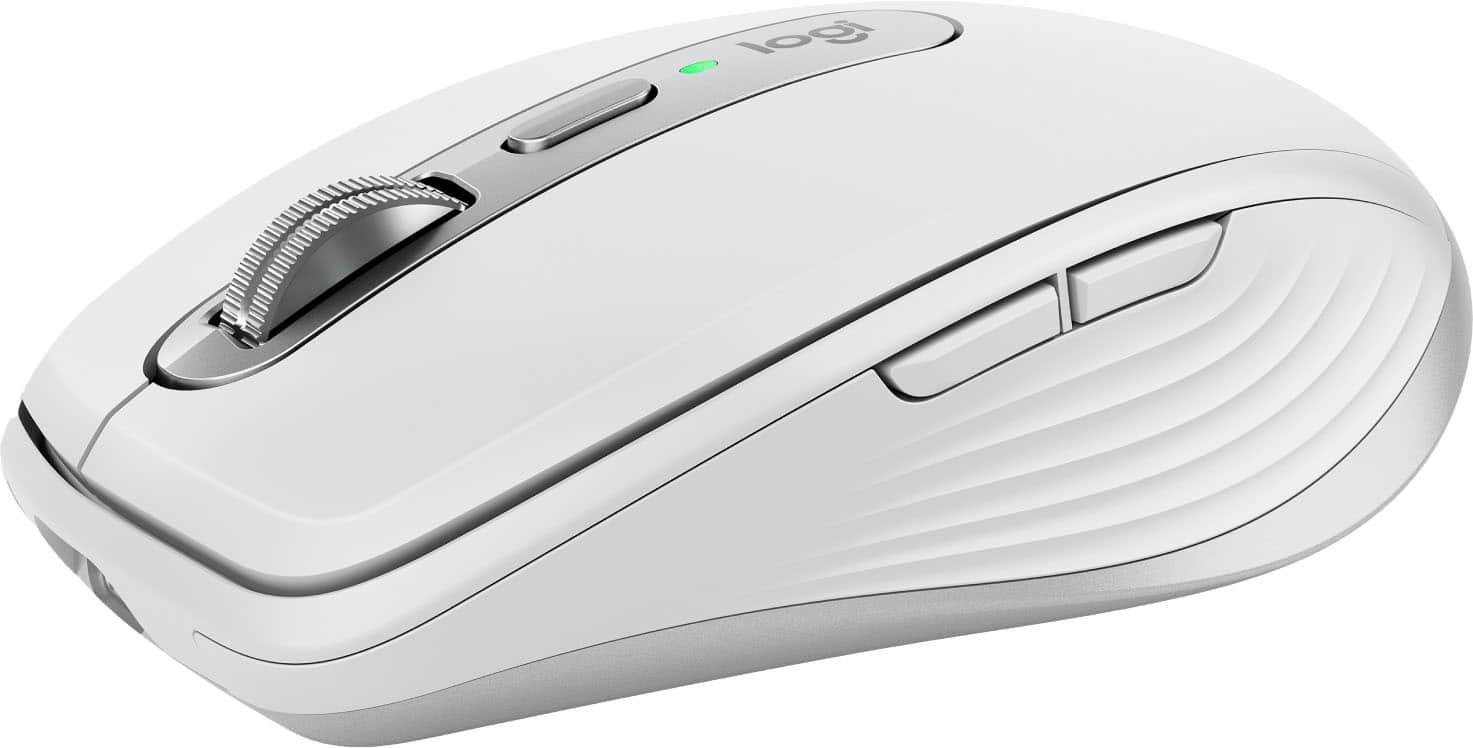




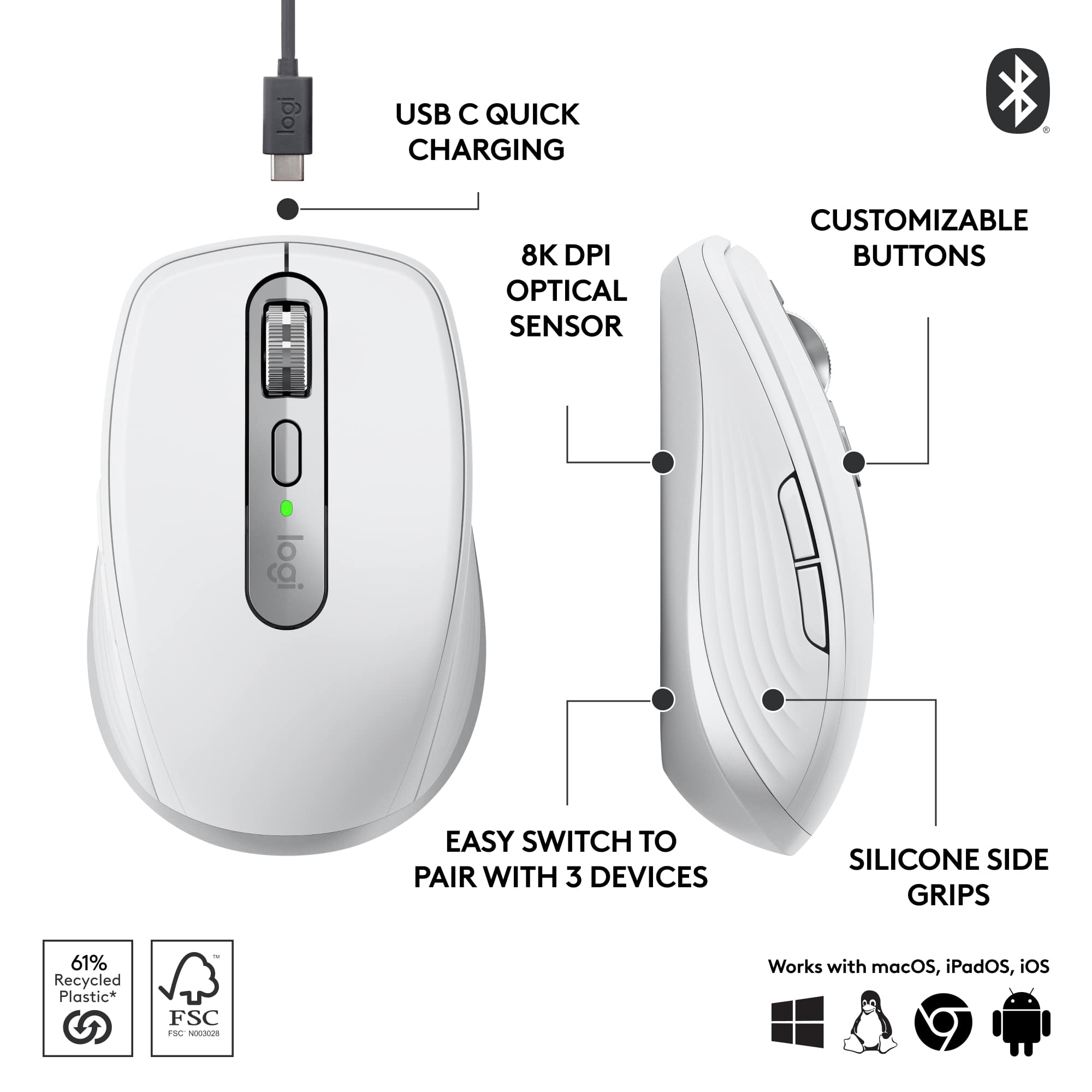






- Model:
- 910-006926
- SKU:
- 10839824
Rating by feature
- Value
Rating 4.5 out of 5 stars
- Quality
Rating 4.7 out of 5 stars
- Ease of Use
Rating 4.8 out of 5 stars

Awesome small mouse
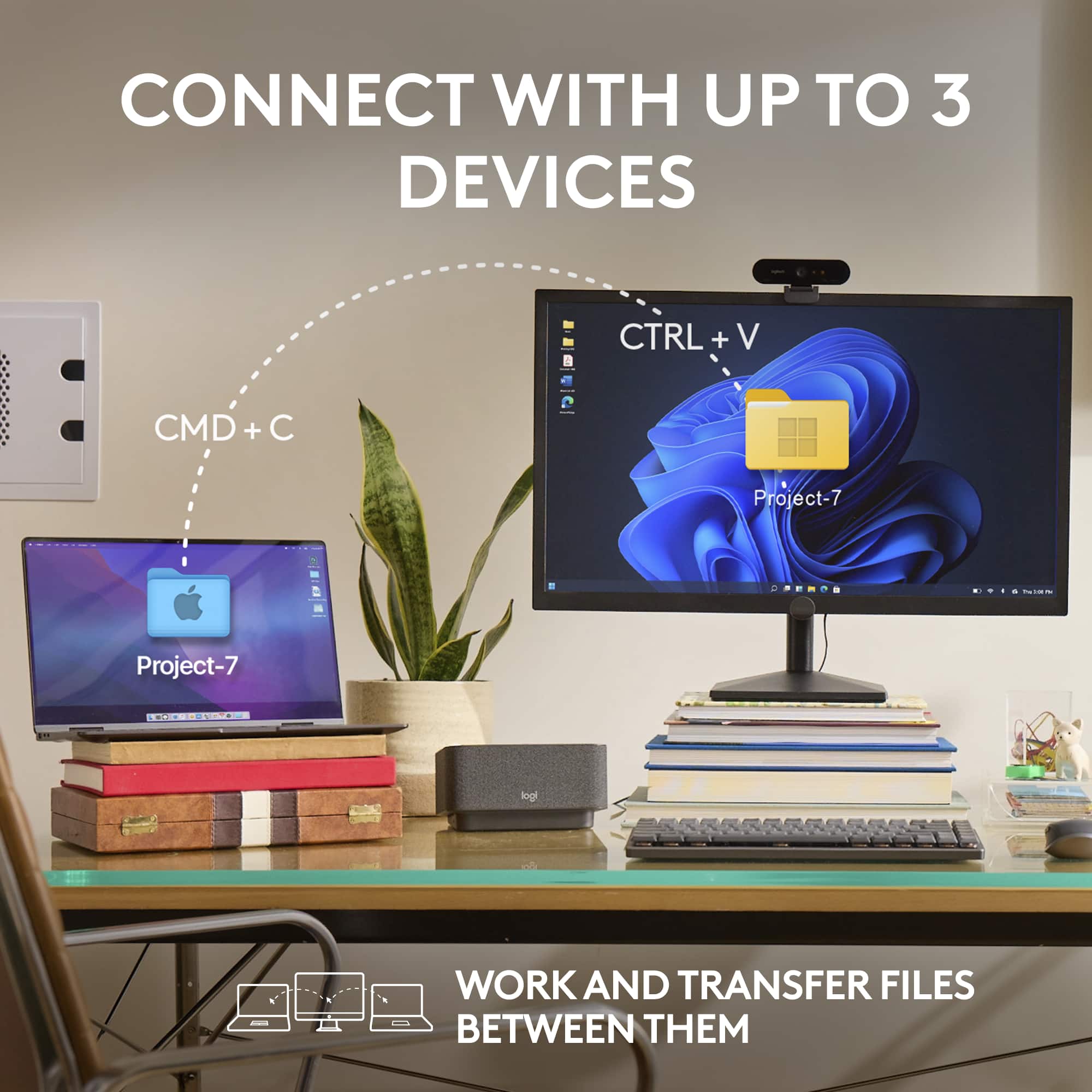
|Posted .This reviewer received promo considerations or sweepstakes entry for writing a review.I really love this mouse as it is truly a great anywhere mouse and I love that it works on Bluetooth so it will work with everything that has Bluetooth. its easy to charge and easy to set up. I love that you can pair it with at least 3 items and can switch to the one you want with just the push of a button. I found that even I can pair to my tablet making some things on it even easier to use on it. This works with or with out Logitech Options Plus too. That makes it easier if your firmware needs updating or even just need know you need to charge it. It has everything my larger mouse does with scroll wheel and forward and back buttons. you can use it with or without mouse pad and it glides effortlessly on any surface. This is a great travel mouse too because of its small size you can put it anywhere to have it ready to use in just a minute once paired. I can take to work or on a plane trip and use it while I am in the air getting work done on my laptop instead of having to use touch pad. I have even tried this with my work computer too and as always it works great
I would recommend this to a friendBest Mouse
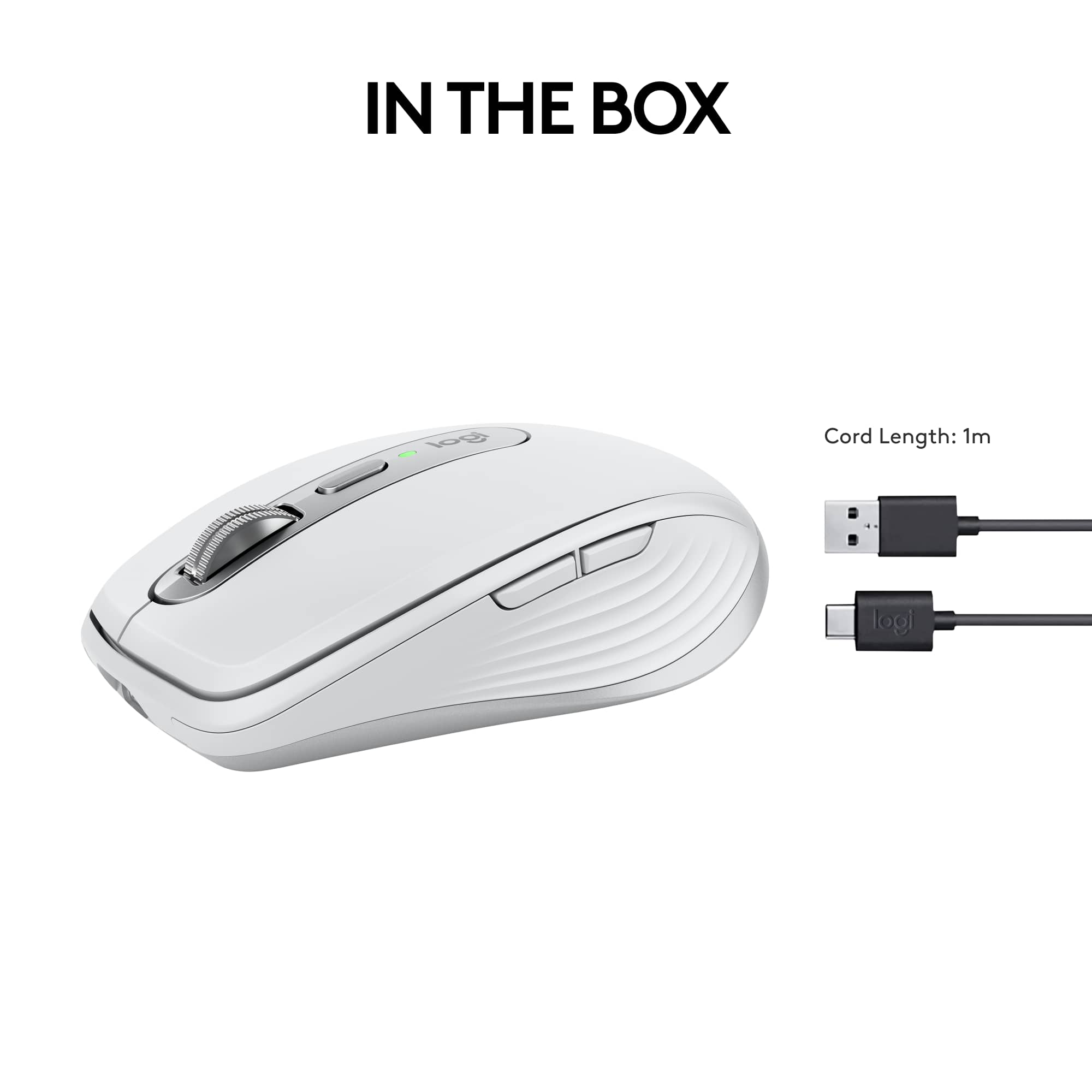
||Posted .This reviewer received promo considerations or sweepstakes entry for writing a review.This mouse feels really nice in your hand and glides across any surface that it’s on. It will remember three devices. With a simple little button on the bottom, you can click it and switch to whatever device you’re using. I use this for an HP computer and a MacBook Pro and switch between the two easily. I love that I don’t have to have the USB dongle anymore. And it’s a USB-C charger in so I can hook up to any device and charge and use it at the same time. It’s really nice to use with Lightroom classic to edit photos as well. The battery last really long as well.
I would recommend this to a friendBrand response from Logitech
Posted .We're glad to hear you're enjoying the comfort and versatility of your MX Anywhere 3S! It's fantastic that the multi-device switching and USB-C charging are enhancing your workflow, especially with creative applications like Lightroom Classic. Your feedback on its seamless performance is greatly appreciated.

PERFECT MOUSE for me, but can be for you too!
||Posted .This reviewer received promo considerations or sweepstakes entry for writing a review.I have been using the MX Master 3S Wireless Mouse for a couple years now and my goodness it is such a comfortable mouse, but it does have some downfalls compared to this MX Anywhere 3S Wireless Mouse. I barely picked up this mouse today and I have got to say that this mouse is perfect for every lifestyle. Whether you're on the go as a student, working in an office, or going on vacation but needing to stay wired to your studies/research. This mouse is sleek, comfortable, portable, long-lasting, and a perfect companion to your choice of tablet, laptop, etc. The one thing I will say that completely surprises me is the seamless connectivity, for my previous mouse I would use the given 2.4GHz receiver, but this mouse connects via bluetooth and its smooth as butter. To be honest with you I don't think I will ever go back to the MX Master series and will continue to invest in the MX Anywhere series from here on out! Also I'd like to mention that the bluetooth connectivity for the MX Master 3S I had was giving me issues for quite some time so that is the reason why I chose to use the receiver (not as versatile though).
I would recommend this to a friendBrand response from Logitech
Posted .Thank you for your amazing review of the Logitech MX Anywhere 3S Wireless Mouse! We're thrilled to hear that it's the perfect mouse for your lifestyle and that you're so impressed with its features and performance. We appreciate you taking the time to share your enthusiasm.
Great mouse! Nice scroll & tracking & App configs.
|Posted .This reviewer received promo considerations or sweepstakes entry for writing a review.I got a new laptop, which didn't have a USB-A port, so using my beloved Logitech M510, was going to be more difficult. I decided on the Logitech MX Anywhere 3S because I can use it with a USB receiver (not provided) or Bluetooth. I've been using the MX Anywhere 3S for about 4 days now on my home laptop, work laptop and my desktop. I really love it and it is the perfect replacement for my trustworthy M510. First, the Logitech MX Anywhere 3S is slightly smaller than my M510, which makes the 3S great for traveling with my laptop. But, the size and fit are very nice and easy to use for long periods of time. The MX Anywhere 3S has a smooth scroll wheel with a great tactile feel. In addition, moving the mouse around on the screen uses simpler, more precise movements, which don't look jerky or too fast. The back and forward buttons are easy to find with your thumb without having to look as well. Secondly, I really like that I can connect/pair my Logitech MX Anywhere 3S mouse to three different devices and easily switch between either of them at anytime. So, I can be using the MX Anywhere 3S with my desktop, then quickly switch to my home laptop or my work laptop with a push of a button on the bottom. It remembers each device and you can see which device is programmed to each easy-switch button in the Logitech Options+ App. Lastly, what I really love is that I can program the different buttons on the MX Anywhere 3S to perform App specific functions by App. For example, in MS-Word I can program the Back button to be Undo and the Forward button to be Redo. But, in Adobe Lightroom, the Back button could be Zoom Out and the Forward button could be Zoom In. I really love this feature and it is been a great time saver for me. As I mentioned, I have only been using this for 4 days, so I am still figuring out the best way to configure my new mouse and what I want the buttons to do in each App. I haven't checked to see if those configurations are automatically synced to my other PCs (i.e., do they sync to my desktop, work laptop, and home laptop). But, I really like how simple Logitech has made this mouse to setup, configure, and use. It automatically setup the main Apps on my system like MS-Office. But, you can easily program the buttons for any other App in the Logitech Options+ App too. I highly recommend the Logitech MX Anywhere 3S. It works great for desktop and mobile use. Over my old M510, this is a lot more precise and smoother using it. It is also considerably more configurable and saves time with repetitive tasks. It is a great value.
I would recommend this to a friendRevolution of Evolution
|Posted .This reviewer received promo considerations or sweepstakes entry for writing a review.I’ve been using Logitech mice and keyboards for as long as I can remember, as far back as the Logitech C7 3 button DB9 serial mouse. They simply make great peripherals that have been helping me game, then college, then earn a living ever since my first PC XT. I’ve owned a little bit of everything Logitech has made over the years and they’ve (almost) never let me down. The Logitech MX Anywhere 3S then is the next entry for me in what has been a long pedigree of Logitech products. There have been a few Logitech missteps along the way, few and far between, but the Logitech MX Anywhere 3S isn’t one of them. I love this mouse, it’s a very natural ergonomic and functional step in the MX Anywhere series of mice of which I have owned at least one of each step of the way. The fit in the hand is a minor update of the classic MX Anywhere mouse, which is a good thing. The most notable changes to me are 1) that the 3S is subtly more rounded, 2) the texture on the side of the mouse is more grip-y, and 3) that the 2 main buttons meet in the middle instead of being separated by a small non-clickable strip. This adds up to a more natural, slightly less angular overall look and feel. Another minor change is the distinct middle button (not the wheel button). In the 3S this distinct middle button serves as a toggle for the roller to be click-y or smooth, whereas on the 2 and 2S you do that by clicking the wheel itself. Alternately, the 3S also dynamically senses if you spin the wheel and will, all on its own, switch from click to smooth if you flick it. This is a small but excellent feature evolution because it’s exactly the kind of thing you’d do, and want to do, on the fly without thinking about it while scanning through a large web page or document. Also changed is that the 3S wheel doesn’t have side-to-side clicks for horizontal scrolling, though you can easily depress the wheel and lock the mouse into pan/scroll mode for panning around images and documents in all available directions. Technologically the 3S continues to use “Darkfield” technology which means it works on glass and other shiny surfaces that used to be the bane of optical mice. Also nice is to see the charging port updated to USB-C, one step closer to having one USB port for everything. It also supports pairing to 3 different devices, and switching between them as simply as cycling through the 1-3 selector on the bottom of the mouse, clearly helpful when want to use the same mouse for personal and work laptops, or even pair to your phone or tablet. The 3S also supports Logitech’s BOLT USB receiver though this model doesn’t come with one. All-in-all it’s an excellent next step and natural evolution of the MX Anywhere line of mice.
I would recommend this to a friendGreat addition to any traveling work setup
|Posted .This reviewer received promo considerations or sweepstakes entry for writing a review.The Logitech MX Anywhere 3S is the little mouse that could and will. I’ve used a lot of different mice for both work and play over the years, but the Logitech MX series is one of my favorites overall. The feel of the series is quality, feature rich, and just always works. I’ve been using the MX Master 2S as my primary work mouse for over 4 years to use as a baseline comparison to the MX Anywhere 3S too, but for travel and just anywhere use, the MX Anywhere 3S is by far preferable. Pro • Size, Shape, and weight in hand feel good. • Ease of switching between paired devices. • Quick charge Con • Might be too small for larger hands. The MX series all come with the ability to pair with up to 3 devices, that can be switched between with a simple push of a button. I Bluetooth paired it with my personal desktop and work laptop with ease, simply click the pair button to an unpaired slot and add via Bluetooth settings. The Logi Options+ app allows you to also do this but is not required to use the mouse. Which I particularly like, as I want less background software running for my simple peripherals. All the added buttons worked out of the box without needing updates/changes; back, forward, scroll, scroll lock. The mouse is on the smaller side, but just fits into your hand perfectly. It is extremely smooth on most surfaces, I have yet to find something it has an issue with! The MX Anywhere 3S improves over the prior model by more than doubling the DPI settings, from 4,000 DPI to 8,000 DPI! This makes the mouse feel precise and snappy, this is up there in in mouse sensitivity allowing for easy use with multi monitor setups or even for gaming in a pinch. I played a few rounds of Fortnite with this mouse and had no issues besides my lack of skill with a mouse and keyboard. The MX Anywhere 3S features a quick charge feature that allows you to charge the mouse using a USB C connection for up to 3 hours of use on 1 min of charge. At full charge, the mouse has been rated for 70 days of use. I have been using it as my main work and play mouse for the past week, and it has only dropped by 10% with 14+ hours of daily use. Overall, I am extremely happy with this mouse, it will always be added to my travel bag when heading into the office or out of town as the size and features make it perfect for on the go! It might even replace my aging MX Master 2S. The improvements to the MX Anywhere 3S over prior models on DPI sensitivity and quick charge make it a must add to any laptop worker or travel professionals list of must have devices. 10/10 will be recommending this one.
I would recommend this to a friendProbably one of the most versatile mice
|Posted .This reviewer received promo considerations or sweepstakes entry for writing a review.If you are looking for a mouse that works flawlessly on any surface, especially woody surfaces (which most mice have problems with), and is fully responsive, quiet, and easy to move, the Logi MX Anywhere 3S Wireless Bluetooth mouse might just be one of the best. You can use the light and compact mouse on up to three different computers/laptops, Windows and MacOS, and once it is paired on all of them, easily switch among them using the "Easy-Switch" button on the bottom side of the mouse. Though this mouse is designed for mobile use, and is, as such, compact, I have used this mouse extensively with my desktop and laptop systems as my main mouse for three weeks, and am as excited as on day-1. And the battery level shows an 80% charge, wow, and, it is using a USB-C port for charging (cable is provided) and you can use the mouse while charging! It will fit nicely in the palm of smaller hands. Connecting the mouse via Bluetooth is quite easy as you have two options: - Use the Windows 10/11 Bluetooth settings menu to pair the mouse with your system (which is what I chose to do; [press [Windows-key and x] - select "Settings" from the pull-up menu - select Bluetooth & devices from the left navigation menu - select "Add device"] - Use the downloadable "Logi Options+" software from the Logitech website and go through the "Add Device" steps The "Logi Options+" software also enables you to "fine-tune" your mouse's behavior, such as pointer speed, extend sensor range to 8K DPI, the wheel's scrolling and direction (highly recommend turning "smooth scrolling" to "on" to enjoy a better website experience when you scroll through content), what the middle, forward, and back button do, etc. Getting to know and fine-tune your mouse is so enjoyable when using the "Launch Feature Tour" feature from the Settings menu. The most intriguing feature, which I didn't get to test, is the "Logi Flow" option in Logi Options+, which is to enable easy computer switching by moving the mouse cursor to the edge of the screen, and even transferring text, files, and images between them, how cool is that?! Only pre-requisite for this to work: The computers need to be on the same network. In summary, I am giving this mouse an overall, 5 stars out of 5, even though I experienced a few Logi Options+ software issues, which may have already been fixed by the time you read this review. I would definitely recommend the mouse to my friends and family for sure.
I would recommend this to a friendBrand response from Logitech
Posted .Hello UweZ, we are so happy to hear that the MX Anywhere 3s mouse is meeting all your needs! At Logitech, it is our goal to ensure you are completely satisfied with your Logitech purchase. We take pride in the products and services we offer, and want our customers to enjoy them just as much as we do. Thank you so much for the 5-star review! If you ever need help with your mouse, don't hesitate in reaching out to us on our support page. I'll attach the link at the end of this message. Thank you for being part of the Logitech family, have a great day. -Ricky from Logitech. https://support.logi.com/hc/en-us/articles/12895016873495-Getting-Started-MX-Anywhere-3S
Great Mouse
||Posted . Owned for 2 weeks when reviewed.This reviewer received promo considerations or sweepstakes entry for writing a review.Good Compact mouse Ir Works on any surface I like the long battery life. Some times I forget to charge it. I have a 3 laptops and I can use the same mouse on all 3 just change the setting on the bottom of the mouse The mouse is great for travel. MX Anywhere 3S Wireless Bluetooth and a MX Anywhere 3 Wireless Bluetooth. I like the tracking better on the MX Anywhere 3 Wireless over the MX Anywhere 3S
I would recommend this to a friendSolid, but too loud and too small for everyday use
||Posted . Owned for 1 week when reviewed.This reviewer received promo considerations or sweepstakes entry for writing a review.I wanted to love this mouse so much, but it's just a little too small for everyday use, even though I have (barely) medium-sized hands. I'm going to get the Master 3s instead. It's well-built and super comfortable to use, and the multi-device and Flow technology are both incredible, though they're not exclusive to this mouse. It is still surprisingly noisy, even though this is the "S" update that supposedly made this a quiet mouse. I know some mice are genuinely silent, and I'd prefer that they implement a more robust silent clicks feature in this mouse.
I would recommend this to a friendWorks great as expected.
||Posted .This reviewer received promo considerations or sweepstakes entry for writing a review.Works great, just like the 2s that it replaced which had the battery wear out. The bluetooth connection with my desktop, was intermittent at best, so I had to buy a bolt receiver. I knew that was a possibility going in, still disappointing that I could not have used the standard unifying receiver.
I would recommend this to a friendBrand response from Logitech
Posted .Thanks for sharing your experience—it’s always a pleasure to hear from happy customers. We’re delighted that our product is serving you well and making a difference in your day-to-day routine. We appreciate your trust in Logitech.
The best is now better (quieter)
||Posted . Owned for 1 month when reviewed.This reviewer received promo considerations or sweepstakes entry for writing a review.The buttons are much quieter than previous versions. This is my 4th anywhere mouse. Perfect for me on the road and at my desk. Battery lasts forever between charges. Tracks evenly on any surface. works with 3 devices. Bluetooth. No other mouse I have tried comes close.
I would recommend this to a friendBrand response from Logitech
Posted .Thanks for the glowing feedback! 🌟 It’s awesome to hear the MX Anywhere 3S is not only quieter, but still a powerhouse in portability, versatility, and battery life. Having it as your fourth choice says it all—clearly a champion mouse for work and travel!
This anywhere mouse? Yeah, It works. Anywhere.
||Posted .This reviewer received promo considerations or sweepstakes entry for writing a review.This Anywhere mouse, what can I say? It works. Anywhere. Glass? You name it. Airplane bathroom sink? No problem! A convenient alternative to scratching your furry best friend's belly? That back leg scratches the ear. The best part? I was still able to 360 no-scope headshot someone in a really old obscure FPS. (True story.)
I would recommend this to a friendBrand response from Logitech
Posted .Thank you for your kind words! We’re delighted the Logitech MX Anywhere 3S Wireless Mouse is performing well for you. Your feedback inspires us to keep pushing forward.
5-Star all over
||Posted . Owned for 1 month when reviewed.This reviewer received promo considerations or sweepstakes entry for writing a review.I don't know what I could say about this mouse other than it's the best mouse I've ever bought. Not top of the line, however it doesn't need to be. If you're looking for a mouse that feels comfortable, has great response time, and easy to use, this is the mouse for you!
I would recommend this to a friendBrand response from Logitech
Posted .We’re really grateful for your thoughtful review. It’s wonderful to know that our product is delivering the performance and ease of use you were hoping for. Hearing from satisfied users like you keeps us motivated. Thanks for choosing Logitech!
Good quality, great scrolling features
||Posted . Owned for 3 weeks when reviewed.This reviewer received promo considerations or sweepstakes entry for writing a review.Best part is how the scroll wheel can be changed from clicking to smooth scroll. Once you have the festure it is easy to navigate anything you are doing with precision. It is also quiet and has a lonf battery life.
I would recommend this to a friendBrand response from Logitech
Posted .Thanks for the detailed review! 🖱️ The MX Anywhere 3S really shines with its MagSpeed scroll wheel, letting you switch between ratchet and hyper-fast modes for ultra-precise navigation. Quiet clicks and up to 70 days of battery life make it a powerhouse for productivity on the go. Appreciate you spotlighting its versatility! 🙌
Logitech MX Anywhere 3S
||Posted . Owned for 1 month when reviewed.This reviewer received promo considerations or sweepstakes entry for writing a review.I recently purchased the Logitech MX Anywhere 3S, and I have been thoroughly impressed with its performance. This mouse is a true all-around performer that exceeds expectations in every aspect. The ambidextrous design, coupled with the side buttons, makes it comfortable and convenient to use. One of the standout features is its exceptional battery life, which is a common trait among Logitech mice. With just a single AA battery, it can last up to a year, ensuring uninterrupted usage. The switch from a dongle to Bluetooth connectivity is a welcomed change, allowing seamless connections to multiple devices. Whether it's for business, schoolwork, or even gaming, the MX Anywhere 3S delivers outstanding performance. I highly recommend this product to anyone in need of a versatile and reliable mouse.
I would recommend this to a friendBrand response from Logitech
Posted .We’re really grateful and appreciate you taking the time to share your feedback with us. Also, we're very glad to hear you love the product as much as we do. Thank you and have an amazing day! 😀
Love this!
||Posted . Owned for 1 week when reviewed.This reviewer received promo considerations or sweepstakes entry for writing a review.I recently purchased the Logitech MX Anywhere 3S Wireless Mouse for my MacBook Pro, and I couldn't be more impressed! This mouse is a game-changer in terms of efficiency and effectiveness, making it an essential tool for both work and play. From the moment I unboxed it, the sleek design and high-quality build made a great impression. The black finish looks modern and professional, perfectly complementing my MacBook. It fits comfortably in my hand, allowing for hours of use without any discomfort. The fast scrolling feature is fantastic! Whether I'm browsing through long documents or scrolling through endless web pages, it glides smoothly and saves me so much time. The ability to switch between different devices seamlessly has made multitasking a breeze. I can easily connect it to my MacBook and my iPad without any hassle. One of my favorite features is the programmable buttons. Customizing them to perform specific tasks has made my workflow significantly more efficient. I can now execute commands with a single click, which has improved my productivity immensely. Battery life is another area where this mouse excels. I’ve been using it for weeks on a single charge, and it quickly powers back up with just a short charging session. Overall, the Logitech MX Anywhere 3S is nothing short of amazing. It seamlessly blends functionality, comfort, and style, making it a must-have for anyone who values efficiency. If you’re looking to elevate your workspace, this mouse is undoubtedly worth every penny!
I would recommend this to a friendBrand response from Logitech
Posted .Thanks for sharing such a detailed and enthusiastic take! The MX Anywhere 3S such a standout—sleek design, seamless multi-device connectivity, and those ultra-useful programmable buttons.
Great little mouse
||Posted . Owned for 2 months when reviewed.This reviewer received promo considerations or sweepstakes entry for writing a review.Great little mouse. I do like that it can connect to multi computers. Have it connect to my personal laptop and work and easy to switch. Only thing that would make it better is if it had the little bag like the very old ones did. Would make it easier to travel if it did
I would recommend this to a friendBrand response from Logitech
Posted .Thanks for sharing your experience—it’s always a pleasure to hear from happy customers. We’re delighted that our product is serving you well and making a difference in your day-to-day routine. We appreciate your trust in Logitech.
Best mouse.
||Posted . Owned for less than 1 week when reviewed.This reviewer received promo considerations or sweepstakes entry for writing a review.This is the best mouse to replace the older MX Anywhere series. I have a RAZER pro click mini which is also fantastic, but the Logitech software and hardware is just better and more polished. I thought I would miss the side scrolling from the MX anywhere 2, but the button combo works and it has already become second nature to use. Balance and size is perfect - I use it all the time, not just for mobile.
I would recommend this to a friendBrand response from Logitech
Posted .Thank you for your feedback on the MX Anywhere 3S mouse. We're glad to hear that you're enjoying it as a replacement for the older MX Anywhere series. We appreciate your feedback on the button combo balance and size. We're always working to improve our products, and your feedback is valuable to us.
Logitech super smooth mouse / easy multipairing!
||Posted . Owned for 1 week when reviewed.This reviewer received promo considerations or sweepstakes entry for writing a review.Great feel for a compact mouse - Bluetooth pairing was so effortless, I already synced it to 3 computers which the button allows you to easily switch between them.
I would recommend this to a friendBest Mouse I’ve used.
||Posted . Owned for 1 month when reviewed.This reviewer received promo considerations or sweepstakes entry for writing a review.I had the MX Anywhere 2S for years and it was awesome. The buttons stopped working so I purchased this new and improved one. It’s so much better. I didn’t think I would love a mouse this much. It’s honestly the best. I will continue to buy these as needed. The battery lasts forever and you can really customize it with the software download. If you need a great mouse on the go this is the one. I travel for work and am constantly dropping these and they have held up well! Some people are shocked at the price but it’s well worth it after having used the other model for so long!
I would recommend this to a friend