Customer Ratings & Reviews
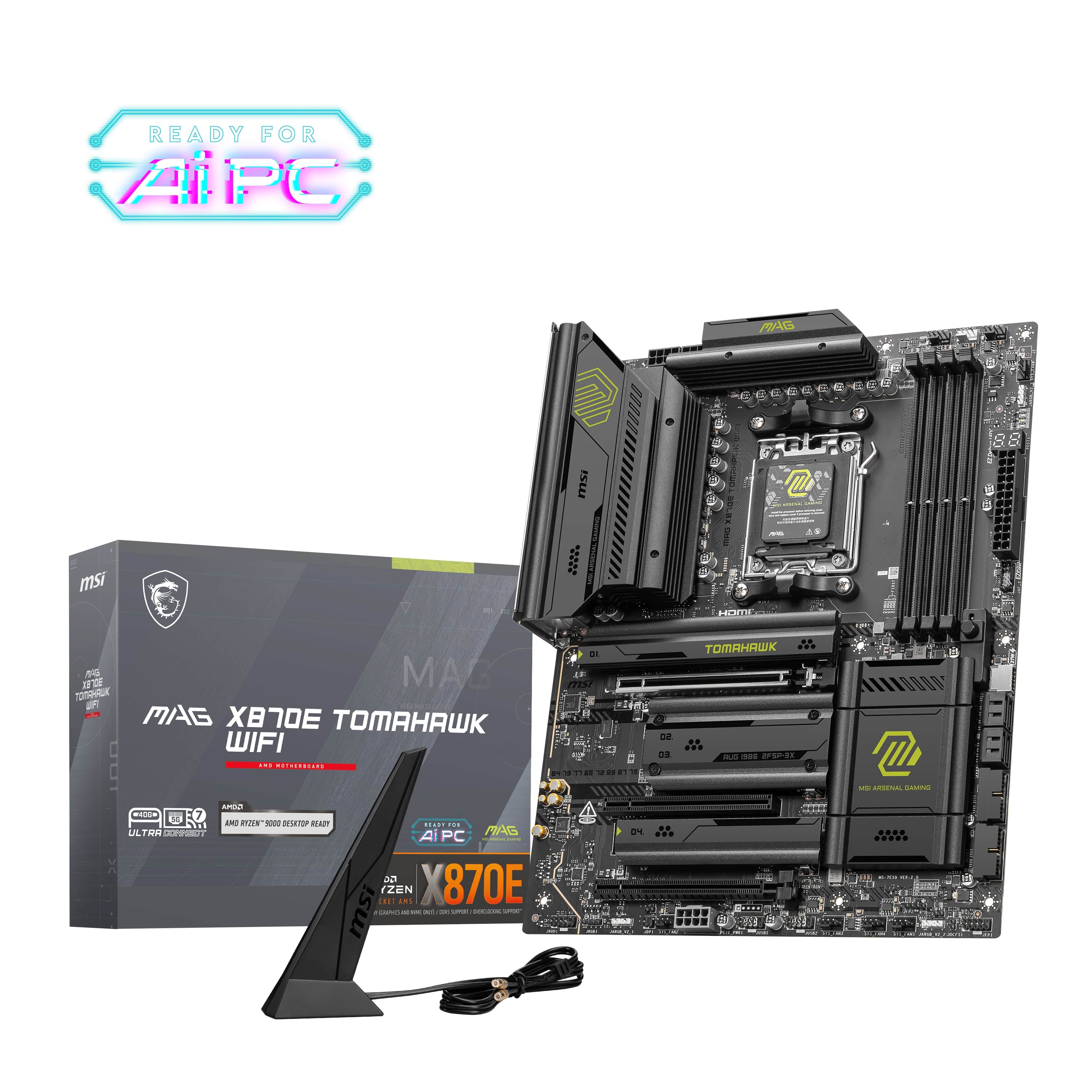
- Model:
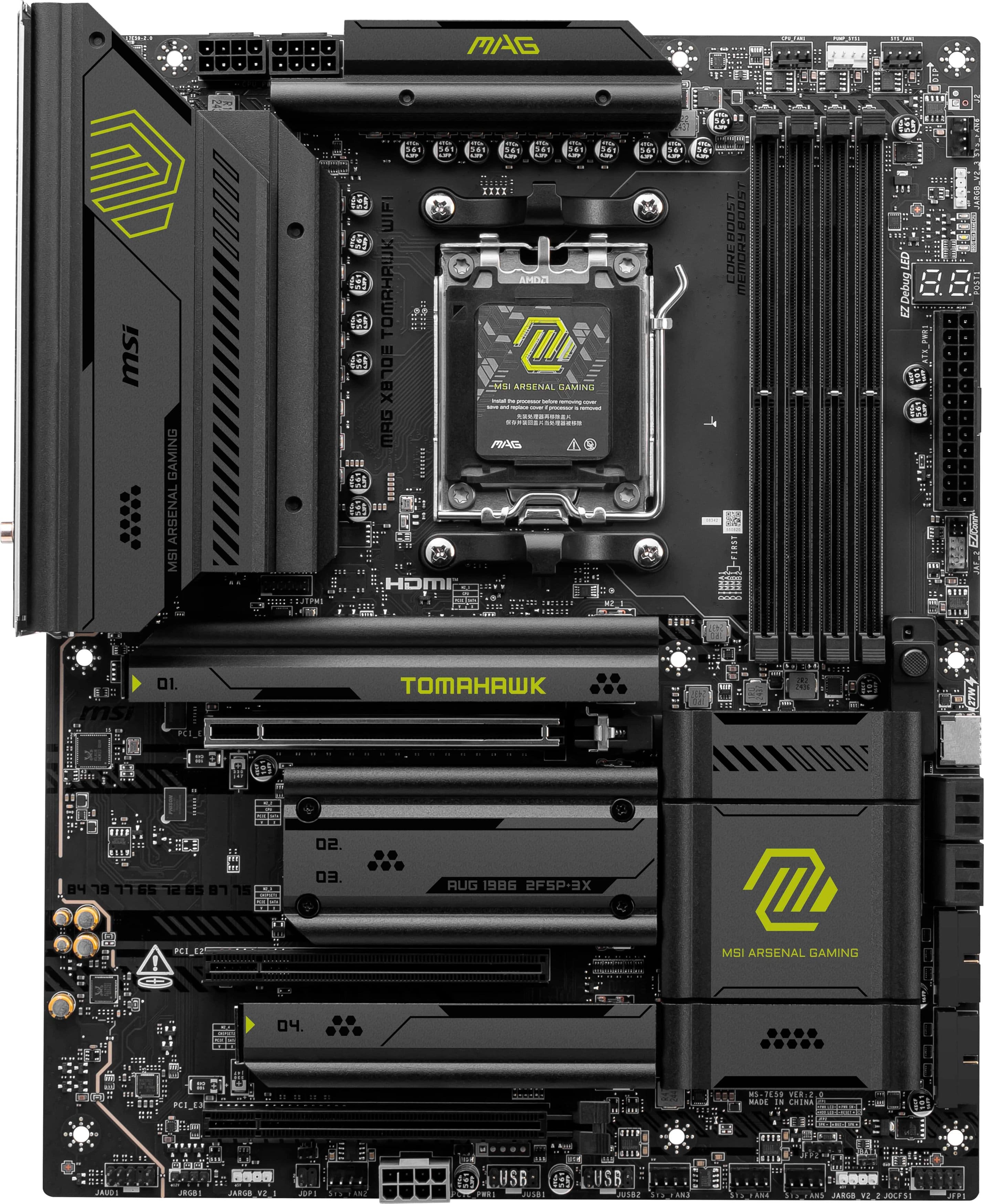
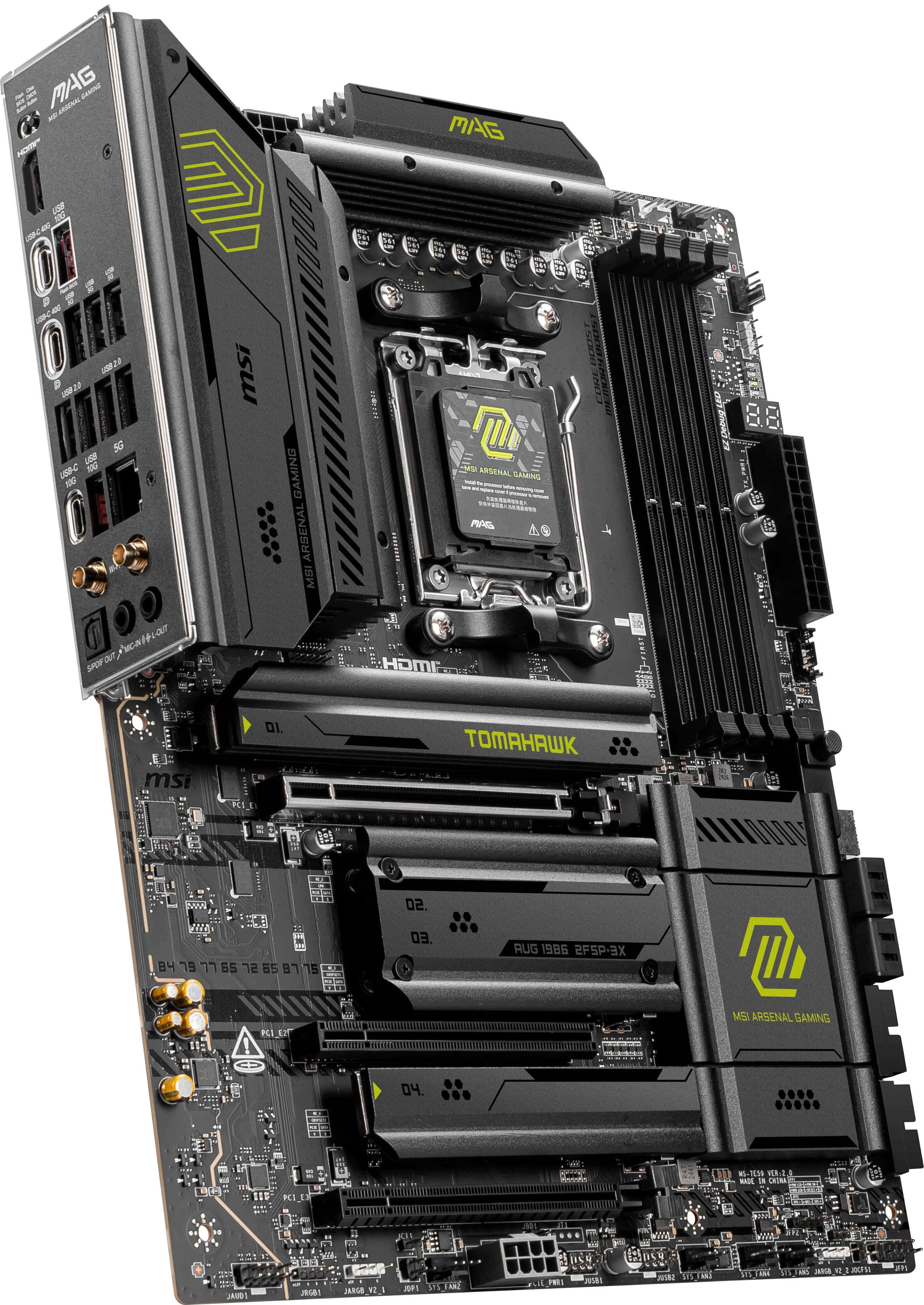
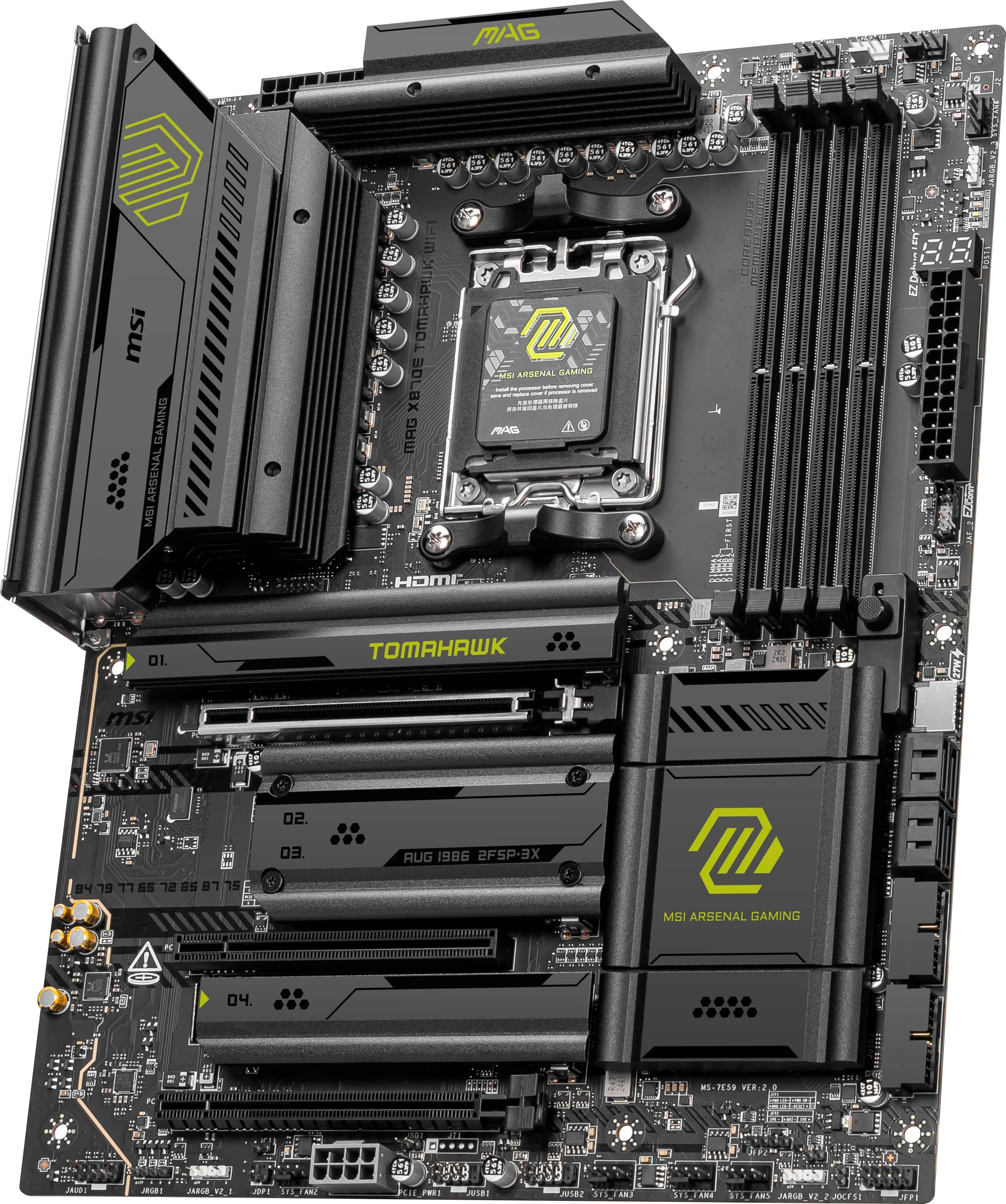
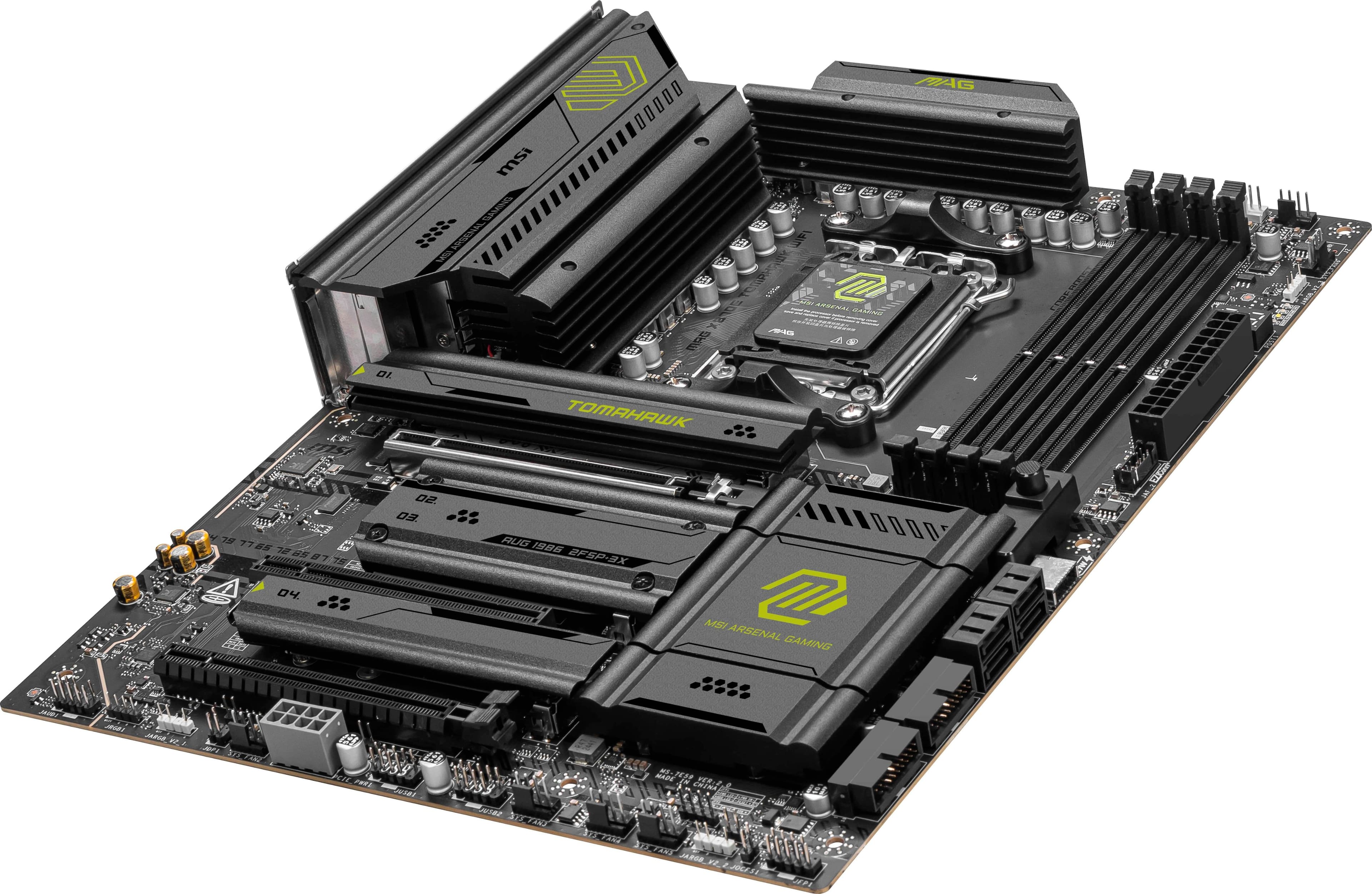
- MAG X870E TOMAHAWK WIFI
- |
- SKU:
- 11526008
Customer reviews
Rating 4.7 out of 5 stars with 125 reviews
(125 customer reviews)Rating by feature
- Value4.6
Rating 4.6 out of 5 stars
- Quality4.7
Rating 4.7 out of 5 stars
- Ease of Use4.7
Rating 4.7 out of 5 stars
Rated 5 out of 5 stars
Good. Works. Nice.
||Posted . Owned for 2 weeks when reviewed.This reviewer received promo considerations or sweepstakes entry for writing a review.Installed it once. Haven't thought about it since.
This review is from MSI - MAG X870E TOMAHAWK WIFI (Socket AM5) AMD X870 ATX DDR5 Wi-Fi 7 Motherboard - Black
I would recommend this to a friendRated 5 out of 5 stars
Great Motherboard
||Posted .This reviewer received promo considerations or sweepstakes entry for writing a review.Great motherboard. Efficient and many ports. Excellent for gaming
This review is from MSI - MAG X870E TOMAHAWK WIFI (Socket AM5) AMD X870 ATX DDR5 Wi-Fi 7 Motherboard - Black
I would recommend this to a friendRated 5 out of 5 stars
Well-built and well-priced x870e motherboard
||Posted . Owned for less than 1 week when reviewed.This reviewer received promo considerations or sweepstakes entry for writing a review.This is my second time purchasing a Tomahawk motherboard from MSI and I am very happy with it. Paired with a 9800x3D, it works right out of the box. The components feels sturdy, it has all of the connections I needed, and it appears well built. There's nothing unnecessary either. It's a well-built, well-priced x870e motherboard.
This review is from MSI - MAG X870E TOMAHAWK WIFI (Socket AM5) AMD X870 ATX DDR5 Wi-Fi 7 Motherboard - Black
I would recommend this to a friendRated 5 out of 5 stars
Great performance
||Posted .This reviewer received promo considerations or sweepstakes entry for writing a review.Can't complain, it's been working great, I made my own computer and I was looking exactly this motherboard
This review is from MSI - MAG X870E TOMAHAWK WIFI (Socket AM5) AMD X870 ATX DDR5 Wi-Fi 7 Motherboard - Black
I would recommend this to a friendRated 5 out of 5 stars
Excellent Motherboard
||Posted .This reviewer received promo considerations or sweepstakes entry for writing a review.Works great! Paired this with a Ryzen 9 9950X3D, its blazing fast!!
This review is from MSI - MAG X870E TOMAHAWK WIFI (Socket AM5) AMD X870 ATX DDR5 Wi-Fi 7 Motherboard - Black
I would recommend this to a friendRated 5 out of 5 stars
Worth the extra cash
||Posted . Owned for less than 1 week when reviewed.This reviewer received promo considerations or sweepstakes entry for writing a review.Probably the nicest motherboard I have ever seen. It has so many features and is easy to use. I literally plugged everything in and it fired right up. My only complaint is that the wifi in the board didn't work until I upgraded my windows 10 to windows 11. Not a fan of that but it works now. AMAZING motherboard.
This review is from MSI - MAG X870E TOMAHAWK WIFI (Socket AM5) AMD X870 ATX DDR5 Wi-Fi 7 Motherboard - Black
I would recommend this to a friendRated 5 out of 5 stars
Goood for price
||Posted .This reviewer received promo considerations or sweepstakes entry for writing a review.the best motherboard for the price!!!! I would recommend
This review is from MSI - MAG X870E TOMAHAWK WIFI (Socket AM5) AMD X870 ATX DDR5 Wi-Fi 7 Motherboard - Black
I would recommend this to a friendRated 5 out of 5 stars
Good product
||Posted .This reviewer received promo considerations or sweepstakes entry for writing a review.Goooooooooooooooooooooooooooooooooooooooooooooooood
This review is from MSI - MAG X870E TOMAHAWK WIFI (Socket AM5) AMD X870 ATX DDR5 Wi-Fi 7 Motherboard - Black
I would recommend this to a friendRated 5 out of 5 stars
Great board
||Posted .This reviewer received promo considerations or sweepstakes entry for writing a review.Used this board to replaced a failed Asrock x870e Nova. Works flawlessly.
This review is from MSI - MAG X870E TOMAHAWK WIFI (Socket AM5) AMD X870 ATX DDR5 Wi-Fi 7 Motherboard - Black
I would recommend this to a friendRated 5 out of 5 stars
A good Tomahawk once again
||Posted . Owned for less than 1 week when reviewed.This reviewer received promo considerations or sweepstakes entry for writing a review.Love this Motherboard. A good pair with the 9800x3D. So far, there are no issues. I used the Flash Bios option to update it before starting the assembly process with no issues. It feels like a robust build with a good amount of connectivity options.
This review is from MSI - MAG X870E TOMAHAWK WIFI (Socket AM5) AMD X870 ATX DDR5 Wi-Fi 7 Motherboard - Black
I would recommend this to a friendRated 5 out of 5 stars
Working and fixed my issues I was having!
||Posted . Owned for 3 weeks when reviewed.This reviewer received promo considerations or sweepstakes entry for writing a review.Wonderful board doing all the needed work, working great with my 9950X3D
This review is from MSI - MAG X870E TOMAHAWK WIFI (Socket AM5) AMD X870 ATX DDR5 Wi-Fi 7 Motherboard - Black
I would recommend this to a friendRated 5 out of 5 stars
Love it!
||Posted . Owned for 1 month when reviewed.This reviewer received promo considerations or sweepstakes entry for writing a review.Nice bang for the buck super easy diy recommend 10/10
This review is from MSI - MAG X870E TOMAHAWK WIFI (Socket AM5) AMD X870 ATX DDR5 Wi-Fi 7 Motherboard - Black
I would recommend this to a friendRated 5 out of 5 stars
X870 you're looking for
||Posted .This reviewer received promo considerations or sweepstakes entry for writing a review.Extremely easy to build with. The easy release M.2 screw should be implemented across the board. The features are top of the line and updating BIOS is a breeze. The BIOS menu is also very accessible and provides some great options to boost performance.
This review is from MSI - MAG X870E TOMAHAWK WIFI (Socket AM5) AMD X870 ATX DDR5 Wi-Fi 7 Motherboard - Black
I would recommend this to a friendRated 5 out of 5 stars
Best x870E
||Posted . Owned for 3 weeks when reviewed.This reviewer received promo considerations or sweepstakes entry for writing a review.Is perfect for OC and gaming, the bios update from MSI have a lot of new options, I try it with the ryzen 7 9800X3D and the performance is a beast, I think this combo is meta for gaming right now
This review is from MSI - MAG X870E TOMAHAWK WIFI (Socket AM5) AMD X870 ATX DDR5 Wi-Fi 7 Motherboard - Black
I would recommend this to a friendRated 5 out of 5 stars
great board
||Posted .This reviewer received promo considerations or sweepstakes entry for writing a review.works great, love all the m.2 slots. could be cheaper though
This review is from MSI - MAG X870E TOMAHAWK WIFI (Socket AM5) AMD X870 ATX DDR5 Wi-Fi 7 Motherboard - Black
I would recommend this to a friendRated 5 out of 5 stars
High-quality AMD platform motherboard.
||Posted . Owned for less than 1 week when reviewed.This reviewer received promo considerations or sweepstakes entry for writing a review.Paired with 9800X3D and 6000c28 RAM. Although the motherboard can support up to 8400 memory frequency, 6000 frequency is the optimal solution for AMD CPU. In addition, MSI x870 motherboard also supports one-click AI overclocking, which can further squeeze the performance of CPU.
This review is from MSI - MAG X870E TOMAHAWK WIFI (Socket AM5) AMD X870 ATX DDR5 Wi-Fi 7 Motherboard - Black
I would recommend this to a friendRated 5 out of 5 stars
Best Motherboard AM5
||Posted .This reviewer received promo considerations or sweepstakes entry for writing a review.Solid motherboard with excellent build quality and stability. Easy BIOS, great VRMs, and strong WiFi performance. Works perfectly with AM5 CPUs and feels very future-proof. Highly recommended.
This review is from MSI - MAG X870E TOMAHAWK WIFI (Socket AM5) AMD X870 ATX DDR5 Wi-Fi 7 Motherboard - Black
I would recommend this to a friendRated 5 out of 5 stars
Msi X870E
||Posted .This reviewer received promo considerations or sweepstakes entry for writing a review.Its great motherboard , its have small issues but can beat the price. New future on gpu and ssd mounting are perfect as small display with codes makes its great
This review is from MSI - MAG X870E TOMAHAWK WIFI (Socket AM5) AMD X870 ATX DDR5 Wi-Fi 7 Motherboard - Black
I would recommend this to a friendRated 5 out of 5 stars
Excellent
||Posted . Owned for 1 month when reviewed.This reviewer received promo considerations or sweepstakes entry for writing a review.Easy install, clear diagrams, and functions just as expected.
This review is from MSI - MAG X870E TOMAHAWK WIFI (Socket AM5) AMD X870 ATX DDR5 Wi-Fi 7 Motherboard - Black
I would recommend this to a friendRated 4 out of 5 stars
Good specs but needs a little love.
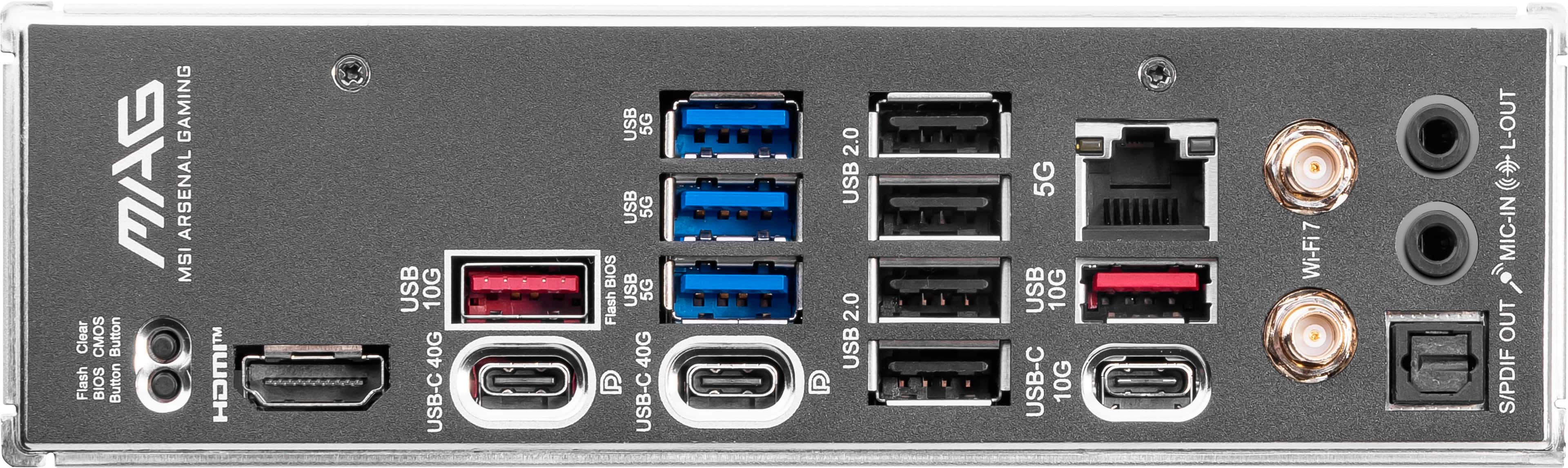
||Posted . Owned for 2 months when reviewed.This reviewer received promo considerations or sweepstakes entry for writing a review.This board offers a lot for the price compared to other x870e boards. But there's one big issue currently that will likely cause you frustration. On the plus side, there's a ton of I/O options on the back. The easy lock / release for PCI-E slot 1 is awesome. The wifi antenna is far and away better than my previous motherboard's 3rd party. BIOS offers a lot of easy to access settings. The M2 SSD quick-release tabs are so nice, as are the tool-less heatsink panels for them. However, this board hasn't been perfect: The M2_1 slot has a notorious issue in which it boots with PCI-E 1x4 interface speed, vs 5x4 or even 4x4. To get the proper interface speed, you have to reboot over and over - 4 or 5 times each time to launch with the correct interface speed. Take a quick google search for "PCIe x870e tomahawk M2_1" and read more on it, how wide-spread it is, and what can be done about it. MSI Support claims it's an RMA issue, but then released a BIOS update that resolved the issue for multiple users - then immediately removed that BIOS update from being available for download. I'm sure it'll be resolved at some point, but it definitely isn't today. Just FYI.
This review is from MSI - MAG X870E TOMAHAWK WIFI (Socket AM5) AMD X870 ATX DDR5 Wi-Fi 7 Motherboard - Black
I would recommend this to a friend