Customer Ratings & Reviews




- Model:
- B09JZ5BG26
- SKU:
- 12481235
Rating by feature
- Value
Rating 4.7 out of 5 stars
- Quality
Rating 4.7 out of 5 stars
- Ease of Use
Rating 4.7 out of 5 stars
Awesome product
||Posted . Owned for 3 weeks when reviewed.This reviewer received promo considerations or sweepstakes entry for writing a review.Good visibility, easy to connect, high quality video
I would recommend this to a friendMaine Wildlife cam
||Posted . Owned for 3 months when reviewed.This reviewer received promo considerations or sweepstakes entry for writing a review.Watching the wildlife in Maine through winter. It alerts us for everything from squirrels to moose. We also use the 2-way speaker when folks stop in since we only have wifi and no cell service. We chose this due to remote management is easy and batteries anre ann aoption. It all works very well after 2 years with ring.
I would recommend this to a friendOne of Ring best
||Posted .This reviewer received promo considerations or sweepstakes entry for writing a review.Ring never disappoint, great camera quality and easy to use, the sensor lights are a plus.
I would recommend this to a friendCamera
||Posted . Owned for 1 month when reviewed.This reviewer received promo considerations or sweepstakes entry for writing a review.Works amazing keeps my house safe and sound C
I would recommend this to a friend.
||Posted . Owned for 1 month when reviewed.This reviewer received promo considerations or sweepstakes entry for writing a review.Great product that has goof quality video and easy to install
I would recommend this to a friendRing video
||Posted . Owned for 3 weeks when reviewed.This reviewer received promo considerations or sweepstakes entry for writing a review.Ease of setting up. Video is clear. Excellent quality.
I would recommend this to a friendAverage camera
||Posted . Owned for 8 months when reviewed.This reviewer received promo considerations or sweepstakes entry for writing a review.It is ok. but the light isn't bright enough. It is charged by a solar panel.
I would recommend this to a friendBrand response from Ring
Posted .Hi FrancesK.
Thank you for taking the time to share your experience with us. We understand the importance of having all relevant product information prior to purchasing. The features and technology provided by the Ring Spotlight Cam Plus are incredibly valuable and help provide you with peace of mind about your home security. We can definitely provide you with more information regarding the concern mentioned in your review.
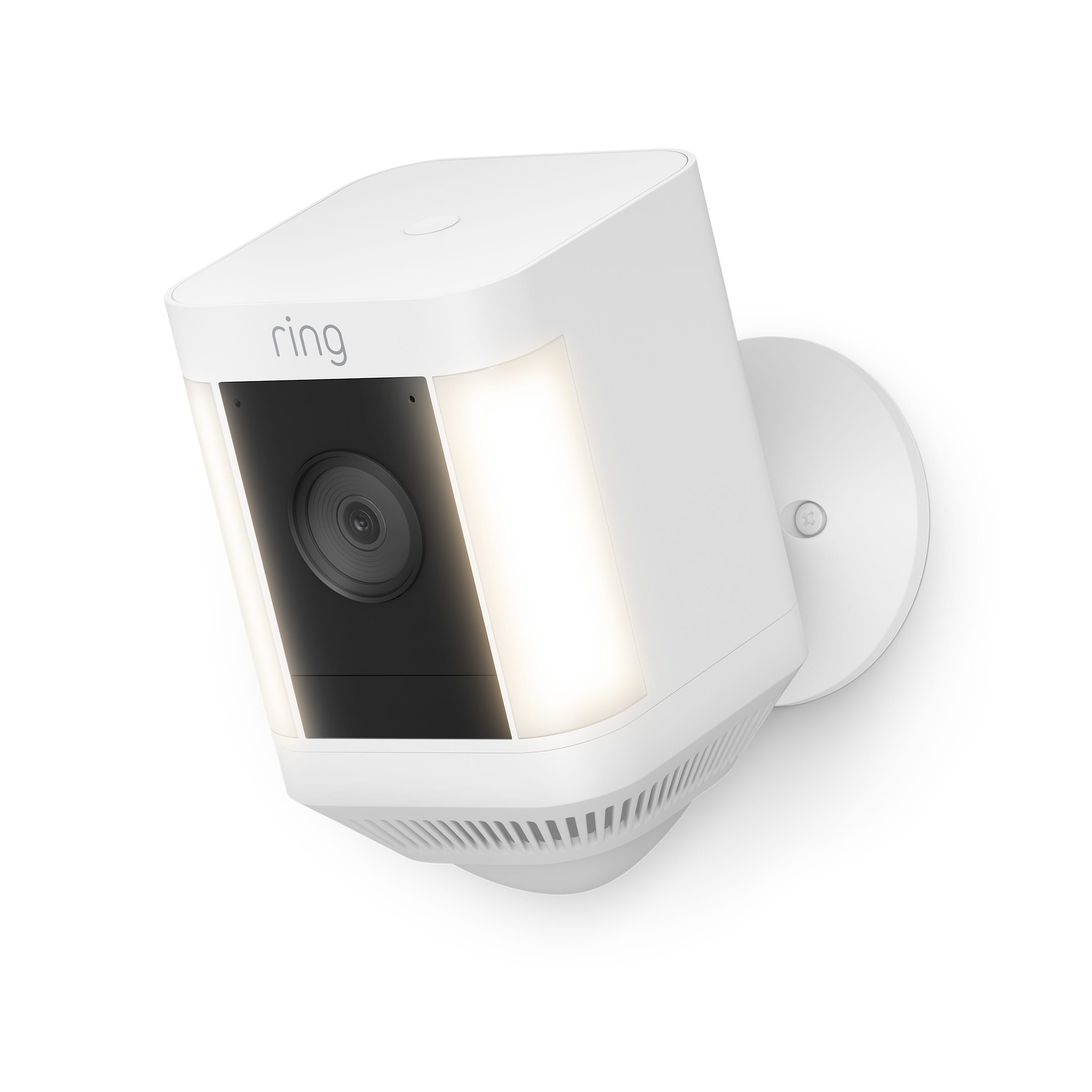
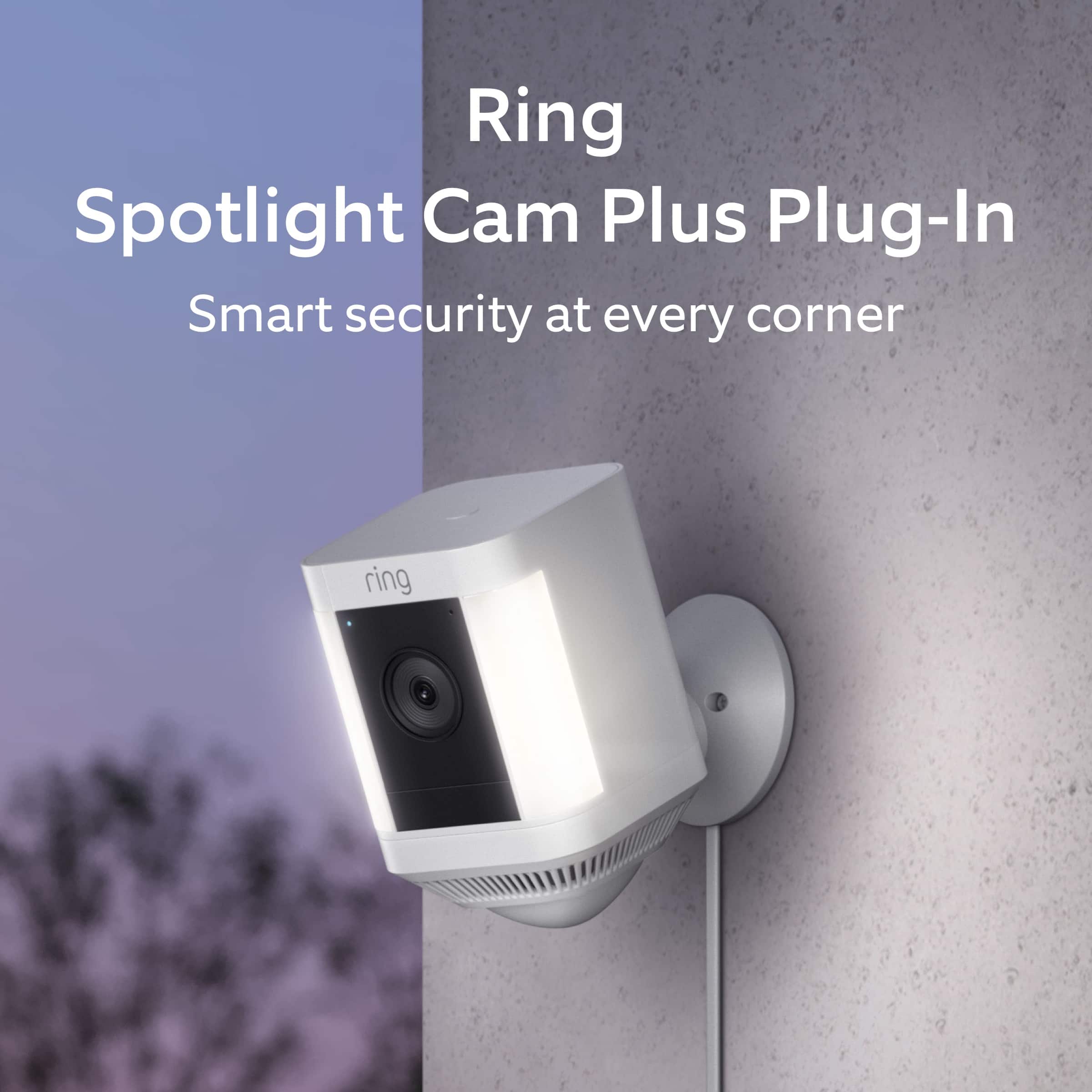
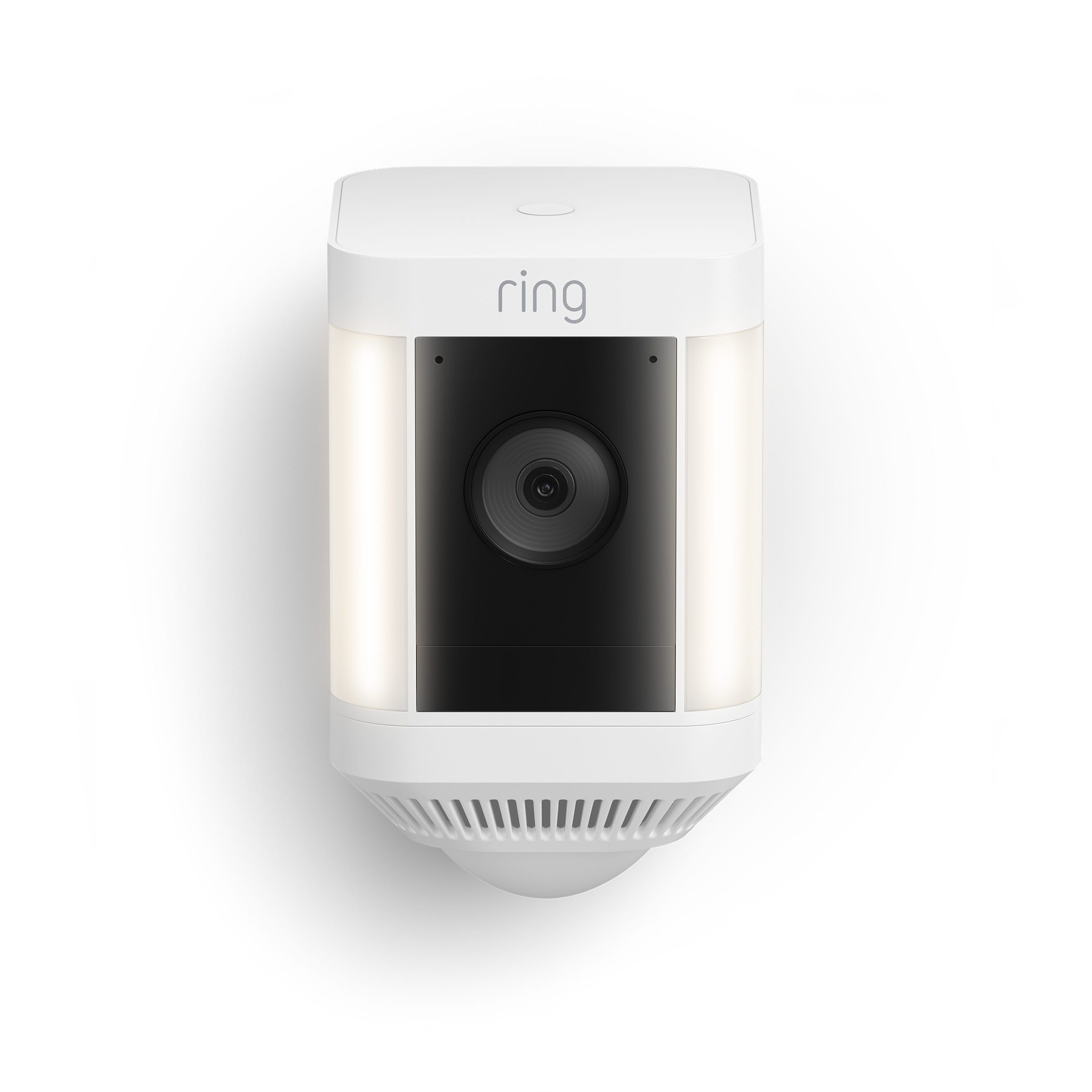
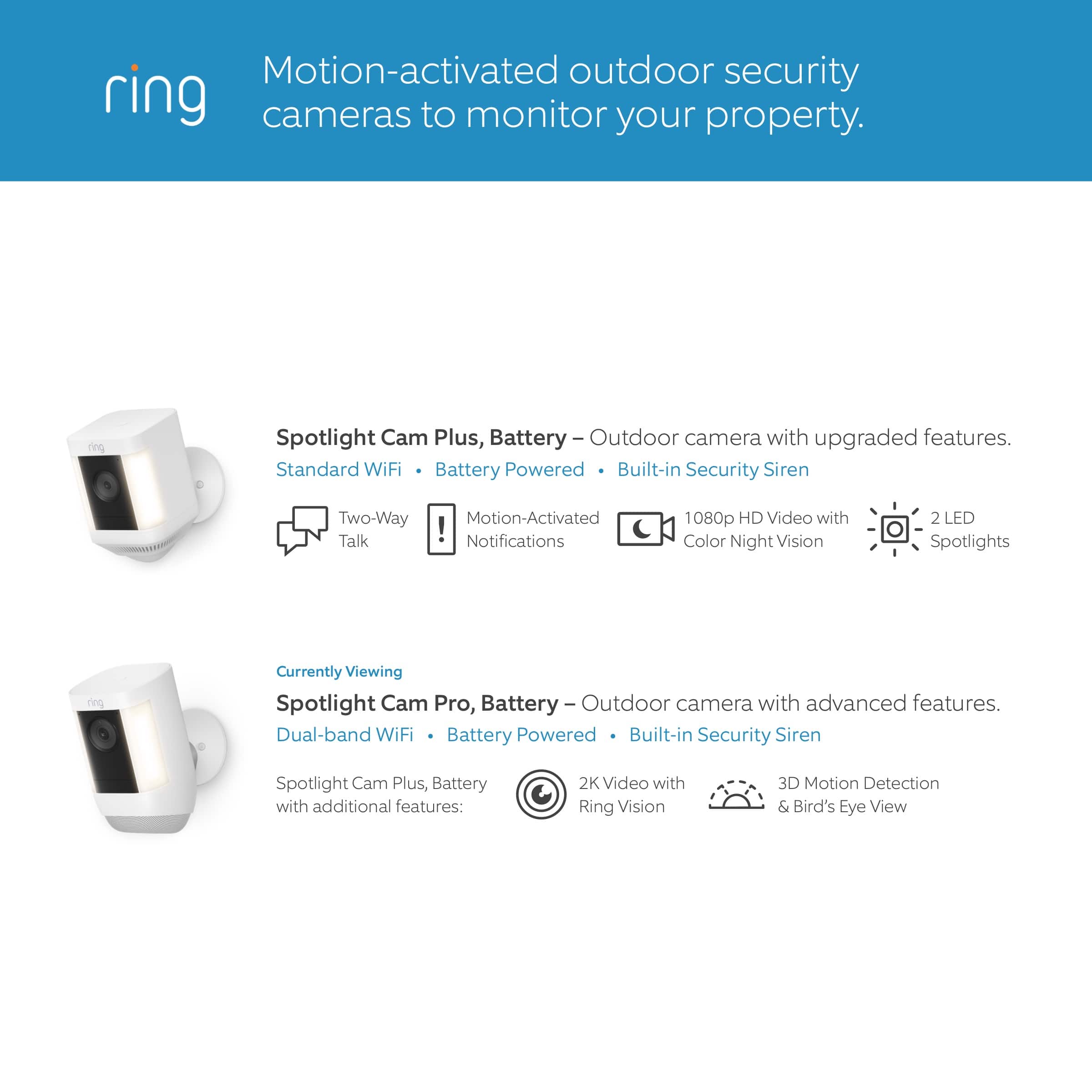
It sounds like the device is not performing as expected. The Ring Spotlight Cam Plus, is an outdoor security camera that can be used to capture out-of-sight areas and blind spots. It’s equipped with Color Night Vision, customizable Motion Detection, and Motion-Activated Lights. Just mount the wireless camera and adjust the viewing angle for wide coverage throughout the day or night.
The Ring Spotlight Cam Plus is designed with customizable light settings to provide you with the ability to adjust the lights according to your needs. To adjust the brightness of your Ring Spotlight Cam Plus, please follow these steps:
Open the Ring app.
Tap the menu (☰).
Tap Devices.
Select the Spotlight Cam Plus that you want to adjust.
Select Device Settings.
Select Light Settings.
Select Light Brightness and adjust the slider to make the lights brighter or dimmer.
We invite you to reach out to our Community if any additional information is needed regarding your Ring Spotlight Cam Plus. The Ring Community is our first peer-to-peer community forum, giving our customers the ability to help one another by sharing their feedback and experiences with each other.
Thank you,
Miyuki from Ring.
Ring camera
||Posted . Owned for more than 2 years when reviewed.This reviewer received promo considerations or sweepstakes entry for writing a review.Absolutely works great and is perfect for our needs!
I would recommend this to a friendA security must have.
||Posted . Owned for 3 weeks when reviewed.This reviewer received promo considerations or sweepstakes entry for writing a review.The image quality is great and the security features are easy to use. The installation process is very easy and it integrates well into the Ring system.
I would recommend this to a friendGreat buy.
||Posted . Owned for 1 month when reviewed.This reviewer received promo considerations or sweepstakes entry for writing a review.Great camera with high quality night vision. Easy to use with other Ring devices.
I would recommend this to a friendRinger Time
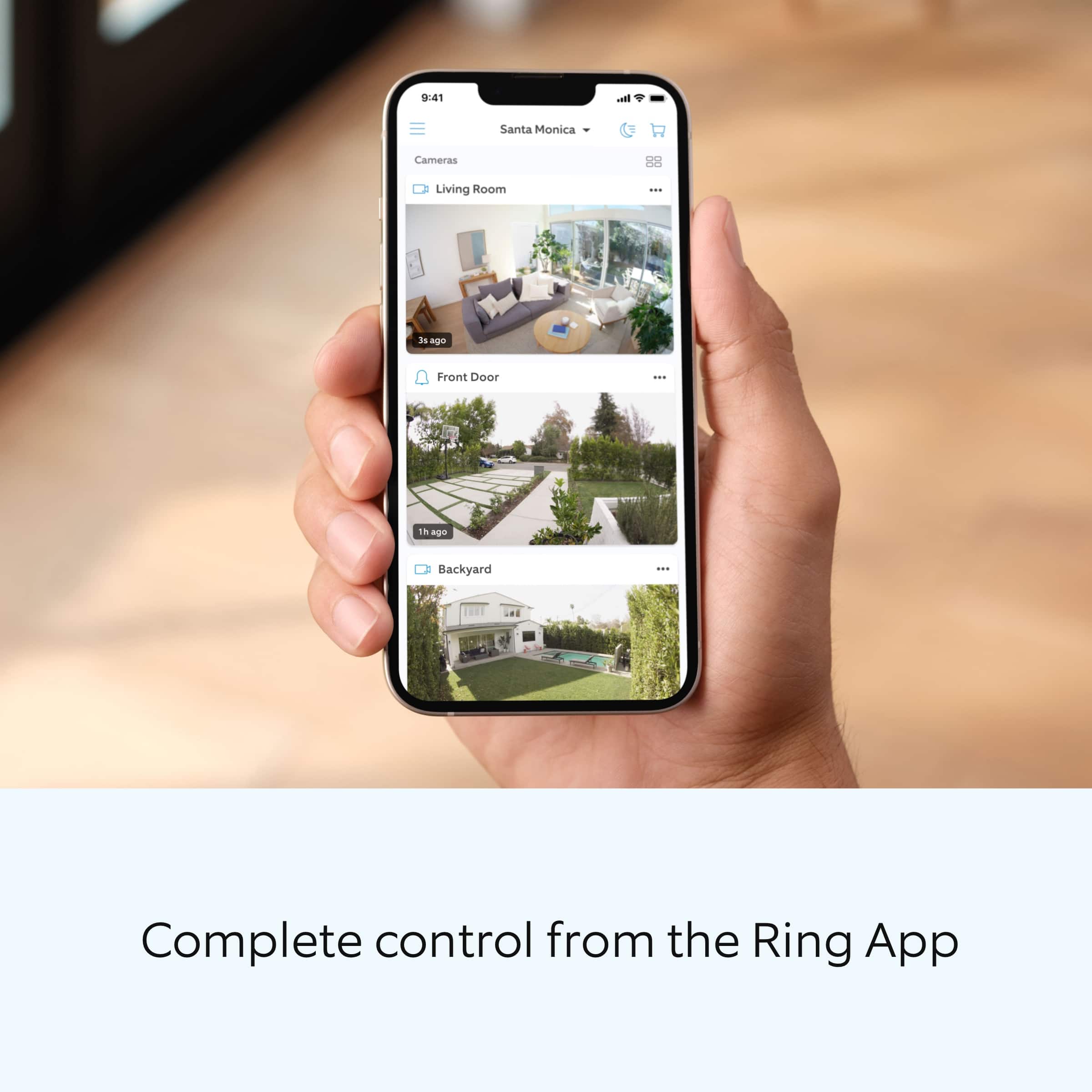
||Posted . Owned for 1 month when reviewed.This reviewer received promo considerations or sweepstakes entry for writing a review.I like the wide view and clear picture I get...I also like the notice I get on my phone when there is movement at the door or close to the garage.
I would recommend this to a friendGreat addition to our current setup!
||Posted . Owned for 3 weeks when reviewed.This reviewer received promo considerations or sweepstakes entry for writing a review.Pretty good unit, honestly. Theres just a few improvements that might make it even better. First, the light isnt really that bright - even at full power. I also feel like the sensitivity isnt as strong as our regular cameras. We set it to the highest setting, but still have to almost get right up to the unit to trigger it. Overall, it serves its purpose and is a great addition to our system.
I would recommend this to a friendGreat little camera
||Posted . Owned for 3 months when reviewed.This reviewer received promo considerations or sweepstakes entry for writing a review.Excellent for keeping an eye on my back door and garage area. Install was simple, set up was easy. Only downside is that in extreme cold, the battery drains quickly (which is expected), might be worth installing the second battery. Overall, very happy with the device, its features, and the price.
I would recommend this to a friendRING CAMERA PLUS
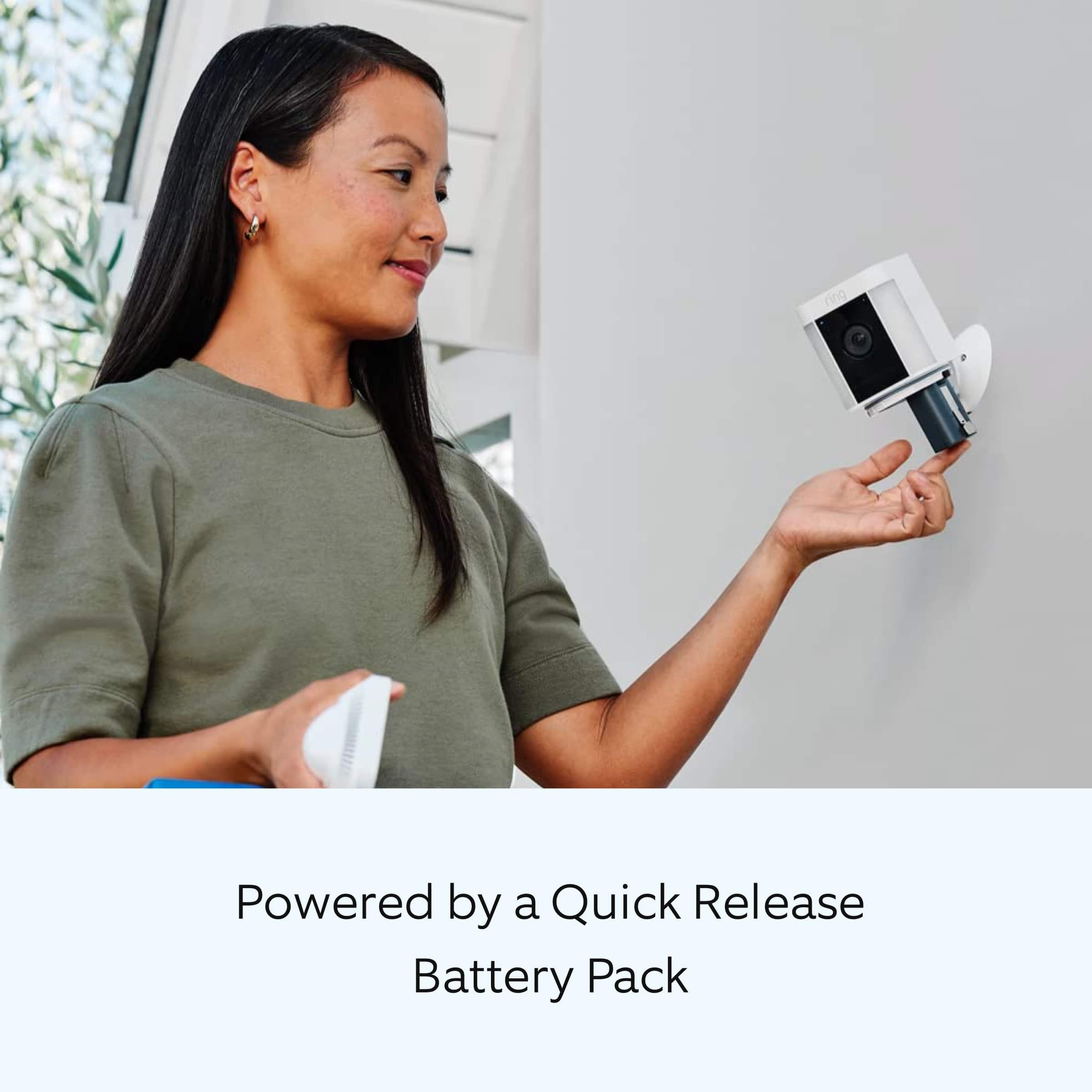
||Posted . Owned for 1 month when reviewed.This reviewer received promo considerations or sweepstakes entry for writing a review.Easy to remove and insert batteries. Great video and easy to view via cell phone.
I would recommend this to a friend?
||Posted . Owned for 3 weeks when reviewed.This reviewer received promo considerations or sweepstakes entry for writing a review.The picture is great but we are having trouble with it staying on line.
I would recommend this to a friendSecurity Restored
||Posted . Owned for 2 weeks when reviewed.This reviewer received promo considerations or sweepstakes entry for writing a review.As of this review, the camera has worked perfectly. Covers a wide area and extremely clear. 5 star rating is well earned.
I would recommend this to a friendSolar panel and Ring light
||Posted . Owned for 3 weeks when reviewed.This reviewer received promo considerations or sweepstakes entry for writing a review.Good camera. Works well with a solar panel to avoid recharging. I like the fact that it turns on automatically when someone is near the house. I def recommend!
I would recommend this to a friendPerfect
||Posted . Owned for less than 1 week when reviewed.This reviewer received promo considerations or sweepstakes entry for writing a review.Easy to install. Nice quality and nice pictures.Good
I would recommend this to a friendCamera
||Posted . Owned for 2 weeks when reviewed.This reviewer received promo considerations or sweepstakes entry for writing a review.easy to install and gives a great view of the front of the house
I would recommend this to a friendNice little camera
||Posted . Owned for 6 months when reviewed.This reviewer received promo considerations or sweepstakes entry for writing a review.Considering putting up another camera like this one! Great high quality resolution
I would recommend this to a friend