Customer Ratings & Reviews



- Model:
- B09JZ5BG26
- SKU:
- 12481235
Rating by feature
- Value
Rating 4.7 out of 5 stars
- Quality
Rating 4.7 out of 5 stars
- Ease of Use
Rating 4.7 out of 5 stars
Installation of security cameras
||Posted . Owned for 2 weeks when reviewed.This reviewer received promo considerations or sweepstakes entry for writing a review.Anchors and Mindy were great. Not only did they save some money for me, they couldn’t have been nicer or more professional.
I would recommend this to a friendGreat product
||Posted . Owned for 3 weeks when reviewed.This reviewer received promo considerations or sweepstakes entry for writing a review.I really like Ring products, I find them very convenient and easy to use
No, I would not recommend this to a friendBest cameras ever!
||Posted . Owned for 1 month when reviewed.This reviewer received promo considerations or sweepstakes entry for writing a review.I love Ring cameras. I feel safer and better protected with the effectiveness of these amazing gifts from God.
I would recommend this to a friendRing
||Posted . Owned for 1 month when reviewed.This reviewer received promo considerations or sweepstakes entry for writing a review.We love our ring camera! So easy to use and gives us that extra security we wanted
I would recommend this to a friendRing fault
||Posted . Owned for 7 months when reviewed.This reviewer received promo considerations or sweepstakes entry for writing a review.It stopped working after less than a year. I really won't trust this brand again.
No, I would not recommend this to a friendBrand response from Ring
Posted .Hi ElmerC.
Thank you for taking the time to share your experience with us. We understand how important it is for your Ring Spotlight Cam Plus to function consistently and reliably, so you are alerted to any wanted or unwanted activity in or around your home. The features and technology provided by the Ring Spotlight Cam Plus are incredibly valuable and help provide you with peace of mind about your home security. We are eager to address the issue you raised in your review and provide you with a resolution today.
It sounds like your Ring Spotlight Cam Plus is not performing as expected. We would love the opportunity to share with you some troubleshooting steps that you can try to get your Ring Spotlight Cam Plus functioning as intended. If your device is unresponsive, try pressing and holding the reset button for 20 seconds. Follow the steps in the Ring app to reconnect the doorbell or camera to your network. To reconnect a Ring Spotlight Cam Plus to your wifi network: Open the Ring app. Tap the menu (≡). Tap "Devices" and select the doorbell or camera you'd like to reconnect to wifi. Tap the "Device Health" tile. Under "Network," tap "Change Network" and follow the prompts in the app. Allow some time for your device to fully reconnect to the network, then check your wifi signal strength in "Device Health" to confirm it has successfully reconnected.
If you still have the Ring device in your possession, we invite you to reach out to our community. Ring Community is our first peer-to-peer community forum, giving our customers the ability to help one another and share their personal feedback and experiences with Ring. We look forward to hearing from you. Please let us know if we can be of any further assistance!
Thank you,
Miyuki from Ring.
Cam video recorder
||Posted . Owned for 3 weeks when reviewed.This reviewer received promo considerations or sweepstakes entry for writing a review.Very nice captures all movement I would advise this camera is high efficiency and would purchase it again
I would recommend this to a friendRING SPOTLIGHT
||Posted . Owned for 1 month when reviewed.This reviewer received promo considerations or sweepstakes entry for writing a review.Great price (on sale). Intended for what it suppose to do
I would recommend this to a friendWorks good!
||Posted . Owned for 1 month when reviewed.This reviewer received promo considerations or sweepstakes entry for writing a review.It works as advertised. Sends me a sound notification when something is on my porch
I would recommend this to a friendRing Cameras
||Posted . Owned for 1 month when reviewed.This reviewer received promo considerations or sweepstakes entry for writing a review.Working exactly as I had hoped! Great product!! Highly recommend.
I would recommend this to a friendRing camera
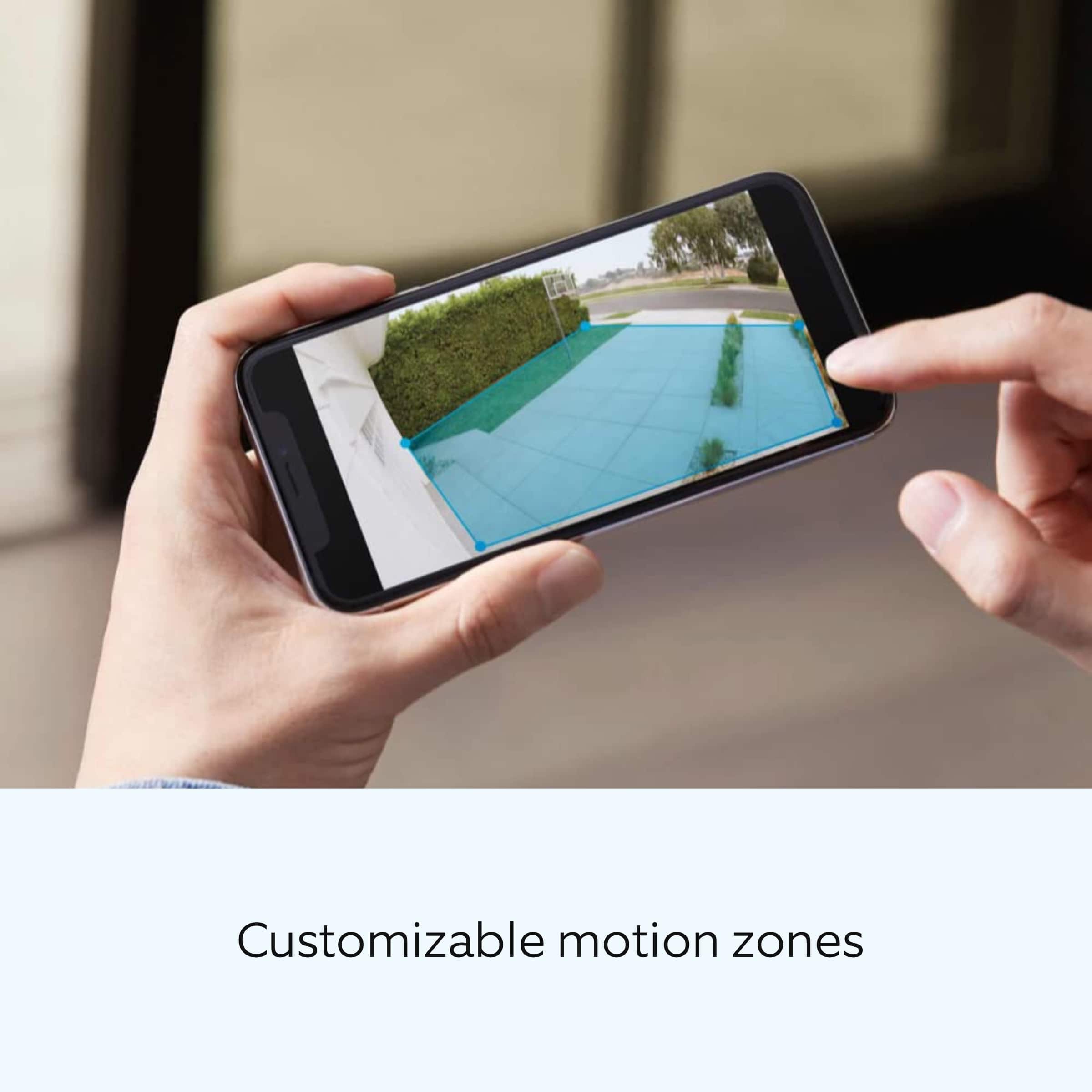
||Posted . Owned for 1 week when reviewed.This reviewer received promo considerations or sweepstakes entry for writing a review.Excellent video resolution that exceeds full hd. Very customizable in app. Only drawback is battery life, otherwise it’s 5 stars.
I would recommend this to a friendBrand response from Ring
Posted .Hi Buddy.
At Ring, we appreciate you taking the time to share your feedback with us. We are glad to read that you are enjoying your new Ring Spotlight Cam Plus! Furthermore, we believe in keeping people close to what’s important. That is why we are driven to create products that help you protect what matters most at home and empower you to connect with your visitors from wherever you are. Together, we’ll make neighborhoods safer!
Ring Community launched in March 2019 to help deliver the most current news and educational information to our neighbors. It is our first peer-to-peer community forum, giving our customers the ability to help one another and share their feedback and experiences with Ring. Please reach out to our community if any additional information is needed regarding your Ring Spotlight Cam Plus.
Thank you,
Melissa from Ring.
Best security camera
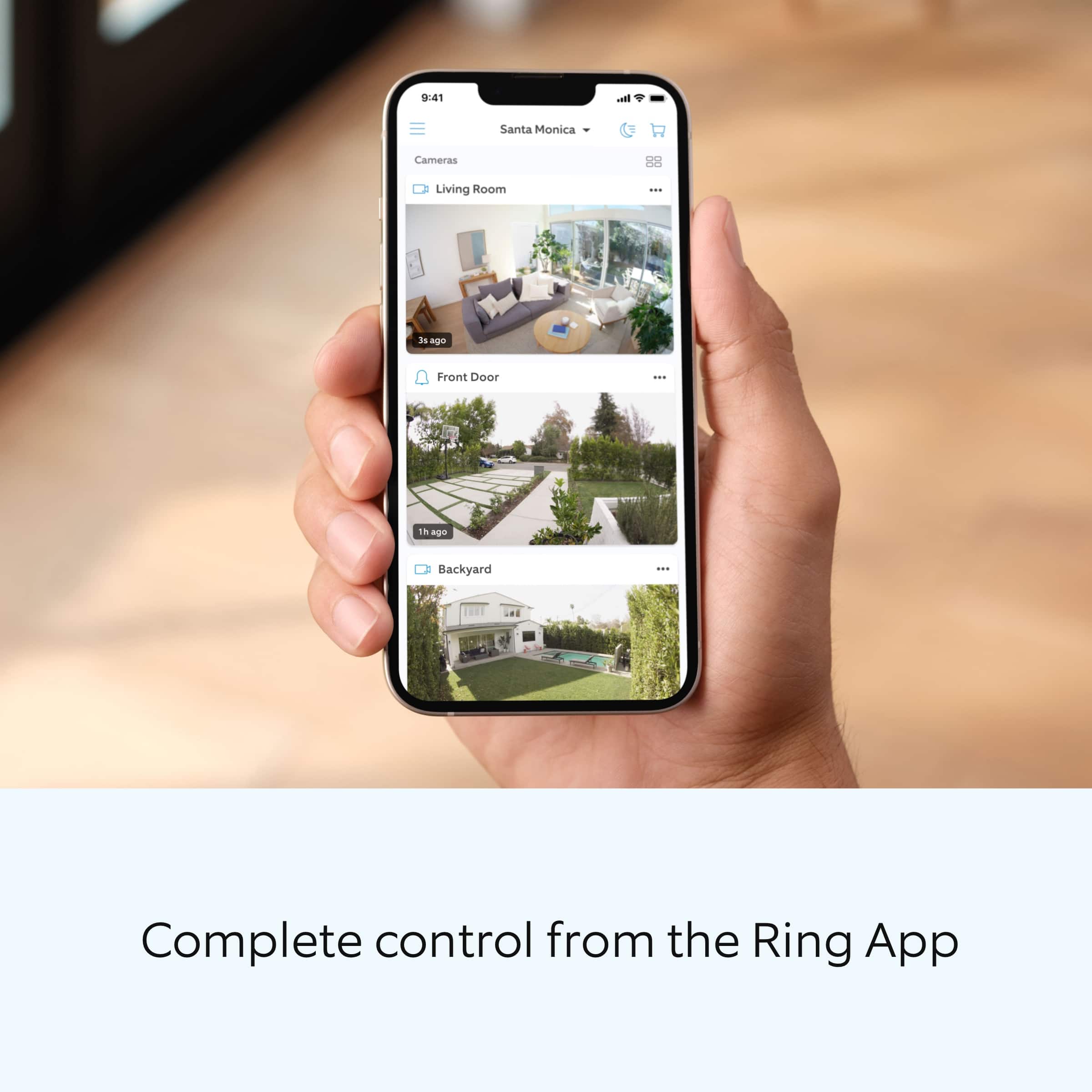
||Posted . Owned for 2 weeks when reviewed.This reviewer received promo considerations or sweepstakes entry for writing a review.Ring has the best security cameras and their app makes it super simple to install and link all cameras together
I would recommend this to a friendSecurity Lights for My Parents Home
||Posted . Owned for 1 month when reviewed.This reviewer received promo considerations or sweepstakes entry for writing a review.Just what we needed to light up my parent's home and catch on camera the direction Dad goes for a walk during the night.
I would recommend this to a friendEyes on outback
||Posted . Owned for 1 month when reviewed.This reviewer received promo considerations or sweepstakes entry for writing a review.Cool being able to see what’s going on at anytime it brings peace of mind
I would recommend this to a friend..
||Posted . Owned for 1 month when reviewed.This reviewer received promo considerations or sweepstakes entry for writing a review.Love this !!! Didn’t know the free trial was only 30 days but overall satisfied
I would recommend this to a friendProduct
||Posted . Owned for 1 month when reviewed.This reviewer received promo considerations or sweepstakes entry for writing a review.The product is ok. It is nothing special. Extra batteries should be included.
I would recommend this to a friendSpotlight Cam
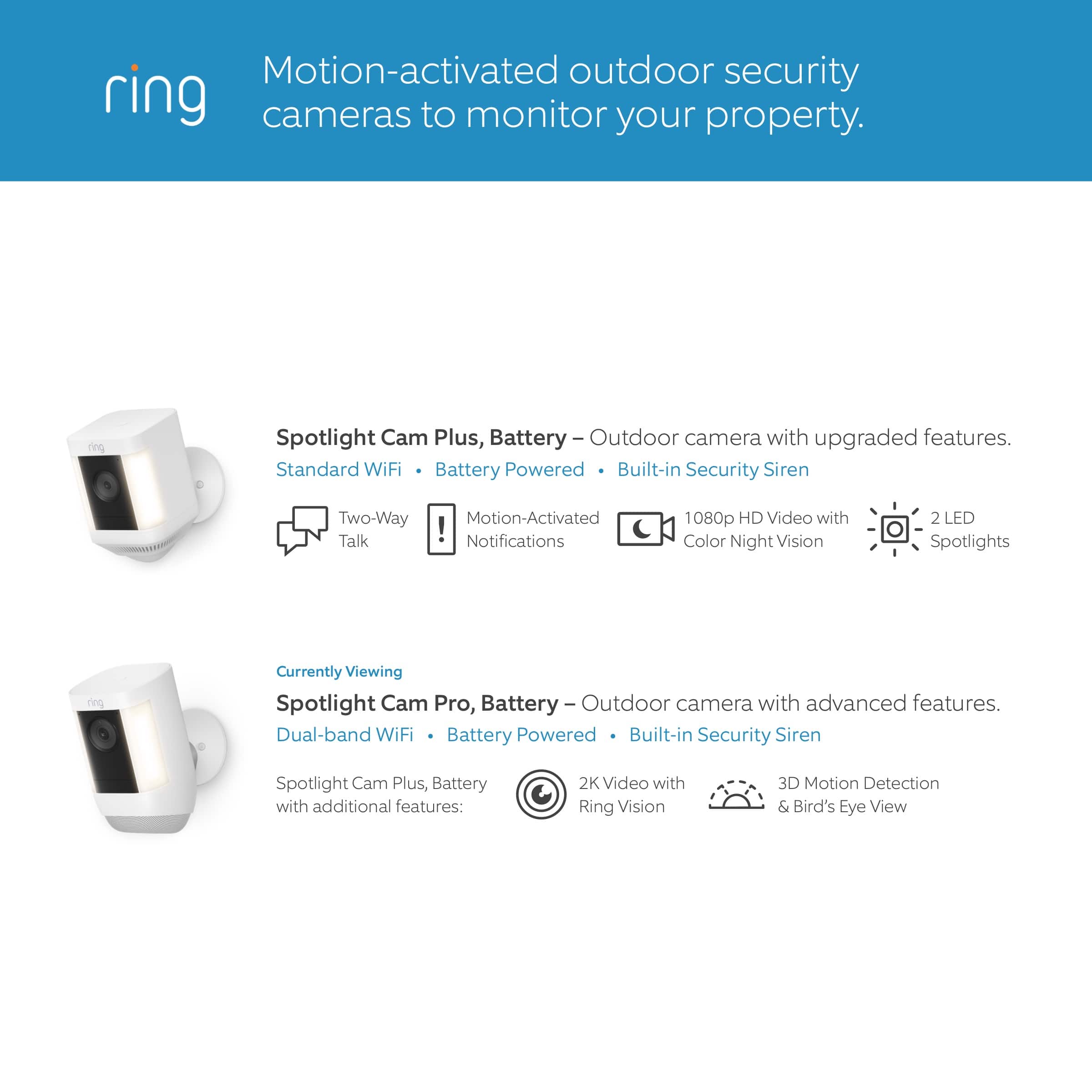
||Posted . Owned for 1 month when reviewed.This reviewer received promo considerations or sweepstakes entry for writing a review.I only gave it 4 stars because I was falsely under the impression that, like the door bell, i would be able to communicate with people and hear them as well. NOT SO
I would recommend this to a friendAwesome
||Posted . Owned for 1 month when reviewed.This reviewer received promo considerations or sweepstakes entry for writing a review.Camera works good i really like it i would recommend every one to get this Camera
I would recommend this to a friendDefinitely recommend
||Posted . Owned for 1 week when reviewed.This reviewer received promo considerations or sweepstakes entry for writing a review.Ring camera has always done us well, also got it on a great deal for black friday
I would recommend this to a friendFather's day gift
||Posted . Owned for 1 month when reviewed.This reviewer received promo considerations or sweepstakes entry for writing a review.The husband loves it and got it for Father's Day, and he wants to get the ring now for the doorbell.
I would recommend this to a friendBest for the price and amazing product
||Posted . Owned for 3 months when reviewed.This reviewer received promo considerations or sweepstakes entry for writing a review.Using this from past 6 months and no issues. Amazing product!
I would recommend this to a friend