Customer Ratings & Reviews


- Model:
- B09JZ5BG26
- SKU:
- 12481235
Rating by feature
- Value
Rating 4.7 out of 5 stars
- Quality
Rating 4.7 out of 5 stars
- Ease of Use
Rating 4.7 out of 5 stars
Ring solar
||Posted . Owned for 2 weeks when reviewed.This reviewer received promo considerations or sweepstakes entry for writing a review.The camera is perfect and especially with the solar panel to keep it charged
I would recommend this to a friendRing Spotlight
||Posted . Owned for 3 weeks when reviewed.This reviewer received promo considerations or sweepstakes entry for writing a review.This camera is one of the best additions to our Ring restoration
I would recommend this to a friendReliable Surveillance
||Posted . Owned for 1 month when reviewed.This reviewer received promo considerations or sweepstakes entry for writing a review.I have purchased several of these cams and keep coming back for more-they are exactly what I need for my surveillance.
I would recommend this to a friendRing camera
||Posted . Owned for 1 month when reviewed.This reviewer received promo considerations or sweepstakes entry for writing a review.Great product may buy more. Going to be any more cameras to my system I like the way this one works
I would recommend this to a friendRing outdoor camera
||Posted . Owned for 1 week when reviewed.This reviewer received promo considerations or sweepstakes entry for writing a review.Easy install. Just want I was looking for. The camera is clear and easy to use.
I would recommend this to a friendSafe and sound
||Posted . Owned for 10 months when reviewed.This reviewer received promo considerations or sweepstakes entry for writing a review.I bought it for my back yard, so when I'm working out of town, my family can sleep more comfortably. Works great and does the job. Connectivity is always so simple
I would recommend this to a friendRong cameras
||Posted . Owned for 1 month when reviewed.This reviewer received promo considerations or sweepstakes entry for writing a review.My Ring cameras are good for the area that need security. Very easy to install.
I would recommend this to a friendElton Lewis
||Posted . Owned for 1 month when reviewed.This reviewer received promo considerations or sweepstakes entry for writing a review.This is just a great product. I would recommend this light to everyone.
I would recommend this to a friendAffordable Security
||Posted . Owned for 2 weeks when reviewed.This reviewer received promo considerations or sweepstakes entry for writing a review.Perfect for my application. using it outdoors in our pavilion and its a perfect fit.
I would recommend this to a friendspotlight cam works good
||Posted .This reviewer received promo considerations or sweepstakes entry for writing a review.Over all camera works good except sometimes it malfunctions either by adding noise or video freezes
I would recommend this to a friendRing Ring
||Posted . Owned for 1 month when reviewed.This reviewer received promo considerations or sweepstakes entry for writing a review.We Needed something for the back yard we had tried few different kinds of cameras in which we felt we lost a battle in picture or sound with each one. Till we got the ring flood, Picture/video talk back and forth sounds great night vision would great all around the best
I would recommend this to a friendGreat product
||Posted .This reviewer received promo considerations or sweepstakes entry for writing a review.I’ve bought several rings. Love the product! Plan to buy a couple more
I would recommend this to a friendExcellent camera!
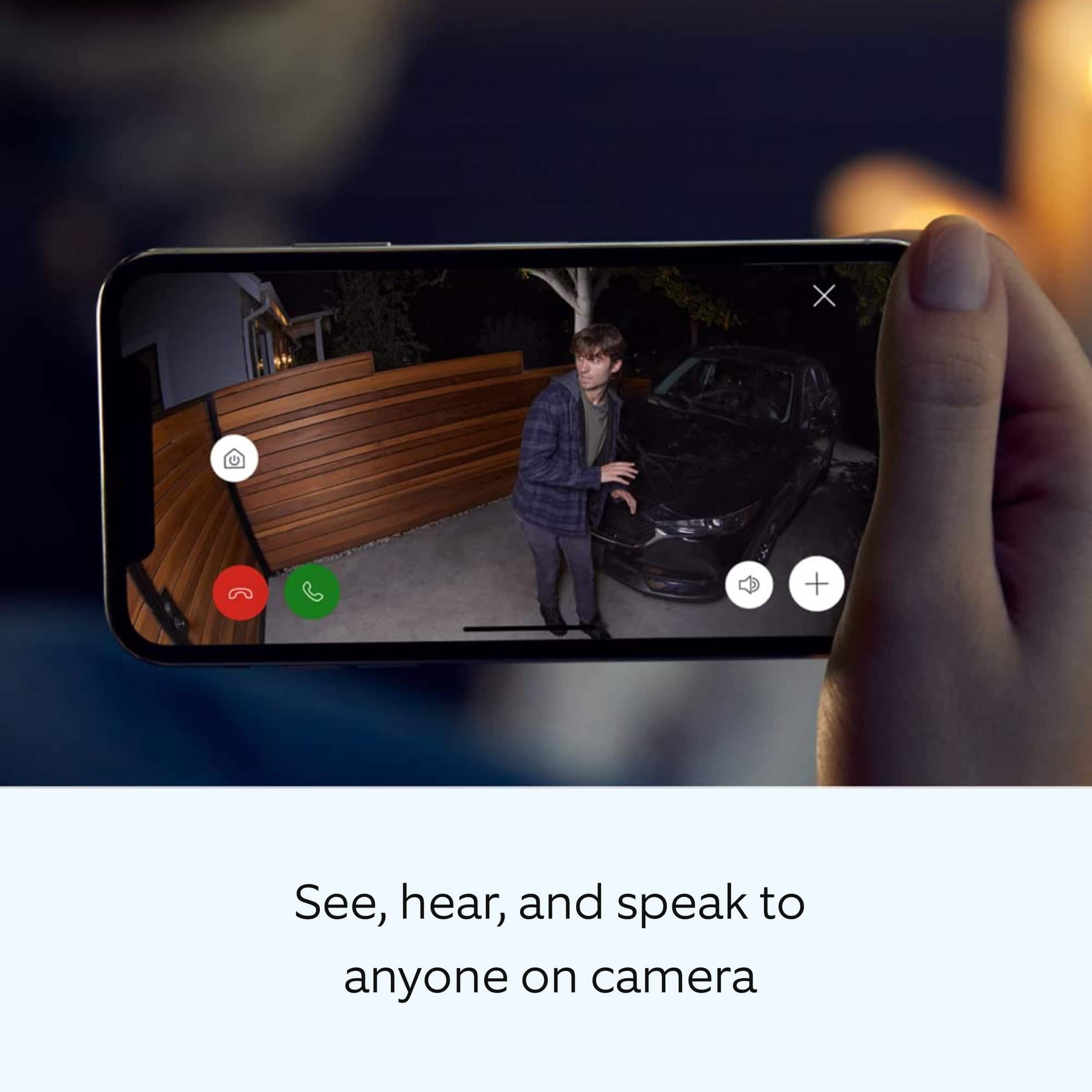
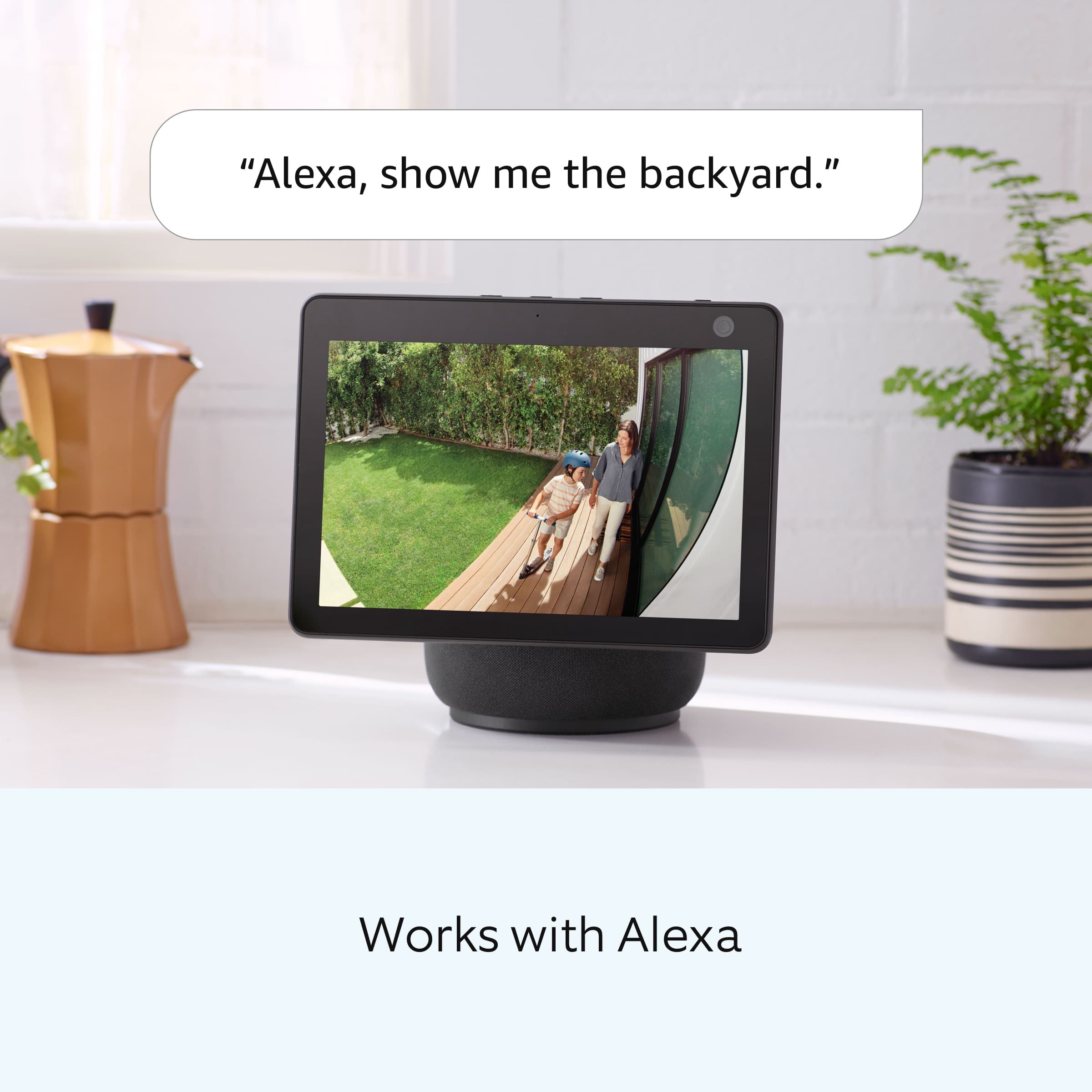
||Posted . Owned for 1 month when reviewed.This reviewer received promo considerations or sweepstakes entry for writing a review.1. Setup is easy and short. 2. The quality of the video and audio is great. 3. I love that i can set it up with my alexa devices. I get told when someone is at my door and it will pop up on my fire tv showing me who.
I would recommend this to a friendA+
||Posted . Owned for 2 months when reviewed.This reviewer received promo considerations or sweepstakes entry for writing a review.Easy setup. The connection is solid, never any drops. Picture is sharp!
I would recommend this to a friendWorks great best one I bought so far
||Posted .This reviewer received promo considerations or sweepstakes entry for writing a review.Works great clear camera view never had an issue with it . But if you buy one buy a solar for it for sure it helps a lot
I would recommend this to a friendRing camer⁷
||Posted . Owned for 1 month when reviewed.This reviewer received promo considerations or sweepstakes entry for writing a review.Yes i purchase a ring camera back at best buy and it is worst your money to tell you all it work so great that you need to buy one and i recommmed it to you
I would recommend this to a friendRing Camera
||Posted .This reviewer received promo considerations or sweepstakes entry for writing a review.I love the ring indoor/outdoor camera's. You can link them all together and the picture is clear
I would recommend this to a friendRing Battery Spotlight Camera
||Posted . Owned for 1 month when reviewed.This reviewer received promo considerations or sweepstakes entry for writing a review.I haven't had it long enough to give 5 stars. I bought this as a gift for someone and installed it yesterday. I am very impressed with the image and sound quality as well as the ease of installation. The spotlight camera seems to be very robustly built as well. I like it better than my own Arlo system so far.
I would recommend this to a friendBrand response from Ring
Posted .Hi ChrisM.
Thank you for taking the time to share your experience with us. We are pleased to read that you are enjoying your new Ring Spotlight Cam Plus and that the features included are meeting your expectations. At Ring, we believe in keeping people close to what’s important. That is why we are driven to create products that help you protect what matters most at home and empower you to connect with your visitors from wherever you are. Together, we’ll make neighborhoods safer!
Ring Community was launched to help deliver the most current news and educational information to our neighbors. This online forum is divided into four categories: Product Boards, Ring Updates, Tips and Tricks, and a Moderators’ Corner. The Product Boards are where you can begin new topics with your questions or feedback; there is also a search option that helps you find topics that have already been posted by other neighbors. We invite you to visit our community today.
Thank you,
Melissa from Ring.
Just right for my first home.
||Posted . Owned for 6 months when reviewed.This reviewer received promo considerations or sweepstakes entry for writing a review.I moved into a my new place and the backyard was dark as the apartment is facing the street. Plus, I wanted my dog to be able to see when he went potty in the backyard. I wanted a system that if someone came over a light would come on and show their face (hopefully). I like the fact that I can see it on my phone but paying the service fees compared to others would depend on your budget. The light isn't super bright but bright enough to deter burglars. I like this little system and the cost was not bad.
I would recommend this to a friendBrand response from Ring
Posted .Hi AliyaJ.
Thank you for taking the time to share your experience with us. We understand how important it is to have your Ring Spotlight Cam Plus capture all the correct motion events. Ring Spotlight Cam Plus was designed to capture motions based on your specifications to help keep your home secure. We are here to provide you with some information to resolve the issue you mentioned in your review.
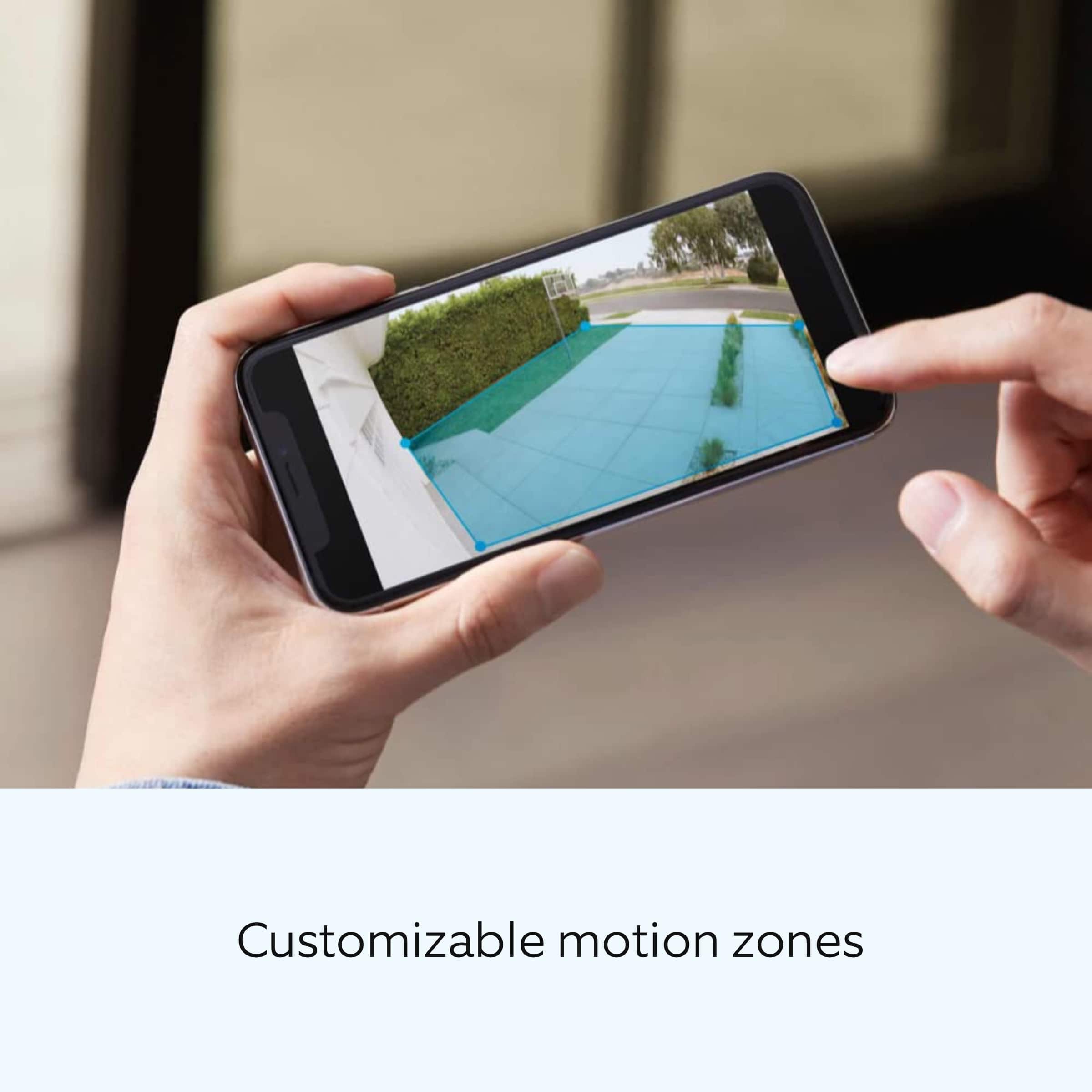
It sounds like the device is not performing as expected. The Ring Spotlight Cam Plus is an outdoor security camera designed to provide you with the ability to customize your Spotlight Cam's zone coverage, motion settings and light settings in the Ring app. To adjust the brightness of your lights, please follow these steps in the Ring app: Open the Ring app. Tap the menu (☰). Tap Devices. Select the Spotlight Cam that you want to adjust. Select Device Settings. Select Light Settings. Select Light Brightness and adjust the slider to make the lights brighter or dimmer.
For more information on your Ring Spotlight Cam Plus, we invite you to reach out to our community. Ring Community is our first peer-to-peer community forum, giving our customers the ability to help one another and share their personal feedback and experiences with Ring. We look forward to hearing from you if we can be of any further assistance!
Thank you,
Miyuki from Ring.
Nice security
||Posted . Owned for 3 weeks when reviewed.This reviewer received promo considerations or sweepstakes entry for writing a review.Very easy to set up, great video but it is still glitchy and only catches about 30 seconds of video at a time
I would recommend this to a friendBrand response from Ring
Posted .Hi JasmineB.
Thank you for taking the time to share your feedback with us. We are always looking for ways to improve our neighbor's experience, and your feedback is an invaluable part of this process. That is why we are dedicated to offering devices that help you safeguard what is most important at home, while also allowing you to connect with your neighbors from anywhere. We’re glad to read that you are finding the provided features useful.
It sounds like the device is not performing as expected. Poor wifi connection can impact the overall performance of the device, including video quality. Check the Device Health section of your Ring application to ensure the device’s RSSI is within an acceptable range. The recommended range for optimal performance is 0 to -60 for the RSSI.
If your networking equipment hasn’t been power cycled in a while, try unplugging it for 30 seconds and plugging it back in.
We also recommend adding a Ring Chime Pro to your network. The Ring Chime Pro simply plugs into a wall outlet between your router and the Ring Spotlight Up Cam Plus to assist with the wifi signal strength to the device.
You can choose how often the camera checks for movement in those predefined zones via the "Motion Frequency" setting. If you find that your camera is missing some motions, please set the motion frequency to "Frequently." In addition, you can adjust the recording length for each motion event by following these steps:
Tap the "Menu" (☰).
Tap "Devices."
Select the device you want to adjust.
Tap "Device Settings."
Tap "Video Settings."
Tap "Recording Length."
Tap "Record For."
When the list appears, you can select a preferred recording length up to 120 seconds.
Ring Community launched in March 2019 to help deliver the most current news and educational information to our customers. You can find tips and tricks from other Ring users in our community. This peer-to-peer forum allows our neighbors to share their feedback and experiences.
Thank you,
Miyuki from Ring.