Customer Ratings & Reviews
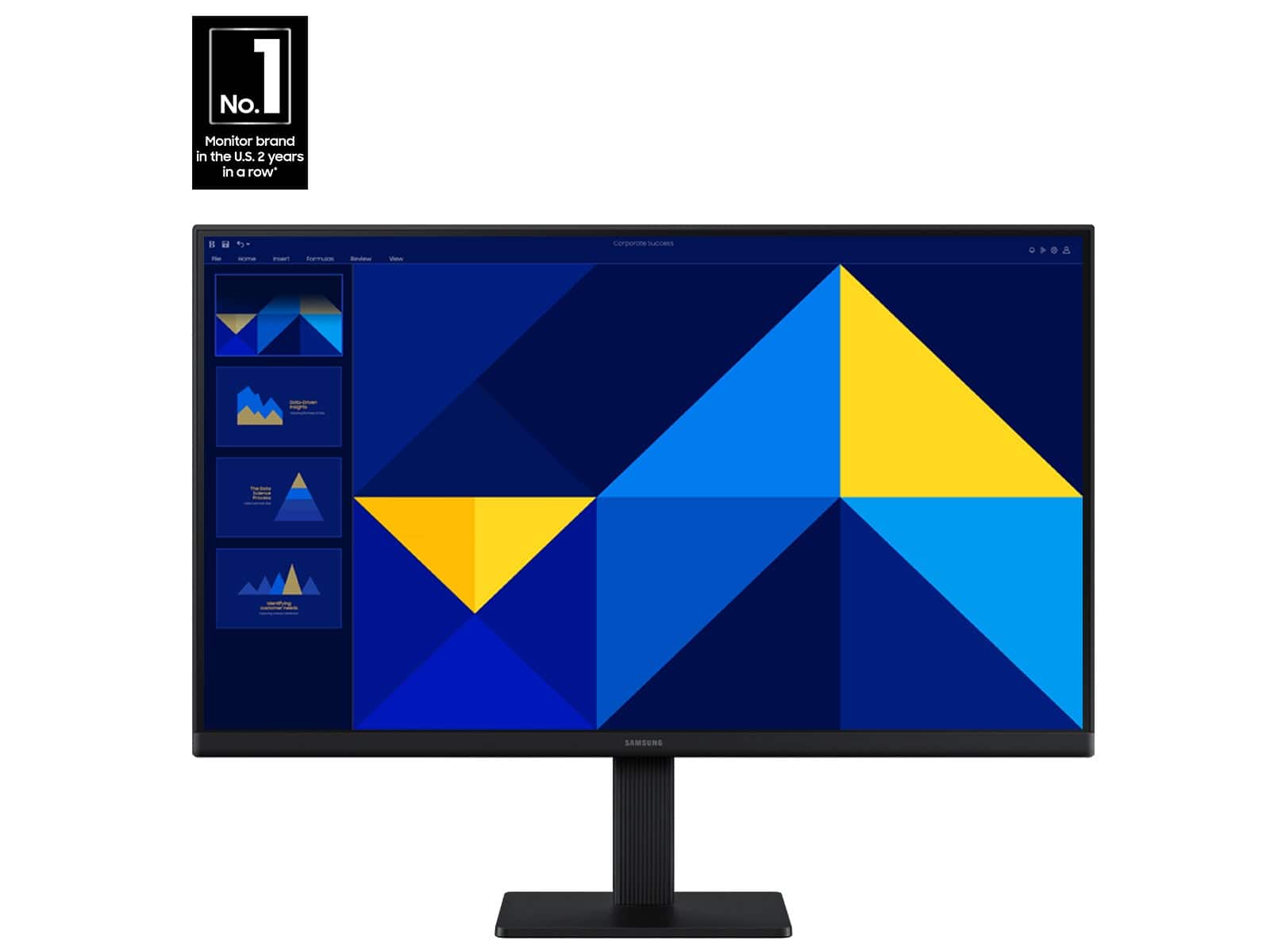

- Model:
- LS24D300GANXZA
- SKU:
- 11446540
Rating by feature
- Display Quality
Rating 4.8 out of 5 stars
- Ease of Use
Rating 4.8 out of 5 stars
- Features
Rating 4.6 out of 5 stars
defective monitor out of box
||Posted .This reviewer received promo considerations or sweepstakes entry for writing a review.I purchased this item on 09/25/2025 along with an Omni PC at Best Buy Athens, Ga. when I unpacked and set all up, The picture on screen was all garbled and could not read. After examining the monitor, found scratches all over front of monitor. Was told by a women in Minn, that I had place order for another monitor . I made purchase and when went to pku in Athens, had to make purchase again. Thepurchase in Athens was recredited to card, but the purchase m with women in Minn is still on card and I am going to have to dispute with Visa because should not be a charge for returning defective monitor. Best Buy's return policy really sucks.
No, I would not recommend this to a friendBrand response from Samsung
Posted .Please know you are leaving a review for the Samsung S3 S30GD monitor, not the service provided by a third party seller. Please follow up directly with the seller for further assistance. We hope your issue is resolved in a timely manner. Should you have questions regarding Samsung Monitors, please contact Samsung Support at 1-800-SAMSUNG, 8AM - 12AM EST, 7 days a week. Our LiveChat agents are also available by clicking on the ‘Support’ link on our website.

Don't buy
||Posted . Owned for 3 months when reviewed.This reviewer received promo considerations or sweepstakes entry for writing a review.Bought this 8/10/2025 with a new Dell CPU, worked fine until this morning, 11/24/2025. It now has a line running horizontally across the screen about 3" down from the top. It's an annoyance more than a problem, but of course it is beyond the date where it can be returned. This wasn't my first choice for a display, but the one I wanted was no longer in stock. I overlooked my past dislike for Samsung products , bad choice.
No, I would not recommend this to a friendBrand response from Samsung
Posted ."Thank you for your review.
We are sorry you were not satisfied with your experience. Your overall feedback is important to us and we will document your concerns.
We also recommend you contact Best Buy directly for assistance in correcting the situation.
If you ever need assistance with the monitor itself, please contact Samsung Customer Support and a rep will be happy to assist you:
1-800-SAMSUNG, available 8AM - 12AM EST (Mon-Fri) / 9AM - 11PM EST (Sat-Sun)
Samsung is committed to providing the best possible product experience, quality, and value, and we are always here to help with any of your questions or concerns.
"
Great Difficulty in Putting Monitor Parts Together
||Posted . Owned for 1 month when reviewed.This reviewer received promo considerations or sweepstakes entry for writing a review.Extremely difficult and very frustrating to connect monitor parts.
No, I would not recommend this to a friendBrand response from Samsung
Posted ."Thank you for your review.
We are sorry you were not satisfied with your experience. Your overall feedback is important to us and we will document your concerns.
We also recommend you contact Best Buy directly for assistance in correcting the situation.
If you ever need assistance with the monitor itself, please contact Samsung Customer Support and a rep will be happy to assist you:
1-800-SAMSUNG, available 8AM - 12AM EST (Mon-Fri) / 9AM - 11PM EST (Sat-Sun)
Samsung is committed to providing the best possible product experience, quality, and value, and we are always here to help with any of your questions or concerns.
"
Monitor and computer maximization
||Posted . Owned for 1 month when reviewed.This reviewer received promo considerations or sweepstakes entry for writing a review.I bought this. Was easy to set up. However I bought a new laptop at the same time. The performance on the monitor was less than stellar for the laptop that I purchased. So I got on the chat with a Best Buy advisor and he checked the computer and the specifications and then found that external monitor that would best maximize the new laptop. As a result, I returned the Samsung and purchased a monitor that is better suited to maximize the advantages of my new computer.
No, I would not recommend this to a friendBrand response from Samsung
Posted .Please know you are leaving a review for the Samsung S3 S30GD monitor, not the service provided by a third party seller. Please follow up directly with the seller for further assistance. We hope your issue is resolved in a timely manner. Should you have questions regarding Samsung monitors, please contact Samsung Support at 1-800-SAMSUNG, 8AM - 12AM EST, 7 days a week. Our LiveChat agents are also available by clicking on the ‘Support’ link on our website.
Samsung Monitor
||Posted . Owned for 3 weeks when reviewed.This reviewer received promo considerations or sweepstakes entry for writing a review.Controls too hard to operate and not explained in manual. Returned.
No, I would not recommend this to a friendBrand response from Samsung
Posted .JohnWW:
We appreciate you taking the time to share your experience with Samsung’s S30GD Monitor. While we regret the product didn’t meet your expectations, your feedback is valuable and will be shared with our product teams. Should you reconsider Samsung in the future, our team will be here to support you. You can always reach us at 1-800-SAMSUNG, available daily from 8AM - 9PM EST Monday - Friday, and 8AM - 6PM Saturday and Sunday. You can also chat with a LiveChat agent by clicking the ‘Support’ link on our website for:
• Live Chat
• Manuals, Software, & Warranty Info
• Creating a Service ticket
~ Samsung Monitors
Poor quality
||Posted .This reviewer received promo considerations or sweepstakes entry for writing a review.I delayed installing this for a couple months but when I did the image clearly shows that it is damaged. Looks like cracking beneath the screen, no damage to the actual surface. Major disappointment and waste of money
No, I would not recommend this to a friendBrand response from Samsung
Posted .Please know you are leaving a review for the Samsung 24" (S30GD) not the service provided by a third party seller. Please follow up directly with the seller for further assistance. We hope your issue is resolved in a timely manner. Should you have questions regarding Samsung TVs, please contact Samsung Support at 1-800-SAMSUNG, 8AM - 12AM EST, 7 days a week. Our LiveChat agents are also available by clicking on the ‘Support’ link on our website.
Not worth it
||Posted . Owned for 1 month when reviewed.This reviewer received promo considerations or sweepstakes entry for writing a review.The device malfunctioned within two months of its acquisition.
No, I would not recommend this to a friendBrand response from Samsung
Posted .AntonioW:
Thank you for sharing your experience with your Samsung S30GD Monitor. • I’m very sorry for the difficulties you’ve experienced with your monitor. We completely understand your frustrations, and we are here to help.
We’re committed to delivering quality, value, and the best possible product experience. This Monitor is backed by a 1-year limited manufacturer’s warranty, which includes authorized repair for eligible defects when purchased brand-new from an authorized retailer. To review full warranty terms, you can enter your model number here: https://www.samsung.com/us/support/warranty/
We’d appreciate the opportunity to assist further. Please contact Samsung Customer Support at 1-800-SAMSUNG (8AM - 9PM EST Monday - Friday, and 8AM - 6PM Saturday and Sunday), or connect with a LiveChat agent by clicking the ‘Support’ link on our website.
~ Samsung Monitors
For assistance with warranty support, please contact Samsung Customer Support at 1-800-SAMSUNG between 8AM - 9PM EST Monday - Friday, and 8AM - 6PM Saturday and Sunday. Or visit us on the Samsung website and click on the ‘Support’ link for:
• LiveChat
• Manuals, Software, & Warranty Info
~ Samsung Monitors
- Pros mentioned:Overall performance

Thin and light with just the right feature-set
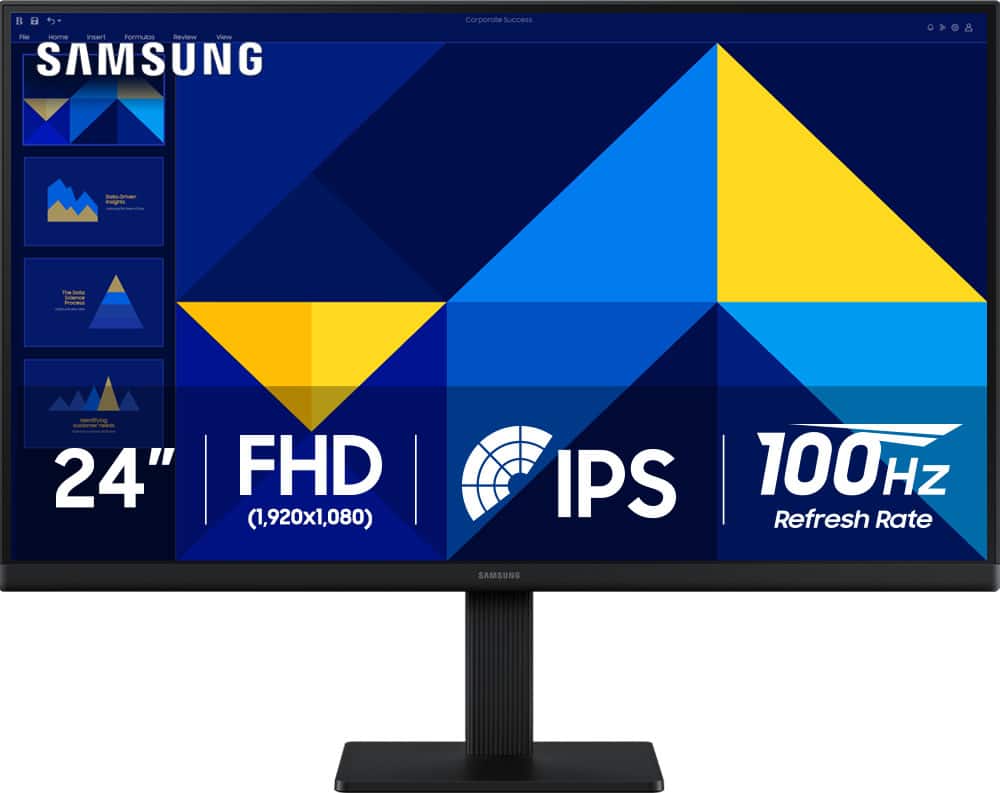
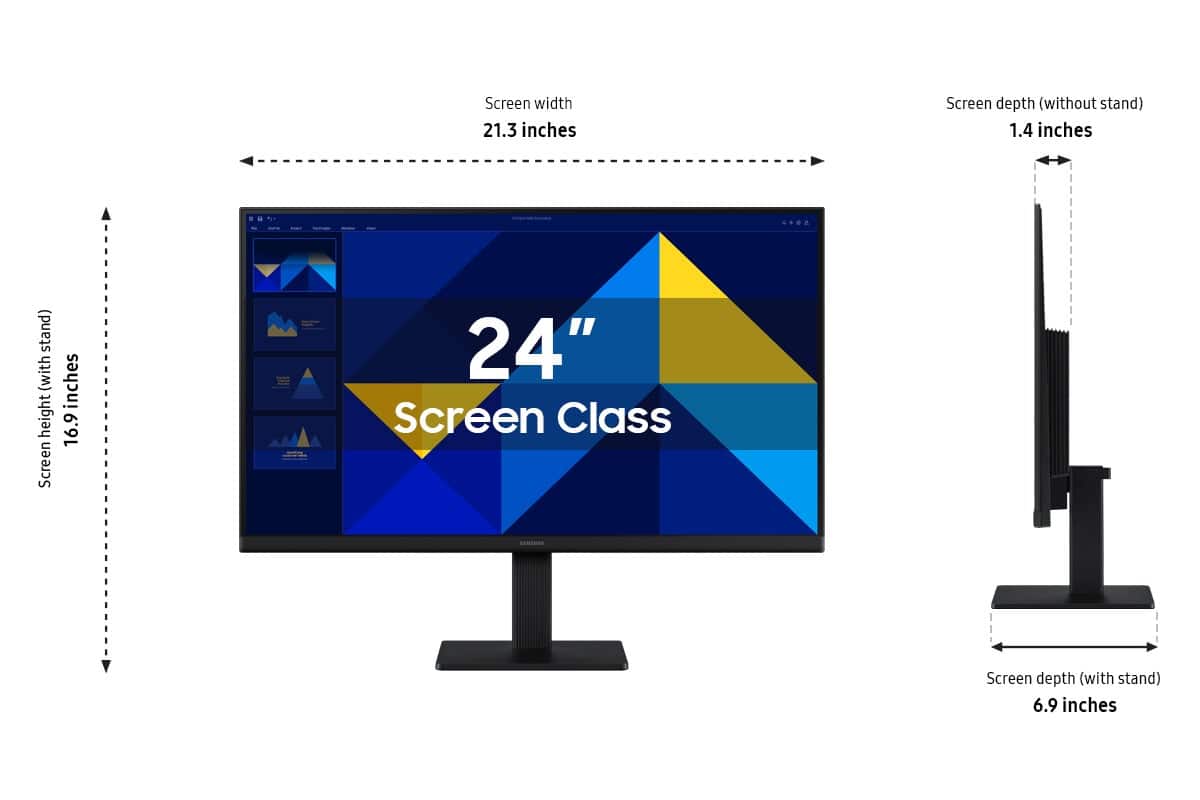
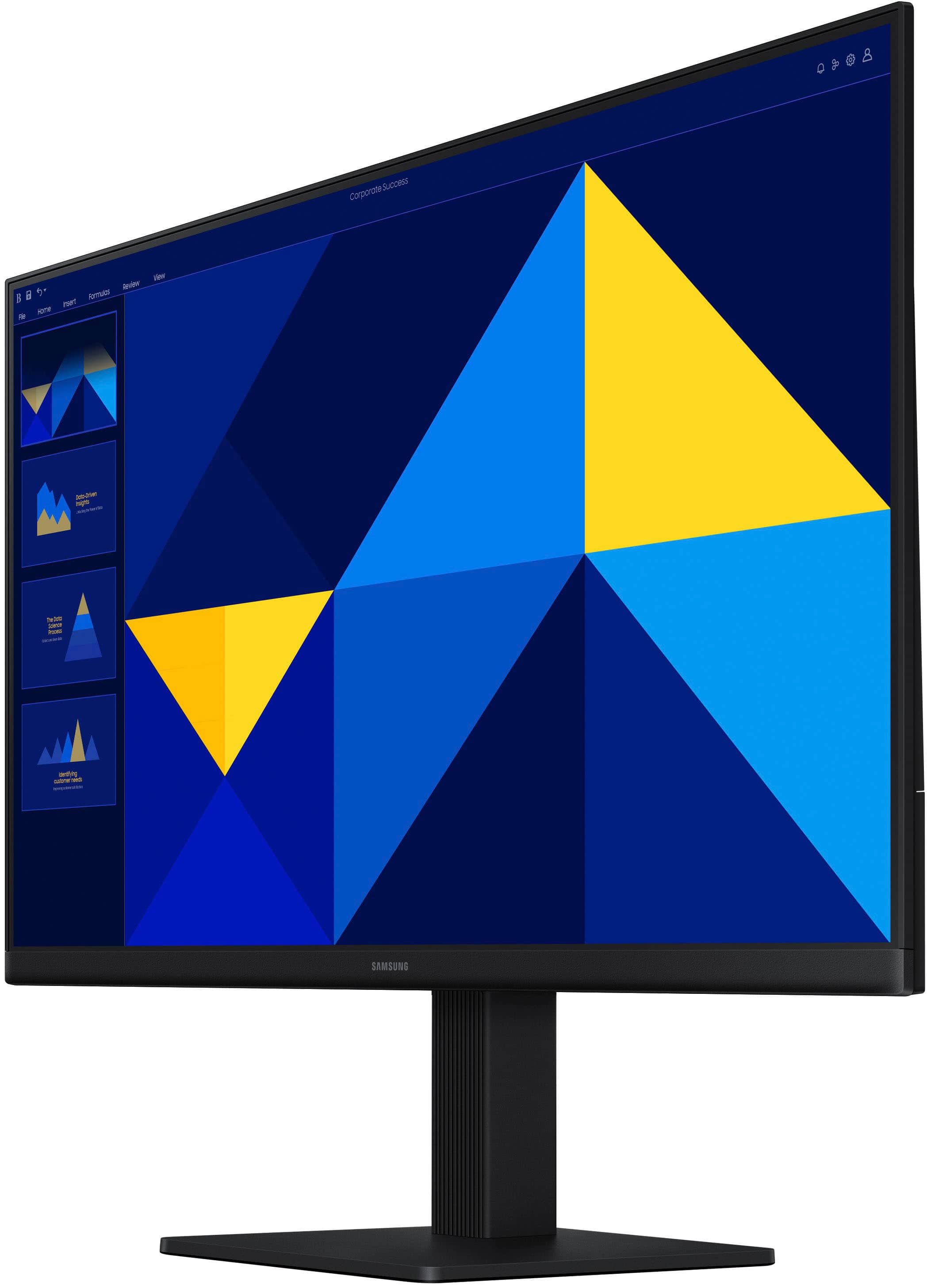
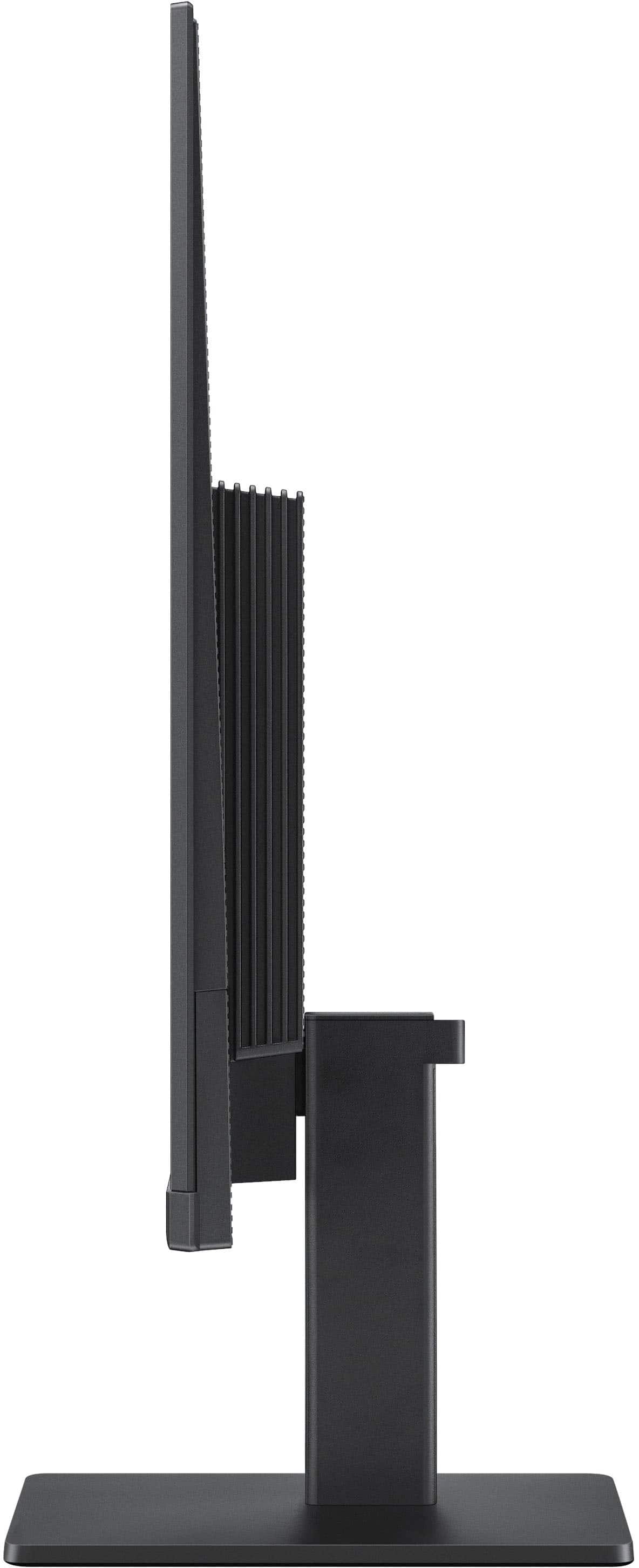
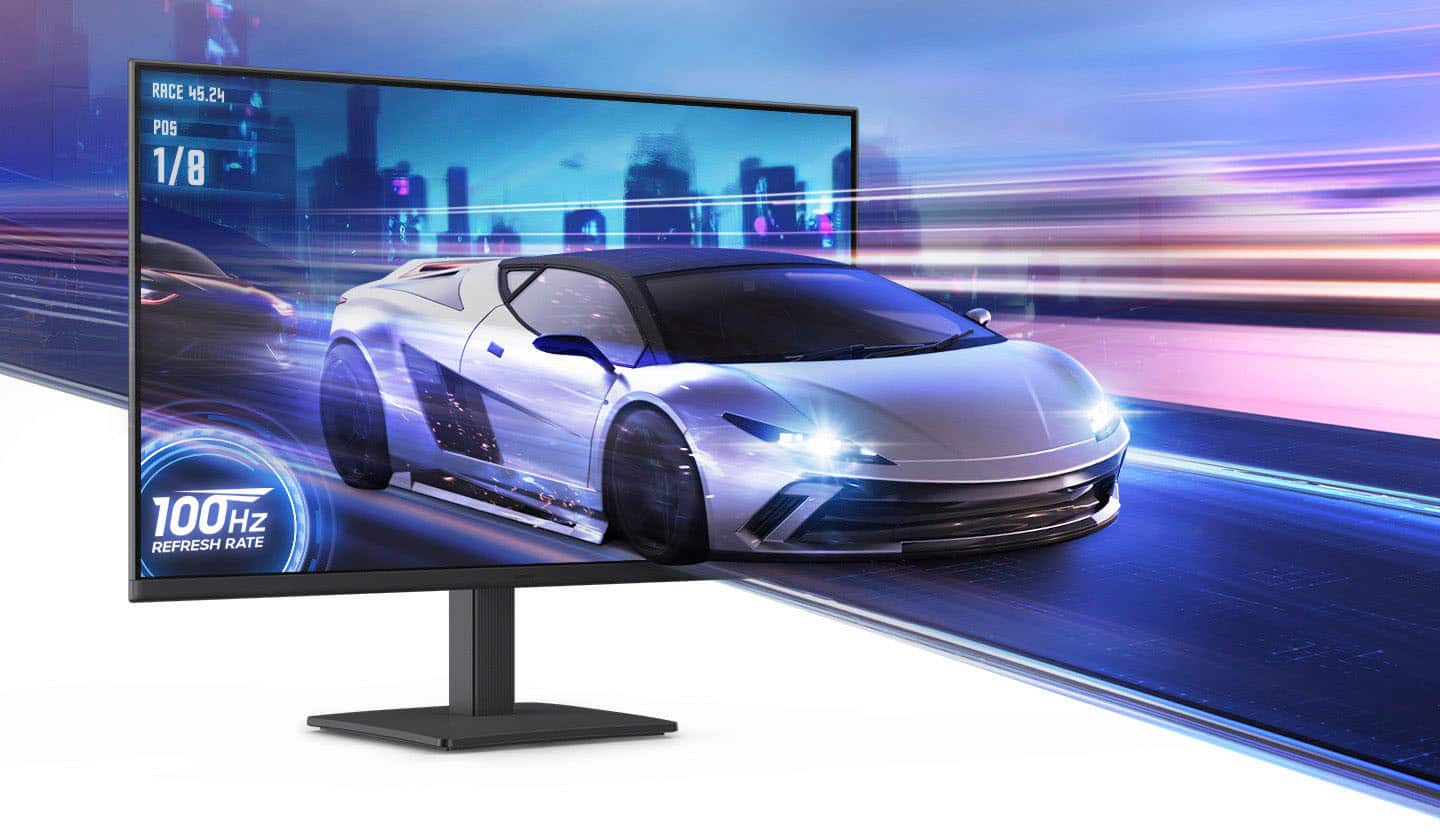
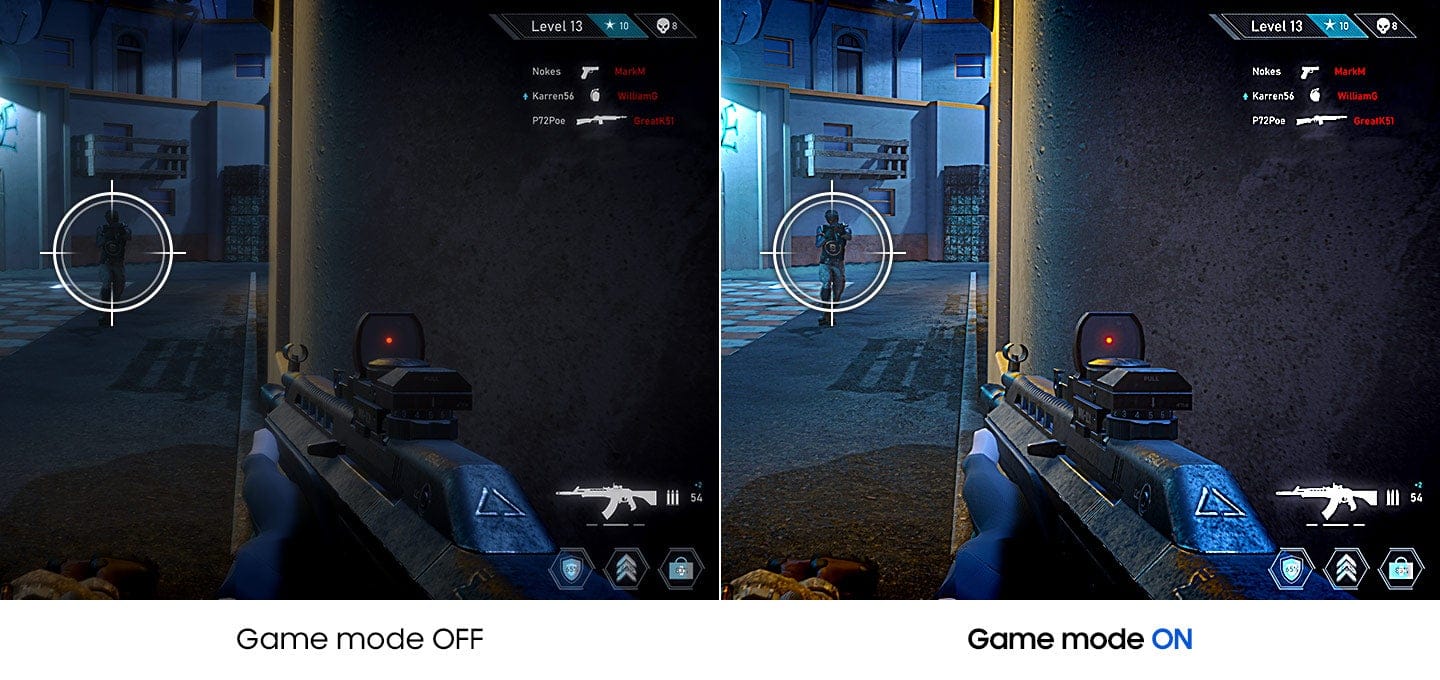
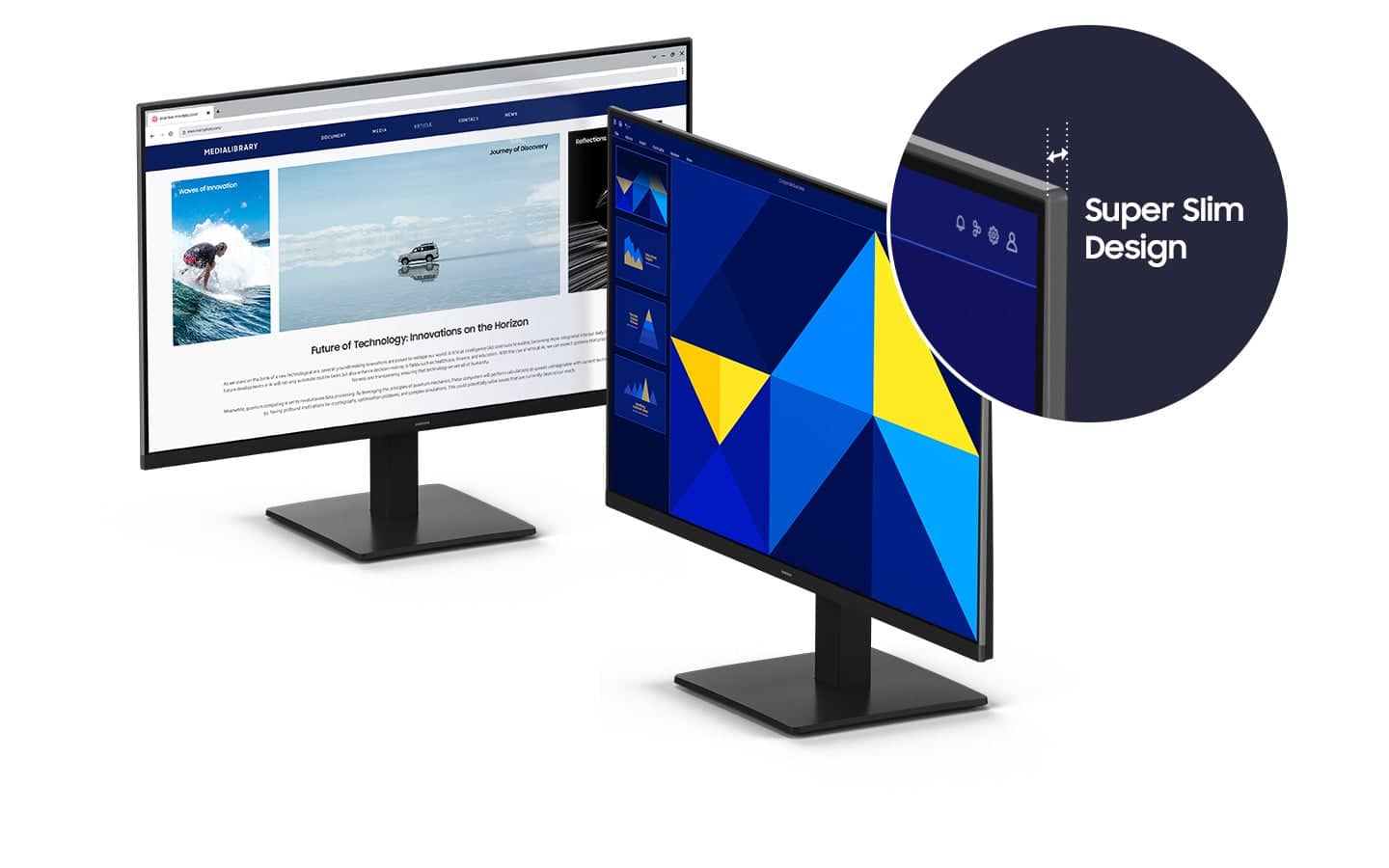
|Posted .This reviewer received promo considerations or sweepstakes entry for writing a review.I needed a new monitor for my aging and rather small 19" display, but I didn't want to spend a lot on something I don't need. Doing some research, I found this IPS panel from Samsung. It's a good size at 24" and is thin and lightweight. The picture modes are highly selectable and does a great job for watching YouTube or Netflix. The gaming mode is super-bright, which is helpful when playing dark themed game sequences. The resolution of 1080p and 100hz refresh rate is pretty basic, but just what I need in my home office. I like that it has 9 light filtering modes to adjust the screen in ways that are tailored to your eyes. The joystick is located in a strange place on the inside right, that's hard to get to if you want to adjust any screen settings. I like that it has blue light filtering for night viewing which is great for reducing stress on the eyes. The screen has limited movement with the included base, tilts back and forth about 30 degrees or less and twists on the vertical axis about an inch on either side to offset desk imperfections to help people with OCD get their screen perfectly straight. The important thing is that it's a bargain and offers exactly what I need t get things done more efficiently and with less eyestrain and saves me from potential headaches.
I would recommend this to a friend Disappointed
||Posted . Owned for 1 month when reviewed.This reviewer received promo considerations or sweepstakes entry for writing a review.This item was returned because I was unable to assemble it and neither could the techies at the return counter so they left me exchange it for a DELL.
No, I would not recommend this to a friendBrand response from Samsung
Posted .Please know you are leaving a review for the [series/model], not the service provided by a third party seller. Please follow up directly with the seller for further assistance. We hope your issue is resolved in a timely manner. Should you have questions regarding Samsung TVs, please contact Samsung Support at 1-800-SAMSUNG, 8AM - 12AM EST, 7 days a week. Our LiveChat agents are also available by clicking on the ‘Support’ link on our website.
- Pros mentioned:Overall performance
Solid performing monitor held back by connectivity
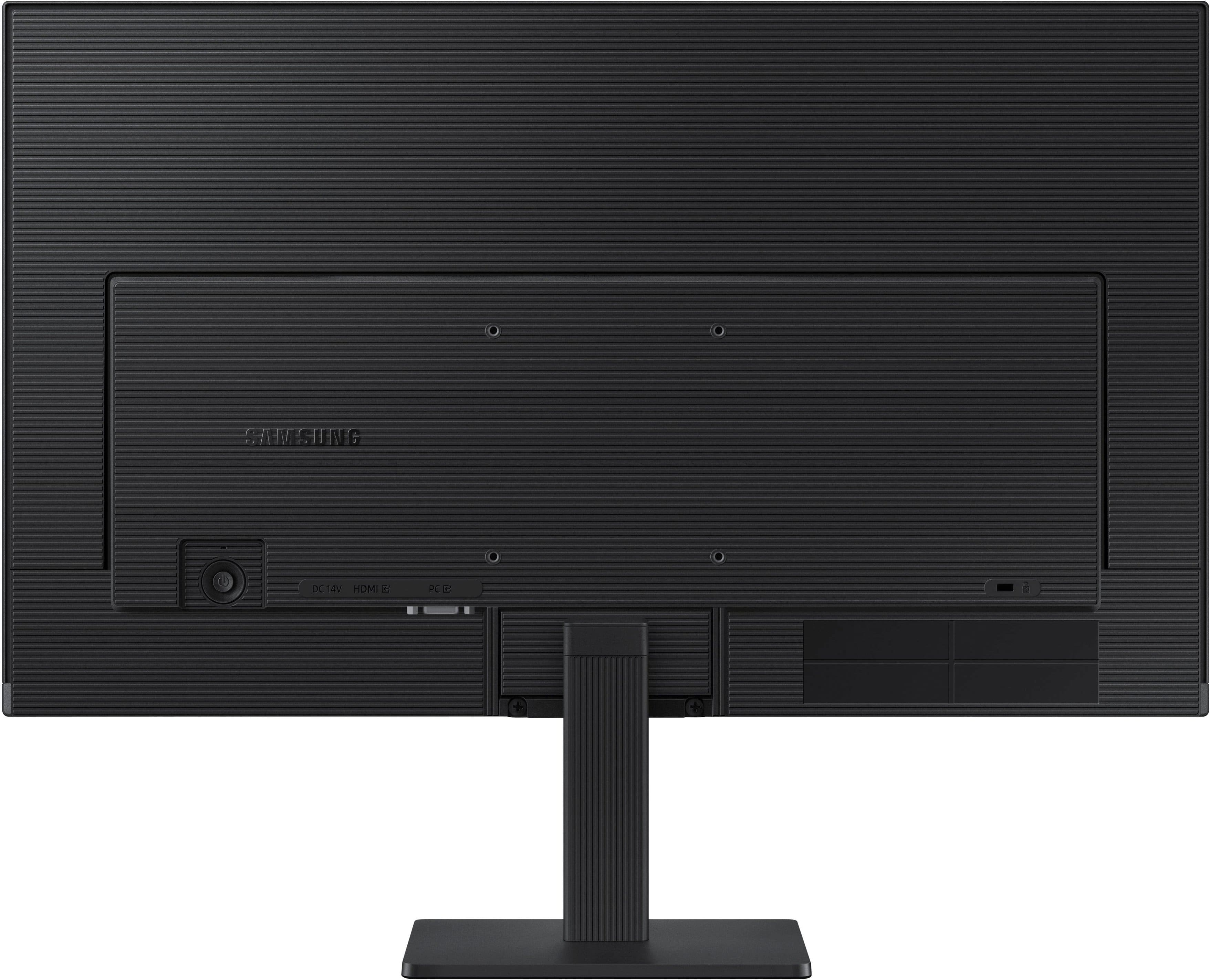
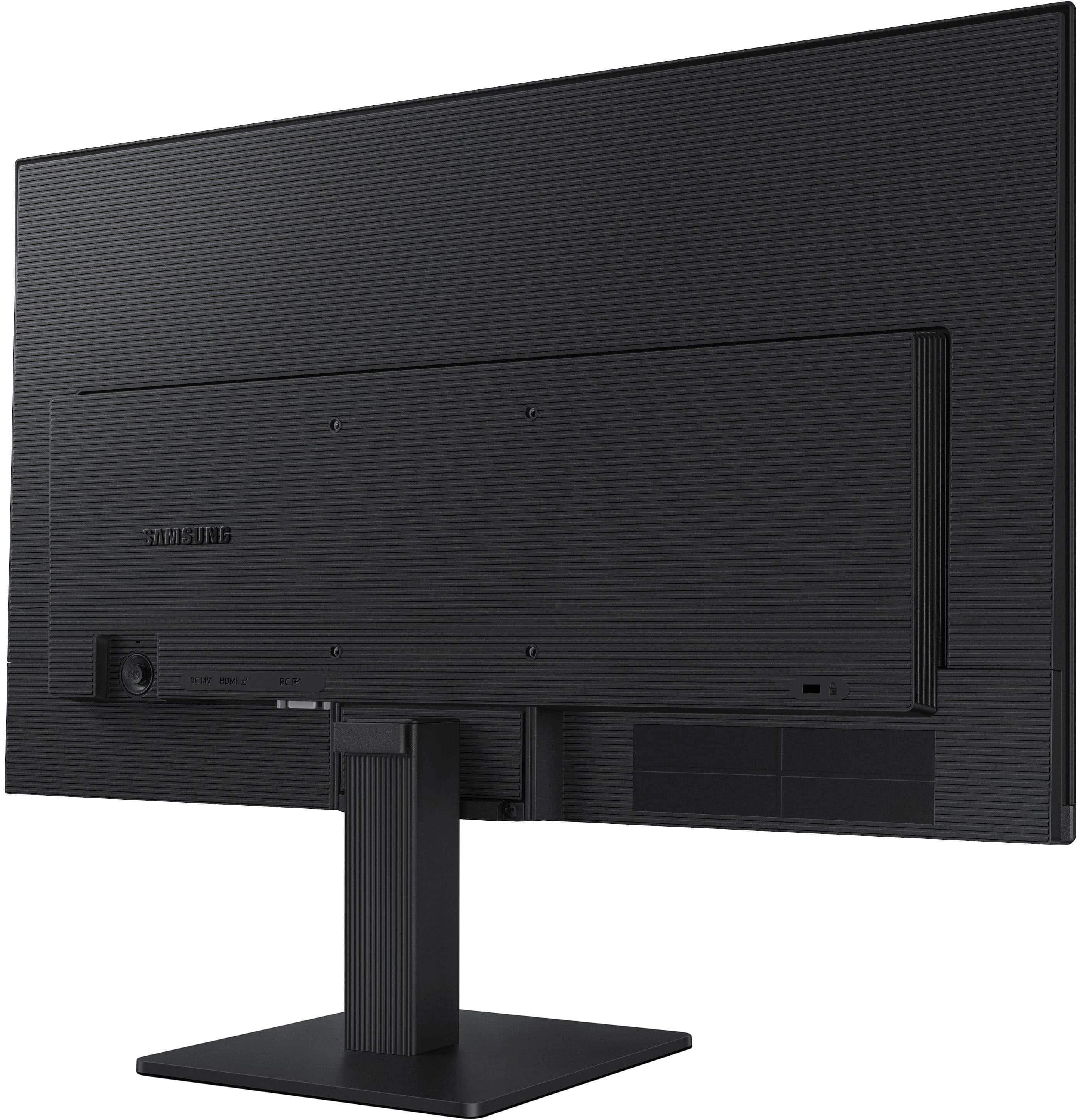
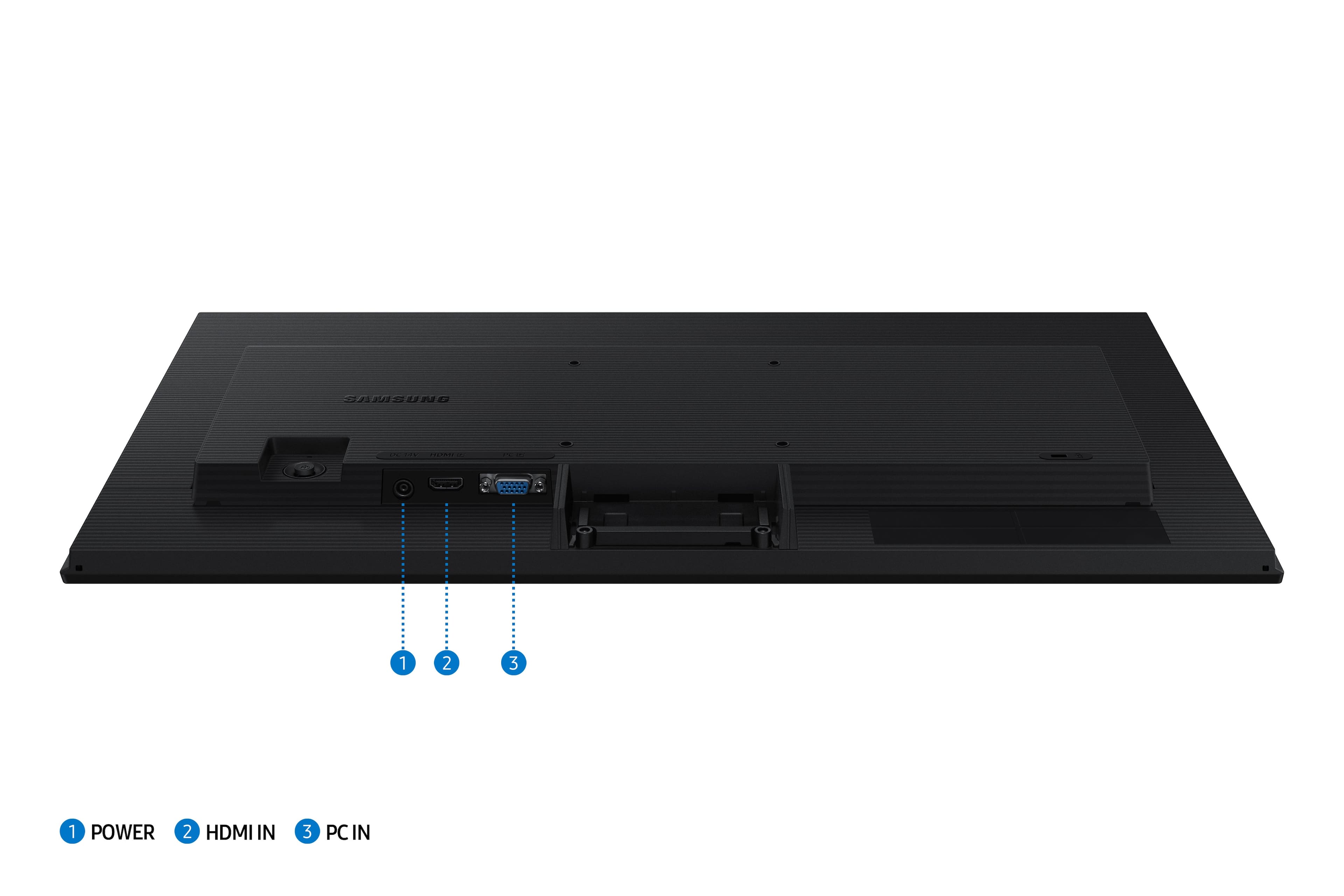
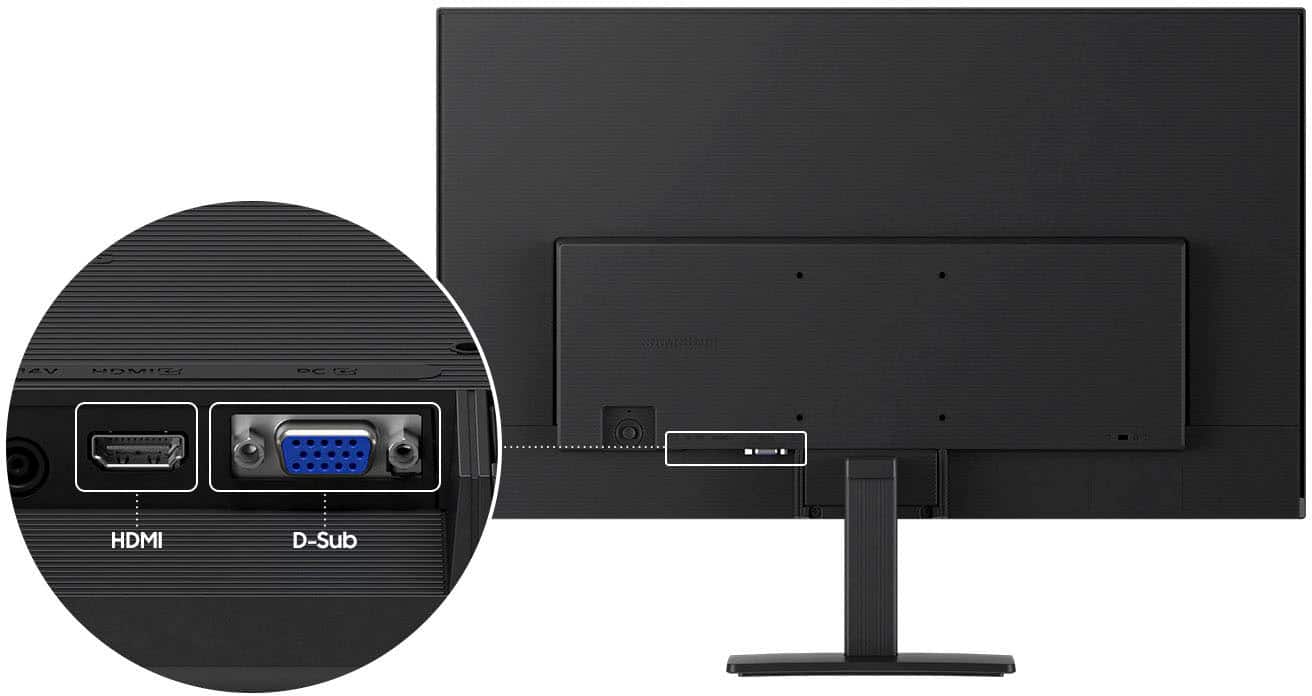
|Posted .This reviewer received promo considerations or sweepstakes entry for writing a review.TL;DR - the Samsung S30GD 24-inch 100Hz IPS monitor is a terrific option for an everyday display. Bright, clear picture, EyeSaver mode, and that 100Hz refresh rate make it a good option for productivity work and entry-level gaming. A VESA 100x100 mounting point make it a great option for a multi-monitor setup, with a minor caveat. VGA connectivity makes it a solid option for those with older computer systems, but only one HDMI port limits connectivity for those with multple modern computers at one workstation. All in all, a solid option when it comes to displays. Unboxing and setup - inside the box, you'll find the monitor with stand, AC adapter and power cord, HDMI cable, and instruction manual. Assembling the monitor is easy enough - lay the screen on a soft surface, attach the stand with a Phillips screwdriver, then attach the base. I'd recommend attaching the HDMI cable, an optional VGA cable (sold separately), and the AC adapter and running those cables through the integrated cable management clip. Once attached to your computer, go head and configure the display settings using Samsungs joystick OSD control. I'd recommend using game mode over other modes as it had the best picture and least blur out of all the picture settings, but make sure to turn the display brightness down to a comfortable level (somewhere between 40-65%), as the default 100% brightness is definitely brighter than the advertised 250 nits. Usage - I tested motion using several streaming videos that included display testing and manufacturer demo loops, a gaming session playing Halo MCC, Minecraft, and Control Ultimate Edition, a photo editing session with my Mac, by attaching it as a secondary display for my phone, and by attaching it as a secondary display for my Chromebook. Calibration was pretty solid overall out of the box, only needing a slight adjustment using ColorSync on the Mac to match my other monitors in terms of white point and gamma. Colors performed very well, with lifelike skin tones and a full spectrum that was smooth and not "peaky" like typical inexpensive monitors can be. Gaming was incredibly smooth. Being that my testing system can drive both Halo MCC and Control at over 100 fps at 1080p, I was treated to an extremely smooth experience. I ran screen mirroring while running Minecraft between this screen and another LCD of mine capable of 360Hz, and there was no real noticeable difference in visuals between the two while forcing fast motion; the other monitor indicated it was running somewhere between 190 and 260Hz while doing this testing, so for you parents out there with children getting into PC gaming, they don't need to spend twice to four times as much on a screen for a good experience. Video playback was solid. Considering this isn't a FALD panel, black levels were good - not inky black like an OLED or good FALD MicroLED LCD, but good enough where shadows weren't being ruined by too high of a black level. This monitor does have a black level adjustment that fixes the out of the box problems. Blur wasn't too much of an issue; even the Blur Busters UFO test was clear with its scrolling. As a secondary display for Chromebooks, iPads, Android phones, and iPhones, it's a good performer. Remote desktop apps, presentation apps, and video playback apps that can use the second screen will feel like you're watching a TV or doing your presentation with a laptop. Just know that the greater majority of these devices won't be able to use the 100Hz feature, as their video output doesn't support it. I tested using Keynote on my iPhone and Apple TV and Microsoft Windows app on Chromebook. Drawbacks - the biggest thing I see wrong with this display is the lack of more than one digital connection. While VGA is handy for those who need it, fewer and fewer modern computers have VGA, Macintosh systems haven't been compatible with VGA with adapters since at least 10.9 (and possibly 10.7), it's difficult to find adapter for VGA output easily, and VGA lacks support for encryption protocols which makes it a no-go for streaming video apps and some video games. Also, this could have come with an audio output for those with laptops and desktop speakers who would want a single cable connection between their laptop and the rest of their setup. Conclusion - the Samsung S30GD really is a solid monitor, even when considering the one drawback it has. The 100Hz refresh rate only makes the outstanding video quality that much better.
I would recommend this to a friend Would not recommend
||Posted . Owned for 3 weeks when reviewed.This reviewer received promo considerations or sweepstakes entry for writing a review.Very low pixelation quality - not easy on the eyes
No, I would not recommend this to a friendBrand response from Samsung
Posted .Please know you are leaving a review for the Samsung S3 S30GD monitor, not the service provided by a third party seller. Please follow up directly with the seller for further assistance. We hope your issue is resolved in a timely manner. Should you have questions regarding Samsung Monitors, please contact Samsung Support at 1-800-SAMSUNG, 8AM - 12AM EST, 7 days a week. Our LiveChat agents are also available by clicking on the ‘Support’ link on our website.
Poor quality
||Posted .This reviewer received promo considerations or sweepstakes entry for writing a review.The unit is very unsteady. It will not sit up square.
No, I would not recommend this to a friendBrand response from Samsung
Posted .Please know you are leaving a review for the Samsung S3 (S30GD) monitor, not the service provided by a third party seller. Please follow up directly with the seller for further assistance. We hope your issue is resolved in a timely manner. Should you have questions regarding Samsung monitors, please contact Samsung Support at 1-800-SAMSUNG, 8AM - 12AM EST, 7 days a week. Our LiveChat agents are also available by clicking on the ‘Support’ link on our website
poor quality
||Posted . Owned for 3 weeks when reviewed.This reviewer received promo considerations or sweepstakes entry for writing a review.died after about a week. don't waste money on it.
No, I would not recommend this to a friendBrand response from Samsung
Posted .Please know you are leaving a review for the Samsung 24" S3(S30GD) Monitor, not the service provided by a third party seller. Please follow up directly with the seller for further assistance. We hope your issue is resolved in a timely manner. Should you have questions regarding Samsung TVs, please contact Samsung Support at 1-800-SAMSUNG, 8AM - 12AM EST, 7 days a week. Our LiveChat agents are also available by clicking on the ‘Support’ link on our website.
mrs
||Posted . Owned for 2 weeks when reviewed.This reviewer received promo considerations or sweepstakes entry for writing a review.HDMI & analog on screen. Could not figure out how to get off to use it. On going issue by past reviews.
No, I would not recommend this to a friendBrand response from Samsung
Posted .We are very sorry to see that you have encountered issues with the Samsung 24" S30GD Monitor. We understand your disappointment and hope that you will give us a chance to assist with troubleshooting. Samsung is committed to providing the best possible product experience, quality, and value, and we are always here to help with any of your questions or concerns. For further assistance, please contact Samsung Customer Support via:
1-800-SAMSUNG, available 8AM - 12AM EST (Mon-Fri) / 9AM - 11PM EST (Sat-Sun)
- Pros mentioned:Overall performance
Great Business monitor
|Posted .This reviewer received promo considerations or sweepstakes entry for writing a review.Talk about a throwback monitor, I haven't seen a d-sub (VGA Connector) on monitor in a long time and it is handy for older KVM switches esp for home labs, so that is a nice thing to have since I have old hardware and the 24" size is perfect for my Rack, without having to give into my bad eyes with a smaller monitor, though if you can run HDMI, you do get 100hz which is so much nicer even for daily office use at least for me then a 60hz monitor after my home gaming monitors got me used to smoother screens and its nice to have a secondary office monitor that can do 100Hz instead of the usual 60hz. Its an IPS panel so you get a great picture and for my use I didn't really notice too much light bleed, if you want a secondary monitor for streaming movies this worked really well I found, it had the right brightness and colors seemed good to me. This is defintely aimed at businesses though because of the d-sub connector as they are the only ones using d-sub, or people with homelabs using older hardware. Either way I think this is a great monitor for those uese and am enjoying it.
I would recommend this to a friend A Very Good Inexpensive Monitor
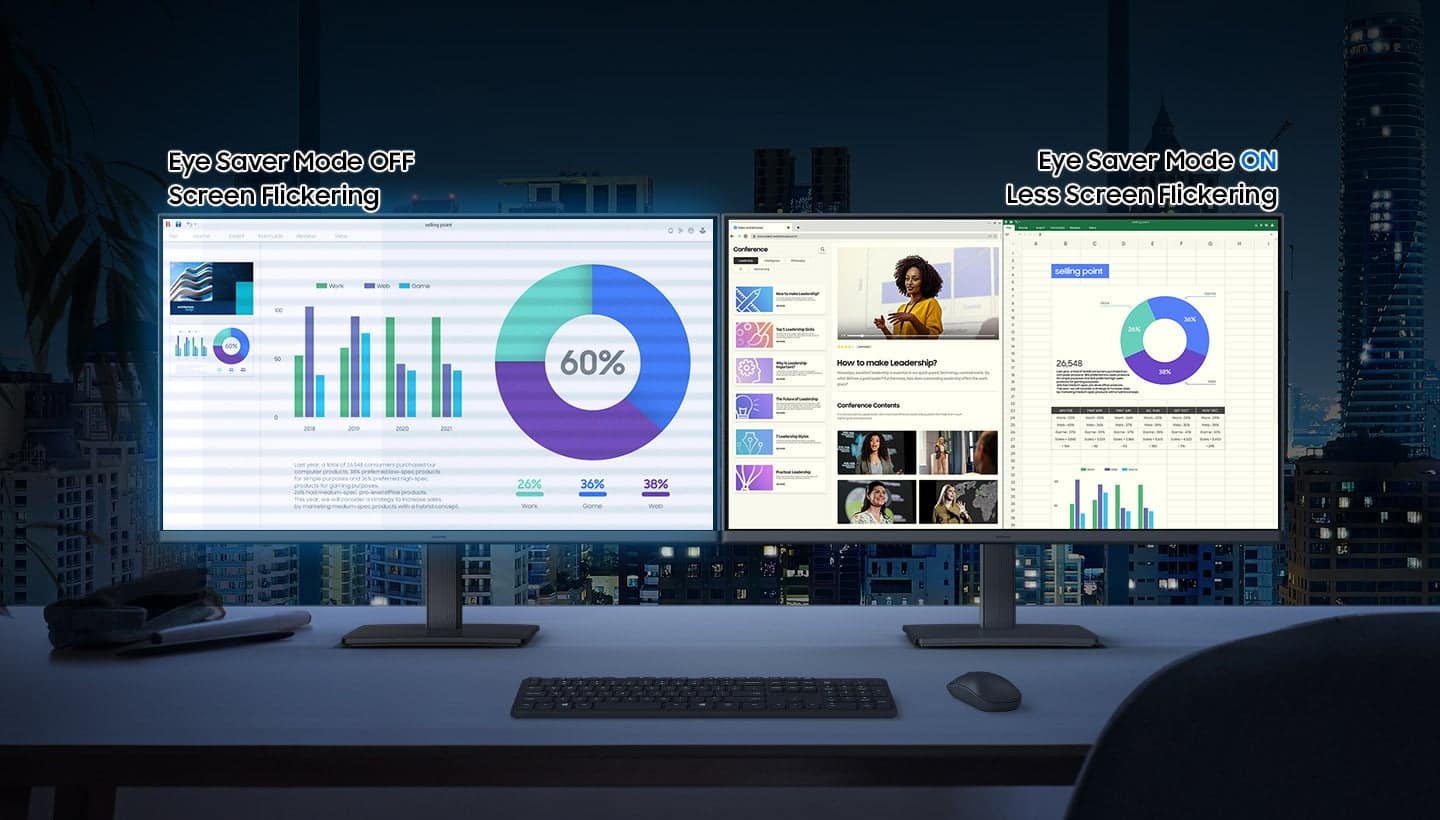
|Posted .This reviewer received promo considerations or sweepstakes entry for writing a review.The Samsung S-3 (S30-GD) IPS LED FHD 100hz Monitor is a basic monitor that has many of the features found in higher end monitors including: - Monitor tilt and pan capability to suit user preferences - The monitor comes set to the lowest brightness setting which can be adjusted higher as needed - Power cord and HDMI cable are included - The monitor is easily assembled for use; it took me under 5 minutes to set it up - Is powered on using a joystick-like button on back of the monitor which can also be used to access the monitor settings menu - The monitor has a 5 millisecond response time - Eye Saver mode reduces blue light and screen flickering to protect user vision and enhance comfort especially when using the monitor extensively - Maximum resolution is 1920x1080 - No speakers or camera are included - The monitor is very lightweight and of a space saving design The Samsung S3 monitor provides excellent color, 100hz performance and is a great budget monitor for everyday use browsing the internet, sending
I would recommend this to a friendPretty solid but pretty basic
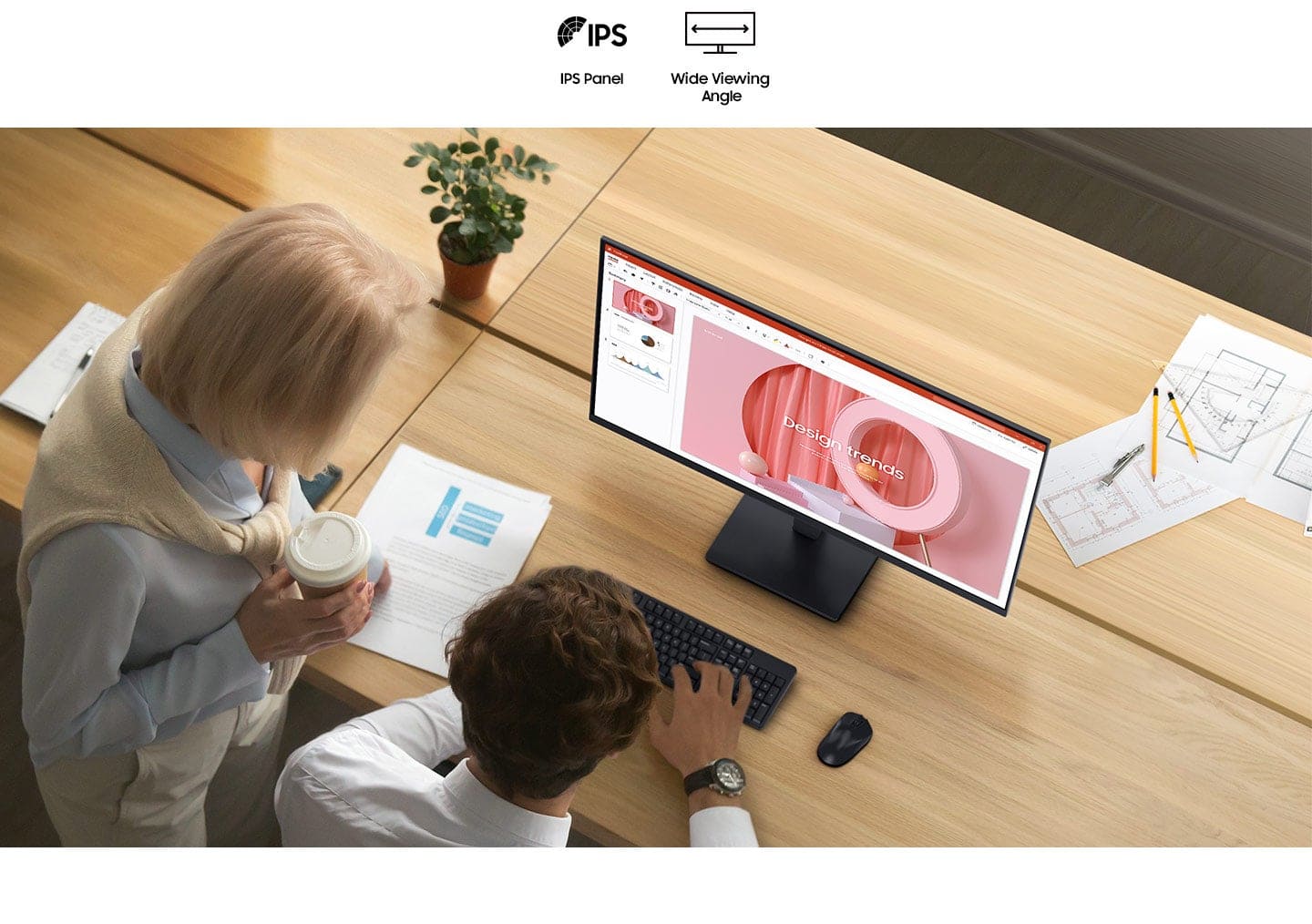
|Posted .This reviewer received promo considerations or sweepstakes entry for writing a review.Overall, this is a pretty decent monitor. It's got all the basics covered - decent though not spectacular refresh rate, good viewing angle, and good construction. It doesn't draw attention to itself, and it wouldn't be out of place in an office. It doesn't have a bright blue indicator light, so I can keep it in my bedroom without it lighting up the room like a spotlight when I'm trying to sleep. I also appreciate that it's got the VESA mount screw holes in the back - I'm currently using it with the included stand, but at some point I'd love to put it on an adjustable arm and I'm glad I will be able to do that easily. As far as the actual screen goes, it's pretty decent. It's nothing to write home about, but it's also not bad. It works fine with YouTube, or office work, or if you really want to you can game on it. It would be a great monitor for a productivity PC, or a good side monitor for a gaming PC. Honestly, it wouldn't even be a *bad* monitor for a gaming PC - I tested it with games, and none of them looked bad on this screen at all. I've just been spoiled by OLED and 4K. I can't say I'm thrilled with the included stand. It was surprisingly difficult to attach - I had to try a few times, because it never really felt like I managed to get it on right. It also doesn't adjust downwards as much as I'd like, which can be a pain if you've set the screen on top of something (like a small form factor desktop on its' side, for instance). I'm also questioning the inclusion of a VGA port instead of a DisplayPort - I think there's only one piece of hardware in my house that even has that port. I feel like even a DVI port would have made more sense. Don't get me wrong, I like it when monitors have multiple inputs, but I'm just not really sure why *that*. Overall, despite my disdain for the stand, this is a pretty solid monitor and I'd absolutely recommend it for a productivity PC, or as a secondary monitor. I'd also recommend it for a gaming PC if you don't really care about OLED or resolutions higher than FHD. Just be sure to bring your own VGA cable if you're planning on using that connection - this only includes the HDMI cable.
I would recommend this to a friend- Pros mentioned:Overall performance
Great Monitor
Posted .This reviewer received promo considerations or sweepstakes entry for writing a review.Great monitor for a great price. Purchased 8 to replace old tech in the office and everyone loves them.
I would recommend this to a friend EXCELLENT!
Posted .This reviewer received promo considerations or sweepstakes entry for writing a review.LOVE the size & quality of this monitor. Got an excellent deal!
I would recommend this to a friend- Pros mentioned:Overall performance
Amazing monitor for price
Posted .This reviewer received promo considerations or sweepstakes entry for writing a review.Good monitor for low prize, works good for console players with a good fps
I would recommend this to a friend