Customer Ratings & Reviews

- Model:
- LS24D300GANXZA
- SKU:
- 11446540
Rating by feature
- Display Quality
Rating 4.8 out of 5 stars
- Ease of Use
Rating 4.8 out of 5 stars
- Features
Rating 4.6 out of 5 stars
- Pros mentioned:Overall performance
Samsung Monitor Review
Posted .This reviewer received promo considerations or sweepstakes entry for writing a review.Affordable, solid monitor for work! It's fast, has good quality majority of the time.
I would recommend this to a friend 
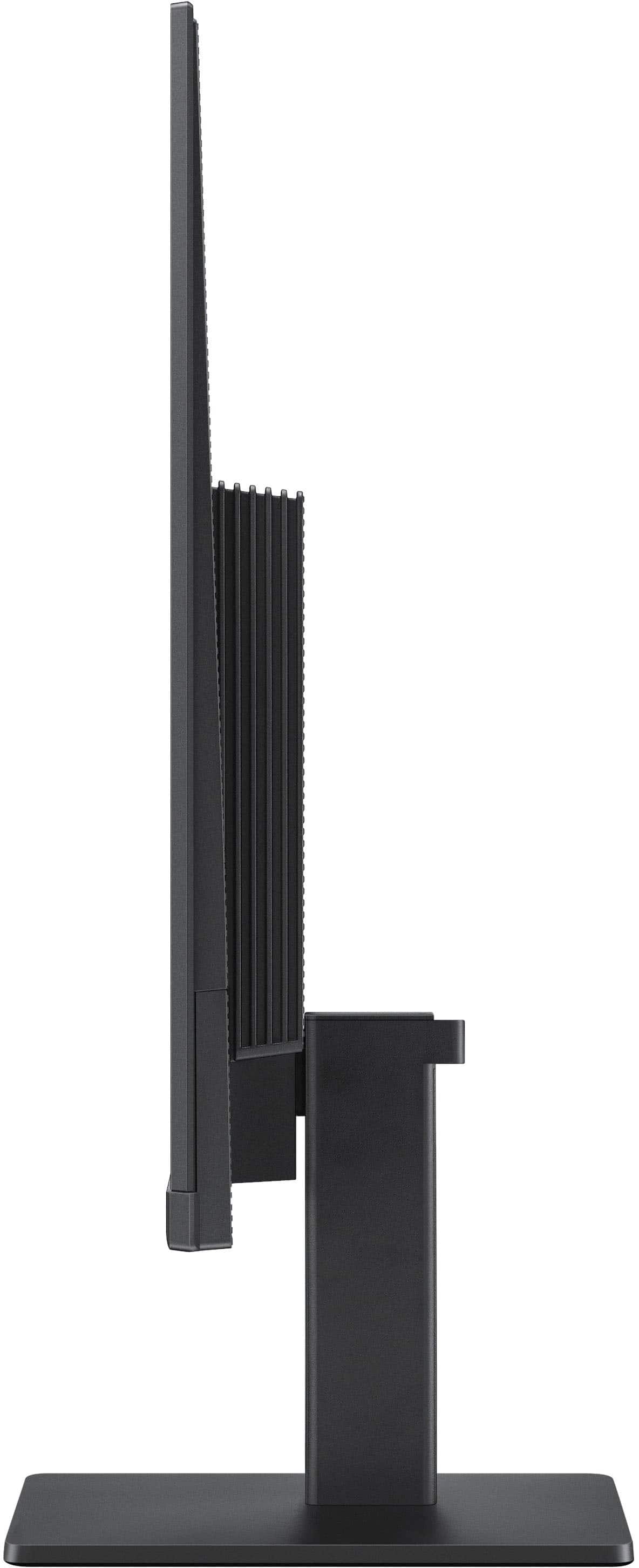
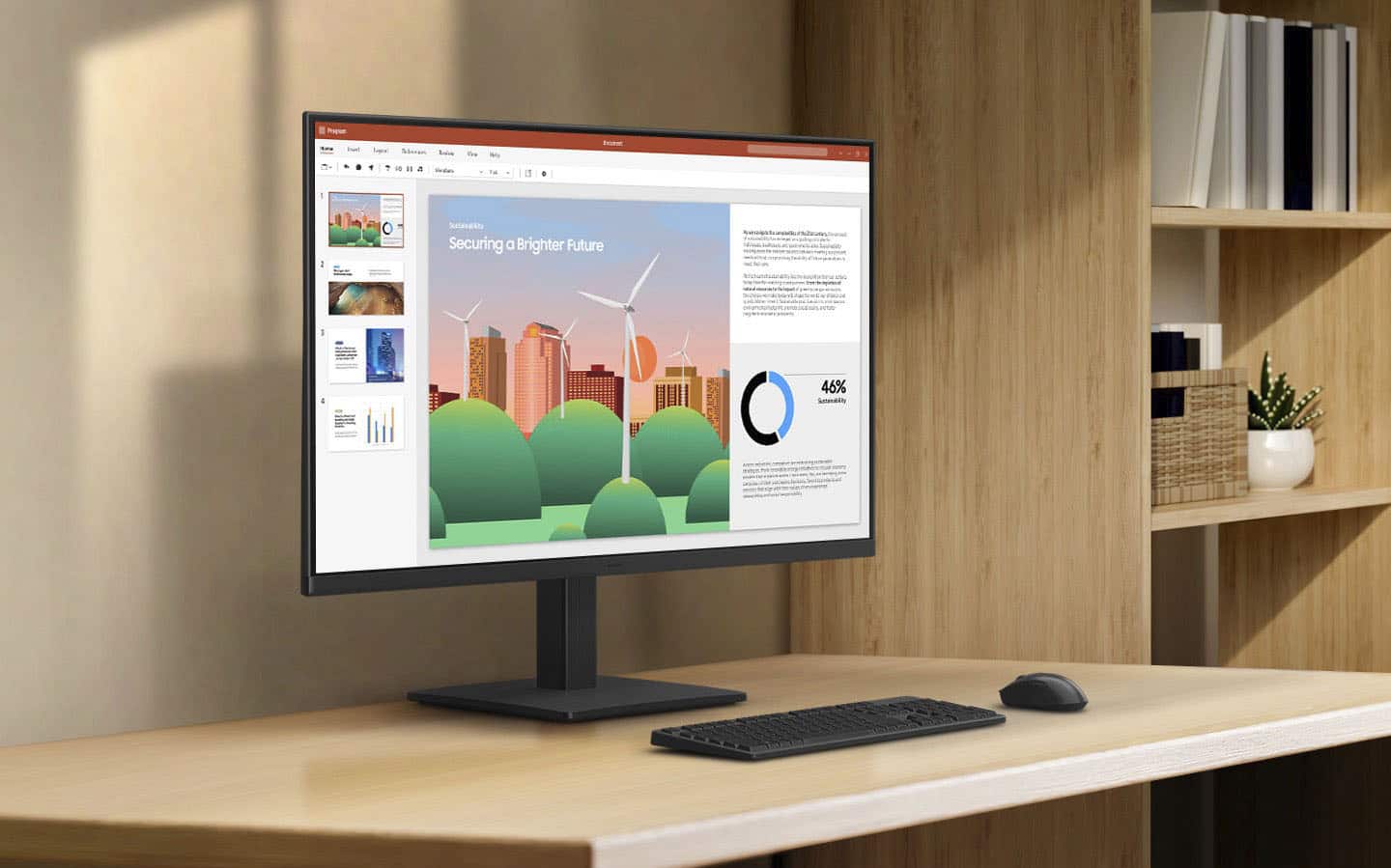
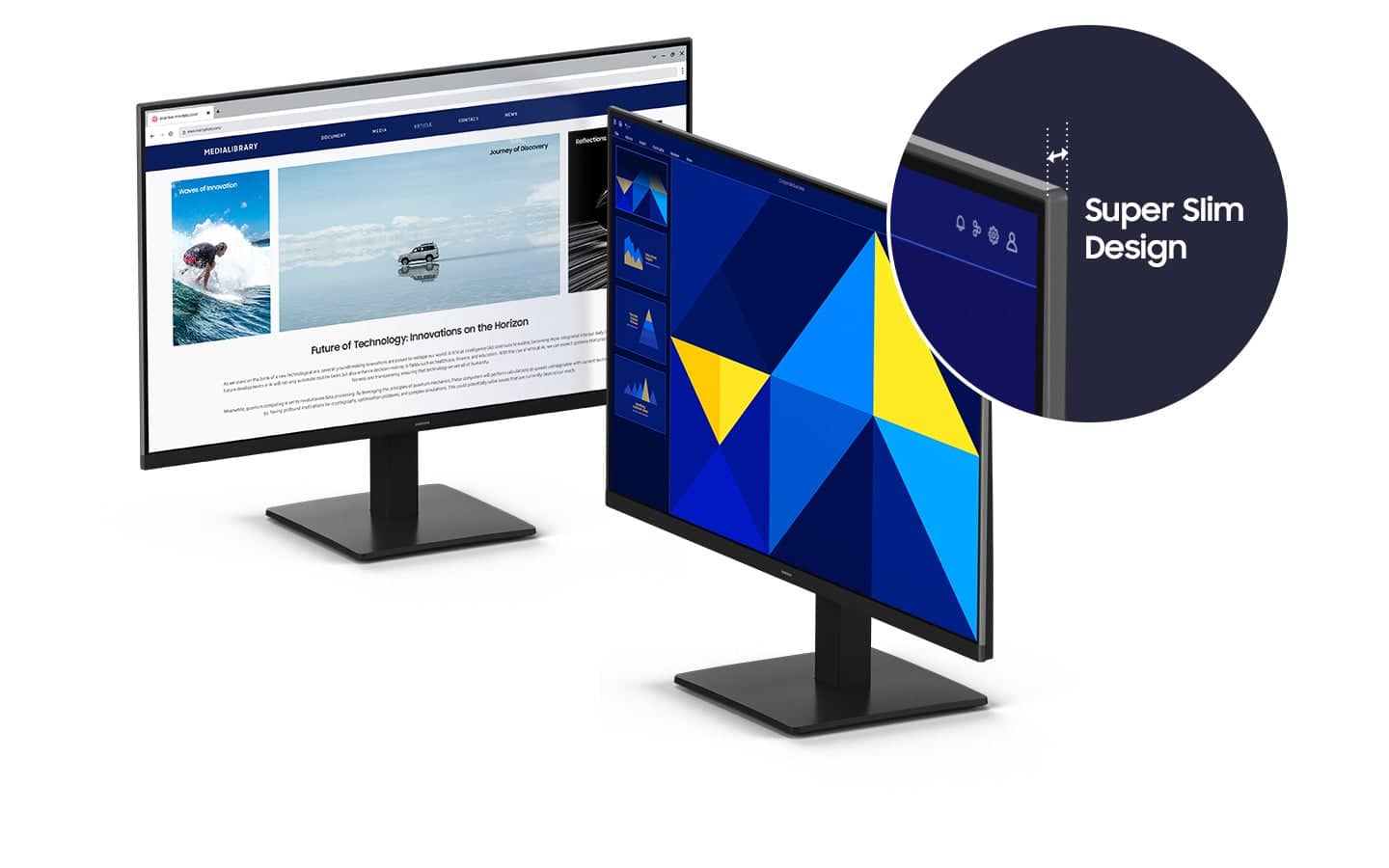
Slim Bezels, Great for Small Desks, Laptop Users
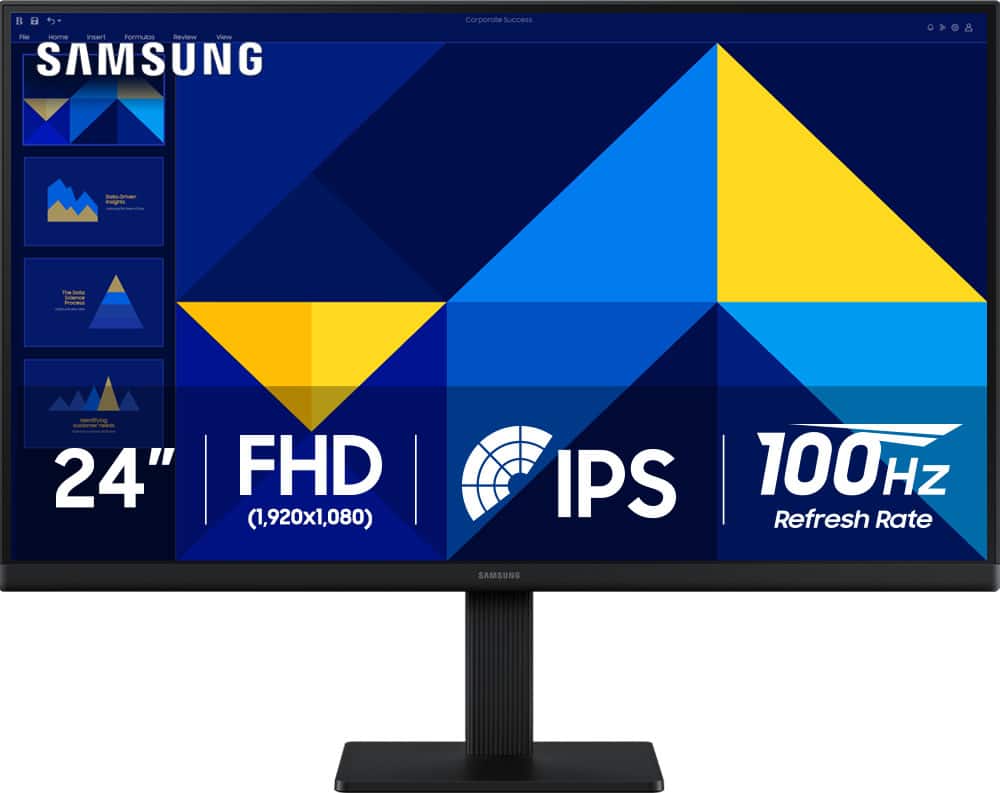
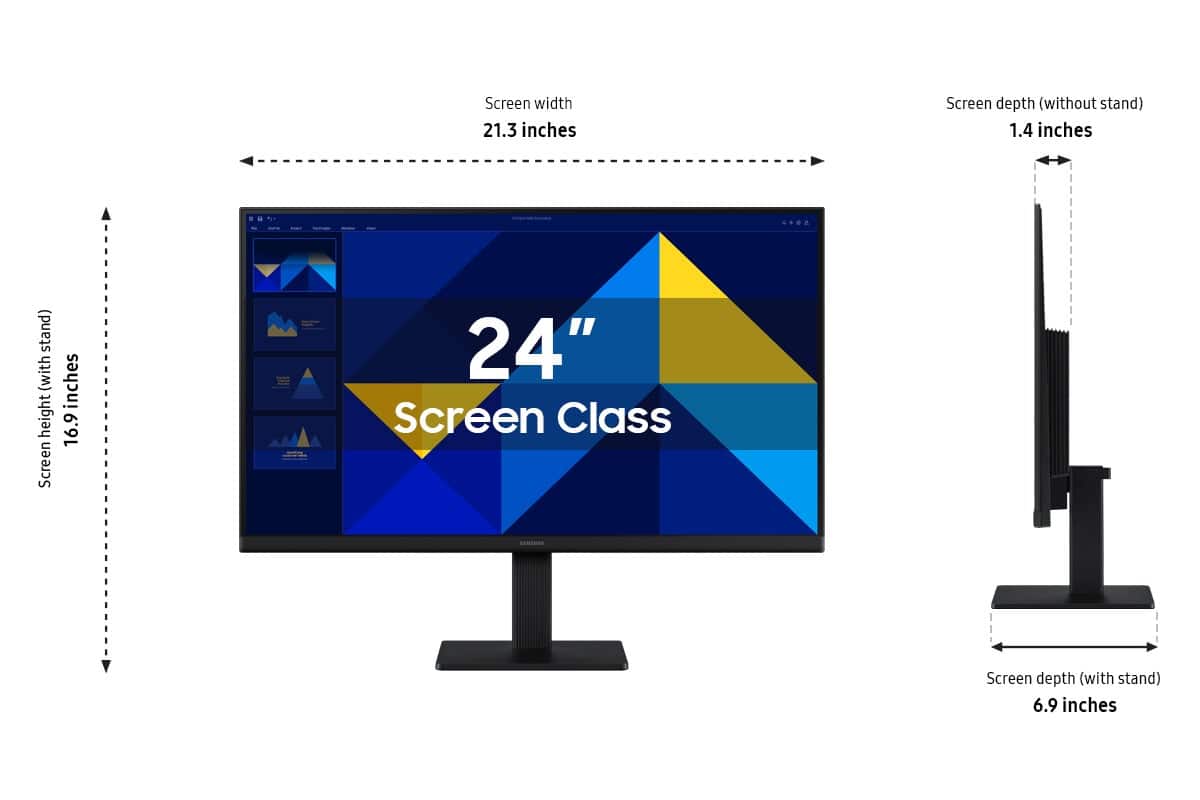
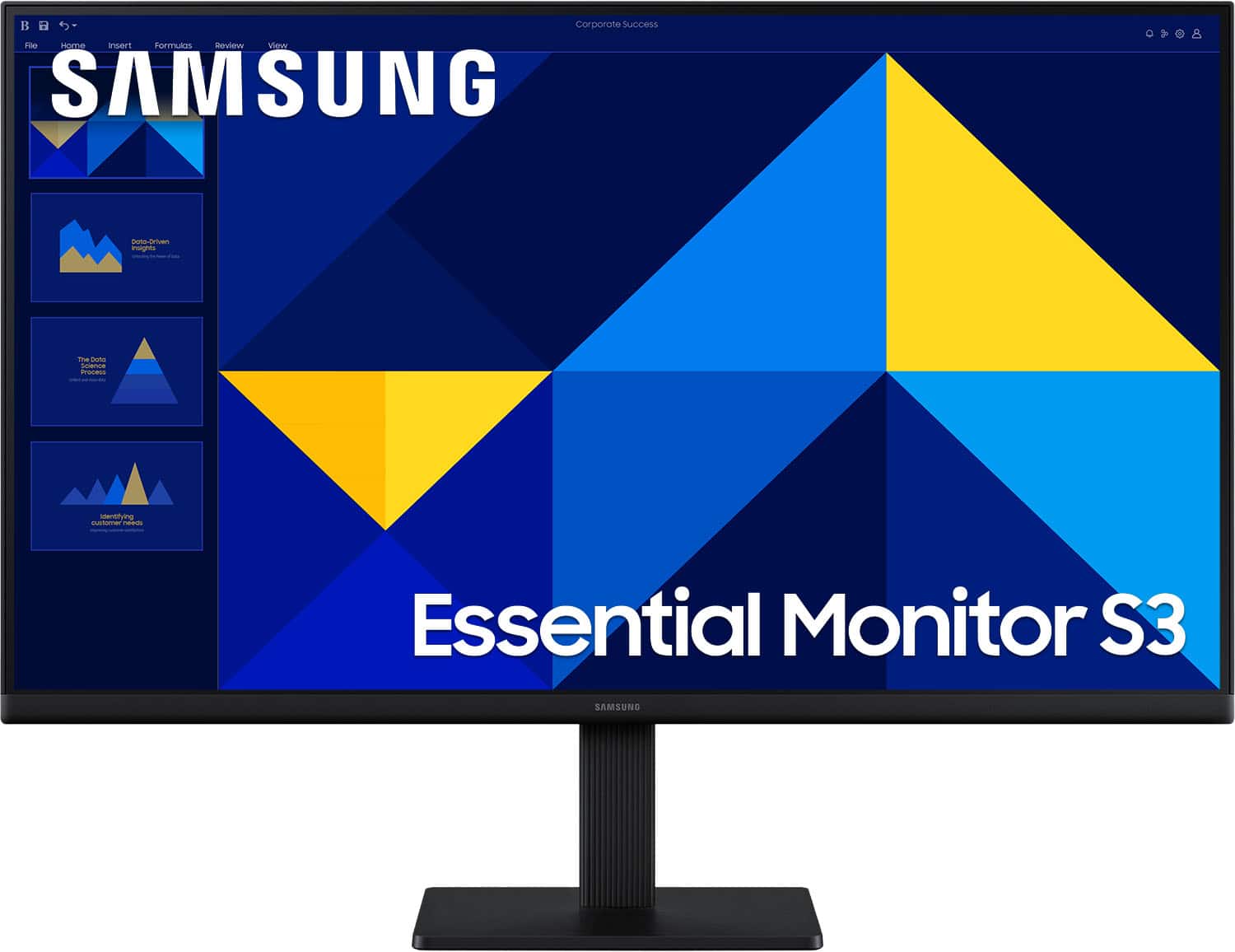
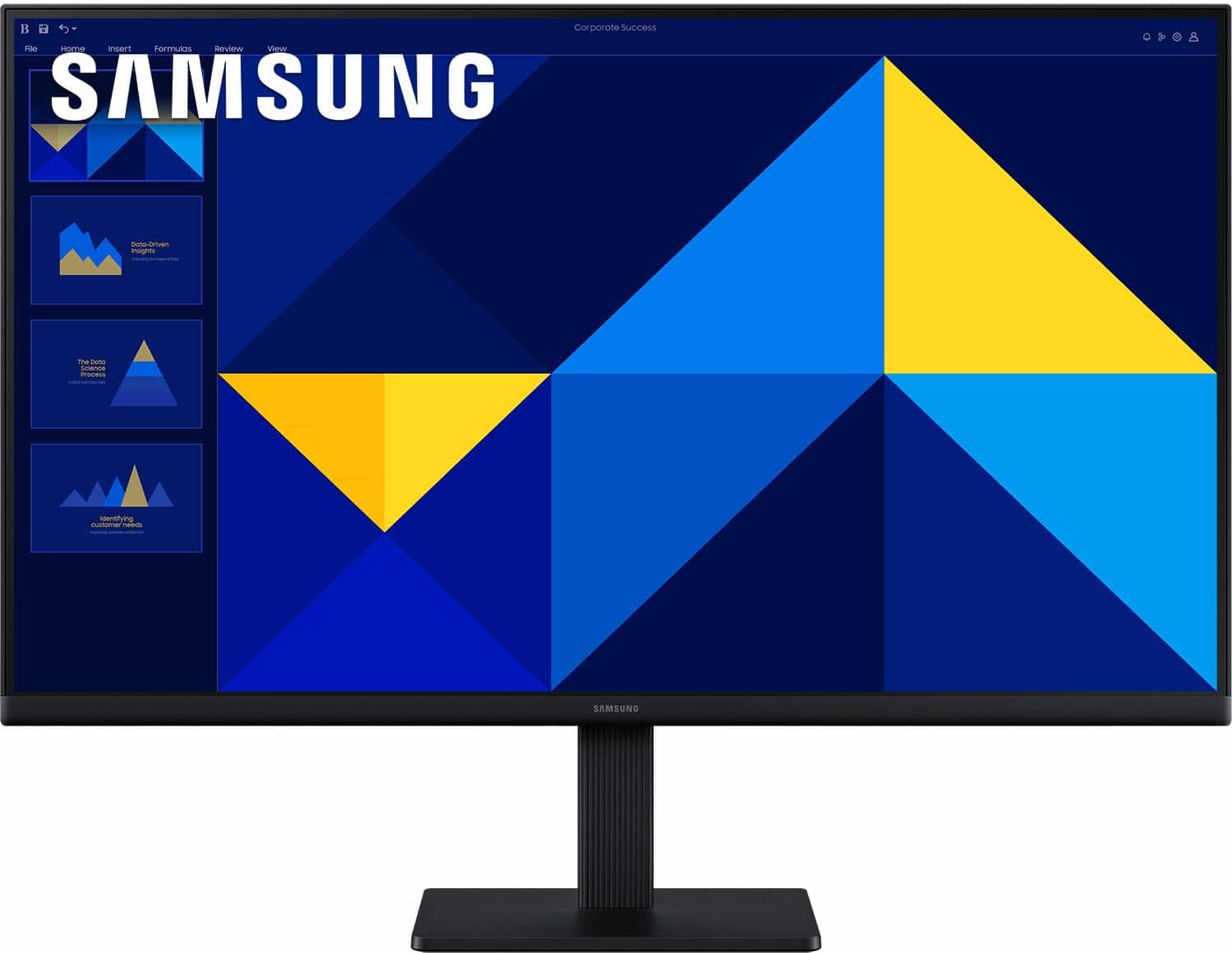
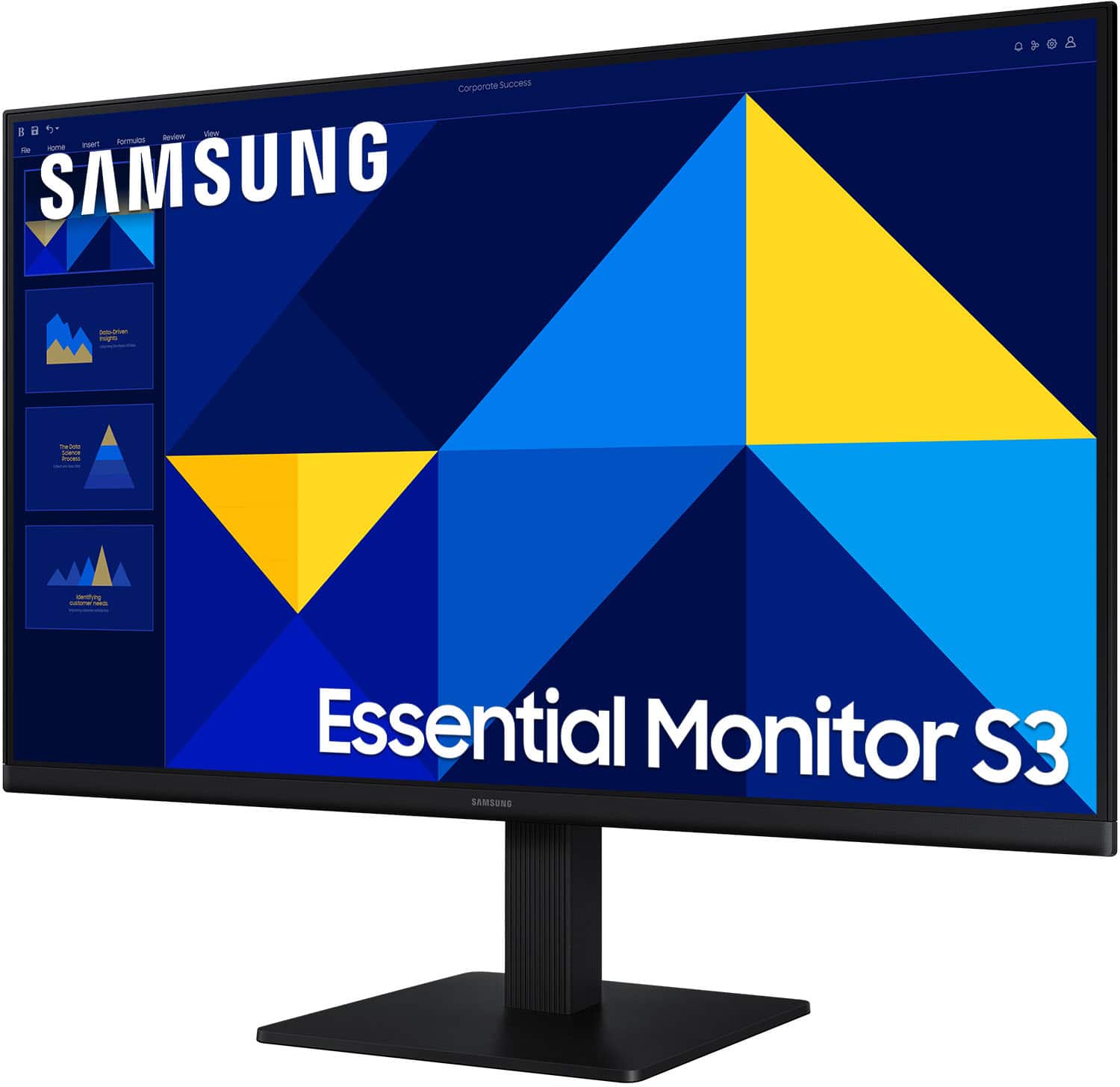
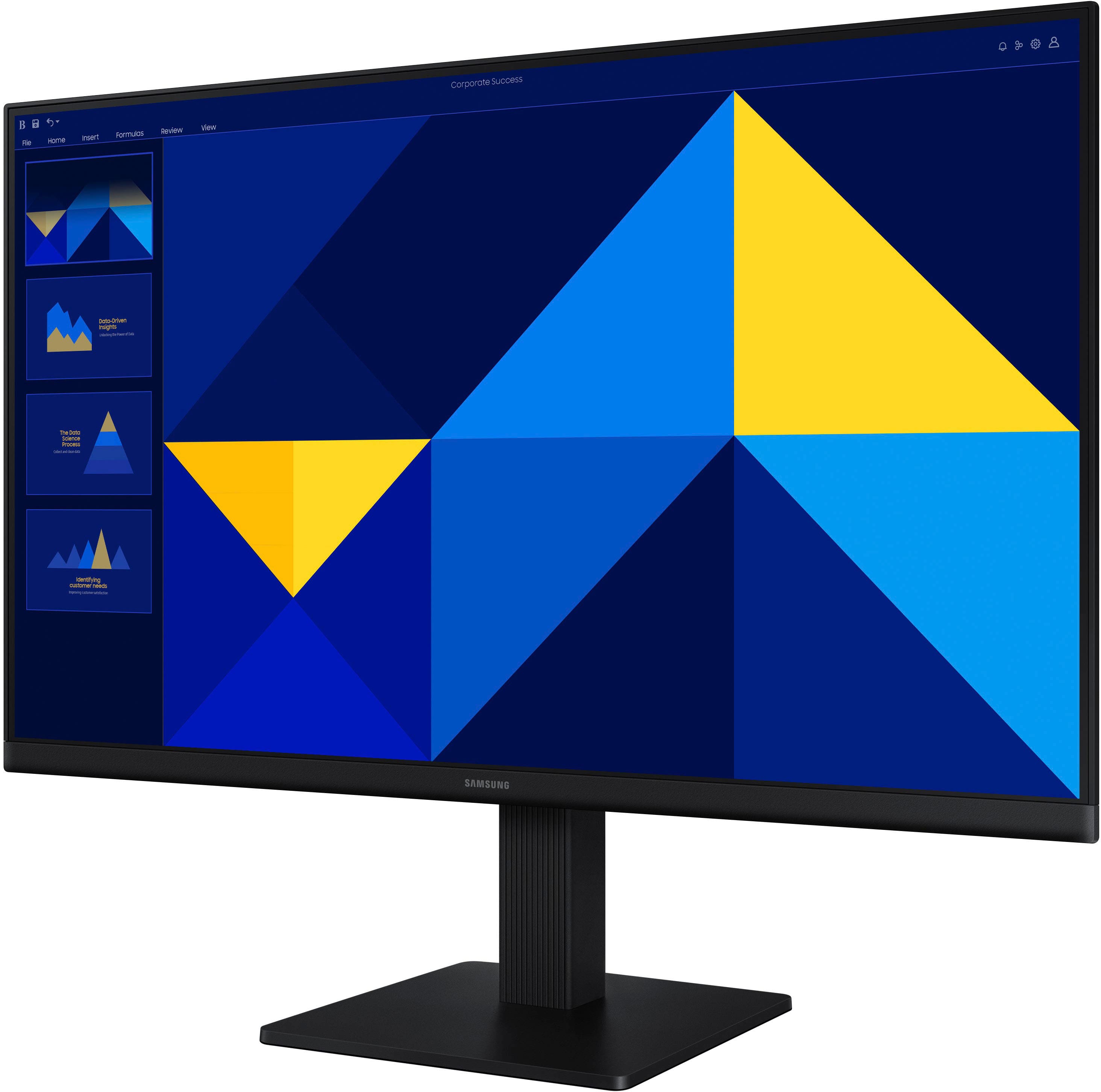
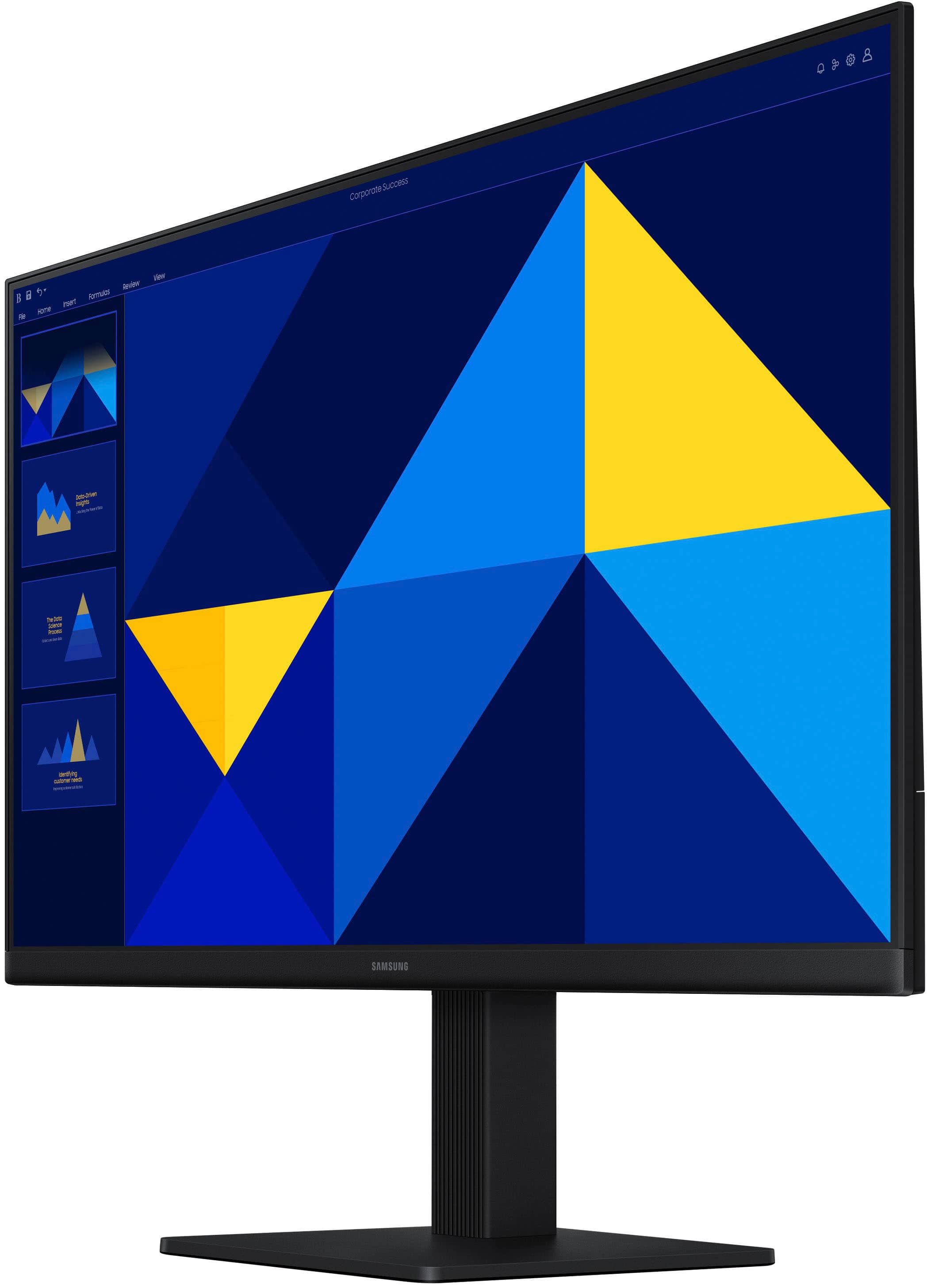
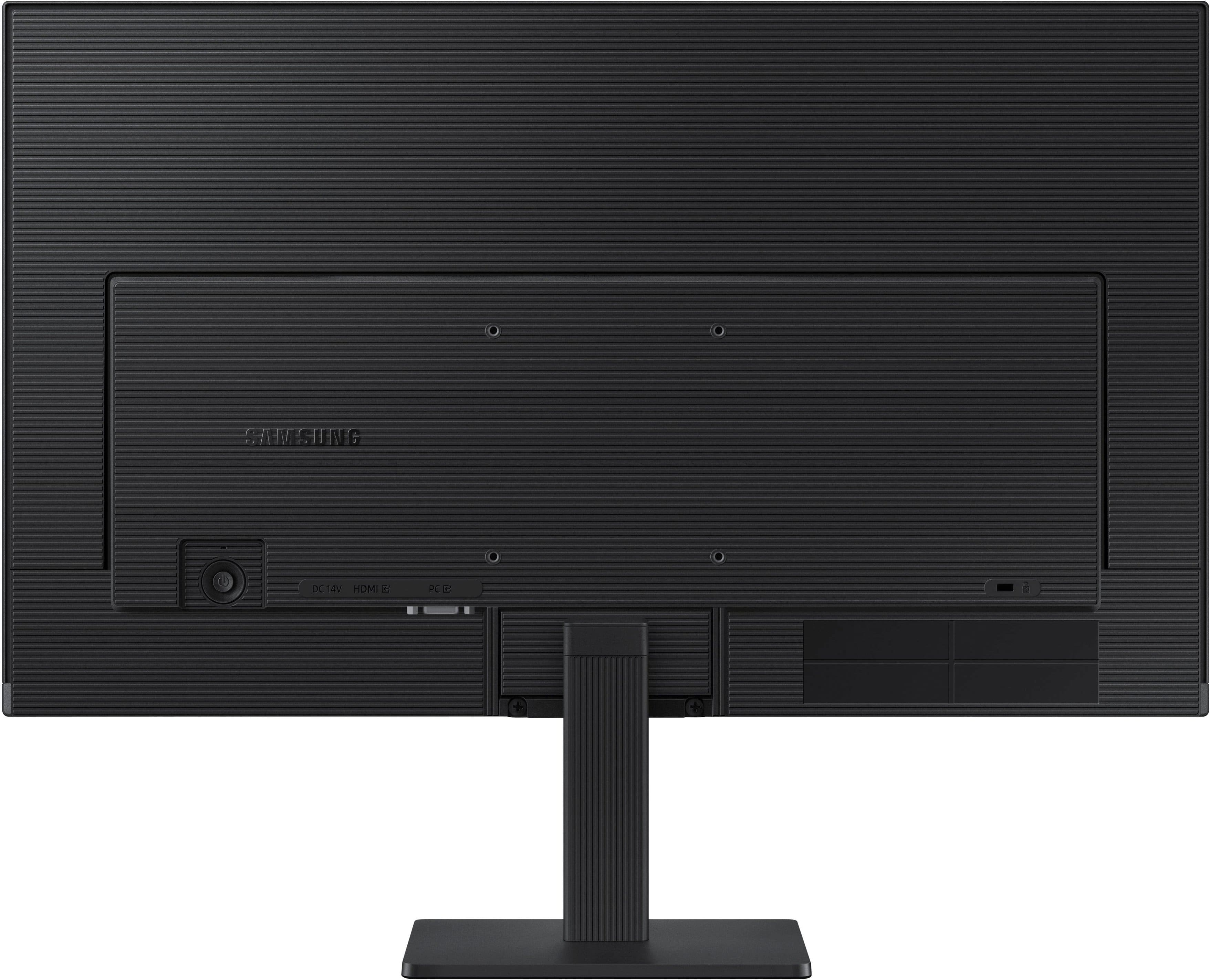
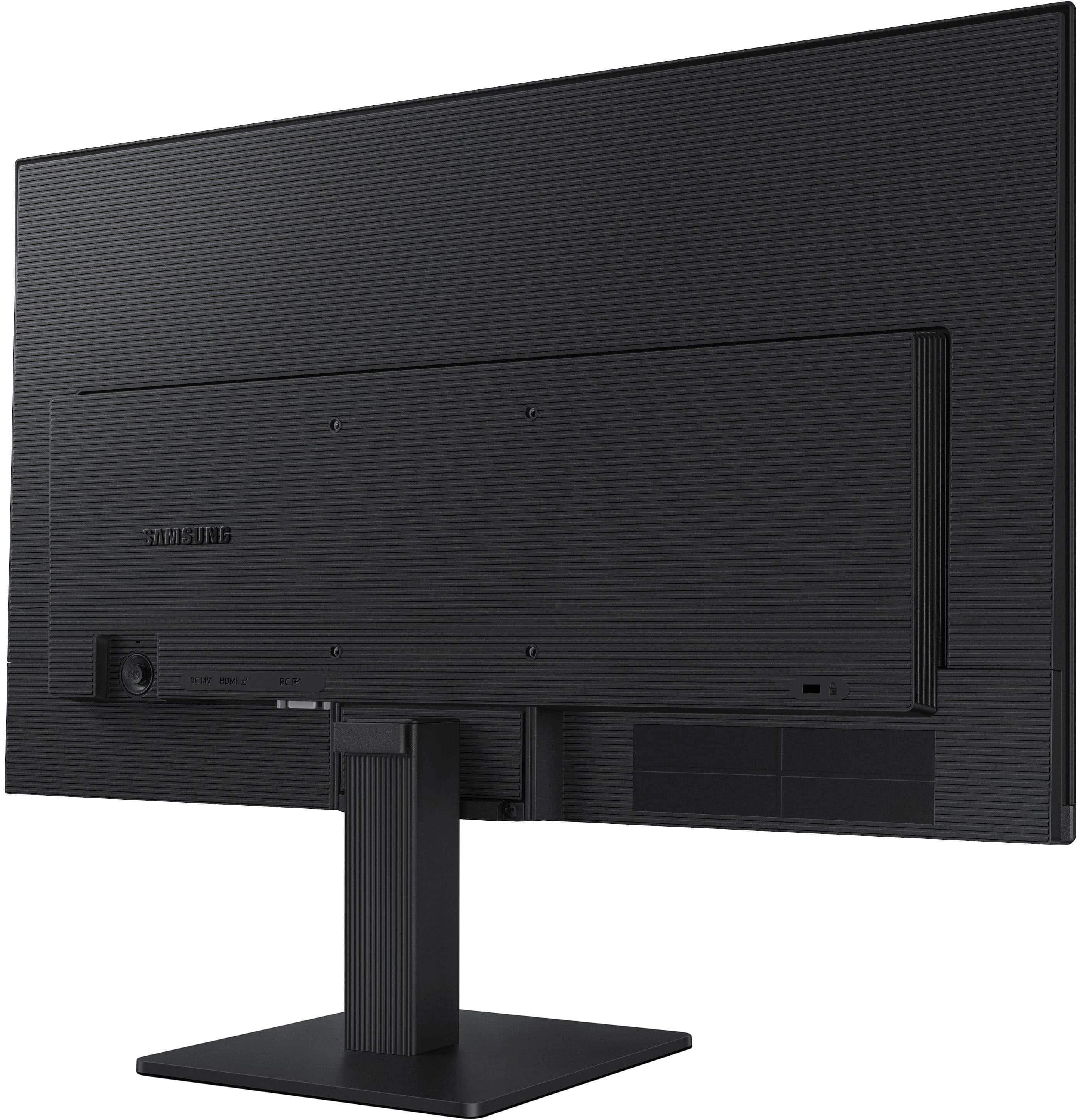
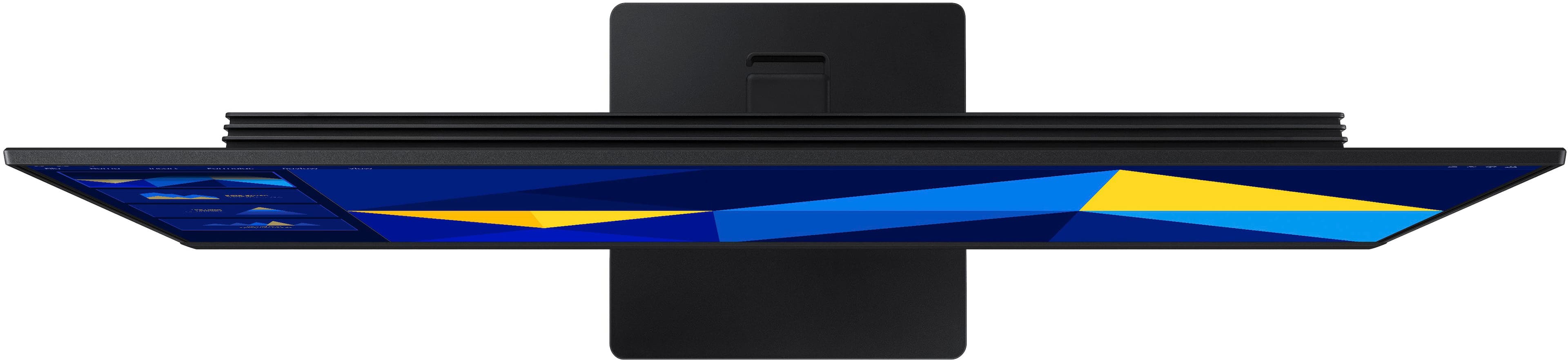
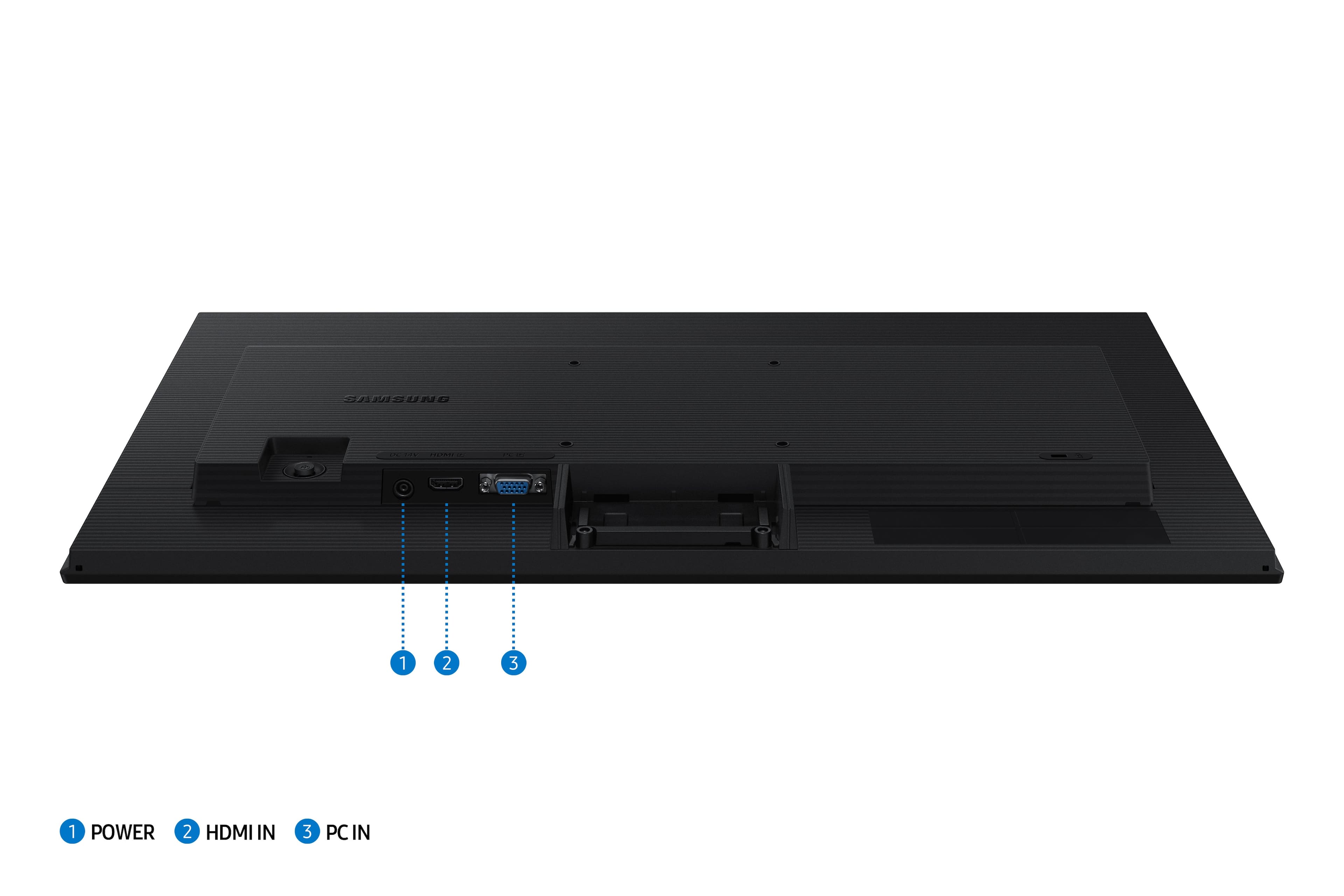
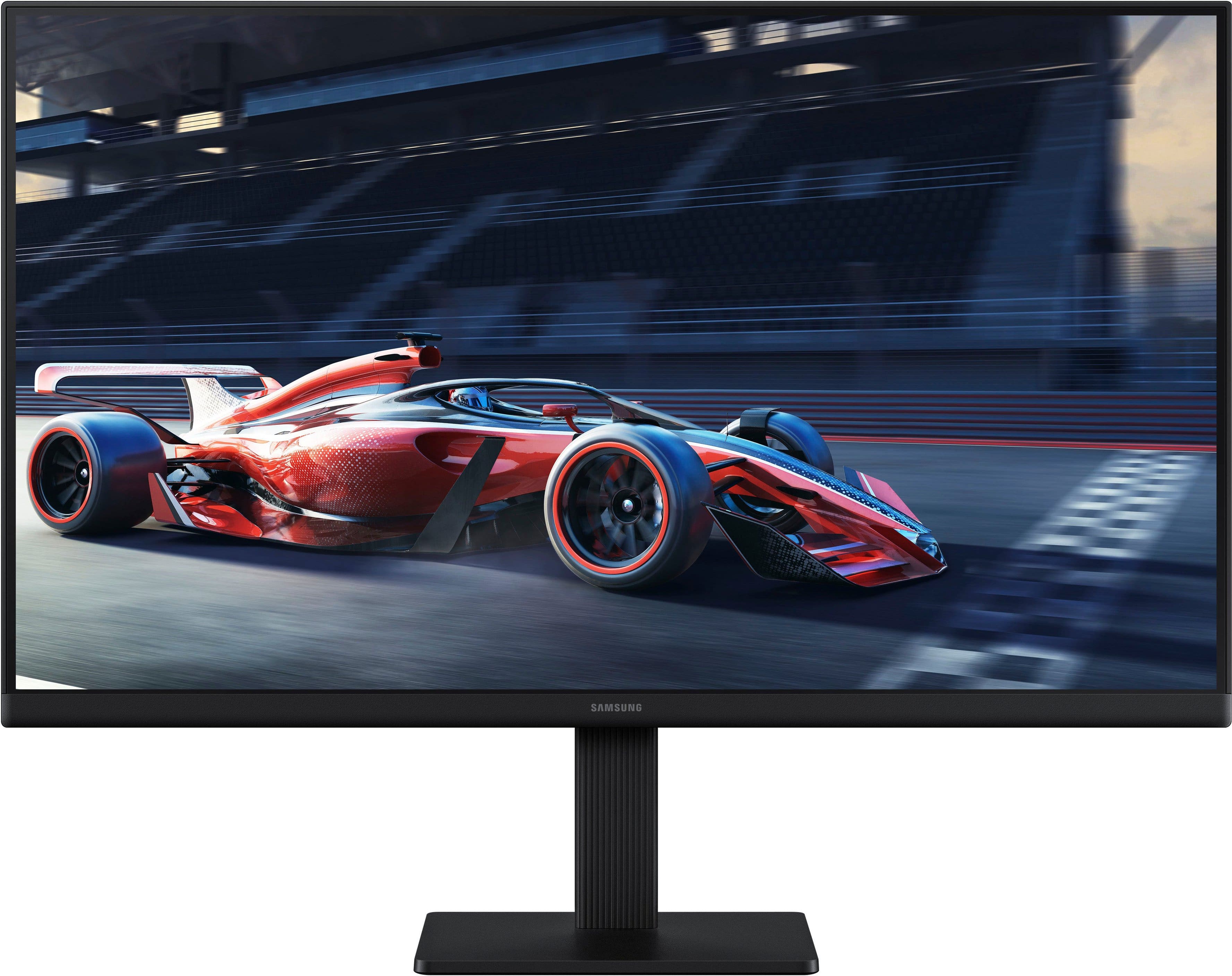
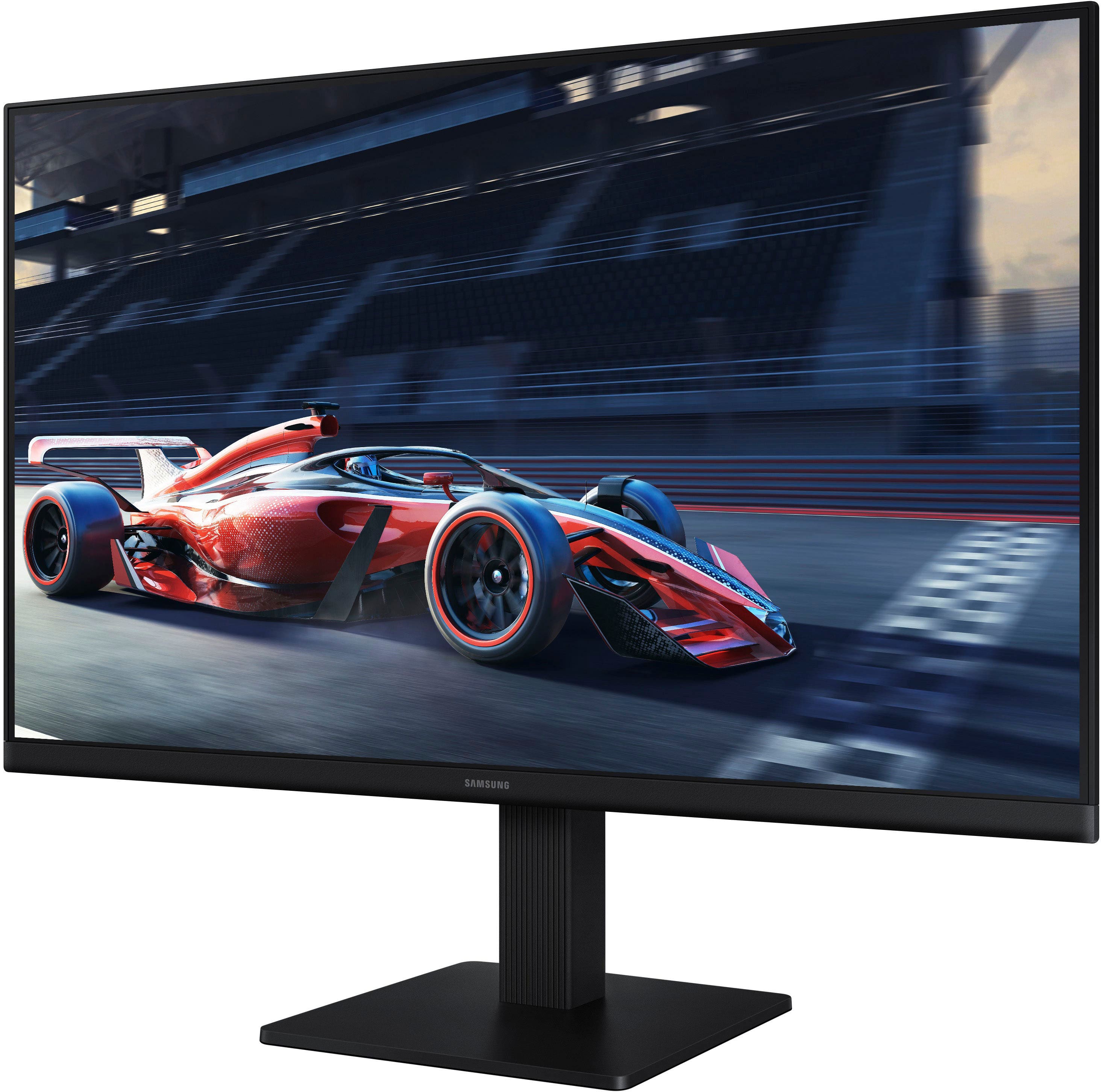
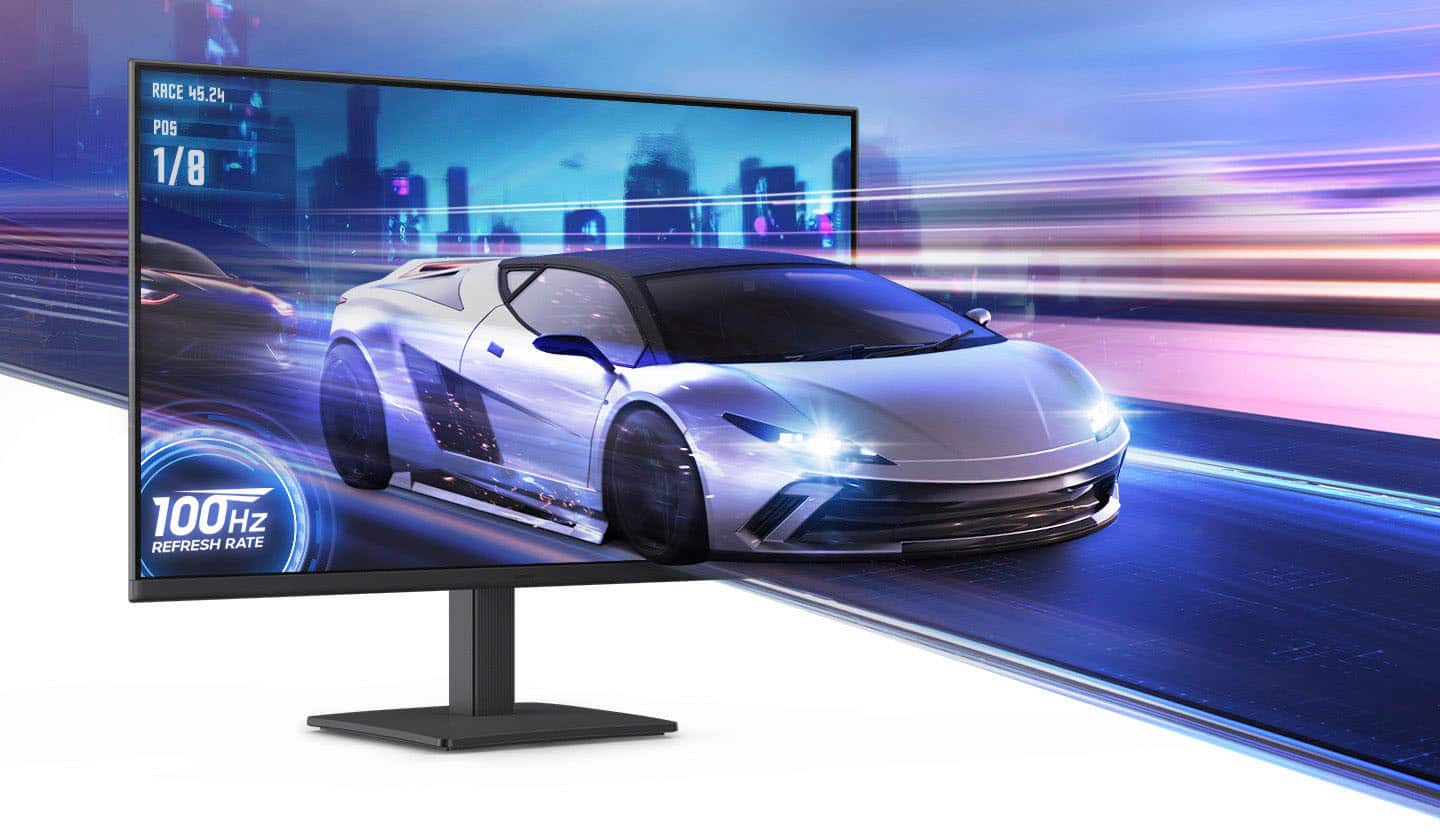
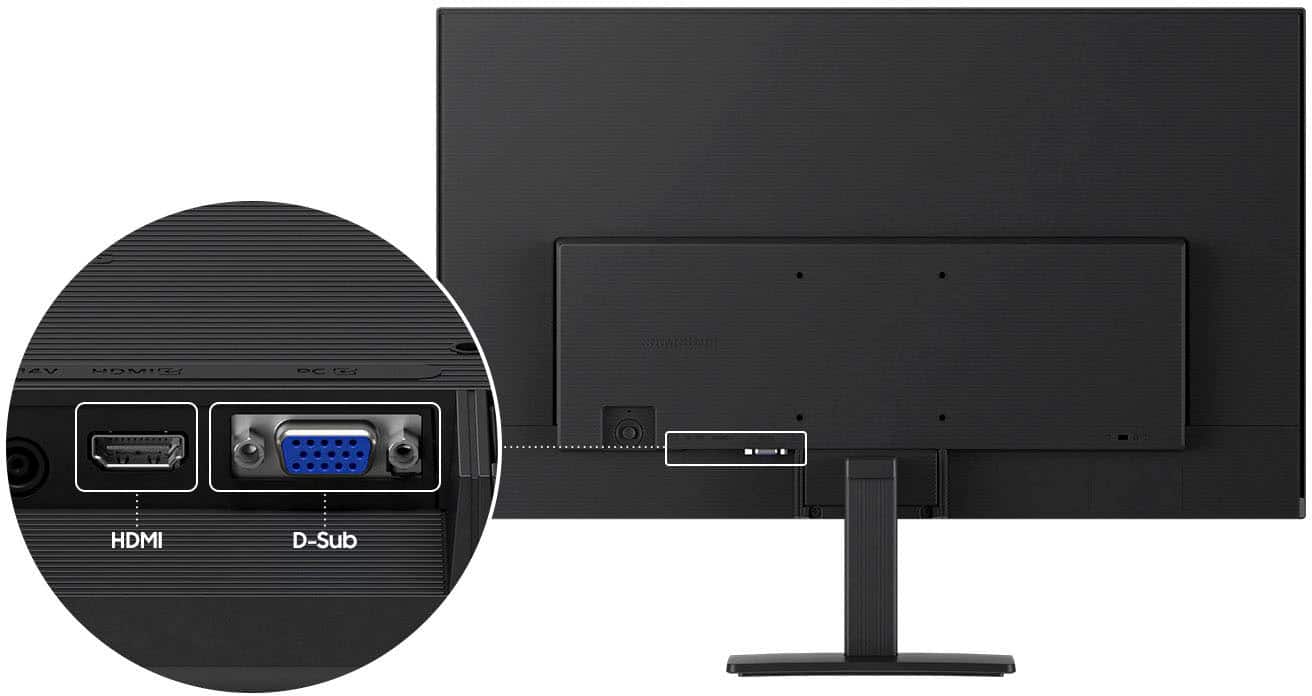
|Posted .This reviewer received promo considerations or sweepstakes entry for writing a review.I have mostly been of the view that bigger monitors are better, but the Samsung S24 S3 has made me rethink that assumption. Thanks to the very slim bezels, the S24 feels bigger and it makes for a great extended display for my laptop when I get to work from home each Friday, sitting nicely on my dining table and small enough to pack aside. In the box - Samsung S3 (S30GD) Monitor - Stand (Tilt not height adjustable) - Power Cable (very long) - HDMI Cable Setup is easy, connect the stand, plug in the cable, connect HDMI and you're done! The stand isn't height adjustable, but there is a title adjust. It's a small angle tilt, which should be fine for most people. It's hard to fault the stand at this price point. The S3 supports HDMI and VGA - the VGA surprised me, who uses VGA anymore? The power cable is very long, there's a brick mid way but the length is impressive - great again, for that adhoc home office setup. As for visuals, this is a FHD monitor at 100Hz. This makes it perfect for office work, I wouldn't use it for hardcore gaming - but it would be OK as a monitor for a Nintendo Switch (although no speakers are a miss). The blacks are very deep, colors are vibrant - impressed at what Samsung has delivered for the price. For Zoom or Teams calls though, the Samsung S3 really shines and I think it's a better choice than a portable monitor because the stand (though short) gives you better height and far better stability. In fact, I'd recommend this over a portable monitor, as at 24" it's portable enough and bigger than most portable monitors that tap out at 15". Overall, the Samsung Samsung S3 24" is a great monitor. The small bezels really help it feel spacious, it's better than a portable monitor because with the stand you get better height and stability, and if you need a monitor for your laptop the the days you work from home but want to put it aside to keep your desk clean or need the space, you can't go wrong.
I would recommend this to a friendBasic, but quality monitor
|Posted .This reviewer received promo considerations or sweepstakes entry for writing a review.Context, I have a work from home (WFH) office set up with dual monitors and use it primarily for standard work stuff (which includes plenty of video calls), internet browsing and only occasional watching of videos as part of online training or simple "how do I fix that?" YouTube videos. Pros: - The Samsung - 24" S3 (S30GD) IPS LED FHD 100Hz Monitor is super lightweight and thin; it fits nicely into my dual monitor set up - The monitor was very easy to set up- one simple screw on the bottom (no tool needed) and two simple Philips head screws to hold the screen - The level of customization and navigation through the menus was pretty standard- though because of the very thin design the power button and menu control is combined and on the back of the screen- different, but perfectly functional - For my needs, the brightness and contrast customization meant that I was able to get the view to be equivalent to either of the more expensive monitors to which I was comparing Cons (not even real "cons", just things to know) - The power cord that connects to the back of the monitor is not the standard "3 prong female"- again, I think that choice is made as part of the ultra-thin design. Simply meant that I couldn't unplug one of my other monitors and swap to the new one - No height adjustability. This does mean that, in order to use with my other 24" monitors, I'd have to do some book stacking to make the 2 monitors even as I like mine elevated a bit All in all, if you're looking for an inexpensive, basic monitor, it's hard to go wrong with this Samsung - 24" S3 (S30GD) IPS LED FHD 100Hz Monitor
I would recommend this to a friendNice Monitor
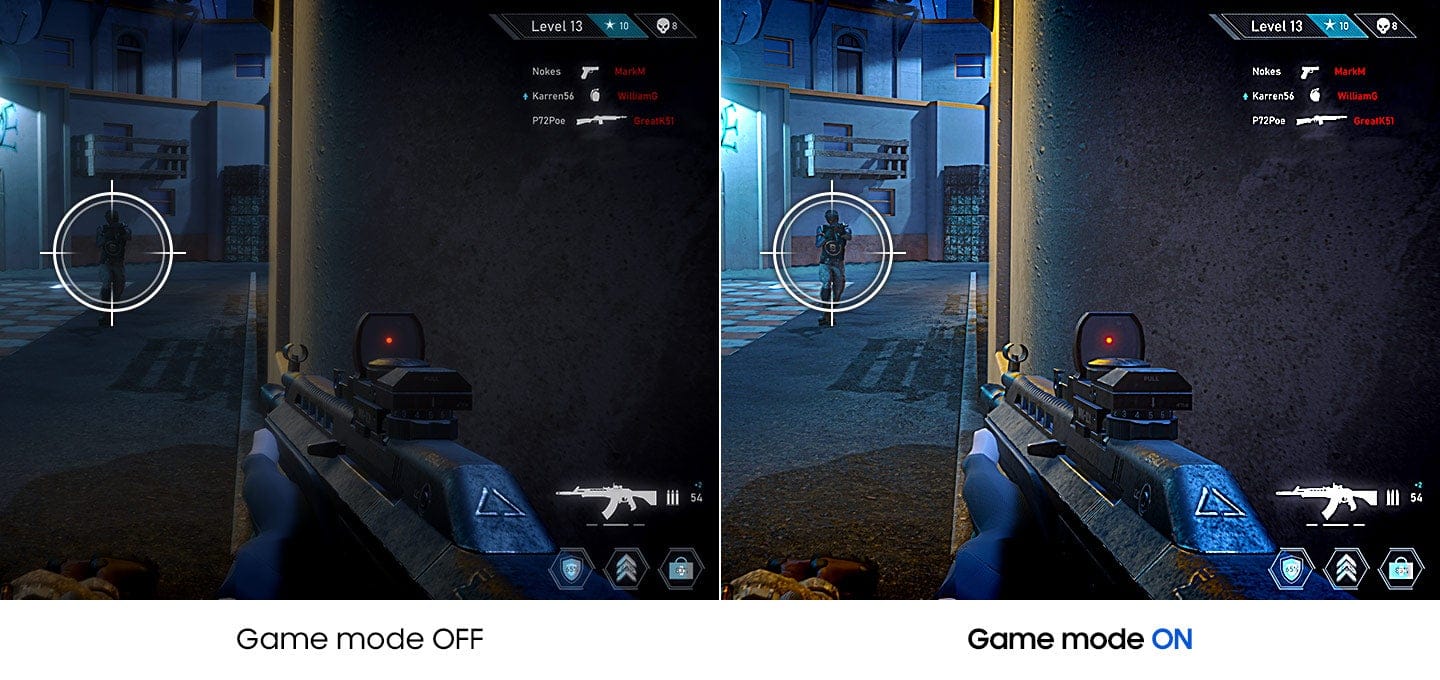
|Posted .This reviewer received promo considerations or sweepstakes entry for writing a review.Samsung - 24" S3 (S30GD) IPS LED FHD 100Hz Monitor (HDMI, D-sub) – Black This new Samsung S3 twenty-four inch monitor was used to replace a seventeen inch monitor that I had been using for a long time. While this increase of seven inches in my screen size may not sound like a very big increase, the larger screen was certainly easier on the eyes. And, it was also much more pleasant to work on, since I was able to make good use of that extra seven inches of real estate by enlarging the text size of my work on the screen. Setup was very straightforward using the HDMI port and the HDMI cable that comes with the monitor. The included monitor stand is a nice size and it’s solid enough that you shouldn’t have to worry about tipping the monitor over. Resolution is 1920 x 1080. And it has a refresh rate of 100Hz. And, for the gamers, Game Mode adjusts any game to fill your screen. IMO, the larger the screen size, the better. And, at just $109.99, it’s certainly priced right. Highly recommended.
I would recommend this to a friend- Pros mentioned:Overall performance
Easy on the eyes, good buy
Posted .This reviewer received promo considerations or sweepstakes entry for writing a review.The display is clear and colors true. Easy on the eyes and just the right size
I would recommend this to a friend Samsung 24" monitor
Posted .This reviewer received promo considerations or sweepstakes entry for writing a review.Bright monitor, easy setup. Onscreen setup nice for novices. It is lightweight and takes up moderate space.;
I would recommend this to a friend- Pros mentioned:Overall performance
Monitor
Posted .This reviewer received promo considerations or sweepstakes entry for writing a review.All is fine and now my new computer is functioning very well.
I would recommend this to a friend - Pros mentioned:Overall performance
5 stars
Posted .This reviewer received promo considerations or sweepstakes entry for writing a review.Its a great monitor i love it recommend it to people.
I would recommend this to a friend Upgrade
Posted .This reviewer received promo considerations or sweepstakes entry for writing a review.Had to upgrade monitor since old monitor wouldn't connect to new pC
I would recommend this to a friendGreat monitor for the price
Posted .This reviewer received promo considerations or sweepstakes entry for writing a review.Great monitor for the price. The screen is big enough for everyday web browsing and home business. Not the best for gaming...
I would recommend this to a friendGreat!
Posted .This reviewer received promo considerations or sweepstakes entry for writing a review.Just what I needed for my home office! Jimmy D is the best!!!
I would recommend this to a friendSolid Monitor
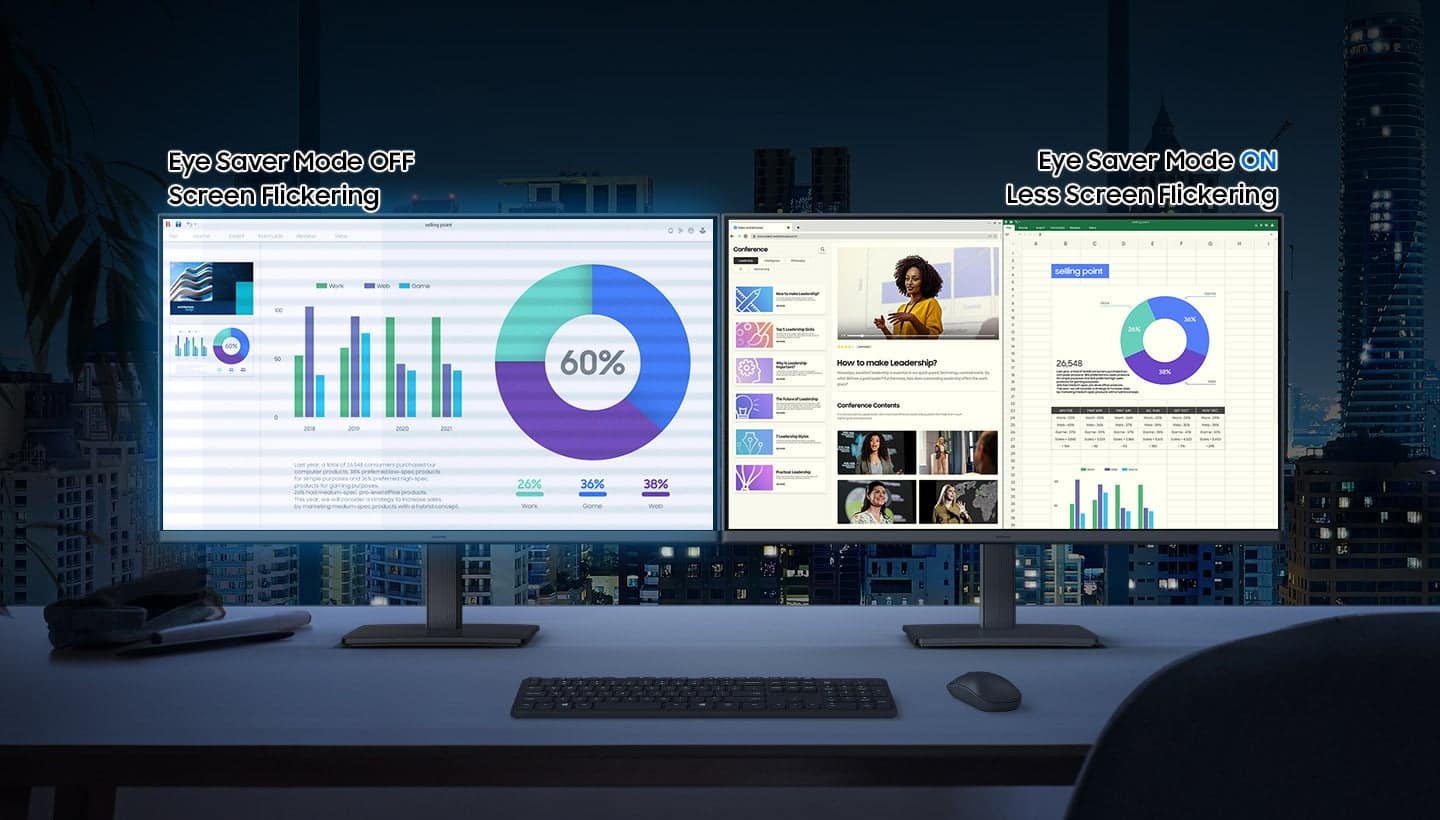
Posted .This reviewer received promo considerations or sweepstakes entry for writing a review.Excellent graphics and settings, also includes eye saver mode.
I would recommend this to a friendSamsung Momitor
|Posted .This reviewer received promo considerations or sweepstakes entry for writing a review.The monitor came well packaged with no dents or dings. Setup was quick and straightforward in that all I needed to do is attach the pedestal stand using a few Phillips screws and removing the film off the screen. Getting it turned on was another matter, you have to reach around to the back of the display, using the little 'baby' joystick to turn on the monitor and moving it up/down or side to side to make any adjustments. Not sure why it wasn't put in a better location; so the way I have my sysyem setup I have to move the monitor to turn on or off. While bothersome its not entirely a deal breaker. This is used for my six camera security system and its the perfect size to see all of them clearly at the same time, on one screen or one in a larger format. The colors are bright and true to life. If it's a car driving down the street or people walking, I have not seen any lag as I view in real time or from the connected DVR. It comes of course with the monitor, an HDMI cable, and the stand.
Brand response from Samsung
Posted .Thank you for your review. Samsung is committed to providing the best possible product experience, quality, and value. Samsung greatly values our customers’ feedback and we utilize your concerns and opinions in our relentless efforts towards delivering world-class products. We are very sorry to hear this product didn't meet your expectations and hope to have you back as a customer again. If there is anything we can do to assist you and improve your product experience, please don't hesitate to contact Samsung Customer Support via: 1-800-SAMSUNG, available 8AM - 12AM EST (Mon-Fri) / 9AM - 11PM EST (Sat-Sun)