Customer Ratings & Reviews



- Model:
- LS27BG402ENXGO
- SKU:
- 12490601
Rating by feature
- Display Quality
Rating 4.8 out of 5 stars
- Ease of Use
Rating 4.8 out of 5 stars
- Features
Rating 4.7 out of 5 stars
Like color and sharpness.
Posted .This reviewer received promo considerations or sweepstakes entry for writing a review.Liked the display monitor, color ,sharpness. Easiest monitor I every installed.
I would recommend this to a friendGreat Gaming Monitor
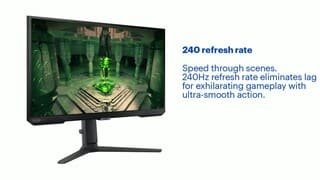
Posted .This reviewer received promo considerations or sweepstakes entry for writing a review.My son loves it. Great screen, has adjustable height settings and find with a DP and HDMI cable for your needs. 240hz refresh rate is great for his gaming. Would definitely recommend.
I would recommend this to a friendMonitor
||Posted . Owned for 3 weeks when reviewed.This reviewer received promo considerations or sweepstakes entry for writing a review.Monitor is not a true 240 hz , not satisfied but customer service is always great tho
No, I would not recommend this to a friendNo
||Posted . Owned for 1 year when reviewed.This reviewer received promo considerations or sweepstakes entry for writing a review.Terrible so not waste the money buy a better one of Amazon
No, I would not recommend this to a friendBrand response from Samsung
Posted .Thank you for your review. We are sorry to see that you rated this product 3 stars, which indicates dissatisfaction.
If there is anything we can do to assist you and improve your product experience, please contact Samsung Customer Support via:
1-800-SAMSUNG, available 8AM - 12AM EST (Mon-Fri) / 9AM - 11PM EST (Sat-Sun).
Your thoughts and opinions are very important to Samsung and we hope to hear from you.
Odyssey G4
||Posted . Owned for 3 weeks when reviewed.This reviewer received promo considerations or sweepstakes entry for writing a review.The screen is very dull looking and document fonts are not very clear
No, I would not recommend this to a friend
Nice & BIG
|Posted .This reviewer received promo considerations or sweepstakes entry for writing a review.So right out of the box my first thought was “Wow!, this is bigger than I expected.” It was a pleasant surprise. It’s the biggest computer gaming monitor I’ve had yet and so the excitement level was high. Easy to hook up, came with wiring for different plug ins. Immediately the colors and the crisp screen made the difference. Gaming with suck vibrant colors and an excellent response rate are golden. Watched some videos and the clarity and crispness was excellent. There’s no lag during gaming and it’s very responsive to the actions taking place. I played very high speed games and the screen didn’t disappoint. That precision is key in certain games and it kept up. What I also noticed is that not only did the screen not get hot after extended use, it was barely warm. That’s super impressive as no one wants to sit next to computer equipment that’s blowing off hot air. The screen was used in a very High end gaming PC so it was really given a ride and it was a smooth one. Excellent features include: bluelight controls so you can adjust and not hurt your eyes, energy saving mode so you don’t run up your electric bill, and much more. The stand is sturdy and strong. It tilts and slides up and down as well to adjust for height. Keep in mind the width of your PC desk, how close you want to be versus what you need to be because the screen is large and while that’s great it can be too large for the distance you need to view it comfortably for your sight, body alignment, etc. I would recommend this screen.
I would recommend this to a friendPoor quality
||Posted . Owned for less than 1 week when reviewed.This reviewer received promo considerations or sweepstakes entry for writing a review.Me and my shreek Bought one each. Both gave us problems. Would freeze when we played Xbox on them. They must not be compatible for them.
No, I would not recommend this to a friendMissing parts
||Posted . Owned for 4 months when reviewed.This reviewer received promo considerations or sweepstakes entry for writing a review.Missing parts in the box, and there is no replacement
I would recommend this to a friendBrand response from Samsung
Posted .Thank you for your review.We are sorry you were not satisfied with your experience. Your overall feedback is important to us and we will document your concerns.
We also recommend you contact Best Buy directly for assistance in correcting the situation.
If you ever need assistance with the monitor itself, please contact Samsung Customer Support and a rep will be happy to assist you:
1-800-SAMSUNG, available 8AM - 12AM EST (Mon-Fri) / 9AM - 11PM EST (Sat-Sun)
Samsung is committed to providing the best possible product experience, quality, and value, and we are always here to help with any of your questions or concerns.
FHD
||Posted . Owned for 2 weeks when reviewed.This reviewer received promo considerations or sweepstakes entry for writing a review.FHD and 1900 in 2023? Seriously?.. I had to return to the store, lose time and money.
No, I would not recommend this to a friendBrand response from Samsung
Posted .Thank you for bringing this issue to our attention as Samsung is committed to providing the best possible product experience, quality, and value. Samsung greatly values our customers’ feedback and we utilize your concerns and opinions in our relentless efforts towards delivering world-class products. We are very sorry to hear this product didn't meet your expectations and hope to have you back as a customer again.
If there is anything we can do to assist you and improve your product experience, please don't hesitate to contact Samsung Customer Support via: 1-800-SAMSUNG, available 8AM - 12AM EST (Mon-Fri) / 9AM - 11PM EST (Sat-Sun)
Missing item
||Posted . Owned for 1 month when reviewed.This reviewer received promo considerations or sweepstakes entry for writing a review.I have just opened the box and there wasn't a ad/ac adapter. What do I have to do?
No, I would not recommend this to a friendBrand response from Samsung
Posted .We are very sorry for the issues you have encountered with your 27" Odyssey G40B.
Please contact Samsung Customer Support so that we can better understand your issue and assist with a solution.
You can reach us via any of the below options:
If you need further assistance, we are here to help. You can reach Samsung Support at 1-800-SAMSUNG, available 8AM - 12AM EST (Mon-Fri) / 9AM - 11PM EST (Sat-Sun).
Or visit our Samsung website and click on the SUPPORT link in the upper right corner for:
· Contact Us Options (LiveChat, Remote Support, Facebook, Twitter)
· Product Support
· Manuals and Downloads
· Warranty Info
· Product Registration: Registering your product gives you access to easy warranty support, convenient opt-in to special promos and offers, faster troubleshooting and service, and quick notification of system updates
· Samsung Community: A great resource for getting help from Samsung moderators and customers
· …and more
Registering your product gives you access to easy warranty support, convenient opt-in to special promos and offers, faster troubleshooting and service, and quick notification of system updates.
Samsung stands behind the quality and performance of every product we manufacture, and we back this model with a 1-year manufacturer's limited warranty, if purchased brand-new directly from an authorized seller.
Again, we are very sorry for the inconveniences you have had and hope that we will hear from you soon.
Buy it
Posted .This reviewer received promo considerations or sweepstakes entry for writing a review.My first Monitor. I’ve always played my Xbox using a tv, for the last 4 years I’ve been using a 75in. My gaming has improved big time using this monitor. The picture quality is great, I can see other players a lot easier than I could with my 75in tv. The monitor is super easy to navigate and adjust settings. I would recommend and I’d buy another if anything ever happens to it.
I would recommend this to a friendIt was 1080p instead of 2560
||Posted . Owned for 3 weeks when reviewed.This reviewer received promo considerations or sweepstakes entry for writing a review.Mid monitor, returned immediately. Got something with 2K instead.
No, I would not recommend this to a friendBrand response from Samsung
Posted .We are very sorry for the issues you have encountered with your 27" Odyssey G40B.
Please contact Samsung Customer Support so that we can better understand your issue and assist with a solution.
You can reach us via any of the below options:
If you need further assistance, we are here to help. You can reach Samsung Support at 1-800-SAMSUNG, available 8AM - 12AM EST (Mon-Fri) / 9AM - 11PM EST (Sat-Sun).
Or visit our Samsung website and click on the SUPPORT link in the upper right corner for:
· Contact Us Options (LiveChat, Remote Support, Facebook, Twitter)
· Product Support
· Manuals and Downloads
· Warranty Info
· Product Registration: Registering your product gives you access to easy warranty support, convenient opt-in to special promos and offers, faster troubleshooting and service, and quick notification of system updates
· Samsung Community: A great resource for getting help from Samsung moderators and customers
· …and more
Registering your product gives you access to easy warranty support, convenient opt-in to special promos and offers, faster troubleshooting and service, and quick notification of system updates.
Samsung stands behind the quality and performance of every product we manufacture, and we back this model with a 1-year manufacturer's limited warranty, if purchased brand-new directly from an authorized seller.
Again, we are very sorry for the inconveniences you have had and hope that we will hear from you soon.
Blurry
||Posted . Owned for 3 weeks when reviewed.This reviewer received promo considerations or sweepstakes entry for writing a review.Not clear vision …………………………………………………………………………………..
No, I would not recommend this to a friendBrand response from Samsung
Posted .We are very sorry for the issue you have encountered with your Odyssey G40B monitor.
Please contact Samsung Customer Support so that we can better understand your issue and assist with a solution.
You can reach us via any of the below options:
If you need further assistance, we are here to help. You can reach Samsung Support at 1-800-SAMSUNG, available 8AM - 12AM EST (Mon-Fri) / 9AM - 11PM EST (Sat-Sun).
Or visit our Samsung website and click on the SUPPORT link in the upper right corner for:
• Contact Us Options (LiveChat, Remote Support, Facebook, Twitter)
• Product Support
• Manuals and Downloads
• Warranty Info
• Product Registration: Registering your product gives you access to easy warranty support, convenient opt-in to special promos and offers, faster troubleshooting and service, and quick notification of system updates
• Samsung Community: A great resource for getting help from Samsung moderators and customers
Registering your product gives you access to easy warranty support, convenient opt-in to special promos and offers, faster troubleshooting and service, and quick notification of system updates.
Samsung stands behind the quality and performance of every product we manufacture, and we back this model with a 1-year manufacturer's limited warranty, if purchased brand-new directly from an authorized seller.
Again, we are very sorry for the inconveniences you have had and hope that we will hear from you soon.
Good but could be better
||Posted . Owned for 1 month when reviewed.This reviewer received promo considerations or sweepstakes entry for writing a review.Wanted to try the 240hz life and this monitor really didnt do it for me. Colors were washed out and the backlight bleed was noticable. Ended up returning my unit.
No, I would not recommend this to a friendBrand response from Samsung
Posted .Thank you for bringing this issue to our attention as Samsung is committed to providing the best possible product experience, quality, and value. Samsung greatly values our customers’ feedback and we utilize your concerns and opinions in our relentless efforts towards delivering world-class products. We are very sorry to hear that you returned this product and hope to have you back as a customer again.
If you ever need assistance in the future, please contact Samsung Customer Support and a rep will be happy to assist you:
1-800-SAMSUNG, available 8AM - 12AM EST (Mon-Fri) / 9AM - 11PM EST (Sat-Sun)
Samsung Odyssey G4
Posted .This reviewer received promo considerations or sweepstakes entry for writing a review.The Monitor is crystal clear and the response time as well as the refresh rate is lighting fast. A great budget option for a gaming monitor
I would recommend this to a friendSoild monitor with only a few downsides
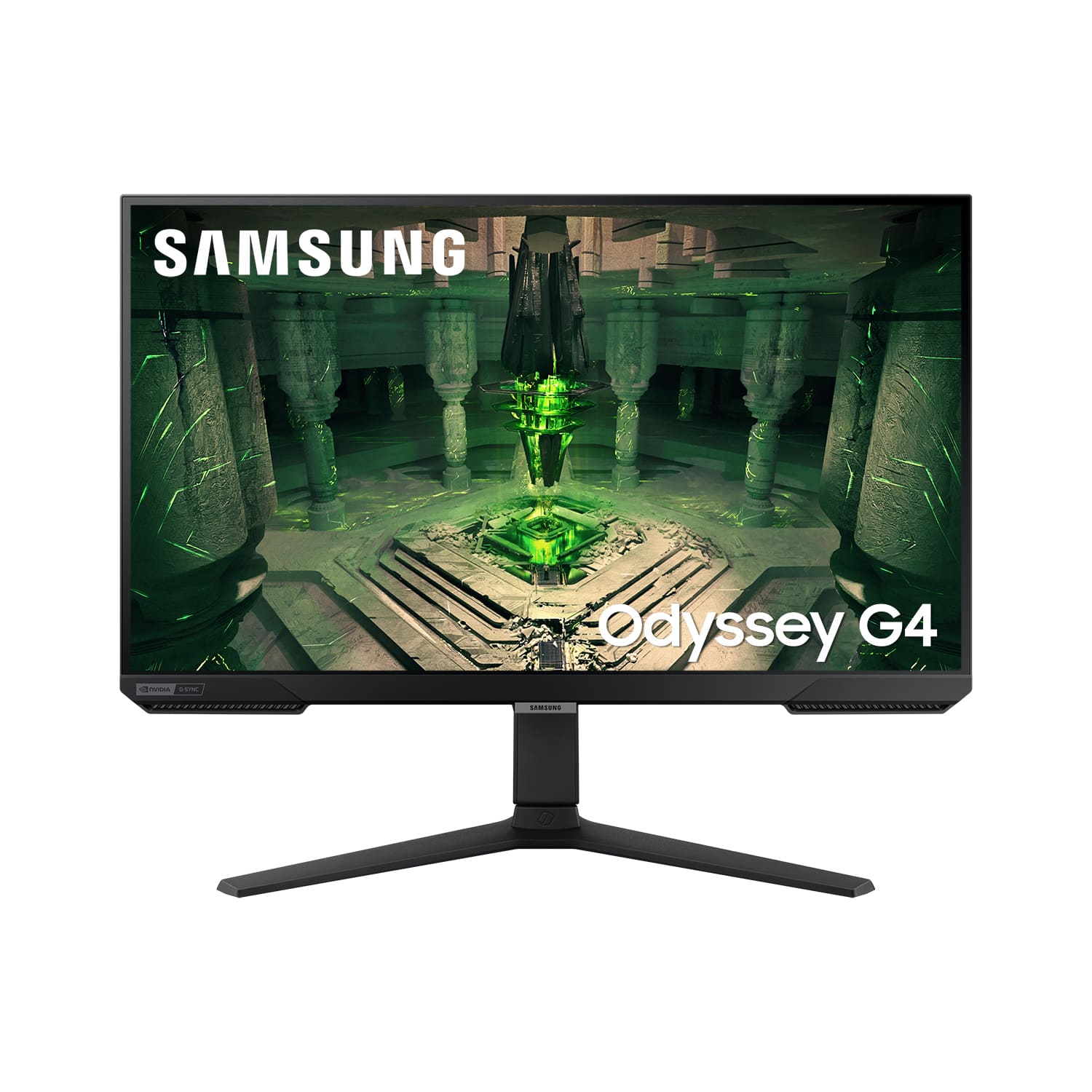
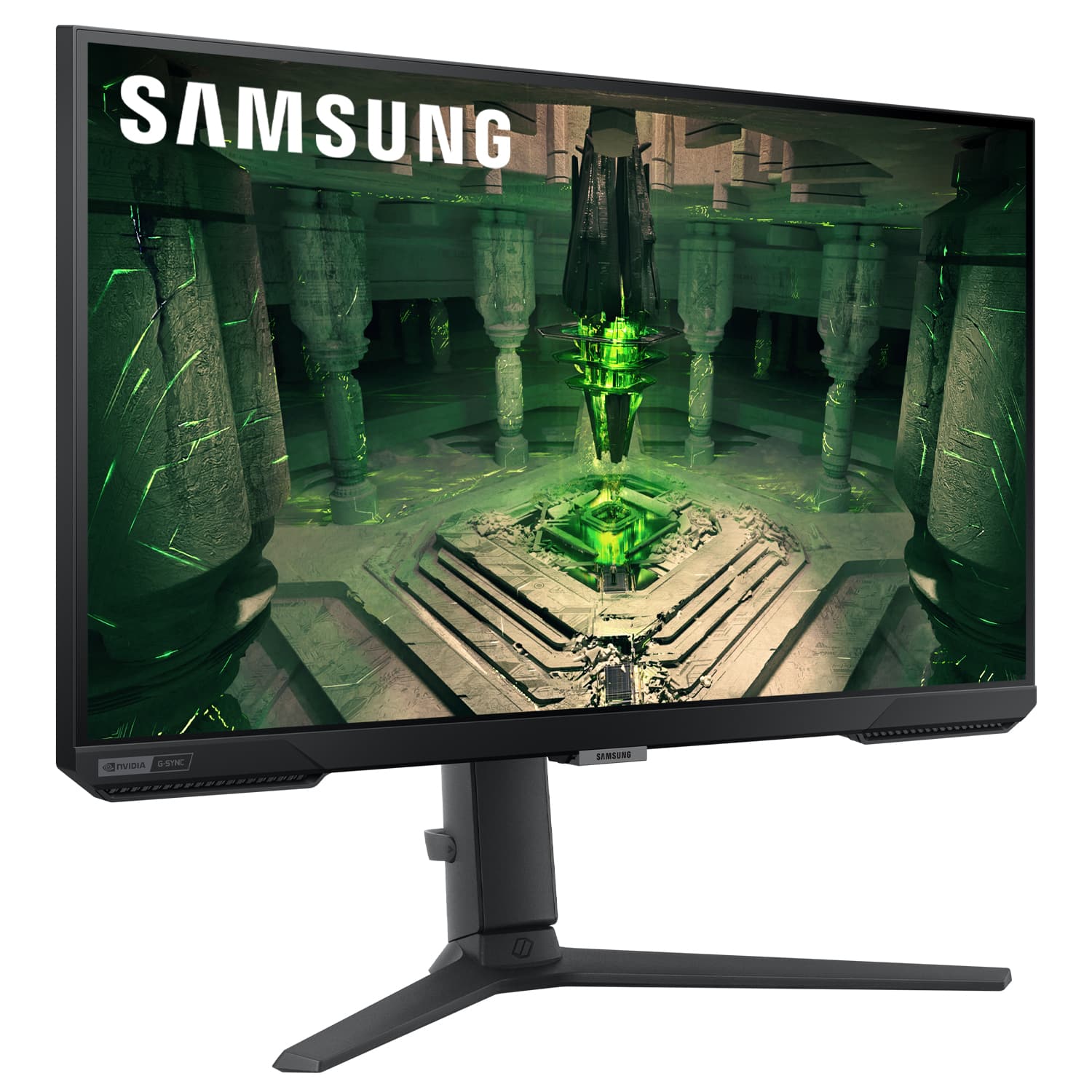
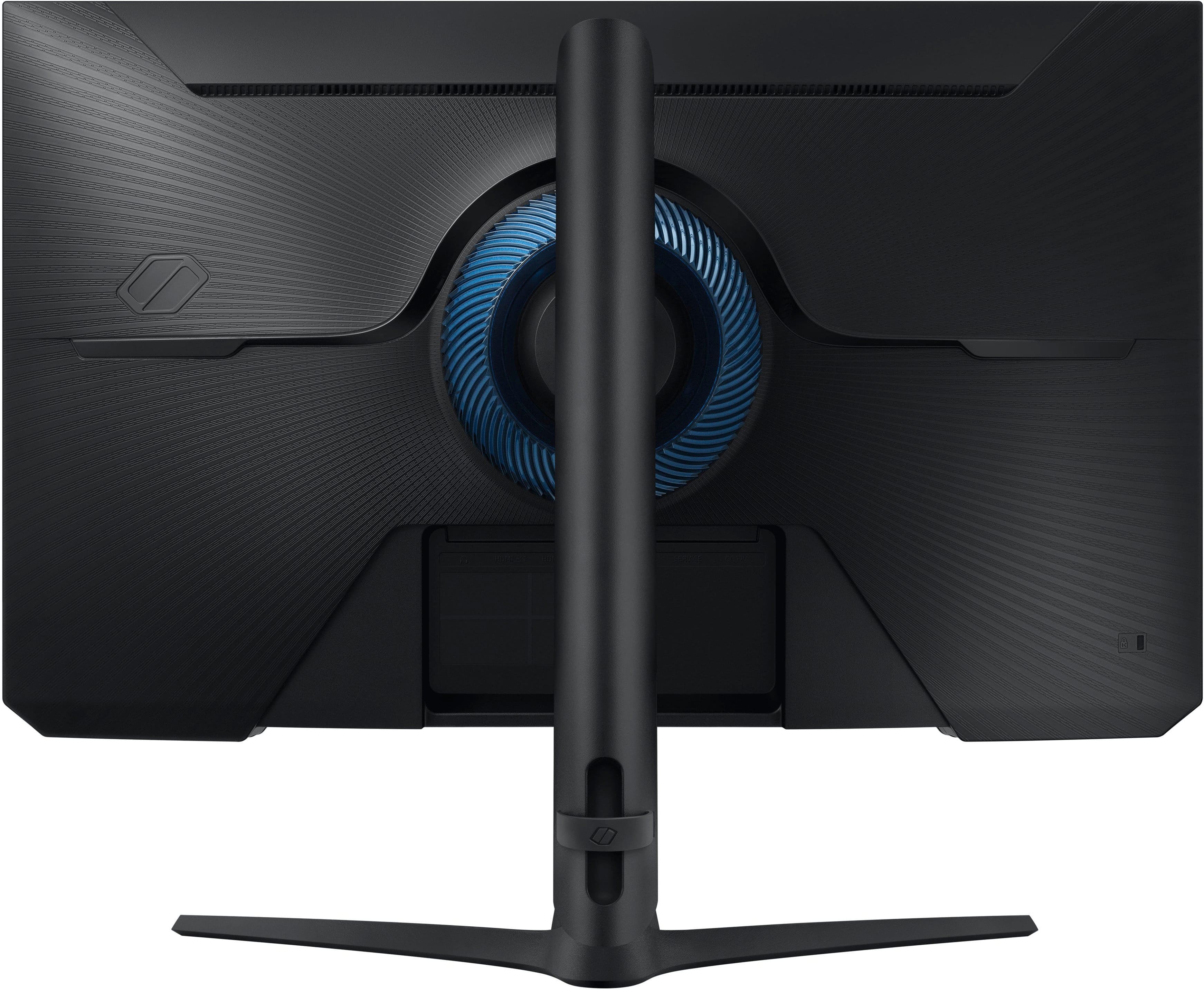
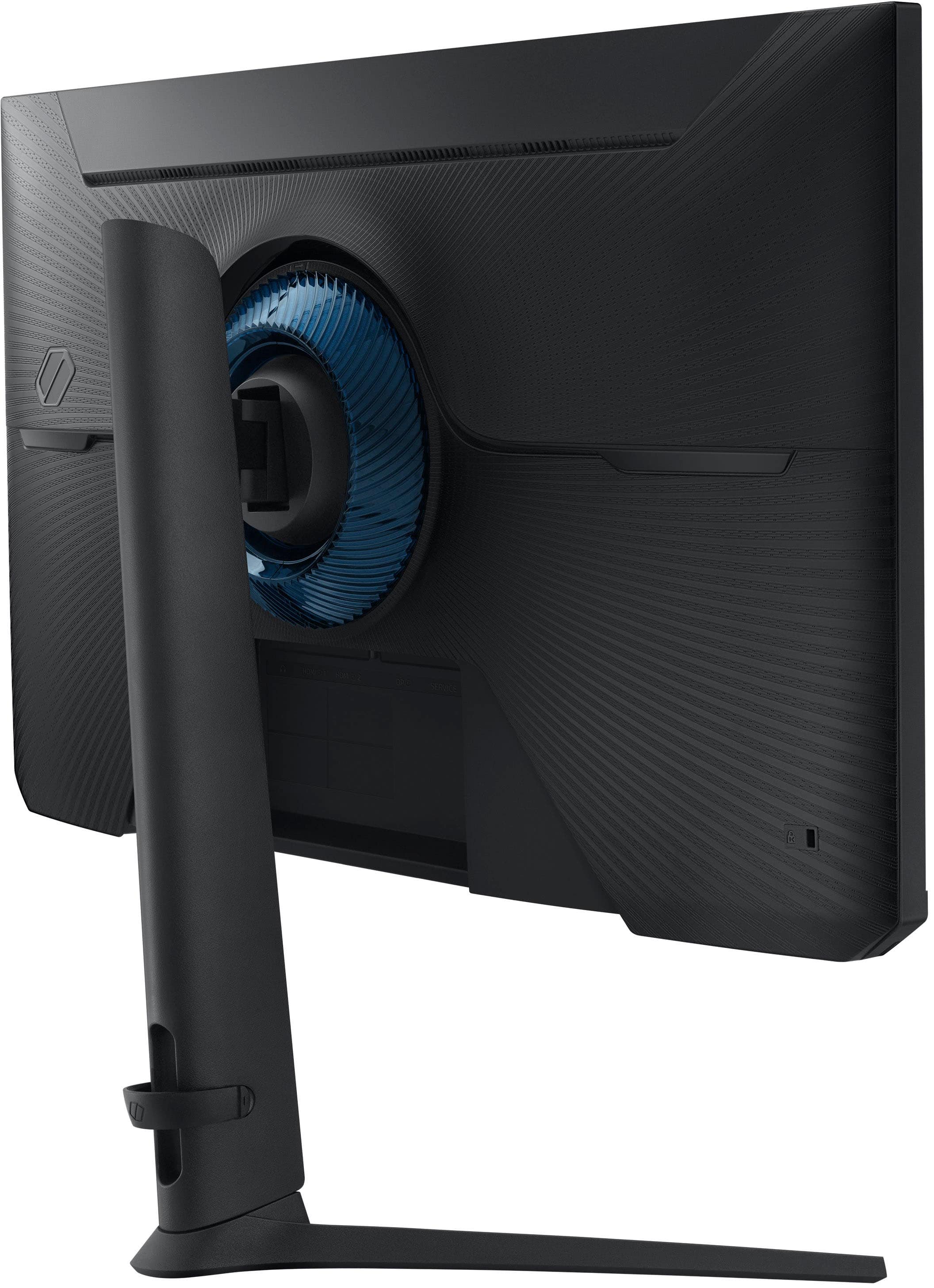
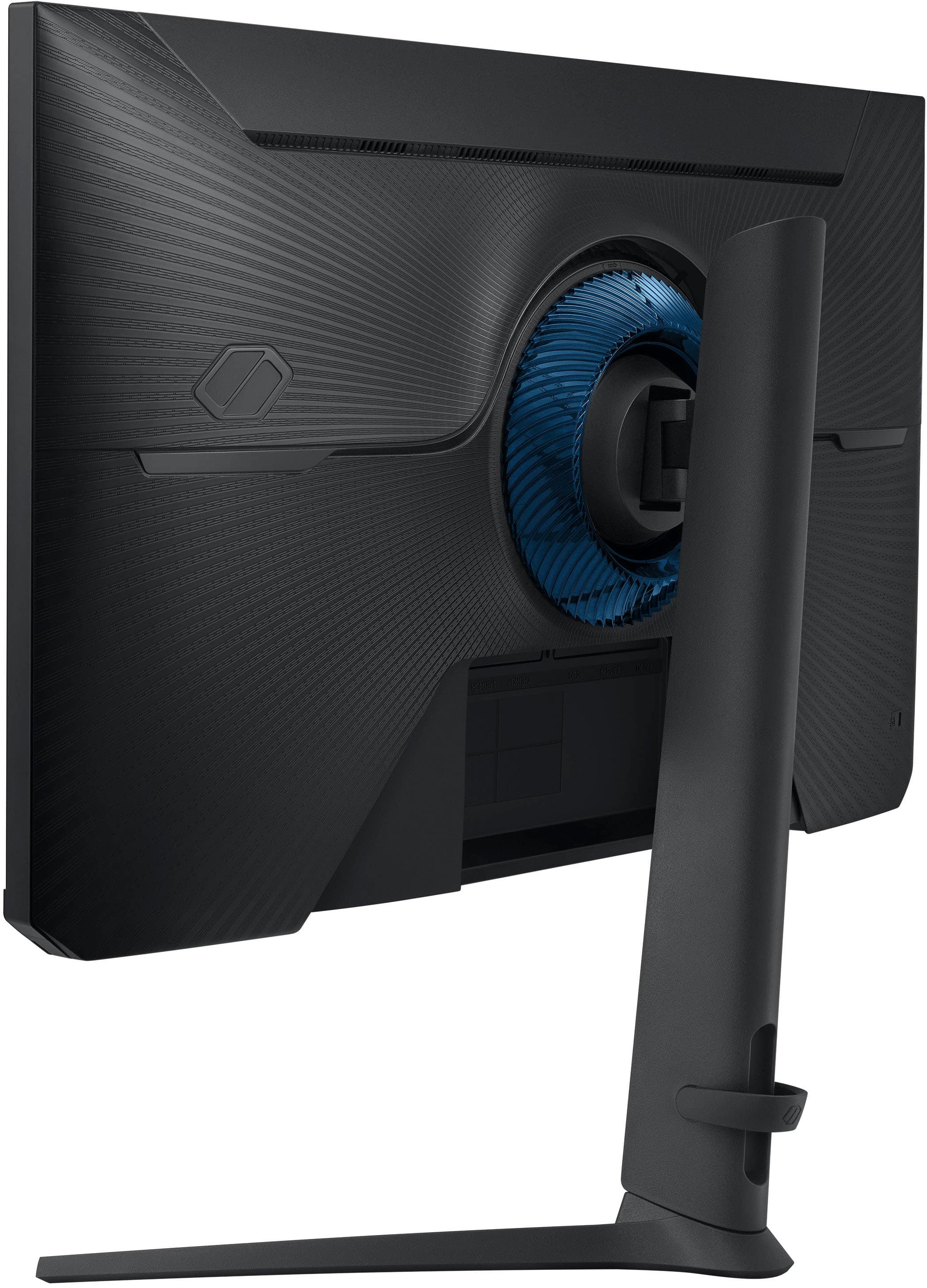
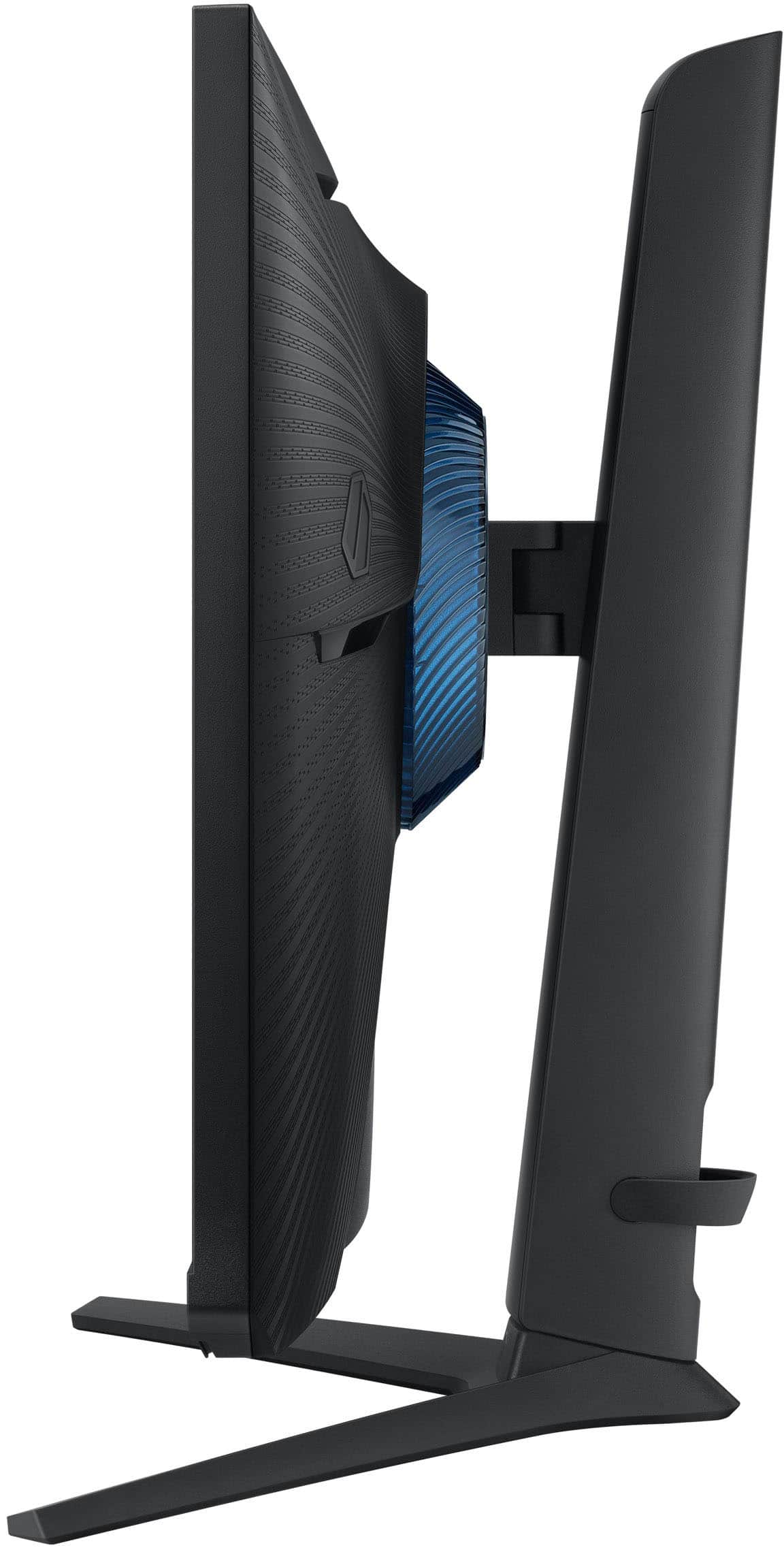
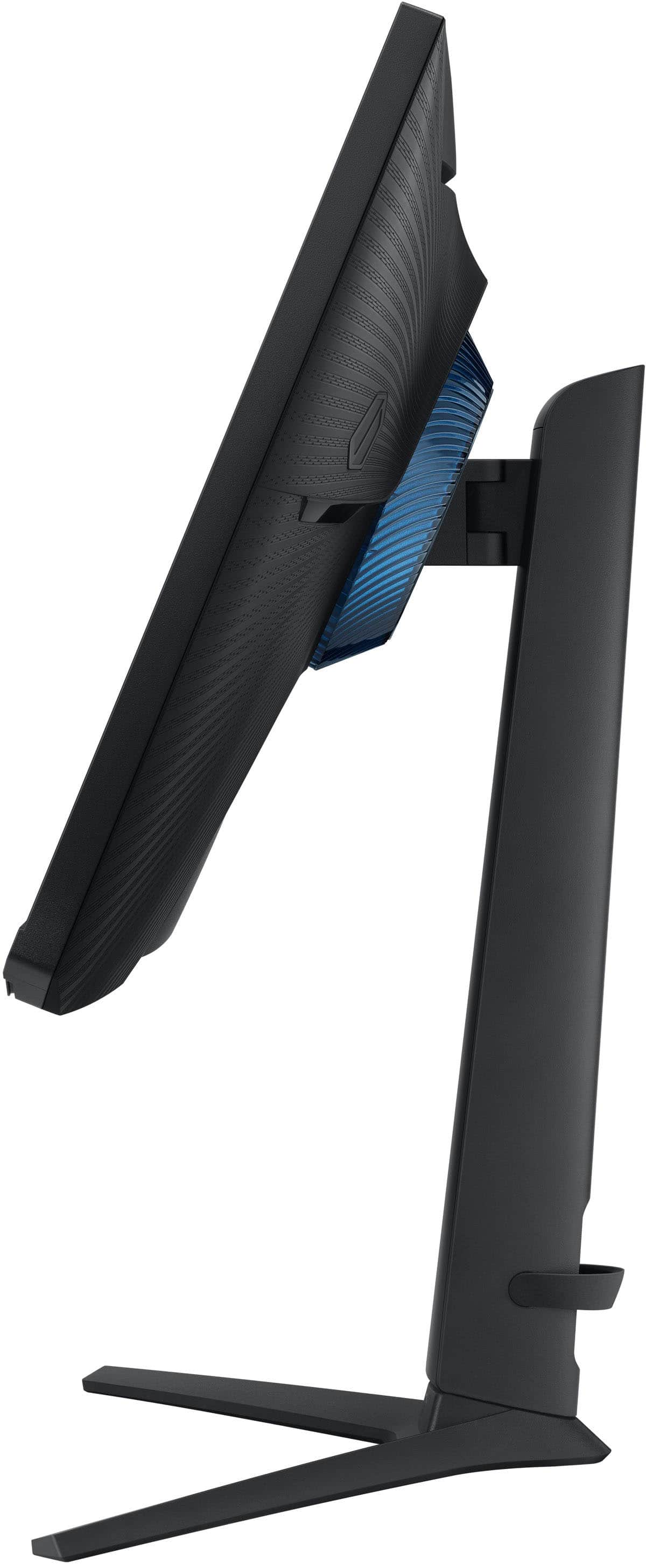
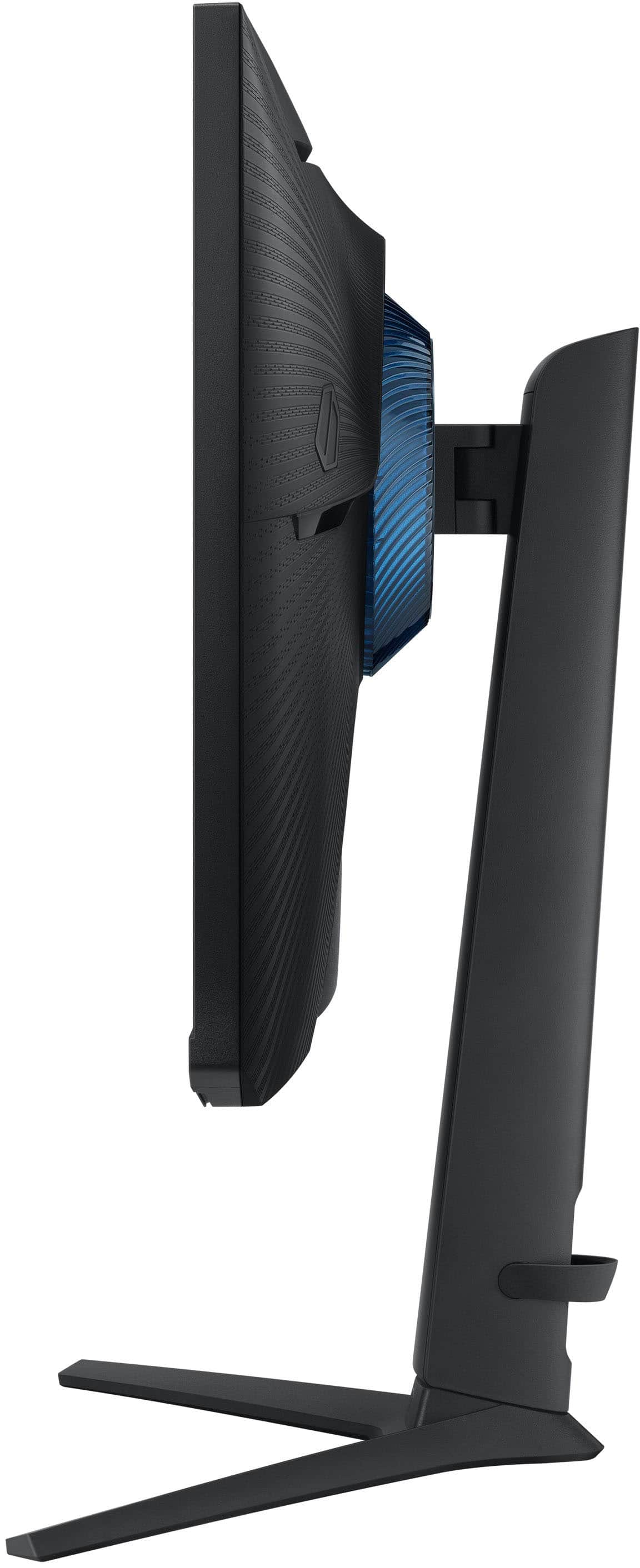
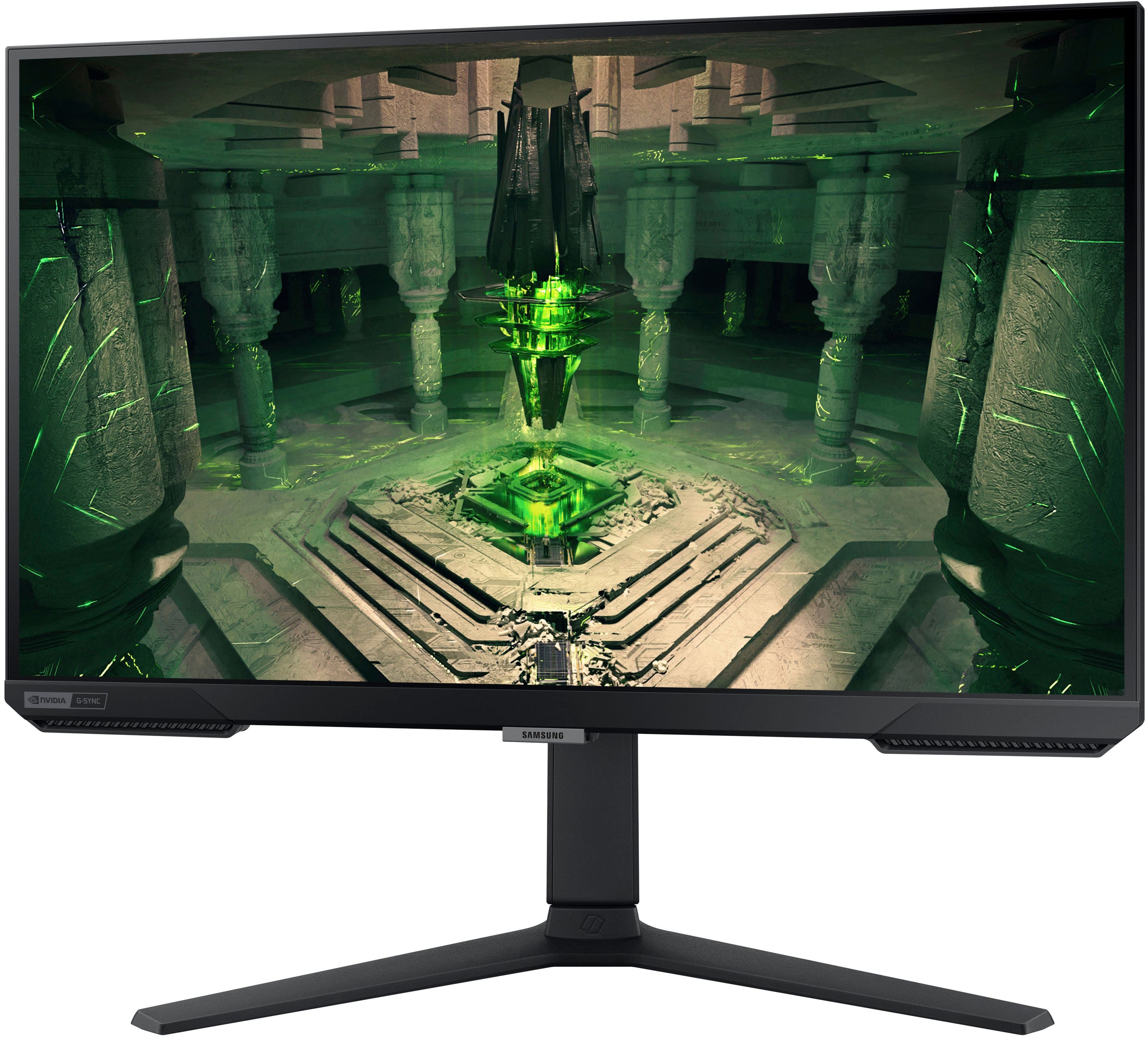
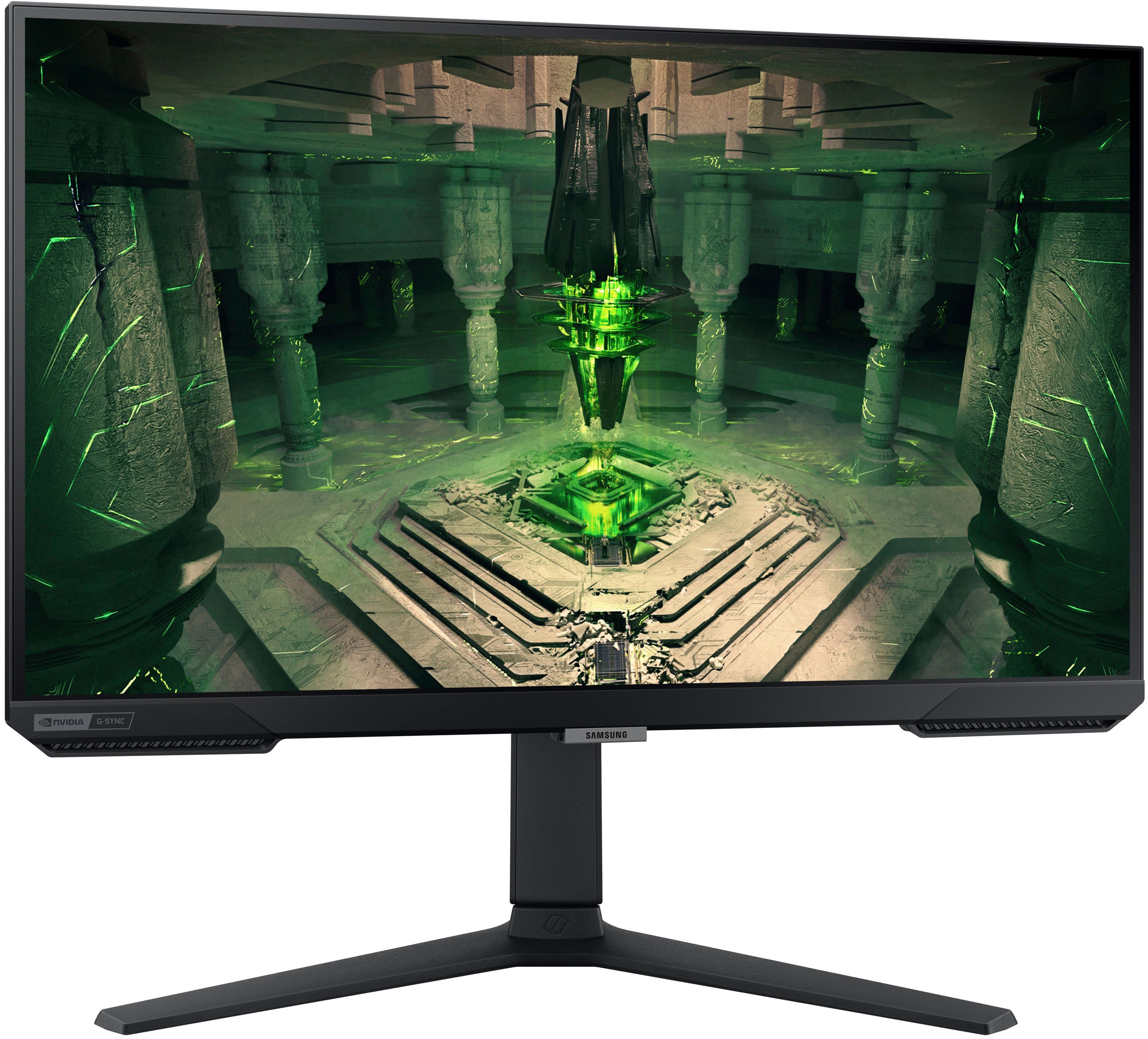
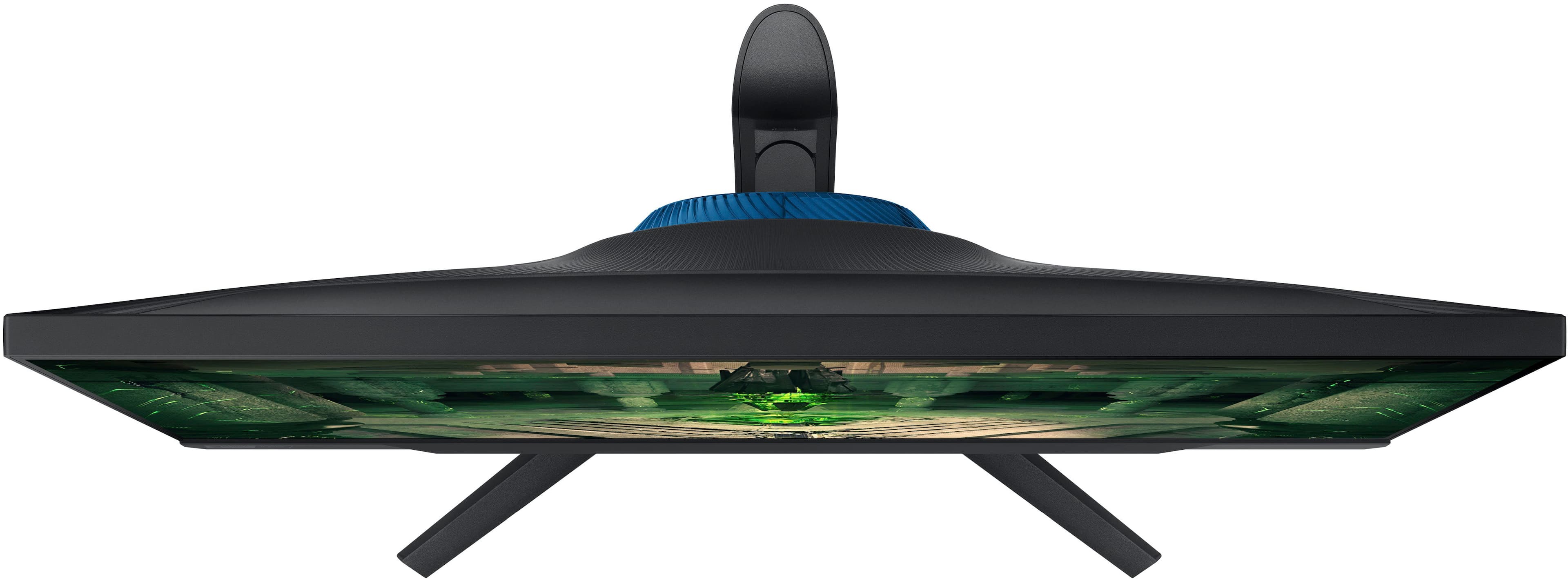
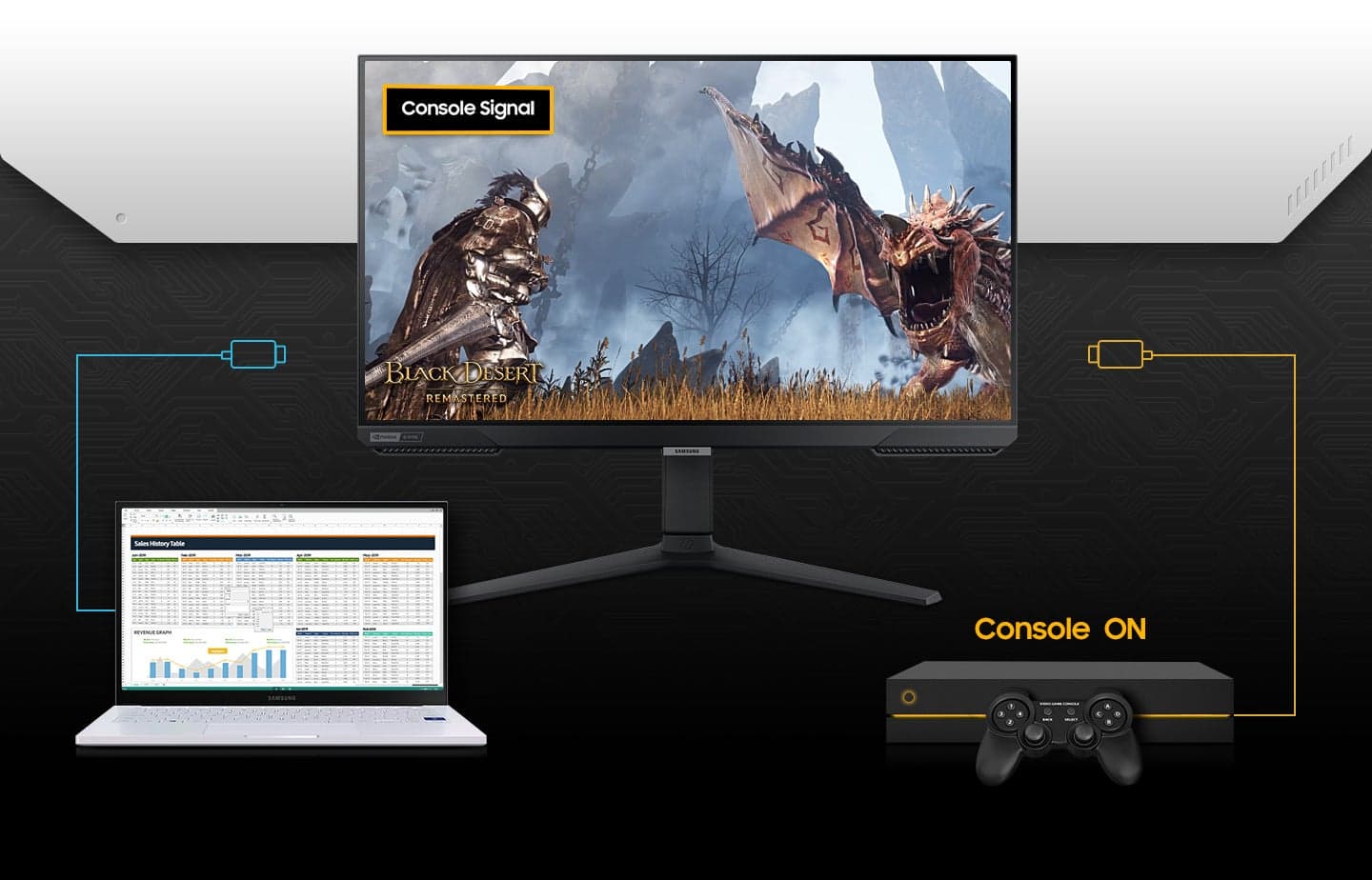
|Posted .This reviewer received promo considerations or sweepstakes entry for writing a review.TL;DR: a snappy, well-equipped monitor with only a few downsides Appearance: this monitor is a very attractive one. I personally like that it looks modern and sleek without looking garish and over-done. There are a few flaws in the appearance. The bezels, especially at the bottom, are a bit on the large side. Additionally, the blue turbine-looking piece on the back doesn't light up. I like the feature and the color, but I wish there was a light in it. Lastly, the cable management is a silicone strap on the back. I wish there was a channel running down the back instead. Performance: this monitor shines in performance. I hooked up my series x and my PC to it. The auto switch functionality works well and is really convenient. The responsiveness is like nothing I've experienced as this is my first monitor that's really designed around gaming. Most I've had are for general use with some gamer-friendly features. It made my series X feel snappier since it responds much quicker than my TV does. The high refresh rate makes things look buttery smooth and with no detectable input lag. The variable refresh rate (VRR) does work, though maybe not perfectly. Seems to work better on PC games than it does with the series X. It smoothed out some frame rate issues in Elden Ring, but wasn't perfect. The biggest cons I find with the performance of this monitor are resolution, contrast, and HDR performance. While 1080p is decent, especially at 27", it would seem like there's something left on the table as many displays have moved to 1440p and 4k. The contrast leaves a bit to be desired. I believe that's because it's an IPS panel vs VA or OLED, but it could be higher. The relatively lower contrast goes hand in hand with my other complaint. The HDR did not impress on this monitor. It has HDR10, but when you have somewhat low contrast and low peak brightness, the HDR suffers. The image is very crisp and colors seem well-balanced, but I wish it just had more of that HDR pop where bright highlights actually look bright. Solid monitor, would recommend, but it's not perfect.
I would recommend this to a friendGood Monitor for simple gaming
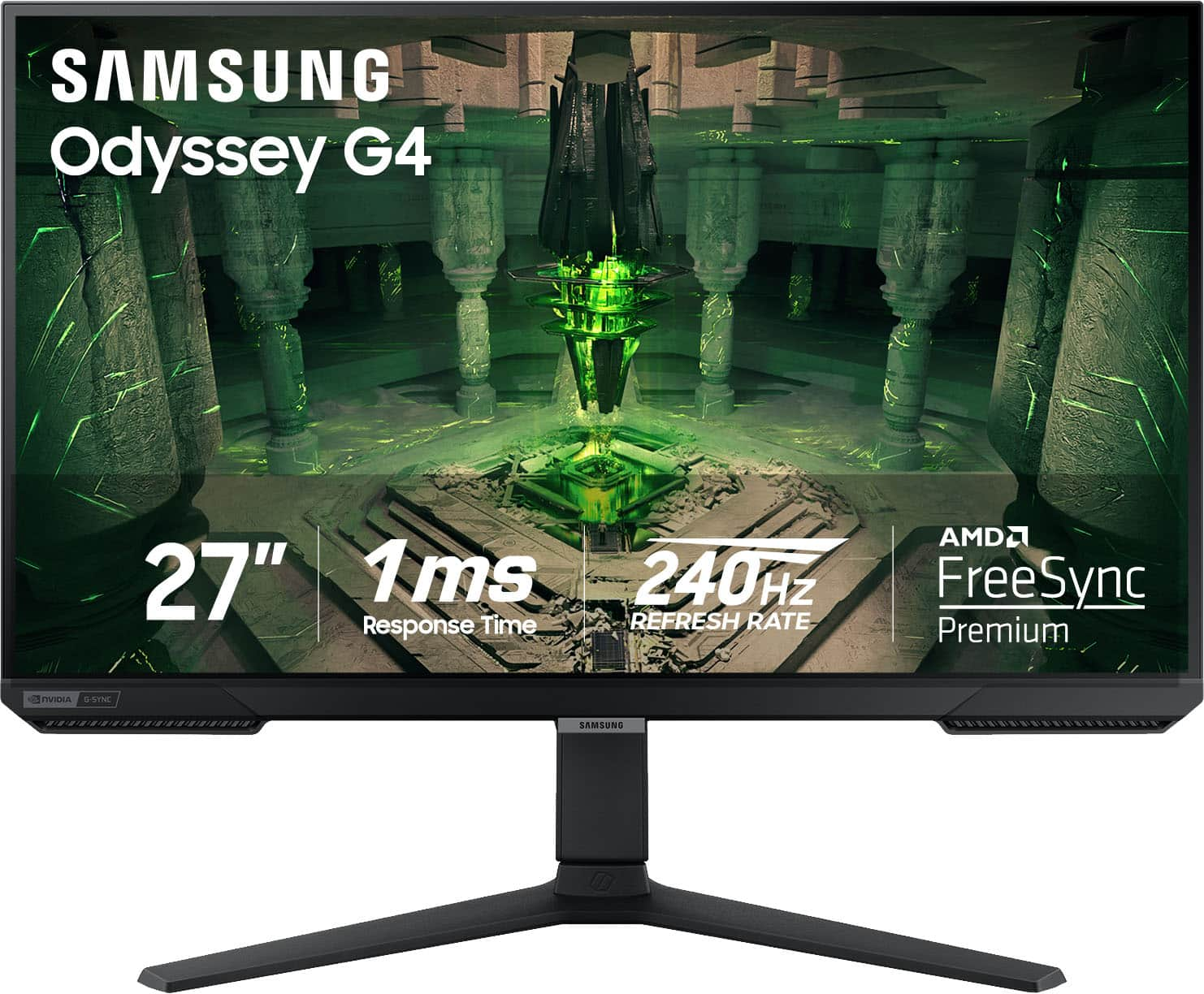
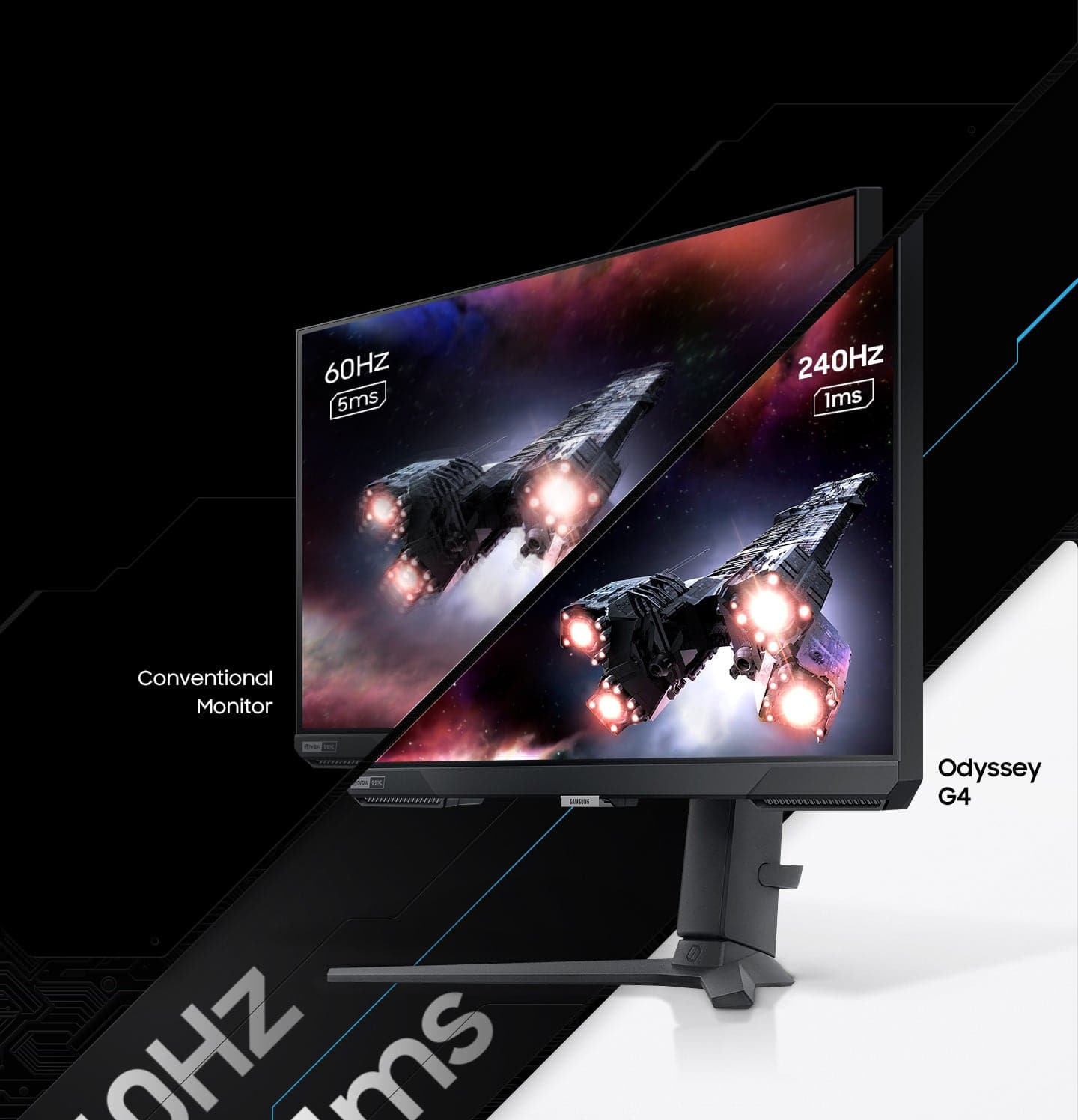
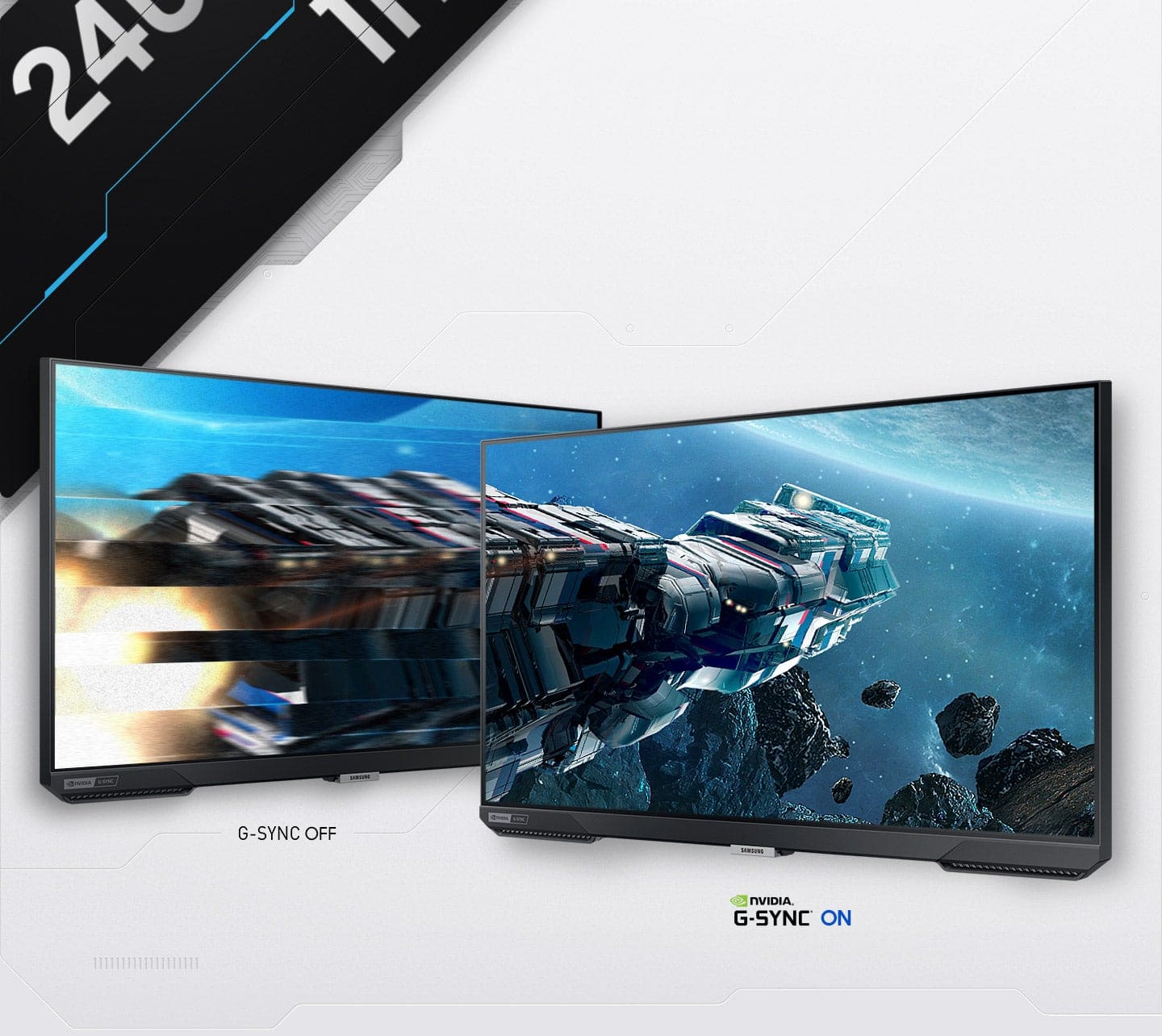
|Posted .This reviewer received promo considerations or sweepstakes entry for writing a review.This monitor is absolutely beautiful. The colors are very vibrant and active. The packaging is really well done. The panel itself is bright. Maybe even too bright. The darks are well produced as well. The darks are dark and not washed out. The response time is really quick at 1ms and having the refresh rate at 240Hz really ensures that you're not missing out on much. I enjoy gaming on this, but being only an FHD, it works for mid-spec computers, but if you have a really powerful PC, I'd go elsewhere. The design is futuristic. It has that gamer aesthetic to it, but not too brash. You can definitely have this in the office and not get too many weird looks. It's simple and gets the job done. The G-Sync is good and it's exactly what you would expect. The price does seem a bit steep for only being an FHD, and there is some ghosting as well, but not much in my experience. Overall, I think the monitor is good and you'll get an overall decent to good experience using this monitor. If you can try it out first, that might benefit you better.
I would recommend this to a friendGreat next gen normal resolution monitor
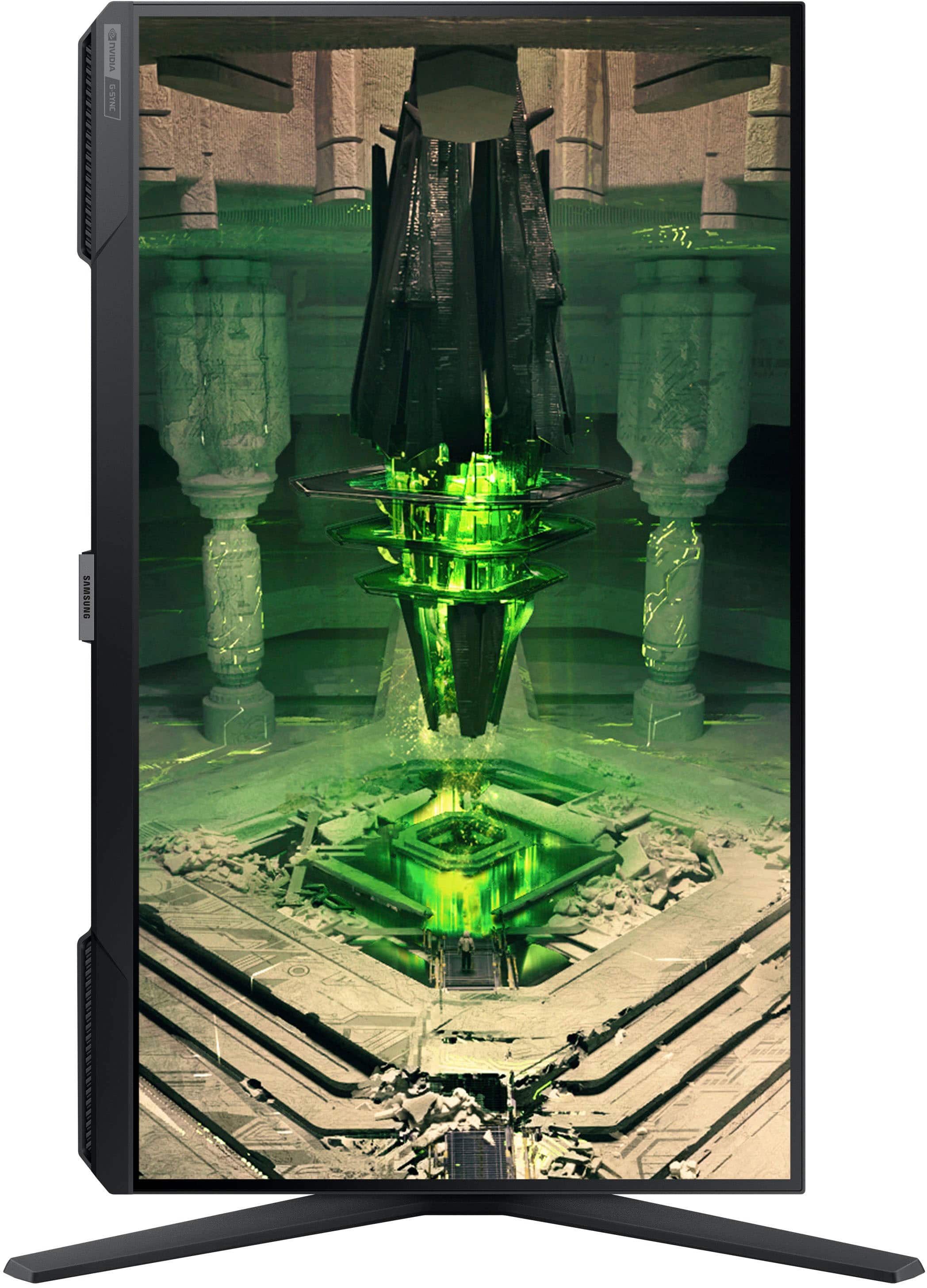
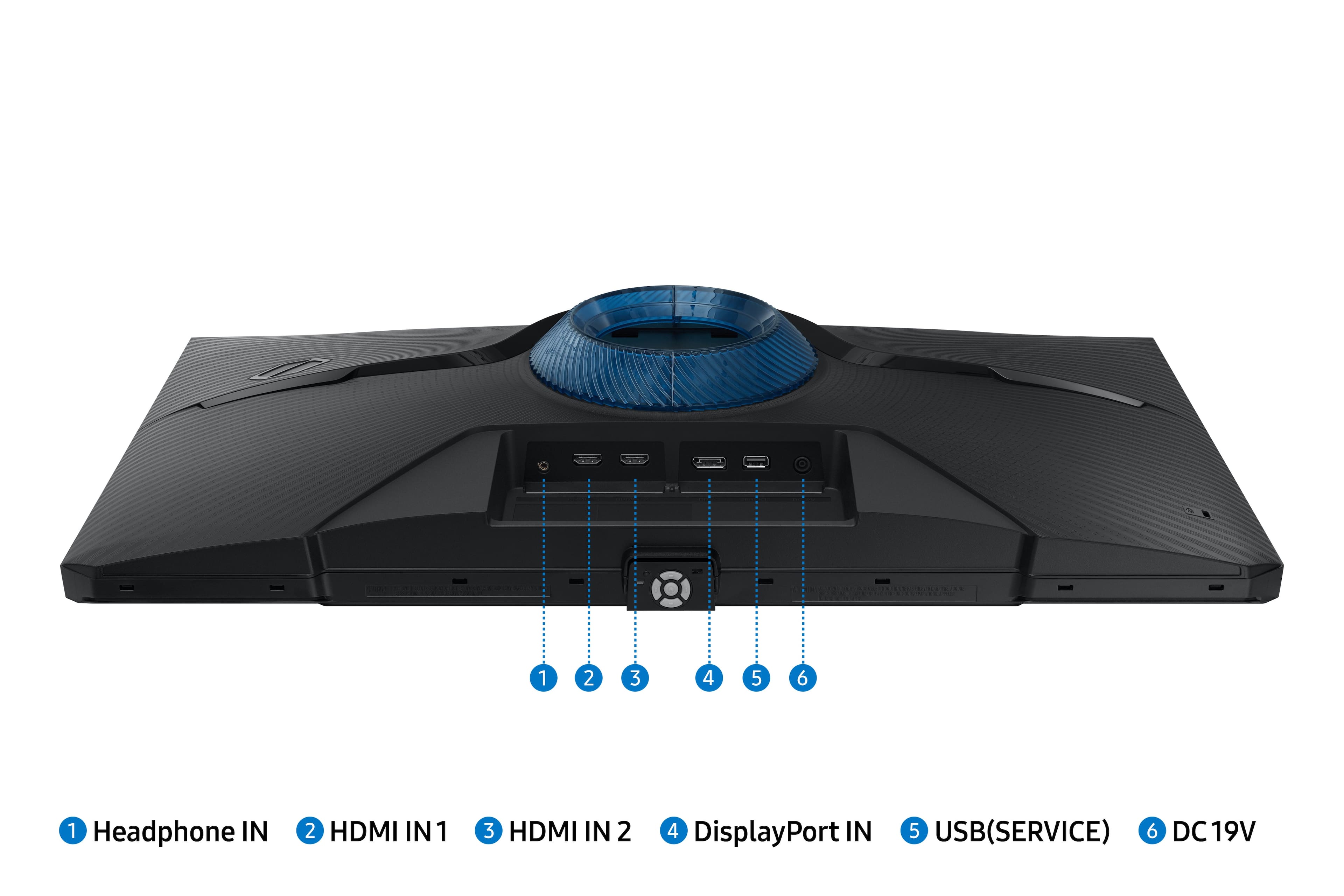
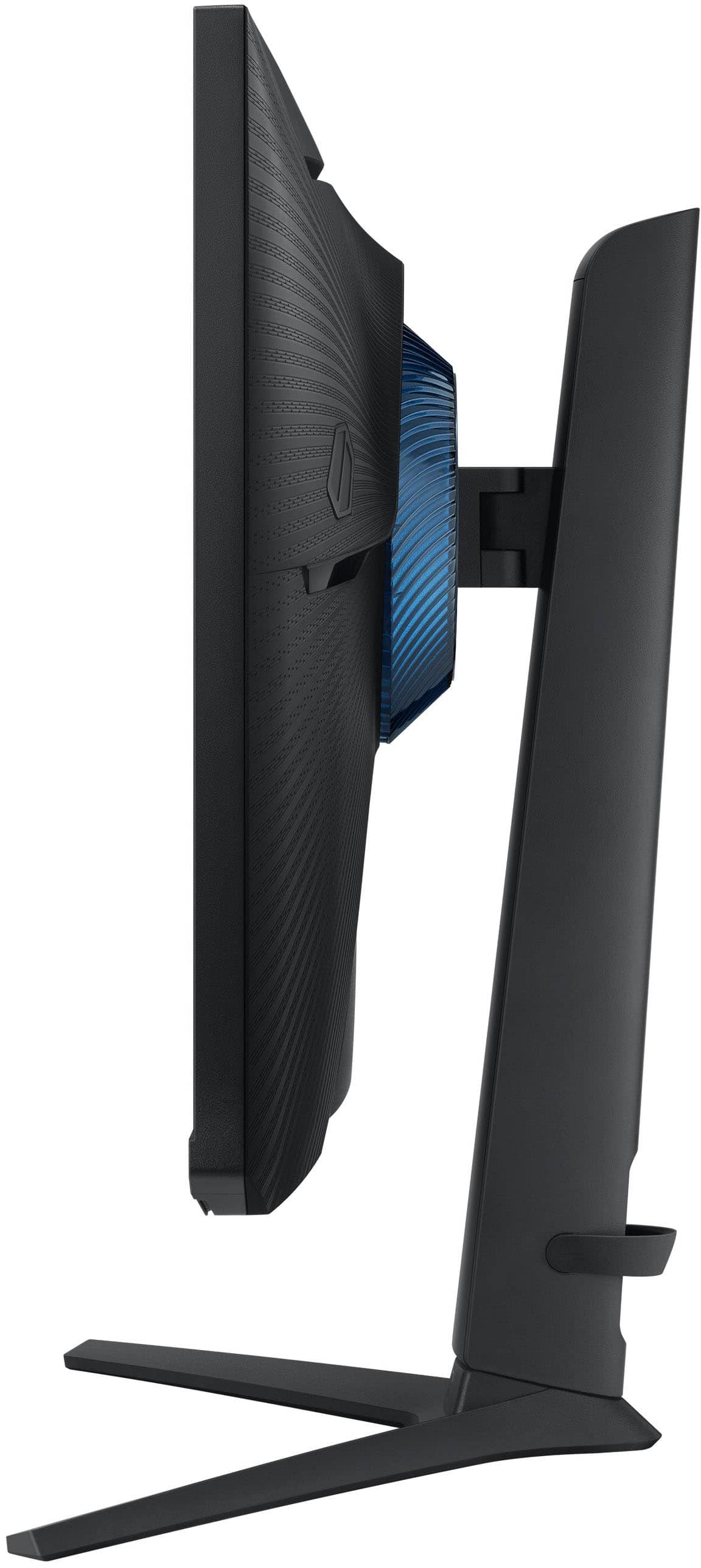
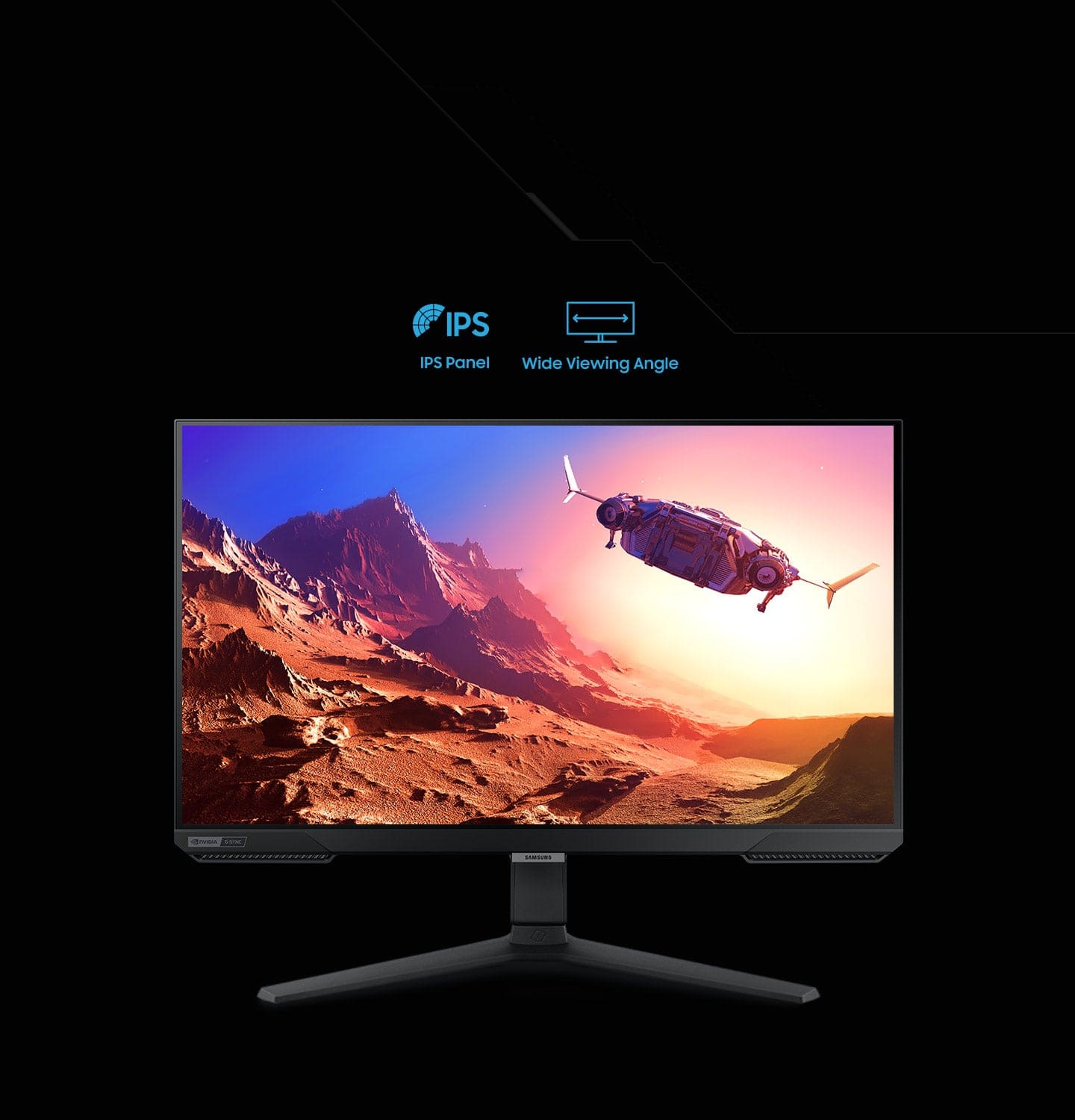
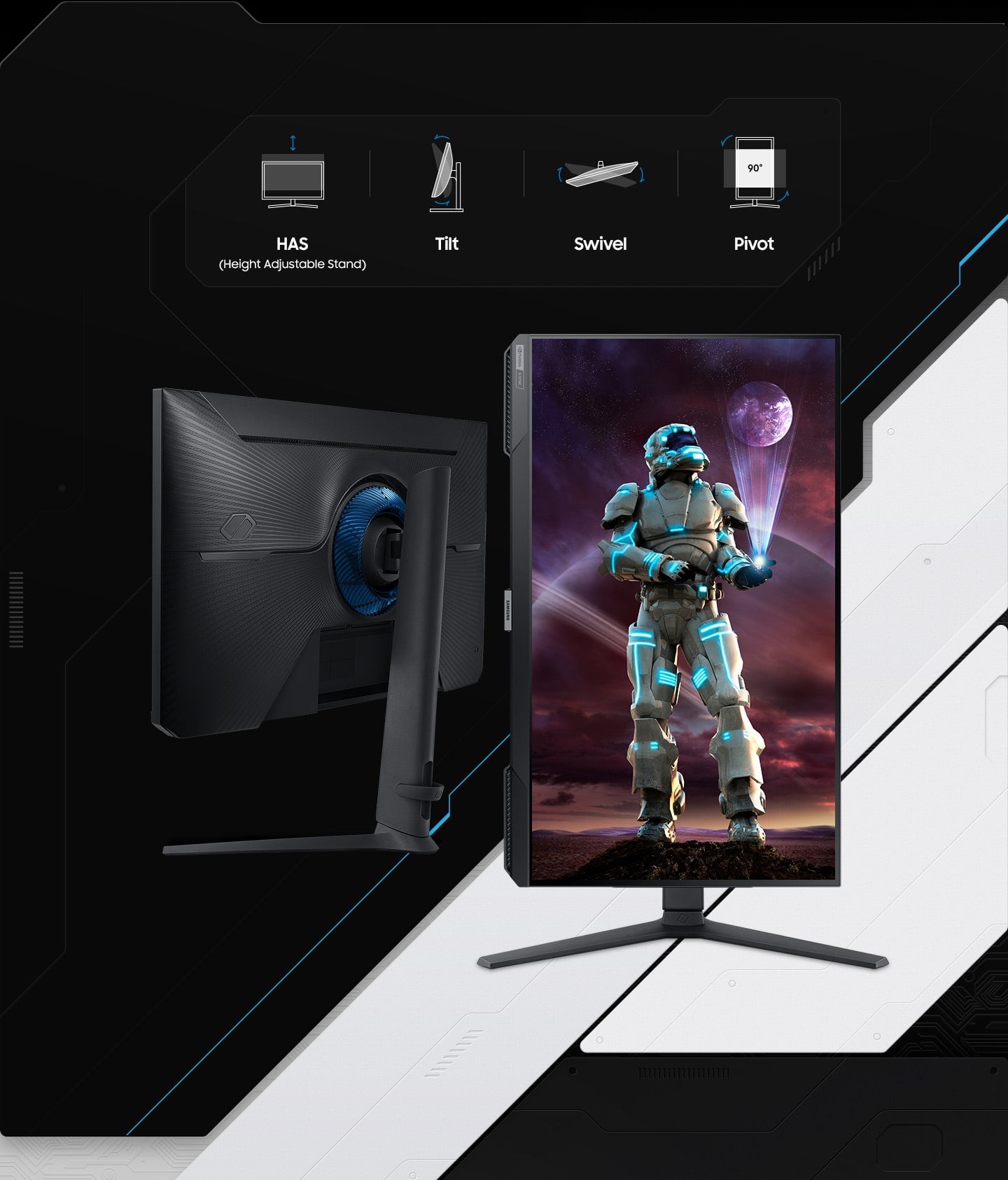
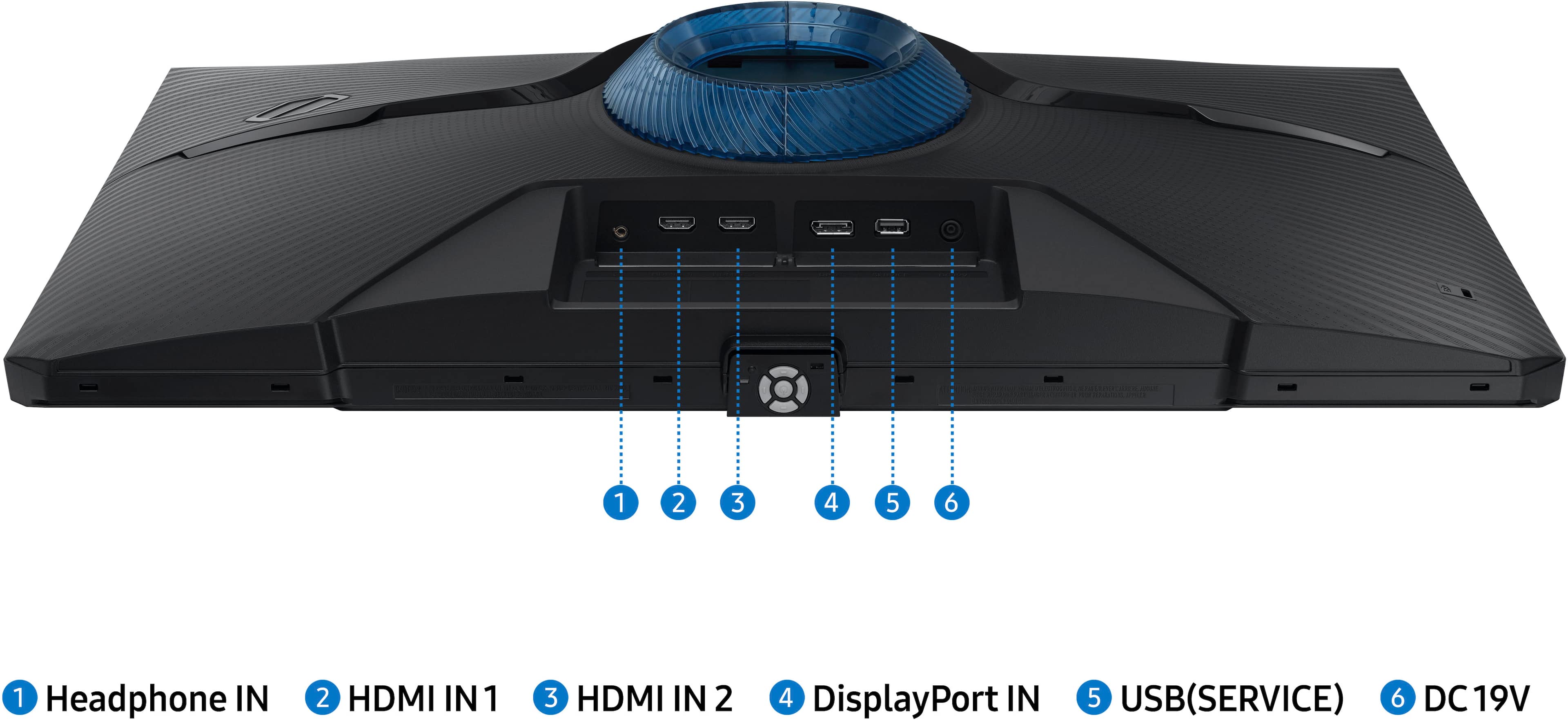
|Posted .This reviewer received promo considerations or sweepstakes entry for writing a review.Samsung – 27” Odyssey G40B IPS Monitor This 27” IPS gaming monitor has a bright clear screen with no display defects on every test. The stand it comes with is superb and well above this price point. It can tilt 22° up and 3° down, pivot 15° right and left for a total of 30°. The stand can lift the monitor from 3” to 8” from the bottom of the monitor to the desktop, and to top it off it rotates 90° either clockwise or counterclockwise. This type of stand is normally reserved for much higher priced monitors. The menu system indicates volume level, however it has no speakers. It passes the audio thru to a headphone jack in the back connector panel. The power LED has 2 options, on when on, or on when in standby. This is a little different but seems fine. However, the LED is a very small blue dot under the center name plate on the monitor. Unless you’re looking under the monitor you won’t see it. It has 2 HDMI ports, 1 Display port, 1 headphone port, and 1 USB port. The USB port is for firmware updates. As of this writing there are no firmware updates, there aren’t even any windows drivers for it. Samsung USA does not have this monitor on their site. If you call Samsung, they will send you the link to download the drivers from the Canada site. I have no doubt that this will be fixed very soon. The viewing angle is also superb, I noticed no bleed or fade at any angle, right, left, above, or below. It has a resolution of 1920x1080 making it very easy to read small text. It supports G-Sync as well as AMD FreeSync up to 240Hz. Using it as just a monitor you can set it to 120Hz. When gaming it will go well above that with no streaking. There are gaming options in the menu system but I was unable to get any of those options to turn on. I either have something not configured correctly or those setting will become active with a firmware update. The monitor comes with 1 HDMI cable and 1 Display port cable. Both cables are high quality and a normal length. A note about the menu system, it seemed to me that unless you had an active input, about the only thing I could do was turn it on and off, with a few other options as well. Once an active input is applied the menu system opens up a little more. I’m sure this is where I failed at getting the gaming system to open up. I was testing it with an RTX-2070 Super, on an HDMI connection, I may have not gotten the configuration correct. I had no issues playing any game, but the menus were greyed out to me. Again, not being supported in the US yet probably played a roll in this. Samsung will get that straight soon I’m sure and may even have it done but the time this review is out.
I would recommend this to a friendGreat Option for 27" 1080p
Posted .This reviewer received promo considerations or sweepstakes entry for writing a review.So I have been using a 3440 x 1440 MSI 100hz monitor for a probably a couple years now. My PC setup has Ryzen 5600x and RX 6700xt. The fps was decent averaging around the 100hz refresh. I recently decided to take the hit on a lower resolution with much higher refresh. Thats where this monitor comes in. I was very hesitant on dropping the resolution because of using a 1440p for so long. HOWEVER, this monitor is actually pretty sharp for 27" 1080p, it surprised me! The color seems very accurate, the refresh is really smooth, it has HDR, and the stand is very adjustable. So far I havent really noticed ghosting during gaming and the refresh is very smooth. Freesync seems to work perfectly fine, I havent noticed any crazy screen glitching yet even though I am only about 170fps average (display port). I play Call of Duty, Palia, Dauntless, Star Wars Old Republic, and a bunch of others. I would say I feel like this monitor is a great option for a gaming monitor. If you are not trying to go for the best of the best.. Definitely worth giving it a try!
No, I would not recommend this to a friendAnother great purchase
Posted .This reviewer received promo considerations or sweepstakes entry for writing a review.Purchased for my son and LOVES it! Have always shopped at Best Buy for my electronic needs, never disappointed.
I would recommend this to a friend