Customer Ratings & Reviews









- Model:
- QN32LS03TBFXZA
- SKU:
- 6405713
Rating by feature
- Picture Quality
Rating 4.6 out of 5 stars
- Sound Quality
Rating 4.4 out of 5 stars
- Brightness
Rating 4.5 out of 5 stars
Customers are saying
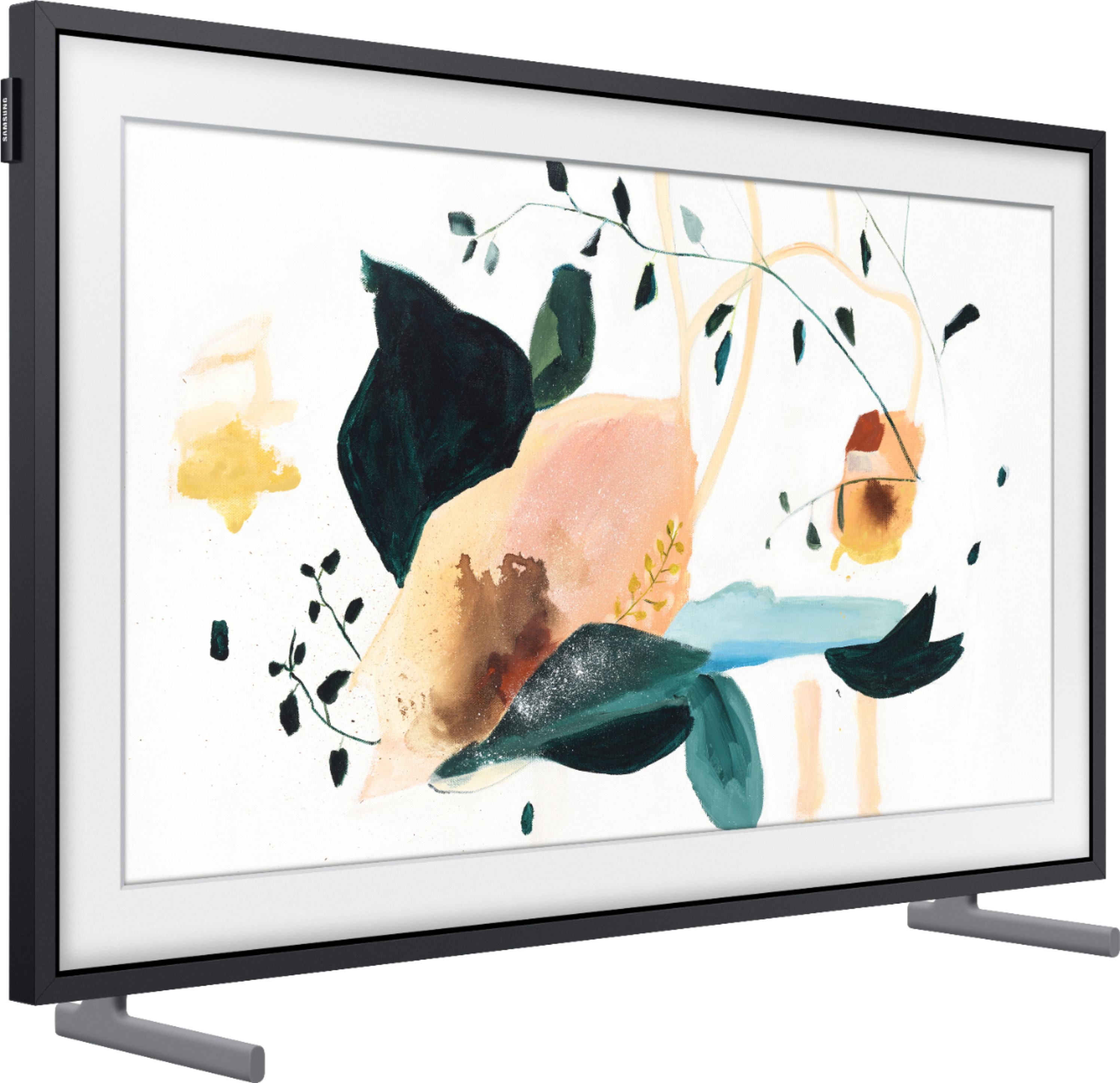
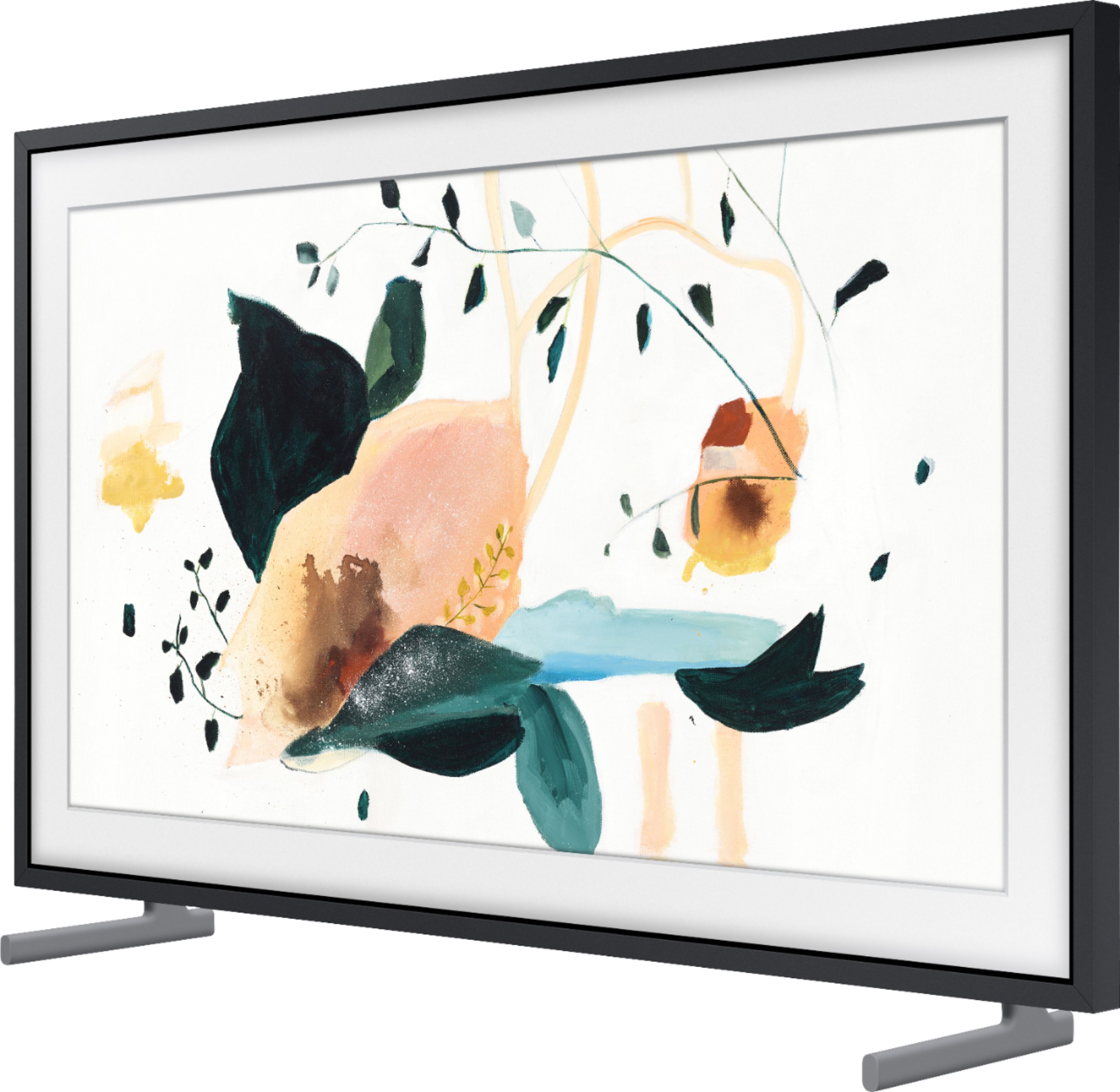
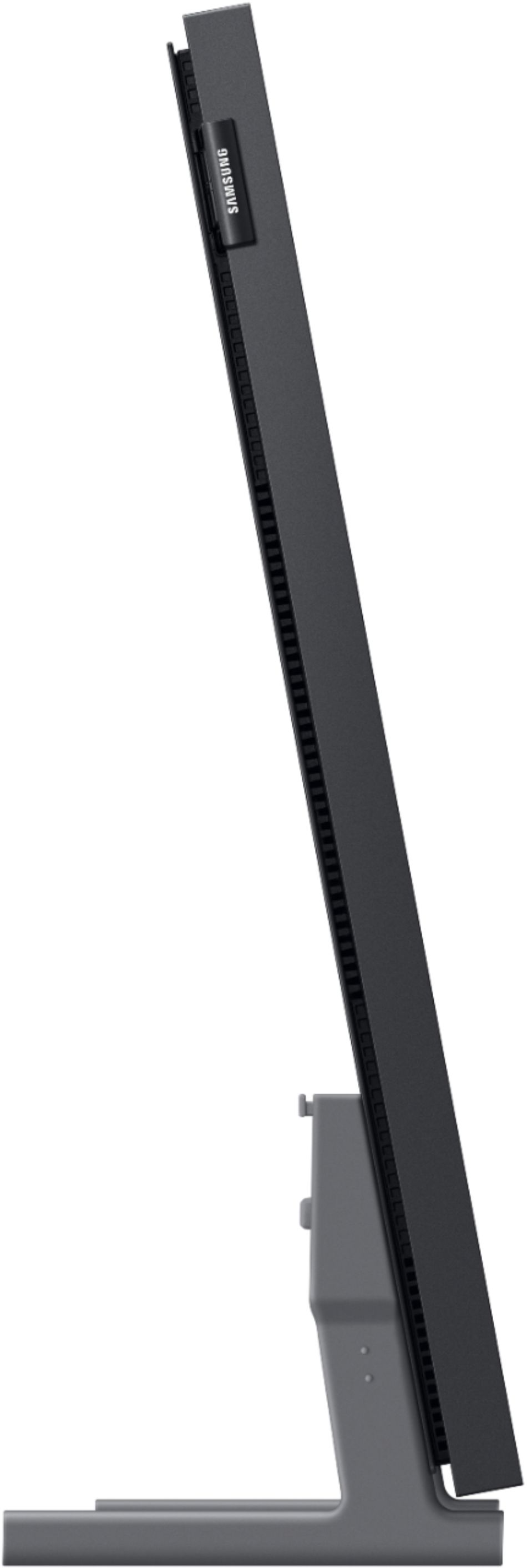
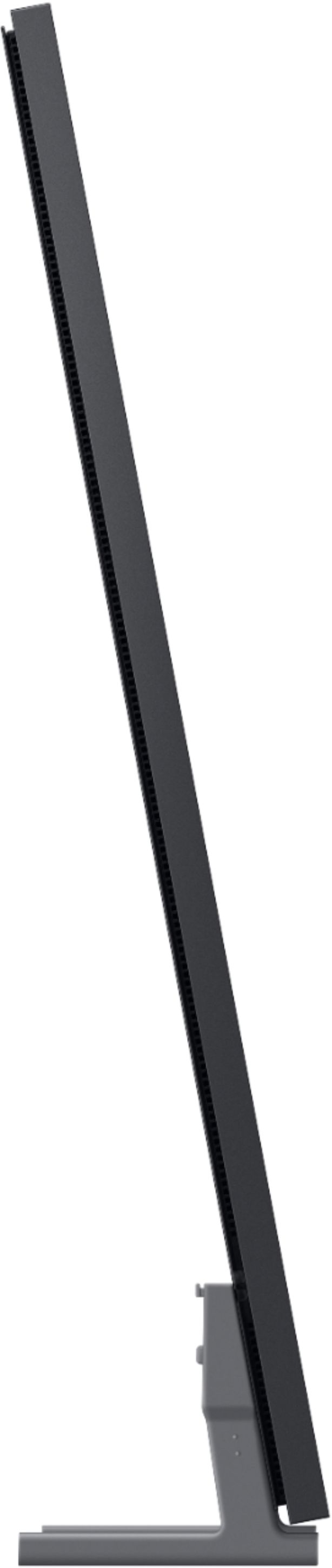
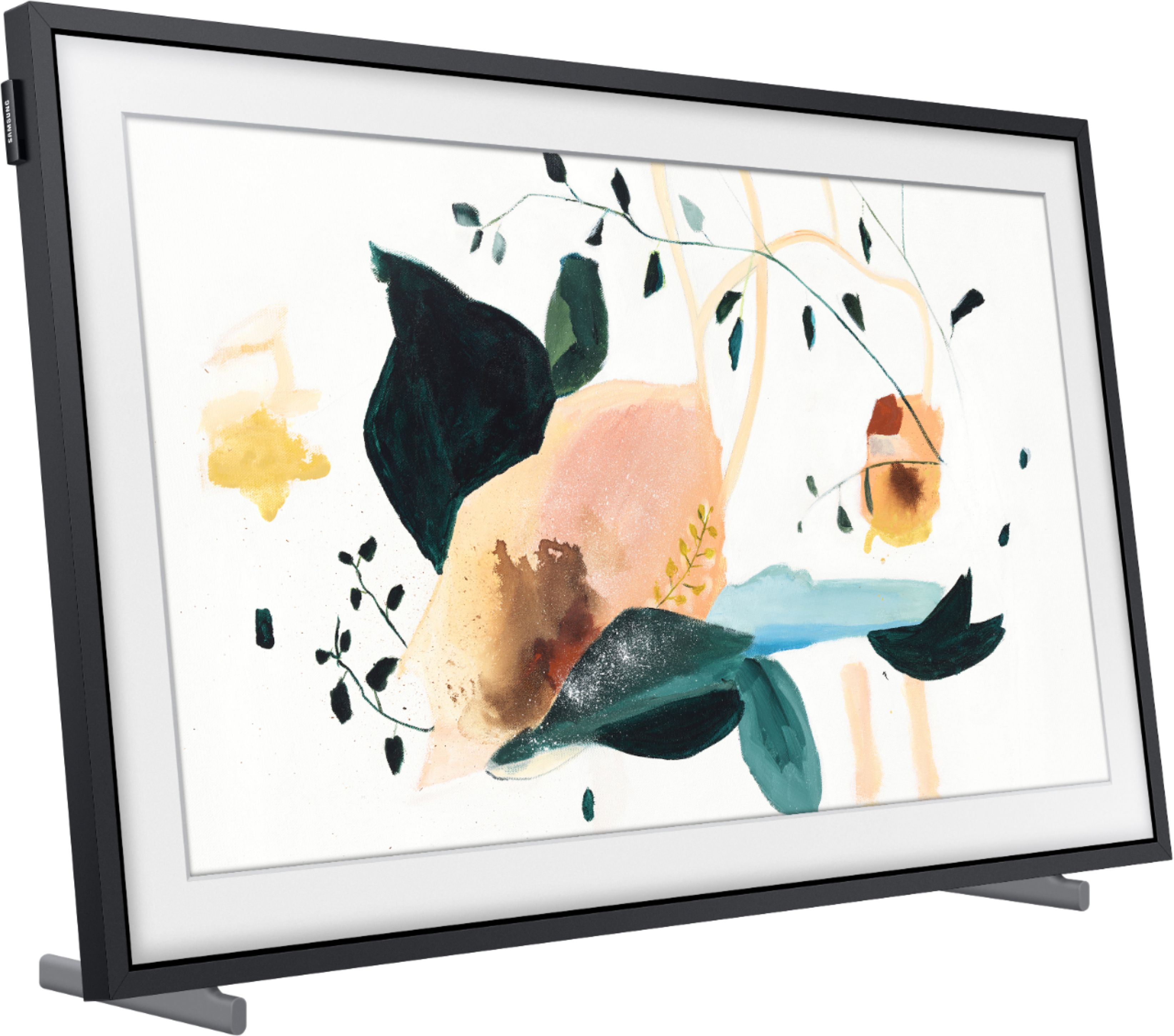
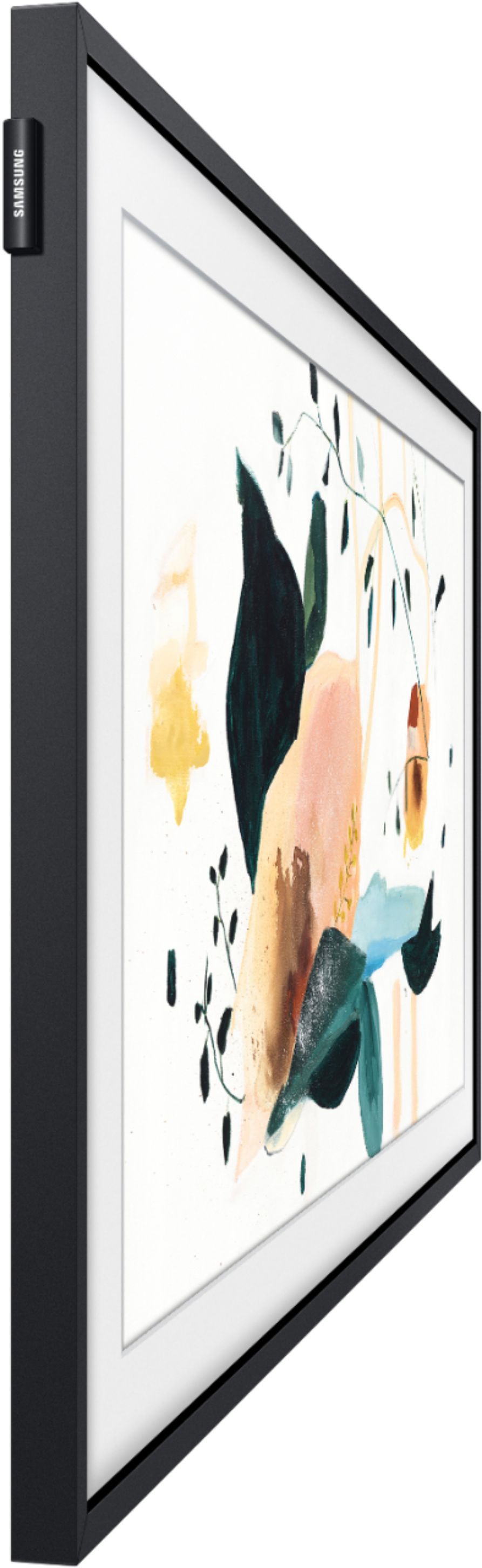
Customers are enthusiastic about the 32" Class The Frame Series Full HD Smart Tizen TV's picture quality, describing it as beautiful and great. They also appreciate its design, calling it absolutely beautiful. While some customers find the price a bit high for the size, others are pleased with its size, finding it perfect for small living spaces. The flush mount design is also praised for its clean lines and great picture.
This summary was generated by AI based on customer reviews.
- Pros mentioned:Picture quality
Good Tv…
||Posted . Owned for 1 month when reviewed.This reviewer received promo considerations or sweepstakes entry for writing a review.Good picture — easy to install and the art mode is Ok. I was nervous about ordering a tv like this thru store delivery,I should have listened to myself picked up tv from store box crushed on corners got really upset and ask the store to open it before I excepted it ..To be surprised the TV was intact….overall it’s a nice tv for my kitchen…
I would recommend this to a friend - Pros mentioned:Ease of use, Picture quality
Samsung 32" Frame TV
||Posted . Owned for 2 weeks when reviewed.This reviewer received promo considerations or sweepstakes entry for writing a review.Good picture — easy to install and the art mode is Ok
I would recommend this to a friend - Pros mentioned:Picture quality
Frame TV
||Posted . Owned for 5 months when reviewed.This reviewer received promo considerations or sweepstakes entry for writing a review.Frame TV is really nice. Works well and very flat. I tried connecting it to my iMac but the output is nothing to write home about. However, as a tv it is really good well worth the money.
I would recommend this to a friend - Pros mentioned:Picture quality
Frame TV 32”
||Posted . Owned for 1 month when reviewed.This reviewer received promo considerations or sweepstakes entry for writing a review.Great TV. For the decor and watching. Add a nice touch to the kitchen space.
I would recommend this to a friend - Pros mentioned:Picture quality
Samsung Rocks!
||Posted . Owned for 2 months when reviewed.This reviewer received promo considerations or sweepstakes entry for writing a review.I love it. I will be replacing my 75”, 65” & 55” with the Samsung frame.#TeamSamsung
I would recommend this to a friend Showed up broken screen
||Posted . Owned for 1 month when reviewed.This reviewer received promo considerations or sweepstakes entry for writing a review.Item was “Open Box - Excellent” however showed up damaged and non-operational. Disappointed in this and also the process for making an exchange, which requires me to go to the store even though the item was shipped originally.
No, I would not recommend this to a friendSamsung TV
||Posted . Owned for 3 weeks when reviewed.This reviewer received promo considerations or sweepstakes entry for writing a review.This TV looks awesome on my kitchen wall.The color is beautiful,but I would expect this from a Samsung.My only problem is not writing the serial number down before the installation,so can't register it.Hopefully nothing will go wrong with it.
I would recommend this to a friendBrand response from Samsung
Posted .schultz:
I'm glad to hear that you are enjoying your Frame TV. In addition to finding your serial number on the back of your TV, you can also find it through the menu of your TV.
Go to: Settings > Support > About This TV
Should you have questions or need assistance with settings, setup, or features with your new Samsung TV, please know we are always here to help.
1) Phone: 1-800-SAMSUNG (ask for TVs), available 8AM – 12AM EST 7 days a week
2) LiveChat: https://www.samsung.com/us/support/#contact_us_for_support
3) Facebook Messenger: https://www.facebook.com/samsungsupport
4) Twitter: https://twitter.com/SamsungSupport
5) The Samsung Members Community is also a great resource for getting help from Samsung moderators and customers: https://us.community.samsung.com
If you have not already done so, we invite you to register your new Samsung product at: https://www.samsung.com/us/account/signin/?redirect=https%3A%2F%2Fwww.samsung.com%2Fus%2Fsupport%2Fregister%2F
Registering your product gives you access to easy warranty support, convenient opt-in to special promos and offers, faster troubleshooting and service, and quick notification of system updates.
~ Samsung Solutions
Can't be Used Vertically
||Posted . Owned for 3 months when reviewed.This reviewer received promo considerations or sweepstakes entry for writing a review.Do not buy this TV if you want to use it vertically. Despite all the photos and marketing, it still doesn't work months after my purchase. The TV has an accelerometer in it which can detect when it is oriented vertically. Unfortunately, when it does, it rotates the input 90 degrees. Adjusting the rotation on the source doesn't help either. I have provided a photo in this review. 2 software updates and multiple settings changes do nothing. I bought 2 of these, and I guess now I'll just have to try and sell them to someone who can use it horizontally.
No, I would not recommend this to a friendBrand response from Samsung
Posted .Amar:
Thank you for purchasing The Frame 32" TV and for your review. Your TV can be mounted either vertically or horizontally, but does not rotate video automatically. In Portrait Mode, some apps or external inputs may not support the full screen.
For assistance with this feature or for any other questions, please contact Samsung Customer Support.
1) Phone: 1-800-SAMSUNG (ask for TVs), available 8AM – 12AM EST 7 days a week
2) LiveChat: https://www.samsung.com/us/support/#contact_us_for_support
3) Facebook Messenger: https://www.facebook.com/samsungsupport
4) Twitter: https://twitter.com/SamsungSupport
5) The Samsung Members Community is also a great resource for getting help from Samsung moderators and customers: https://us.community.samsung.com
If you have not already done so, we invite you to register your new Samsung product at: https://www.samsung.com/us/account/signin/?redirect=https%3A%2F%2Fwww.samsung.com%2Fus%2Fsupport%2Fregister%2F
Registering your product gives you access to easy warranty support, convenient opt-in to special promos and offers, faster troubleshooting and service, and quick notification of system updates.
~ Samsung Solutions
Gallery wall
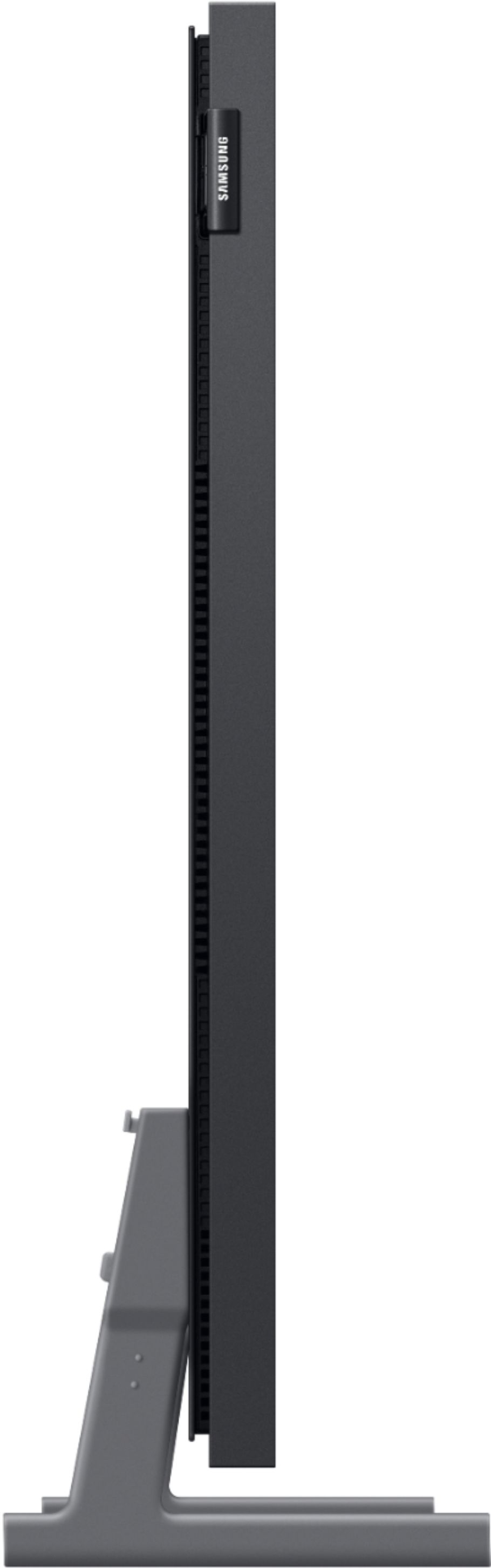
||Posted . Owned for 3 weeks when reviewed.This reviewer received promo considerations or sweepstakes entry for writing a review.The tv is truly flushed with the wall & the installation ws was great! It was truly what I wanted
I would recommend this to a friend- Pros mentioned:Ease of use, Picture quality
Samsung frame 32 inch!
Posted .This reviewer received promo considerations or sweepstakes entry for writing a review.Great tv by Samsung! Despite what a lot of reviews suggest, the build quality and picture is wonderful even though it isn't 4k but is instead full 1080p hd. Was quite easy to set up all though it had a couple of connection issues at first with the art mode, but they were easily resolved. I gave this an average for value because of its price for what it offers, but nonetheless this is a great tv for anyone looking for a tv like no other!
I would recommend this to a friend - Cons mentioned:Art mode, Remote control
Purchased for casual mantle in living room
Posted .This reviewer received promo considerations or sweepstakes entry for writing a review.We like it but without paying for a subscription there are not many art pieces to choose from. Don't really think to put on the art when turning it off but maybe if we had people over. Wish it would "sleep" in art mode. We have an apple TV connected to it and would prefer the art we've chosen to those screensavers. Remote is not intuitive
I would recommend this to a friend - Pros mentioned:Ease of use
Chameleon Product Perfections
||Posted . Owned for more than 2 years when reviewed.This reviewer received promo considerations or sweepstakes entry for writing a review.Very cool addition to our bathroom as it’s mounted above the bathtub as if it was a piece of artwork. Works perfect. I just need to play around with it to learn more about the features without having to read the manual. Just kidding. Very pleased with purchase and Best Buy’s customer service support and experience with this product and our family.
I would recommend this to a friend - Pros mentioned:Picture quality, Wall mount
Good TV but overpriced.
||Posted . Owned for 1 year when reviewed.This reviewer received promo considerations or sweepstakes entry for writing a review.Nice TV overall and would be 5 stars if it was priced correctly but for what you’re getting it should be cheaper. I needed a tv that could mount flush and I wanted the one connect box so I didn’t have to run wires through the wall. This TV has both of those features and that’s why I purchased it. The picture quality is good but not anywhere near good enough for this TV to be priced this high.
I would recommend this to a friend - Pros mentioned:Wall mountCons mentioned:Art mode, Remote control
No Universal Remote Option
||Posted . Owned for 2 weeks when reviewed.This reviewer received promo considerations or sweepstakes entry for writing a review.The TV is great, flush to the wall, and is entertaining as a digital frame when turned off. A couple of downsides I see is I can't get Alexa to get the TV into Art Mode (picture mode). Also, if you have an external cable/dish box, the remote control does not have a universal remote option to be able to change channels on it. Apparently, this option has been removed from all non-4k Frame TVs.
I would recommend this to a friendBrand response from Samsung
Posted .Zoxerxes,
Thank you for your review of The Frame TV. Please know you can control your connected devices using your TV remote by following these set-up steps:
1) Connect an external device to the HDMI port of the TV, and then power on the external device. Your TV will automatically recognize the device when connected through HDMI and will switch the output. If it doesn't automatically detect it, then keep following the steps to set up Universal Remote.
2) Press the Home button on your TV remote to access the Home Screen. Using the directional pad on the remote, navigate to Source. When the selector is placed over Source, the Source menu will appear. Press UP on the directional pad to access Universal Remote.
3) Select Universal Remote on the Source screen. Next, select Start and make sure the device you want to connect is turned on. When your desired device displays, select it. Follow the on-screen instructions to complete the setup and register the device. The instructions may vary, depending on the device type selected.
4) Your TV and the remote will memorize the external device and its connection port (HDMI 1, HDMI 2, etc.) to make controlling everything even easier. Occasionally, the device may not respond after it's registered. To make sure the connection is made, you need to re-register the device.
Please also keep in mind that while The Frame TV works with Alexa-enabled devices, there are some commands which will require you to manually perform, such as enabling Art Mode. For example, you can ask Alexa to turn off your TV, change channels, open apps, search for movies and shows, play music, or control your smart home devices.
If there is anything we can do to further assist and improve your user experience, please let us know by contacting Samsung Customer Support at 1-800-SAMSUNG (ask for TVs), available 8AM - 12AM EST, 7 days a week.
For additional support resources, visit us on the Samsung website and click on the ‘Support’ link in the upper right corner of the homepage for:
1) Chat with Us/Product Help: To begin a chat or find solutions, choose ‘TVs & Home Theater’ and select your model & topic.
2) Manuals, Software, & Warranty Info
~ Samsung Specialist
- Pros mentioned:Ease of use, Tv design
Beautiful Addition
||Posted . Owned for 3 weeks when reviewed.This reviewer received promo considerations or sweepstakes entry for writing a review.Overall this is a great little TV! It’s surprisingly thin and light, very easy to pick up and install. I love that it doubles as a digital art display, so no ugly black box in the corner of the room. It’s compatible with Google Echo, Alexa, and can AirPlay from my iPad. A quick search for public domain museum art, cropped in photoshop to fit the screen (3840x2160 pixels) gave me some great options for display. A few people are selling art bundles on Etsy as well. No need for Samsung’s Art Store subscription. I’m quite happy with my purchase!
I would recommend this to a friend - Cons mentioned:Motion sensor, Price
The 32” Should not be considered a "Frame"
||Posted . Owned for less than 1 week when reviewed.This reviewer received promo considerations or sweepstakes entry for writing a review.I have a ton of Samsung Frame TVs generally 43-55 inches in range. They have all been incredible except for this 32" 2020 version. Every frame that I have owned up to this point has had features which in combination make the TVs appear pretty "artwork" like. The 32" however does not. While the 32" has ambient brightness adjustment it does not have a motion sensor. So your choices are to leave the TV on 24/7 or to have it shut off after 1, 2 , or 4 hours after use. I'm heavily considering returning as paying $600 for a freaking 32" 1080p TV that acts like a regular 1080p TV is insane, it's a complete rip off. There are no real stand out features from a 32" Frame vs a regular TV.
No, I would not recommend this to a friendBrand response from Samsung
Posted .Pjpnyc,
Thank you for being a loyal Samsung customer!
We value your user feedback about and will share it with our product team.
Please do reach out to us should you have any questions, concerns, or need assistance.
You can contact Samsung TV Support toll-free at 1-800-SAMSUNG (ask for TVs).
Or by LiveChat. Please copy-paste this link into your browser: http://www.samsung.com/us/support/contact
We are likewise reachable by Facebook Messenger: https://www.facebook.com/samsungsupport
Or find us on Twitter: https://twitter.com/SamsungSupport
To optimize your product experience, we encourage you to register your new Samsung TV at:
https://www.samsung.com/us/account/signin/?redirect=https%3A%2F%2Fwww.samsung.com%2Fus%2Fsupport%2Fregister%2F&user=dsr-registration
The registration helps you gain access to easy warranty support, convenient opt-in to special promos and offers, faster troubleshooting and service, and quick notification of system updates.
Again, thank you for choosing Samsung The Frame TVs.
-Samsung Ambassador
NOT INVISIBLE cable with 32” Frame - disappointing
Posted .This reviewer received promo considerations or sweepstakes entry for writing a review.I’m disappointed with this purchase. I wouldn’t buy the 32” Frame again, if you can fit a 43” upgrade to that model. This one is like a different TV from the rest of the Frame line. Just as expensive though! The sound and art picture quality don’t seem as good as the larger models. My biggest disappointment is NOT INVISIBLE bulky grey One Connect cable. The invisible cable is pictured and advertised everywhere as part of the frame TV package, but I guess it doesn’t come with this one? I can’t find any mention of a different cable with this setup. I bought this TV to hang as part of a gallery wall and the idea was for it to look like one of the framed pictures. The cable gives it away. I looked into ordering a clear cable, but it’s $299 and for that amount I could have upgraded to the 43” Frame - which presumably includes the clear cable. Don’t make my mistake. Buy the 43”. This size shouldn’t be an option if the quality is so different.
No, I would not recommend this to a friendBrand response from Samsung
Posted .AshleyB:
I am very sorry that you did not realize that the 32” Frame did not come with a One Invisible Connection Cable. You are correct, this cable is included with our 43” models and higher. Should you have any questions about the setup, use, or functions of your TV, please contact Samsung Customer Support.
1) Phone: 1-800-SAMSUNG (ask for TVs), available 8AM – 12AM EST 7 days a week
2) LiveChat: https://www.samsung.com/us/support/#contact_us_for_support
3) Facebook Messenger: https://www.facebook.com/samsungsupport
4) Twitter: https://twitter.com/SamsungSupport
5) The Samsung Members Community is also a great resource for getting help from Samsung moderators and customers: https://us.community.samsung.com
If you have not already done so, we invite you to register your new Samsung product at: https://www.samsung.com/us/account/signin/?redirect=https%3A%2F%2Fwww.samsung.com%2Fus%2Fsupport%2Fregister%2F
Registering your product gives you access to easy warranty support, convenient opt-in to special promos and offers, faster troubleshooting and service, and quick notification of system updates.
~ Samsung Solutions
- Pros mentioned:Picture quality
Great TV, terrible setup
||Posted . Owned for 3 weeks when reviewed.This reviewer received promo considerations or sweepstakes entry for writing a review.Extremely happy with this TV - nicely engineered, very good picture, nice features, "desktop" apps OK. Absolutely TERRIBLE manual, instructions, & set-up! (I've worked with computers & have designed scientific equipment). Definitely download pdf manual; much more helpful than abbreviated version in the box. Make sure to attach an antenna BEFORE doing the set-up. Adding later requires complete reset. Uploading your own art/photos works well, but ONLY if they are cropped to *exactly* 16:9 ratio (1 pixel errors cause problems). Make sure both your phone (with required Samsung app) & TV have strong wifi signal during set-up. Will also require a Samsung account to access some TV functions.
I would recommend this to a friend - Pros mentioned:Picture quality
Good for watching the weather over breakfast
||Posted . Owned for 6 months when reviewed.This reviewer received promo considerations or sweepstakes entry for writing a review.Finding a small tv for the kitchen is getting harder and harder. This tv fits the bill. The flush mount is nice but you still need to drape the wire somehow or run it through the wall. With a traditional Mount you can hide that mess behind the tv out of view. Picture quality is good, but be aware that the 32” isn’t 4K. That wasn’t clear on Samsung’s website so that was a minor disappointment. I use mine with a cable box so you have the usual two remotes nonsense. One click for the cable and two more on the Samsung. One gets rid of the art, a second to dismiss the seldom-used menu. Using AirPlay from an iOS device is iffy. I got it to work once, then it went away when I tried a different device. Samsung customer service said it isn’t supported. They want you hooked into their SmartThings and android. I reset to factory and got it working again but I haven’t bothered since. So not perfect, but serviceable.
I would recommend this to a friendBrand response from Samsung
Posted .Hi NameWithheld,
Thank you for your purchase and review of The Frame Full HD Smart TV. I am sorry to hear you are experiencing issues using Apple AirPlay. You may want to check the Connection Guide for further information connecting your smartphone. Go to: Source > Connection Guide > Smartphone > Apple AirPlay
You can also adjust AirPlay settings by going to: Settings > General > Apple AirPlay Settings
Please know you can control your connected devices using your TV remote by following these set-up steps:
1) Connect an external device to the HDMI port of the TV, and then power on the external device. Your TV will automatically recognize the device when connected through HDMI and will switch the output. If it doesn't automatically detect it, then keep following the steps to set up Universal Remote.
2) Press the Home button on your TV remote to access the Home Screen. Using the directional pad on the remote, navigate to Source. When the selector is placed over Source, the Source menu will appear. Press UP on the directional pad to access Universal Remote.
3) Select Universal Remote on the Source screen. Next, select Start and make sure the device you want to connect is turned on. When your desired device displays, select it. Follow the on-screen instructions to complete the setup and register the device. The instructions may vary, depending on the device type selected.
4) Your TV and the remote will memorize the external device and its connection port (HDMI 1, HDMI 2, etc.) to make controlling everything even easier. Occasionally, the device may not respond after it's registered. To make sure the connection is made, you need to re-register the device.
If you need further assistance or have any questions, please contact Samsung Customer Support at 1-800-SAMSUNG (ask for TVs), available 8AM -12AM EST M-F (9AM – 6PM EST Sat). Or text HELP to 62913.
For additional support resources, visit us on the Samsung website and click on the ‘Support’ link in the upper right corner of the homepage for:
1) More ‘Contact Us’ options – LiveChat, Facebook, Twitter, Samsung Community, Samsung Members app
2) Manuals & Software
3) Warranty Info
4) Product Registration: For access to easy warranty support, convenient opt-in to special promos and offers, faster troubleshooting and service, and quick notification of system updates.
~ Samsung Specialist
- Pros mentioned:Picture qualityCons mentioned:Art mode
Another Overpriced Samsung Product
||Posted .This reviewer received promo considerations or sweepstakes entry for writing a review.I wanted to like this TV. I really did. Taking it out of the box and once mounted it’s beautiful to look at when it’s off. The build quality is solid and sleek. Unfortunately, this TV has serious issues. Let’s start with picture quality. This TV has ridiculous light bleed, blooming as uniformity issues. This TV is $600 for a 32 inch and the picture quality for that price makes it almost unwatchable. Secondly, just like their phones this TV comes with bloatware. There are already movie services installed that I don’t need or want. You can delete them as long as it’s not proprietary to Samsung. Let’s talk about the main reason people purchase this TV, the Art Mode. It comes with one picture installed. You are given the option of a monthly or annual plan that gives you access to all pics available I believe. Only problem is it’s $5.99 a month and $49.99 a year. These are not expensive options but I find myself wondering why more pictures were not installed, especially when all the other bloatware comes with it. My LG OLED’s come with multiple pictures available and I would use it if burn in wasn’t an issue. I attempted to purchase an individual pic but declined when I was about to be charged $19.99 for one. I now realize I could have achieved the same results with a much less expensive TV. It wouldn’t have looked as sleek on the wall but functionality would have been way better and the picture roughly the same. Extremely disappointed with this purchase. Going to return.
No, I would not recommend this to a friendBrand response from Samsung
Posted .Samsung:
Your feedback of the 32” Frame TV is very important to us. Your details regarding your picture quality and Art Mode are appreciated and will be shared with our internal teams. Should you ever decide to give Samsung TVs another try and experience issues, or need assistance with usage, please know we are always here to help.
1) Phone: 1-800-SAMSUNG (available 8AM -12AM EST, 7 days a week)
2) LiveChat: https://www.samsung.com/us/support/#contact_us_for_support
3) Facebook Messenger: https://www.facebook.com/samsungsupport
4) Twitter: https://twitter.com/SamsungSupport
5) The Samsung Members Community is also a great resource for getting help from Samsung moderators and customers: https://us.community.samsung.com
We hope to regain you as a customer in the future.
~ Samsung Solutions