Customer Ratings & Reviews
- Model:
- LS32DG502ENXZA
- SKU:
- 10507305
Rating by feature
- Display Quality
Rating 4.8 out of 5 stars
- Ease of Use
Rating 4.8 out of 5 stars
- Features
Rating 4.6 out of 5 stars
Nice Upgrade!
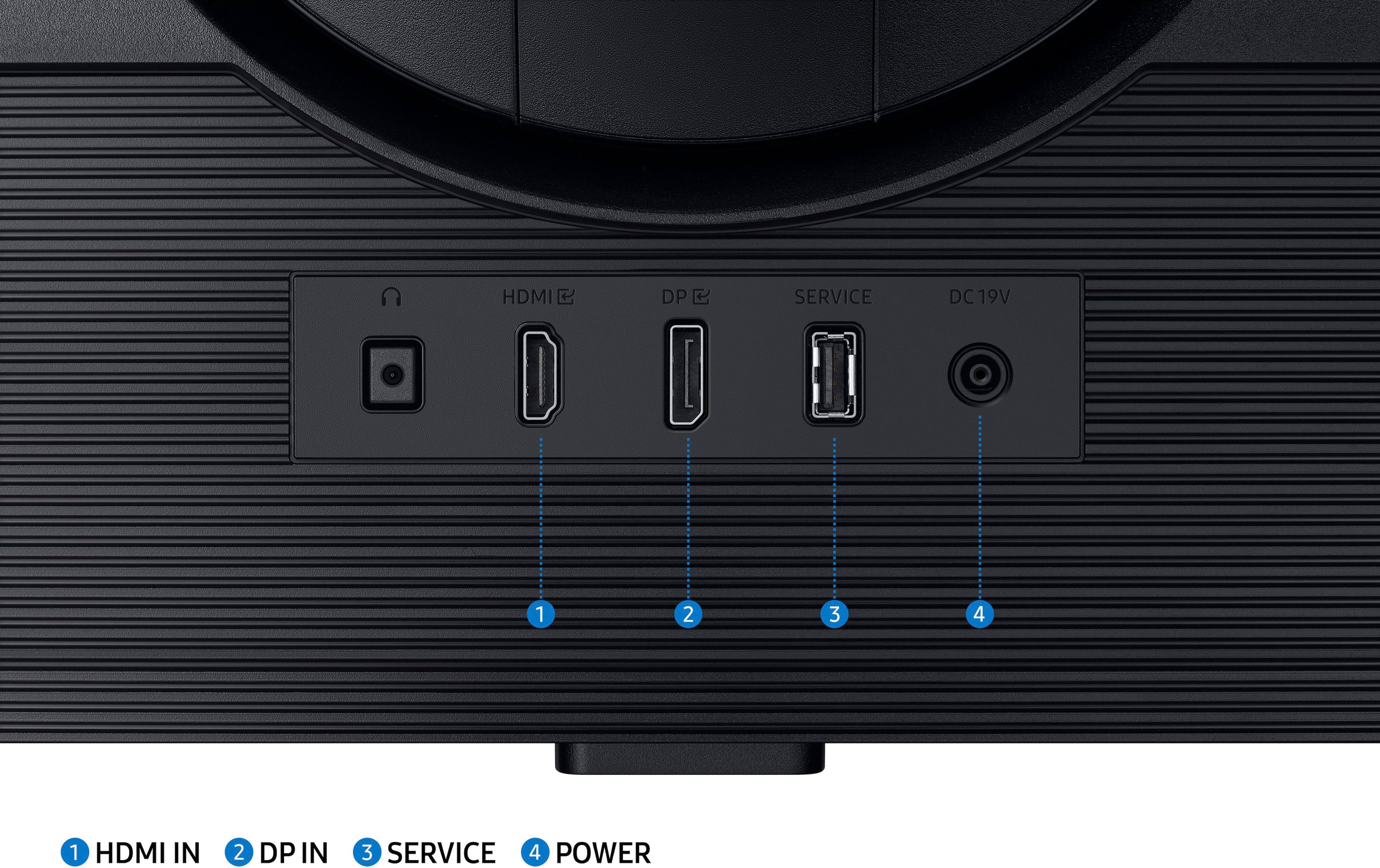
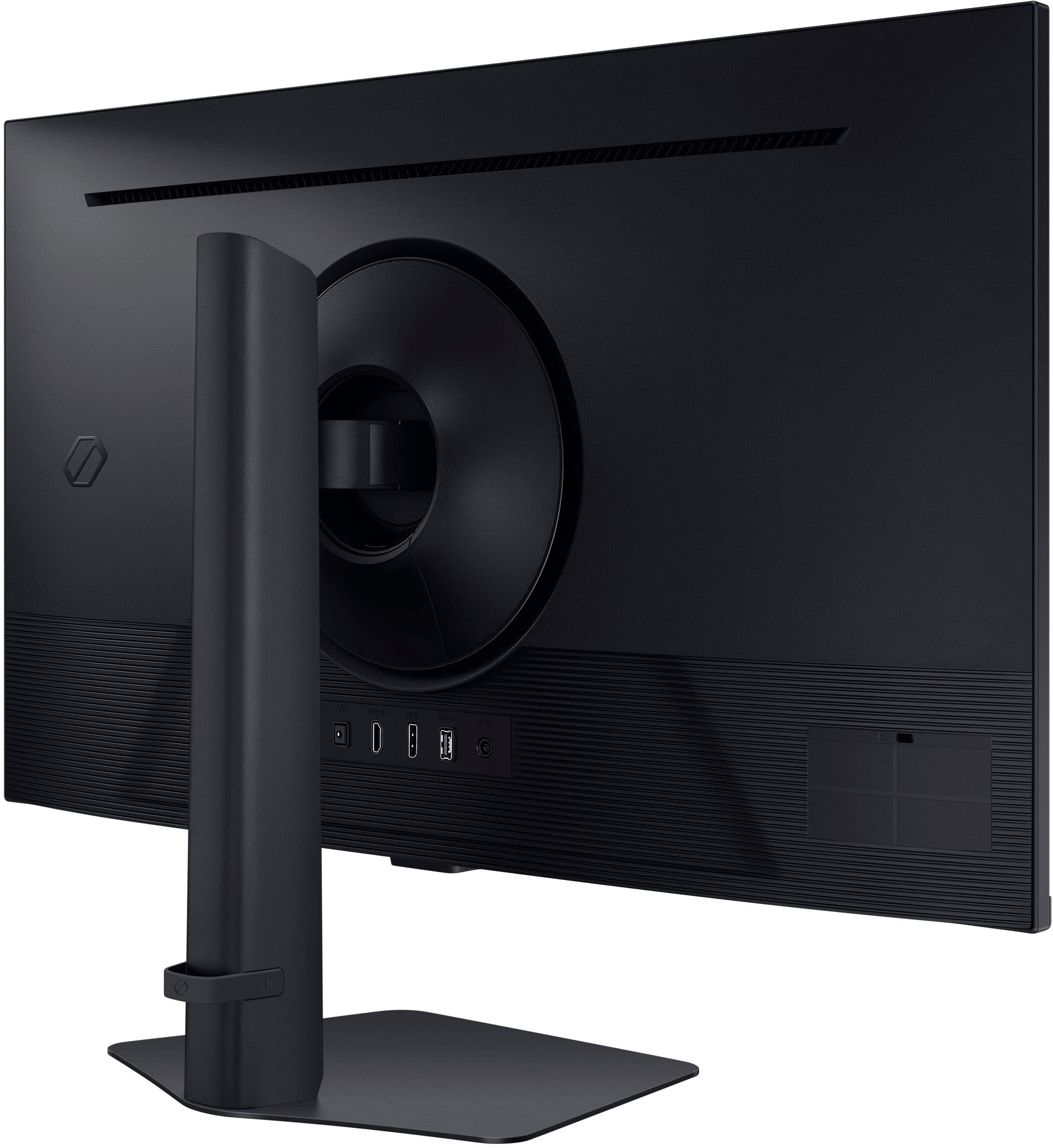
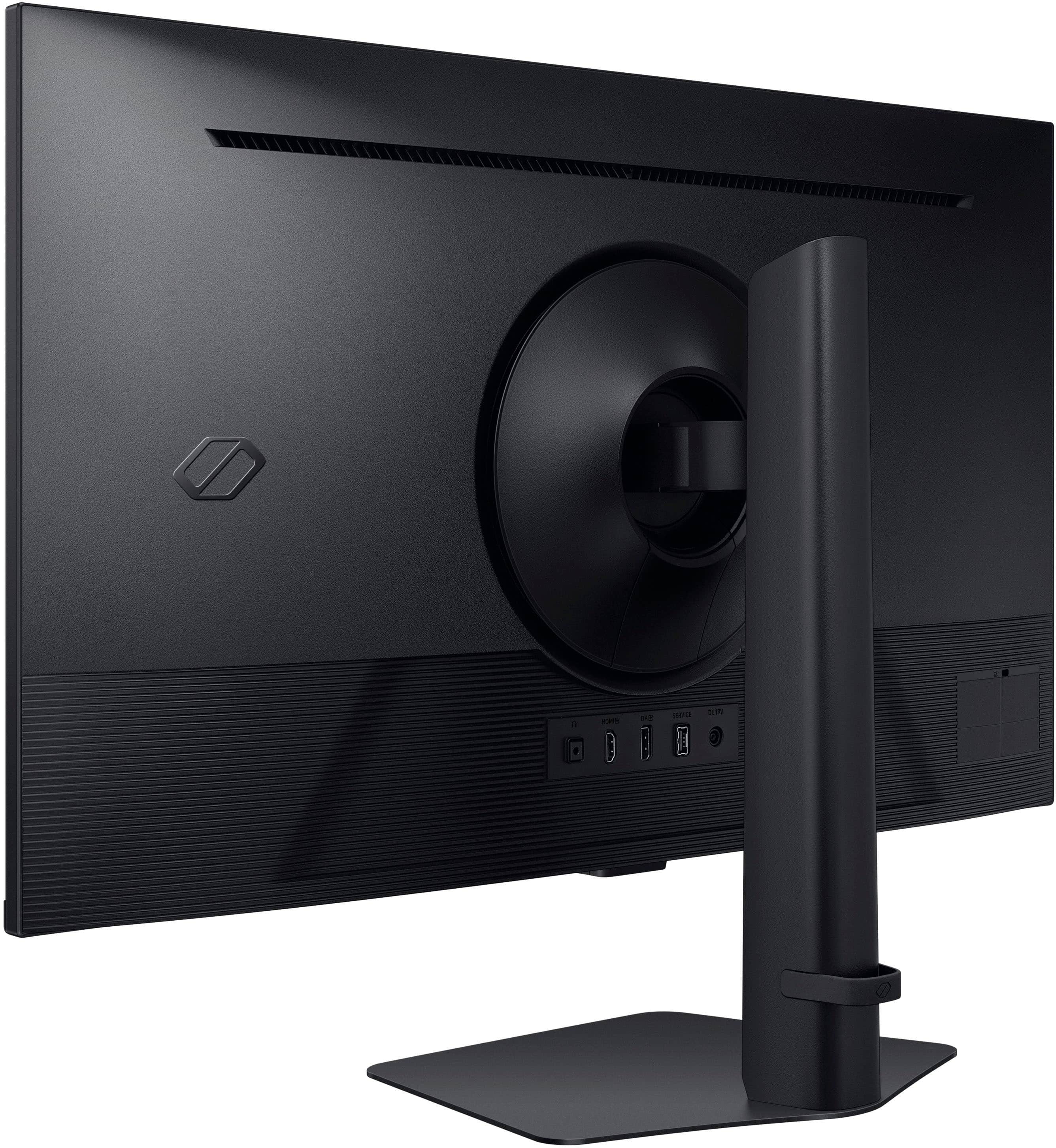
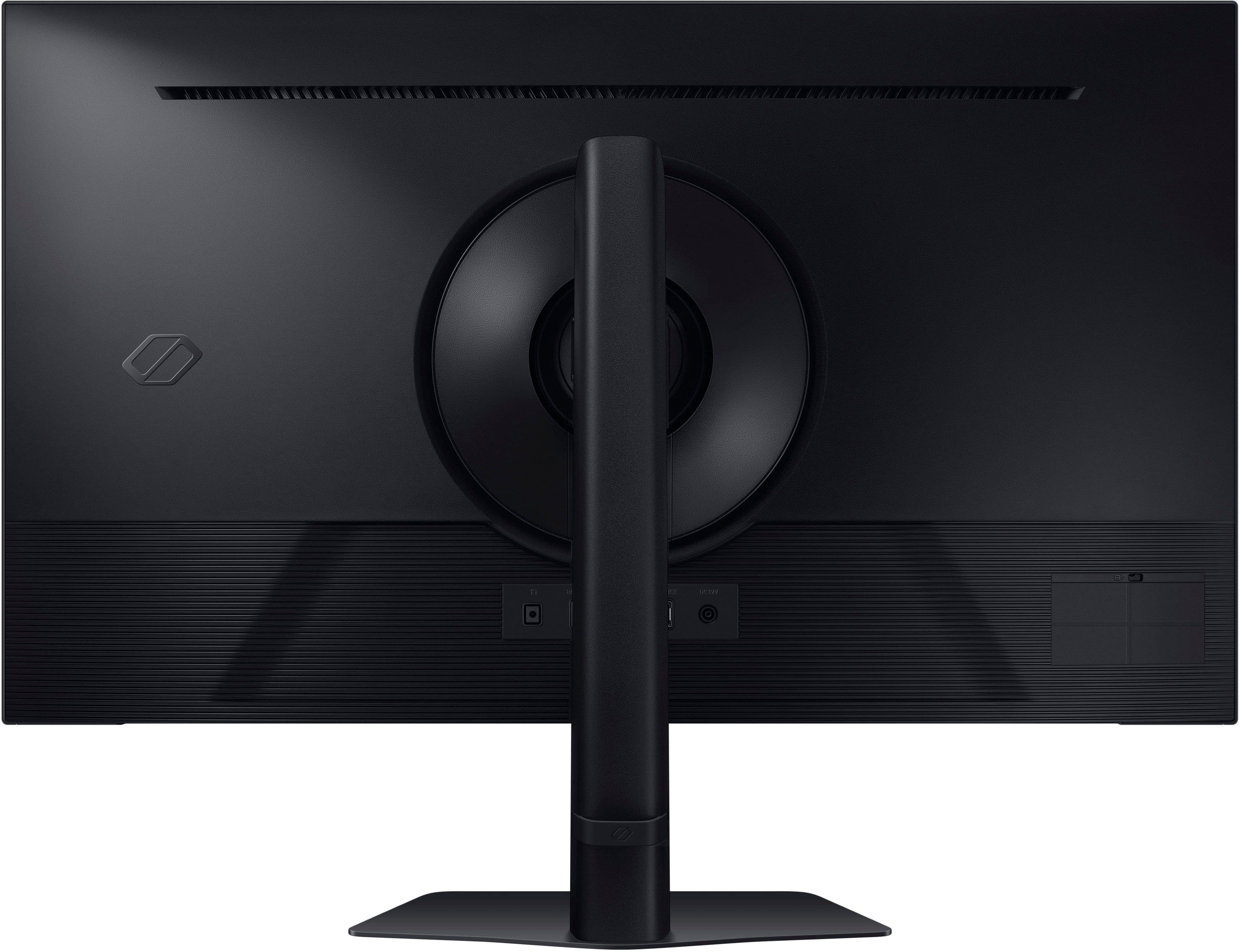
||Posted .This reviewer received promo considerations or sweepstakes entry for writing a review.Previous monitors were 10 year old 27" Acers with DVI, so this is a significant upgrade in 32" size, speed, refresh rate, and DP/HDMI ports to match my updated GPUs. The IPS panel technology is very good at color accuracy, wide viewing angles, and speed (180Hz with DP). I can see why people might complain that it is dim out of the box, but this is easily remedied by changing out of the underpowered default picture mode setting which is "Eco". I like the "Graphic" picture mode plus Contrast Enhancer set to High. Then in NVIDIA Control panel, I made sure 2560 x 1440 (native) and 180Hz were selected and changed the default color settings to "Use NVIDIA color settings", Output dynamic range set to Full. This makes the external power block go from tepid to warm, but not hot. The 3.5 audio cable from my powered speakers went from plugging into the back of my computer to the headphone port on the back of the monitor. No built-in speakers, but external speakers with subwoofer are superior to any integrated monitor speakers. It's "only" DP 1.2 and HDMI 2.0, but DP 1.4 and HDMI 2.1 are only important for 4K gaming, and you get a huge discount for buying step-down technology. Came with a DP cable (with retention clips) and an HDMI cable. One annoyance is the registration reminder pops up everytime the computer reboots or wakes from sleep, but I heard this eventually goes away. Another annoyance is that monitor drivers wouldn't download from the Samsung webpage (their chat tech said this was temporary, but who knows?). Another annoyance is the firmware is a bit out of date (1004 instead of 1005), the webpage download doesn't work, and requires thumb drive installation, so not worth updating?
I would recommend this to a friendReally nice
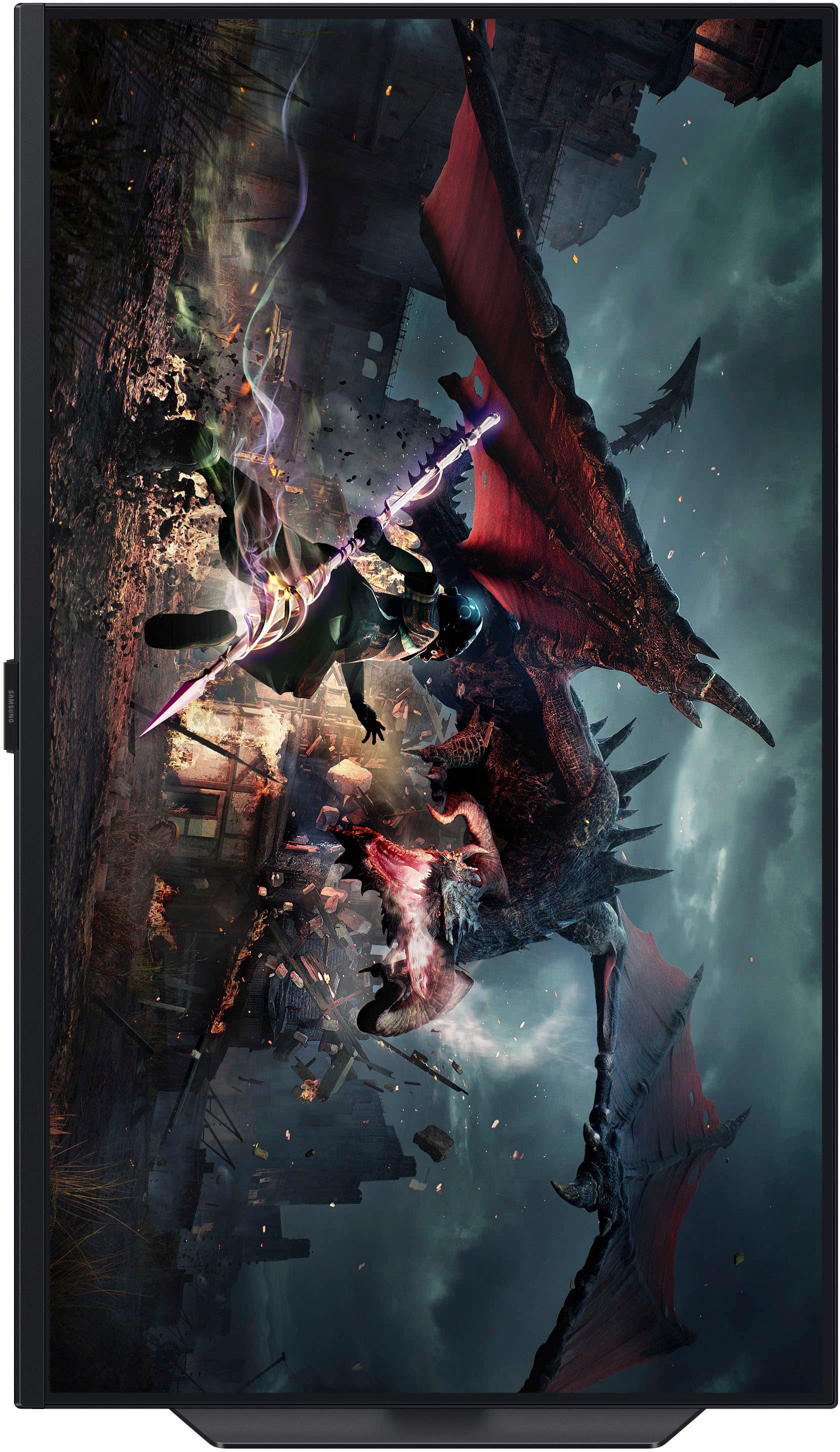
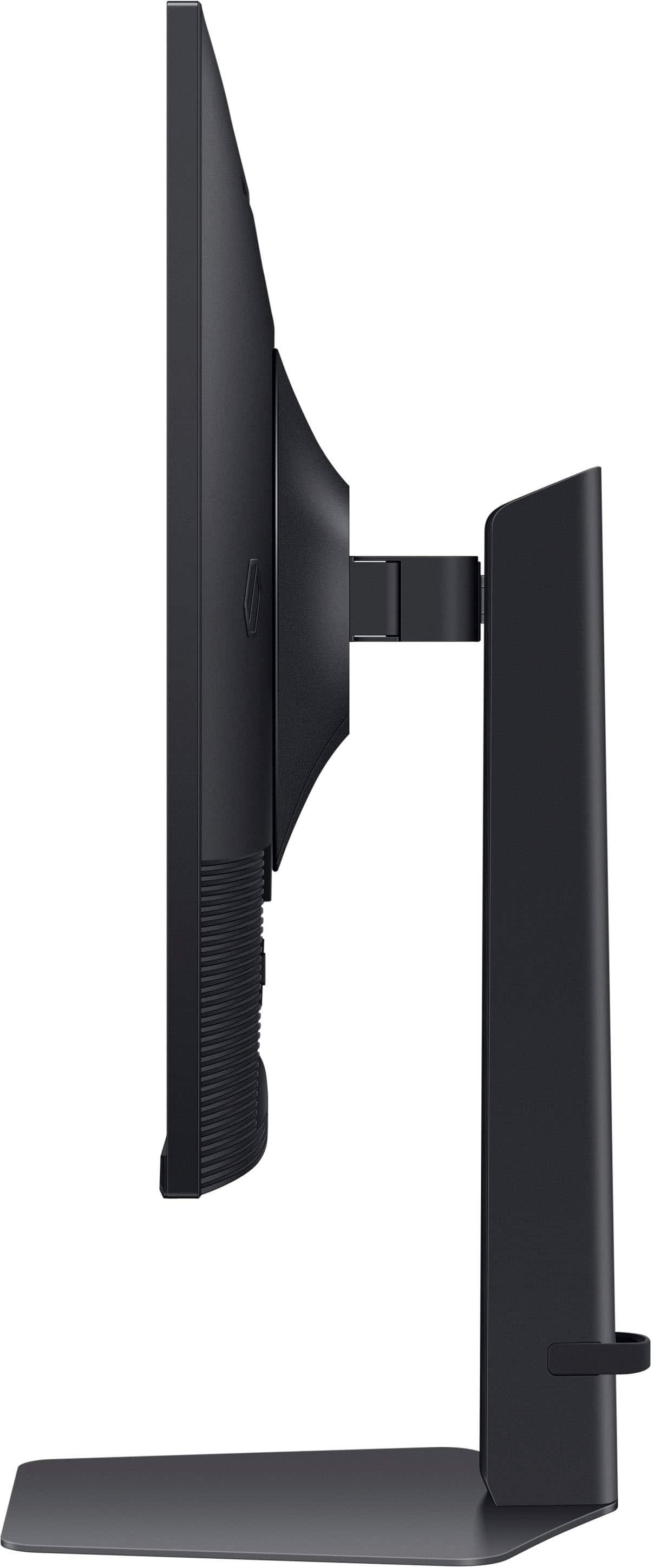
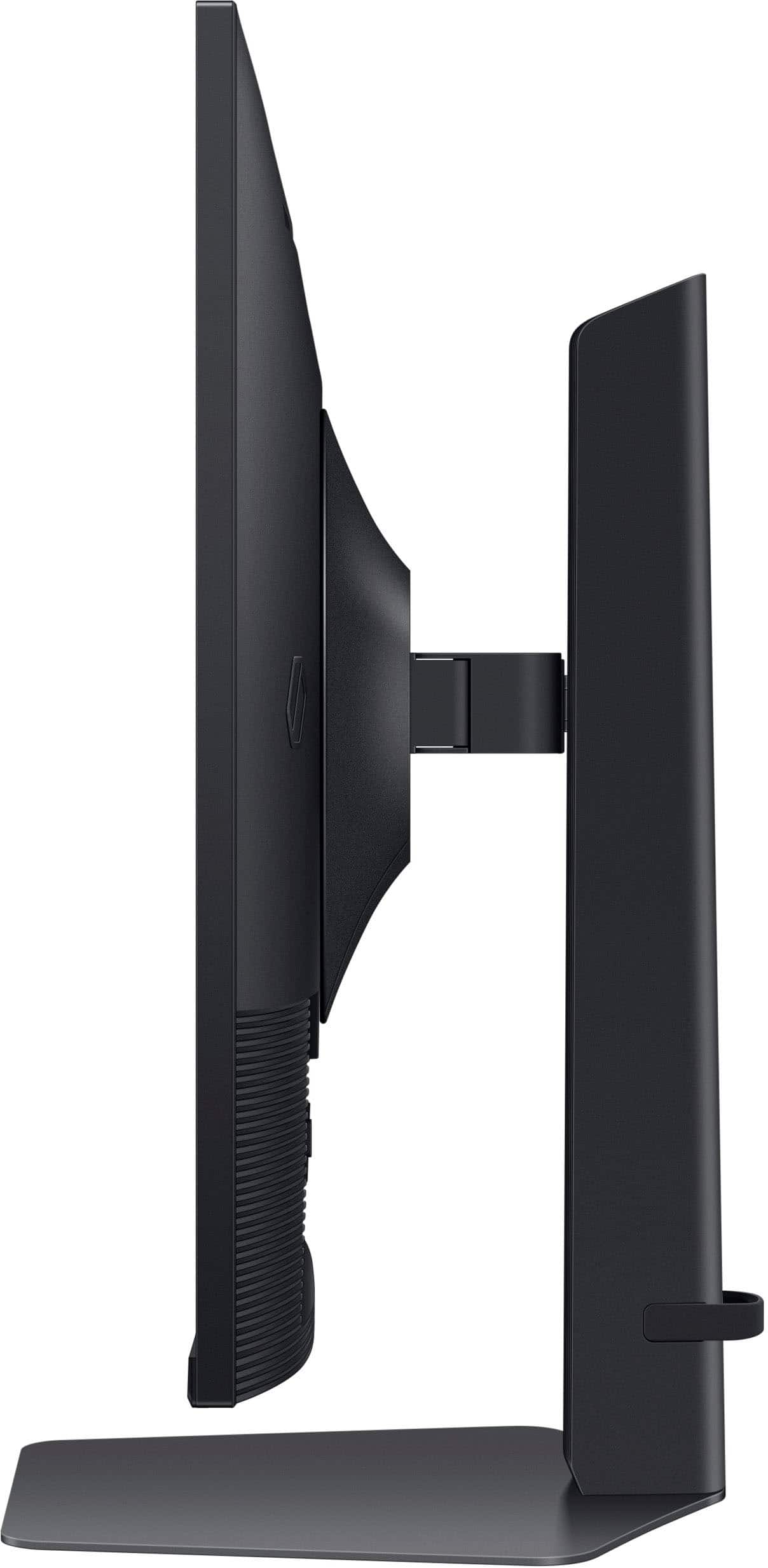
||Posted . Owned for 3 weeks when reviewed.This reviewer received promo considerations or sweepstakes entry for writing a review.This monitor was easy to assemble and aside from the great screen specs, I love that: it can rotate on both axes (left/right as well as landscape/portrait), it has both G-Sync and Freesync and it comes with both DisplayPort and HDMI. The only thing this monitor is missing are built-n speakers for the few times when I don't want to bother putting on my headphones. I would recommend this monitor to friends and family.
I would recommend this to a friendSamsung 32-inch
||Posted . Owned for 2 weeks when reviewed.This reviewer received promo considerations or sweepstakes entry for writing a review.WI recently purchased a Samsung 32-inch monitor, and I’m thoroughly impressed with its performance. The picture quality is exceptional—crisp, sharp, and vibrant, making everything from work tasks to streaming media a pleasure to view. The colors are rich and accurate, and the display handles high-resolution content beautifully without any noticeable lag or blur. The size is perfect for my setup, offering ample screen real estate for multitasking or immersive gaming. The monitor’s design is sleek and modern, fitting seamlessly into my workspace. Setup was straightforward, with easy-to-use controls for adjusting settings to my preference. Overall, this monitor delivers outstanding value for its price. Whether you're a professional needing a reliable display or a casual user looking for a high-quality viewing experience, I highly recommend the Samsung 32-inch monitor!orks great!
I would recommend this to a friendLooks great after going into settings
||Posted . Owned for 1 month when reviewed.This reviewer received promo considerations or sweepstakes entry for writing a review.Everything looks great. Colors pop. 180Hz refresh is more than enough. Nice size and viewing angle. I went from a 27" 1080 curved and it took a minute to go back to the flat panel but I prefer the flat after a week of getting used to it. It comes factory set to Econ mode. Turn that off and go. You may have to set the refresh in the settings on the monitor the first time. HDR needs some tweaks.
I would recommend this to a friendSmooth, Vibrant, and Perfect for Gaming
||Posted . Owned for 2 weeks when reviewed.This reviewer received promo considerations or sweepstakes entry for writing a review.This Samsung Odyssey monitor has been an excellent upgrade for both gaming and everyday use. The colors are vibrant, text looks crisp, and the high refresh rate keeps fast‑paced games feeling incredibly smooth with no noticeable input lag. The slim bezels and clean design also look great on a desk, and setup was straightforward with all the ports needed for a modern PC or console.
I would recommend this to a friend- Pros mentioned:Picture quality
On a budget? Get this monitor!
||Posted .This reviewer received promo considerations or sweepstakes entry for writing a review.Perfect size for a PC Desktop gaming monitor. Picture is crisp and vibrant. Delivers and the 180Hz refresh rate is a must for newer titles.
I would recommend this to a friend Great Monitor for The Price
||Posted . Owned for 1 month when reviewed.This reviewer received promo considerations or sweepstakes entry for writing a review.Great monitor for the price, originally wanted a 32 inch 1440p monitor as my 27 inch 4k monitor seems a little too small. Great viewing angles and the refresh rate is pristine. Only issue I had so far is the low HDR quality which is fitting at this price point. Since its 32 inch 1440p monitor image quality isnt quite as crisp as something like a 27inch 4k due to the PPI but overall quality is very nice. Would buy it again.
I would recommend this to a friendPhenomenal monitor for the price
||Posted . Owned for 4 months when reviewed.This reviewer received promo considerations or sweepstakes entry for writing a review.Currently on sale for barely $200 you can't lose with this monitor. Absolute game changer on the series x. I was playing on a 60hz tv, my kd in call of duty doubled over the first month going to 120 Hz. At 1440p, you can see everything. For the price I bought this at, I don't think you can beat it.
I would recommend this to a friendSolid mid range choice if on sale
||Posted . Owned for less than 1 week when reviewed.This reviewer received promo considerations or sweepstakes entry for writing a review.Solid monitor for the sale price. It’s a good size that hits 1440, hdr, and 120fps for console gaming. I purchased this after using a 4k va monitor for my ps5. The brights bleed through more on this but the refresh time is much better than the 4k va panel and did it with less ghosting. If you’re looking for a solid mid range choice for the cash this is it. Would be excellent for a 4070 tower pc build for full qhd gaming with high fps. Wait for it to go on sale before picking it up. $450 would be a little steep for it, since for another $50 you be within striking distance for a 4k 144hz ips monitor.
I would recommend this to a friendBrand response from Samsung
Posted .e are delighted to hear you've had an overall, positive experience with your Odyssey G50D Monitor.
Thank you for your feedback to help us improve our products and services. If there is anything we can do to assist you and improve your product experience, please don't hesitate to contact Samsung Customer Support via:
1-800-SAMSUNG, available 8AM - 12AM EST (Mon-Fri) / 9AM - 11PM EST (Sat-Sun).
Your thoughts and opinions are very important to Samsung.
Great monitor for a great price
||Posted . Owned for 2 weeks when reviewed.This reviewer received promo considerations or sweepstakes entry for writing a review.Decent color, responsiveness, size, and refresh rate. With a good price on top, it's a great (maybe even 'Best') buy.
I would recommend this to a friendAlmost a Golden Egg IPS 2K Monitor
||Posted . Owned for 1 week when reviewed.This reviewer received promo considerations or sweepstakes entry for writing a review.Sadly, it was a blind purchase since it lacks a decent full-on review from the likes of RTINGS. Took the chance I still prefer IPS over VA panels to replace as my primary from dual 27" IPS setup. OLED too expensive. Would've bought the Alienware AW3423DWF if money/budget were there. This IPS monitor was almost a golden egg for its tech level. Only gripe/CONS are with the power, video port and mount designs. Super awful. PROS: IPS 180Hz Freesync Panel. 2K so semi-midrange GPUs handle fine in 2K gaming like the RX6650XT. CONS: DP/HDMI I/O has tight clearance with the OEM mount. Vulnerable to crimping. No pass-through in the OEM mount. My DP cable was thick since it supports high-refresh and 10ft. VESA mount only compatible with a square plate else, 3rd party spacers and longer screws will be required. Power cable isn't the standard PC power cable. Has an AC breakout power supply box. The AC Plug has a 90 degree bend so be mindful of your power outlet arrangement. Cable management was awful to do. Will be difficult for horizontal AC outlets vs vertical AC outlets. Requires manual OSD management to enable Freesync/Refresh Rates.
I would recommend this to a friendBrand response from Samsung
Posted .We are delighted to hear you've had an overall, positive experience with your Odyssey G50D Monitor.
Thank you for your feedback to help us improve our products and services. If there is anything we can do to assist you and improve your product experience, please don't hesitate to contact Samsung Customer Support via:
1-800-SAMSUNG, available 8AM - 12AM EST (Mon-Fri) / 9AM - 11PM EST (Sat-Sun).
Your thoughts and opinions are very important to Samsung.
Great Gaming Monitor
||Posted . Owned for 2 weeks when reviewed.This reviewer received promo considerations or sweepstakes entry for writing a review.The Samsung Gaming Monitor is great! The QHD resolution makes everything look super sharp, and high refresh rate keeps the gameplay smooth and lag-free. The big screen is really a good choice for my gaming desktop
I would recommend this to a friendGreat Monitor and Definitely will buy a 2nd
||Posted . Owned for 5 months when reviewed.This reviewer received promo considerations or sweepstakes entry for writing a review.The Samsung 32" Odyssey G50D delivers sharp QHD visuals, fast 180Hz performance, and smooth gameplay thanks to its 1ms response time and FreeSync/G‑Sync compatibility. Its IPS panel provides vibrant color and wide viewing angles, while HDR400 adds a noticeable boost to highlights. Overall, it’s a strong value for gamers who want speed and clarity without jumping to premium-tier pricing.
I would recommend this to a friendLarge screen
||Posted .This reviewer received promo considerations or sweepstakes entry for writing a review.It is heavy and It took me long time to set it up, they need better instruction and manual for sure ! but nice screen. so far so good but I will have to wait at least few months for quality review
I would recommend this to a friendSamsung display
||Posted . Owned for 3 weeks when reviewed.This reviewer received promo considerations or sweepstakes entry for writing a review.Works good enough for gaming and perfectly for desk use. Good budget gaming monitor right here. Cons Just one HDMI and not speakers integrated.
I would recommend this to a friendExcellent Monitor for Coding & Development
||Posted .This reviewer received promo considerations or sweepstakes entry for writing a review.The Samsung 32" Odyssey G50D has been an excellent monitor for both development work and gaming. I use it rotated into portrait mode for coding, and it’s been a game changer the QHD IPS panel keeps text crisp and easy to read, and having so much vertical space makes working through large files and multiple code windows incredibly efficient. The 180Hz refresh rate and 1ms response time make everything feel smooth and responsive, whether I’m scrolling through long codebases or running applications. It’s also FreeSync and G-Sync compatible, so gaming after work looks great too. HDR 400 support, solid build quality, and flexible connectivity (DisplayPort and HDMI) make this monitor even better. For the price and feature set, it’s exceeded my expectations. Highly recommended for developers, especially if you prefer working in portrait orientation.
I would recommend this to a friendGreat refresh for great gaming
||Posted . Owned for 1 month when reviewed.This reviewer received promo considerations or sweepstakes entry for writing a review.I have been gaming on a 60Hz ulta wide monitor for years. I finally took the plunge and upgraded. Boy, this is so nice. The resolution and refresh rates takes my Rainbow games to the next level. Sooooo glad I purchase this monitor.
I would recommend this to a friendGreat monitor
||Posted .This reviewer received promo considerations or sweepstakes entry for writing a review.I love this monitor, it is an absolutely amazing product for the price. I bought this wanting something with good HZ but didn’t want to drop the money on a 4K, i decided to go with this monitor and putting it next to my 4K monitor it doesn’t even look too different. Very smooth and great refresh rate
I would recommend this to a friendGreat Monitor
||Posted . Owned for 1 month when reviewed.This reviewer received promo considerations or sweepstakes entry for writing a review.Great monitor for gaming. I use it for a dual setup for work and gaming and it is excellent. Only down side is a power issue where the screen will turn on and off while asleep if I am not using it but using another monitor. Overall good monitor though
I would recommend this to a friendA Game-Changer for My Workspace and Gaming Setup
||Posted . Owned for 1 week when reviewed.This reviewer received promo considerations or sweepstakes entry for writing a review.I recently upgraded to the Samsung Odyssey G50D 32" QHD IPS monitor, and it has completely transformed my experience. The QHD resolution brings everything to life with stunning clarity, and the colors are so vibrant—it’s like seeing my favorite games and videos in a whole new light. The 32" screen size is just perfect, offering an immersive experience without overwhelming my desk. Plus, the IPS panel ensures that no matter where I’m sitting, the picture quality stays consistently beautiful. Whether I’m gaming, working, or just browsing, this monitor has exceeded my expectations. I’m absolutely thrilled with this purchase!
I would recommend this to a friend