Customer Ratings & Reviews
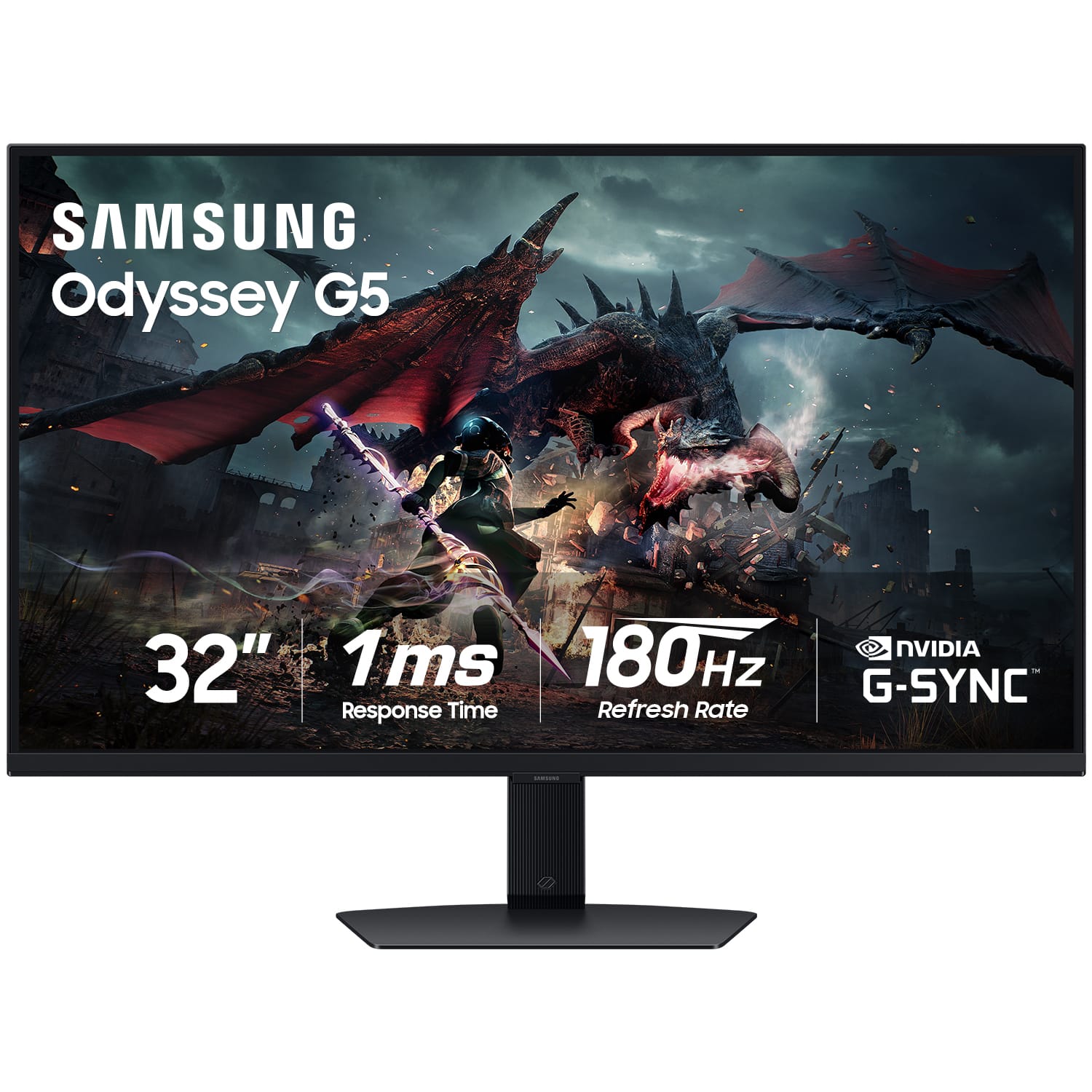
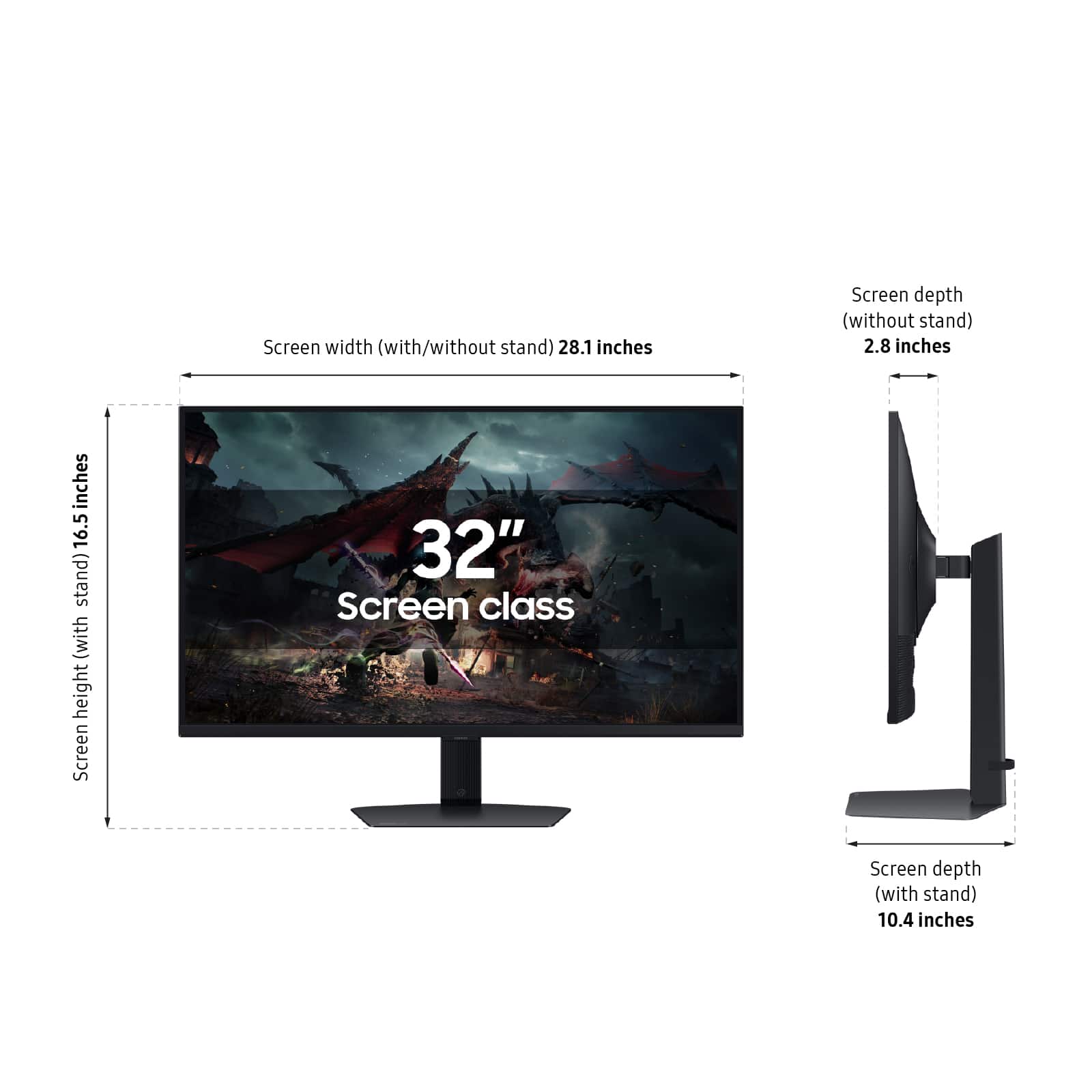
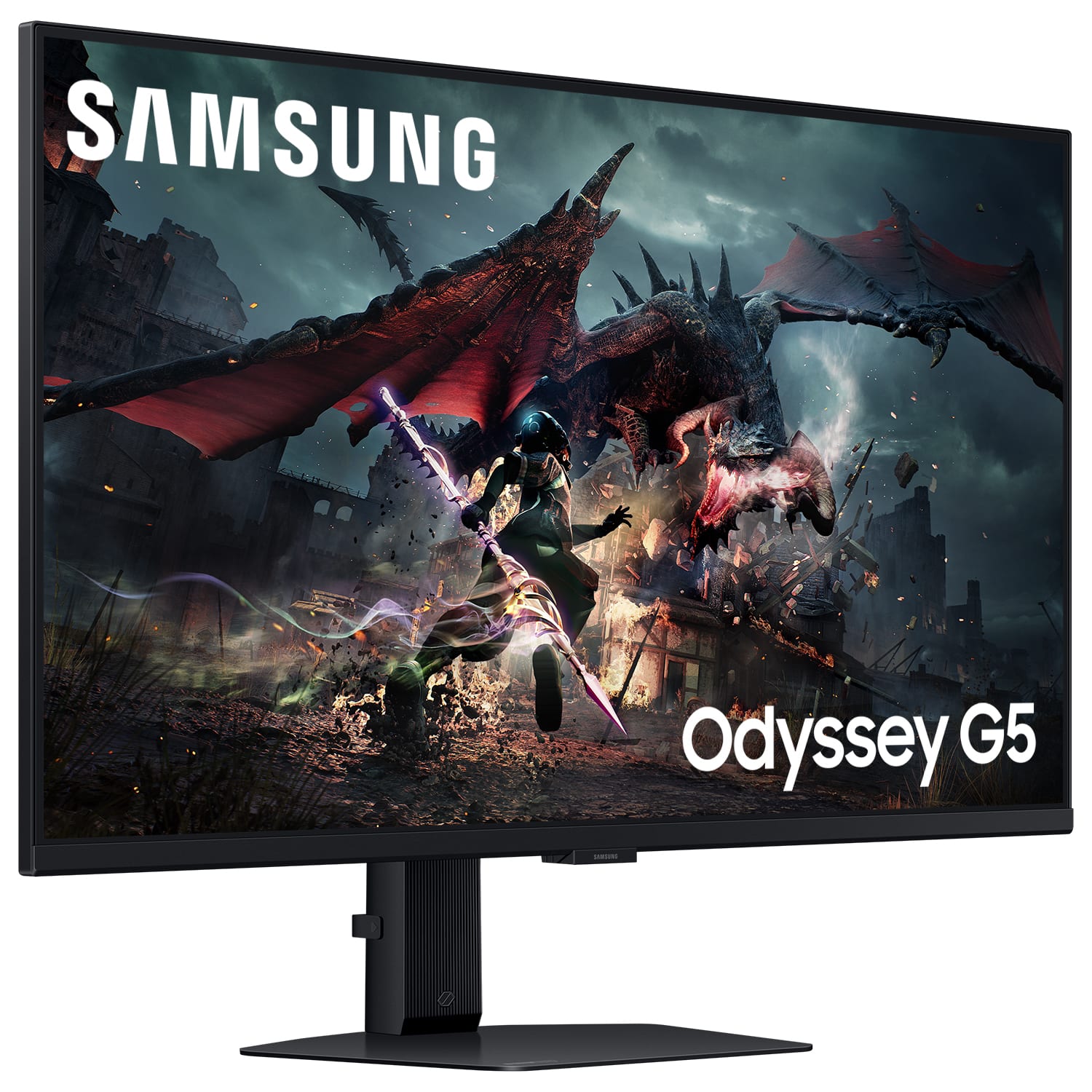
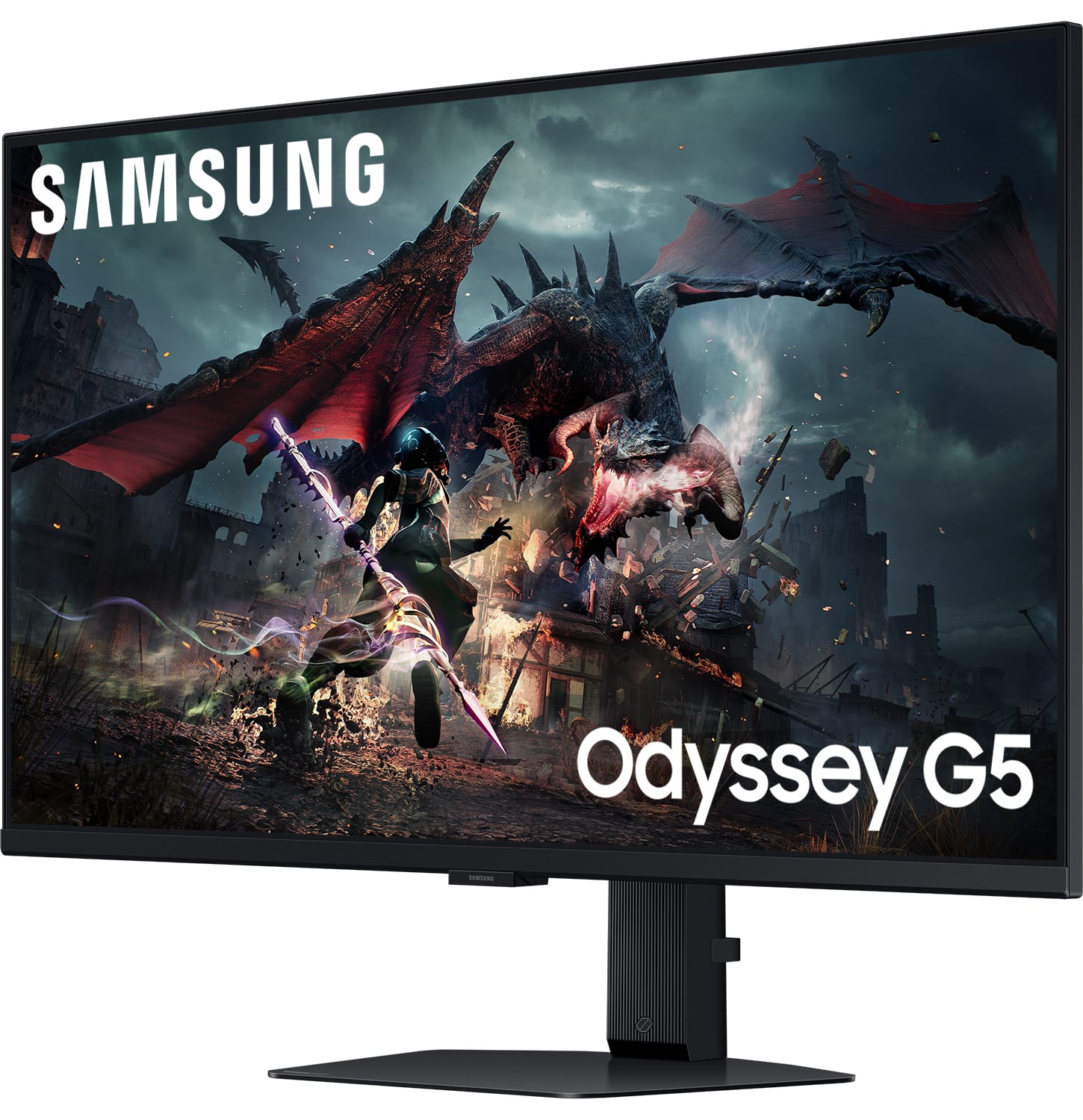
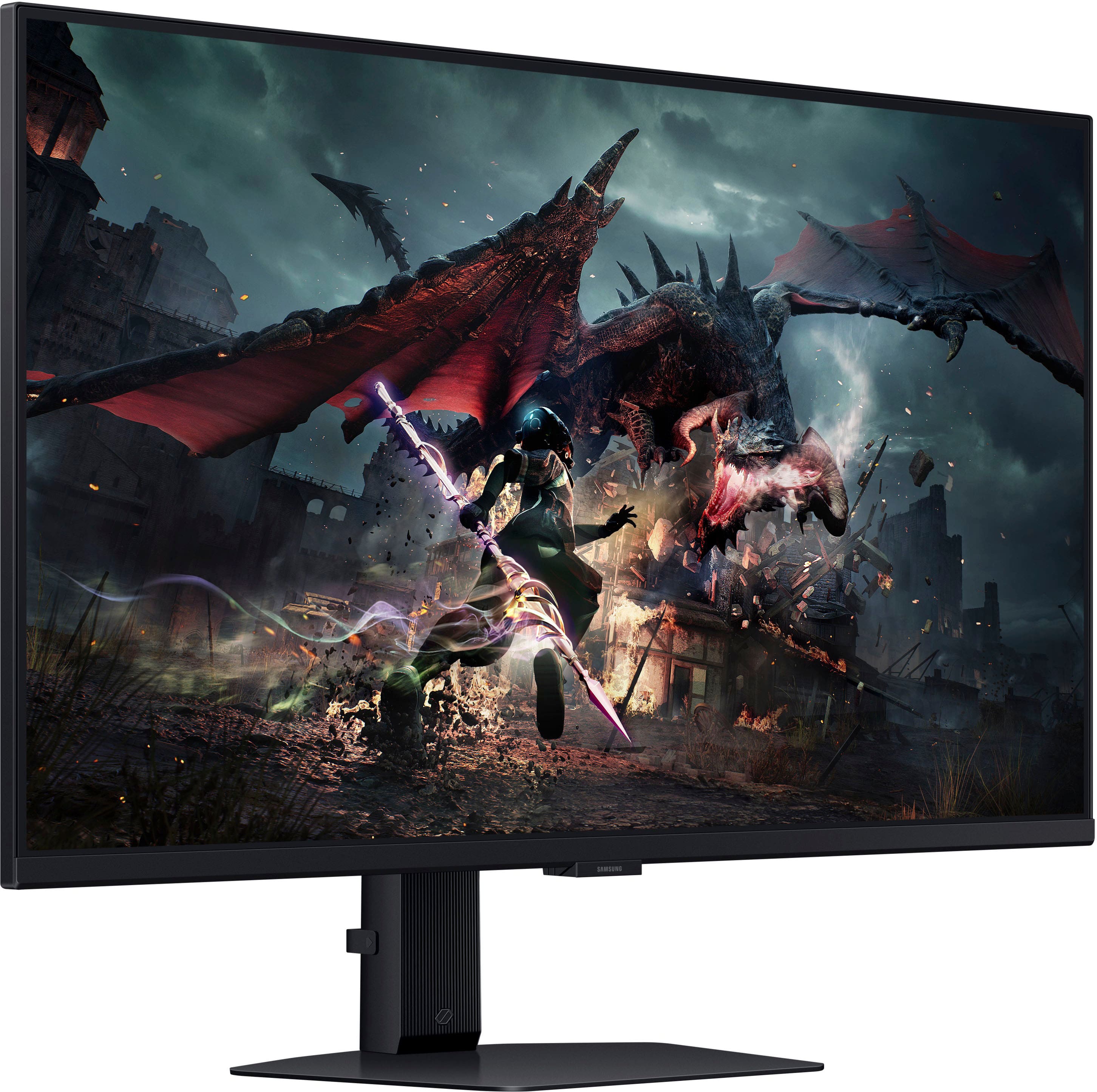
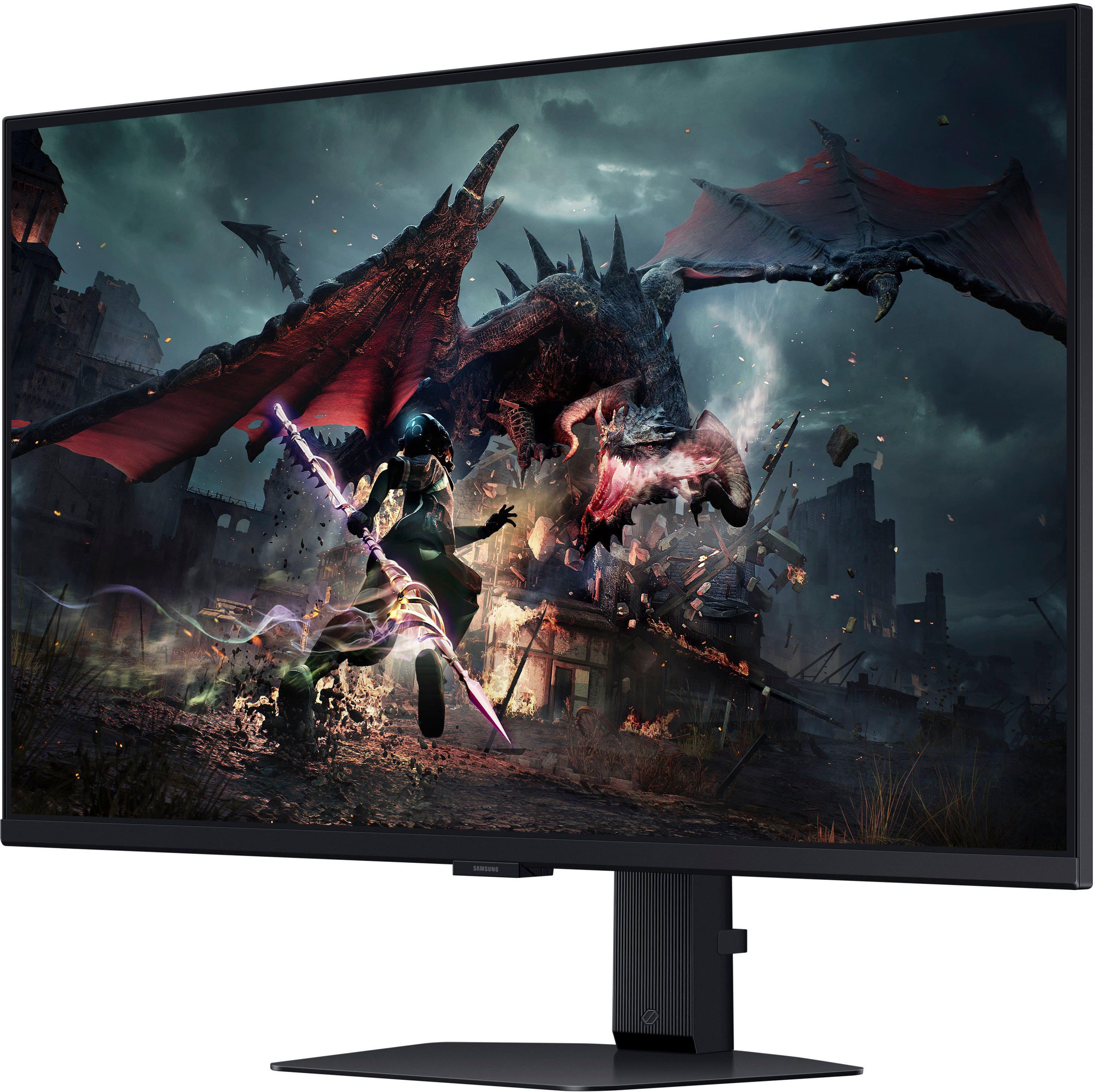
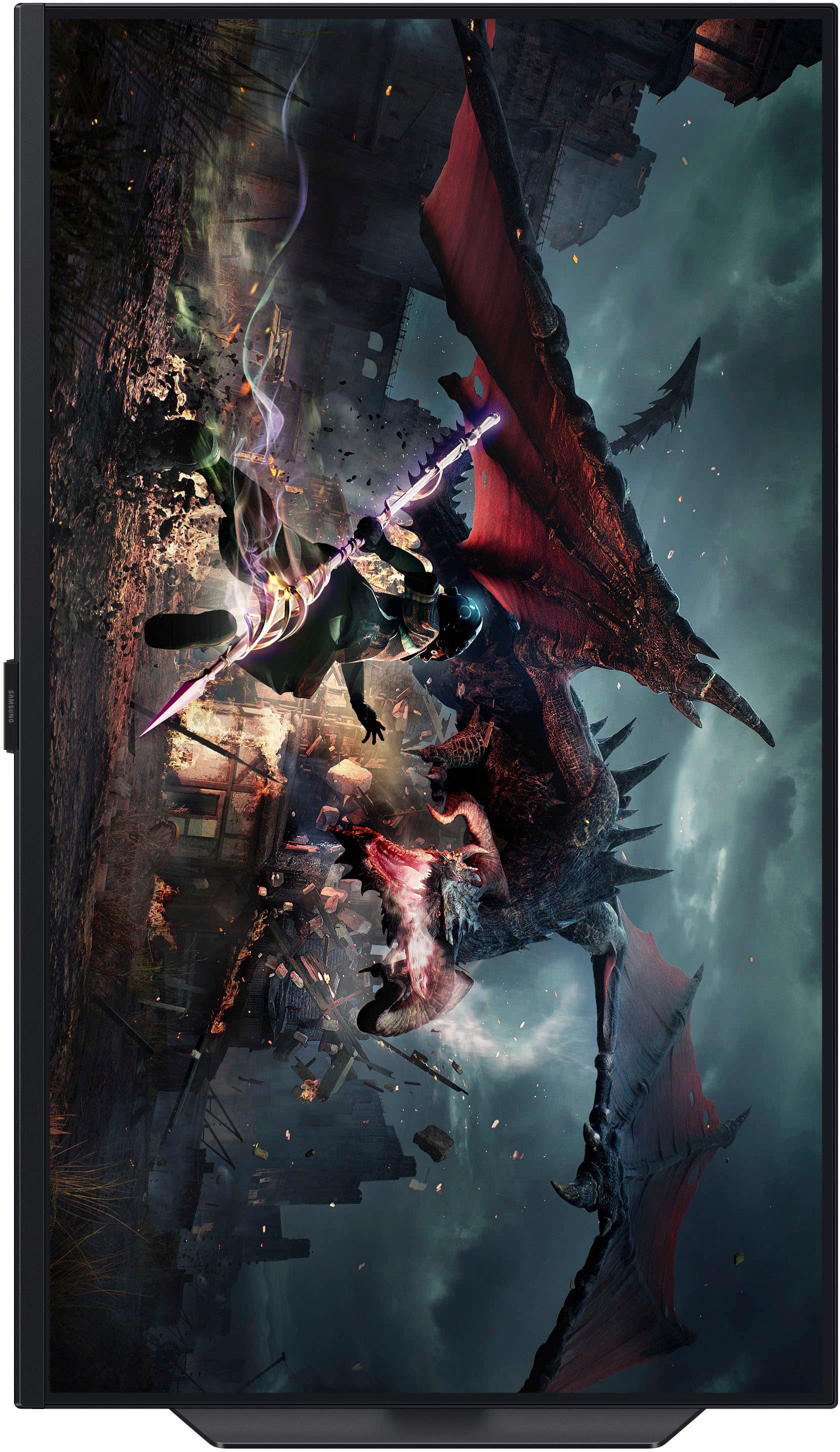
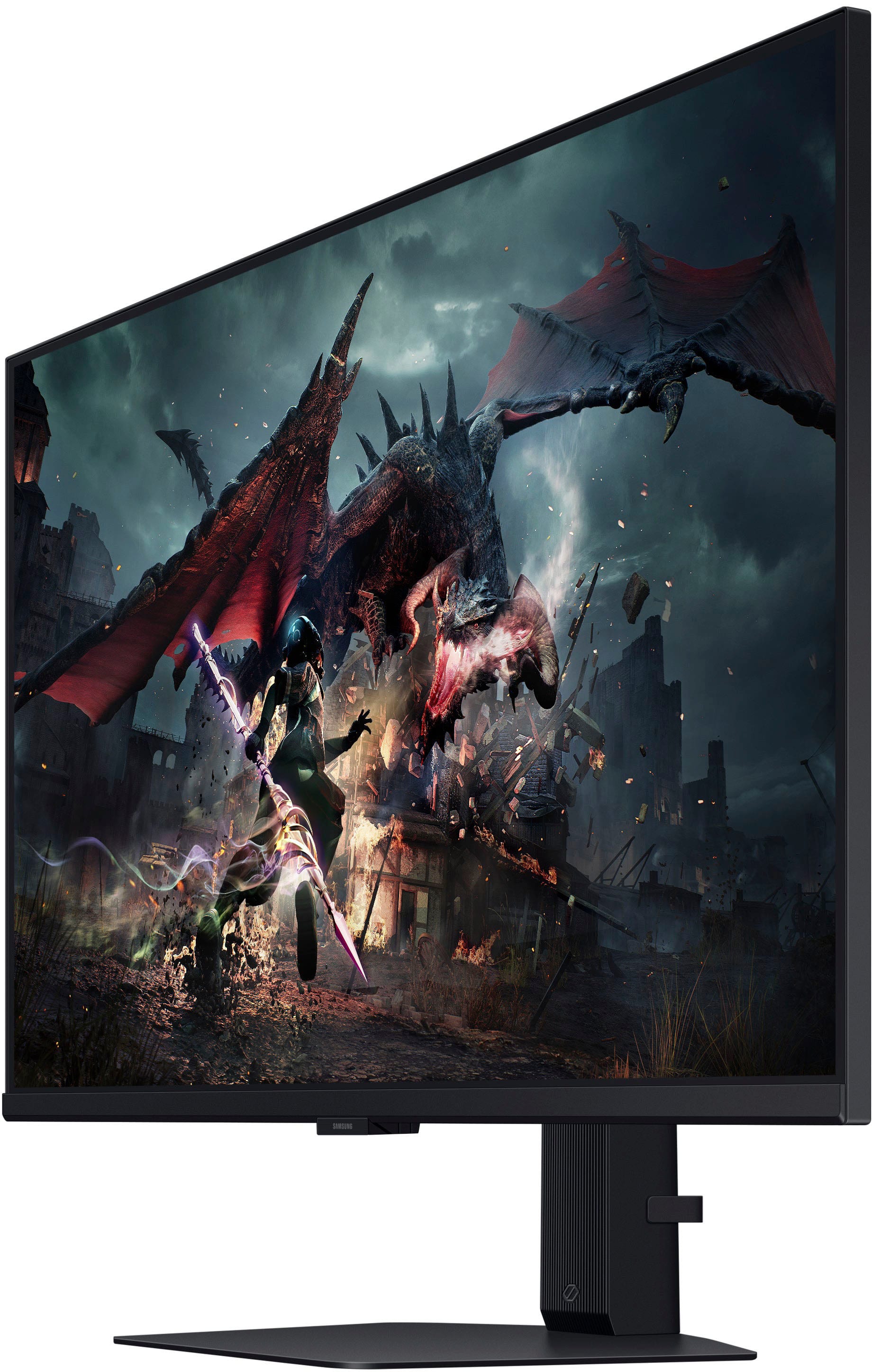
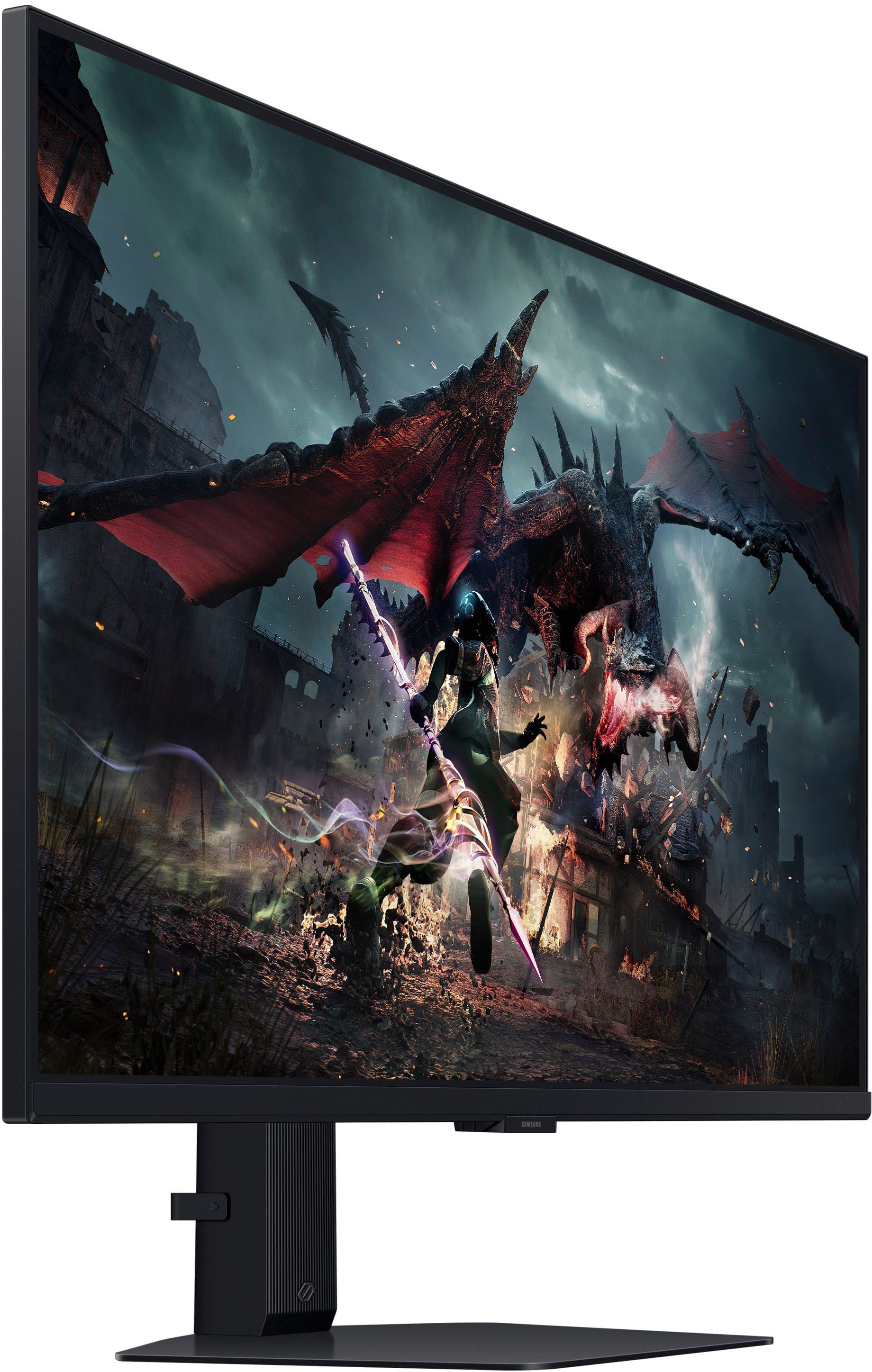
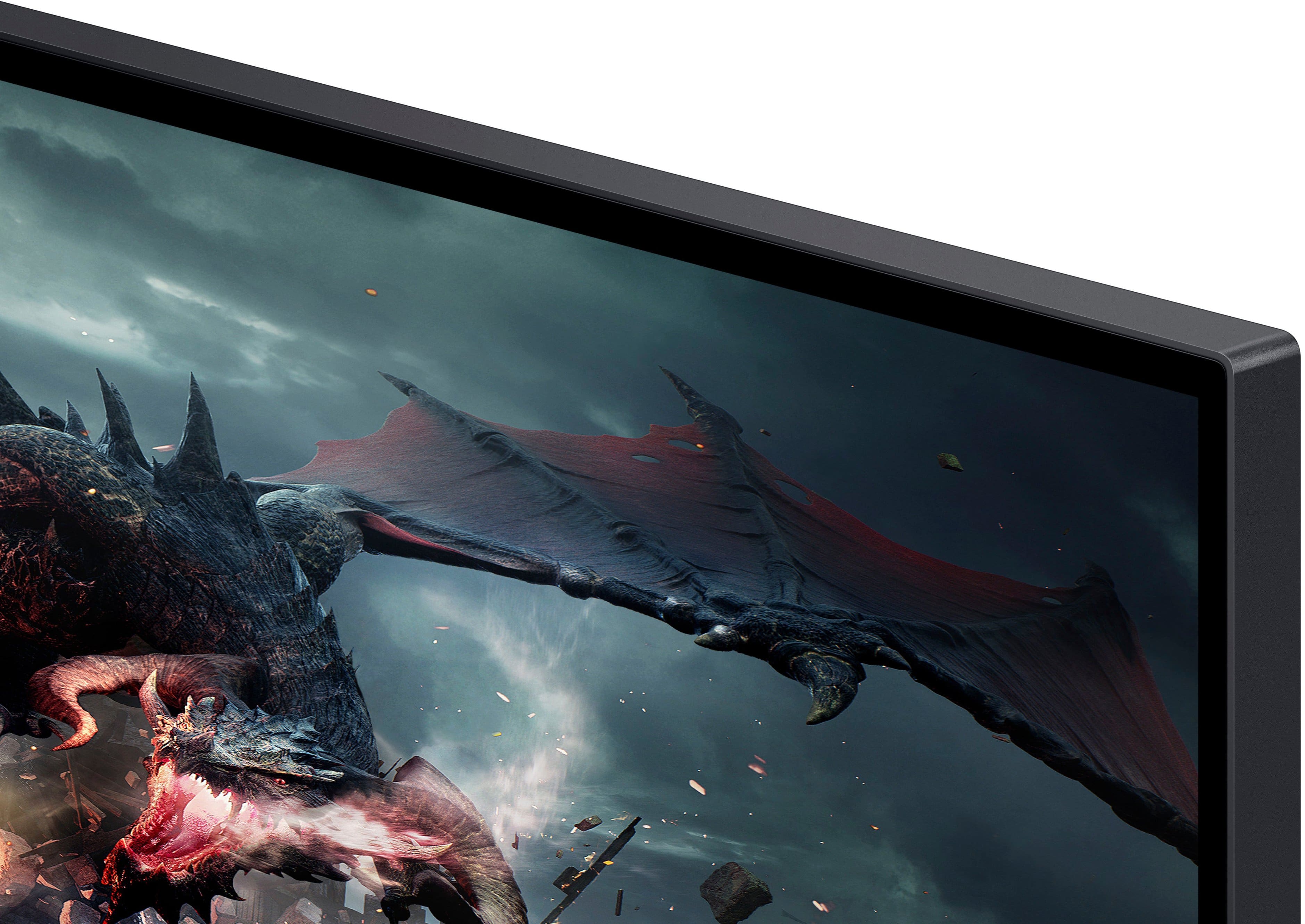
- Model:
- LS32DG502ENXZA
- |
- SKU:
- 11279820
Customer reviews
Rating 4.7 out of 5 stars with 345 reviews
(345 customer reviews)Rating by feature
- Display Quality4.8
Rating 4.8 out of 5 stars
- Ease of Use4.8
Rating 4.8 out of 5 stars
- Features4.6
Rating 4.6 out of 5 stars
Rated 5 out of 5 stars
Monitor Review
||Posted . Owned for 3 weeks when reviewed.This reviewer received promo considerations or sweepstakes entry for writing a review.Works well and due to its size you can easily see everything.
This review is from Samsung - 32" Odyssey G50D QHD IPS 180Hz 1ms AMD FreeSync and G-Sync Compatible Gaming Monitor with HDR 400 (DisplayPort, HDMI) - Black
I would recommend this to a friendRated 5 out of 5 stars
Great monitor
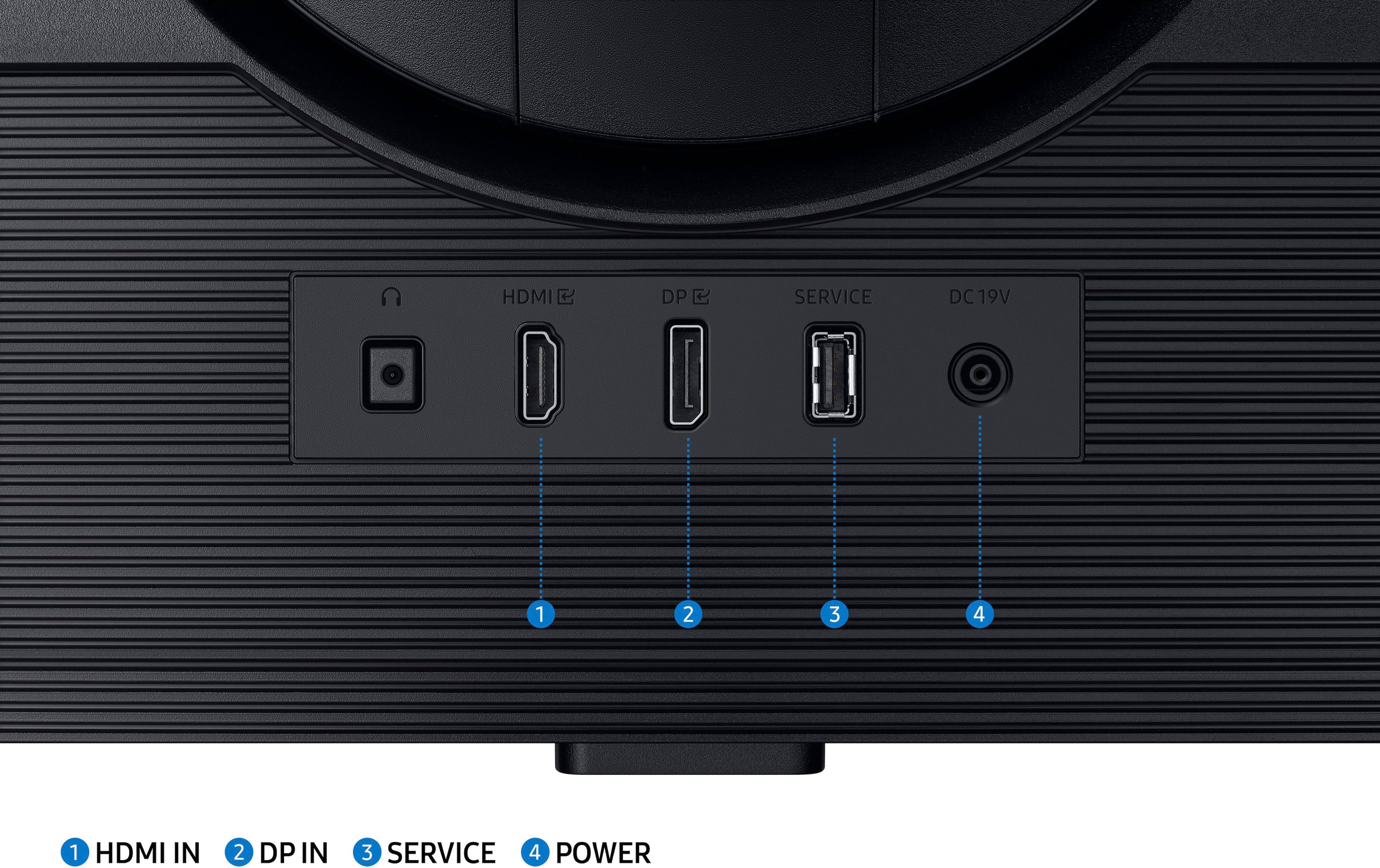
||Posted .This reviewer received promo considerations or sweepstakes entry for writing a review.Very good monitor so far. I had this for a year now, I use it for my ps5 and my pc. 1 con is only 1 hdmi port.
This review is from Samsung - 32" Odyssey G50D QHD IPS 180Hz 1ms AMD FreeSync and G-Sync Compatible Gaming Monitor with HDR 400 (DisplayPort, HDMI) - Black
I would recommend this to a friendRated 5 out of 5 stars
Best monitor I’ve ever had
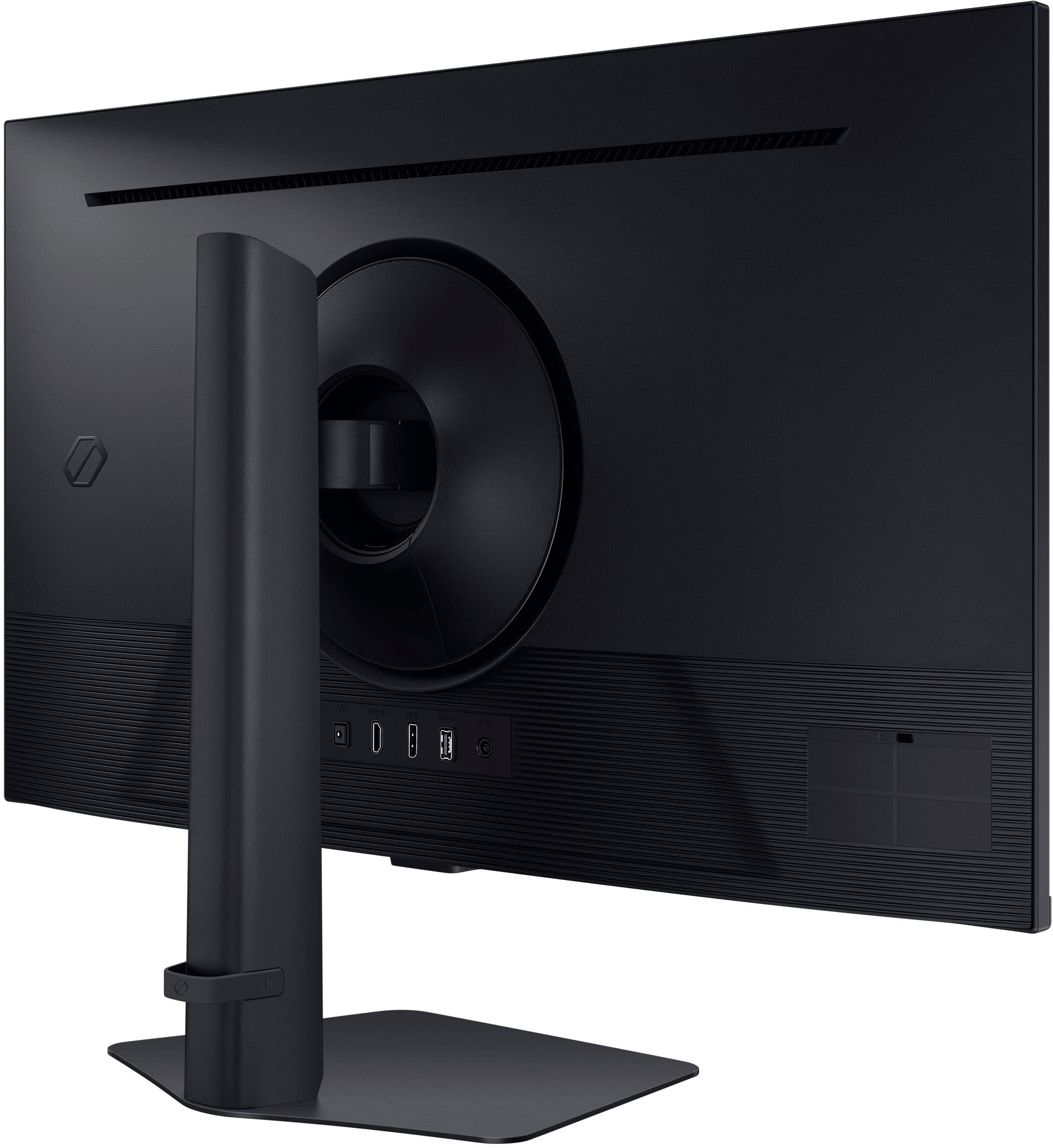
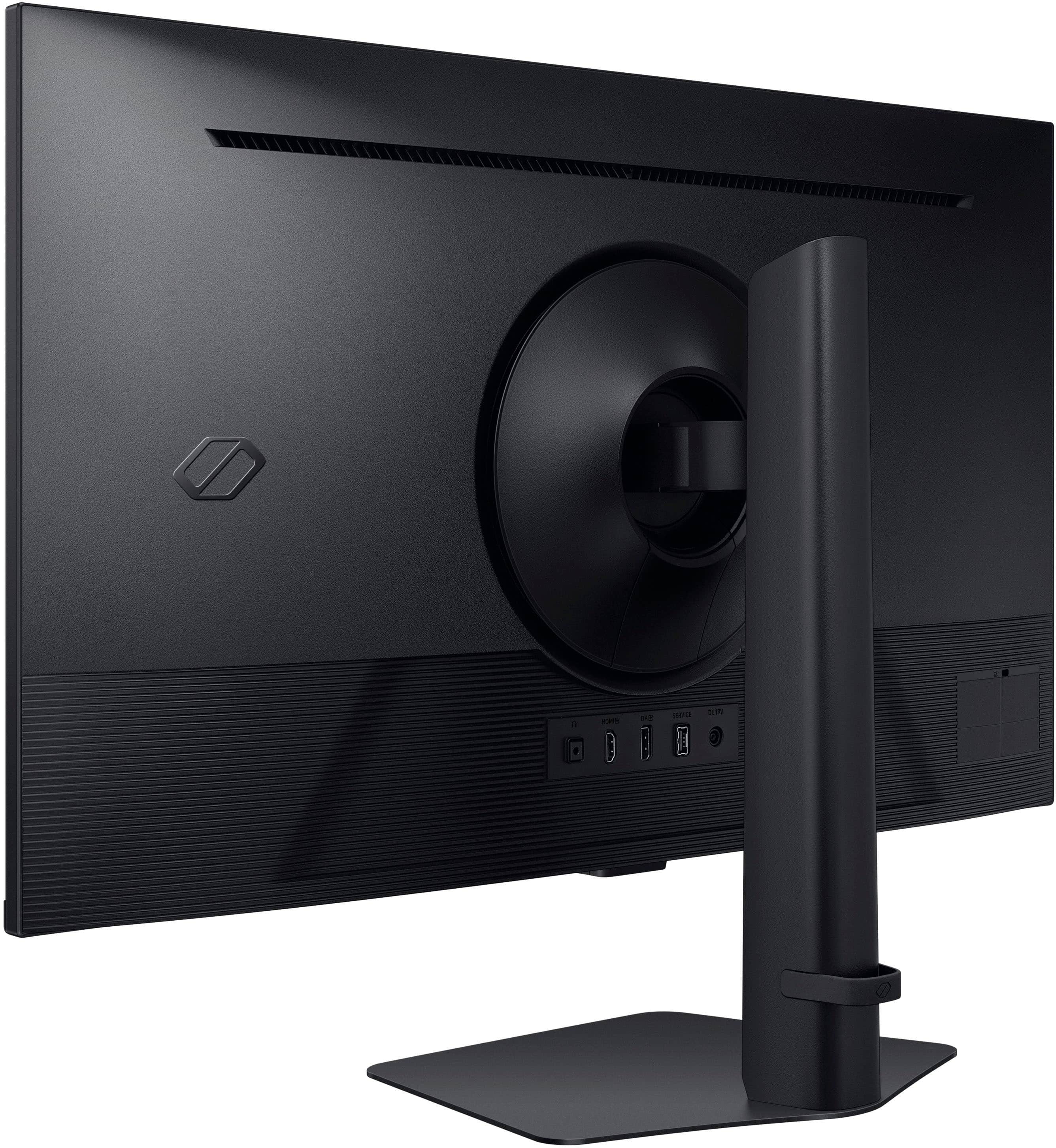
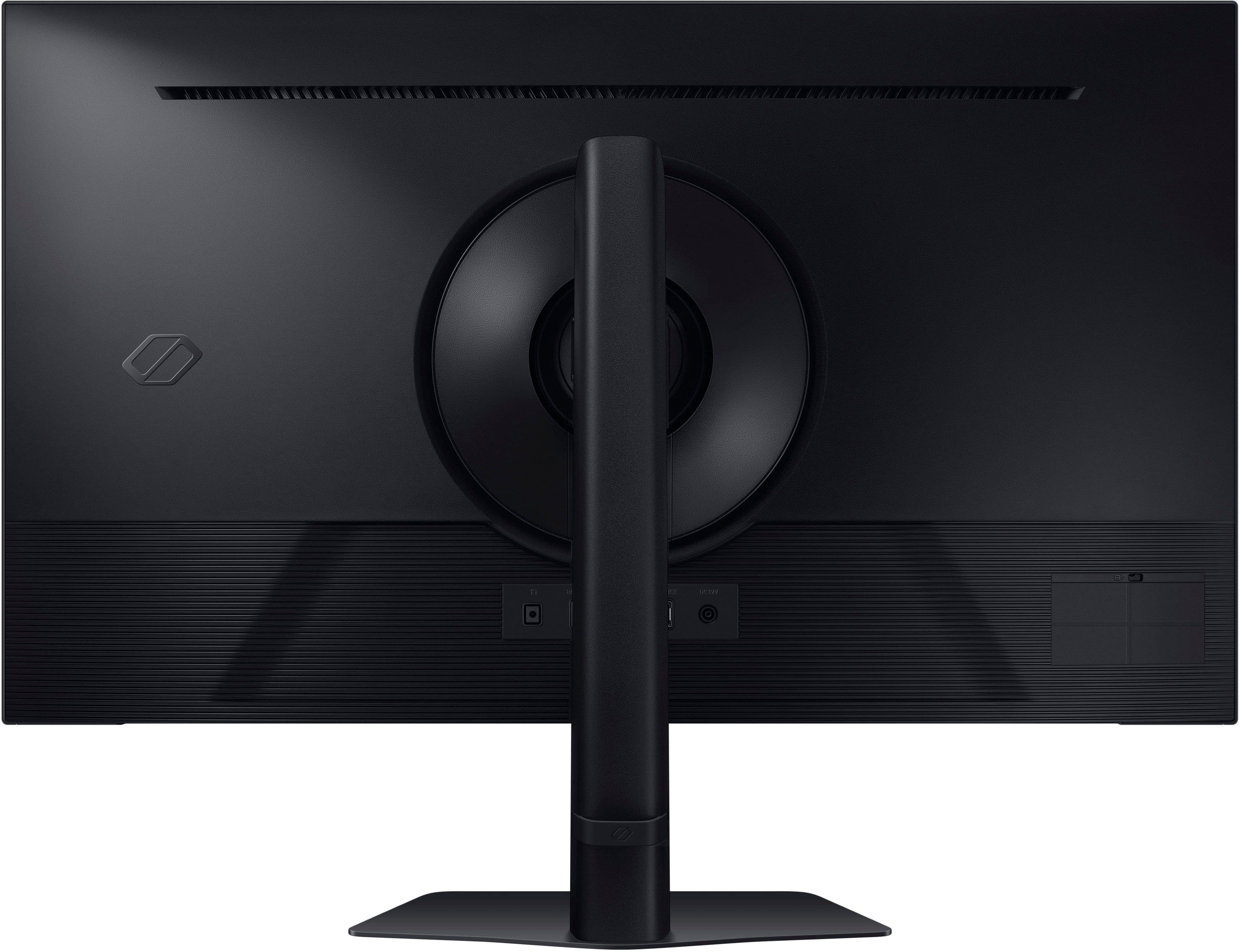
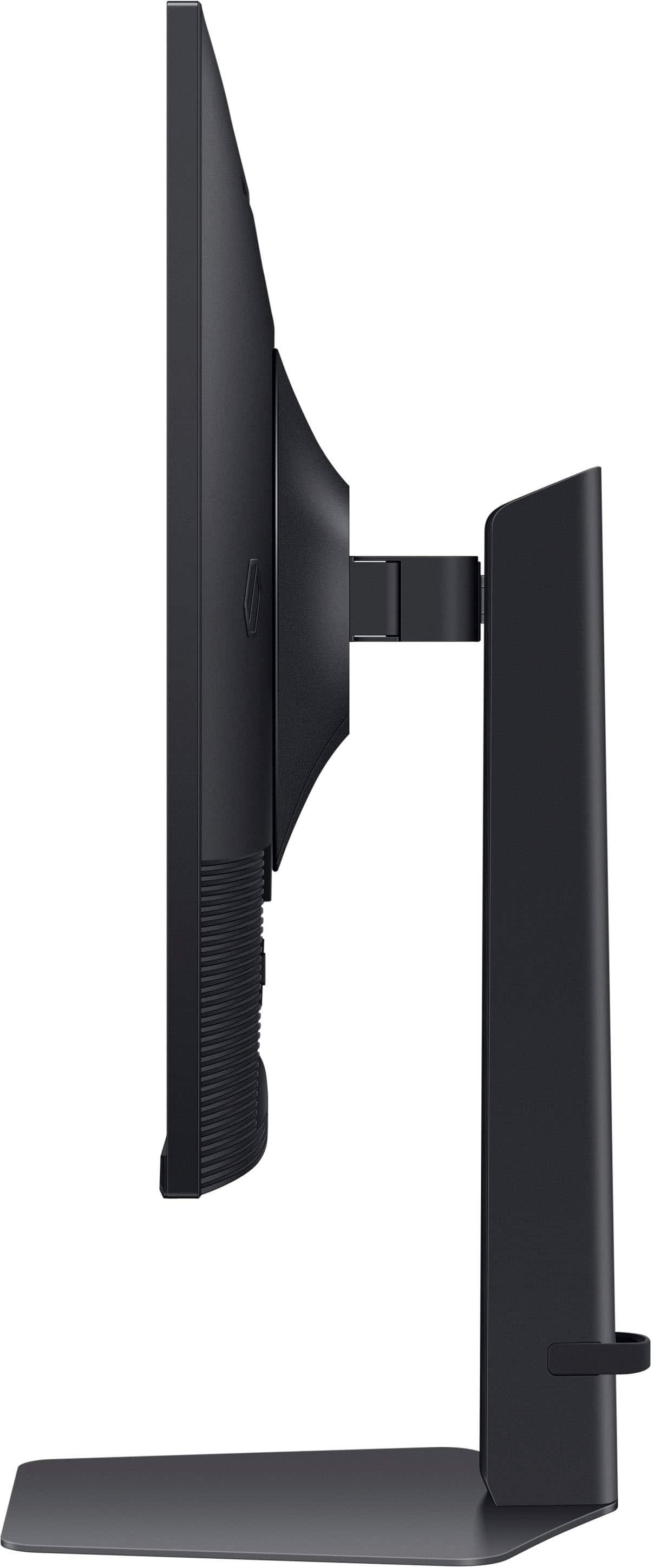
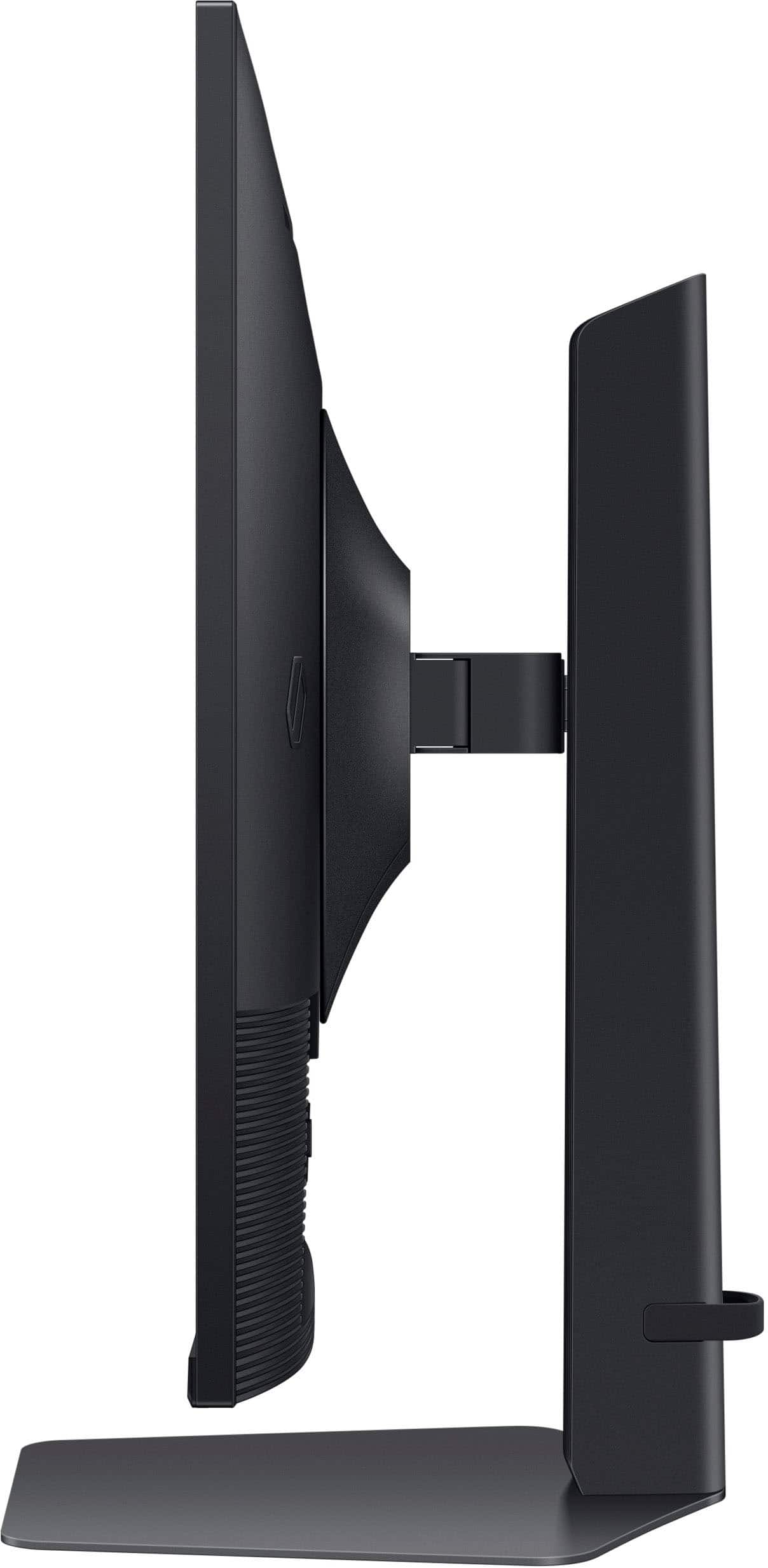
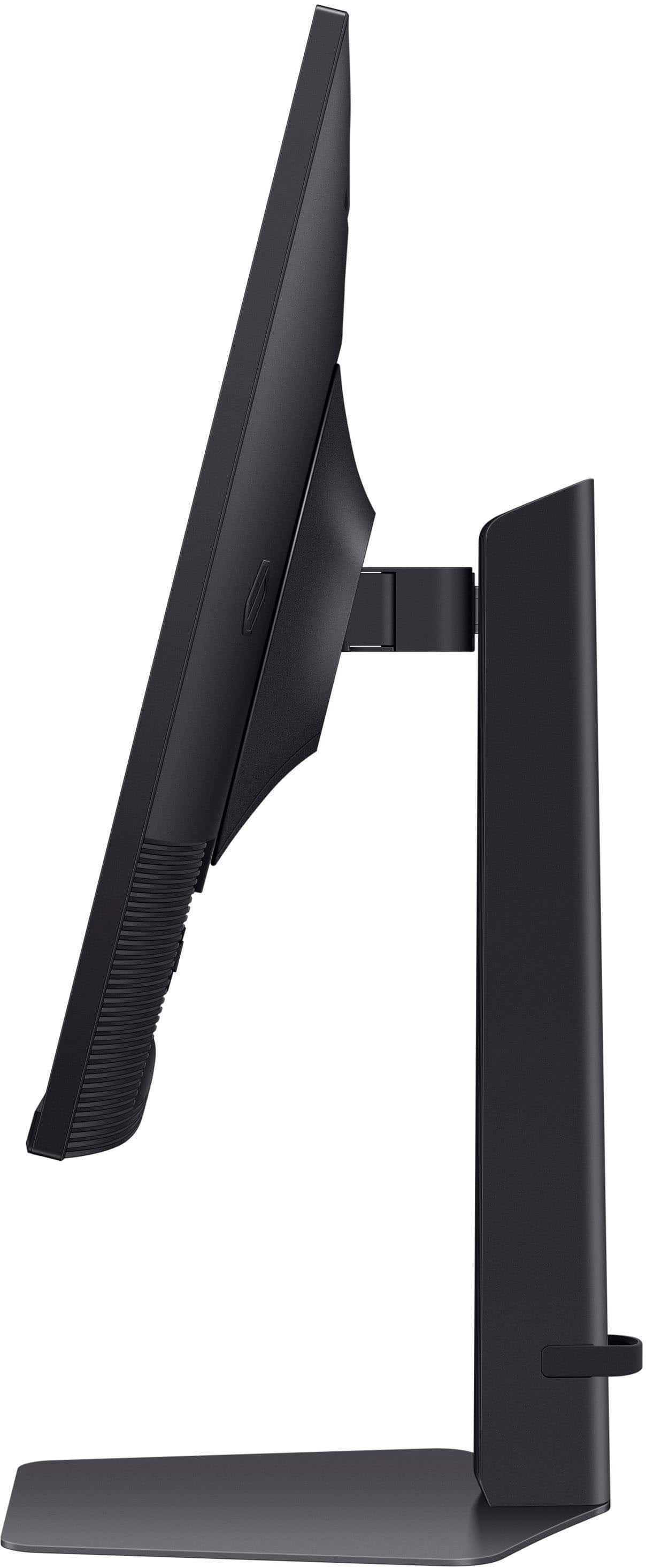
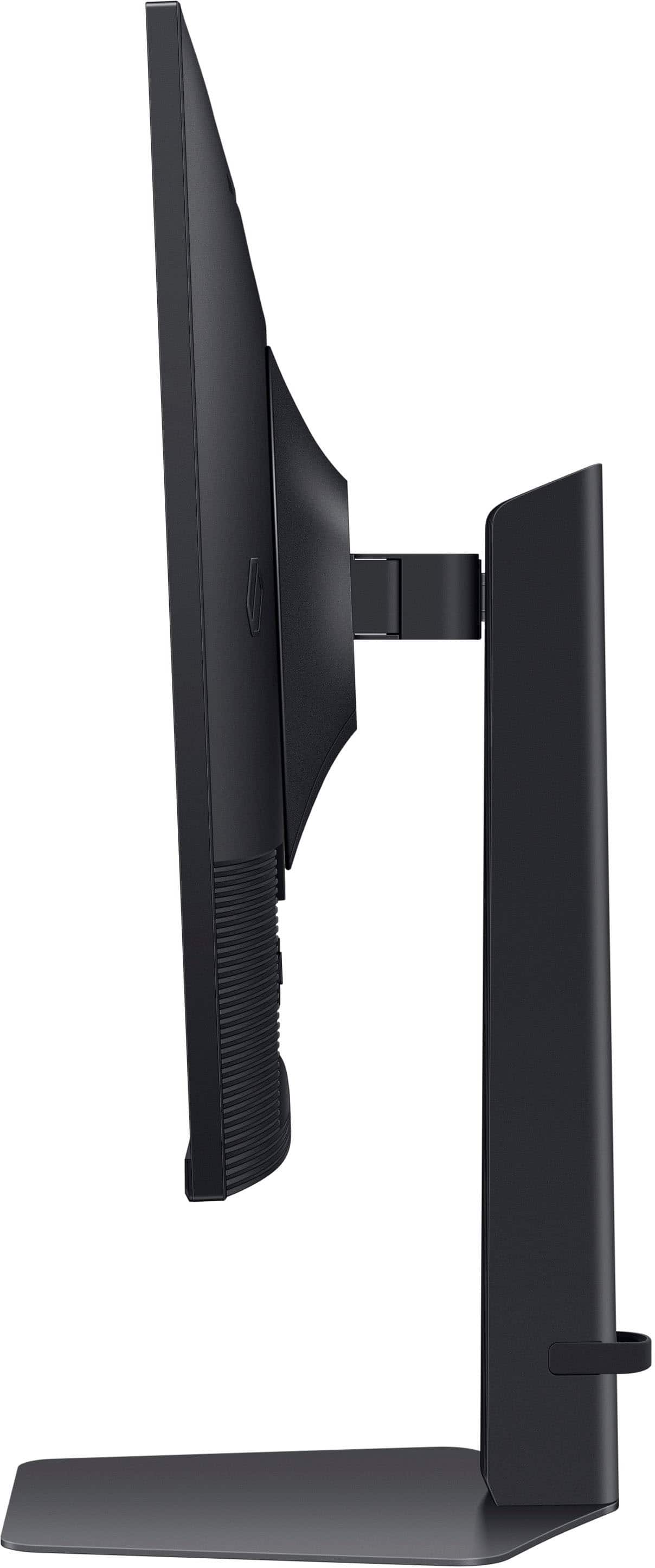
||Posted .This reviewer received promo considerations or sweepstakes entry for writing a review.Beautiful monitor! The screen displays a gorgeous and crystal clear image with various settings you can choose from depending on if you’re browsing, playing games, or watching content. This monitor makes working from home and personal use a lovely experience. Installation was simple and quick. I’m able to quickly connect my Windows and macOS laptops using Apple’s USB-C Digital AV Multiport Adapter to both extend my screen to the monitor and power my plugged in device which is great because it only takes up one USB-C port on either laptop and looks clean next to my monitor. I love how adjustable the monitor is; you can turn, raise, and tilt it perfectly. While it’s not negatively impacting my setup, my only complaint is the depth between the base stand (or “neck” rather) and the back of the monitor screen is a little wider/deeper than I expected. Be sure to compare the monitor measurements to your desk depth before purchasing. For those who screen share for work, this is a perfect size and won’t cause any viewing issues for your coworkers. I downsized from a wide monitor to this one and must say I’m not missing it.
This review is from Samsung - 32" Odyssey G50D QHD IPS 180Hz 1ms AMD FreeSync and G-Sync Compatible Gaming Monitor with HDR 400 (DisplayPort, HDMI) - Black
I would recommend this to a friendRated 5 out of 5 stars
Amazing monitor at a great price
||Posted . Owned for 3 weeks when reviewed.This reviewer received promo considerations or sweepstakes entry for writing a review.I love this monitor. It looks really nice, and it has a wide angle range up and down and left and right. It's huge, but that might be exaggerated because it's my first monitor of this size. Please excuse the mints and csgo stickers in the picture, my desk is a bit messy right now.
This review is from Samsung - 32" Odyssey G50D QHD IPS 180Hz 1ms AMD FreeSync and G-Sync Compatible Gaming Monitor with HDR 400 (DisplayPort, HDMI) - Black
I would recommend this to a friendRated 5 out of 5 stars
Great sharp, good quality monitor
||Posted . Owned for 3 weeks when reviewed.This reviewer received promo considerations or sweepstakes entry for writing a review.I use this as an added monitor hooked to my laptop. It was easy to hook and set up, The resolution is high, and provides a clear, colorful, sharp picture. Reasonably priced and a good workhorse monitor
This review is from Samsung - 32" Odyssey G50D QHD IPS 180Hz 1ms AMD FreeSync and G-Sync Compatible Gaming Monitor with HDR 400 (DisplayPort, HDMI) - Black
I would recommend this to a friendRated 5 out of 5 stars
Great Monitor Better Quality
||Posted .This reviewer received promo considerations or sweepstakes entry for writing a review.Great monitor for the price especially considering I got it for $300. The IPS Panel has great color and it looks amazing in my setup. A huge difference between a 27in and a 32in and its 180hz.
This review is from Samsung - 32" Odyssey G50D QHD IPS 180Hz 1ms AMD FreeSync and G-Sync Compatible Gaming Monitor with HDR 400 (DisplayPort, HDMI) - Black
I would recommend this to a friendRated 5 out of 5 stars
Slept on
||Posted . Owned for 2 weeks when reviewed.This reviewer received promo considerations or sweepstakes entry for writing a review.Let me start out by saying, I only used 24’ TN panels before jumping ship to VA. It was a 32’ which was 1440p, 165hz. My first chance to switch to oled came in August 2024 when I picked up the 27GS95Q Life’s Good, 240hz at 240hz. Took it home, compared it to the De(a)ll and immediately donated the De(a)ll. Then, October 10 2025 came and Battlefield 6 was released. I played the beta on the OLED but the full release had me yearning for the 32’ again. I picked up another brands 32’ 1080p at 240hz because I wanted to tweak out as many FPS as possible, big mistake! 1080p at 32’ is terrible. So I decided to research some VA panels at 32’. Enter the Samsung G50D. I found this IPS panel and thought to myself, my mAcer IPS laptop colors were pretty good when I compared them to my VA De(a)ll, so I decided to pick up the G50D on sale at $299.99 from Best Buy. OMG!!! This monitor is slept on. It competes with oled in terms of speed, deep contrast, colors popping, no pixilation, no smearing, ghosting (dark Text on white background included) or blurriness. I’ve uploaded many reasons to give this a chance first before oled with PUBG pics and some comparison shots of my OLED vs this IPS. Despite what some say, 1440p at 32’ is absolutely the sweet spot. I’ve been pushing this on red-it too and some red-it have purchased this and verified it is indeed a great display with awesome performance. Regular price is $429, sale is $299 and BF $249, this is an absolute bargain.
This review is from Samsung - 32" Odyssey G50D QHD IPS 180Hz 1ms AMD FreeSync and G-Sync Compatible Gaming Monitor with HDR 400 (DisplayPort, HDMI) - Black
I would recommend this to a friendRated 5 out of 5 stars
Excellent monitor
||Posted .This reviewer received promo considerations or sweepstakes entry for writing a review.Bought it open-box & it was in perfect condition, but lacking the original box, which i didnt expect. Works great & was an outstanding upgrade from 60hz HDMi. Was absolutely worth it!
This review is from Samsung - 32" Odyssey G50D QHD IPS 180Hz 1ms AMD FreeSync and G-Sync Compatible Gaming Monitor with HDR 400 (DisplayPort, HDMI) - Black
I would recommend this to a friendRated 5 out of 5 stars
Very Nice!
||Posted . Owned for 2 weeks when reviewed.This reviewer received promo considerations or sweepstakes entry for writing a review.Very nice. Really like it. Replacing my old 32" regular LED monitor from 9 years ago. That one still works fine, too. This one is great for games and reviewing videos for edit.
This review is from Samsung - 32" Odyssey G50D QHD IPS 180Hz 1ms AMD FreeSync and G-Sync Compatible Gaming Monitor with HDR 400 (DisplayPort, HDMI) - Black
I would recommend this to a friendRated 4 out of 5 stars
Not too shabby
||Posted . Owned for 1 week when reviewed.This reviewer received promo considerations or sweepstakes entry for writing a review.Had it a little over a week and it’s pretty good so far! It’s advertised as 185hz, but with hdmi can only go up to 144hz. It works well though and is a good size for what I need. There’s obviously better screens but this is suitable for the price
This review is from Samsung - 32" Odyssey G50D QHD IPS 180Hz 1ms AMD FreeSync and G-Sync Compatible Gaming Monitor with HDR 400 (DisplayPort, HDMI) - Black
I would recommend this to a friendRated 5 out of 5 stars
Great PC
||Posted . Owned for 1 week when reviewed.This reviewer received promo considerations or sweepstakes entry for writing a review.Woeks great out of the box. Eveehtjing is clean and undamaged. Computer run fantastic.
This review is from Samsung - 32" Odyssey G50D QHD IPS 180Hz 1ms AMD FreeSync and G-Sync Compatible Gaming Monitor with HDR 400 (DisplayPort, HDMI) - Black
I would recommend this to a friendRated 5 out of 5 stars
Love this monitor screen
||Posted . Owned for 3 weeks when reviewed.This reviewer received promo considerations or sweepstakes entry for writing a review.I actually purchased not for gaming but for my art studio. It allows me to enlarge my painting reference photo tremendously fir detail. The picture is exceptional, I am so tickled
This review is from Samsung - 32" Odyssey G50D QHD IPS 180Hz 1ms AMD FreeSync and G-Sync Compatible Gaming Monitor with HDR 400 (DisplayPort, HDMI) - Black
I would recommend this to a friendRated 5 out of 5 stars
Great for Sim Racing
||Posted .This reviewer received promo considerations or sweepstakes entry for writing a review.Excellent colors, minimal bezel. I bought three for my sim racing rig using a triple monitor stand.Highly recommended this monitor.
This review is from Samsung - 32" Odyssey G50D QHD IPS 180Hz 1ms AMD FreeSync and G-Sync Compatible Gaming Monitor with HDR 400 (DisplayPort, HDMI) - Black
I would recommend this to a friendRated 5 out of 5 stars
Great Birthday Gift
||Posted .This reviewer received promo considerations or sweepstakes entry for writing a review.Very lovely screen bought this for my boyfriend last year as a gift for his birthday he really loved it :)
This review is from Samsung - 32" Odyssey G50D QHD IPS 180Hz 1ms AMD FreeSync and G-Sync Compatible Gaming Monitor with HDR 400 (DisplayPort, HDMI) - Black
I would recommend this to a friendRated 5 out of 5 stars
G5
||Posted . Owned for 4 months when reviewed.This reviewer received promo considerations or sweepstakes entry for writing a review.I’m really happy with the monitor. I haven’t had a nice computer for a few years so this is a big upgrade for me. Gaming is awesome. Sometimes it can feel like 32inches is too big but I wouldn’t downsize. The only issue I have is that it doesn’t also wake up right away if it’s been off for a while, sometimes I have to hit the button to manually wake it up.
This review is from Samsung - 32" Odyssey G50D QHD IPS 180Hz 1ms AMD FreeSync and G-Sync Compatible Gaming Monitor with HDR 400 (DisplayPort, HDMI) - Black
I would recommend this to a friendRated 5 out of 5 stars
The Awesome Monitor
||Posted .This reviewer received promo considerations or sweepstakes entry for writing a review.The Samsung Odyssey G50D offers excellent color accuracy, a fantastic display, and impressive response times. The HDR400 looks great, although it tends to have a cool tone, so switching to a warmer setting improves the overall image. That said, it would be nice to have more adjustment options available when G-Sync is enabled.
This review is from Samsung - 32" Odyssey G50D QHD IPS 180Hz 1ms AMD FreeSync and G-Sync Compatible Gaming Monitor with HDR 400 (DisplayPort, HDMI) - Black
I would recommend this to a friendRated 5 out of 5 stars
Great LED monitor
||Posted . Owned for 3 weeks when reviewed.This reviewer received promo considerations or sweepstakes entry for writing a review.Fast and good for gaming if you really like that.Call of duty feel nice and fast for a 32 inch monitor
This review is from Samsung - 32" Odyssey G50D QHD IPS 180Hz 1ms AMD FreeSync and G-Sync Compatible Gaming Monitor with HDR 400 (DisplayPort, HDMI) - Black
I would recommend this to a friendRated 5 out of 5 stars
Perfect mid-range monitor
||Posted . Owned for 2 weeks when reviewed.This reviewer received promo considerations or sweepstakes entry for writing a review.Great price. Perfect for dual monitor and laptop setups. Love Samsung products and this one delivers.
This review is from Samsung - 32" Odyssey G50D QHD IPS 180Hz 1ms AMD FreeSync and G-Sync Compatible Gaming Monitor with HDR 400 (DisplayPort, HDMI) - Black
I would recommend this to a friendRated 5 out of 5 stars
Love the monitor
||Posted .This reviewer received promo considerations or sweepstakes entry for writing a review.Its an amazing monitor! Gives a big picture and great colors with amazing refresh rate. Nothing i can complain about it.
This review is from Samsung - 32" Odyssey G50D QHD IPS 180Hz 1ms AMD FreeSync and G-Sync Compatible Gaming Monitor with HDR 400 (DisplayPort, HDMI) - Black
I would recommend this to a friendRated 5 out of 5 stars
Amazing for Gaming.
||Posted .This reviewer received promo considerations or sweepstakes entry for writing a review.The quality of the image is top level, gaming sensitivity is awesome.
This review is from Samsung - 32" Odyssey G50D QHD IPS 180Hz 1ms AMD FreeSync and G-Sync Compatible Gaming Monitor with HDR 400 (DisplayPort, HDMI) - Black
I would recommend this to a friend