Customer Ratings & Reviews
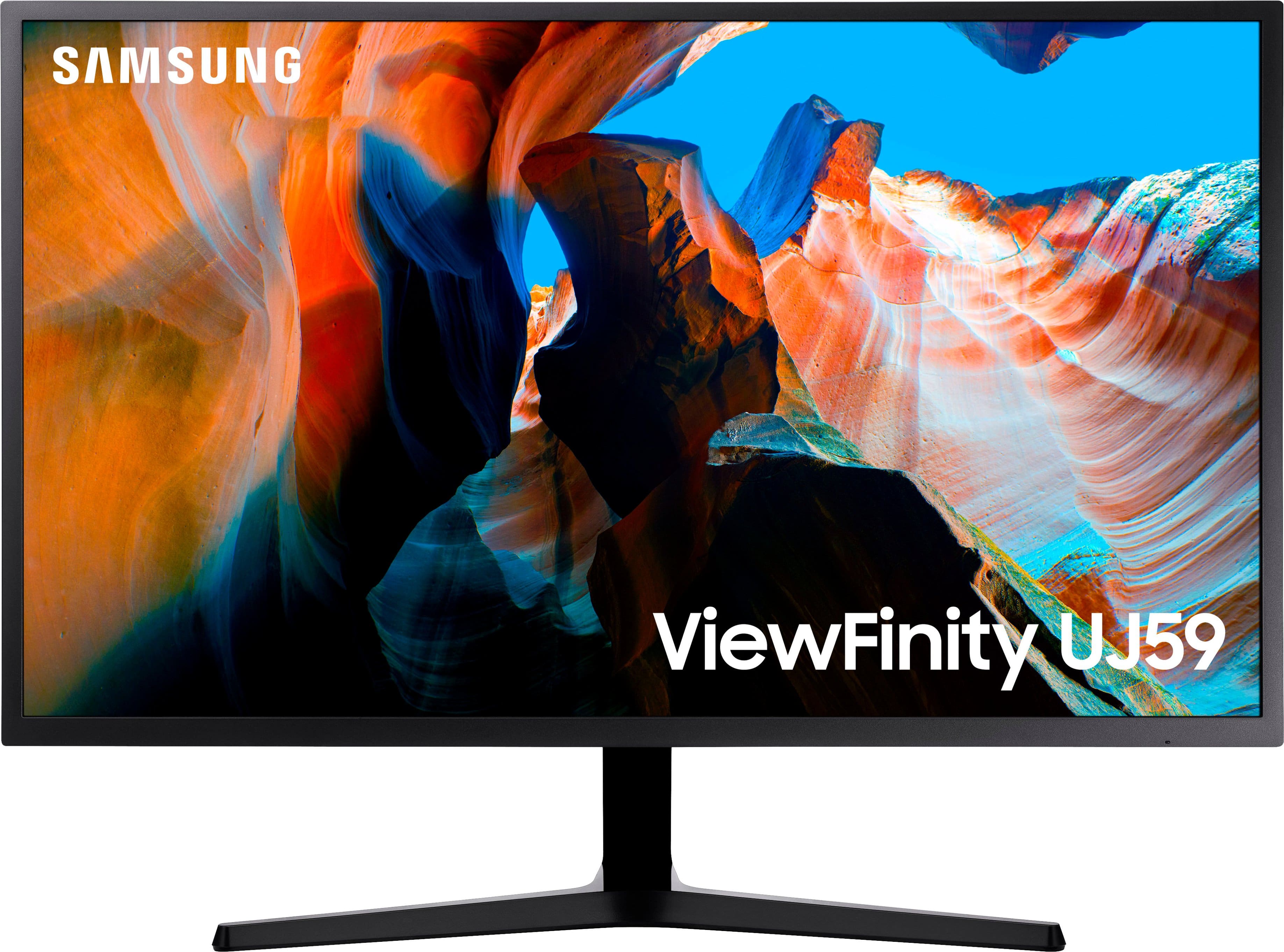
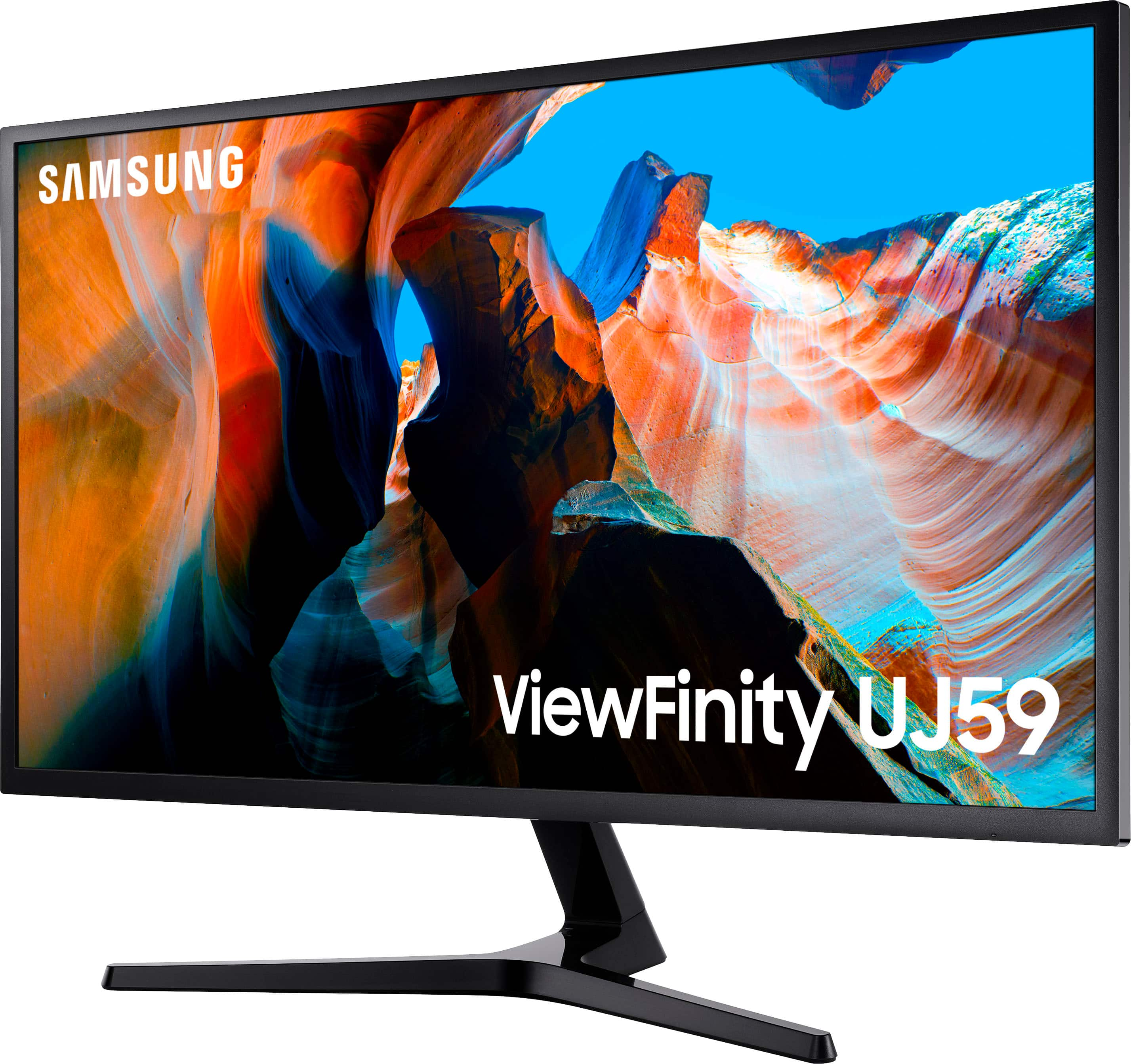
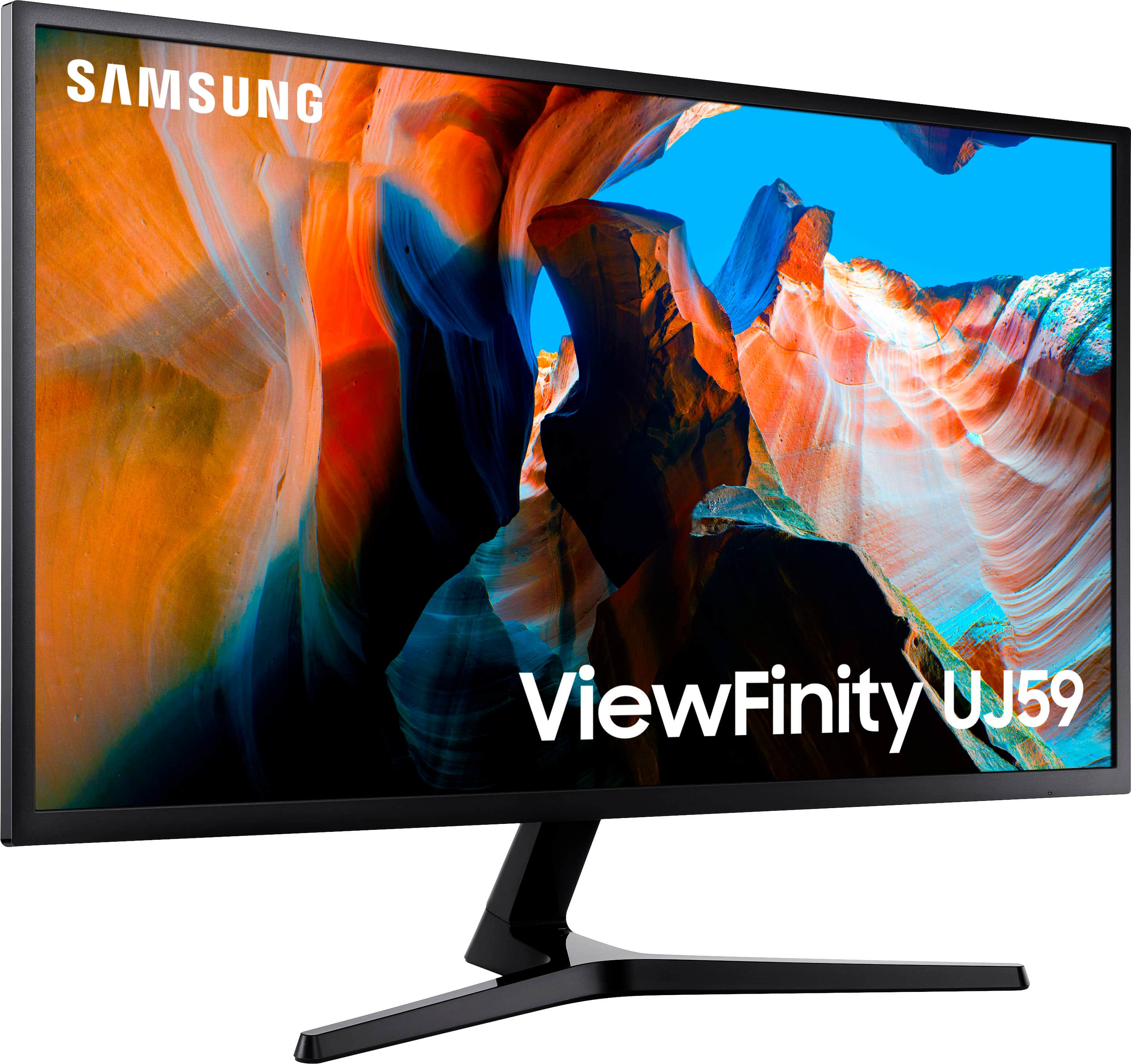
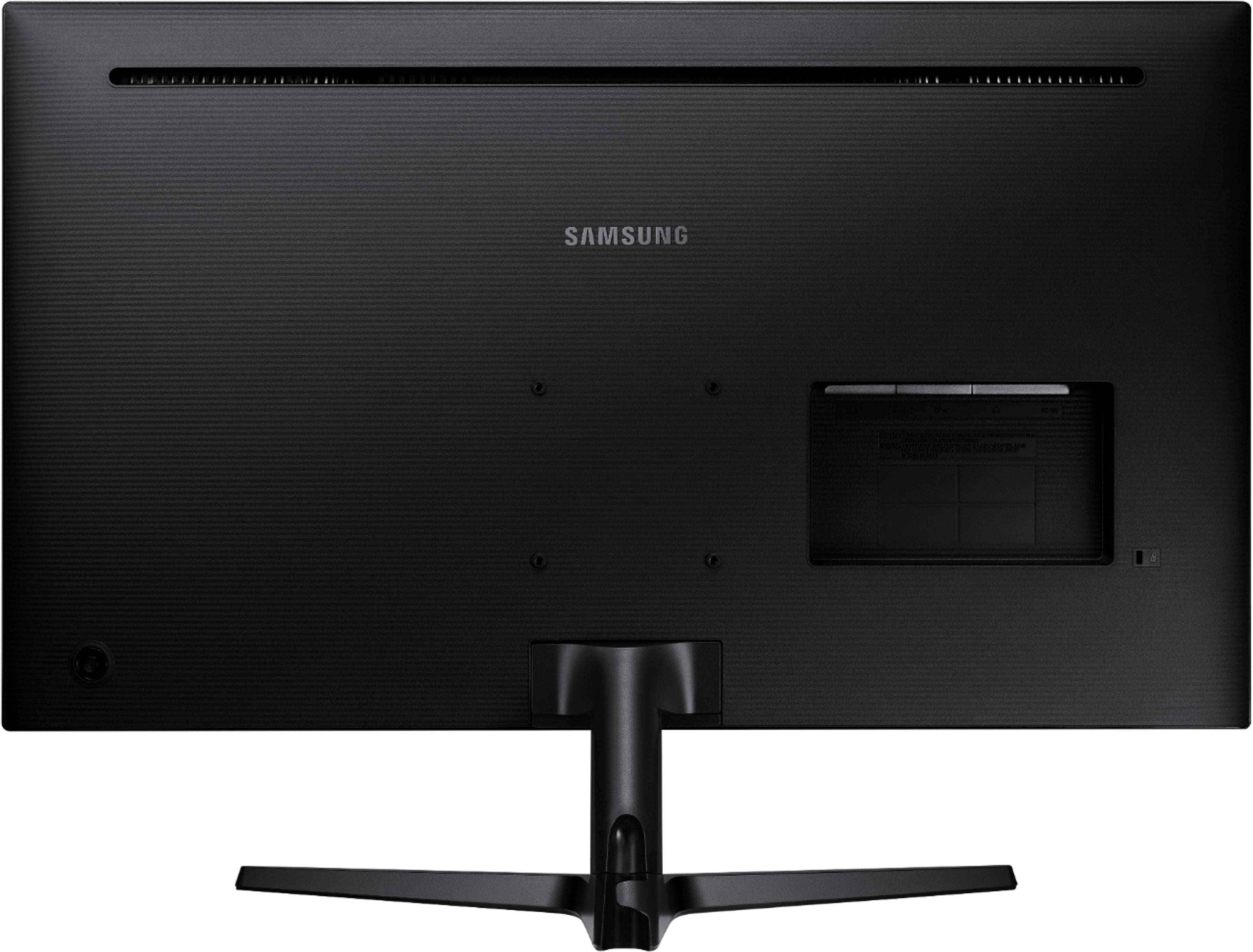
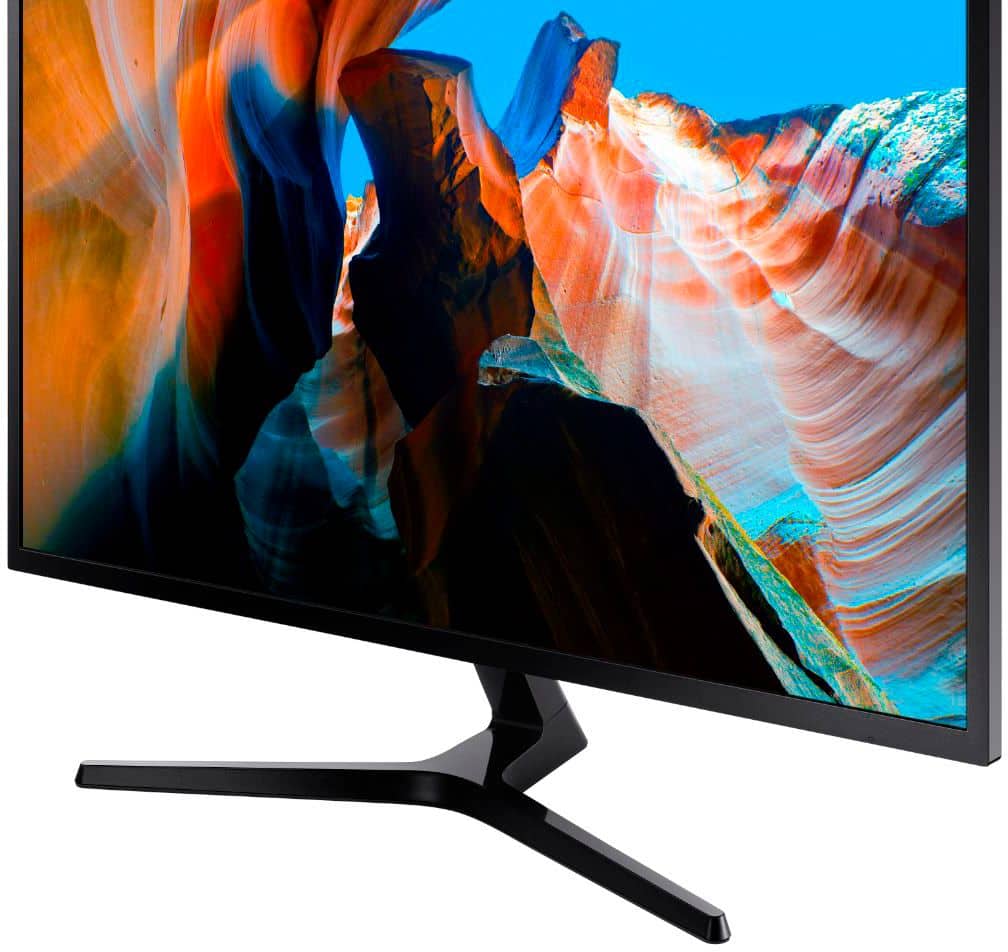
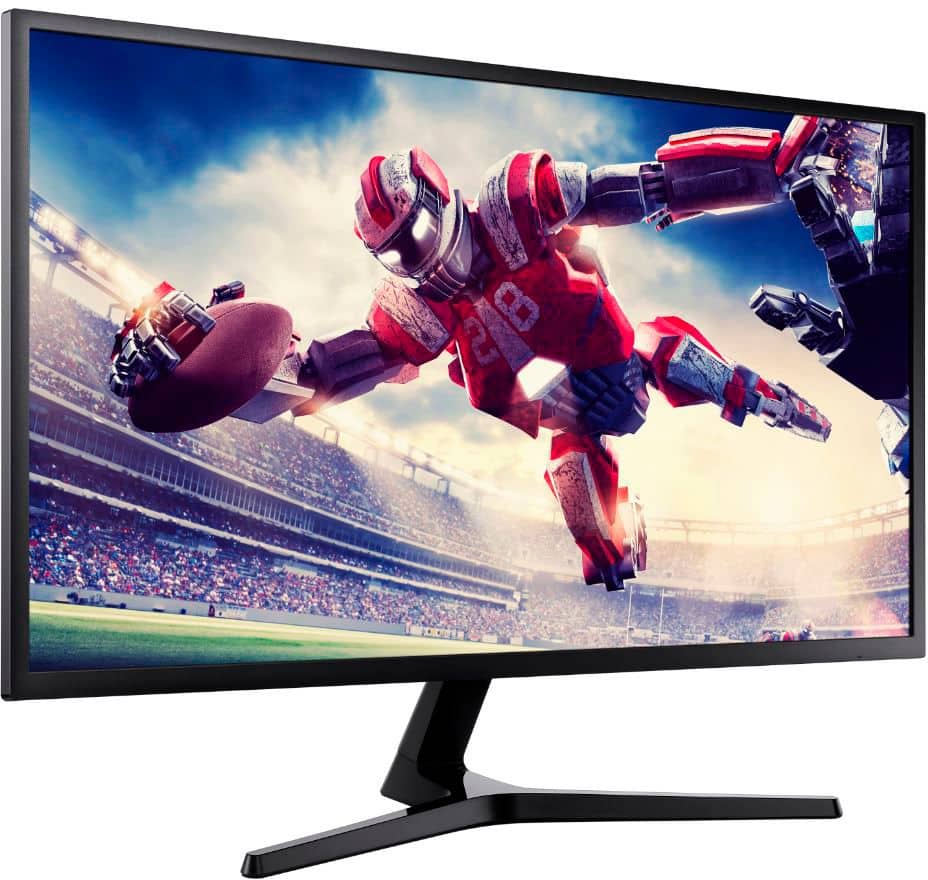
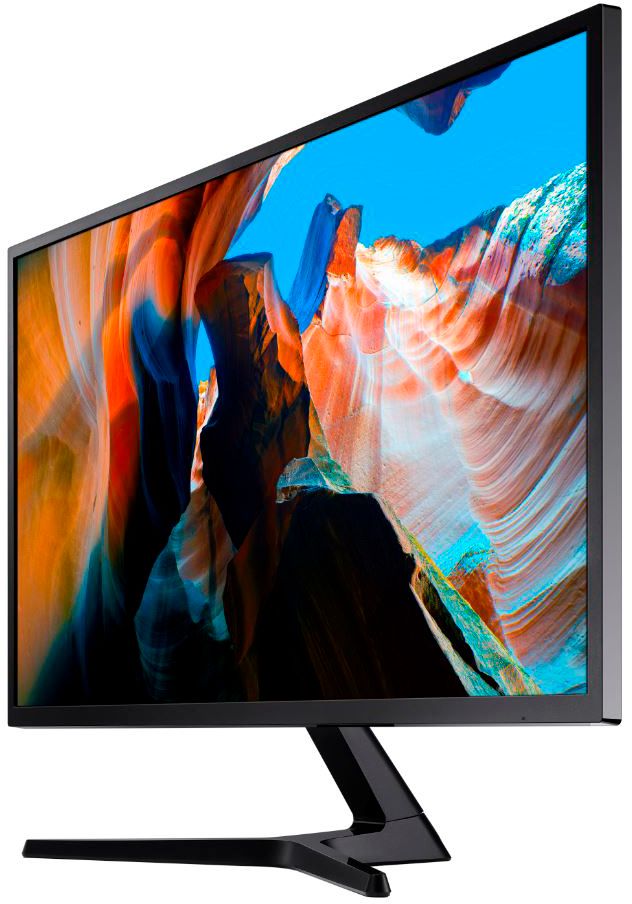
- Model:
- U32J590
- SKU:
- 11279817
Rating by feature
- Display Quality
Rating 4.6 out of 5 stars
- Ease of Use
Rating 4.5 out of 5 stars
- Features
Rating 4.5 out of 5 stars
Great monitor not for gaming
||Posted . Owned for less than 1 week when reviewed.This reviewer received promo considerations or sweepstakes entry for writing a review.Doesn’t support 4k gaming so if u need a gaming monitor this not it
No, I would not recommend this to a friendBrand response from Samsung
Posted .Tayfromthe310,
Thank you for purchasing the 32" LED 4K UHD FreeSync Monitor.
We want you to be satisfied with your purchase.
Please give us the opportunity to better understand your usage environment and troubleshoot towards a solution.
You can reach Samsung Support via any of the following options:
1) Phone: 1-800-SAMSUNG
2) LiveChat: https://www.samsung.com/us/support/#contact_us_for_support
3) Facebook Messenger: http://m.me/samsungsupport
4) Twitter: https://twitter.com/messages/compose?recipient_id=18768513
5) The Samsung Members Community is also a great resource for getting help from Samsung moderators and customers: https://us.community.samsung.com
Again, I am very sorry for the inconveniences you have had, and hope that we will hear from you soon.
Samsung Monitors
Nice monitor for every day use
||Posted . Owned for 1 month when reviewed.This reviewer received promo considerations or sweepstakes entry for writing a review.This monitor replaced my 27 inch QHD Acer because I needed a bigger screen for my work from home setup. What mattered most to me was a bigger screen and better resolution, and this monitor certainly delivers in those two aspects. It is a very nice monitor for office work; the text looks really sharp on the 4K screen even if I bring my head right up against the monitor to read smaller text that I cannot constantly zoom in on. The 32 inch size makes viewing very convenient because I can have two documents open side-by-side for comparison purposes. The reason I gave it a four star review instead of five is because this monitor has a VA panel and not an ISP panel. My Acer monitor had ISP with HDR and the colors were very vibrant and beautiful to look at from any angle. The downside of VA panels is that unless you’re looking straight at the monitor the colors look washed out, and lack of HDR means this monitor cannot get as bright as my Acer monitor, which means it does not perform very well in really bright rooms. It is certainly not a dealbreaker at its price point, but if this was an ISP panel monitor, then it would check all the boxes for me.
I would recommend this to a friendAn excellent monitor for non-gamers
||Posted . Owned for 3 weeks when reviewed.This reviewer received promo considerations or sweepstakes entry for writing a review.I bought this just before I had to WFH for weeks (maybe months). Its resolution rate is excellent for work and 32' display is good enough for home use. This monitor also comes with plenty of ports which I have only used a couple so cannot comment if all common use cases are covered. When I was making my decision, I liked its size and resolution. Since I am not a gamer, I figured the 60hz refresh rate is not a deal breaker for me. I almost went for the 32' Dell cuvred monitor which has lower resolution but 144hz refresh rate. So far, I am pretty happy with this monitor.
I would recommend this to a friendIt’s okay, depending on what you’re looking for
||Posted . Owned for 1 month when reviewed.This reviewer received promo considerations or sweepstakes entry for writing a review.The good things about this monitor are the 4K resolution, the size (32”), and it is FreeSync.. It has an average to low-end refresh rate at 60Hz. It comes with an HDMI cable, not a DisplayPort cable. It is a wast of a 4K monitor with the HDMI cable. The HDMI reduces the quality and gives the screen a “foggy” or brown look, so the DisplayPort cable is a must to get your value. Despite the large size, if you have poor vision, you’ll need to adjust the resolution, or at least the text size because the 4K resolution shrinks everything on the screen.
I would recommend this to a friendGood enough for office work.
||Posted . Owned for less than 1 week when reviewed.This reviewer received promo considerations or sweepstakes entry for writing a review.This monitor is good enough. The image quality is ok. It often looks a little washed out and does better with darker images. The viewing angle is very small. Text sharpness is ok but not great. UHD images with light backgrounds do not look great. The monitor is very good for office work (my use) but probably not good for photo editing or gaming. It has no extras such as USB hub power ports. I do like the settings adjustment button on the backside - easy to use - but there are not a lot of controls. I read some criticisms of the refresh rate. The monitor does support 60hz but only at FHD resolution. Higher resolutions only support 30hz. The published specifications should make this clear. I read some complaints about the monitor going to sleep and needing to be turned on at the power button. That is not the case for me - working with Windows 10 and it goes to sleep and wakes up appropriately. Overall, good enough for office work.
I would recommend this to a friendBest PC display I've ever owned
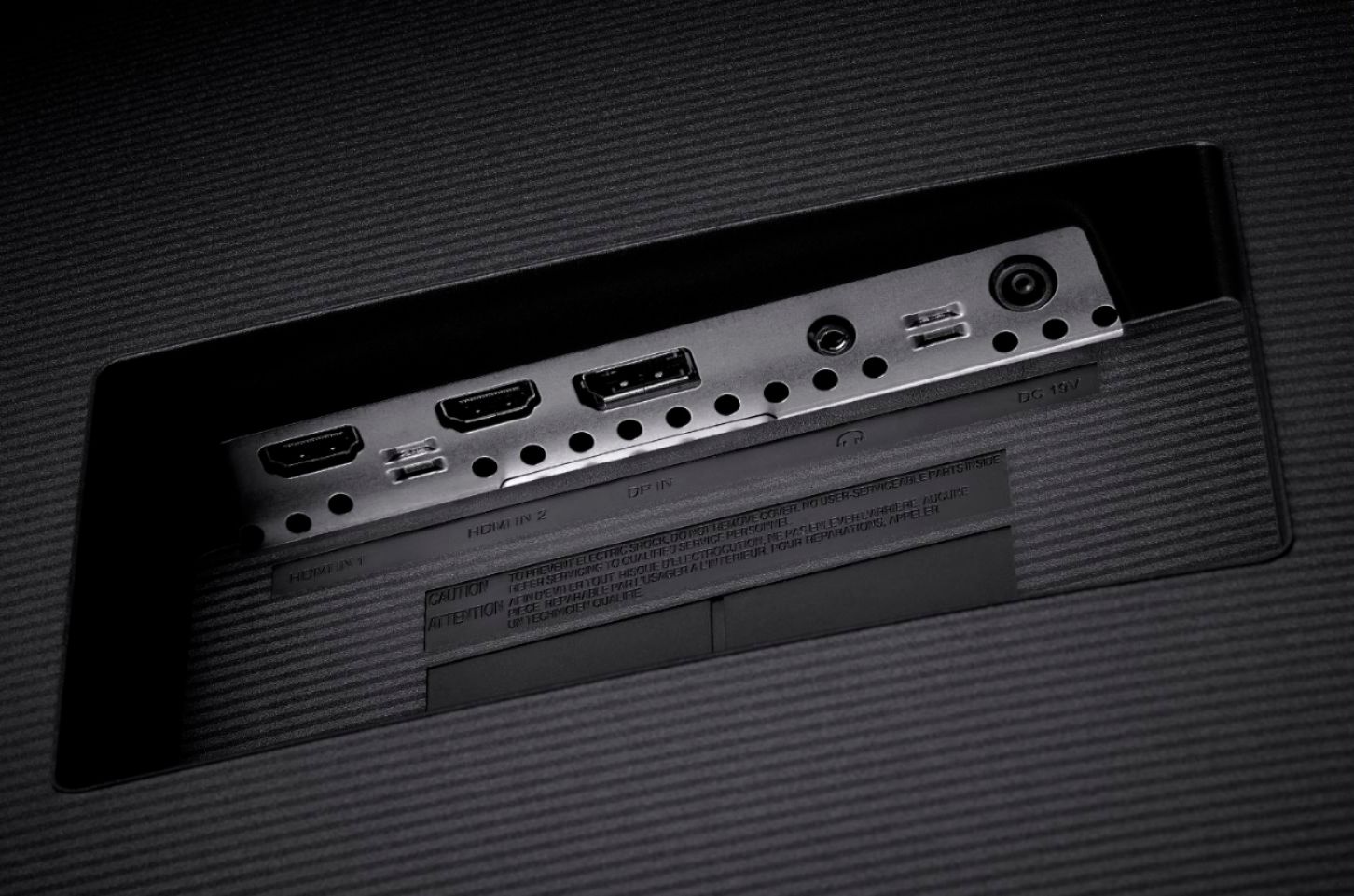
||Posted . Owned for 3 weeks when reviewed.This reviewer received promo considerations or sweepstakes entry for writing a review.The Samsung U32J590UQN is an absolute joy for my old and aging eyes. It has replaced my old 24 in. FHD Vizio TV and 28 in. FHD LCD HanSPREE TV and a briefly tried new 32 in. Samsung TV (forgot which model). This monitor seems to use less space than the 32" TV while having almost the exact same screen dimensions. This monitor does take some fiddling to get the display comfortable, at least in a dark room, and it is a bit of a drag that the HDMI 1 port only supports a 30Hz refresh rate. However, I'm not a gamer but a longtime PC/IT guy (retired SysAdmin.). I've been using this monitor for almost a month and have had ZERO issues. The ON/OFF/Joystick button does take a bit of getting used to but that was accomplished in less than a couple hours over the course of a few days. I have it connected to my new Windows 10 PC w/10th gen i5 CPU via the HDMI 2 port and an older Win 10 PC w/3rd gen i5 via the Display Port (converting it to Linux). It is super sweet and easy switching between the 2 PCs with the Joystick switch on this monitor and it handles the 2 different resolutions with no problem. The monitor also supports Picture-in-Picture (PiP) and Picture-by-Picture (PbP, splitting the screen in half) but I've not tried using either feature... yet! Note, I'm not running either machine at the max resolution the monitor will support. Attaching the stand was not difficult (follow the directions) but I noticed that the vertical swivel connection is quite tight/stiff and I'd be reluctant to try to adjust the angle by just holding the stand and applying pressure to the top frame of the screen, but I don't have any need to do that. I also found it wonderful that while the BB website showed several new units were in stock, the BB associate brought out an "open box" unit that saved me about $20. The note on the box said the manual was missing (I doubt there was one in the first place) but finding everything I need on Samsung's website was a cinch. Videos that I've played via HULU and YouTube are as flawless and enjoyable as watching them on my 55 in. Sony 4K living room TV. I highly recommend this monitor especially if you have aging eyes (like mine).
I would recommend this to a friendGreat for the price
||Posted . Owned for less than 1 week when reviewed.This reviewer received promo considerations or sweepstakes entry for writing a review.Got this item new, on clearance for $102. At that price, I am floored by the quality. It is large and bright and great for office work. Can easily have multiple apps running at the same time, I tested with chrome on the right side and word and powerpoint splitting the left. Switched to some light gaming, a 4x game, and the graphics were stunning...yes, I used the hdmi2 port as this seems to be the only one that can reach 60hz. I cant believe a 4k monitor in this size would cost me only 100 bucks. I rarely review, but this item was a winner
I would recommend this to a friendBeautiful 4k monitor experience
||Posted . Owned for 2 weeks when reviewed.This reviewer received promo considerations or sweepstakes entry for writing a review.This product is great. I now own 2 of them. I found the colors look best with the display port option. I found it helpful that it had both display port and HDMI. I was able to easily connect both my computer and gaming system to the same monitor and switch them with ease. Only cons would be the 60Hz and lack of HDR but overall great for the price point.
I would recommend this to a friendGreat productivity monitor for the price
||Posted . Owned for 1 month when reviewed.This reviewer received promo considerations or sweepstakes entry for writing a review.The resolution is special; the rest is very good. Very clear and smooth general-use experience. The color might leave a bit to be desired for some, but it's at least up to par with any monitor I've owned (at least so far--I haven't had much time to mess with it other than a basic review of my NVIDIA card's settings, so it will probably get significantly better with some more thoughtful tweaking). Brightness is also excellent--I'm currently staring at it with part-sun coming over my shoulder, no problem. And I haven't been bothered by any of the things other reviewers have complained about, so... PEBKAC? I also haven't played much with optimizing the settings for games, but it maxes out at 60Hz, so unless you're a gamer with the cash for a significantly faster UHD at this size, this is probably as good as it gets. As a general-use monitor for a machine learning workstation, driven by a TITAN RTX card and pulling 80% work/ 18% media/ 2% gaming duty, it's pretty much ideal for the price. That said, I'm going to add a 43" UHD monitor--I was trying to choose between them, but this one won on price. I've found this size to be a little lacking--windows and text need to be magnified about 150% for me to be comfortable. This reduces the perceived real-estate value proposition, but the improvement in clarity at this scale is well worth the cost, so I'll just add a larger UHD to get significantly more usable screen space.
I would recommend this to a friendSamsung UJ59 Review
||Posted . Owned for 1 month when reviewed.This reviewer received promo considerations or sweepstakes entry for writing a review.I bought this because I wanted a larger monitor especially for work purposes and so far this monitor has worked out really good for my needs. There is definitely a lot more room on the screen to display things so it works very well for me with what I work with. I use for things such as large Visio diagrams. A lot of my work involves making sure that things are configured the same - and this monitor helps by allowing me to compare them side by side on the same screen versus having them on different screens. I find that the colors are vibrant, and the 4K resolution is amazing. Before getting this monitor, I read so many reviews from people saying that if you want to get a larger monitor that you should get a 4K monitor and after seeing this, I really have to agree. The difference is amazing. I also use a 24 inch monitor with 1920 x 1080 resolution and it's really hard to explain the huge difference until you drag things from one monitor to another. Don't get me wrong that 24 inch monitor is great - but I now really want to replace it! When I got this the price was great. This monitor is definitely worth looking at!
I would recommend this to a friendGreat once configured
||Posted . Owned for 1 month when reviewed.This reviewer received promo considerations or sweepstakes entry for writing a review.Pros: Good size monitor and with the 4k allows me to have multiple things on one screen. Nice crisp color Gaming is decent as long as connected to HDMI2. (60 MHz, so 60 FPS). HDMI1 is 30MHz Cons: The power and menu control isnt very intuitive and if you're using it for desk monitor it Takes some tweaking to get the settings right. Otherwise brightness can start hurting your head from being so close. However, it looks great, once configured. On minute details there is some color bleeding between white and black are next too each other. Not especially bad, just looks slightly blurry especially with small black text on white background or vice versa. It more evident if you're running windows at 100% scaling setting. From my experience this is common with 4k screens, but it could be due to screen led type The built-in eye saver option washes everything out Has Picture in picture option , however, being that one of HDMI1 ports is 30 MHz, you can't really use it for anything with too much motion on the PIP screen
I would recommend this to a friendDecent 4K Monitor
||Posted . Owned for 1 week when reviewed.This reviewer received promo considerations or sweepstakes entry for writing a review.Has been a great monitor so far. No issues yet. I have it hooked up to my MacBook 2016 and it works great. The 4K resolution is great but its definitely not as good as higher 4K monitors. The refresh rate isn’t super high so video editing is a little blurry sometimes but still pics looks great. Overall I’m happy with this monitor.
I would recommend this to a friendWorthy replacements for typical telecommuting
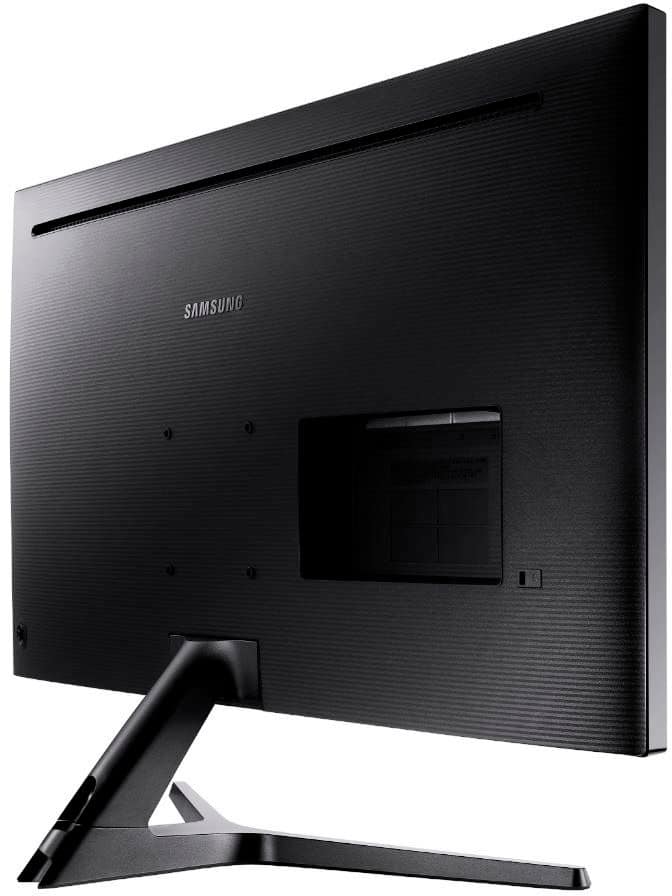
||Posted . Owned for 1 year when reviewed.This reviewer received promo considerations or sweepstakes entry for writing a review.Having telecommuted for over 20 years at this point, these are my 4th set of monitors for my laptop + dual external monitor setup. I've not had any issues with them since purchase. Great deal when on sale. They are day-in day-out used for Outlook, Skype, Slack, Excel, Word, PowerPoint, Visio, Notepad, etc., etc. - all the typical things one does in workaday life. The 4K provides increased real estate for you, but normally when sharing screen over Skype, Zoom, etc. you have to increase (zoom in) the size of what's being shared so the other attendees can see it effectively. If listing a CON, it's a very slight one - and could be a PRO just as easily - there are no controls on the front bezel for menu, powering them off, etc. it's a joystick on the lower back. Means reaching up underneath either monitor (side-by-side) that sit on a VariDesk sit\stand contraption and manipulating while your face is well, less than arms length away from 32" monitors.
I would recommend this to a friendImmersive 4K Experience
||Posted . Owned for 3 months when reviewed.This reviewer received promo considerations or sweepstakes entry for writing a review.Got it for business office use. Love the huge screen with 4K. At this size, 1080 will look like you're back in the caveman ages with pixelation and edges/curves looking jagged. You need 4K. Just make your your computer graphics card/chip can adequately output at 4K without taxing your resources. Beautiful screen. Only thing lacking is a built in speaker.
I would recommend this to a friendGreat budget 4k monitor
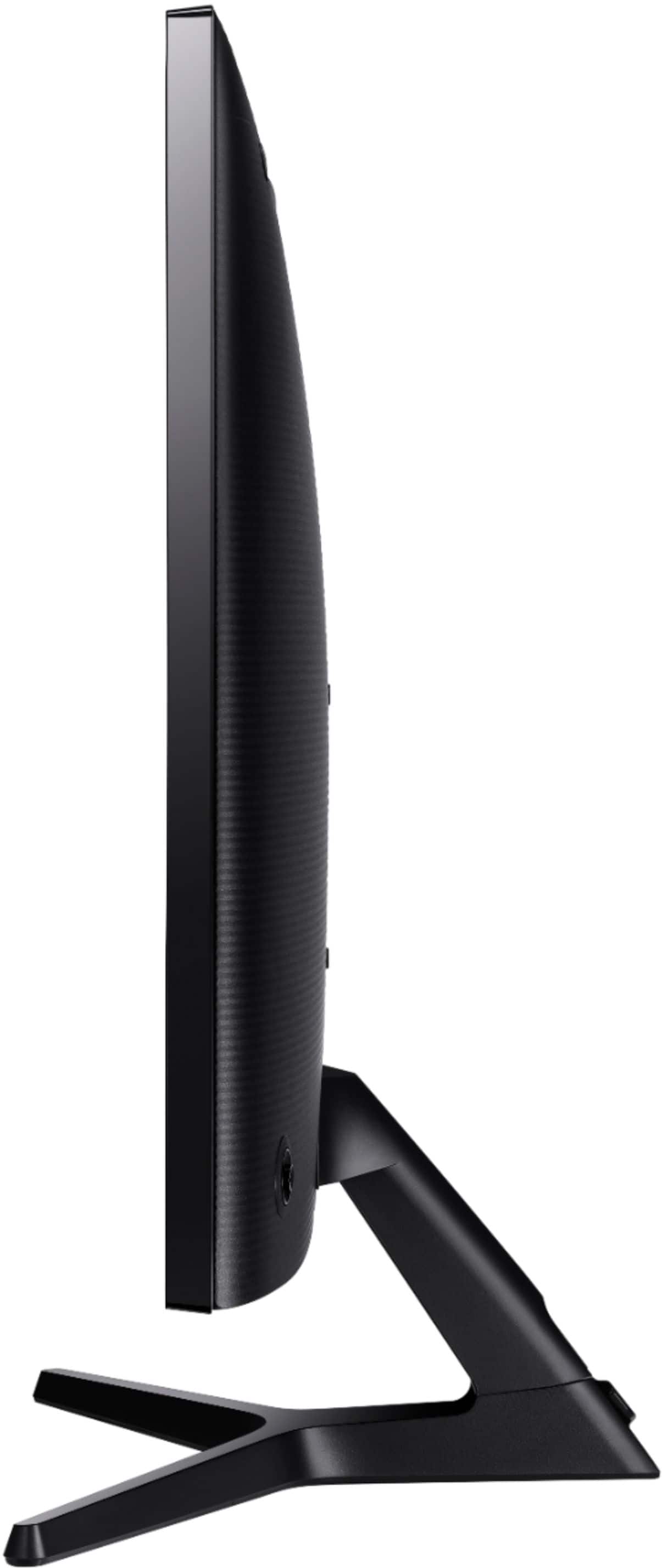
||Posted . Owned for 1.5 years when reviewed.This reviewer received promo considerations or sweepstakes entry for writing a review.If you're looking to take a step forward to 4k this is it on a budget. The refresh rate isnt perfect for gaming but 60hz is still great for the average user. All games of course look amazing at 4k, if your system can run that resolution and maintain 60hz. The stand does not swivel or height adjust (FYI). It is mountable.
I would recommend this to a friendGood 4k60 monitor, but confusing ports and setting
||Posted . Owned for 1 year when reviewed.This reviewer received promo considerations or sweepstakes entry for writing a review.This is a good size monitor that takes awhile to get use to when you jump to it from a 24 inch monitor. The image quality is good, but the ports in the back can be confusing. One of the hdmi ports is only 30hz. And when you run it at 30hz, the image is very washed out, no matter what you change in the settings. Also the image is slower on the 30hz and when you have a 30hz mode and 60hz mode monitor at the same time mirroring the two displays, you can see the 30hz mode is behind the 60hz mode by a split second. Also by default windows was running the graphics card at 30hz. This is probably why a lot of people are complaining this monitor is washed out.
I would recommend this to a friendBest Monitor for the price
||Posted . Owned for 1 month when reviewed.This reviewer received promo considerations or sweepstakes entry for writing a review.Exactly what i was looking for. Large, Multiple HDMI inputs, High Res, Vesa Mount, Fast and Beautiful Color at a reasonable cost. My only wish would be for a remote control to switch inputs. Very pleased with the look and performance. I have two side by side and they are stunning!
I would recommend this to a friendOkay, but could be better
||Posted . Owned for 3 weeks when reviewed.This reviewer received promo considerations or sweepstakes entry for writing a review.The product works well overall. IDK why I expected it to have a speaker as well, probably because I'm used to all-in-one type of computer. I feel like purchasing a similar sized Samsung tv as a monitor would've worked better in our situation. Because we are used to Samsung TV's amazing quality of pictures and there's a speaker built in! One thing I don't enjoy with this monitor as much was the fact that my husband had to keep adjusting the settings to have the right color for pictures and the best clarity for texts on display. It took a few days till we are comfortable with the display. But that might have been on our side of problems since the desktop we own is a little older. But I wish it was a little easier to adjust the display and to show the best image quality that this monitor had the potential for.
No, I would not recommend this to a friendInstant set up out of the box, amazing picture
||Posted . Owned for 3 weeks when reviewed.This reviewer received promo considerations or sweepstakes entry for writing a review.Very pleased — set up was nearly instant, with a very solid foot that was literally a snap to put in place. Out of the box, it is very sharp and colors are perfect for me. I am sure they would be even better if calibrated. Photos look excellent, even though I will most likely use it mostly for spreadsheets and typical office applications. The resolution and just sheer real estate are amazing. I am using it with a MacBook Pro from a few years ago, and was actually shocked that I can output 4K.I had instant plug and play, and the included HDMI cable did the job. The auto on and off works perfectly. I did not need to change any settings from the factory defaults—however, I did play with the menu, and find that the joystick control is logically and efficiently laid out. In sum, instant set up out of the box, but I am sure easy to tweak if you did need to find tune anything. Really nice value.
I would recommend this to a friendBesty bang for th buck
||Posted . Owned for less than 1 week when reviewed.This reviewer received promo considerations or sweepstakes entry for writing a review.I updated to this monitor from an old 27" Asus Monitor. Am running a Radon RX 580 Graphics card. I have worked over 30 years as a programmer before I retired. Now I game a lot, Skyrim SE in particular. It's like playing a new game with this new monitor. Sharper images faster ect. Sure there may be better Monitors out there but not at this price. As for looking at the screen from an angle? Who does that? anyway I sit at my desk and look right at the screen. No dead pixels, some ghosting in the corners on a completely black screen again not a real issue in the long run Only up/down angle adjustments true but not an issue for me. Being retired, was a great investment without spending a ton of money I did have to update my Graphic card driver Very excited with this purchase
I would recommend this to a friend