Customer Ratings & Reviews

- Model:
- LS49FG910ENXZA
- SKU:
- 10187581
Rating by feature
- Display Quality
Rating 4.7 out of 5 stars
- Ease of Use
Rating 4.8 out of 5 stars
- Features
Rating 4.6 out of 5 stars
- Pros mentioned:Screen size
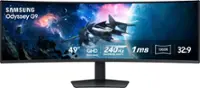
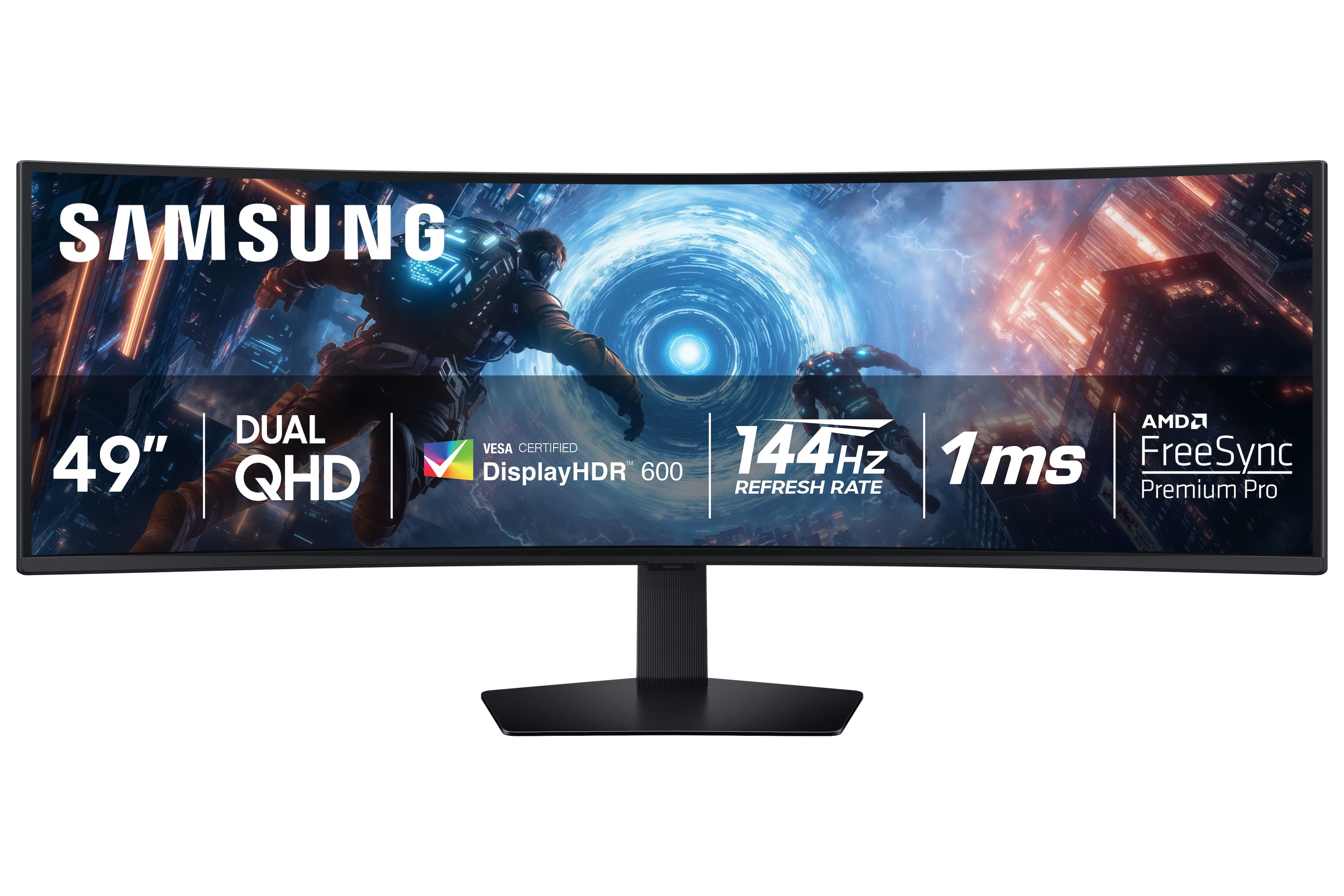
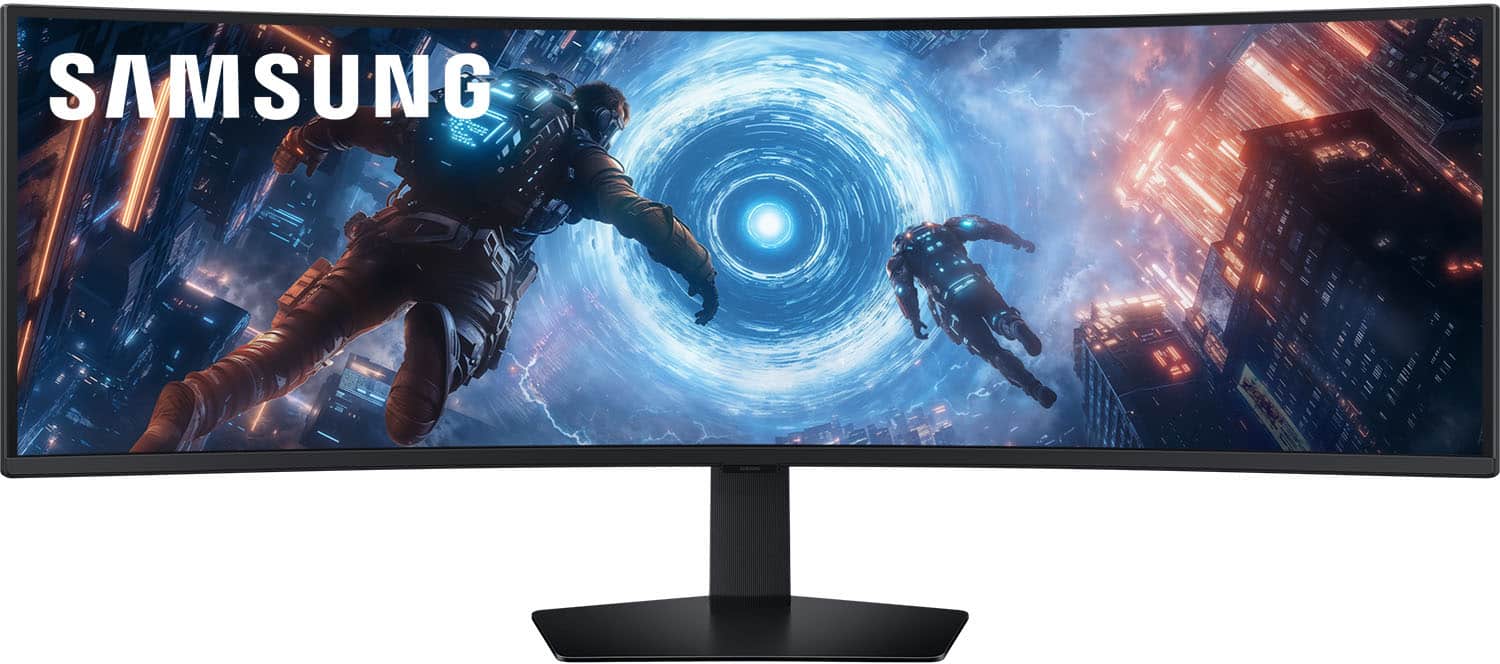
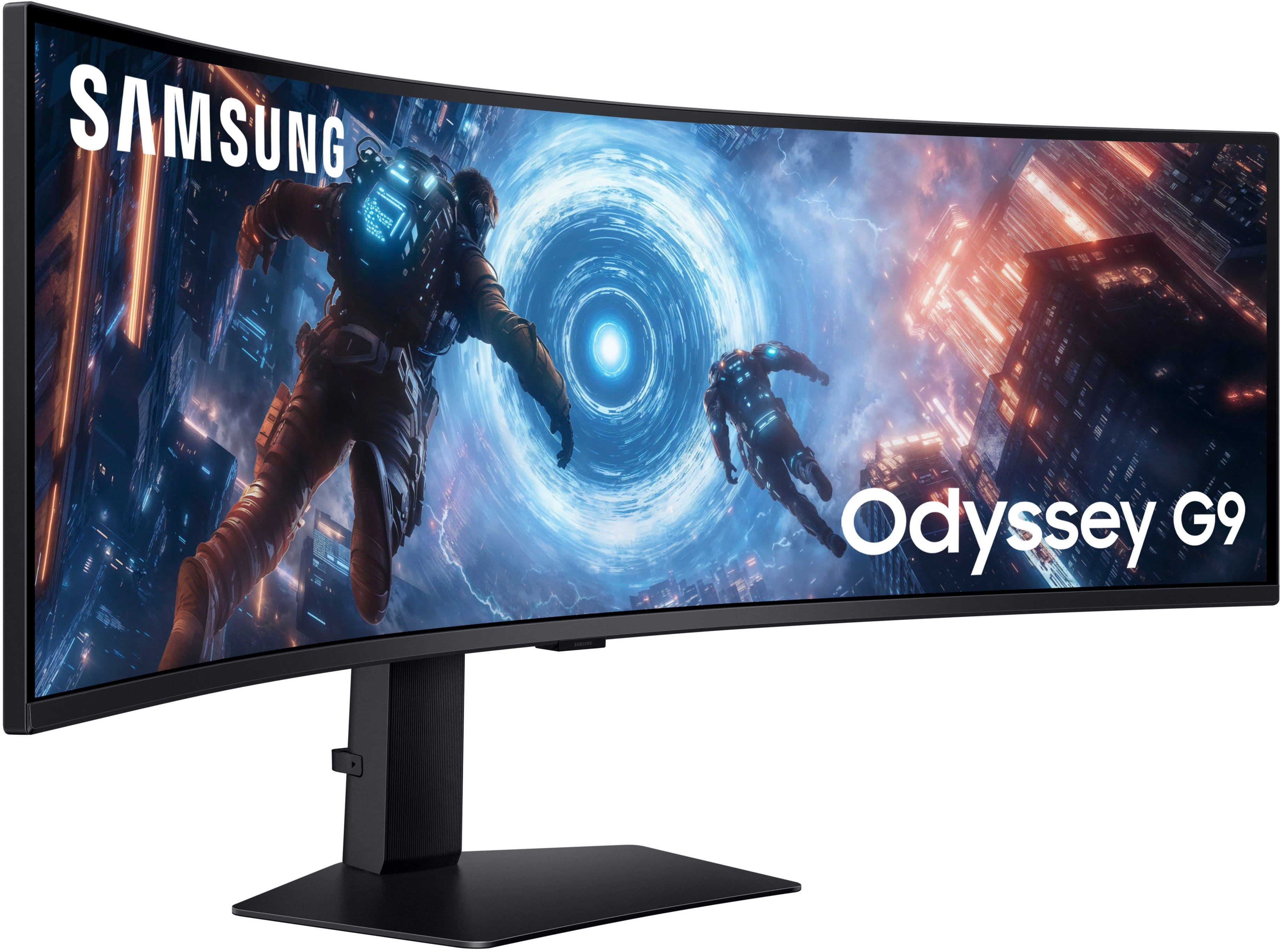
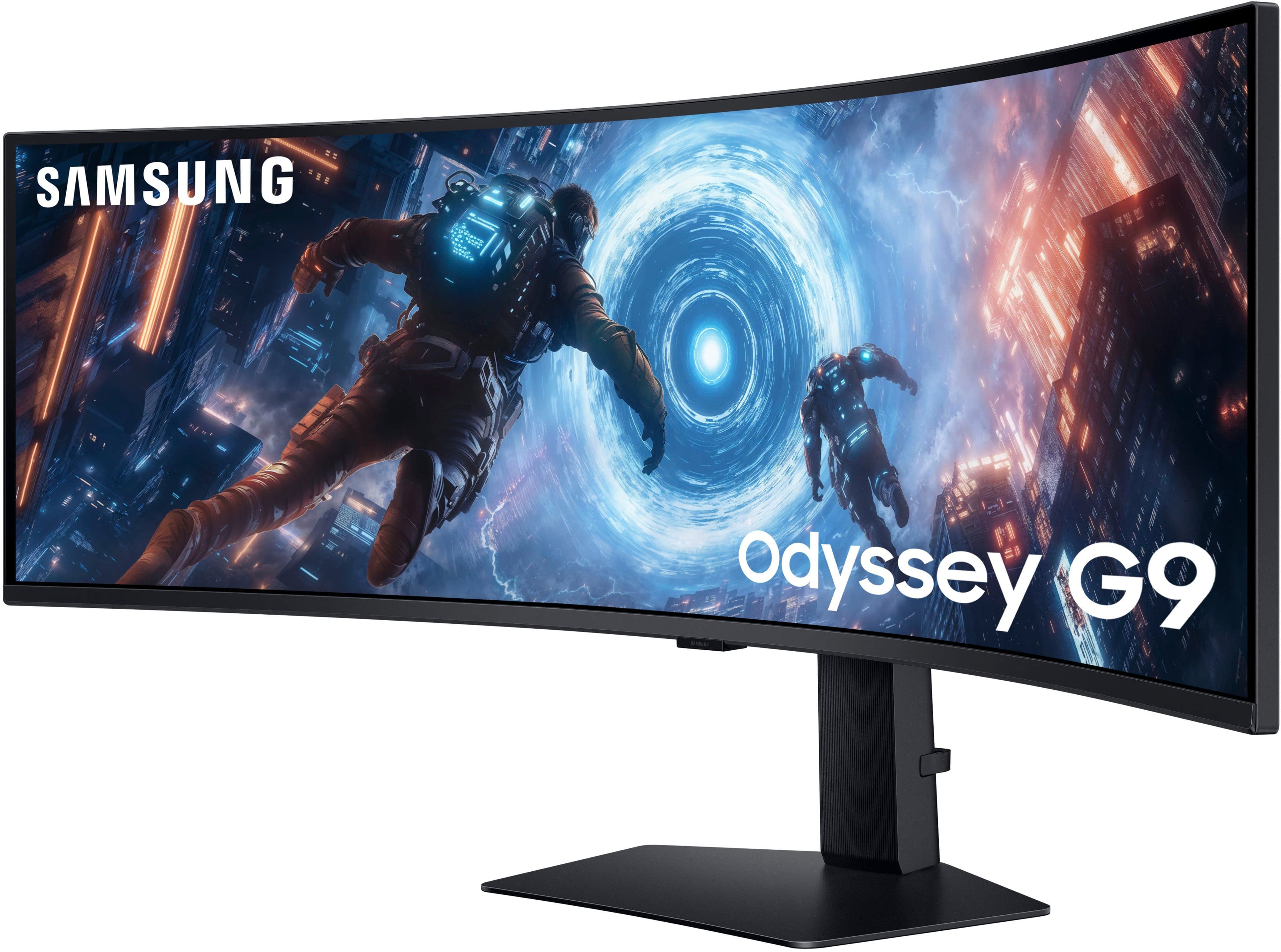
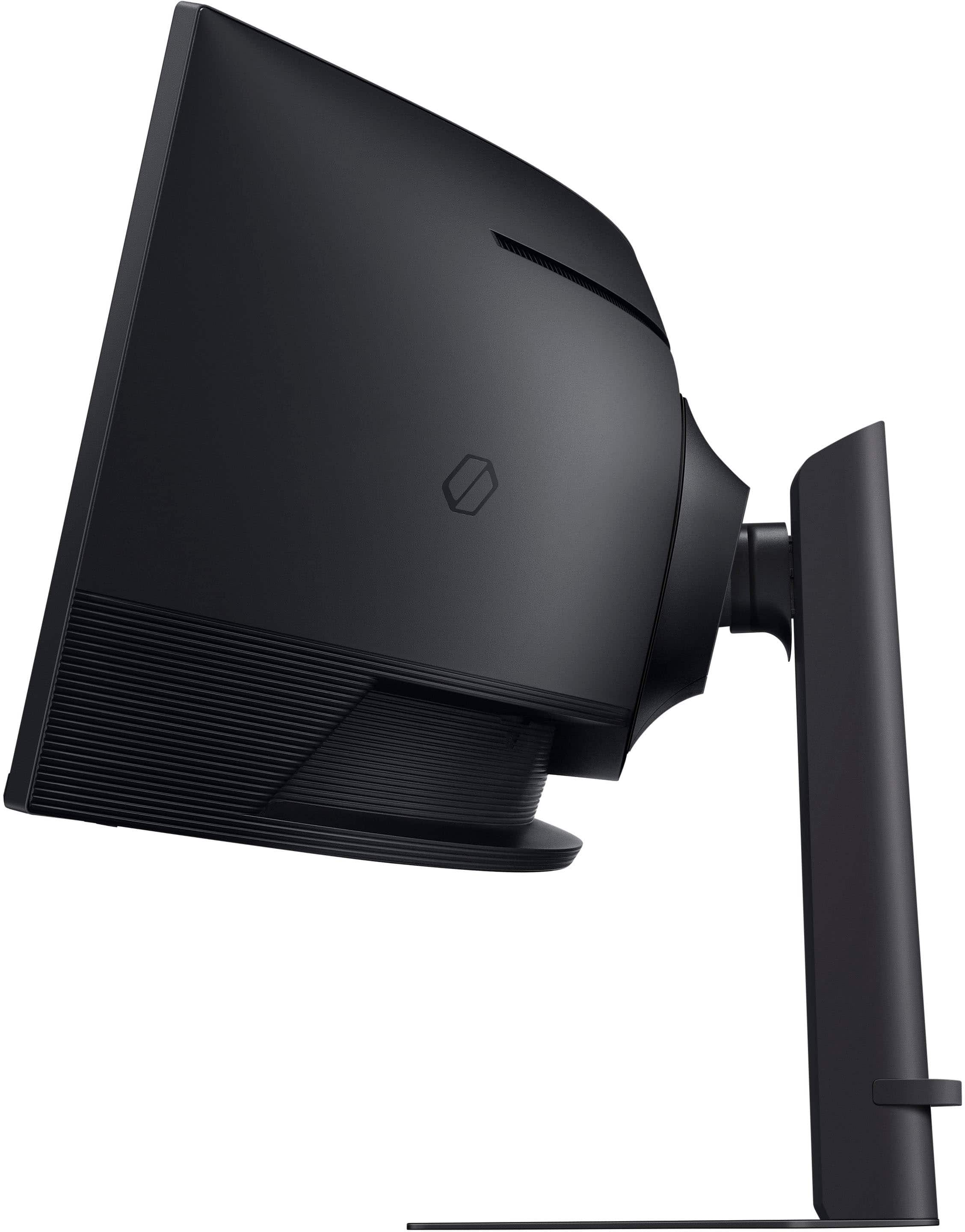
Samsung 49” Curved Monitor
||Posted . Owned for 1 month when reviewed.This reviewer received promo considerations or sweepstakes entry for writing a review.Love this monitor. It’s amazing. The display moves perfectly and I honestly love how big this screen is.
I would recommend this to a friend - Pros mentioned:Screen size
Samsung 49" Odyssey G91F
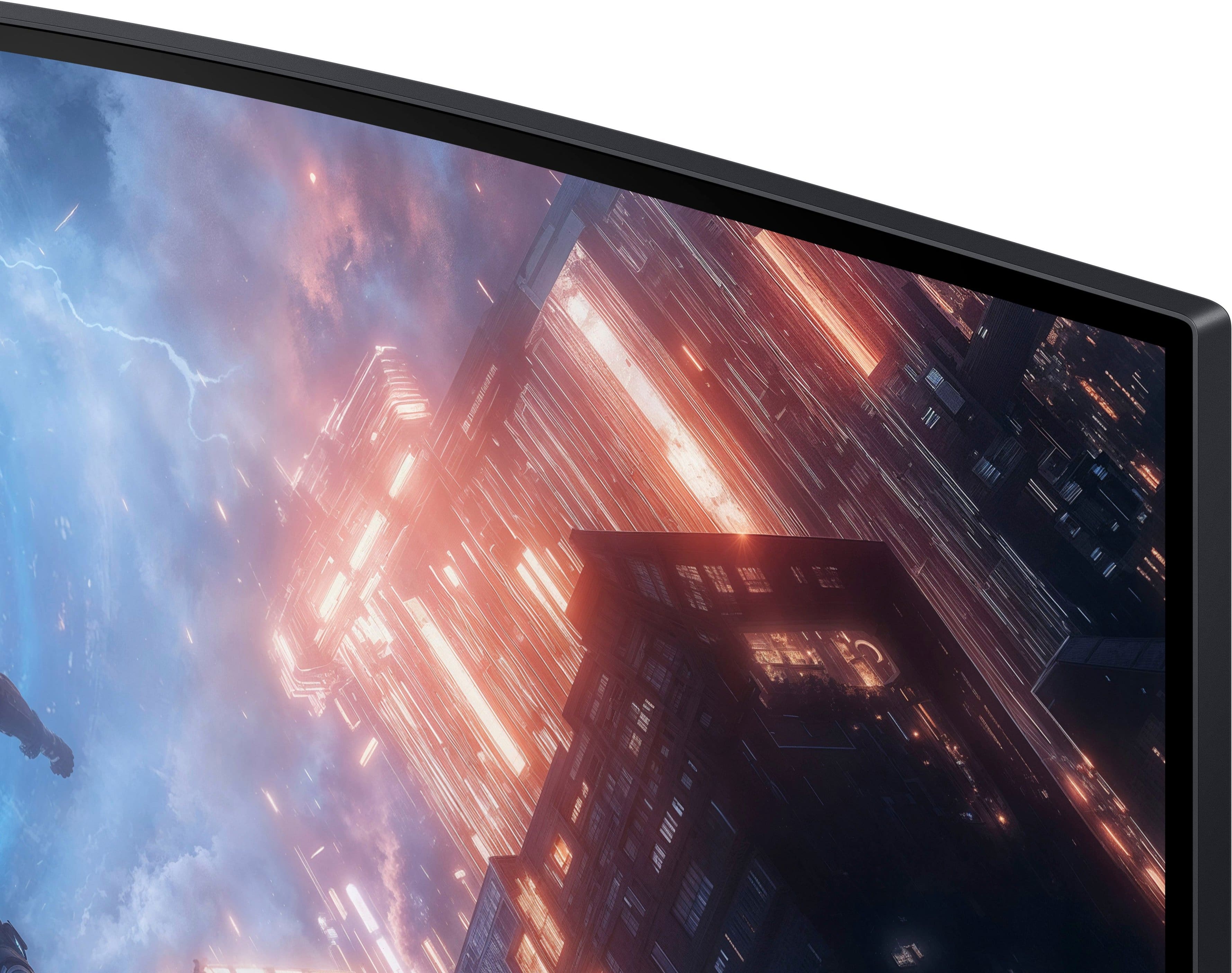
||Posted .This reviewer received promo considerations or sweepstakes entry for writing a review.The build quality and screen size is nice. The image quality on is a bit on the soft size. Not as vivid and sharp as I had hope to be. Needing some use to on the ultra wide screen, has a bit of a warp feeling initially using it.
I would recommend this to a friend Great buy!
||Posted .This reviewer received promo considerations or sweepstakes entry for writing a review.Excellent quality! Purchased an open box. It came with everything including original packaging and surprised my hubby for Christmas. He loves it!
I would recommend this to a friendGaming monitor
||Posted .This reviewer received promo considerations or sweepstakes entry for writing a review.Bought for a Christmas present grandson has been happiest gamer since his
I would recommend this to a friend- Pros mentioned:Overall performance
Samsung odyssey
||Posted .This reviewer received promo considerations or sweepstakes entry for writing a review.Good monitor use for xbox series x great for price
I would recommend this to a friend Computer/disk
||Posted .This reviewer received promo considerations or sweepstakes entry for writing a review.I like its kind of tv but its has different type os screen my kids they like its
I would recommend this to a friendLove it
||Posted . Owned for 3 weeks when reviewed.This reviewer received promo considerations or sweepstakes entry for writing a review.Gaming on this thing is amazing! Especially playing some racing games.
I would recommend this to a friendPrincipal
||Posted .This reviewer received promo considerations or sweepstakes entry for writing a review.Great to use and it's awesome to use for meetings to show multiple screens.
I would recommend this to a friendPerfect multi-tasking monitor
||Posted .This reviewer received promo considerations or sweepstakes entry for writing a review.If you work on multiple screens at once this is the ultimate solution. Excellent viewing angles and easy on the eyes.
I would recommend this to a friendBig Upgrade
||Posted .This reviewer received promo considerations or sweepstakes entry for writing a review.Wonderful transition going from a 14" laptop and 27" monitor to this!
I would recommend this to a friendBest monitor I've had!
||Posted . Owned for 1 month when reviewed.This reviewer received promo considerations or sweepstakes entry for writing a review.I was able to purchase this at a reasonable price. It was available in stock at a location near me. Customer service at the location was awesome.
I would recommend this to a friendMonitor review
||Posted .This reviewer received promo considerations or sweepstakes entry for writing a review.Best Buy helped me out a lot with this item I didn’t get to set it up as of yet but I will in due time!
I would recommend this to a friendGreat Monitor Upgrade
||Posted .This reviewer received promo considerations or sweepstakes entry for writing a review.Good quality and easy to set up. There are no speakers/camera/microphone, so a few additional accessories were needed.
I would recommend this to a friendMonster monitor by Samsung
||Posted .This reviewer received promo considerations or sweepstakes entry for writing a review.Monster monitor. This is the largest monitor I have seen and it is very cool- curved, 49", does not get much better. Only problem is it takes up my whole desk.
I would recommend this to a friendcome on samsung, LGs better
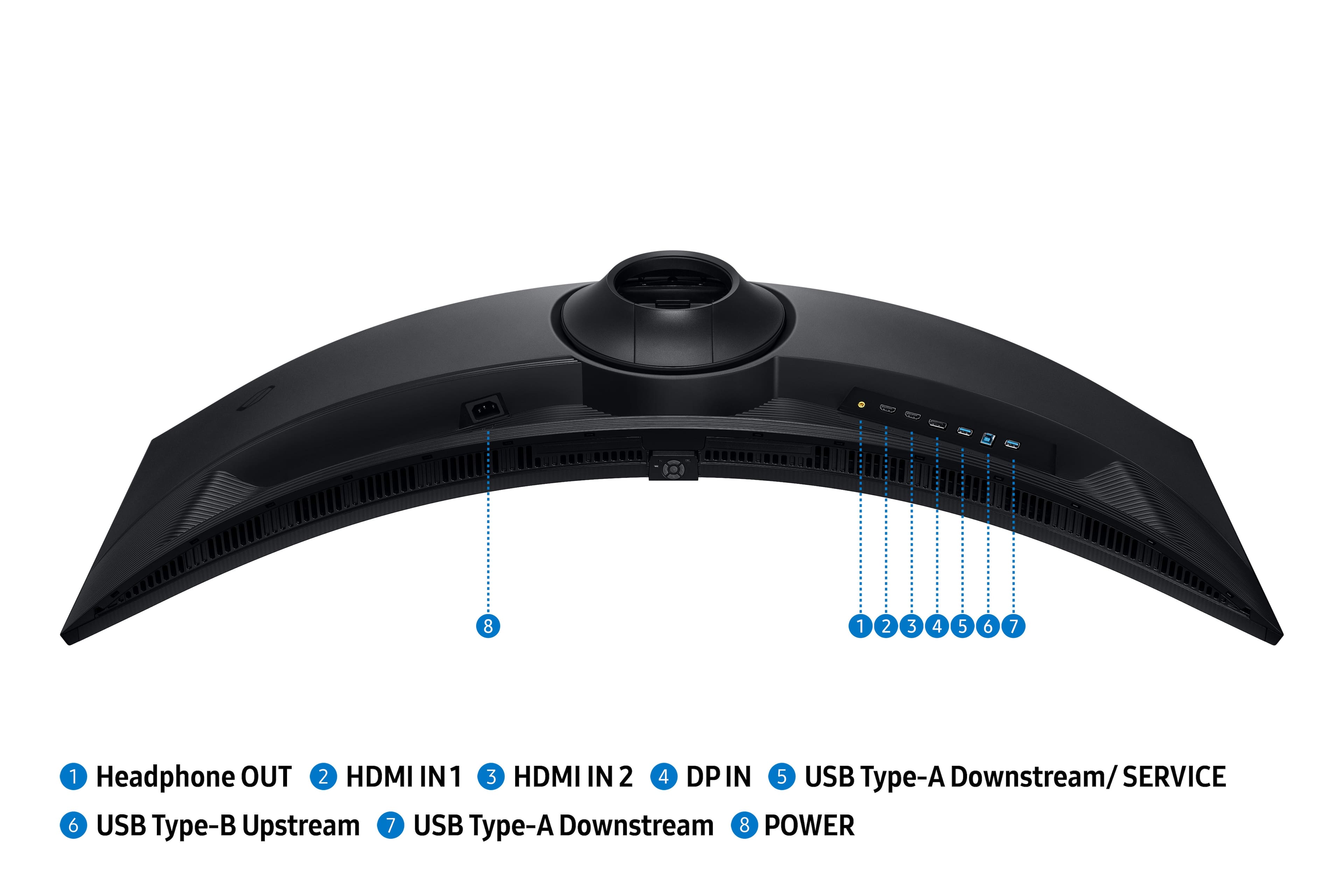
||Posted . Owned for 1 month when reviewed.This reviewer received promo considerations or sweepstakes entry for writing a review.honestly i’m getting pretty tired of samsung products. but just to elaborate; the monitors are way to bulky for such a minimal amount of fps, and the way that they put the plugs facing down instead of out just bumped this rating to one star
No, I would not recommend this to a friendBrand response from Samsung
Posted .thehamgamer:
Thank you for your review of the Samsung G91F Monitor. Your experience is very important to us and we will share your feedback with our product team. It is our customers’ concerns and opinions that drive our continuous efforts towards delivering world-class service and products.
If there is anything, we can do to help improve your experience, please contact Samsung Customer Support.
Call us at 1-800-SAMSUNG, available from 8AM - 9PM EST Monday - Friday, and 8AM - 6PM Saturday and Sunday. Or visit the Samsung website and click on the ‘Support’ link for:
• LiveChat with an agent
• Manuals, Software, and Warranty Info
• Creating a Service ticket
~ Samsung Monitors
- Pros mentioned:Immersion, Refresh rate, Screen sizeCons mentioned:Connectivity

Great for Gaming and Productivity
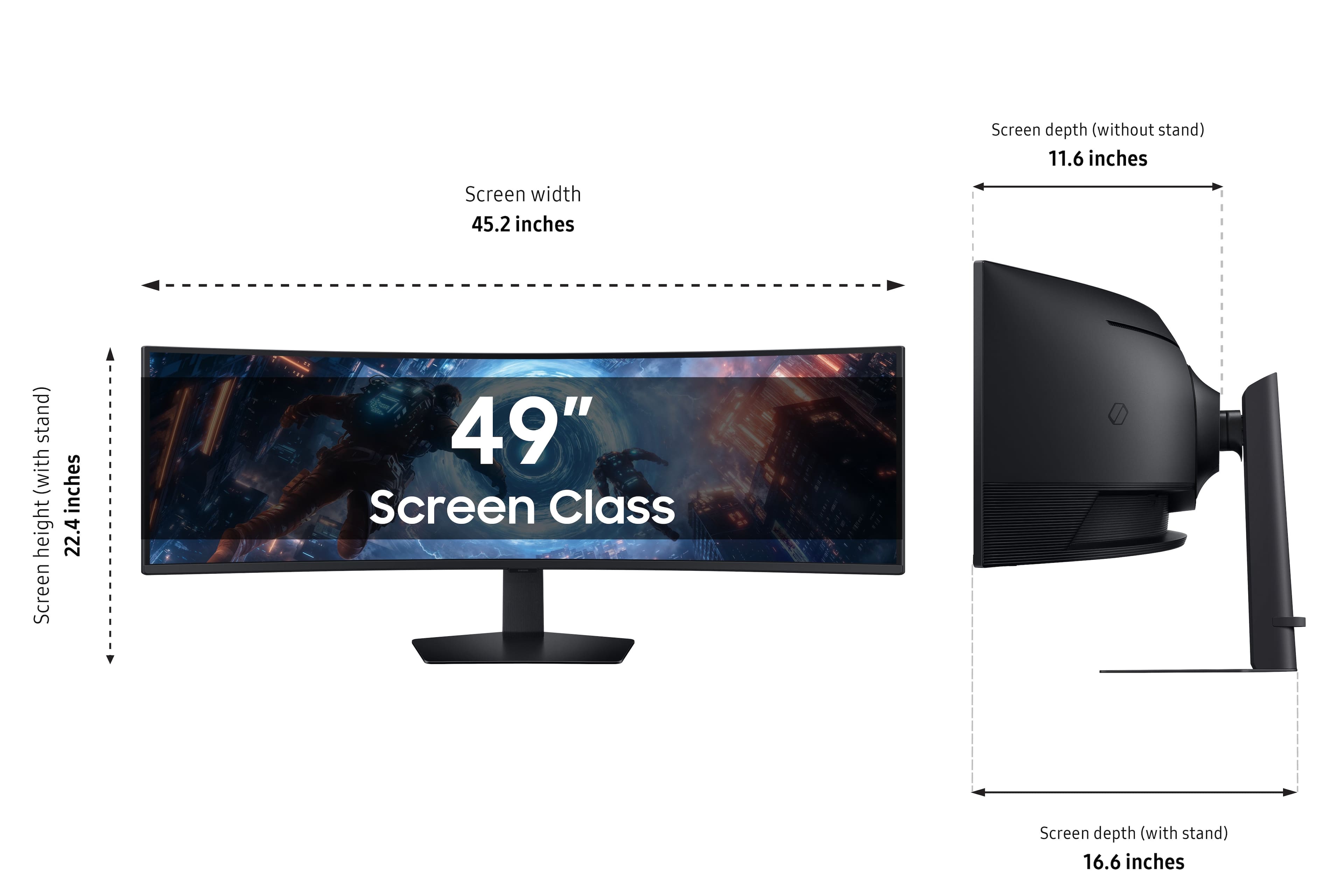
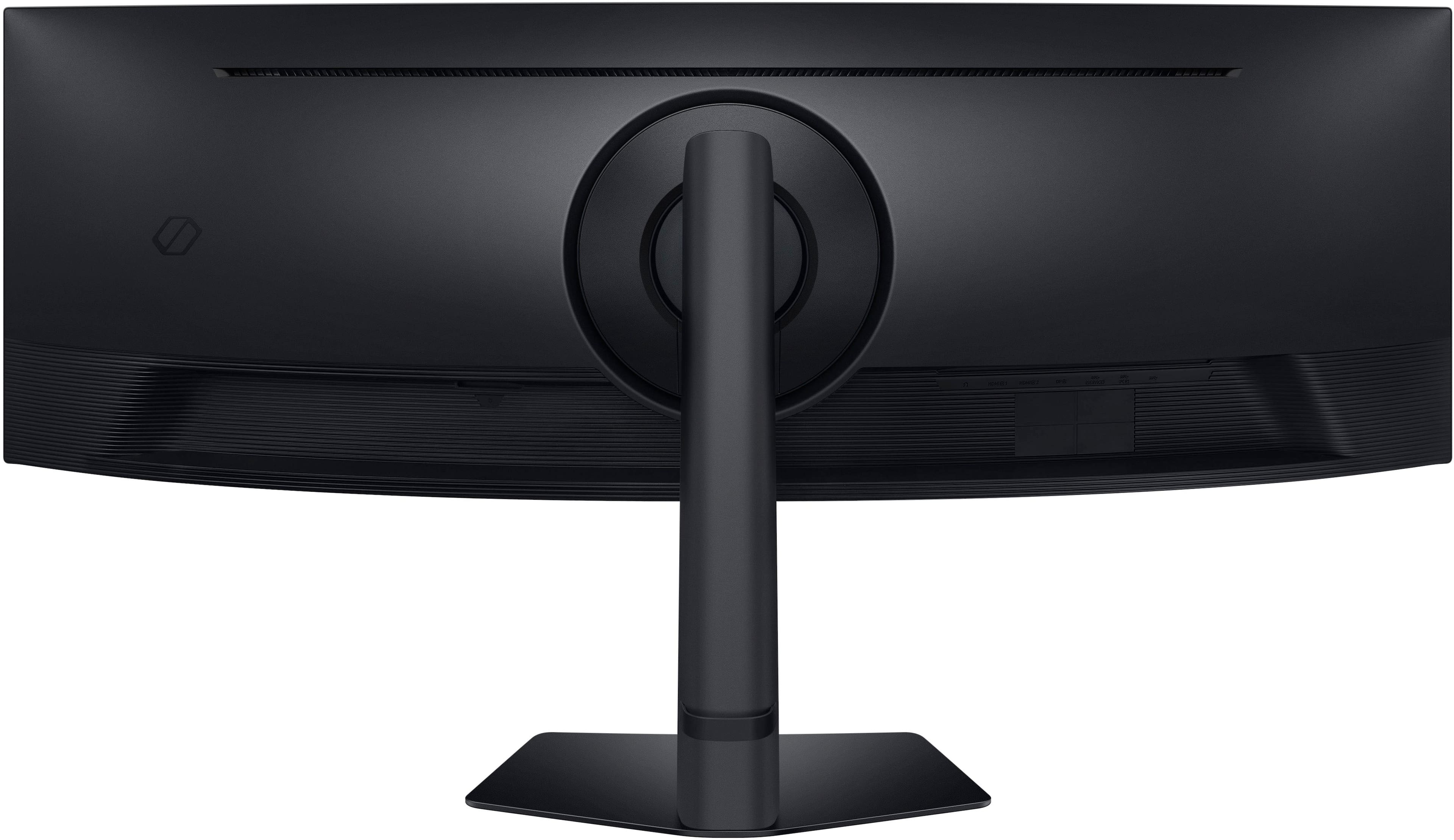
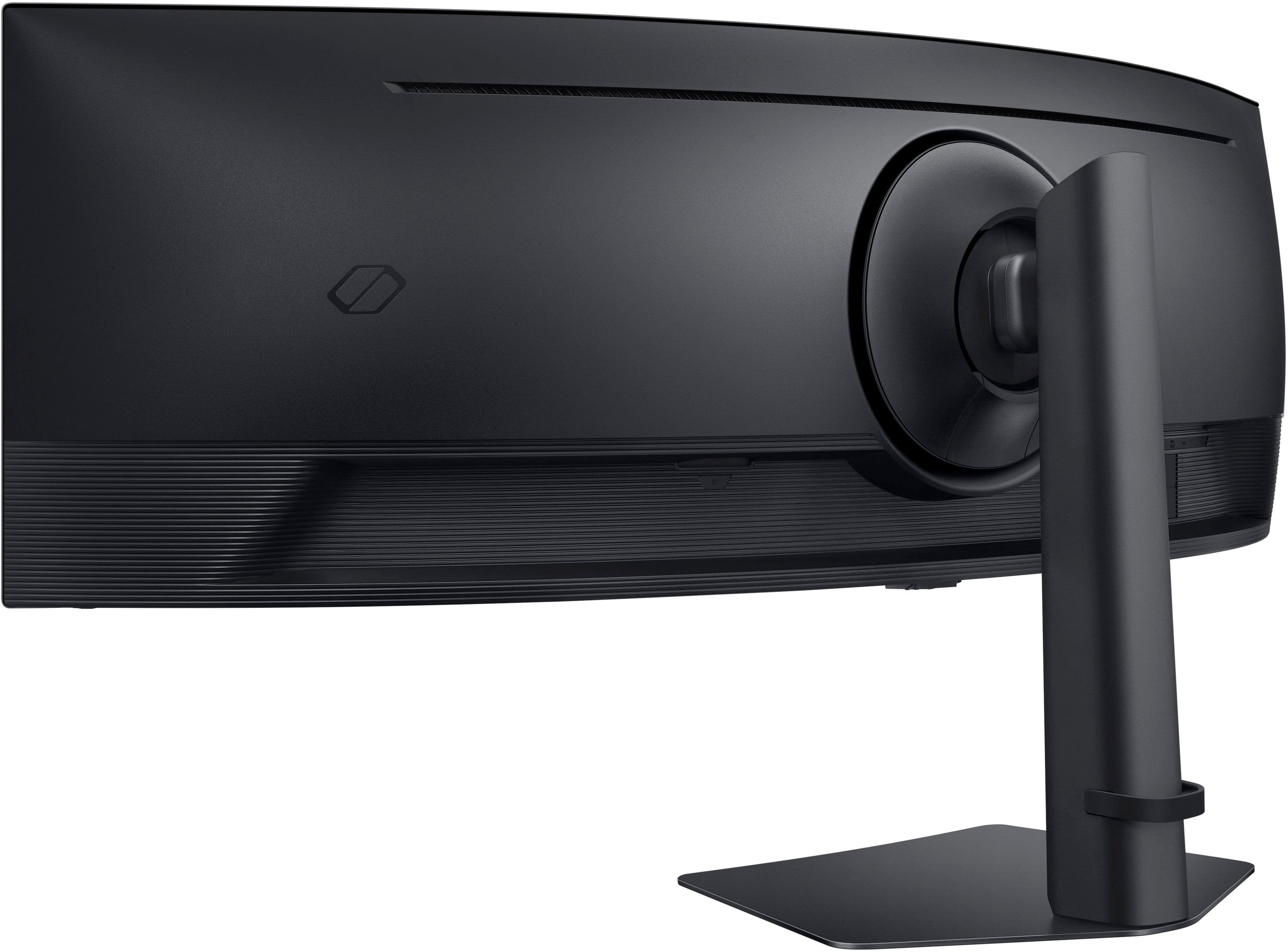
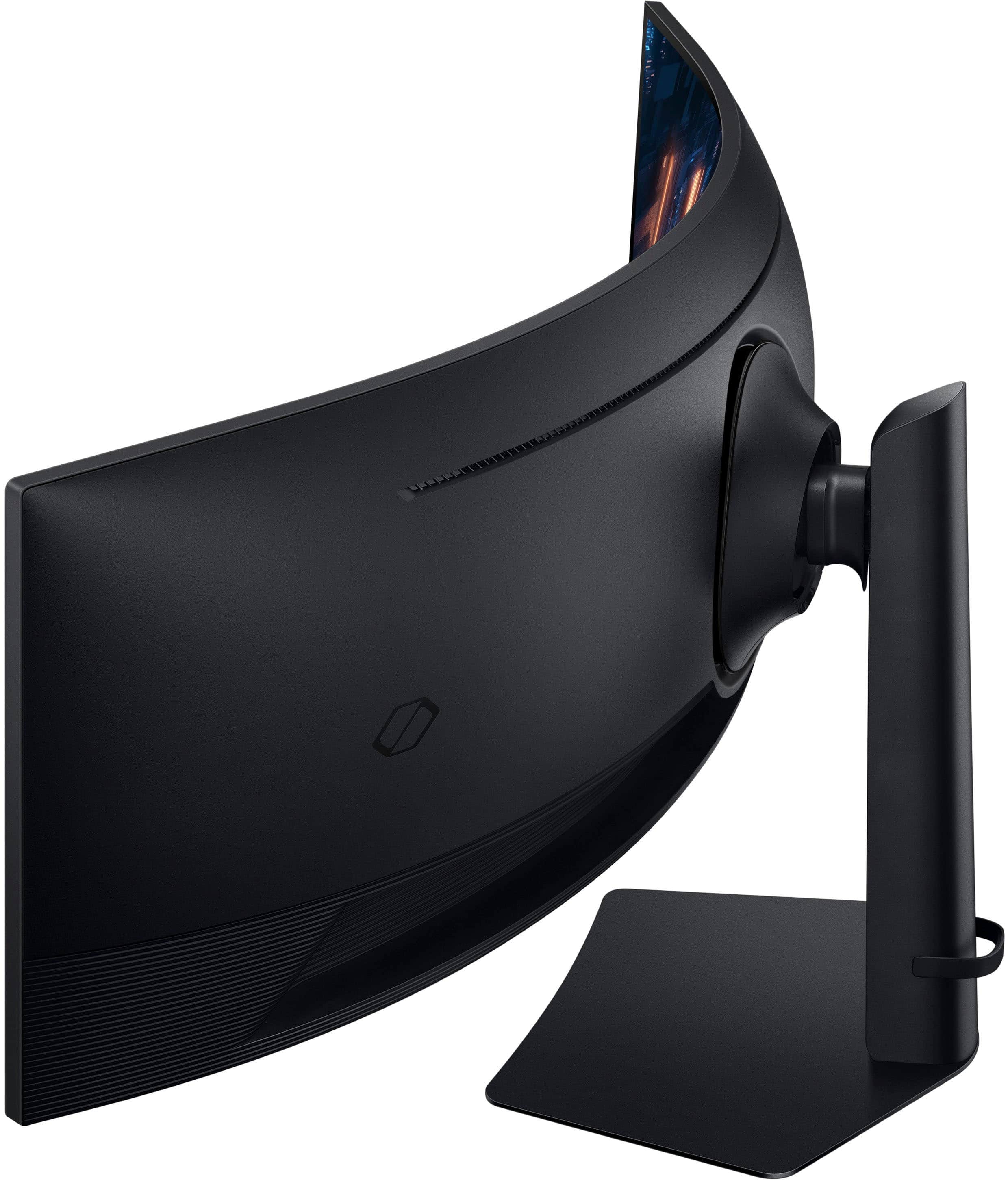
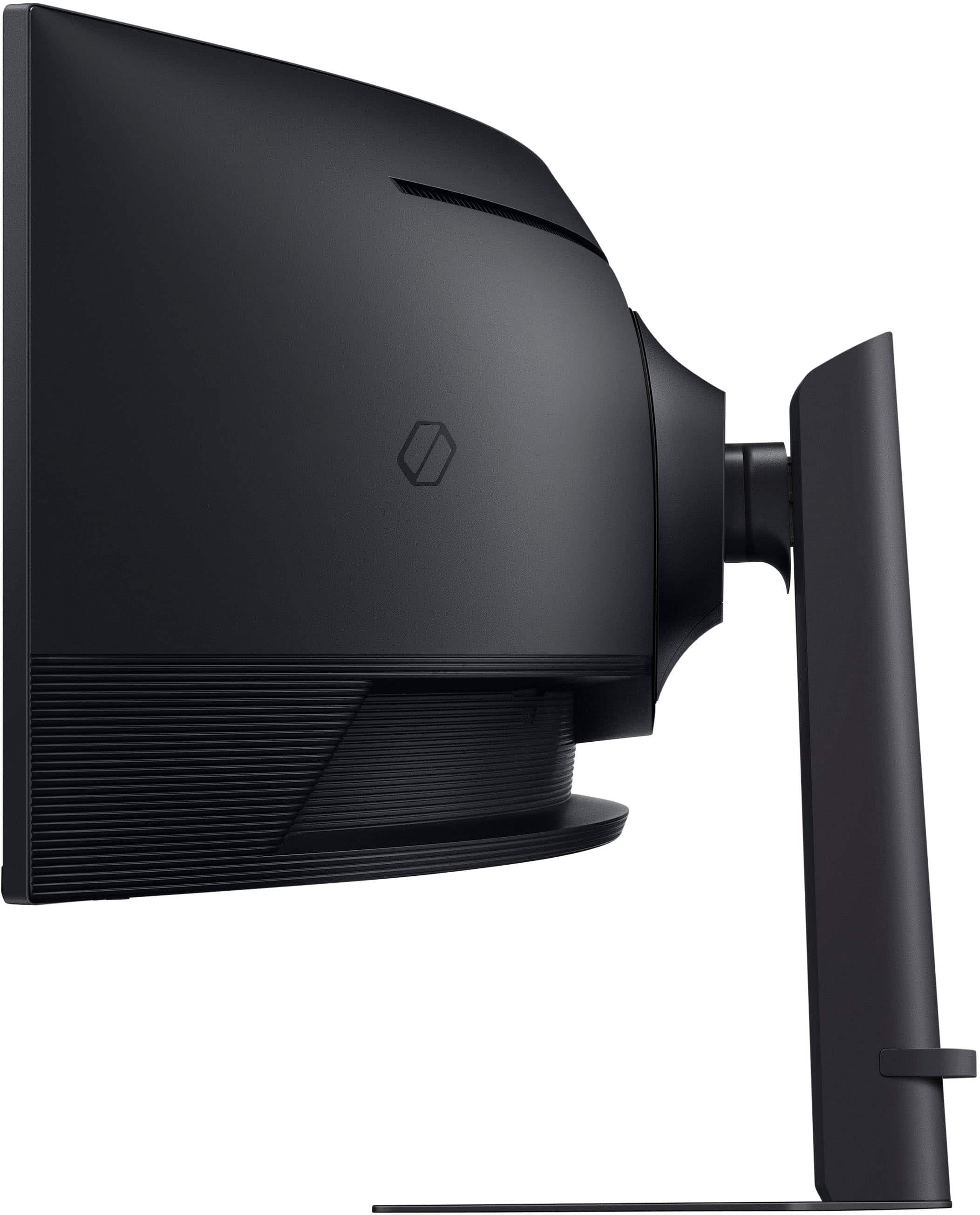
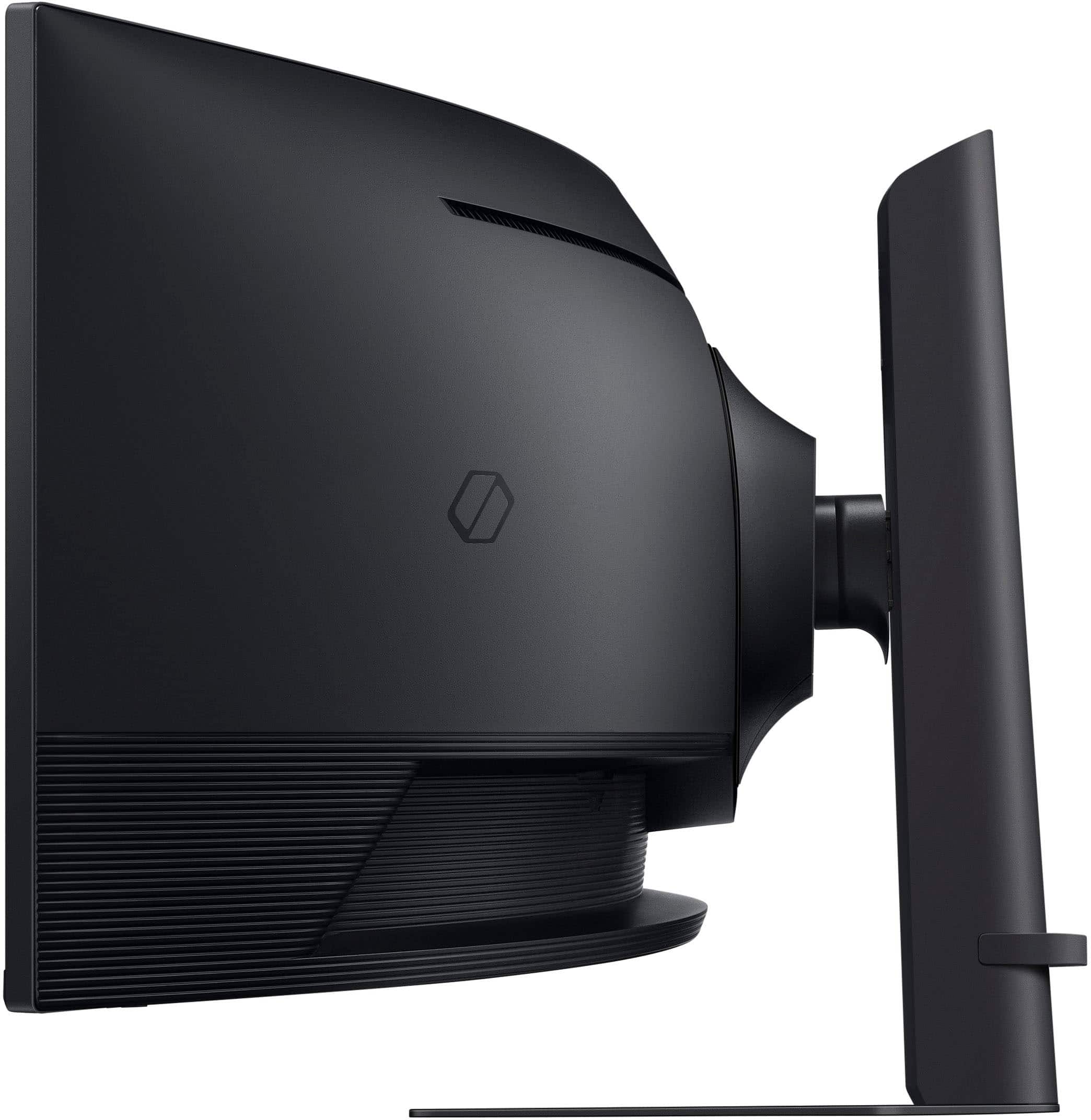
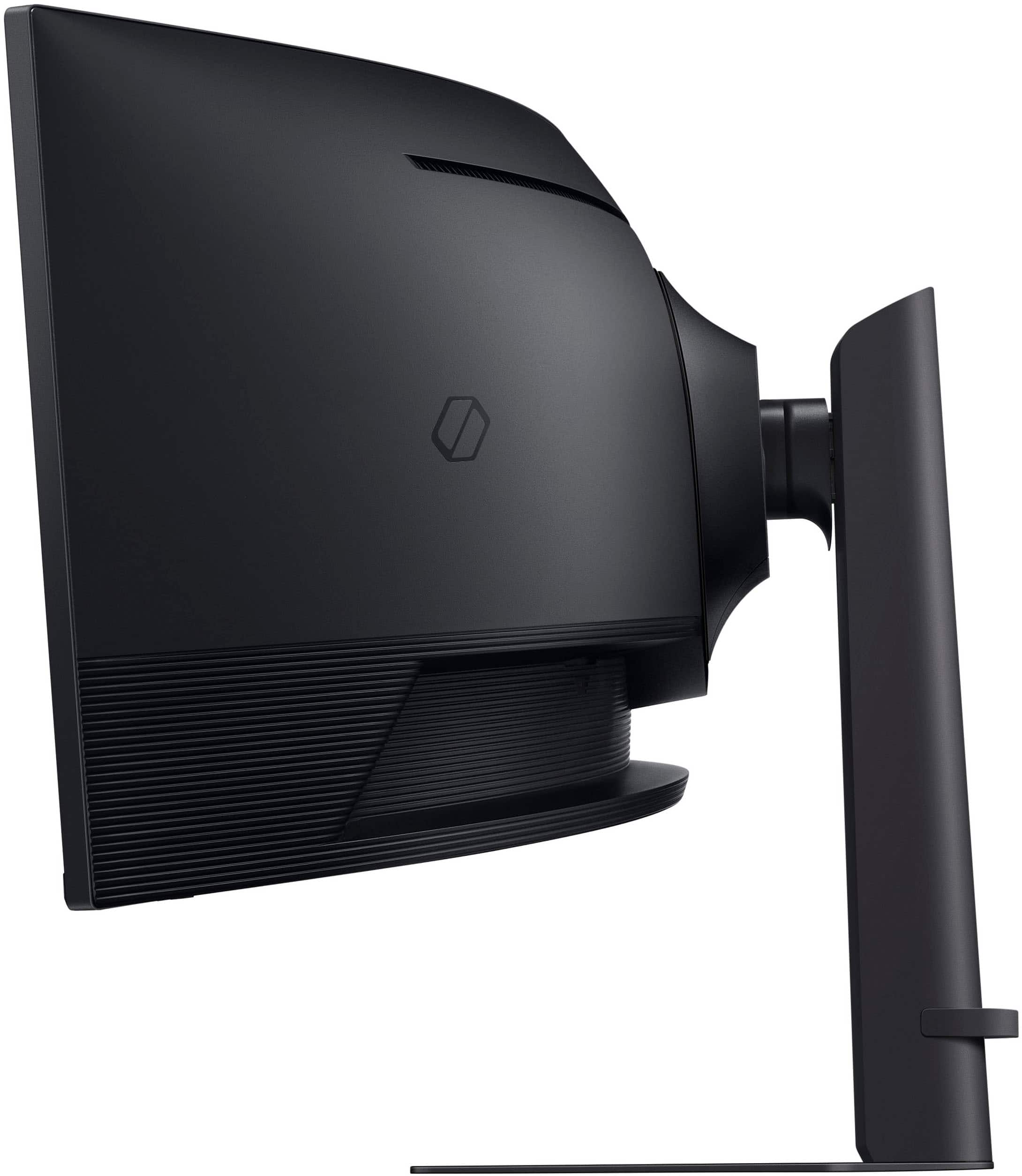
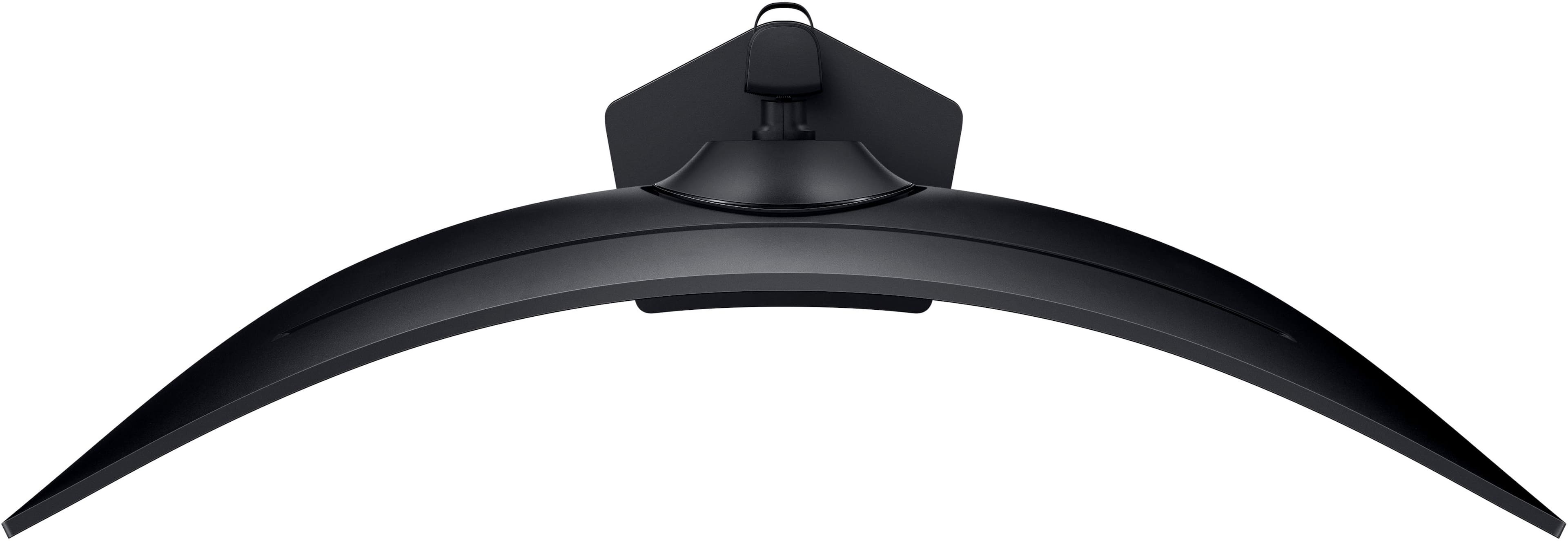
|Posted .This reviewer received promo considerations or sweepstakes entry for writing a review.This monitor is easy to assemble and pretty solid. I wish the stand would go a few inches higher and sit back a bit more. Its vesa compliant using 100 x 100 pattern if you want to wall mount or use a different monitor arm. Comes with one display port cable but no hdmi cable. The screen is 49" ultrawide so its like having two 27" monitors side by side. Its massive! The curve in this is 1000r which is a bit more than the typical 1800r. The 1000r curve works really good with this width. I find it very immersive. As for picture quality I admit I was disappointed at first but was eventually able to get it looking good. My biggest gripe with this monitor is the provided color profiles. I found them all either way too warm or way too cool. They also all looked extremely washed out. I had to do some tweaking in the picture settings and eventually was able to get the colors to look better. With that said out of the box you might not be impressed but you can make this thing look good with some effort. Since its a VA type panel it looks good if your sitting right in front of it but fades rather quickly as soon as you walk away, but that's expected. Lets be clear. This is Samsung's budget-friendly G9 monitor. While it forgoes the 240Hz refresh rate, OLED display, and customizable RGB lighting found in its premium siblings, this G9 still delivers a compelling visual experience. Its using a 144Hz VA panel at 5120 X 1440 which is still impressive. And since its LCD you don't have to worry about burn-in or text fringing that a lot of the OLEDs have. It has a auto detect feature if you have multiple inputs but it only works if it detects a new connection. It wont revert back to the other inputs if you disconnect the one you are using. I use this for both occasional gaming and work related stuff so I have two different PCs connected at once. Most of my work involves text on the screen and needing multiple windows up at the same time. With that said this monitor works wonders for this use case and I find that it significantly boosts productivity. When it's time to unwind with a game I love the extra screen real estate and the 144HZ refresh rate. Note if you play a game that doesn't support the full 5120 X 1440 resolution it just puts black bars on the side. Is this the best ultrawide monitor out there? No. But what your getting here is a 49" ultrawide monitor under 1k that you can use for gaming and productivity. With that said that's a pretty solid deal.
I would recommend this to a friend Great monitor this one just didn’t work
||Posted .This reviewer received promo considerations or sweepstakes entry for writing a review.I’m not sure if this review is this brand monitor but I tend to think it’s not. I bought an open box version and got it home and it just didn’t work. I replace it with a different version that works flawlessly and Best Buy return policy is amazing but for me this particular monitor did not work.
I would recommend this to a friendBrand response from Samsung
Posted ."Thank you for your review.
We are sorry you were not satisfied with your experience. Your overall feedback is important to us and we will document your concerns.
We also recommend you contact Best Buy directly for assistance in correcting the situation.
If you ever need assistance with the monitor itself, please contact Samsung Customer Support and a rep will be happy to assist you:
1-800-SAMSUNG, available 8AM - 12AM EST (Mon-Fri) / 9AM - 11PM EST (Sat-Sun)
Samsung is committed to providing the best possible product experience, quality, and value, and we are always here to help with any of your questions or concerns.
"
- Pros mentioned:Immersion, Refresh rateCons mentioned:Connectivity
Versatile Tool For Gaming and Productivity
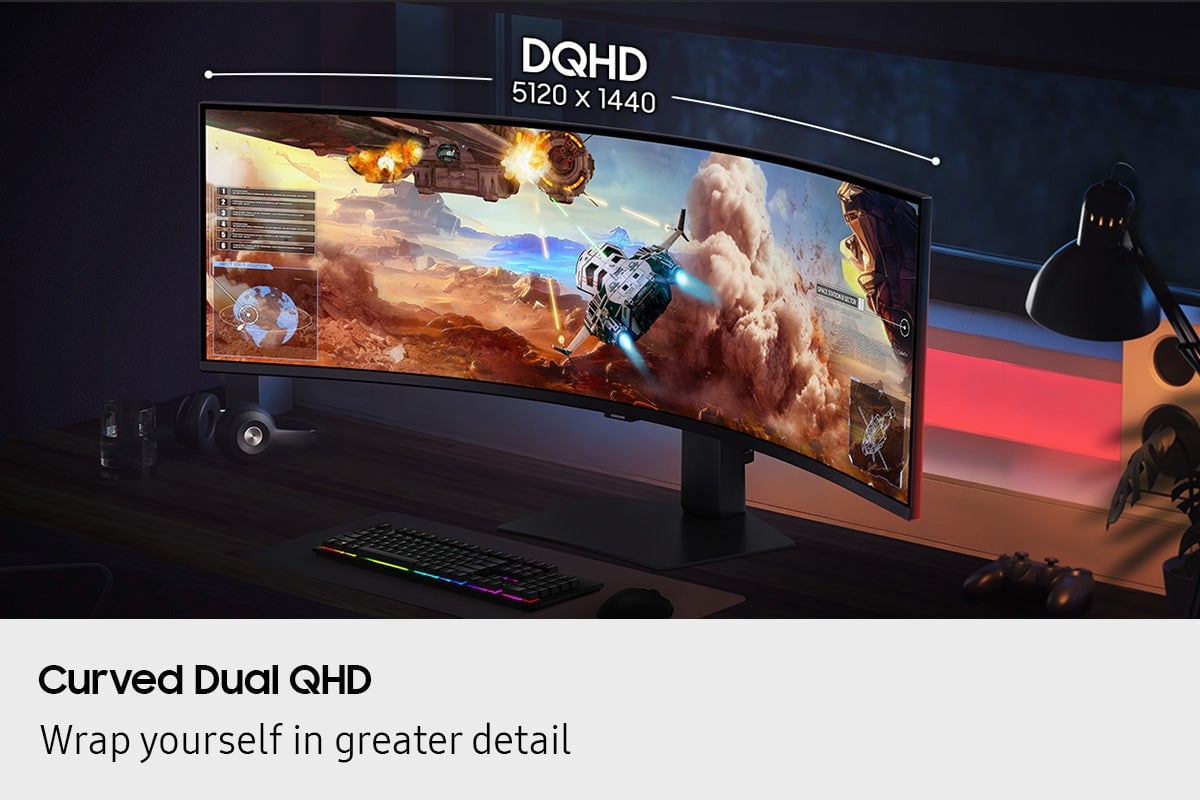
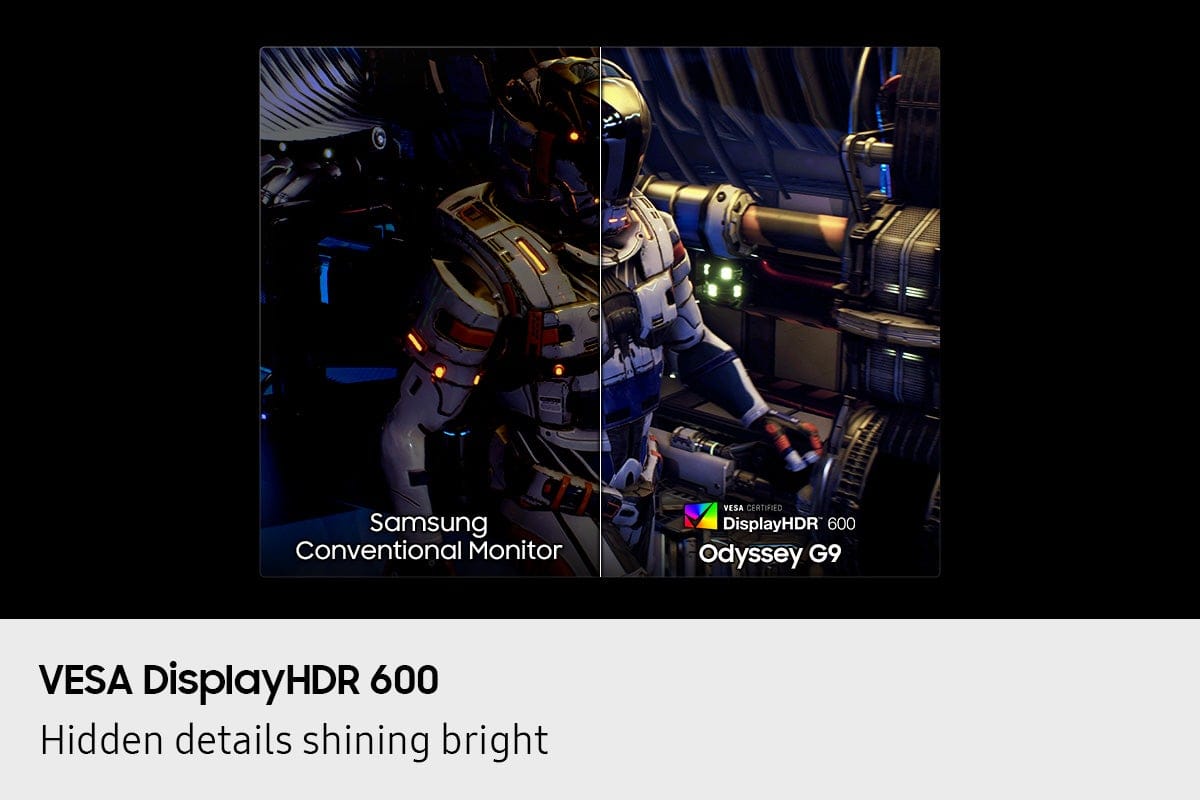
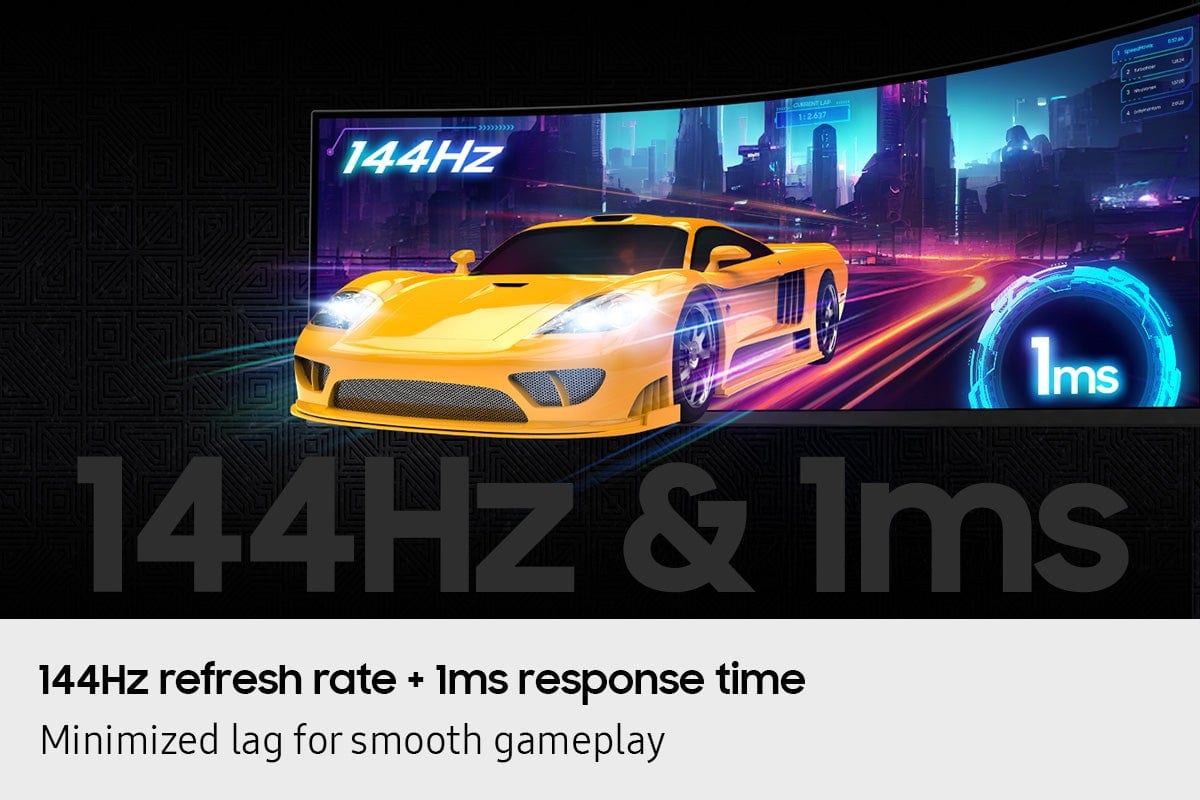
|Posted .This reviewer received promo considerations or sweepstakes entry for writing a review.The Samsung 49" Odyssey G9 G91F is not just a monitor, it's a gateway to immersive gaming. Its unique features, such as the 1000R curved display and Dual QHD resolution, stand out as a high-performance design that is a game-changer for any gamer or professional seeking an unparalleled visual experience. The G91F features a 49-inch ultra-wide 32:9 screen with a Dual QHD resolution (5120x1440), equivalent to two 27-inch 1440p monitors side by side. The 1000R natural curve enhances immersion by wrapping the display around your field of vision, making you feel like you're in the game. The ergonomics includes an adjustable stand that supports height, tilt, and swivel adjustments, allowing users to find a comfortable viewing position. The base and neck of the stand are made of strong metal. The metal neck has a simple rubber strap for cable management. The monitor's build quality is robust, focusing on gaming aesthetics. There is even enough room for a webcam setup at the base of the stand. Users must ensure they have ample desk space because of the monitor's large footprint. The monitor offers a 144Hz refresh rate and a 1ms (GtG) response time. I played the racing game "Gran Turismo". The feeling of immersion is undeniable. I felt like I was in the cockpit of a race car. The 1000R curve and Dual QHD resolution help create a panoramic view, which is perfect for many simulation games. The Samsung G91F monitor supports VESA DisplayHDR 600, providing deeper blacks and brighter whites compared to standard displays. While not as advanced as DisplayHDR 1000, it still offers solid contrast and vibrant colors, with precise details in dark scenes. The ultra-wide screen supports Picture-by-Picture (PBP) and Picture-in-Picture (PiP) modes, allowing users to split the display for simultaneous gaming, streaming, or productivity tasks. This versatility empowers users to be productive and entertained simultaneously. It's important to note that there are no speakers with this monitor, and that the five-way buttons used to set your monitor to your liking are at the bottom of the monitor. Samsung should include a software feature that allows you to control the various settings of the monitor using your keyboard or mouse. An Auto Source Switch feature automatically detects and switches to new input sources when devices are powered on, streamlining connectivity without manual input selection. For instance, I was playing The Witcher 3 on my PC. I switched to another console, and the monitor automatically detected the console's signal and switched to the new source, which saved me time and the hassle of manually changing the input. Users have several connectivity options, which include two HDMI 2.1 ports, a DisplayPort, and USB ports, offering robust connectivity for PCs, consoles, and peripherals. However, it lacks USB-C DisplayPort Alt Mode, which may limit compatibility with some modern devices like certain MacBooks. The G91F delivers an immersive gaming experience, especially for titles supporting the 32:9 aspect ratio or open-world games. However, some games and consoles (e.g., PS5, Xbox Series X/S) don't fully support the 32:9 aspect ratio, resulting in black bars on the sides, which can reduce immersion. The G91F is not just about gaming; users can use the monitor for multitasking work-related projects like video editing or financials like QuicBooks. Its ultra-wide screen is ideal for multiple windows to be open side by side. Plus, there is minimal or zero head movement when viewing the screen from the middle. The monitor is a comfortable and efficient tool for and and play. It's important to note some of the drawbacks to this monitor. The G91F uses a standard panel that doesn't match OLED's color accuracy, contrast, or response time (0.03ms vs. 1ms). This makes it less premium compared to higher-end models. I experienced compatibility issues with my PS5 due to the lack of 4K @ 120Hz support and an ultrawide screen. Black bars appear in unsupported games, reducing the monitor's effectiveness. Further, the monitor's large size demands significant desk space, and its 144Hz Dual QHD output requires a powerful GPU to maximize performance, which may not suit some budget setups. I tested the monitor's brightness by playing a game in a bright, sunlit room. After making sevreal adjustments to monitor settings, the picture on the monitor was a little tricky to see. I suggest that console gamers or those in bright environments consider alternatives with OLED or higher HDR ratings. Overall, the Samsung G91F has above average color quality. It offers an immersive gaming experience and ease of setup for multitasking. It is ideal for PC gamers with high-end setups and professionals needing a dual-monitor replacement. It's a great option for those who can fully utilize its other amazing features.
I would recommend this to a friend Open box - lines thru the monitor
||Posted . Owned for 1 week when reviewed.This reviewer received promo considerations or sweepstakes entry for writing a review.Purchased online as an open box and got it home to find out there were at least a dozen lines across the whole screen. Took it back for a refund, but I should have learned...this is the second time and open box has not been in good condition when clearly stated on the open box condition that it was supposed to be in good working order.
No, I would not recommend this to a friendBrand response from Samsung
Posted .Please know you are leaving a review for the Samsung G9 G91F monitor, not the service provided by a third party seller. Please follow up directly with the seller for further assistance. We hope your issue is resolved in a timely manner. Should you have questions regarding Samsung monitors, please contact Samsung Support at 1-800-SAMSUNG, 8AM - 12AM EST, 7 days a week. Our LiveChat agents are also available by clicking on the ‘Support’ link on our website.
- Pros mentioned:Resolution, Screen size
FUN GAMING EXPERIENCE
|Posted .This reviewer received promo considerations or sweepstakes entry for writing a review.As always with anything from BEST BUY, shipping was quick and the product arrived in great shape and undamaged. Set up was a little time consuming for us but alas we are seniors and surely for a younger person more adapt with today's technology it is probably a breeze. Keep in mind that his is our very first CURVED Computer Gaming Monitor, so we really don't have anything to judge it against, none the less this monitor is fantastic, it's everything that it is advertised to be and more. So crisp and clear and I swear we can see not only more detail on our favorite games than previously playing on a regular computer monitor but we can now see things that we never really noticed before, things at the peripheral edges that we didn't notice before. Deep solid Black Colors, and no lag time whatsoever that we can see. And the cherry on top is the picture in a picture feature so multi-tasking is possible without game playing interruption. Although the screen does tilt, the stand in general does not go up as high as it should, and it definitely can tip over forward a lot more easily than tip over backward and you would think that the designers would of made that the other way around. The fun and change in over all game playing experience is well worth the price and more. This is a fun product and we are very please with it. We will definitely recommend it to our friends and family.
I would recommend this to a friend