Customer Ratings & Reviews
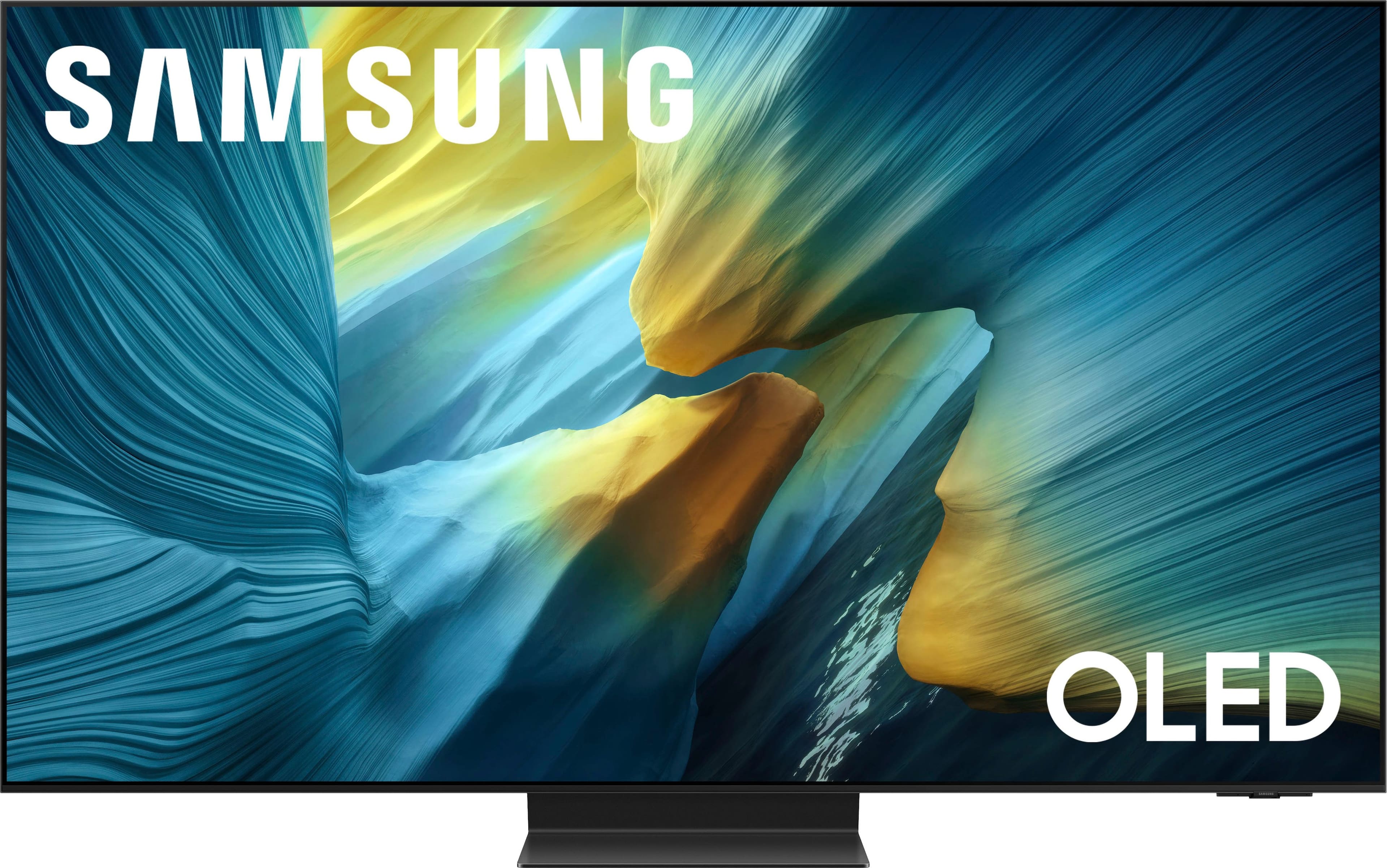
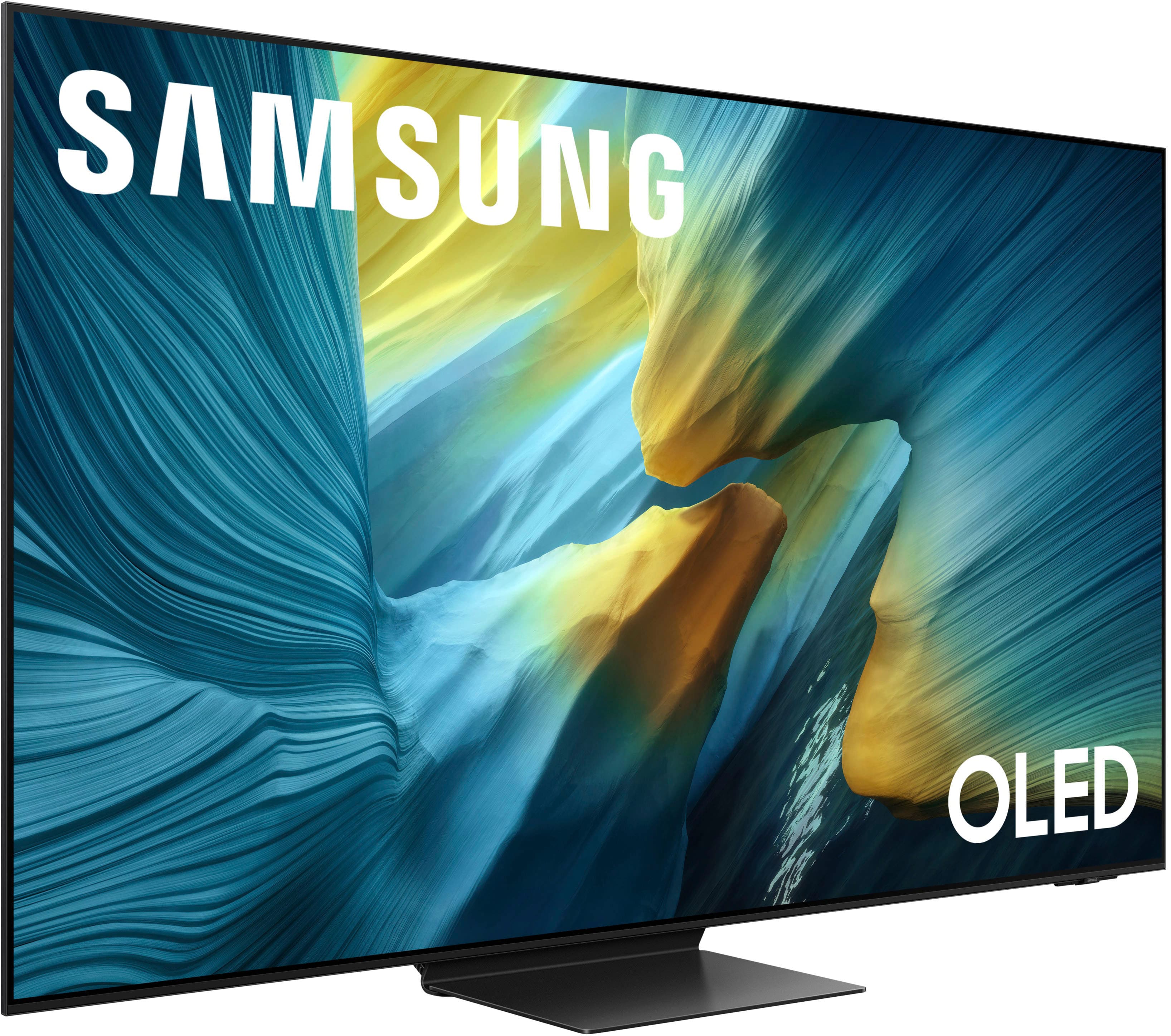








- Model:
- QN55S95FAFXZA
- SKU:
- 10313307
Rating by feature
- Picture Quality
Rating 4.9 out of 5 stars
- Sound Quality
Rating 4.6 out of 5 stars
- Brightness
Rating 4.9 out of 5 stars
55” Samsung tv
||Posted . Owned for 1 week when reviewed.This reviewer received promo considerations or sweepstakes entry for writing a review.I am very pleased with my purchase the sales person at BestBuy assisted me in getting the best picture quality and best tv for the lighting conditions in my home
I would recommend this to a friendBest upgrade available
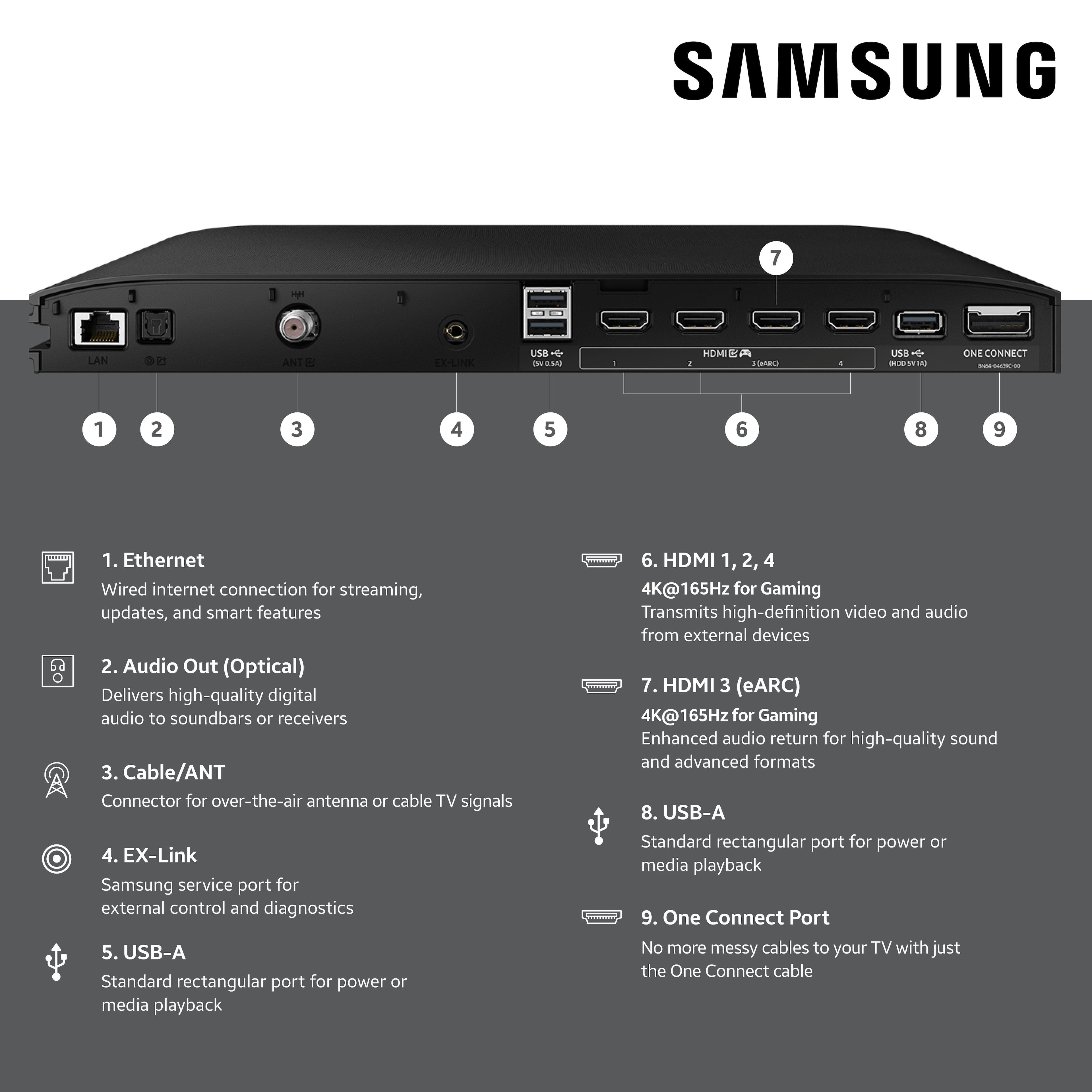
||Posted . Owned for 3 weeks when reviewed.This reviewer received promo considerations or sweepstakes entry for writing a review.Colors are great. Interface is a little annoying with no input button on the remote itself so youre forced to navigate the menus to swap around inputs. The setup was okay? I had to find a video on youtube because the stand came in 3 pieces maybe not an issue if youre wall mounting. Overall good tv great picture quality. I use it for gaming and netflix so far so good.
I would recommend this to a friendBrand response from Samsung
Posted .Hi,
We appreciate you sharing your experience. To help you get the most from your TV and remote functions, you can download the full e-Manual and more by visiting Samsung’s website then navigating to: Support > Manual & Software > TVs & Home Theater. From there, you can search for and select your S95F TV model to view or download the available guides.
The e-Manual & Remote Control Guide are also conveniently built into your TV: Settings > Support > Tips and User Guides.
For additional guidance, your TV also includes Accessibility features designed to assist with navigation and remote use.
• Learn Menu Screen provides audio guidance for on-screen menus by announcing the name and function of each item as you scroll – without making any changes. This is especially helpful for users who are visually impaired or new to Smart TV menus. Enable via: Settings > All Settings > General & Privacy > Accessibility > Learn Menu Screen. To exit, press the Return key twice.
• Learn TV Remote helps users become familiar with the layout and function of each button on the Samsung remote. Pressing a button (other than Power) will prompt the TV to announce its name and purpose, again without affecting TV operation. Enable via: Settings > All Settings > General & Privacy > Accessibility > Learn TV Remote. To exit, press the Return key twice.
If you’d like more assistance with these features, please reach Samsung Support at 1-800-SAMSUNG, available 8AM – 12AM EST, 7 days a week. LiveChat agents are also available through the ‘Support’ link on our website.
~ Samsung Specialist
Good product
||Posted . Owned for 3 weeks when reviewed.This reviewer received promo considerations or sweepstakes entry for writing a review.Samsung makes very good electronics. This tv replaces one I had for 15 1/2 years and I never had any issues with it until it finally quit working. I expect to have this television for as long.
I would recommend this to a friendNo glare
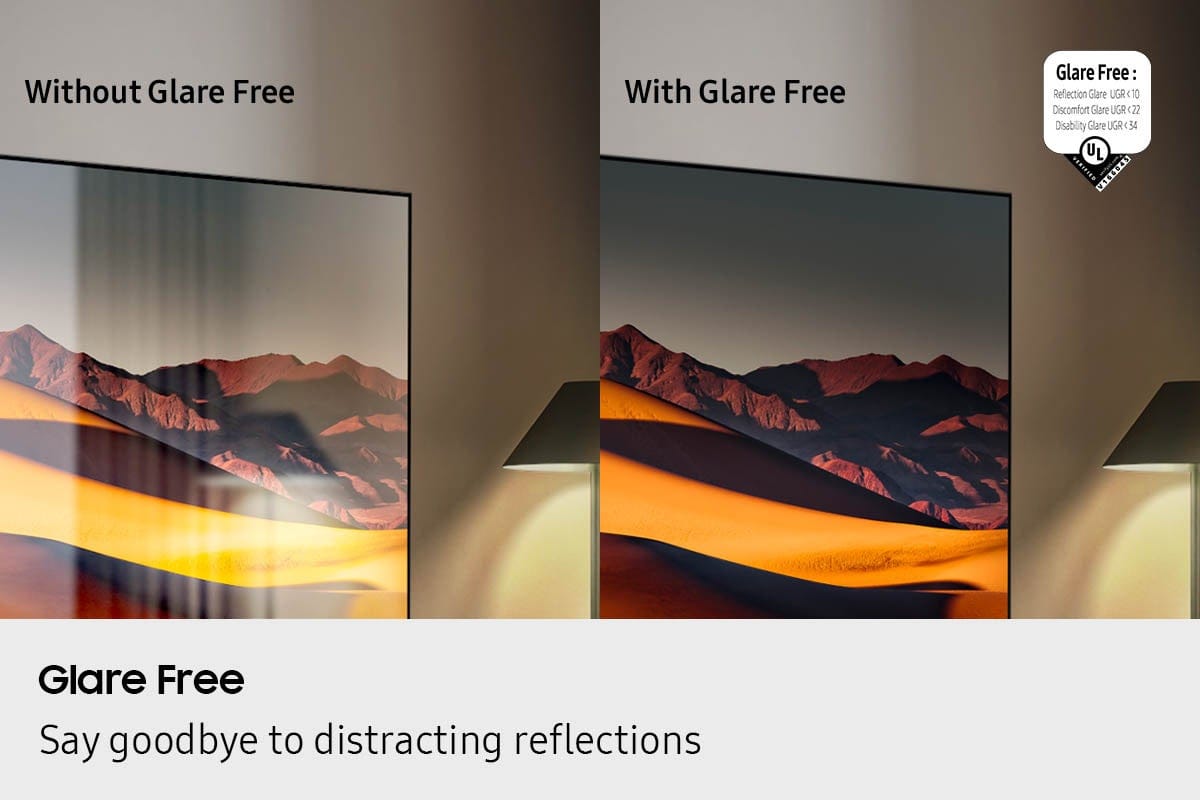
||Posted . Owned for 1 month when reviewed.This reviewer received promo considerations or sweepstakes entry for writing a review.Fantastic. No glare. That is what we were looking for.
I would recommend this to a friendSamsung tv
||Posted . Owned for 1 week when reviewed.This reviewer received promo considerations or sweepstakes entry for writing a review.Excellent picture, colors are great. Sound is pretty good. It's in my family room. Would buy it again
I would recommend this to a friendGreat TV
||Posted . Owned for 2 weeks when reviewed.This reviewer received promo considerations or sweepstakes entry for writing a review.Amazing picture quality and am extremely happy with the performance
I would recommend this to a friendSamsung oled 55 s95f
||Posted . Owned for 1 month when reviewed.This reviewer received promo considerations or sweepstakes entry for writing a review.Great tv beautiful picture. I love the quality and the picture images on this tv
I would recommend this to a friendThe Best
||Posted . Owned for 3 weeks when reviewed.This reviewer received promo considerations or sweepstakes entry for writing a review.The best TV I have ever had. Picture is amazing. Also, it is very user friendly.
I would recommend this to a friendJust buy it
||Posted . Owned for 3 months when reviewed.This reviewer received promo considerations or sweepstakes entry for writing a review.Love the Glare free screen. Its a gorgeous TV that makes a room feel more formal. Also an excellent picture.
I would recommend this to a friendGreat tv
||Posted . Owned for 1 week when reviewed.This reviewer received promo considerations or sweepstakes entry for writing a review.Great price, great picture , couldn't be happier would purchase another one
I would recommend this to a friendBeautiful
||Posted .This reviewer received promo considerations or sweepstakes entry for writing a review.beautiful picture - very customizable east to navigate Home Screen, remote is small and responsive no issue so far - love the picture
I would recommend this to a friendGreat TV
||Posted . Owned for 1 week when reviewed.This reviewer received promo considerations or sweepstakes entry for writing a review.Picture on tv is beautiful. Makes using apps for streaming so easy.
I would recommend this to a friendGaming TV
||Posted . Owned for 1 month when reviewed.This reviewer received promo considerations or sweepstakes entry for writing a review.Great tv…picture is awesome and it’s great for gaming
I would recommend this to a friendLove my TV
||Posted . Owned for 3 weeks when reviewed.This reviewer received promo considerations or sweepstakes entry for writing a review.Love this TV, color is outstanding, sound is good.
I would recommend this to a friendGreat TV
||Posted . Owned for 3 weeks when reviewed.This reviewer received promo considerations or sweepstakes entry for writing a review.Love this TV; glad we spent a little more to get the matte finish to illiminate any glare. Picture is so sharp/crisp.
I would recommend this to a friend55” Samsung TV
||Posted . Owned for 3 weeks when reviewed.This reviewer received promo considerations or sweepstakes entry for writing a review.Love this tv! Great pic, great sound! Has no glare! No lamps, lights showing in tv while watching!
I would recommend this to a friendAwesome
||Posted .This reviewer received promo considerations or sweepstakes entry for writing a review.TV is amazing especially when you’re gaming and playing Call of Duty®
I would recommend this to a friendSamsung s95f
||Posted . Owned for 3 weeks when reviewed.This reviewer received promo considerations or sweepstakes entry for writing a review.Best picture on any tv I’ve seen. Glare free great
I would recommend this to a friendMy Samsung is great!
||Posted . Owned for 1 month when reviewed.This reviewer received promo considerations or sweepstakes entry for writing a review.Superb TV- great sound-great picture. Set up by the delivery team was excellent. In store sales support was excellent.
I would recommend this to a friendWow the picture
||Posted . Owned for 1 month when reviewed.This reviewer received promo considerations or sweepstakes entry for writing a review.The only thing you need to worry about is the picture..amazing
I would recommend this to a friend