Customer Ratings & Reviews



- Model:
- 61527
- SKU:
- 11084898
Rating by feature
- Value
Rating 4.3 out of 5 stars
- Quality
Rating 4.6 out of 5 stars
- Ease of Use
Rating 4.5 out of 5 stars
Overall great quality
||Posted . Owned for 3 months when reviewed.This reviewer received promo considerations or sweepstakes entry for writing a review.Great microphone with friends immediately saying it was an overall improvement from my previous xcloud mic. The built in mix amp is also great with different presets and custom slots, the ear cuffs however may not be for everyone’s ear shape.
I would recommend this to a friendLove these headphones
||Posted . Owned for 1 week when reviewed.This reviewer received promo considerations or sweepstakes entry for writing a review.Excellent headphones. I replaced my Steelseries 7x's with these. The sound and microphone are absolutely perfect. I play competitive FPS shooters. I can hear EVERYTHING.
I would recommend this to a friendHigh end headphones are great
||Posted . Owned for 4 months when reviewed.This reviewer received promo considerations or sweepstakes entry for writing a review.Love these headphones. For gaming it’s a little time consuming trying to figure the presets that fit your needs but overall great product.
I would recommend this to a friendSteelseries artic nova pro wired
||Posted . Owned for 1 week when reviewed.This reviewer received promo considerations or sweepstakes entry for writing a review.Very good product works as intended very comfortable
I would recommend this to a friendGreat
||Posted . Owned for less than 1 week when reviewed.This reviewer received promo considerations or sweepstakes entry for writing a review.real good everything works just fine you do have to break them in a little the ear cuffs but overall a great product im glad you can adjust the audio for a better experience
I would recommend this to a friendThey slap fs fs
||Posted . Owned for 6 months when reviewed.This reviewer received promo considerations or sweepstakes entry for writing a review.Great headphones, I use on ps5 and pc and stream with them. Work amazing been a year now almost
I would recommend this to a friendBest Headset I've had personally
||Posted . Owned for 1 week when reviewed.This reviewer received promo considerations or sweepstakes entry for writing a review.Really good all around, quality and I specifically like how the mic sounds with the gg software. Only complaint Is that they do make me sweat.
No, I would not recommend this to a friendGreat headphones for the price
||Posted . Owned for less than 1 week when reviewed.This reviewer received promo considerations or sweepstakes entry for writing a review.Best sounding gaming headphones I’ve personally ever had, I’d recommended to anybody whose looking for good sounding gaming headphones.
I would recommend this to a friendImpressed
||Posted . Owned for 1 month when reviewed.This reviewer received promo considerations or sweepstakes entry for writing a review.The sound quality is amazing. I've owned Astro a 40, Logitech and these are by far the best quality sound gaming headsets.
I would recommend this to a friendBest PC Headset IMO
||Posted .This reviewer received promo considerations or sweepstakes entry for writing a review.This is a great headset, buy this one and not the wireless one. Watch some YouTube reviews and you will see why. Just buy it.
I would recommend this to a friendLove it!!
||Posted . Owned for 2 weeks when reviewed.This reviewer received promo considerations or sweepstakes entry for writing a review.Love the head seat, gives you everything you need to enjoy gaming.
I would recommend this to a friendHighly recommend
||Posted . Owned for 3 weeks when reviewed.This reviewer received promo considerations or sweepstakes entry for writing a review.Great product! awesome sound quality and the microphone works great and has clear output.
I would recommend this to a friendGreat headphones!
||Posted . Owned for 6 months when reviewed.This reviewer received promo considerations or sweepstakes entry for writing a review.I’m new to gaming but so fat I love my headphones. It blocks out outside noise so you are able to be immersed in your game. The only downside is I had to Velcro down the control piece ( ignore if you got wireless) because it kept twisting around the headphone cord and moving.
I would recommend this to a friendPenguinz0's (Probably) Most Recommended Headset.
||Posted . Owned for 1 month when reviewed.This reviewer received promo considerations or sweepstakes entry for writing a review.I got a Victory Royale with these bad bois, so I can't complain.
I would recommend this to a friendExcellent
||Posted . Owned for 1 week when reviewed.This reviewer received promo considerations or sweepstakes entry for writing a review.Provides excellent and in-depth 3d sound with customization, as well as a quality microphone for chatting and gaming communication. The gamedac provides additional customization options and has an easy to read display, although it could be a bit more user friendly for using it across multiple systems.
I would recommend this to a friendAs a dad of 3 - Get wireless
||Posted . Owned for 2 weeks when reviewed.This reviewer received promo considerations or sweepstakes entry for writing a review.As a father i know this item is probably not intended for me. I am a very busy individual and i should have invested in the wireless option. I thought that i purchased the wirless at store, but i was wrong obviously and im now kicking myself.
No, I would not recommend this to a friend
One of the best gaming headsets you can buy
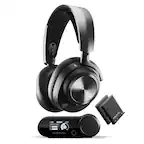
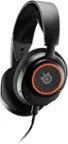
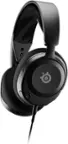
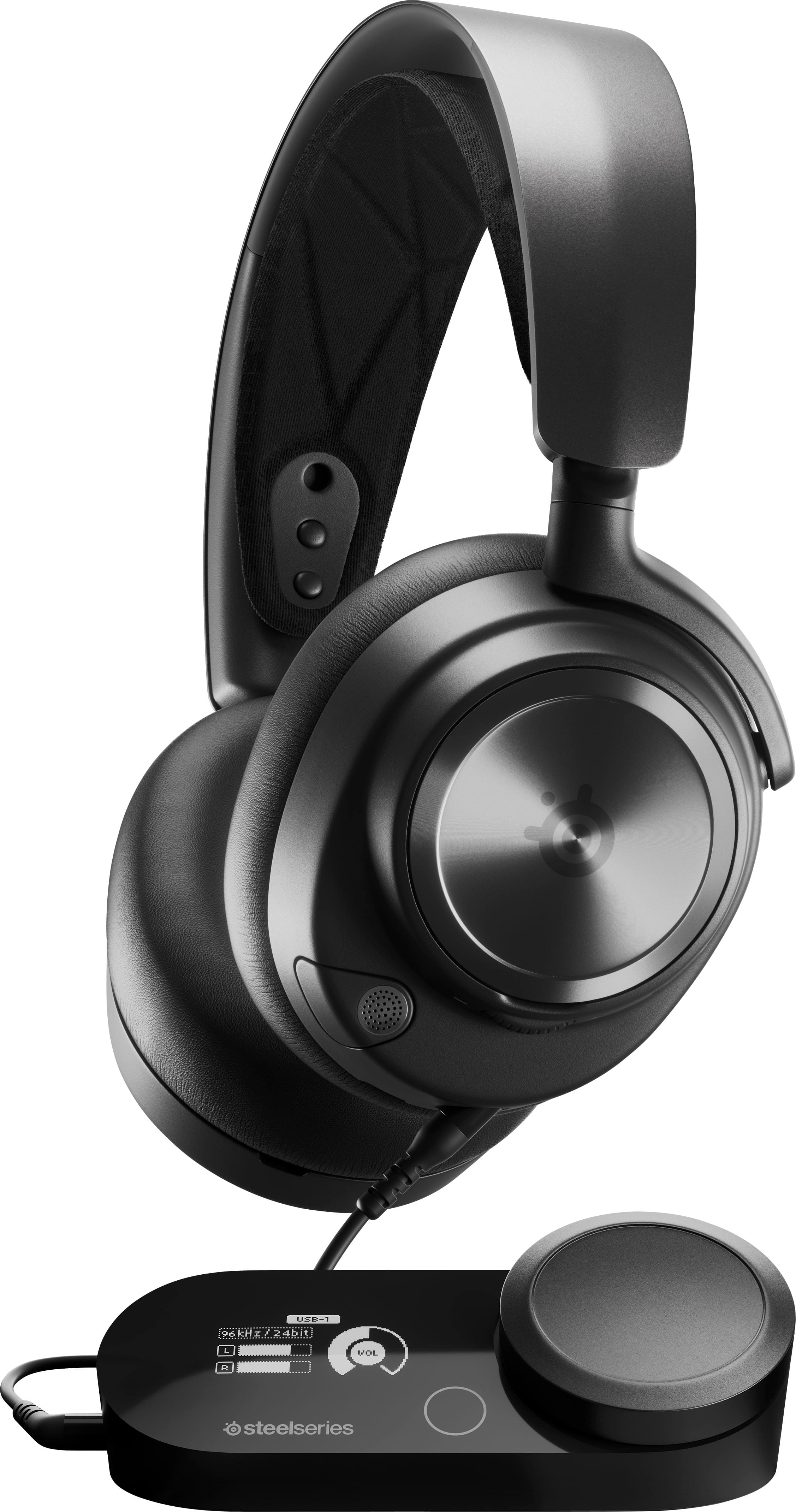
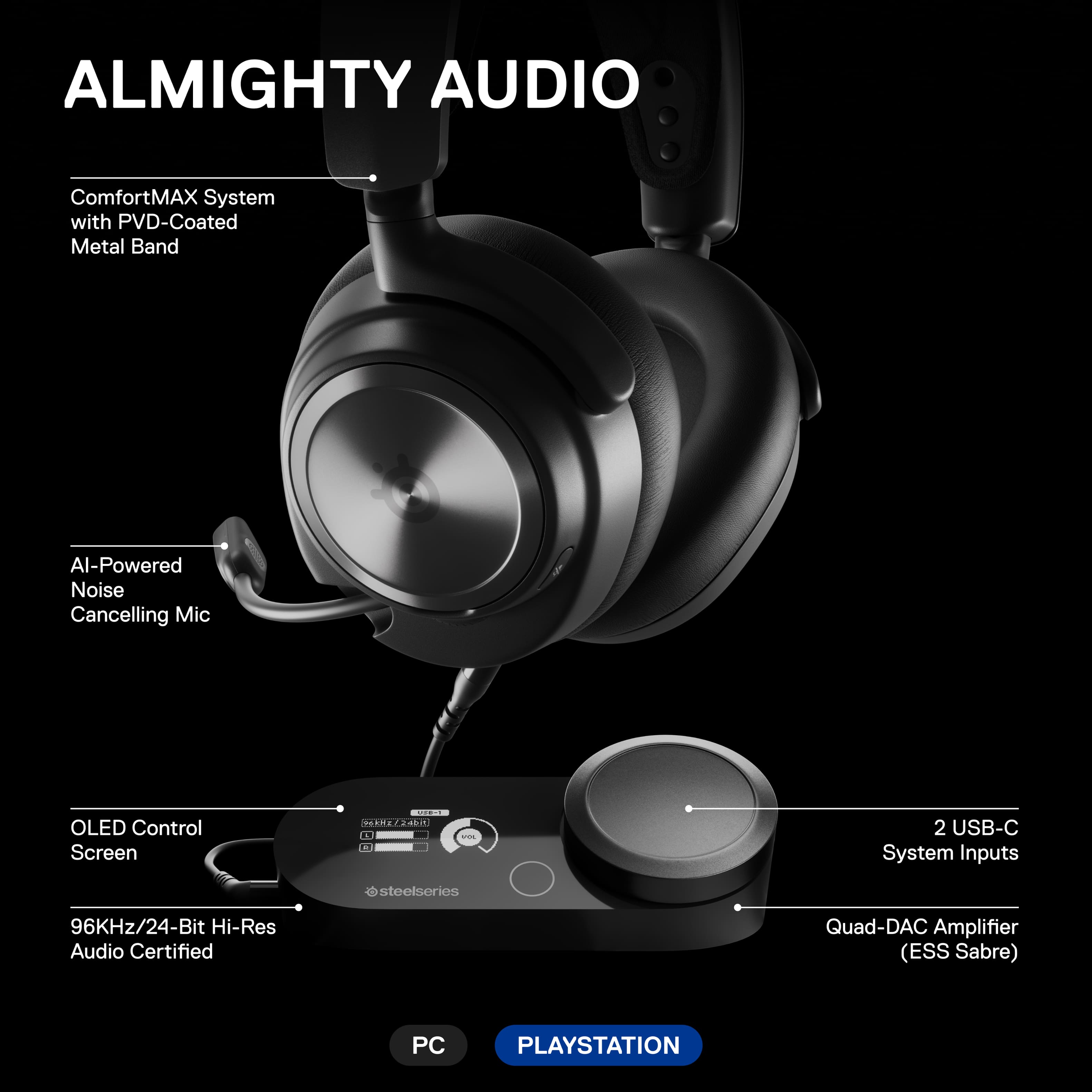
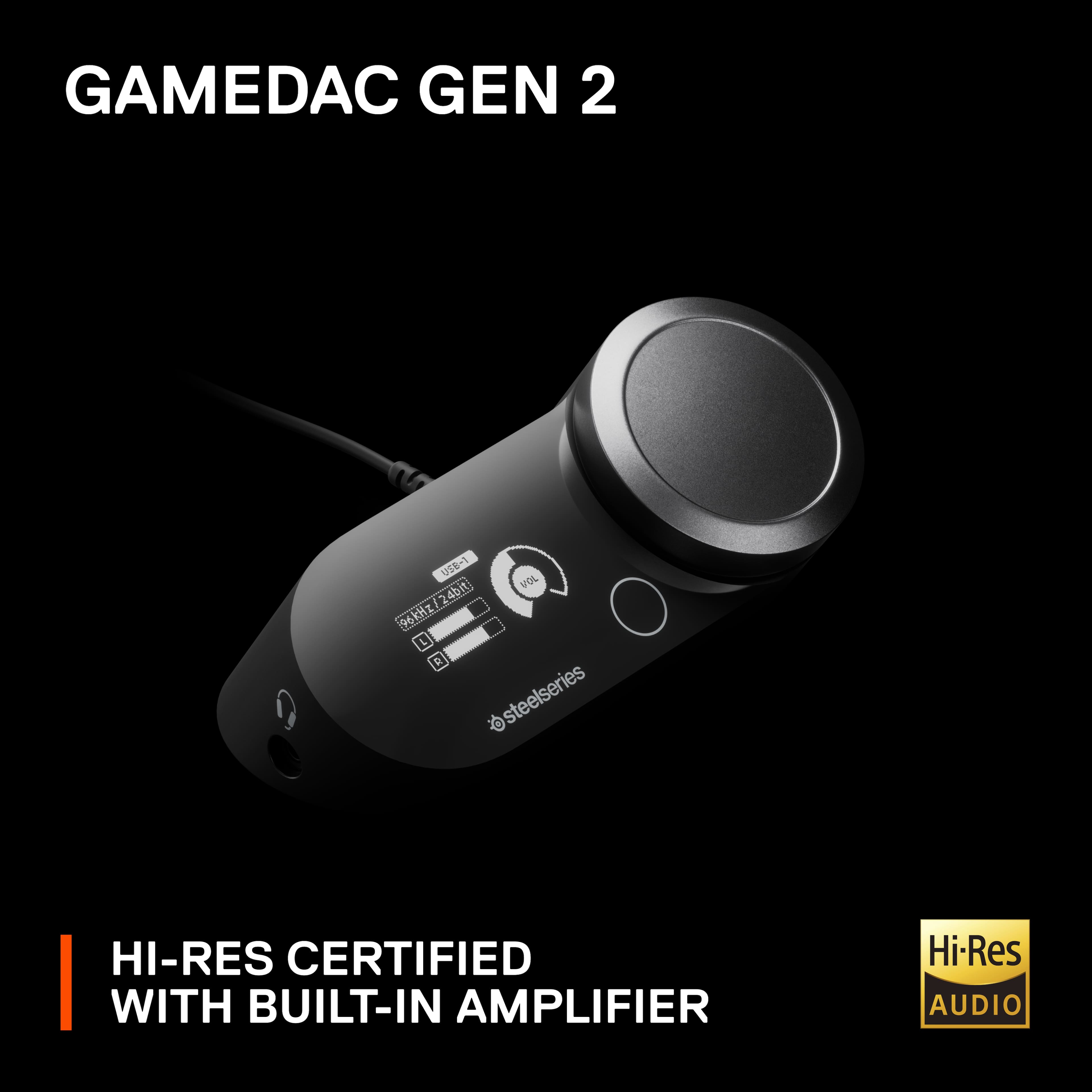
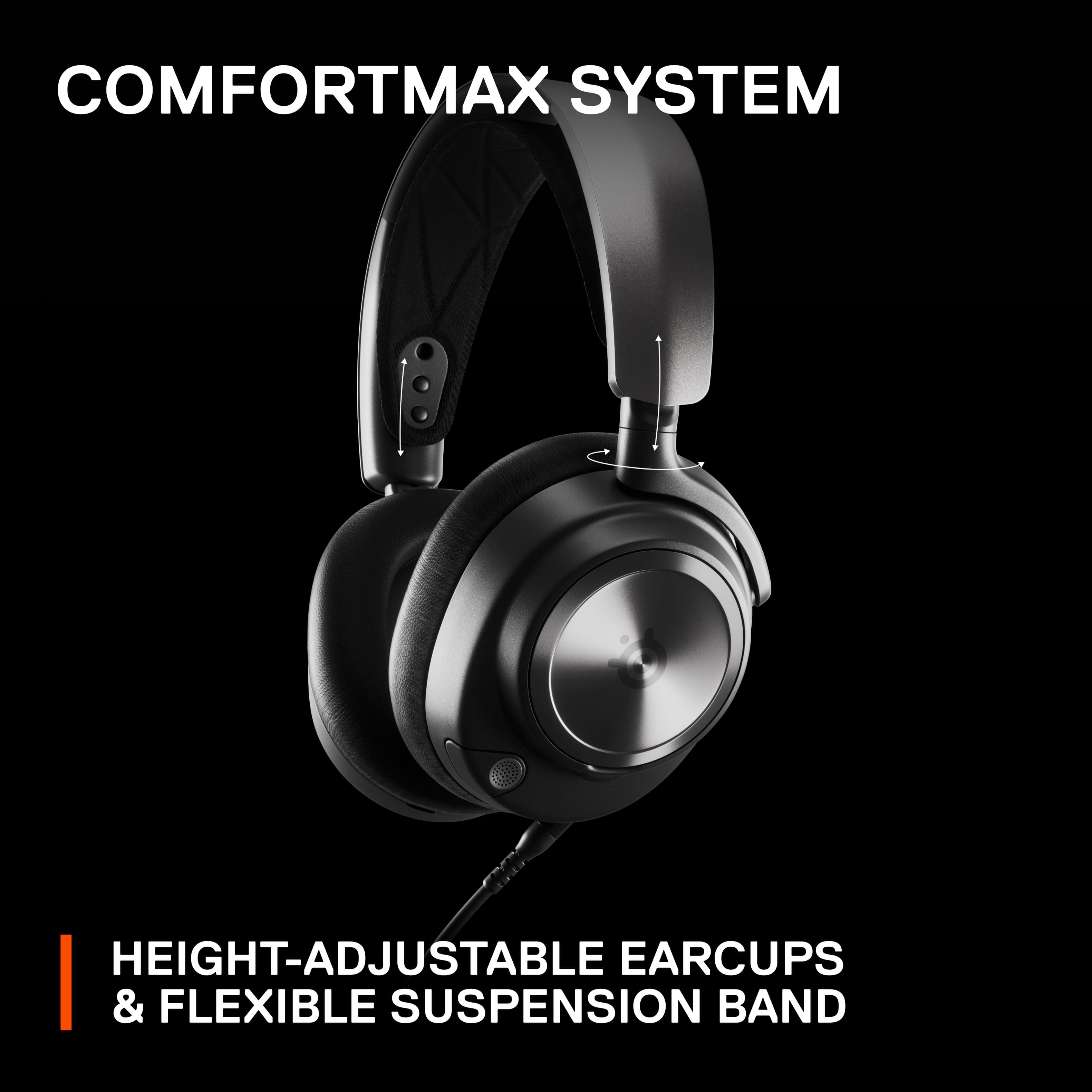
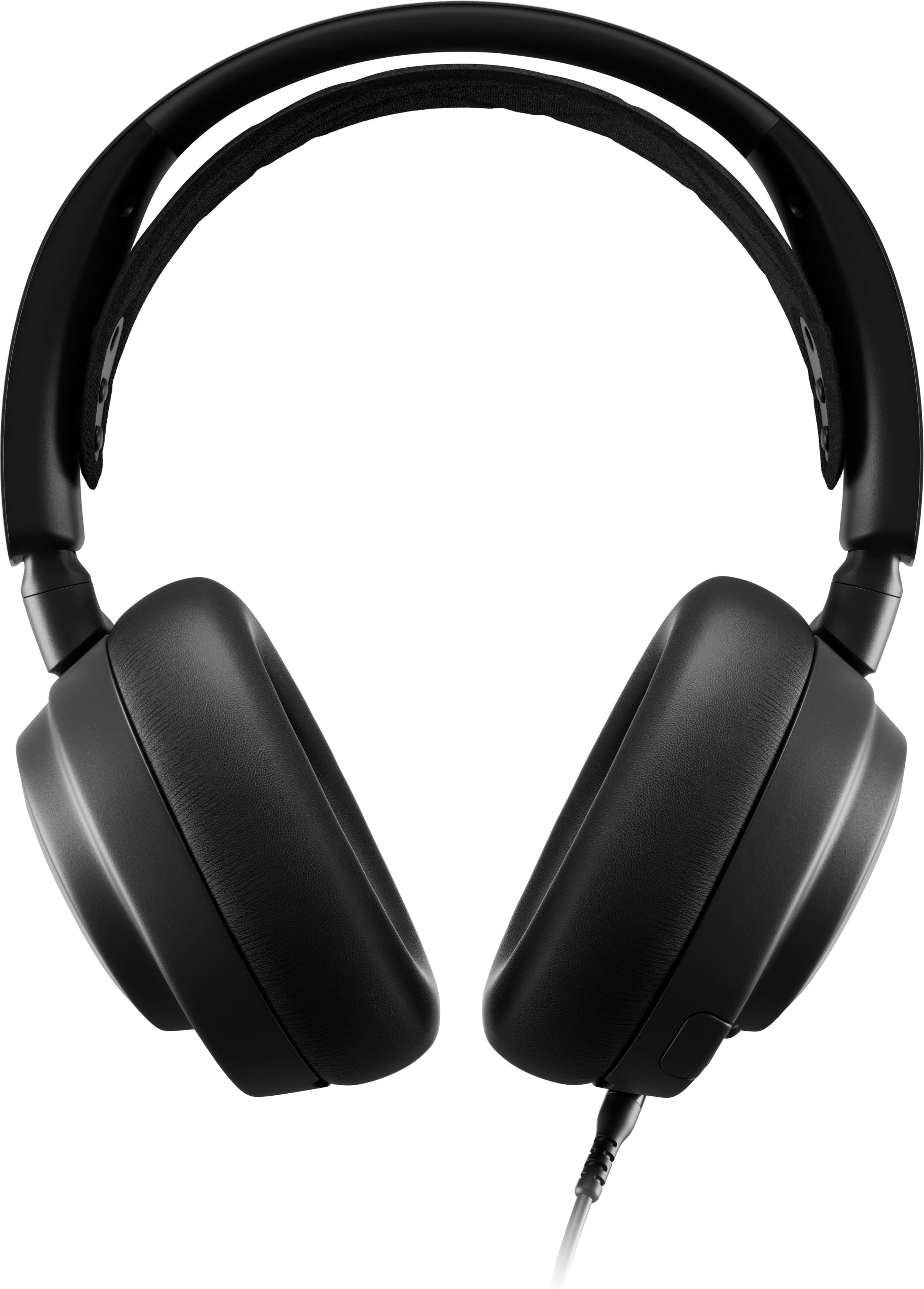
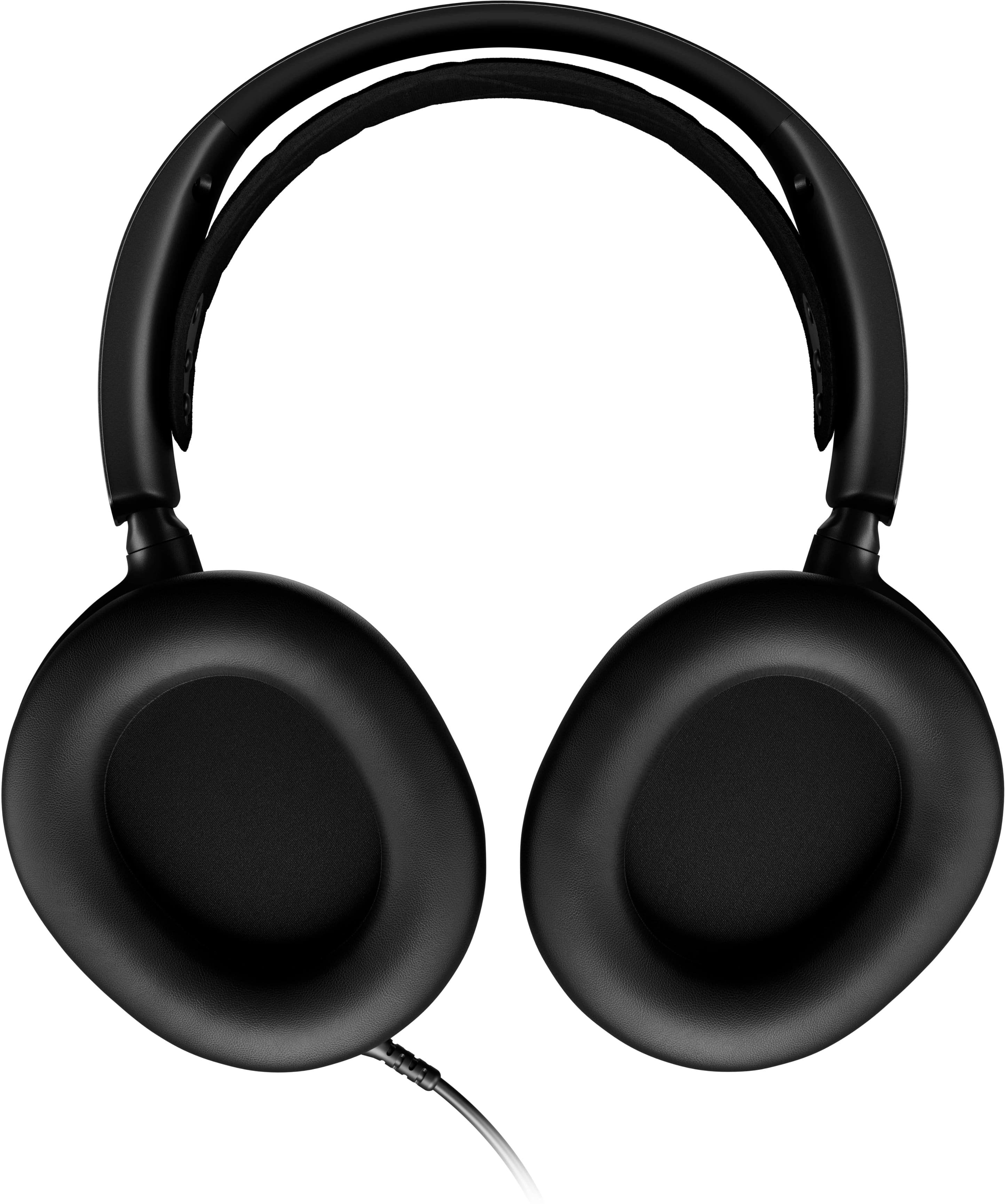
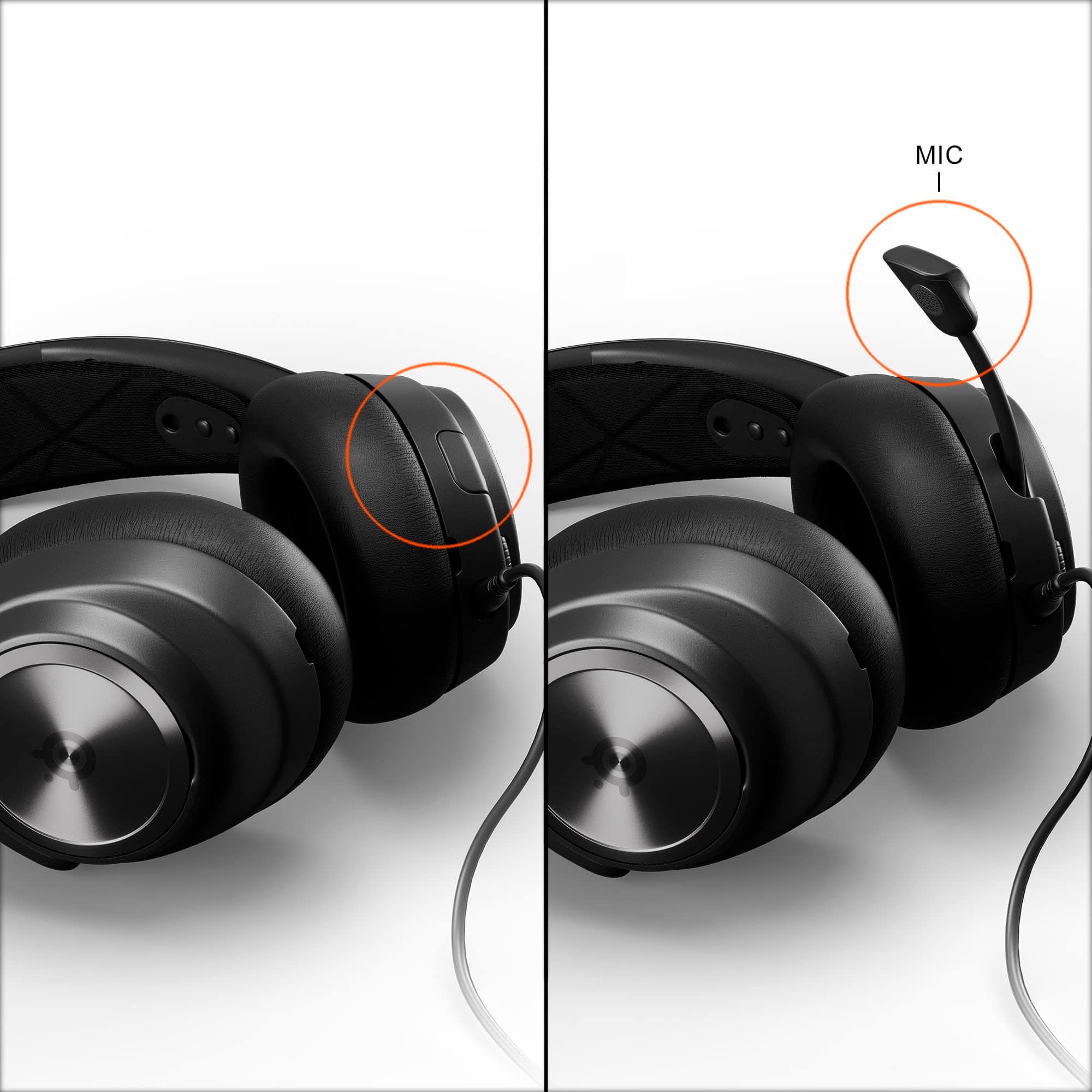
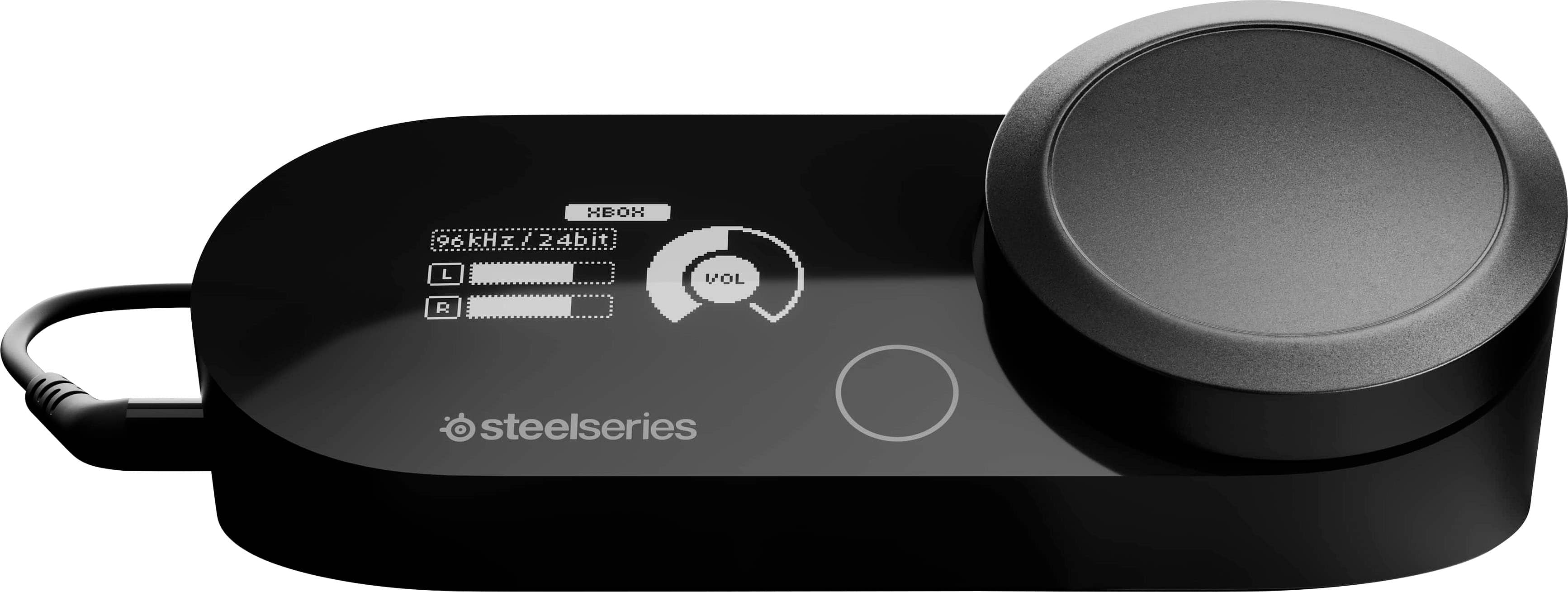
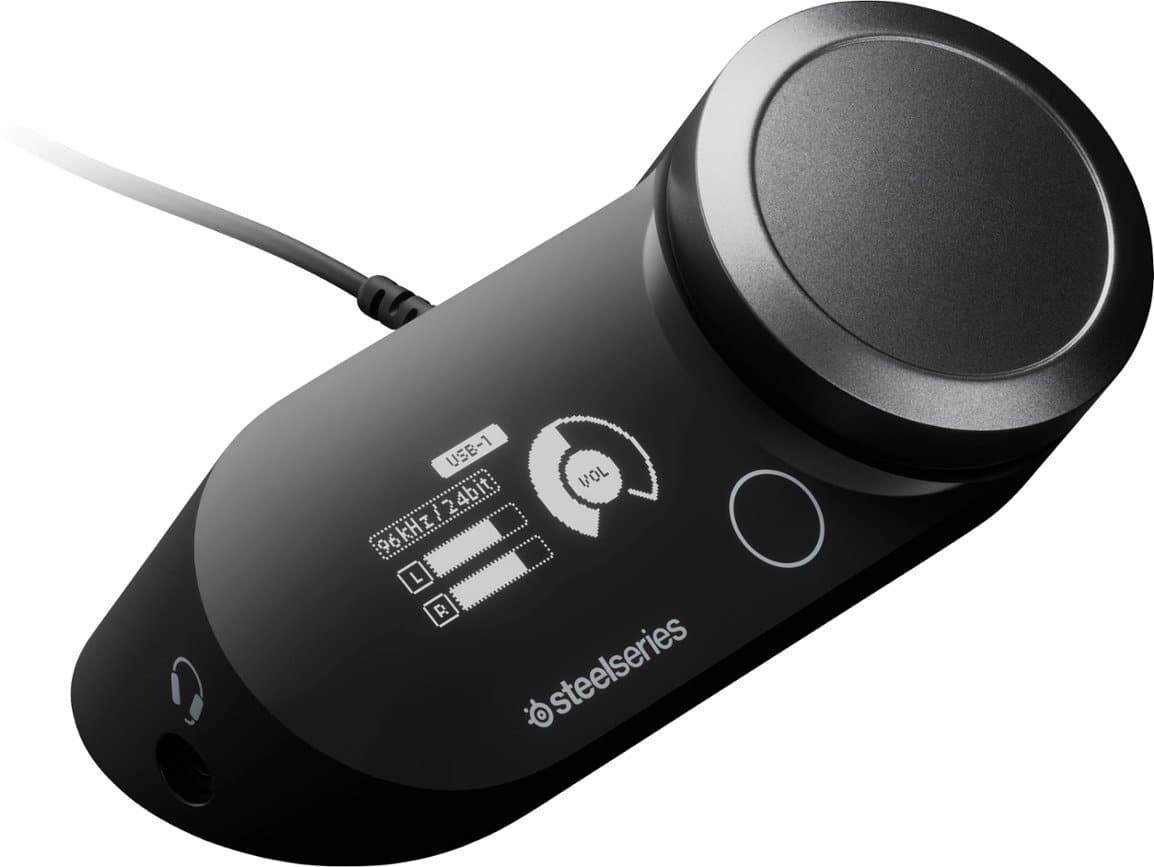
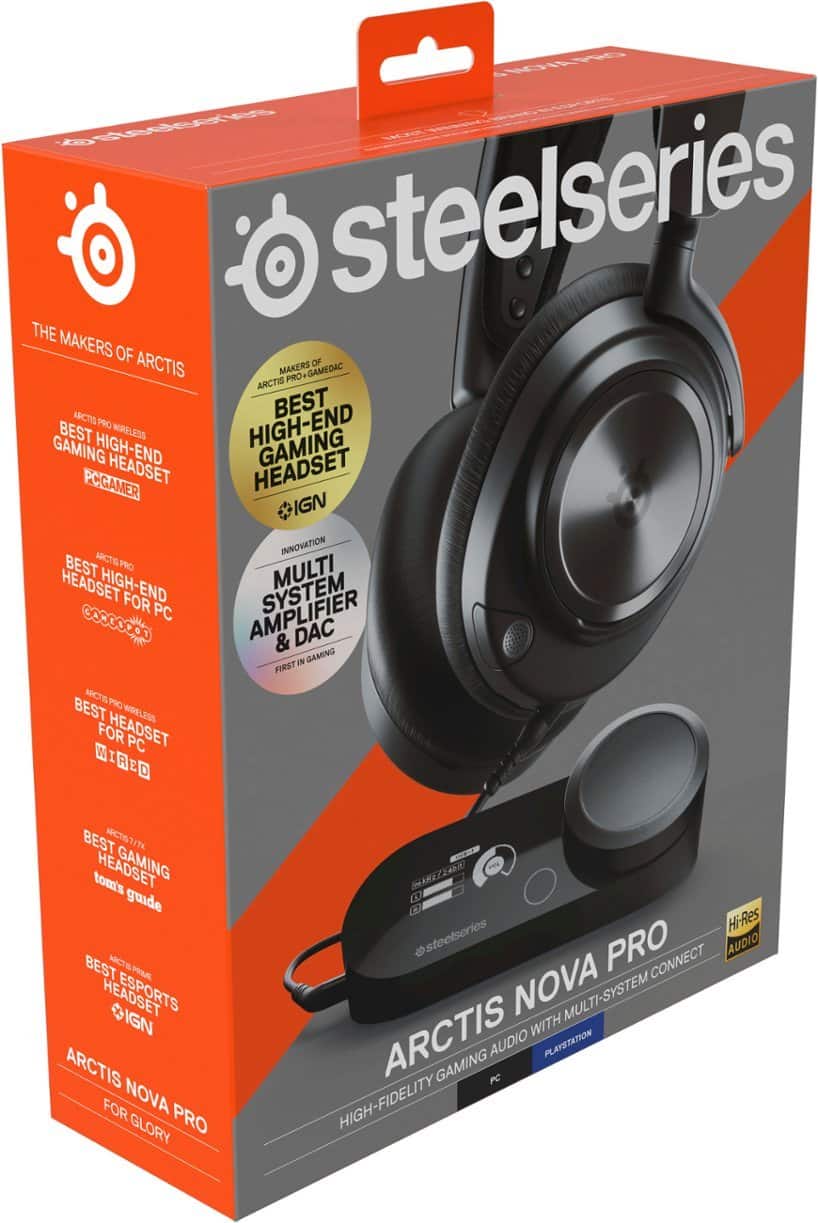
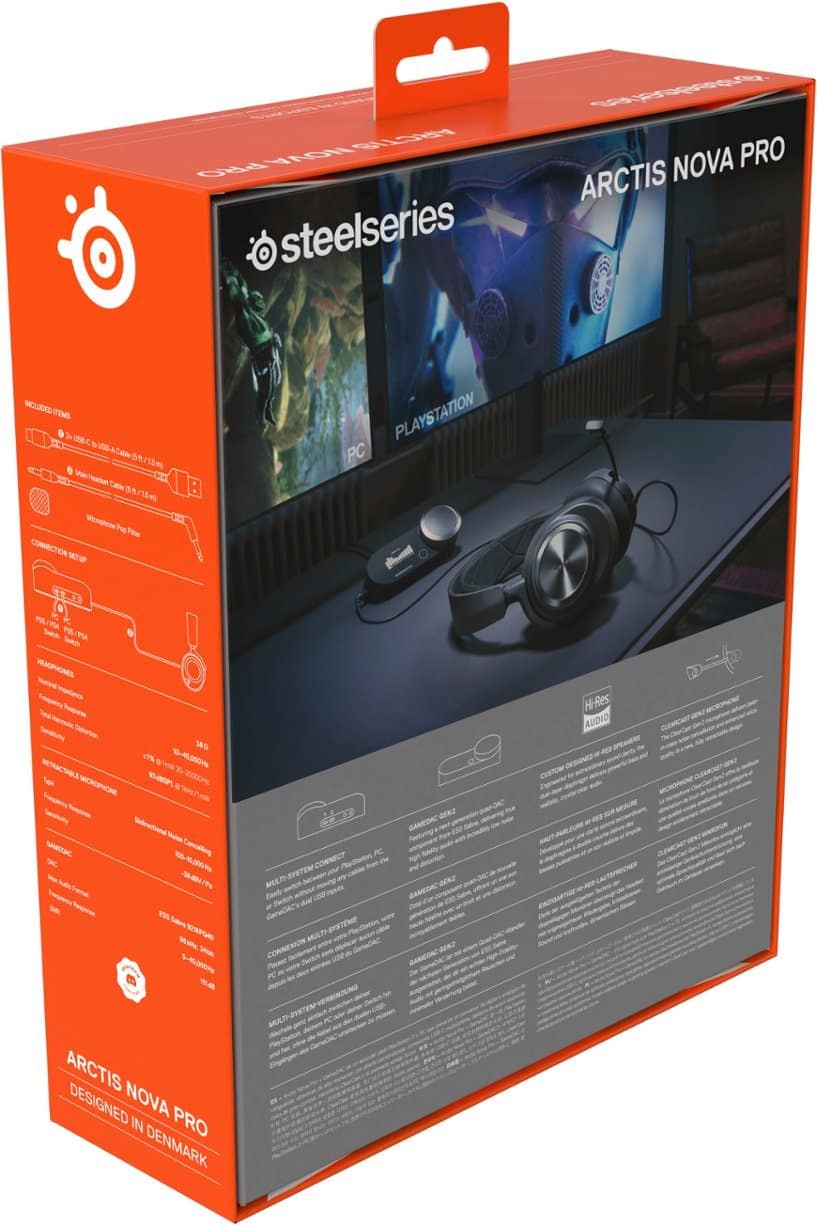
|Posted .This reviewer received promo considerations or sweepstakes entry for writing a review.Top notch gaming headset that demands consideration for those that demand the best. The sound quality is phenomenal and I’ve never worn a more comfortable pair of gaming headphones. The only downside is that this model is wired which presents practical limitations given your setup. IN THE BOX Inside the box you’ll find the headphones in a nice cloth bag. Behind it you’ll find the “GameDac Gen 2” which for ease of reference, I’ll refer to as the volume knob or controller. You’ll also find 2 USB-C to USB-A cables and a 3.5 MM audio cable. The latter plugs your headset into the volume knob controller and the USB-C cables are intended to plug into your systems (i.e. PS5/PS4, Switch, or PC). There’s also a microphone pop filter as well as removable magnetic ear plates (the ear plates come on the headset, I’m not sure of the purpose for taking them off, other than you must be able to get replacement designs somewhere - I’m new to Steelseries products). SETUP The setup is simple, especially if you’re not one to mess with the EQ settings (I generally don’t). But word of caution, you can only adjust the EQ settings on PC. I haven’t tested to see if you can change the settings on PC and then have them apply to the PS5. I use these solely for use on the PS5. None of the wires that are required for use, are permanently attached to the devices, which gives you some flexibility for the setup (and acquire longer cables if you so choose). To connect everything you plug the USB-C end of the cable into the volume knob controller and then the USB-A part into the console or PC. Then the auxiliary cable goes from the headset to the volume knob controller. Once you power on your console or PC, the volume knob controller powers on. This is all that’s required to get off and running. DESIGN Gaming headsets are a dime a dozen nowadays. The Arctis Nova Pro doesn’t look flashy, made of a combination of metal and mostly plastic. It doesn’t have a distinctive flashy design, nor does it have lights like other models. But frankly, I like the design. It looks premium and is extremely comfortable. The earcups are large enough to fit over my entire ear, so there’s no pinching. The cups themselves seem to be pleather, and are extremely soft and not too hot. There’s a flexible suspension band, which is the inner band. It has several adjustable heights, presumably for those with smaller heads(?). But it does a good job of keeping the headphones snug on your head. I truly cannot emphasize enough how comfortable these are to wear; I typically game 2-3 hours at a time and I almost forgot I was wearing them (not really, but I think you get my point). The microphone hides away in the left earcup and you can easily pull it out when you need it. The microphone arm is sturdy, but flimsy. It stays in place, but the slightest bump moves it. There’s a volume rocker on the headset, although I found it hard to find with my hand. Plus, I wasn’t entirely sure of its purpose since you have the volume knob nearby. There’s also a mute button. All-in-all, it’s a sharp, professional looking design. AUDIO PERFORMANCE This headset has the latest and greatest audio features. What I care about most is the tempest audio compatibility with PS5. I play a wide variety of games, shooters, sports games, racing games, RPGs, and I thought the Arctis performed admirably in all scenarios. And that’s without tweaking the EQ settings. The bass isn’t overwhelming and the mids are crystal clear. Honestly, you won’t find better sound for your money. And laying COD was a treat, I could hear sound coming from all around me, it was great. I play a lot online with my friends. They don’t hesitate to let me know if my headset’s microphone doesn’t sound great. From the get go, without making any adjustments, they told me that I sounded crystal clear. You can also hear yourself talking which I prefer. Otherwise I tend to talk louder. I couldn’t find away to adjust the volume of hearing yourself, but I didn’t find it distracting. CONCLUSION Look, these are expensive. There are tons of options that are cheaper. But when it comes to having he most comfortable, best sounding headphones, you can do no better. These truly are the most comfortable gaming headset I’ve ever worn. And the sound is terrific, even without tweaking it. It’s only real downside is that it’s wired. It’s not that it’s wired per se, it’s that you have to connect the volume knob controller to your console and then into your headset; all the while finding a place for the volume knob to sit. Of course, that’s if you’re like me and use this headset to game in a living room type setting. If you’re gaming at a desk, which is probably what these were meant for, then this is less of a problem. It’s just something to keep in mind when purchasing.
I would recommend this to a friendAudiophile Gaming Headset
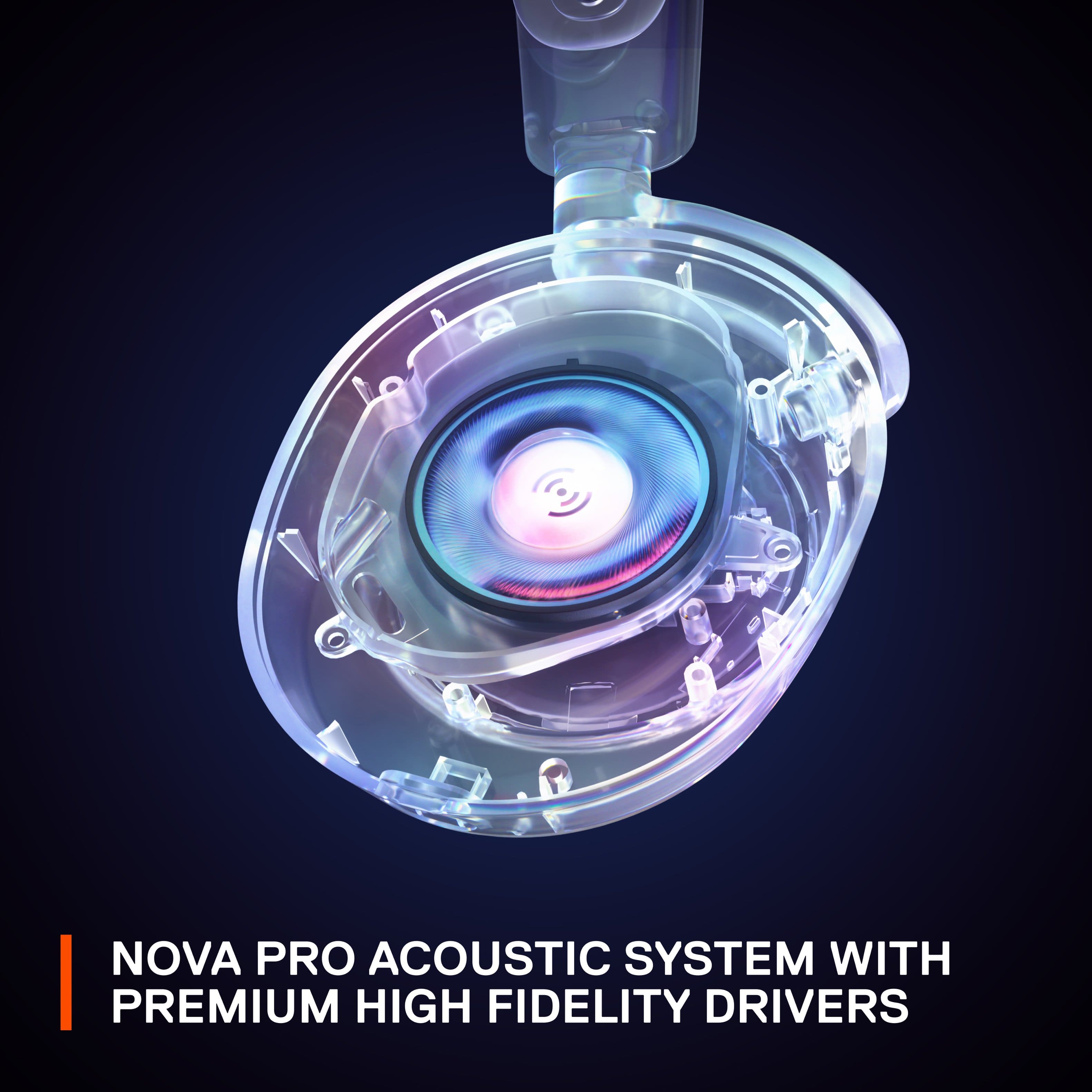
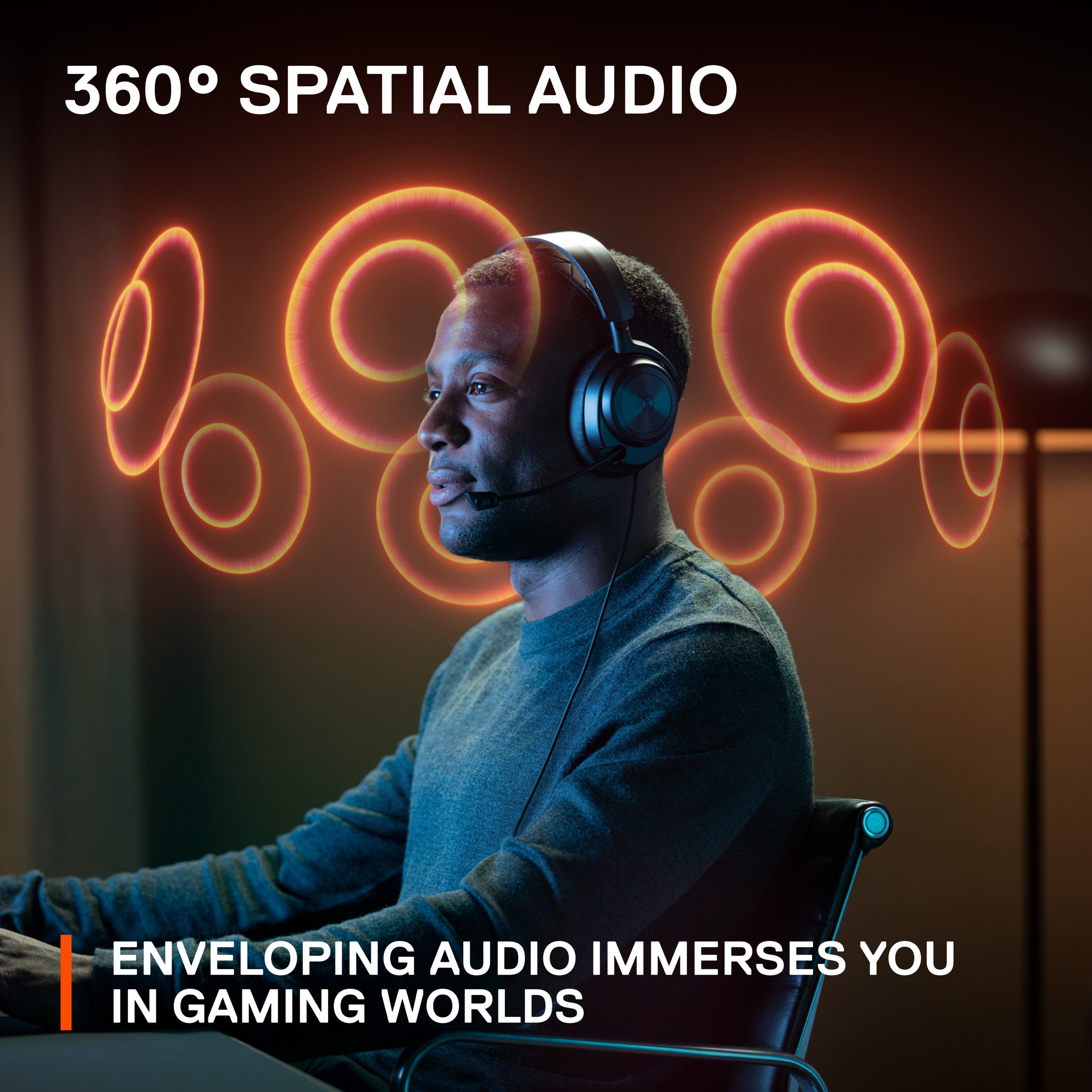
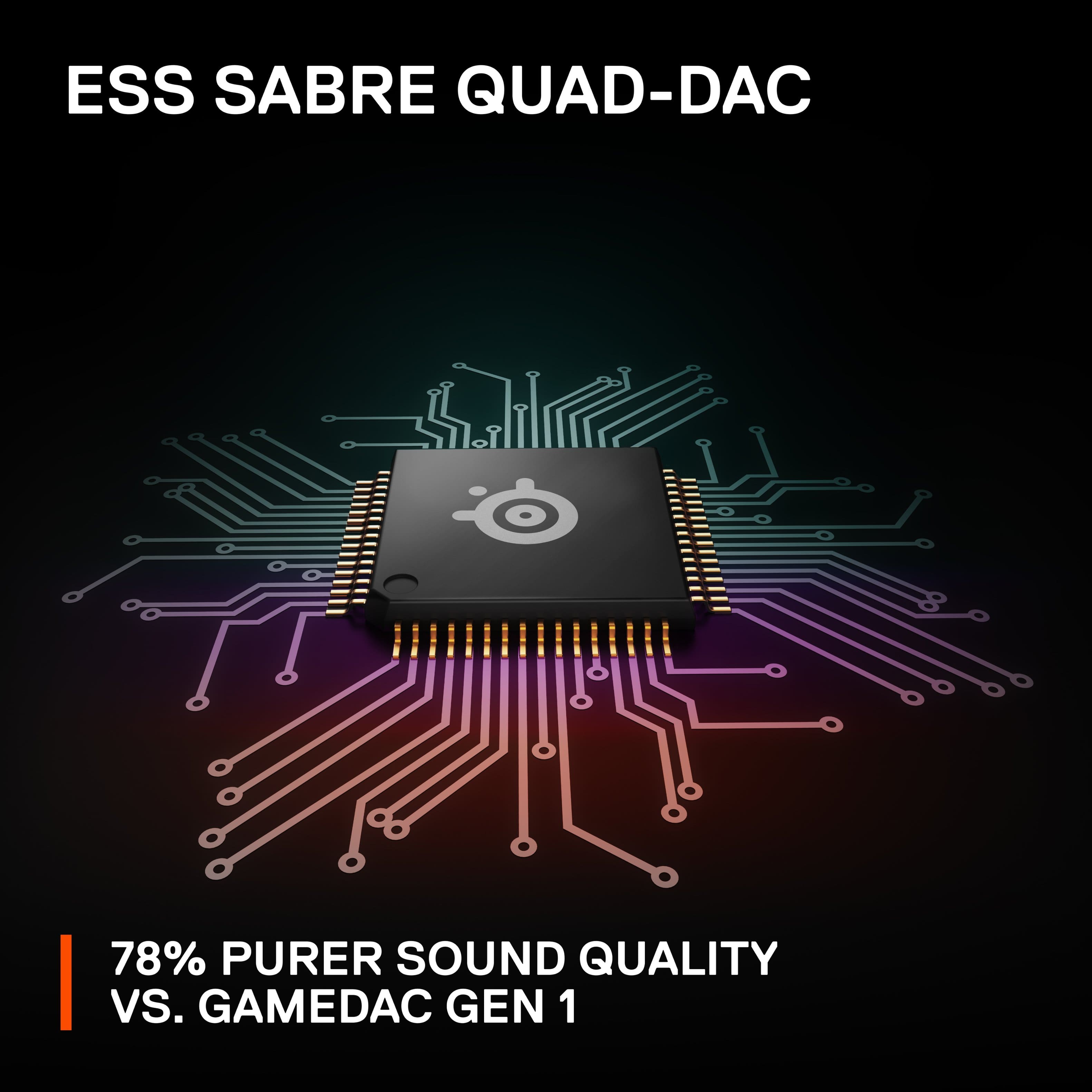
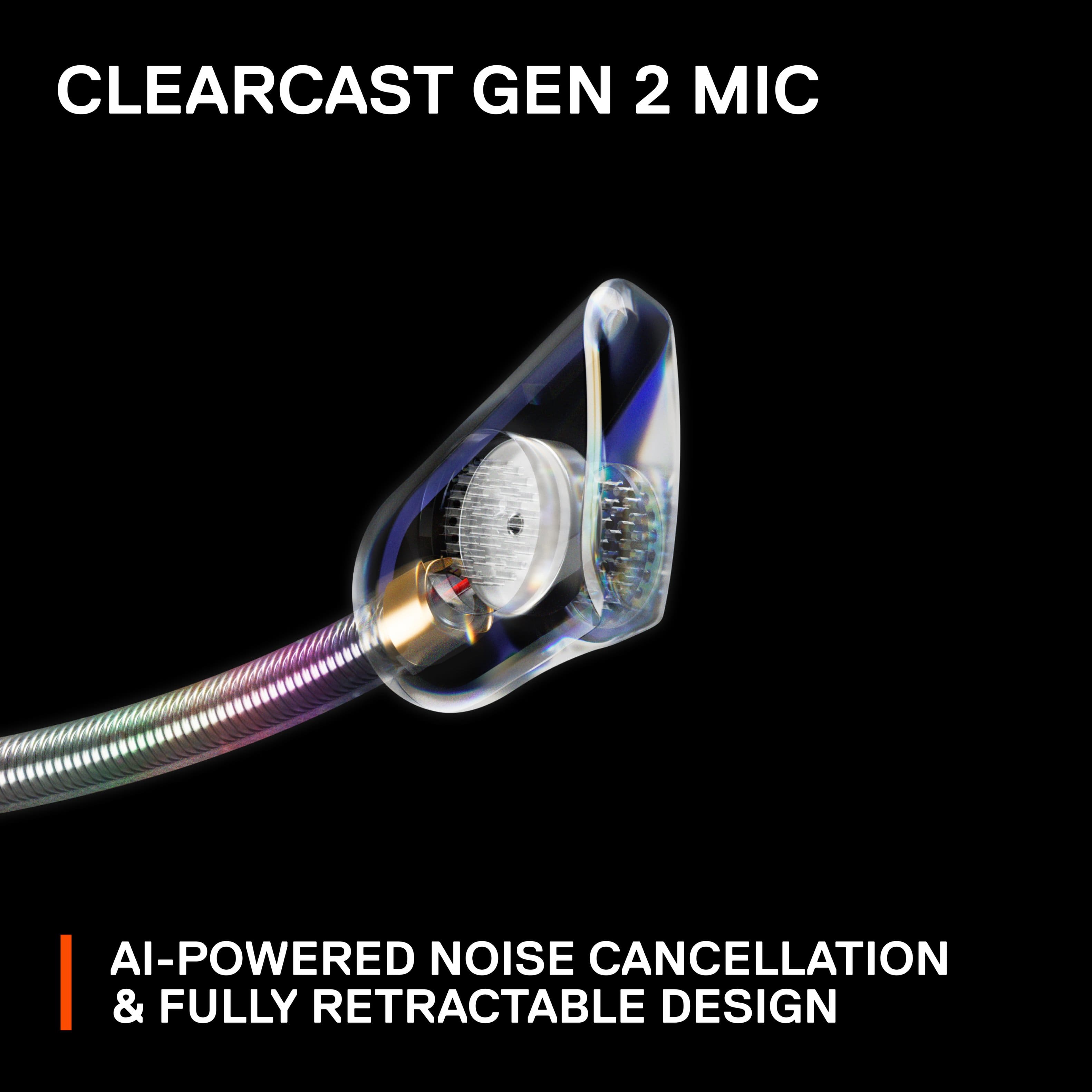
|Posted .This reviewer received promo considerations or sweepstakes entry for writing a review.PROS + Lightweight & Extremely Comfortable + Fantastic Sound For Both Gaming & Music + Good Mic Quality + Solid Build Quality + GameDAC Gen 2 Sounds Fantastic & Clear + GameDAC Gen 2 Has a Sleek, Easy to Use Interface with OLED Display + Easy to Adjust EQ Settings on GameDAC + Great Software on PC + Can be Used Across a Variety of Platforms + Works Great With PS5 Tempest 3D Audio + Sonar Spatial Audio Works Great on PC CONS - Soft Earcup Material Can Get Warm - Wasn’t Able to Get the GameDAC to Work With My Phone BUILD QUALITY With the exception of the magnetic metal earcup plates and a few accents, the headset is made-up of largely hard plastic, which feels very sturdy to the touch. The benefit of this build is that the headset is very lightweight, which when coupled with the elastic material on the headband, means that it is very comfortable to wear these headphones for long periods of time. The GameDAC likewise feels premium, with a soft rotating dial which controls all of the functions, and an OLED screen which looks great. As for the mic quality, it sounds good and retracts into the headset when you are not using it, which is a really nice feature that makes this headset great for non-gaming use cases. Combined with the noise-canceling software, you get a very clear vocal presentation when using the mic. All-in-all, this is marketed as a premium headset and it feels like one through and through. GAMEDAC & SOFTWARE The software on offer with the Arctis Nova Pro is great, both with the GameDAC, and with the Steelseries Sonar Software on PC. With the GameDAC, you get hi-res 96KHz/24-Bit audio, EQ adjustments, ChatMix control, volume control, and more. All of these are easily adjustable using the rotating dial on the GameDAC front panel, with different push controls to navigate the menus. The GameDAC itself is angled at around 45 degrees, so the screen is always easily visible, and the brightness can be adjusted up and down depending on how bright of a room you are in. If you are gaming on a PC, you can download the Sonar Software system for controlling the headset’s audio profiles, downloading firmware to the GameDAC, and adjusting the Spatial Audio settings. Being targeted at audiophile users, the software suite allows for a lot of control over the audio tuning of the headset, with custom EQ alongside several presets (I prefer the default flat preset). For the Spatial Audio, you can adjust the “immersion” level of the surround sound, as well as the virtual speaker locations, how close to your ears they should sound, and more. Personally, I found the Spatial Audio to work largely great. I have used a lot of virtual surround sound systems, from Windows Sonic, to Dolby Atmos for Headphones, to various headset proprietary software, and I personally found the Sonar Spatial Audio to perform very admirably. Like many software surround sound solutions for headphones, it is hard to localize sounds in front of you and above you, but the left, right, and back virtual channels largely worked very well in the test demos. When playing games, I found the spatial audio to be very immersive, and while occasionally some sounds can feel out of place, I tended to prefer to leave spatial audio on for many games, especially FPS games. I also tested the headset with GameDAC using my PS5, and found that it worked great with the PS5 Tempest Audio Engine for 3D sound in supported games. SOUND QUALITY If I had to describe the SteelSeries Arctis Nova Pro sound quality in one word, it would be “pristine”. Between the high quality drivers and GameDAC Gen 2, the audio from high-quality sources sounds incredibly clear and distortion free, with plenty of detail to take in. For music, with the default flat preset, you get very balanced audio with good mids and a smooth, but not overpowering, bass presence. This results in a fairly neutral profile that should please most, but if you want to tweak the EQ, you certainly can, which can help set the headset for your music preferences. However, while music is very pleasant on this headset, it is gaming where it really shines. That hi-res audio means that you can pinpoint a lot of the small audio cues, like footsteps, and pickup on a lot of texture in the sound mixing. I personally play a lot of single player games, and when using the spatial audio with a high immersion setting, I would quickly forget I was wearing the headset and become lost in the soundscape of the game. When playing multiplayer FPS games, I could very easily pinpoint where enemies were coming from, and react accordingly. All-in-all this is definitely an audiophile gaming headset, and it shows in the performance. Really very impressive. A FEW CONS Honestly, there is very little I don’t like about this headset, it really is fantastic, and as an amateur audiophile, it is even more impressive. Really, there are only two things I want to note. Firstly, I found that the soft, leatherlike earpads did get warm pretty quickly. It wasn’t enough to hamper my experience, but depending on how much your head sweats, or how warm you keep your home, your mileage may vary. Secondly, while certainly not the intended use, I do wish you could use the GameDAC with your phone. It might work for some devices, but for my Pixel 6, I couldn’t get the GameDAC to work when trying to play audio. It would work briefly, but the DAC would then quickly shut off and lose audio. It’s not a dealbreaker by any means, but would be a nice bonus to be able to use the GameDAC when listening to music from my phone at my desk with the headset while I work. But given it works great with PCs, for most people this probably is a non-issue.
I would recommend this to a friendNot enough bass
||Posted . Owned for less than 1 week when reviewed.This reviewer received promo considerations or sweepstakes entry for writing a review.The bass is lacking in these headphones. I tried to change the eq in the Steelseries software but it still did not fix it. Not worth the price.
No, I would not recommend this to a friendAmazing Gaming and Audiophile Quality Headsets
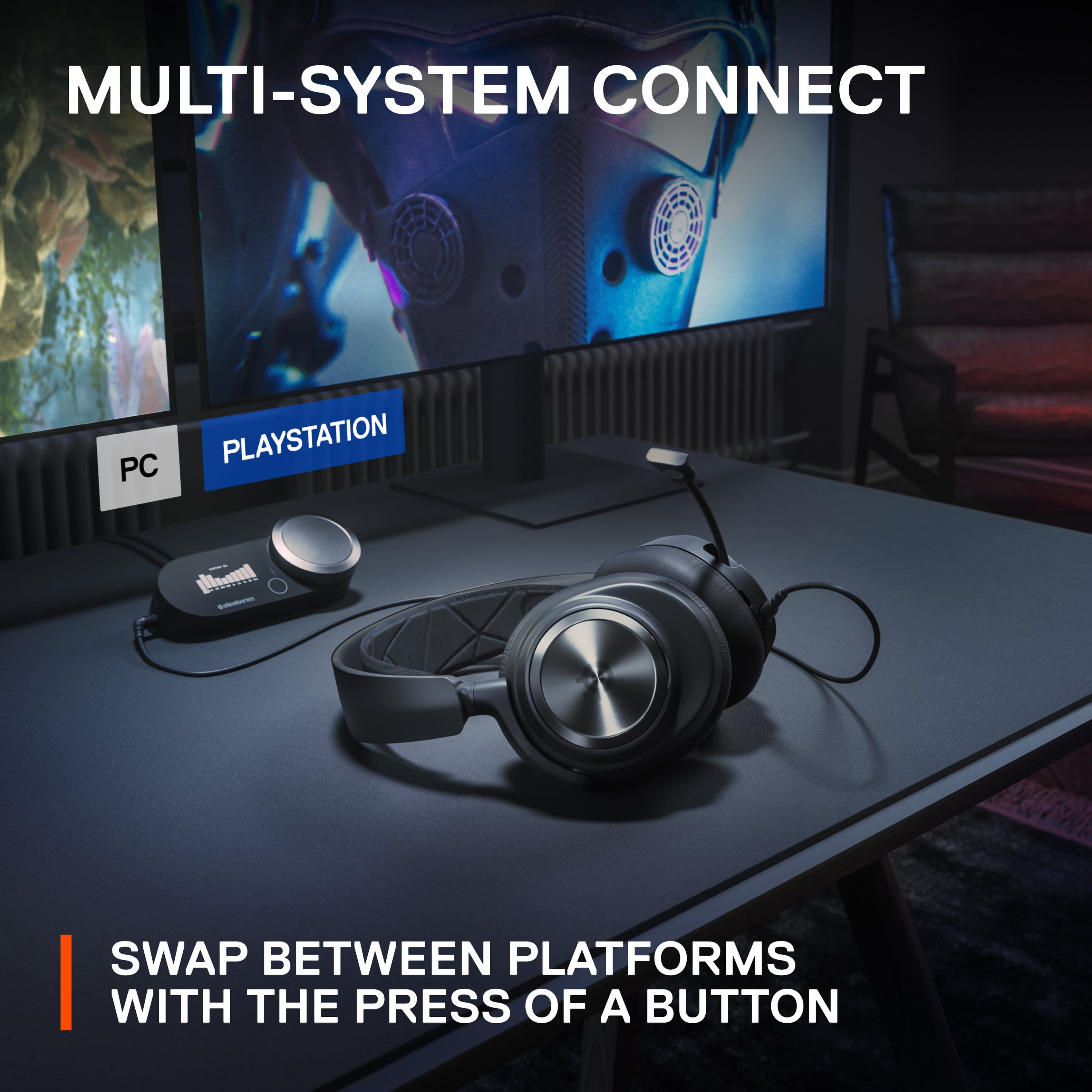
|Posted .This reviewer received promo considerations or sweepstakes entry for writing a review.I’ll start by saying these Arctis Nova Pro headsets completely blew me away from a build and sound quality standpoint. It’s been awhile since I’ve had a pair of SteelSeries headsets and they were nothing special, but this pair…wow!!! Let’s start with build quality, the headsets are light and well engineered which reduces its size and footprint. The earcups swivel 180 and can sit flat like most other high-end headsets. The earcups are for me, circumaural which cover my entire ear and the memory foam and material on the earcups is sublimely confortable. The headband itself had an elastic band to take some of the weight below the rigid frame of the headset; you can adjust this band with little pegs like old school ball caps. You can also remove some magnetic plates on the earcups which I’m not sure why or what this purpose is for. The microphone stealthily slides in and out of the left ear cup which is great. The biggest coolest feature of this headset is the GameDAC module which allows you to control multiple functions of the headphone but also serves like an AV receiver for multiple consoles or PCs. This is actually a great feature for me as I can now use the same headsets for both work and play and I just need to swap inputs from my GameDAC. You can also connect to a Switch or PS4/5 via their USB-A ports. I’m sure this will work with XBox too but they have their own certified version. Some important notes, you need to download Sonar/GG and register with an account to use ChatMix which is a pretty key feature that lets you easily adjust the mux of game sounds vs voice chat. You also need this for surround 7.1 sound. Once you install Sonar/GG, you will see 3 more virtual devices in your sound devices. 8 channel sound is limited to 16-but/48khz quality. If you want to listen in hi-res stereo you need to change your audio device to the standard Arctis Nova Pro in Windows and also change the bitrate to 24/96khz. There’s no RGB bling on these headsets which isn’t a horrible thing since they work great for work scenarios without being distracting. There’s also mic noise cancelling technology which reduces keyboard and background sounds. Overall this headset has reminded me how good wired headsets can sound, but at the same time, also how annoying wires can be for a gaming pc. My mouse is constantly running over the cable making me wish I had the wireless version, which does exist for $100 more.
I would recommend this to a friend