Customer Ratings & Reviews
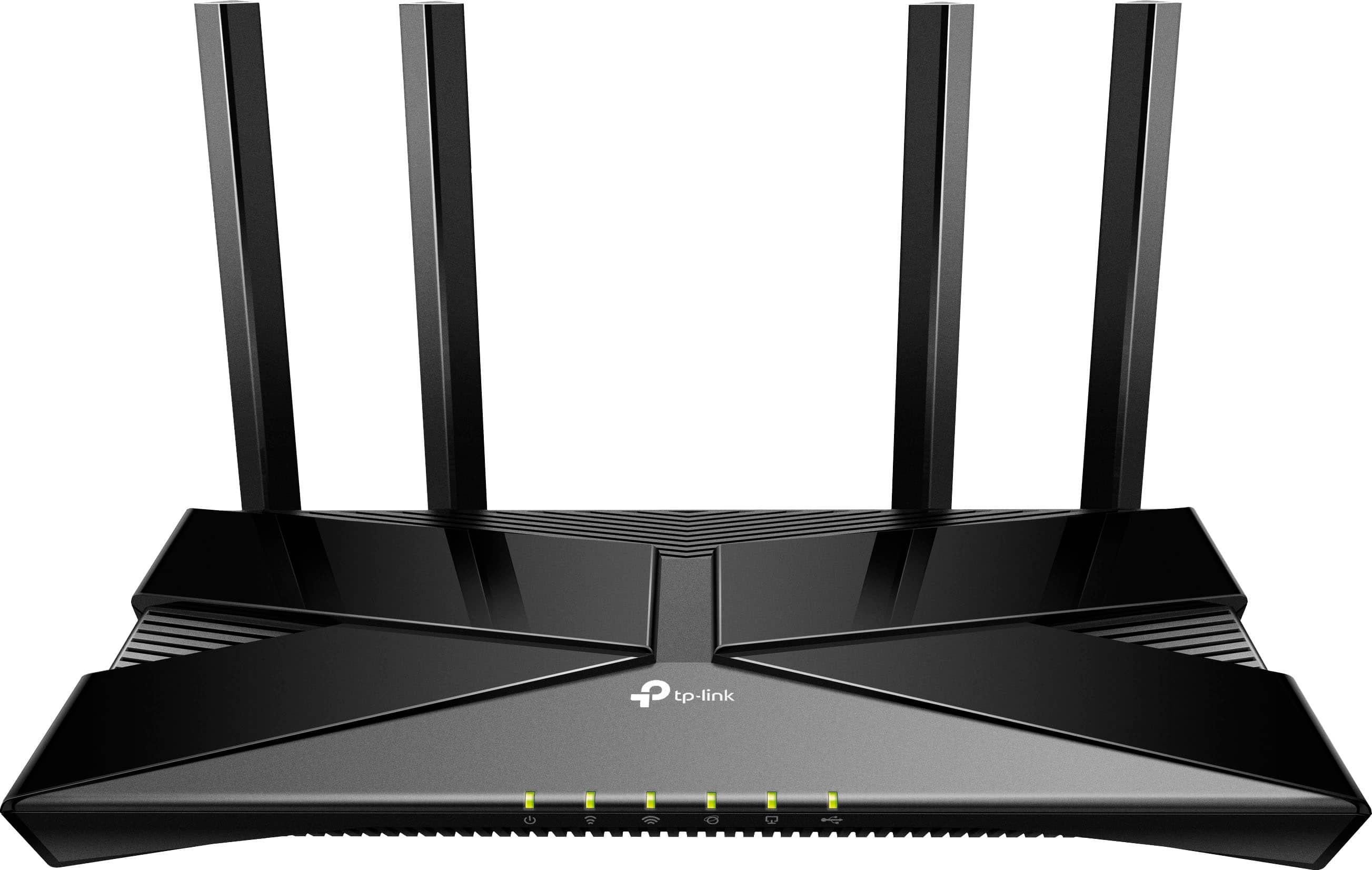
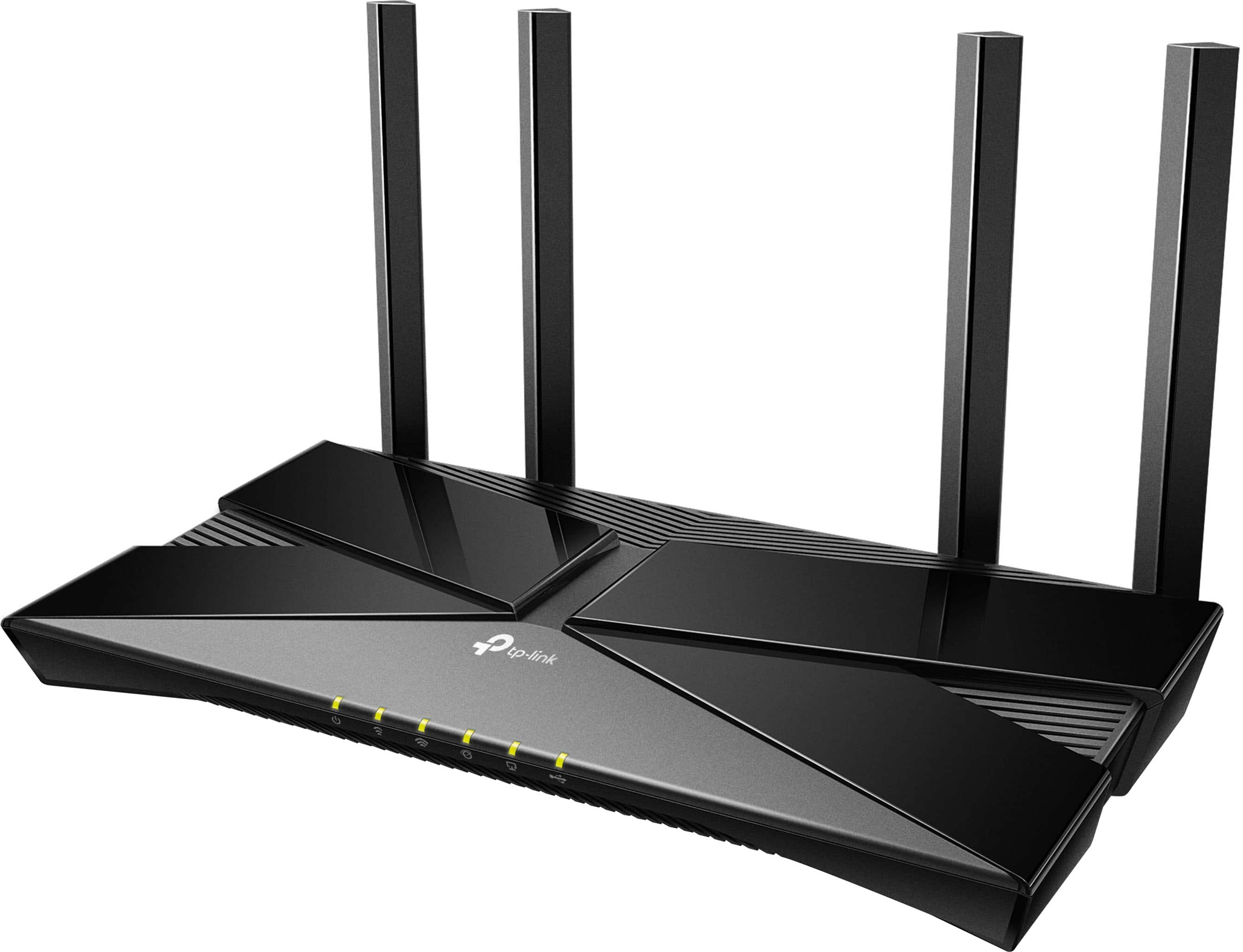
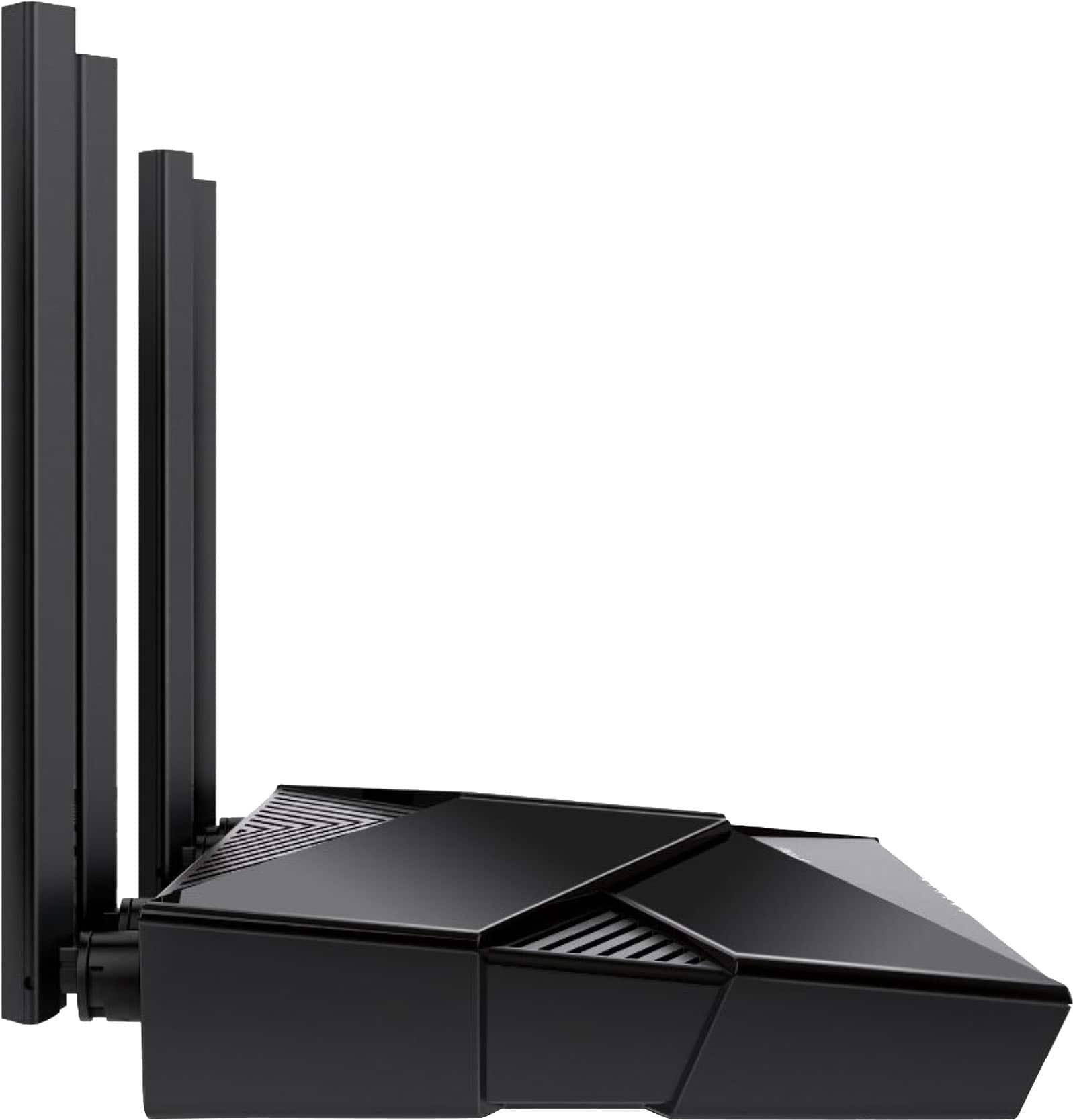

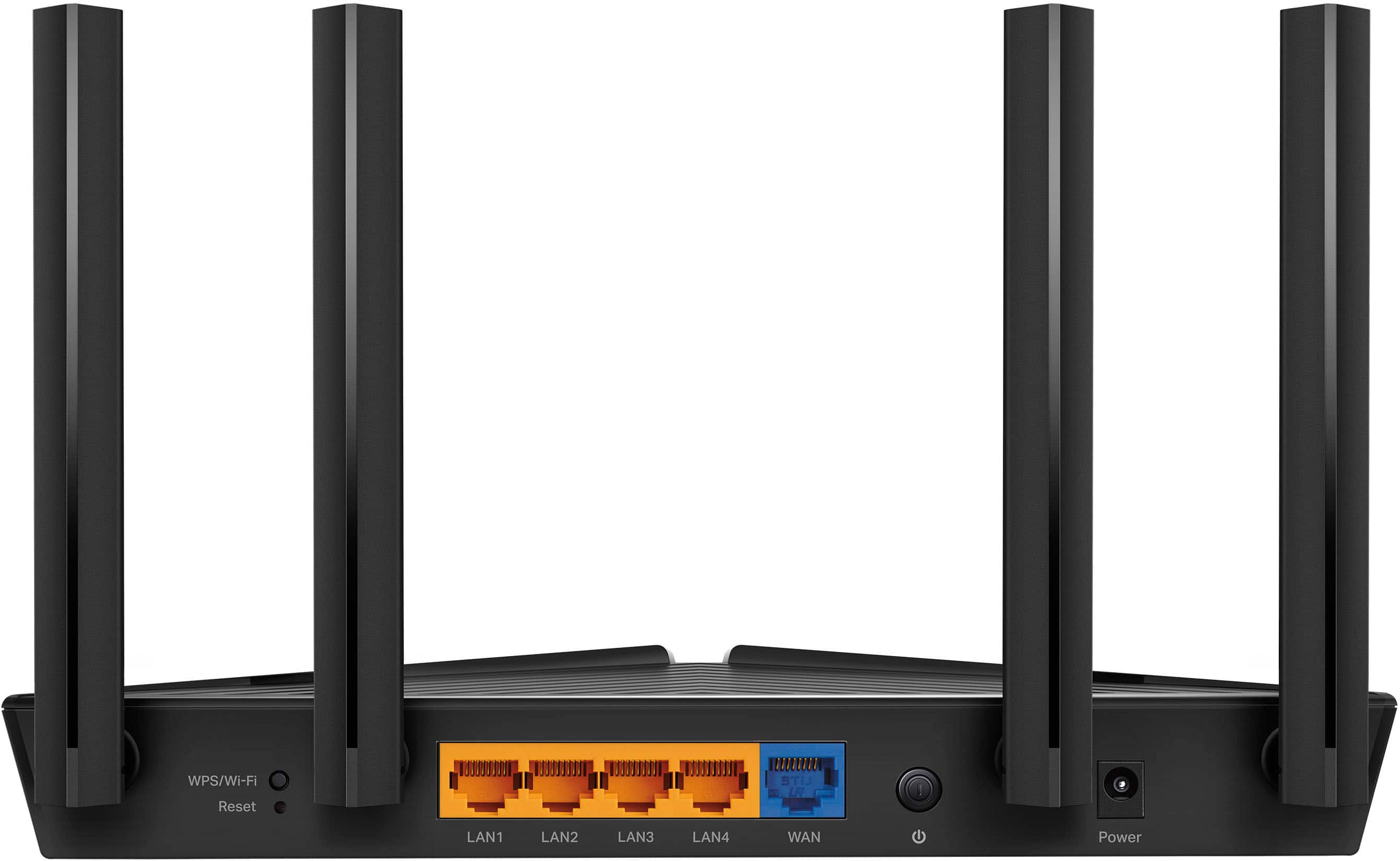
- Model:
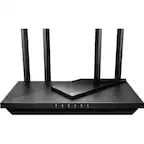
- Archer AX20
- SKU:
- 12239261
Rating by feature
- Setup
Rating 4.7 out of 5 stars
- Range
Rating 4.6 out of 5 stars
- Signal Strength
Rating 4.7 out of 5 stars
Great product for the price!
||Posted . Owned for 1 week when reviewed.This reviewer received promo considerations or sweepstakes entry for writing a review.Easy to setup and my only issue was the App and making sure I had all of the connections to it.
I would recommend this to a friendwanted this for its built in vpn server
||Posted . Owned for 3 weeks when reviewed.This reviewer received promo considerations or sweepstakes entry for writing a review.the admin interface is much faster than the cisco one from xfinity. But I still need to figure out why I cannot set port forwarding at the xfinity router. xfinity sent me a new router (non cisco), slow as the original one(cisco) and port forwarding still failed.
I would recommend this to a friendGreat service
||Posted . Owned for 1 month when reviewed.This reviewer received promo considerations or sweepstakes entry for writing a review.Attendants were all very friendly and willing to help with any questions
I would recommend this to a friendrouter
||Posted . Owned for 1 month when reviewed.This reviewer received promo considerations or sweepstakes entry for writing a review.To expensive, I find this item 40$ less in amzon I recommend check before
I would recommend this to a friendNICE!
||Posted . Owned for 3 weeks when reviewed.This reviewer received promo considerations or sweepstakes entry for writing a review.Very good. Reception is now better. It's not very pretty, though.
I would recommend this to a friendgreat router
||Posted . Owned for 1 month when reviewed.This reviewer received promo considerations or sweepstakes entry for writing a review.very good, has been holding up well with good speeds along with it
I would recommend this to a friendTP-Link - Archer A20 Wi-Fi Router
||Posted . Owned for 3 weeks when reviewed.This reviewer received promo considerations or sweepstakes entry for writing a review.Great product. Overall, TP-Link offers easy to understand and use products.
I would recommend this to a friendFantastic price and Product
||Posted . Owned for 3 weeks when reviewed.This reviewer received promo considerations or sweepstakes entry for writing a review.Works like a charm. Perfect for a 3 bedroom apartment!
I would recommend this to a friendreview
||Posted . Owned for 3 weeks when reviewed.This reviewer received promo considerations or sweepstakes entry for writing a review.Fait price , works good , kicked out once and had to reset it. unfortitnley it was up in a drop ceiling and had to remove a tile to reset it
I would recommend this to a friendUnable to sink to the internet
||Posted . Owned for 1 month when reviewed.This reviewer received promo considerations or sweepstakes entry for writing a review.The problem with this item is that thay want you sink it with the internet. Where I live Im unable to recive a phone call much less use the phone to sink with the internet provider.
I would recommend this to a friendBrand response from TPLinkSupport
Posted .Hi GregM,
Thank you for your review. If you are having difficulty obtaining Internet access after setting up the router, your modem's MAC (Media Access Control) binding may need to be released and renewed so it can provide an IP address (and Internet) to the Router. This can typically be done using the following steps:
1. Unplug the power from both your router and cable modem
2. Unplug the coax cable from the modem
3. Re-connect power ONLY to your cable modem
4. Wait until the cable modem is fully booted, then re-connect coax
5. Re-connect power to the router and connect it to the modem via Ethernet
This process should release and renew the MAC binding, so your modem can provide connectivity to the router. If you need assistance with any of these steps, please get in touch with our support team using the resources included with the product or our official website, and we will be happy to have a Support Agent follow up with you directly.
Thank you,
TP-Link Systems Support
Its ok
||Posted . Owned for 1 week when reviewed.This reviewer received promo considerations or sweepstakes entry for writing a review.Easy to configure with fast and easy hook up. Great buy
I would recommend this to a friendPowerful router with firewall
||Posted . Owned for 1 month when reviewed.This reviewer received promo considerations or sweepstakes entry for writing a review.A wonderful wifi 6 router. It automatically switches from 5 GHz to 2.4 GHz networks depending on the capabilities and the distance of the connected equipment. Wifi works perfectly either in the garden or in the underground, as far as possible from the router. I especially like the firewall option, allowing to restrict the total time and the scheduling of internet access for the kids.
I would recommend this to a friendtp link
||Posted .This reviewer received promo considerations or sweepstakes entry for writing a review.works like a charm just what we need for strong wifi extender for stuff worth buying
I would recommend this to a friendDoes the job!
||Posted . Owned for 3 weeks when reviewed.This reviewer received promo considerations or sweepstakes entry for writing a review.Spectrum’s modem didn’t work with my PC. This worked perfectly in our small home. Meets all our wifi needs.
I would recommend this to a friendPerfect router for us
||Posted . Owned for 2 weeks when reviewed.This reviewer received promo considerations or sweepstakes entry for writing a review.We changed our internet carrier that required just the router. The installer came out, hooked up their equipment and this router. I am extremely happy with this purchase and have had no problems at all.
I would recommend this to a friendFast router with a decent app.
||Posted . Owned for 1 week when reviewed.This reviewer received promo considerations or sweepstakes entry for writing a review.Fast router with a decent app. Easy to use and setup.
I would recommend this to a friendGreat router.
||Posted . Owned for 1 month when reviewed.This reviewer received promo considerations or sweepstakes entry for writing a review.Great router with latest technology. Great signal, never lets me down.
I would recommend this to a friendDecent Router
||Posted . Owned for 1 week when reviewed.This reviewer received promo considerations or sweepstakes entry for writing a review.The product was fine but it didn't really fix my problem.
No, I would not recommend this to a friendGood router
||Posted . Owned for 1 month when reviewed.This reviewer received promo considerations or sweepstakes entry for writing a review.Fantastic model. Best internet router ive had up to date, perfect For med gaming and streaming
I would recommend this to a friendSeems to work well enough.
||Posted . Owned for 1 month when reviewed.This reviewer received promo considerations or sweepstakes entry for writing a review.While not amazingly fast to boot, the setup was fairly simple to get going. I am only using it as a router, as I have separate wifi access points installed, but it seems to serve its purpose well (dhcp, nat, firewall, etc.).
I would recommend this to a friend