Customer Ratings & Reviews
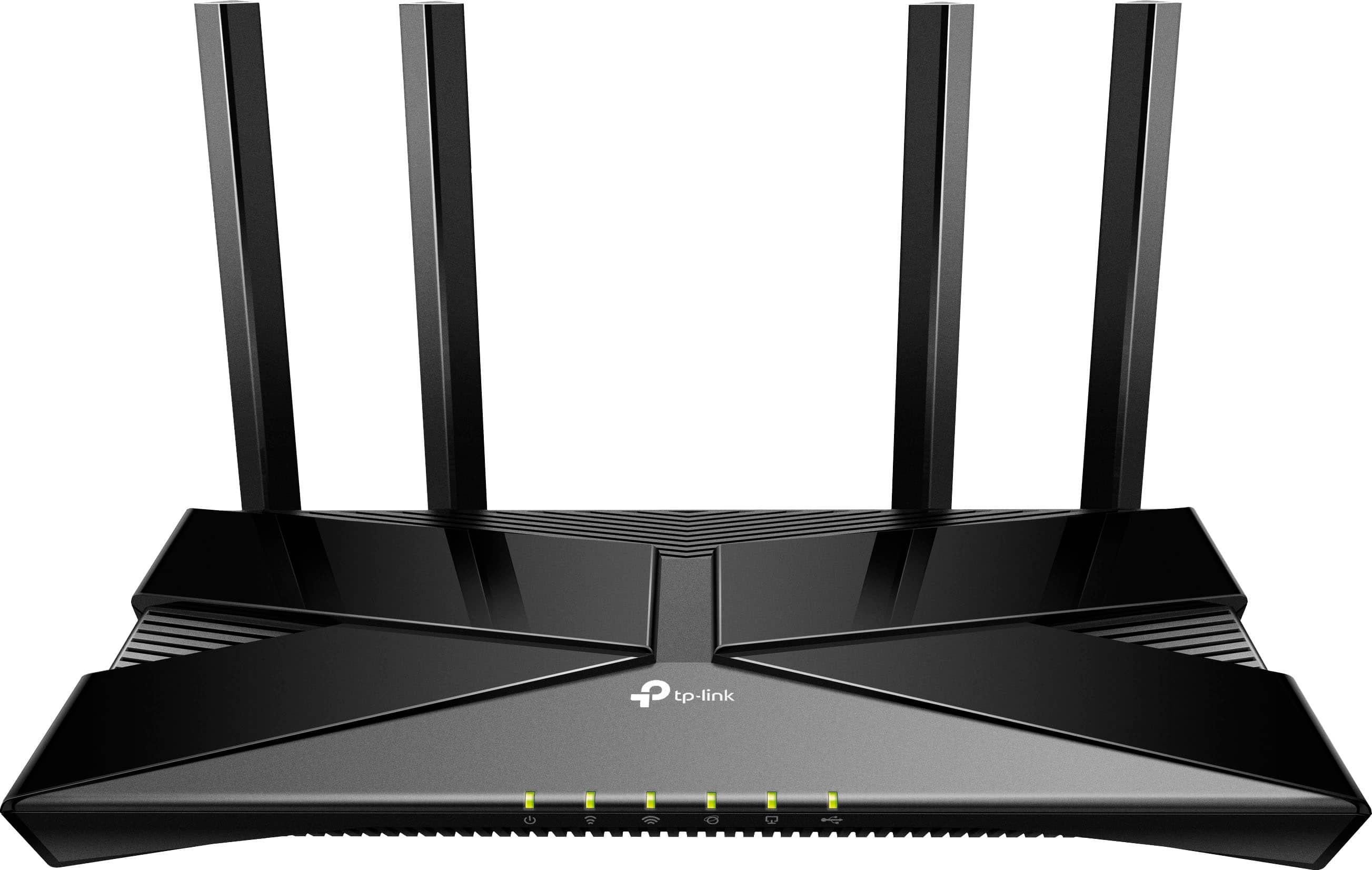
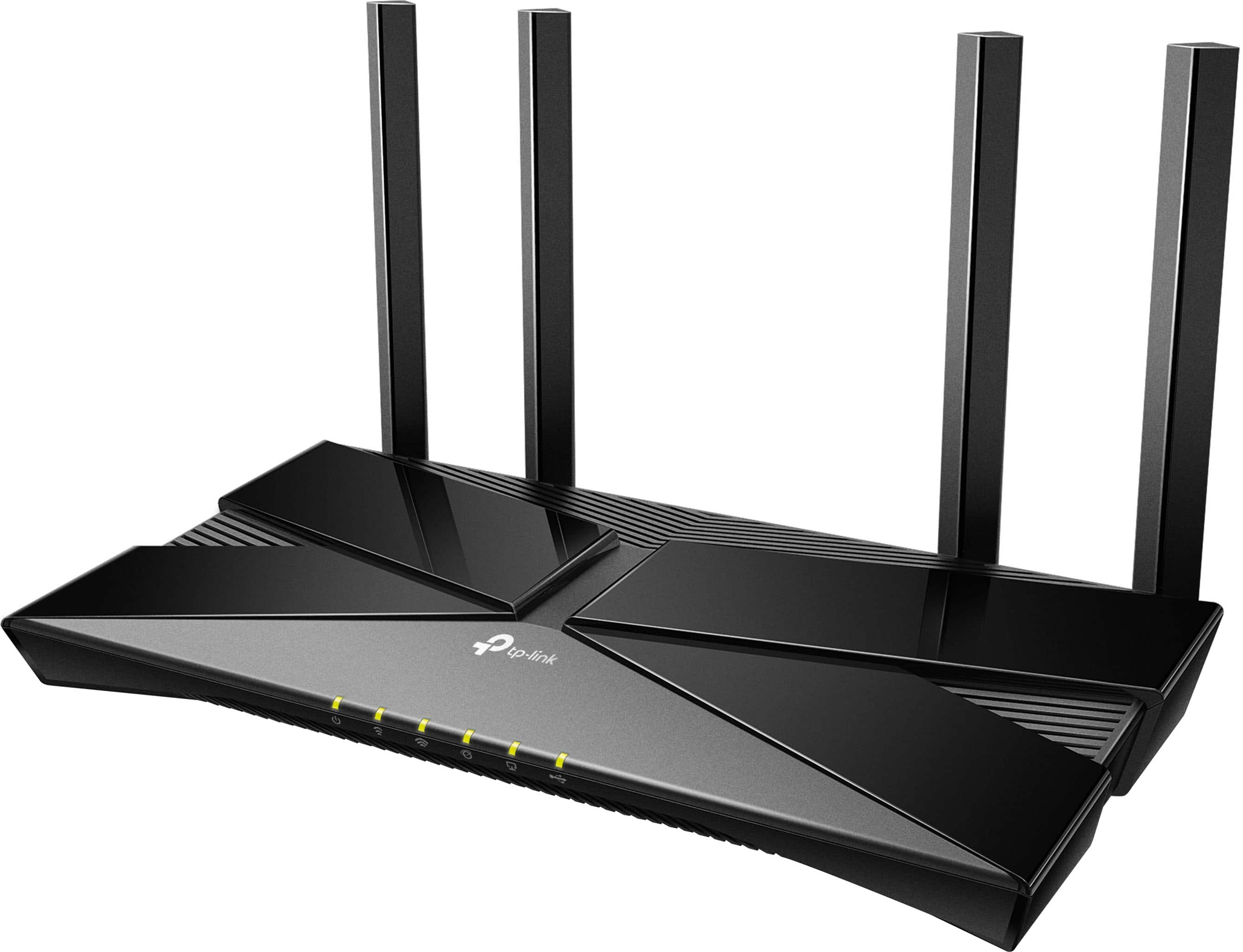
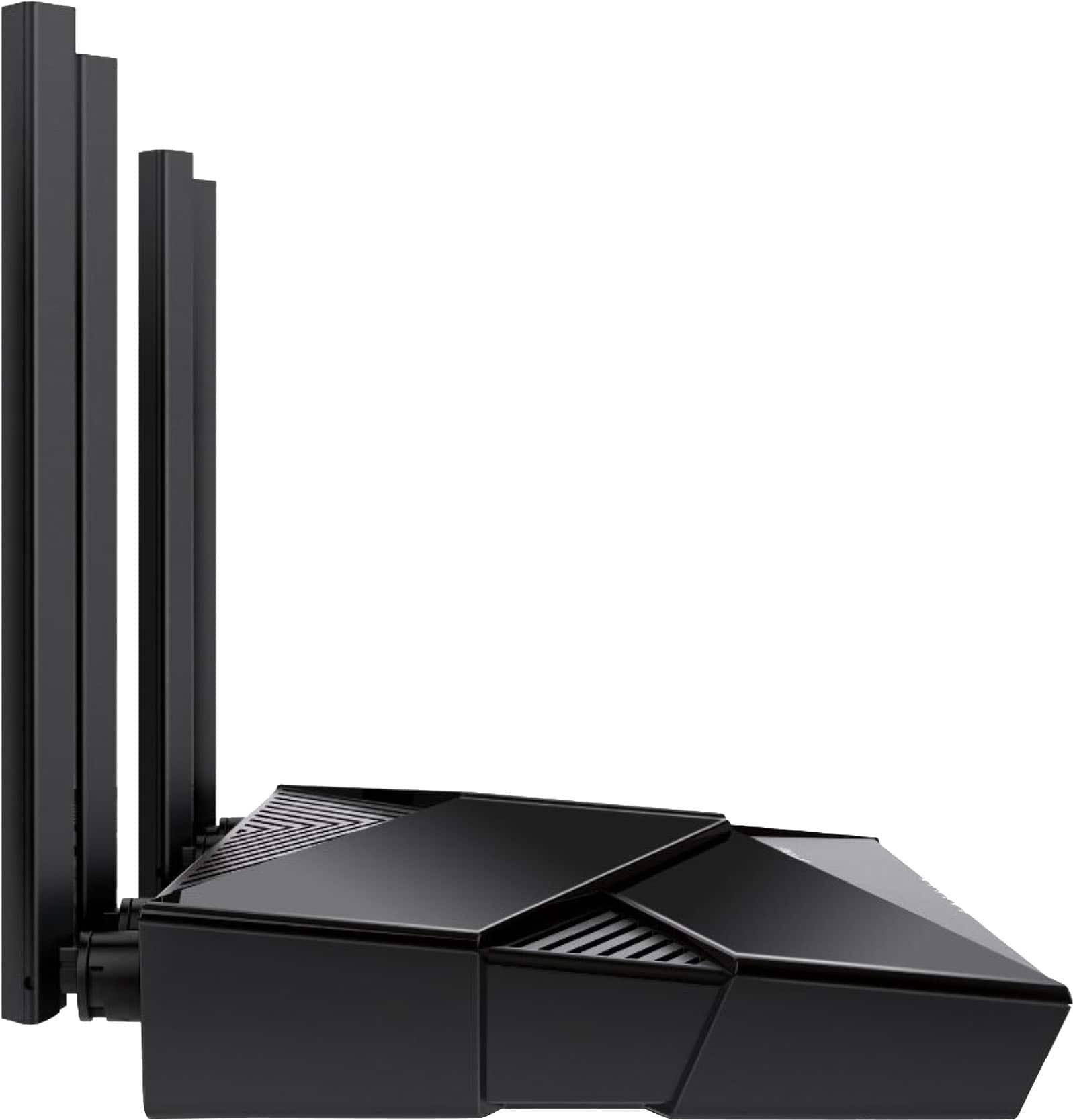

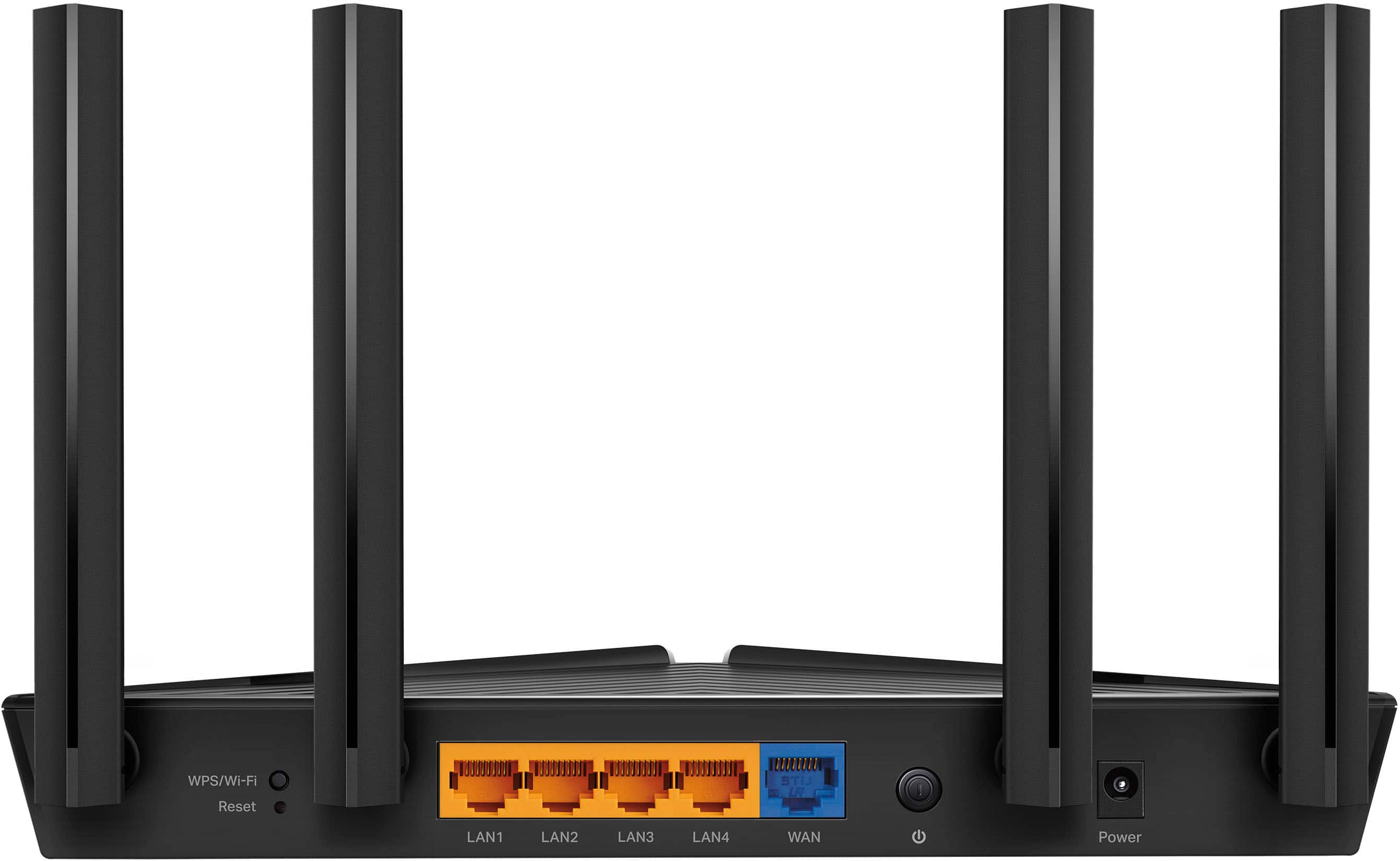
- Model:
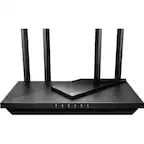
- Archer AX20
- SKU:
- 12239261
Rating by feature
- Setup
Rating 4.7 out of 5 stars
- Range
Rating 4.6 out of 5 stars
- Signal Strength
Rating 4.7 out of 5 stars
Tp Link Wifi Router
Posted .This reviewer received promo considerations or sweepstakes entry for writing a review.It's ok looking to get something better later on. So far with everything moving to 5g or more older wifi routers can't keep up.
No, I would not recommend this to a friendGood
Posted .This reviewer received promo considerations or sweepstakes entry for writing a review.Works good had a couple issues with it crashing but a hard reset seemed to fix the issue.
I would recommend this to a friendConnecting
Posted .This reviewer received promo considerations or sweepstakes entry for writing a review.I purchased this router a month ago,it doesn’t connect to the cellphones.Not sure why.Who can I call for this issue
No, I would not recommend this to a friendBrand response from TPLinkSupport
Posted .You can reach out to TP-Link Support for any concerns related to the operation of the Router. Support can be reached at 866-225-8139. Support is free and available 24 hours a day
Best Regards
TP-Link Systems Support
good Buy
Posted .This reviewer received promo considerations or sweepstakes entry for writing a review.so far so good much more dependable then the one i was using..
I would recommend this to a friendBang for your buck
Posted .This reviewer received promo considerations or sweepstakes entry for writing a review.Really good bang for your buck router. The range isn't huge but what do you expect.
I would recommend this to a friendCould have been great.
Posted .This reviewer received promo considerations or sweepstakes entry for writing a review.I primarily use TPlink network products and have for some time. This router drops internet when under strenuous loads. It looses signal, light turns orange for about 30 seconds and then it comes back. Terrible if you are in a video call or streaming videos.
No, I would not recommend this to a friendBrand response from TPLinkSupport
Posted .Hi,
Thank you for your review. To ensure optimal performance of your wireless router please check, and if needed, update its firmware using the steps outlined in our FAQ: https://www.tp-link.com/us/faq-2139.html
If you would like assistance with any of these steps, please reach out to our free support team using any of the resources included with the product, or from our official website, and we'll gladly have a Support Agent follow up with you directly.
Thank you,
TP-Link Support
WIFI
Posted .This reviewer received promo considerations or sweepstakes entry for writing a review.Range not the greatest. Prefer to pay more for a better one.
No, I would not recommend this to a friendTerrible instructions if you aren't technically st
Posted .This reviewer received promo considerations or sweepstakes entry for writing a review.The router may be great but I have spent two hours trying to set it up and gave up for now. The instructions included assume a level of technical understanding I do not have; I tried a chat with the help desk but that was unproductive. It feels like this should be easy...
No, I would not recommend this to a friendBrand response from TPLinkSupport
Posted .Hi,
Thank you for your review. TP-Link Wi-Fi Routers are designed for intuitive and convenient setup using options such as the Tether app on your smartphone.
If you are encountering difficulty obtaining Internet access during router setup, it may be that your modem's MAC (Media Access Control) binding needs to be released and renewed so it can provide an IP address (and Internet) to the Router. This can typically be done using the following steps:
1. Unplug the power from both your router and cable modem
2. Unplug the coax cable from the modem
3. Re-connect power ONLY to your cable modem
4. Wait until the cable modem is fully booted, then re-connect coax
5. Re-connect power to the router and connect it to the modem via Ethernet
This process should release and renew the MAC binding, so your modem can provide connectivity to the router. If you'd like assistance with any of these steps, please reach out to our toll-free support team using any of the resources included with the product, or from our official website, and we'll gladly have a Support Agent follow up with you directly.
Thank you,
TP-Link Support
Buy a different one
Posted .This reviewer received promo considerations or sweepstakes entry for writing a review.They want your credit card information before they will Chat with you. I tried calling 866-225-9139, 1 and no one answered.
No, I would not recommend this to a friendBrand response from TPLinkSupport
Posted .Hi,
Thank you for your review. TP-Link does not charge for our support services. If you spoke with someone who requested payment, you did not speak with TP-Link. In such cases, we highly recommend ending the call or support session. Then, please contact the official TP-Link Support Team using only the official contact methods provided on the product package and documentation or via our official website.
Thank you,
TP-Link Support
Information stealing
Posted .This reviewer received promo considerations or sweepstakes entry for writing a review.Do NOT buy this router. It works with Amazon Alexa which means that they are listening and stealing all of your information that goes through the router.
No, I would not recommend this to a friendBrand response from TPLinkSupport
Posted .Hi,
Thank you for your review. If you aren't a fan of Alexa integration, please note that it is an entirely optional feature, and is not enabled by default.
Our support team is always happy to help answer any questions you may have about our products. Please feel free to reach out using any of the resources included with the product, or from our official website, and we'll gladly have a Support Agent follow up with you directly.
Thank you,
TP-Link Support