Customer Ratings & Reviews


Customer reviews
Rating 3.6 out of 5 stars with 161 reviews
(161 customer reviews)to a friend
Customers are saying
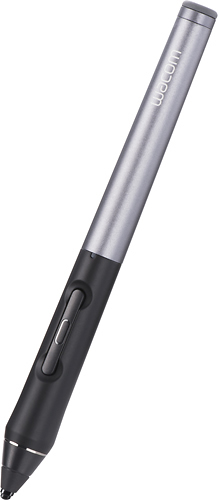
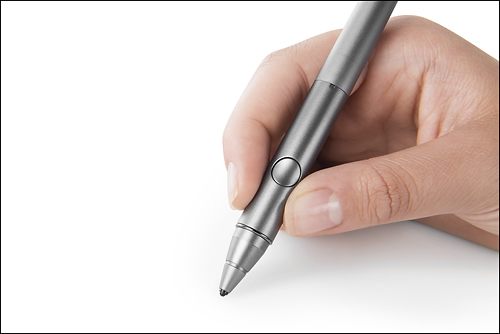
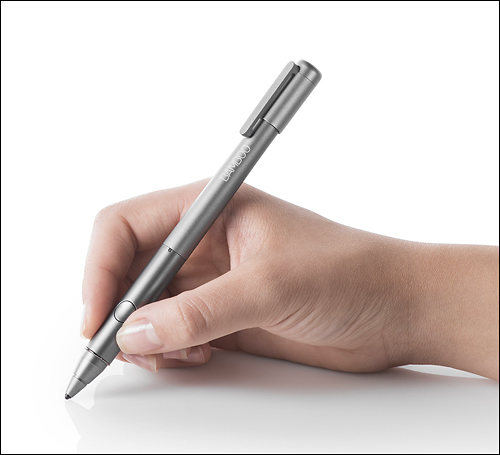
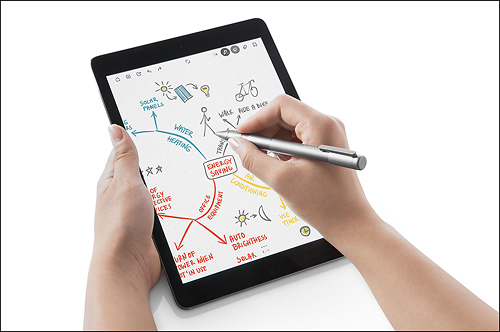
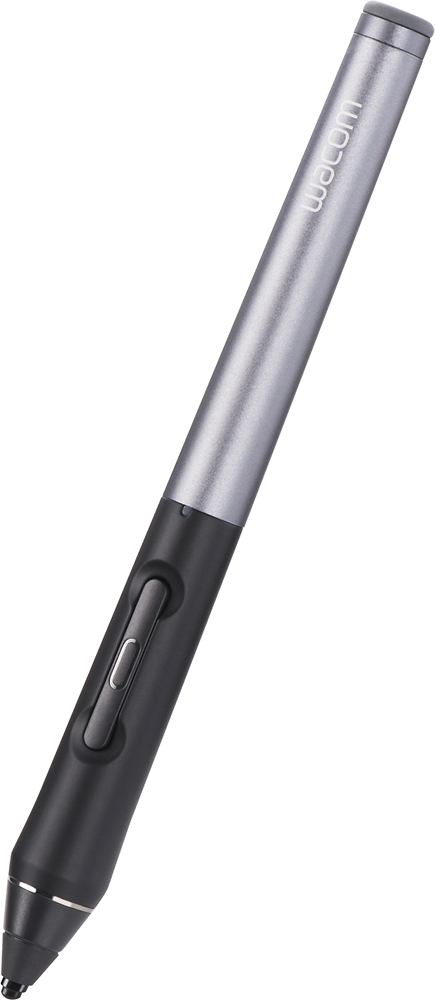
Customers are impressed with the Intuos Creative Stylus 2's ease of use, pressure sensitivity, and long battery life, finding it enjoyable for drawing and note-taking. However, some users experienced compatibility issues and accuracy problems, particularly with tilting the stylus. Concerns were also raised regarding the price and occasional lag or Bluetooth connectivity problems. Despite these drawbacks, many appreciate the stylus's precise tip and comfortable feel.
This summary was generated by AI based on customer reviews.
Rated 5 out of 5 stars
nice bluetooth pencil
||Posted .This reviewer received promo considerations or sweepstakes entry for writing a review.Great bluetooth pencil. fits nicely in my hand & makes writing on my tablet much easier and natural
I would recommend this to a friendRated 2 out of 5 stars
Disappointing stylus
||Posted .This reviewer received promo considerations or sweepstakes entry for writing a review.After trying few cheaper stylus I decided to try the Wacom ... Feels like plastic, noisy when writing and latency sometimes when writing. Personally didn't enjoy it with my iPad and don't use it.
No, I would not recommend this to a friendRated 5 out of 5 stars
Great pruduct
||Posted .This reviewer received promo considerations or sweepstakes entry for writing a review.Better than I expected. Work great with my Ipad anb don' t have any discrepancy when I used to write my works.
I would recommend this to a friendRated 5 out of 5 stars
One of the Perfect Stylus
||Posted .This reviewer received promo considerations or sweepstakes entry for writing a review.It is just a perfect one for writing and drawing. I would recommend that always.
I would recommend this to a friendRated 1 out of 5 stars
Can't update, dropped working
||Posted .This reviewer received promo considerations or sweepstakes entry for writing a review.Very nice idea, but it won't let me do an update, and stopped working completely. I emailed them 3 days ago and only got an email confirmation that it was assigned a case#, no proposed fixes. For $80 this is a joke. I tried to return it to Best Buy, but the manufacturer only allows a 15 return policy, after that you have to contact the manufacturer, which I did, but can't get an answer. Buyer BEWARE!!
No, I would not recommend this to a friendRated 5 out of 5 stars
Excellent quality and fit
||Posted .This reviewer received promo considerations or sweepstakes entry for writing a review.Excellent quality for the $. Fits nicely in the hand and very smooth/accurate on the iPad.
I would recommend this to a friendRated 5 out of 5 stars
Nice
||Posted .This reviewer received promo considerations or sweepstakes entry for writing a review.That is a nice stylus winth a very cool presentation
I would recommend this to a friendRated 5 out of 5 stars
Awesome Gift
||Posted .This reviewer received promo considerations or sweepstakes entry for writing a review.My daughter enjoys and loves using the stylus on daily basis.
I would recommend this to a friendRated 5 out of 5 stars
Works great
||Posted .This reviewer received promo considerations or sweepstakes entry for writing a review.Purchased as a gift but after trying it will purchase one for myself
I would recommend this to a friendRated 5 out of 5 stars
works awesome
||Posted .This reviewer received promo considerations or sweepstakes entry for writing a review.This product works amazing with the IPad, It´s lake having the tablet
I would recommend this to a friendRated 2 out of 5 stars
Ok
||Posted .This reviewer received promo considerations or sweepstakes entry for writing a review.Just ok but not what I expected. Not really comfortable to use
No, I would not recommend this to a friendRated 1 out of 5 stars
Horrible
||Posted .This reviewer received promo considerations or sweepstakes entry for writing a review.Don't buy, doesnt write. It does not sync. Poor control. Too expensive. Does not function correctly. Not worth a dime. Better off with pen and paper. Trust me, once again don't buy. Be warned, save time and money. Please listen to this claim!!!
No, I would not recommend this to a friendRated 1 out of 5 stars
Terrible
||Posted .This reviewer received promo considerations or sweepstakes entry for writing a review.This product did not work. It was glitchy, inconsistent and not useful. Returned it.
No, I would not recommend this to a friendRated 1 out of 5 stars
Stylus only works with certain apps
||Posted .This reviewer received promo considerations or sweepstakes entry for writing a review.Says it is iOS compatible says it is Bluetooth, only connects to their apps. Doesn't work through a Zagg/ Invisasheild touch screen. absolute junk.
No, I would not recommend this to a friend- Pros mentioned:Pressure sensitivityCons mentioned:Compatibility
Rated 3 out of 5 stars
Best Pressure Sensitivity Yet
Posted .This reviewer received promo considerations or sweepstakes entry for writing a review.I avoided this product for a long time, however, it's the best pressure sensitive pen that I've used yet. It's really only useful with drawing apps. They can be buggy too. AstroPad, the buttons don't work and the calibration is challenging on the edges. Sketckbook and Procreate work well, however, ever since updating to iOS 9.1, the pen buttons fail, and alignment is worse towards the edges. iOS 8.4.1 worked great, hoping the developers fix the issues on iOS 9.1. Unsure if I'm going to keep the pen, for I'm still looking for a better solution. The hard nib and clicking is different feel to. I've heard tape and potentially a screen protector may help.
I would recommend this to a friend Rated 1 out of 5 stars
Confusing directions.
||Posted .This reviewer received promo considerations or sweepstakes entry for writing a review.Confusing directions. Don’t waste your money, this is a futuristic product put out too soon
No, I would not recommend this to a friend- Cons mentioned:Compatibility
Rated 5 out of 5 stars
At This Stage It Is Outstanding
Posted .This reviewer received promo considerations or sweepstakes entry for writing a review.Oh how I wish for a universal pressure-sensitive stylus, but alas, there is no such thing. Instead, we are forced to purchase a separate stylus for separate applications, which is quite frustrating. I decided to take a different approach. I grabbed this Wacom stylus and went to their website to find all of the apps with which it worked on the iPad. I then downloaded each of those apps and began trying each out...one for drawing, one for note taking, etc. Ah! I found some of the apps were not so good but others were outstanding for this device. So rather than buy an app and buy a stylus, I took the reverse approach and now have a fabulous stylus that works with a number of apps which I also find outstanding. I simply offer this alternative to purchasing a separate stylus for each app. I got the stylus first (a Wacom, which is a very reliable brand) and worked backwards, matching apps to my stylus. I can now do everything with the stylus I wanted to do, from sending notes to Evernote, to creating works or art. This Stylus does it all, but you must choose from compatible apps, which actually was a rather delightful exercise and uncovered a number of jewels.
I would recommend this to a friend Rated 1 out of 5 stars
Clerk said it would work on my tablet and it would
||Posted .This reviewer received promo considerations or sweepstakes entry for writing a review.I asked the clerk if the pen would work, he said yes but it does not!
No, I would not recommend this to a friend- Cons mentioned:Bluetooth, Lag
Rated 2 out of 5 stars
great expectaion, huge disapointment
Posted .This reviewer received promo considerations or sweepstakes entry for writing a review.Here's my take on the wacom stylus 2 for the ipad. having an older version of the Ipad (4th gen# and not sure on how it performs with the latter models. this review will fit better on those who dont have any of the ipad airs or minnies. that said i will begin. the reason I'm giving it 2 stars is mainly for these reasons. 1.lag 2.hard presure to get thickness in strokes. 3.not responsive with quick strokes #sketch phase) 4. useless unless connected to bluetooth. i was expecting a stylus that would be smooth and almost natural to draw. however when i try to lay my quick strokes in the sketching phase for some reason some came to thin while other dont even show up. i have to take time to do a sketh that normally would take me 3 minutes to almost 14 minutes, due to the incosistnecy. also when trying to add line art or fine lines, the half second lag or even 1 second lag it still shows. worst when you want to get the nice think lines, you have to add so much presure on the Ipad it almost feel your going to destroy its sensory system, by how much weight you need to laid it on. and using the First stylus, when ever i wanted to disable my setting to just draw like a standar stylus i would turn off the bluetooth, and then when i want it back just touch the switched. this stylus doesnt give you that privilage, you need to have bluetooth on, otherwise it wont write. really disapointed on this piece of equipment by wacom. i rather stick with my laptop and intous 5 to do my drawins and editings.
No, I would not recommend this to a friend - Cons mentioned:Compatibility
Rated 1 out of 5 stars
WARNING IPAD AIR2 USERS
Posted .This reviewer received promo considerations or sweepstakes entry for writing a review.This stylus is NOT compatible with the IPAD AIR 2. It does not work properly. Do not take notice of what is written on the box. Check out the Wacom help pages. Wacom says it is NOT COMPATIBLE WITH THE IPAD AIR 2. Kind of disappointed the sales associate didn't know this problem. Now I have to return it.
No, I would not recommend this to a friend