Customer Ratings & Reviews



- Model:
- CTL6100WLK0
- SKU:
- 10983519
Rating by feature
- Value
Rating 4.4 out of 5 stars
- Quality
Rating 4.6 out of 5 stars
- Ease of Use
Rating 4.4 out of 5 stars

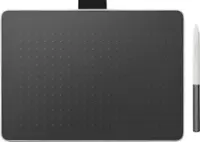
Perfect Producivity and Design tablet
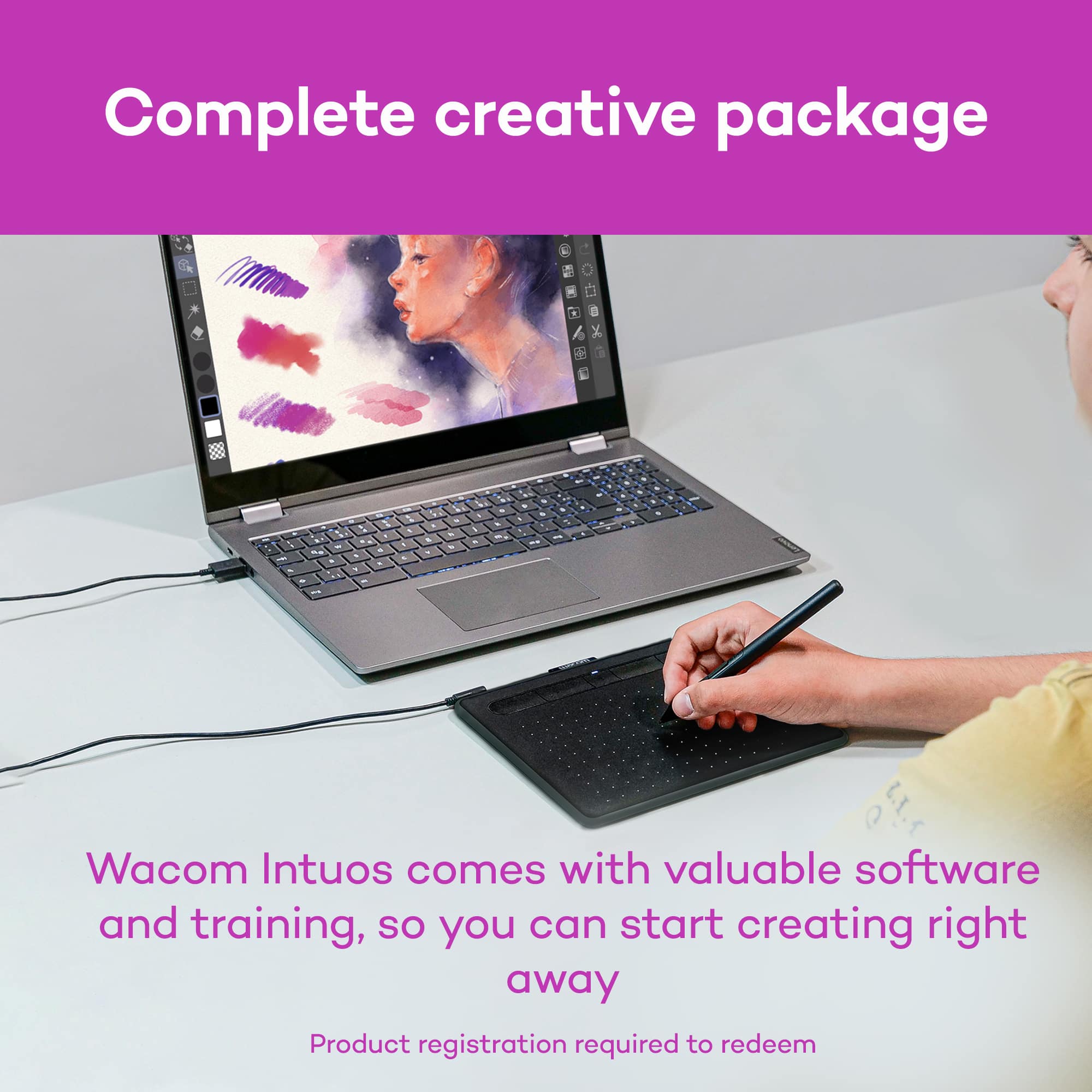
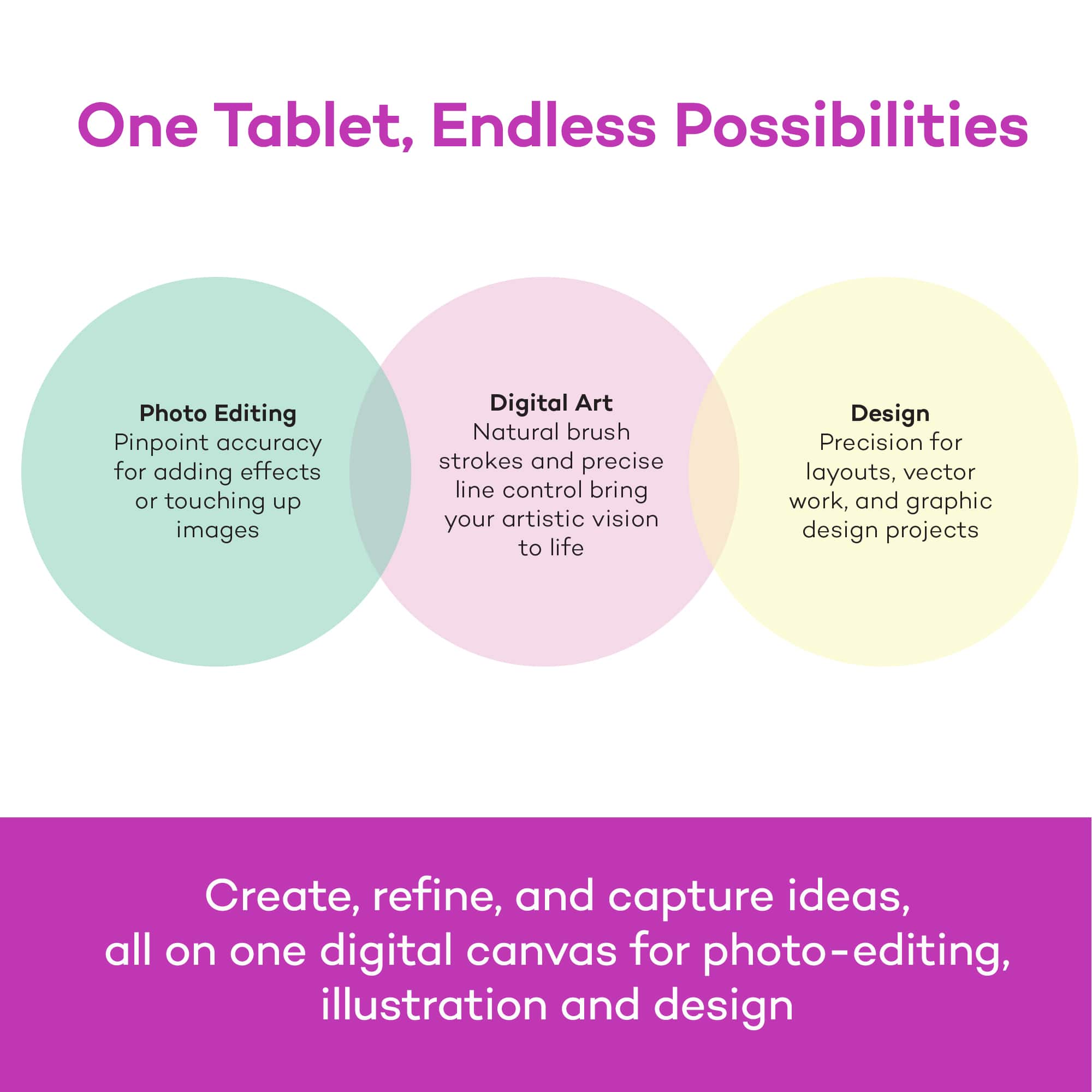
|Posted . Owned for 3 months when reviewed.This reviewer received promo considerations or sweepstakes entry for writing a review.This tablet is great for productivity. It is capable of being used in various design applications including 3D modeling. The programs it comes with are also a nice plus. My only suggestion is that if you want to see exactly what you're working on, you may want to upgrade to the tablet with a screen built in.
I would recommend this to a friendPerfect for designers and editors
||Posted . Owned for 2 months when reviewed.This reviewer received promo considerations or sweepstakes entry for writing a review.Works as expected. I use it for 3d modeling and sometimes for photo and video editing. Love that it can be wireless or wired. Easy to use, customize and understand.
I would recommend this to a friendGreat Addition to My Home Studio!
||Posted .This reviewer received promo considerations or sweepstakes entry for writing a review.Very easy to set up and calibrate. Easy to use even if you are a first time user. It’s more responsive and effective than using a mouse for illustrating.
I would recommend this to a friendGreat workability
||Posted .This reviewer received promo considerations or sweepstakes entry for writing a review.I absolutely love my new wacom! It is the perfect size, has great new features and I love that it works bluetooth. I needed to upgrade from my tiny Intuous that was getting old. LOVE MY PURCHASE!
I would recommend this to a friendPerfect
||Posted . Owned for 9 months when reviewed.This reviewer received promo considerations or sweepstakes entry for writing a review.Does exactly what id like out of it and works nicely! I struggle a little with customizing the buttons, and i feel like i could have gone for a bigger size, but otherwise i really like it!
I would recommend this to a friendSo far working great with decent battery life.
||Posted . Owned for 7 months when reviewed.This reviewer received promo considerations or sweepstakes entry for writing a review.Generous drawing area; good Bluetooth connection; an expensive product. Software works great to control the tablet. Battery-free pen works great.
I would recommend this to a friendConvenient size. Wacom never disappoints
||Posted .This reviewer received promo considerations or sweepstakes entry for writing a review.Great product. Reasonable price. Easy to use. I upgraded from a Bamboo Fun, but I think an artist of any level would find this tablet easy to use and have a faultless quality.
I would recommend this to a friendGood Product
||Posted .This reviewer received promo considerations or sweepstakes entry for writing a review.I've used Wacom tablets at home and at the office doing computer graphics for years. Recently because of system upgrades, my old Wacom tablet was no longer upgradeable. So I knew Best Buy would carry the newest models, and that's where I went before looking elsewhere, knowing I'd get the best price. The new Wacom tablet is great and does everything it needs to do, which is making drawing and retouching easy, and a great way to prevent carpal tunnel syndrome, because it's like using a writing instrument.
I would recommend this to a friendGreat value for a reliable tablet
||Posted .This reviewer received promo considerations or sweepstakes entry for writing a review.I mostly use my Intous to record hand-drawn notes for my students using Windows Inkspace. I also use it to annotate student work and to write on the whiteboard in Zoom or Blackboard Collaborate Ultra. The pen feels close to natural, so my handwriting looks decent. The free softwares are also helpful for some of my more sophisticated drawings. All-in-all a great tablet!
I would recommend this to a friendImpressed.
||Posted . Owned for 3 months when reviewed.This reviewer received promo considerations or sweepstakes entry for writing a review.This is a great device. I love it, my wife does not, but that's her fault for not giving it time. This is my first drawing tablet and it threw me for a loop upon the first several uses. Once I began to get use to using it while looking at my screen and cursor instead of the pad, it became very easy to use. I've always wanted to learn to draw/paint and very quickly I'm creating images I've only dreamed of. Would recommend. Also great that it recognizes pressure used to draw.
I would recommend this to a friendneat little gadget.
||Posted . Owned for 5 months when reviewed.This reviewer received promo considerations or sweepstakes entry for writing a review.use it daily for work.easy to use and i love that it is also blutooth. in my free time use it for playing OSU!!!
I would recommend this to a friendDrawing Pad
||Posted . Owned for 1 month when reviewed.This reviewer received promo considerations or sweepstakes entry for writing a review.My daughter is very satisfied and loves this product!
I would recommend this to a friendgreat product
||Posted .This reviewer received promo considerations or sweepstakes entry for writing a review.We got the medium size because we were afraid the small would be too small. The size was perfect and the free softwares that came along with this.
I would recommend this to a friendGreat drawing tablet.
||Posted .This reviewer received promo considerations or sweepstakes entry for writing a review.It's an amazing drawing tablet with pressure sensitive sensors and even backup pen tips. It also brings its own software which is a huge plus.
I would recommend this to a friendPerfect for what I needed
||Posted . Owned for 2 weeks when reviewed.This reviewer received promo considerations or sweepstakes entry for writing a review.Fantastic, works like a charm. Has plug and play and very easy to use. The pen nibs appear to wear down quickly but still good for the price.
I would recommend this to a friendGood Drawing tablet
||Posted . Owned for 3 weeks when reviewed.This reviewer received promo considerations or sweepstakes entry for writing a review.My son loves it! No issues so far. My daughter had an older version a while back and we upgraded to this one.
I would recommend this to a friendFirst time Wacom buyer!
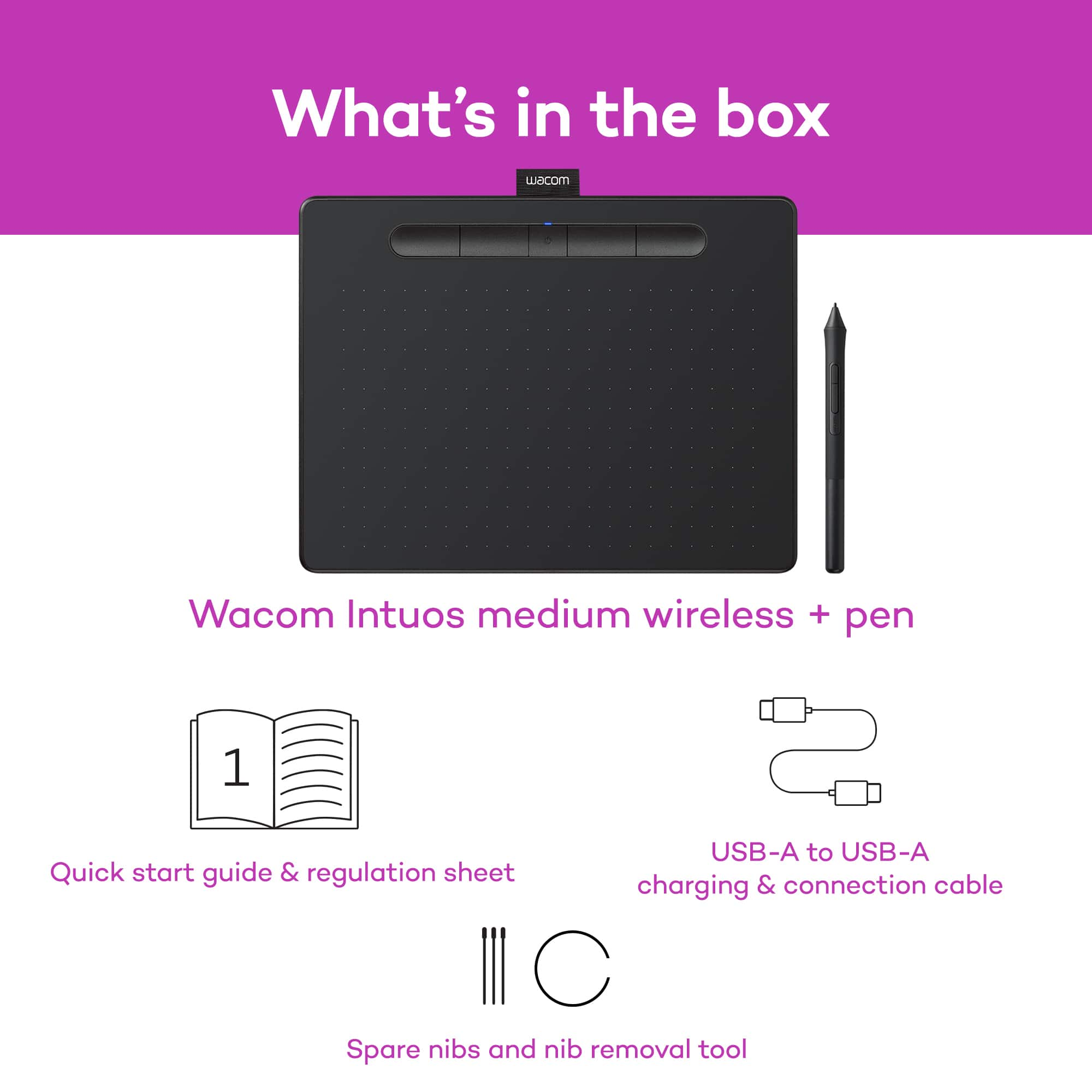
||Posted . Owned for 10 months when reviewed.This reviewer received promo considerations or sweepstakes entry for writing a review.My previous drawing tablet was an old Genius G-pen F610 for reference. With my last drawing tablet breaking, I was in need of a replacement/ upgrade. After careful study, I thought to purchase the Medium Wacom Intuos. The setup is INCREDIBLY simple, and works with my computer. I have not tried the bluetooth capabilities, but im sure there would be no issue either. The pen requires no batteries, and comes with 3 replacement nibs in case you wear them out! If you run out, I suggest buying them in bulk on amazon, you can get them surprisingly cheap. All in all, the performance is phenomenal, and it's like im drawing directly on the screen without actually doing so. If you're on a "Less-than-a-grand" budget, this is the tablet for you!
I would recommend this to a friendGreat product
||Posted . Owned for 1 month when reviewed.This reviewer received promo considerations or sweepstakes entry for writing a review.Bought this for my teenage grandson. It exceeded his expectations. Very easy to use and was a great value.
I would recommend this to a friendGood buy
||Posted . Owned for 2 weeks when reviewed.This reviewer received promo considerations or sweepstakes entry for writing a review.Item works perfectly. For student use / basic computer job.
I would recommend this to a friendgranddaughter loves it
||Posted . Owned for 1 month when reviewed.This reviewer received promo considerations or sweepstakes entry for writing a review.nice for young ones to draw using their computers I think its a good value for what all it does and the case is amazing
I would recommend this to a friend