Customer Ratings & Reviews




Customer reviews
Rating 4.5 out of 5 stars with 1410 reviews
(1,410 customer reviews)Rating by feature
- Value4.6
Rating 4.6 out of 5 stars
- Quality4.6
Rating 4.6 out of 5 stars
- Ease of Use4.4
Rating 4.4 out of 5 stars
Rated 4 out of 5 stars
It's great, just not for chromebook
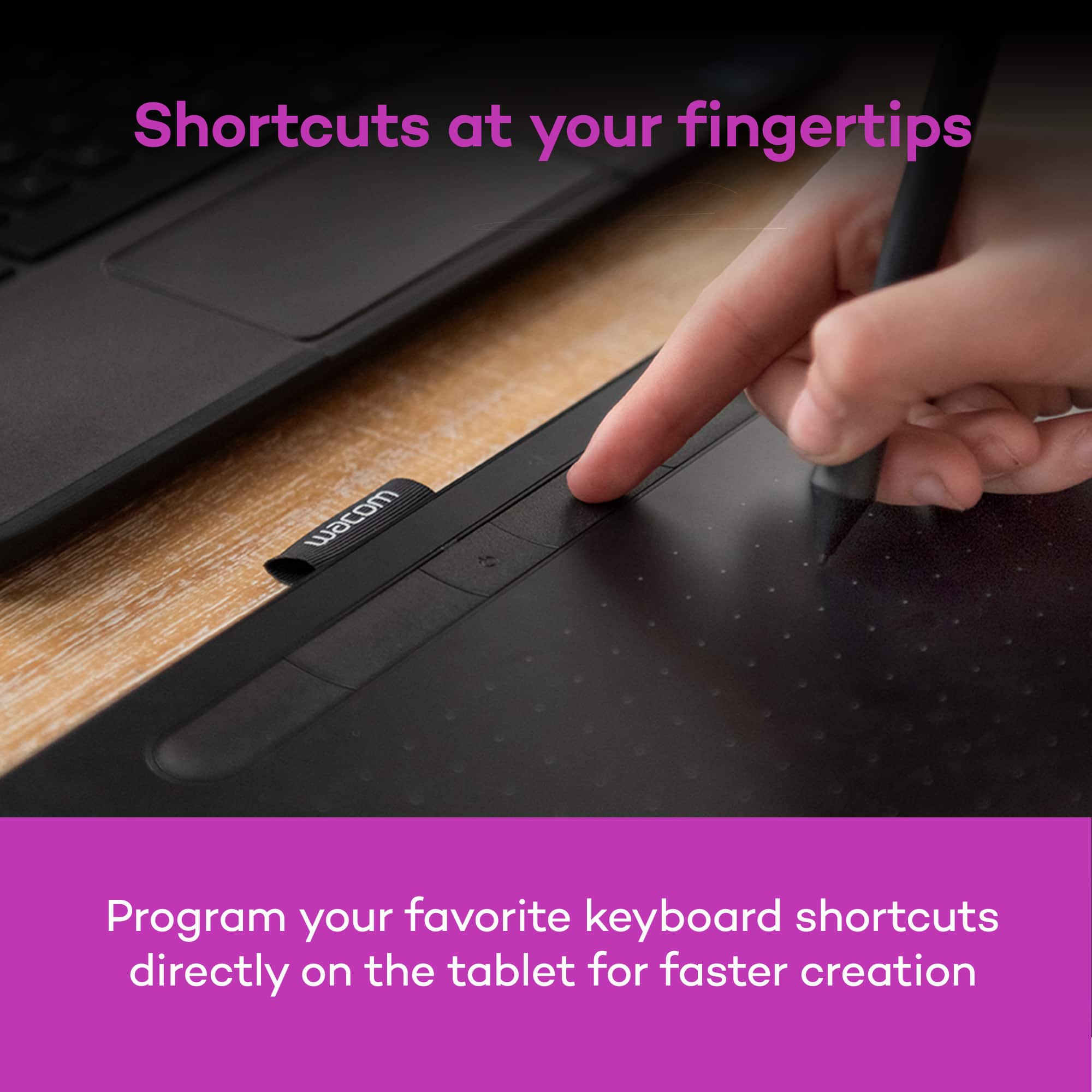
Posted .This reviewer received promo considerations or sweepstakes entry for writing a review.It's very good. very smooth. I got most of what it said it would include but I don't suggest this for chromebook users. I say this because setting up can be confusing. Normal set up: it's a simple plug in/bluetooth connect. But registering your tablet, redeeming software and setting shortcut buttons is the hard part. You have to manually register the tablet by first creating a sign in into wacom and whatnot and the software thing you can do on your own. But setting the shortcut buttons on your tablet and pen is impossible. Why? You need Wacom's desktop center which is inaccessible with chromebooks. But if you're looking for just a pen tablet, it's great. I've seen a lot of people dislike it because they just couldn't figure it out, but they legitimately have no idea what they got and what they're doing. Again, I do not suggest this for chromebook users if you're looking to get full use out of this tablet.
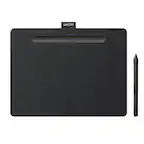
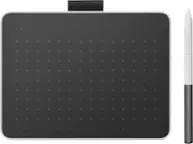
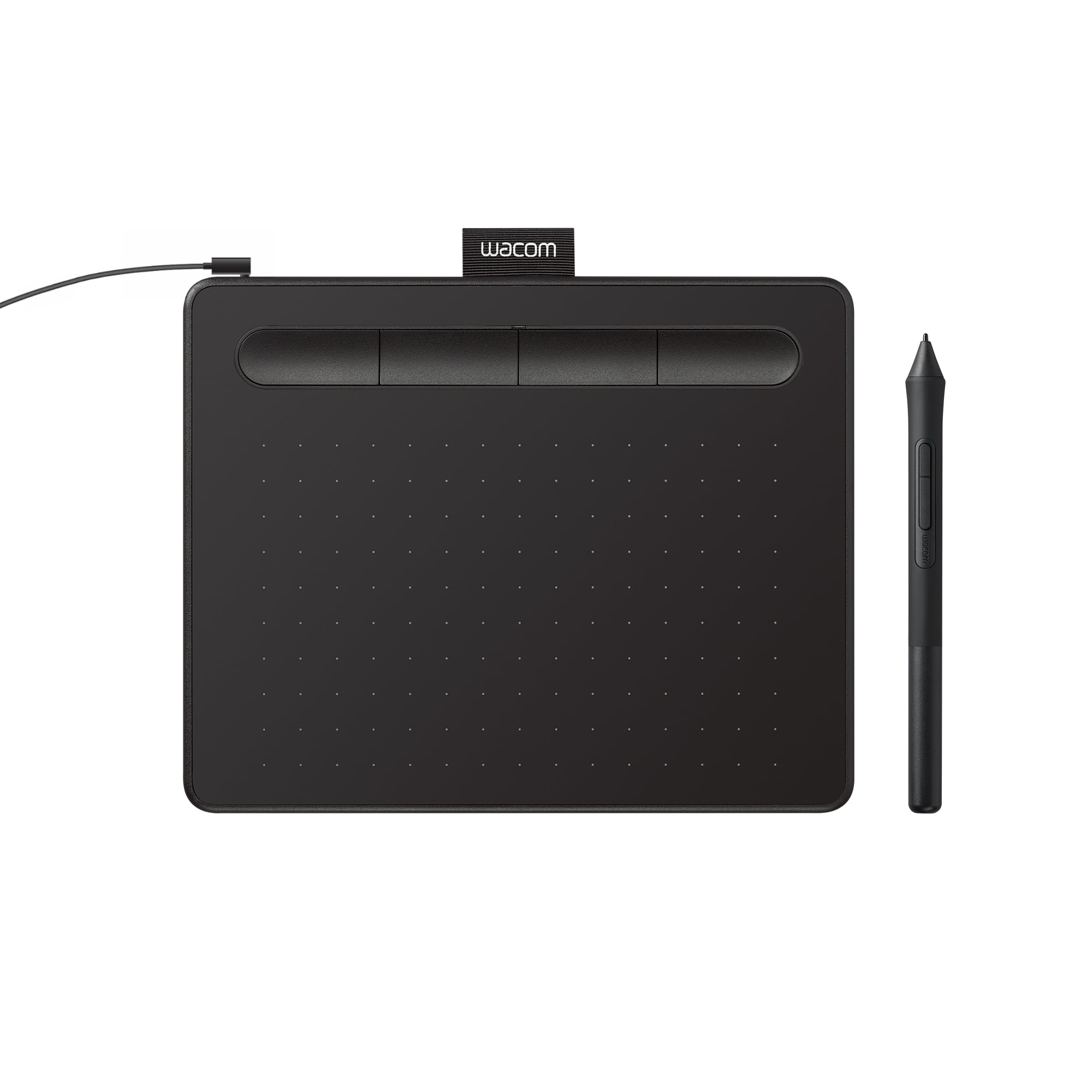
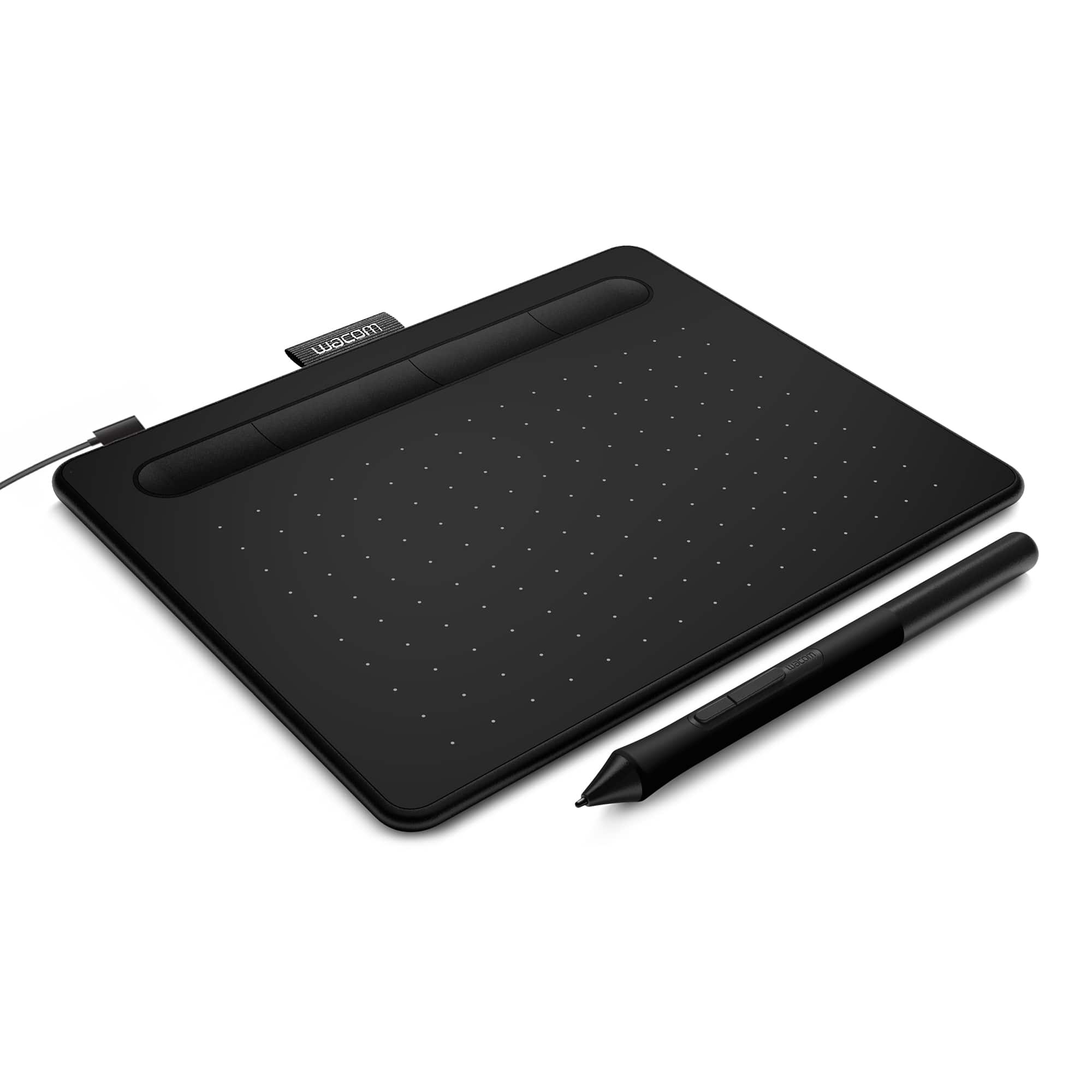
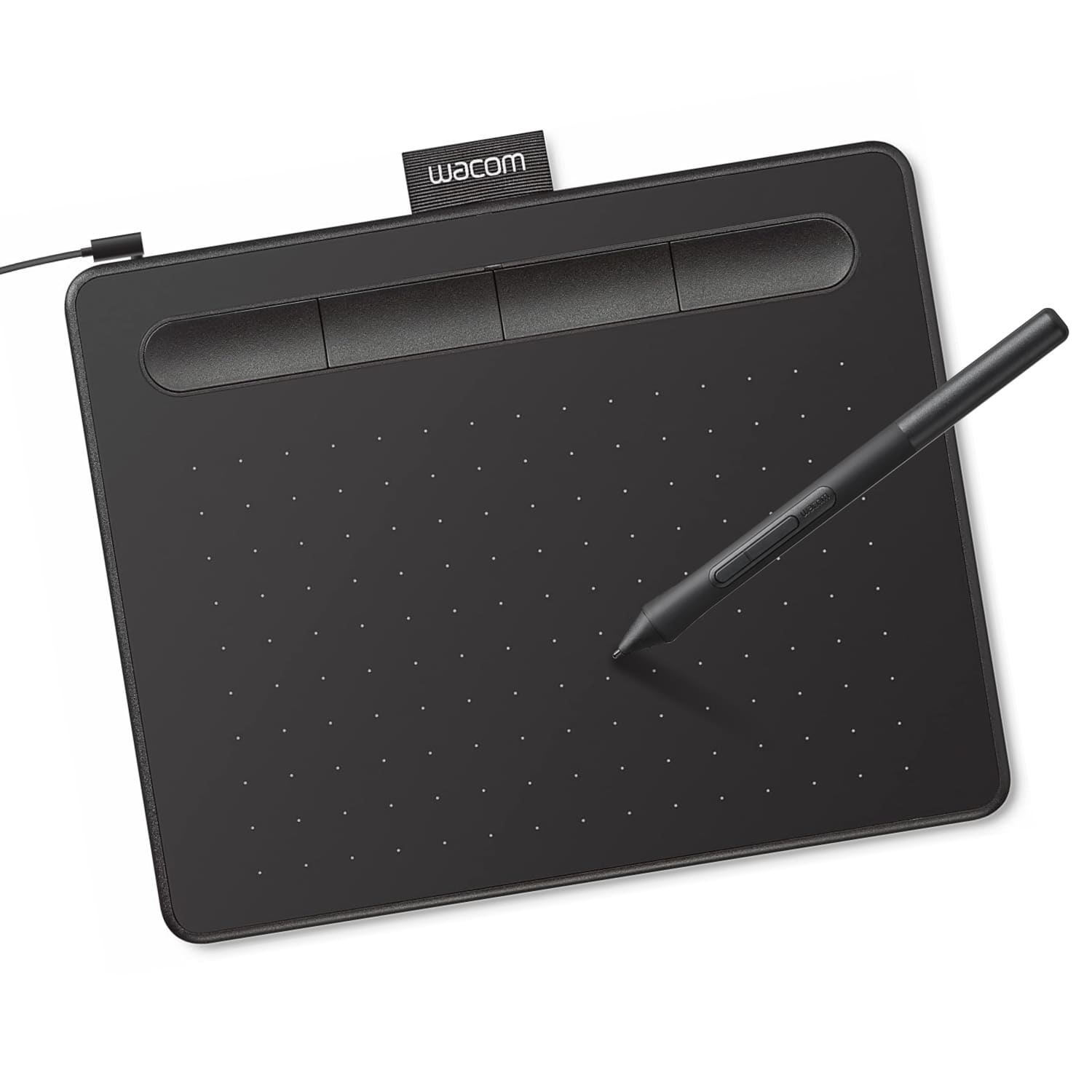
This review is from Wacom - Intuos Graphic Drawing Tablet for Mac, PC, Chromebook & Android (Small) with Software Included - Black
I would recommend this to a friendRated 4 out of 5 stars
Excellent Drawing Table For Beginners
||Posted .This reviewer received promo considerations or sweepstakes entry for writing a review.I have a degree in Digital Arts & Design and have had a lot of experience with various tablets. My 10 year old daughter has recently gotten into drawing very heavily and she wanted to start experimenting with digital art. I decided to go with this smaller Wacom for her first drawing tablet. We have had this for a few months now and she absolutely loves it. Do not worry if you do not have a program such as Photoshop or Illustrator. This tablet comes with a program that can allow you to get started. I would recommend this for anyone looking to explore the digital drawing realm or who has kids who would like to move into this space. Has been a great purchase for us.
This review is from Wacom - Intuos Graphic Drawing Tablet for Mac, PC, Chromebook & Android (Small) with Software Included - Black
I would recommend this to a friendRated 5 out of 5 stars
Awesome Tablet and great purchase experience
||Posted . Owned for 2 weeks when reviewed.This reviewer received promo considerations or sweepstakes entry for writing a review.I recently acquired the Wacom Intuos Graphic Drawing Tablet in Black, and it has been a game-changer for my digital artwork and design projects. This compact tablet is a powerhouse when it comes to creative expression. First and foremost, the drawing experience is incredibly natural and precise. The pressure sensitivity and responsiveness of the pen make it feel like I'm drawing on paper. Whether I'm sketching, illustrating, or retouching photos, the tablet offers excellent control and accuracy. The included software is a fantastic addition, especially for those starting their creative journey. It provides a range of tools and brushes that cater to various artistic styles. It's also compatible with popular creative software, making it versatile for both beginners and experienced artists. The compact size of the tablet is perfect for portability, and it doesn't take up much desk space. The customizable express keys and touch-sensitive surface are convenient for quick shortcuts and gestures, enhancing workflow efficiency. One minor drawback is that the tablet may take a little time to get used to for those new to digital drawing, but with practice, it becomes an invaluable tool. In conclusion, the Wacom Intuos Graphic Drawing Tablet has exceeded my expectations. Its natural drawing experience, bundled software, and compact design make it an excellent choice for artists, designers, and anyone looking to explore digital creativity. I'm thoroughly impressed with its performance, and I highly recommend it to fellow creatives looking to enhance their artistic endeavors.
This review is from Wacom - Intuos Graphic Drawing Tablet for Mac, PC, Chromebook & Android (Small) with Software Included - Black
I would recommend this to a friendRated 5 out of 5 stars
Worth.
||Posted .This reviewer received promo considerations or sweepstakes entry for writing a review.Good quality and pricing for easy use excellent for new artists
This review is from Wacom - Intuos Graphic Drawing Tablet for Mac, PC, Chromebook & Android (Small) with Software Included - Black
I would recommend this to a friendRated 5 out of 5 stars
Wacom - Intuos Graphic Drawing Tablet
||Posted .This reviewer received promo considerations or sweepstakes entry for writing a review.Very nice drawing tablet for the price. Packs nicely with the laptop, and produces crisp flowing lines, on the subject being created, or edited.
This review is from Wacom - Intuos Graphic Drawing Tablet for Mac, PC, Chromebook & Android (Small) with Software Included - Black
I would recommend this to a friendRated 5 out of 5 stars
Greta product
||Posted .This reviewer received promo considerations or sweepstakes entry for writing a review.Great product, writes and draws smooth, good contact with pad and pen
This review is from Wacom - Intuos Graphic Drawing Tablet for Mac, PC, Chromebook & Android (Small) with Software Included - Black
I would recommend this to a friendRated 5 out of 5 stars
Fantastic Small Form Tablet
||Posted . Owned for more than 2 years when reviewed.This reviewer received promo considerations or sweepstakes entry for writing a review.Absolutely love this tablet. I needed something portable for photo editing and drawing. This tablet is the perfect size to fit in any backpack or laptop bag. Super reliable and works great with all apps.
This review is from Wacom - Intuos Graphic Drawing Tablet for Mac, PC, Chromebook & Android (Small) with Software Included - Black
I would recommend this to a friendRated 4 out of 5 stars
Just what you need in a starter tablet
||Posted .This reviewer received promo considerations or sweepstakes entry for writing a review.First of all, make sure you get the Bluetooth version if that's what you want. The only distinguishing feature on the package is a Bluetooth logo in the lower left of the package top. Not seeing the difference between the BT and non-BT versions, I accidentally bought the non-BT. It worked fine, except that I had to use the cable. Best Buy was nice in letting me exchange for the one I wanted. Now if you want to use it with your desktop, you also need Bluetooth on your desktop. I installed a USB Bluetooth 4.0 adapter. In theory you just plug it in and it works, but I wish you good luck. You can check my review of the Insignia dongle, which is pretty mixed. The tablet install instructions were pictorial, and not intuitive. But after pushing the button one last time, it sprang to life. It seems to do everything you can do with Windows Ink, including drawing lines of various density depending you the pressure you apply. It's very convenient and, after a little practice, quite useful. Five stars if the install were better. I managed to register it on Ubuntu Linux, but haven't gotten it to do anything yet. Perhaps I need Linux Ink? It's a very cool product and the price is reasonable. If applications catch up to it, then it will be very useful. Like if I could draw in Word, or handwrite or character-recognise in some non-contrived fashion. Anyway, you need one. The small version is fine for me.
This review is from Wacom - Intuos Graphic Drawing Tablet for Mac, PC, Chromebook & Android (Small) with Software Included - Black
I would recommend this to a friendRated 5 out of 5 stars
Great tablet
||Posted . Owned for 1 year when reviewed.This reviewer received promo considerations or sweepstakes entry for writing a review.It is small and slim enough to travel anywhere with, if you don't like it wired I think there is another one like it but without the programs. Very smooth touch pen, have been using it since then. And it still works very well. The programs that came with it are very much professional works that you can get into. If needed there is like many tourtols with them and youtube to help get into it more.
This review is from Wacom - Intuos Graphic Drawing Tablet for Mac, PC, Chromebook & Android (Small) with Software Included - Black
I would recommend this to a friendRated 4 out of 5 stars
good tablet overall, but theres a couple issues
||Posted .This reviewer received promo considerations or sweepstakes entry for writing a review.this is my first wacom tablet and i do enjoy it, setting it up was easy and i find that it is way better to use for digital art compared to what i was using before (which was just my surface pen directly on the screen of my surface pro) esp due to the pressure sensitivity. its cool that you get a free software with it (i use Krita though so i haven't really tested that out) however, the reason ive given it 4 stars instead of 5 is because theres some pretty annoying design flaws; the pen rolls out of the tray very easily so ive misplaced my pen a couple times. i never have this issue with my surface pen because its magnetic and snaps to the side of my surface pro, so i wish the wacom pen could have something like this. the other issue is with the buttons on the pen. theyre located at the end of the pen's barrel, specifically the end on the side of the tip is, if that makes sense. this is right around where i hold the pen so i often end up accidentally clicking the buttons while using it. meanwhile, my surface pen also has buttons in a similar spot, but because of the way those buttons are designed (theyre pretty flat, they barely extrude from the barrel) i dont have this issue overall though, i would recommend it, and if i get more serious with digital art ill definitely consider buying one of the larger wacoms
This review is from Wacom - Intuos Graphic Drawing Tablet for Mac, PC, Chromebook & Android (Small) with Software Included - Black
I would recommend this to a friendRated 5 out of 5 stars
Best budget drawing tablets
||Posted . Owned for 1 month when reviewed.This reviewer received promo considerations or sweepstakes entry for writing a review.very responsive. Easy to set up nice design and comfortable pen.
This review is from Wacom - Intuos Graphic Drawing Tablet for Mac, PC, Chromebook & Android (Small) with Software Included - Black
No, I would not recommend this to a friendRated 5 out of 5 stars
Ideal companion for Photo retouching
||Posted . Owned for 2 months when reviewed.This reviewer received promo considerations or sweepstakes entry for writing a review.I wish i bought this one first. I already own the larger pro tablet and bought this one for portability while travelling. This tablet is ideal for photo retouching and i actually prefer it to the larger tablet now. It works well with Adobe Photoshop Lightroom and camera raw.
This review is from Wacom - Intuos Graphic Drawing Tablet for Mac, PC, Chromebook & Android (Small) with Software Included - Black
I would recommend this to a friendRated 5 out of 5 stars
Great for beginners
||Posted .This reviewer received promo considerations or sweepstakes entry for writing a review.Works great for beginner artists comes with trials for some really nice software as well ,with alittle bit of practice its very easy to use
This review is from Wacom - Intuos Graphic Drawing Tablet for Mac, PC, Chromebook & Android (Small) with Software Included - Black
I would recommend this to a friendRated 4 out of 5 stars
Great blackboard substitute for distance learning
||Posted . Owned for 1 month when reviewed.This reviewer received promo considerations or sweepstakes entry for writing a review.As a Chemistry professor, I need to write formulas, equations, and chem math problems, also chemical structures and lab experiment illustration. Now that I'm forced to teach on-line, I'd be lost without the Wacom-Intuos tablet. Despite its small size, it is a great tool for doing what I need to do, for the short time that I'm forced to do it. It took a bit of learning and adjusting to the pen's sensitivity, but now I feel comfortable. On my 5 yr old computer, writing was slow and some symbols and text fused together; not so on my new computer, which is very responsive. The pen has no eraser, so if you try to correct an error you must erase the whole screen. Yuk! That feature can be corrected by buying a $400+ model that's designed for a pro. Another Yuk!
This review is from Wacom - Intuos Graphic Drawing Tablet for Mac, PC, Chromebook & Android (Small) with Software Included - Black
No, I would not recommend this to a friendRated 5 out of 5 stars
Amazing drawing pad
||Posted . Owned for 11 months when reviewed.This reviewer received promo considerations or sweepstakes entry for writing a review.I originally bought this drawing for gaming and it did beyond it’s intended use drawing pad is very smooth and upper class as far as using it for gaming would definitely recommend and the drawing pad is extremely durable and easy to set up would buy again or for a friend
This review is from Wacom - Intuos Graphic Drawing Tablet for Mac, PC, Chromebook & Android (Small) with Software Included - Black
I would recommend this to a friendRated 5 out of 5 stars
Great first drawing tablet
||Posted .This reviewer received promo considerations or sweepstakes entry for writing a review.I've had a great time using this as my first digital art tablet. It was easy to remap the buttons to what works for me.
This review is from Wacom - Intuos Graphic Drawing Tablet for Mac, PC, Chromebook & Android (Small) with Software Included - Black
I would recommend this to a friendRated 2 out of 5 stars
Outdated and features removed
||Posted .This reviewer received promo considerations or sweepstakes entry for writing a review.I have had a Wacom tablet for many year and it still worked well except Wacom decided not to update the MacOS driver effectively bricking it. (it still works on Windows 11) I got this as a newer equivalent for my Mac. However, although it is a current Wacom product, it is almost as many years old, uses the same technology (it still has the outdated microUSB connection) and it has less features for no good reason. The old, almost identical, entry level Wacom tablet had both finger touch and stylus input, this has only stylus input. Finger input is now reserved for the much more expensive models in the lineup. These seem to be marketing decision not technology limitation , so I'd advise looking at other manufacturer's products, in case Wacom decides to force obsolescence through driver support again.
This review is from Wacom - Intuos Graphic Drawing Tablet for Mac, PC, Chromebook & Android (Small) with Software Included - Black
No, I would not recommend this to a friendRated 4 out of 5 stars
Great starter tablet!
||Posted .This reviewer received promo considerations or sweepstakes entry for writing a review.Having tooled around with it's larger chinese Huion counterpart for several years I finally bit the bullet of the wacom price increase and picked this up namely because I was tired of replacing pen batteries and for the free software bundle. While the surface work area is considerably smaller than what Im accustomed to with the huion, this tablet is great. I do prefer the smooth work area of the huion however, but so far this tablet has already given me far fewer compatibility headaches in various softwares. The dpi seems to scale well, the work surface is a bit rough for my taste, but does help prevent any slips that would have occured on my huion while sketching or drawing a precise line. The hotkeys actually work as intended and having a battery free pen is a lifesaver. The pressure sensitivity seems to work well, though as with any pen you will need to fine tune it to your respective program, whether it be with the wacom software or curves within your program. Overall I would buy this product again, though I'd probably go up to medium size as I use mine for art and not photo retouching like many who purchase this small tablet. Another great product from Wacom, and the bundled art software helps justify the price if you're in search of a comprehensive painting/illustration program that'll likely cost you an arm and a leg.
This review is from Wacom - Intuos Graphic Drawing Tablet for Mac, PC, Chromebook & Android (Small) with Software Included - Black
I would recommend this to a friendRated 5 out of 5 stars
Very Happy with this Wacom Drawing Tablet.
||Posted . Owned for 3 weeks when reviewed.This reviewer received promo considerations or sweepstakes entry for writing a review.This is a wonderful product to help with drawing or sketching. It is affordable in comparison to other High End Wacom products. It installed quickly into my very old Chromebook version. The drawing tablet is very accurate for detailed work. It is also portable. The best part of this product is the many trial software that Wacom offers when the product is registered with the company. I subscribed to a software which suits my needs. I'm very pleased with this product.
This review is from Wacom - Intuos Graphic Drawing Tablet for Mac, PC, Chromebook & Android (Small) with Software Included - Black
I would recommend this to a friendRated 5 out of 5 stars
Great pad for a great price
||Posted . Owned for 1 month when reviewed.This reviewer received promo considerations or sweepstakes entry for writing a review.I would have given it 4 stars but only because i can’t see where i last picked my pen up from. Thst is not it’s fault, need an iPad for that. The pad itself is excellent. Easy to write on, functioned flawlessly with my Mac mini M1 which was a worry. My only complaint is some of the free trials are kind bogus and the pen’s buttons are easily pressed when holding it like you would a normal pen. It causes me to open up info boxes or move an item when i didn’t intend to. Not enough to kill the 5 star rating. For the price , you can’t beat it. Not even with a ramones brat beating bat!
This review is from Wacom - Intuos Graphic Drawing Tablet for Mac, PC, Chromebook & Android (Small) with Software Included - Black
I would recommend this to a friend