Customer Ratings & Reviews
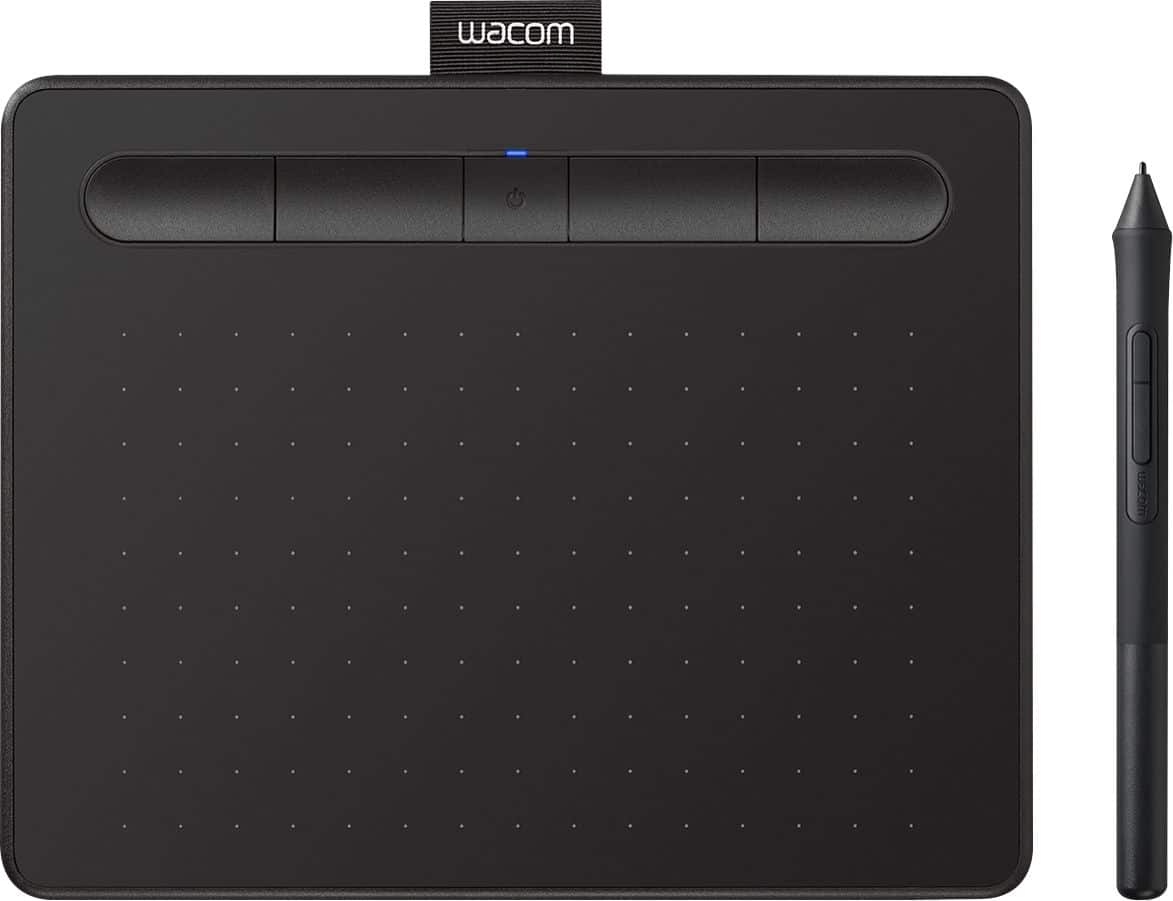
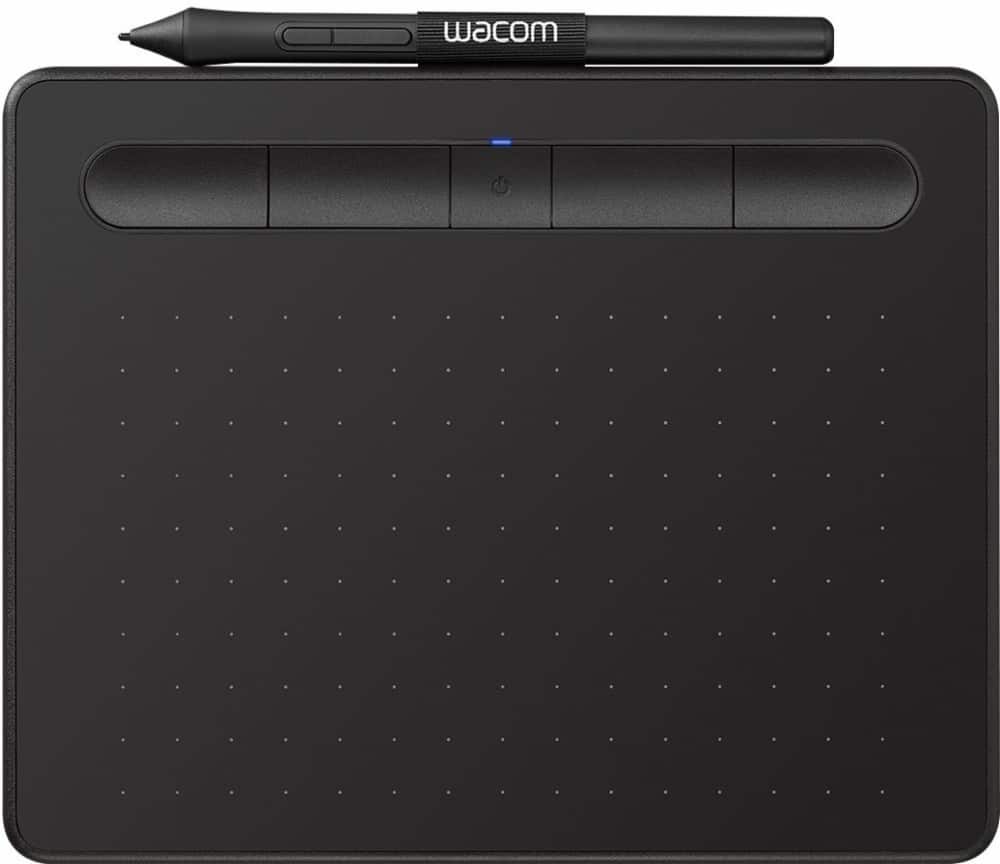




- Model:
- CTL4100WLK0
- |
- SKU:
- 6196634
Customer reviews
Rating 4.5 out of 5 stars with 996 reviews
(996 customer reviews)Rating by feature
- Value4.4
Rating 4.4 out of 5 stars
- Quality4.6
Rating 4.6 out of 5 stars
- Ease of Use4.3
Rating 4.3 out of 5 stars
Customers are saying
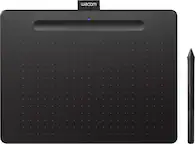
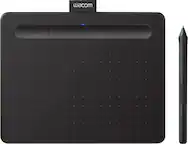
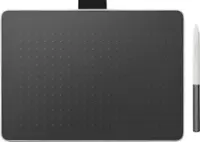
Customers are positive about the Intuos Graphic Drawing Tablet's ease of use, overall performance, wireless capabilities, and included software. Many appreciate the tablet's price and compatibility with various graphic programs. However, some customers have noted issues with lag when using Bluetooth, as well as some difficulty during the initial setup. A few customers also feel the tablet surface could be smoother.
This summary was generated by AI based on customer reviews.
- Pros mentioned:Ease of use
Rated 5 out of 5 stars
Works Well with Macbook
||Posted . Owned for 3 weeks when reviewed.This reviewer received promo considerations or sweepstakes entry for writing a review.I recently purchased the Wacos Drawing Tablet for my wife, and it has been a great addition to her creative workflow. The tablet works seamlessly with her MacBook, providing smooth and accurate pen input. The pressure sensitivity is impressive, allowing for precise and nuanced drawings. The size and weight are perfect for portability, making it easy for her to take it on the go. Overall, the Wacos Drawing Tablet has exceeded our expectations and has become an essential tool for her artistic endeavors.
I would recommend this to a friend - Pros mentioned:Ease of use
Rated 5 out of 5 stars
Useful for photoshop, taking notes.. HELPFUL!
||Posted . Owned for 1 year when reviewed.This reviewer received promo considerations or sweepstakes entry for writing a review.I knew I was going to like this product.. and it took me a few weeks to get use to the tablet, but oh my goodness it’s a game changer! I edit photos in photoshop, and I can’t imagine doing anything creative without it anymore! I also use it to sign online documents, and to take notes for my university class. One of my favorite purchases to date. Oh and you can customize all the buttons per application you are in, so that it truly fits your needs. Definitely amazing!
I would recommend this to a friend - Pros mentioned:Ease of use, Price
Rated 5 out of 5 stars
Very useful pen tablet
||Posted . Owned for 1 month when reviewed.This reviewer received promo considerations or sweepstakes entry for writing a review.Great price and easy to use. Plug and play with accurate traces. I would recommend this product.
I would recommend this to a friend - Pros mentioned:Overall performance, Size
Rated 5 out of 5 stars
Small but good enough for tight spaces
||Posted .This reviewer received promo considerations or sweepstakes entry for writing a review.There are larger options out there, they also cost more too needless to say. Like a mini tablet iPad, it does the same job as would a large iPad Pro...just in a smaller size. All the features work as intended and designed. Overall a good quality drawing tool for the MAC
I would recommend this to a friend - Pros mentioned:Ease of use, Size
Rated 4 out of 5 stars
Very easy to use
||Posted . Owned for 2 months when reviewed.This reviewer received promo considerations or sweepstakes entry for writing a review.Took me no time to set up, settings are easily navigated and the tablet is very light weight and small which is perfect for my tiny desk.
I would recommend this to a friend - Pros mentioned:Ease of use
Rated 5 out of 5 stars
Great product for graphic designers on-the-go!
||Posted . Owned for 11 months when reviewed.This reviewer received promo considerations or sweepstakes entry for writing a review.I travel often and this tablet is great for working on designs while I'm on the road. It is portable, compact and the pen works very well. I have a larger Wacom tablet at home for bigger projects, but this is definitely something I would recommend.
I would recommend this to a friend - Pros mentioned:Size, Wireless
Rated 5 out of 5 stars
Perfect size for working while traveling
||Posted . Owned for 1.5 years when reviewed.This reviewer received promo considerations or sweepstakes entry for writing a review.Purchased this so I could edit while traveling. The bluetooth feature is great for editing in random places like an airport or on an airplane. Small size is great for traveling as well. So far no complaints!
I would recommend this to a friend - Pros mentioned:Ease of use, Wireless
Rated 5 out of 5 stars
Drawing tablet
||Posted . Owned for 1 week when reviewed.This reviewer received promo considerations or sweepstakes entry for writing a review.This was purchased as a gift for my daughter. It is comparable with crimes as long as they are blue tooth enabled. Even though there is no display screen, sketching is very easy. She absolutely loves it!
I would recommend this to a friend - Pros mentioned:Ease of use, Size
Rated 5 out of 5 stars
Great
||Posted . Owned for 3 weeks when reviewed.This reviewer received promo considerations or sweepstakes entry for writing a review.This was for my teenage son and he loves it. I know a program on a big computer would give him more options. However he is just starting out with drawing digitally and this little pad has tons of options. It is great for beginners.
I would recommend this to a friend Rated 3 out of 5 stars
BT latency
||Posted . Owned for 2 weeks when reviewed.This reviewer received promo considerations or sweepstakes entry for writing a review.If you care about latency (who doesn't), just get the wired one. It's unmanageable wirelessly, I probably used it once and the rest has been wired because latency is terrible and they will tell you that it's probably your BT chip or amount of devices connected.
I would recommend this to a friend- Pros mentioned:Ease of use
Rated 5 out of 5 stars
Fantastic little tablet!
||Posted . Owned for 1 year when reviewed.This reviewer received promo considerations or sweepstakes entry for writing a review.I have been using Wacom tablets for a while. I bought this when there was a sale. It retains the reliability and beautiful design wacom is known for. The tablet is really easy to use and holds a charge for a while.
I would recommend this to a friend - Pros mentioned:Size
Rated 5 out of 5 stars
It does the job, anywhere you go
||Posted . Owned for 2 weeks when reviewed.This reviewer received promo considerations or sweepstakes entry for writing a review.This drawing tablet is quite compact and thin, so it can fit into a backpack with no problem. The bluetooth delay on it is less than desirable, but its easy to just plug it in too. It's a good product, and it will probably last you for years if you take good care of it, tape paper onto the drawing area to prevent scratches and such.
I would recommend this to a friend - Pros mentioned:Size
Rated 5 out of 5 stars
Excellent product
||Posted . Owned for 1 month when reviewed.This reviewer received promo considerations or sweepstakes entry for writing a review.Great drawing tablet at a reasonable price. I don't have a lot of extra space on my desk and this one is the perfect size for my needs.
I would recommend this to a friend Rated 5 out of 5 stars
Art (and math) pad!
||Posted . Owned for 1 month when reviewed.This reviewer received promo considerations or sweepstakes entry for writing a review.Hate touch screen but need an easier way of transfer your drawings to the screen? This thing is great! Draw away using this little pad and instantly see it being displayed on your desktop before your eyes. Sure it can also allow you to do math, but who likes doing math? Art all the way!
I would recommend this to a friend- Pros mentioned:Ease of use, Price
Rated 5 out of 5 stars
Great Tablet
||Posted .This reviewer received promo considerations or sweepstakes entry for writing a review.A great tablet for a beginner/unfunded artist. The price is great for the quality of the product. The tablet is super responsive and was super easy to install.
I would recommend this to a friend - Pros mentioned:Ease of use
Rated 4 out of 5 stars
Pretty Good for Beginning
||Posted . Owned for 2 weeks when reviewed.This reviewer received promo considerations or sweepstakes entry for writing a review.It's a nice little drawing tablet and was easy to get started with. I wouldn't say it's 100% perfectly smooth when you're creating lines, but it could also just be that I'm still getting used to it! Overall I'd say it's a good purchase if you're wanting to test out digital art.
I would recommend this to a friend - Pros mentioned:Overall performance
Rated 5 out of 5 stars
Good Product
||Posted . Owned for 3 weeks when reviewed.This reviewer received promo considerations or sweepstakes entry for writing a review.Works great for my son's note taking for his online course
I would recommend this to a friend - Pros mentioned:Ease of use, Size
Rated 5 out of 5 stars
last minute Christmas gift
||Posted . Owned for 3 weeks when reviewed.This reviewer received promo considerations or sweepstakes entry for writing a review.Easy to setup. was purchased as a gift for my youngest son. He was able to setup the tablet on his desktop without help. He likes the size of the tablet and it is easy to use.
I would recommend this to a friend - Pros mentioned:Ease of use
Rated 5 out of 5 stars
Took a risk, now in love.
||Posted . Owned for 3 weeks when reviewed.This reviewer received promo considerations or sweepstakes entry for writing a review.When I bought this, I honestly, wasn't optimistic. I thought it'd be awkward to use and was unsure, but seeing it on sale was enough push to try it out. And honestly, I do not regret it for a moment. I love my new drawing pad and it is so helpful with graphic design work I have been starting out with.
I would recommend this to a friend - Pros mentioned:Ease of use
Rated 5 out of 5 stars
Buy it!
||Posted . Owned for 3 weeks when reviewed.This reviewer received promo considerations or sweepstakes entry for writing a review.This is a great tool and easy to use. I’m not a professional graphic artist but I really enjoy it!
I would recommend this to a friend