Customer Ratings & Reviews


Customer reviews
Rating 4.5 out of 5 stars with 1454 reviews
(1,454 customer reviews)Rating by feature
- Value4.6
Rating 4.6 out of 5 stars
- Quality4.6
Rating 4.6 out of 5 stars
- Ease of Use4.4
Rating 4.4 out of 5 stars
Customers are saying
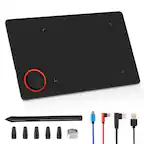
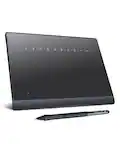
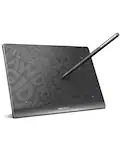
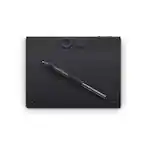
Customers appreciate the ease of use, overall performance, and compact size of this drawing tablet, which makes it a popular choice for those with limited workspace. Users also value the affordable price point and the helpful software bundle included with the device. While the tablet is praised for its precision and compatibility, some customers have reported occasional difficulties regarding the initial setup, connectivity, and the reliability of the pen.
This summary was generated by AI based on customer reviews.
- Pros mentioned:Overall performanceCons mentioned:Connectivity
Rated 5 out of 5 stars
Works Perfectly
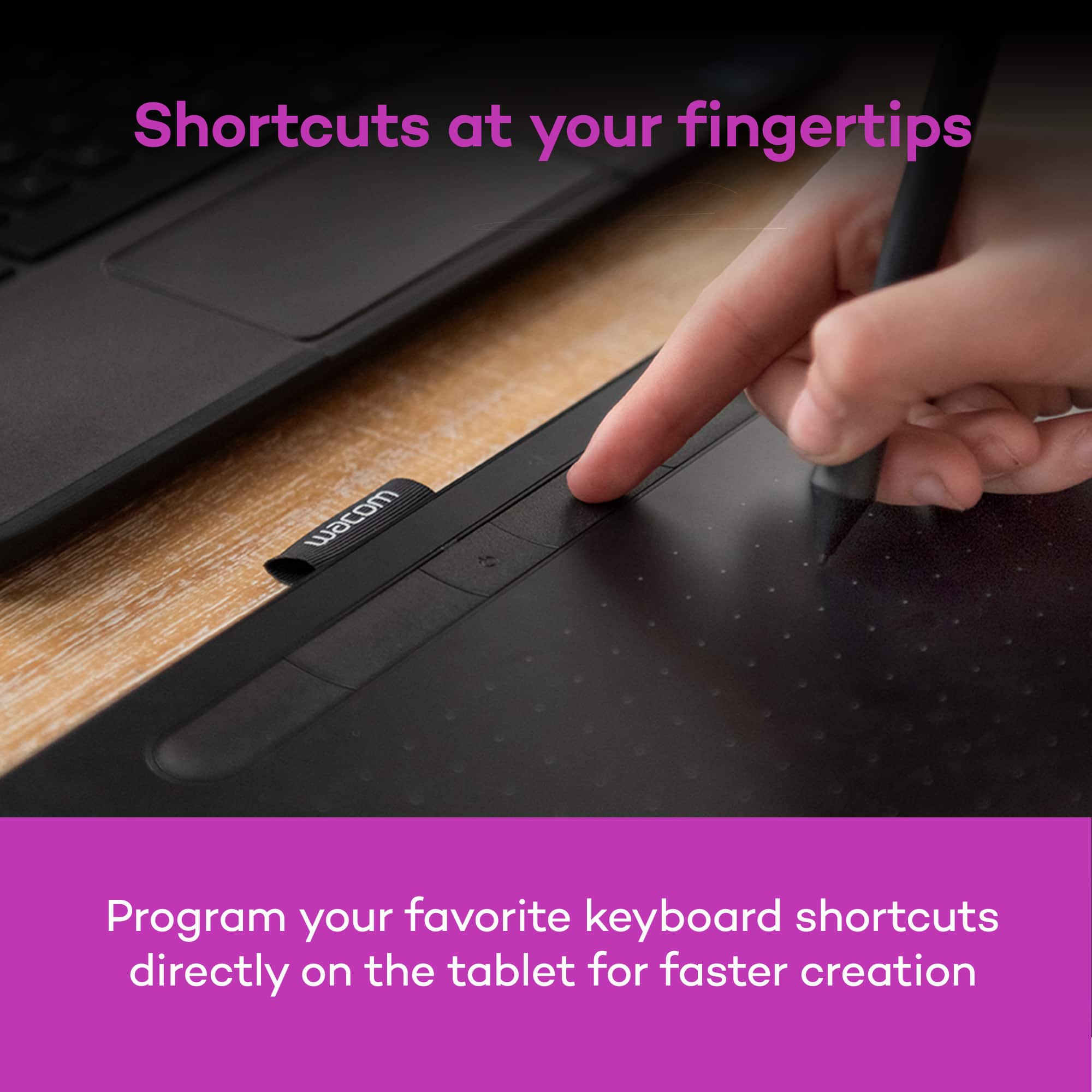
||Posted . Owned for 5 months when reviewed.This reviewer received promo considerations or sweepstakes entry for writing a review.I got this for my son because our old one finally died and he loves drawing on the computer with it. I chose wired because figured it would be easier to plug in and use, but now wish I had gone wireless. It just gets annoying figuring out where to put the wire whenever I borrow it for my work. It requires the Wacom app, and on Windows it was easy to install but on the iMac it was a major pain. I almost gave up but tried again, this time following the help center from Wacom, and it worked. iMac has several security settings that have to be dealt with under the settings app for it to gain enough access. I will also note that I also wish I had gotten the larger pad. This one is great for on-the-go, but at home, it's just better to have more space before reaching the end of the board. With all that said, it works perfectly and is highly responsive. The buttons on the tablet and the pen are mappable and well-placed. I use it often for Photoshop for my work and Wacom allows each program to have their own mapping. Most importantly, my son loves it and it is easy for him to use.
No, I would not recommend this to a friend - Pros mentioned:Overall performance
Rated 5 out of 5 stars
Finally, a Digital Pen That Actually Keeps Up with
||Posted . Owned for 1 month when reviewed.This reviewer received promo considerations or sweepstakes entry for writing a review.If you are still trying to sign documents or sketch diagrams with a mouse, stop. Switching to this Wacom tablet has been the single biggest upgrade to my workflow this year. Tactile Feel: The surface has just enough "tooth" to feel like high-quality paper, not glass. Precision: The pressure sensitivity is pinpoint accurate. Whether I’m masking photos or taking handwritten notes, there is zero lag. Ergonomics: The pen is lightweight and battery-free, meaning no frantic searching for a charging cable mid-project. The Verdict: It’s a seamless extension of your hand. If you value your time and your wrist health, this is a non-negotiable tool
I would recommend this to a friend - Pros mentioned:Ease of useCons mentioned:Connectivity
Rated 4 out of 5 stars
Good Esp For the Price
||Posted .This reviewer received promo considerations or sweepstakes entry for writing a review.I bought this tablet not too long ago and immediately started working on a project. The pen is okay but is sometimes a little laggy and occasionally I would have to restart my comp to be able to connect to the tablet again. It's pretty small and portable, I take it with me everywhere. It's convenient and works well enough. It doesnt have a screen like some other graphic tablets but it gets the job done; it's especially good for beginners or people who travel a lot.
I would recommend this to a friend - Pros mentioned:Overall performance
Rated 5 out of 5 stars
Good Starter for drawing
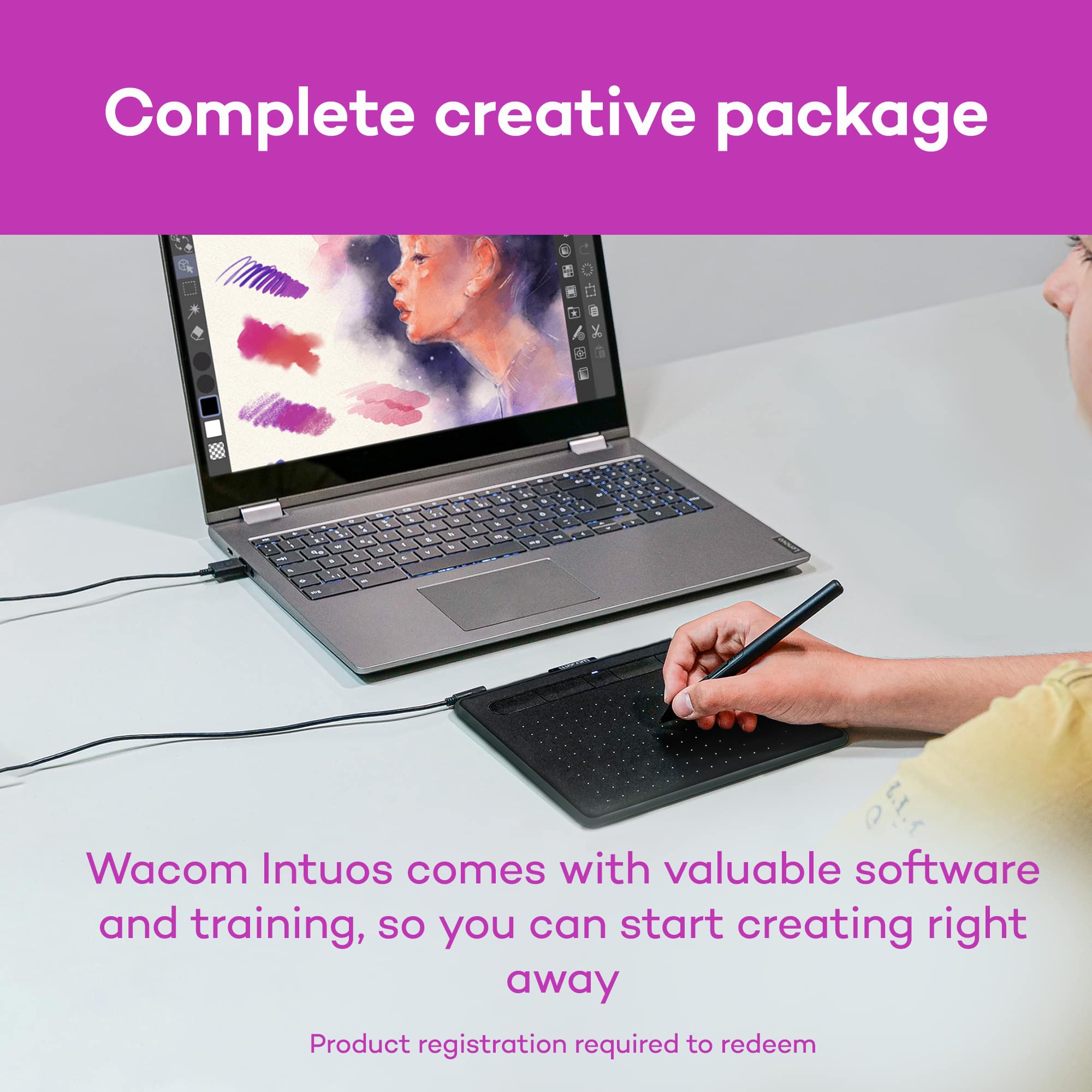
||Posted . Owned for 3 weeks when reviewed.This reviewer received promo considerations or sweepstakes entry for writing a review.This tablet has great value for something starting digital art. It comes with several free trials of drawing software as well, which is a really good motivator for an amateur. Though it of course takes practice to learn hand and eye coordination to track your mouse with the stylus on a monitor screen, that's expected.
I would recommend this to a friend - Pros mentioned:Ease of use, Size
Rated 5 out of 5 stars
Save yourself time and pain - BUY THIS NOW!
||Posted . Owned for 1 year when reviewed.This reviewer received promo considerations or sweepstakes entry for writing a review.I’m an editor (photo/video) and spend a good amount of time touching up images. This pen has saved my hand and arm. Less pressing and holding and more drawing to correct an image has saved me so much pain. Absolutely love this tablet. If you’re a graphic designer, you’ll want to upgrade to the larger model with a display, it might be pricey, but it’ll save you time in the long run.
I would recommend this to a friend - Pros mentioned:Ease of use, Price
Rated 5 out of 5 stars
This is the one. ✨ Buy it ✨
||Posted . Owned for 1 month when reviewed.This reviewer received promo considerations or sweepstakes entry for writing a review.This product is perfect for beginners and professionals alike. It’s basically plug-and-play, and doesn’t put any extra stress on your computer. The material is durable and will last many years if you take care of it. With everyday use the surface of the tablet will become worn but it does not affect performance whatsoever. In my opinion, it has every feature you could need for a really reasonable price… and it’s super portable!
I would recommend this to a friend Rated 5 out of 5 stars
Happy with purchase
||Posted . Owned for less than 1 week when reviewed.This reviewer received promo considerations or sweepstakes entry for writing a review.Absolutely love it. I was skeptical to buy a drawing tabled with low price, however I didn’t expect it to be that good. If functioned the way it should and everything works absolutely fine. I connected it with two softwares and in my observation I can say that the tabled works a liiiiiiiitle bit better with Windows, however fully comparable with IOS (with tricky drive downloading). About that: You have to figure out yourself how to set up the tablet but fortunately Wacom gives you tutorials. I had troubles with setting up, however figured out that you should put extra tick mark somewhere else. Pen tool works perfectly fine as well and has extra slates in case of damage. I am connected with art industry, so I have to have drawing tablet with me in case of something, so this thing works the way it should. love it
I would recommend this to a friend- Pros mentioned:Ease of use, Software
Rated 5 out of 5 stars
The best way to start drawing and learning
||Posted . Owned for 3 weeks when reviewed.This reviewer received promo considerations or sweepstakes entry for writing a review.An excellent drawing tablet, easy to use and to install, the softwares that includes are the bests ones to use and the value it’s totally worth, also, the pen is soft and good to use with a precise feeling and natural sensation, totally amazing to start drawing in digital for first time
I would recommend this to a friend Rated 5 out of 5 stars
Preetttyyyy good
||Posted . Owned for 1 month when reviewed.This reviewer received promo considerations or sweepstakes entry for writing a review.The size is decent even when it’s a small! I’m pretty happy as it does come with a good amount of free softwares to redeem and try out. Just adjust the pressure to your liking and it’s pretty much guaranteed for great use! I’d say keep in mind, the pad has to stay flat on a surface. It can’t be held or else it messes with the pressure.. had to find that out myself. But this product is a 5/5 stars! I love my Wacom ^_^
I would recommend this to a friend- Pros mentioned:Overall performance
Rated 5 out of 5 stars
Intuos
||Posted . Owned for 3 weeks when reviewed.This reviewer received promo considerations or sweepstakes entry for writing a review.This is amazing product, great value is price and works so smooth and deliver professional quality. I love this.
I would recommend this to a friend - Pros mentioned:Software
Rated 5 out of 5 stars
Best Entry-Level Graphics tablet on the market
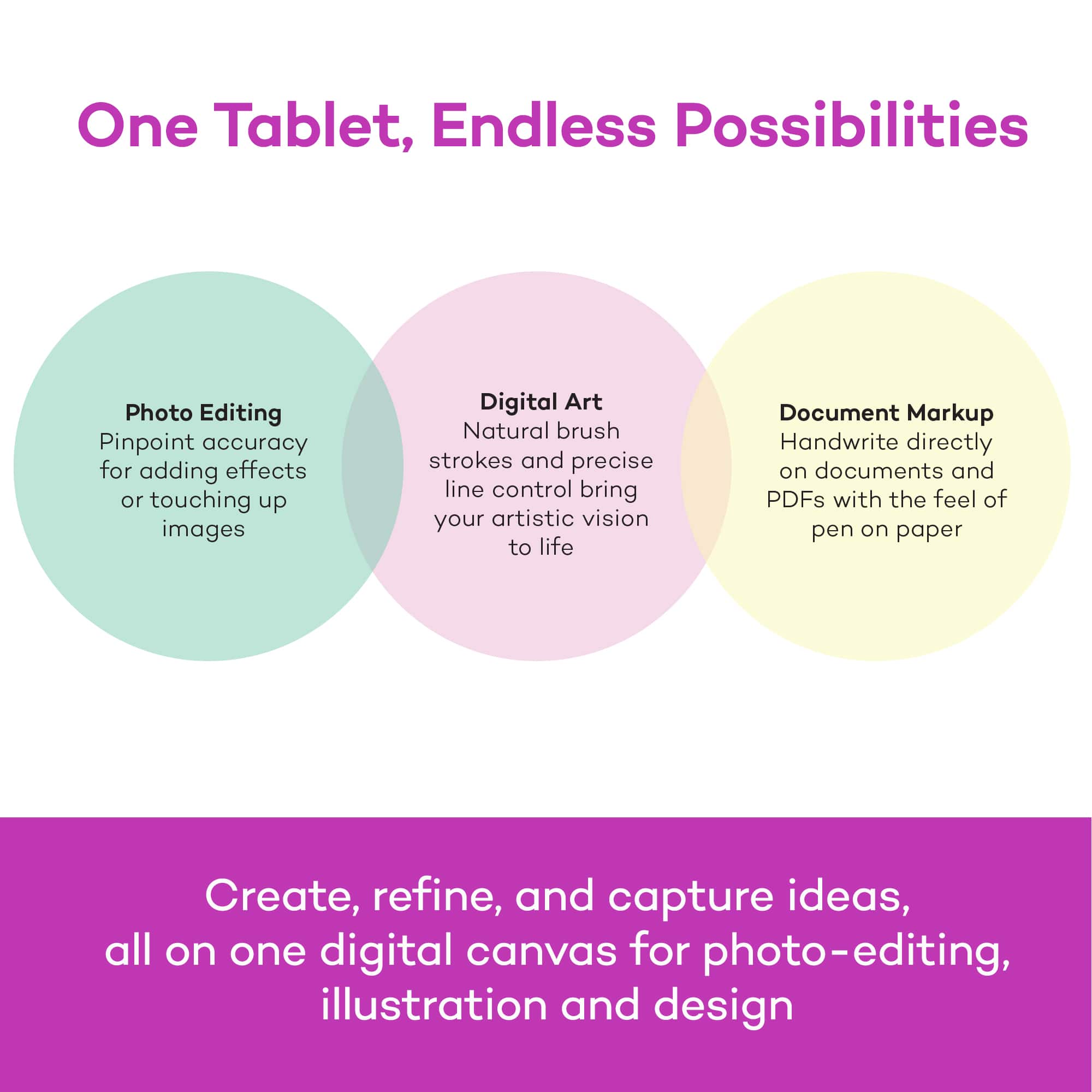
||Posted . Owned for 5 months when reviewed.This reviewer received promo considerations or sweepstakes entry for writing a review.The Wacom Intuos has been an excellent tool for me in graphic design and artistic purposes. Every aspect is great. Very thin design, intuitive software, precise pen with phenomenal pressure levels and reliability. The tablet itself has never given me a single issue, and it includes a plethora of great features. Great buy, highly recommend.
I would recommend this to a friend - Pros mentioned:Size
Rated 5 out of 5 stars
Amazing tablet
||Posted . Owned for 2 weeks when reviewed.This reviewer received promo considerations or sweepstakes entry for writing a review.It's really good for digital art and I've had alot better of a time using it than like an ipad because of the slight friction on it's surface feeling like paper. The size is perfect too, definitely recommend!
I would recommend this to a friend - Pros mentioned:Overall performance
Rated 5 out of 5 stars
Very good tablet
||Posted .This reviewer received promo considerations or sweepstakes entry for writing a review.I have been using this tablet to draw digitally and it has been great. As a traditional artist I liked how similar it was to using paper and a pencil, and I enjoyed the customizability of the triggers and rotary menus.
I would recommend this to a friend - Pros mentioned:Ease of use
Rated 5 out of 5 stars
User-friendly
||Posted . Owned for less than 1 week when reviewed.This reviewer received promo considerations or sweepstakes entry for writing a review.This is a great drawing tablet, whether you are new to digital drawing or a veteran. I have two drawing tablets, and funny enough this is my second. (My first is a Huion Kamvas which has a screen, while this doesnt) While a drawback for many is the fact that this doesnt have a screen, it really makes this a much simpler setup and cheaper alternative to higher-end tablets. Its simple, easy to use, and very user friendly. This tablet is what I take for when I travel or I am too lazy to setup my Huion. As a digital artist of 7+ years and just getting my first Wacom Intuos, this tablet is great for anyone!
I would recommend this to a friend - Pros mentioned:Ease of use, Price
Rated 5 out of 5 stars
Works great, easy set up and great quality
||Posted . Owned for 1 week when reviewed.This reviewer received promo considerations or sweepstakes entry for writing a review.As a seasoned veteren of traditional and digital art, i was looking to get back into it and this was super easy. Works great, good purchase for a cheap tool for hobby art!
I would recommend this to a friend Rated 5 out of 5 stars
Really enjoying this product
||Posted .This reviewer received promo considerations or sweepstakes entry for writing a review.I have been wanting to buy one of these for years, and finally decided to take the plunge. I have not been disappointed! Great for taking notes, drawing, and mouse manipulation, this tablet allows me to connect more intimately with my computer. The only issue that I have is that the mouse positioning is a bit difficult to learn, but I believe that mostly to be attributed to my small desk area. I would like to get a larger pad next time, as the small size does hurt my hands when writing. However, for the price and for the functionality I have gained, it is certainly a worthwhile purchase.
I would recommend this to a friend- Pros mentioned:Ease of use
Rated 4 out of 5 stars
Great for its price
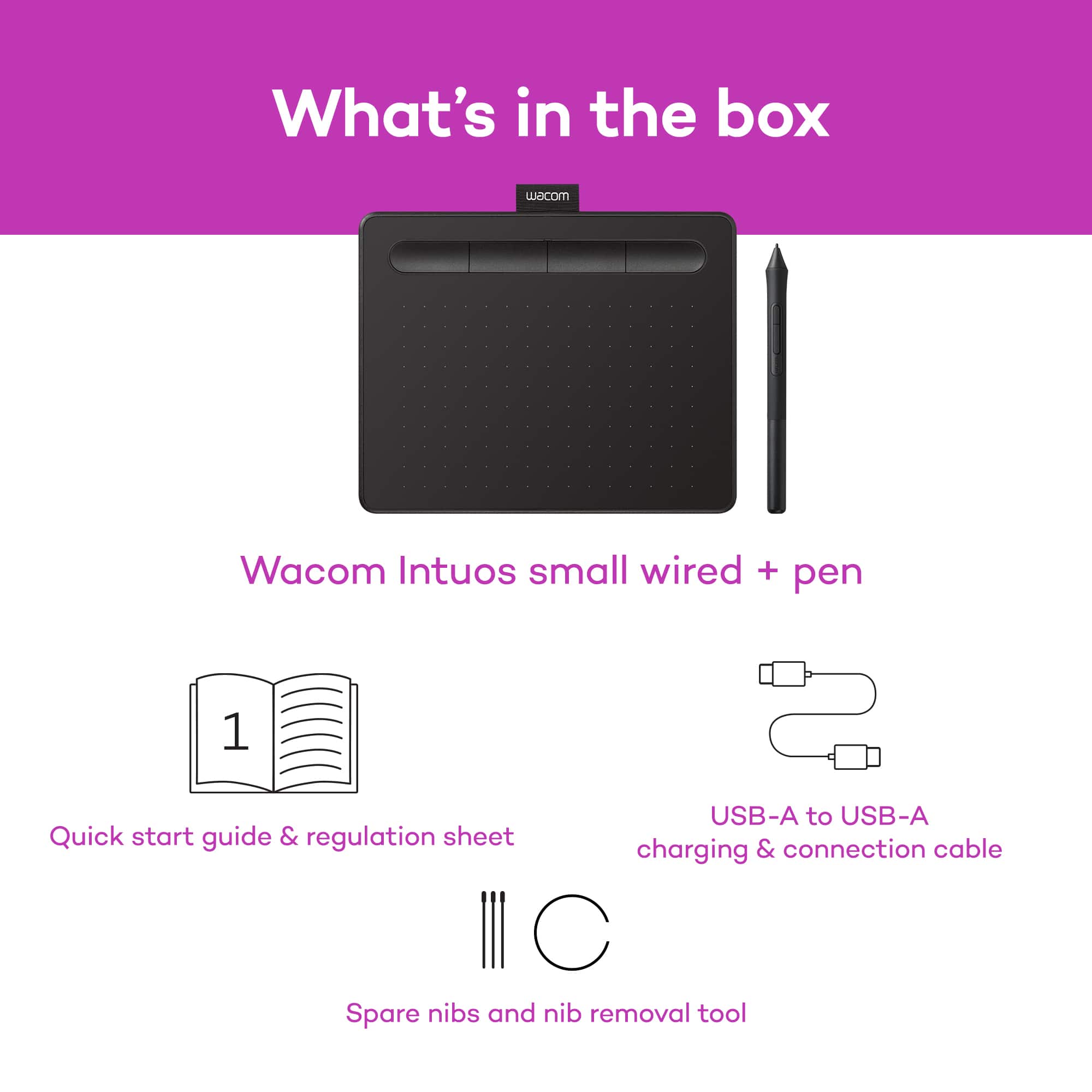
||Posted . Owned for 1 month when reviewed.This reviewer received promo considerations or sweepstakes entry for writing a review.It's is a good and functional drawing tablet, it takes time to get used to but is very easy once you see how it moves on the screen, software is free but you have to pay to install the drivers for it, comes with a few pen nibs in case you wear them out, very good for beginners
I would recommend this to a friend - Pros mentioned:Price
Rated 5 out of 5 stars
Great drawing tablet
||Posted . Owned for 3 weeks when reviewed.This reviewer received promo considerations or sweepstakes entry for writing a review.The Intuos drawing tablet was a great gift and something that I use all the time. It works so well and is completely worth it. It is really good for the price and great for drawing. I would suggest this to anyone looking for a cheap but high quality drawing tablet.
I would recommend this to a friend - Pros mentioned:Overall performance
Rated 5 out of 5 stars
good affordable drawing tab
||Posted . Owned for 5 months when reviewed.This reviewer received promo considerations or sweepstakes entry for writing a review.Great drawing tablet. used with Photoshop, drawing games, GIMP (open source photoshop)
I would recommend this to a friend Rated 5 out of 5 stars
Save your time and draw like a professional
||Posted . Owned for 1 month when reviewed.This reviewer received promo considerations or sweepstakes entry for writing a review.I’m an engineer student and after I started to make a lot informs I had to draw everything in paper, to take a picture and then to use it, but now I really ca save time.
I would recommend this to a friend