Backing Up Hard Drive
-
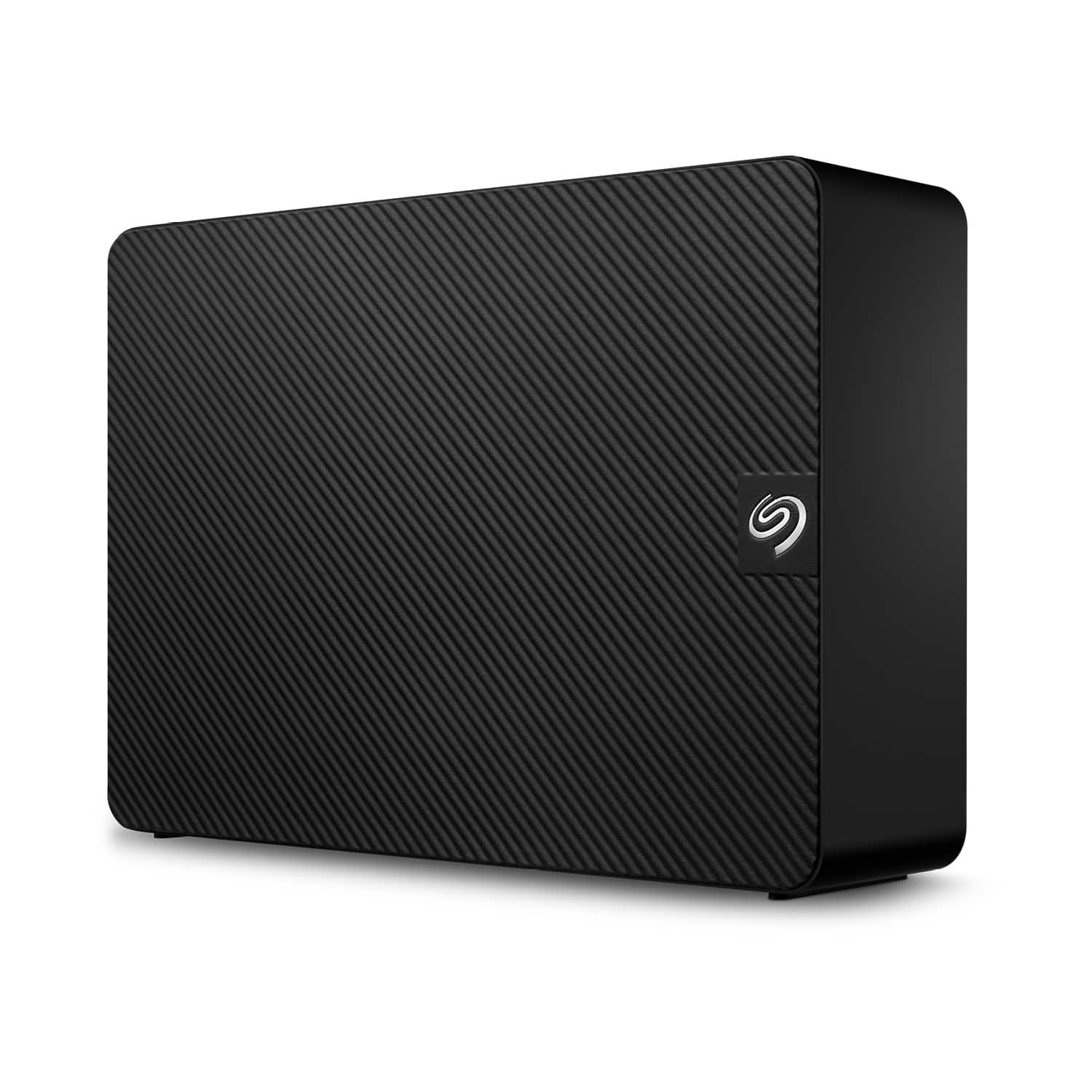
Seagate - Expansion 24TB External USB 3.0 Desktop Hard Drive with Rescue Data Recovery Services - Black
SKU: J37C5H5HKCSee all External Hard DrivesProduct Description
A high-capacity black external hard drive with USB 3.0 connectivity and Rescue Data Recovery Services included.Your price for this item is $709.99Save $50The previous price was $759.99 -
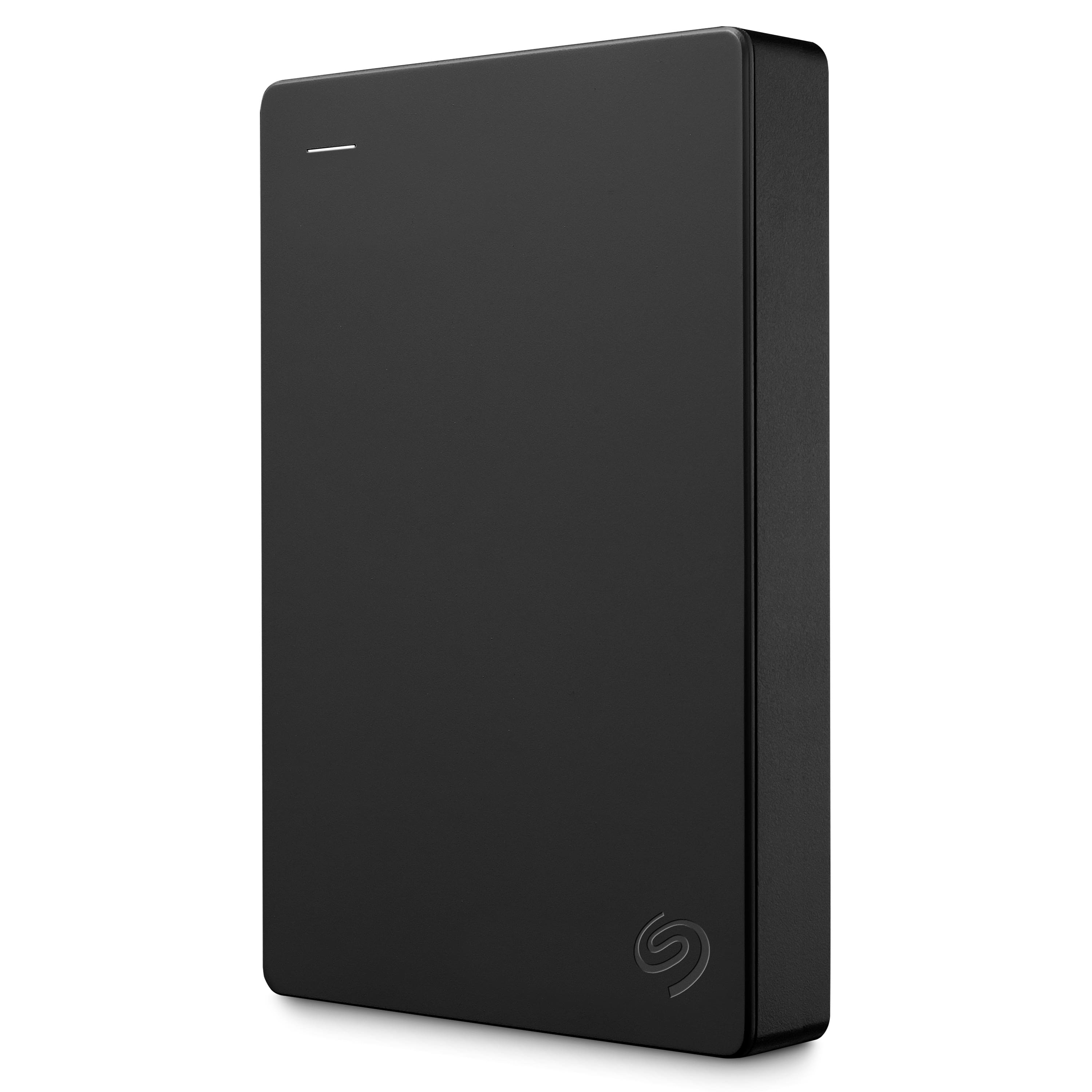
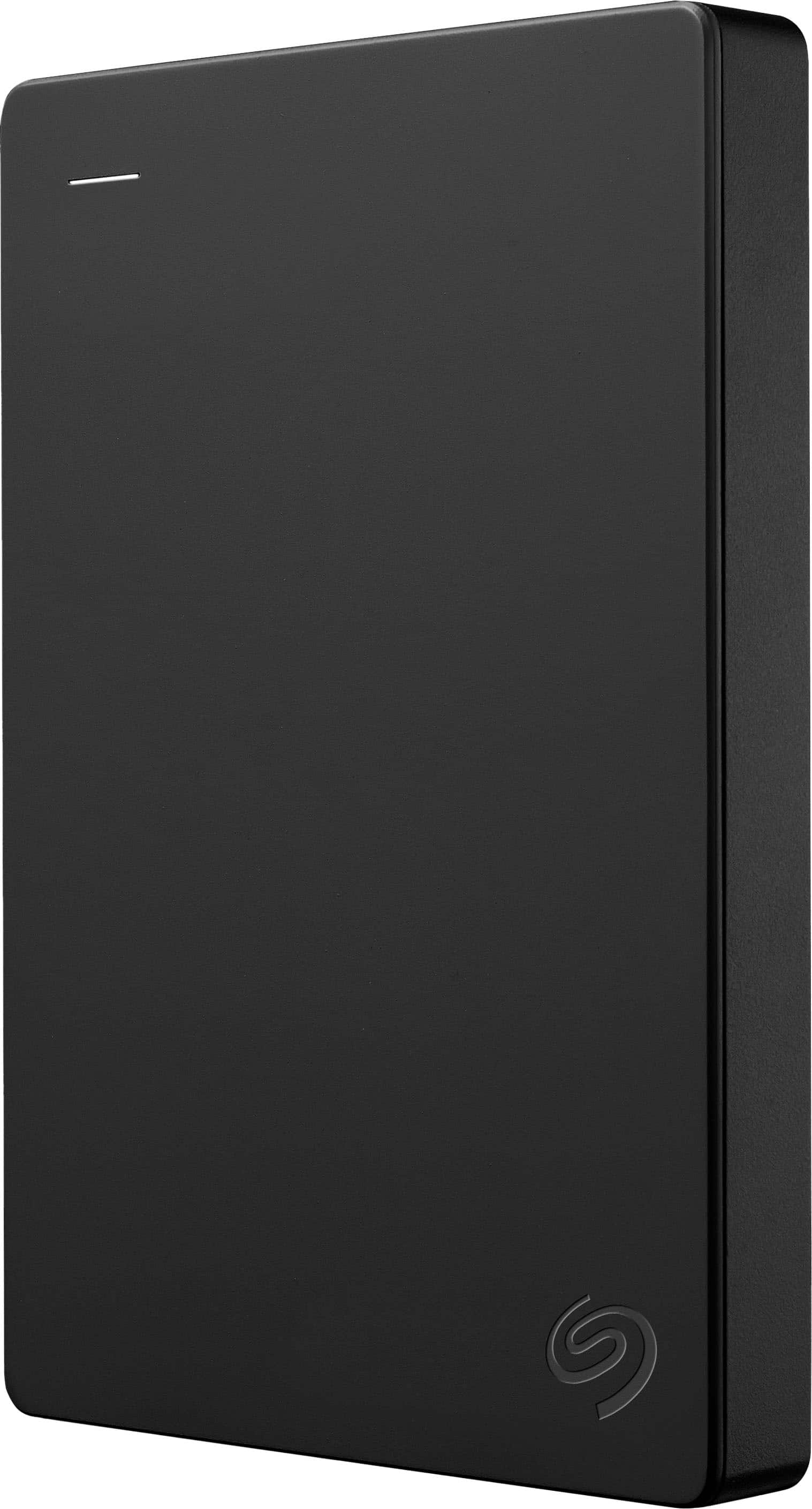
Seagate - 5TB External USB 3.0 Portable Hard Drive with Rescue Data Recovery Services - Black
SKU: J37C5HK4JWSee all External Hard DrivesProduct Description
A portable black external hard drive offering 5TB storage, fast USB 3.0 transfers, and data recovery services.Your price for this item is $233.49 -
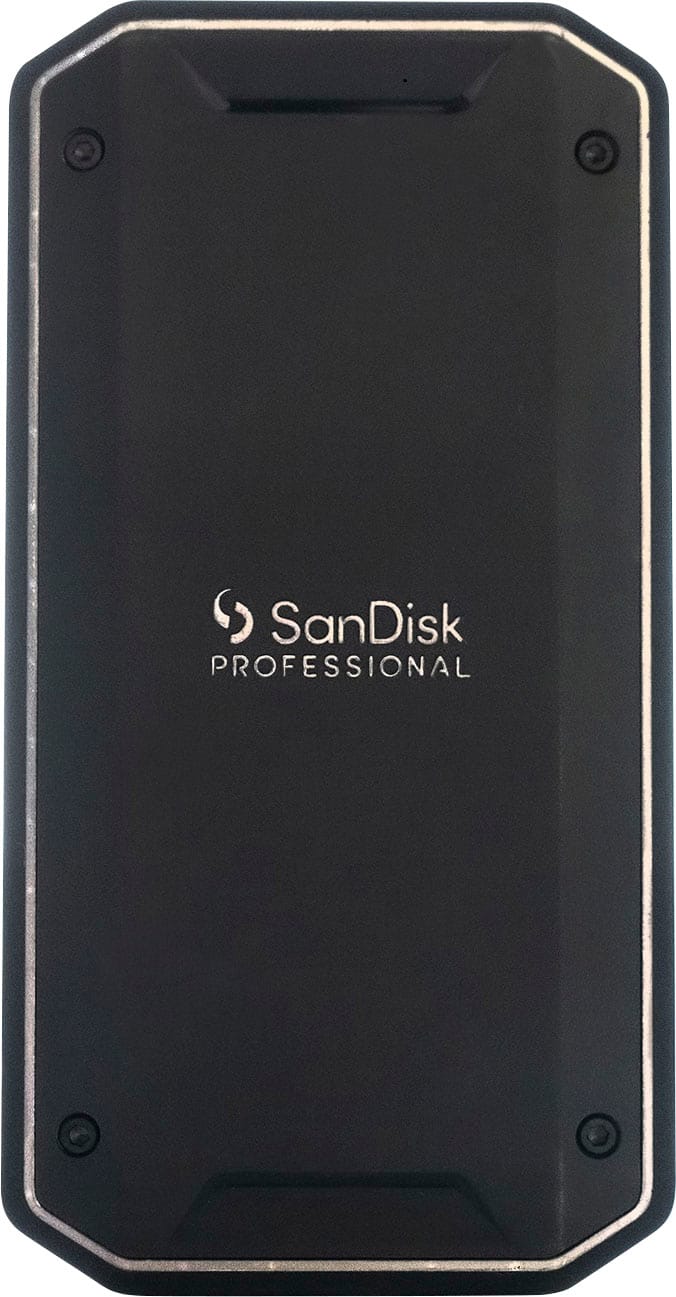
SANDISK - PRO-G40 SSD 2TB External Thunderbolt 3 and USB-C NVMe Portable SSD - Black
SKU: JXJ62C66RCSee all External SSDsProduct Description
A rugged black portable SSD offering ultra-fast Thunderbolt 3 and USB-C connectivity with high durability.Your price for this item is $599.99Save $141The previous price was $740.99 -
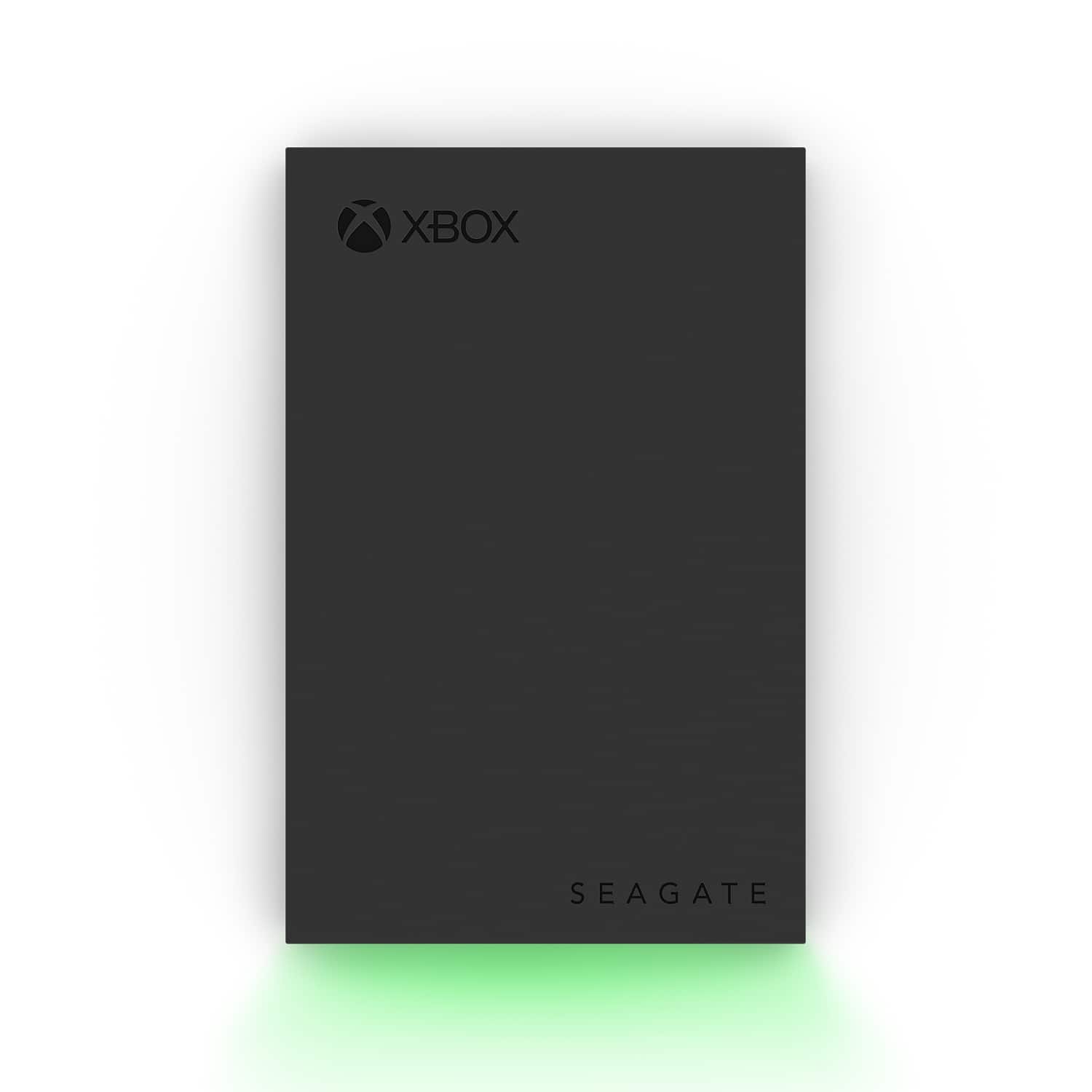
Seagate - Game Drive for Xbox 8TB External USB 3.2 Gen 1 Desktop Hard Drive with Certified Xbox Green LED Lighting - Black
SKU: J37C5H4LRFSee all Xbox Series X|S StorageProduct Description
A high-capacity black external hard drive with Xbox green LED lighting and dual USB charging ports.Your price for this item is $299.99 -
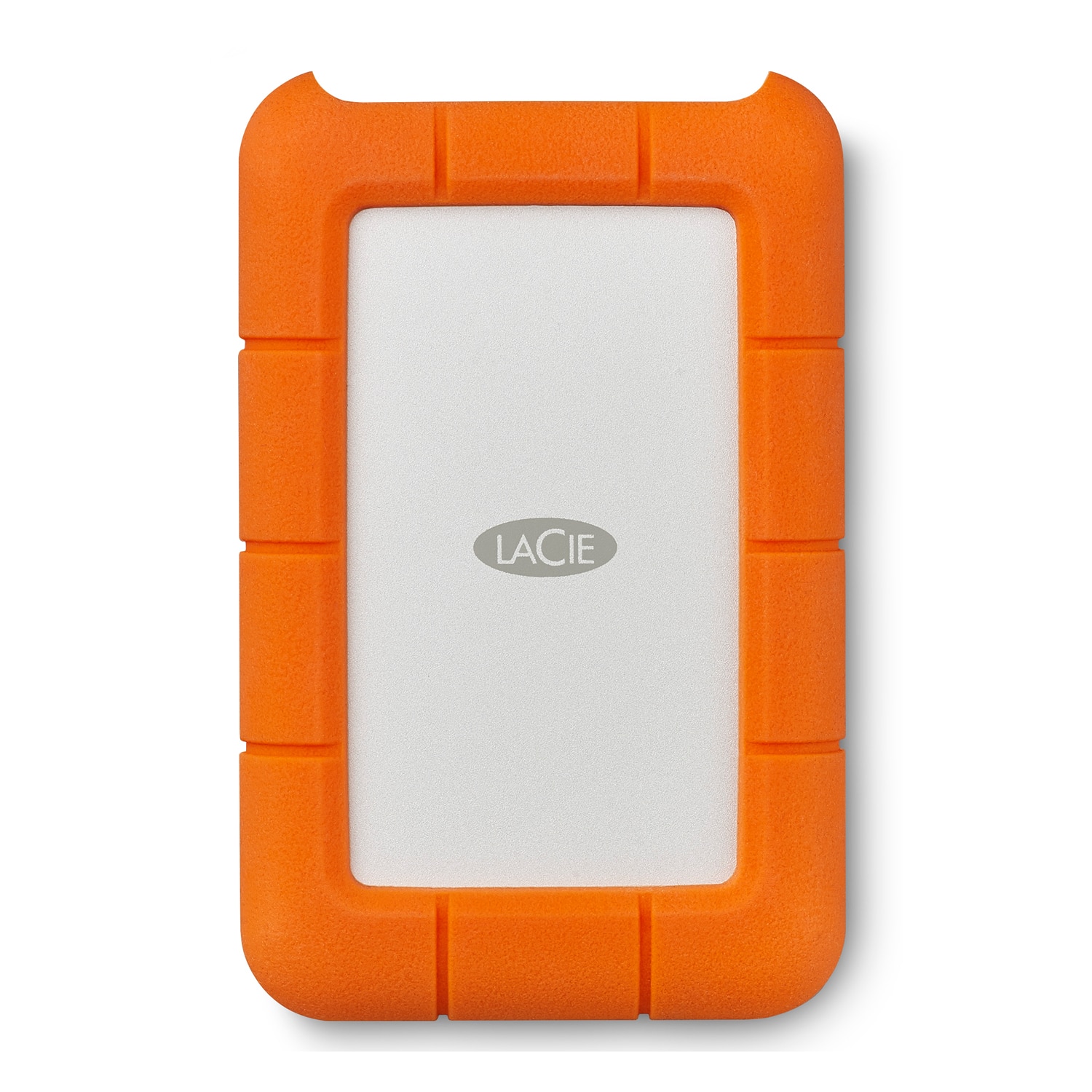
LaCie - Rugged 1TB External USB-C, USB 3.1 Gen 1 Portable Hard Drive - Orange/Silver
SKU: J37C5HW2HFSee all External Hard DrivesProduct Description
A durable orange and silver portable hard drive offering 1TB storage, USB-C connectivity, and fast data transfer.Your price for this item is $146.61 -
Seagate - 1TB External USB 3.0 Portable Hard Drive with Rescue Data Recovery Services - Black
SKU: J37C5HK2HTSee all External Hard DrivesProduct Description
A portable black external hard drive offering 1TB storage, fast USB 3.0 transfers, and data recovery services.Your price for this item is $109.99Save $10The previous price was $119.99 -
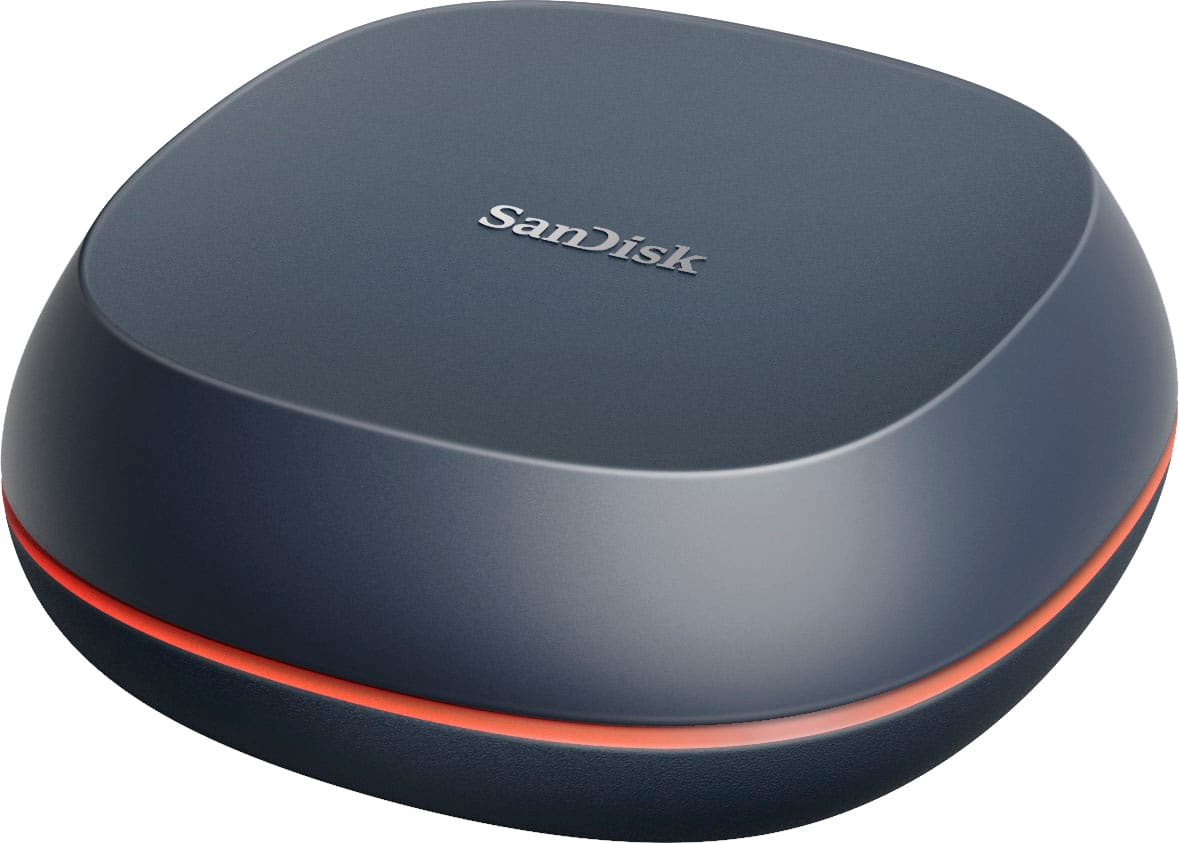
SANDISK - 8TB Desk Drive USB Type-C Desktop External SSD - Black
SKU: JXJ62CRXG3See all External SSDsProduct Description
A high-capacity black external SSD offering fast USB-C connectivity and reliable desktop backup for your files.Your price for this item is $1,928.19 -
Seagate - Expansion 10TB External USB 3.0 Desktop Hard Drive with Rescue Data Recovery Services - Black
SKU: J37C5H4GJRSee all External Hard DrivesProduct Description
A high-capacity black external USB 3.0 hard drive with easy setup and Rescue Data Recovery Services.Your price for this item is $412.62 -
Acronis - True Image 2025 3 PC/Mac - Android, Apple iOS, Mac OS, Windows [Digital]
SKU: J3GW3VPSCRSee all Internet Security SoftwareProduct Description
A comprehensive digital backup solution offering fast recovery, disk cloning, and flexible scheduling across multiple operating systems.Your price for this item is $82.49Save $27The previous price was $109.99 -
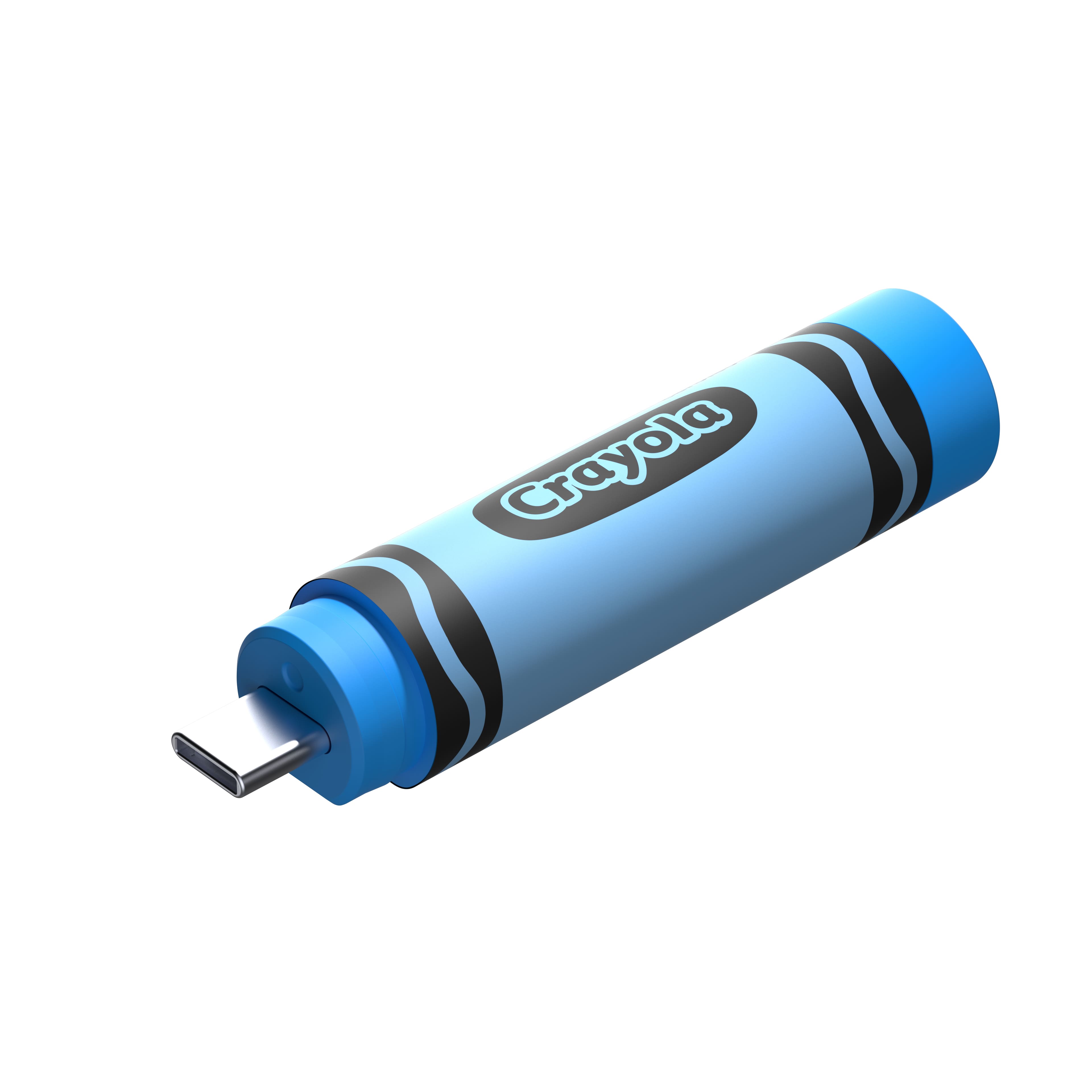
SANDISK - 128GB Crayola USB-C Flash Drive, Cerulean - Blue
SKU: JXJ62CQGLPSee all USB Flash DrivesProduct Description
A crayon-shaped blue USB-C flash drive offering 128GB storage and USB 3.2 transfer speeds.Your price for this item is $37.99Save $20The previous price was $57.99
![Acronis - True Image 2025 3 PC/Mac - Android, Apple iOS, Mac OS, Windows [Digital]](https://pisces.bbystatic.com/image2/BestBuy_US/images/products/fe5bd621-39b2-41a5-95af-98da753e738f.jpg)
Best Sellers




Related Pages




FAQ
A full backup creates a complete copy of all the data on your hard drive, while an incremental backup only saves the changes made since the last backup. Incremental backups are typically faster and require less storage space, but a full backup is essential for complete data restoration.
Yes, using both cloud storage and external hard drives is a great way to create multiple layers of backup. This approach ensures your data is protected both locally and off-site, reducing the risk of data loss.
The frequency of backups depends on how often your data changes. For important files and frequent updates, a daily or weekly backup is recommended. For less critical data, monthly backups may be sufficient.
It's best to prioritize personal documents, photos, videos, financial records, and any work-related files. System files and applications can usually be reinstalled, but personal data is often irreplaceable.
While you can manually copy files to an external drive, backup software can automate the process and offer features like scheduled backups, encryption, and easy restoration. Many operating systems also have built-in backup utilities.