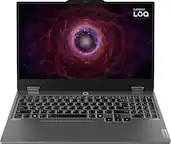
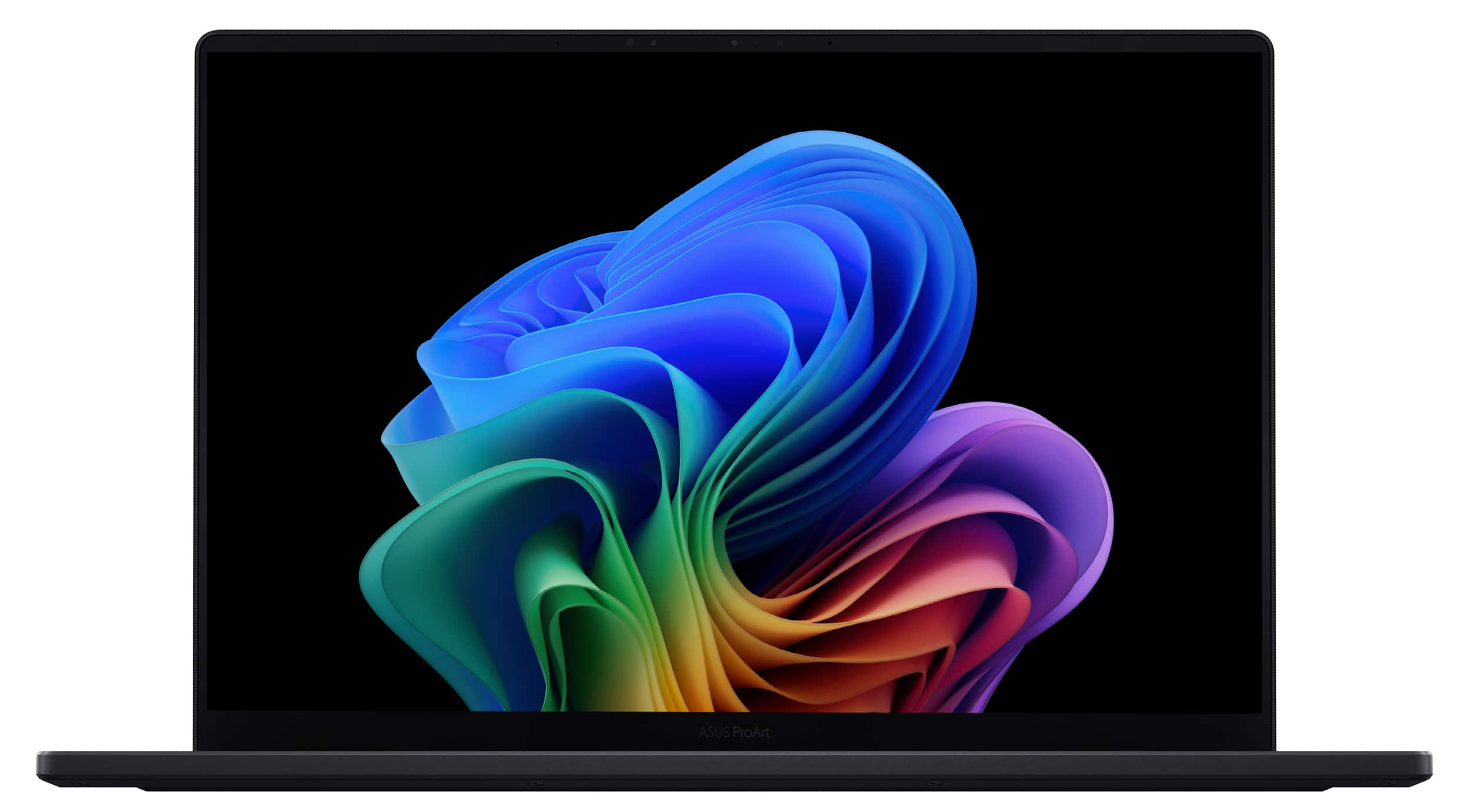
Best Laptop For Photo Editing And Gaming
Choosing the best laptop for photo editing and gaming means balancing creative workloads with gaming performance. Compare laptops by processor, graphics capabilities, RAM and storage, while considering display color accuracy for photo editing and refresh rate for gaming. Use your editing software’s and favorite games’ recommended system requirements to help narrow your options.
What to look for in a laptop for photo editing and gaming
Find the best laptop for photo editing and gaming by balancing creative performance, gaming power, display quality, and everyday usability.
1. Processor and Graphics
2. Display Quality
3. Memory and Storage
4. Cooling and Connectivity
-
1
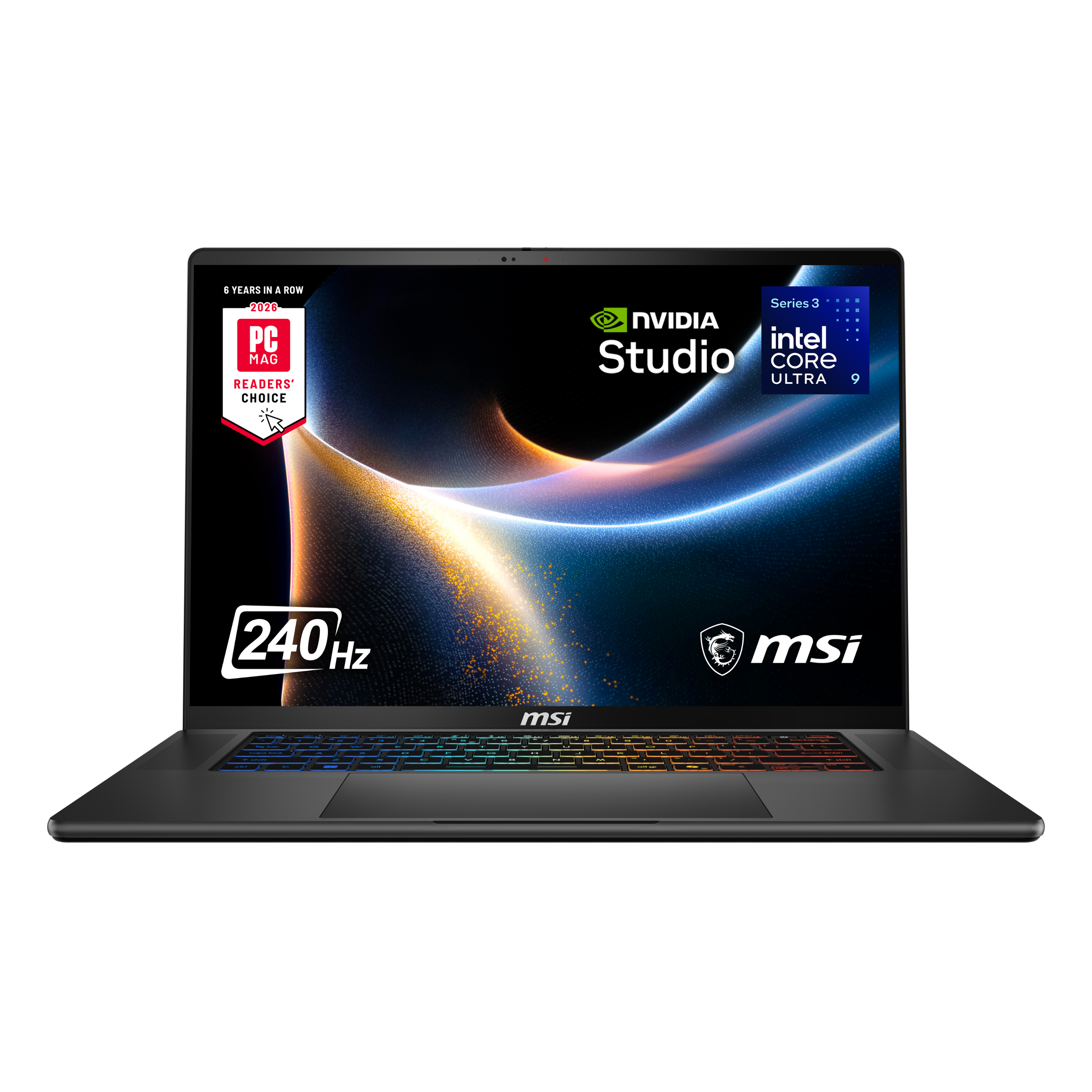
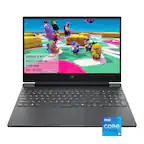
MSI - Stealth 16 AI+ 16" 2.5K 240Hz OLED Gaming Laptop Intel Core U9-386H - NVIDIA GeForce RTX 5060 - 32GB Memory -1TB Storage - Charcoal Black
About this product
A sleek charcoal black gaming laptop featuring a 16" 2.5K 240Hz OLED display and RTX 5060 graphics.
(15)$2,699.99 Your price for this item is $2,699.99 -
2
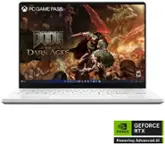
MSI - Stealth 16 AI+ 16" 2.5K 240Hz OLED Gaming Laptop Intel Core U9-386H - NVIDIA GeForce RTX 5080 - 32GB Memory -2TB Storage - Charcoal Black
About this product
A sleek charcoal black gaming laptop featuring a 16" 2.5K 240Hz OLED display and RTX 5080 graphics.
(7)$3,999.99 Your price for this item is $3,999.99 -
3
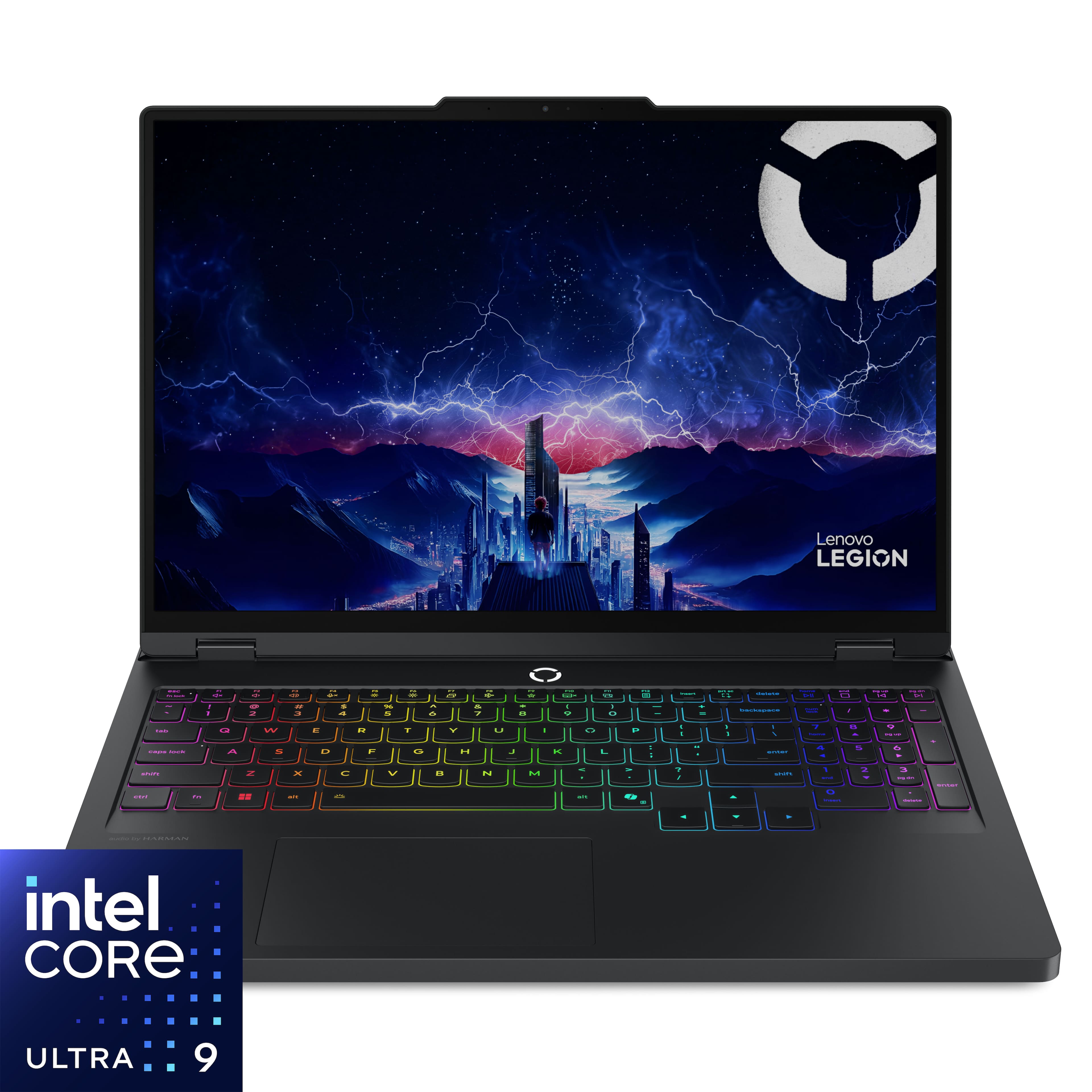
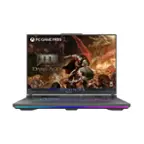
Lenovo - Legion Pro 5i 16" 2.5k OLED Gaming Laptop - Intel Core Ultra 9 275HX 2025 - 32GB RAM - NVIDIA GeForce RTX 5070 - 1TB - Eclipse Black
About this product
An Eclipse Black gaming laptop featuring Intel Core Ultra 9, RTX 5070, 32GB memory, and OLED display.
What customers like
(300)$2,749.99 Your price for this item is $2,749.99 -
4
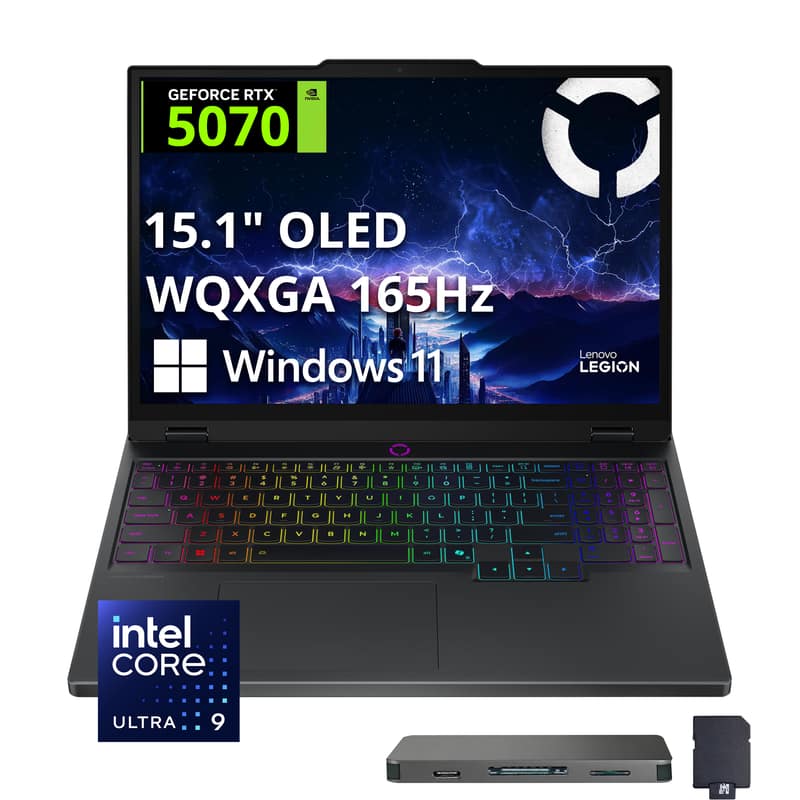
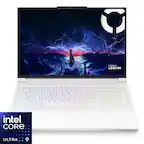
Lenovo - Legion 5 15.1" OLED WQXGA 165Hz Intel Core Ultra 9 275HX NVIDIA GeForce RTX 5070 Gaming Laptop 32GB RAM 1TB SSD - Eclipse Black
About this product
A black gaming laptop with OLED 165Hz visuals, Core Ultra 9 processing, and RTX 5070 graphics.
(0)$2,749.00Your price for this item is $2,749.00SAVE $830.00 -
5

MSI - 18" Gaming Laptop 3840 x 2400 () - AMD Ryzen 9 9955HX3D with 32GB Memory - GeForce RTX 5080 - 2 TB SSD - Core Black, Black
About this product
A powerful black gaming laptop featuring AMD Ryzen 9, RTX 5080 graphics, 64GB memory, and 2TB SSD.
(4)$3,549.99 Your price for this item is $3,549.99 -
6
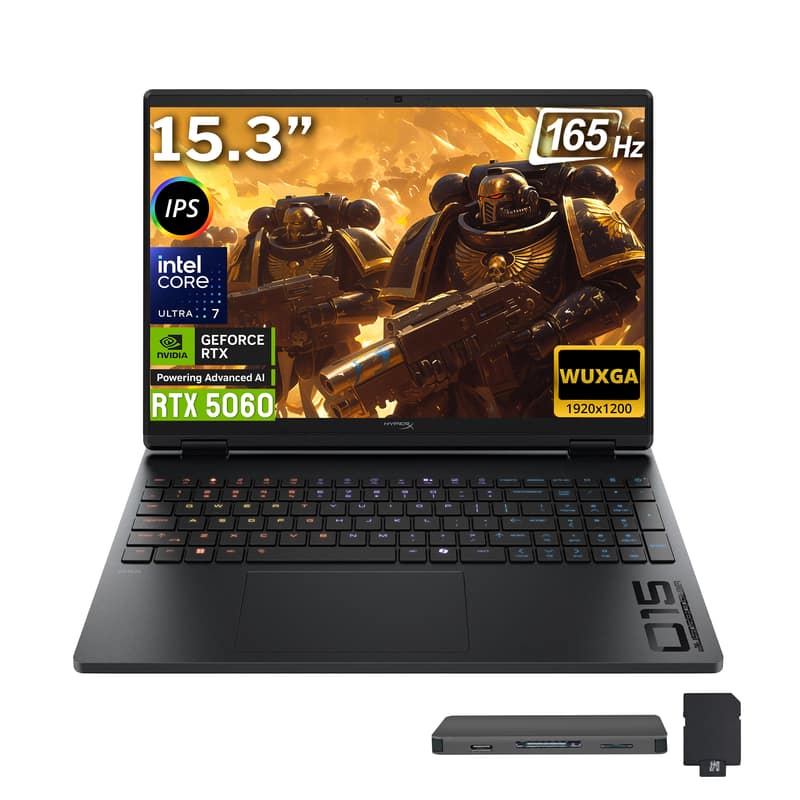
HP - Upgraded - HyperX OMEN 15.3" 2K Gaming Laptop,Intel Core Ultra 7 255H,RTX 5060,32GB RAM,2TB SSD+1TB Dock,Backlit,Win11 Pro - Black
About this product
A black gaming laptop with RTX 5060 graphics, 32GB RAM, 2TB SSD, and a 165Hz display.
(0)$2,279.00Your price for this item is $2,279.00SAVE $1,050.00 -
7

Lenovo - Legion 5 15.1" OLED WQXGA 165Hz Intel Core Ultra 9 275HX NVIDIA GeForce RTX 5070 Gaming Laptop 32GB RAM 2TB SSD - Eclipse Black
About this product
A powerful black gaming laptop with Intel Core Ultra 9, RTX 5070, 32GB RAM, and 2TB SSD.
(0)$2,999.00 Your price for this item is $2,999.00 -
8

Lenovo - Upgraded - Legion 5 15.1" OLED WQXGA 165Hz Intel Core Ultra 9 275HX NVIDIA GeForce RTX 5070 Gaming Laptop 64GB RAM 2TB SSD Win11Pro - Eclipse Black
About this product
A powerful black gaming laptop featuring Intel Core Ultra 9, RTX 5070, 64GB RAM, and 2TB SSD.
(0)$3,479.00 Your price for this item is $3,479.00 -
9

Lenovo - LOQ 15.6" 2K Gaming Laptop - AMD Ryzen 7 170 2025 - 16GB Memory - NVIDIA GeForce RTX 5050 - 512GB Storage - Eclipse Black
About this product
An Eclipse Black gaming laptop featuring AMD Ryzen 7, RTX 5050 graphics, 16GB RAM, and 512GB SSD.
What customers like
(68)$1,279.00Your price for this item is $1,279.00SAVE $220.99 -
10
Lenovo - Legion Pro 5i 16" 2.5k OLED Gaming Laptop - Intel Core Ultra 9 275HX 2025 - 32GB RAM - NVIDIA GeForce RTX 5070Ti - 2TB - Eclipse Black
About this product
An Eclipse Black gaming laptop featuring Intel Core Ultra 9, RTX 5070Ti, 32GB memory, and OLED display.
What customers like
(65)$3,079.00Your price for this item is $3,079.00SAVE $120.00
Best Laptop For Photo Editing And Gaming
FAQs
Compare color gamut coverage, calibration options, resolution, and refresh rate. For photo editing, look at coverage of color spaces such as sRGB or Adobe RGB. For gaming, review refresh rate and adaptive sync support. Matte and glossy finishes are also worth comparing based on your workspace and preferences.
Integrated graphics typically share system memory, while a dedicated graphics processor generally has its own video memory. Photo editing applications and games have different graphics requirements, so check their recommended specifications. GPU model, supported graphics technologies, and application compatibility are useful details to compare.
Consider an SD card reader for camera cards, USB ports for peripherals, and HDMI or a compatible USB-C port for an external monitor. Ethernet may also be useful for a wired network connection. Check each port’s specifications, since USB-C ports do not all support the same video, charging, or data features.
Review the operating system, processor architecture, and graphics requirements listed by your photo editing software and games. Check support for any plug-ins, camera RAW formats, game launchers, and accessories you use. Software availability can differ between Windows and macOS, so confirm compatibility before choosing an operating system.
Look at keyboard layout, shortcut access, backlighting controls, and touchpad gesture support. Some laptops also offer customizable keys or keyboard profiles. If you use an external mouse, drawing tablet, or gaming keyboard, check the accessory’s connection requirements and operating system support.