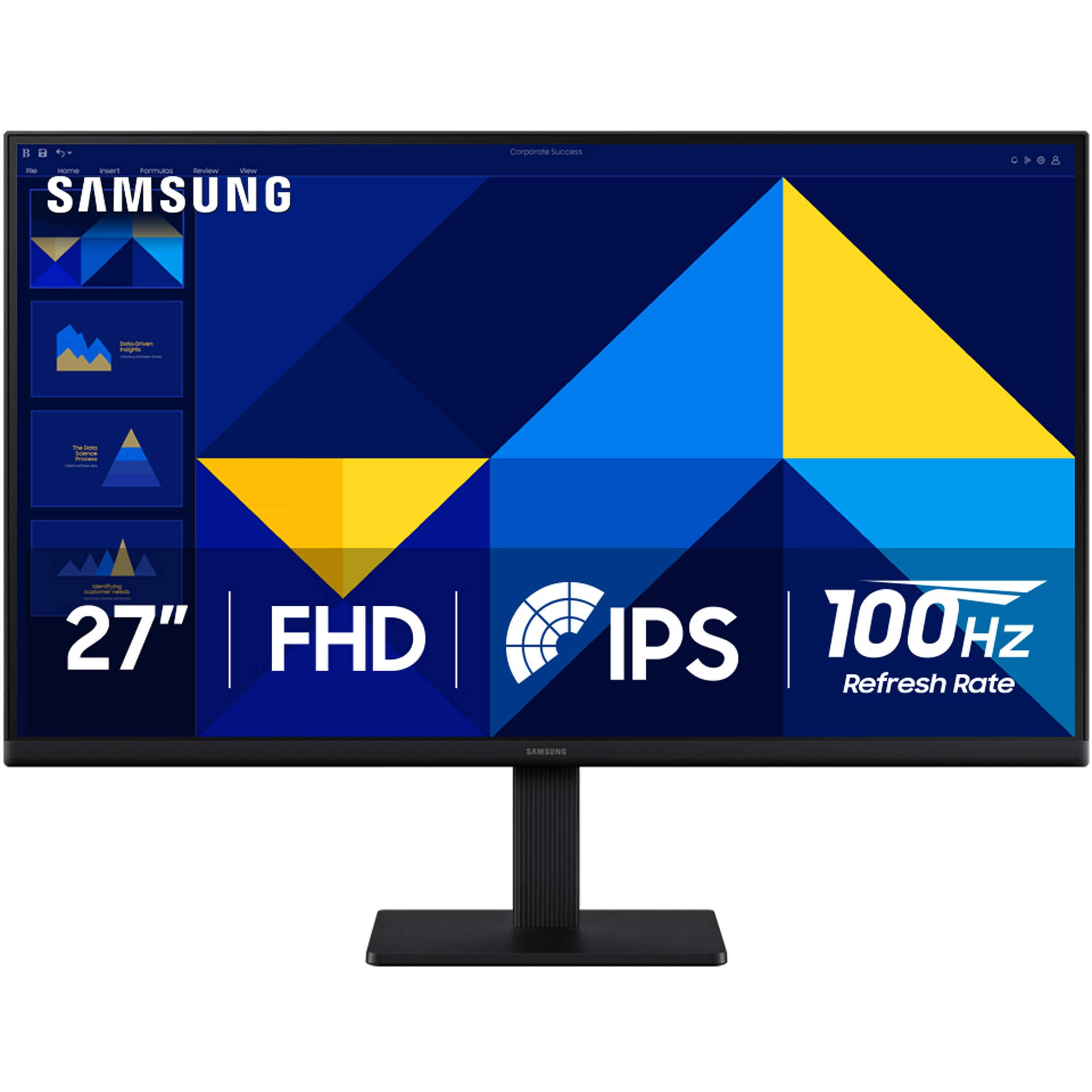
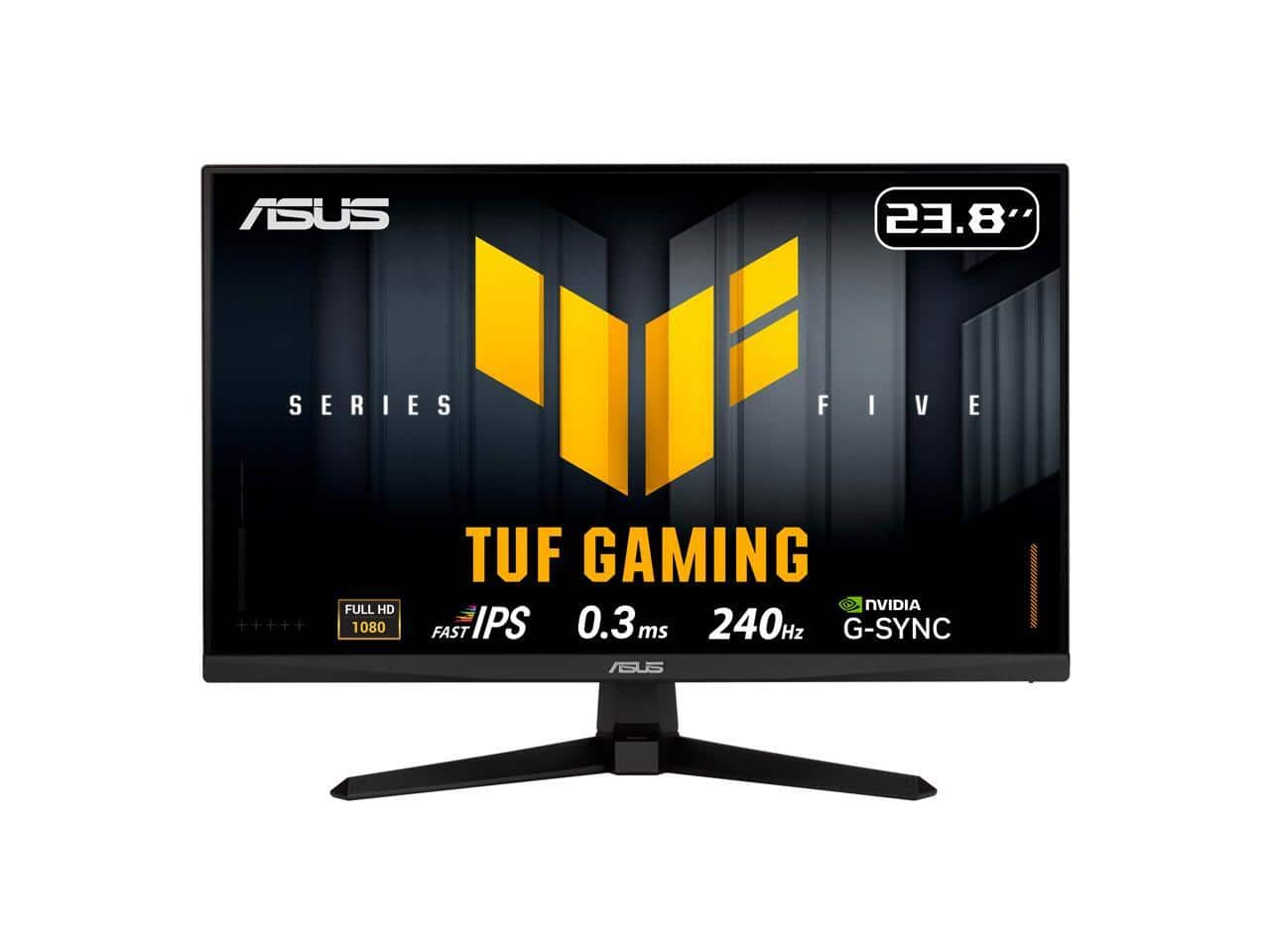
Best Monitor For Gaming And Work
Choosing the best monitor for gaming and work means balancing smooth gameplay with clear text and room to multitask. Explore displays by screen size, resolution, refresh rate, and connection options to find a monitor that fits your desk and works with your computer or gaming system.
What to look for in a monitor for gaming and work
Find a monitor that balances sharp visuals, responsive gameplay and everyday productivity with these four considerations.
1. Screen Size and Resolution
2. Refresh Rate and Response Time
3. Panel Type and Image Quality
4. Connectivity and Ergonomics
-
1

Acer - 24"(23.8" viewable) Full HD 200Hz IPS LCD Gaming Computer Monitor for both work and gaming 24KG1Y X3bip
About this product
An IPS LCD monitor with Full HD resolution and 200Hz refresh rate, ideal for work and gaming.
(0)$98.49 Your price for this item is $98.49 -
2

MSI - 27 inch Full HD 144Hz IPS 1ms Built-in Speakers FHD Computer Monitor for both work and gaming PRO MP273 E14A
About this product
A versatile LED monitor with 144Hz refresh rate, 1ms response time, IPS panel, and built-in speakers.
(0)$97.49Your price for this item is $97.49SAVE $18.52 -
3
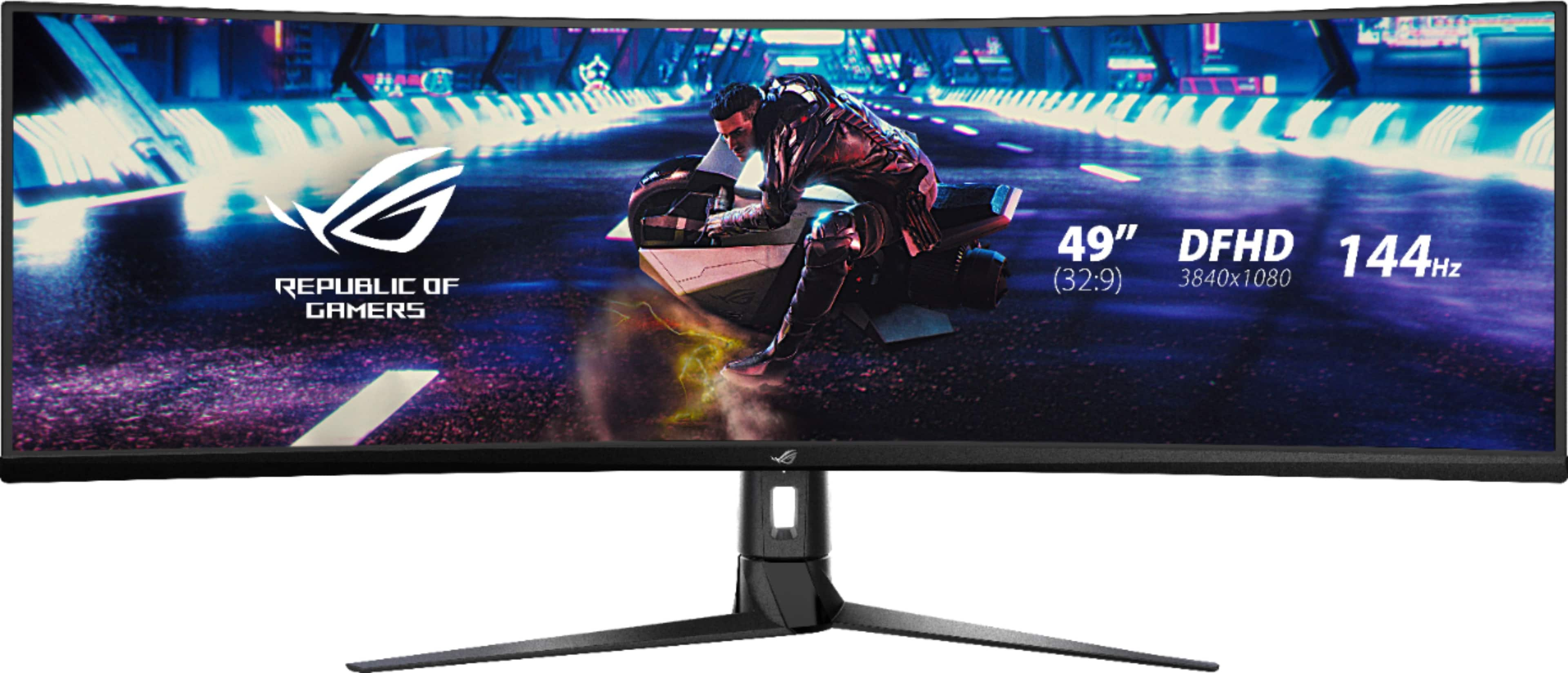
ASUS - ROG Strix 49” Curved FHD 144Hz FreeSync Gaming Monitor with HDR (DisplayPort,HDMI,USB) - Black
About this product
A black curved 49-inch VA gaming monitor with 144Hz refresh rate, FreeSync, HDR, and multiple ports.
What customers like
(95)$894.99Your price for this item is $894.99SAVE $4.01 -
4
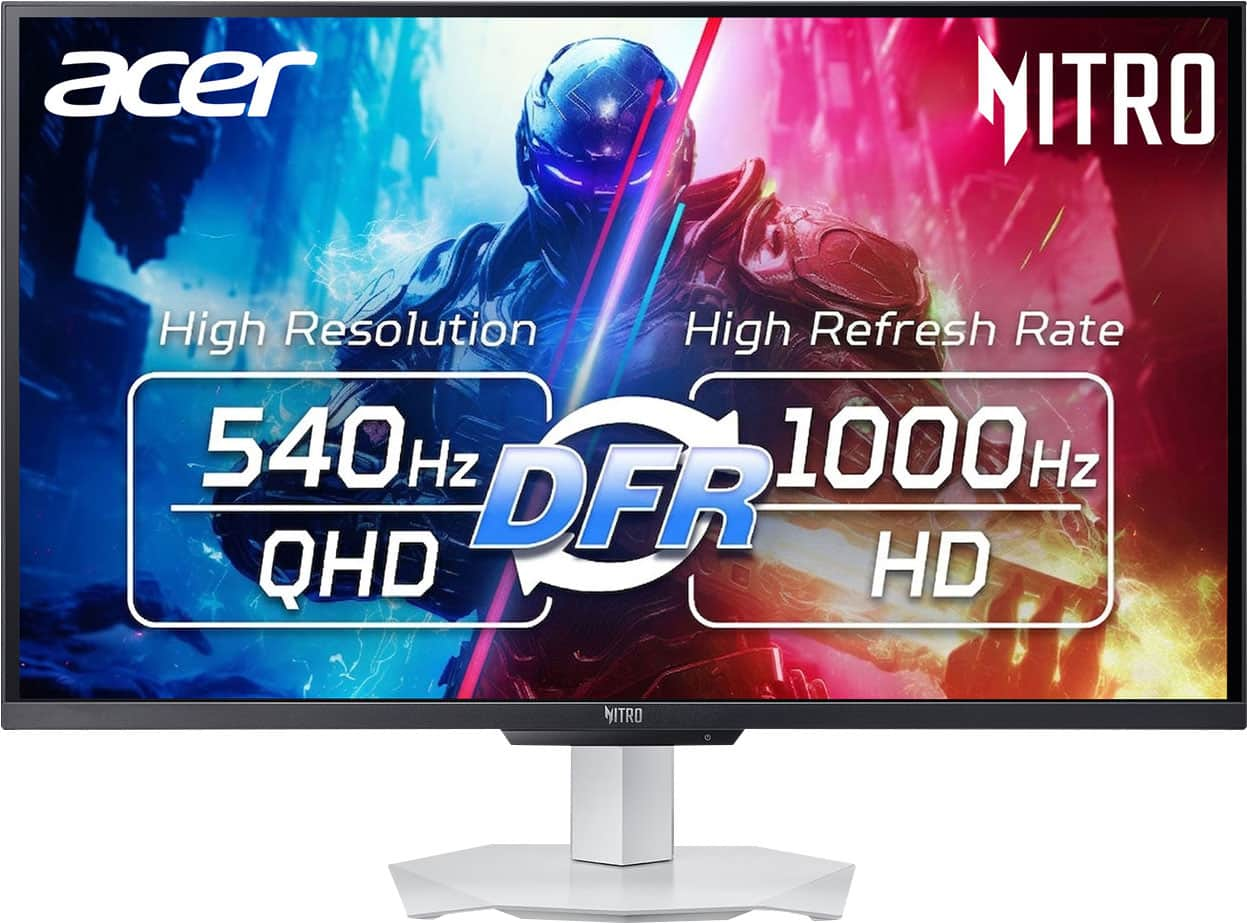
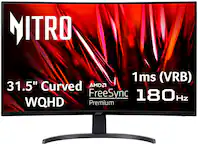
Acer - Nitro 27" IPS WQHD (2560 x 1440) LCD,IPS 540Hz AMD FreeSync Premium Gaming Monitor with HDR 600 (DisplayPort, 2 x HDMI) - White
About this product
A white IPS gaming monitor delivering WQHD resolution, 540Hz refresh, HDR 600, and AMD FreeSync Premium.
(0)$499.99 Your price for this item is $499.99 -
5

MSI - 27 inch Full HD 100Hz IPS Adaptive Sync 1ms Computer Monitor for both work & casual gaming PRO MP272LE - Black
About this product
A black IPS monitor featuring 100Hz refresh rate, Adaptive Sync, slim bezels, HDMI, and DisplayPort connectivity.
(0)$132.99 Your price for this item is $132.99 -
6

KTC - H27E6 27" 320Hz QHD Gaming Monitor, Fast IPS, 1ms MPRT, FreeSync Premium, HDR400, Height-Adjustable Stand, HDMI2.1/DP1.4 - White
About this product
A white fast IPS gaming monitor with 320Hz refresh rate, QHD resolution, HDR400, and ergonomic stand.
(8)$219.99Your price for this item is $219.99SAVE $50.00 -
7

Acer - Nitro 27” LCD WQHD 320Hz 0.5ms FreeSync Premium IPS Gaming Monitor with HDR (Display Port, HDMI) - Black
About this product
A black IPS gaming monitor with WQHD resolution, 320Hz refresh rate, 0.5ms response, and HDR support.
(1)$249.99Your price for this item is $249.99SAVE $120.00 -
8

Deco Gear - 39-Inch Curved Gaming Monitor, 2560x1440, 1ms MPRT, 165 Hz, 4000:1, R3000 - Black
About this product
A curved black LED gaming monitor with 2560x1440 resolution, 165Hz refresh rate, and 1ms response time.
(5)$399.99 Your price for this item is $399.99 -
9
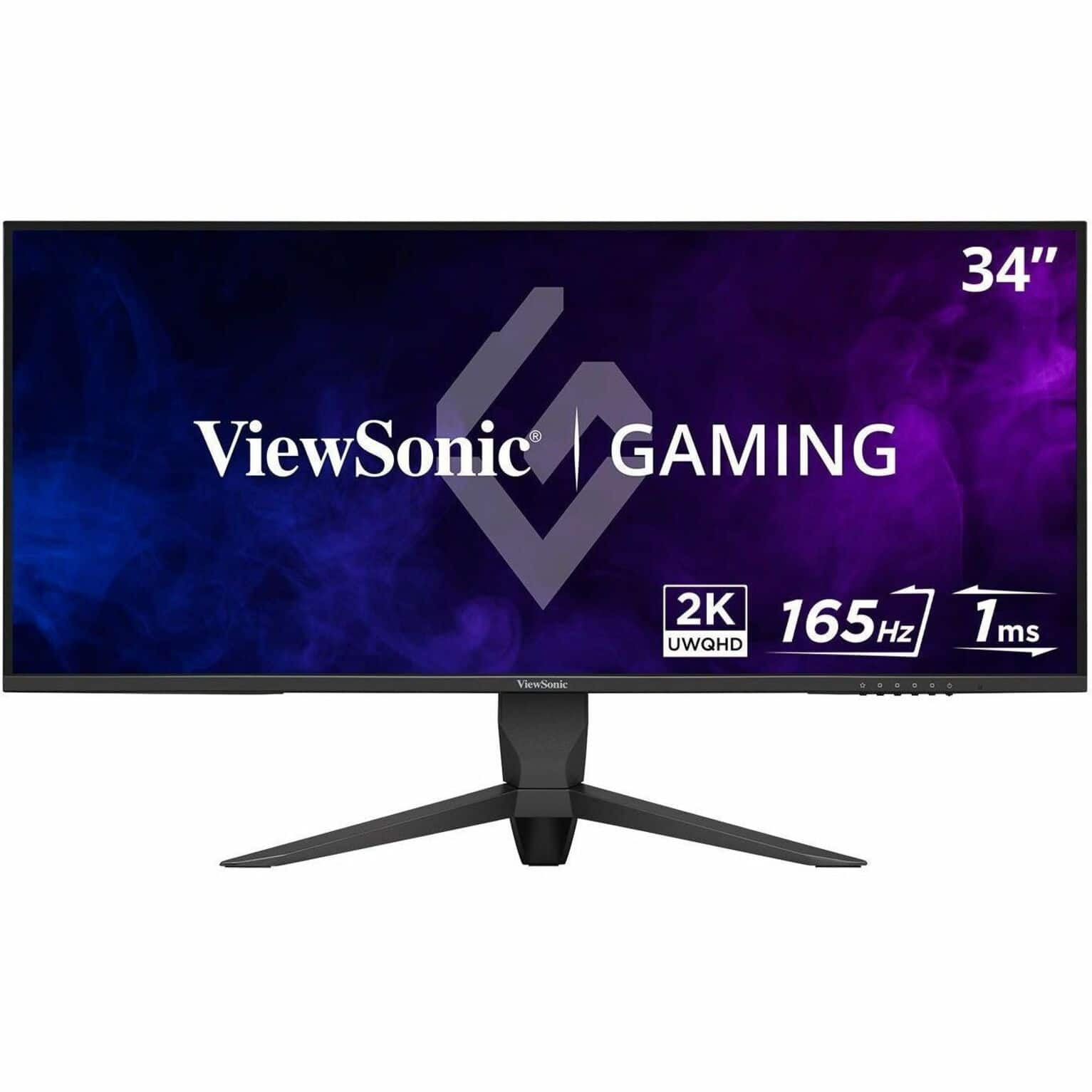
ViewSonic - VX3418-2K 34" LCD QHD 165Hz Gaming Monitor (HDMI, DP, USB) - Black
About this product
An ultrawide black gaming monitor with QHD resolution, 165Hz refresh rate, and AMD FreeSync Premium.
(3)$279.99 Your price for this item is $279.99 -
10

ViewSonic - VX2730D-4K 27" 4K Gaming Monitor w/ Switchable Refresh Rate Up to 288Hz, 0.5ms Response Time, HDMI and Display - Black
About this product
A versatile black LCD gaming monitor offering 4K UHD resolution, switchable refresh rates, and ultra-fast response time.
(2)$279.99Your price for this item is $279.99SAVE $57.54
Best Monitor For Gaming And Work
FAQs
Look for a balance of clear text, adjustable display settings, a high refresh rate, and connections for your work and gaming devices. Adaptive sync is another feature to consider for gaming, while an adjustable stand and built-in USB hub can make a shared desk setup more convenient.
Refresh rate, measured in hertz (Hz), describes how often the screen updates each second. Response time, typically measured in milliseconds, describes how quickly pixels change between specified colors or shades. These are separate specifications, and manufacturers may use different methods to measure response time.
Common display technologies include IPS, VA, and OLED. IPS panels generally offer wide viewing angles and consistent colors. VA panels typically provide higher contrast than IPS panels. OLED displays use self-lit pixels for deep blacks and fast pixel transitions. Text appearance and other characteristics vary by model.
Check which video outputs your computer or console supports, such as HDMI, DisplayPort, or USB-C with video capability. Some USB-C monitors also provide laptop charging and USB data through one cable. Supported resolution and refresh rate depend on the ports, cables, and connected devices, so compare their specifications.
Some monitors offer picture-by-picture to show two connected sources side by side, or picture-in-picture to display one source within another. A built-in KVM switch can let compatible computers share a keyboard and mouse. Window-management software is another option for organizing workspaces. Feature availability varies by model.