Top Rated Video Editing Software For Youtube
Compare video editing software for YouTube to find an option that fits your experience level, computer, and budget. Consider the tools you need for your channel, such as trimming clips, adjusting audio, and adding titles, and check system requirements, export options, and licensing terms before you choose.
What to look for in video editing software for YouTube
Find the best video editing software for your YouTube workflow by comparing editing tools, system requirements, export options, and pricing.
1. Editing Tools and Ease of Use
2. System Compatibility and Performance
3. YouTube Formats and Export Options
4. Pricing and Licensing
-
1

Adobe - Premiere Pro (1-Year Subscription) - Mac OS, Windows [Digital]
About this product
A digital video editing software subscription offering creative tools, Adobe Sensei integration, and cross-device compatibility.
(11)$263.88 Your price for this item is $263.88 -
2

Corel - VideoStudio Ultimate 2022 - Windows [Digital]
About this product
A Windows-compatible digital video editing software with customizable filters, video masking, color grading, and screen recording.
(3)$59.99Your price for this item is $59.99SAVE $40.00 -
3

Corel - Pinnacle Studio Ultimate - Windows [Digital]
About this product
A digital video editing software for Windows offering advanced tools, cinema-grade effects, and smart motion tracking.
(5)$79.99Your price for this item is $79.99SAVE $50.00 -
4

MAGIX - Video deluxe 2026 Premium - Windows [Digital]
About this product
An intuitive Windows video editing suite featuring AI subtitles, 1,700+ effects, and premium stock content.
(0)$49.99Your price for this item is $49.99SAVE $20.00 -
5

MAGIX - Video deluxe 2026 Plus - Windows [Digital]
About this product
An intuitive Windows digital video editing software with AI-powered tools, creative effects, and advanced subtitle features.
(0)$39.99Your price for this item is $39.99SAVE $15.00 -
6

Corel - Pinnacle Studio 25 (1-User) - Windows [Digital]
About this product
A flexible digital video editing software for Windows featuring multitrack timelines, custom titles, and creative effects.
(5)$59.99 Your price for this item is $59.99 -
7
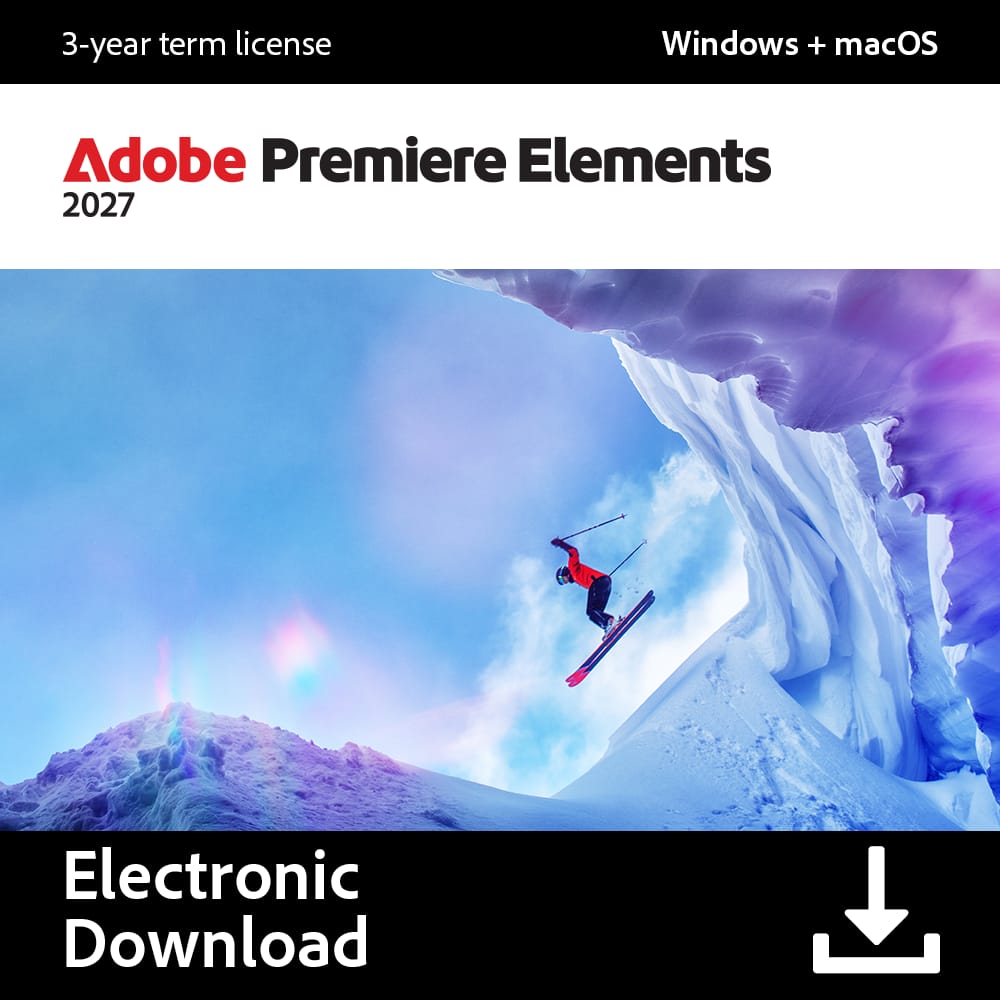
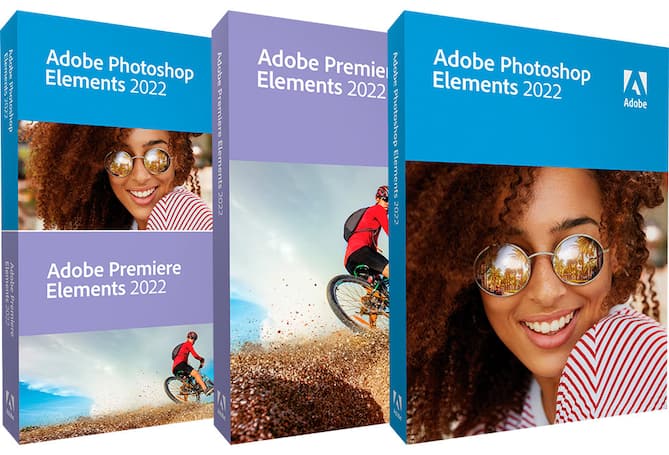
Adobe - Premiere Elements 2027 (1-User) (3-Year License) [Digital] - Mac OS, Windows [Digital]
About this product
A video editor with AI-powered tools, guided workflows, creative effects, and sharing for Mac and Windows.
(0)$99.99 Your price for this item is $99.99 -
8

Adobe - Express Premium - Android, Mac OS, Windows [Digital]
About this product
An all-in-one digital content creation app with AI-powered tools and templates for Android, Mac OS, and Windows.
(3)$104.88 Your price for this item is $104.88
Top Rated Video Editing Software For Youtube
FAQs
Timeline-based editing lets you arrange video clips, audio, titles, and graphics on separate tracks. You can trim footage, reorder scenes, and adjust when each element appears in your YouTube video.
Look for software that can import the formats recorded by your camera, phone, or screen-recording app. MP4 video with H.264 encoding and AAC audio is a commonly used export combination for YouTube uploads.
Check the software’s supported operating systems, processor requirements, graphics compatibility, and memory requirements against your computer’s specifications. If you use external microphones, cameras, or plug-ins, review support for those tools as well.
Depending on the software, you may be able to type captions manually, generate them from speech, or import a caption file. Some editors can export a separate subtitle file, such as SRT, while others can embed text directly into the video image.
Music included with an editor or available through an audio library may have specific licensing terms. Check whether the license permits YouTube publishing and monetization, whether attribution is required, and whether any usage restrictions apply.