Docking Stations For MacBook
-
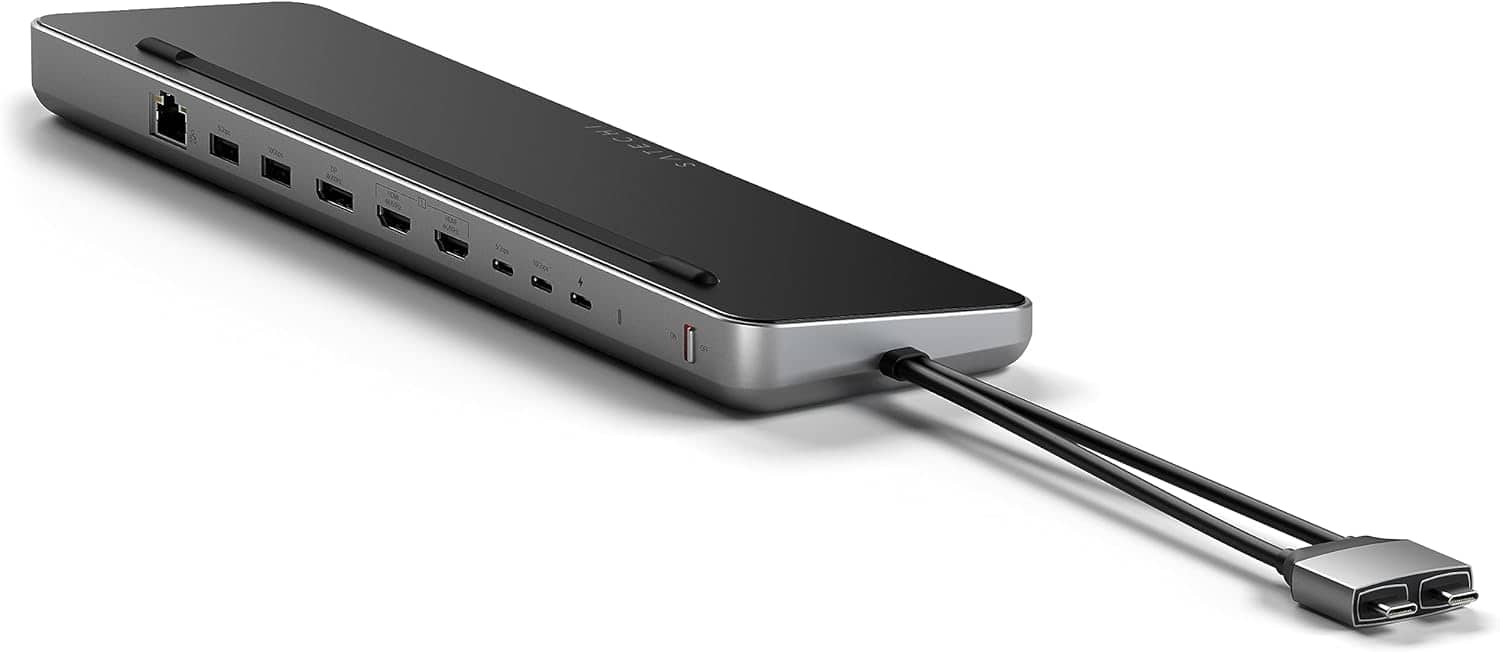
Satechi - Dual Dock with NVMe SSD enclosure – USB-C PD (75W), 2 USB-C data, 2 HDMI 2.0, 1 DisplayPort 1.4, 2 USB-A, Ethernet - Space Gray
SKU: J3GWC4CCR9I love how my MacBook Pro sit on the docking station neatly and all my cords plug up from the back....I love the fact that i can buy products to color match my space gray MacBook Pro....I love Satechi...
See all Docking StationsProduct Description
A sleek space gray aluminum dock offering dual display support, NVMe SSD enclosure, and versatile connectivity.Your price for this item is $149.99 -
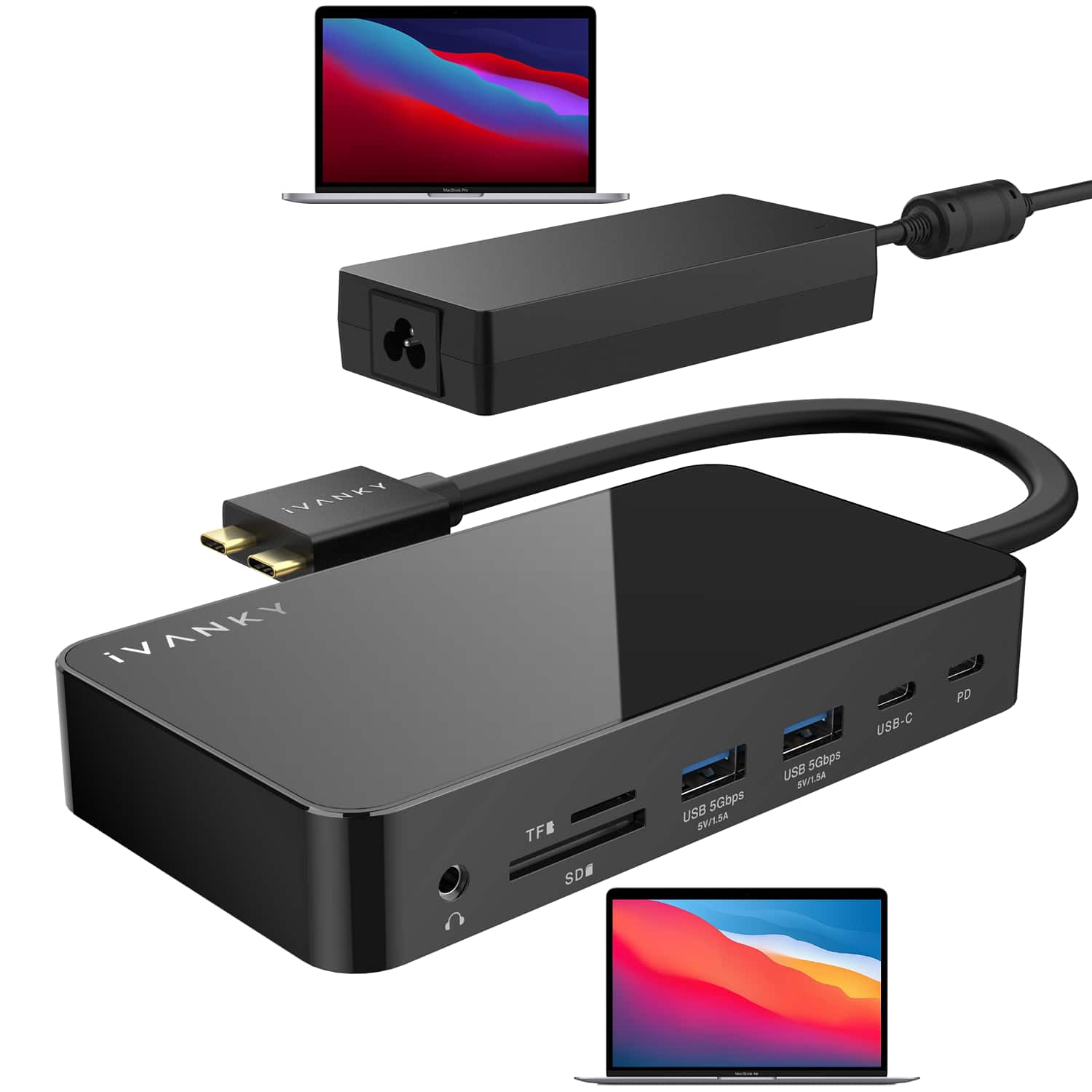
iVANKY - 12-in-2 FusionDock 1 Dual 4K@120Hz Display for M5 MacBook Pro Docking Station with 150W Power Adapter
SKU: CZTZ2FCVT6See all Docking StationsProduct Description
A versatile docking station supporting dual 4K@60Hz displays, 6 USB ports, Ethernet, and 150W power delivery.Your price for this item is $113.98 -
iVANKY - FusionDock 14-in-1 Docking Station with 180W Power Adapter, Triple 4K@60Hz Monitor For Macbook
SKU: CZTZ2F27QJSee all Docking StationsProduct Description
A versatile 14-in-1 docking station supporting triple 4K@60Hz monitors, 96W PD, and 2.5GbE for MacBooks.Your price for this item is $189.99 -
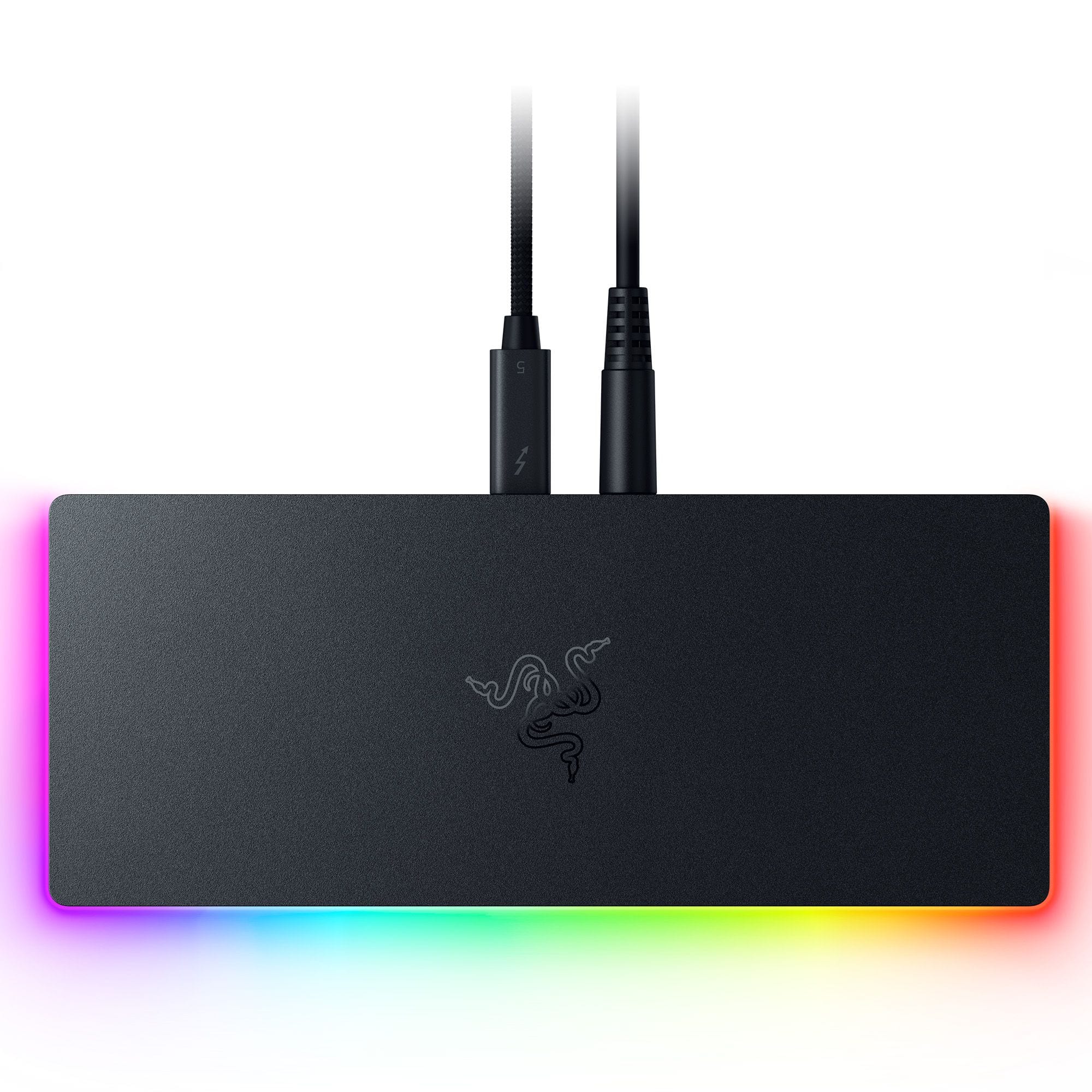
Razer - Thunderbolt 5 Dock Chroma: 11-Port Docking Station - 120Gbps Transfer - Triple 4K 144Hz or 8K 60Hz Display - PC & Mac - Black
SKU: J39HWFH95SLove this. Use for my laptop. All the plugins. This is great. Does see touches very easily....Great when its working
See all Docking StationsProduct Description
A sleek black anodized aluminum dock with 10 ports, M.2 storage slot, Chroma RGB, and triple 4K support.Your price for this item is $399.99 -
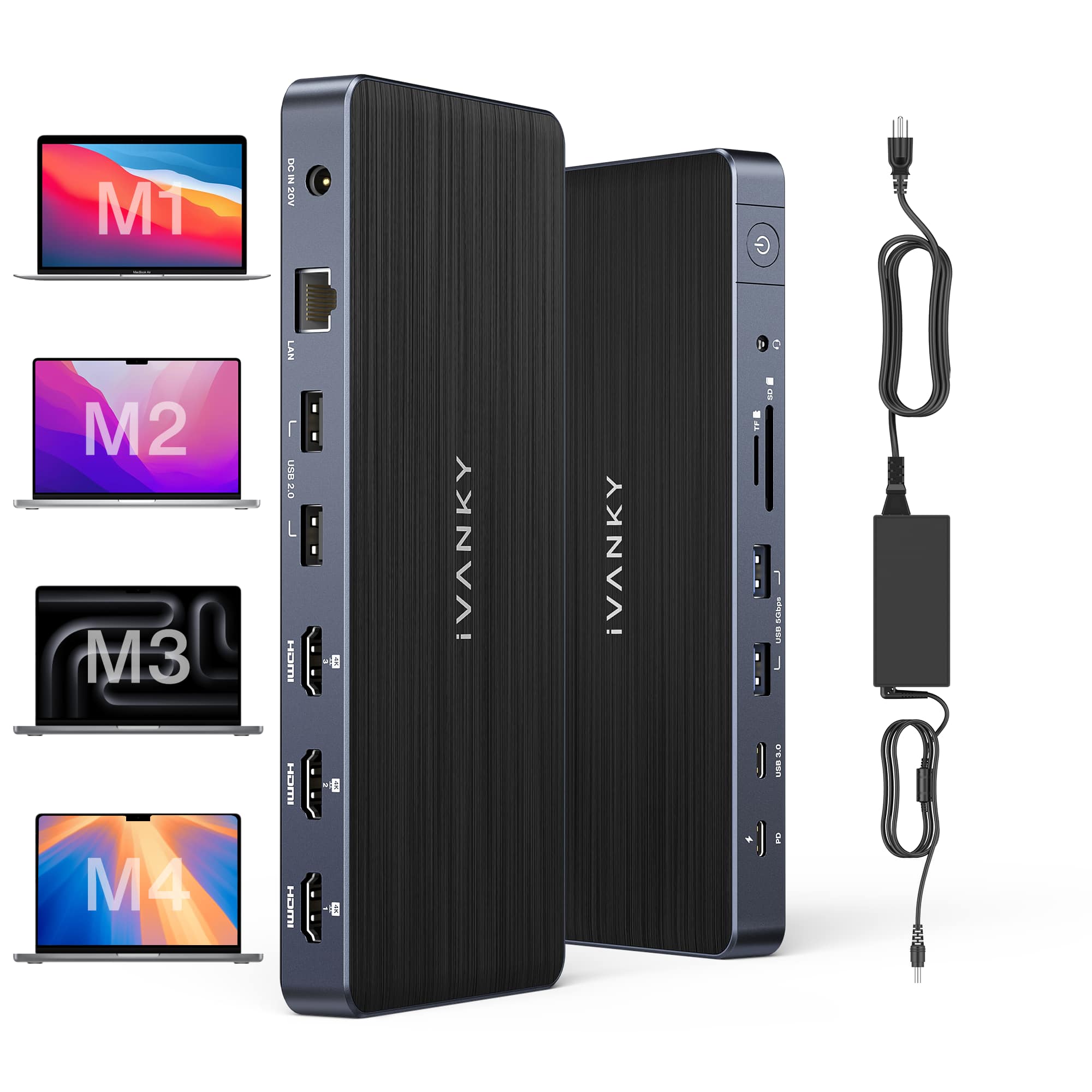
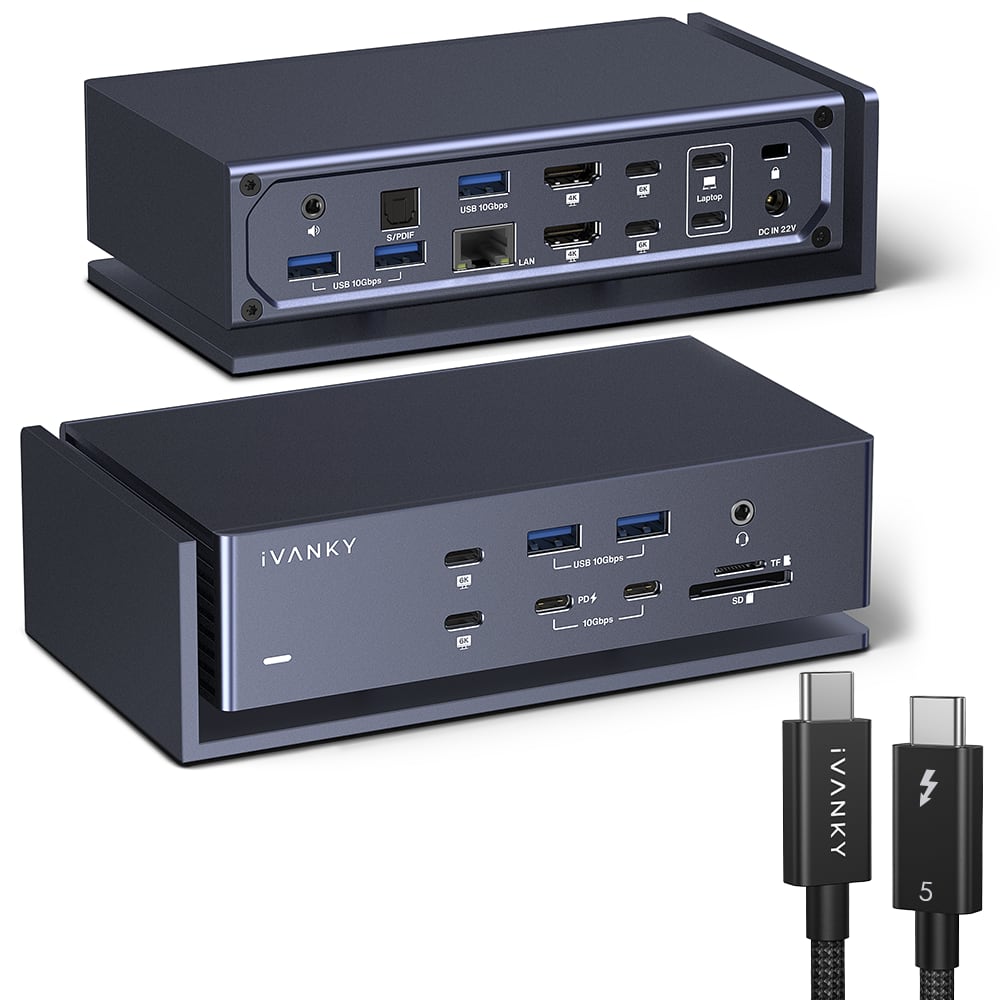
iVANKY - 20-in-1 FusionDock Dual Thunderbolt 4 Chips Docking Station with Thunderbolt 5 Cable for MacBooks M1 to M5 - Midnight Blue
SKU: CZTZ2F2C3LSee all Docking StationsProduct Description
A midnight blue docking station for MacBooks M1–M5, supporting four displays and 12 USB ports.Your price for this item is $299.99 -
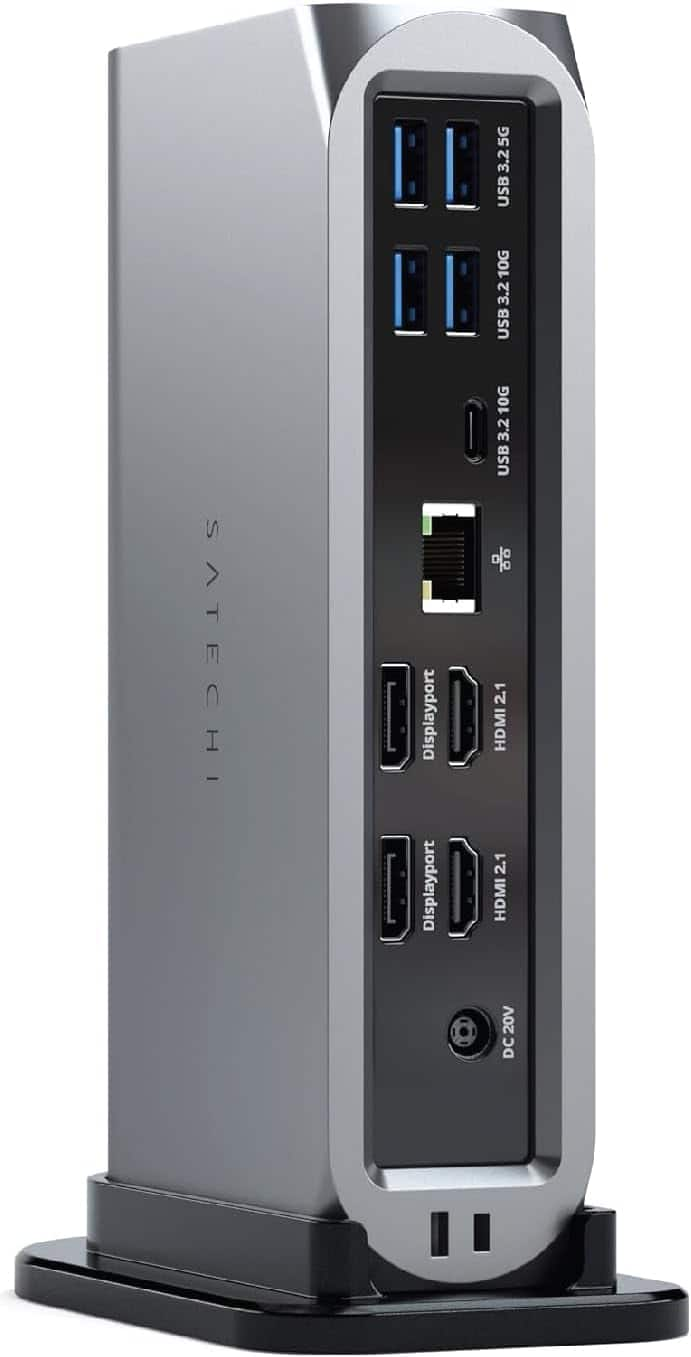
Satechi - 13-in-1 Triple 4K USB-C Docking Station - 100W Charging, 2 DP, 3 HDMI, 2 USB-C, 3 USB-A, Ethernet
SKU: J3GWC4CCRKMost of the time, the dock works great.
See all Docking StationsProduct Description
A versatile 13-in-1 USB-C docking station supporting triple 4K displays, 100W charging, and extensive connectivity.Your price for this item is $299.99 -
ViewSonic - VG2756-4K 27" IPS 4K UHD Docking Monitor (HDMI, USB-C, DisplayPort) - Black
SKU: J37H88F6T3The adjustability: great. Can swivel and adjust height no issues. Setup: great.
See all All MonitorsProduct Description
A black 27-inch IPS 4K UHD monitor with USB-C docking, Ethernet, ergonomic stand, and integrated speakers.Your price for this item is $449.74Save $0The previous price was $449.99 -
iVANKY - FusionDock 20 in 1 Triple 4K@60Hz DisplayLink Docking Station for MacBook Pro with 180W Power Adapter - Black
SKU: CZTZ2F2CC5See all Docking StationsProduct Description
A black 20-in-1 docking station supporting triple 4K@60Hz displays, 2.5GbE, and 180W power delivery.Your price for this item is $239.99 -
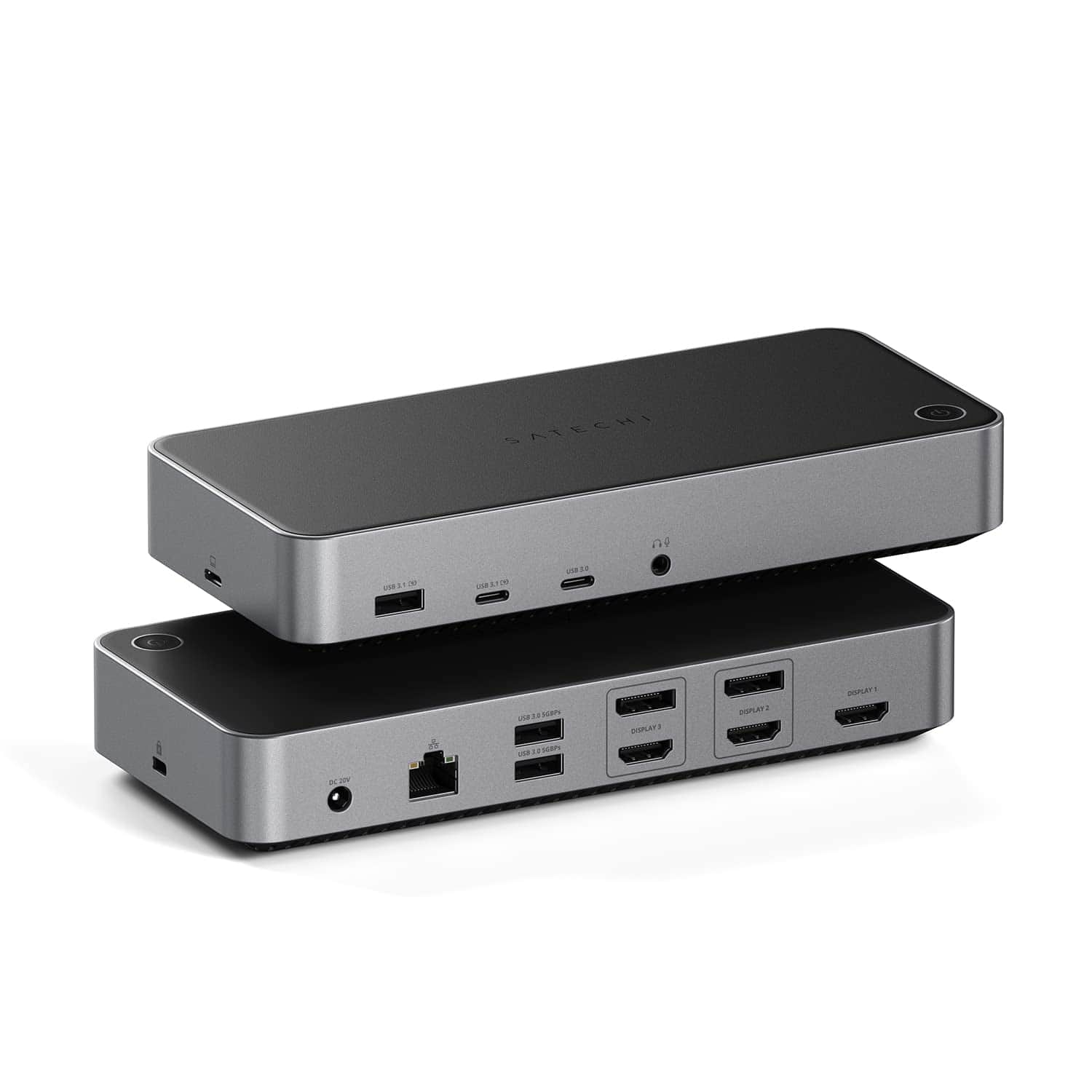
Satechi - Thunderbolt 4 Multimedia Pro Dock-2 DisplayPort, 2 HDMI, USB C, 5 USB A Port, Micro/SD, Audio, Ethernet Docking Station - Space Gray
SKU: J3GWC4CJ5TGreat dock for Macbooks.
See all Docking StationsProduct Description
A versatile space gray aluminum dock offering Thunderbolt 4, four display support, USB, Ethernet, and audio ports.Your price for this item is $349.99 -
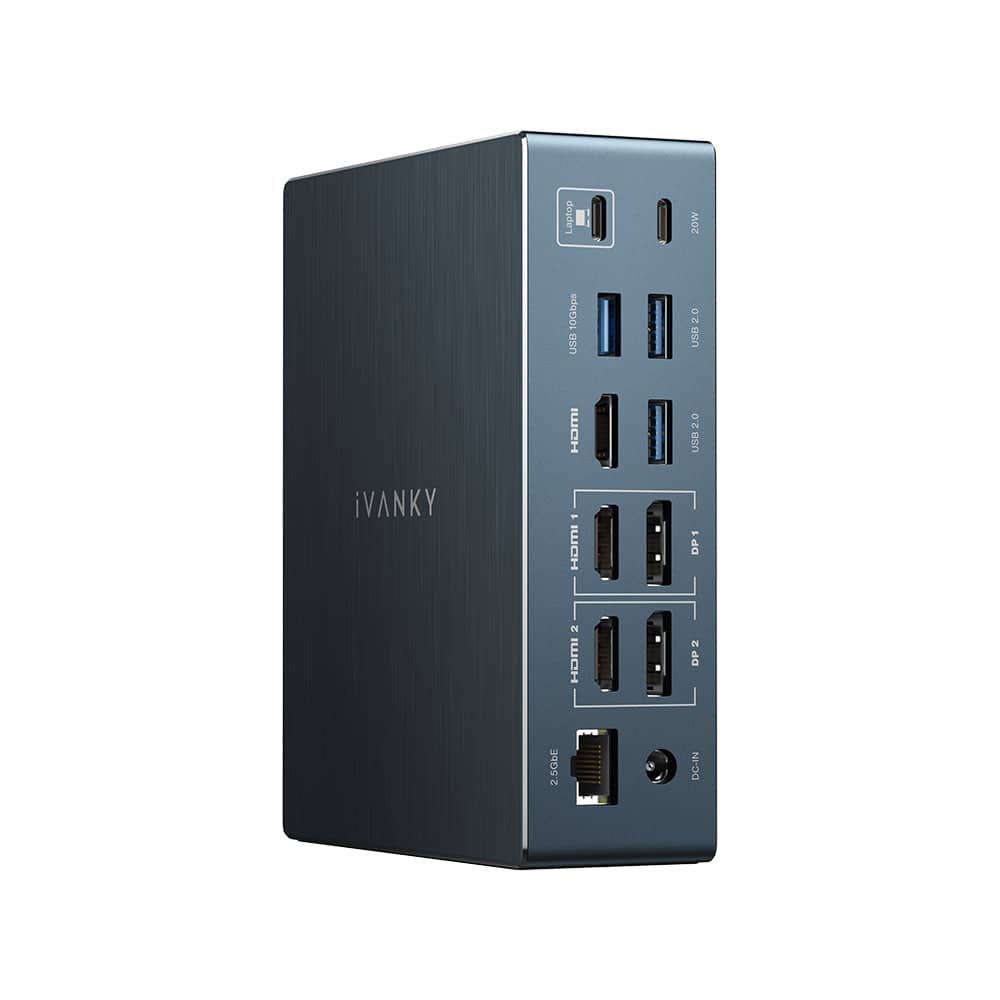
iVANKY - FusionDock Dual 6K/8K Display Thunderbolt 5 Docking Station for MacBook and Windows
SKU: CZTZ2F2CC3See all Docking StationsProduct Description
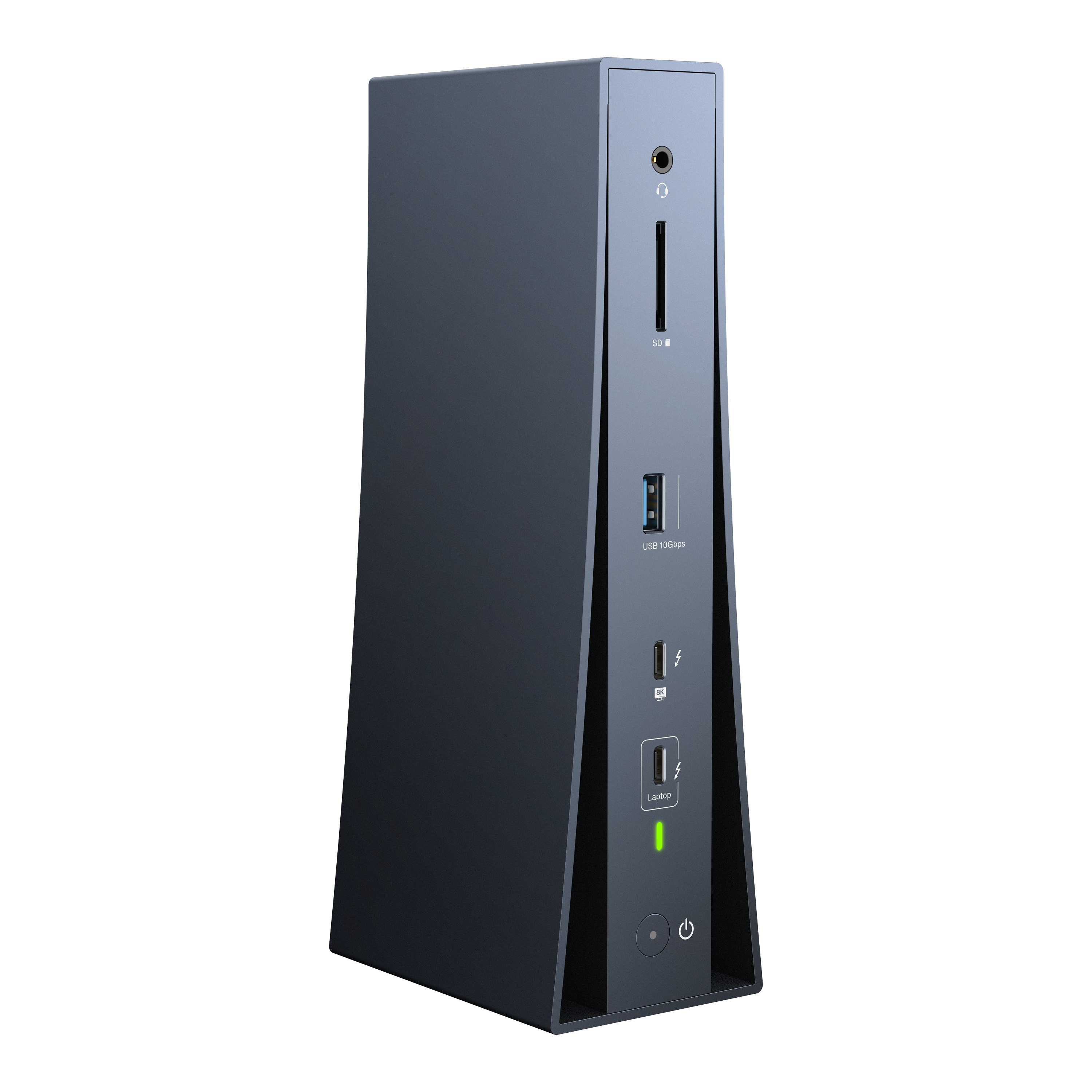
A vertical Thunderbolt 5 dock supporting dual 6K/8K displays, 180W power, and 2.5GbE connectivity.Your price for this item is $242.24Save $197The previous price was $439.99

Best Sellers


Related Pages


FAQ
When choosing a docking station for your MacBook, consider the types and number of ports you need, such as USB-C, HDMI, Ethernet, and SD card readers. Also, check for compatibility with your MacBook model, support for dual monitors, power delivery (PD) for charging, and whether it supports high-speed data transfer.
Many docking stations are designed to be compatible with both MacBook Air and MacBook Pro models, especially those with USB-C or Thunderbolt 3/4 ports. Always verify the specific compatibility details in the product description to ensure it works with your MacBook model.
Yes, many docking stations support connecting two or more external monitors to your MacBook. Look for models that specify multi-display support and check the maximum resolution and refresh rates supported for each monitor.
Most modern docking stations with USB-C or Thunderbolt connectivity offer power delivery, allowing you to charge your MacBook while connected. Check the wattage supported by the docking station to ensure it meets your MacBook's charging requirements.
You can connect a wide range of devices and accessories to a MacBook docking station, including external monitors, keyboards, mice, printers, external hard drives, SD cards, Ethernet cables, and audio devices. The exact compatibility depends on the ports available on the docking station.