Fire TV Television Replacement Remotes
-
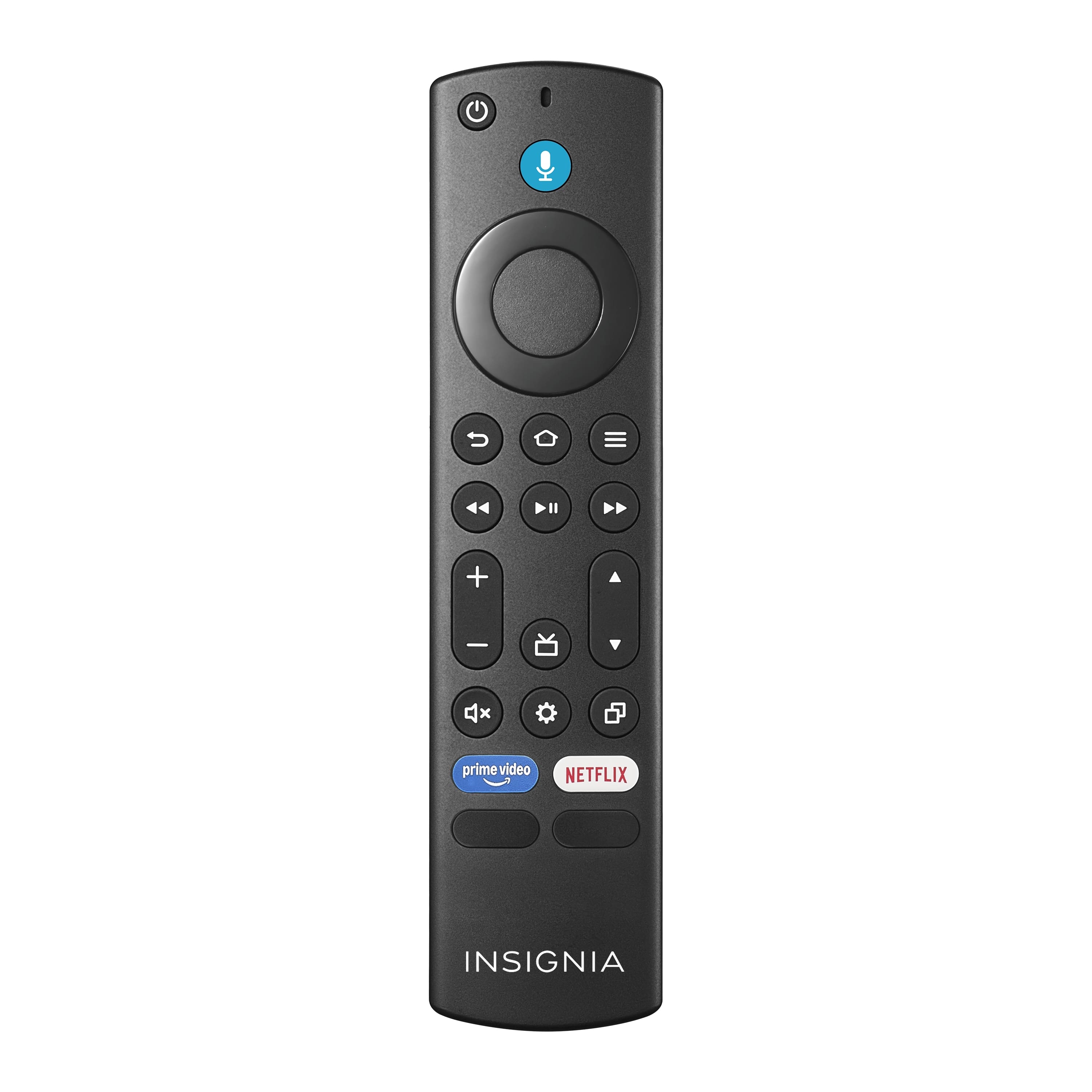
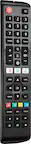
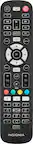
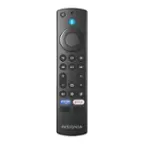
Insignia™ - Fire TV Replacement Remote for Insignia-Toshiba-Pioneer - Black
SKU: J2FPJKY7X5Great product for a great price. I love Best Buy. Selection...I love the firestick thank you for great service Best Buy .
See all TV Replacement Remote ControlsProduct Description
A black ergonomic remote offering Bluetooth and infrared voice control for Insignia, Toshiba, and Pioneer Fire TVs.Your price for this item is $29.99 -
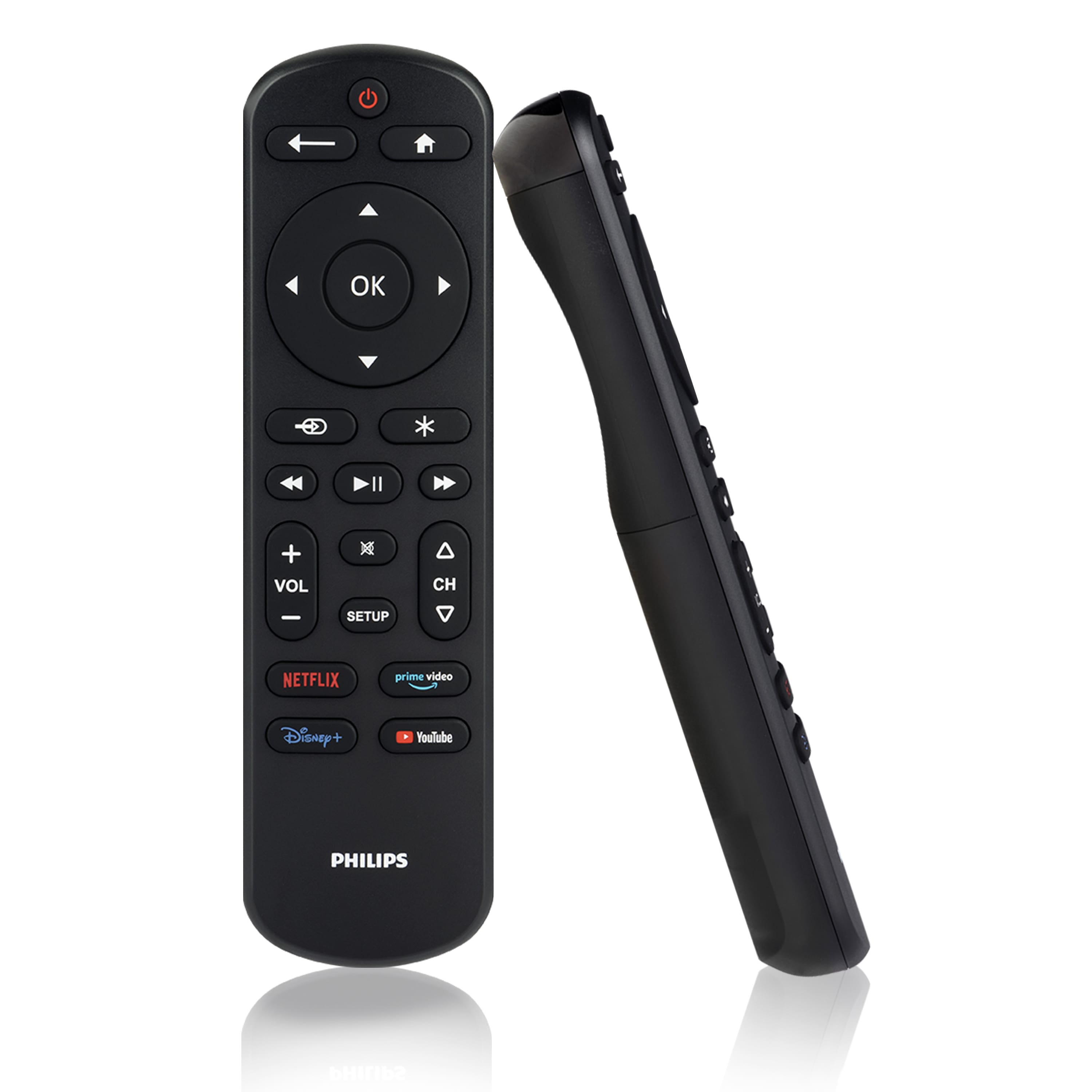
Philips - OneTouch Universal Remote Control for Samsung Smart TV, LG, Sony, VIZIO, Fire TV, Roku TV, Remote Replacement - Black
SKU: J73JSVZ8QVUhhmmmmm thise remote whas one of the best purchases I madee its grate i love it...Working great, best replacement remote when you need one
See all TV Replacement Remote ControlsProduct Description
A black backlit remote offering instant control of top TV brands and streaming apps without programming.Your price for this item is $14.99 -
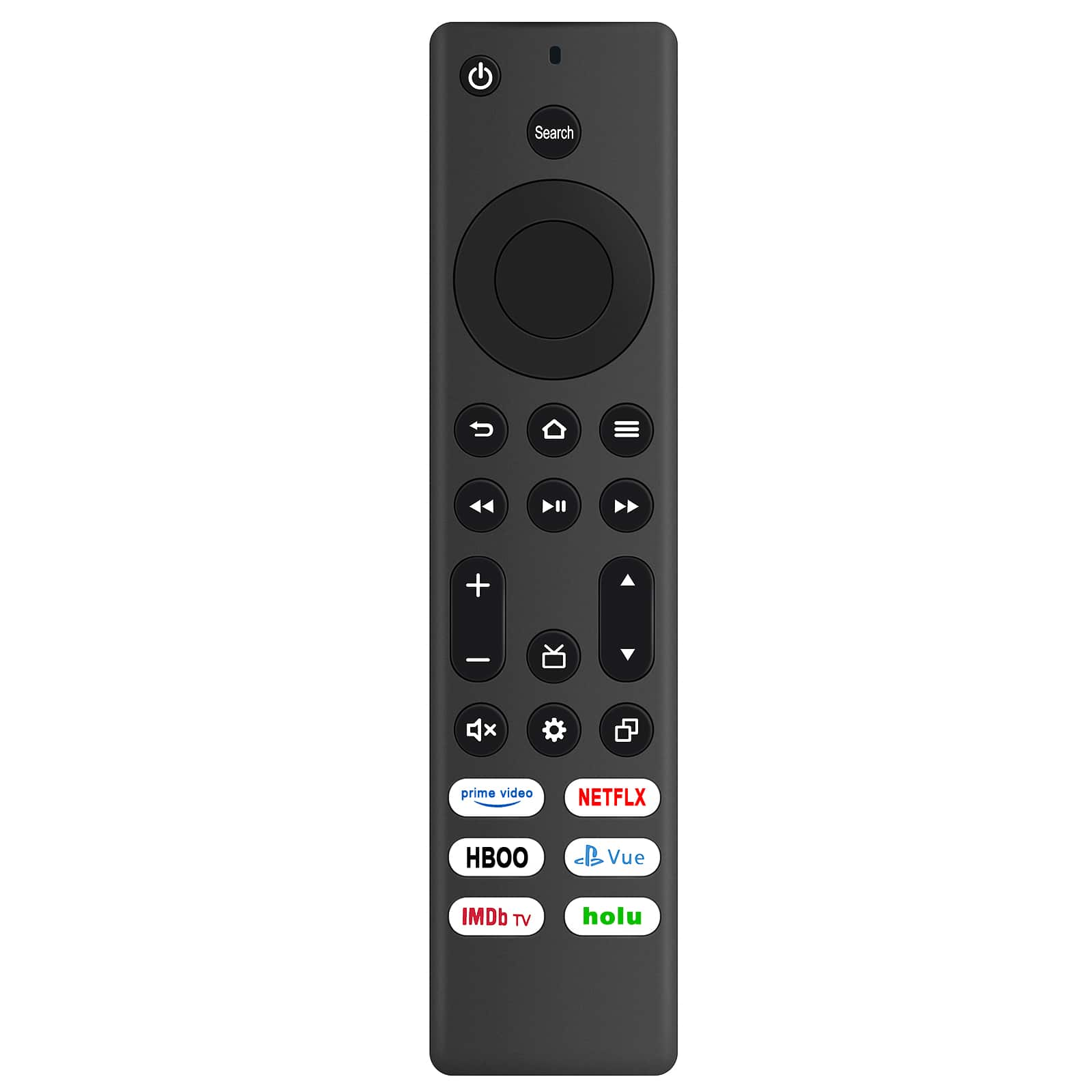
VINABTY - New Universal Replaced Remote Control Fits for Toshiba Insignia Pioneer FireTV NS-RCFNA-21 NS-RCFNA-19 - Black
SKU: J37GHL7KSRSee all TV Remote ControlsProduct Description
A universal black infrared remote compatible with multiple Toshiba, Insignia, and Pioneer Fire TV models.Your price for this item is $8.48 -
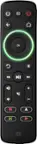
One for All - – Smart Streamer Universal Remote - Black
SKU: J3GWQPCVH4See all TV Remote ControlsProduct Description
A versatile black universal remote with Bluetooth and infrared, compatible with major streaming devices and HDTV brands.Your price for this item is $49.99 -
ALLIMITY - Universal Replacement Remote Control, Fit for Toshiba Insignia Pioneer TV TF-43A810U21 TF-32A710U21 TF-55A810U21 - Black
SKU: JXV83VV5G9I ordered this remote control online from Best Buy, and the entire experience was seamless....This was a reliable replacement and a great value for the price....satisfied with this remote and would recommend...
See all TV Replacement Remote ControlsProduct Description
A universal black remote control compatible with multiple Toshiba, Insignia, and Pioneer TV models.Your price for this item is $7.89 -
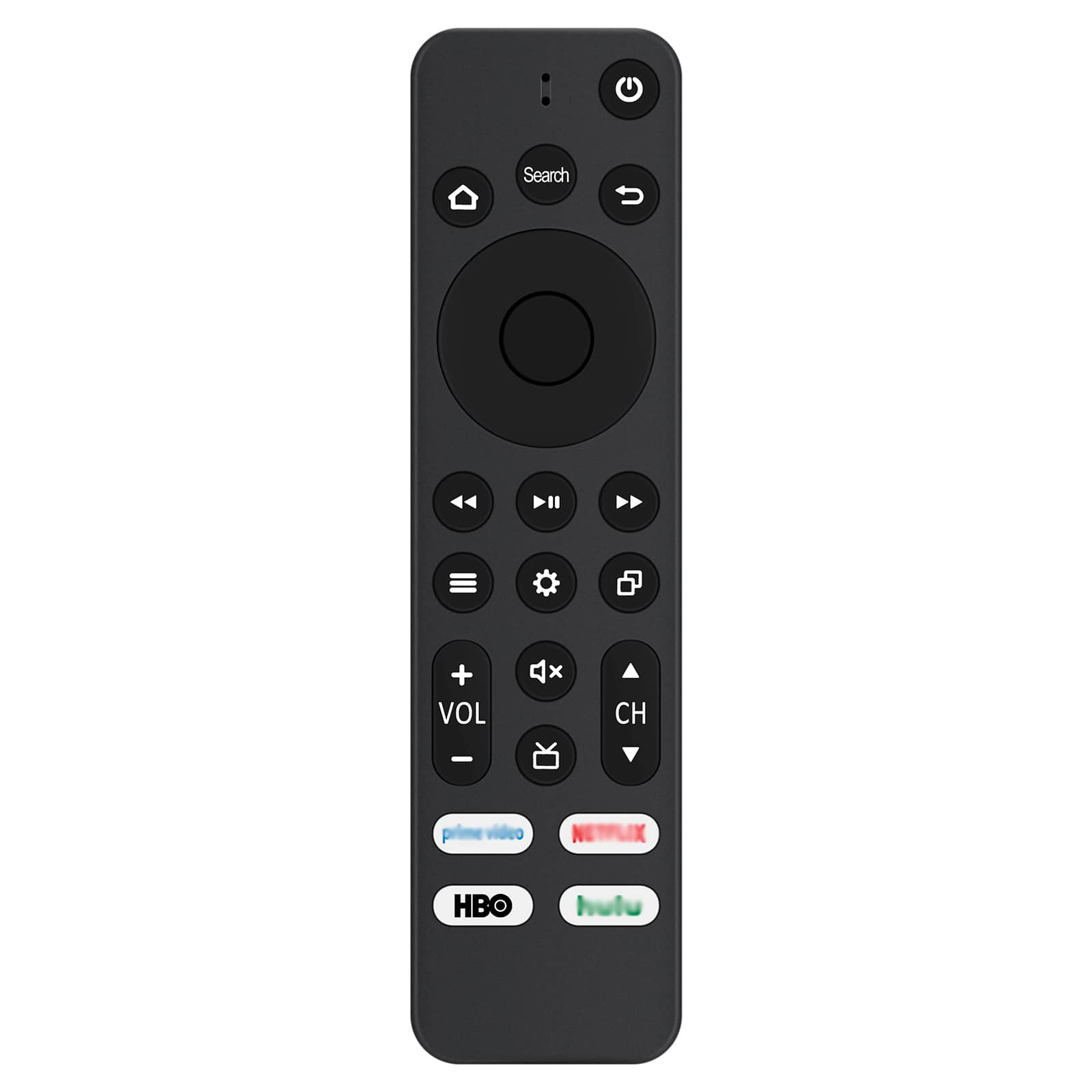
VINABTY - New Replaced Remote Control Fits for All Insignia/Toshiba Smart TVs NS-RCFNA-21 CT-RC1US-21 TF-32A710U21 TF-43A810U21 - Black
SKU: J37GHL7KRGSee all TV Remote ControlsProduct Description
A black infrared remote control compatible with a wide range of Insignia and Toshiba Smart TVs.Your price for this item is $9.58


Best Sellers



Related Pages





FAQ
Have your television’s brand and complete model number ready, along with the original remote’s model number if you have it. Compare those details with the replacement’s supported TV or remote model list. A similar button layout or matching brand name is not enough to establish compatibility.
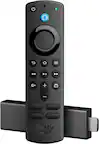
Not necessarily. One controls a television with Fire TV built in, while the other is intended for a separate streaming player. Some remotes support both, but that compatibility must be stated explicitly. TV power and volume support alone does not confirm full television control.
No. A replacement can provide button-based controls without including voice functions. Look for documented voice support for your TV and review any pairing requirements. Do not assume Bluetooth connectivity by itself means voice commands are supported.
Follow the instructions supplied with the replacement remote for your supported TV model. Depending on the remote, setup may involve pairing with the television, selecting a TV mode or programming controls. There is no single setup sequence that applies to every replacement.
Some universal remotes support multiple device types. Check for explicit Fire TV television compatibility, then verify separate support for any soundbar, receiver or streaming player you want to control. Review the supported functions for each device, since multi-device compatibility does not mean every original remote feature is included.