Laptops For Graphic Designers
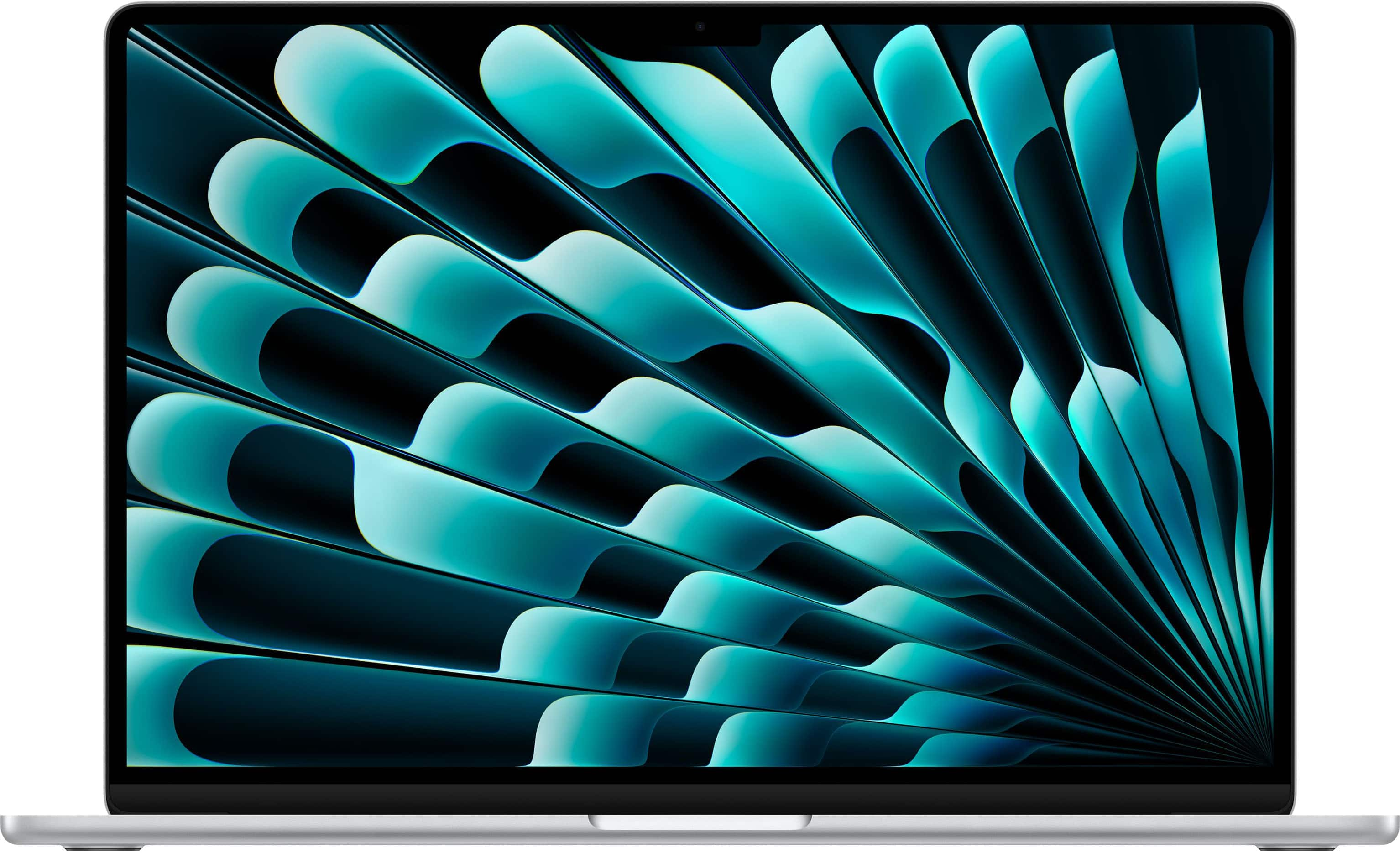
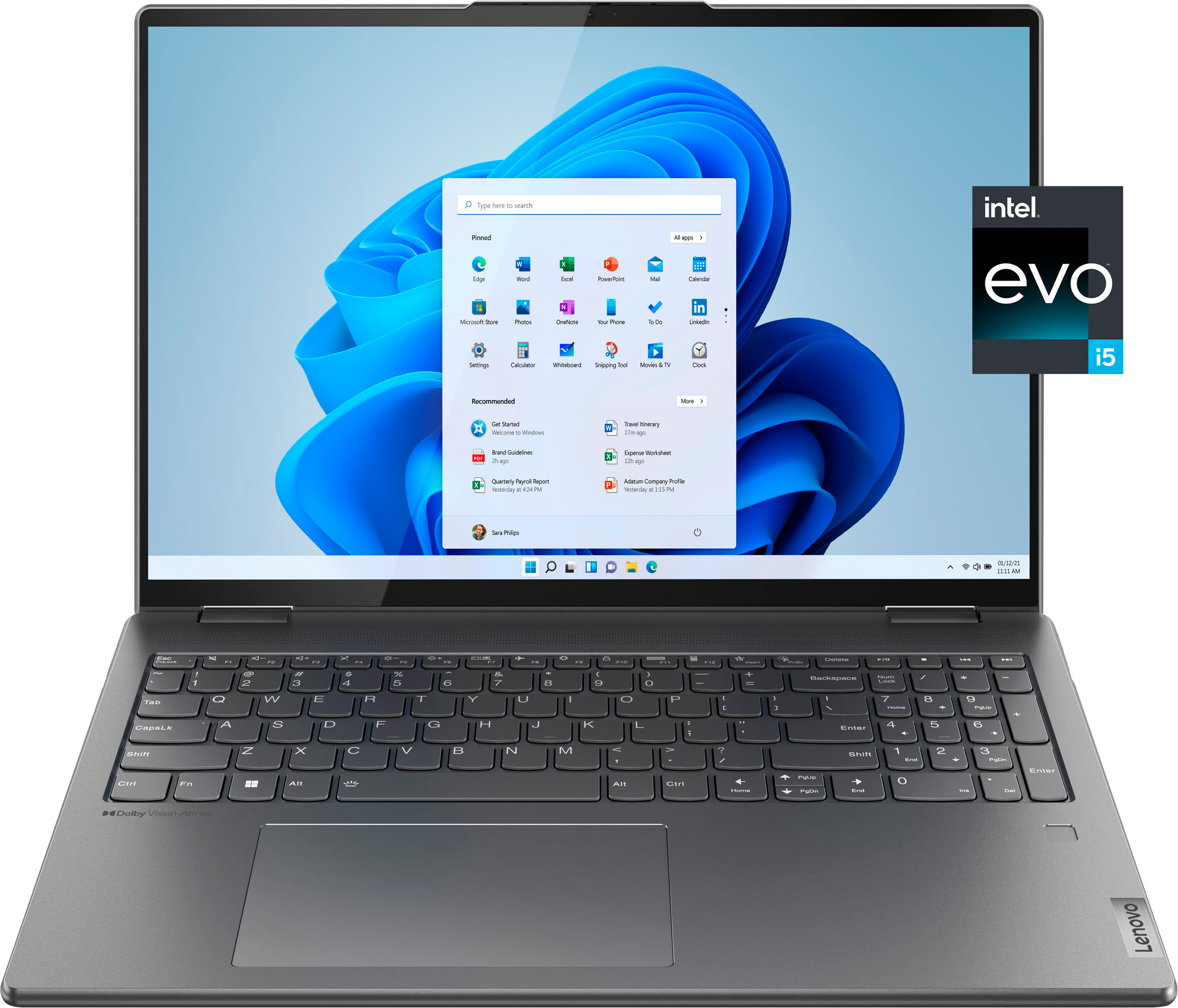
Compare laptops for graphic designers based on the design software you use and where you work. Consider processing power and memory for demanding creative applications, display resolution and color accuracy for detailed visual work, and storage capacity for project files. Balance screen size with portability if you regularly move between workspaces.


Laptops For Graphic Designers
FAQs
Look for information about color accuracy, color gamut coverage and calibration options. sRGB is commonly used for web graphics, while Adobe RGB and DCI-P3 may be relevant to print and video workflows. Match the display’s color capabilities to your projects and any external monitors you use.
Start with the operating system requirements for your design software, plug-ins and peripherals. Many creative applications are available for both Windows and macOS, but some tools are exclusive to one platform. Also consider the file-sharing tools and font-management workflows used by your collaborators.
Integrated graphics are built into the main processor and generally share system memory. Dedicated graphics use a separate graphics processor, typically with their own video memory. Your design applications may specify particular graphics requirements, especially for features involving 3D rendering, animation or video editing.
Consider the connections required by your monitor, drawing tablet, external storage and other accessories. HDMI, USB-A, USB-C and Thunderbolt are common options, but their capabilities vary. If you plan to connect a display through USB-C, confirm that the laptop’s port supports video output.
A touchscreen does not automatically include support for an active stylus. If you want to draw directly on the display, check compatibility with the pen you intend to use, including pressure sensitivity, tilt recognition and palm rejection. Confirm that your drawing software supports those features as well.