Black Friday Deals start nowEnds Nov. 28.Shop now

Main Content
Skip to contentGo to Product Search

Black Friday Deals start nowEnds Nov. 28.Shop now

Main Content

Photo Storage External Hard Drive

Find an external hard drive for photo storage that fits your image library and backup routine. Compare storage capacity, connection types, and portability to choose a drive that works with your computer and has room for future photos. Keep a second copy of your images to help protect against file loss.

Results
Main Results

Photo Storage External Hard Drive

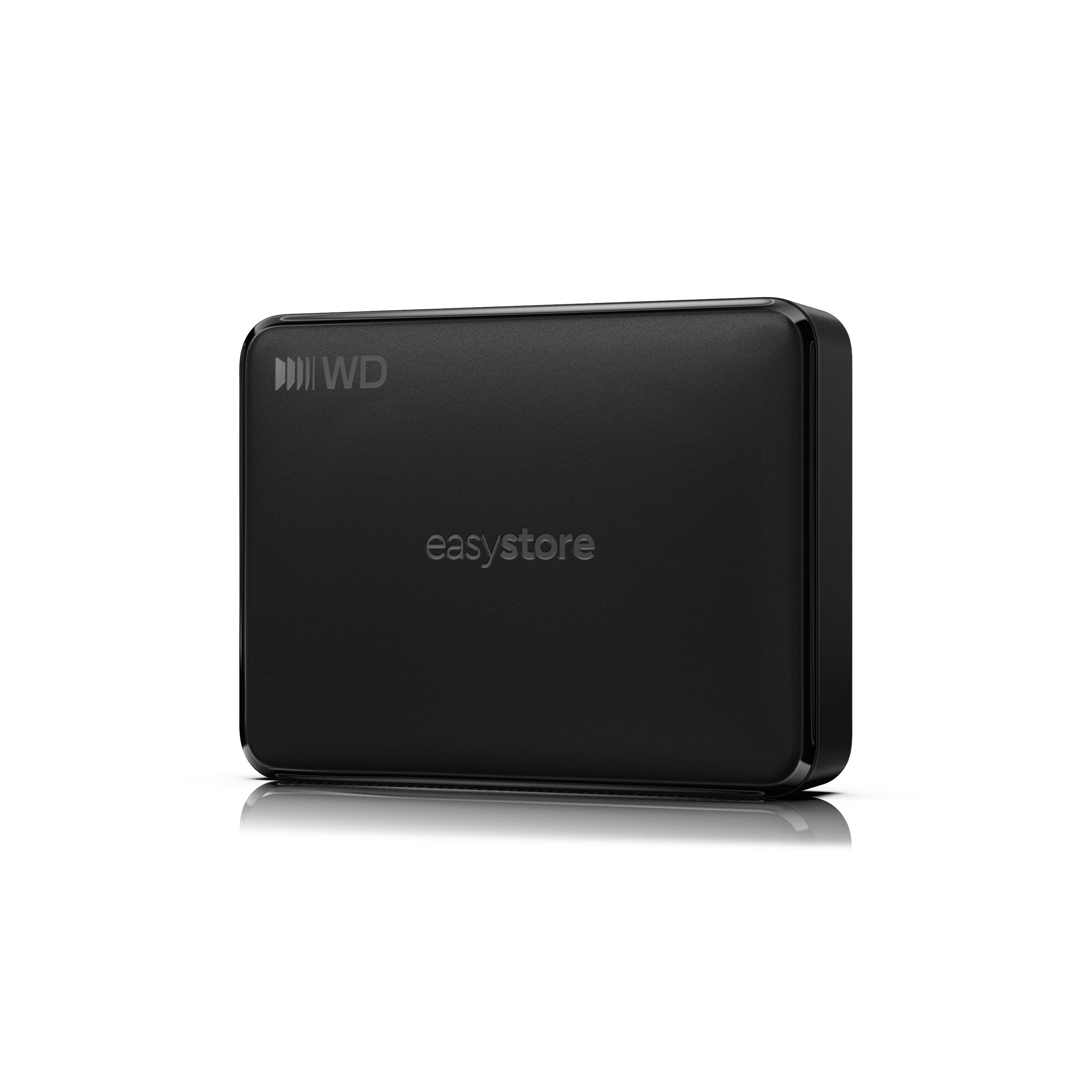
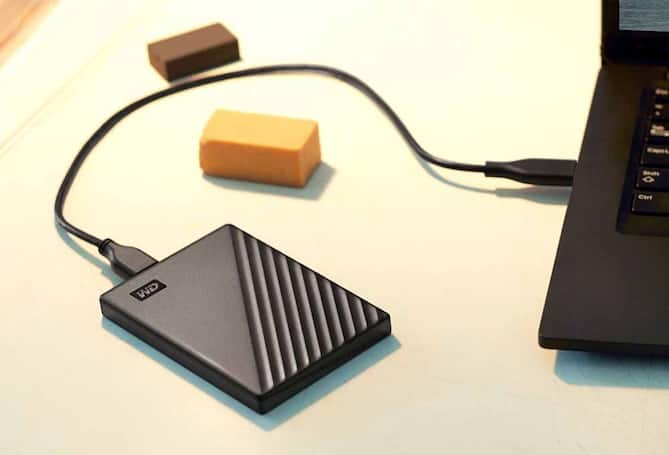
A photo storage external hard drive provides dedicated space for family snapshots, travel albums, scanned prints, and growing photography collections without relying entirely on a computer’s internal storage. It can hold original image files alongside edited versions, exported albums, and the video clips often captured during the same events. Capacity is an important consideration because storage needs vary with image resolution, file format, and shooting habits. Compressed JPEG photos generally take up less space than RAW files, while keeping multiple edits and high-resolution scans can increase the size of a collection considerably. Room for future additions can be especially useful for households combining photos from several devices, hobbyists building a portfolio, or photographers preserving full-resolution originals. A smaller library may need less capacity, while years of frequent shooting can make a higher-capacity drive a more practical choice. The right balance depends on both the photos already saved and how quickly the collection continues to grow.

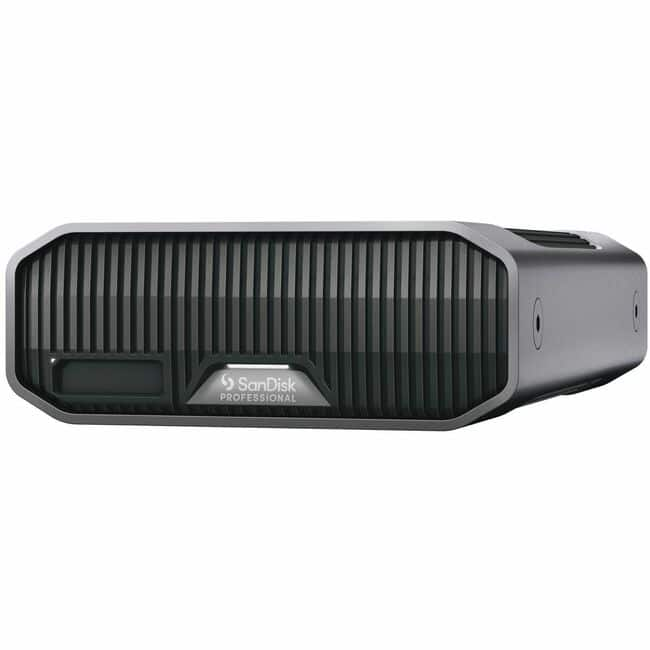
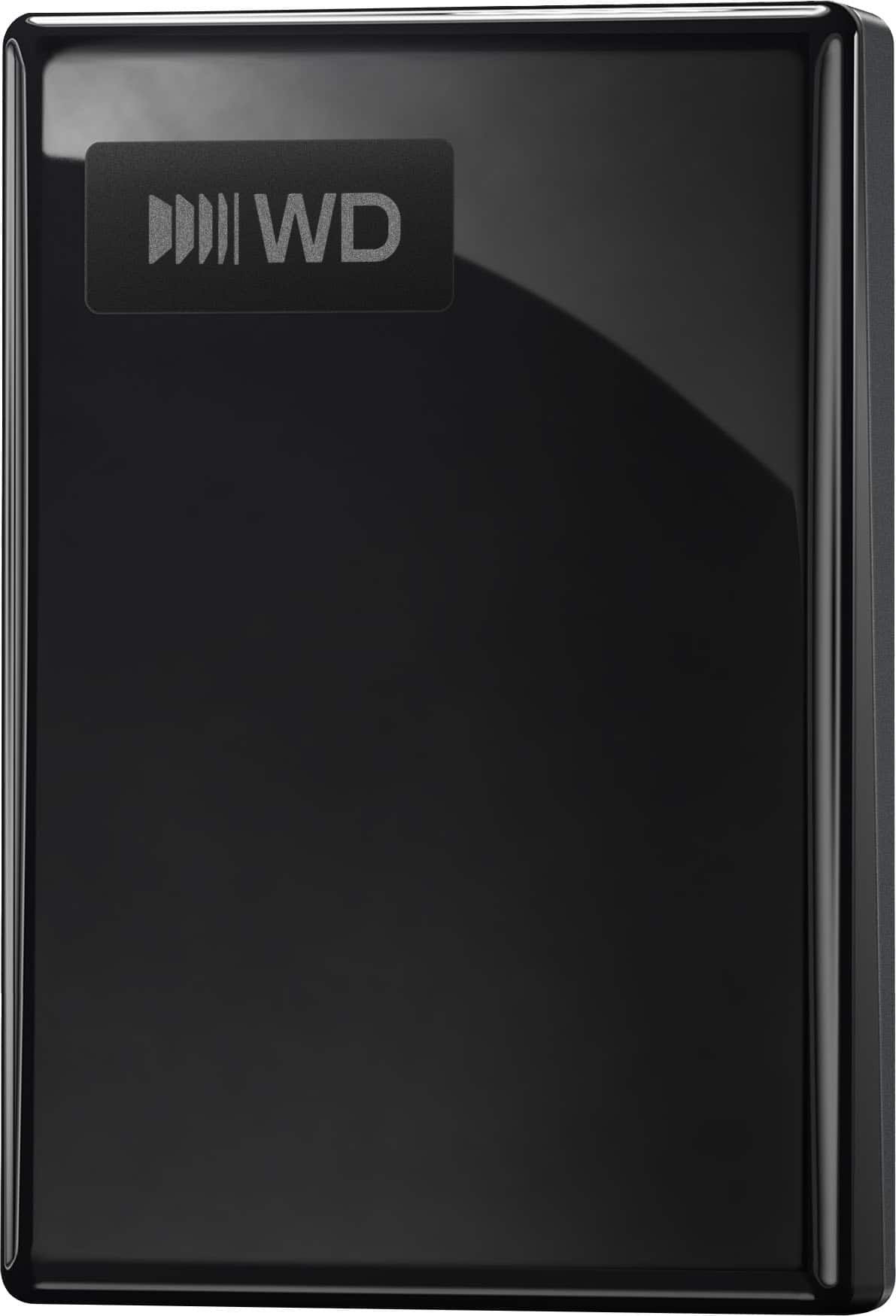
Portability, transfer performance, and computer compatibility help distinguish external storage options for photos. A compact portable hard drive can be convenient for moving a photo library between locations, while a desktop external hard drive may suit a collection that stays near a home computer or editing workstation. Portable models commonly draw power through their USB connection, whereas desktop designs often require a separate power adapter, making power requirements worth checking before purchase. Connection type also matters: the drive’s connector, included cable, and supported transfer standard need to work with the intended computer. USB-C describes a connector shape rather than a guaranteed transfer speed, so performance depends on more than the port’s appearance. Faster transfers can make large imports and full-library backups less time-consuming, although actual speeds also depend on the computer and the files being copied. For shoppers comparing traditional hard drives with external solid-state storage, hard drives often emphasize capacity for the cost, while SSDs generally offer faster access and greater resistance to movement because they have no moving parts.

How a drive will fit into an existing photo workflow is just as important as its capacity. Some shoppers need an archive for completed projects, while others want space for an actively used photo library or a separate backup of images stored elsewhere. Compatibility with Windows, macOS, photo-management software, and any intended backup application can affect that choice. A drive’s file system can also influence whether it works across different computers immediately or needs reformatting, which erases existing contents. Direct connections to a phone or tablet depend on the device’s support, available power, and connection requirements rather than the cable alone. For private family photos or client work, encryption and password-protection features may be useful considerations where supported. Keeping another copy of important images on a separate device or in a separate location helps protect against losing the only copy if a drive fails, goes missing, or is damaged. External photo storage is most useful when its capacity, connection, and everyday handling requirements match the way the collection will be saved, accessed, and preserved.

FAQs