Computers For Drawing
-
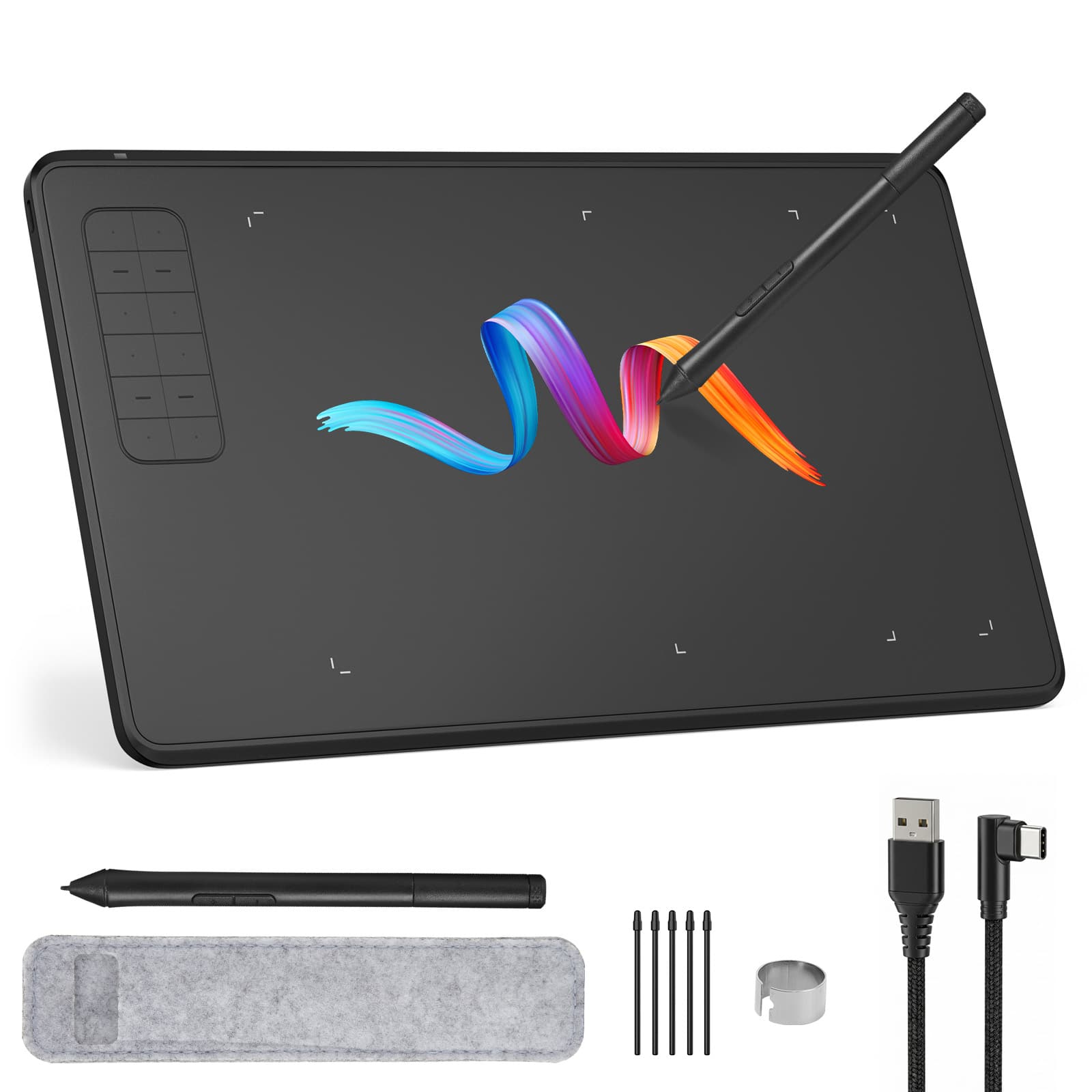
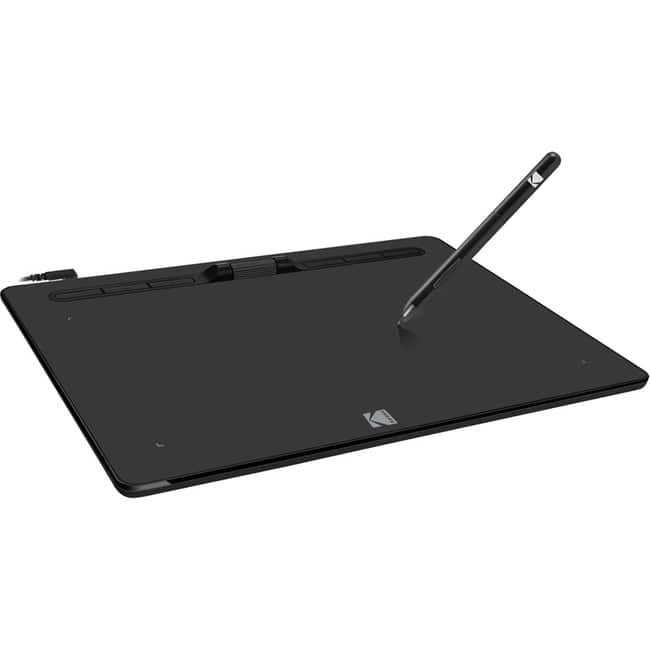
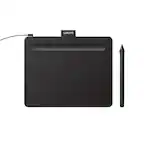
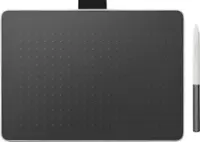
IMAGE - Large Active Area Graphics Tablet 9.45" x 6.1", 8192 Levels Pressure Battery-Free Pen for Digital Drawing & Design - Black
SKU: JXXVL59Q2GSee all Drawing TabletsProduct Description
A black graphics tablet with battery-free 8192-level pressure sensitivity, ±60° tilt support, and programmable shortcut keys.Your price for this item is $54.99 -
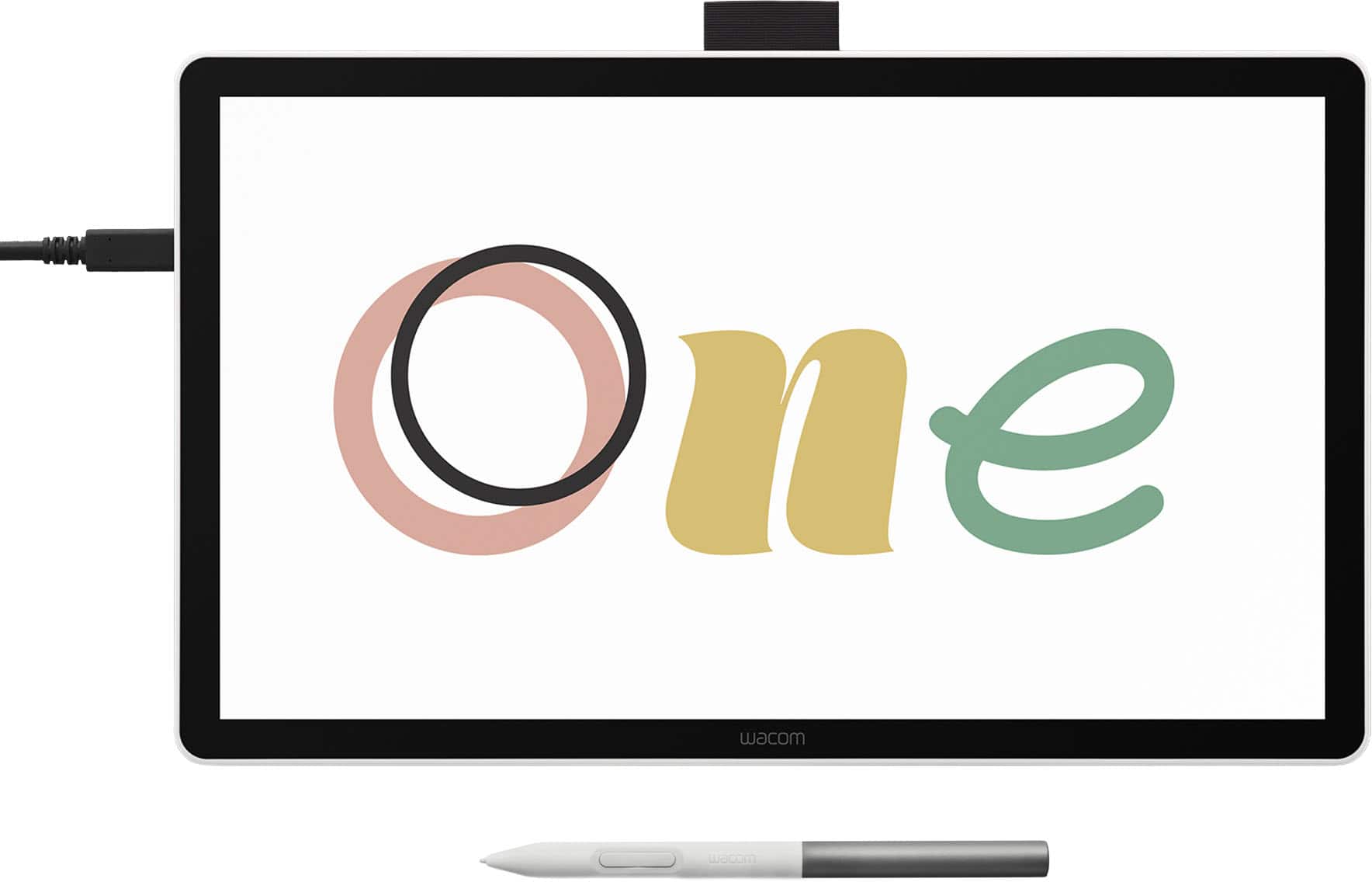
Wacom - One 14 (2025) Pen Display Drawing Tablet - White
SKU: JXFPXQRFVGOverall I think it's a great drawing tablet....Great drawing tablet for a student/beginner...Wacom One14 is Great.
See all Drawing TabletsProduct Description
A white pen display drawing tablet featuring a 14" anti-glare LCD screen with 98% sRGB color coverage.Your price for this item is $249.95Save $50The previous price was $299.95 -
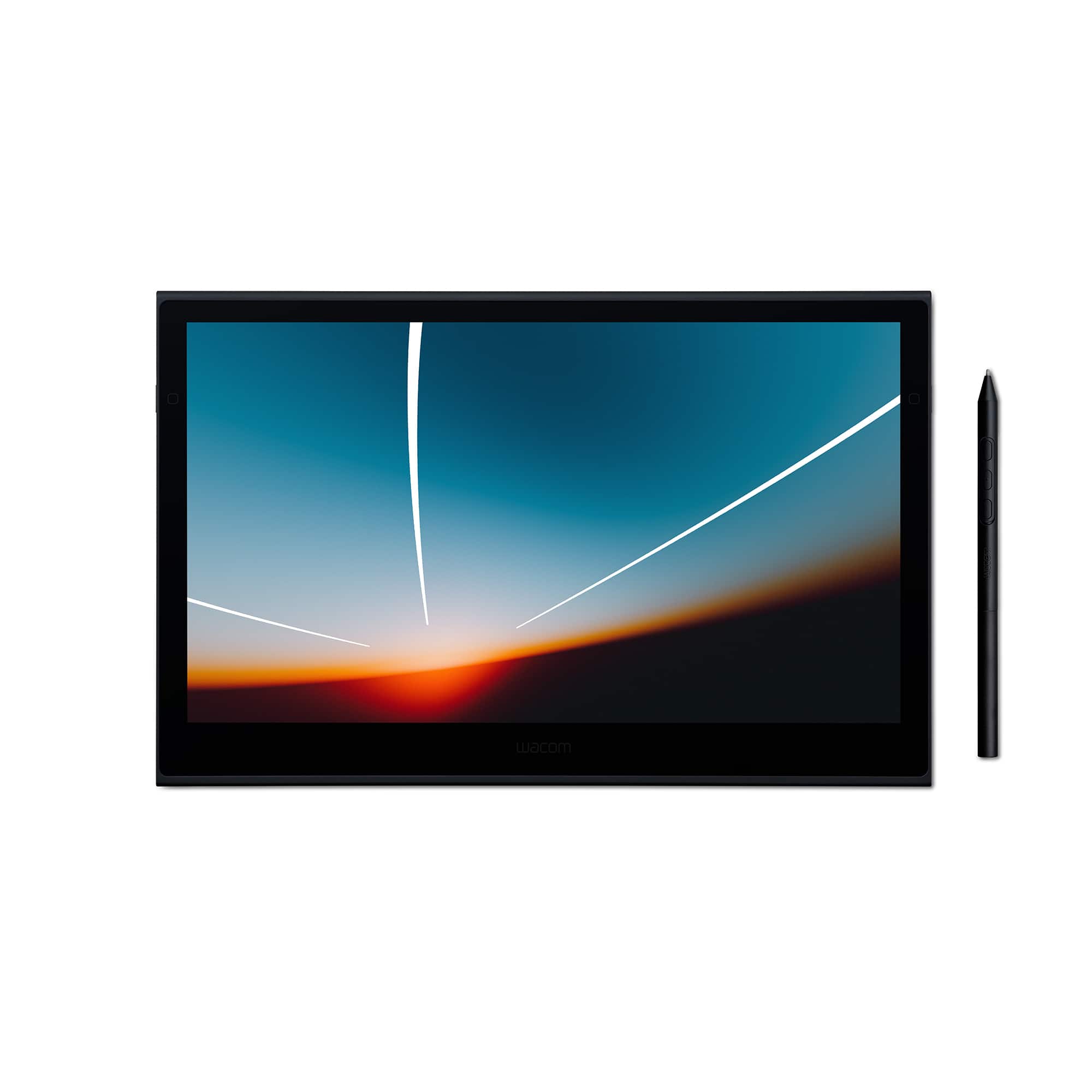
Wacom - Movink 13" Creative Pen Drawing Tablet with Touch Display - Black
SKU: JXFPXQRVQPSee all Drawing TabletsProduct Description
A lightweight black drawing tablet with OLED touch display and sturdy magnesium alloy exterior for creative professionals.Your price for this item is $499.95Save $100The previous price was $599.95 -
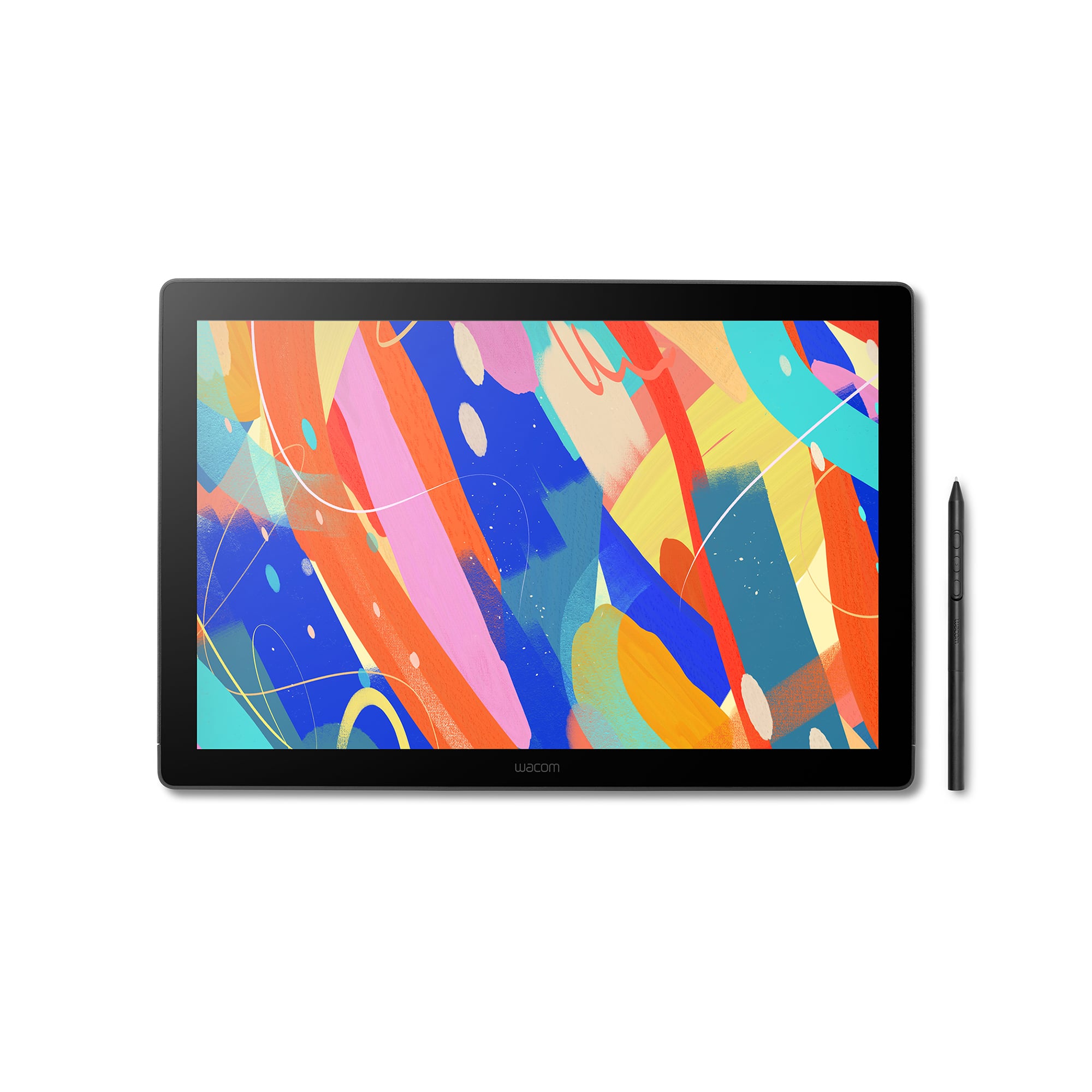
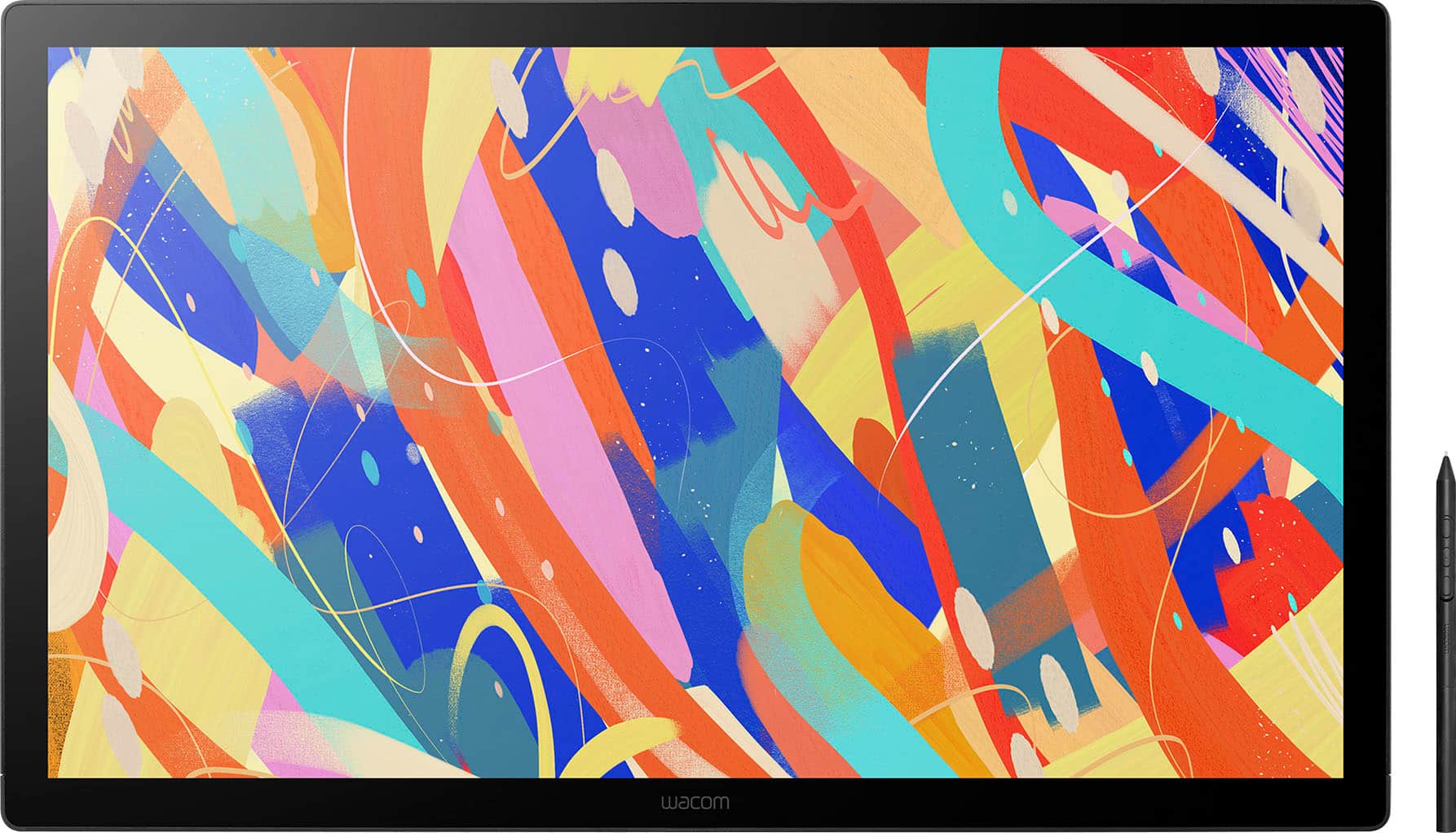
Wacom - MovinkPad 11, Android Mobile Drawing Tablet, 11.45" with Battery-Free Slim Pro Pen 3, 8GB RAM/128 GB Storage - Silver
SKU: JXFPXQRV78Best Art Tablet I’ve Ever Bought...I’m in love - The size and weight are perfect! It feels like you’re writing on paper....I love the Wacom-Moveink Pad 11/ It was a perfect gift for my niece who loves...
See all Drawing TabletsProduct Description
A lightweight silver Android tablet with 8GB RAM, 128GB storage, and a battery-free pen for effortless drawing.Your price for this item is $499.95 -
Wacom - Cintiq 16 Drawing Tablet - Black
SKU: JXFPXQRV68Best tool for School...I have used previous Cintiq displays and this one is easily the best one that I have experienced.
See all Drawing TabletsProduct Description
A black drawing tablet featuring a 2.5K display, Pro Pen 3, and vibrant, professional-grade color accuracy.Your price for this item is $699.95 -
Adesso - 10" x 6" Graphic Tablet - Graphics Tablet - 10" x 6" - 5080 lpi Cable - 8192 Pressure Level - Pen - 1 - Mac, PC - Wired - Black
SKU: J32P877W2HSee all Drawing TabletsProduct Description
A wired black graphic tablet with 8192 pressure levels and programmable hot keys for precise digital art.Your price for this item is $88.49Save $1The previous price was $89.74 -
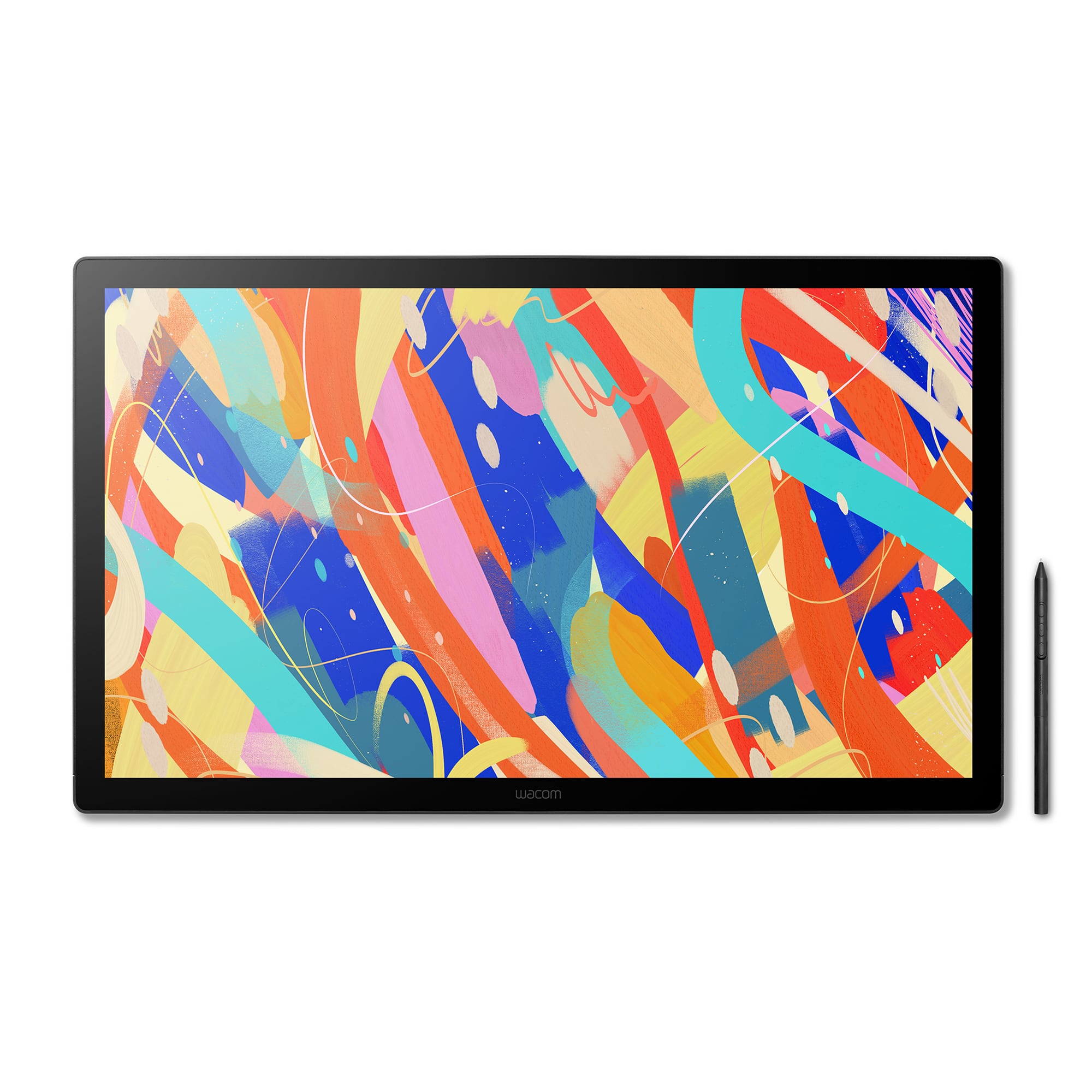
Wacom - Cintiq 24 Drawing Tablet - Black
SKU: JXFPXQRV8FLove the tablet!...I love this product. Is it good centique for artists like me? But it is in an investment.
See all Drawing TabletsProduct Description
A professional black drawing tablet with a 23.8" WQHD display, anti-glare glass, and Pro Pen 3 support.Your price for this item is $1,299.95 -
Wacom - Cintiq 24 Touch Drawing Tablet - Black
SKU: JXFPXQRV8HSee all Drawing TabletsProduct Description
A professional black drawing tablet with a 23.8" 2.5K touch display, anti-glare glass, and advanced pen support.Your price for this item is $1,499.95 -
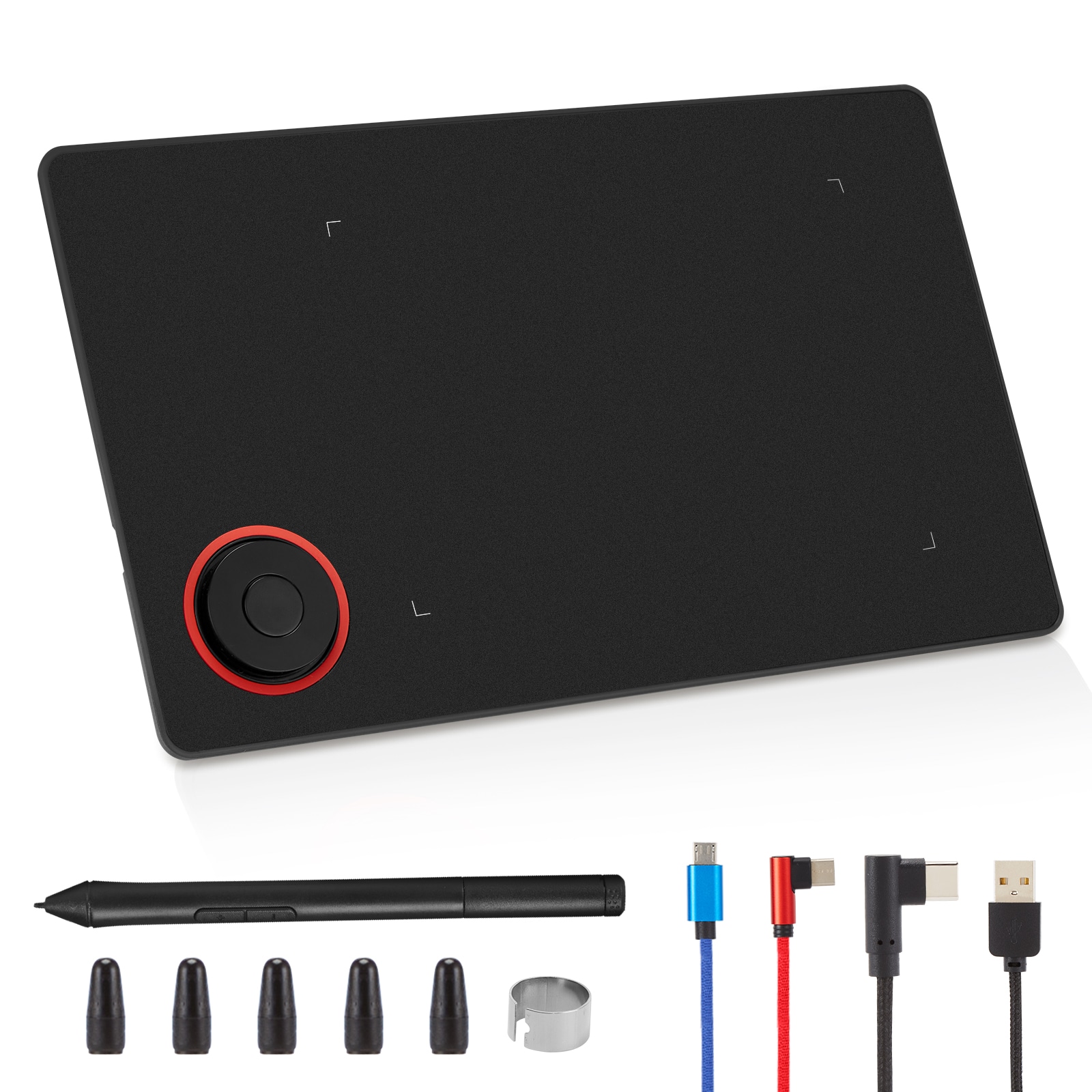
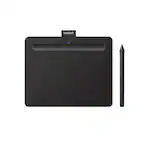
IMAGE - Portable Graphics Drawing Tablet with 8192 Levels Battery-Free Pen - Black
SKU: JXXVL599KXSee all Drawing TabletsProduct Description
A portable black drawing tablet with 8192-level battery-free pen, tilt support, and customizable on-screen shortcuts.Your price for this item is $49.99

Best Sellers

Related Pages




FAQ
When choosing a computer for drawing, look for a high-resolution display with accurate color reproduction, a powerful processor for smooth performance, ample RAM (at least 8GB), and compatibility with your preferred drawing software and accessories like styluses or drawing tablets.
Touchscreens can enhance the drawing experience, especially when paired with a stylus, allowing for more natural sketching and painting. Many artists prefer 2-in-1 laptops or tablets with touch capabilities for direct interaction with their artwork.
Both Windows and macOS offer excellent options for digital artists. The choice depends on your preferred drawing software and workflow. Popular programs like Adobe Photoshop and Corel Painter are available on both platforms, while some artists prefer macOS for its color accuracy and design, and others prefer Windows for broader hardware compatibility.
A dedicated graphics card is not always necessary for basic drawing and illustration, but it can be beneficial for handling complex projects, 3D modeling, or using software that relies on GPU acceleration. For most digital artists, an integrated graphics solution is sufficient unless you work with demanding applications.
Yes, most modern computers support popular drawing tablets through USB or Bluetooth connections. Check the compatibility of your chosen computer with your drawing tablet’s drivers and software to ensure seamless integration.