Main Content
Sort by:
Sponsored

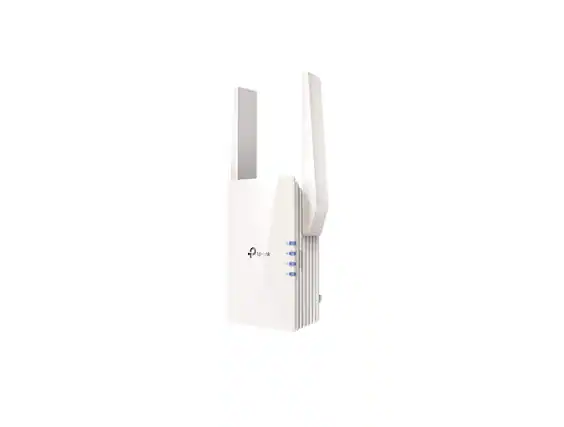
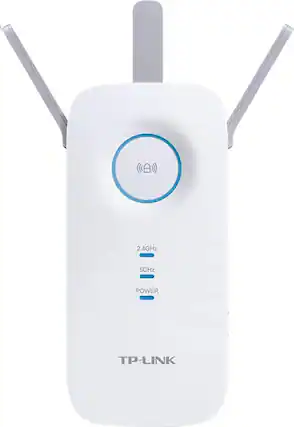
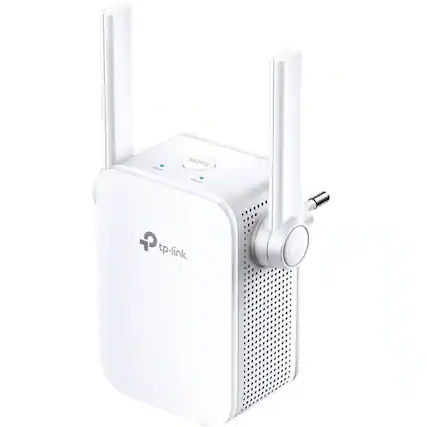
Buying a TP-Link Wi-Fi extender.

Benefits of a TP-Link Wi-Fi range extender.

A TP-Link extender can be a great way to improve your home's Wi-Fi network coverage. If you have a large home or a home with many thick walls, you may find that your Wi-Fi signal doesn't reach every inch of your square footage. This could be especially problematic if you have a home security system that relies on a consistent internet connection to keep you protected.

If you have a lot of devices you want to connect to your Wi-Fi network and use simultaneously, you may want to do a little research to decide whether mesh Wi-Fi or a Wi-Fi extender is the right choice for you.  While  TP-Link mesh routers also improve Wi-Fi coverage throughout your home, it’s not as simple to add as a TP-Link mesh Wi-Fi extender can be.

A TP-Link Wi-Fi range extender can help to improve the performance of your network in a quick and easy way. It will also make using a smart home system more seamless throughout your entire home.

Tips for setting up your TP-Link extender.

Are you worried about setting up a home network that uses your new TP-Link wireless extender? Fortunately, the process is fairly simple because TP-Link Wi-Fi boosters are compatible with many routers (including non-TP-Link routers). However, you should check compatibility before you make your purchase.

Once you have your TP-Link extender powered up, you can link it with your router by using the Tether app via your smartphone. If you find anything confusing about the TP-Link Wi-Fi range extender setup, you can always receive professional Wi-Fi setup assistance. You can even combine this with smart home installation services if you want to tackle both tasks at the same time.

Sponsored
Sponsored

Similar products from outside of Best Buy

sponsored